

Power BI - Bring your data together
Stéphane Fréchette
Saturday April 11, 2015
Who am I?
My name is Stéphane Fréchette
SQL Server MVP | Consultant | Speaker | Data & BI Solutions Architect |
Big Data |NoSQL | Data Science. Drums, good food and fine wine.
Founder @TEDxGatineau
I have a passion for architecting, designing and building solutions that
matter.
Twitter: @sfrechette
Blog: stephanefrechette.com
Email: stephanefrechette@ukubu.com
Topics
• Excel for BI - Power Query, PowerPivot, Power View, and Power Map
• Power BI for Office 365
• Microsoft Power BI Preview
• Power BI Designer
• Power BI app for iOS
• Demos
• Resources
• Q&A
Power Query, PowerPivot,
Power View, and Power Map
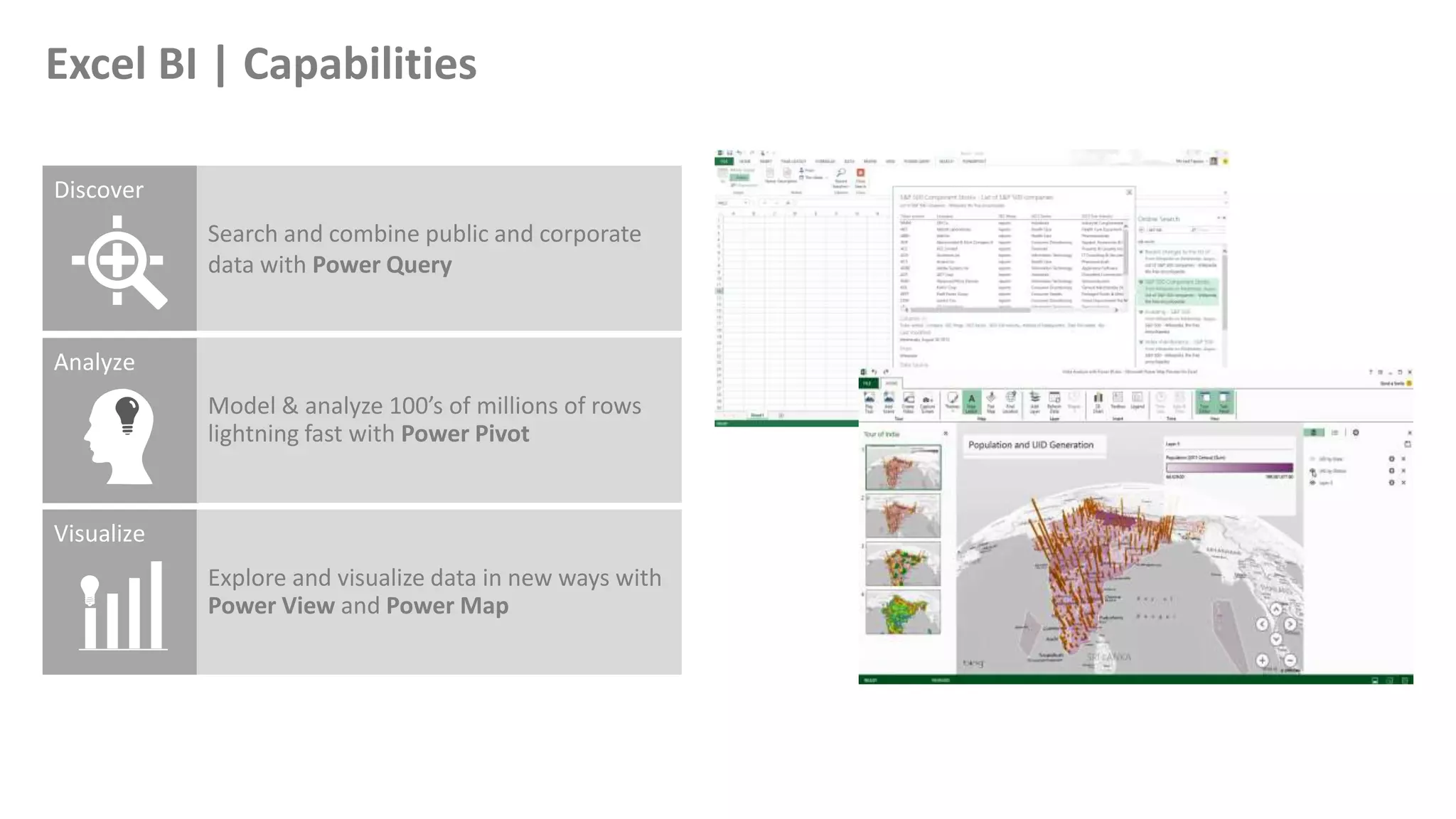
Search and combine public and corporate
data with Power Query
Model & analyze 100’s of millions of rows
lightning fast with Power Pivot
Explore and visualize data in new ways with
Power View and Power Map
Excel BI | Capabilities
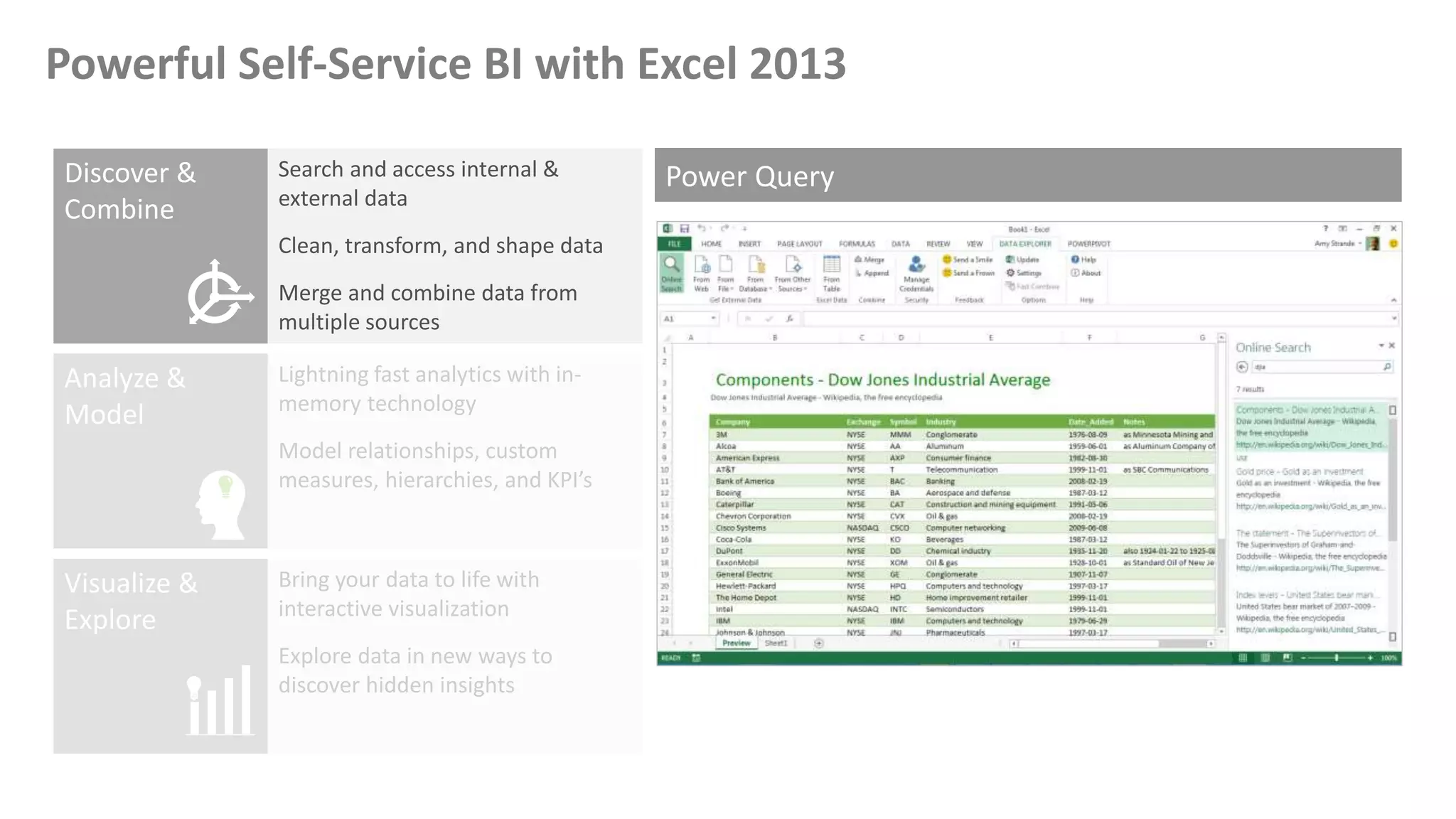
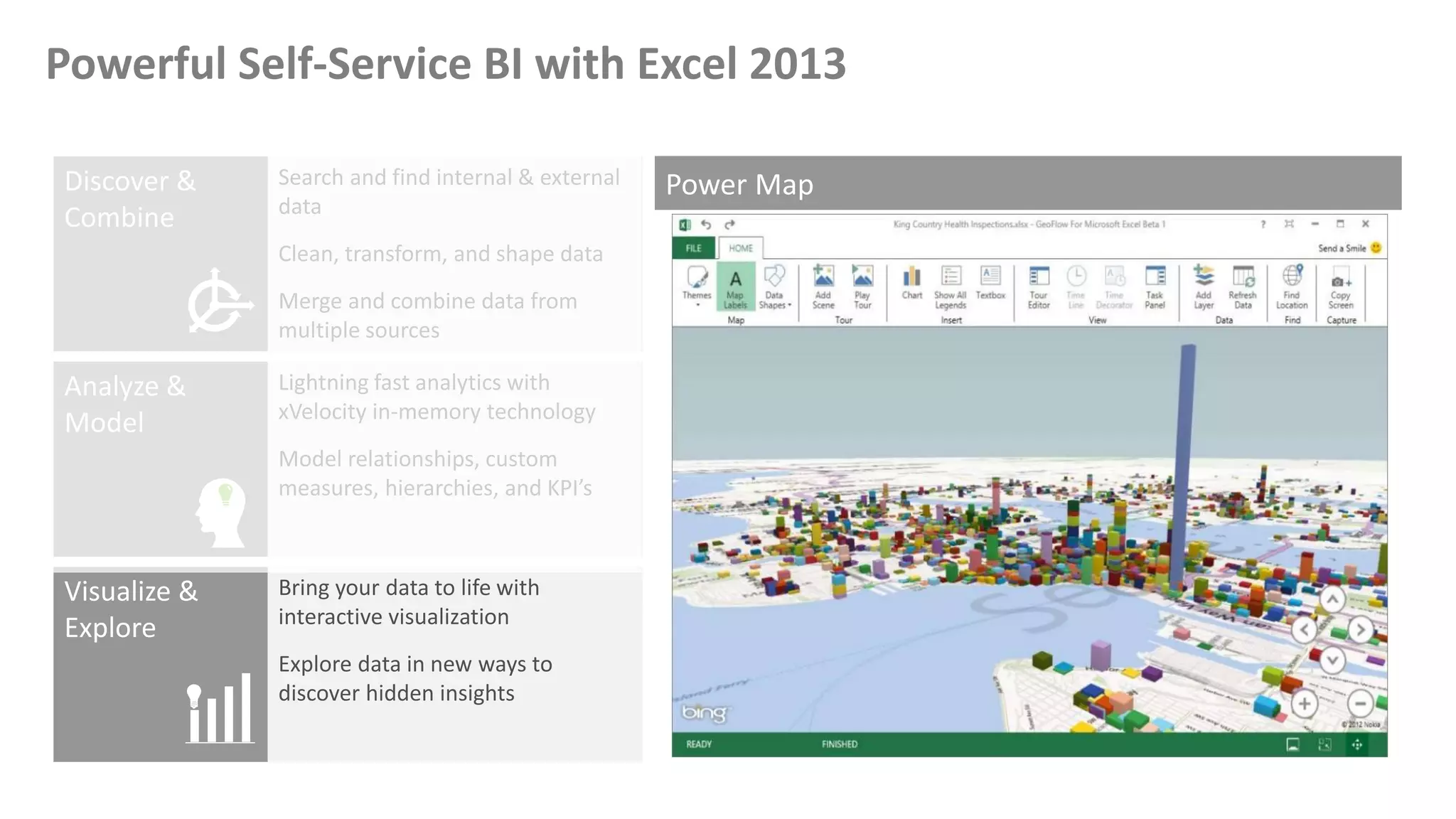
Powerful Self-Service BI with Excel 2013
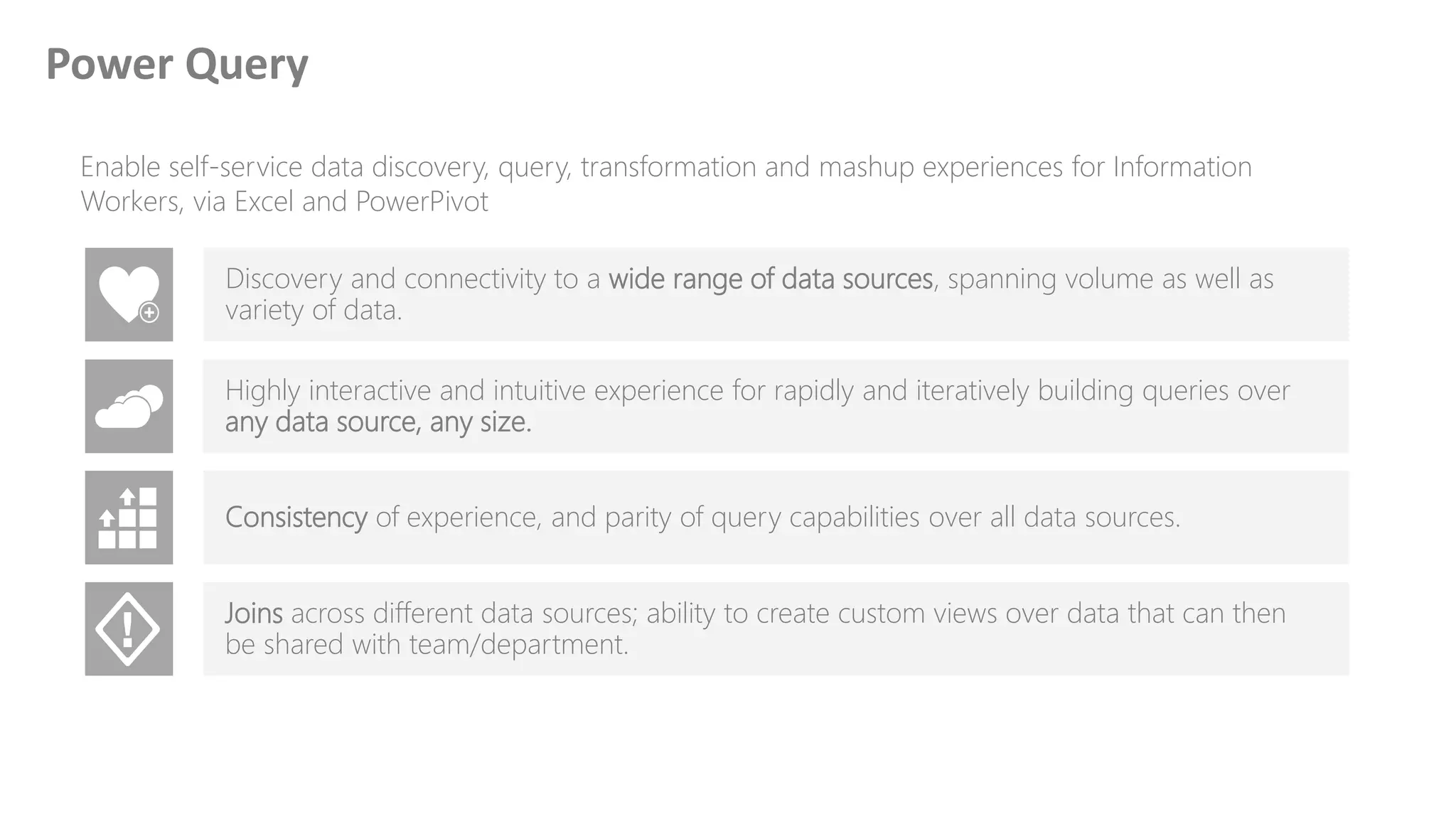
Enable self-service data discovery, query, transformation and mashup experiences for Information
Workers, via Excel and PowerPivot
Discovery and connectivity to a wide range of data sources, spanning volume as well as
variety of data.
Highly interactive and intuitive experience for rapidly and iteratively building queries over
any data source, any size.
Consistency of experience, and parity of query capabilities over all data sources.
Joins across different data sources; ability to create custom views over data that can then
be shared with team/department.
Power Query
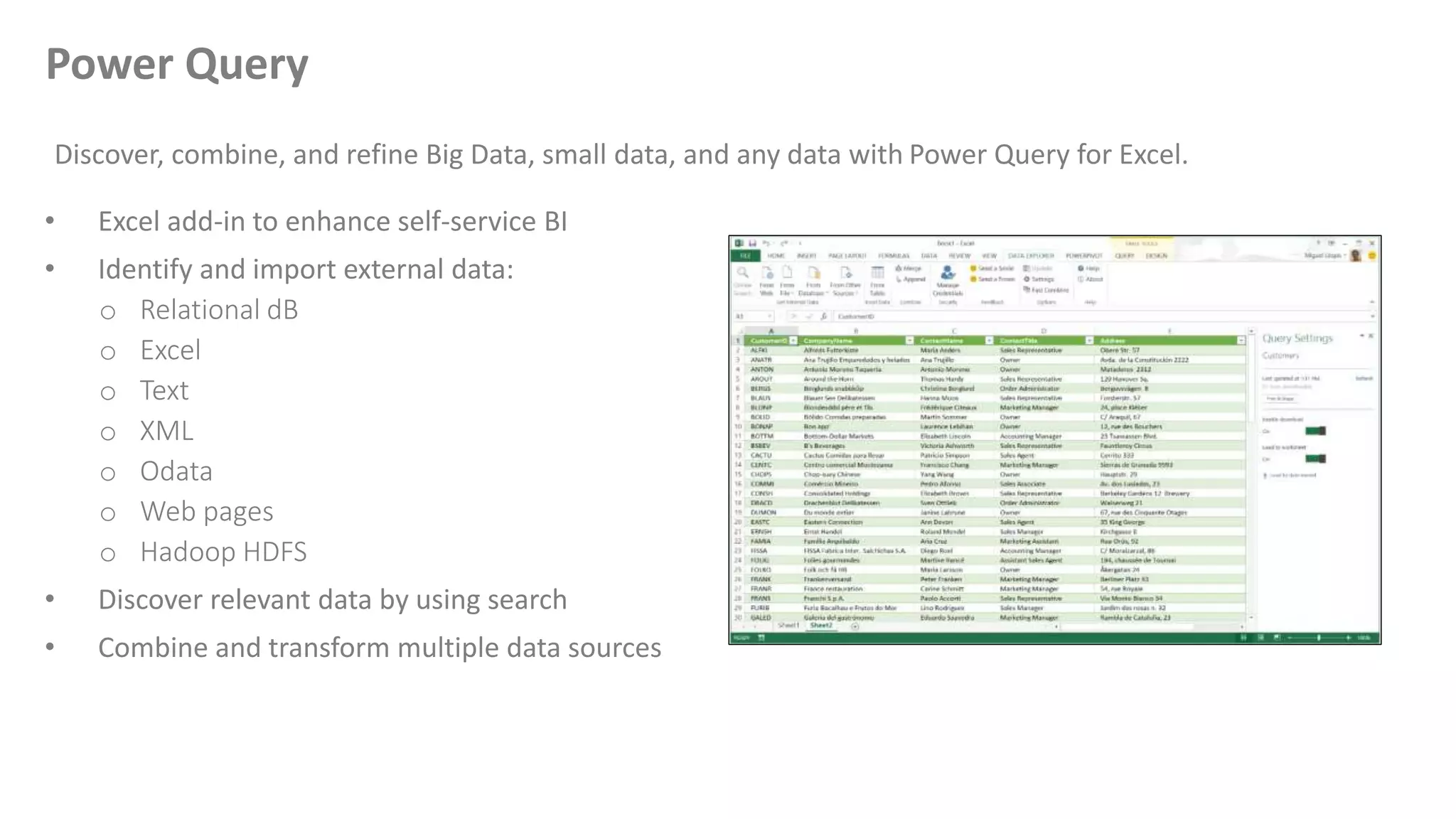
• Excel add-in to enhance self-service BI
• Identify and import external data:
o Relational dB
o Excel
o Text
o XML
o Odata
o Web pages
o Hadoop HDFS
• Discover relevant data by using search
• Combine and transform multiple data sources
Discover, combine, and refine Big Data, small data, and any data with Power Query for Excel.
Power Query
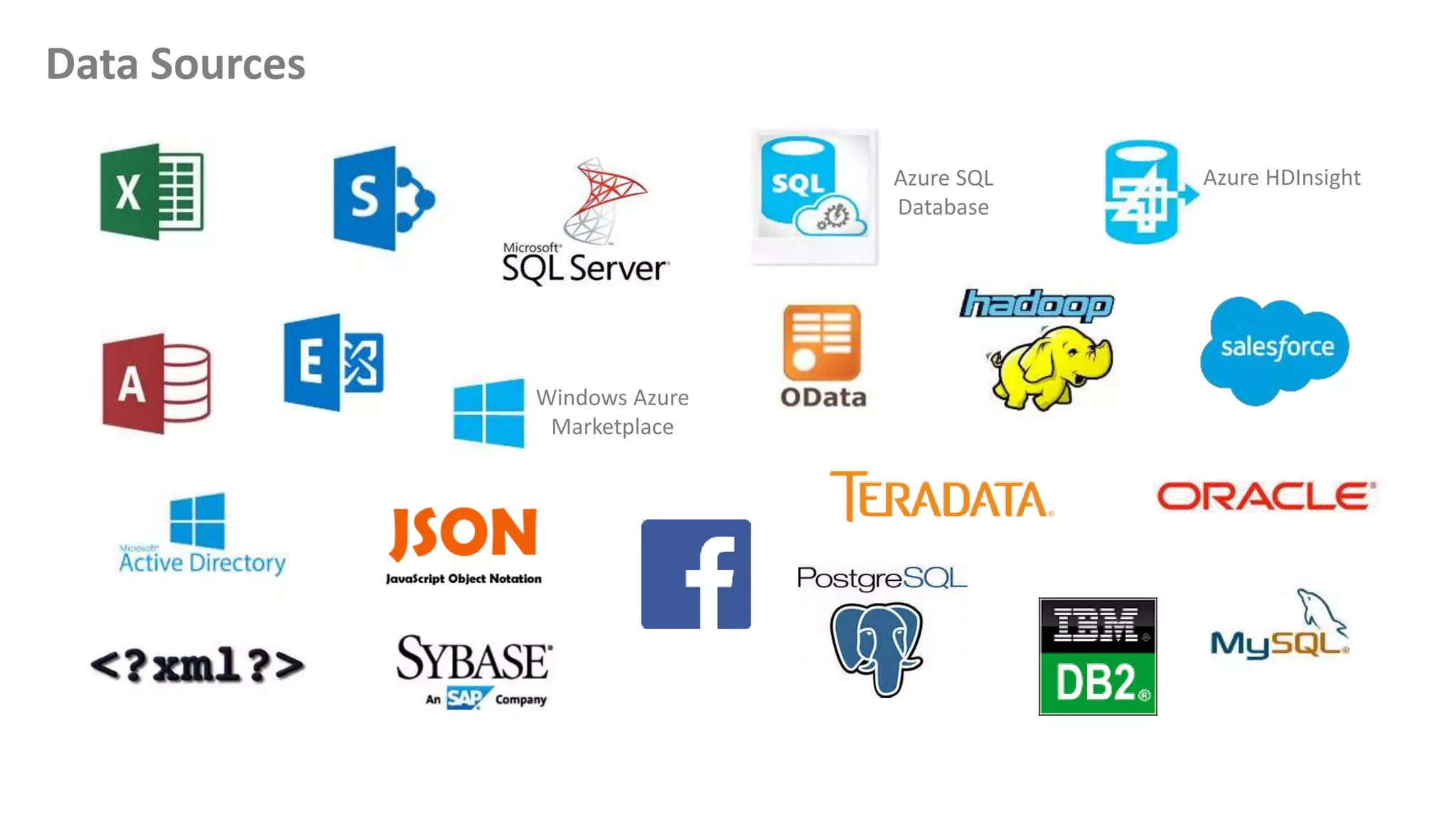
Data Sources
Windows Azure
Marketplace
Azure SQL
Database
Azure HDInsight
Powerful Self-Service BI with Excel 2013
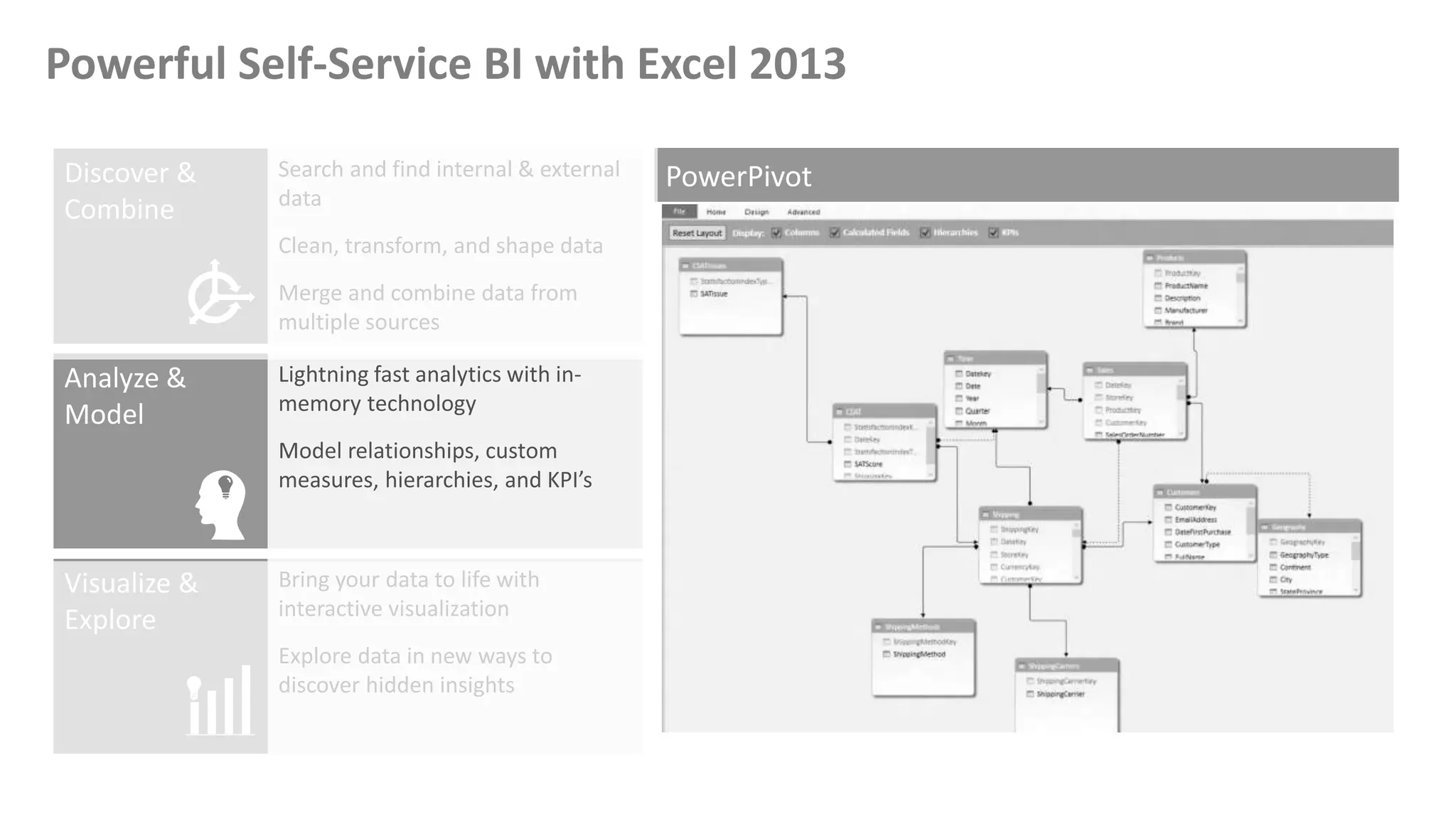
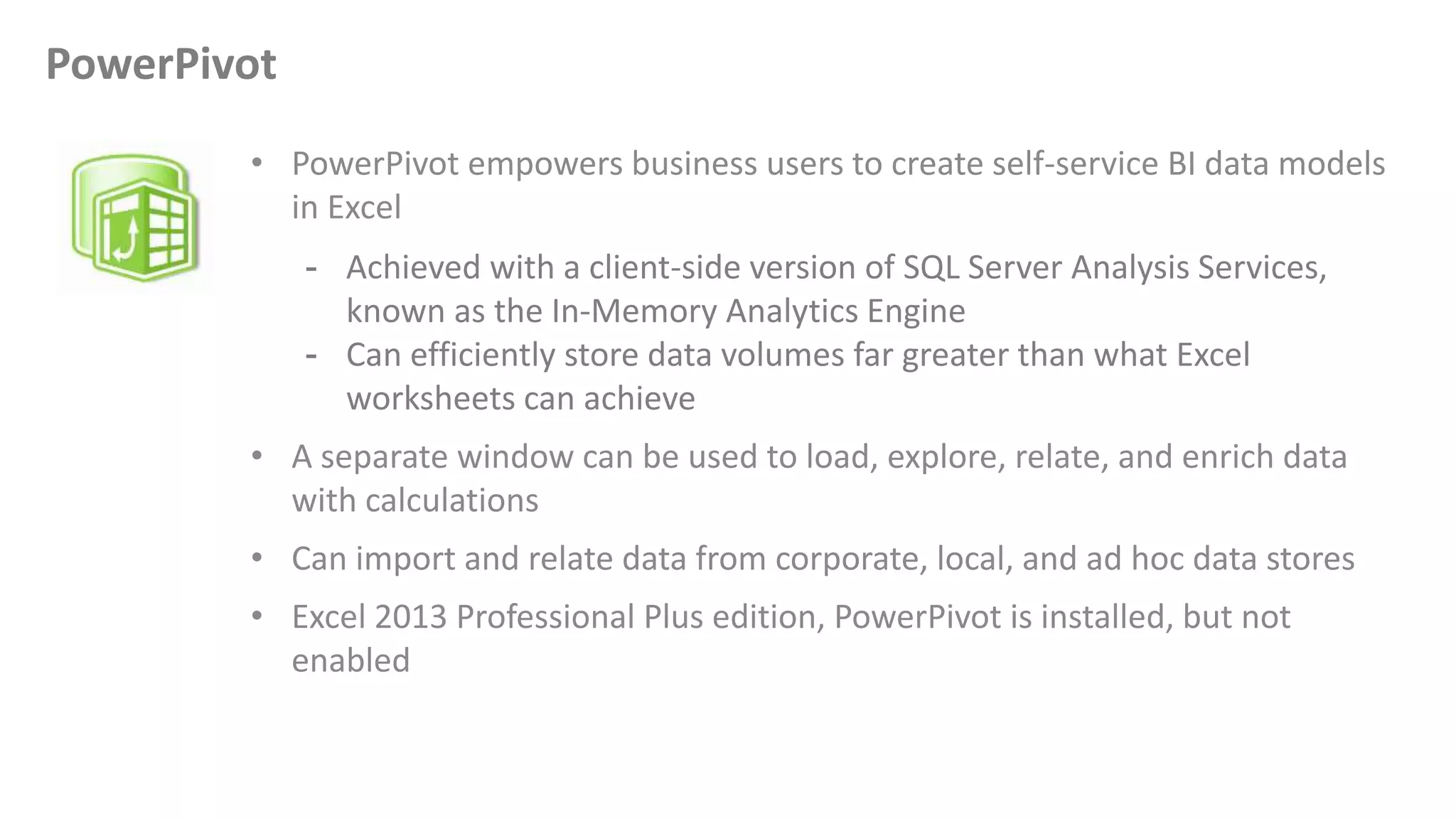
• PowerPivot empowers business users to create self-service BI data models
in Excel
- Achieved with a client-side version of SQL Server Analysis Services,
known as the In-Memory Analytics Engine
- Can efficiently store data volumes far greater than what Excel
worksheets can achieve
• A separate window can be used to load, explore, relate, and enrich data
with calculations
• Can import and relate data from corporate, local, and ad hoc data stores
• Excel 2013 Professional Plus edition, PowerPivot is installed, but not
enabled
PowerPivot
Powerful Self-Service BI with Excel 2013
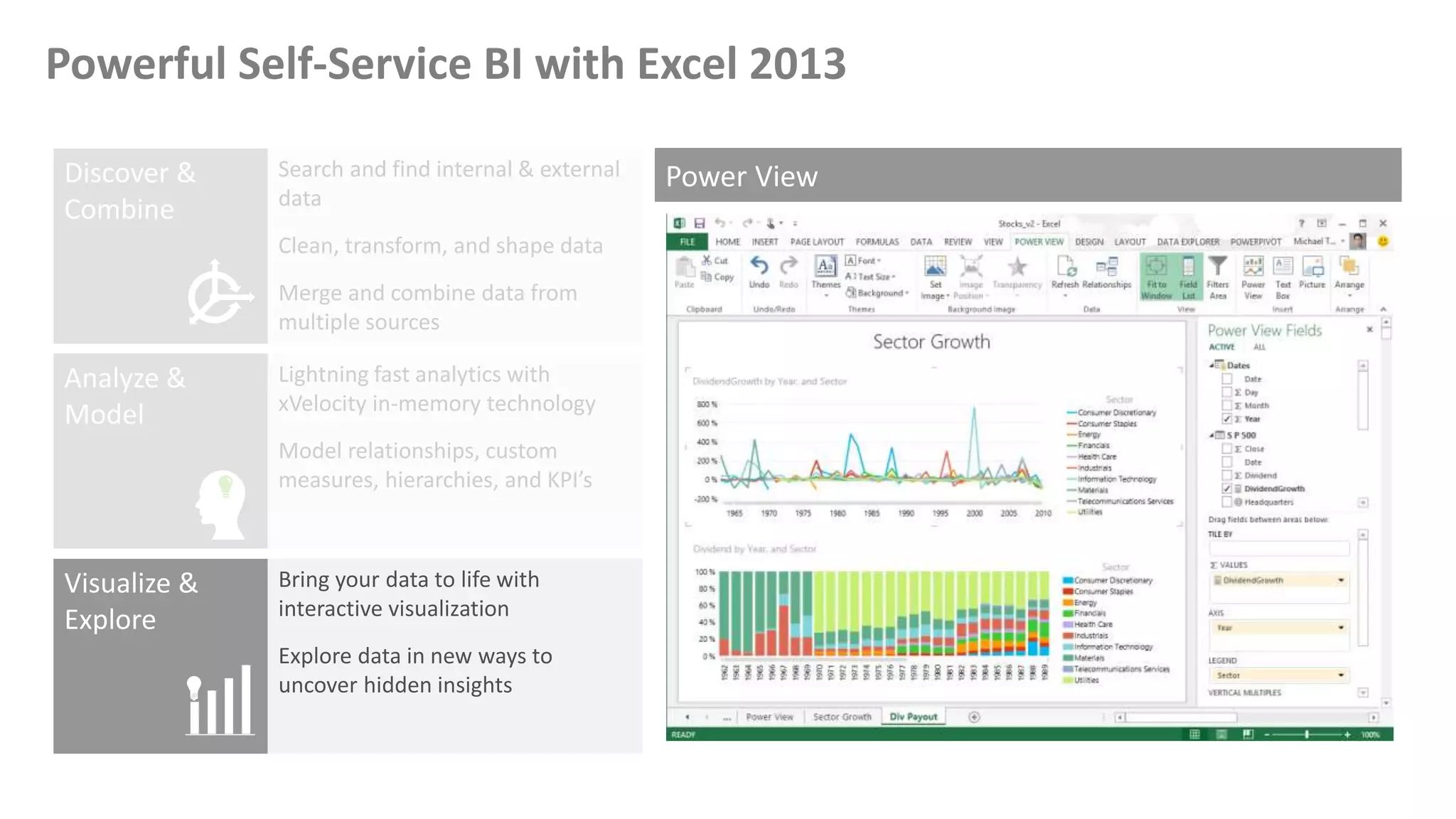
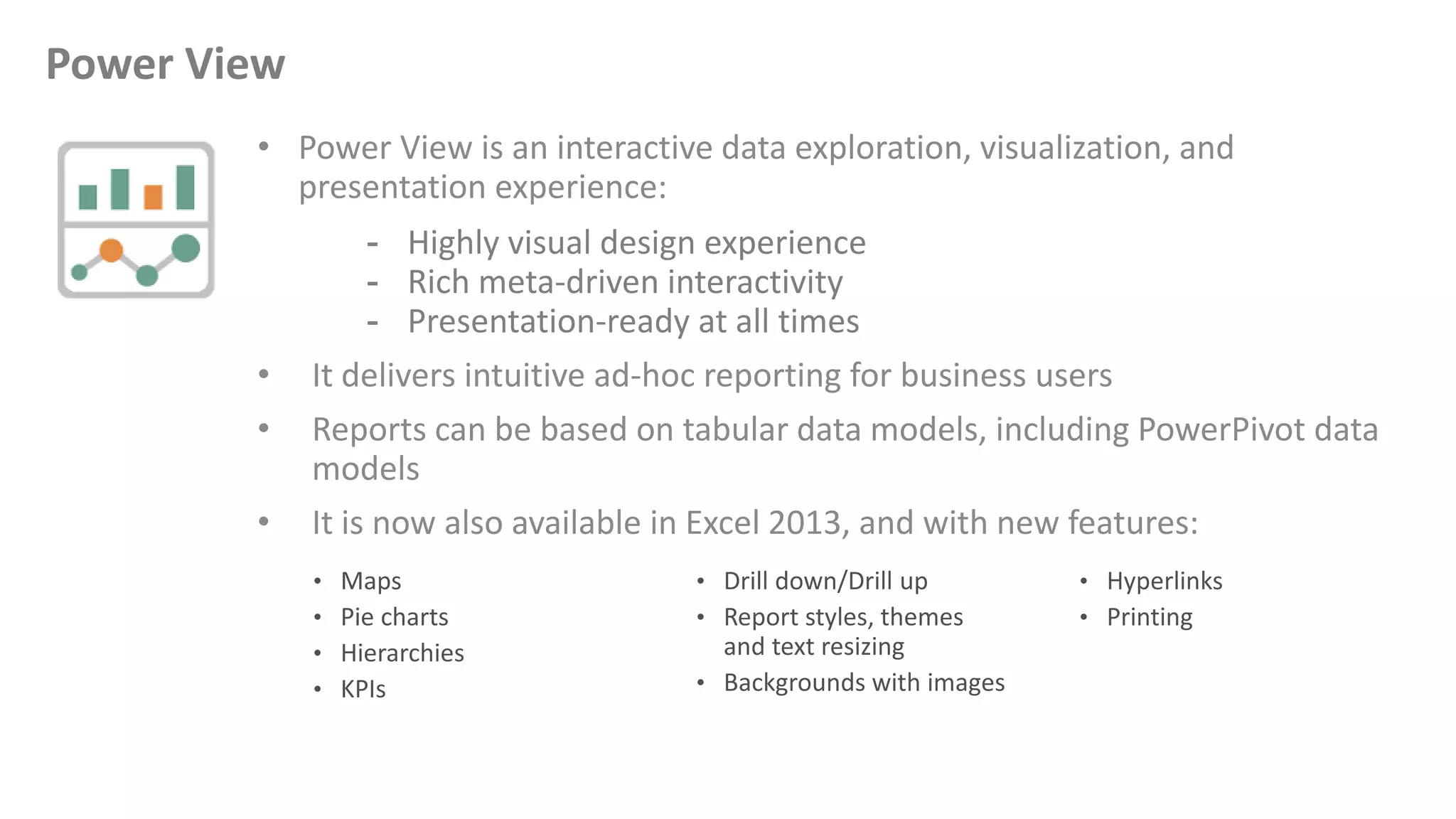
• Power View is an interactive data exploration, visualization, and
presentation experience:
- Highly visual design experience
- Rich meta-driven interactivity
- Presentation-ready at all times
• It delivers intuitive ad-hoc reporting for business users
• Reports can be based on tabular data models, including PowerPivot data
models
• It is now also available in Excel 2013, and with new features:
Power View
Powerful Self-Service BI with Excel 2013
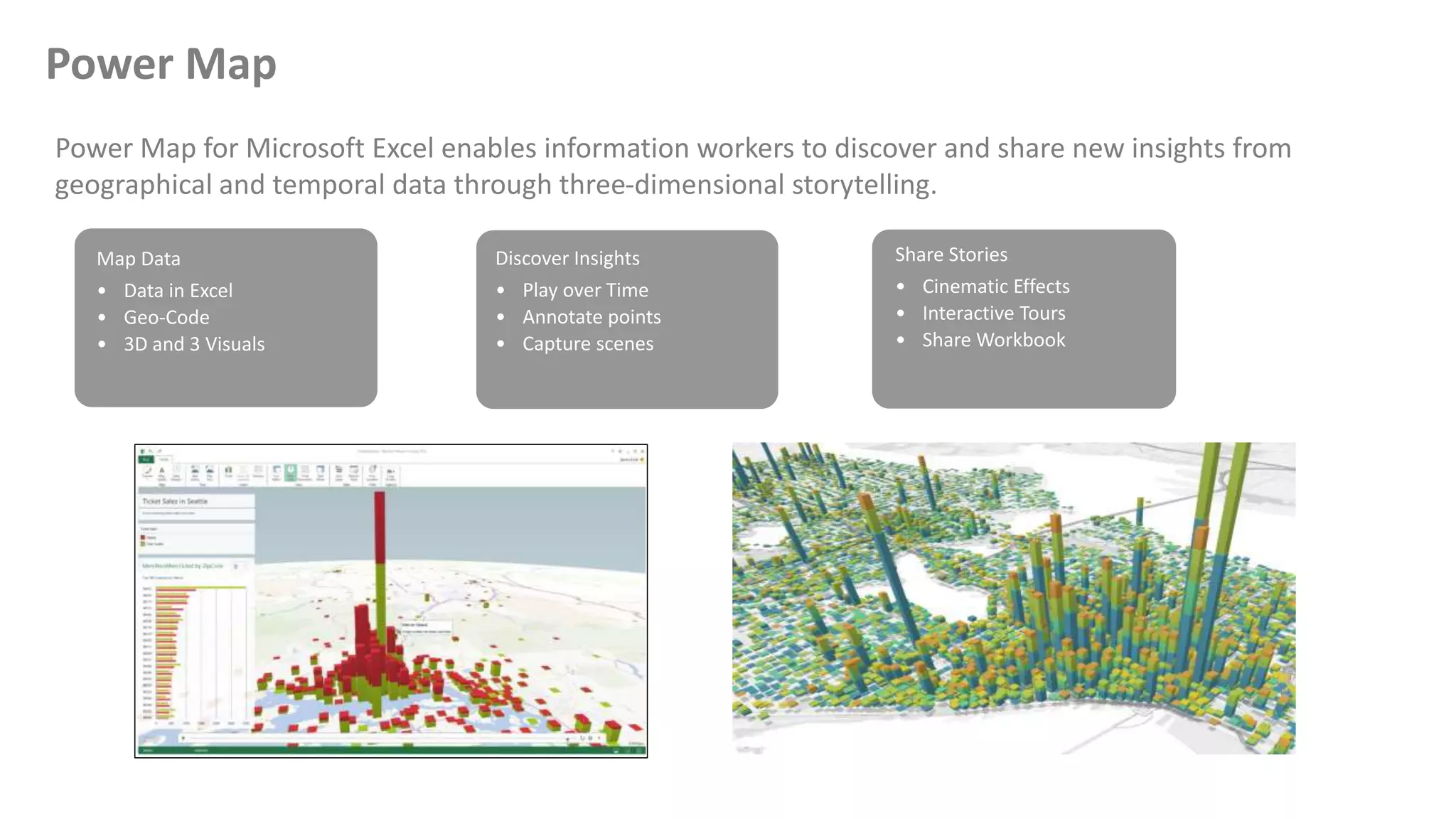
Power Map for Microsoft Excel enables information workers to discover and share new insights from
geographical and temporal data through three-dimensional storytelling.
Power Map
Map Data
• Data in Excel
• Geo-Code
• 3D and 3 Visuals
Discover Insights
• Play over Time
• Annotate points
• Capture scenes
Share Stories
• Cinematic Effects
• Interactive Tours
• Share Workbook
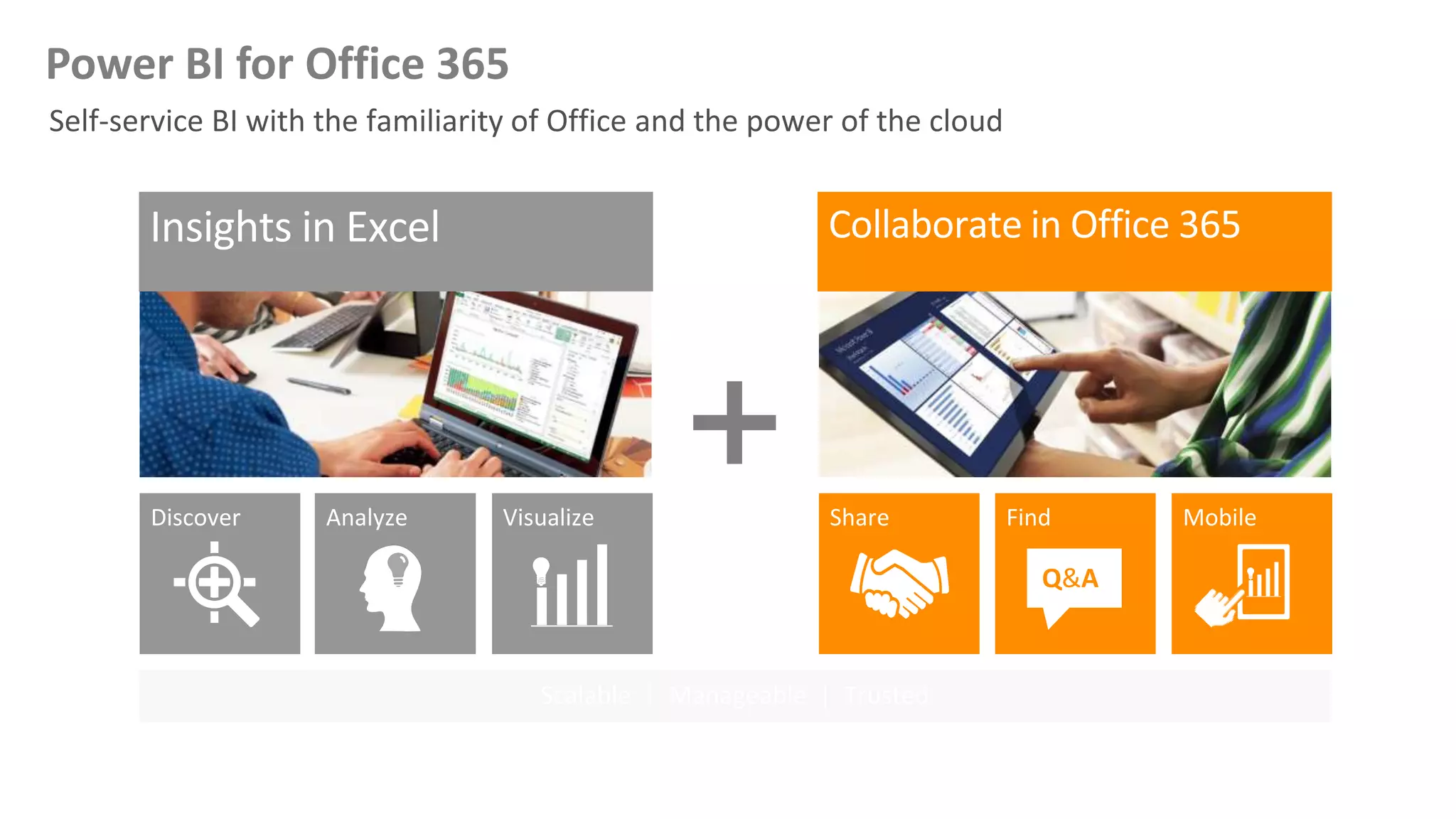
Analyze Visualize Share Find
Q&A
MobileDiscover
Scalable | Manageable | Trusted
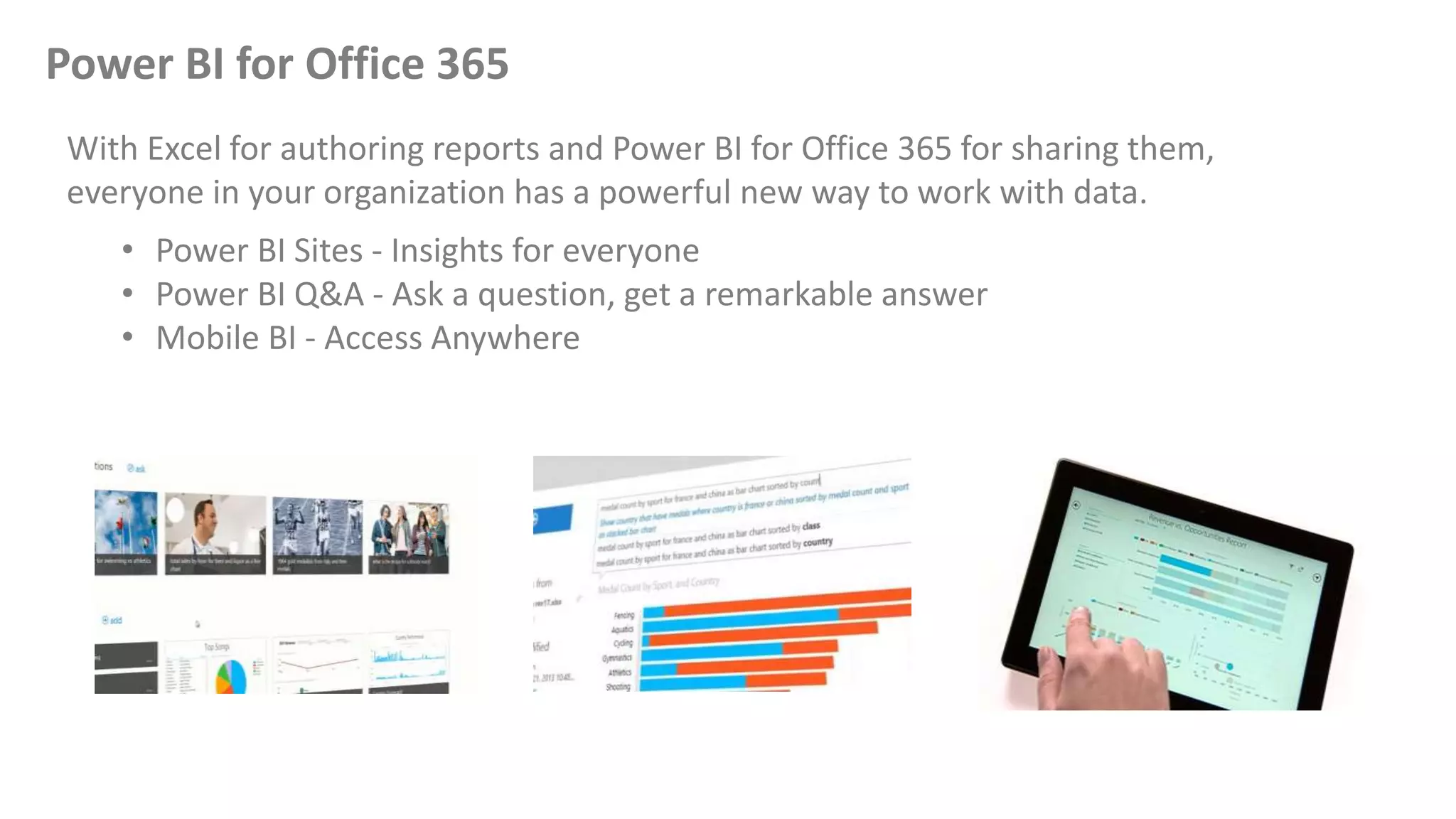
Power BI for Office 365
With Excel for authoring reports and Power BI for Office 365 for sharing them,
everyone in your organization has a powerful new way to work with data.
• Power BI Sites - Insights for everyone
• Power BI Q&A - Ask a question, get a remarkable answer
• Mobile BI - Access Anywhere
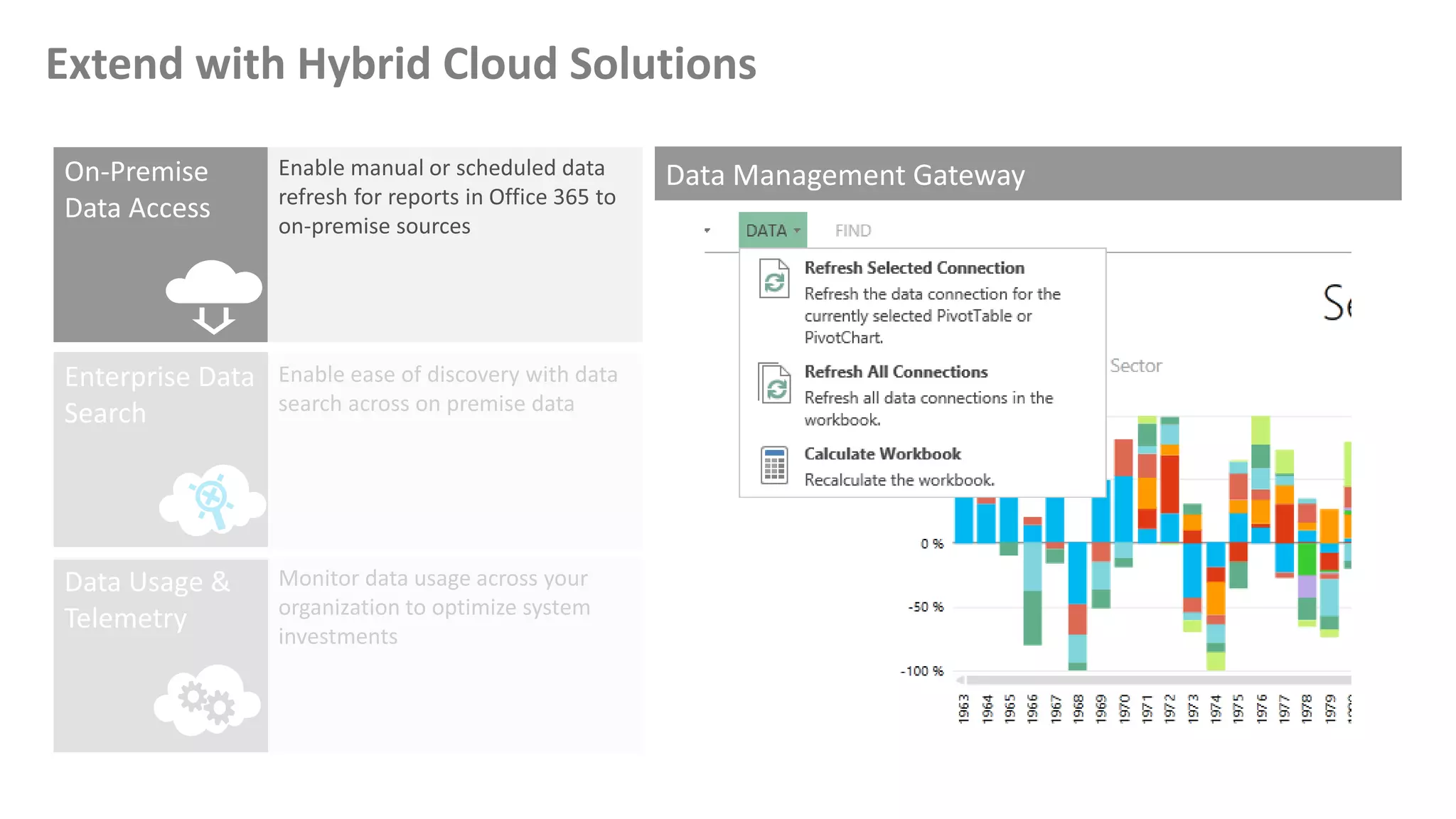
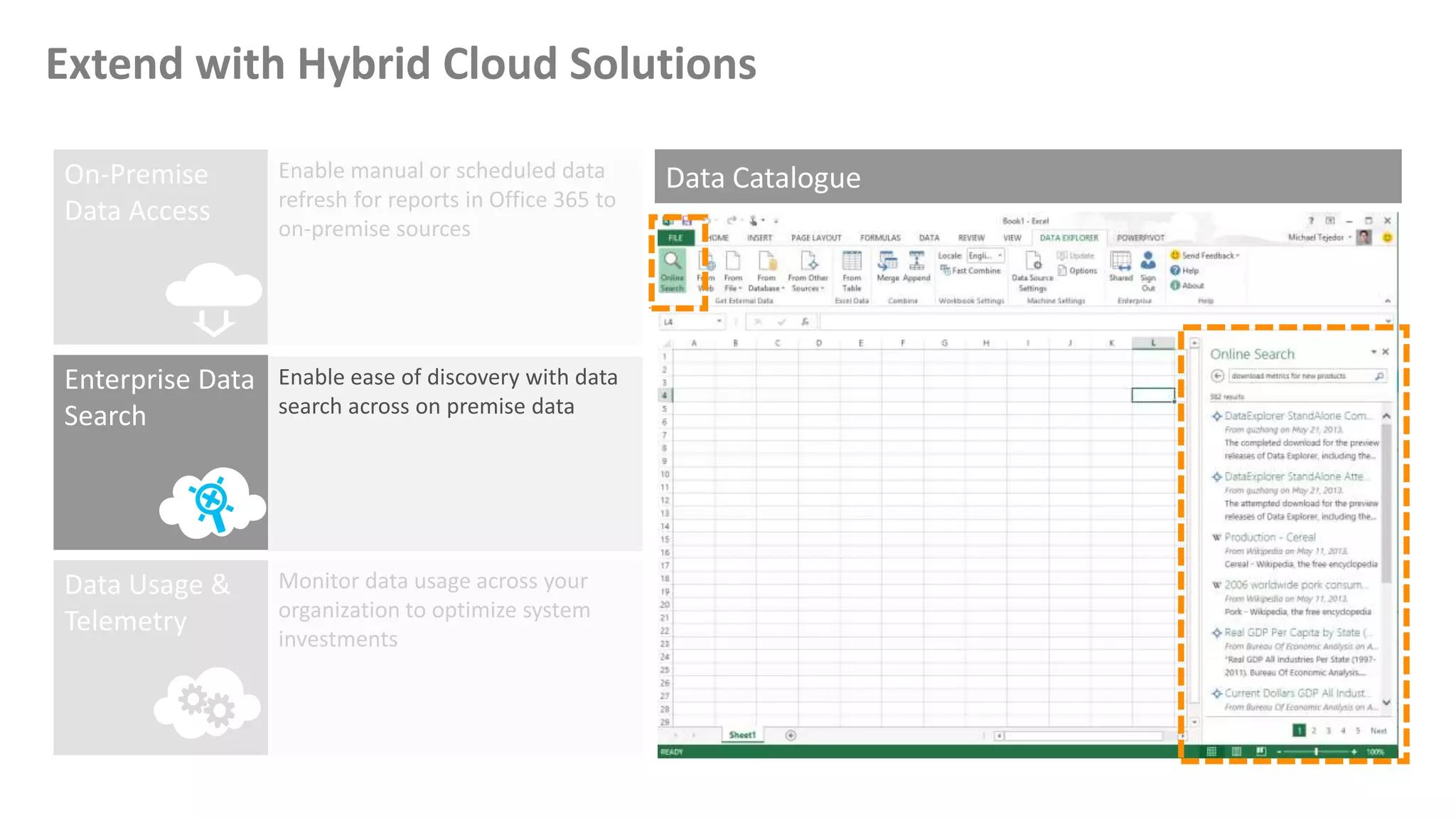
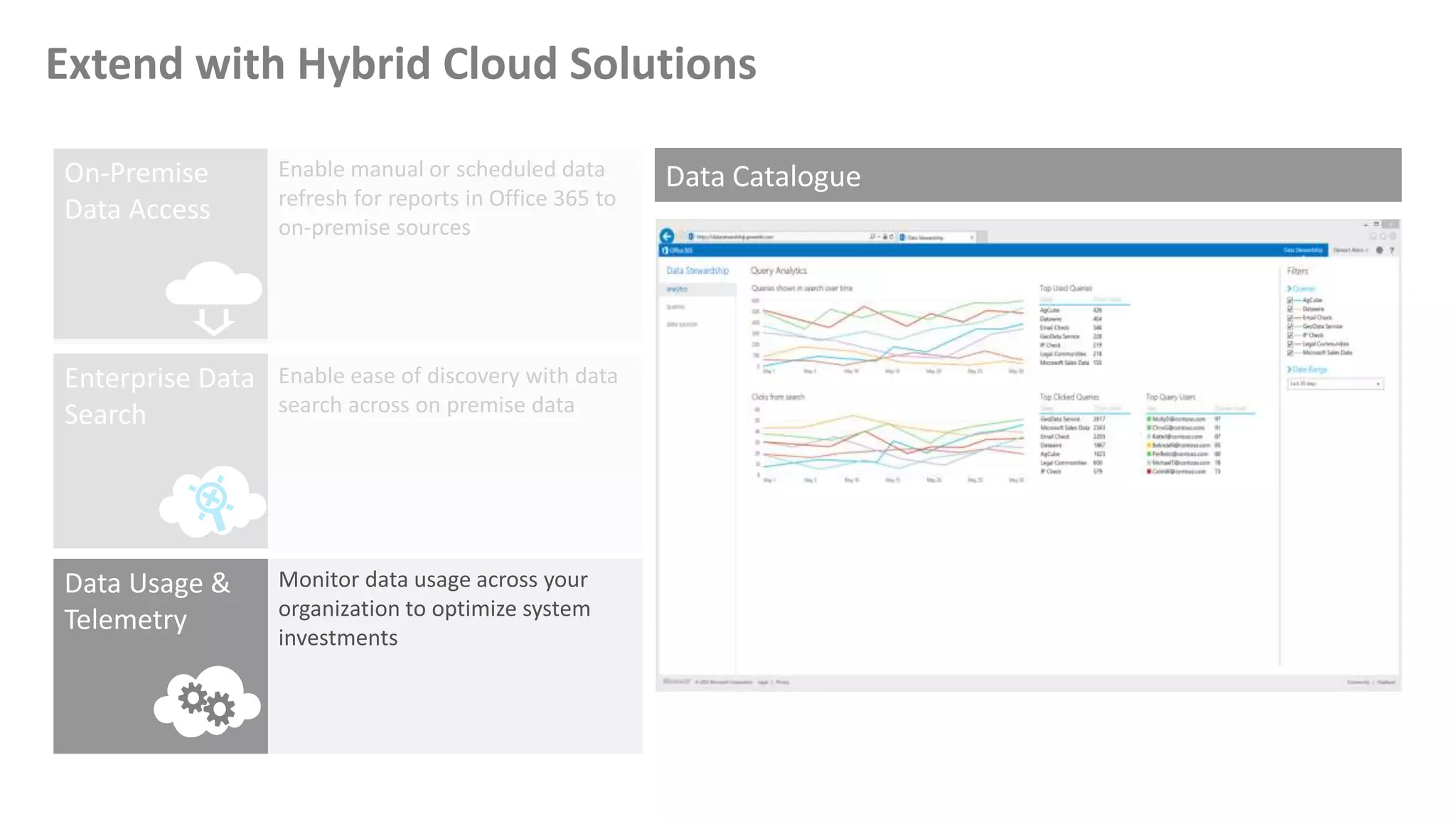
Extend with Hybrid Cloud Solutions
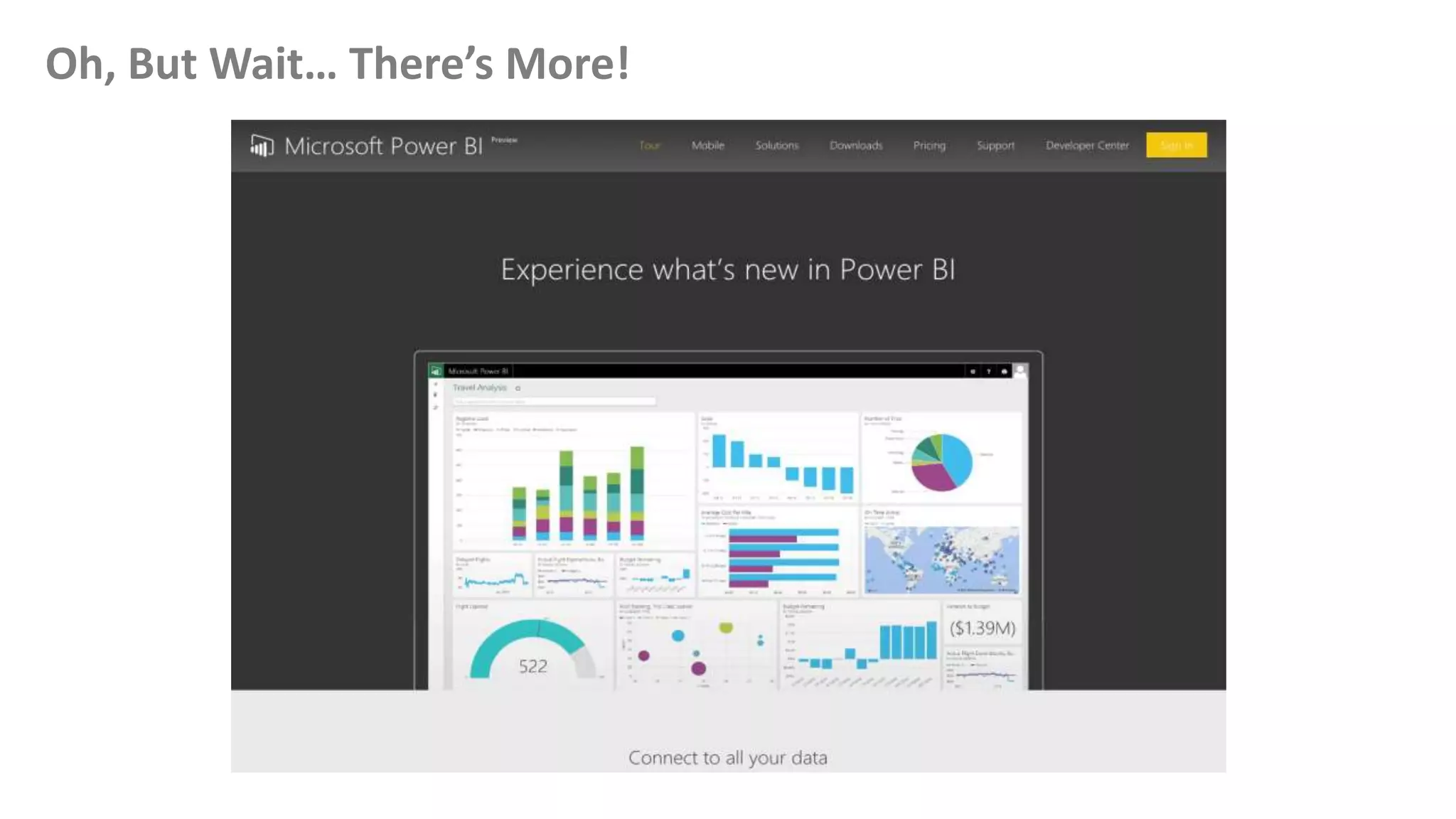
Oh, But Wait… There’s More!
Microsoft Power BI Preview…
Dashboarding made simple
• From zero to insight
• Explore and discover answers
• Monitor the health of your company
• Build interactive reports
Monitor your business anywhere, anytime
• Your data on the go
Connect all your data!
What is Power BI Designer?
A stand-alone tool providing rich data transformation and
visual analytics in a unified, seamless experience
• Currently in Preview - Free download
• Connect to all you data
• Visual analytics and reports
• Transform and clean data
• Complete analytics life-cycle
• Design once, view everywhere
Demo
[Microsoft Power BI Public Preview Portal, Microsoft Power BI Designer,
Microsoft Power BI for iOS…]
Summary
Self-service BI in Excel, Power BI provides the tools you need to find
data, shape and filter it how you want, model it, and visualize it.
Resources
• Microsoft Power BI http://bit.ly/1lhVKdk
• Power BI Team Blog http://bit.ly/1vwbTLG
• Microsoft Power BI Preview (Register) http://bit.ly/1zWwAFS
• Power BI - Getting Started Guide http://bit.ly/1FF88KA
• Faster Insights to Data with Power BI Jump Start (MVA) http://bit.ly/1ktON16
• Channel 9 (BI) http://bit.ly/1a9Q0gv
• Chris Webb’s BI Blog – Power BI http://bit.ly/1GT7j0l
• SQL Chick’s Blog http://bit.ly/1a9Of2L
• Twitter: @MSPowerBI
What Questions Do You Have?
Thank You
For attending this session

Power BI - Bring your data together

  • 1.
    Power BI -Bring your data together Stéphane Fréchette Saturday April 11, 2015
  • 2.
    Who am I? Myname is Stéphane Fréchette SQL Server MVP | Consultant | Speaker | Data & BI Solutions Architect | Big Data |NoSQL | Data Science. Drums, good food and fine wine. Founder @TEDxGatineau I have a passion for architecting, designing and building solutions that matter. Twitter: @sfrechette Blog: stephanefrechette.com Email: stephanefrechette@ukubu.com
  • 3.
    Topics • Excel forBI - Power Query, PowerPivot, Power View, and Power Map • Power BI for Office 365 • Microsoft Power BI Preview • Power BI Designer • Power BI app for iOS • Demos • Resources • Q&A
  • 4.
    Power Query, PowerPivot, PowerView, and Power Map
  • 5.
    Search and combinepublic and corporate data with Power Query Model & analyze 100’s of millions of rows lightning fast with Power Pivot Explore and visualize data in new ways with Power View and Power Map Excel BI | Capabilities
  • 6.
    Powerful Self-Service BIwith Excel 2013
  • 7.
    Enable self-service datadiscovery, query, transformation and mashup experiences for Information Workers, via Excel and PowerPivot Discovery and connectivity to a wide range of data sources, spanning volume as well as variety of data. Highly interactive and intuitive experience for rapidly and iteratively building queries over any data source, any size. Consistency of experience, and parity of query capabilities over all data sources. Joins across different data sources; ability to create custom views over data that can then be shared with team/department. Power Query
  • 8.
    • Excel add-into enhance self-service BI • Identify and import external data: o Relational dB o Excel o Text o XML o Odata o Web pages o Hadoop HDFS • Discover relevant data by using search • Combine and transform multiple data sources Discover, combine, and refine Big Data, small data, and any data with Power Query for Excel. Power Query
  • 9.
  • 10.
    Powerful Self-Service BIwith Excel 2013
  • 11.
    • PowerPivot empowersbusiness users to create self-service BI data models in Excel - Achieved with a client-side version of SQL Server Analysis Services, known as the In-Memory Analytics Engine - Can efficiently store data volumes far greater than what Excel worksheets can achieve • A separate window can be used to load, explore, relate, and enrich data with calculations • Can import and relate data from corporate, local, and ad hoc data stores • Excel 2013 Professional Plus edition, PowerPivot is installed, but not enabled PowerPivot
  • 12.
    Powerful Self-Service BIwith Excel 2013
  • 13.
    • Power Viewis an interactive data exploration, visualization, and presentation experience: - Highly visual design experience - Rich meta-driven interactivity - Presentation-ready at all times • It delivers intuitive ad-hoc reporting for business users • Reports can be based on tabular data models, including PowerPivot data models • It is now also available in Excel 2013, and with new features: Power View
  • 14.
    Powerful Self-Service BIwith Excel 2013
  • 15.
    Power Map forMicrosoft Excel enables information workers to discover and share new insights from geographical and temporal data through three-dimensional storytelling. Power Map Map Data • Data in Excel • Geo-Code • 3D and 3 Visuals Discover Insights • Play over Time • Annotate points • Capture scenes Share Stories • Cinematic Effects • Interactive Tours • Share Workbook
  • 16.
    Analyze Visualize ShareFind Q&A MobileDiscover Scalable | Manageable | Trusted Power BI for Office 365
  • 17.
    Power BI forOffice 365 With Excel for authoring reports and Power BI for Office 365 for sharing them, everyone in your organization has a powerful new way to work with data. • Power BI Sites - Insights for everyone • Power BI Q&A - Ask a question, get a remarkable answer • Mobile BI - Access Anywhere
  • 18.
    Extend with HybridCloud Solutions
  • 19.
    Extend with HybridCloud Solutions
  • 20.
    Extend with HybridCloud Solutions
  • 21.
    Oh, But Wait…There’s More!
  • 22.
    Microsoft Power BIPreview… Dashboarding made simple • From zero to insight • Explore and discover answers • Monitor the health of your company • Build interactive reports Monitor your business anywhere, anytime • Your data on the go Connect all your data!
  • 23.
    What is PowerBI Designer? A stand-alone tool providing rich data transformation and visual analytics in a unified, seamless experience • Currently in Preview - Free download • Connect to all you data • Visual analytics and reports • Transform and clean data • Complete analytics life-cycle • Design once, view everywhere
  • 24.
    Demo [Microsoft Power BIPublic Preview Portal, Microsoft Power BI Designer, Microsoft Power BI for iOS…]
  • 25.
    Summary Self-service BI inExcel, Power BI provides the tools you need to find data, shape and filter it how you want, model it, and visualize it.
  • 26.
    Resources • Microsoft PowerBI http://bit.ly/1lhVKdk • Power BI Team Blog http://bit.ly/1vwbTLG • Microsoft Power BI Preview (Register) http://bit.ly/1zWwAFS • Power BI - Getting Started Guide http://bit.ly/1FF88KA • Faster Insights to Data with Power BI Jump Start (MVA) http://bit.ly/1ktON16 • Channel 9 (BI) http://bit.ly/1a9Q0gv • Chris Webb’s BI Blog – Power BI http://bit.ly/1GT7j0l • SQL Chick’s Blog http://bit.ly/1a9Of2L • Twitter: @MSPowerBI
  • 27.
  • 28.