slideshare.net/matschaffer/wwc-start-launched
              bit.ly/wwc-code


From Start to Launched with
       Ruby on Rails


              Wharton Web Conference
Mat Schaffer
 mat@mashion.net
   @matschaffer
  matschaffer.com
• Chapter 1: Overview and Installation
• Chapter 2: Data and Views
• Chapter 3: User Stories and Testing
• Chapter 4: Deploy It!
Chapter 1: Overview

• Why Rails?
• Rails overview
• Dealing with Data
• Live Console and Testing
Why Rails?
Rails Overview
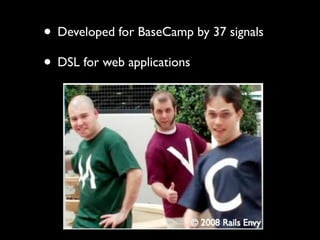
• Developed for BaseCamp by 37 signals
• DSL for web applications
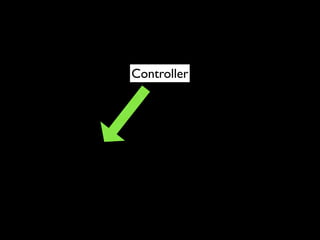
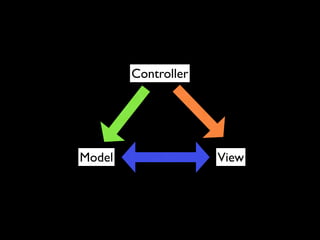
Controller
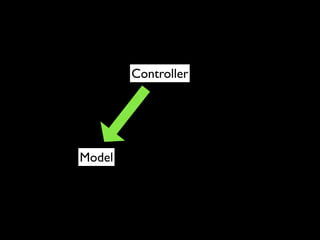
Controller
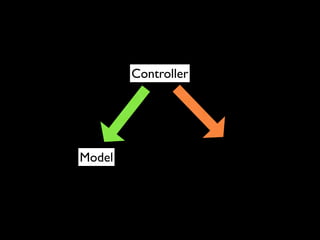
Controller


Model
Controller


Model
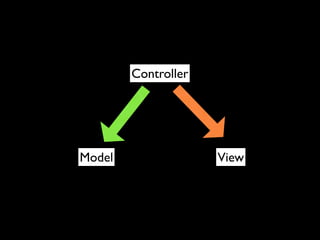
Controller


Model                View
Controller


Model                View
Convention over
 Configuration
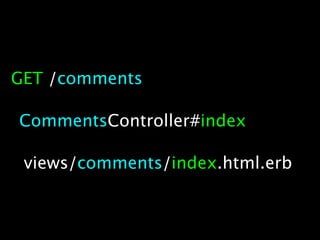
GET /comments

CommentsController#index

 views/comments/index.html.erb
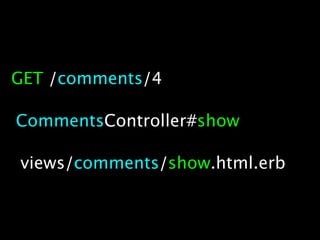
GET /comments/4

CommentsController#show

views/comments/show.html.erb
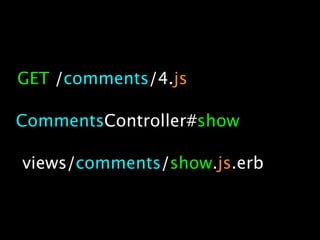
GET /comments/4.js

CommentsController#show

views/comments/show.js.erb
Data
More Convention over
   Configuration
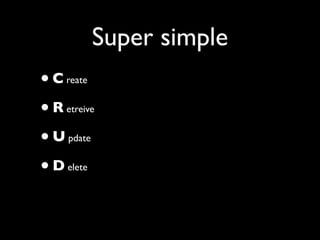
Super simple
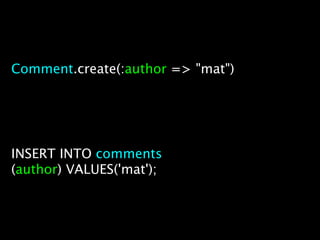
•C   reate


•R   etreive


•U   pdate


•D   elete
Comment.create(:author => "mat")


INSERT INTO comments
(author) VALUES('mat');
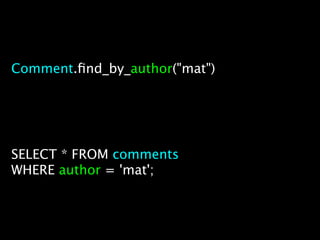
Comment.find_by_author("mat")


SELECT * FROM comments
WHERE author = 'mat';
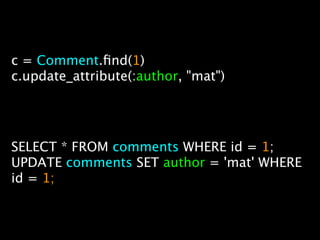
c = Comment.find(1)
c.update_attribute(:author, "mat")


SELECT * FROM comments WHERE id = 1;
UPDATE comments SET author = 'mat' WHERE
id = 1;
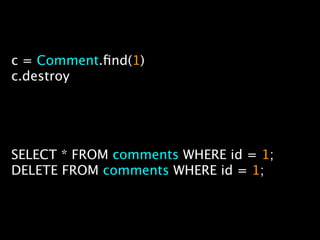
c = Comment.find(1)
c.destroy


SELECT * FROM comments WHERE id = 1;
DELETE FROM comments WHERE id = 1;
more data hotness


• Schema management
• Works the same across databases
rails console


• Try out code live
• Inspect your data using code
testing


• Built into rails
• Strong testing culture built into ruby
services

github.com
heroku.com
engineyard.com
RailsHotline.com
Installation
• Mac needs XCode first
  http://developer.apple.com/xcode/


• Linux or Mac, use RVM bootstrap
  http://bit.ly/unixrails


• Windows
  http://railsinstaller.org


• Ubuntu on VirtualBox is fun too
Test your install

rails new kickballapp
cd kickballapp
rails server
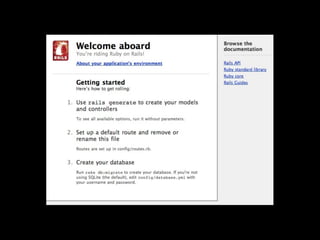
(open a browser to http://localhost:3000)
Our project:
A League Manager
Chapter 2:

  Data

  Views
Data
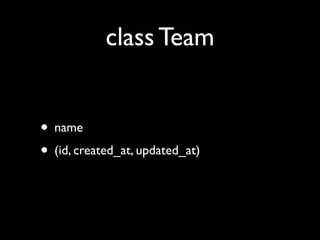
class Team


• name
• (id, created_at, updated_at)
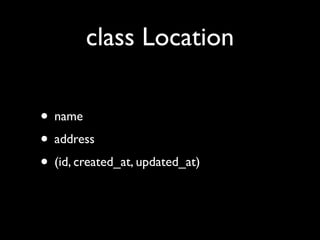
class Location

• name
• address
• (id, created_at, updated_at)
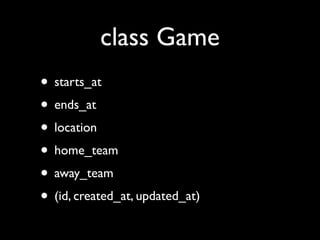
class Game
• starts_at
• ends_at
• location
• home_team
• away_team
• (id, created_at, updated_at)
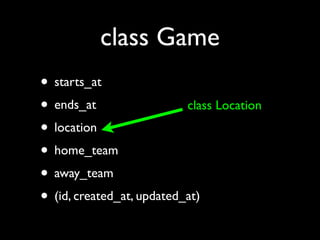
class Game
• starts_at
• ends_at                  class Location
• location
• home_team
• away_team
• (id, created_at, updated_at)
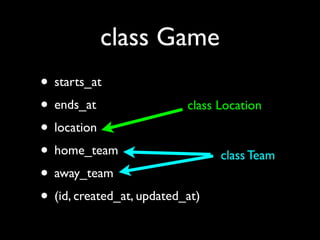
class Game
• starts_at
• ends_at                  class Location
• location
• home_team                       class Team
• away_team
• (id, created_at, updated_at)
CODE!
(generating teams)
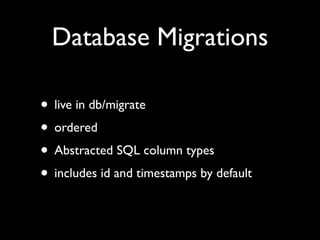
Database Migrations

• live in db/migrate
• ordered
• Abstracted SQL column types
• includes id and timestamps by default
MORE CODE!
(location, game,
   migrating)
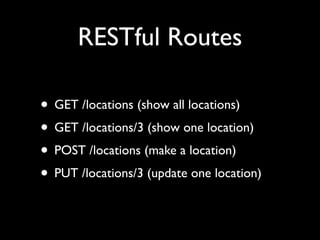
RESTful Routes

• GET /locations (show all locations)
• GET /locations/3 (show one location)
• POST /locations (make a location)
• PUT /locations/3 (update one location)
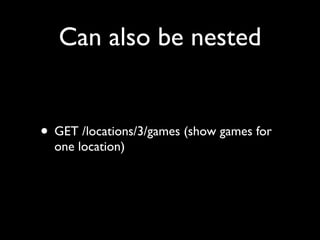
Can also be nested


• GET /locations/3/games (show games for
  one location)
‘public’ folder

• For all static files
• Rails looks here first
• Offers caching options
Views
ERB

• Like JSP/ASP/PHP but in ruby
• lots of helper functions for forms, etc.
• layout → view → partials
VIEW CODE!
(fixing the teams)
ActiveRecord
        Associations

• 1 to 1 (belongs_to - has_one)
• 1 to many (belongs_to - has_many)
• many to many (has_many :through)
Controllers
Chapter 3:

User Stories

  Testing
User Stories
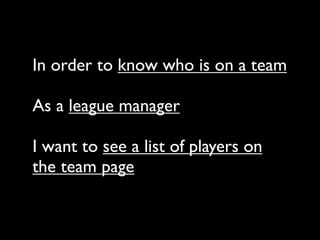
In order to [value]

As a [actor]

I want [feature]
Team roster / player list
       feature?
In order to know who is on a team

As a league manager

I want to see a list of players on
the team page
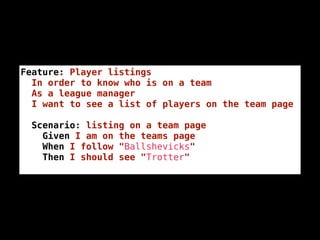
Feature: Player listings
  In order to know who is on a team
  As a league manager
  I want to see a list of players on the team page

  Scenario: listing on a team page
    Given I am on the teams page
    When I follow "Ballshevicks"
    Then I should see "Trotter"
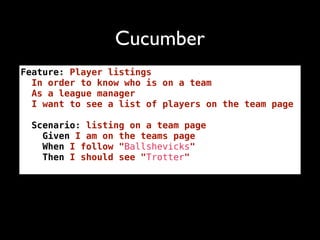
Cucumber
Feature: Player listings
  In order to know who is on a team
  As a league manager
  I want to see a list of players on the team page

  Scenario: listing on a team page
    Given I am on the teams page
    When I follow "Ballshevicks"
    Then I should see "Trotter"
User Stories
as Integration Tests
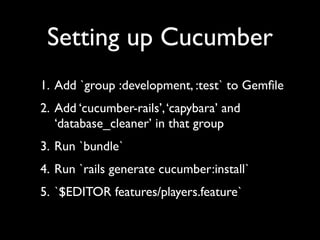
Setting up Cucumber
1. Add `group :development, :test` to Gemfile
2. Add ‘cucumber-rails’, ‘capybara’ and
   ‘database_cleaner’ in that group
3. Run `bundle`
4. Run `rails generate cucumber:install`
5. `$EDITOR features/players.feature`
CODE
(setting it up)
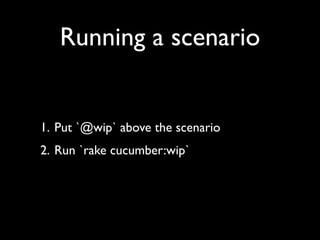
Running a scenario


1. Put `@wip` above the scenario
2. Run `rake cucumber:wip`
CODE
(running it)
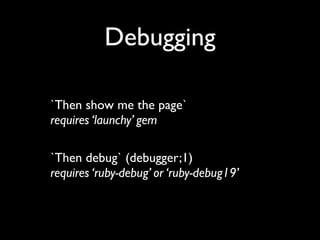
Debugging

`Then show me the page`
requires ‘launchy’ gem

`Then debug` (debugger;1)
requires ‘ruby-debug’ or ‘ruby-debug19’
CODE
(debugging it)
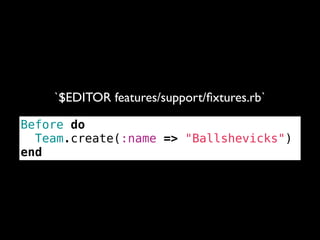
Building data
`$EDITOR features/support/fixtures.rb`

Before do
  Team.create(:name => "Ballshevicks")
end
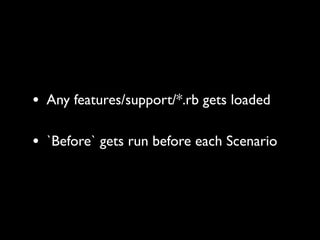
• Any features/support/*.rb gets loaded

• `Before` gets run before each Scenario
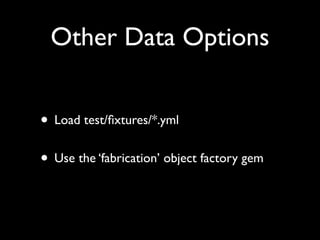
Other Data Options


• Load test/fixtures/*.yml
• Use the ‘fabrication’ object factory gem
CODE
(giving it data)
Defining Steps
          When I follow "Show" in the row with "Ballshevicks"


When /^I follow "([^"]*)" in the row with "([^"]*)"$/ do |link, text|

  When %Q|I follow "#{link}" within "tr:contains('#{text}')"|

end
               features/step_definitions/table_steps.rb
Defining Steps
          When I follow "Show" in the row with "Ballshevicks"


 Regular Expression


When /^I follow "([^"]*)" in the row with "([^"]*)"$/ do |link, text|

  When %Q|I follow "#{link}" within "tr:contains('#{text}')"|

end
               features/step_definitions/table_steps.rb
Defining Steps
          When I follow "Show" in the row with "Ballshevicks"


 Regular Expression
                             Capturing groups

When /^I follow "([^"]*)" in the row with "([^"]*)"$/ do |link, text|

  When %Q|I follow "#{link}" within "tr:contains('#{text}')"|

end
               features/step_definitions/table_steps.rb
Defining Steps
          When I follow "Show" in the row with "Ballshevicks"


 Regular Expression
                             Capturing groups

When /^I follow "([^"]*)" in the row with "([^"]*)"$/ do |link, text|

  When %Q|I follow "#{link}" within "tr:contains('#{text}')"|

end
               features/step_definitions/table_steps.rb

               Definition in ruby code
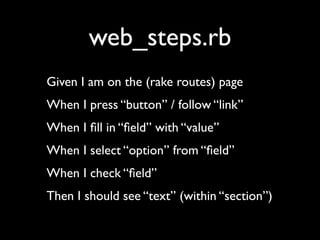
web_steps.rb
Given I am on the (rake routes) page
When I press “button” / follow “link”
When I fill in “field” with “value”
When I select “option” from “field”
When I check “field”
Then I should see “text” (within “section”)
CODE
(assigning teams?)
Unit testing
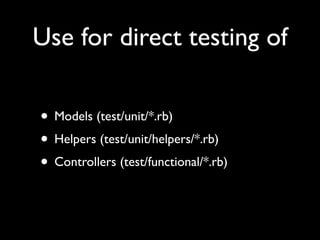
Use for direct testing of

• Models (test/unit/*.rb)
• Helpers (test/unit/helpers/*.rb)
• Controllers (test/functional/*.rb)
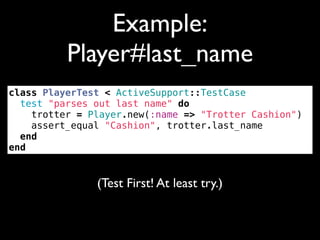
Example:
          Player#last_name
class PlayerTest < ActiveSupport::TestCase
  test "parses out last name" do
    trotter = Player.new(:name => "Trotter Cashion")
    assert_equal "Cashion", trotter.last_name
  end
end


               (Test First! At least try.)
CODE
(run and fix it)
Chapter 4:


Deploy It!
(PaaS)


Heroku
(PaaS)


Engine Yard
(DIY)


Phusion Passenger
(DIY)


LB + Mongrel/Thin
(DIY)


Tomcat + JRuby
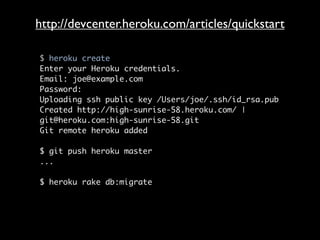
Heroku
https://api.heroku.com/signup
http://devcenter.heroku.com/articles/quickstart

$ heroku create
Enter your Heroku credentials.
Email: joe@example.com
Password:
Uploading ssh public key /Users/joe/.ssh/id_rsa.pub
Created http://high-sunrise-58.heroku.com/ |
git@heroku.com:high-sunrise-58.git
Git remote heroku added

$ git push heroku master
...

$ heroku rake db:migrate
Heroku demo
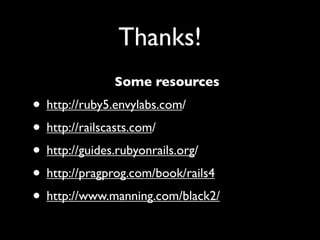
Thanks!
              Some resources
• http://ruby5.envylabs.com/
• http://railscasts.com/
• http://guides.rubyonrails.org/
• http://pragprog.com/book/rails4
• http://www.manning.com/black2/

wwc start-launched

Editor's Notes