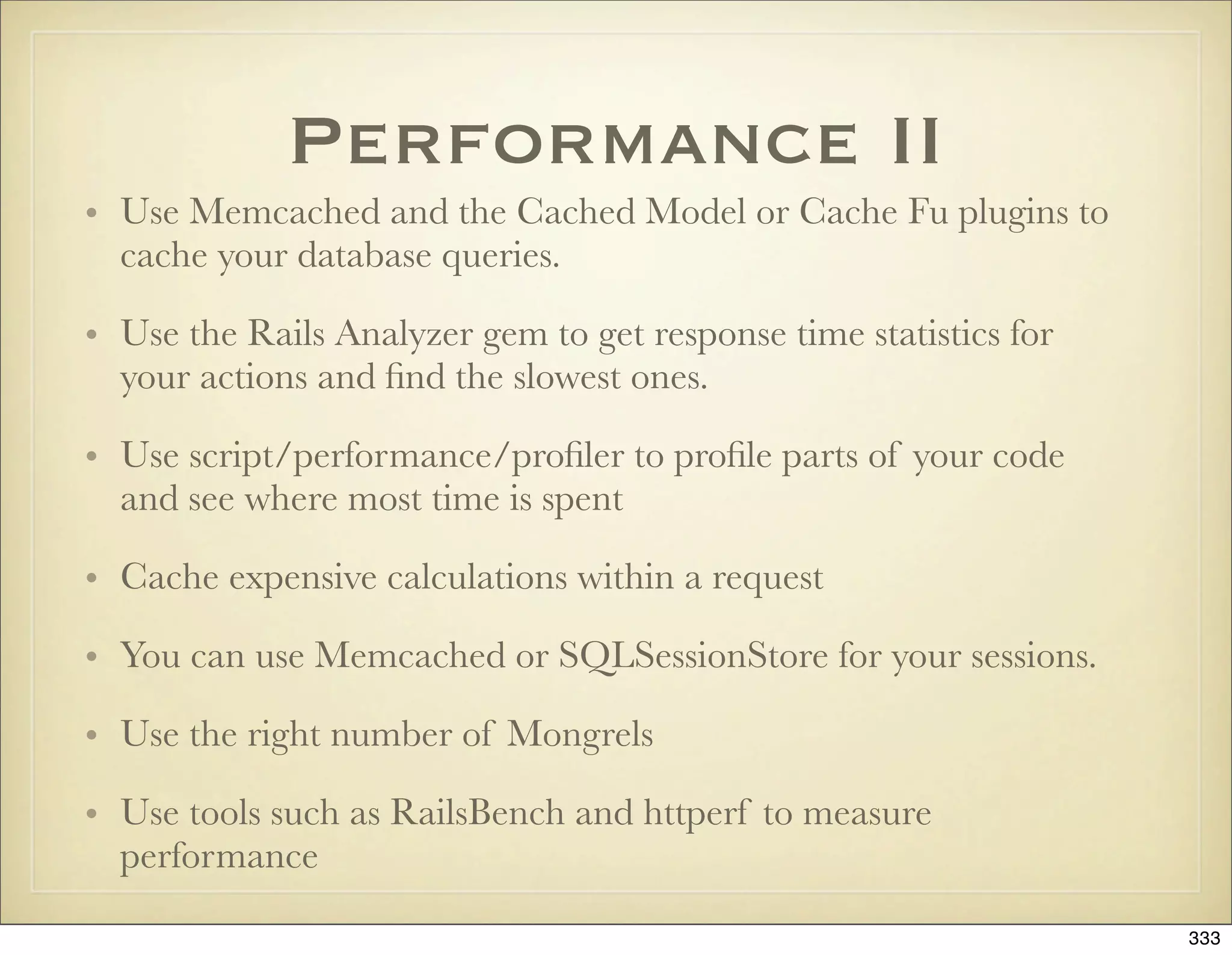
The code will print false, because paid = true assigns a local variable rather than setting the instance variable @paid. To fix it, use self.paid = true.
Ruby on Rails
101
Presentation slides for a five day
introductory course
by Peter Marklund
NOTE: These slides have been updated for Rails 2.3 and are
available at http://marklunds.com/rails101
1
2.
This work islicensed under a Creative Commons Attribution 3.0 United States License (http://
creativecommons.org/licenses/by/3.0/us).
The material was developed by Peter Marklund for a five day Ruby on Rails course in June 2007
in Sweden. Please direct any feedback to the author at peter@marklunds.com or via http://
marklunds.com.
NOTE: An updated version of these slides for Rails 2.3 is available at http://marklunds.com/
rails101
2
3.
Agenda
Monday Tuesday Wednesday Thursday Friday
•Installation •Migrations •ActiveRecord •Routing •Exercises
•Philosophy •ActiveRecord, Associations, •REST •Working on
and MVC ActionController, Validations, and
•ActionMailer your app
•Start an app and ActionView Callbacks
Basics •ActionView •Plugins
•Files,
Forms •ActiveSupport
generators, and
•Filters •Rails
scripts 2.0
•Caching
•Ruby •Testing •AJAX •Deployment, •Exercises
Security, and •Working on
Performance your app
3
Kung-Fu?
“Ruby on Railsis astounding. Using it is like watching a kung-fu movie,
where a dozen bad-ass frameworks prepare to beat up the little newcomer
only to be handed their asses in a variety of imaginative ways.”
-Nathan Torkington, O'Reilly Program Chair for OSCON
5
6.
Installation
• InstantRails -One-Click install on Windows
• Locomotive - One-Click install on OS X
• Better options for Mac: MacPorts and installing from
source
• On Linux: install from source
• Editors: TextMate (OS X), jEdit, SciTE, RadRails,
Aptana, NetBeans, vim, Emacs
6
7.
Rails background
• JasonFried + David Heinemeier Hanson =>
BaseCamp, Ruby on Rails
• Java, PHP => Ruby
• Hottest Hacker on the Earch, Best Hacker of the
year 2005, Jolt Awards
• Getting Real - Less is More
• Dave Thomas and the Pragmatic Programmers
7
8.
Rails Elevator Pitch
Ruby on Rails is an open-source web framework
that’s optimized for programmer happiness and
sustainable productivity. It let’s you write beautiful
code by favoring convention over configuration.
8
9.
Rails Philosophy and
Strengths
• Ruby - less and more readable code, shorter development times, simple but
powerful, no compilation cycle
• Convention over configuration => almost no config files, predefined directory
structure, naming conventions => less code, easier maintenance
• Best practices: MVC, DRY, Testing
• Almost everything in Rails is Ruby code (SQL and JavaScript are abstracted)
• Integrated AJAX support. Web services with REST.
• Good community, tools, and documentation
• Extracted from a real application
9
MVC Request Cycle
1.A request is made from the browser to the URL
http://localhost:3000/users/show/1.
2. A Rails server running locally on port 3000 receives the request and the
dispatcher is invoked. Rails tries to find a route (in the file config/routes.rb) to
match the URI /users/show/1. The default route ‘:controller/:action/:id’
matches the URI and the dispatcher instantiates the users controller and
invokes its show method with the :id parameter set to 1.
3. The show method in the users controller fetches the user model object from
the database with id equal to 1.
4. The show method renders its view (the file show.rhtml) which generates an
HTML page with the user info from the user model object.
5. Rails sends the generated HTML from the view back to the browser.
11
12.
building a Demo
Application
• Installing plugins with script/plugin install
• Code generation with script/generate model|scaffold
• Migrations
• The MVC request cycle
• Rails command line - script/console
• Testing with rake
• Routes - :controller/:action/:id
12
13.
Directory Structure
app
controllers
helpers
models
views
layouts
config
environment.rb
routes.rb
db
database.yml
migrations
lib
log
public
script
test
vendor
plugins
rails
13
14.
Rake
• Rake letsyou define a dependency tree of tasks to be
executed.
• Rake tasks are loaded from the file Rakefile
• Rails rake tasks are under railties/lib/tasks
• Put your custom tasks under lib/tasks
14
Environments
• Every environmenthas a database connection in
config/database.yml and a configuration file under
config/environments.
• It’s easy to add custom environments, i.e. for a
staging server
• Rails always runs in only one environment, dictated
by ENV[‘RAILS_ENV’] (same as RAILS_ENV)
17
18.
config/environment.rb
• log level
•how sessions are stored
• schema format
• pluralization rules
• Load custom libraries that you need here
18
“I always thoughtSmalltalk would beat Java. I just
didn’t know it would be called ‘Ruby’ when it did”
- Kent Beck
21
22.
The Ruby Language
•Generic, interpreted, reflective, with garbage
collection
• Optimized for people rather than computers
• More powerful than Perl, more object oriented than
Python
• Everything is an object. There are no primitive types.
• Strong dynamic typing
22
23.
Everything in Rubyis:
• Assignment - binding names to objects
• Control structures - if/else, while, case
• Sending messages to objects - methods
23
24.
Ruby is LineOriented
• Statements are separated by line breaks
• You can put several statements on one line if you
separate them by semicolon
• For long statements you can escape the line break
with backslash
• After an operator, comma, or the dot in a method
invocation you can have a line break and Ruby will
know that the statement continues on the next line
• You can have line breaks in strings
24
25.
Defining a classand
Instantiating an
Object
class Person
# Constructor - invoked by Person.new
def initialize(name)
# Instance variables start with @
@name = name
end
def say_hi # Instance method
puts "#{@name} says hi"
end
end
andreas = Person.new(“Andreas”)
andreas.say_hi
25
26.
Class Inheritance
# Programmer“is a” Person and extends it
# with additional characteristics
class Programmer < Person
def initialize(name, favorite_ide)
super(name)
@favorite_ide = favorite_ide
end
# We are overriding say_hi in Person
def say_hi
super
puts "Favorite IDE is #{@favorite_ide}”
end
end
peter = Programmer.new(“Peter”, “TextMate”)
peter.say_hi
26
27.
Getter- and Settter
Methods
class Person
def initialize(name)
self.name = name
end
def name
@name
end
def name=(name)
@name = name
end
end
person = Person.new("Andreas")
puts person.name
person.name = "David"
puts person.name
27
28.
attr_accessor
class Person
attr_accessor :name
def initialize(name)
self.name = name
end
end
person = Person.new("Andreas")
puts person.name
person.name = "David"
puts person.name
28
29.
Variable/Method
Ambiguity Gotcha
class Person
attr_writer :paid
def initialize
@paid = false
end
def paid?
@paid
end
def make_payment
... code that makes payment ...
paid = true # Indicate payment is done
end
end
person = Person.new
person.make_payment
puts person.paid?
29
30.
Methods
• When invokinga method argument parenthesis are optional
• Methods always have a receiver. The implicit receiver is self.
• Methods are identified by their name only. No overloading on
argument signatures.
• There are class methods and instance methods
• Methods can be public, protected, or private
• The last evaluated expression in a method is the return value
• Arguments can have default values: def my_method(a, b = {})
30
31.
Defining Class
Methods
class Person
def self.class_method
puts “class method invoked”
end
class << self
def class_method2; puts “class_method2”; end
def class_method3; puts “class_method3”; end
end
end
class << User
def class_method4; puts “class_method4”; end
end
31
32.
Singleton Classes and
Methods
# Every object has two classes: the class of which
# it is an instance, and a singleton class. Methods
# of the singleton class are called singleton methods
# and can only be invoked on that particular object.
andreas = Person.new(“Andreas”)
def andreas.andreas_says_hi
“Andreas says hi”
end
andreas.andreas_says_hi
# Class methods are singleton methods on the class
# object and can be defined like this:
def Person.count
@@count
end
32
Boolean expressions
• Allobjects evaluate to true except false and nil
• false and true are the only instances of FalseClass and TrueClass
• Boolean expressions return the last evaluated object
• a and b or c <=> (a and b) or c
• a = b and c <=> (a = b) and c
• a = b && c <=> a = (b && c)
• puts a if a = b # Using assignments in boolean expressions
• a = true; b = false; a and b and c() # => c() is never inoked
34
35.
assignment
• a, b= b, a # swapping values
• a = 1; b = 1
• a=b=1
• a += 1 # a = a + 1
• a, b = [1, 2]
• a = b || c
• a ||= b
35
36.
Idiom: Assignment with
Boolean Expression
# Overly verbose:
user_id = nil
if comments
if comments.first
if comments.first.user
user_id = comments.first.user.id
end
end
end
# Idiomatic:
user_id = comments && comments.first &&
comments.first.user && comments.first.user.id
36
37.
modules
# Mixins -instead of multiple inheritance
module FullName
def full_name
"#{first_name} #{last_name}"
end
end
class Person
include FullName
end
Person.new("Peter", "Marklund").full_name
# Namespaces - to avoid name collissions
module MyApp
class Person
attr_accessor :name
def initialize(name)
self.name = name
end
end
end
MyApp::Person.new("Peter Marklund")
37
38.
Modules vs Classes
•Modules model characteristics or properties of
entities or things. Modules can’t be instantiated.
Module names tend to be adjectives (Comparable,
Enumerable etc.). A class can mix in several modules.
• Classes model entities or things. Class names tend to
be nouns. A class can only have one super class
(Enumeration, Item etc.).
38
39.
Everything is an
object
• 2 + 2 is equivalent to 2+(2) and 2.send(:+, 2)
• 2.hours.ago
• 2.class # => Fixnum
• 2.class.methods - Object.methods
• “andreas”.capitalize
39
40.
Constants
• Constants definedin a class/module are available
within that class/module and outside the class with
the scope operator ::
• Constants defined outside any class/module can be
accessed anywhere
• Constants cannot be defined in methods
40
String class
“ruby”.upcase +“ “ + “rails”.capitalize
“time is: #{Time.now}n second line”
‘no interpolation “here” #{Time.now}’
“I“ << “Go” << “Ruby”
%Q(“C” och “Java”} # “”C” och ”Java””
%q{single ‘quoted’} # ‘single ’quoted’’
<<-END
A here
document at #{Time.now}
END
43
Symbols
# Symbols startwith a colon
:action.class == Symbol
:action.to_s == “action”
:action == “action”.to_sym
# There is only one instance of every symbol
:action.equal?(:action) # => true
‘action’.equal?(‘action’) # => false
# Symbols are typically used as keys in hashes
link_to “Home”, :controller => “home”
46
47.
More About methods
•Arbitrary number of arguments: def my_methods(*args)
• Converting Array to arguments: my_method([a, b]*)
• Dynamic method invocation: object.send(:method_name)
• Duck typing: object.respond_to?(:method_name)
• If the last argument is a Hash, the braces can be omitted:
link_to “Home”, :controller => ‘home’
47
48.
Range Class
# Twodots is inclusive, i.e. 1 to 5
(1..5).each { |x| puts x**2 }
# Three dots excludes the last item,
# i.e. 1 to 4
(1...5).each { |x| puts x }
(1..3).to_a == [1, 2, 3]
48
if, unless andthe ?
Operator
message = if count > 10
“Try again”
elsif tries == 3
“You lose”
else
“Enter command”
end
raise “Unauthorized” if !current_user.admin?
raise “Unauthorized” unless current_user.admin?
status = input > 10 ? “Number too big” : “ok”
50
51.
Iterators: while, until,
andfor. Keywords: break
and next
while count < 100
puts count
count += 1
end
# Statement modifier version of while
payment.make_request while (payment.failure? and payment.tries < 3)
for user in @users
next if user.admin?
if user.paid?
puts user
break
end
end
until count > 5
puts count
count += 1
end
# Statement modifier version of until
puts(count += 1) until count > 5
51
52.
case
case x
when 0
when1, 2..5
puts "Second branch"
when 6..10
puts "Third branch"
when *[11, 12]
puts “Fourth branch”
when String: puts “Fifth branch”
when /d+.d+/
puts “Sixth branch”
when x.downcase == “peter”
puts “Seventh branch”
else
puts "Eight branch"
end
52
53.
blocks, closures, and
proc objects
def invoke_block
puts "before block"
yield 5
puts "after block"
end
name = "Ruby"
invoke_block { |n| puts "In block with #{name}, received #{n}"}
my_proc = Proc.new { |n| puts "In proc, received #{n}"}
my_proc.call 2
invoke_block &my_proc
53
54.
blocks - usage
examples
# Iteration
[1, 2, 3].each {|item| puts item }
# Resource Management
file_contents = open(file_name) { |f| f.read }
# Callbacks
widget.on_button_press do
puts “Got button press”
end
# Convention: one-line blocks use {...} and multiline
# blocks use do...end
54
55.
common string
operations
“ “.blank? == true
my_string.each_with_index { |line, i| puts “#{i}: #{line}” }
“abc”.scan(/./).each { |char| puts char }
“we split words”.split.join(“, “)
“ strip space “.strip
sprintf(“value of %s is %.2f”, “PI”, 3.1416)
“I Go Ruby”[2, 2] == “I Go Ruby”[2..3] == “Go”
55
56.
Using the dupMethod
on Method Arguments
# Methods that change their receiver end with an exclamation mark by convention.
# If you need to invoke an exclamation mark method on a method argument and you want
# to avoid the object from being changed, you can duplicate the object first
# with the Object#dup method. Core classes such as String, Hash, and Array all have
# meaningful implementations of the dup method. Here is an example from Rails:
class ActiveRecord::Base
...
def attributes=(new_attributes)
return if new_attributes.nil?
attributes = new_attributes.dup # duplicate argument to avoid changing it
attributes.stringify_keys! # modify the duplicated object
multi_parameter_attributes = []
remove_attributes_protected_from_mass_assignment(attributes).each do |k, v|
k.include?("(") ? multi_parameter_attributes << [ k, v ] : send(k + "=", v)
end
assign_multiparameter_attributes(multi_parameter_attributes)
end
end
56
57.
regular expressions
puts “matches”if “Ruby” =~ /^(ruby|python)$/i
“GonRuby” =~ /Gos+(w+)/m; $1 == “Ruby”
“I Go Ruby =~ /go/i; $& == “Go”; $` == “I “; $’ == “ Ruby”
pattern = “.”; Regexp.new(Regexp.escape(pattern))
“I Go Ruby”[/(go)/i, 1] == “Go”
“I Go Ruby”.gsub(%r{Ruby}, ‘0 or I go bananas’)
"I Go Ruby".gsub(/ruby/i) { |lang| lang.upcase }
line = “I Go Ruby”
m, who, verb, what = *line.match(/^(w+)s+(w+)s+(w+)$/)
# s, d, [0-9], w - space, digit, and word character classes
# ?, *, +, {m, n}, {m,}, {m} - repetition
57
58.
exceptions
begin
raise(ArgumentError,“No file_name provided”) if !file_name
content = load_blog_data(file_name)
raise “Content is nil” if !content
rescue BlogDataNotFound
STDERR.puts "File #{file_name} not found"
rescue BlogDataConnectError
@connect_tries ||= 1
@connect_tries += 1
retry if @connect_tries < 3
STDERR.puts "Invalid blog data in #{file_name}"
rescue Exception => exc
STDERR.puts "Error loading #{file_name}: #{exc.message}"
raise
end
58
Ruby Scripts WithRDoc
and Option Parsing
#!/usr/bin/env ruby
# == Synopsis
# This script takes photographs living locally on my desktop or laptop
# and publishes them to my homepage at http://marklunds.com.
#
# == Usage
#
# Copy config file publish-photos.yml.template to publish-photos.yml
# and edit as appropriate.
#
# ruby publish-photos [ -h | --help ] <photo_dir1> ... <photo_dirN>
# Load the Rails environment
require File.dirname(__FILE__) + '/../config/environment'
require 'optparse'
require ‘rdoc/usage’
opts = OptionParser.new
opts.on("-h", "--help") { RDoc::usage('usage') }
opts.on("-q", "--quiet") { Log::Logger.verbose = false }
opts.parse!(ARGV) rescue RDoc::usage('usage')
Photos::Publisher(ARGV)
60
61.
Ruby on theCommand
Line
# Query and replace
ruby -pi.bak -e "gsub(/Perl/, 'Ruby')" *.txt
# Grep
ruby -n -e "print if /Ruby/" *.txt
ruby -e "puts ARGF.grep(/Ruby/)" *.txt
61
62.
open class definitions
and Method Aliasing
class Peter
def say_hi
puts "Hi"
end
end
class Peter
alias_method :say_hi_orig, :say_hi
def say_hi
puts "Before say hi"
say_hi_orig
puts "After say hi"
end
end
62
63.
Core Classes areAlso
Open
class Integer
def even?
(self % 2) == 0
end
end
p (1..10).select { |n| n.even? }
# => [2, 4, 6, 8, 10]
63
64.
method_missing: A VCR
classVCR
def initialize
@messages = []
end
def method_missing(method, *args, &block)
@messages << [method, args, block]
end
def play_back_to(obj)
@messages.each do |method, args, block|
obj.send(method, *args, &block)
end
end
end
64
65.
Using the VCR
vcr= VCR.new
vcr.gsub! /Ruby/, "Crazy"
vcr.upcase!
object = "I Go Ruby"
vcr.play_back_to(object)
puts object
65
66.
const_missing - for
AutoLoading Classes
def Object.const_missing(name)
@looked_for ||= {}
str_name = name.to_s
raise "Class not found: #{name}" if @looked_for[str_name]
@looked_for[str_name] = 1
file = str_name.downcase
require file
klass = const_get(name)
return klass if klass
raise "Class not found: #{name}"
end
66
class_eval/
module_eval
class Person
def add_method(method)
class_eval %Q{
def #{method}
puts "method #{method} invoked"
end
}
end
add_method(:say_hi)
end
person = Person.new.say_hi
69
70.
define_method
class Array
{:second => 1, :third => 2}.each do |method,element|
define_method(method) do
self[element]
end
end
end
array = %w(A B C)
puts array.first
puts array.second
puts array.third
70
Class Reflection
# UsingClass#superclass
klass = Fixnum
begin
pring klass
klass = klass.superclass
print “ < “ if klass
end while klass
# => Fixnum < Integer < Numeric < Object
# Using Class#ancestors
p Fixnum.ancestors
# => Fixnum, Integer, Precision, Numeric, Comparable, Object, Kernel
# Inspecting methods and variables
Fixnum.public_instance_methods(false)
Fixnum.class_variables
Fixnum.constants
1.instance_variables
72
73.
System Hooks:
Class#inherited
class ActiveRecord::Base
# Invoked when a new class is created that extends this
# class
def self.inherited(child)
@@subclasses[self] ||= []
@@subclasses[self] << child
end
end
73
74.
Ruby Load pathand
auto Loading in Rails
• The Ruby load path is stored in $: and is used when
you require code
• Models, views, controllers, and helpers under the app
dir are loaded automatically
• Classes under lib are also loaded automatically
• You can add load paths in config/environment.rb
• Class and module names must correspond to the file
path where they are defined for auto loading to work
74
Migrations
• A wayto evolve your database schema over time
• Migrations use a database independent Ruby API
• script/generate migration
• Migration files are numbered in a sequence starting
with 001
• Migration classes extend ActiveRecord::Migration
and have an up and a down method
• rake db:migrate VERSION=X
76
Migrations: Things to
Be Aware Of
• You can use ActiveRecord classes, but this is fragile as
the class definitions might change over time
• Foreign keys you have to create yourself. You can use
a helper module for this.
• Good practice is to backup your production data
before you run a migration
• You can see the schema definition in db/schema.rb
or db/development_structure.rb if
config.active_record.schema_format = :sql
78
79.
Two Special Columns
created_at and updated_at are maintained
automatically by Rails and keep track of when a
record was created and last updated
79
Let’s Bring SexyBack
# Note: this is only available in Edge Rails, *not*
# in Rails 1.2.3
create_table "users", :force => true do |t|
t.string :login, :email, :remember_token
t.string :salt, :crypted_password, :limit => 40
t.timestamps
t.datetime :remember_token_expires_at
end
81
Fundamentals
• One databasetable maps to one Ruby class
• Ruby classes live under app/models and extend
ActiveRecord::Base
• Table names are plural and class names are singular
• Database columns map to attributes, i.e. get and set
methods, in the model class
• All tables have an integer primary key called id
• Database tables are created with migrations
83
Save!
user = User.new(
:first_name => “Dave”,
:last_name => “Thomas”
)
if user.save begin
# All is ok user.save!
else rescue RecordInvalid => e
# Could not save user :-( # Could not save!
end end
87
88.
create! = new+ save!
begin
user = User.create!(
:first_name => “Dave”,
:last_name => “Thomas”)
rescue RecordInvalid => e
# Could not create user...
end
88
89.
Column/Attribute Data
Types
MySQL Ruby Class
integer Fixnum
clob, blob, text String
float, double Float
char, varchar String
datetime, time Time
89
90.
Custom Attribute
Accessors
class Song < ActiveRecord::Base
def length=(minutes)
# self[:length] = minutes*60
write_attribute(:length, minutes * 60)
end
def length
# self[:length] / 60
read_attribute(:length) / 60
end
end
90
91.
Default Attribute
Values
class User < ActiveRecord::Base
def language
self[:language] ||= “sv”
end
end
91
92.
Boolean Attributes
• Everythingexcept nil and false is true in Ruby
• However, in MySQL boolean columns are char(1)
with values 0 or 1, both of which are true in Ruby.
• Instead of saying user.admin, say user.admin?
• When you add the question mark, false is the number
0, one of the strings ‘0’, ‘f ’, ‘false’, or ‘’, or the
constant false
92
93.
find
• User.find(:first) #=> User object
• User.find(:all) # => Array with all User objects
• User.find(3) # => User object with id 3
93
Everything is a
Find :all
# select * from users limit 1
User.find(:first) <=> User.find(:all, :limit => 1).first
# select * from users where id = 1
User.find(1) <=> User.find(:all, :conditions => “users.id = 1”)
96
97.
Like Clauses
# Likethis
User.find(:all, :conditions => [“name like ?”, “%” + params[:name] + “%”)
# Not like this
User.find(:all, :conditions => [“name like ‘%?%’”, params[:name])
97
Find or Create
#No 'Summer' tag exists
Tag.find_or_create_by_name("Summer") # equal to Tag.create(:name => "Summer")
# Now the 'Summer' tag does exist
Tag.find_or_create_by_name("Summer") # equal to Tag.find_by_name("Summer")
# No 'Winter' tag exists
winter = Tag.find_or_initialize_by_name("Winter")
winter.new_record? # true
100
101.
Update
order = Order.find(12)
order.name= “Bill Gates”
order.charge = 10000
order.save!
order = Order.find(13)
order.update_attributes!(
:name => “Steve Jobs”,
:charge => 1
)
Order.find(12).update_attribute(:charge, -1) # => Does not trigger validation
101
102.
update_attributes is
Syntactic Sugar
def update_attributes(attributes)
self.attributes = attributes
save
end
def update_attributes!(attributes)
self.attributes = attributes
save!
end
def update_attribute_with_validation_skipping(name, value)
send(name.to_s + '=', value)
save(false) # Passing false to save bypasses validation
end
102
103.
Locking
# SELECT *FROM accounts WHERE (account.`id` = 1) FOR UPDATE
account = Account.find(id, :lock => true)
account.status = ‘disabled’
account.save!
# Optimistic locking with integer column lock_version in the accounts table:
account1 = Account.find(4)
account2 = Account.find(4)
account1.update_attributes(:status => ‘disabled’)
account2.update_attributes(:status => ‘enabled’) # => Raises StaleObjectError
103
Executing SQL
# Workslike find(:all) but takes a SQL string or conditions Array
# Post.find_by_sql "SELECT p.*, c.author FROM posts p, comments c WHERE p.id = c.post_id"
def find_by_sql(sql)
connection.select_all(sanitize_sql(sql), "#{name} Load").
collect! { |record| instantiate(record) }
end
ActiveRecord::Base.connection.execute(“select * from users”)
AtiveRecord::Base.select_one|select_all|select_value|select_values
108
109.
Virtual Attributes
# Virtualattributes are atttributes that do not correspond
# directly to database columns like normal ActiveRecord
# attributes.
class Person < ActiveRecord::Base
def full_name
first_name + “ “ + last_name
end
def full_name=(full_name)
first_name = full_name.split.first
last_name = full_name.split.last
end
end
109
110.
Serializing Attribute
Values
class Person < ActiveRecord::Base
serialize params
end
person = Person.new
person.params = {
:height => 190,
:weight => 80,
:eye_color => ‘blue’
}
person.save
110
111.
Composite Attributes
class Name
attr_reader :first, :initials, :last
def initialize(first, initials, last)
@first = first
@initials = initials
@last = last
end
def to_s
[ @first, @initials, @last ].compact.join(" ")
end
end
class Customer < ActiveRecord::Base
composed_of :name,
:class_name => Name,
:mapping =>
[ #database ruby
[ :first_name, :first ],
[ :initials, :initials ],
[ :last_name, :last ]
end
111
Chad Fowler Says
ActiveRecord is an example of a leaky
abstraction and you need to understand the
SQL that it generates to avoid gotchas such as
the N+1 problem.
113
Controllers
• Controllers areRuby classes that live under app/
controllers
• Controller classes extend ActionController::Base
• An action is a public method and/or a corresponding
view template
115
rendering a response
•A response is rendered with the render command
• An action can only render a response once
• Rails invokes render automatically if you don’t
• Redirects are made with the redirect_to command
• You need to make sure you return from an action
after an invocation of render or redirect_to
118
Cookies
• A hashstored by the browser
• cookies[:preference] = { :value => ‘ice
cream’, :expires => 10.days.from_now, :path => ‘/
store’ }
• Valid options: :domain, :expires, :path, :secure, :value
121
122.
Sessions
• A hashstored on the server, typically in a database
table or in the file system.
• Keyed by the cookie _session_id
• Avoid storing complex Ruby objects, instead put id:s
in the session and keep data in the database, i.e. use
session[:user_id] rather than session[:user]
122
The Flash
• Theflash is a way to set a text message to the user in
one request and then display it in the next (typically
after a redirect)
• The flash is stored in the session
• flash[:notice], flash[:error]
• flash.now[:notice] = “Welcome” unless flash[:notice]
• flash.keep(:notice)
124
125.
Best Practice
• Don’tput SQL and too much code in your
controllers/views - it’s a code smell, and
maybe the most common design mistake
Rails developers make. Actions should be 3-4
lines that script business objects. The goal is
fat models and skinny controllers.
• Always access data via the logged in user
object (i.e. current_user.visits.recent).
125
What is ActionView?
•ActionView is the module in the ActionPack library
that deals with rendering a response to the client.
• The controller decides which template and/or partial
and layout to use in the response
• Templates use helper methods to generate links,
forms, and JavaScript, and to format text.
127
128.
Where Templates Live
•Templates that belong to a certain controller typically
live under app/view/controller_name, i.e. templates
for Admin::UsersController would live under app/
views/admin/users
• Templates shared across controllers are put under
app/views/shared. You can render them with
render :template => ‘shared/my_template’
• You can have templates shared across Rails
applications and render them with render :file =>
‘path/to/template’
128
129.
Template Environment
• Templateshave access to the controller objects flash,
headers, logger, params, request, response, and
session.
• Instance variables (i.e. @variable) in the controller
are available in templates
• The current controller is available as the attribute
controller.
129
130.
Three Types of
Templates
• rxml - Files with Ruby code using the Builder library
to generate XML. Typically used for RSS/Atom.
• rhtml - The most common type of template used for
HTML. They are HTML files with embedded Ruby
and they use the ERb library.
• rjs - Ruby code with a Rails specific API that
generate JavaScript. Used for AJAX functionality.
130
131.
Builder Template
Example: RSS
xml.instruct!
xml.rss "version" => "2.0", "xmlns:dc" => "http://purl.org/dc/elements/1.1/" do
xml.channel do
xml.title "Recent comments for #{@user.login}"
xml.link @rss_url
xml.pubDate CGI.rfc1123_date(@comments.first ? @comments.first.updated_at :
Time.now)
xml.description ""
@comments.each do |comment|
xml.item do
xml.title "Comment by #{comment.creation_user.login} #{time_ago_in_words
comment.created_at} ago"
xml.link @server_url + comment_url(comment)
xml.description h(comment.body)
xml.pubDate CGI.rfc1123_date(comment.updated_at)
xml.guid @server_url + comment_url(comment)
xml.author h(comment.creation_user.login)
end
end
end
end
131
132.
rhtml Templates
• <%=ruby code here %> - Evaluates the Ruby code
and prints the last evaluated value to the page.
• <% ruby code here %> - Evaluates Ruby code
without outputting anything to the page.
• Use a minus sign (i.e. <%= ... %-> and <% ... %->)
to avoid the newline after the tag to be printed to the
page.
• Remember to quote especially user inputted data
with the helper h: <%= h comment.body %>.
132
133.
Partials
• Partials aretemplates that render a part of a page,
such as a header or footer, or a menu, or a listing of
articles
• Partials help promote reuse of page elements
• Partials work just like page templates (views) and run
in the same environment. They also live in the same
directory as page templates.
• The filenames of partials always start with an
underscore.
133
134.
Rendering Partials
• Rendera partial from an action with render :partial
=> ‘name_of_partial’
• Render a partial in a page template with the same
command: <%= render :partial =>
‘name_of_partial’ %>
134
135.
Passing Variables to
Partials
• Controller instance variables are available in partials
• If you pass :object => @an_article to the render command then
that variable will be available in a local variable in the partial
with the same name as the partial.
• If there is an instance variable with the same name as the partial
then it will be available as a local variable in the partial with the
same name, i.e. @article = Article.find(1); render :partial =>
‘article’.
• You can pass any objects into local variables in the partial with
the :locals argument: render :partial => ‘article’, :locals =>
{ :author => @author, :options => @options }
135
136.
Partials and
Collections
<% for article in @articles %>
<%= render :partial => ‘article’, :object => article %>
<% end %>
Can be written more concisely with the :colletions argument:
<%= render :partial => ‘article’, :collection => @articles %>
136
137.
Layouts
• Layouts aretemplates under app/views/layouts that
contain common page elements around pages such as
headers, footers, menus etc.
• The layout template contains the invocation <%=
yield %> which will render the action output.
137
138.
Determining Which
Layout to Use
• If no layout is specified in the controller or render method then
Rails looks for a controller layout at app/views/layouts/
controller_name.rhtml and uses that.
• If there is no controller layout then Rails will use any
application layout at app/views/layouts/application.rhtml
• You can pass the :layout argument to the layout command:
render ‘some_template’, :layout => ‘my_special_layout’. You
can also turn off layouts by saying :layout => false.
• You can declare in your controller which layout should be used
by saying something like: layout “standard”, :except =>
[:rss, :atom]. Turn off layouts by saying layout nil.
138
139.
Dynamic Layout
Selection
class BlogController < ActionController::Base
layout :determine_layout
private
def determine_layout
user.admin? ? “admin” : “standard”
end
end
139
140.
Passing Data to
Layouts
• You can pass data to layouts via instance variables
• You can also wrap parts of your template in <%
content_for(:left_menu) %> ... <% end %>
invocations and then in your layout render that with
<% yield :left_menu %>
140
141.
Helpers
• Helpers areRuby modules with methods that are
available in your templates.
• Helpers can avoid duplication and minimize the
amount of code in your templates.
• By default each controller has a corresponding helper
file at app/helpers/controller_name_helper.rb
141
142.
text_helper.rb
truncate("Once upon atime in a world far far away", 14)
highlight('You searched for: rails', 'rails')
excerpt('This is an example', 'an', 5)
pluralize(2, 'person')
word_wrap('Once upon a time', 4)
textilize(text)
markdown(text)
simple_format(text)
auto_link(text)
strip_links(text)
sanitize(html)
strip_tags(html)
<tr class="<%= cycle("even", "odd") -%>">
142
Rails Testing
Landscape
Rails Ruby Tool Interface
HTTP from Browser
Selenium, Watir
(IE, Firefox)
WWW::Mechanize HTTP
Integration tests Dispatcher
Functional RSpec, test/spec Controller
Unit RSpec, test/spec Model
146
147.
Test::Unit:TestCase
• Test::Unit isa Ruby testing library, very similar to JUnit.
• Rails ships with three types of tests: unit, functional, and
integration. Those tests are all structured into test case classes
that extend the Test::Unit::TestCase class.
• Every method in the test case with a name that starts with
“test_” represents a single test that gets executed by the
framework.
• Before every test method the setup method is invoked, and
afterwards the teardown method.
• Every test method makes one or more assertions about the
behaviour of the class under test
147
148.
Unit Tests
• Everymodel MyModel in Rails has a corresponding
unit test case in the class TestMyModel in test/units/
test_my_model.rb
• Unit tests are created for you by script/generate
model
148
149.
Unit Test Example
requireFile.dirname(__FILE__) + '/../test_helper'
class UserTest < Test::Unit::TestCase
fixtures :customers, :services, :users, :calls
def test_should_create_user
assert_difference ‘User.count’ do # Requires Edge Rails
user = create_user
assert !user.new_record?, "#{user.errors.full_messages.to_sentence}"
end
end
protected
def create_user(options = {})
User.create({
:name => "Quire",
:email => 'quire@example.com',
:password => 'quire',
:password_confirmation => 'quire',
:role => 'super'
}.merge(options))
end
end
149
150.
test_helper.rb
ENV["RAILS_ENV"] = "test"
requireFile.expand_path(File.dirname(__FILE__) + "/../config/environment")
require 'test_help'
class Test::Unit::TestCase
# Transactional fixtures accelerate your tests by wrapping each test method
# in a transaction that's rolled back on completion
self.use_transactional_fixtures = true
# Instantiated fixtures are slow, but give you @david where otherwise you
# would need people(:david)
self.use_instantiated_fixtures = false
# Add more helper methods to be used by all tests here...
end
150
151.
Test Data with
Fixtures
• Fixtures are files that load test data into the test database that
tests can run against. Every model and database table has a
corresponding fixture file at test/fixtures/table_name.yml
• Fixture files are in YAML format, a readable alternative to
XML. You can also keep fixture files in CSV format if you like.
• The fixture command will delete from the specified tables and
then load their fixture files. The fixtures will then be available in
your tests as table_name(:fixture_name), i.e. users(:joe).
151
152.
Fixture Example:
users.yml
quentin:
id: 1
login: quentin
email: quentin@example.com
salt: 7e3041ebc2fc05a40c60028e2c4901a81035d3cd
crypted_password: 00742970dc9e6319f8019fd54864d3ea740f04b1 # test
created_at: <%= 5.days.ago.to_s :db %>
aaron:
id: 2
login: aaron
email: aaron@example.com
salt: 7e3041ebc2fc05a40c60028e2c4901a81035d3cd
crypted_password: 00742970dc9e6319f8019fd54864d3ea740f04b1 # test
bio: Aaron is a weird guy
created_at: <%= 1.days.ago.to_s :db %>
152
Functional Testing of
Controllers
• Functional tests run against a single controller
instance, simulate requests against it, and make
assertions about the responses
• Requests are made via the methods get/post/put/
delete and they end up invoking the process method
on the controller and executing an action.
154
155.
Functional Test
Example
require File.dirname(__FILE__) + '/../test_helper'
require 'comments_controller'
class CommentsController; def rescue_action(e) raise e end; end
class CommentsControllerTest < Test::Unit::TestCase
fixtures :users, :comments
def setup
@controller = CommentsController.new
@request = ActionController::TestRequest.new
@response = ActionController::TestResponse.new
@request.env['HTTP_HOST'] = "localhost"
@request.session[:user] = users(:aaron)
end
def test_rss
get :rss, :id => users(:quentin)
assert_response :success
assert_select "rss > channel" do
assert_select "title", /Recent comments/
assert_select "item", 1
assert_select "item > title", Regexp.new(users(:aaron).login)
assert_select "item > description", users(:quentin).comments.first.body
end
end
155
assert_select
assert_select “p.warning” # <p class=”warning”>...</p>
assert_select “p#warning” # <p id=”warning”>...</p>
assert_select “html p.warning” # Ancestor chaining
assert_select “html > body > p.warning” # Direct parent chaining
assert_select “div#cart table tr”, 3 # Integer, n times
assert_select “div#cart table tr”, 3..5 # Range, n times
assert_select “div#cart table tr”, false # Not present on page
assert_select “div#cart table tr td#price”, “$23” # Tag contents
assert_select “div#cart table tr td#price”, /23/ # Regexp
assert_select "form input" do
assert_select "[name=?]", /.+/ # Not empty
end
157
158.
Integration Tests
• Testagainst the Rails dispatcher and can span all
controllers
• Simulate user scenarios/stories.
• Can involve multiple simultaneous sessions
• You make requests with the methods get/post etc.
• You have access to pretty much the same
environment and assertions as in functional tests
158
159.
Integration Test
Example
class TracerBulletTest < ActionController::IntegrationTest
def test_tracer_bullet
get("/mcm/user/login")
assert_response :success
post("/mcm/user/login", :email => self.mail, :password => self.password)
assert_redirected_to :controller => 'mcm/general'
follow_redirect!
assert_response :success
expect_count = contacts(:adam_sandler).jobs.size
post("/mcm/contacts/search", :q => 'sandler new york')
assert_response :success
assert_n_search_results(expect_count)
get "/mcm/lists/show/#{list.id}"
assert_response :success
assert_template 'mcm/lists/show'
end
end
159
160.
Integration Test
Example: With DSL
class TracerBulletTest < ActionController::IntegrationTest
def test_tracer_bullet
setup_test_users
carl = new_session_as(:carl)
carl.logs_in
carl.searches_for_contacts
...
end
module TestingDSL
attr_accessor :mail, :password
def logs_in
get("/mcm/user/login")
assert_response :success
post("/mcm/user/login", :email => self.mail, :password => self.password)
assert_redirected_to :controller => 'mcm/general'
follow_redirect!
assert_response :success
end
...
end
def new_session_as(person)
open_session do |sess|
sess.extend(TestingDSL)
end
end
160
Stubbing and Mocking
•Sometimes you may need to stub out interactions with external
systems (payment gateways etc.) and isolate the code under test.
• Mock and stub objects are similar, but mock objects tend to be
more intelligent and verify that the right messages are received.
• Mock classes that should be in place for all tests (static mocks)
can be put under test/mocks/test.
• You may use the libraries “Mocha and Stubba” or FlexMock for
dynamic stubbing/mocking. The stubs/mocks that you set up
are isolated to the test.
162
Submitting Forms and
Clicking Links
• A limitation in most controller and integration tests is
that they bypass forms and links in the views.
• To be able to submit forms you may use the Form
Test Helper plugin, or alternatively Hpricot Forms.
# Form Test Helper usage example:
submit_form "/account/signup", :user => {
:login => "Dave Thomas",
:email => "dave@pragmaticprogrammers.com",
:password => "dave",
:password_confirmation => "dave"
}
select_link("/user/aaron").follow
164
165.
rcov
• rcov isa Ruby library that measures code coverage of
tests. It can be used to find gaps in your test coverage.
• rcov will generate a report of how many percent of
each Ruby class is covered and indicate which lines of
code are not executed by the tests.
# Installation of rcov:
gem install rcov
ruby script/plugin install http://svn.codahale.com/rails_rcov
rake test:test:rcov
165
166.
Heckle
• Heckle willmutate your code by inverting boolean
expressions and run your tests and make sure they fail
• Heckle helps find missing assertions and can also find
redundancies in your code.
# Installation of Heckle:
gem install -y heckle
heckle -t test/functional/comments_controller_test.rb CommentsController create
166
167.
AJAX and RJSTesting
• When you develop AJAX functionality you write
actions generate and return JavaScript with the RJS
API.
• The best way to test AJAX functionality is with a
browser testing tool like Selenium.
• With the ARTS plugin you can make assertions
against the RJS code in your controller and
integration tests.
167
168.
ARTS Plugin Usage
Example
# In a controller test...
def test_edit
xhr :get, :edit, :id => users(:aaron), :attribute => 'bio'
assert_response :success
assert_rjs :page, dom_id('bio', :edit_link), :hide
assert_rjs :replace, dom_id('bio', :div), /<form/
end
168
169.
HTML Validation and
Link Checking
• I’ve written a plugin called http_test that you can use
to HTML validate all your HTML responses in your
controller and integration tests.
• You can also use the plugin to make sure that URLs
in links and redirects can be resolved by your
application.
169
170.
Using the RailsTests
as Documentation
• A great way to learn the Rails API is to read the tests
that ship with Rails. The tests tell you how the API is
intended to be used, how you should and should not
use it. You can also learn about edge cases.
• The Rails tests are also a good place to learn how to
write tests for your own application.
170
171.
Test Case Specific
Fixtures
• Sharing fixtures across all tests doesn’t scale so well
and can become hard to maintain. A solution is to
use the plugin Fixture Scenarios.
[RAILS_ROOT]
+-test/
+-fixtures/
+-brand_new_user/
+-users.yml
class UserTest < Test::Unit::TestCase
scenario :brand_new_user
...
171
172.
BDD: From Verification
to Specification
• Behaviour Driven Development (BDD) is Test Driven
Development (TDD) with a new terminology and structure
• Instead of tests BDD talks about specifications
• Two popular BDD tools for Rails are RSpec and test/spec.
• In BDD specifications are not necessarily structured around a
certain class like is typically the case in unit testing, but rather a
certain context, such as an empty list.
172
173.
RSpec Examples
require File.join(File.dirname(__FILE__),'/../spec_helper')
context "the Call model" do
fixtures :customers, :services, :calls
it "Is not deleted by attempt to delete customer" do
lambda { customers(:trafiken).destroy }.should raise_error
calls(:incall).should == calls(:incall).reload
end
...
end
describe Admin::ServicesController do
include ControllerSpecHelper
fixtures :customers, :services, :users, :services_users, :audio_files, :prompts, :calls
integrate_views
it "Edit form, super user: outcall fields should be visible for outcall service" do
login(:super)
get :show, :id => services(:outcall).id
response.code.should == "200"
end
end
173
Three Kinds of
Relationships
class A class B Foreign keys Mapping
class User class Weblog One user
has_one :weblog belongs_to :user weblogs.user_id maps to zero
end end or one weblog
class Weblog class Post One weblog
has_many :posts belongs_to :weblog posts.weblog_id maps to zero
end end or more posts
Any number
class Post class Category of posts maps
categories_posts.post_id
has_and_belongs_to_many :categories has_and_belongs_to_many :posts
end end categories_posts.category_id to any number
of categories
175
Join Models
class Article< ActiveRecord::Base
has_many :readings
has_many :users, :through => :readings
end
class User < ActiveRecord::Base
has_many :readings
has_many :articles, :through => :readings
end
class Reading < ActiveRecord::Base
belongs_to :article
belongs_to :user
end
user = User.find(1)
article = Article.find(1)
Reading.create(
:rating => 3,
:read_at => Time.now,
:article => article,
:user => user
)
article.users.first == user
182
183.
Join Model with
Conditions
class Article < ActiveRecord::Base
has_many :happy_users, :through => :readings,
:source => :user,
:conditions => “readings.rating >= 4”
end
article = Article.find(1)
article.happy_users
183
184.
Extending
Associations
class User < ActiveRecord::Base
has_many :articles, :through => :readings do
def rated_at_or_above(rating)
find :all, :conditions => [ʻrating >= ?ʼ, rating]
end
end
end
user = User.find(1)
good_articles = user.articles.rated_at_or_above(4)
184
185.
Polymorphic
Associations
create_table :images, :force => true do |t|
t.column :comment, :string
t.column :file_path, :string
t.column :has_image_id, :integer
t.column :has_image_type, :string
end
class Image < ActiveRecord::Base
belongs_to :has_image, :polymorphic => true
end
class User < ActiveRecord::Base
has_one :image, :as => :has_image
end
class Post < ActiveRecord::Base
has_one :image, :as => :has_image
end
185
186.
Single Table Inheritance:Table
Definition
create_table :people, :force => true do |t|
t.column :type, :string
# common attributes
t.column :name, :string
t.column :email, :string
# attributes for type=Customer
t.column :balance, :decimal, :precision => 10, :scale => 2
# attributes for type=Employee
t.column :reports_to, :integer
t.column :dept, :integer
# attributes for type=Manager
# - none -
end
186
187.
Single Table Inheritance:Class
Hierarchy
class Person < ActiveRecord::Base
end
class Customer < Person
end
class Employee < Person
belongs_to :boss, :class_name =>
"Employee", :foreign_key => :reports_to
end
class Manager < Employee
end
187
Acts As List
classParent < ActiveRecord::Base
has_many :children, :order => :position
end
class Child < ActiveRecord::Base
belongs_to :parent
acts_as_list :scope => parent
end
189
190.
Acts As List:Usage
parent = Parent.new
%w{ One Two Three Four}.each do |name|
parent.children.create(:name => name)
end
parent.save
def display_children(parent)
puts parent.children(true).map {|child| child.name }.join(", ")
end
display_children(parent) #=> One, Two, Three, Four
puts parent.children[0].first? #=> true
two = parent.children[1]
puts two.lower_item.name #=> Three
puts two.higher_item.name #=> One
parent.children[0].move_lower
display_children(parent) #=> Two, One, Three, Four
parent.children[2].move_to_top
display_children(parent) #=> Three, Two, One, Four
parent.children[2].destroy
display_children(parent) #=> Three, Two, Four
190
191.
Acts As Tree
create_table:categories, :force => true do |t|
t.column :name, :string
t.column :parent_id, :integer
end
class Category < ActiveRecord::Base
acts_as_tree :order =>"name"
end
191
Eager Loading: From
N+1 to 1 Query
# Joins posts, authors, comments
# in a single select
@posts = Post.find(:all,
:conditions => "posts.title like '%ruby%'",
:include => [:author, :comments])
<% for post in @posts %>
<%= post.author.name %>: <%= post.title %>
Comments:
<% for comment in post.comments %>
<%= comment.body %>
<% end %>
<% end %>
193
194.
Counter Cache
create_table :postsdo
...
t.column comments_count, :integer
end
class Post < ActiveRecord::Base
has_many :comments
end
class Comment < ActiveRecord::Base
belongs_to :post, :counter_cache => true
end
194
195.
Association Callbacks
class Project
# Possible callbacks: :after_add, :before_add, :after_remove, :before_remove
has_and_belongs_to_many :developers,
:after_add => [:evaluate_velocity,
Proc.new { |p, d| p.shipping_date = Time.now}]
def evaluate_velocity(developer)
...
end
end
195
Validation
• Validations arerules in your model objects to help
protect the integrity of your data
• Validation is invoked by the save method. Save
returns true if validations pass and false otherwise.
• If you invoke save! then a RecordInvalid exception is
raised if the object is not valid
• Use save(false) if you need to turn off validation
197
198.
Validation Callback
Methods
class Person < ActiveRecord::Base
def validate
puts “validate invoked”
end
def validate_on_create
puts “validate_on_create invoked”
end
def validate_on_update
puts “validate_on_update invoked”
end
end
peter = Person.create(:name => “Peter”) # => validate, validate_on_create invoked
peter.last_name = “Forsberg”
peter.save # => validate_on_update invoked
198
199.
Validation Errors
class Person< ActiveRecord::Base
def validate
if Person.find_by_name(name)
errors.add(:name”, “is already being used”)
end
if name.blank? and email.blank?
errors.add_to_base(“You must specify name or email”)
end
end
peter = Person.create(:name => “Peter”) # => validate, validate_on_create invoked
peter.valid? # => true
peter.errors # => []
peter2 = Person.create(:name => “Peter”)
peter2.valid? # => false
peter2.errors.on(:name) # => “is already being used”
peter2.errors.full_messages # => [“Name is already being used”]
199
Three Common Waysto
Define Callbacks
# 1. Defining a method
def before_save
# encrypt password here
end
# 2. Referring to a method via a symbol
before_save :encrypt_password
# 3. With a Proc object
before_save Proc.new { |object| ... }
204
205.
before_save Example
class User< ActiveRecord::Base
before_save :encrypt_password
private
def encrypt_password
return if password.blank?
if new_record?
self.salt = Digest::SHA1.hexdigest("--#{Time.now.to_s}--#{login}--")
end
self.crypted_password = encrypt(password)
end
end
205
206.
after_save Example
class Comment< ActiveRecord::Base
belongs_to :user
def after_save
user.ferret_update
end
def after_destroy
user.ferret_update
end
end
206
207.
Observers
class AuditObserver <ActiveRecord::Observer
observe Order, Payment, Refund
def after_save(model)
model.logger.info("Audit: #{model.class.name}
#{model.id} created")
end
end
# List your observers in config/environment.rb
config.active_record.observers =
:order_observer, :audit_observer
207
Forms with Multiple
Objects:fields_for
<% form_for :company do |f| -%>
<%= f.text_field :name %>
<%= f.text_area :description %>
<fieldset>
<legend>Product</legend>
<%= error_messages_for :product %>
<% fields_for :product do |p| %>
<%= p.text_field.name %>
<% end %>
</fieldset>
<%= submit_tag 'Sign up' %>
<% end -%>
212
213.
Processing Multiple
Object Form
Submission
def create
@company = Company.new(params[:company])
@product = Product.new(params[:product])
Company.transaction do
@company.save!
@product.save!
redirect_to :action => :show, :id => @company
end
rescue ActiveRecord::RecordInvalid => e
@product.valid? # Force validation as it may not have been validated
render :action => :new
end
213
Custom Form Builders
class TaggedBuilder < ActionView::Helpers::FormBuilder
# <p>
# <label for="product_description">Description</label><br/>
# <%= form.text_area 'description' %>
#</p>
def self.create_tagged_field(method_name)
define_method(method_name) do |label, *args|
@template.content_tag("p",
@template.content_tag("label" ,
label.to_s.humanize,
:for => "#{@object_name}_#{label}") +
"<br/>" + super)
end
end
field_helpers.each do |name|
create_tagged_field(name)
end
end
ActionView::Helpers::Base.default_form_builder = TaggedBuilder
218
219.
form_tag_helper.rb -
Workingwith Non-
model Fields
<% form_tag('/upload', :multipart => true) do %>
...
<% end %>
<%= form_tag %>
...
</form>
219
220.
File Upload
class Fax< ActiveRecord::Base
def fax_file=(fax_file_field)
@fax_file_field = fax_file_field
return if fax_file_field.blank? or fax_file_field.original_filename.blank?
self.fax_file_name =File.basename(fax_file_field.original_filename) if !fax_file_field.original_filename.blank?
self.fax_file_type =fax_file_field.content_type.chomp if !fax_file_field.content_type.blank?
end
def after_save
write_fax_file
end
def after_destroy
File.delete(self.fax_file_path) if File.exists?(self.fax_file_path)
end
def write_fax_file
return if @fax_file_field.blank? or @fax_file_field.original_filename.blank?
FileUtils.mkdir_p(File.dirname(self.fax_file_path)) if !File.exists?(File.dirname(self.fax_file_path))
if @fax_file_field.instance_of?(Tempfile)
FileUtils.copy(@fax_file_field.local_path, self.fax_file_path)
else
File.open(self.fax_file_path, "wb") { |f| f.write(@fax_file_field.read) }
end
@fax_file_field = nil
end
end
220
221.
There is aBetter Way:
attachment_fu
class User < ActiveRecord::Base
has_attachment :content_type => :image,
:storage => :file_system,
:max_size => 500.kilobytes,
:resize_to => '320x200>',
:thumbnails => { :thumb => '100x100>' }
validates_as_attachment
end
<%= link_to image_tag(@user.public_filename(:thumb)),
@user.public_filename %>
221
Styling Error
Messages
Customize the CSS styles #errorExplanation and .fieldWithErrors
ActionView::Base.field_with_error_proc =
Proc.new do |html_tag, instance|
"<div class="fieldWithErrors">#{html_tag}</div>"
end
223
Filters
• Typically usedto implement authentication and
authorization. Can also be used for logging,
compression, or just code reuse between actions
• There are before, after, and around filters
• before_filter :authenticate, :except => [:rss]
• after_filter :log_access, :only => [:rss]
• If a before filter returns false then the request is
aborted
225
226.
Around Filters
class BlogController< ApplicationController
around_filter :time_an_action
end
def time_an_action
started = Time.now
yield
elapsed = Time.now - started
logger.info("#{action_name} took #{elapsed} seconds")
end
226
227.
Filter Blocks and
Classes
around_filter do |controller, action|
started = Time.now
action.call
elapsed = Time.now - started
end
class TimingFilter
def filter(controller)
started = Time.now
yield
elapsed = Time.now - started
end
end
around_filter TimingFilter.new
227
Caching
• Rails providesthree types of caching: page, action,
and fragment caching
• Page caching creates whole html pages under public
that get served by the web server without Rails
• Action caching caches only the output of an action.
Filters (i.e. authentication) still get run
• You can use Memcached with plugins such as
Cached Model and Cache Fu to cache some or all of
your database queries
231
Cache Storage
• Canstore fragments in file system, DRb, memcached
• If you have multiple servers and store in the file
system you need to setup a shared network drive
• Page caches are always kept as HTML files under the
public directory and needs sharing across servers as
well
233
234.
Cache Sweepers
class ArticleSweeper< ActionController::Caching::Sweeper
observe Article
def after_create(article)
expire_public_page
end
def after_update(article)
expire_article_page(article.id)
end
def after_destroy(article)
expire_public_page
expire_article_page(article.id)
end
private
def expire_public_page
expire_page(:controller => "content", :action => 'public_content')
end
def expire_article_page(article_id)
expire_action(:controller => "content",
:action => "premium_content",
:id => article_id)
end
end
234
235.
Cache Sweeper
Declaration
class ContentController < ApplicationController
cache_sweeper :article_sweeper, :only =>
[ :create_article, :update_article, :delete_article ]
end
235
236.
Fragment Caching
• Fragmentcaching is used for pages where only certain parts
(fragments) should be cached whereas other parts should be
dynamic
• Parts of the page that should be cached are included in a <
% cache do %> ... <% end %> block.
• The cache method can take a hash of options to identify
the fragment, i.e. <% cache(:action => ‘list’, :part =>
‘articles’) %>
• You expire cached fragments with an invocation such as
expire_fragment(:action => ‘list’, :part => ‘articles’)
236
237.
Fragment Cache
Storage
• Fragment caches can be stored in files, in memory
(for single server), on a DRb server, or in memcached
• You configure storage with the parameter
ActionController::Base.fragment_cache_store in
config/environement.rb
• See fragment_store_setting_test.rb and caching.rb in
the Rails sources for more details about cache storage
and caching in general.
237
AJAX - Introduction
•AJAX stands for Asynchronous JavaScript and XML
• AJAX uses an XMLHttpRequest object that does
HTTP requests in the background. This avoids full
page reloads and instead update parts of the page.
This makes the application more responsive and
interactive.
• Rails ships with two AJAX JavaScript libraries:
Prototype and Scriptaculous. Prototype makes
remote requests and interacts with the DOM.
Scriptaculous uses Prototype to generate visual
effects, auto completion, drag-and-drop etc.
239
240.
What Can weUse AJAX
For?
• Post something in the background and add it to a list
on the page
• In-Place form editing
• Autocompletion of a text field
• Drag-and-drop sortable lists
• Live searching
240
ActionView::Helpers::
JavaScriptMacrosHelper
# Note: thishelper module will be moved out of Rails with 2.0 and
# end up in a plugin
in_place_editor(field_id, options = {})
in_place_editor_field(object, method, tag_options = {},
in_place_editor_options = {})
auto_complete_field(field_id, options = {})
auto_complete_result(entries, field, phrase = nil)
text_field_with_auto_complete(object, method,
tag_options = {}, completion_options = {})
243
RJS
• RJS isa Rails Ruby API for generating JavaScript
code that is sent back to the browser and executed
there.
• RJS can be used inline in the action by passing
the :update argument to the render command.
Alternatively you can use an RJS template file with
the ending .rjs for your action.
• RJS is especially useful when you need to update
several parts of the page.
245
246.
Example: Posting a
Comment: The View
# In your .rhtml view:
<% form_remote_tag
:url => {:controller => "comments", :action => "create", :id => user},
:html => { :id => "comment_form"},
:before => "$('spinner').show()",
:complete => "$('spinner').hide()" do %>
<%= text_area "comment", "body", :cols => 80 %><br/>
<%= submit_tag 'Submit' %>
<% end %>
# The form tag generated by form_remote_tag:
<form action="/comments/create/1" id="comment_form" method="post" onsubmit="$
('spinner').show(); new Ajax.Request('/comments/create/1', {asynchronous:true,
evalScripts:true, onComplete:function(request){$('spinner').hide()},
parameters:Form.serialize(this)}); return false;">
246
247.
Example: Posting a
Comment: The
Controller Action
def create
@user = User.find(params[:id])
@comment = @user.comments.build(params[:comment])
@comment.creation_user_id = current_user.id
if @comment.save
render :update do |page|
page.insert_html :bottom, 'comment_list', :partial => 'comment'
page.visual_effect :highlight, @comment.dom_id
page['comment_form'].reset
end
else
render :update do |page|
page.alert "Could not add comment for the following reasons:n" +
@comment.errors.full_messages.map{|m| "* #{m}"}.join("n") +
"nPlease change your input and submit the form again."
end
end
end
247
248.
Example: Deleting a
Comment
# In your .rhtml view:
<div class="comment" id="<%= comment.dom_id %>">
<p>
Hey, nice photo!
</p>
<%= link_to_remote "Delete", :url => {:controller => "comments",
:action => 'destroy', :id => comment},
:confirm => "Are you sure you want to delete your comment?",
:update => comment.dom_id %>
</div>
# The following HTML and JavaScript is generated by link_to_remote:
<a href="#" onclick="if (confirm('Are you sure you want to delete your comment?')) { new Ajax.Updater('comment-5-',
'/comments/destroy/5', {asynchronous:true, evalScripts:true}); }; return false;">Delete</a>
# The action in the controller. The innerHTML of the comment div is replaced with
# nothing and thus the comment disappears from the page.
def destroy
@comment = Comment.find(params[:id])
assert_authorized
@comment.destroy
render :text => ''
end
248
249.
Options for Remote
Links and Forms
# Callbacks:
:before - before request is initiated and before request object is created
:after - request object’s open method has not been called yet
:loading - request has not been sent yet
:loaded - request has been initiated
:interactive - response is being received
:success - response is ready and in 200 range
:failure - response is ready and is not in 200 range
:complete - response is ready
# Other options
:submit - id of a form to submit, can also be just a div with form elements
:confirm - JavaScript confirm dialog before request
:condition - JavaScript expression that must be true for request to happen
249
250.
Server Responses to
Ajax Requests
• nothing, just HTTP headers
• An HTML snippet to be injected into the page
• Structured data (JSON, XML, YAML, CSV etc.) to
be processed with JavaScript
• JavaScript code to be executed by the browser.
Typically generated with RJS.
250
251.
Options for Updating
the Page
• If the action returns HTML you can use the :update
options which takes a DOM id where the HTML
should be inserted. You can specify different DOM
ids for success and failure: :update => {:success =>
‘list’, :failure => ‘error’}
• In conjunction with the :update options you can
specify the :position option which says where the
HTML should be inserted. Possible values
are: :before, :top, :bottom, :after
251
252.
Prototype Basics
• $A(document.getElementsByTagName(‘a’)).first()
•$H({‘ren’:’happy’, ‘stimpy’:’joy’}).keys()
• $(‘some_id’).hide()|show() # instead of
document.getElementById(‘some_id’)
• $F(‘login’) # The value of field input login
• $$(‘div#footer’).invoke(‘hide’) # CSS selector
• $$(‘a’).each( function(element) { element.hide() })
252
253.
Example: An AJAX
Shopping Cart
# In index.rhtml:
<% form_remote_tag :url => { :action => :add_to_cart, :id => product } do %>
<%= submit_tag "Add to Cart" %>
<% end %>
# The action:
def add_to_cart
product = Product.find(params[:id])
@current_item = @cart.add_product(product)
redirect_to_index unless request.xhr?
end
# The RJS template add_to_cart.rjs:
page.select("div#notice").each { |div| div.hide }
page.replace_html("cart", :partial => "cart", :object => @cart)
page[:cart].visual_effect :blind_down if @cart.total_items == 1
page[:current_item].visual_effect :highlight,
:startcolor => "#88ff88",
:endcolor => "#114411"
253
254.
RJS Methods
# Positionargument is one of :before, :top, :bottom, :after
page.insert_html :bottom ‘todo_list’, “<li>#{todo.name}</li>”
page.replace_html ‘flash_notice’, “Todo added: #{todo_name}”
page.replace ‘flash_notice’, :partial => ‘flash’, :object => todo
page[:flash_notice].remove|show|hide|toggle # page[:flash_notice] <=> $(‘flash_notice’)
page.alert “The form contains the following errors: #{errors.join(“, “)}”
page.redirect_to :controller => ‘blog’, :action => ‘list’
page.assign ‘cur_todo’, todo.id # Assign a JavaScript variable
page.call ‘show_todo’, todo.id # Invoke a JavaScript method
page << “alert(‘Hello there’)” # Append raw JavaScript to be executed
# Available effects: :fade, :appear, :blind_up/down, :slide_up/down, :highlight,
# :shake, :pulsate, :fold etc.
page.visual_effect :pulsate, ‘flash_notice’
page.delay(3) do
page.visual_effect :fade, ‘flash_notice’
end
page.select('p.welcome b').first.hide
page.select('#items li').each do |value|
value.hide
end
254
Example Response to
Form Change
# This is a search form where we want to display a preview of the number
# of search hits
def search_count
query = params[:search_form][/^q=(.*)/, 1]
if form_has_errors?
render :update do |page|
page.alert(@form_errors.join("n"))
end and return
end
...
render :update do |page|
page["search_count_preview"].show
page["search_count_preview"].replace_html :partial => '/mcm/search/
search_count_preview'
page.visual_effect :highlight, "search_count_preview"
if @search_count > 0
page.mcm.set_color("search_count_preview", "green")
else
page.mcm.set_color("search_count_preview", "red")
end
end
end
256
257.
Options for Observers
:url - url_for style options for URL to submit to
:function - JavaScript function to invoke instead of remote call
:frequency - seconds between updates, if not set :on => ‘change’ is used
:update - dom id of element to update with response
:with - parameter to submit, defaults to value
:on - event to observe: changed, click, blur, focus...
257
258.
Dashed DOM IDPlugin
• When we write AJAX applications we rely heavily on DOM ids
for referencing different parts of a page.
• The plugin provides a dom_id helper and method for
ActiveRecord objects so that their DOM ids can be generated
consistently across your application.
• person.dom_id('name').split(/-/) # => ['person', '3', 'name']
258
259.
The Spinner Icon
moduleApplicationHelper
def spinner_icon(id)
%Q{<img class="spinner" id="#{spinner_dom_id(id)}"
src="/images/spinner.gif" alt="Comment being processed"
style="display: none" />}
end
def spinner_dom_id(id)
dom_id(:spinner, id)
end
end
259
260.
Drag and Drop
Example: The Request
Side
# This example is about dragging books in list to a shopping cart in the menu bar.
# In index.rhtml
<li class="book" id="book_<%= book.id %>">
...book info here...
</li>
<%= draggable_element("book_#{book.id}", :revert => true) %>
# In application.rhtml
<div id="shopping_cart">
<%= render :partial => "cart/cart" %>
</div>
<%= drop_receiving_element("shopping_cart", :url =>
{ :controller => "cart", :action => "add" }) %>
<% end %>
260
261.
Drag and Drop
Example: The Response
# The action
def add
params[:id].gsub!(/book_/, "")
@book = Book.find(params[:id])
if request.xhr?
@item = @cart.add(params[:id])
flash.now[:cart_notice] = "Added <em>#{@item.book.title}</em>"
render :action => "add_with_ajax"
elsif request.post?
@item = @cart.add(params[:id])
flash[:cart_notice] = "Added <em>#{@item.book.title}</em>"
redirect_to :controller => "catalog"
else
render
end
end
# add_with_ajax.rjs:
page.replace_html "shopping_cart", :partial => "cart"
page.visual_effect :highlight, "cart_item_#{@item.book.id}", :duration => 3
page.visual_effect :fade, 'cart_notice', :duration => 3
261
262.
Autocompletion
• Auto completionof text fields can be done with the
auto_complete_field tag.
• You can do fast client side JavaScript auto completion
by using the AutoCompleter.Local Scriptaculous
class. This is described in the Rails Recipes book.
262
263.
Autocompletion:
Example
# In text field view:
<%= text_field 'user', 'favorite_language' %>
<div class="auto_complete" id="user_favorite_language_auto_complete"></div>
<%= auto_complete_field :user_favorite_language,
:url=>{:action=>'autocomplete_favorite_language'}, :tokens => ',',
:frequency => 0.5,
:min_chars => 3 %>
# The action
def autocomplete_favorite_language
re = Regexp.new("^#{params[:user][:favorite_language]}", "i")
@languages= LANGUAGES.find_all do |l|
l.match re
end
render :layout=>false
end
# The response view in autocomplete_favorite_language.rhtml
<ul class="autocomplete_list">
<% @languages.each do |l| %>
<li class="autocomplete_item"><%= l %></li>
<% end %>
</ul>
263
264.
In-Place-Edit
# In theview
<div id="<%= dom_id(:email, :div) %>"><%= @user.email %></div>
<%= in_place_editor dom_id(:email, :div),
:url => {:action => "set_user_email", :id => @user} %>
# In the controller
class UsersController < ApplicationController
in_place_edit_for :user, :email
...
end
# WARNINGS
# 1) in_place_edit_for does *not* use validation
# 2) in_place_editor quotes the value edited. TODO: details on this
# Options:
# :rows, :cols, :cancel_text, :save_text, :loading_text, :external_control,
# :load_text_url
264
265.
Global AJAX Hooks
#In public/javascripts/application.js. Will show the spinner whenever
# an AJAX request is in process.
Ajax.Responders.register({
onCreate: function(){
$('spinner').show();
},
onComplete: function() {
if(Ajax.activeRequestCount == 0)
$('spinner').hide();
}
});
265
266.
Degradability for
When There is no
JavaScript
form_remote_tag will by default fall and submit to the AJAX URL. To submit to a
different URL, you can specify :html => {:action => {:action => ‘some_action’}}
You can get link_to_remote to make a normal GET request if there is no
JavaScript with the :href HTML option.
In your actions you can give different responses depending on if the request is
an AJAX request or not (using request.xhr?).
266
267.
RJS Reuse
module ApplicationHelper
def replace_article(article)
update_page do |page|
page[:article].replace partial => :article, :locals => {:article => article}
end
end
end
def update
@article = Article.find(:first)
render :update do |page|
page << replace_article(@article)
page.highlight :article
end
end
267
268.
Browser Tools
• Firebugand the Web Developer Extension for Firefox
are great tools when working with AJAX. You can
use Firebug Lite in other browsers (i.e. IE on
windows)
268
Routes
• Routes arerules that map URLs to the params hash
• The params hash contains the controller and action
to invoke
• Routes are defined in config/routes.rb and are
applied in the order that they appear
• If no routes match 404 is returned
• The goal is pretty, human readable, and search
engine friendly URLs
270
REST - TheTheory
• REST is an alternative to SOAP and is a way to add
a web service API to your application.
• Representional State Transfer (REST) is an
architecture for hypermedia system.
• The state of a system is divided into resources that
are addressable with hyperlinks. All resources share a
uniform interface with well defined operations.
Connections between client and server are stateless.
• REST is designed to support scalability and
decoupling.
278
279.
Rails Implementation
of REST: CRUD
• Resources are typically ActiveRecord models and
each model has a controller with seven actions: index,
create, new, show, update, edit, destroy
• We are constrained to four types of operations:
Create, Read, Update, and Delete (CRUD)
• The four operations correspond to the HTTP verbs
GET, POST, PUT, DELETE
• In REST we strive to have associations be join
models so that they can be exposed as resources.
279
280.
REST and Rails
building Blocks
• Naming conventions for controllers and actions
• A set of URLs for the CRUD operations. URLs are
resource IDs and not verbs.
• A set of named routes for the CRUD URLs (from
map.resources)
• Using the the HTTP Accept header via the respond_to
method and ActiveRecord::Base#to_xml to render a
response.
• The ActiveResource Ruby client for consuming REST
services. Modeled after ActiveRecord.
280
281.
map.resources :articles
Method URL Action Helper
GET /articles index articles_url
POST /articles create articles_url
GET /articles/new new new_article_url
GET /articles/1 show article_url(:id => 1)
PUT /articles/1 update article_url(:id => 1)
GET /articles/1;edit edit edit_article_url(:id => 1)
DELETE /articles/1 destroy article_url(:id => 1)
281
282.
REST Gives youNamed
Routes for Free
# Named route helpers:
article_url
articles_url
new_article_url
edit_articles_url
# Old
link_to :controller => ‘articles’,
:action => ‘destroy’,:post => :true
# New
link_to articles_url(@article), :method => :delete
282
283.
The Accept Headerand
Extensions
# The respond_to method will use the HTTP Accept header or
# any suffix in the URL. So if the URL is /people/1.xml you
# will get XML back:
# GET /posts/1
# GET /posts/1.xml
def show
@post = Post.find(params[:id])
respond_to do |format|
format.html # show.html.erb
format.xml { render :xml => @post }
end
end
283
284.
Custom REST Actions
#Adding a new recent action for a collection
# GET /articles;recent, recent_articles_url
map.resources :articles, :collection => { :recent => :get }
# Adding an action for an individual resource
# PUT /articles/1;release release_article_url(:id => 1)
map.resources :articles, :member => { :release => :put }
284
285.
Nested Resources
# Nested resources are used for one-to-many relationships. Suppose we have
# Post class with has_many :comments, and a Comment class with belongs_to :post.
# The posts controller will be the parent of the comments controller. The
# comments controller needs the post model of the parent.
map.resources :posts do |post|
post.resources :comments
end
# Actions need to be rewritten to use the parent post object
def index
# Old retrieval
# @comments = Comment.find(:all)
@post = Post.find(params[:post_id])
@comments = @post.comments.find(:all)
end
# Links in the views need to be rewritten to include the
# parent post:
<%= link_to comment_url(@comment.post, @comment) %>
285
286.
Scaffolding
# In Rails1.2.X
script/generate scaffold_resource post title:string body:text published:boolean
# In Rails 2.0 (Edge Rails) scaffolding is restful by default:
script/generate scaffold post title:string body:text published:boolean
286
287.
Consuming REST
# Youcan any HTTP client to consume a REST service, such as curl or wget on the
# command line, or Net::HTTP in your Ruby scripts.
# Using the ActiveRecord client:
# You need to to get activeresource from Edge Rails for this to work, i.e.
# do rake rails:freeze:gems, svn co http://svn.rubyonrails.org/rails/trunk
# and cp -r activeresource vendor/rails
class Post < ActiveResource::Base
self.site = “http://localhost:3000”
end
post = Post.find(1)
post.inspect
post.body = “new body”
post.save
287
288.
Authentication
• The pluginrestful_authentication provides basic
HTTP authentication. It sets up a login_required
before filter to all your actions that need
authentication.
288
Email Configuration
# Inenvironment.rb or in config/environments/*. Defaults to :smtp
config.action_mailer.delivery_method = :test|:smtp|:sendmail
# Authentication is one of :plain, :login, and :cram_md5
ActionMailer::Base.server_settings = {
:address => "mail.messagingengine.com",
:port => 25,
:domain => "mail.messagingengine.com",
:authentication => :login,
:user_name => "peter_marklund@fastmail.fm",
:password => "..."
}
config.action_mailer.perform_deliveries = true | false
config.action_mailer.raise_delivery_errors = true | false
config.action_mailer.default_charset = “iso-8859-1”
290
291.
Creating a Mailer
#Creates app/models/statistics_mailer.rb
script/generate mailer StatisticsMailer
class StatisticsMailer < ActionMailer::Base
MONTHLY_SUBJECT = "Monthly call statistics"
FROM_EMAIL = 'admin@somecompany.com'
BCC_EMAILS = 'peter_marklund@fastmail.fm'
def monthly(user, stats, sent_on = Time.now)
@subject = MONTHLY_SUBJECT
@body = {
:user => user,
:stats => stats
}
@recipients = user.email
@from = FROM_EMAIL
@sent_on = sent_on
@headers = {}
@bcc = BCC_EMAILS
# content_type “text/html” # If we wanted to send HTML email
end
end
291
292.
The Mailer Template
#In app/views/statistics_mailer/monthly.rhtml
Dear <%= @user.name %>,
here is the statistics for <%= @user.customer.name %> for <%=
1.month.ago.strftime("%B") %>.
<%- for service in @user.customer.services -%>
*** Service <%= service.name %>
Number of calls: <%= @stats[service.id]['n_calls'] %>
Number of minutes: <%= @stats[service.id]['n_minutes'] %>
Hour breakdown:
HTML: <%= hour_report_url %>
Excel: <%= hour_report_url + "?content_type=excel" %>
List of all calls: <%= "#{Voxway::TAX_URL}/admin/statistics/calls/
#{service.id}?time_period=last_month" %>
<%- end -%>
Regards
Peter Marklund
292
Multipart Emails
# Ifwe have several templates with the naming convention
# mail_name.content.type.rhtml then each such template
# will be added as a part in the email.
monthly.text.plain.rhtml
monthly.text.html.rhtml
monthly.text.xml.rhtml
# Alternatively we can use the part method within the
# mailer delivery method
def signup_notification(recipient)
...
part :content_type => "text/html",
:body => “body here...”
part "text/plain" do |p|
p.body = “body here...”
p.transfer_encoding = "base64"
end
end
294
295.
Attachments
class ApplicationMailer <ActionMailer::Base
def signup_notification(recipient)
recipients recipient.email_address_with_name
subject "New account information"
from "system@example.com"
attachment :content_type => "image/jpeg",
:body => File.read("an-image.jpg")
attachment "application/pdf" do |a|
a.body = generate_your_pdf_here()
end
end
end
295
296.
Receiving Email
class BulkReceiver< ActionMailer::Base
def receive(email)
return unless email.content_type == "multipart/report"
bounce = BouncedDelivery.from_email(email)
msg = Delivery.find_by_message_id(bounce.original_message_id)
msg.status_code = bounce.status_code
msg.status = 'bounced' if bounce.status =~ /^bounced/
msg.save!
end
end
class ActionMailer::Base
...
def receive(raw_email)
logger.info "Received mail:n #{raw_email}" unless logger.nil?
mail = TMail::Mail.parse(raw_email)
mail.base64_decode
new.receive(mail)
end
# Configure your mail server to pipe incoming email to the program
# /path/to/app/script/runner 'BulkReceiver.receive(STDIN.read)'
296
Plugins Introduction
• Pluginsis the mechanism by which Rails applications
share code with each other
• Often plugins add application specific functionality or
extend Rails in some way
• There is an effort by Marcel Molina, Chad Fowler,
and others to make plugins be gems in Rails 2.0
299
300.
Finding Plugins
• agilewebdevelopment.com/plugins- has a searchable
database containing pretty much all plugins
• Rick Olson’s plugins at svn.techno-weenie.net/
project/plugins are known to be high quality
• Rails core plugins are at: dev.rubyonrails.org/svn/
rails/plugins
300
301.
Creating Plugins
• Generateyour plugin with script/generate plugin
• The files install.rb and uninstall.rb are hooks that run
on install/uninstall
• The init.rb file should load the plugins modules and
classes that are kept under lib. In init.rb you have
access to special variables config, directory,
loaded_plugins, and name.
• Rake tasks are under tasks and tests under test. You
can run the tests with rake in the plugin root.
301
302.
Controllers,
Models,and Views
# Note: deprecated in Edge Rails: use view_paths= and append/prepend_view_paths
class PluginController < ActionController::Base
self.template_root = File.join(File.dirname(__FILE__), ‘..’, ‘views’)
end
config.autoload_paths << File.join(File.dirname(__FILE__), ‘lib’, ‘models’)
302
303.
The Rails Module
Inclusion Pattern
module MyPlugin
def self.included(base)
base.extend ClassMethods
base.send :include, InstanceMethods
end
module InstanceMethods
...
end
module ClassMethods
...
end
end
class ActiveRecord::Base
include MyPlugin
end
303
ActiveSupport
Introduction
ActiveSupport is a set of libraries that is used by all Rails
components. It extends several core Ruby classes in
useful ways.
305
306.
to_xml, to_json
u =User.find(1)
# Those methods are also available in Struct objects
puts u.to_xml
puts u.to_json # Creates a JavaScript hash
Hash.from_xml(xml_string) # => a Hash object
306
Rails 2.0
• Noradical changes, mostly polishing
• Better REST support
• New breakpoint mechanism that works with Ruby
1.8.5
• HTTP authentication support
• HTTP performance and ActiveRecord caching
• Deprecated code is removed
313
314.
What’s New inEdge
Rails: ryandaigle.com
* RESTful URL helper
category_article_url(@category, @article) -> url_for([@category, @article])
* New database rake tasks: db:drop and db:reset
* validates_numericality_of pimped
Now takes args: :greater_than, :equal_to, :less_than, :odd, :even
* A more flexible to_xml
user.to_xml(:except => [:id, :created_at], :include => :posts)
* Object transactions are out but there is a plugin
No more Account.transaction(from, to) do ... end with object state rollback
* Code annotations: FIXME, TODO, OPTIMIZE
List annotations with rake notes
* Accessing custom helpers
By default ApplicationController now has helper :all
* Better organization of environment.rb
You can modularize initialization code and put it under config/initializers
* ActiveRecord caching
ActiveRecord::Base.cache do .. end
* New file extensions: .erb and .builder
... and much more!
314
Hosting
• Most productionRails servers run on Unix -
primarily Linux, but also FreeBSD, OpenSolaris,
Mac OS X etc. You can deploy on Windows, but it’s
fairly unsupported and doesn’t work with Capistrano.
• There is a multitude of hosting companies in the US
specialized in Rails hosting such as Engine Yard,
RailsMachine, Slicehost, Rimuhosting. In Europe
there is HostingRails.com, brightbox.co.uk etc.
• Virtual Private Servers (VPS), typically on Xen, are
becoming an increasingly popular hosting strategy
316
317.
FastCGI
• FastCGI isa long running process that runs a Rails
application and handles requests from a front-end
web server like Apache or Lighttpd
• When Rails came out FastCGI was the
recommended deployment setup. However, it turns
out it is hard to debug and unstable in many cases
and the community is moving away from it.
317
318.
Mongrel
• A light-weightweb server written in Ruby
• Well documented, tested, stable and fast.
• Secure by being strict about the HTTP protocol
318
319.
Typical Mongrel
Architecture
• There is a front-end web server that receives HTTP
requests, such as Apache, Lighttpd, or Nginx. Any
static files under the Rails public directory are served
directly from this web server without touching Rails.
• There is a reverse proxy that load balances requests
to the Mongrel servers. For Apache this is
mod_proxy_balancer, for Lighttpd it is typically Pen,
or Pound.
• There are one or more servers running multiple
Mongrel servers (called Mongrel clusters).
319
320.
Apache + Mongrel:
Example Installation
• Install Apache 2.2 with mod_proxy_balancer
• Install MySQL 5
• Install Ruby and RubyGems
• Install MySQL/Ruby driver
• Install Ruby gems: rake, rails, termios, capistrano,
mongrel, mongrel_cluster
• There is the deprec gem that can automate all these
installation steps on Ubuntu 6.06
320
321.
Mongrel Alternative:
LiteSpeed
• LiteSpeed is a commercial web server that is
optimized for speed and is configuration compatible
with Apache
• LiteSpeed has its own API for acting as a Rails
application server so Mongrel is not needed in the
picture anymore
• LiteSpeed can handle load balancing and also restart
application servers that are hung
321
322.
Capistrano
• Capistrano isa Ruby tool used primarily to deploy
Rails applications to one or more production servers
• Capistrano logs in to your production servers with
SSH, updates the production code and restarts the
servers automatically for you
• If something goes wrong you can do a rollback
• Capistrano is also an excellent generic tool for
running sysadmin related scripts on your servers
322
323.
How to UseCapistrano
gem install -y capistrano # version 1.4.1 as of 12/7 2007
cd path_to_rails_app
cap --apply-to .
rm lib/tasks/capistrano.rake # The rake tasks are deprecated
# Edit deploy.rb
set :application, "community"
set :deploy_to, "/var/www/apps/#{application}"
set :domain, "community.marklunds.com"
set :user, "deploy"
set :repository, "svn+ssh://#{user}@#{domain}#/var/www/apps/marklunds/repos/community"
role :web, domain
role :app, domain
role :db, domain, :primary => true
role :scm, domain
# Setup directory structure on server
cap setup
# First deploy. Here we assume database is created and mongrel cluster config is set up.
cap cold_deploy
323
324.
Capistrano tasks
show_tasks #List all Capistrano tasks
setup # Sets up the Capistrano directories on the production server
update
update_code
symlink
deploy
update
restart
migrate
deploy_with_migrations
cleanup
diff_from_last_deploy
disable_web
enable_web
rollback
rollback_code
restart
324
325.
Custom Capistrano
Tasks
def mongrel_cluster(command)
"mongrel_rails cluster::#{command} -C #{current_path}/config/mongrel_cluster.yml"
end
%w(restart stop start).each do |command|
task command.to_sym, :roles => :app do
run mongrel_cluster(command)
end
end
desc "Run pre-symlink tasks"
task :before_symlink, :roles => :web do
copy_shared
backup_db
run_tests
end
desc "Clear out old code trees. Only keep 5 latest releases around"
task :after_deploy do
cleanup
sleep 5
ping_servers
end
desc "Copy in server specific configuration files"
task :copy_shared do
run <<-CMD
cp #{shared_path}/system/voxway.rb #{release_path}/config &&
cp #{shared_path}/system/database.yml #{release_path}/config
CMD
end
325
326.
More Capistrano Tasks
desc"Run the full tests on the deployed app."
task :run_tests do
run "cd #{release_path} && RAILS_ENV=production rake && cat /dev/null > log/test.log"
end
desc "Clear out old sessions from the database"
task :clear_sessions, :roles => :db, :only => { :primary => true } do
delete_sql = "DELETE FROM sessions WHERE updated_at < now() - 48*3600"
run <<-CMD
cd #{current_path} && ./script/runner 'ActiveRecord::Base.connection.delete("#{delete_sql}")'
CMD
end
desc "Backup production database to local file. We want backups on several production servers in case one would
crash."
task :backup_db, :roles => :app do
prod = ::ActiveRecord::Base.configurations['production']
max_age_files = 100 # Number of days to keep db backup files
# We could use a date stamp like '$(date +"%d-%m-%y")' but we don't want to collect too many backup files
backup_type = (ENV['FREQUENCY'] || "pre_deploy")
run <<-CMD
ruby -e "Dir['#{backup_dir}/*.dmp'].each { |file| File.delete(file) if (Time.now - File.mtime(file) >
3600*24*#{max_age_files}) }" && mysqldump #{mysql_options(prod)} --set-charset #{prod['database']} >
#{backup_db_path}
CMD
end
326
327.
Capistrano 2.0
• Newhomepage at capify.org. Now command line tool
capify (replaces cap --apply-to)
• Namespaces for tasks. Now deployment tasks are in
the :deploy namespace
• Deployment strategegies: set :deploy_via :copy
• New callback framework:
before :deploy, :record_revision
327
328.
MySQL and Charsets
#Abort if database doesn't have right encoding configured
%w(character_set_database character_set_client character_set_connection).each do |v|
ActiveRecord::Base.connection.execute("SHOW VARIABLES LIKE '#{v}'").each do |f|
unless f[1] == "utf8"
puts "ERROR: MySQL database isn't properly encoded"
puts "Kindly set your #{f[0]} variable to utf8"
RAILS_DEFAULT_LOGGER.error("MySQL database isn't properly encoded")
exit 1
end
end
end
328
329.
Gem Dependencies
• It’sa good idea to have as few external library
dependencies for your Rails app as possible
• rake rails:freeze:gems puts Rails under the vendor dir
• You can freeze the Gem version of Rails by setting
RAILS_GEM_VERSION in environment.rb
• You can make sure gems that your app depend on are
present with declarations like “gem ‘RedCloth’,
‘3.0.4’” in your environment.rb
329
330.
Deployment Checklist
• Bealerted of server errors by installing the
exception_notification plugin
• You can rotate your log files with logrotate
• Remember to clear out old sessions. Configure session storage in
environment.rb, typically you’ll want to use :active_record_store.
• Use a monitor/uptime service to make sure your site is up
• You might want to monitor your server with Nagios/Monit/
FiveRuns or some other tool.
330
331.
Security
• SQL Injection- always use bind variables in your SQL
conditions
• Creating records directly from the params hash. Use
attr_protected or attr_accessible to protect sensitive
attributes
• Don’t trust the ID parameter. Check permissions. Use the
currently logged in user as a starting point.
• Remember that all public controller methods can be requested.
• HTML quote user input (CSS/XSS protection).
• Don’t store sensitive information in the clear. Use
filter_parameter_logging :password.
331
332.
Performance I
• Usefind with the :include option to avoid the N+1 query
problem
• If you loop over objects with many attributes and you only need
a few of them you can specify the ones you need with the :select
option
• Monitor your log file for slow or unnecessary queries. You can
use the query_analyzer plugin to get queries analyzed in the log
file. MySQL has a slow query log.
• Setup master-slave replication for your database and load
balance the connections from Rails. There is the Magic Multi
Connections plugin for this.
332
333.
Performance II
• UseMemcached and the Cached Model or Cache Fu plugins to
cache your database queries.
• Use the Rails Analyzer gem to get response time statistics for
your actions and find the slowest ones.
• Use script/performance/profiler to profile parts of your code
and see where most time is spent
• Cache expensive calculations within a request
• You can use Memcached or SQLSessionStore for your sessions.
• Use the right number of Mongrels
• Use tools such as RailsBench and httperf to measure
performance
333
334.
Sound Advice
Releaseearly in the project and release often. Just like
your application, your deployment doesn’t need to be
perfect from day one. You can start simple and grow into
more sophisticated deployment strategies over time.
- paraphrased from James Duncan Davidson
334
Recommended Books
• “AgileWeb Development with Rails”, 2nd edition, available as PDF
• “Programming Ruby”, 2nd edition, available as PDF. Get “Beginning Ruby” by Peter
Cooper if you think “Programming Ruby” is hard to follow. “The Ruby Way” by Hal
Fulton is a good complement to “Programming Ruby”. “The Ruby Cookbook” is similar
and also pretty good. “Enterprise Integration with Ruby” is good.
• If you develop AJAX UIs: “Ajax on Rails” by Scott Raymond and (less important) “RJS
Templates for Rails” by Cody Fauser
• Rails Recipes by Chad Fowler. Get the Advanced Rails Recipes book as soon as it comes
out later this year. Expect great titles such as “Rails Deployment” from
pragmaticprogrammer.com so get on their announcement mailing list.
• If you have a Java background I recommend “Rails for Java Developers” by Stuart
Halloway and Justin Gehtland.
• “Mongrel. Serving, Deploying, and Extending your Ruby Applications” by Zed Shaw.
Solid introduction to Mongrel and describes how to set up Mongrel with Apache.
336
337.
Videos and Audio
•PeepCode.com - REST, AJAX, Prototype, Capistrano
• podcast.rubyonrail.org
• podcast.sdruby.com
• rubyonrails.org/screencasts
• railscasts.com
• bestechvideos.com/tag/ruby-on-rails
• Code Review with Jamis Buck and Marcel Molina:
mtnwestrubyconf2007.confreaks.com/session10.html
• Chad Fowler at skillsmatter: skillsmatter.com/menu/479
337
Applications and
Frameworks
• Rick Olson has written the discussion forum app
Beast, the Blog engine Memphisto, and numerous
plugins. Rick’s code tends to reflect Rails best
practices.
• You can download the Depot application from the
Agile Web Development with Rails book.
• The Hobo framework adds an application layer and
templating language on top of Rails to allow for
faster application development.
339
Advice
• Go withthe flow. Stay on the golden path of Rails.
Don’t break conventions unless you really have to.
• Familiarize yourself with the Rails source code and
tests.
• Write tests and give TDD and BDD a serious try
• Learn Ruby and master it.
• Get involved in the community. Somebody has
probably come across and solved your problem
already.
341
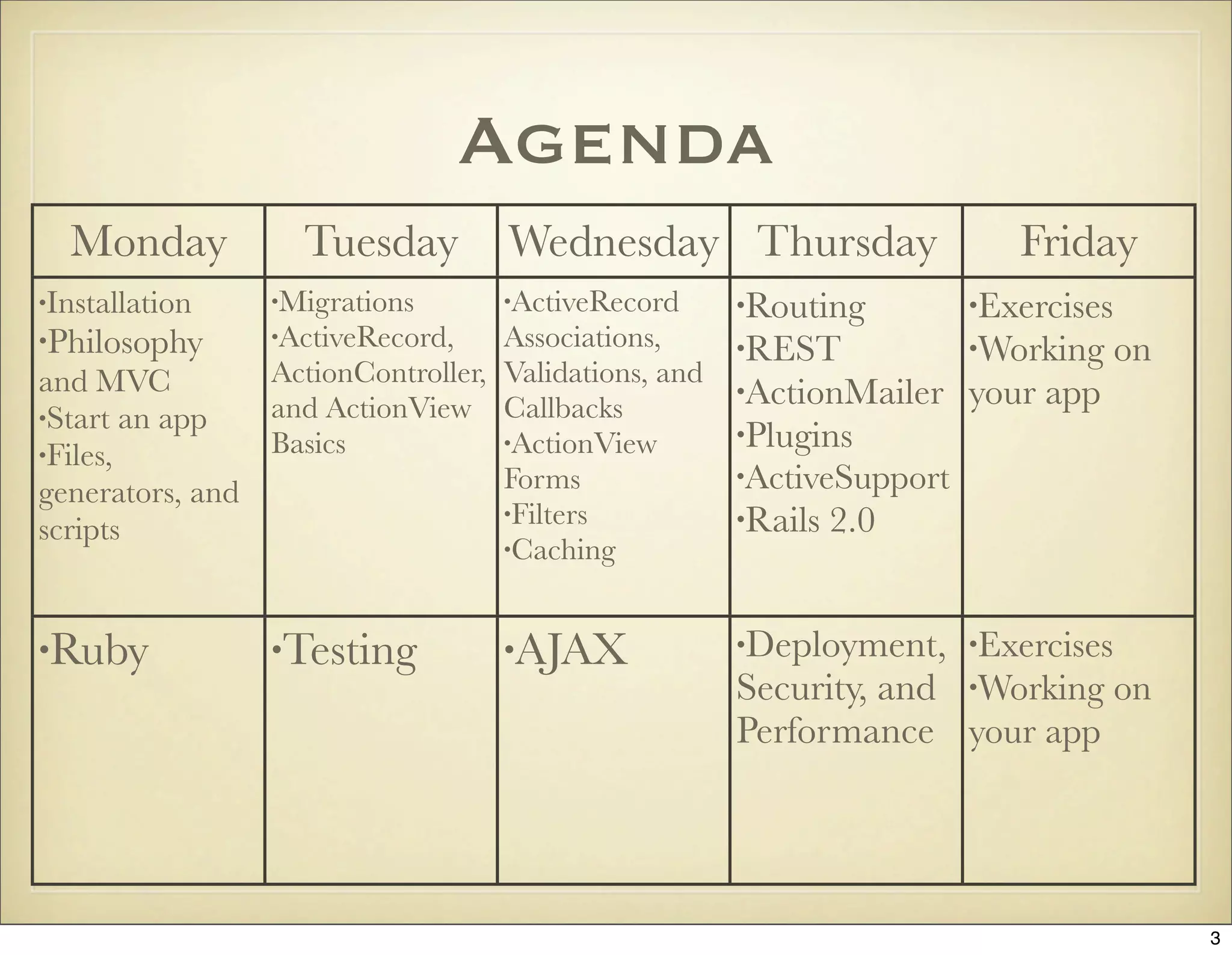

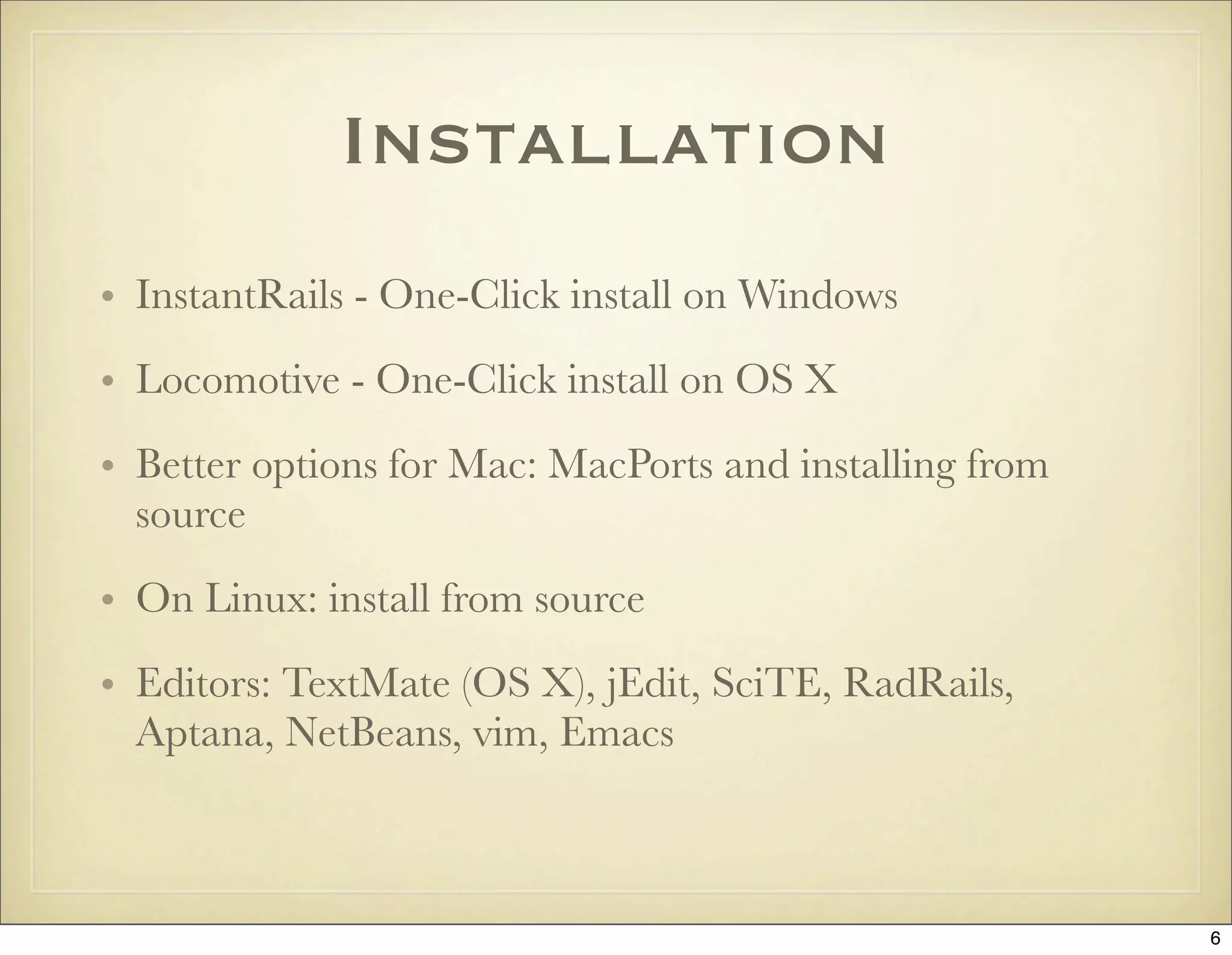
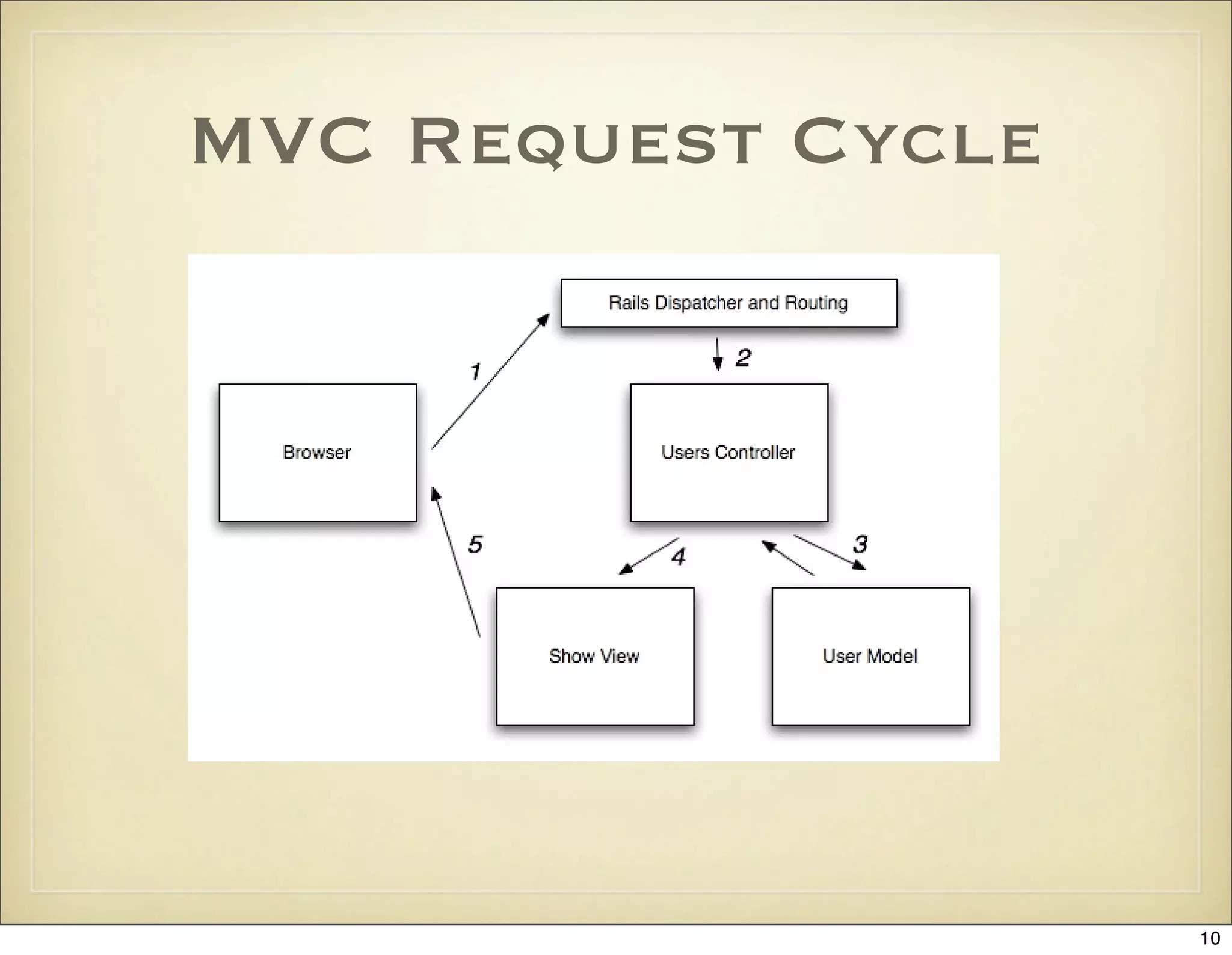
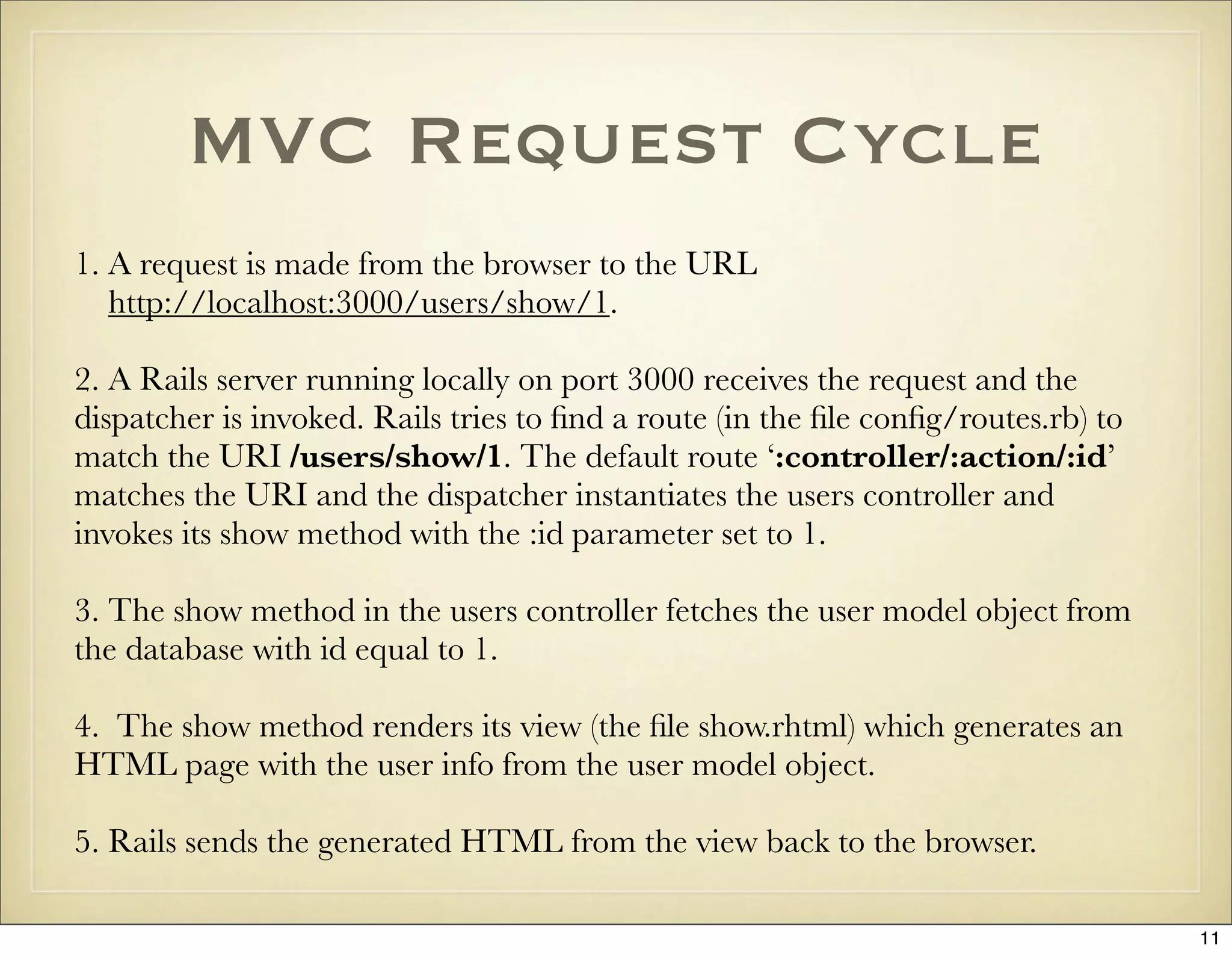
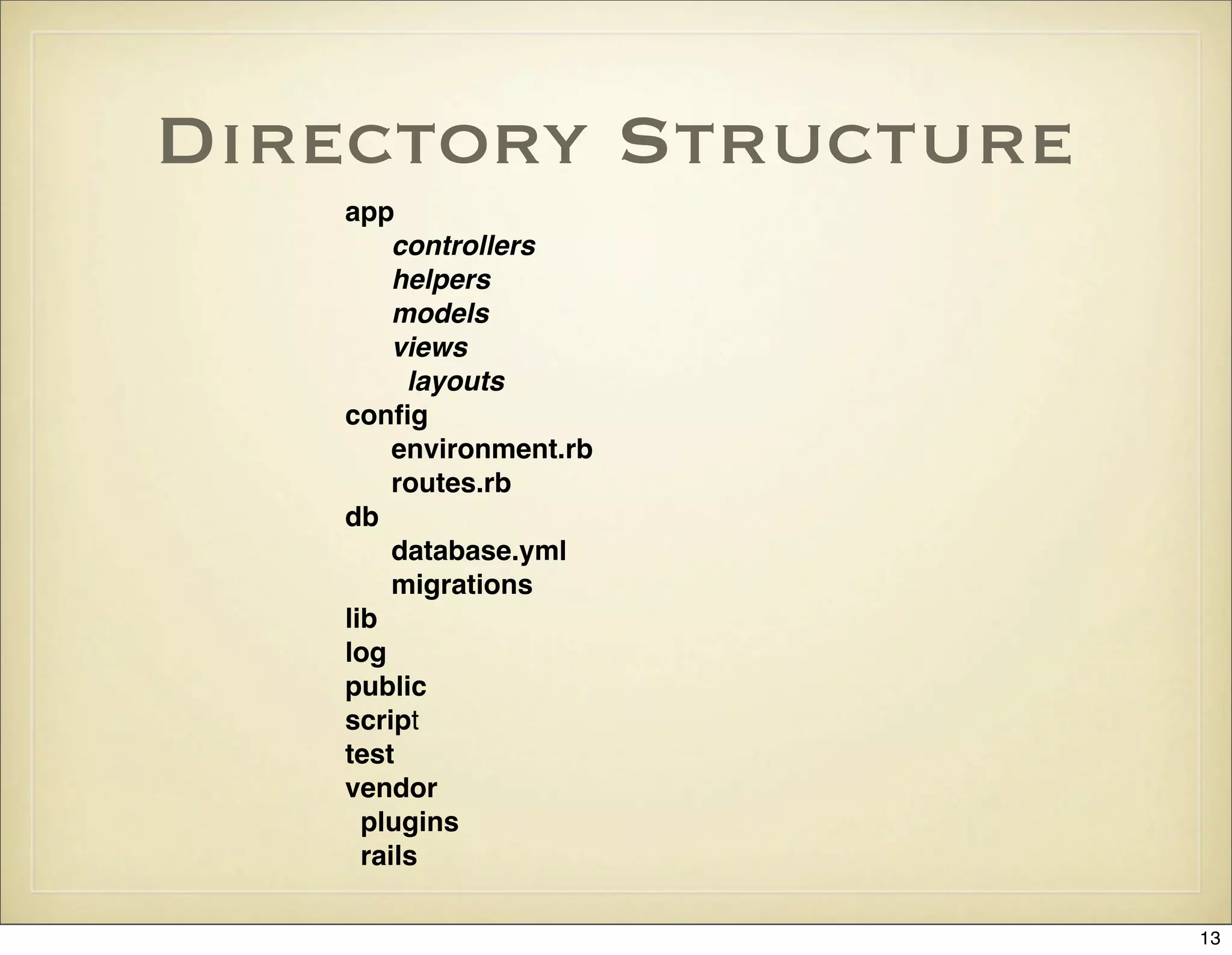
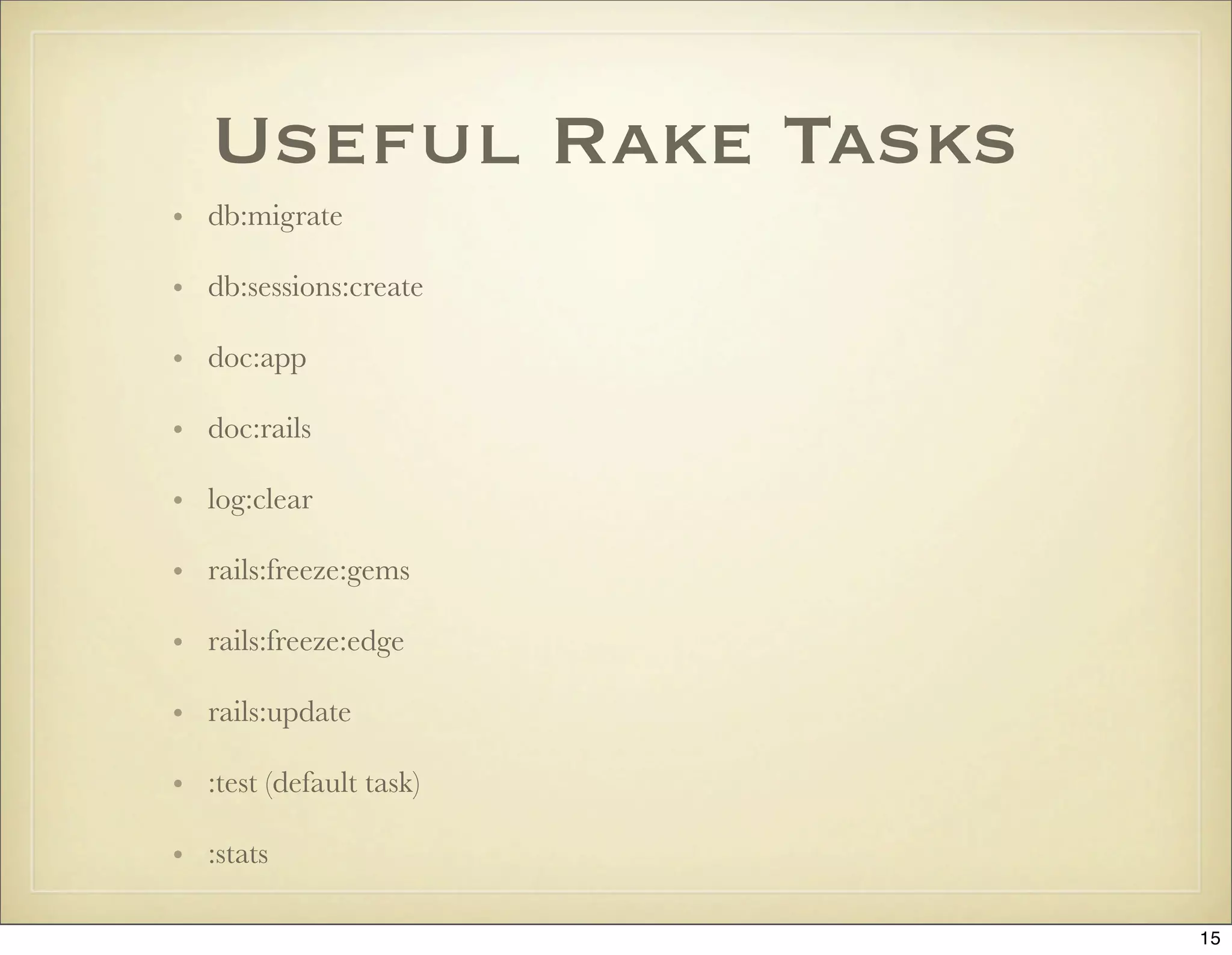
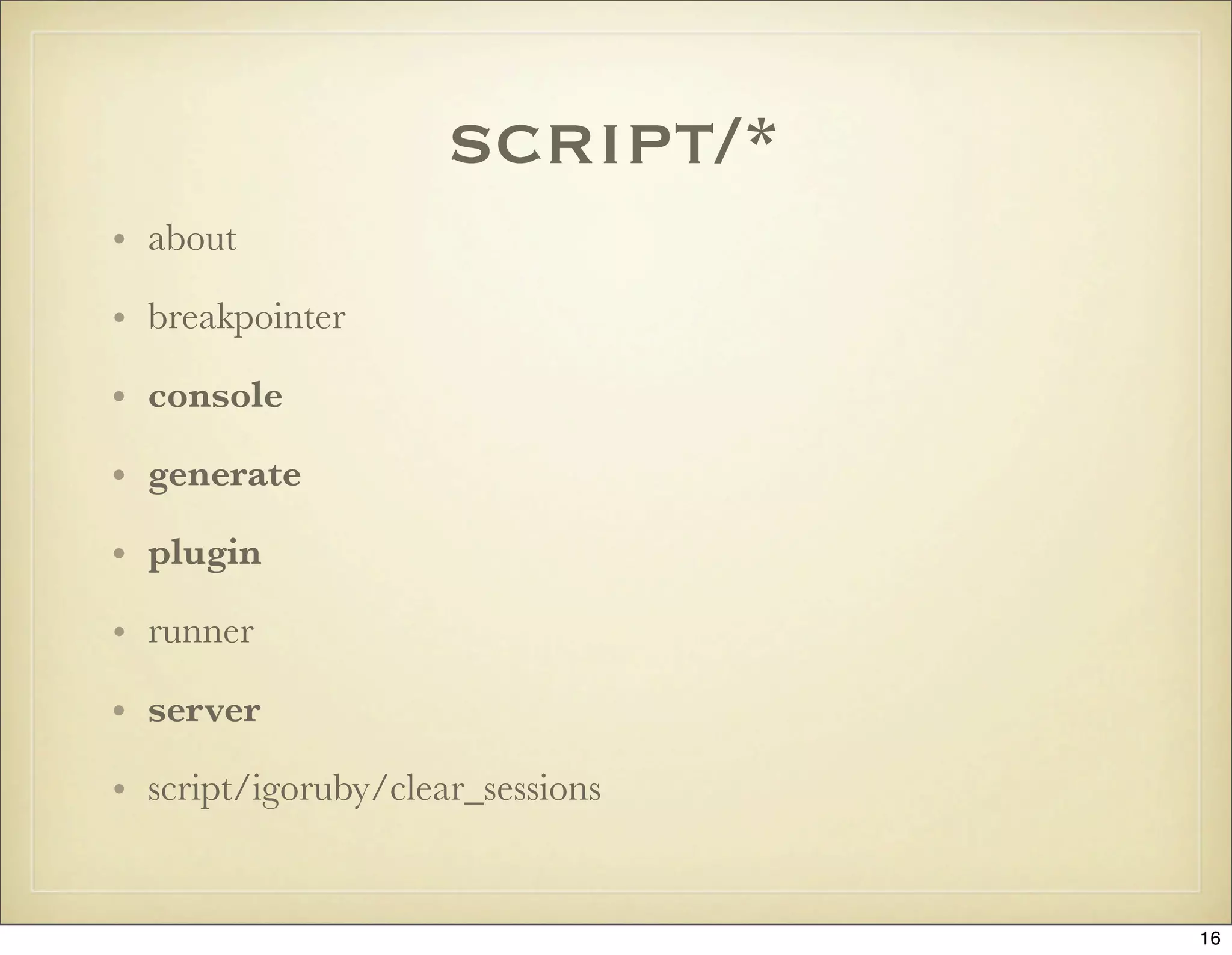
![Environments
• Every environment has a database connection in
config/database.yml and a configuration file under
config/environments.
• It’s easy to add custom environments, i.e. for a
staging server
• Rails always runs in only one environment, dictated
by ENV[‘RAILS_ENV’] (same as RAILS_ENV)
17](https://image.slidesharecdn.com/ruby-on-rails-101-presentation-slides-for-a-five-day-introductory-course-119407436077654-3-121125080043-phpapp01/75/Ruby-on-rails-101-presentation-slides-for-a-five-day-introductory-course-119407436077654-3-17-2048.jpg)
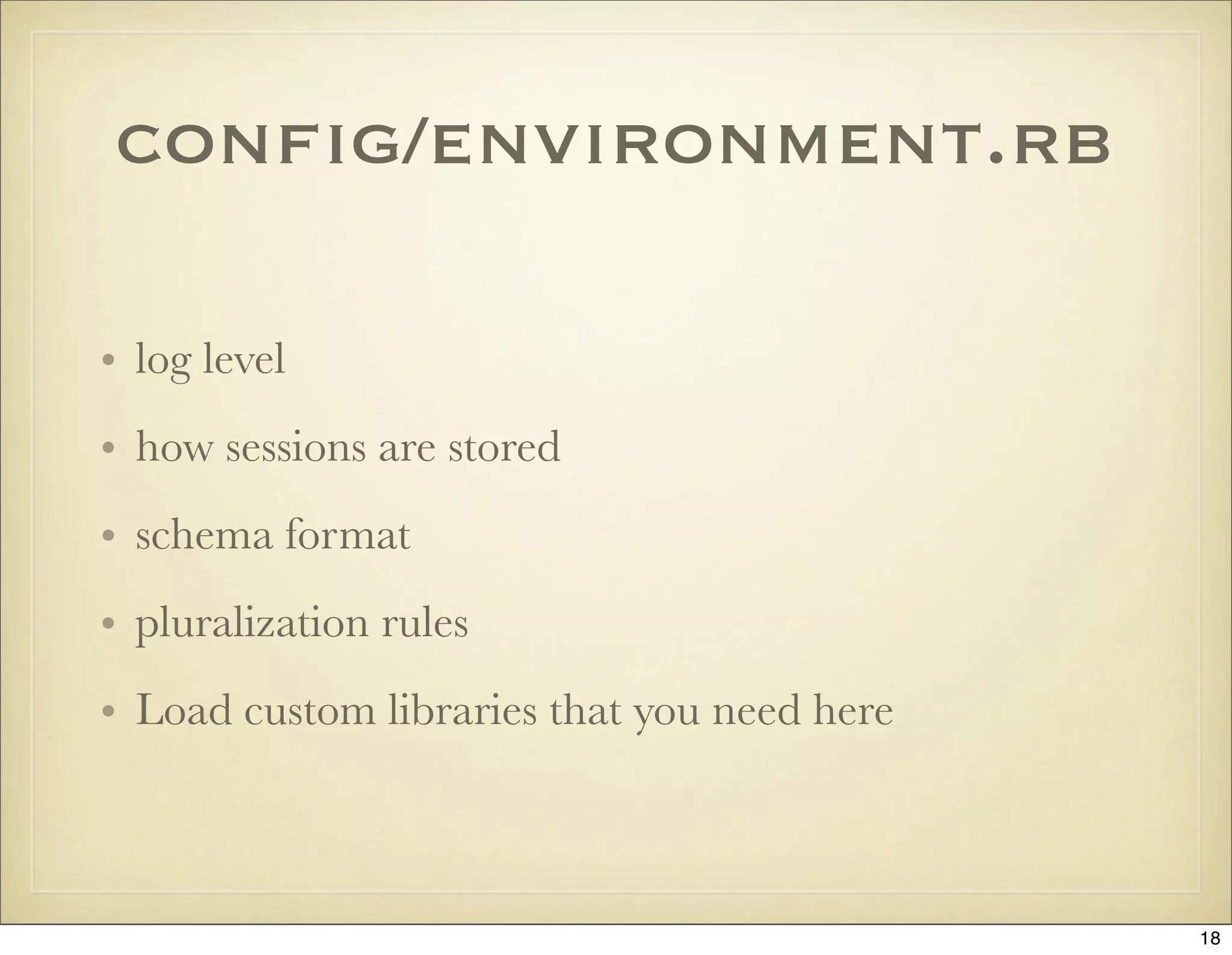
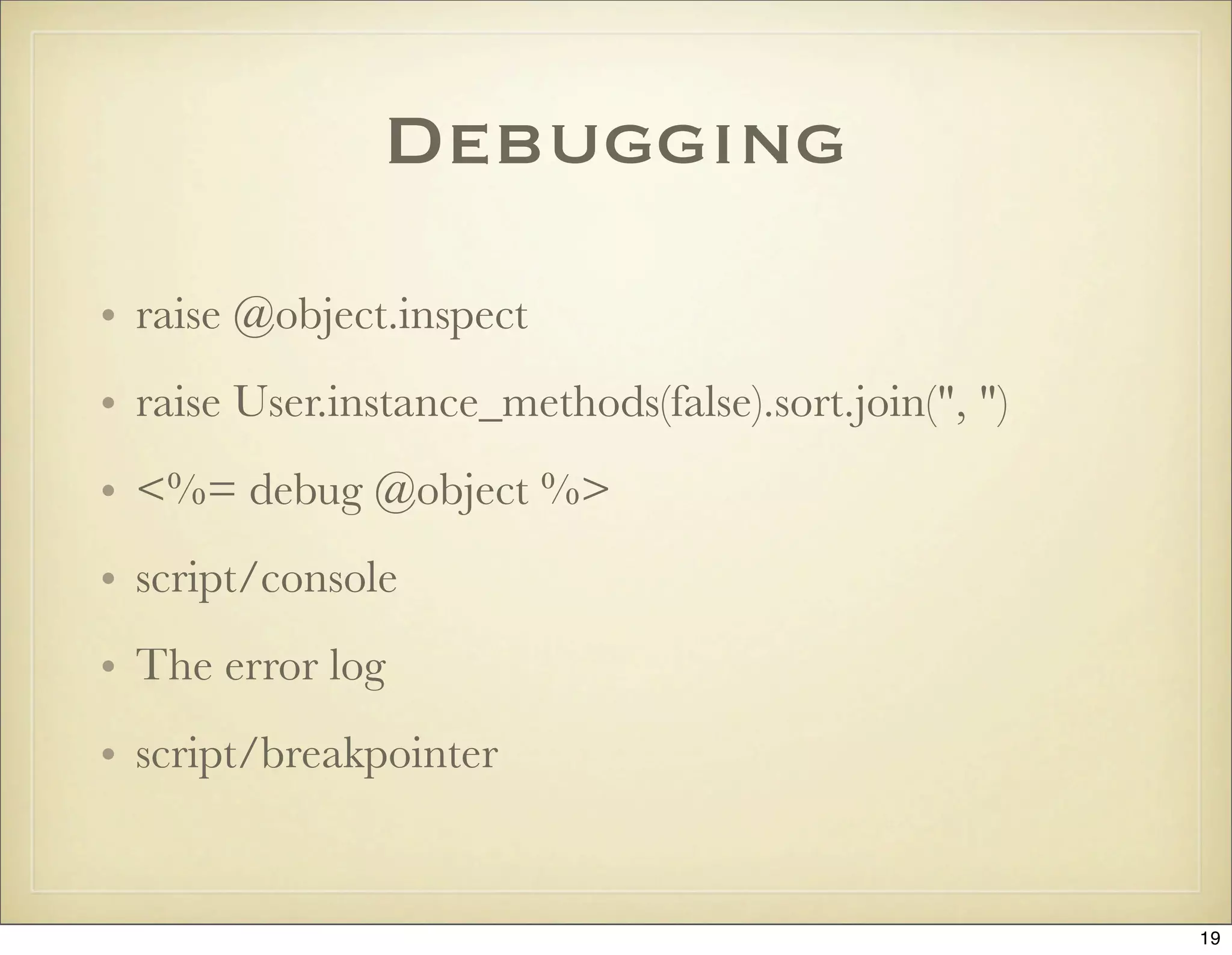

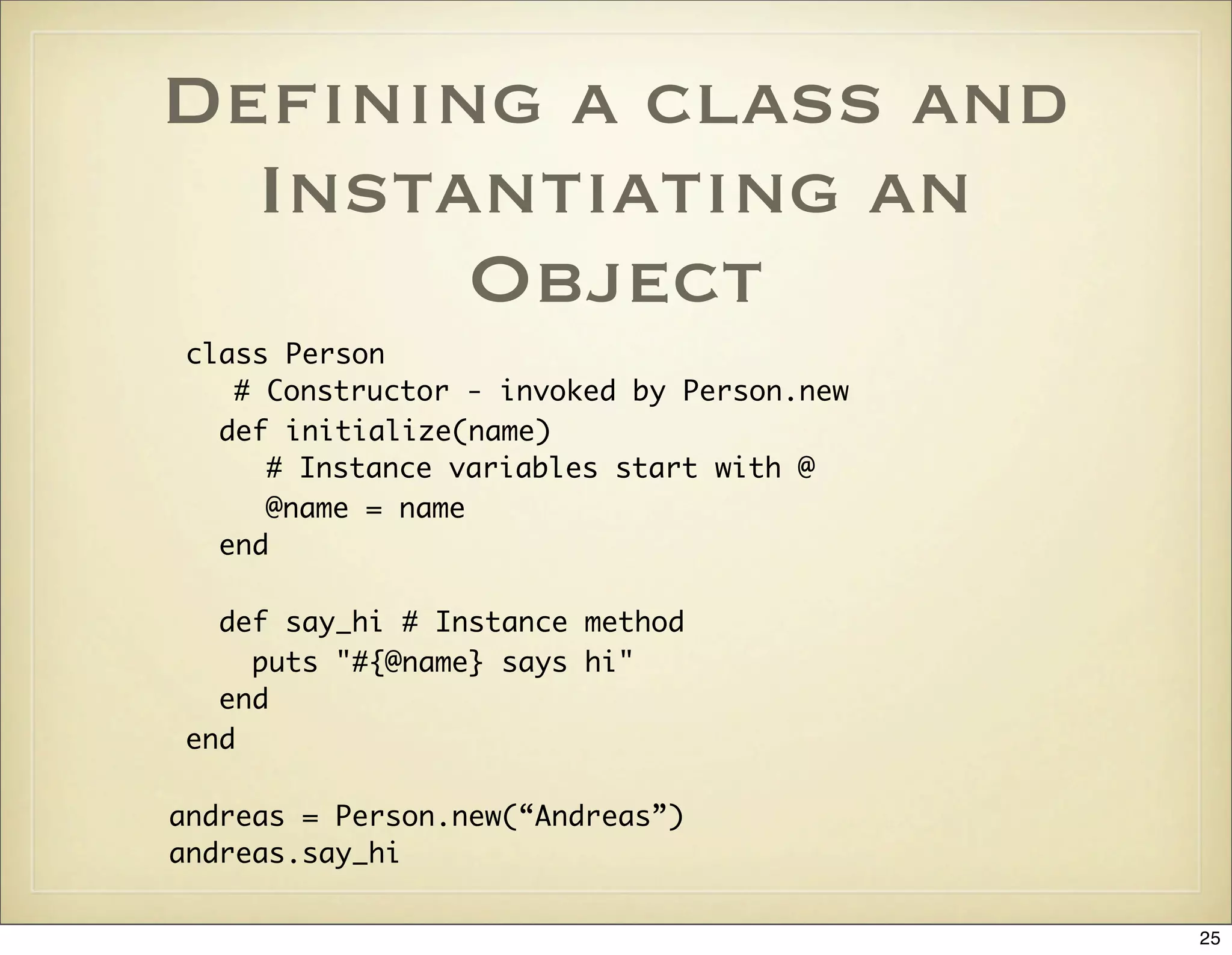
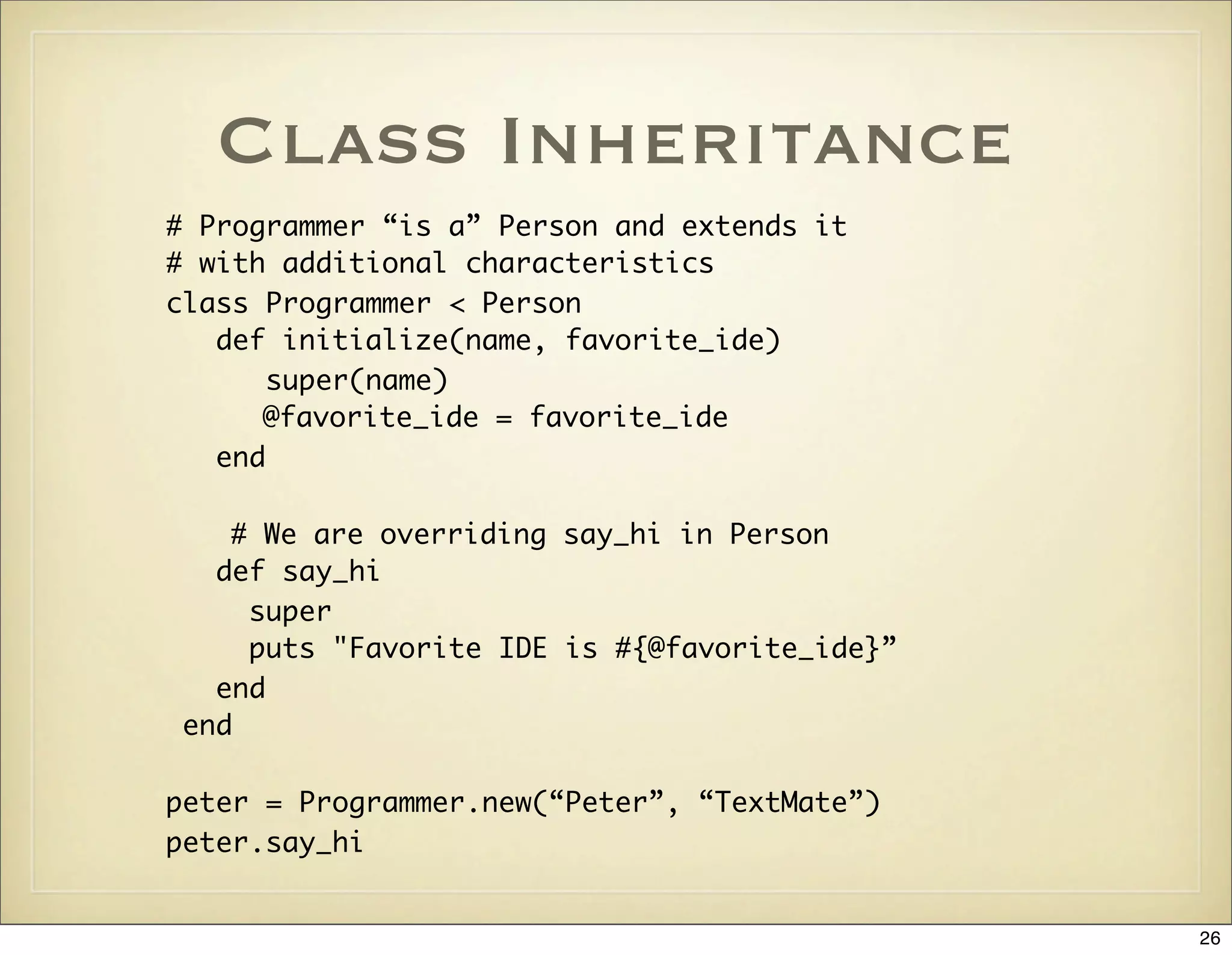
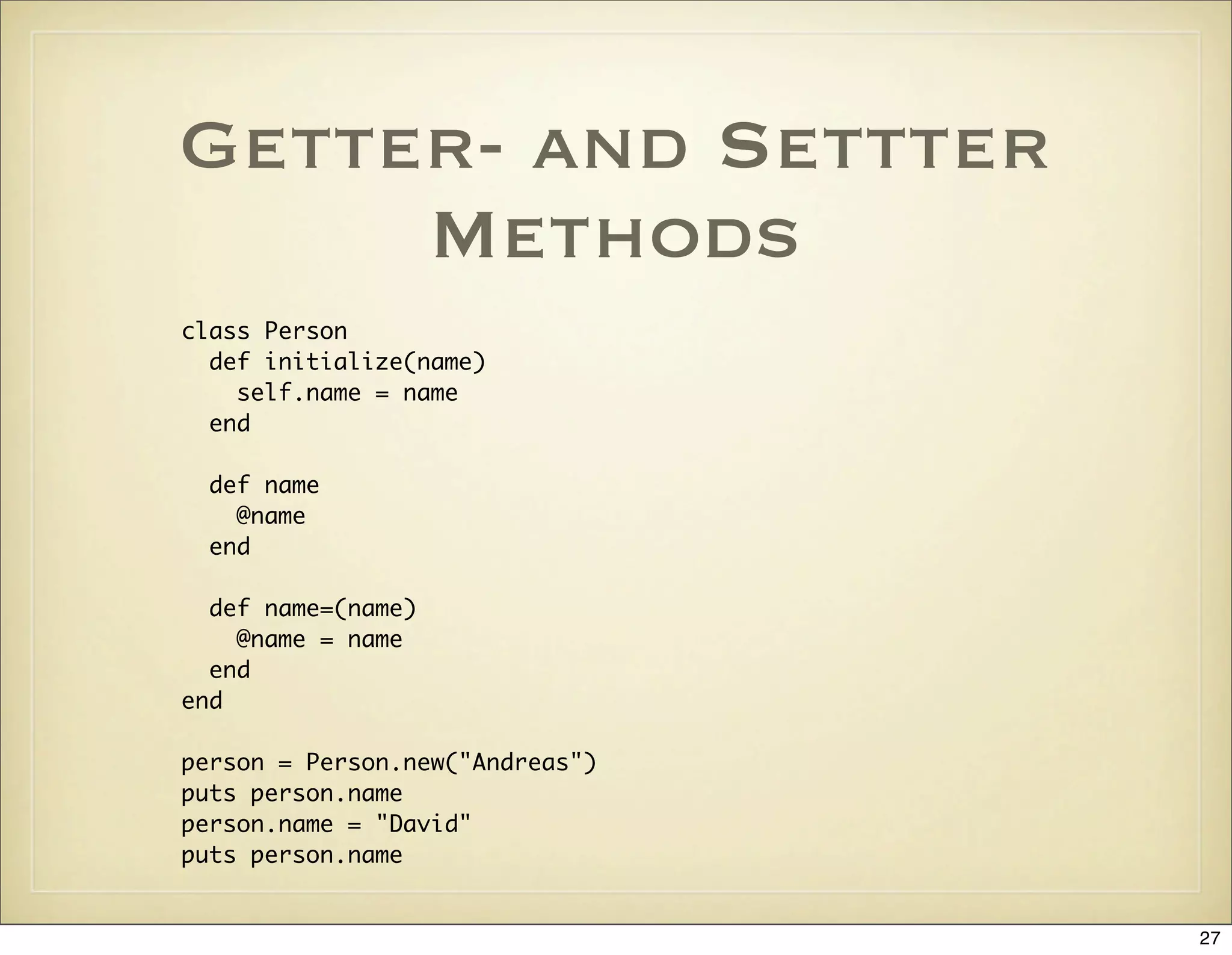
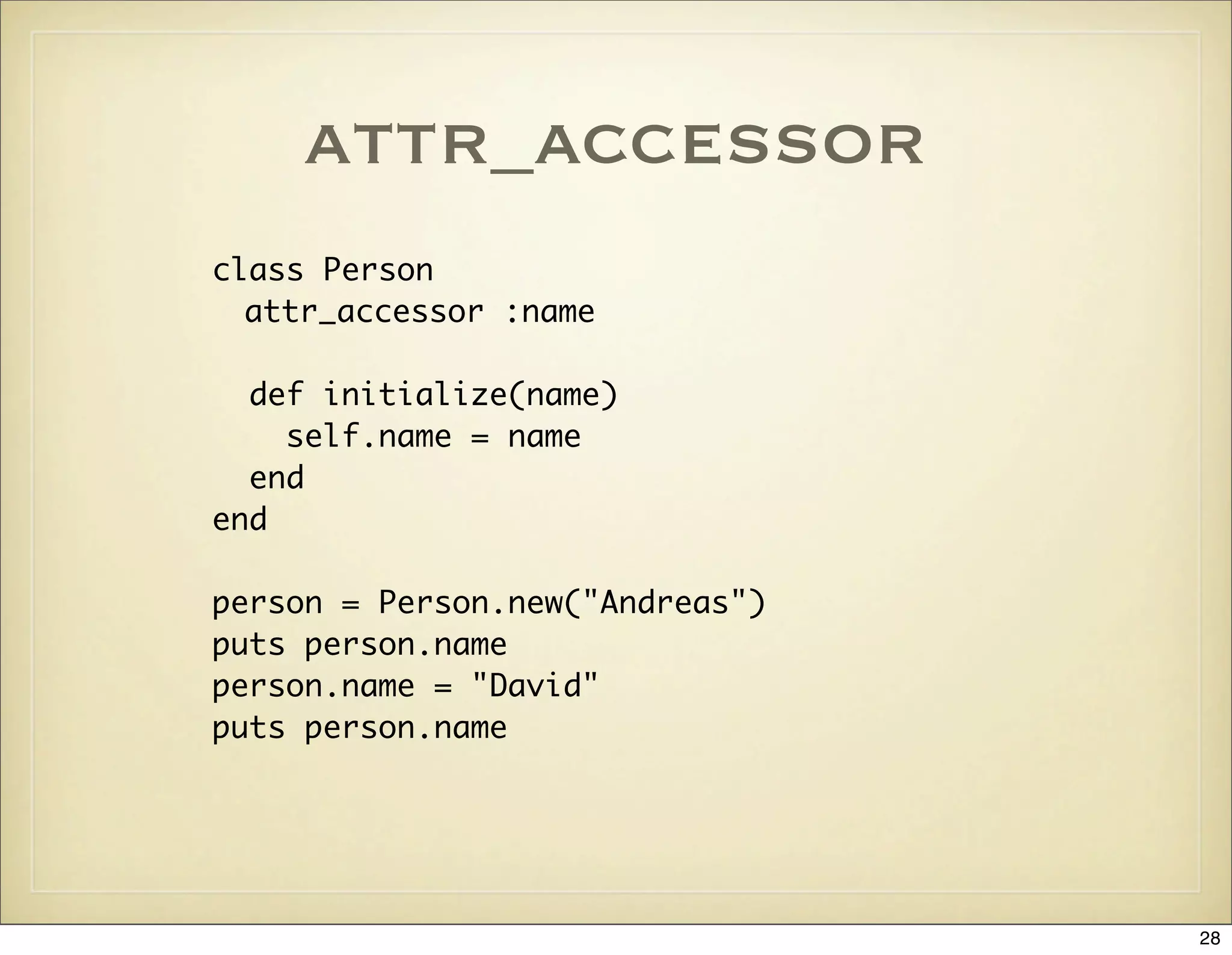
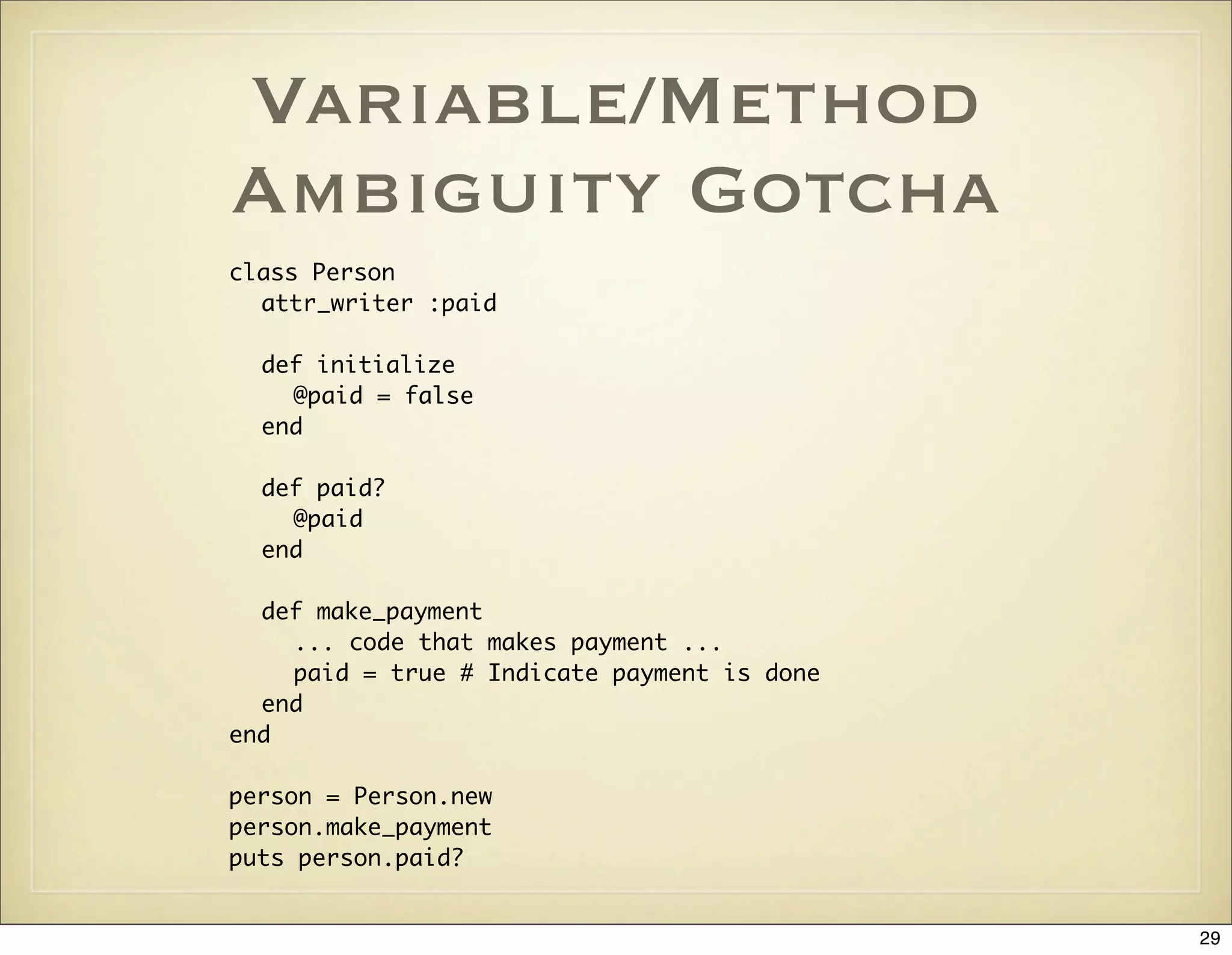
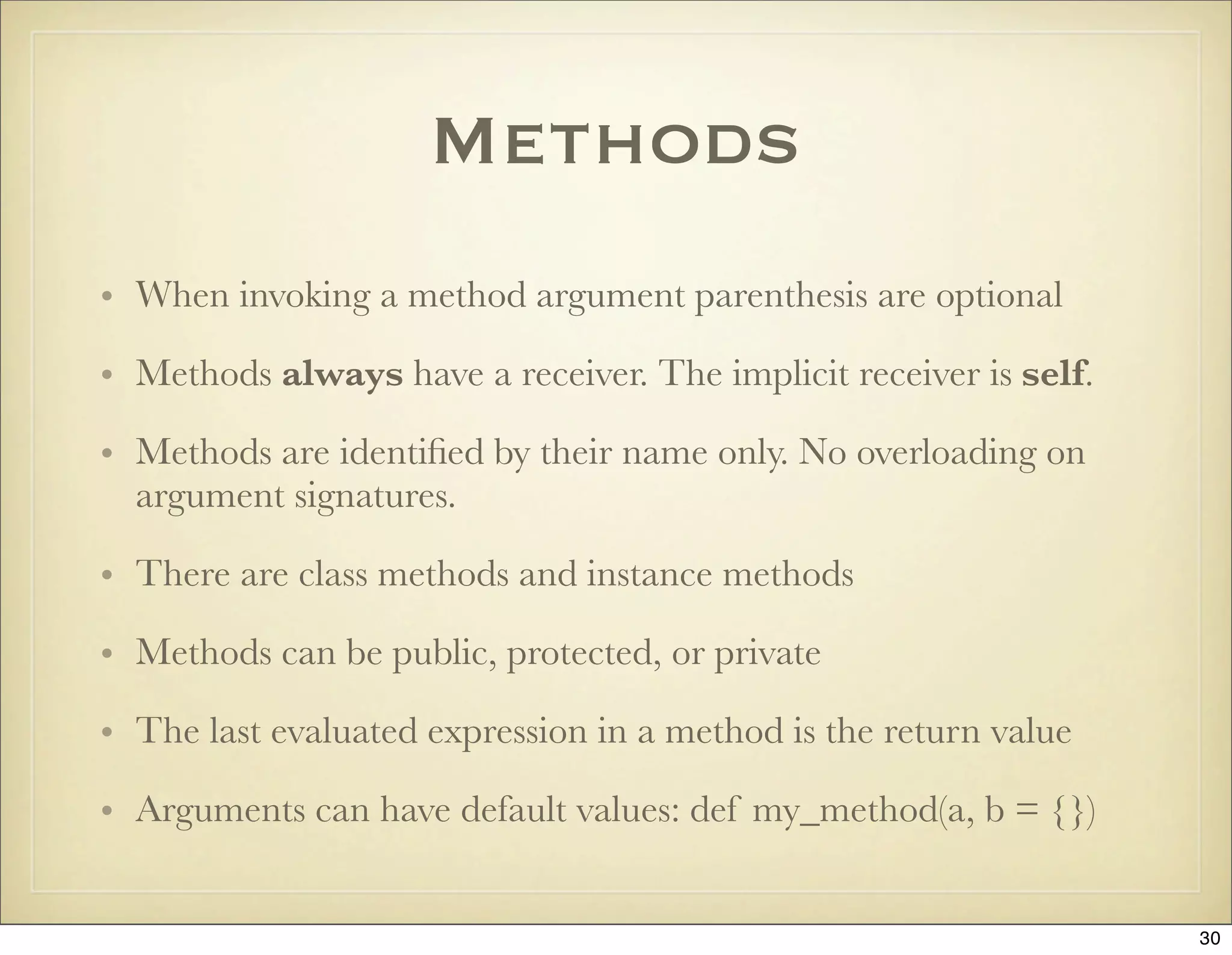
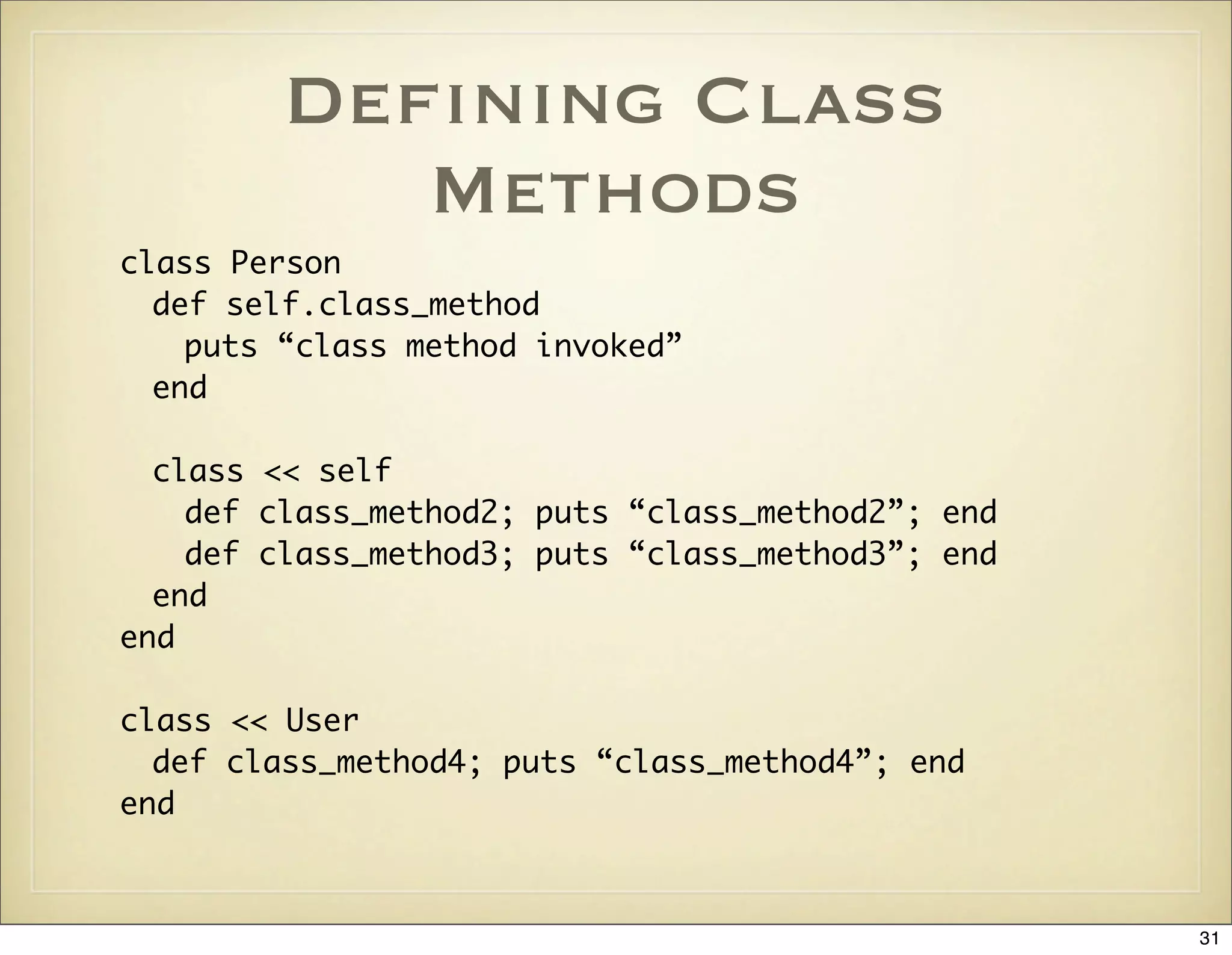
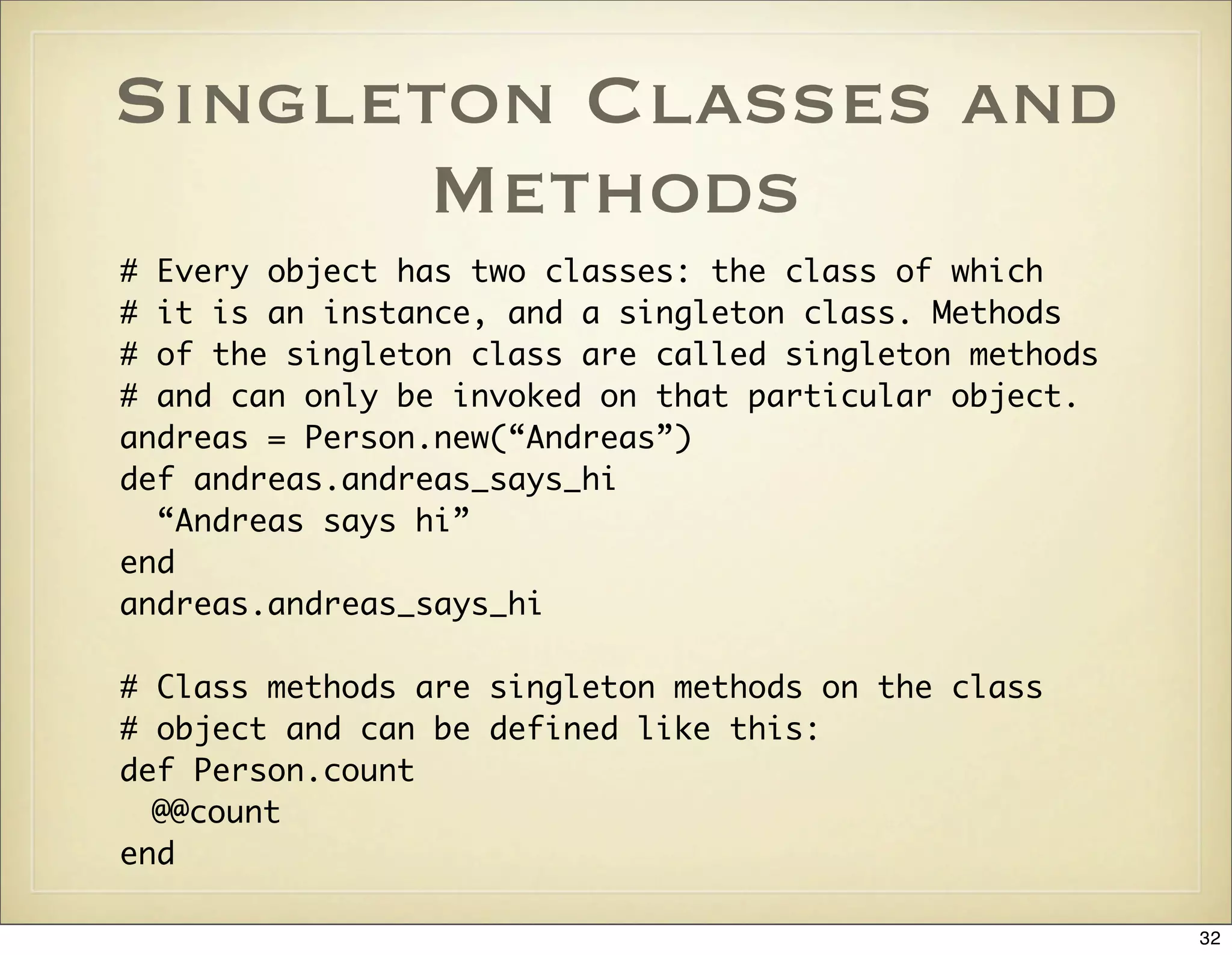
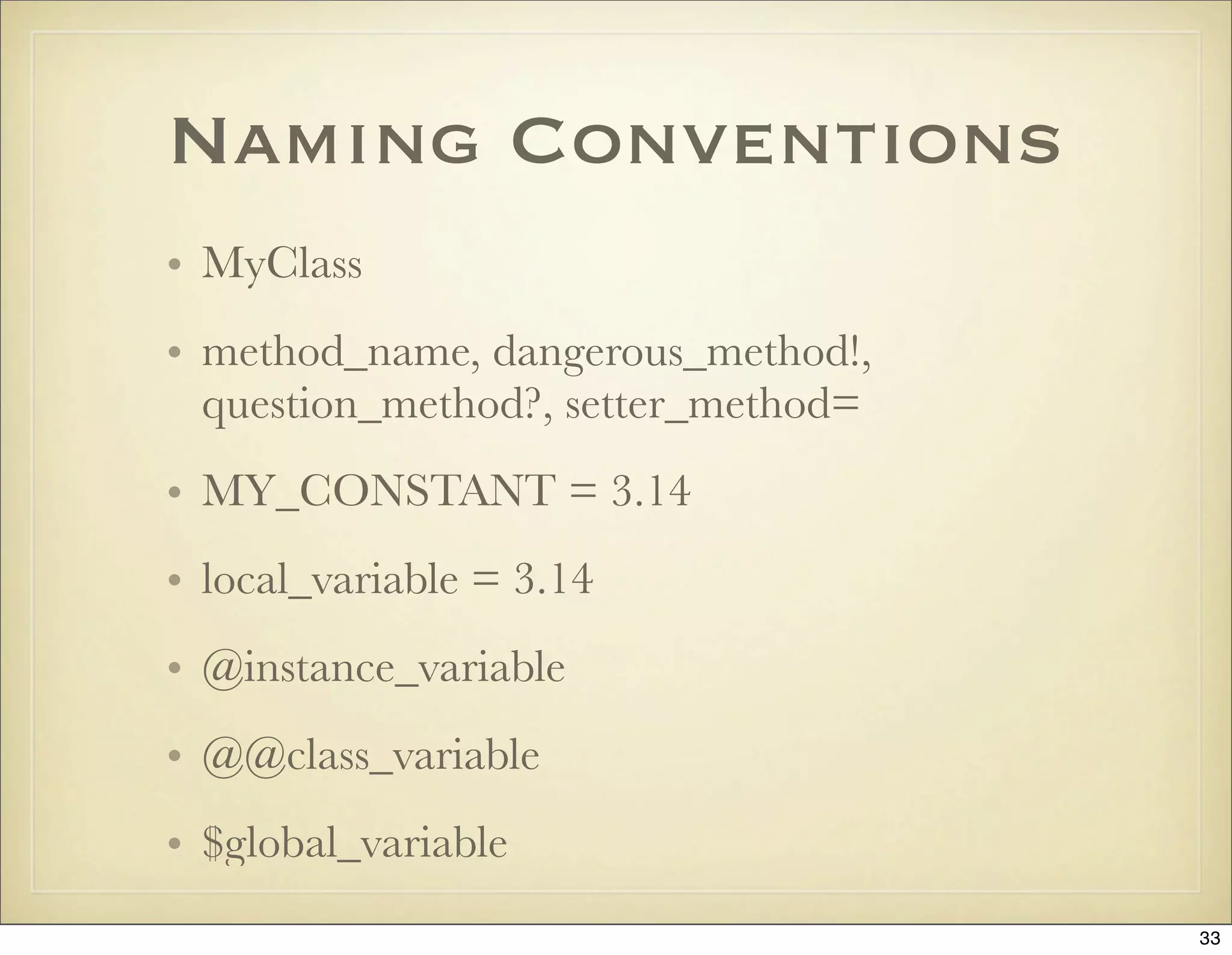
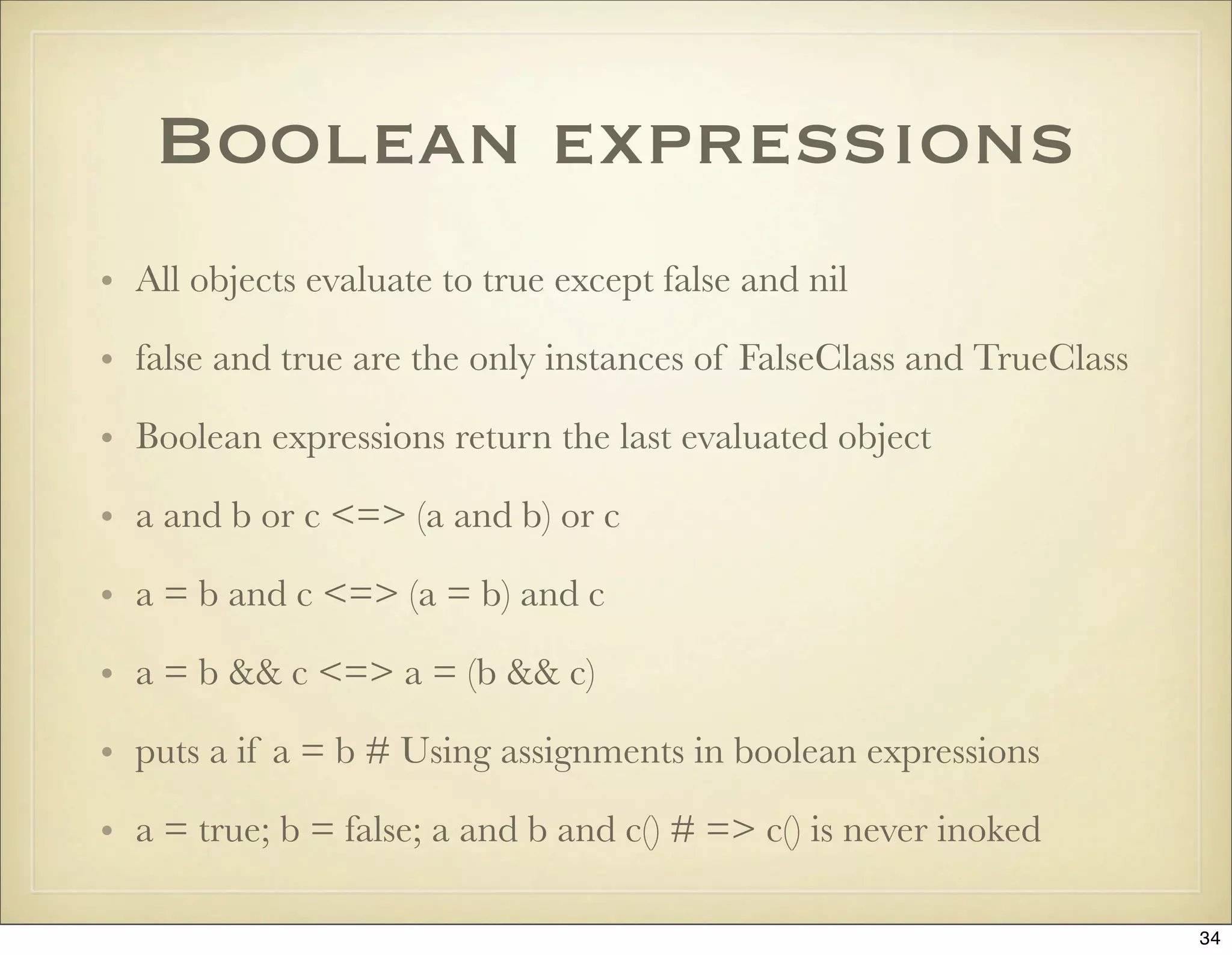
![assignment
• a, b = b, a # swapping values
• a = 1; b = 1
• a=b=1
• a += 1 # a = a + 1
• a, b = [1, 2]
• a = b || c
• a ||= b
35](https://image.slidesharecdn.com/ruby-on-rails-101-presentation-slides-for-a-five-day-introductory-course-119407436077654-3-121125080043-phpapp01/75/Ruby-on-rails-101-presentation-slides-for-a-five-day-introductory-course-119407436077654-3-35-2048.jpg)
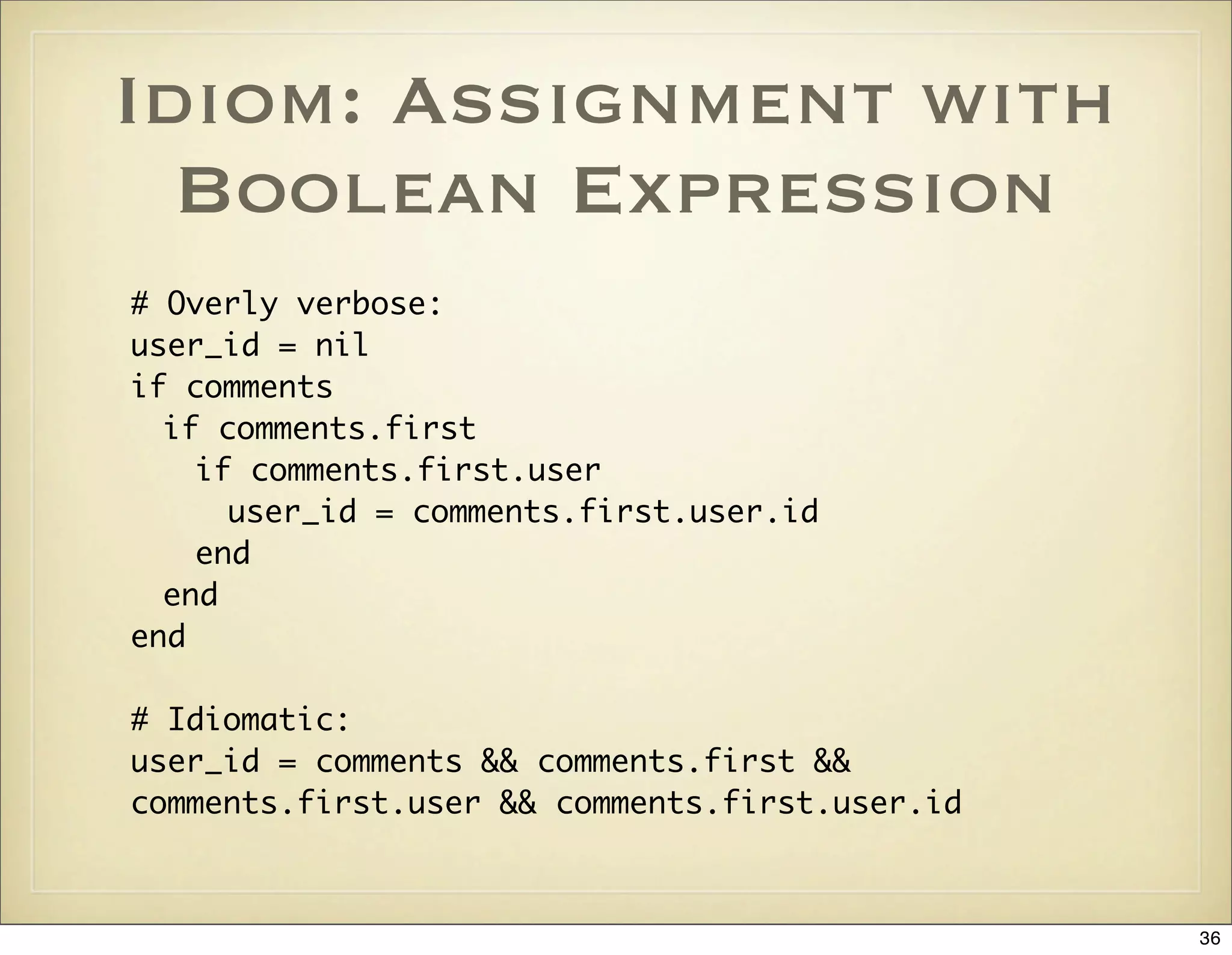
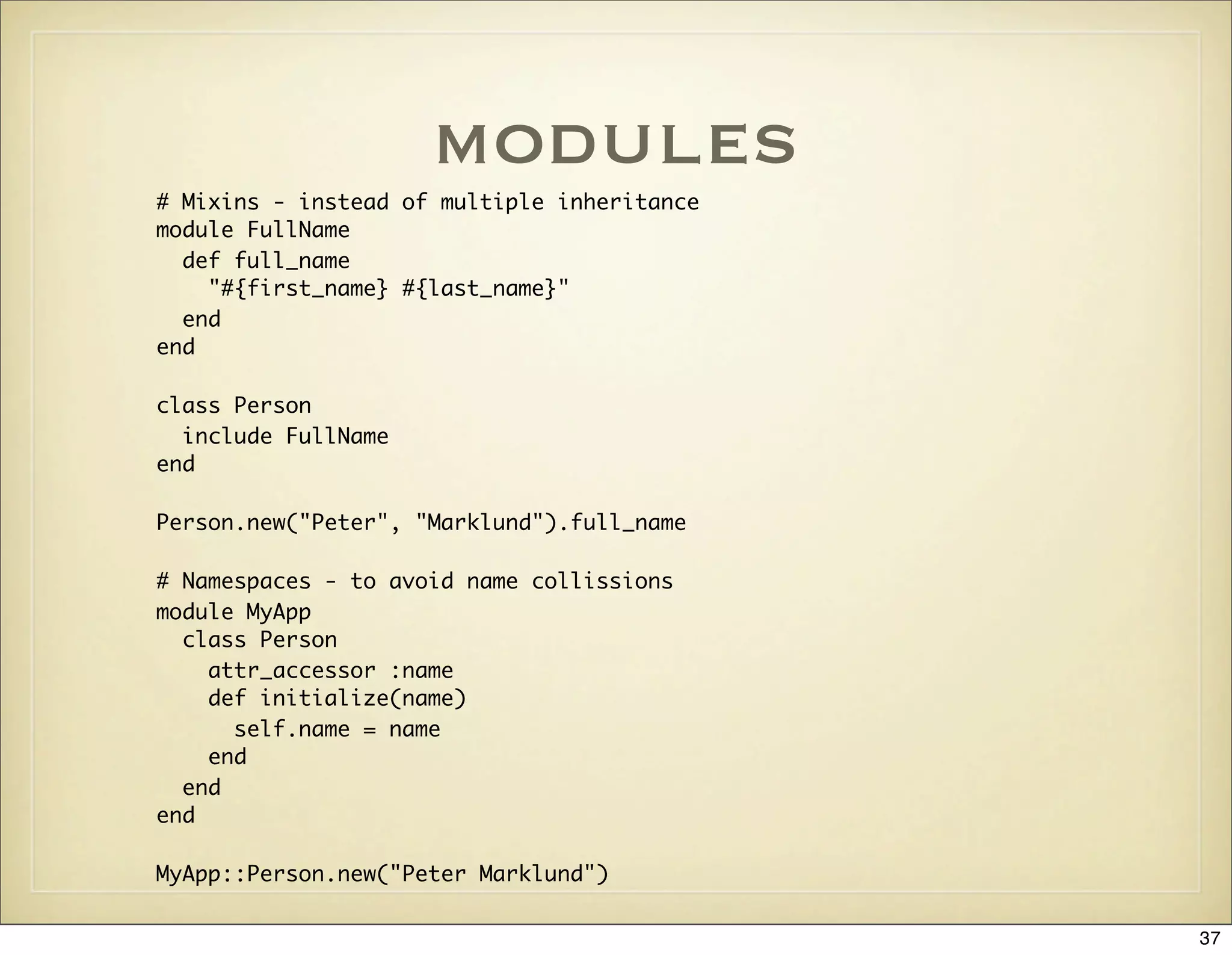
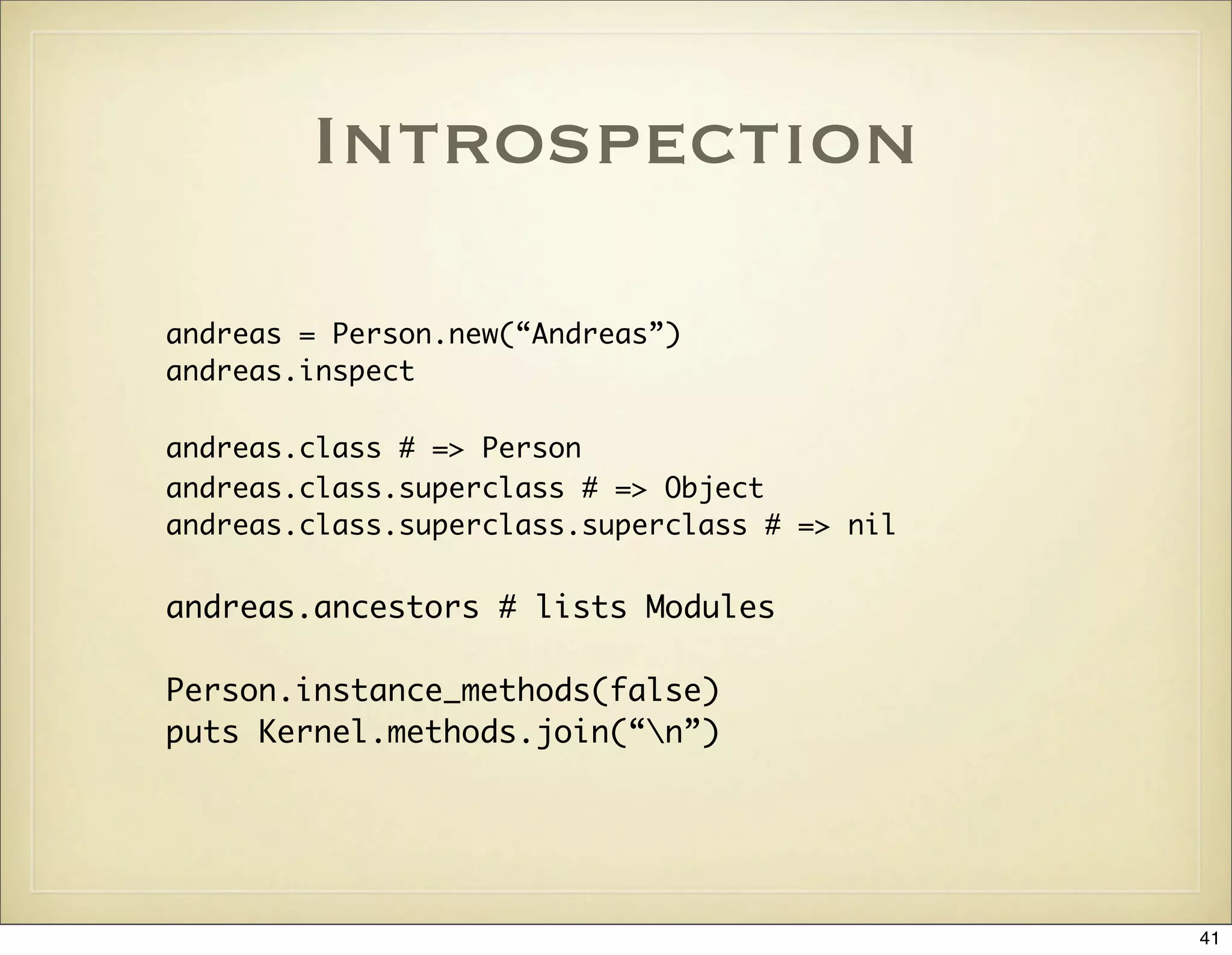
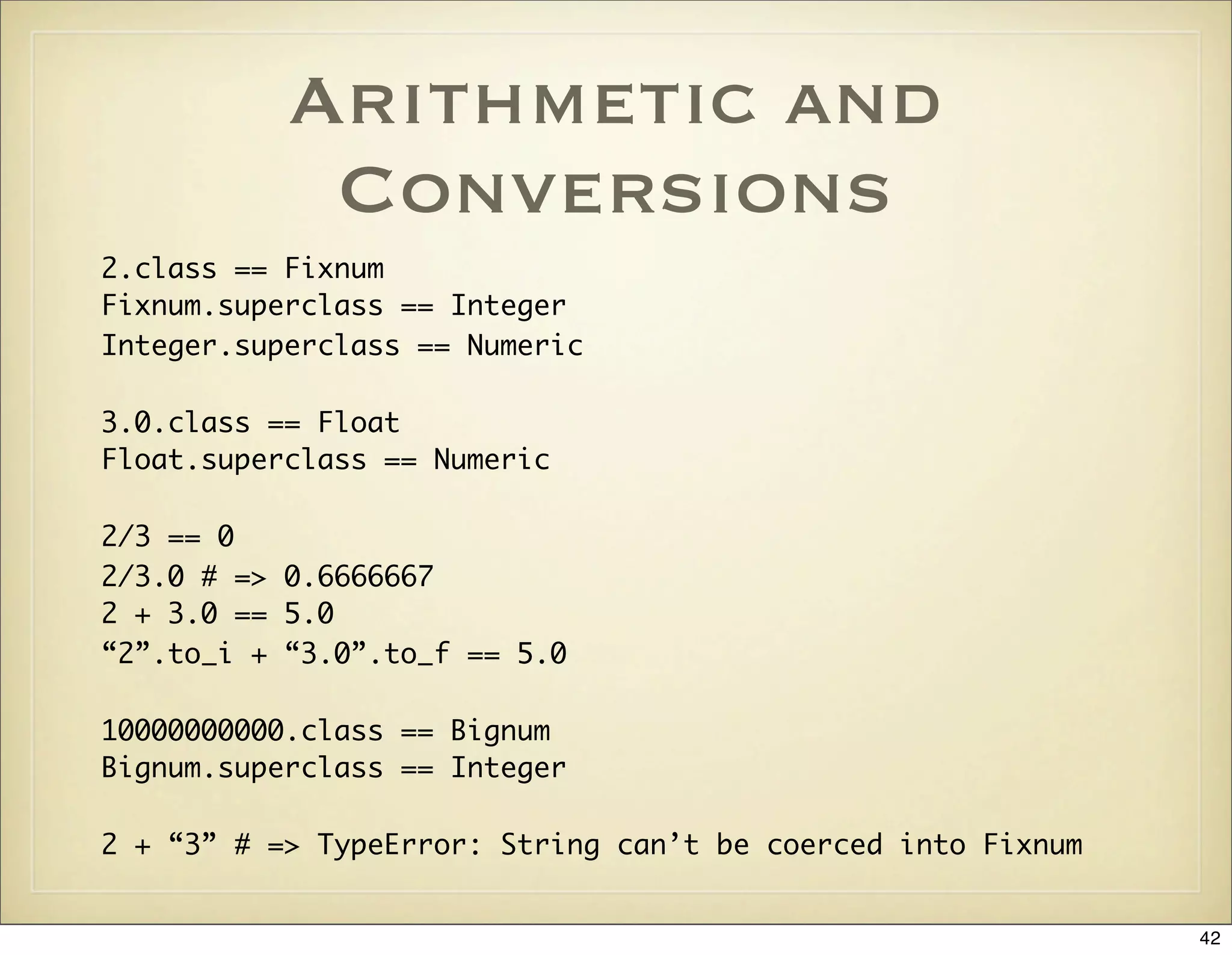
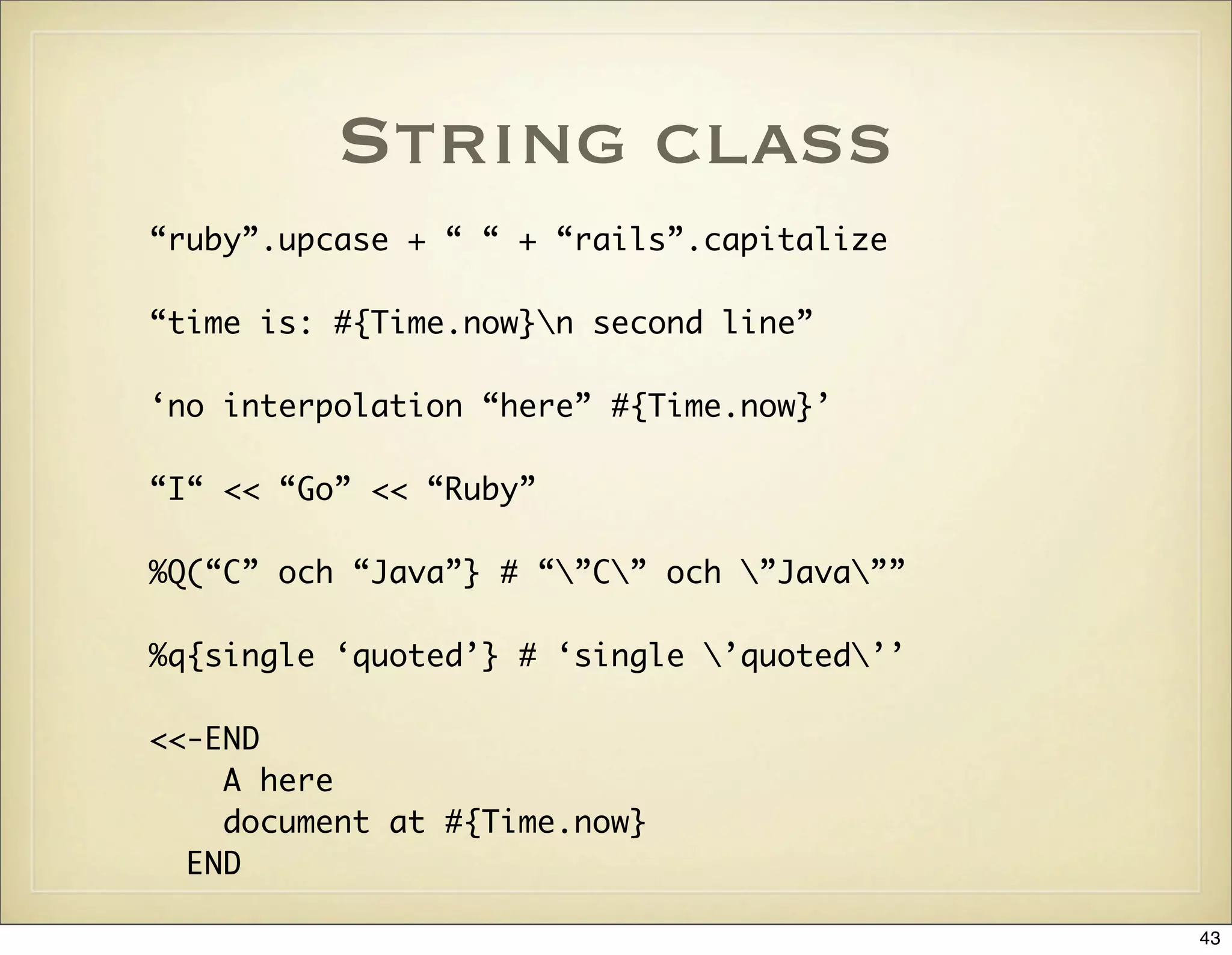
![array class
a = [“Ruby”, 99, 3.14]
a[1] == 99
a << “Rails”
[‘C’, ‘Java’, ‘Ruby’] == %w{C Java Ruby}
[1, 2, 3].map { |x| x**2 }.join(“, “)
[1, 2, 3].select { |x| x % 2 == 0 }
[1, 2, 3].reject { |x| x < 3 }
[1, 2, 3].inject { |sum, i| sum + i }
[1, [2, 3]].flatten! # => [1, 2, 3]
raise “Invalid language” if !%w{C Java Ruby}.include?(language)
fruits = [‘apple’, ‘banana’]
fruits += [‘apple’] unless fruits.include?(‘apple’)
fruits |= [‘apple’]
44](https://image.slidesharecdn.com/ruby-on-rails-101-presentation-slides-for-a-five-day-introductory-course-119407436077654-3-121125080043-phpapp01/75/Ruby-on-rails-101-presentation-slides-for-a-five-day-introductory-course-119407436077654-3-44-2048.jpg)
![hash class
h = {:lang => ‘Ruby’, :framework => ‘Rails’}
h[:lang] == ‘Ruby’
h[:perl] == nil
ENV = {“USER” => “peter”, “SHELL” => “/bin/bash”}
ENV.each {|k, v| puts “#{k}=#{v}” }
45](https://image.slidesharecdn.com/ruby-on-rails-101-presentation-slides-for-a-five-day-introductory-course-119407436077654-3-121125080043-phpapp01/75/Ruby-on-rails-101-presentation-slides-for-a-five-day-introductory-course-119407436077654-3-45-2048.jpg)
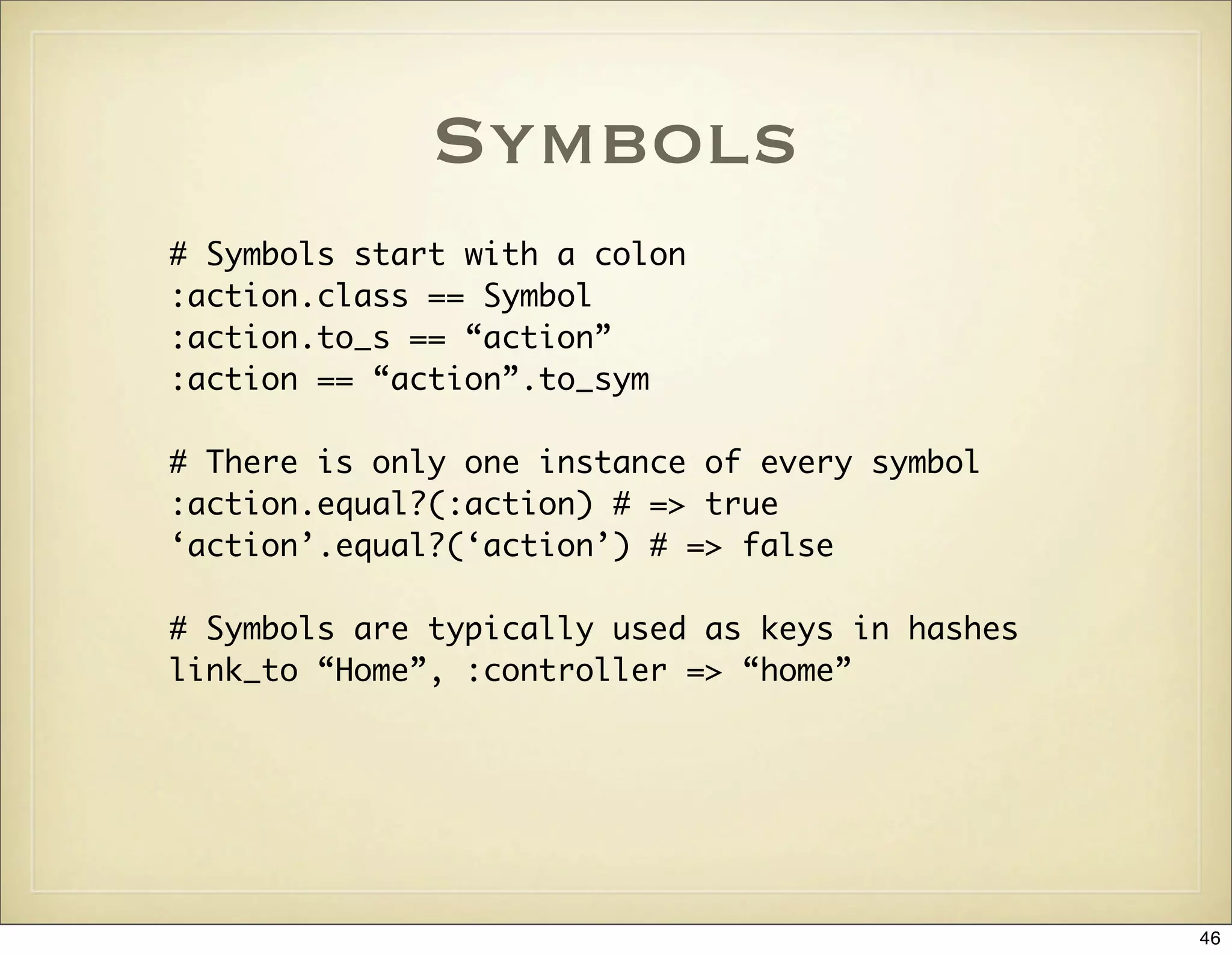
![More About methods
• Arbitrary number of arguments: def my_methods(*args)
• Converting Array to arguments: my_method([a, b]*)
• Dynamic method invocation: object.send(:method_name)
• Duck typing: object.respond_to?(:method_name)
• If the last argument is a Hash, the braces can be omitted:
link_to “Home”, :controller => ‘home’
47](https://image.slidesharecdn.com/ruby-on-rails-101-presentation-slides-for-a-five-day-introductory-course-119407436077654-3-121125080043-phpapp01/75/Ruby-on-rails-101-presentation-slides-for-a-five-day-introductory-course-119407436077654-3-47-2048.jpg)
![Range Class
# Two dots is inclusive, i.e. 1 to 5
(1..5).each { |x| puts x**2 }
# Three dots excludes the last item,
# i.e. 1 to 4
(1...5).each { |x| puts x }
(1..3).to_a == [1, 2, 3]
48](https://image.slidesharecdn.com/ruby-on-rails-101-presentation-slides-for-a-five-day-introductory-course-119407436077654-3-121125080043-phpapp01/75/Ruby-on-rails-101-presentation-slides-for-a-five-day-introductory-course-119407436077654-3-48-2048.jpg)
![Structs
Rating = Struct.new(:name, :ratings)
rating = Rating.new("Rails", [ 10, 10, 9.5, 10 ])
puts rating.name
puts rating.ratings
49](https://image.slidesharecdn.com/ruby-on-rails-101-presentation-slides-for-a-five-day-introductory-course-119407436077654-3-121125080043-phpapp01/75/Ruby-on-rails-101-presentation-slides-for-a-five-day-introductory-course-119407436077654-3-49-2048.jpg)
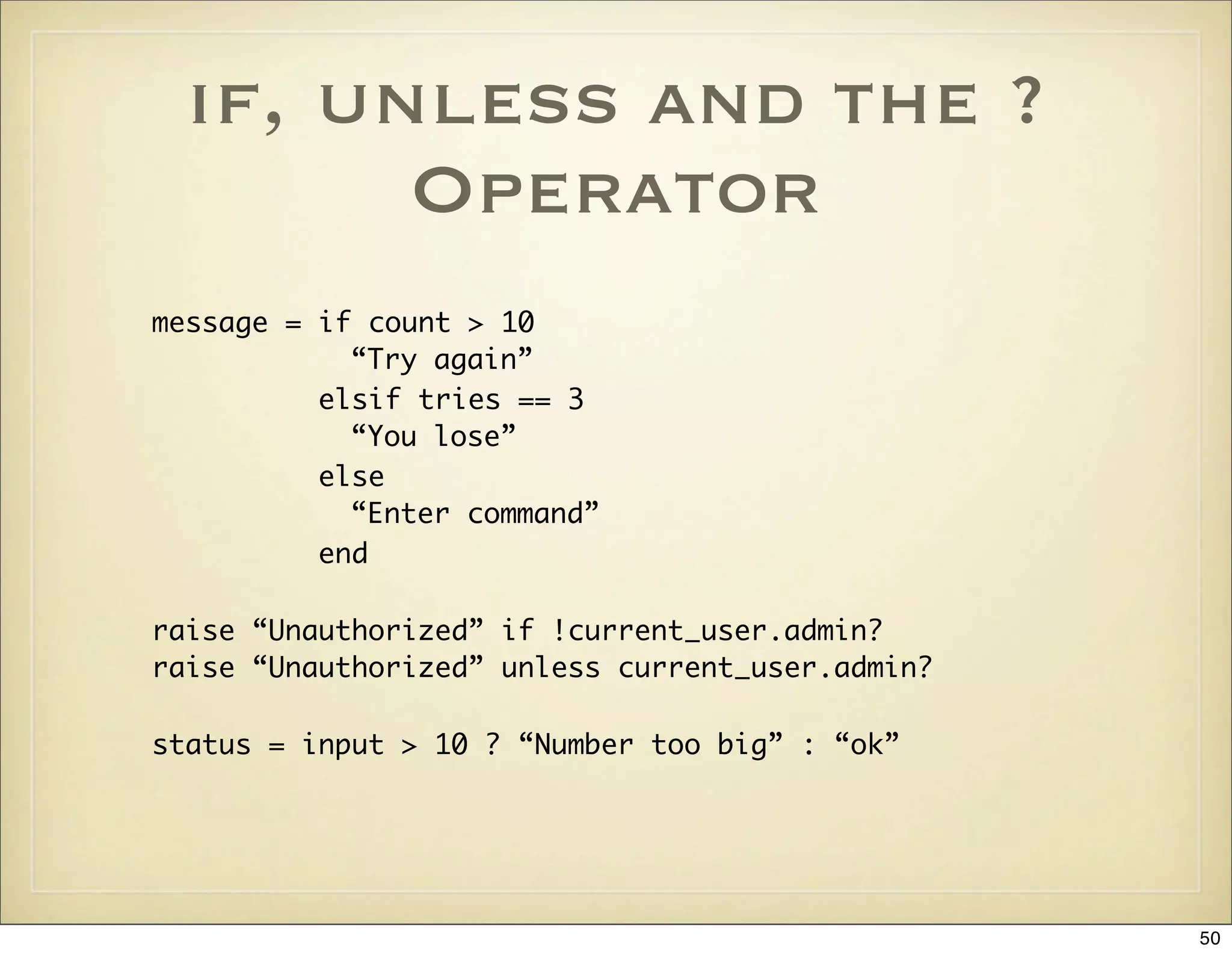
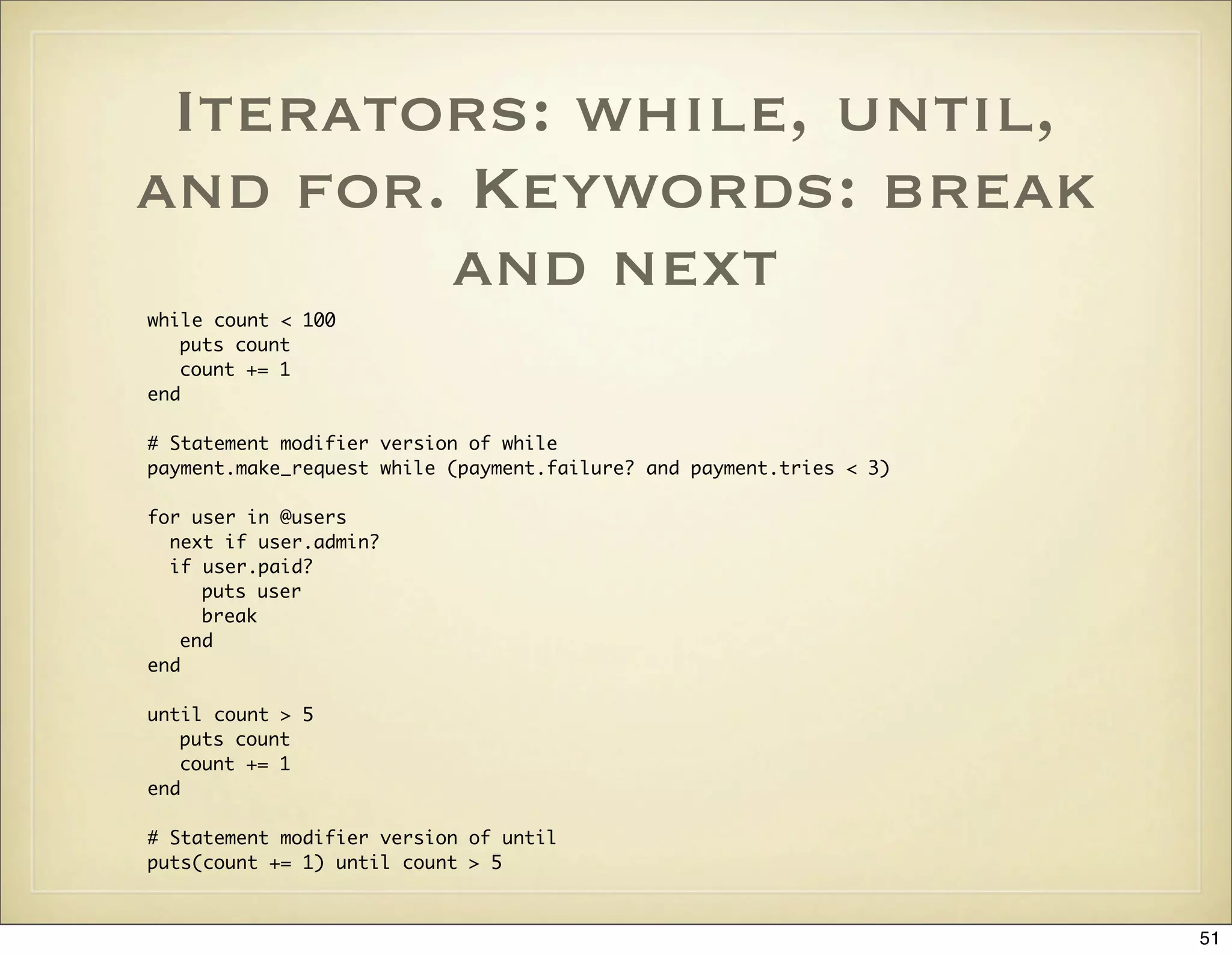
![case
case x
when 0
when 1, 2..5
puts "Second branch"
when 6..10
puts "Third branch"
when *[11, 12]
puts “Fourth branch”
when String: puts “Fifth branch”
when /d+.d+/
puts “Sixth branch”
when x.downcase == “peter”
puts “Seventh branch”
else
puts "Eight branch"
end
52](https://image.slidesharecdn.com/ruby-on-rails-101-presentation-slides-for-a-five-day-introductory-course-119407436077654-3-121125080043-phpapp01/75/Ruby-on-rails-101-presentation-slides-for-a-five-day-introductory-course-119407436077654-3-52-2048.jpg)
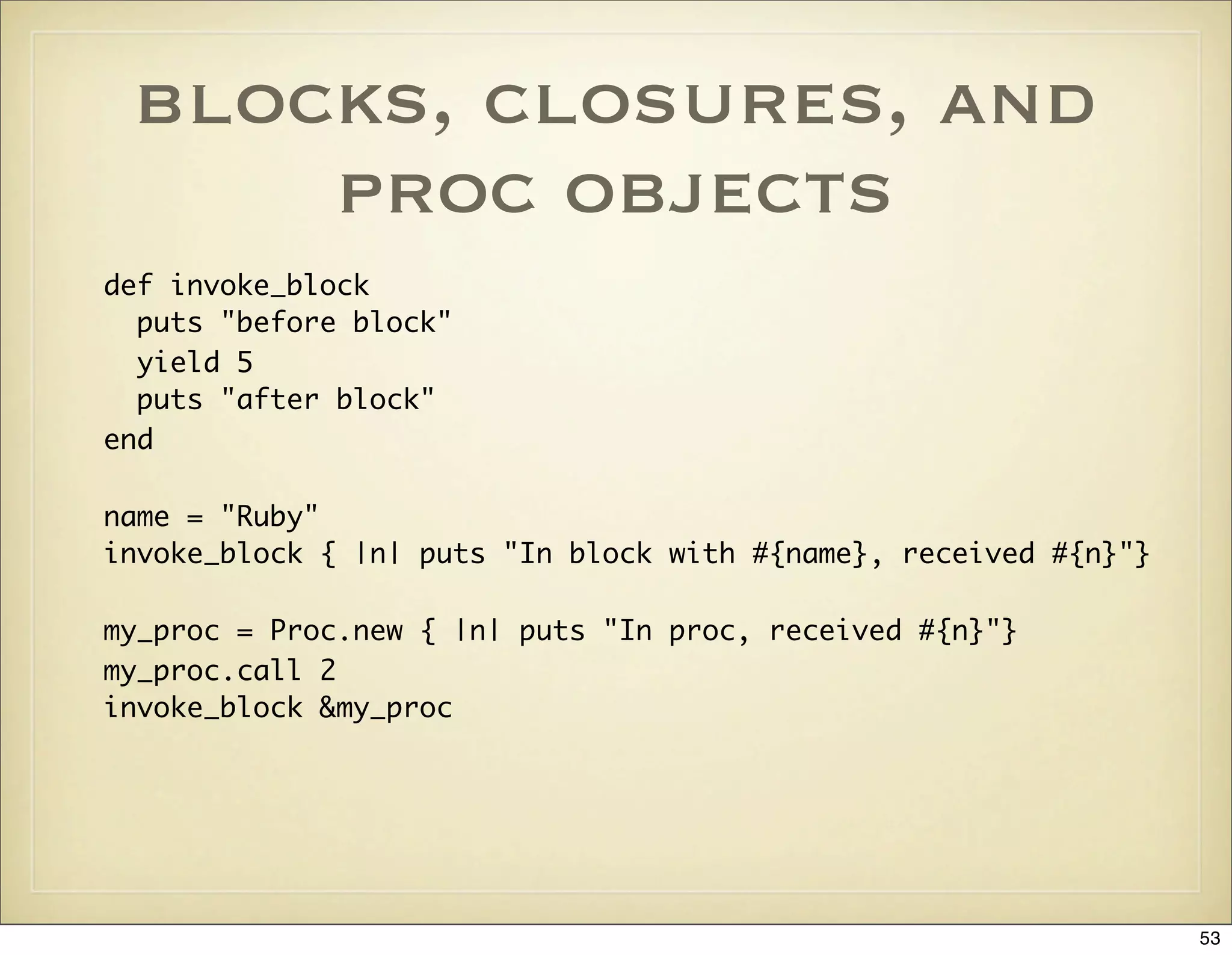
![blocks - usage
examples
# Iteration
[1, 2, 3].each {|item| puts item }
# Resource Management
file_contents = open(file_name) { |f| f.read }
# Callbacks
widget.on_button_press do
puts “Got button press”
end
# Convention: one-line blocks use {...} and multiline
# blocks use do...end
54](https://image.slidesharecdn.com/ruby-on-rails-101-presentation-slides-for-a-five-day-introductory-course-119407436077654-3-121125080043-phpapp01/75/Ruby-on-rails-101-presentation-slides-for-a-five-day-introductory-course-119407436077654-3-54-2048.jpg)
![common string
operations
“ “.blank? == true
my_string.each_with_index { |line, i| puts “#{i}: #{line}” }
“abc”.scan(/./).each { |char| puts char }
“we split words”.split.join(“, “)
“ strip space “.strip
sprintf(“value of %s is %.2f”, “PI”, 3.1416)
“I Go Ruby”[2, 2] == “I Go Ruby”[2..3] == “Go”
55](https://image.slidesharecdn.com/ruby-on-rails-101-presentation-slides-for-a-five-day-introductory-course-119407436077654-3-121125080043-phpapp01/75/Ruby-on-rails-101-presentation-slides-for-a-five-day-introductory-course-119407436077654-3-55-2048.jpg)
![Using the dup Method
on Method Arguments
# Methods that change their receiver end with an exclamation mark by convention.
# If you need to invoke an exclamation mark method on a method argument and you want
# to avoid the object from being changed, you can duplicate the object first
# with the Object#dup method. Core classes such as String, Hash, and Array all have
# meaningful implementations of the dup method. Here is an example from Rails:
class ActiveRecord::Base
...
def attributes=(new_attributes)
return if new_attributes.nil?
attributes = new_attributes.dup # duplicate argument to avoid changing it
attributes.stringify_keys! # modify the duplicated object
multi_parameter_attributes = []
remove_attributes_protected_from_mass_assignment(attributes).each do |k, v|
k.include?("(") ? multi_parameter_attributes << [ k, v ] : send(k + "=", v)
end
assign_multiparameter_attributes(multi_parameter_attributes)
end
end
56](https://image.slidesharecdn.com/ruby-on-rails-101-presentation-slides-for-a-five-day-introductory-course-119407436077654-3-121125080043-phpapp01/75/Ruby-on-rails-101-presentation-slides-for-a-five-day-introductory-course-119407436077654-3-56-2048.jpg)
![regular expressions
puts “matches” if “Ruby” =~ /^(ruby|python)$/i
“GonRuby” =~ /Gos+(w+)/m; $1 == “Ruby”
“I Go Ruby =~ /go/i; $& == “Go”; $` == “I “; $’ == “ Ruby”
pattern = “.”; Regexp.new(Regexp.escape(pattern))
“I Go Ruby”[/(go)/i, 1] == “Go”
“I Go Ruby”.gsub(%r{Ruby}, ‘0 or I go bananas’)
"I Go Ruby".gsub(/ruby/i) { |lang| lang.upcase }
line = “I Go Ruby”
m, who, verb, what = *line.match(/^(w+)s+(w+)s+(w+)$/)
# s, d, [0-9], w - space, digit, and word character classes
# ?, *, +, {m, n}, {m,}, {m} - repetition
57](https://image.slidesharecdn.com/ruby-on-rails-101-presentation-slides-for-a-five-day-introductory-course-119407436077654-3-121125080043-phpapp01/75/Ruby-on-rails-101-presentation-slides-for-a-five-day-introductory-course-119407436077654-3-57-2048.jpg)
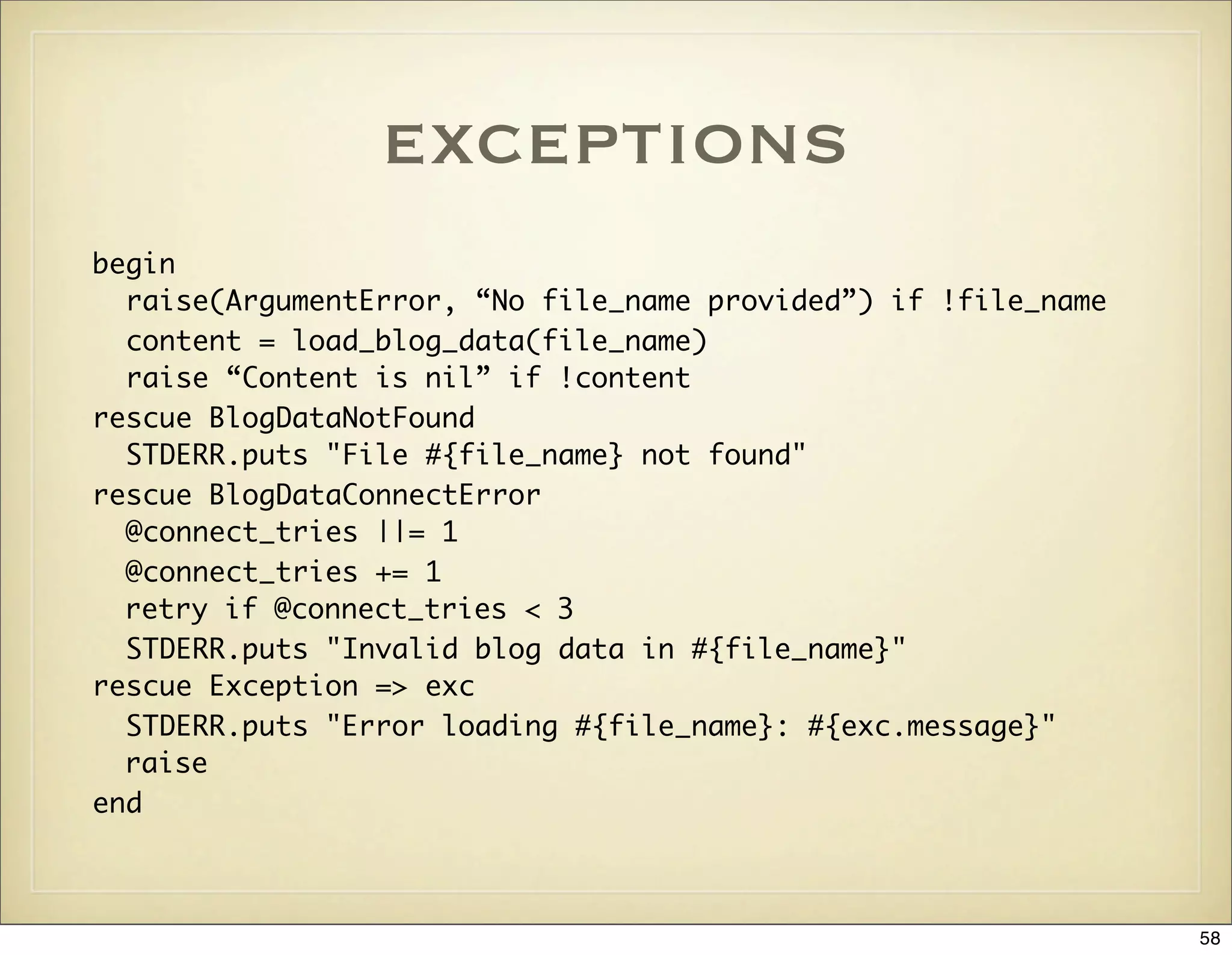
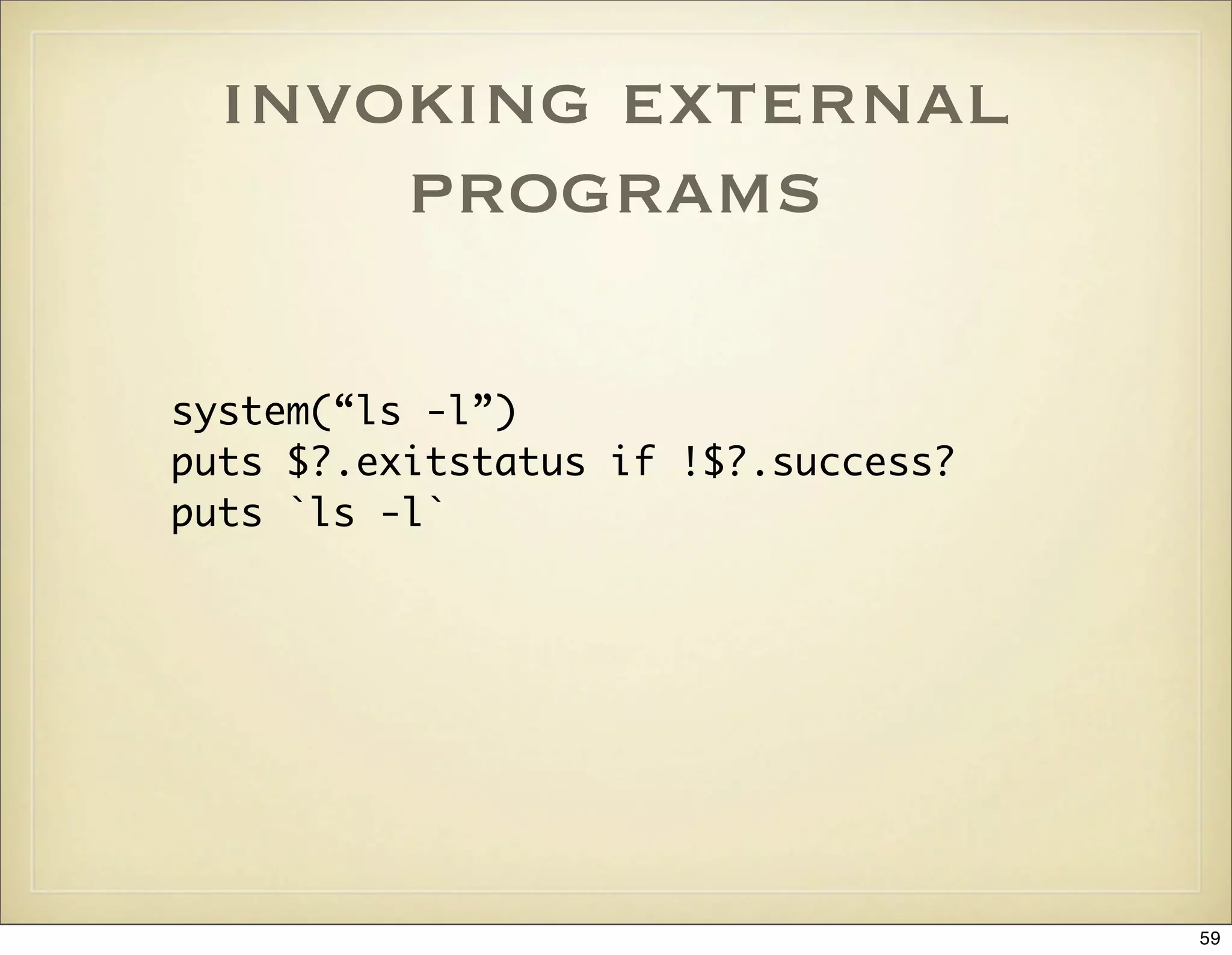
![Ruby Scripts With RDoc
and Option Parsing
#!/usr/bin/env ruby
# == Synopsis
# This script takes photographs living locally on my desktop or laptop
# and publishes them to my homepage at http://marklunds.com.
#
# == Usage
#
# Copy config file publish-photos.yml.template to publish-photos.yml
# and edit as appropriate.
#
# ruby publish-photos [ -h | --help ] <photo_dir1> ... <photo_dirN>
# Load the Rails environment
require File.dirname(__FILE__) + '/../config/environment'
require 'optparse'
require ‘rdoc/usage’
opts = OptionParser.new
opts.on("-h", "--help") { RDoc::usage('usage') }
opts.on("-q", "--quiet") { Log::Logger.verbose = false }
opts.parse!(ARGV) rescue RDoc::usage('usage')
Photos::Publisher(ARGV)
60](https://image.slidesharecdn.com/ruby-on-rails-101-presentation-slides-for-a-five-day-introductory-course-119407436077654-3-121125080043-phpapp01/75/Ruby-on-rails-101-presentation-slides-for-a-five-day-introductory-course-119407436077654-3-60-2048.jpg)
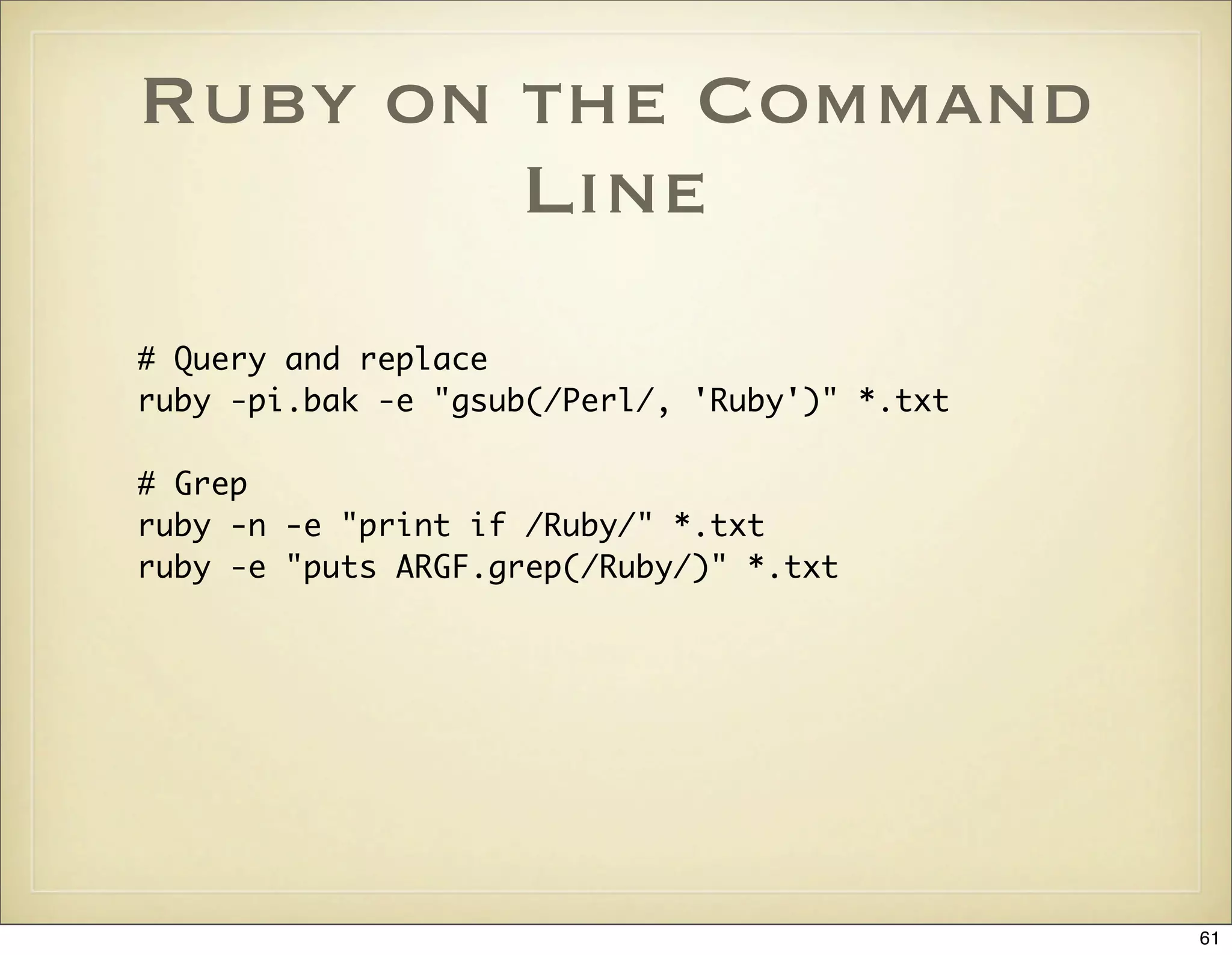
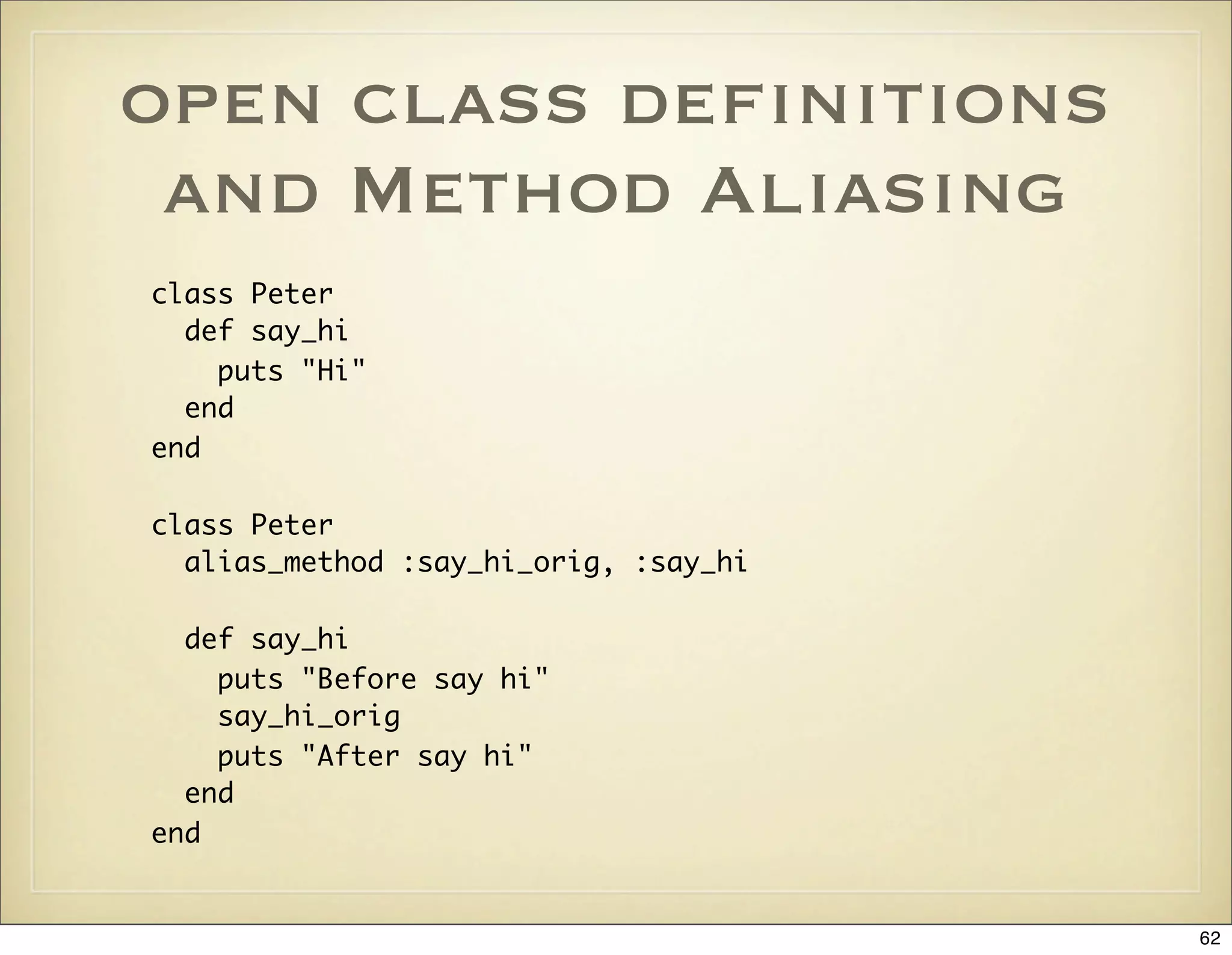
![Core Classes are Also
Open
class Integer
def even?
(self % 2) == 0
end
end
p (1..10).select { |n| n.even? }
# => [2, 4, 6, 8, 10]
63](https://image.slidesharecdn.com/ruby-on-rails-101-presentation-slides-for-a-five-day-introductory-course-119407436077654-3-121125080043-phpapp01/75/Ruby-on-rails-101-presentation-slides-for-a-five-day-introductory-course-119407436077654-3-63-2048.jpg)
![method_missing: A VCR
class VCR
def initialize
@messages = []
end
def method_missing(method, *args, &block)
@messages << [method, args, block]
end
def play_back_to(obj)
@messages.each do |method, args, block|
obj.send(method, *args, &block)
end
end
end
64](https://image.slidesharecdn.com/ruby-on-rails-101-presentation-slides-for-a-five-day-introductory-course-119407436077654-3-121125080043-phpapp01/75/Ruby-on-rails-101-presentation-slides-for-a-five-day-introductory-course-119407436077654-3-64-2048.jpg)
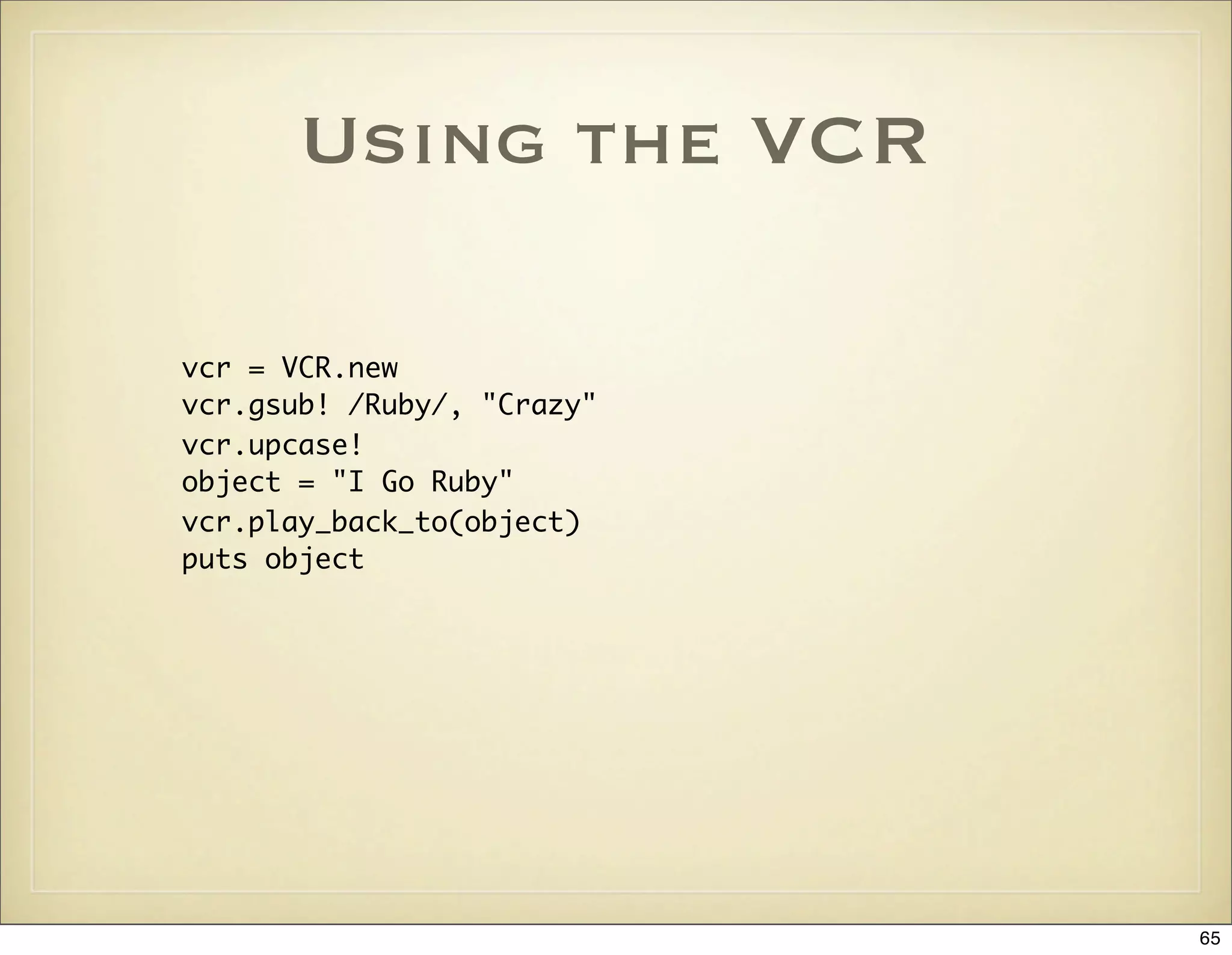
![const_missing - for
Auto Loading Classes
def Object.const_missing(name)
@looked_for ||= {}
str_name = name.to_s
raise "Class not found: #{name}" if @looked_for[str_name]
@looked_for[str_name] = 1
file = str_name.downcase
require file
klass = const_get(name)
return klass if klass
raise "Class not found: #{name}"
end
66](https://image.slidesharecdn.com/ruby-on-rails-101-presentation-slides-for-a-five-day-introductory-course-119407436077654-3-121125080043-phpapp01/75/Ruby-on-rails-101-presentation-slides-for-a-five-day-introductory-course-119407436077654-3-66-2048.jpg)
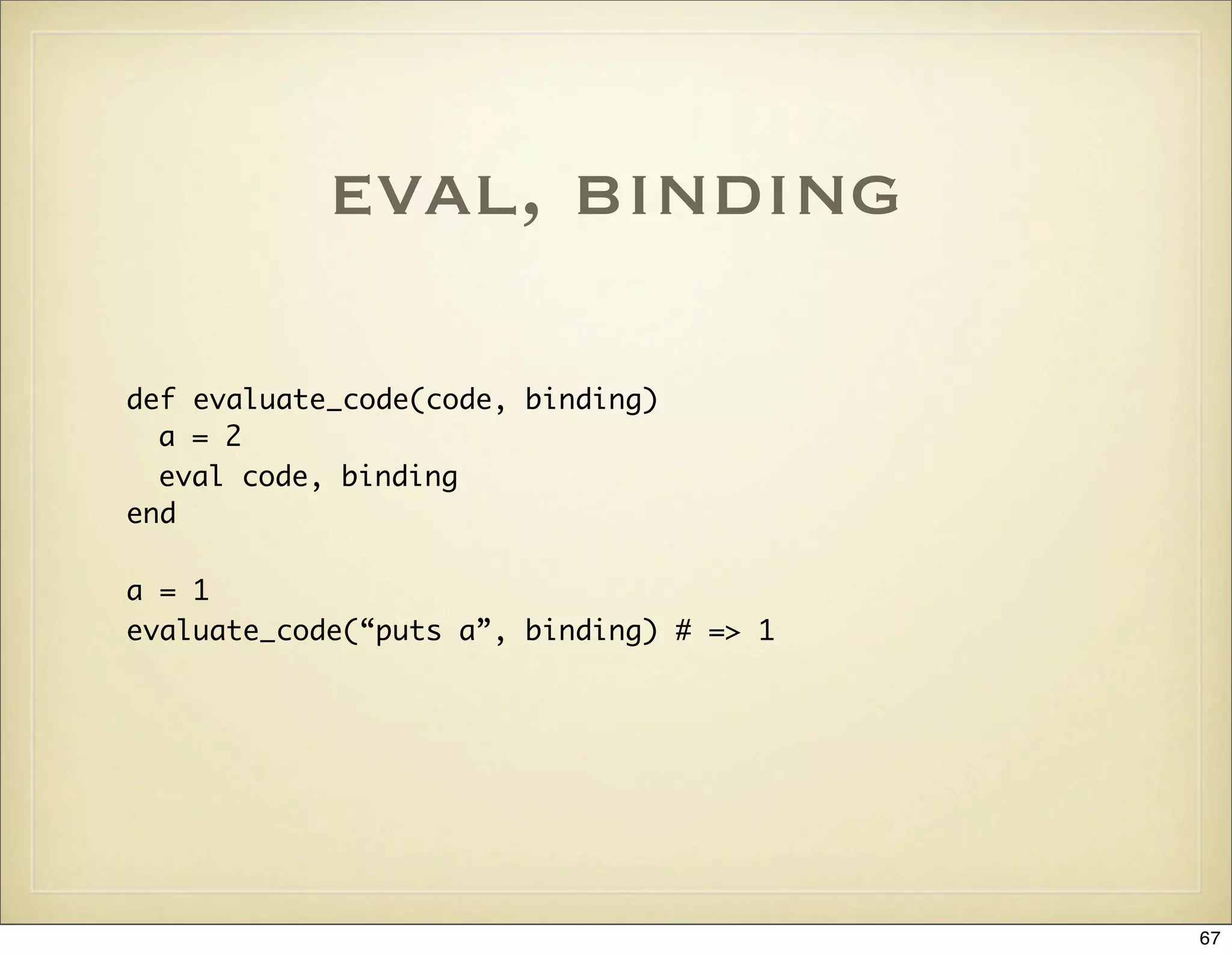
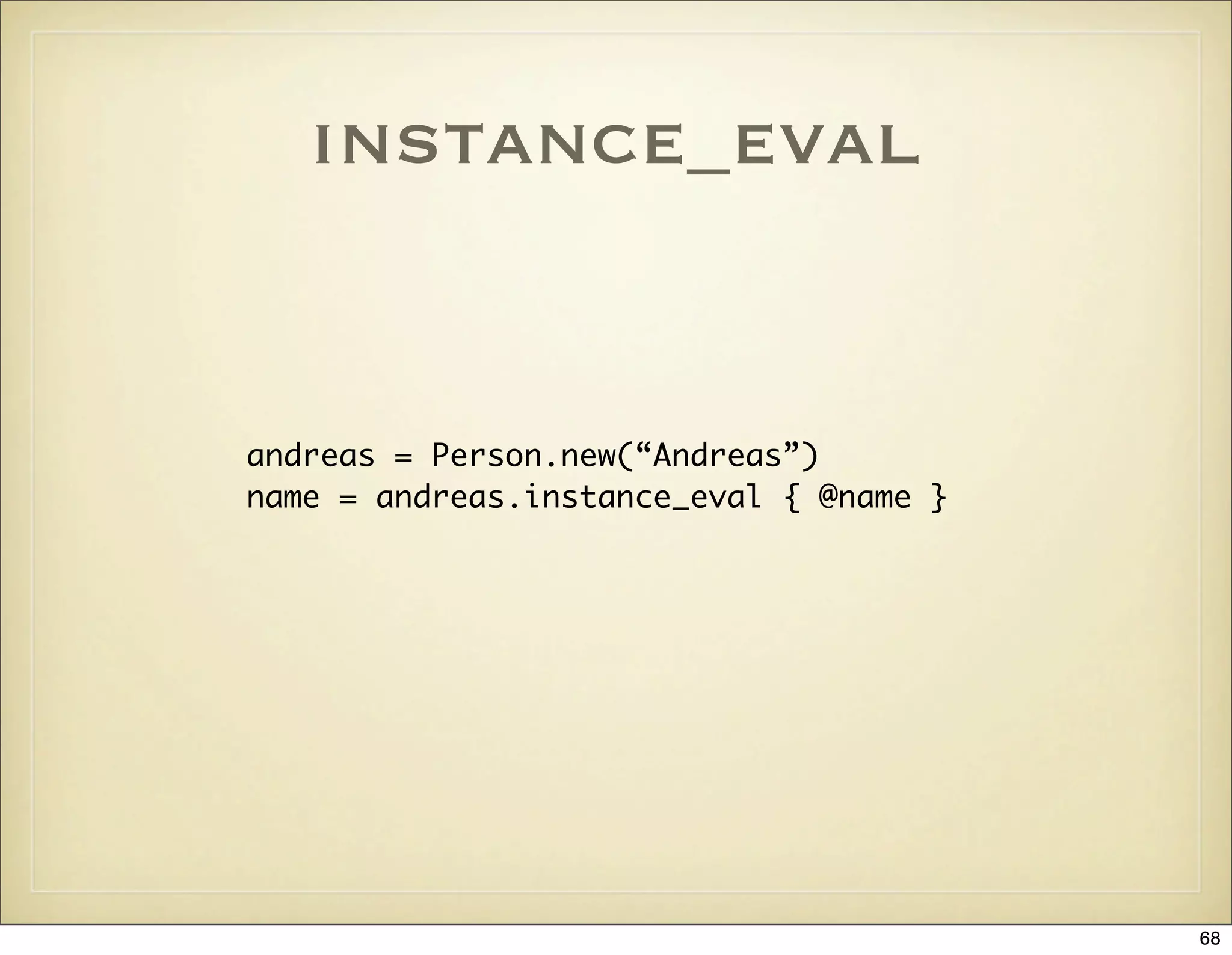
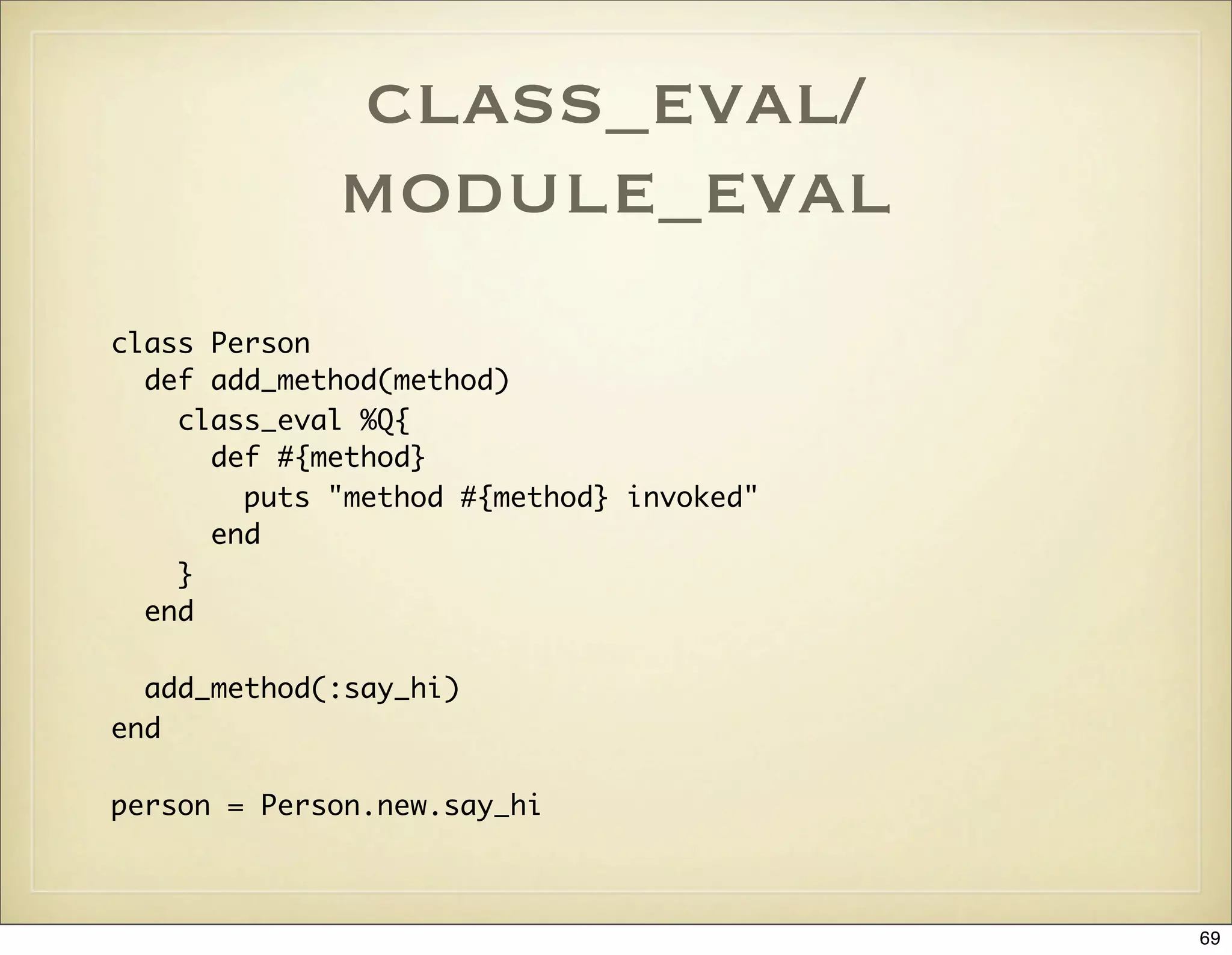
![define_method
class Array
{:second => 1, :third => 2}.each do |method,element|
define_method(method) do
self[element]
end
end
end
array = %w(A B C)
puts array.first
puts array.second
puts array.third
70](https://image.slidesharecdn.com/ruby-on-rails-101-presentation-slides-for-a-five-day-introductory-course-119407436077654-3-121125080043-phpapp01/75/Ruby-on-rails-101-presentation-slides-for-a-five-day-introductory-course-119407436077654-3-70-2048.jpg)
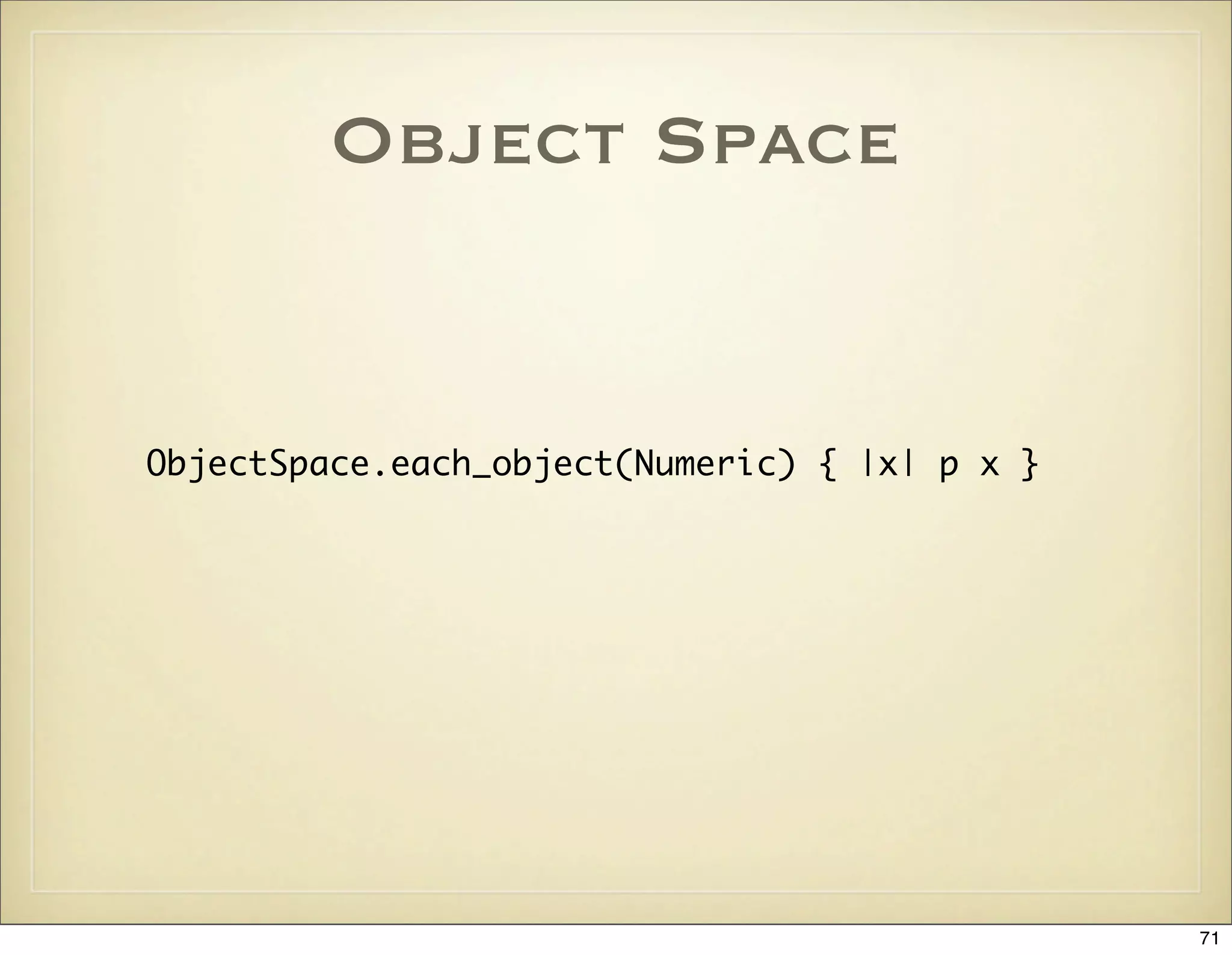
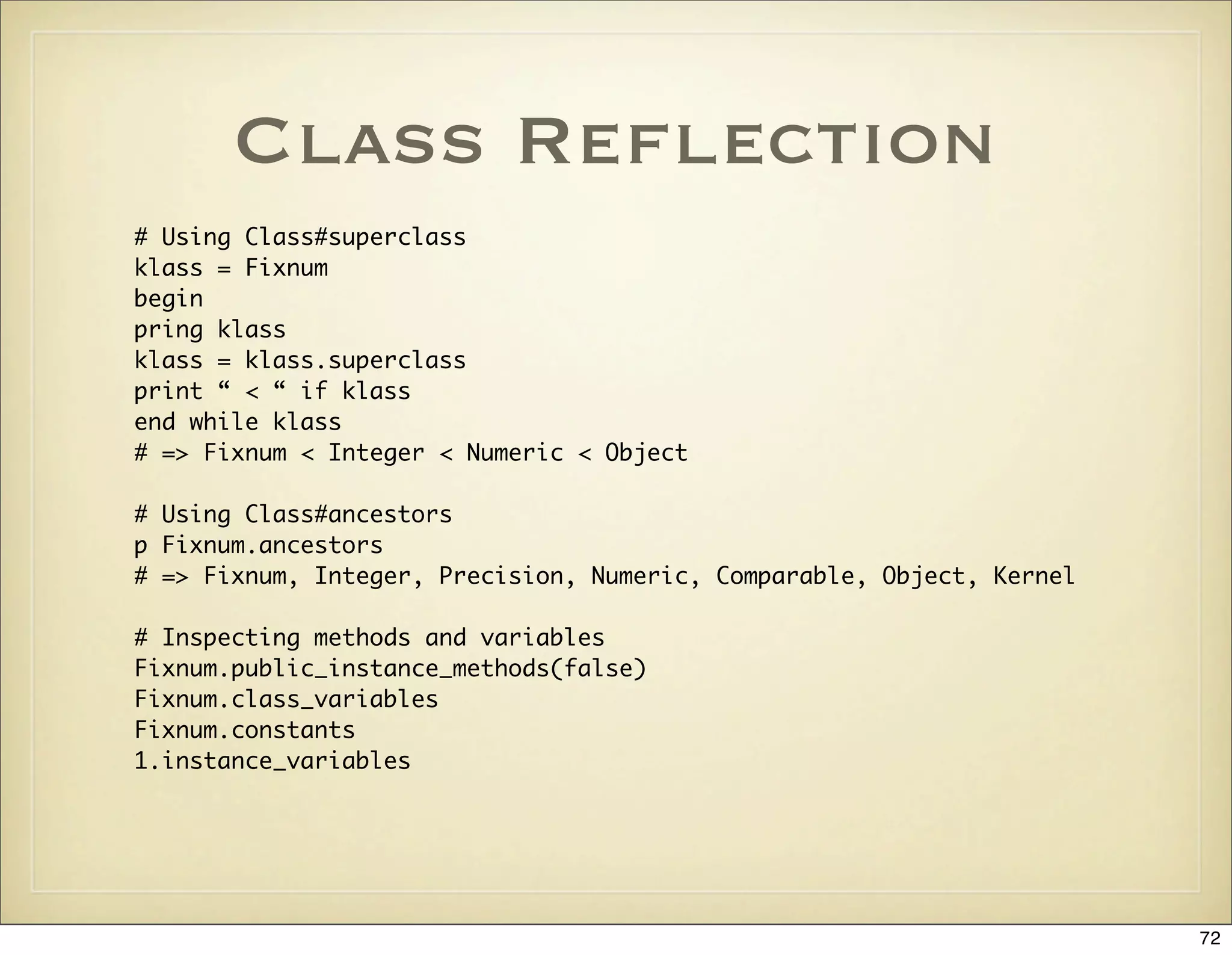
![System Hooks:
Class#inherited
class ActiveRecord::Base
# Invoked when a new class is created that extends this
# class
def self.inherited(child)
@@subclasses[self] ||= []
@@subclasses[self] << child
end
end
73](https://image.slidesharecdn.com/ruby-on-rails-101-presentation-slides-for-a-five-day-introductory-course-119407436077654-3-121125080043-phpapp01/75/Ruby-on-rails-101-presentation-slides-for-a-five-day-introductory-course-119407436077654-3-73-2048.jpg)

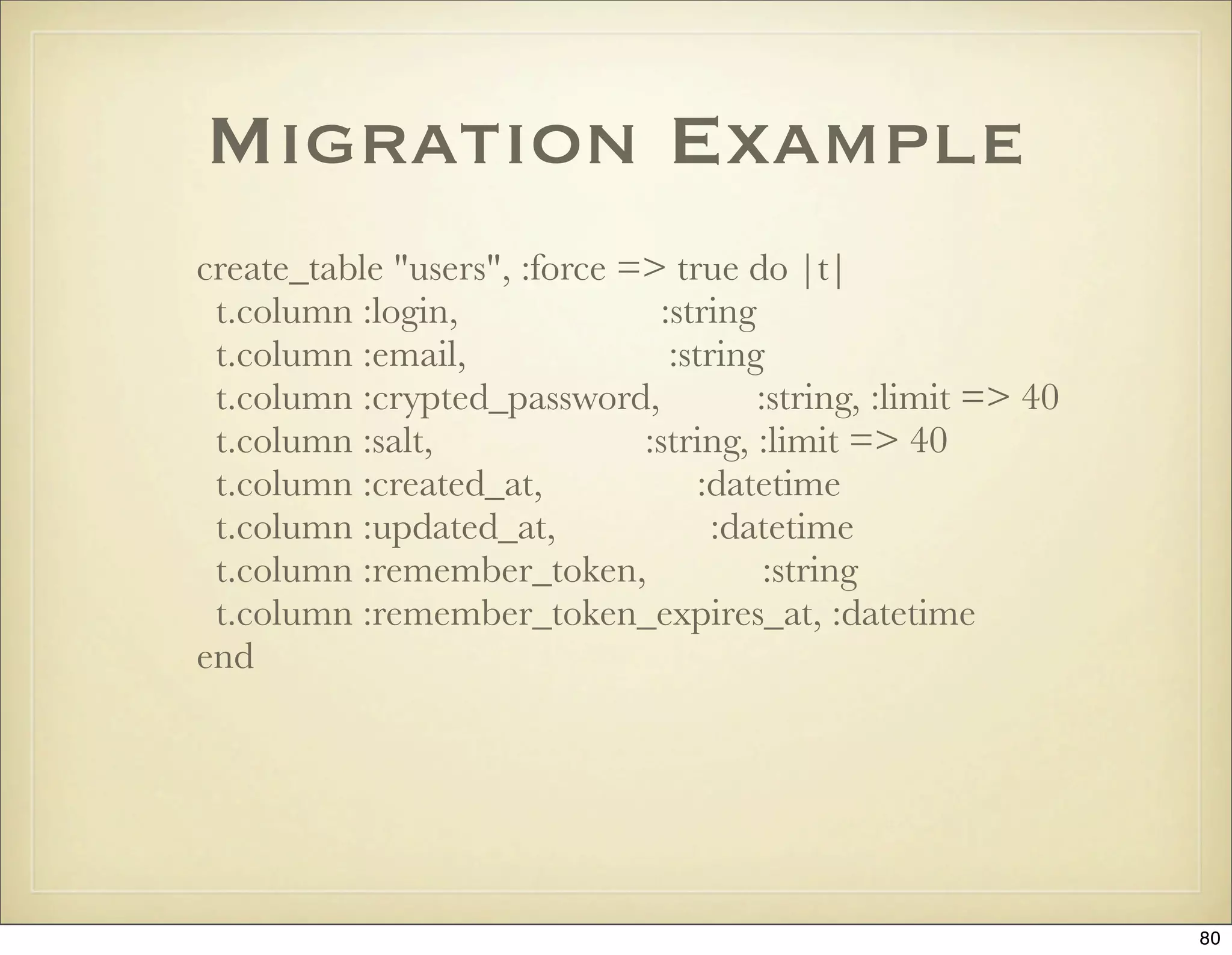
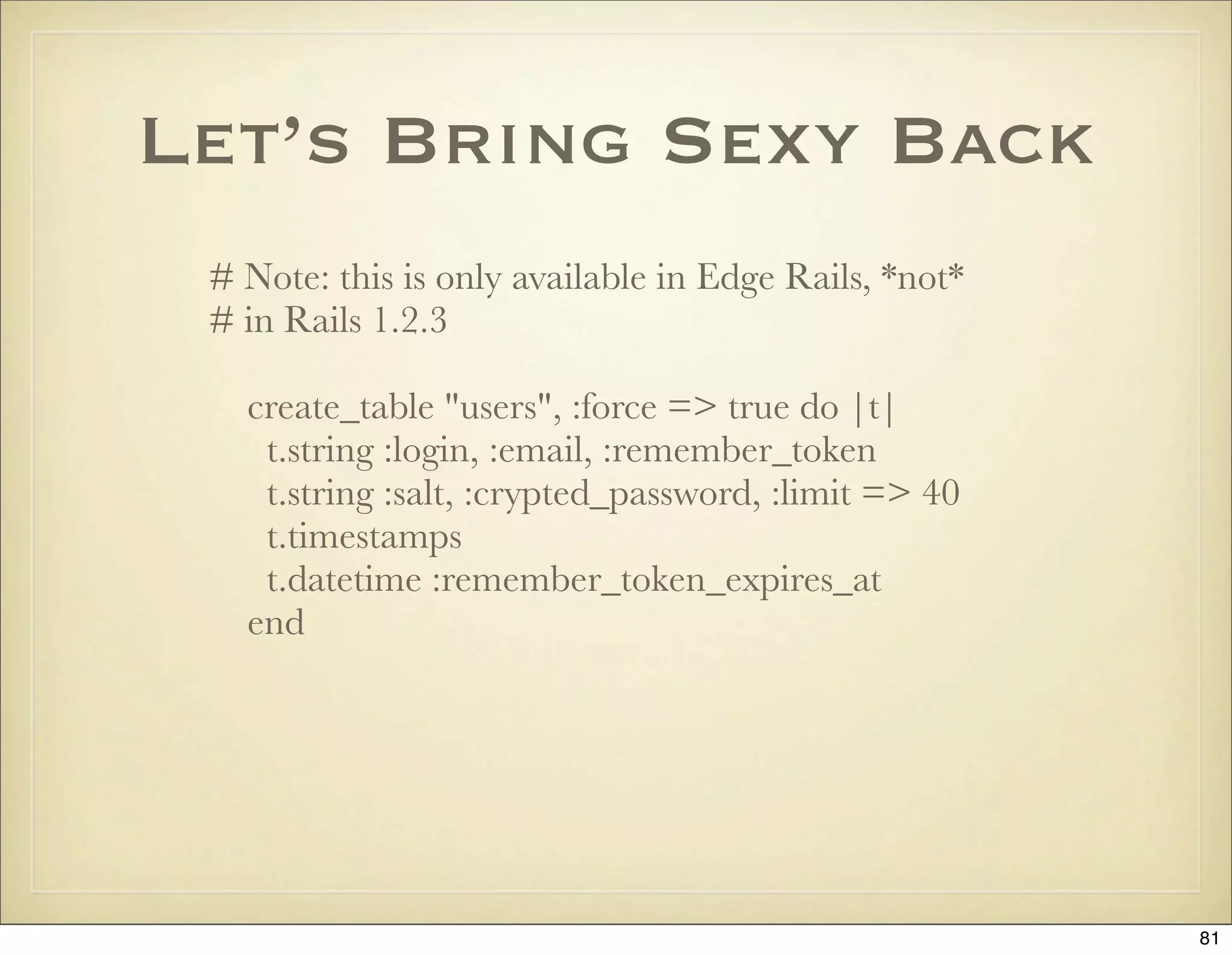

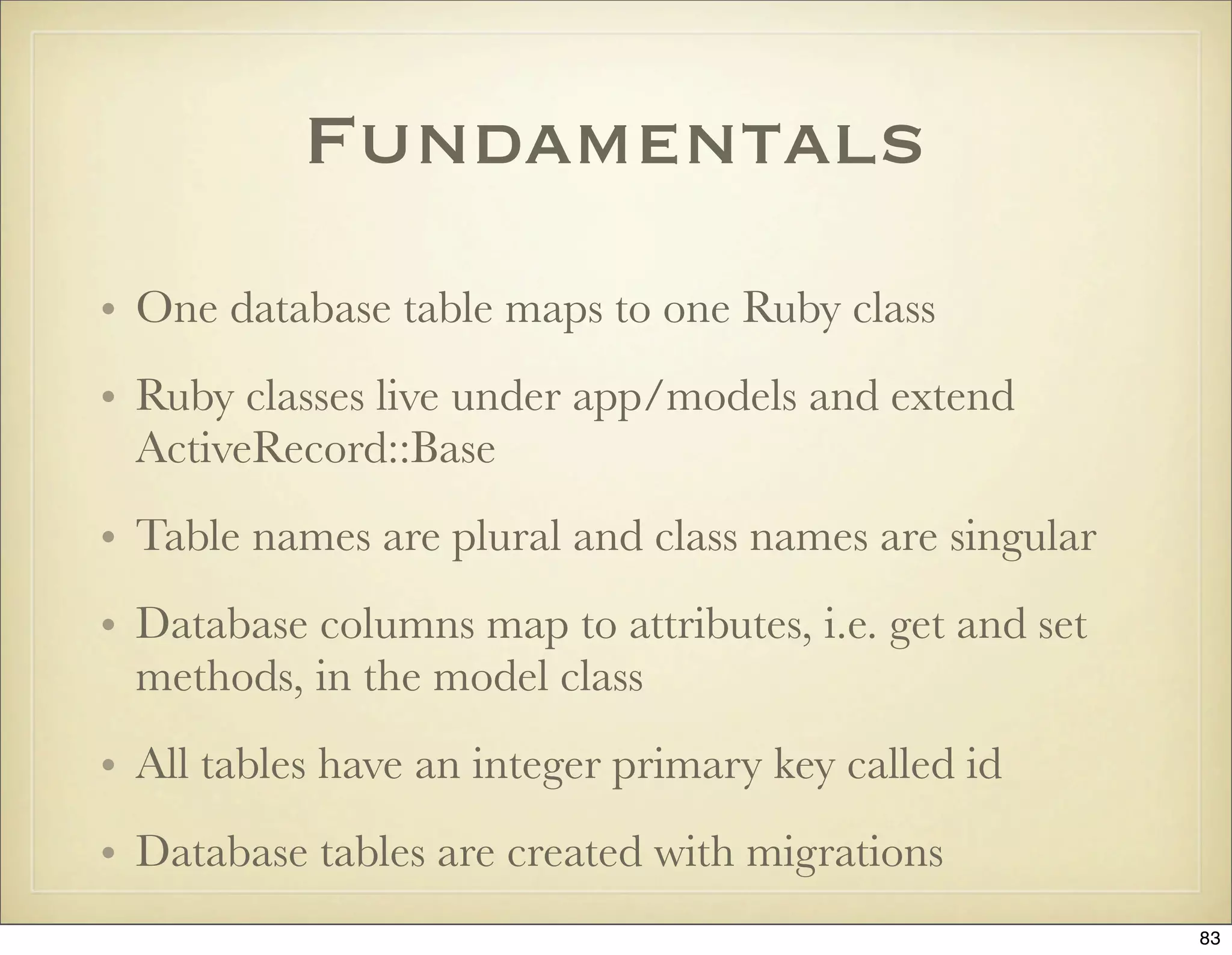
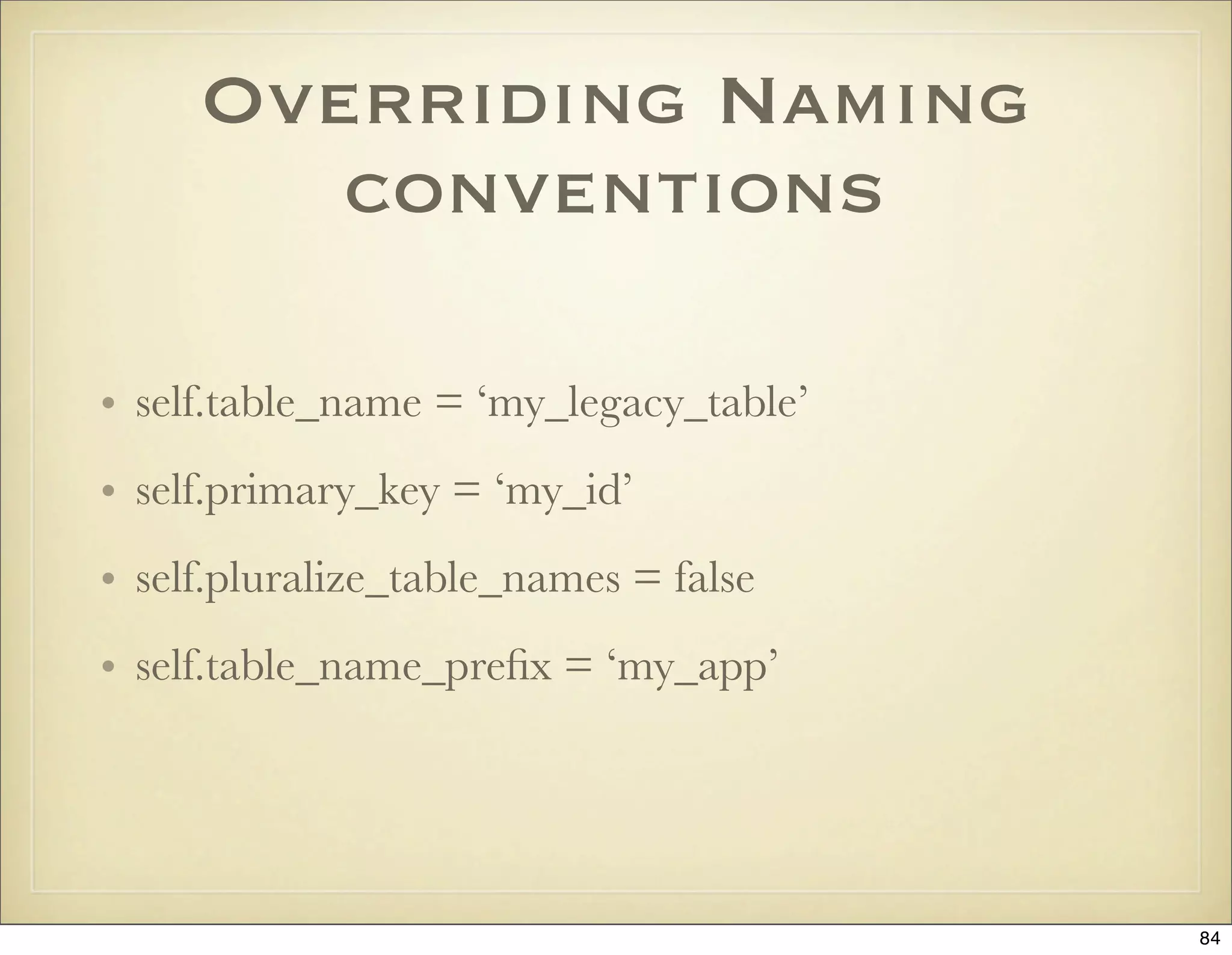
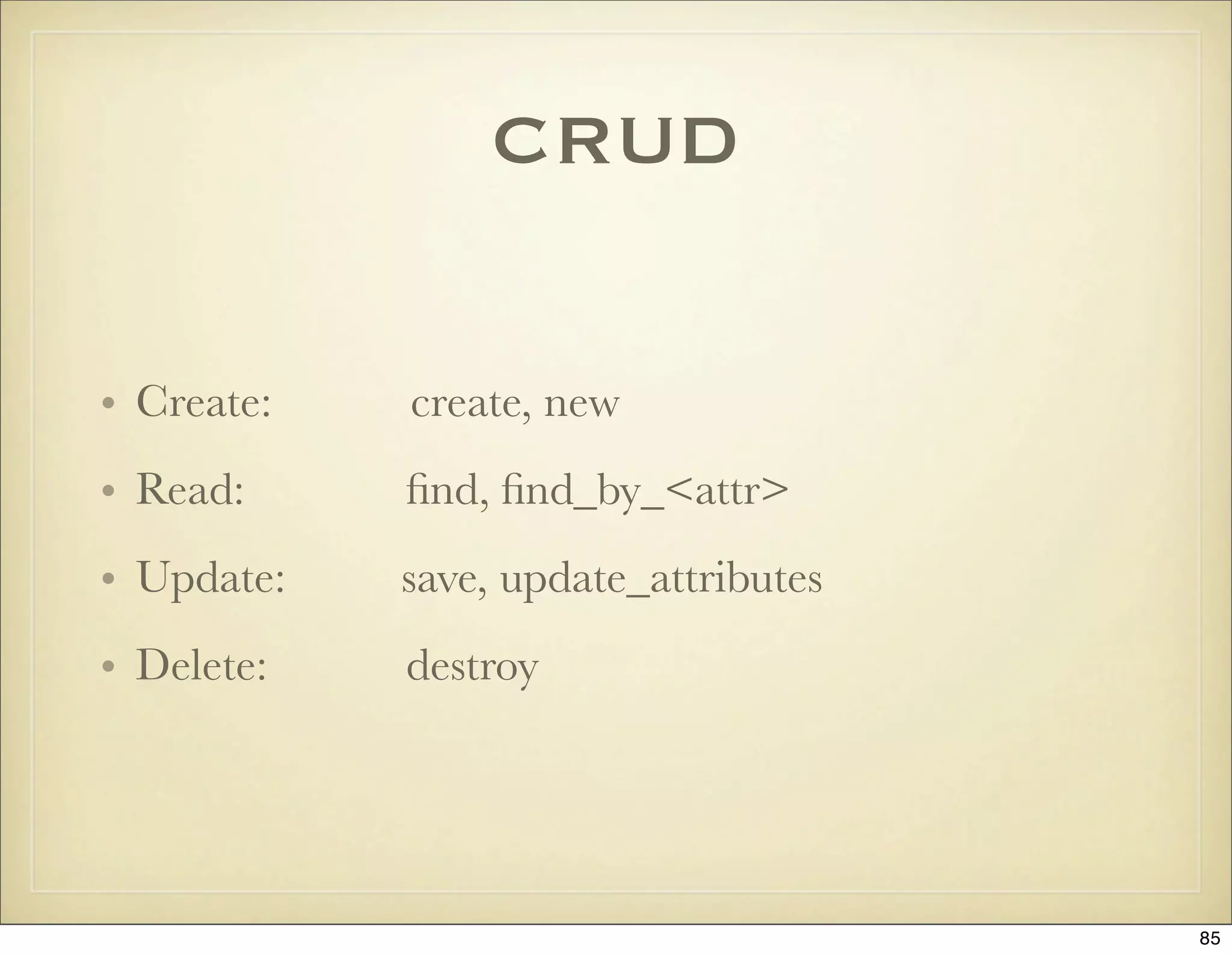
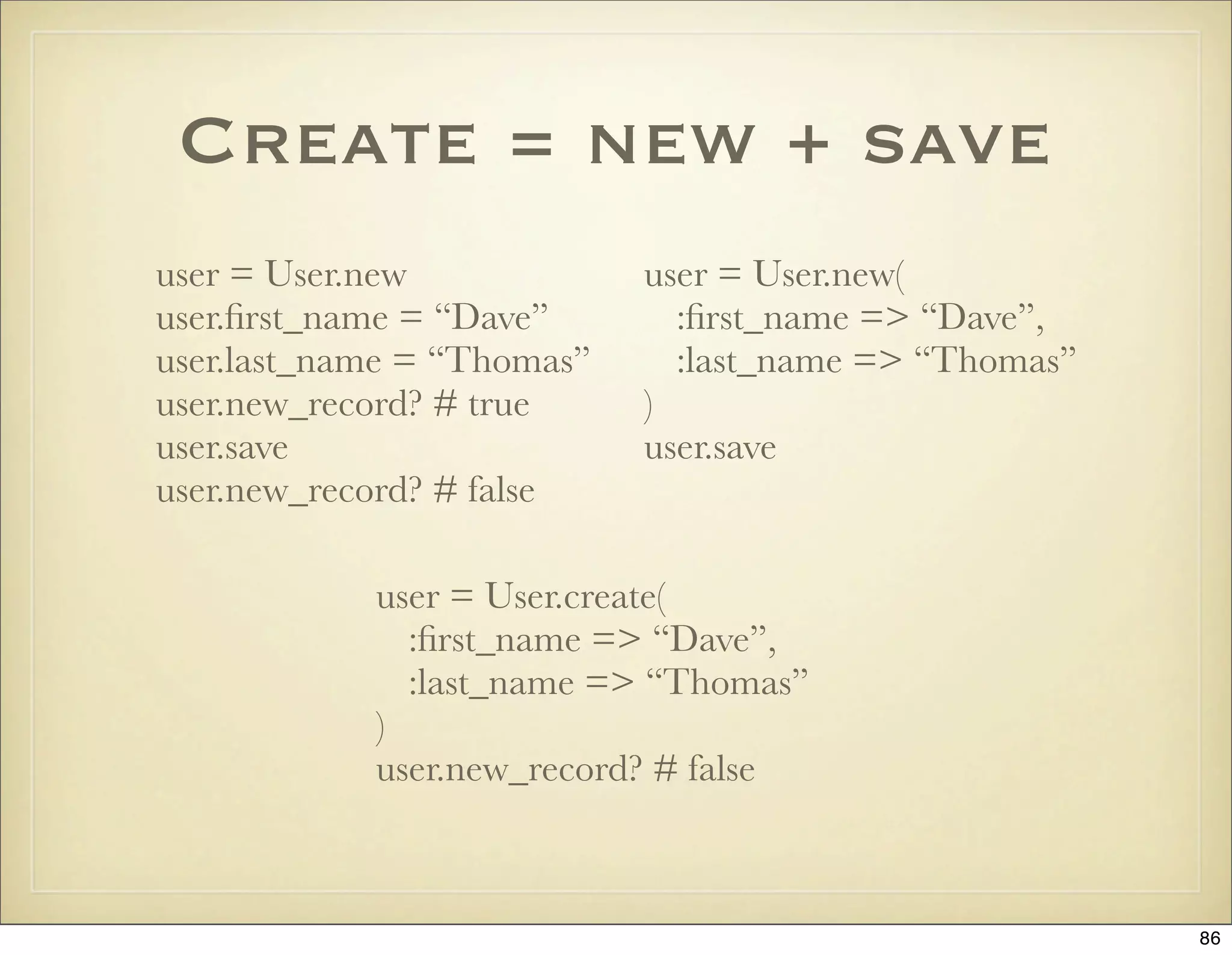
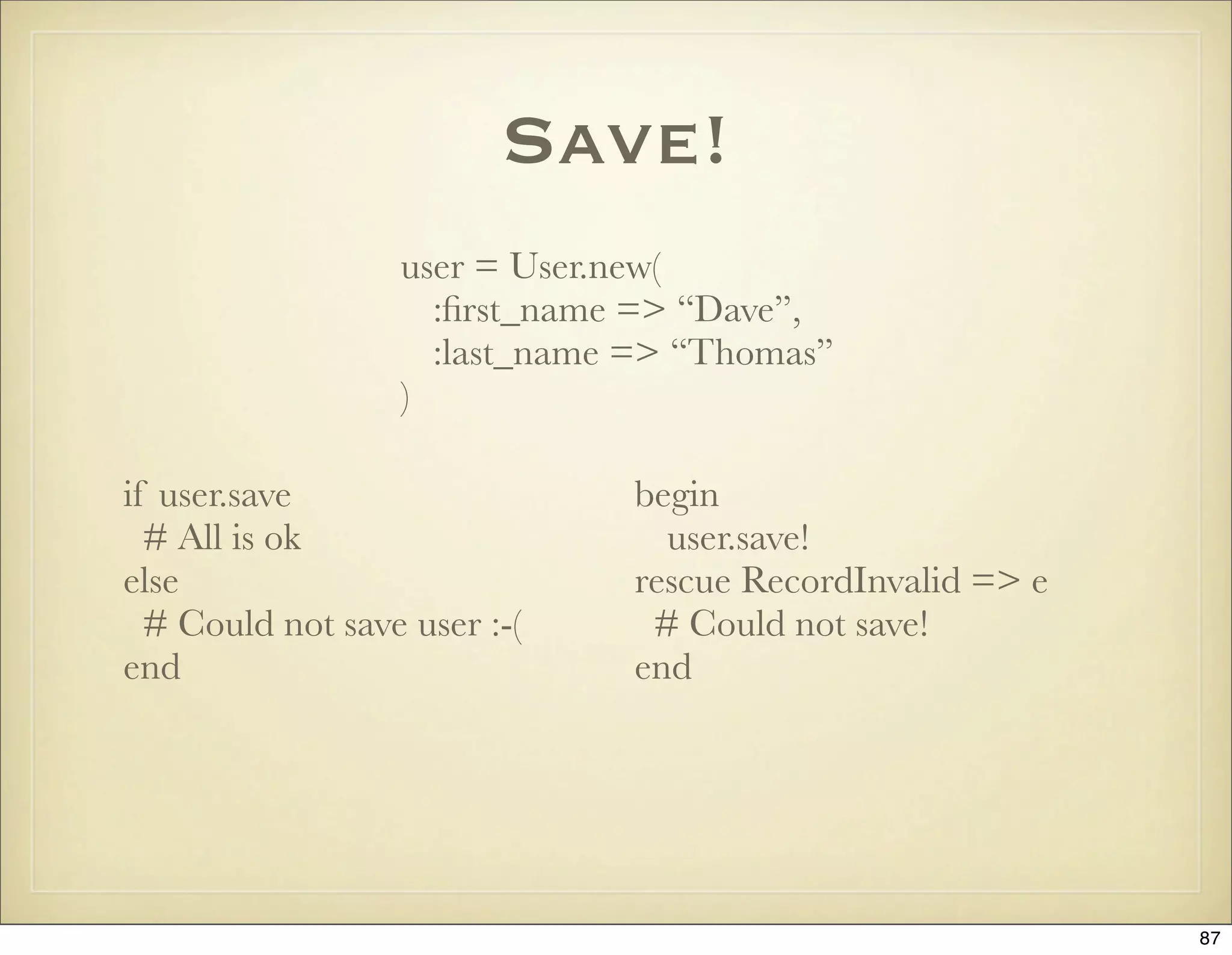
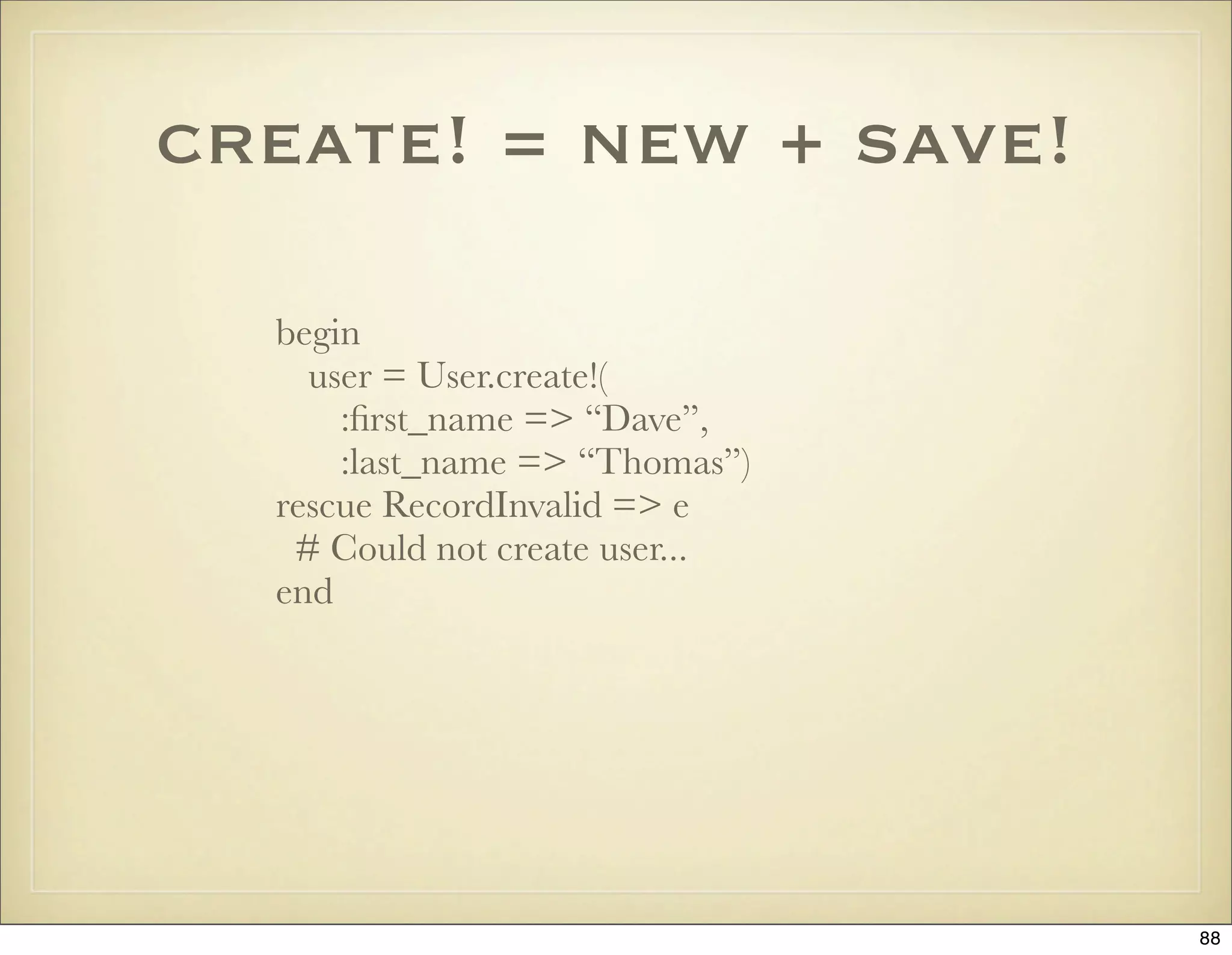
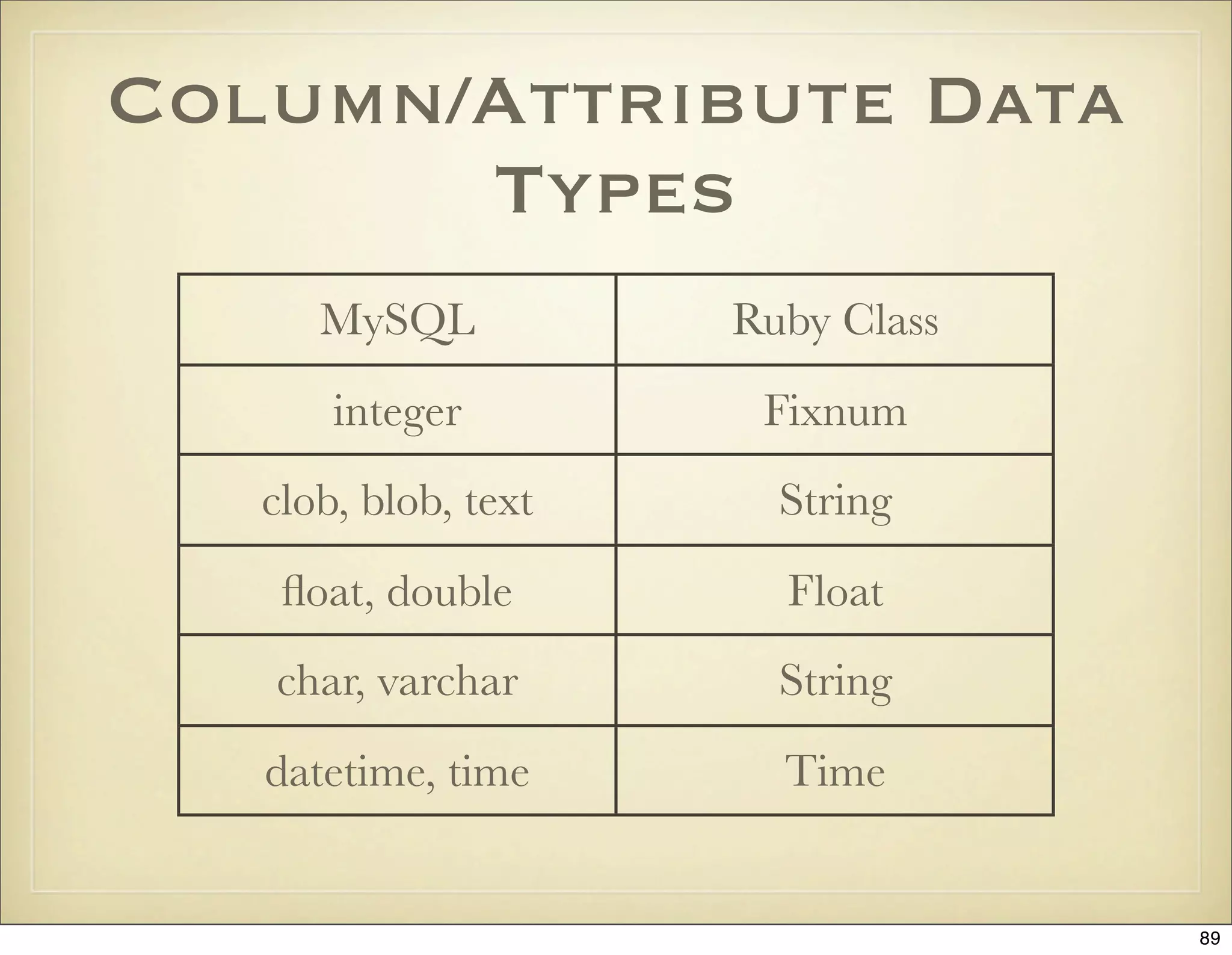
![Custom Attribute
Accessors
class Song < ActiveRecord::Base
def length=(minutes)
# self[:length] = minutes*60
write_attribute(:length, minutes * 60)
end
def length
# self[:length] / 60
read_attribute(:length) / 60
end
end
90](https://image.slidesharecdn.com/ruby-on-rails-101-presentation-slides-for-a-five-day-introductory-course-119407436077654-3-121125080043-phpapp01/75/Ruby-on-rails-101-presentation-slides-for-a-five-day-introductory-course-119407436077654-3-90-2048.jpg)
![Default Attribute
Values
class User < ActiveRecord::Base
def language
self[:language] ||= “sv”
end
end
91](https://image.slidesharecdn.com/ruby-on-rails-101-presentation-slides-for-a-five-day-introductory-course-119407436077654-3-121125080043-phpapp01/75/Ruby-on-rails-101-presentation-slides-for-a-five-day-introductory-course-119407436077654-3-91-2048.jpg)
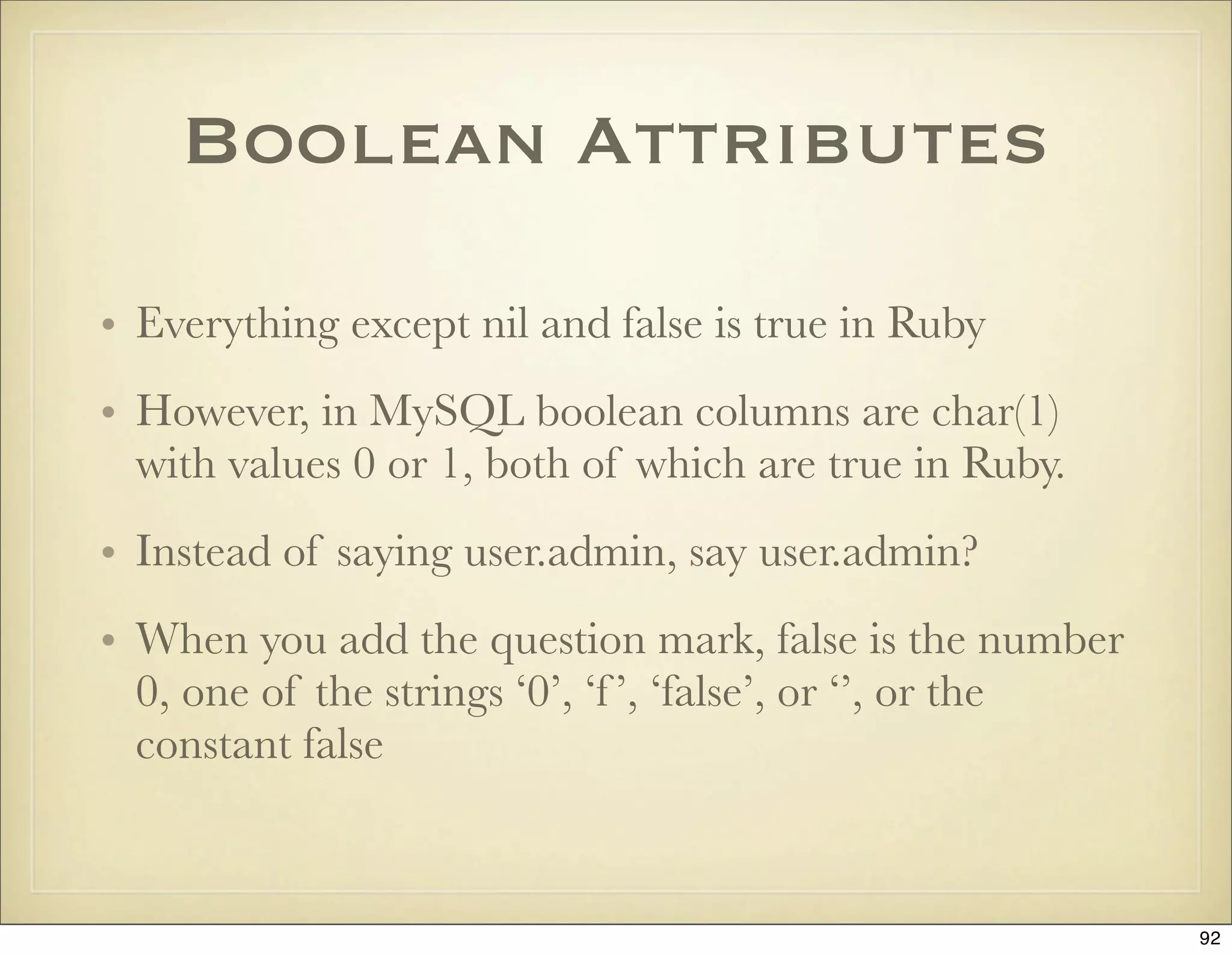
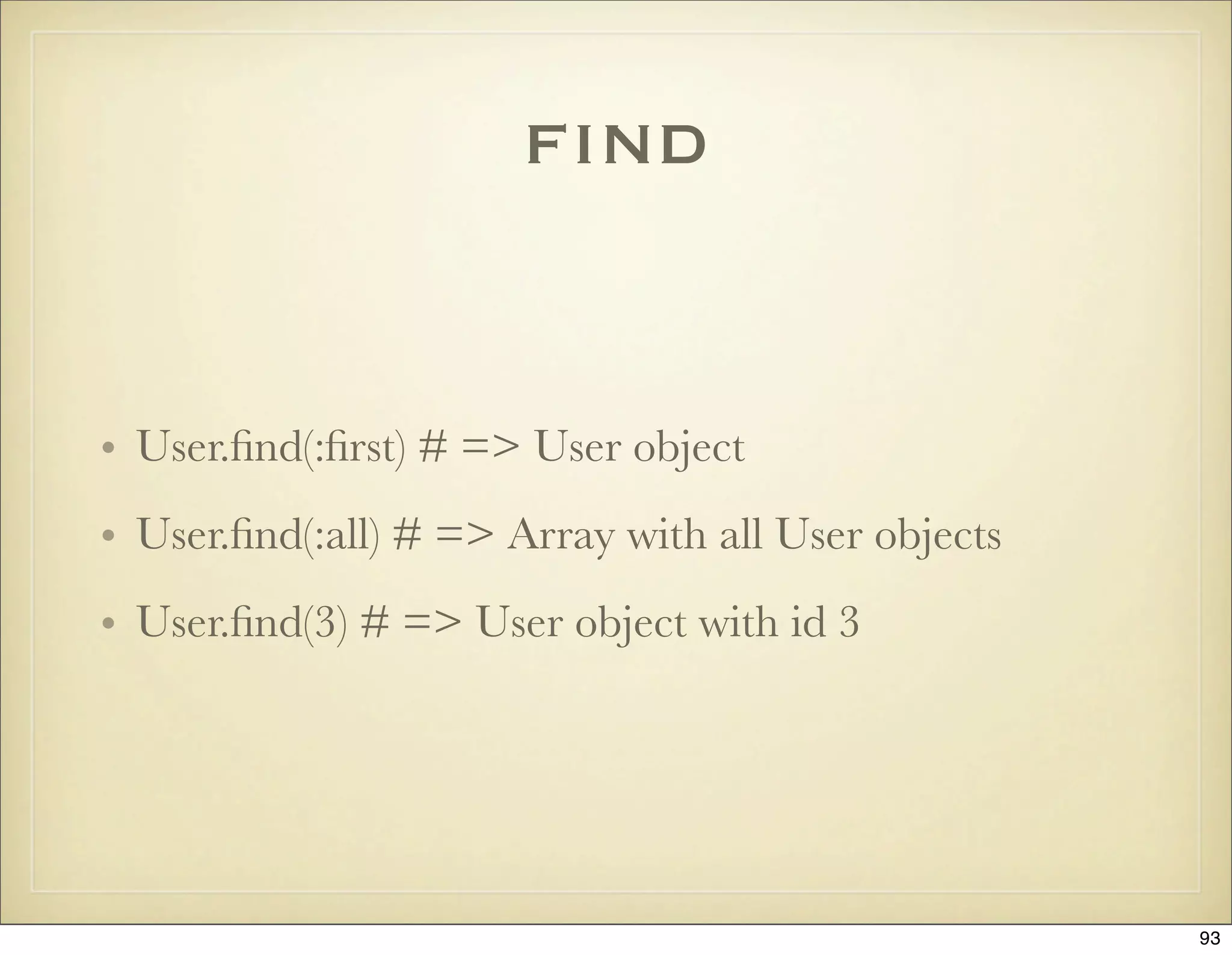
![find with :conditions
User.find(:all,
:conditions =>
[“first_name = ? and created_at > ?”, “David”, 1.year.ago])
User.find(:all,
:conditions =>
[“first_name = :first_name, last_name = :last_name”,
{:first_name => “David”, :last_name => “Letterman”}])
User.find(:all,
:conditions => {:first_name => “Jamis”, :last_name => “Buck”})
User.find(:all, :conditions => [ "category IN (?)", categories])
94](https://image.slidesharecdn.com/ruby-on-rails-101-presentation-slides-for-a-five-day-introductory-course-119407436077654-3-121125080043-phpapp01/75/Ruby-on-rails-101-presentation-slides-for-a-five-day-introductory-course-119407436077654-3-94-2048.jpg)
![Power Find with
Additional Attributes
users = User.find(:all,
:conditions => [“users.id = taggings.taggable_id and users.age > ?”, 25],
:limit => 10,
:offset => 5,
:order => “users.last_name”,
:joins => “, tagggings”,
:select => “count(*) as count, users.last_name”,
:group => “users.last_name”)
puts users.first.count # => 3
puts users.first.attributes # => {“last_name” => “Svensson”, “count” => 3}
95](https://image.slidesharecdn.com/ruby-on-rails-101-presentation-slides-for-a-five-day-introductory-course-119407436077654-3-121125080043-phpapp01/75/Ruby-on-rails-101-presentation-slides-for-a-five-day-introductory-course-119407436077654-3-95-2048.jpg)
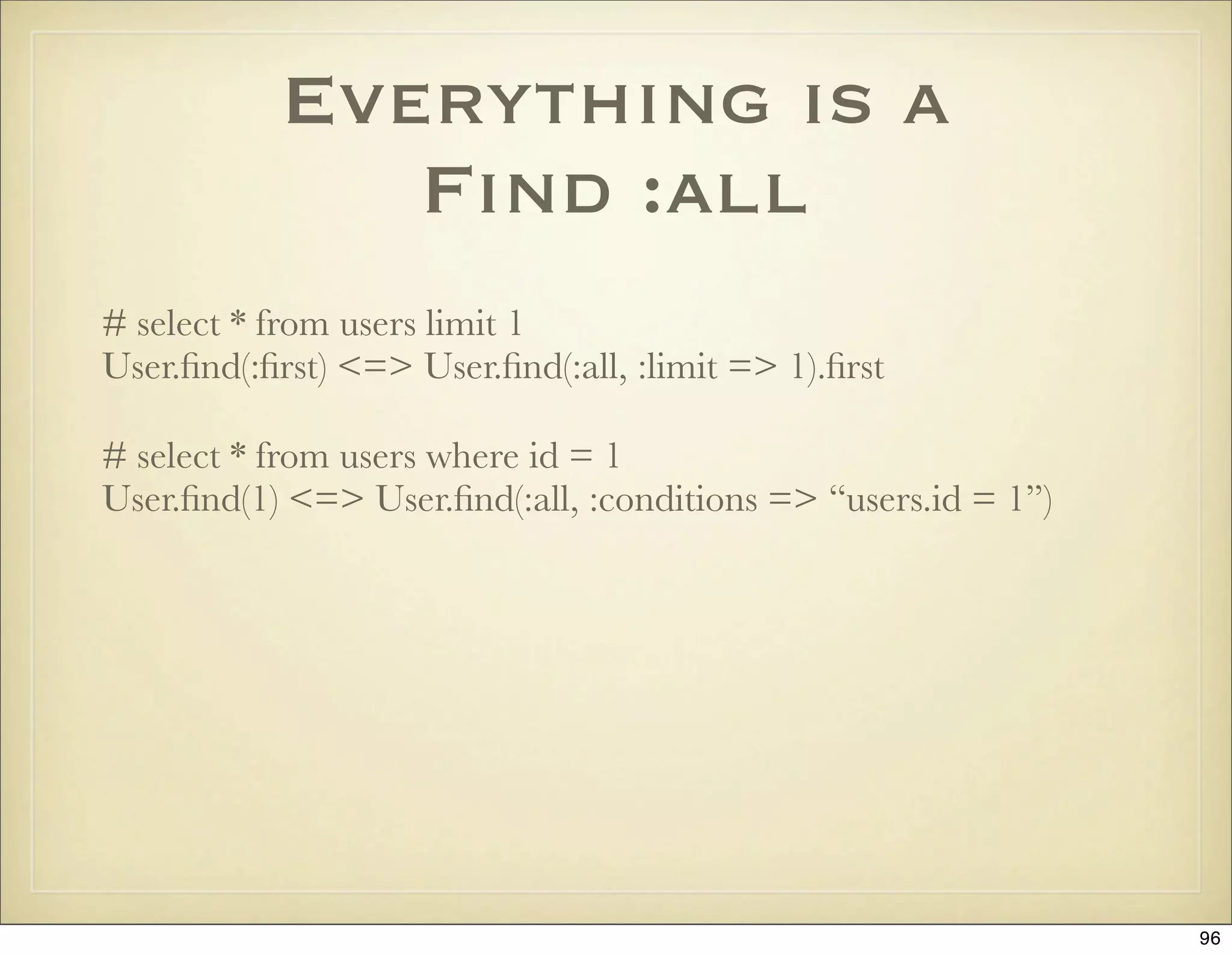
![Like Clauses
# Like this
User.find(:all, :conditions => [“name like ?”, “%” + params[:name] + “%”)
# Not like this
User.find(:all, :conditions => [“name like ‘%?%’”, params[:name])
97](https://image.slidesharecdn.com/ruby-on-rails-101-presentation-slides-for-a-five-day-introductory-course-119407436077654-3-121125080043-phpapp01/75/Ruby-on-rails-101-presentation-slides-for-a-five-day-introductory-course-119407436077654-3-97-2048.jpg)
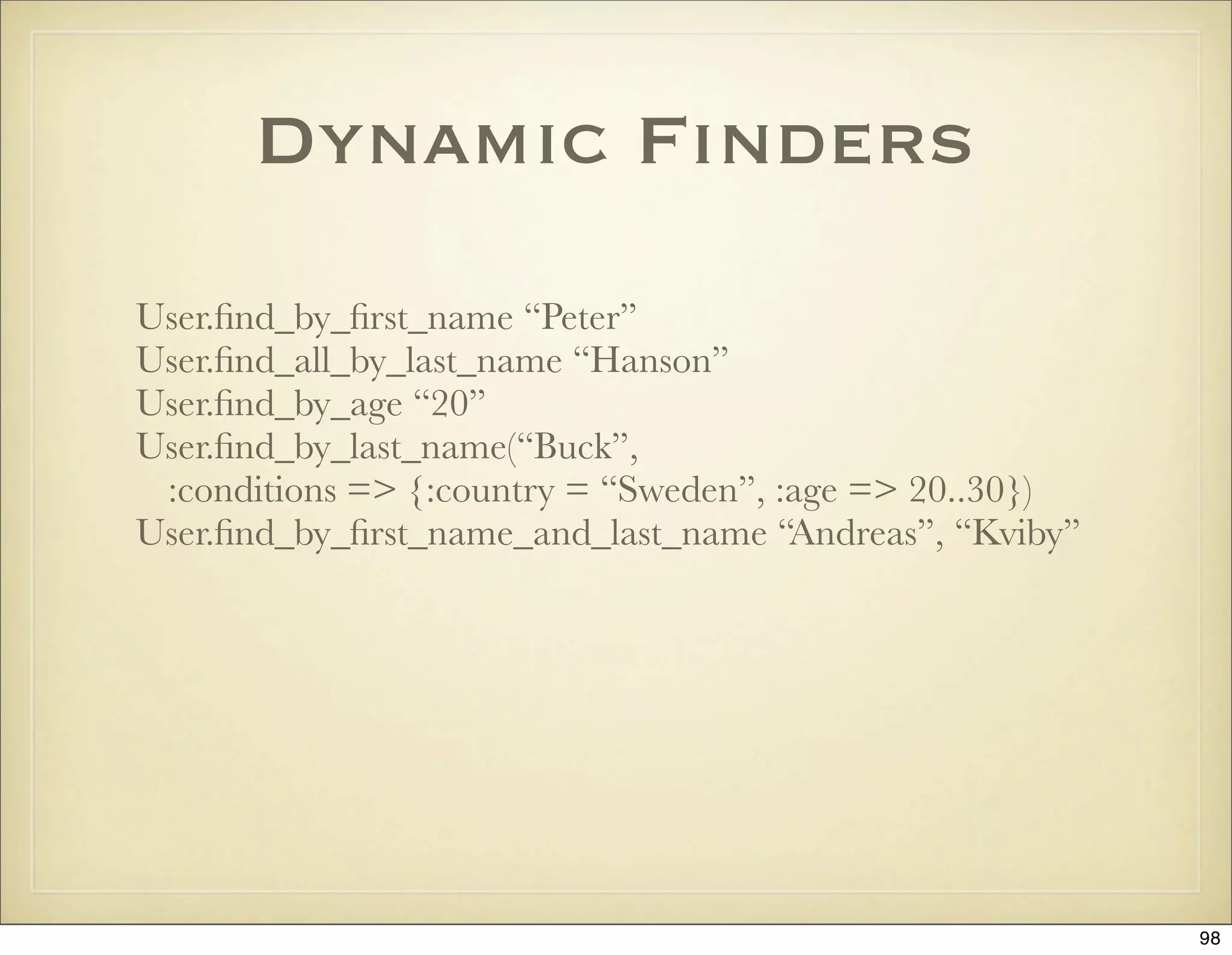
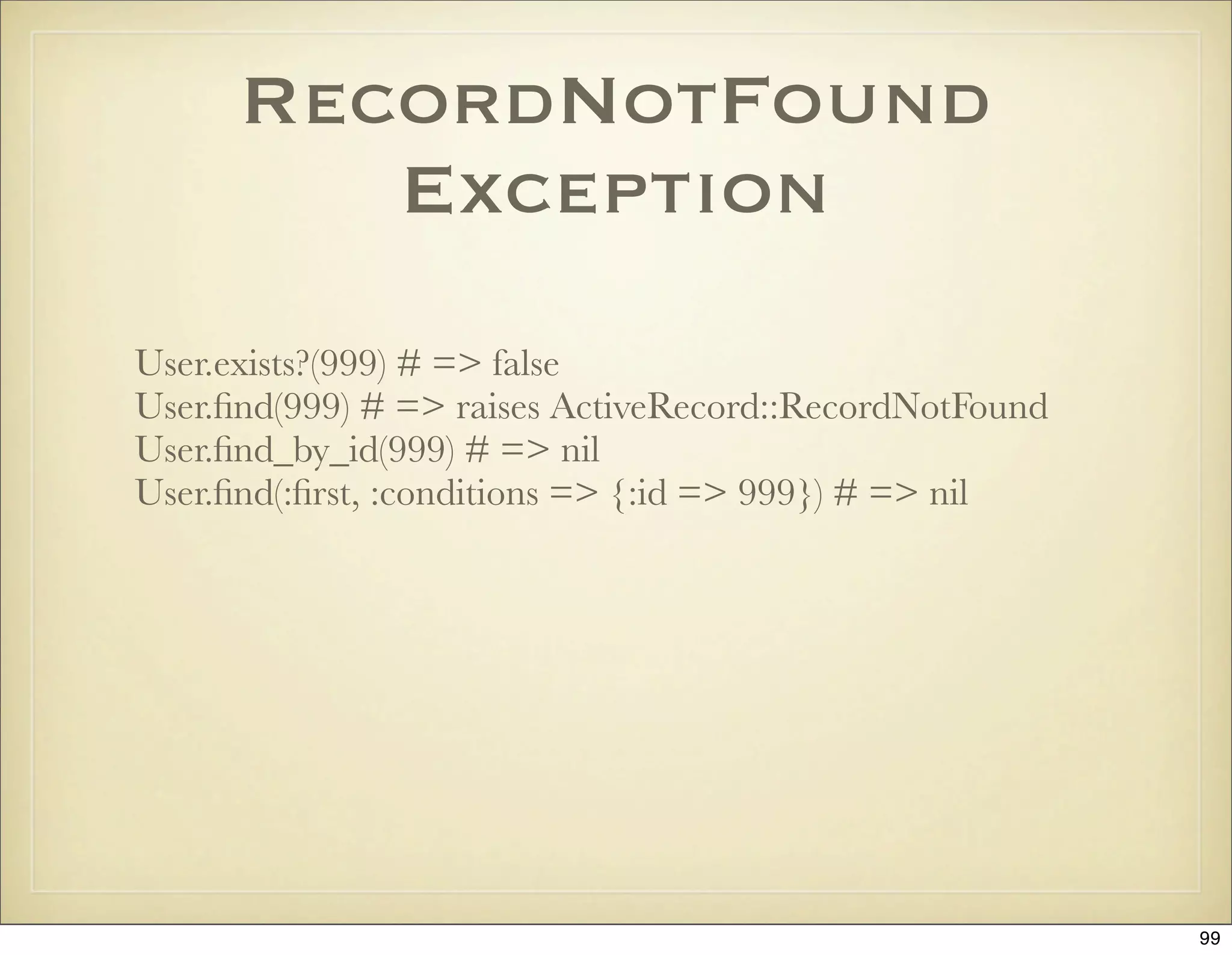
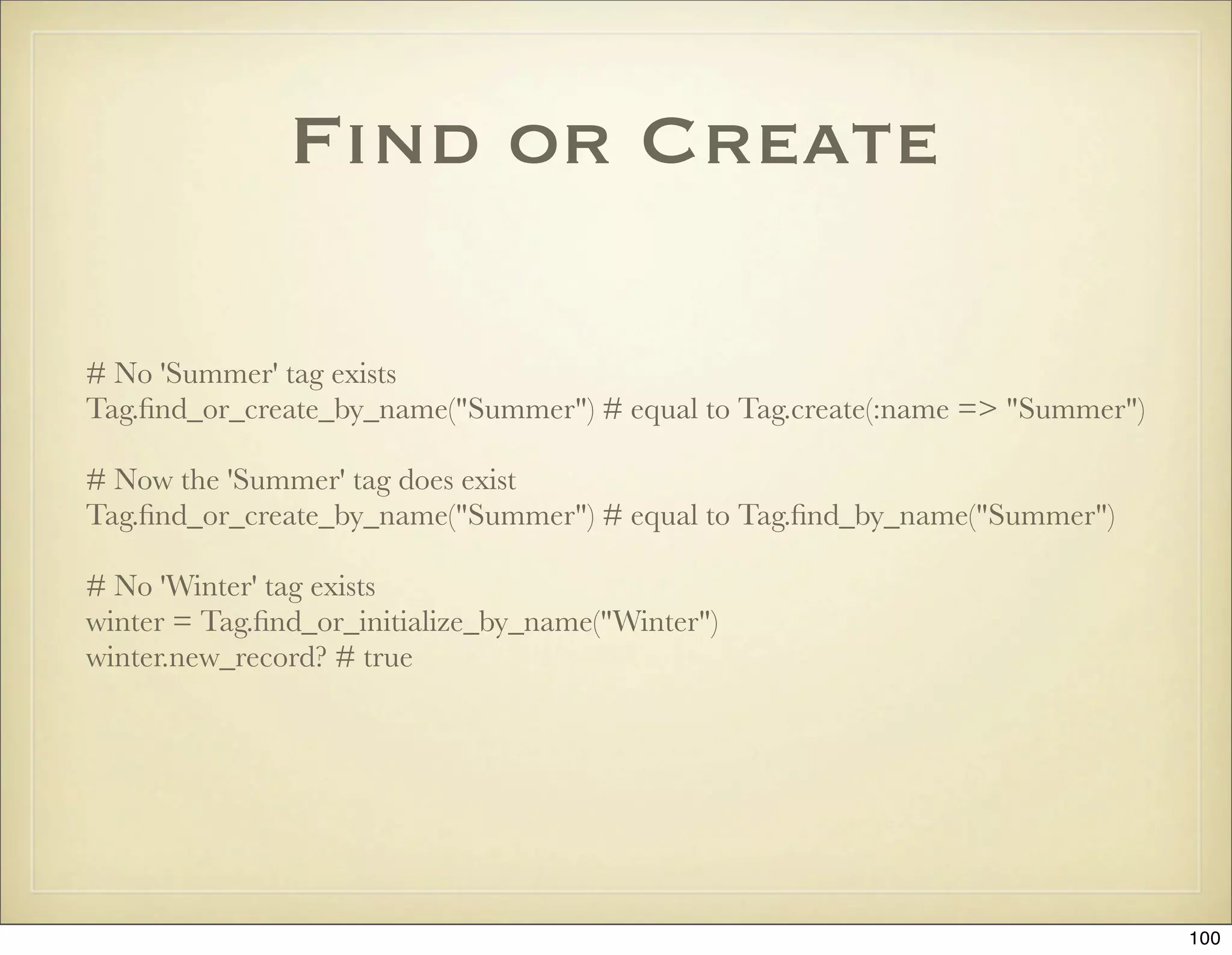
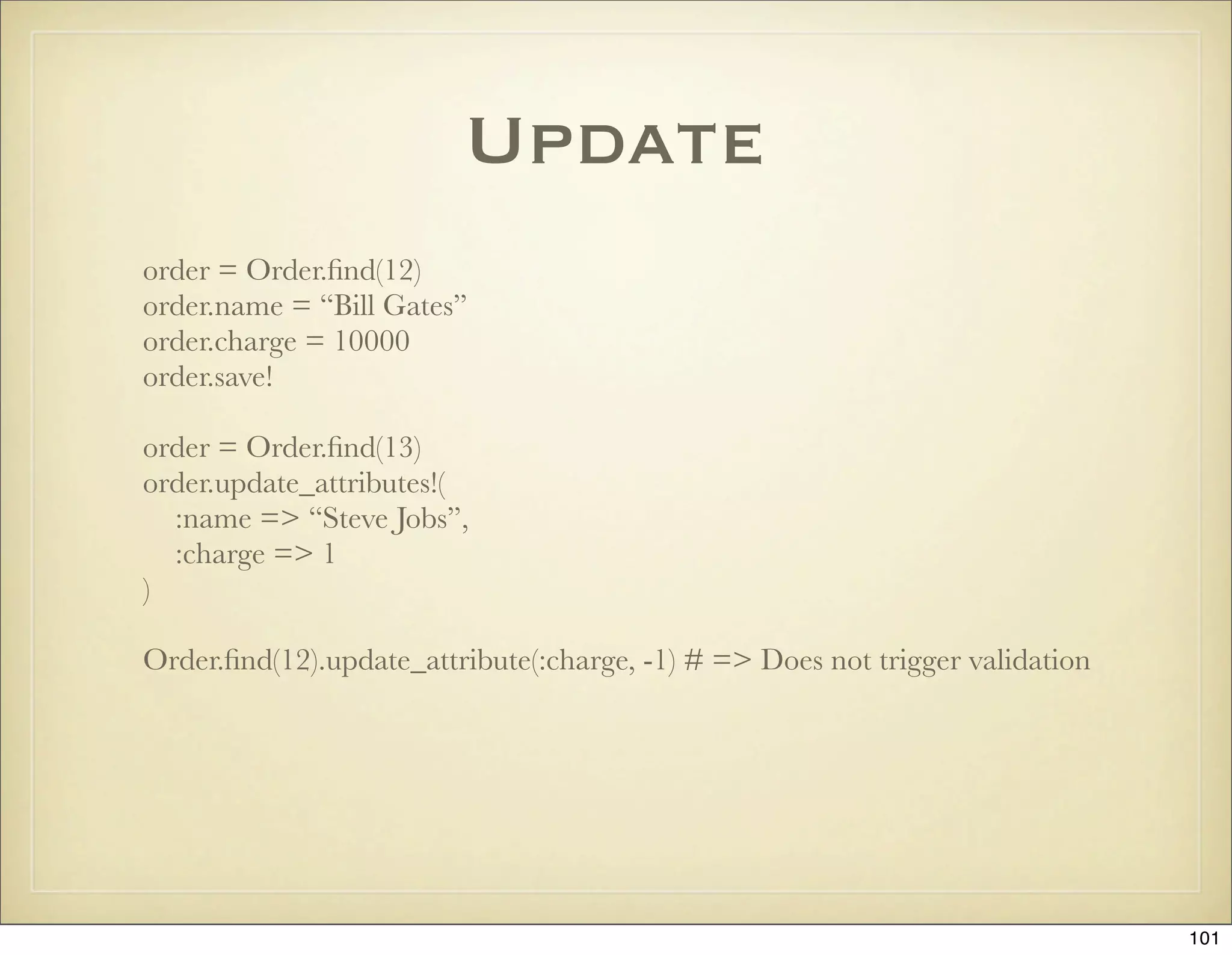
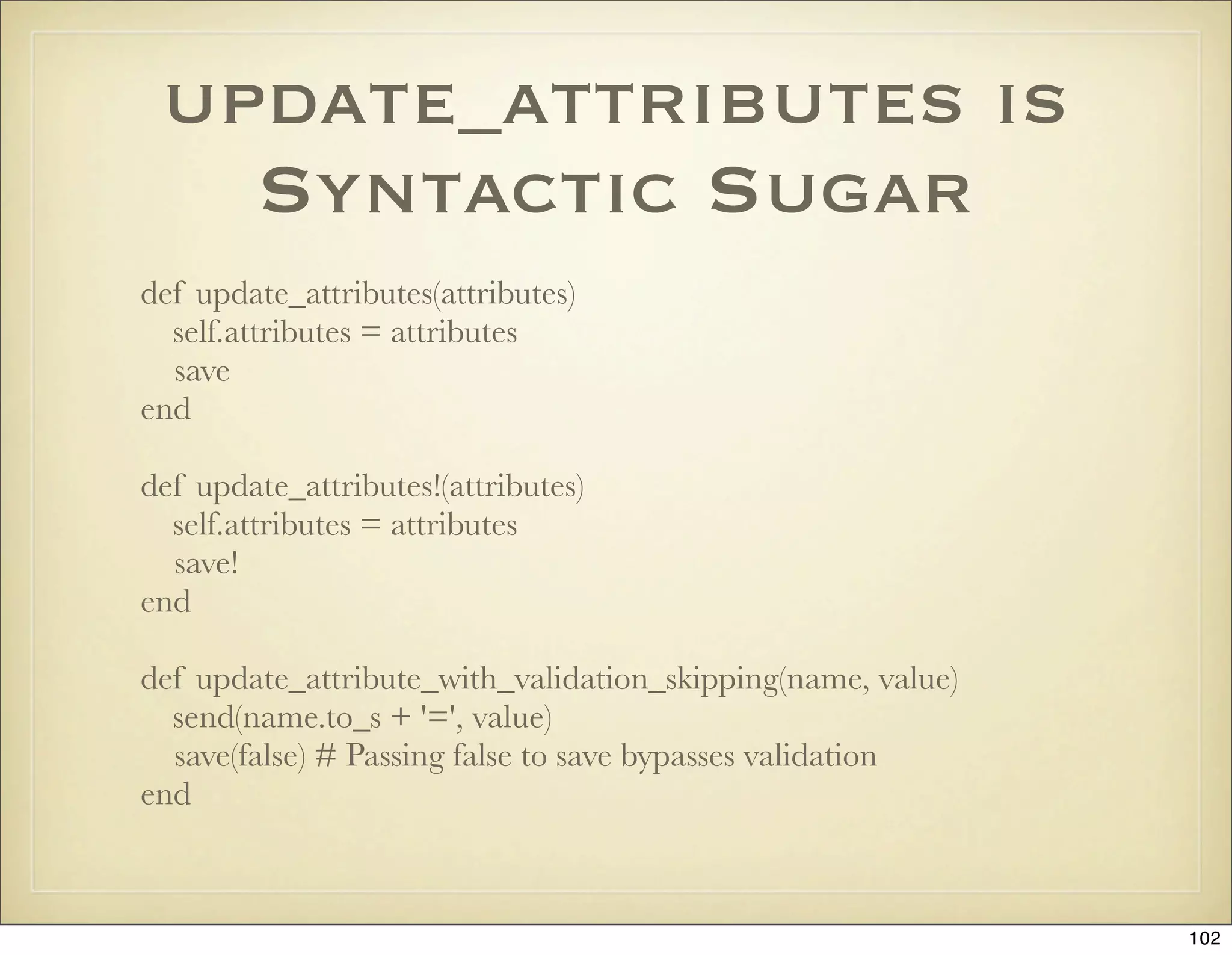
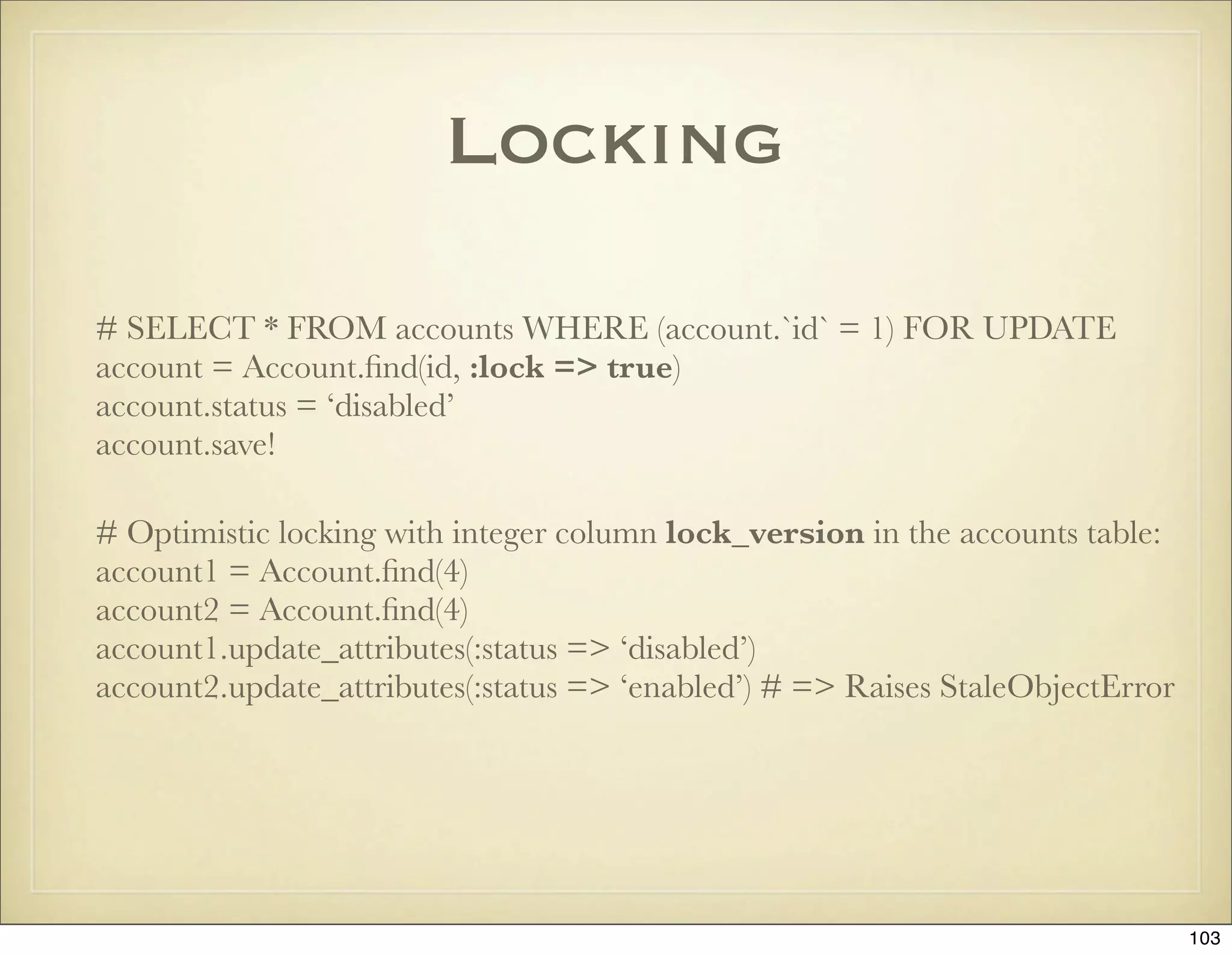
![Destroy
# Instance method User#destroy
User.count # => 5
u = User.find(:first)
u.destroy
User.count # => 4
# Class method User.destroy
User.destroy(2, 3)
User.count # => 2
User.exists?(2) # => false
User.find(:all).map(&:id) # => [4, 5]
# Class method User.destroy_all
User.destroy_all(“id >= 5”)
User.count # => 1
User.destroy_all
User.count # => 0
104](https://image.slidesharecdn.com/ruby-on-rails-101-presentation-slides-for-a-five-day-introductory-course-119407436077654-3-121125080043-phpapp01/75/Ruby-on-rails-101-presentation-slides-for-a-five-day-introductory-course-119407436077654-3-104-2048.jpg)
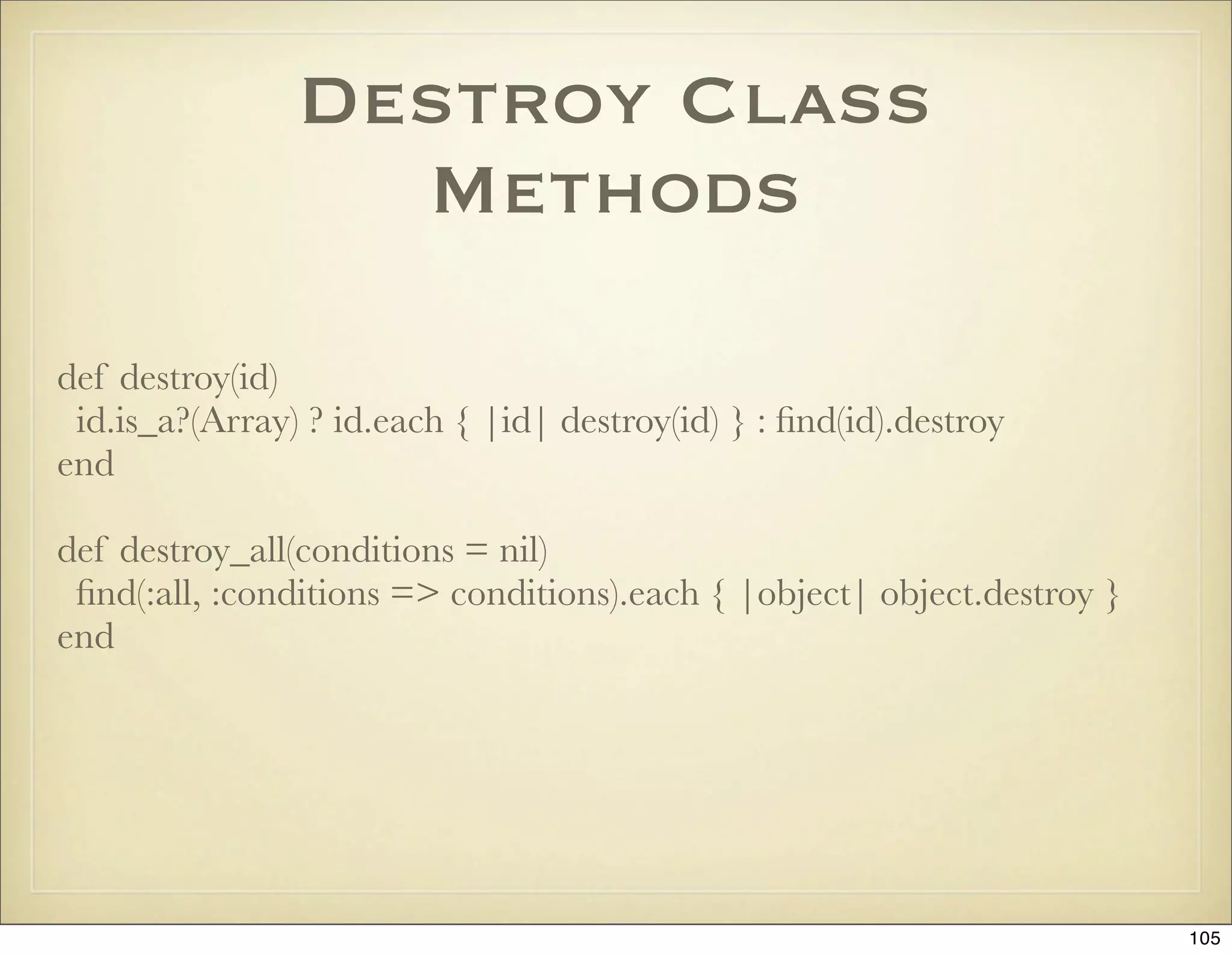
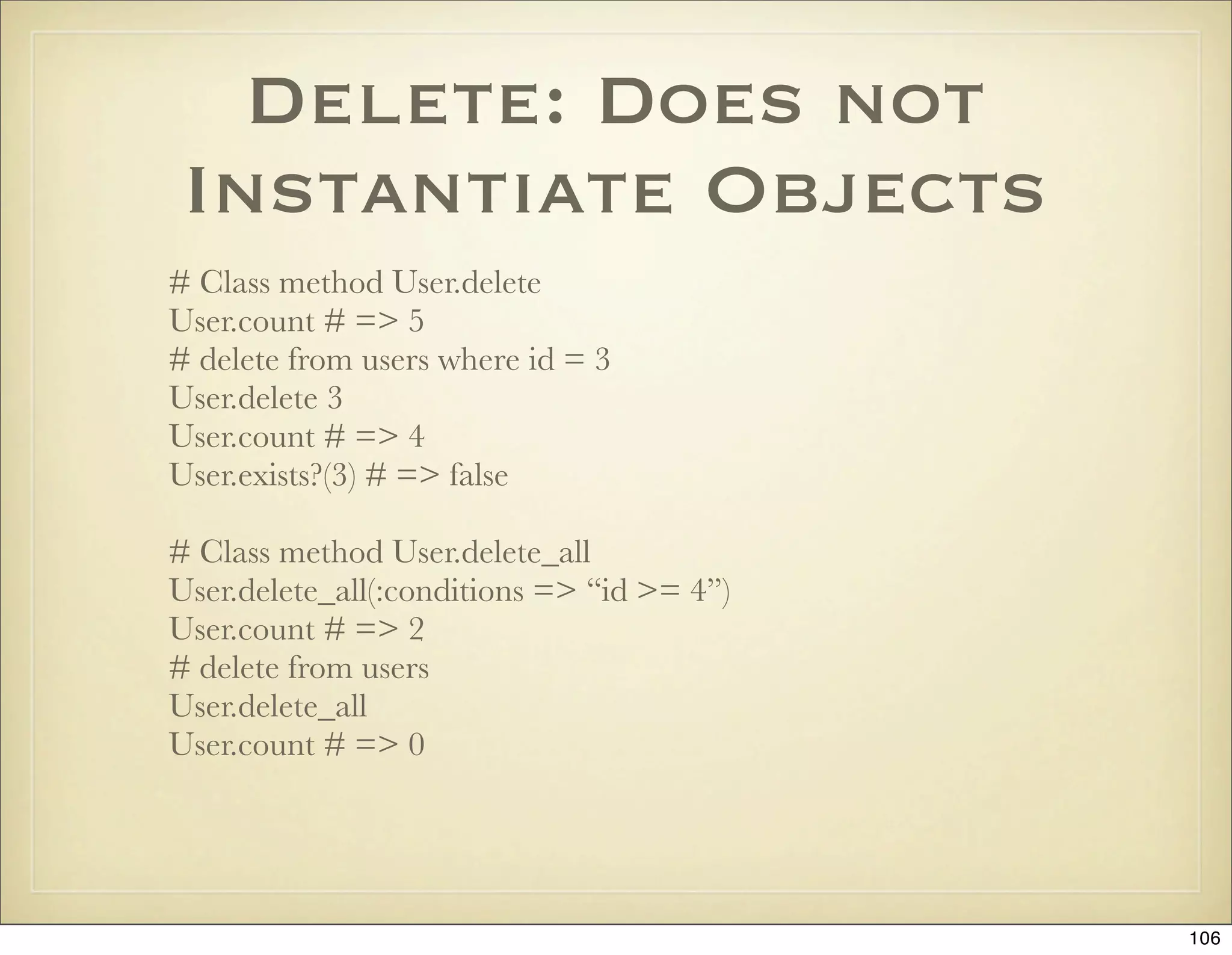
![Calculations
Person.minimum(‘age’)
Person.maximum(‘age’)
Person.sum(‘age’)
Person.count(:conditions => [“age > ?”, 25])
Person.average(‘age’)
Person.calculate(:std, :age)
107](https://image.slidesharecdn.com/ruby-on-rails-101-presentation-slides-for-a-five-day-introductory-course-119407436077654-3-121125080043-phpapp01/75/Ruby-on-rails-101-presentation-slides-for-a-five-day-introductory-course-119407436077654-3-107-2048.jpg)
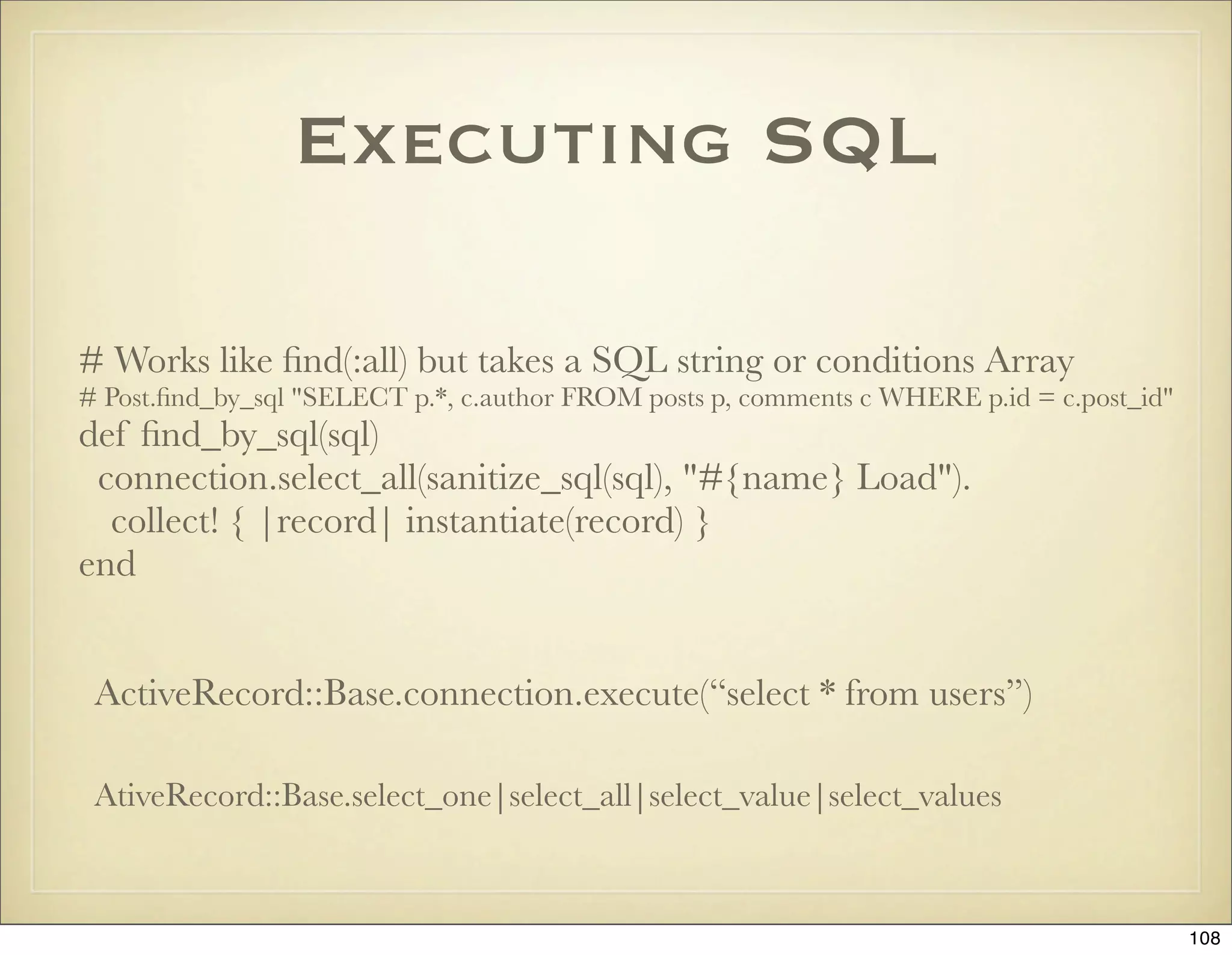
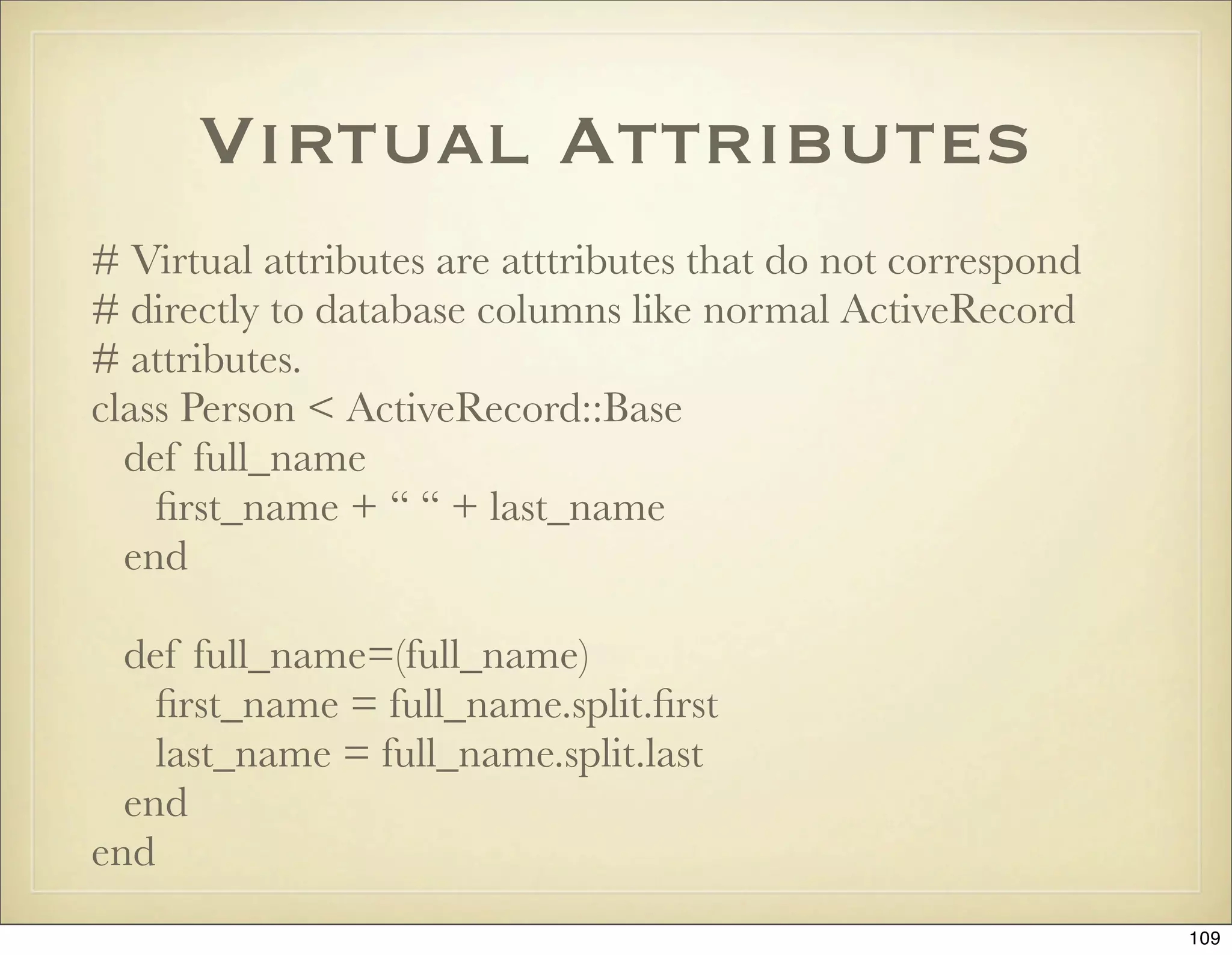
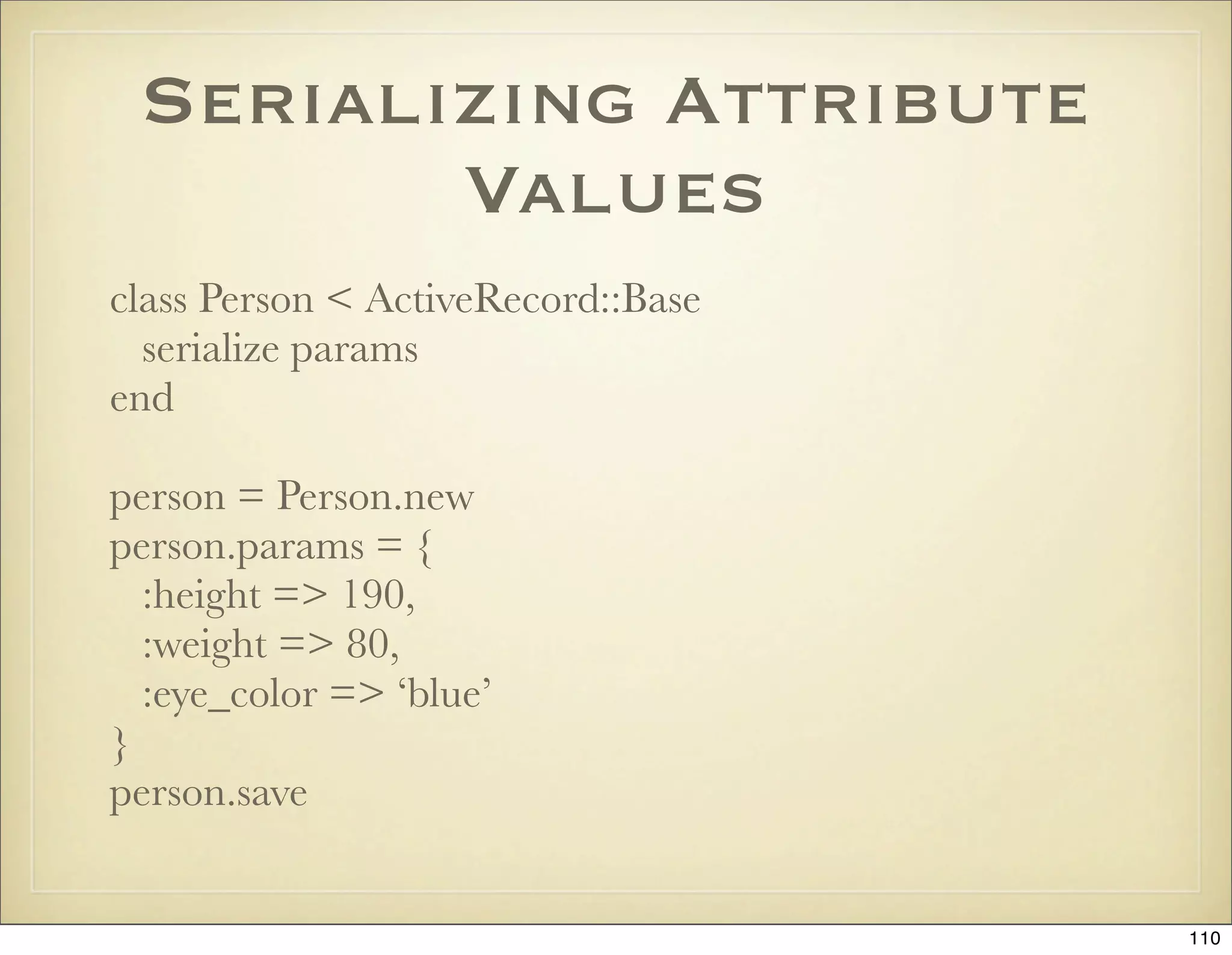
![Composite Attributes
class Name
attr_reader :first, :initials, :last
def initialize(first, initials, last)
@first = first
@initials = initials
@last = last
end
def to_s
[ @first, @initials, @last ].compact.join(" ")
end
end
class Customer < ActiveRecord::Base
composed_of :name,
:class_name => Name,
:mapping =>
[ #database ruby
[ :first_name, :first ],
[ :initials, :initials ],
[ :last_name, :last ]
end
111](https://image.slidesharecdn.com/ruby-on-rails-101-presentation-slides-for-a-five-day-introductory-course-119407436077654-3-121125080043-phpapp01/75/Ruby-on-rails-101-presentation-slides-for-a-five-day-introductory-course-119407436077654-3-111-2048.jpg)
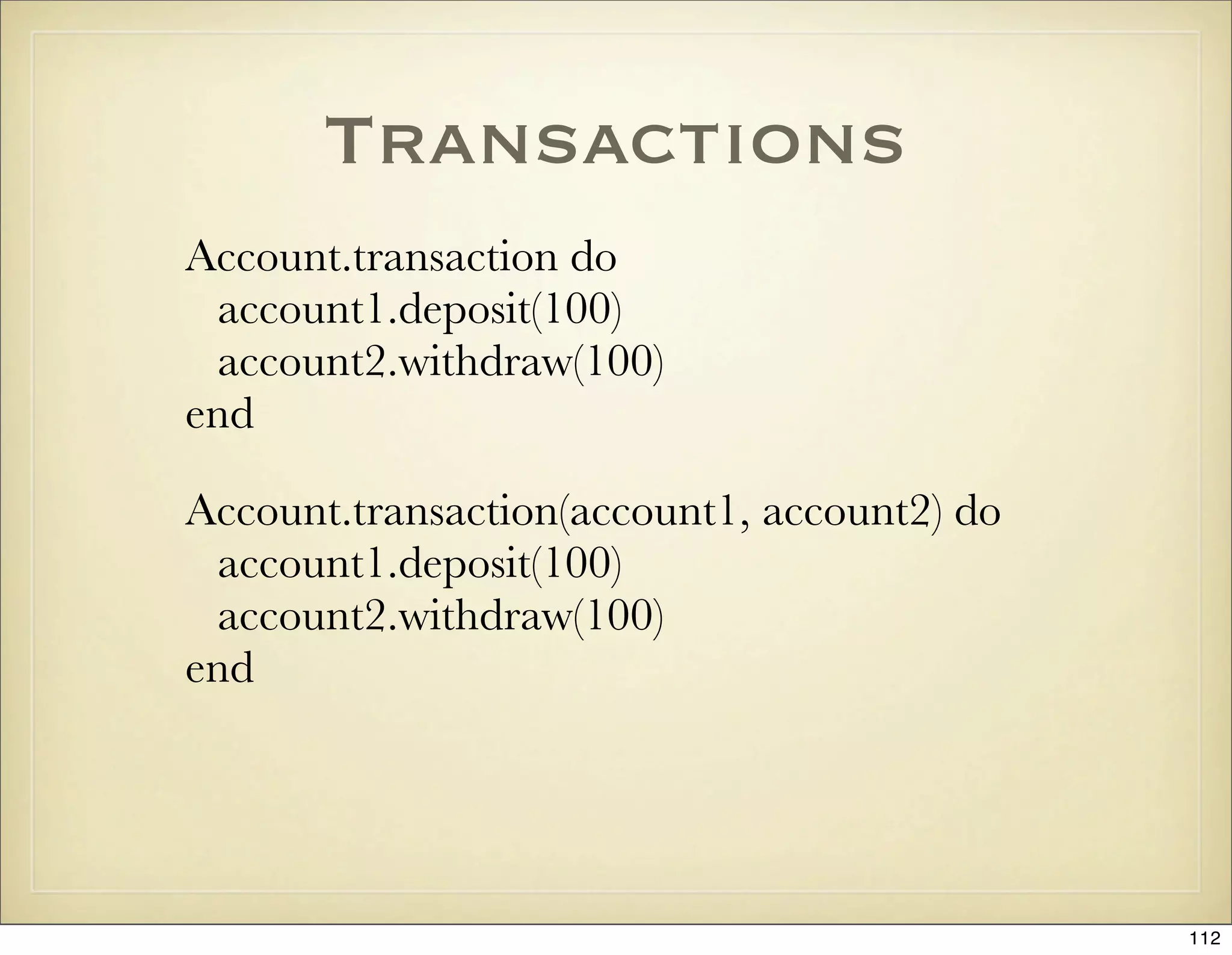
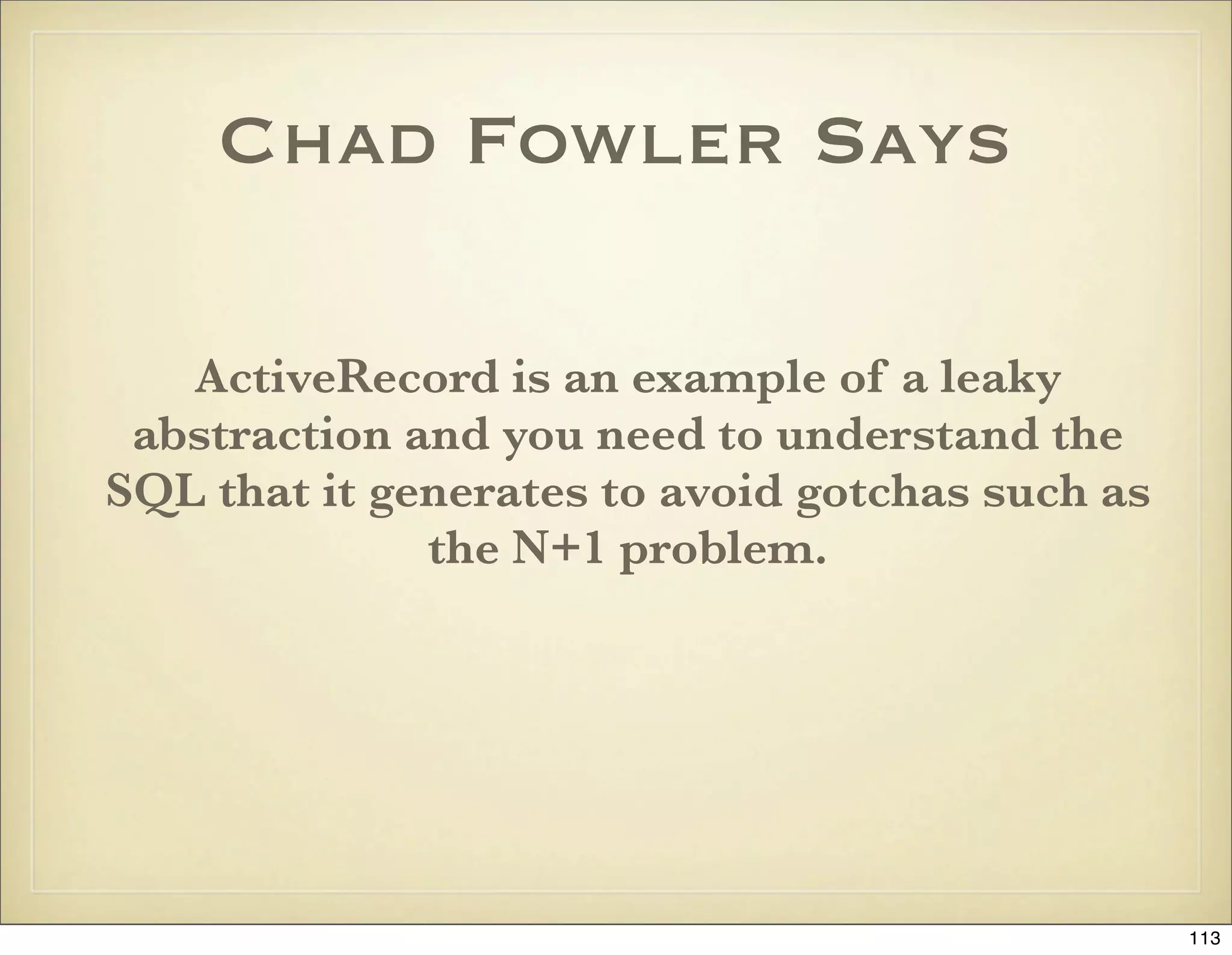
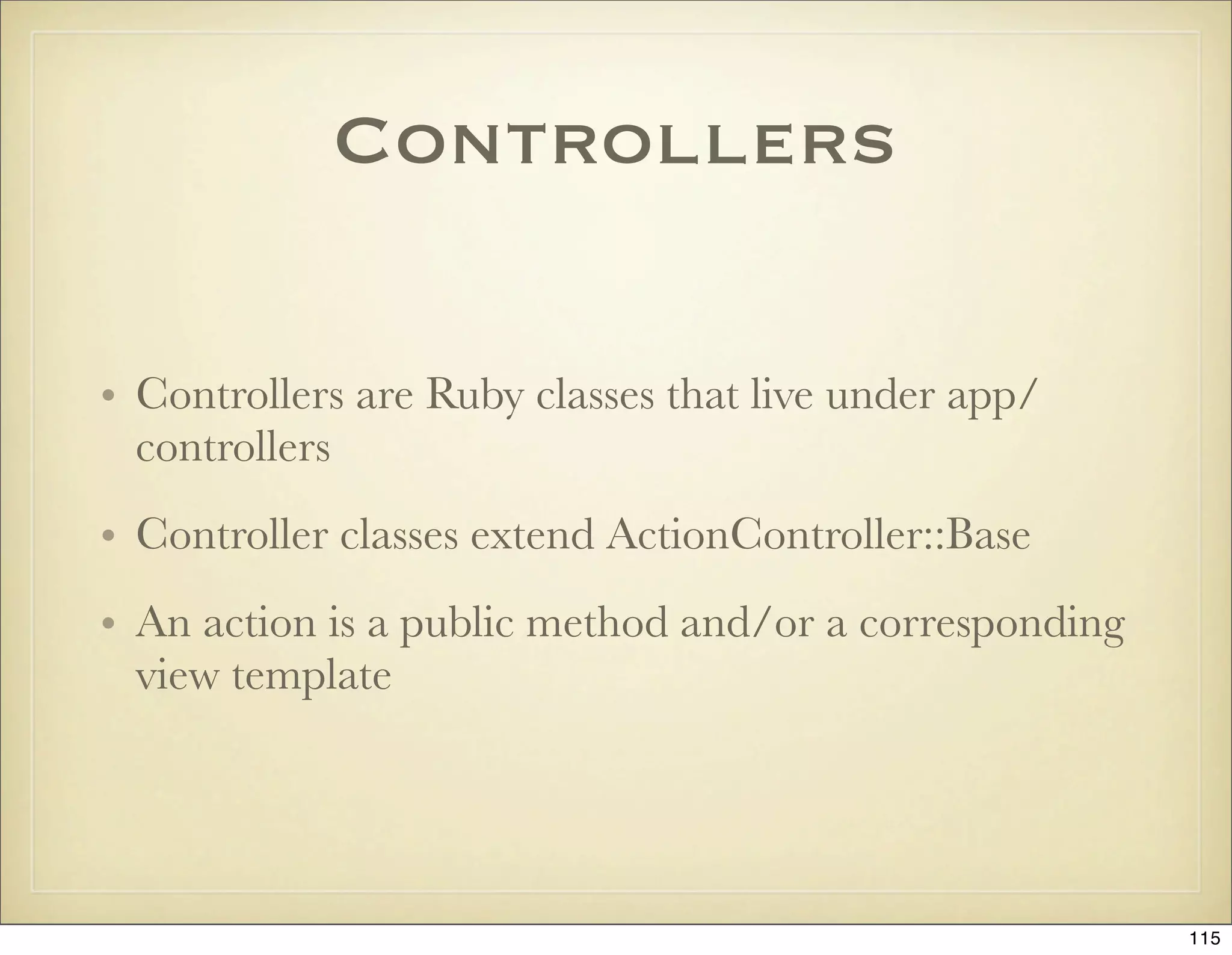
![Controller
Environment
• cookies[:login] = { :value => “peter”, :expires => 1.hour.from_now
• headers[‘Content-Type’] = ‘application/pdf; charset=utf-8’
• params
• request: env, request_uri, get?, post?, xhr?, remote_ip
• response
• session
• logger.warn(“Something pretty bad happened”)
116](https://image.slidesharecdn.com/ruby-on-rails-101-presentation-slides-for-a-five-day-introductory-course-119407436077654-3-121125080043-phpapp01/75/Ruby-on-rails-101-presentation-slides-for-a-five-day-introductory-course-119407436077654-3-116-2048.jpg)
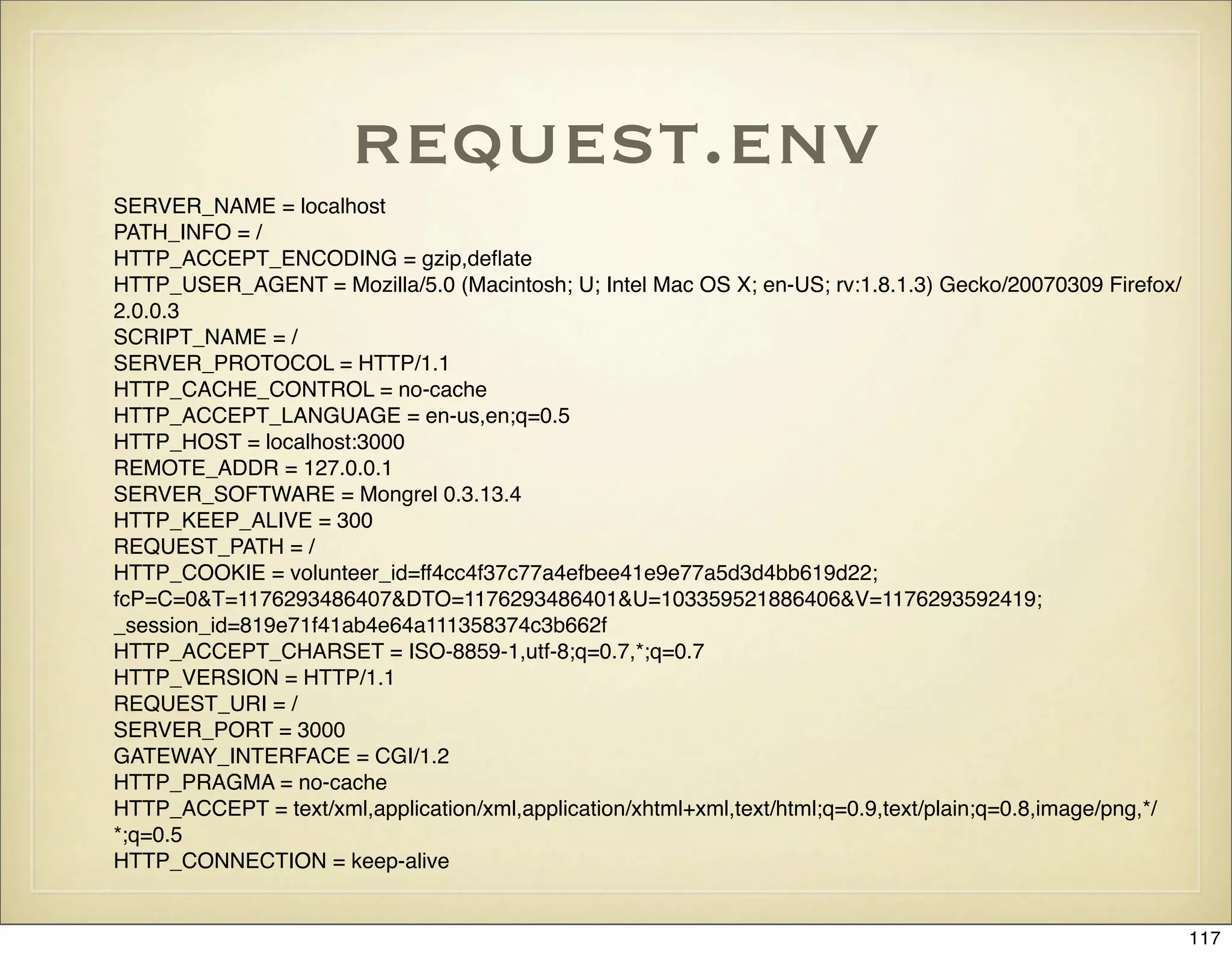
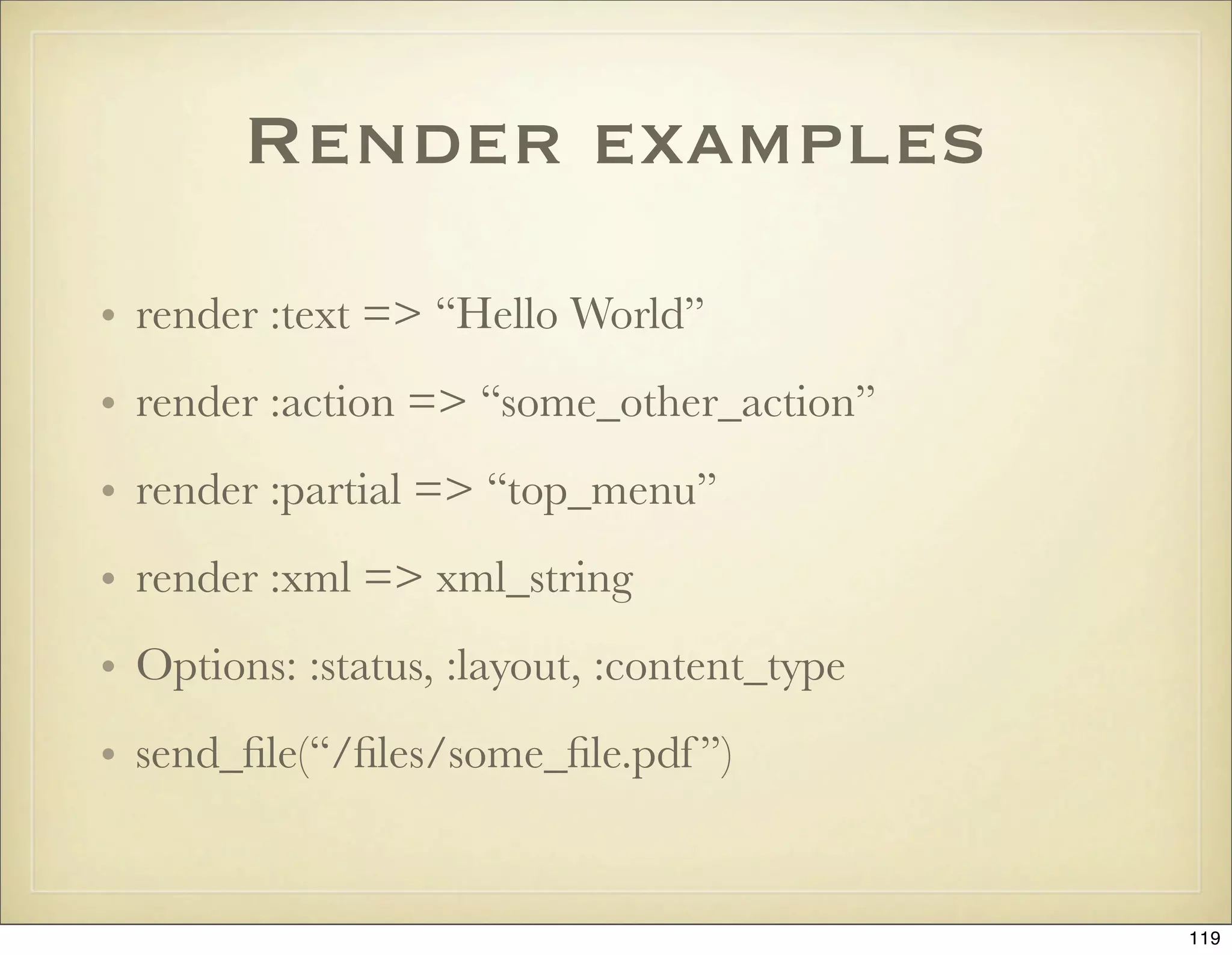
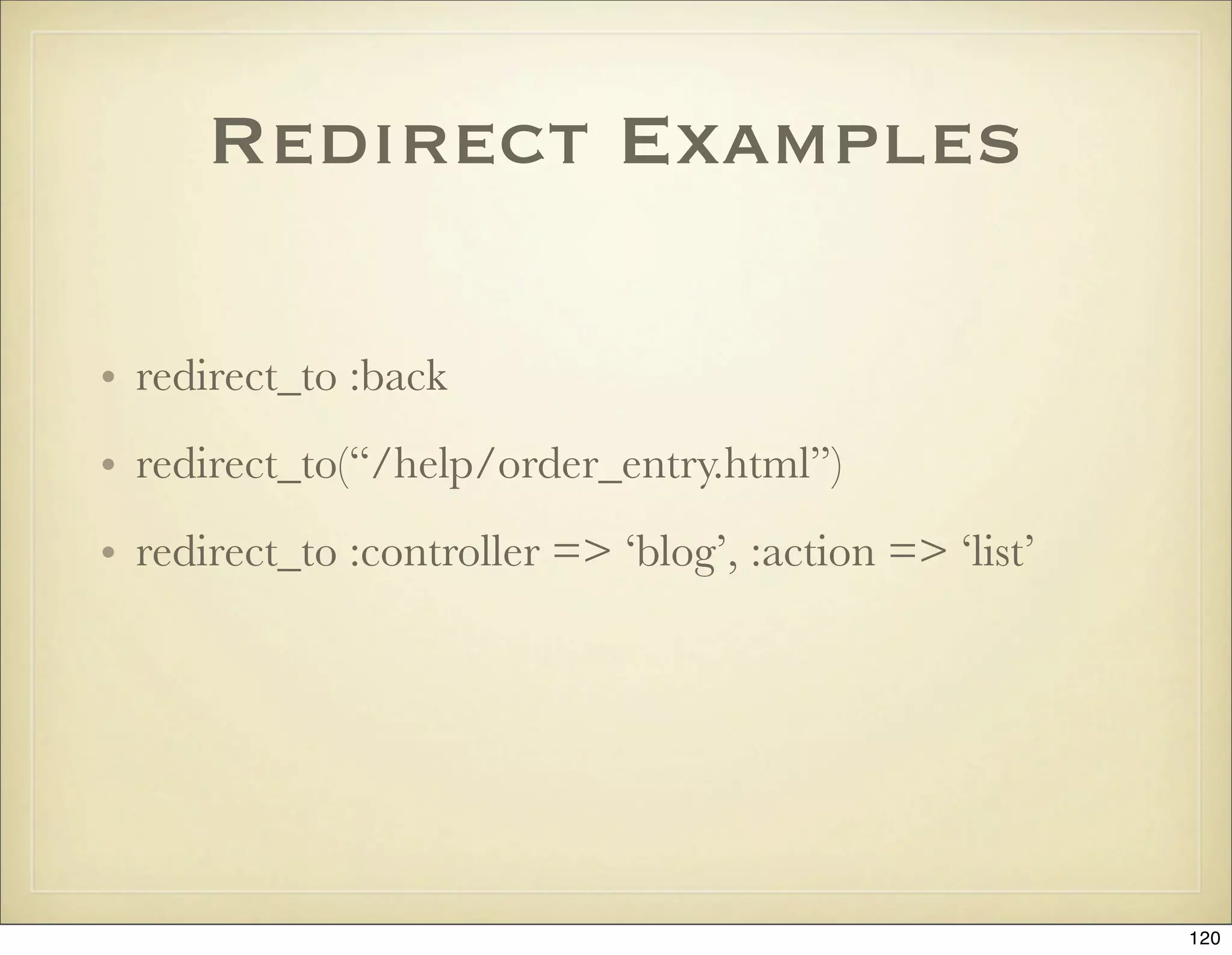
![Cookies
• A hash stored by the browser
• cookies[:preference] = { :value => ‘ice
cream’, :expires => 10.days.from_now, :path => ‘/
store’ }
• Valid options: :domain, :expires, :path, :secure, :value
121](https://image.slidesharecdn.com/ruby-on-rails-101-presentation-slides-for-a-five-day-introductory-course-119407436077654-3-121125080043-phpapp01/75/Ruby-on-rails-101-presentation-slides-for-a-five-day-introductory-course-119407436077654-3-121-2048.jpg)
![Sessions
• A hash stored on the server, typically in a database
table or in the file system.
• Keyed by the cookie _session_id
• Avoid storing complex Ruby objects, instead put id:s
in the session and keep data in the database, i.e. use
session[:user_id] rather than session[:user]
122](https://image.slidesharecdn.com/ruby-on-rails-101-presentation-slides-for-a-five-day-introductory-course-119407436077654-3-121125080043-phpapp01/75/Ruby-on-rails-101-presentation-slides-for-a-five-day-introductory-course-119407436077654-3-122-2048.jpg)
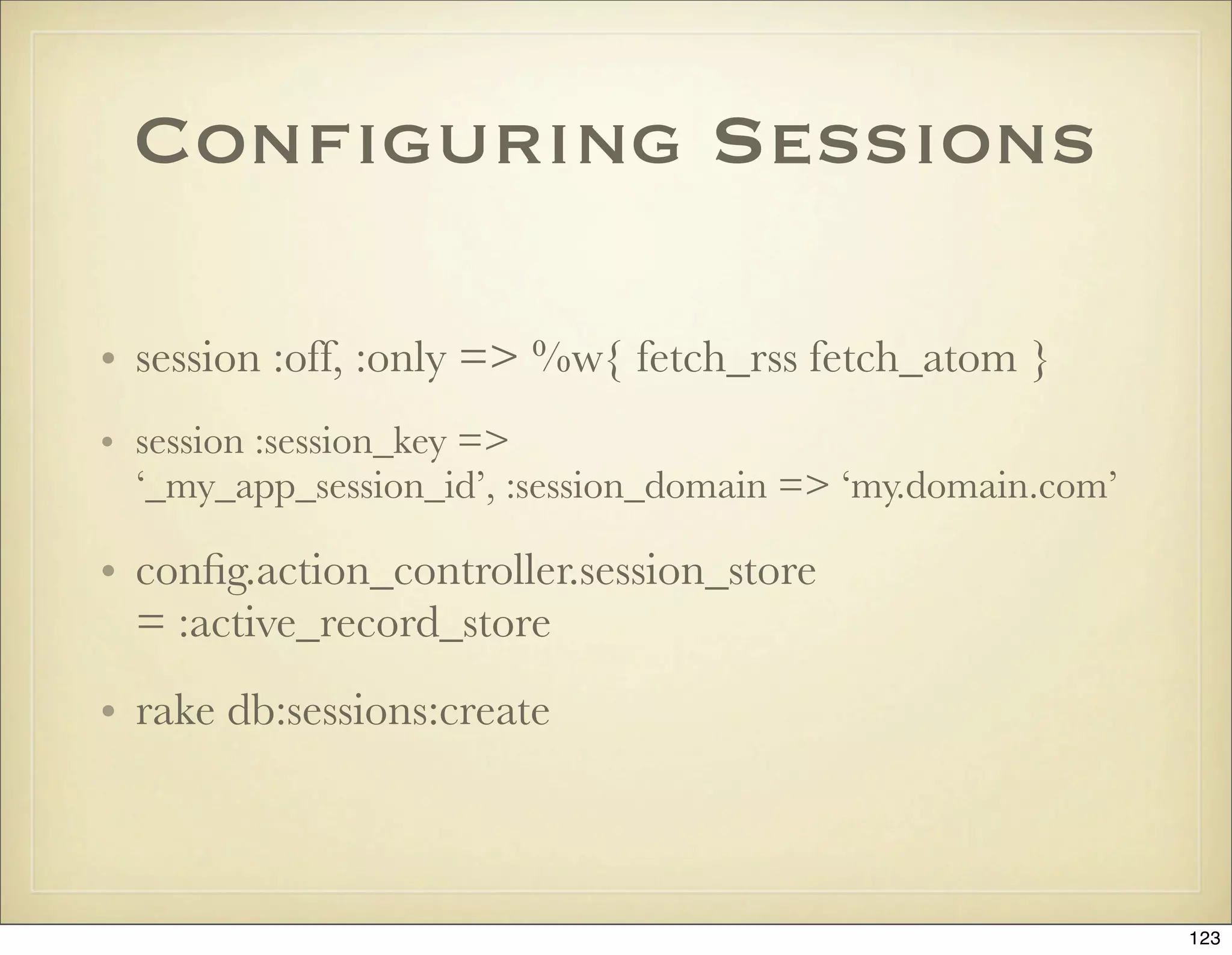
![The Flash
• The flash is a way to set a text message to the user in
one request and then display it in the next (typically
after a redirect)
• The flash is stored in the session
• flash[:notice], flash[:error]
• flash.now[:notice] = “Welcome” unless flash[:notice]
• flash.keep(:notice)
124](https://image.slidesharecdn.com/ruby-on-rails-101-presentation-slides-for-a-five-day-introductory-course-119407436077654-3-121125080043-phpapp01/75/Ruby-on-rails-101-presentation-slides-for-a-five-day-introductory-course-119407436077654-3-124-2048.jpg)
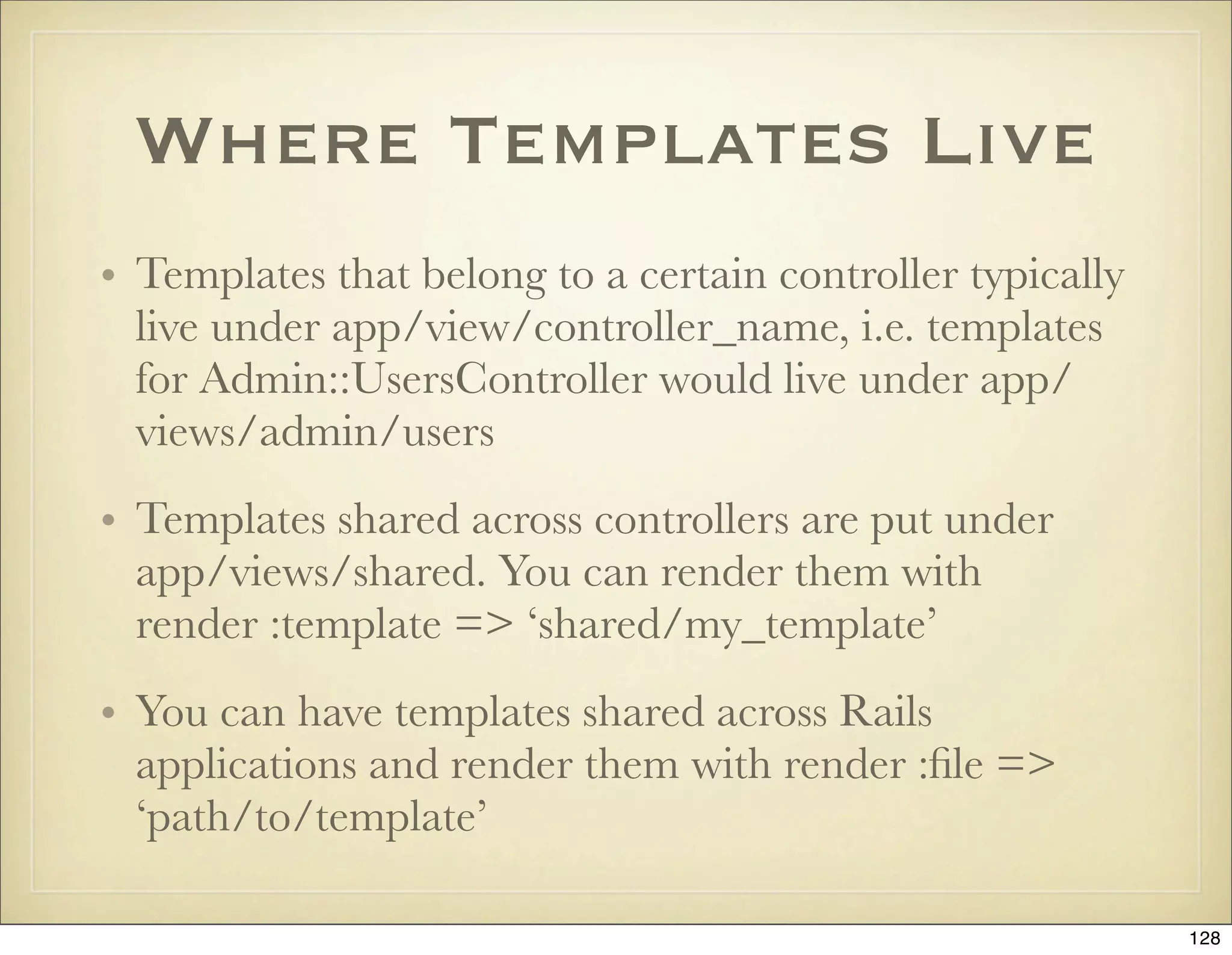
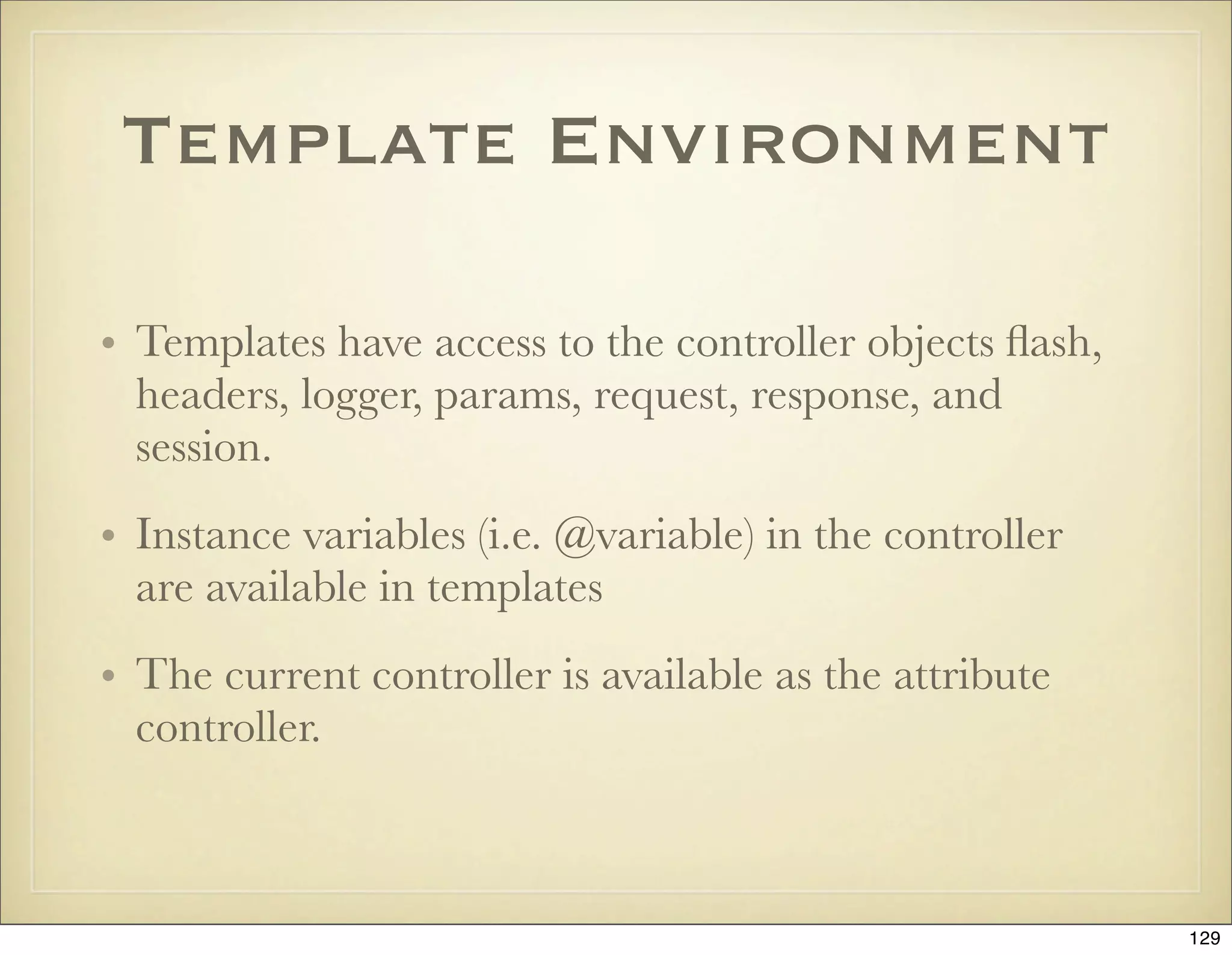
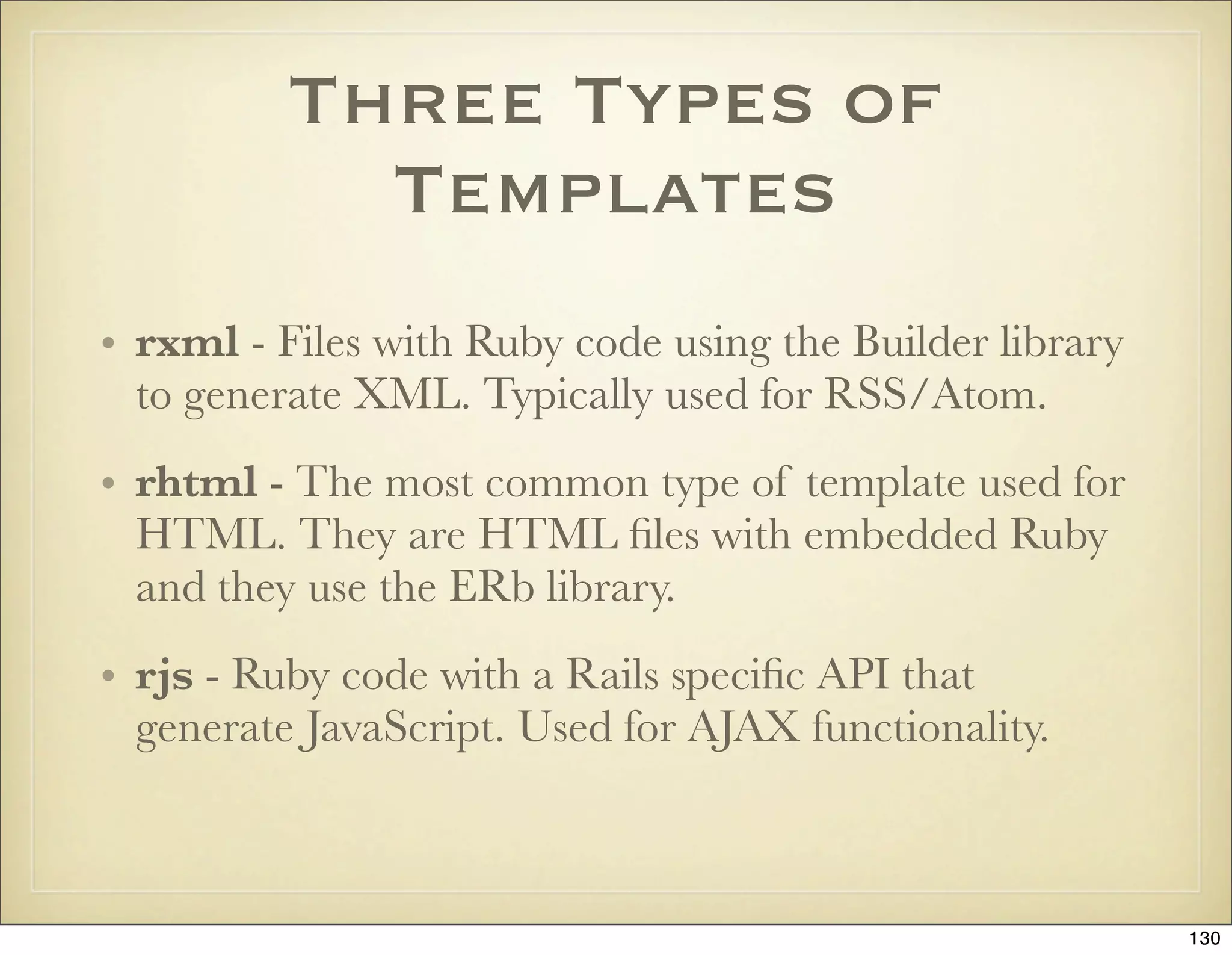
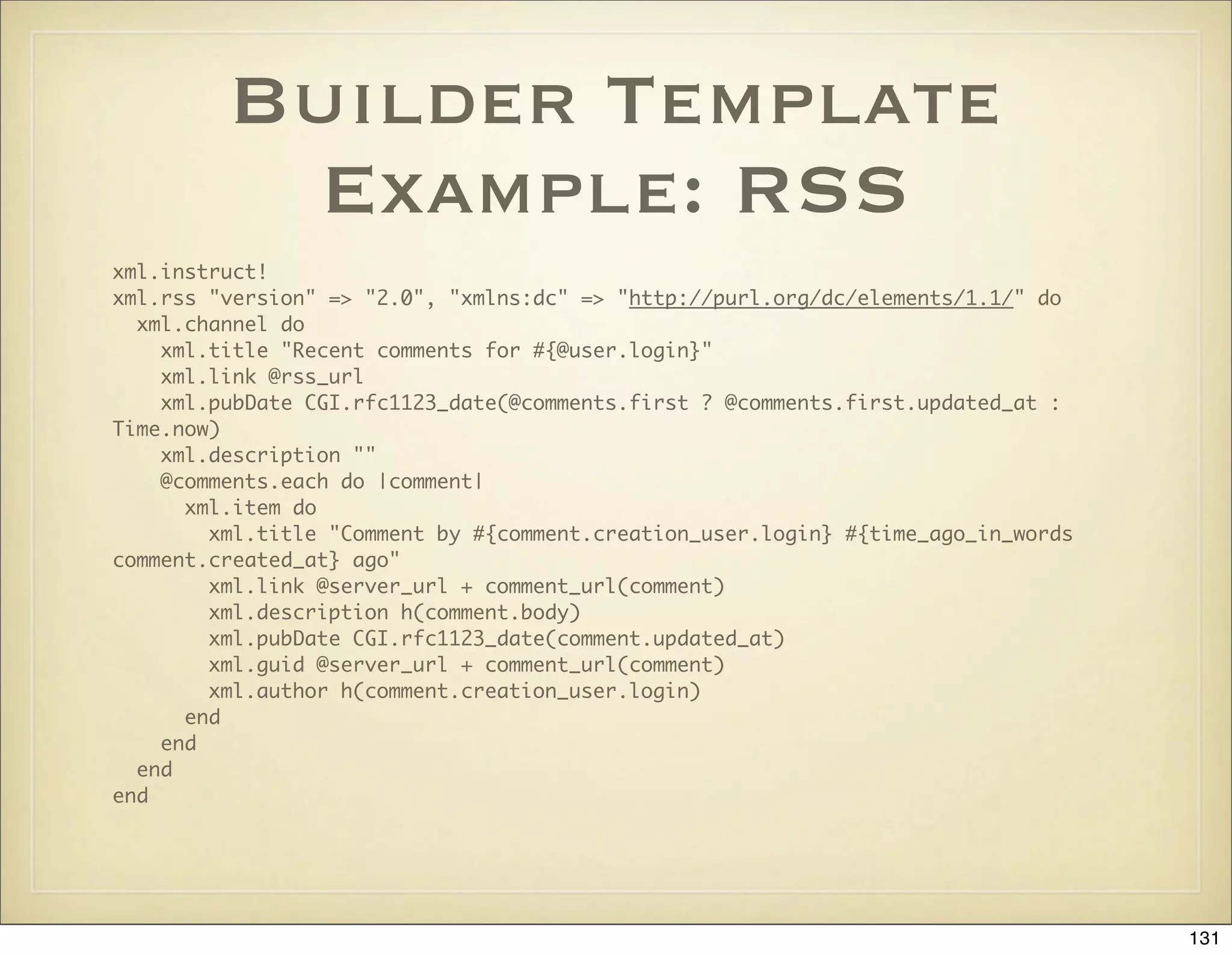
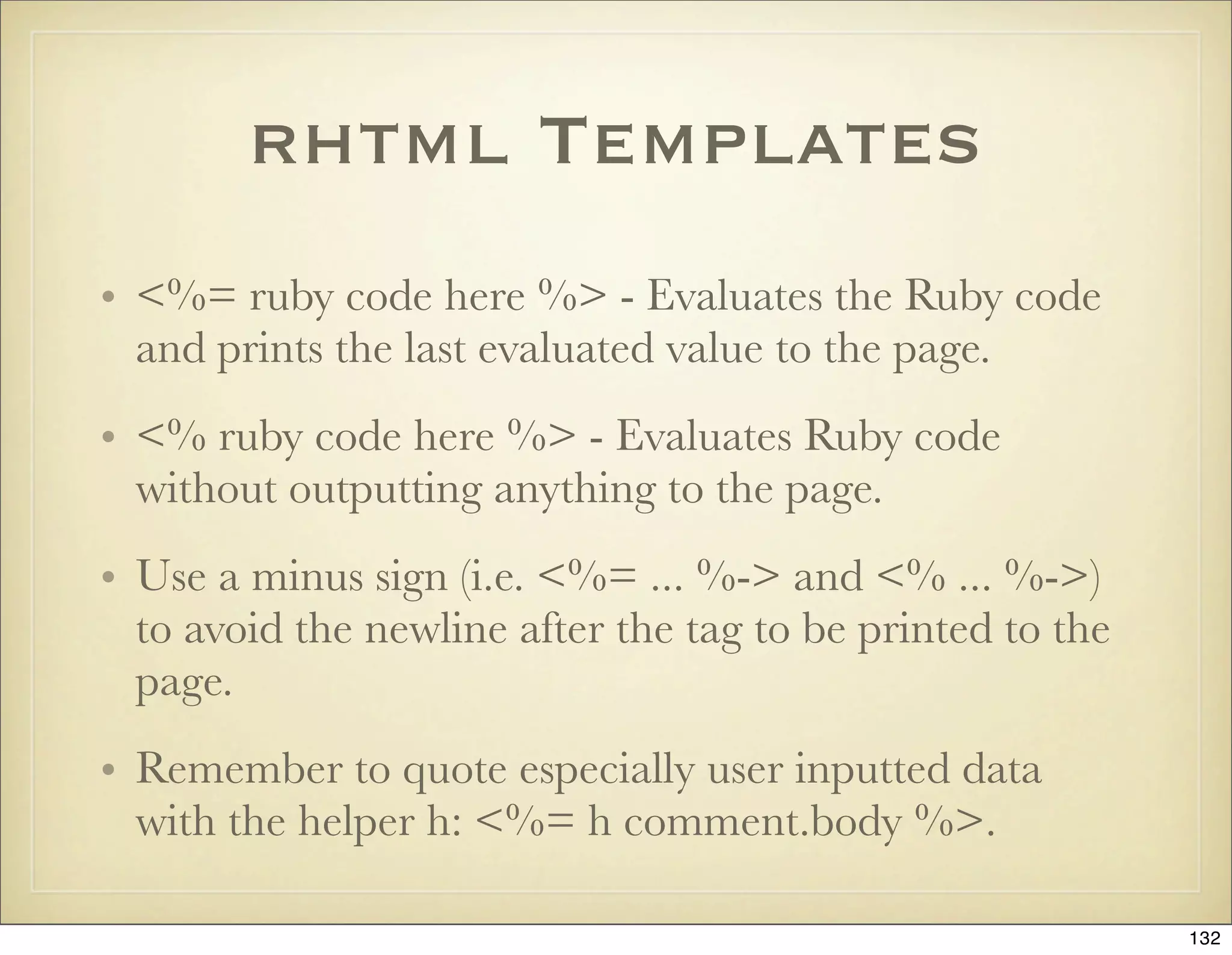
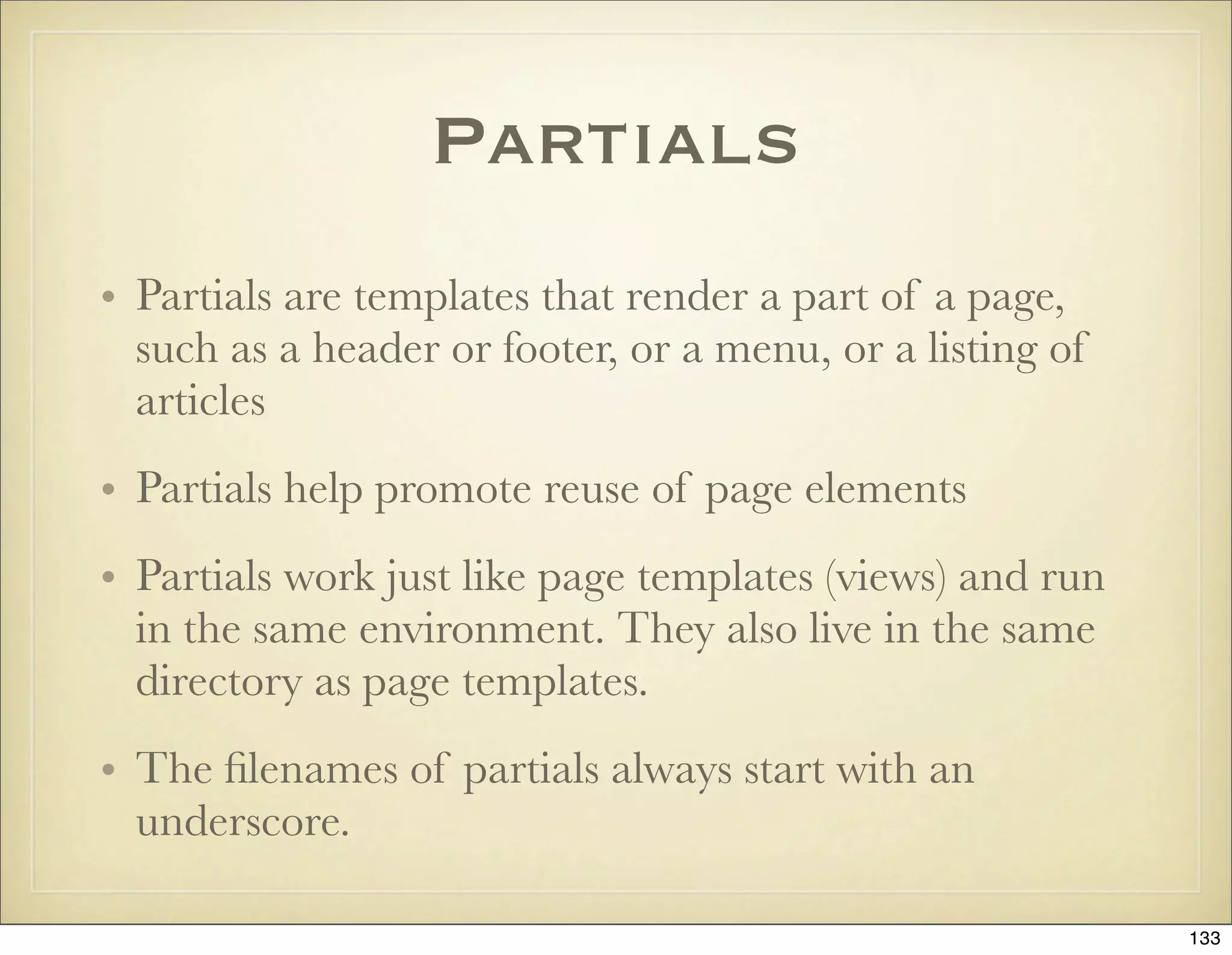
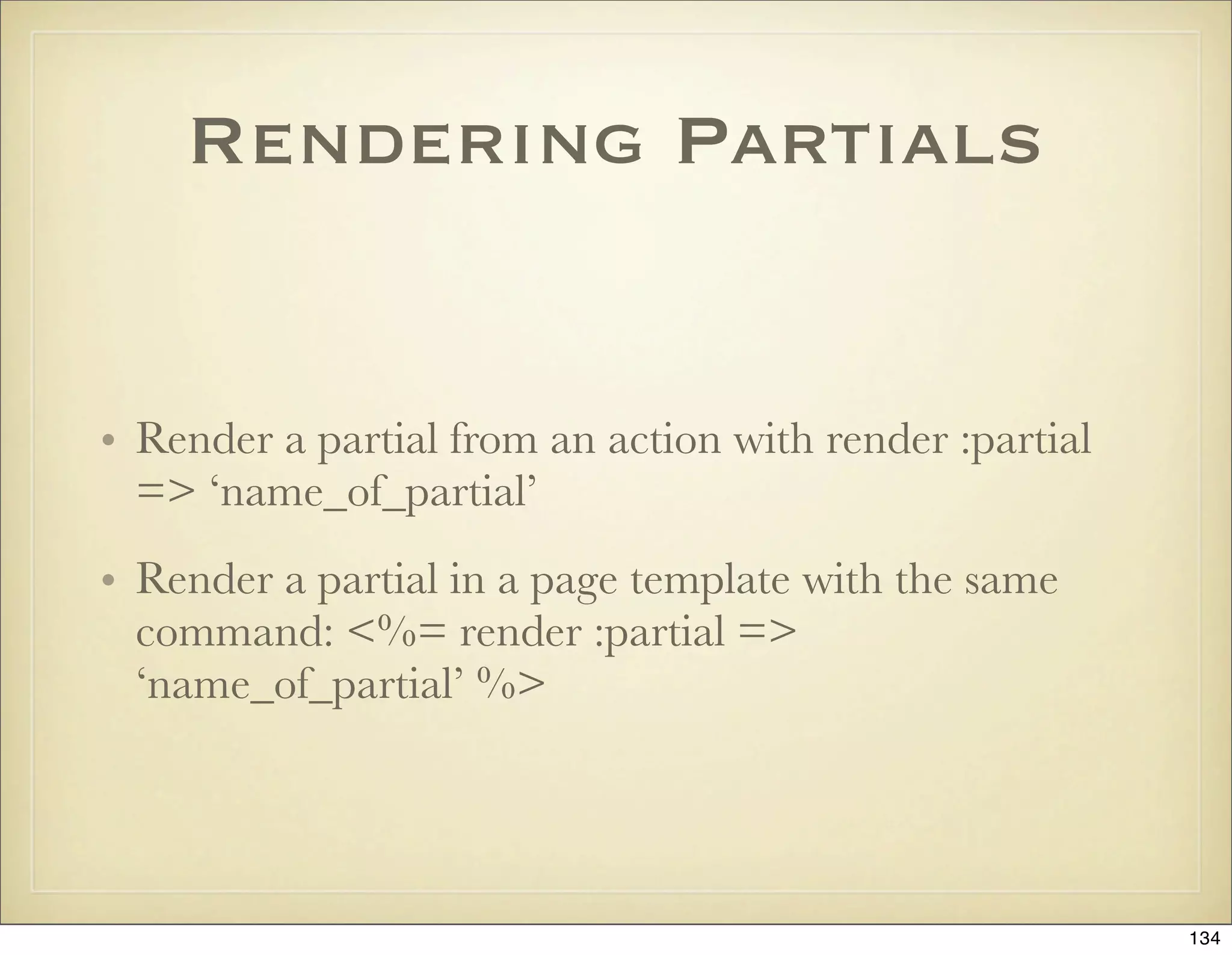
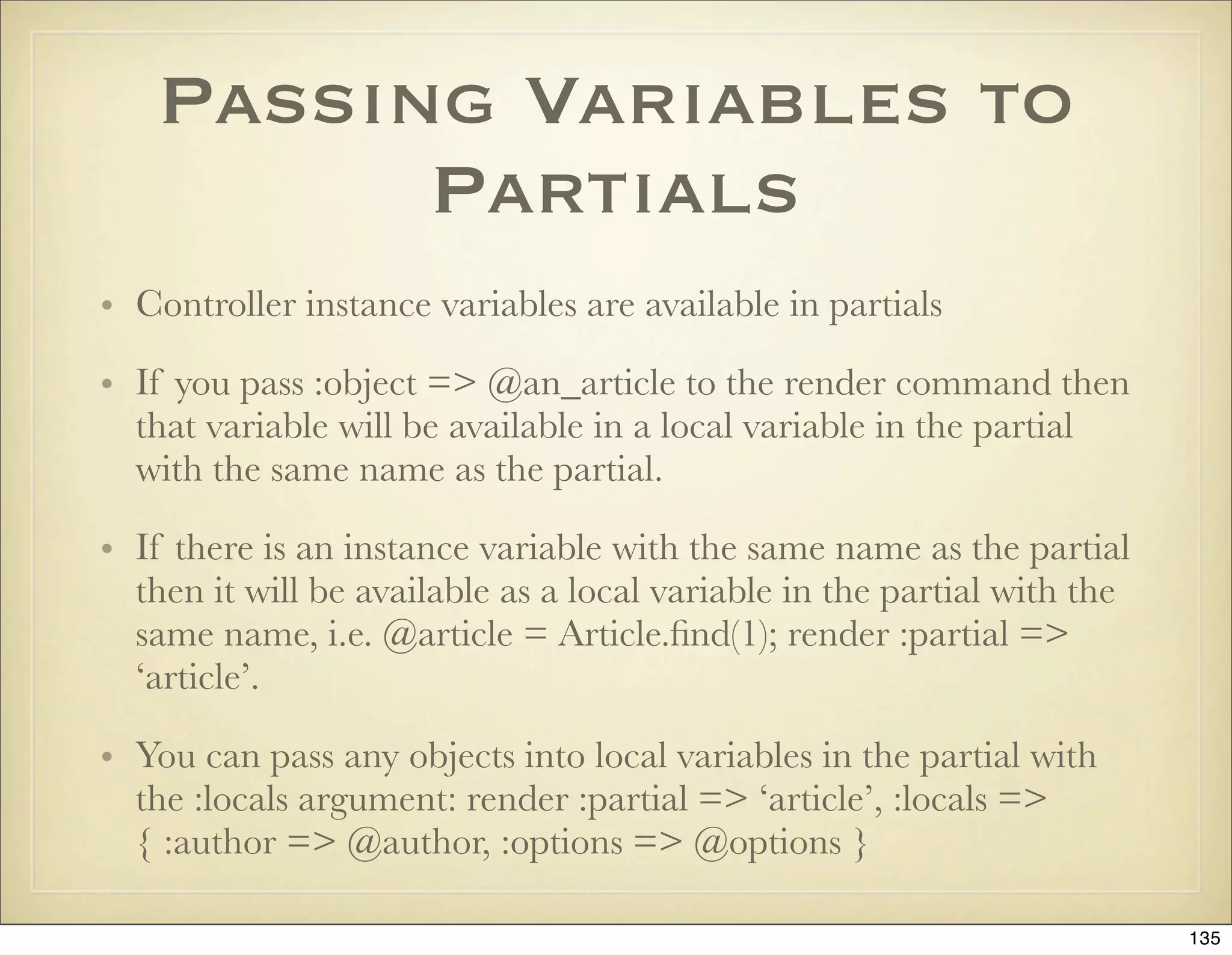
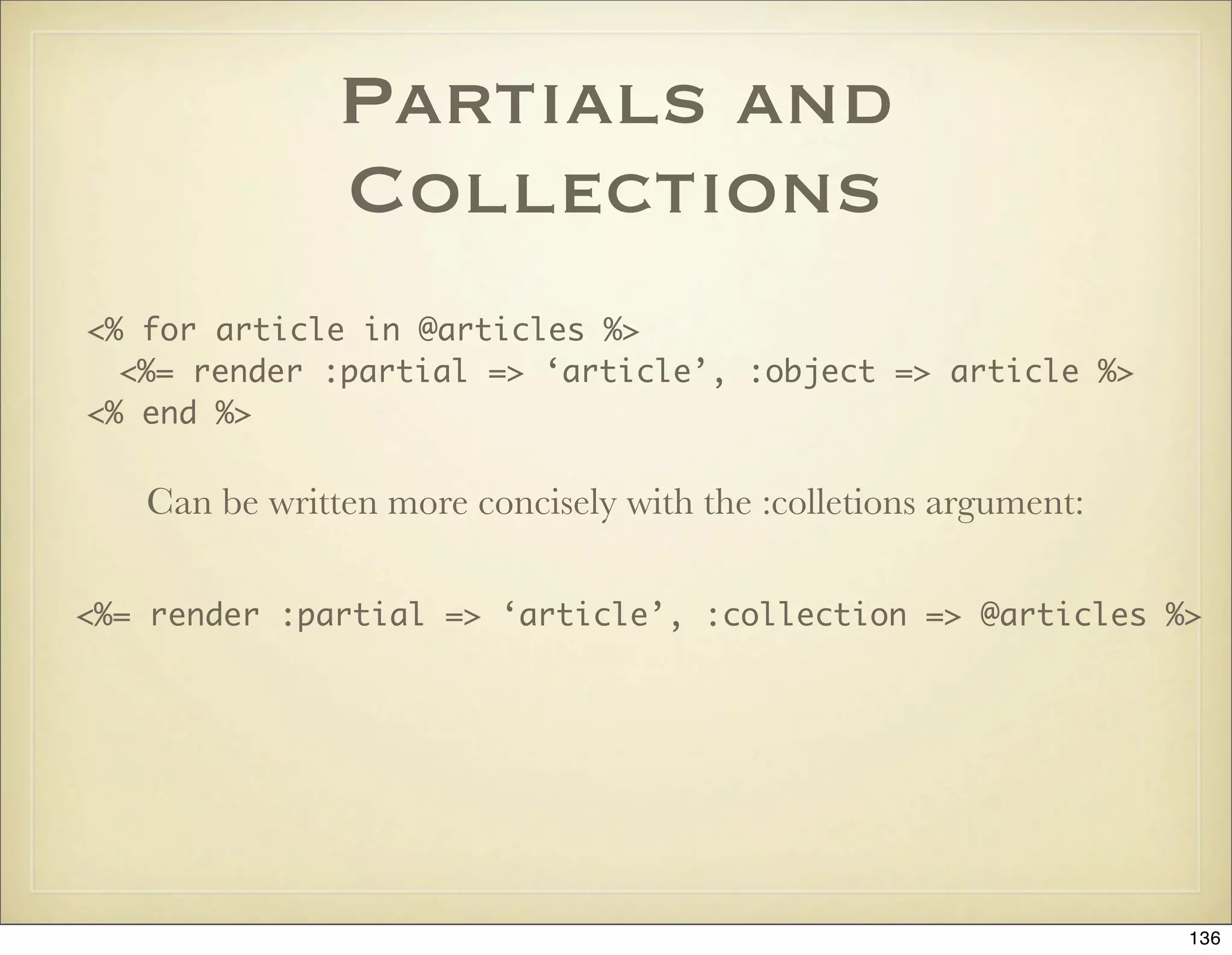
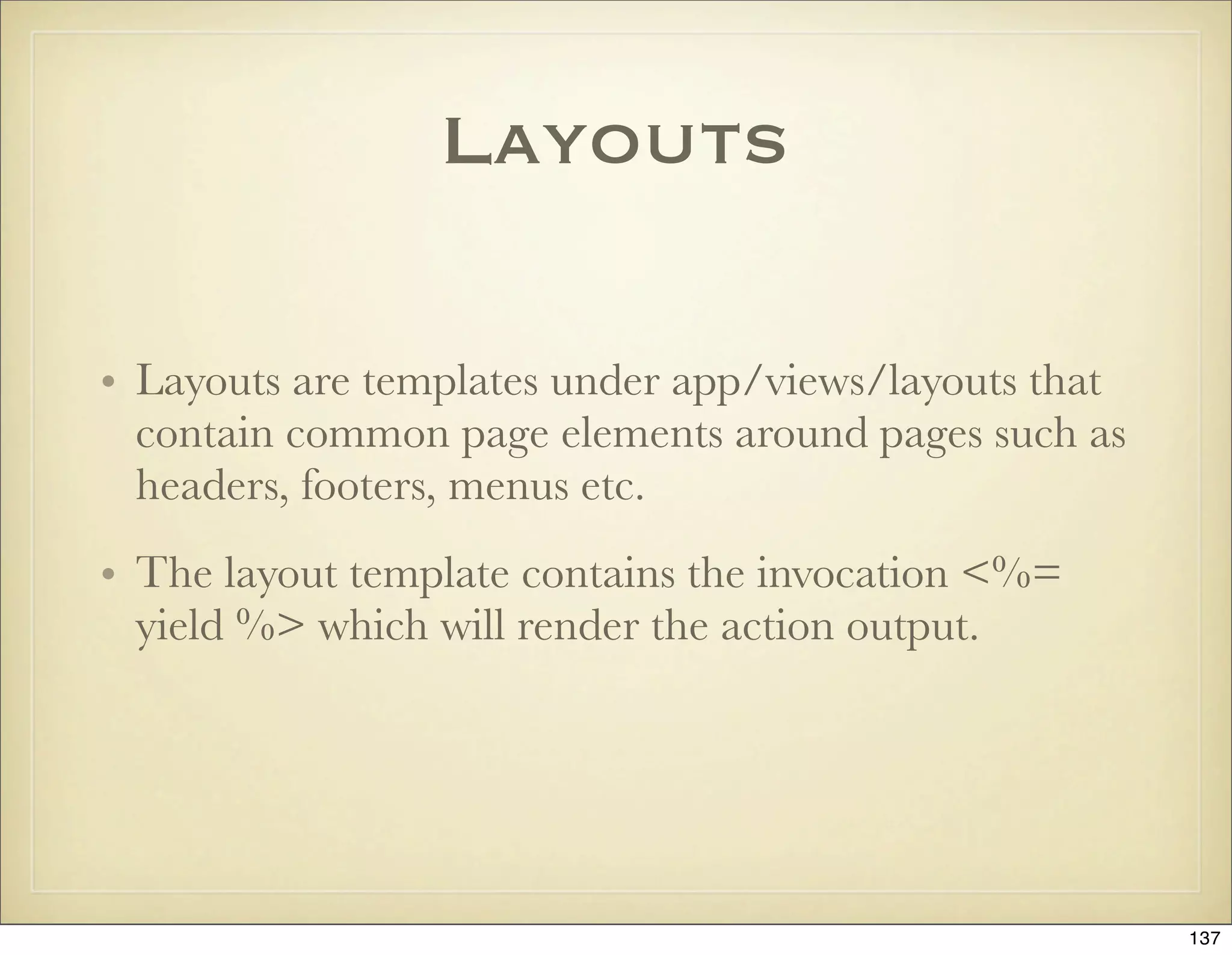
![Determining Which
Layout to Use
• If no layout is specified in the controller or render method then
Rails looks for a controller layout at app/views/layouts/
controller_name.rhtml and uses that.
• If there is no controller layout then Rails will use any
application layout at app/views/layouts/application.rhtml
• You can pass the :layout argument to the layout command:
render ‘some_template’, :layout => ‘my_special_layout’. You
can also turn off layouts by saying :layout => false.
• You can declare in your controller which layout should be used
by saying something like: layout “standard”, :except =>
[:rss, :atom]. Turn off layouts by saying layout nil.
138](https://image.slidesharecdn.com/ruby-on-rails-101-presentation-slides-for-a-five-day-introductory-course-119407436077654-3-121125080043-phpapp01/75/Ruby-on-rails-101-presentation-slides-for-a-five-day-introductory-course-119407436077654-3-138-2048.jpg)
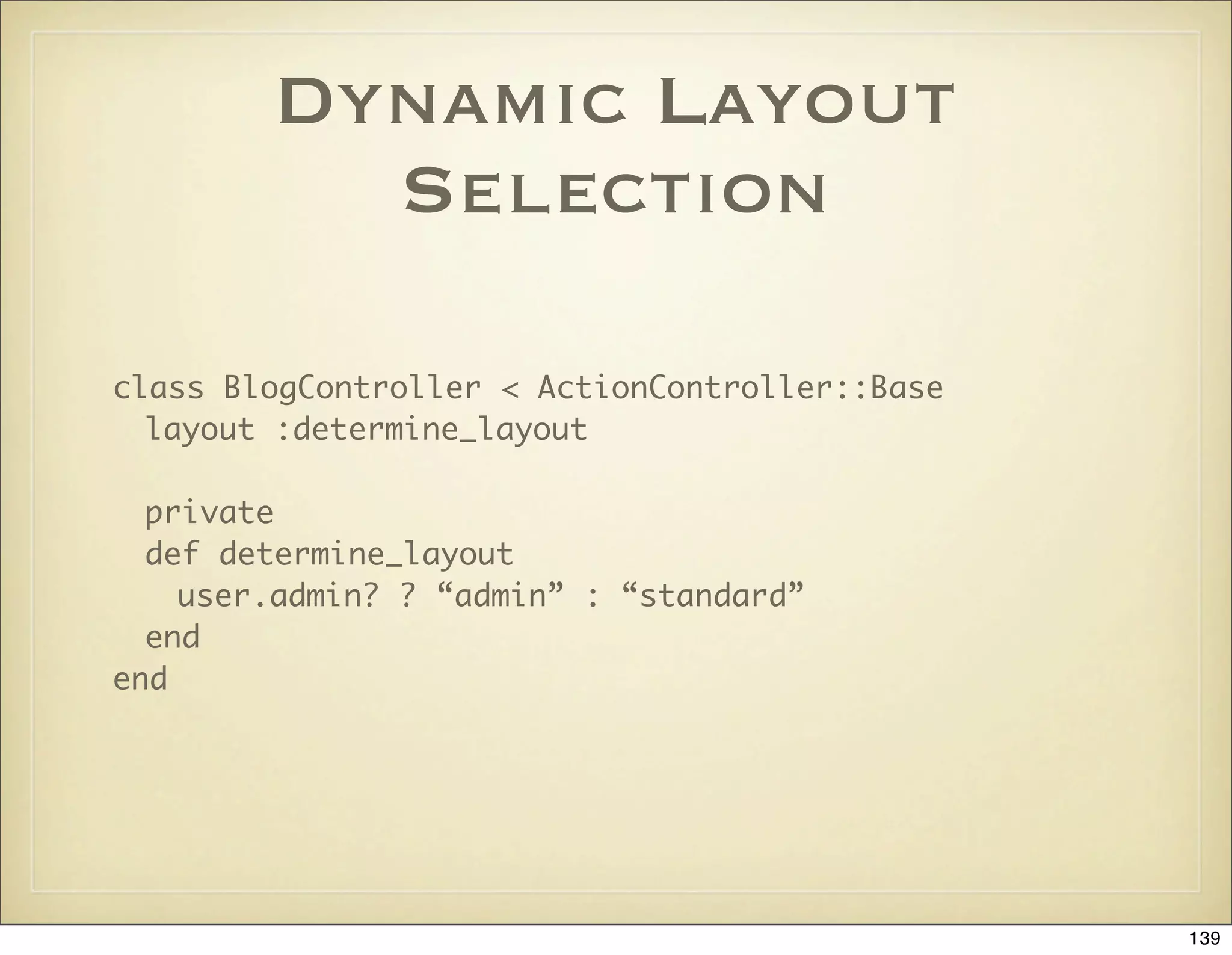
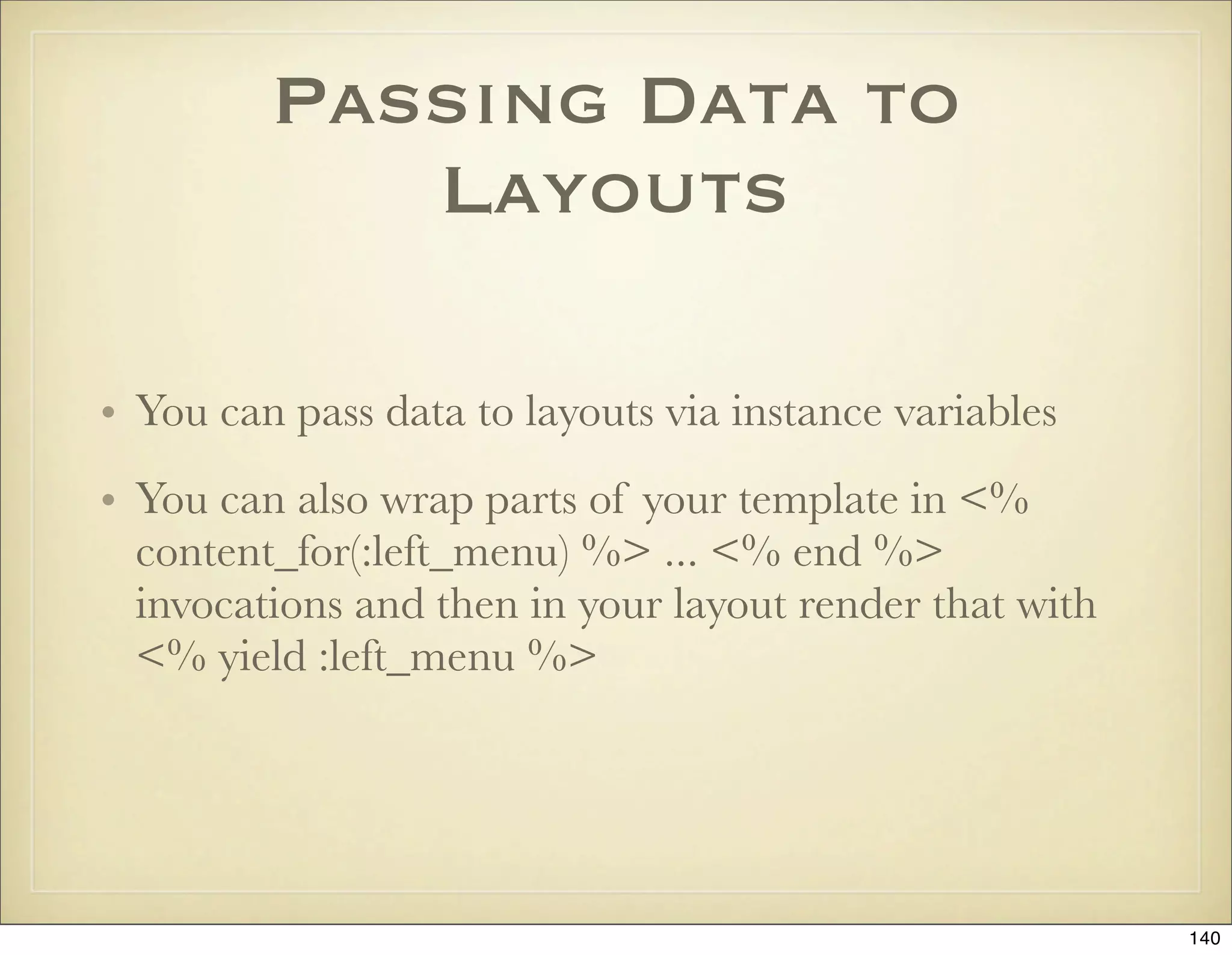
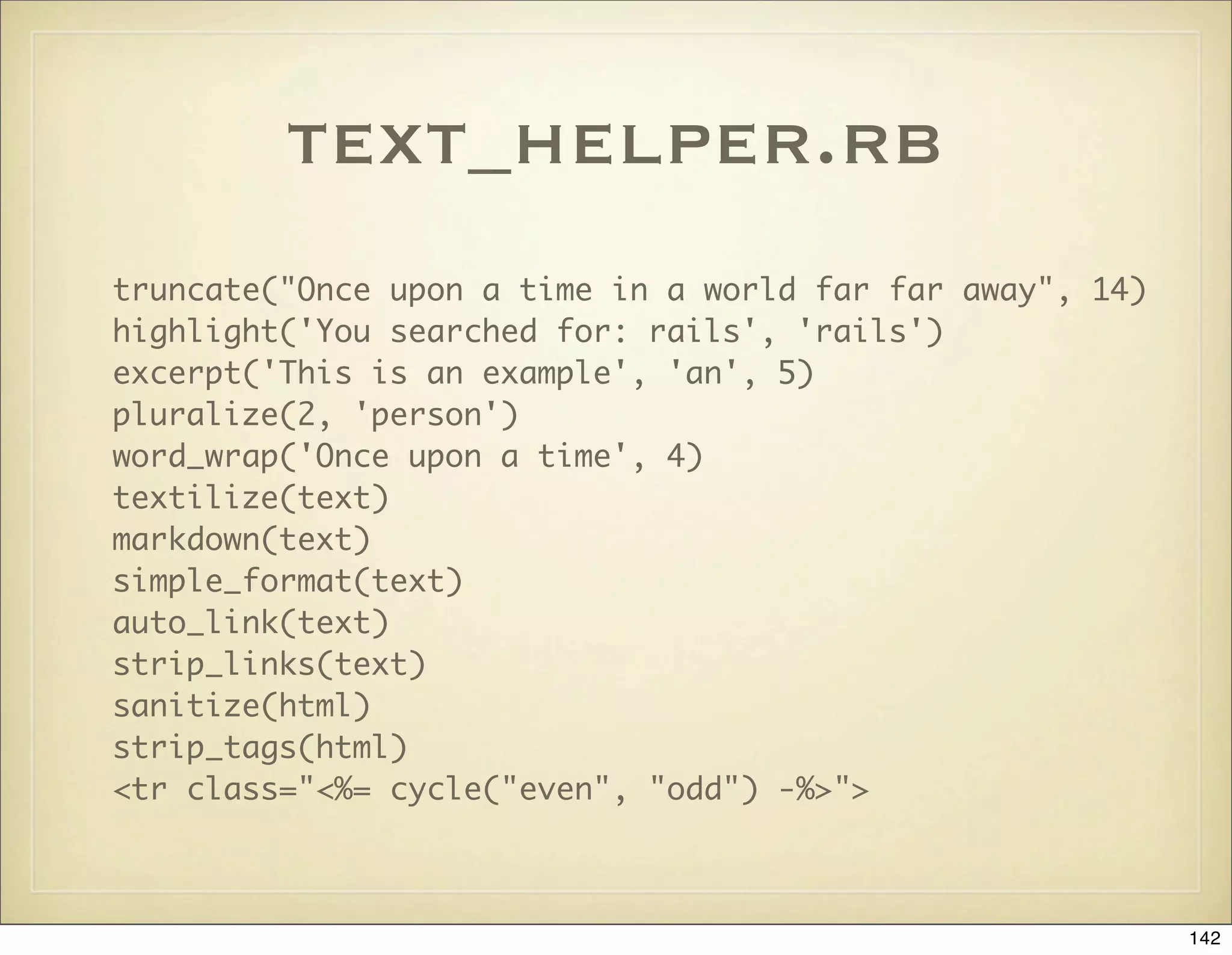
![url_helper.rb
url_for({:controller => ‘blog’}, :only_path => false)
link_to "Other Site", "http://www.rubyonrails.org/", :confirm => "Sure?"
link_to "Image", { :action => "view" },
:popup => ['new_window','height=300,width=600']
link_to "Delete Image", { :action => "delete", :id => @image.id }, :method
=> :delete
button_to "New", :action => "new"
link_to_unless_current("Home", { :action => "index" })
mail_to "me@domain.com", "My email", :encode => "javascript"
# => <script type="text/javascript">eval(unescape('%64%6f%63...%6d
%65%6e'))</script>
mail_to "me@domain.com", "My email", :encode => "hex"
# => <a href="mailto:%6d%65@%64%6f%6d%61%69%6e.%63%6f%6d">My email</a>
143](https://image.slidesharecdn.com/ruby-on-rails-101-presentation-slides-for-a-five-day-introductory-course-119407436077654-3-121125080043-phpapp01/75/Ruby-on-rails-101-presentation-slides-for-a-five-day-introductory-course-119407436077654-3-143-2048.jpg)
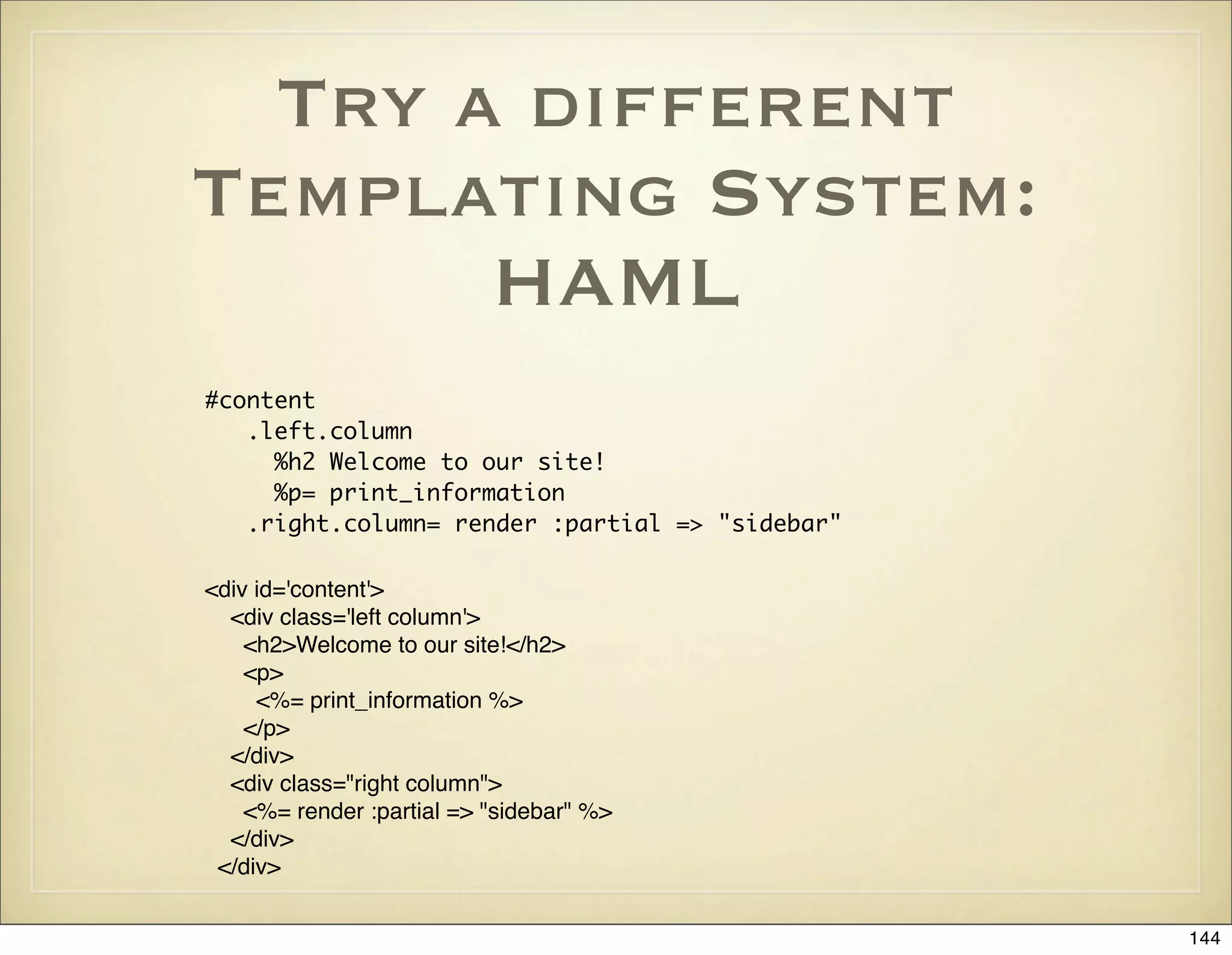

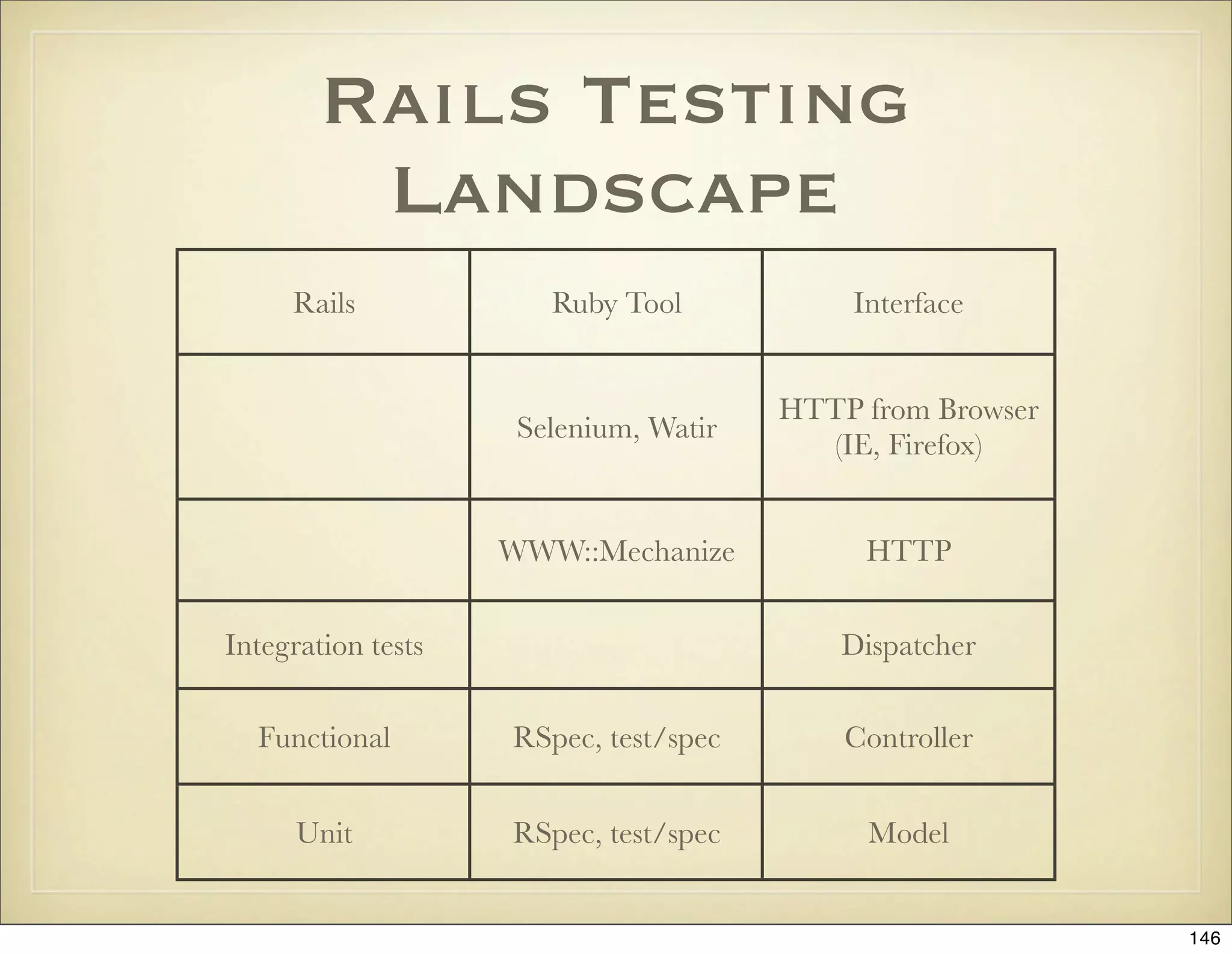
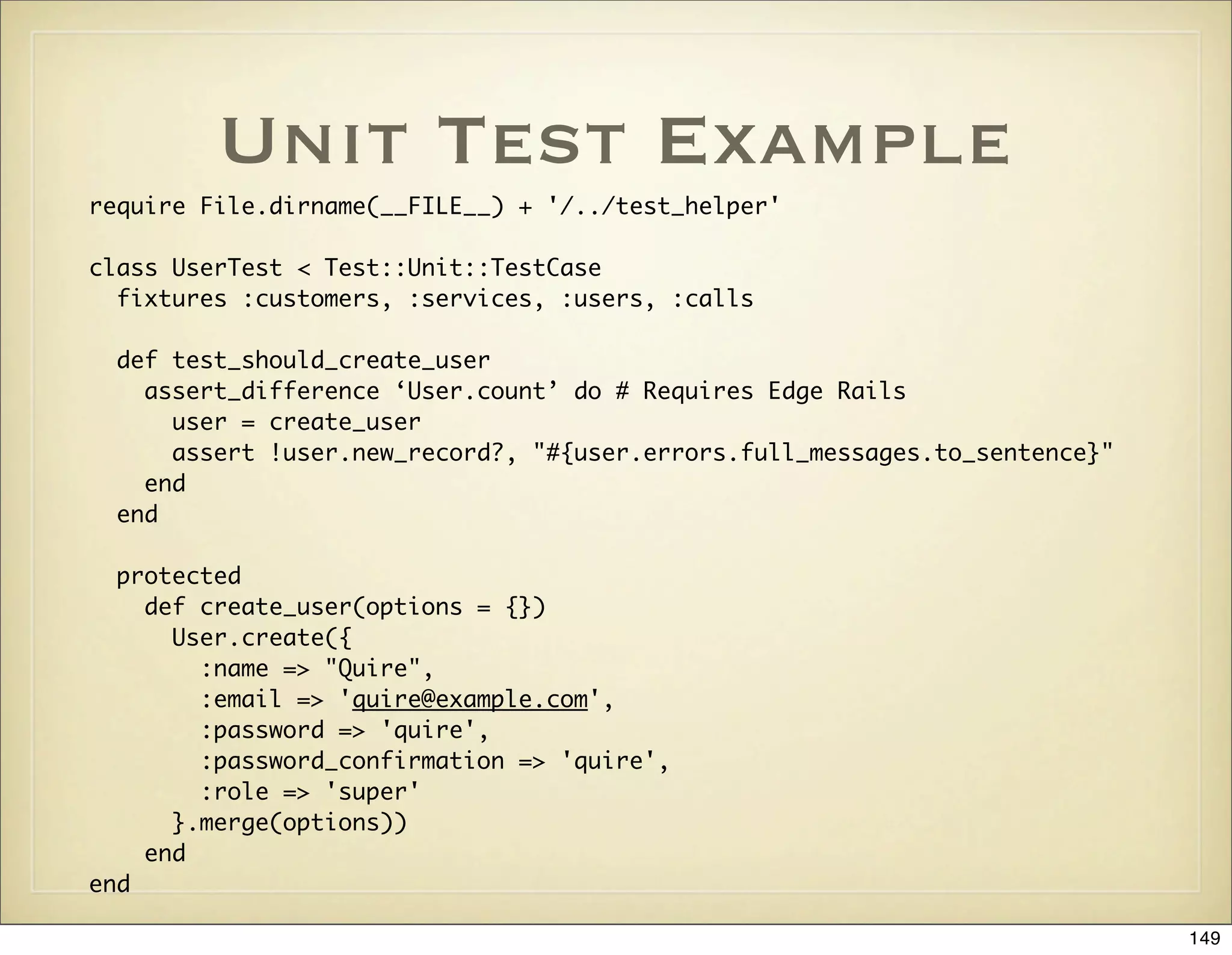
![test_helper.rb
ENV["RAILS_ENV"] = "test"
require File.expand_path(File.dirname(__FILE__) + "/../config/environment")
require 'test_help'
class Test::Unit::TestCase
# Transactional fixtures accelerate your tests by wrapping each test method
# in a transaction that's rolled back on completion
self.use_transactional_fixtures = true
# Instantiated fixtures are slow, but give you @david where otherwise you
# would need people(:david)
self.use_instantiated_fixtures = false
# Add more helper methods to be used by all tests here...
end
150](https://image.slidesharecdn.com/ruby-on-rails-101-presentation-slides-for-a-five-day-introductory-course-119407436077654-3-121125080043-phpapp01/75/Ruby-on-rails-101-presentation-slides-for-a-five-day-introductory-course-119407436077654-3-150-2048.jpg)
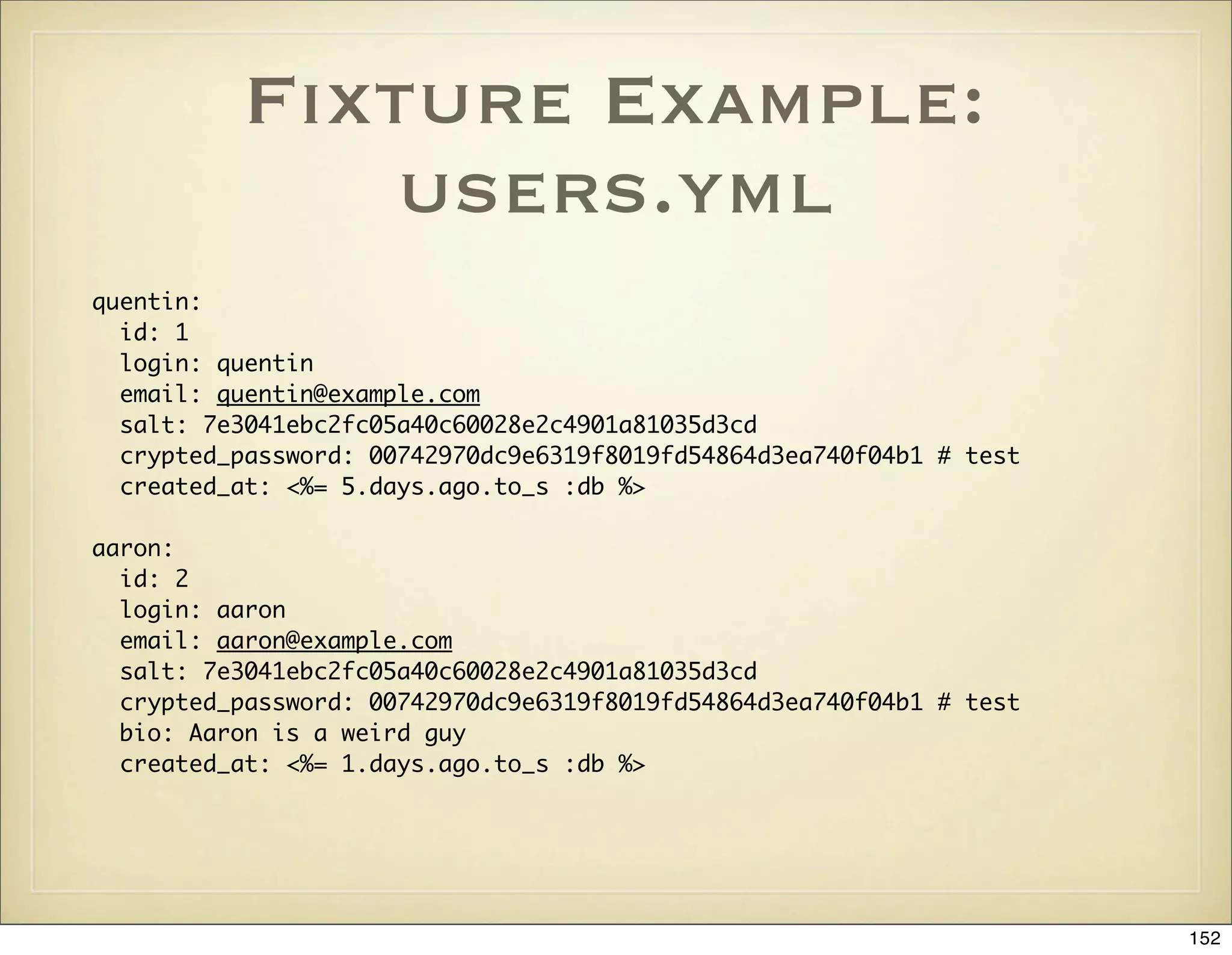
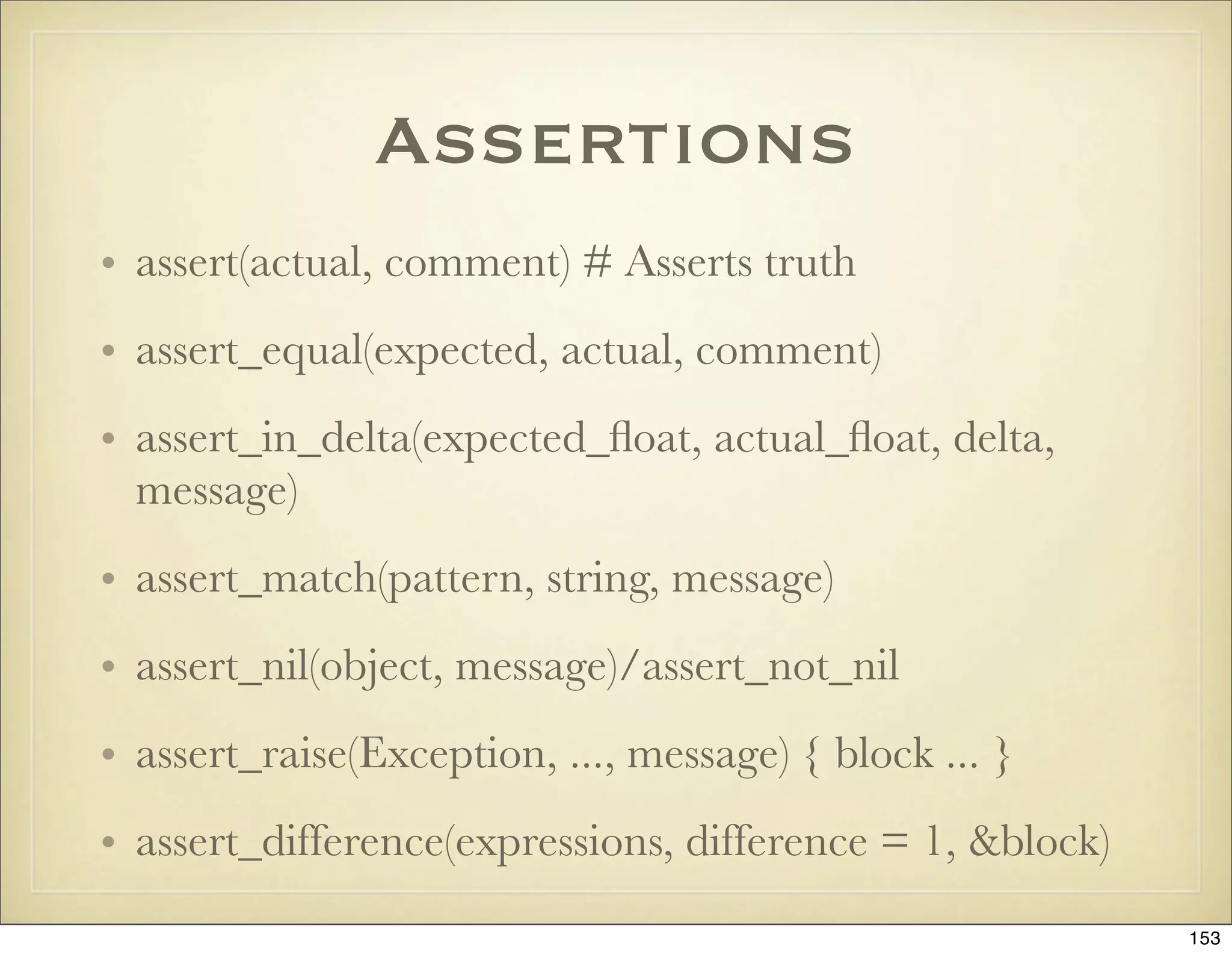
![Functional Test
Example
require File.dirname(__FILE__) + '/../test_helper'
require 'comments_controller'
class CommentsController; def rescue_action(e) raise e end; end
class CommentsControllerTest < Test::Unit::TestCase
fixtures :users, :comments
def setup
@controller = CommentsController.new
@request = ActionController::TestRequest.new
@response = ActionController::TestResponse.new
@request.env['HTTP_HOST'] = "localhost"
@request.session[:user] = users(:aaron)
end
def test_rss
get :rss, :id => users(:quentin)
assert_response :success
assert_select "rss > channel" do
assert_select "title", /Recent comments/
assert_select "item", 1
assert_select "item > title", Regexp.new(users(:aaron).login)
assert_select "item > description", users(:quentin).comments.first.body
end
end
155](https://image.slidesharecdn.com/ruby-on-rails-101-presentation-slides-for-a-five-day-introductory-course-119407436077654-3-121125080043-phpapp01/75/Ruby-on-rails-101-presentation-slides-for-a-five-day-introductory-course-119407436077654-3-155-2048.jpg)
![Assertions in
Functional Tests
• assert_response :success|:redirect|:missing|:error
• assert_redirected_to(:controller => ‘blog’, :action =>
‘list’)
• assert_template ‘store/index’
• assert_not_nil assigns(:items)
• assert session[:user]
• assert_not_nil flash[:notice]
156](https://image.slidesharecdn.com/ruby-on-rails-101-presentation-slides-for-a-five-day-introductory-course-119407436077654-3-121125080043-phpapp01/75/Ruby-on-rails-101-presentation-slides-for-a-five-day-introductory-course-119407436077654-3-156-2048.jpg)
![assert_select
assert_select “p.warning” # <p class=”warning”>...</p>
assert_select “p#warning” # <p id=”warning”>...</p>
assert_select “html p.warning” # Ancestor chaining
assert_select “html > body > p.warning” # Direct parent chaining
assert_select “div#cart table tr”, 3 # Integer, n times
assert_select “div#cart table tr”, 3..5 # Range, n times
assert_select “div#cart table tr”, false # Not present on page
assert_select “div#cart table tr td#price”, “$23” # Tag contents
assert_select “div#cart table tr td#price”, /23/ # Regexp
assert_select "form input" do
assert_select "[name=?]", /.+/ # Not empty
end
157](https://image.slidesharecdn.com/ruby-on-rails-101-presentation-slides-for-a-five-day-introductory-course-119407436077654-3-121125080043-phpapp01/75/Ruby-on-rails-101-presentation-slides-for-a-five-day-introductory-course-119407436077654-3-157-2048.jpg)
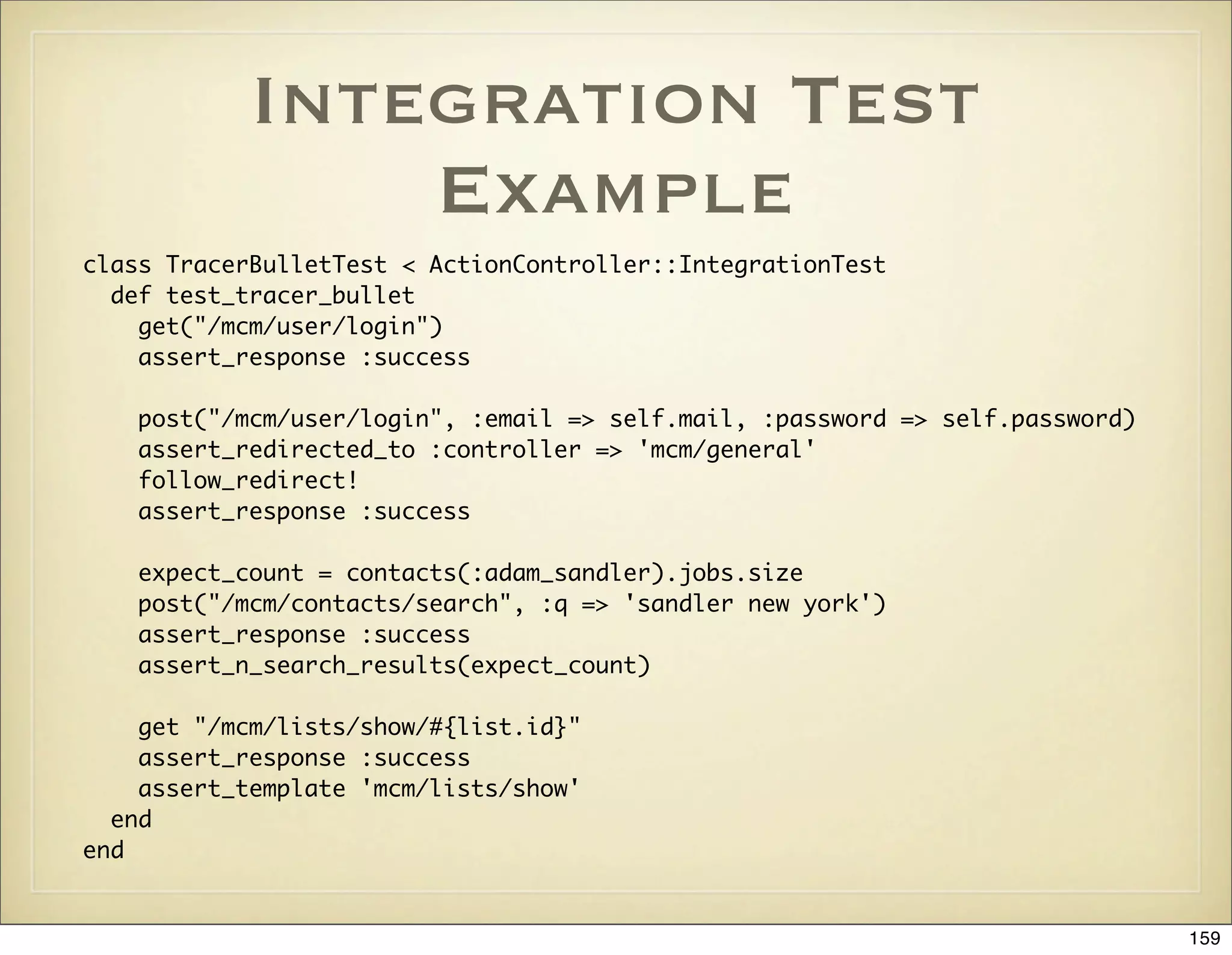
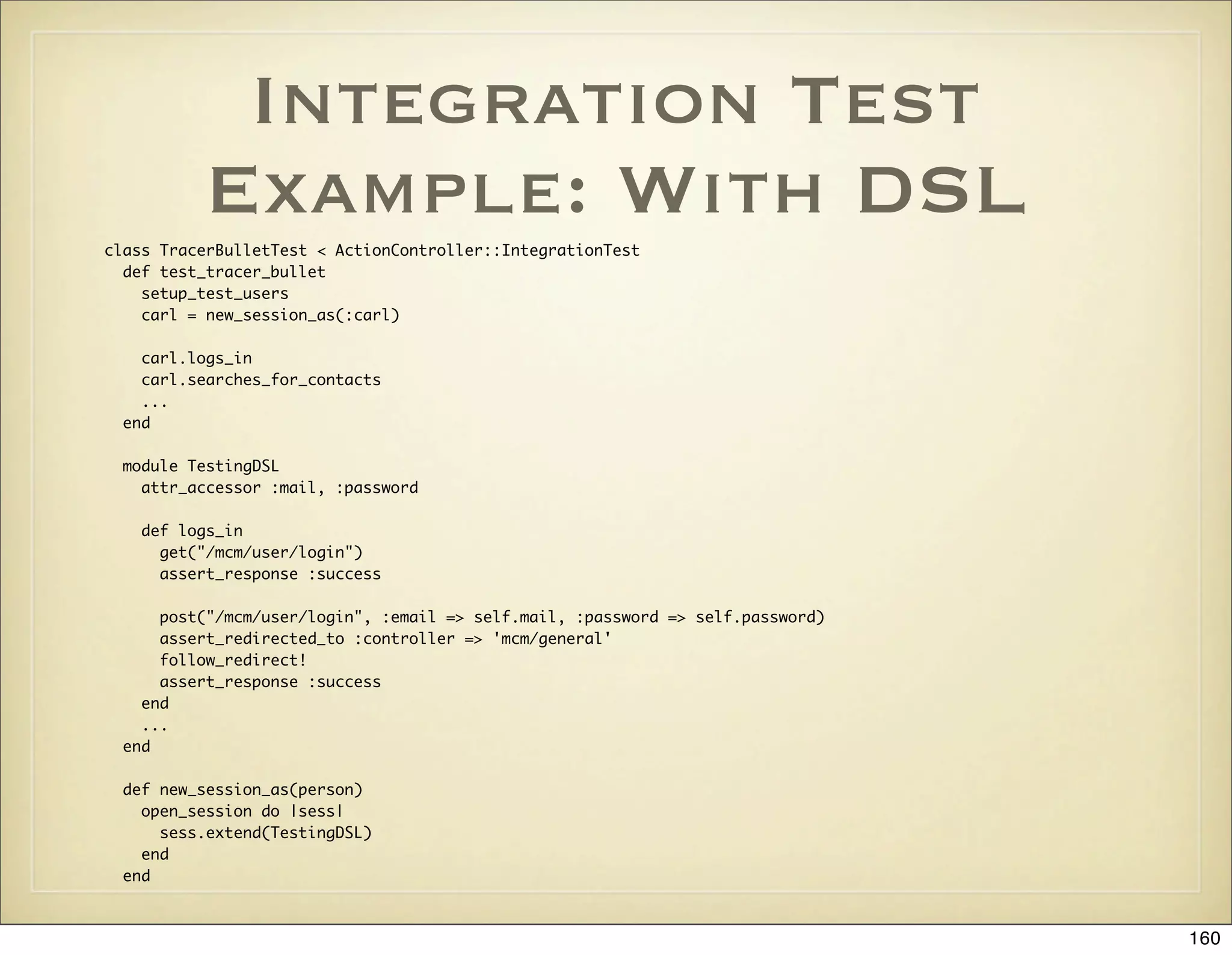
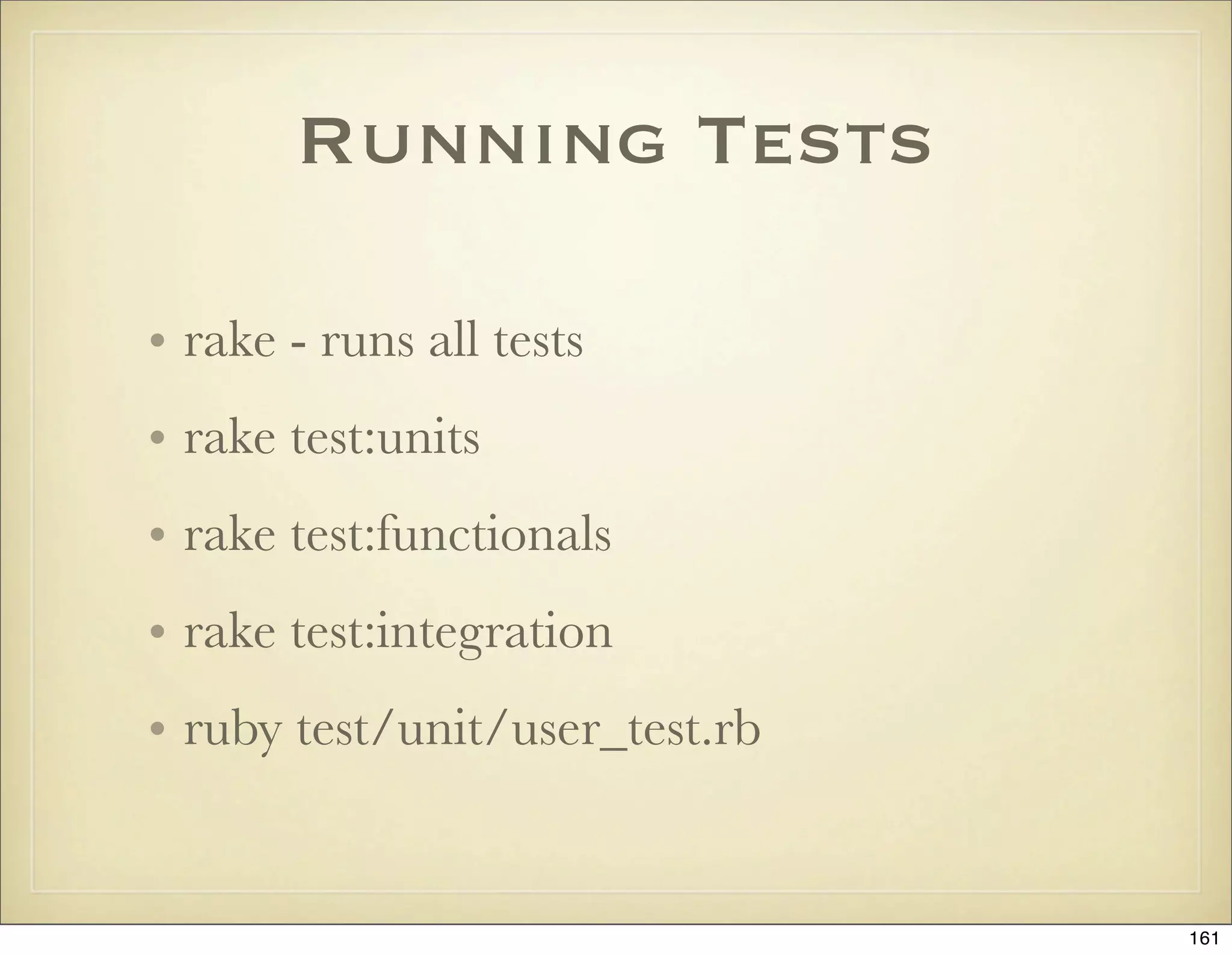
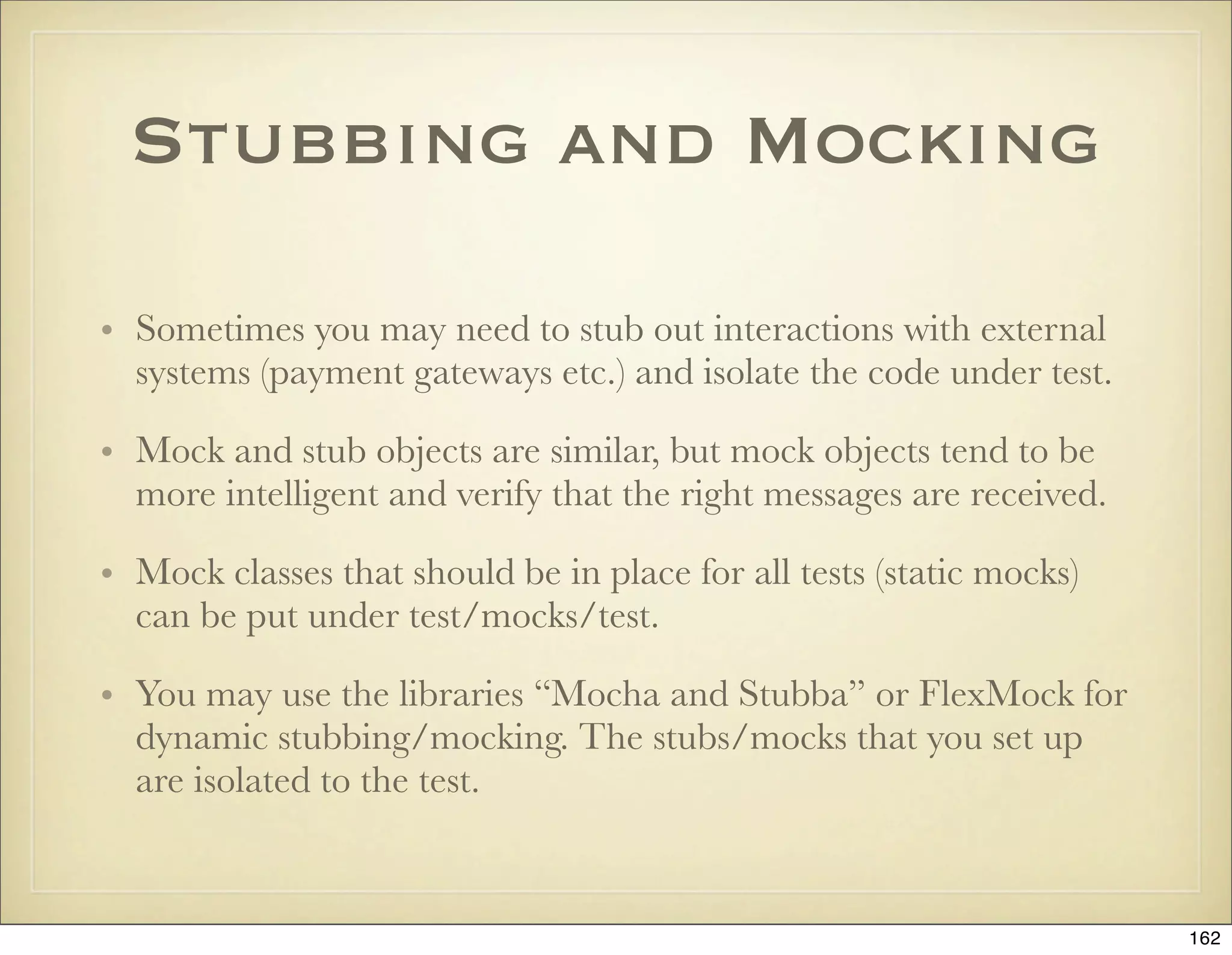
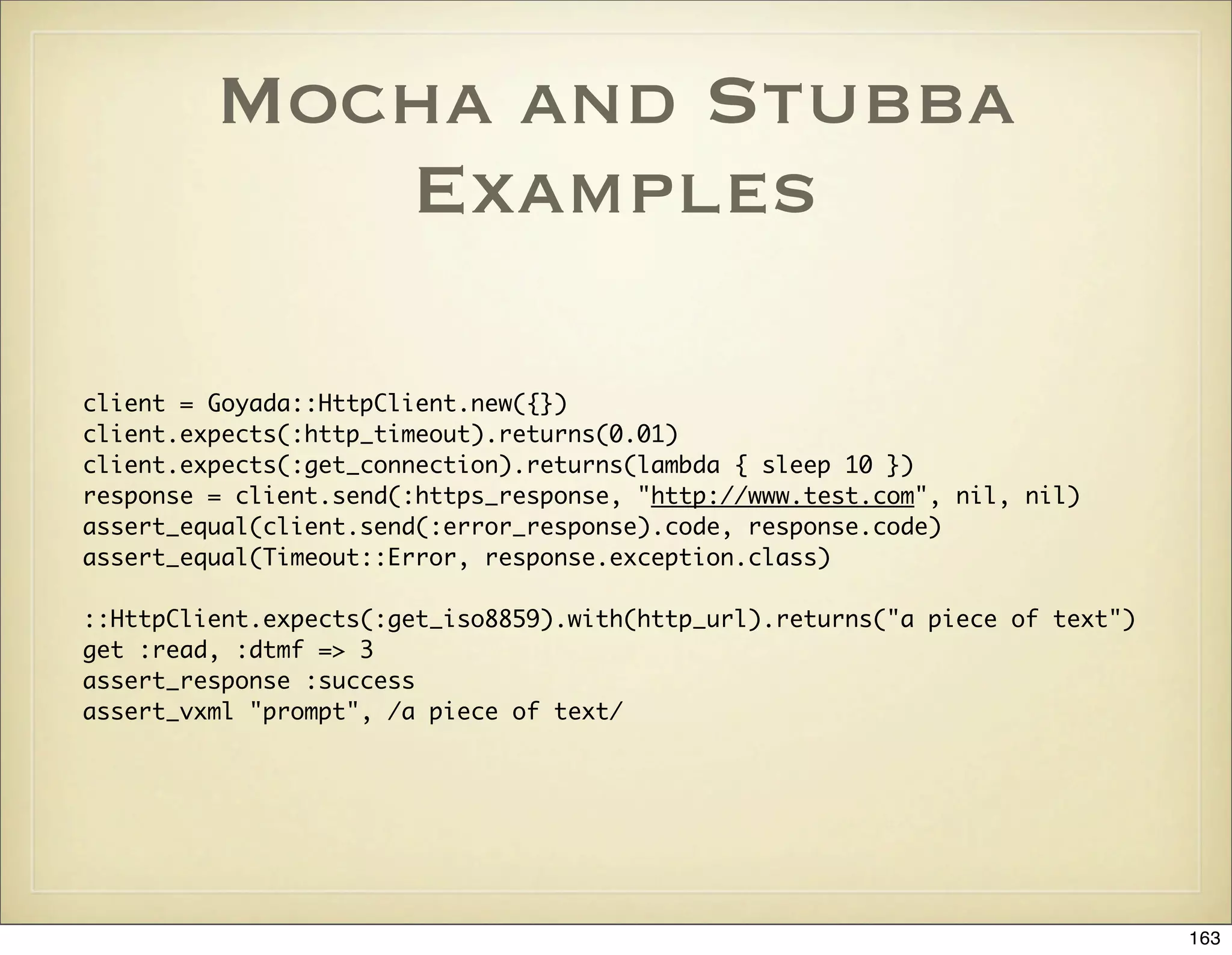
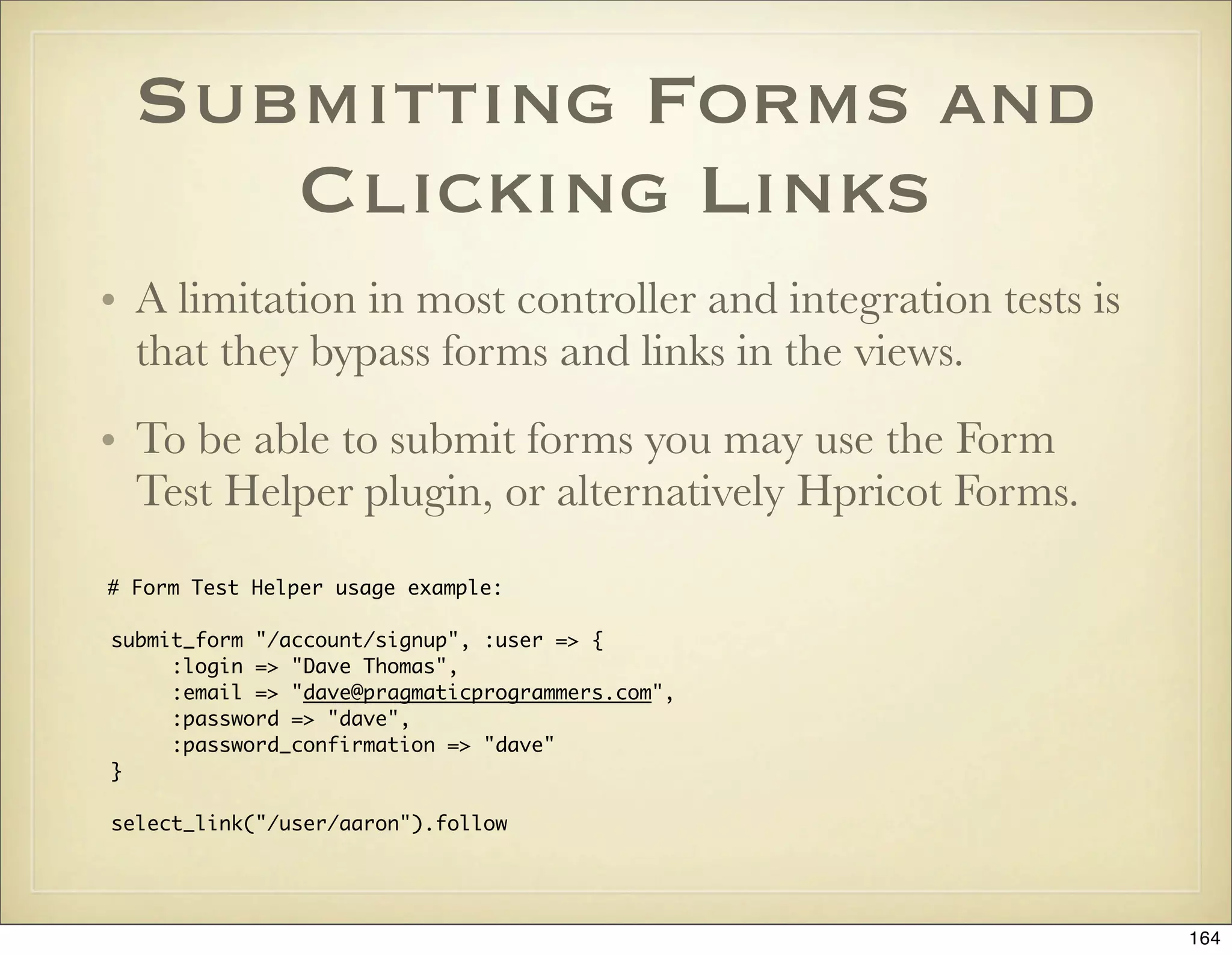
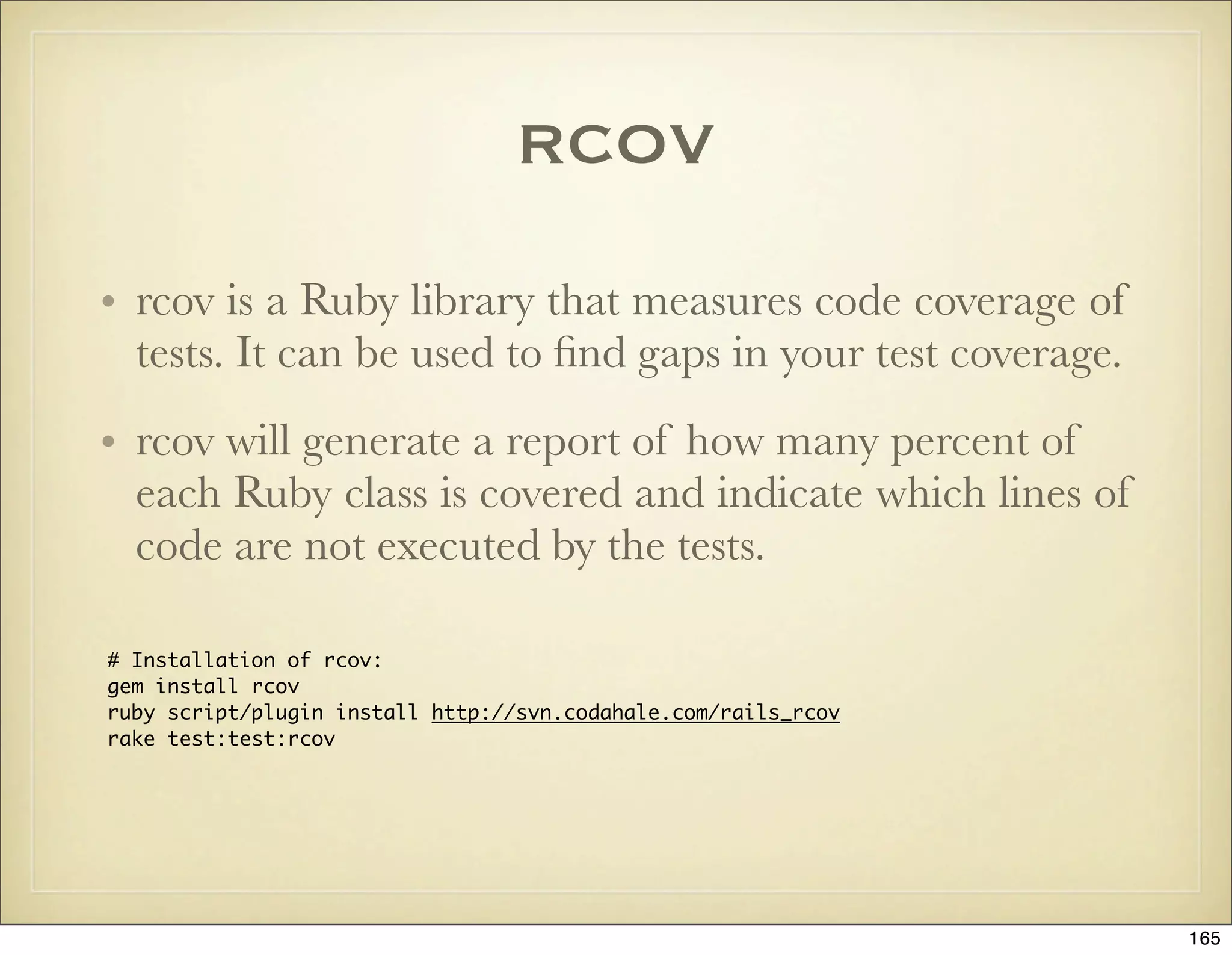
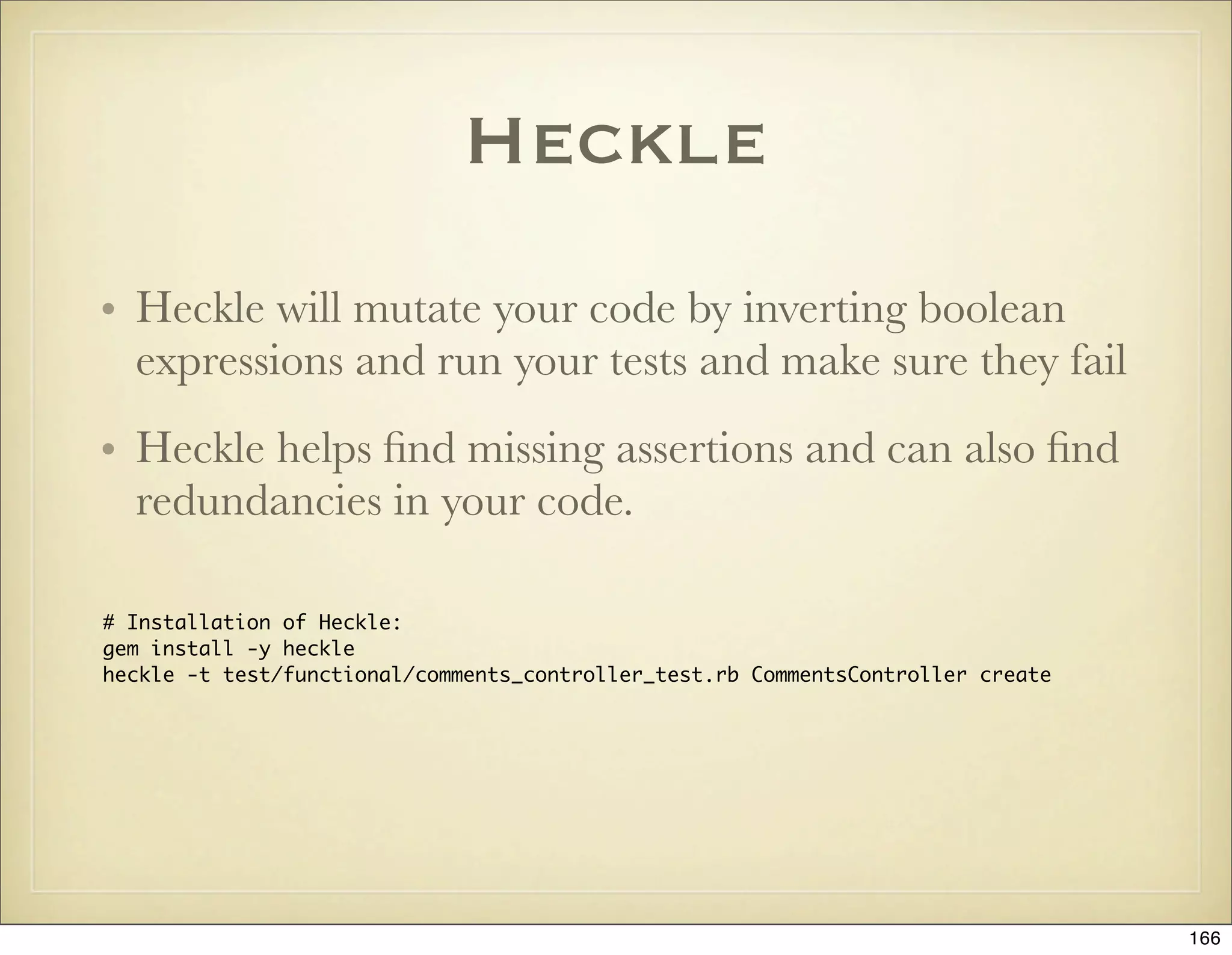
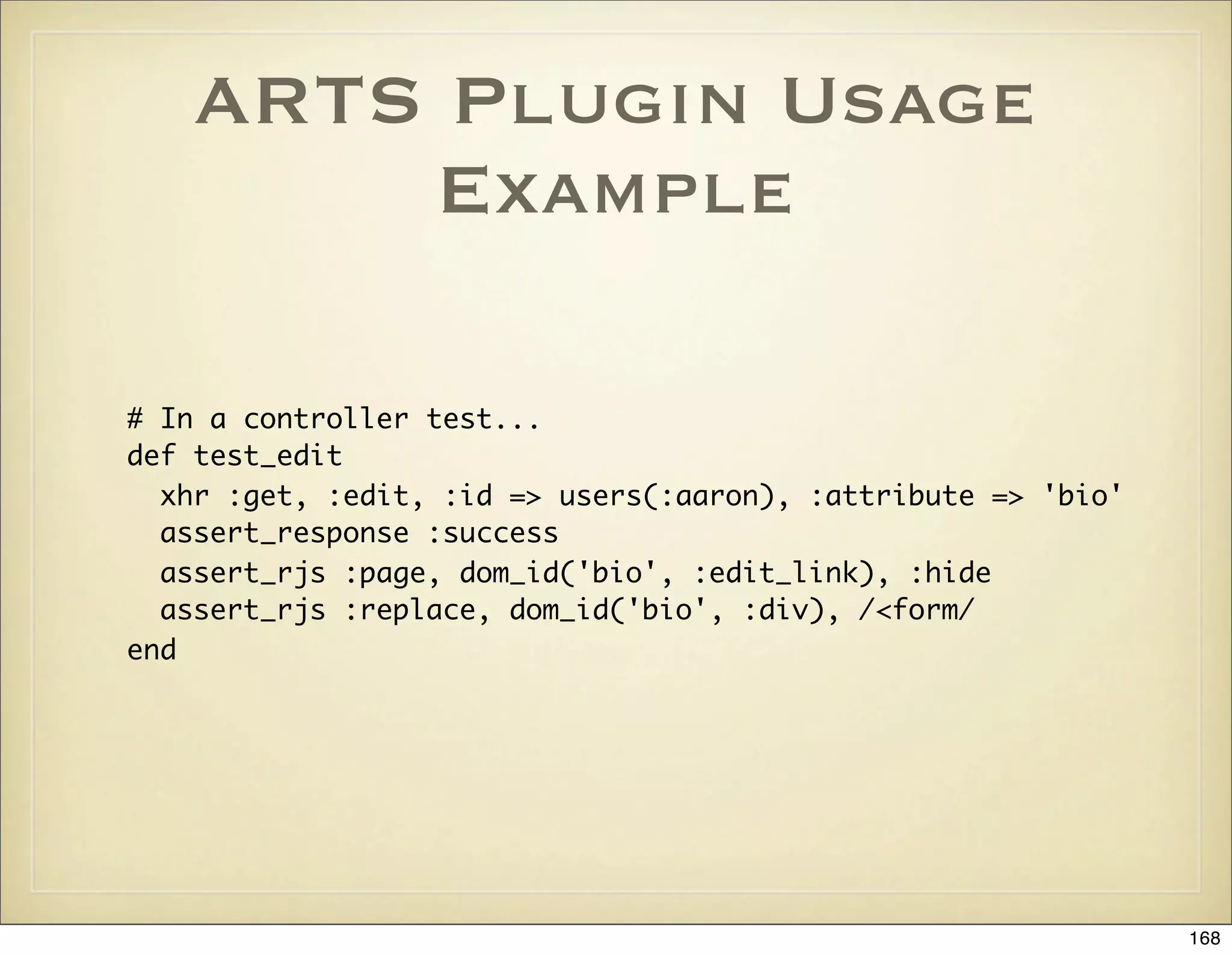
![Test Case Specific
Fixtures
• Sharing fixtures across all tests doesn’t scale so well
and can become hard to maintain. A solution is to
use the plugin Fixture Scenarios.
[RAILS_ROOT]
+-test/
+-fixtures/
+-brand_new_user/
+-users.yml
class UserTest < Test::Unit::TestCase
scenario :brand_new_user
...
171](https://image.slidesharecdn.com/ruby-on-rails-101-presentation-slides-for-a-five-day-introductory-course-119407436077654-3-121125080043-phpapp01/75/Ruby-on-rails-101-presentation-slides-for-a-five-day-introductory-course-119407436077654-3-171-2048.jpg)
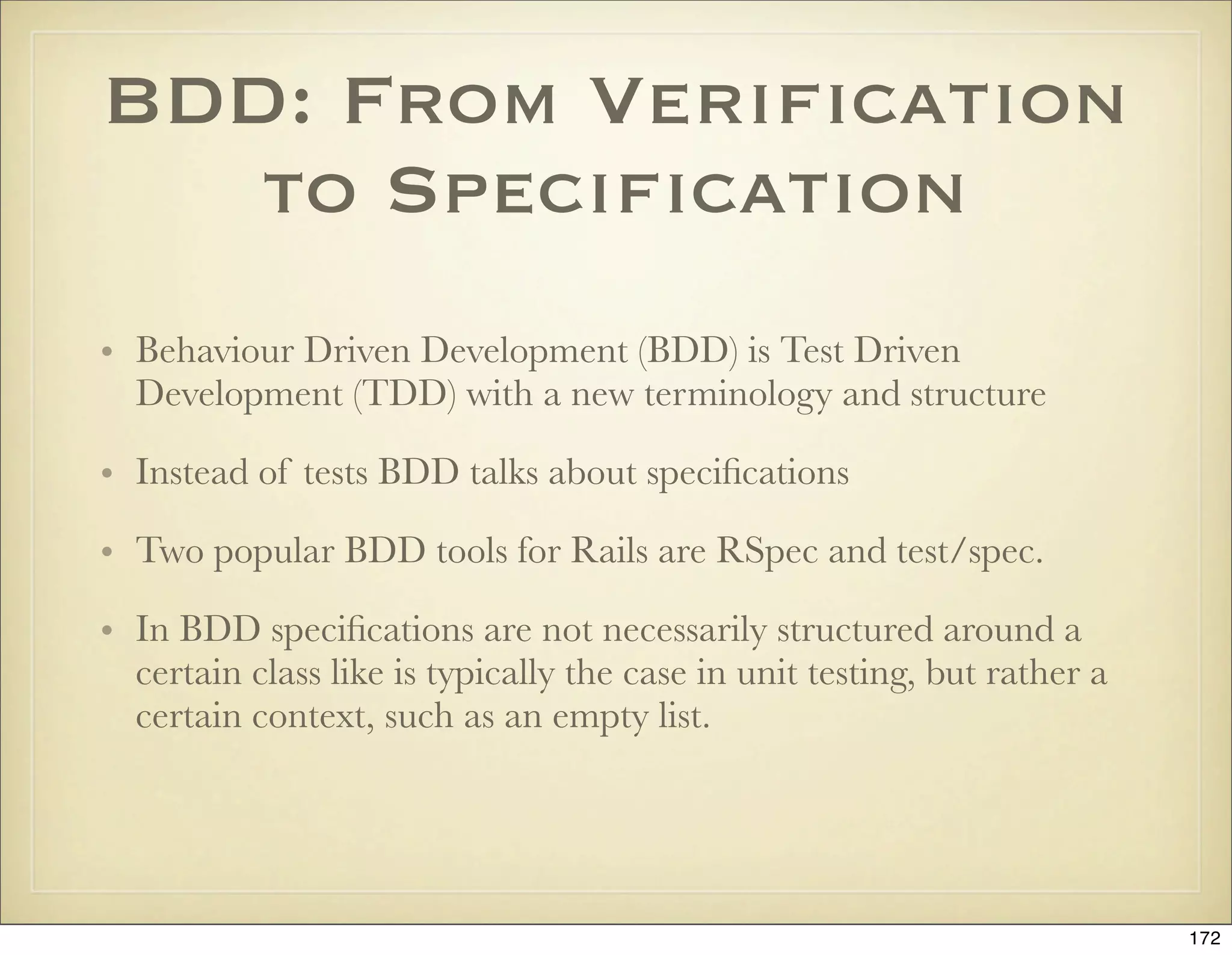
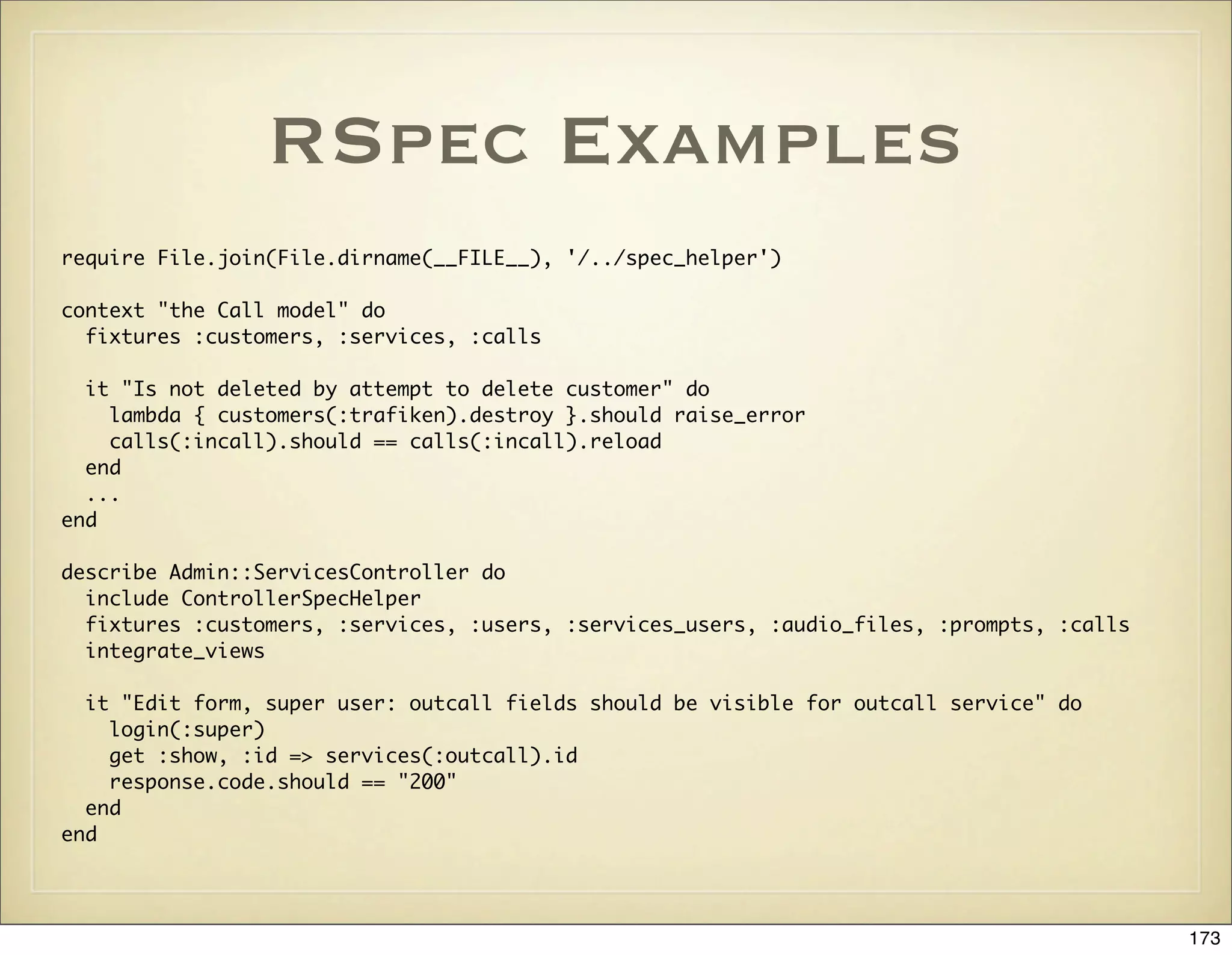

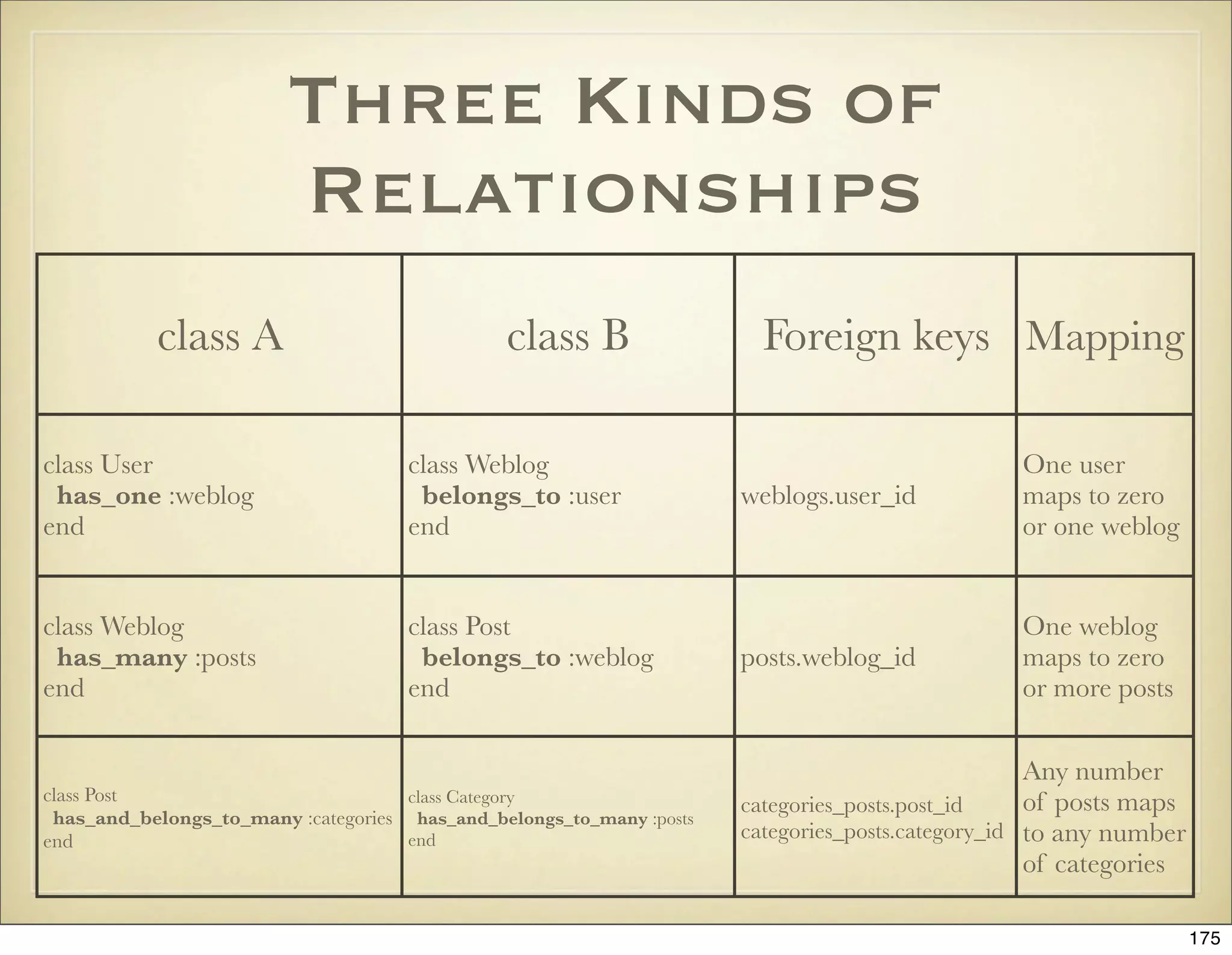
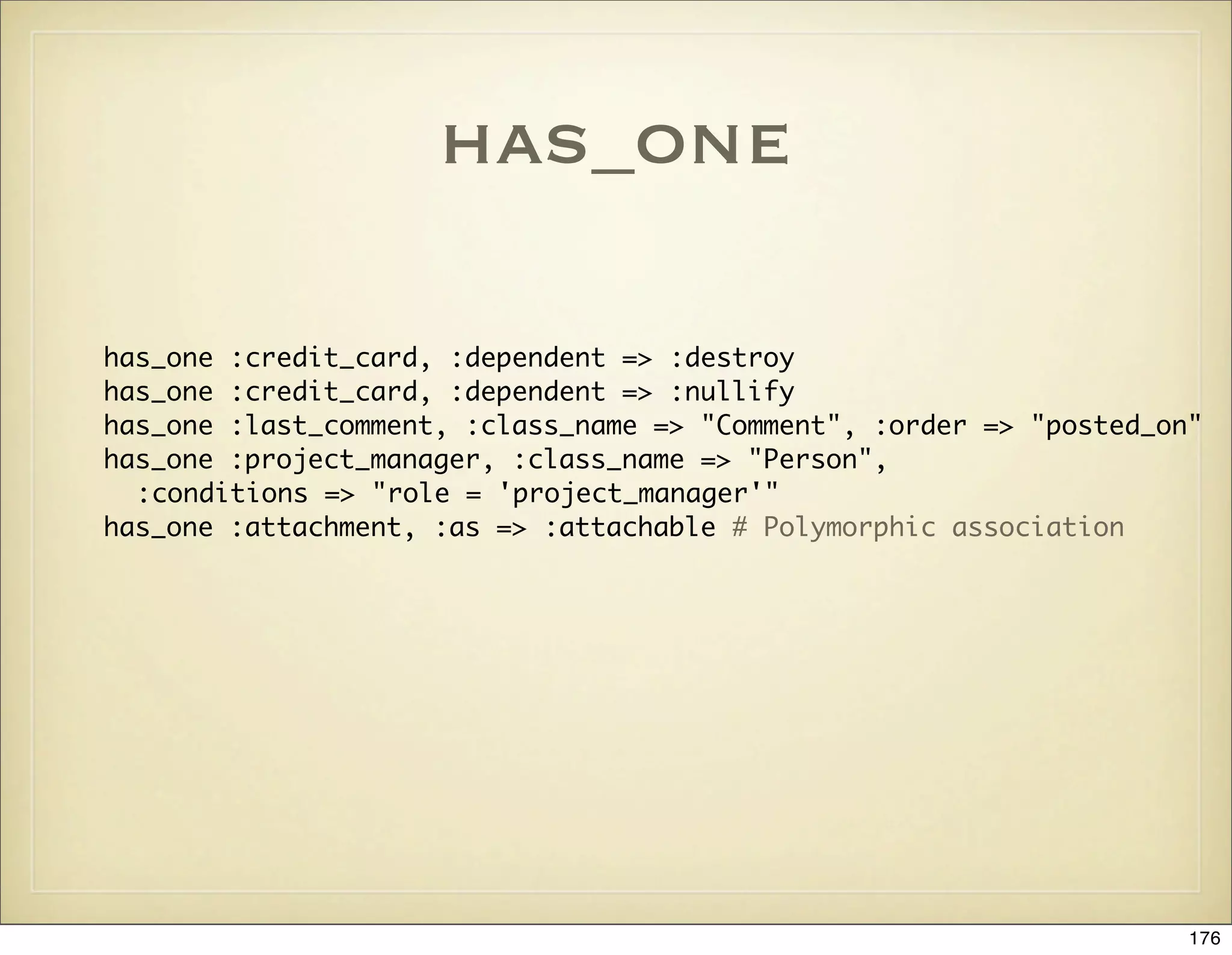
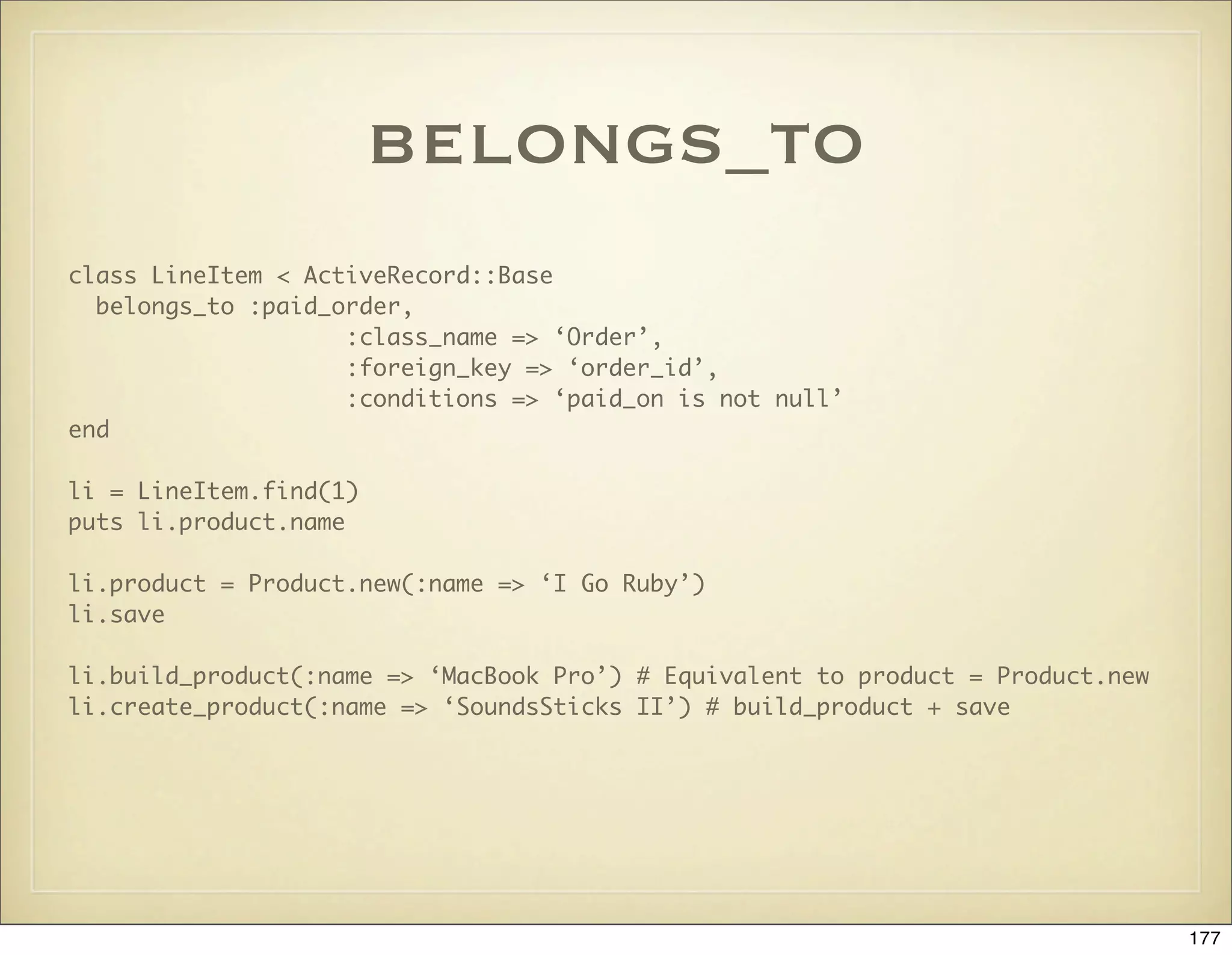
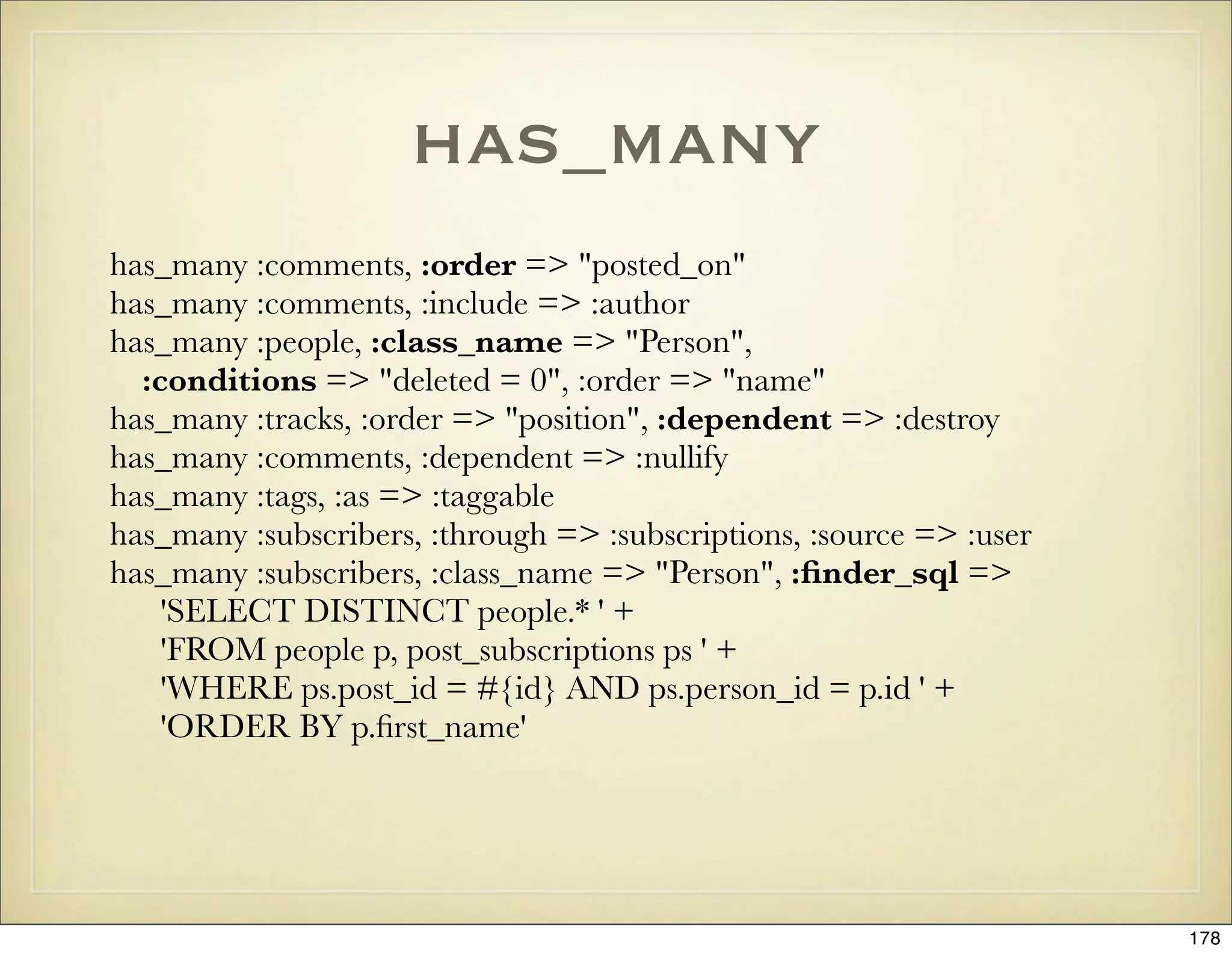
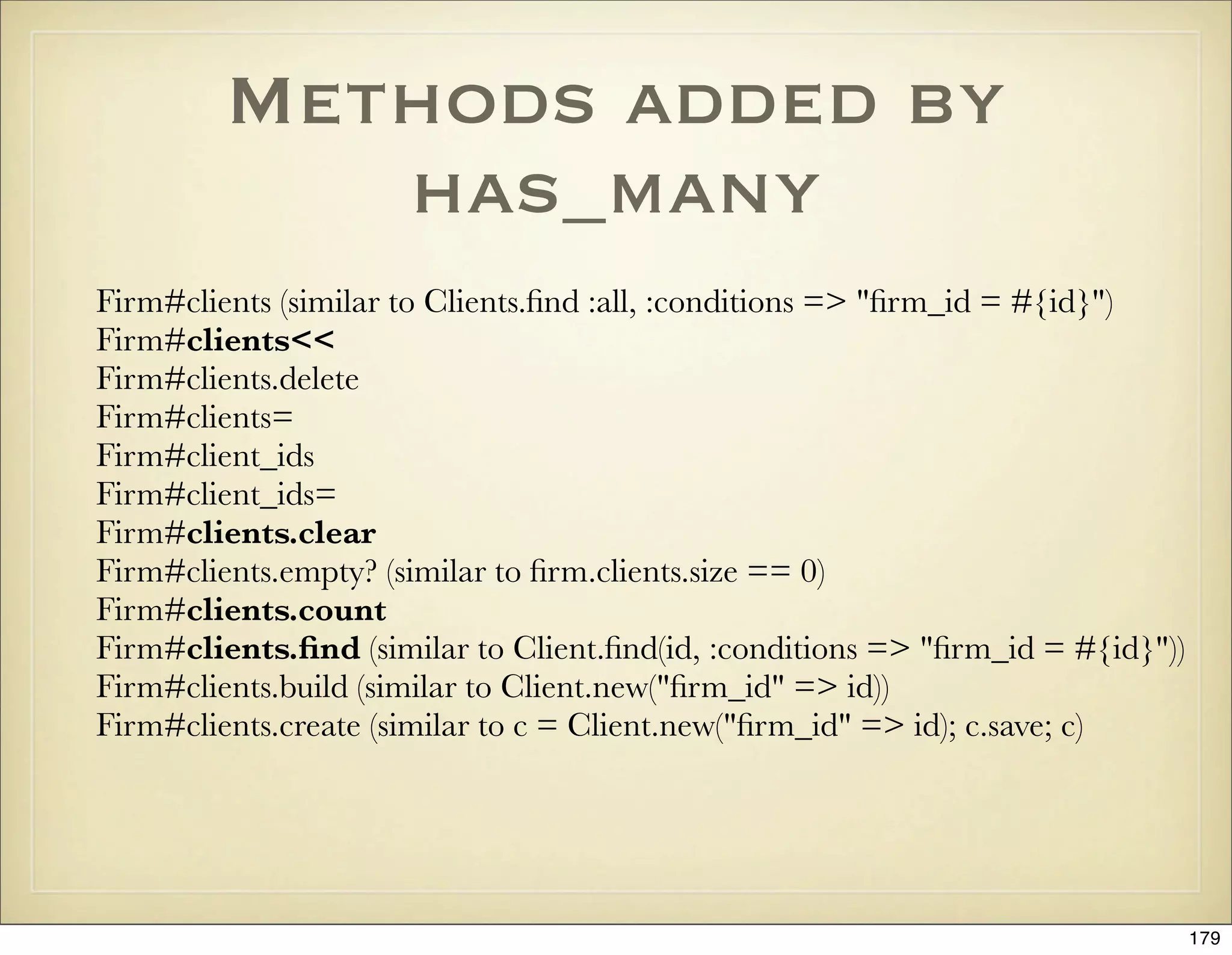
![has_many example
blog = User.find(1).weblog
blog.posts.count # => 0
blog.posts << Post.new(:title => “Hi, this is my first post!”)
blog.posts.count # => 1
blog.posts.find(:conditions => [“created_at > ?”, 1.minute.ago]) = blog.posts.first
180](https://image.slidesharecdn.com/ruby-on-rails-101-presentation-slides-for-a-five-day-introductory-course-119407436077654-3-121125080043-phpapp01/75/Ruby-on-rails-101-presentation-slides-for-a-five-day-introductory-course-119407436077654-3-180-2048.jpg)
![has_and_belongs_to_many
# Requires a join table
create_table :categories_posts, :id => false do
t.column :category_id, :integer, :null => false
t.column :post_id, :integer, :null => false
end
# Indices for performance
add_index :categories_posts, [:category_id, :post_id]
add_index :categories_posts, :post_id
product = Product.find_by_name “MacBook Pro”
category = Category.find_by_name(“Laptops”)
product.categories.count # => 0
category.products.count # => 0
product.categories << category
product.categories.count # => 1
category.products.count # => 1
181](https://image.slidesharecdn.com/ruby-on-rails-101-presentation-slides-for-a-five-day-introductory-course-119407436077654-3-121125080043-phpapp01/75/Ruby-on-rails-101-presentation-slides-for-a-five-day-introductory-course-119407436077654-3-181-2048.jpg)
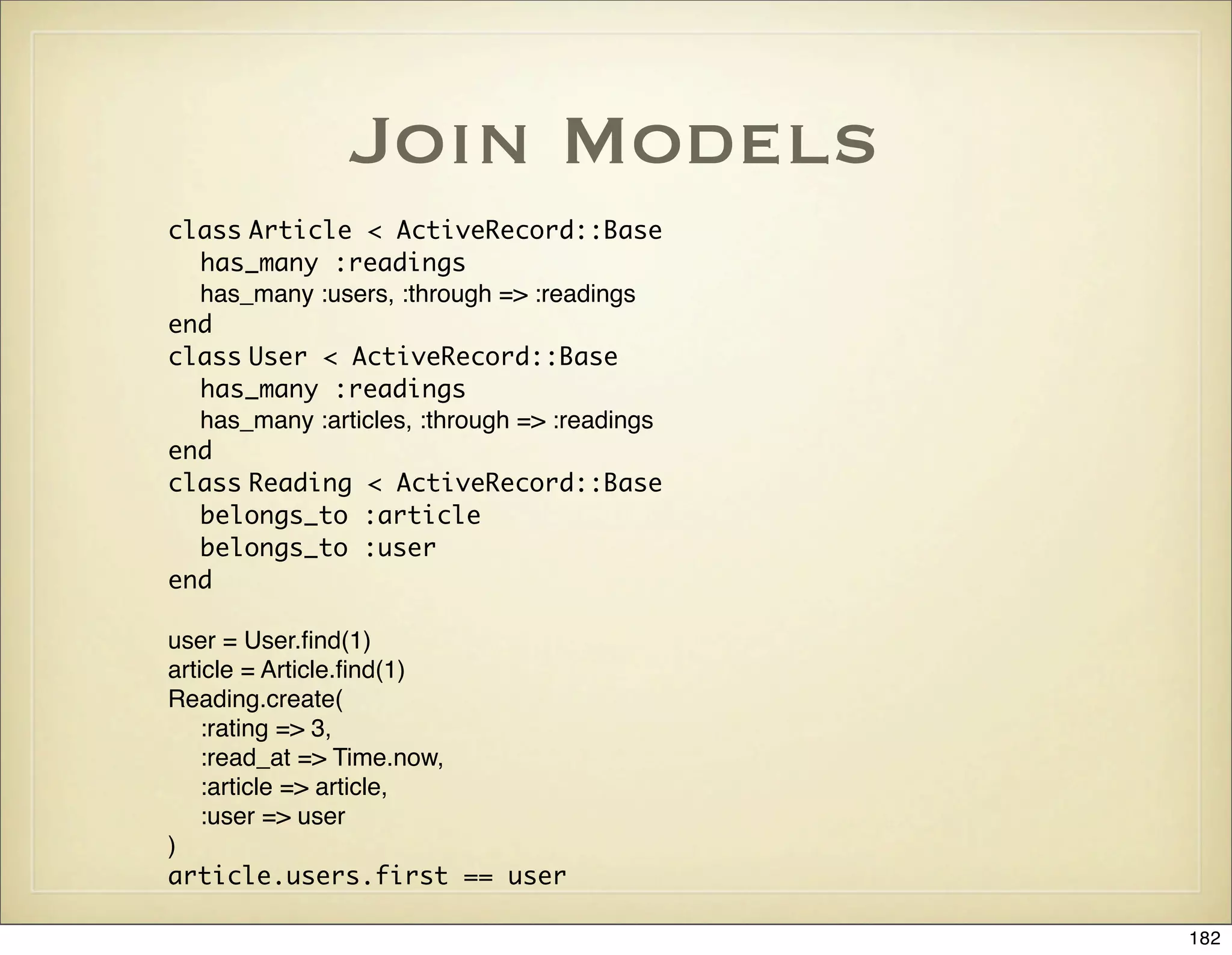
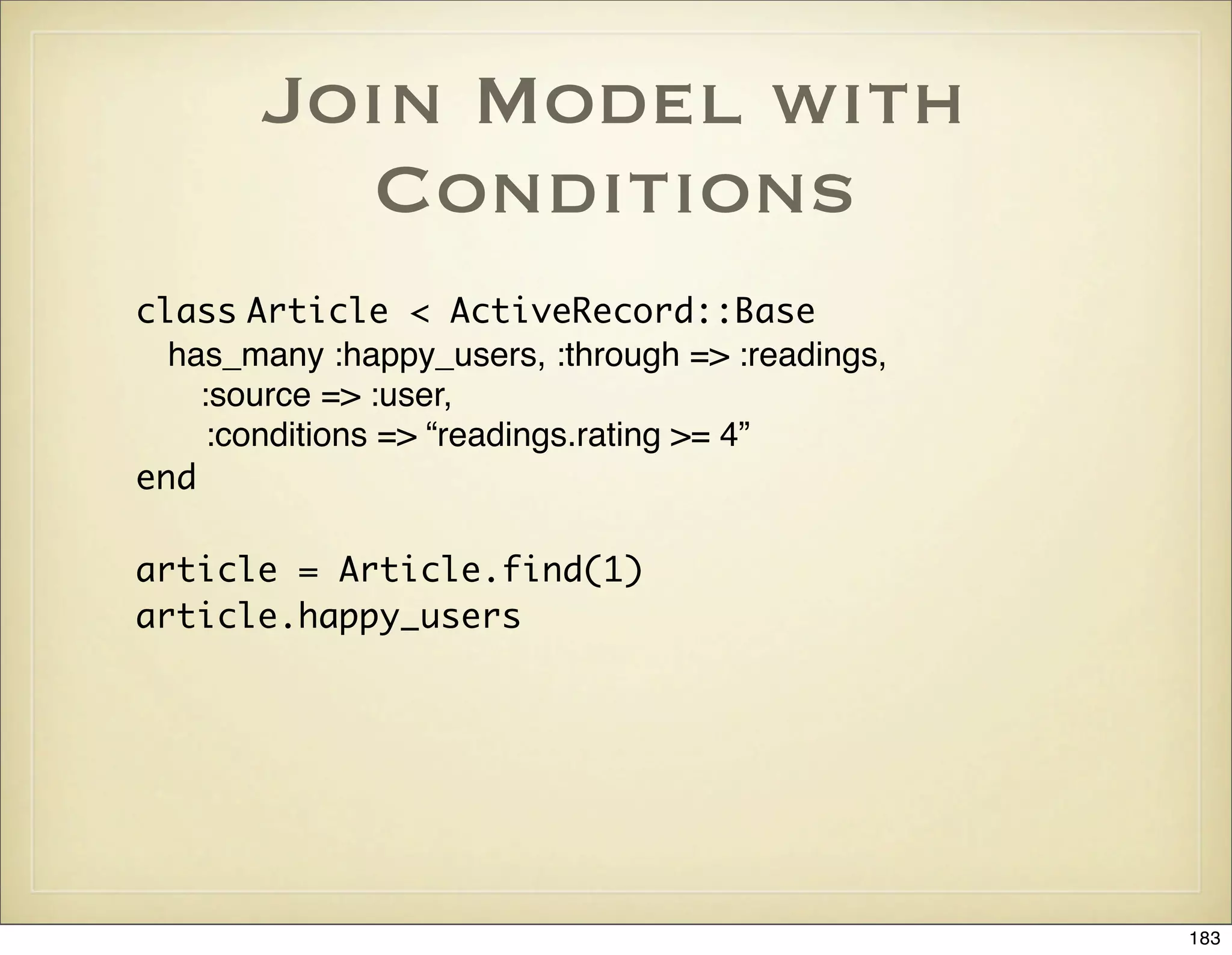
![Extending
Associations
class User < ActiveRecord::Base
has_many :articles, :through => :readings do
def rated_at_or_above(rating)
find :all, :conditions => [ʻrating >= ?ʼ, rating]
end
end
end
user = User.find(1)
good_articles = user.articles.rated_at_or_above(4)
184](https://image.slidesharecdn.com/ruby-on-rails-101-presentation-slides-for-a-five-day-introductory-course-119407436077654-3-121125080043-phpapp01/75/Ruby-on-rails-101-presentation-slides-for-a-five-day-introductory-course-119407436077654-3-184-2048.jpg)
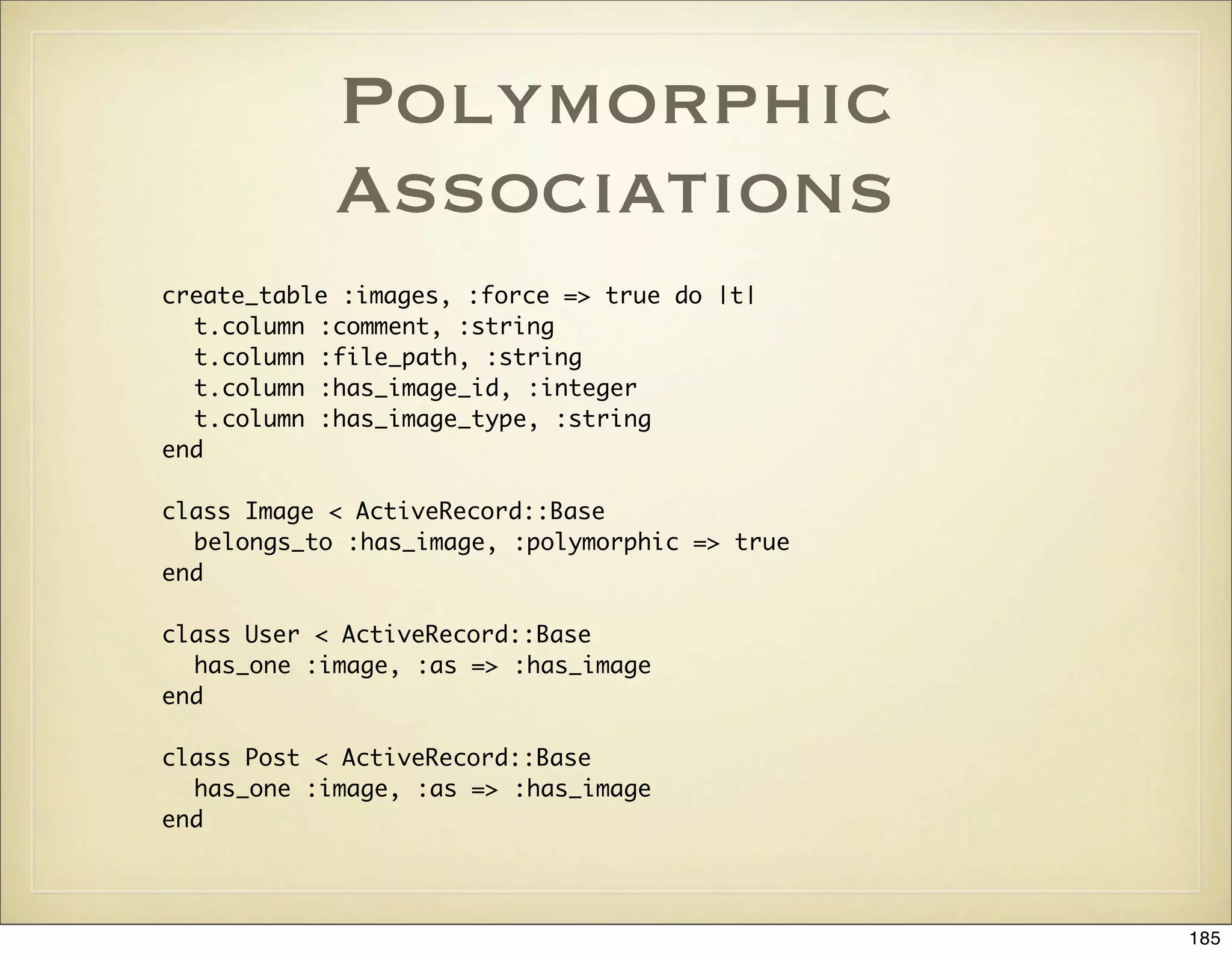
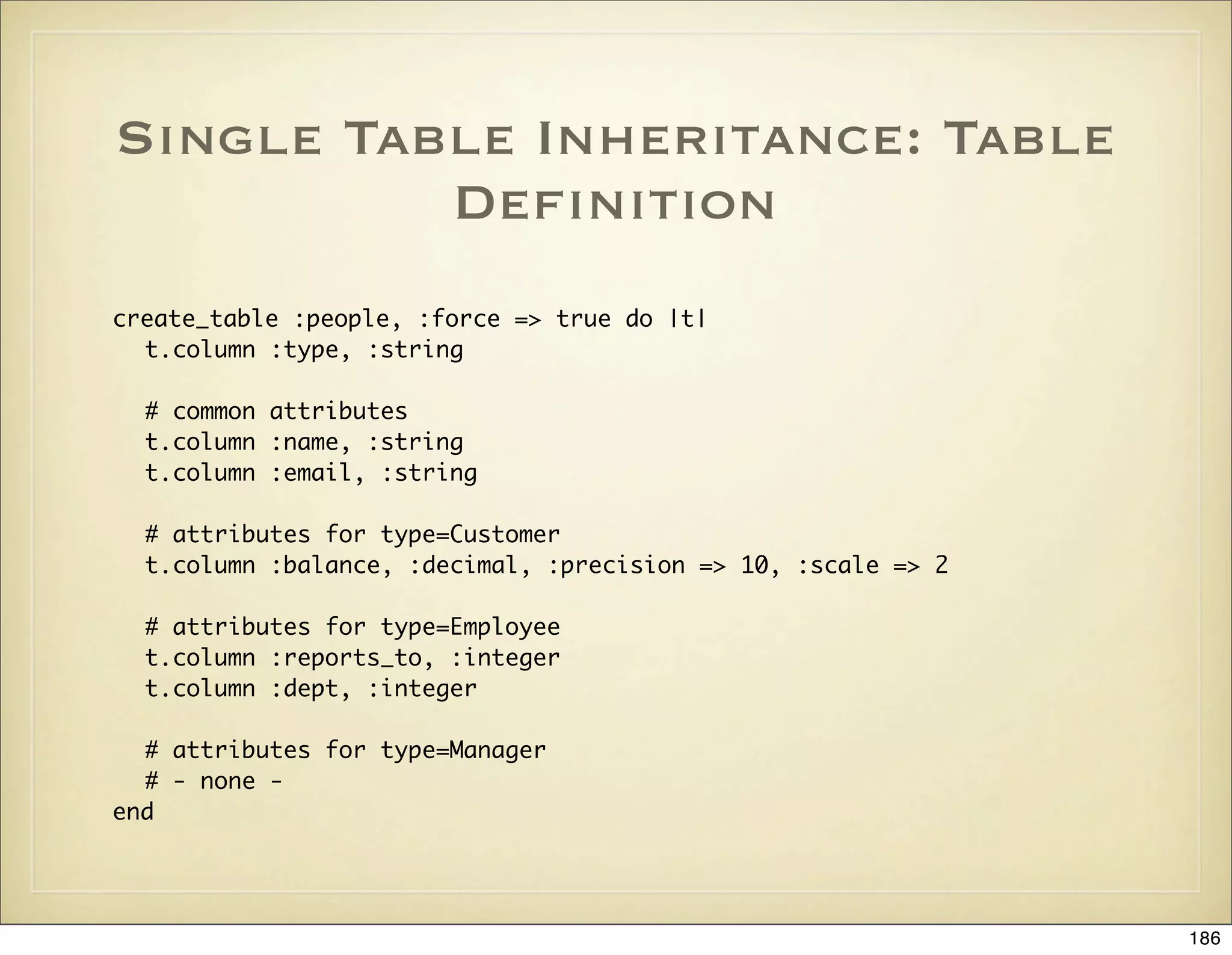
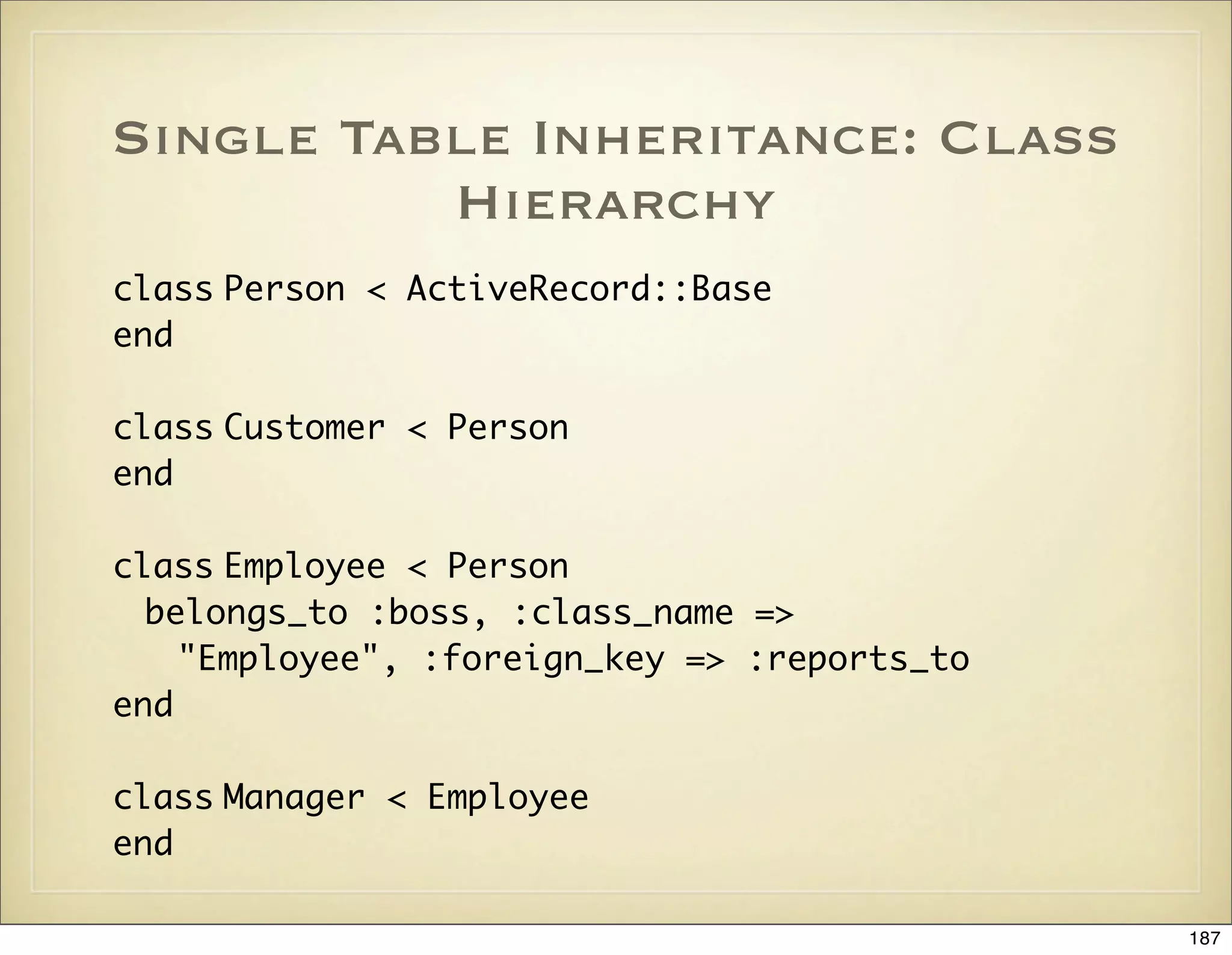
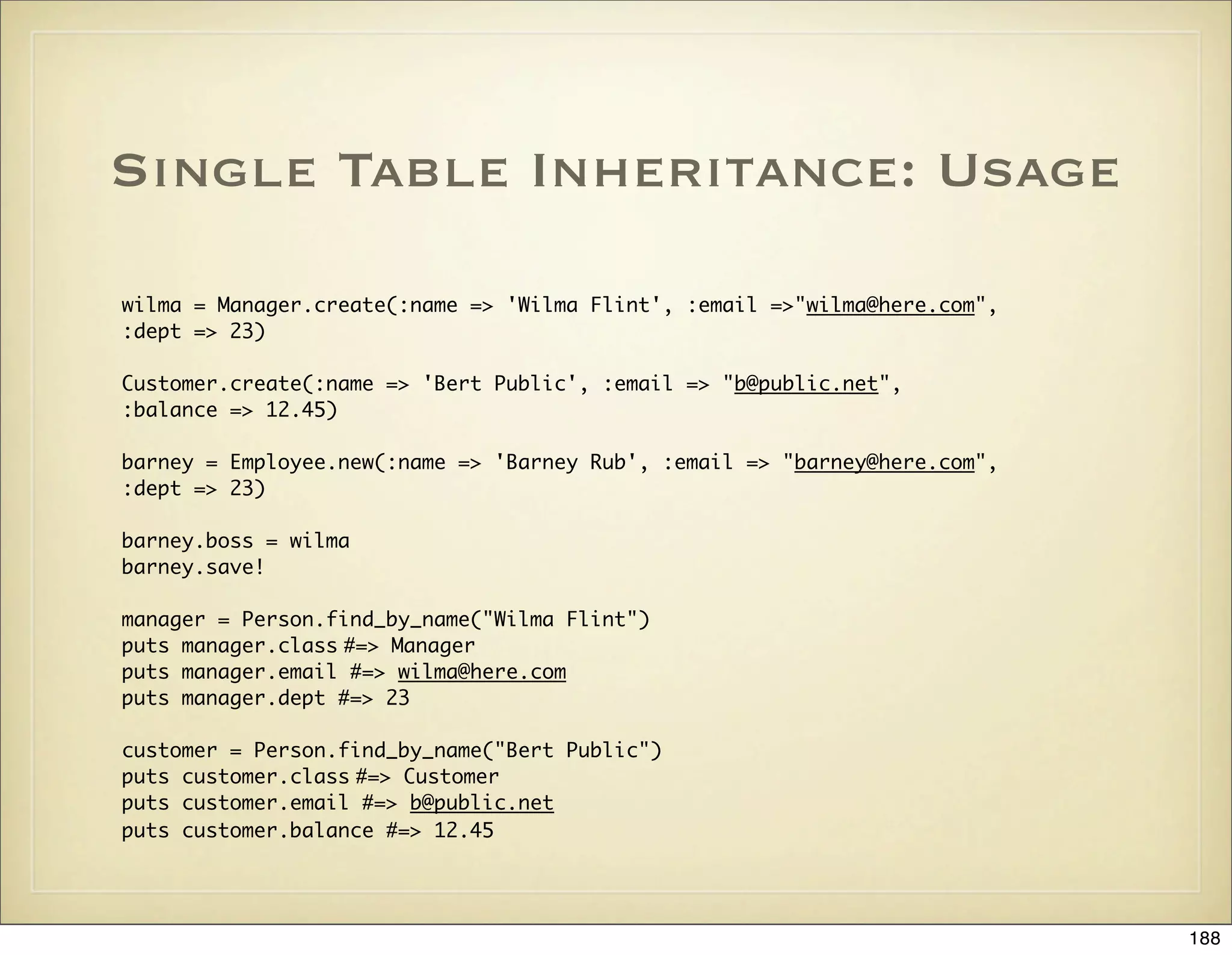
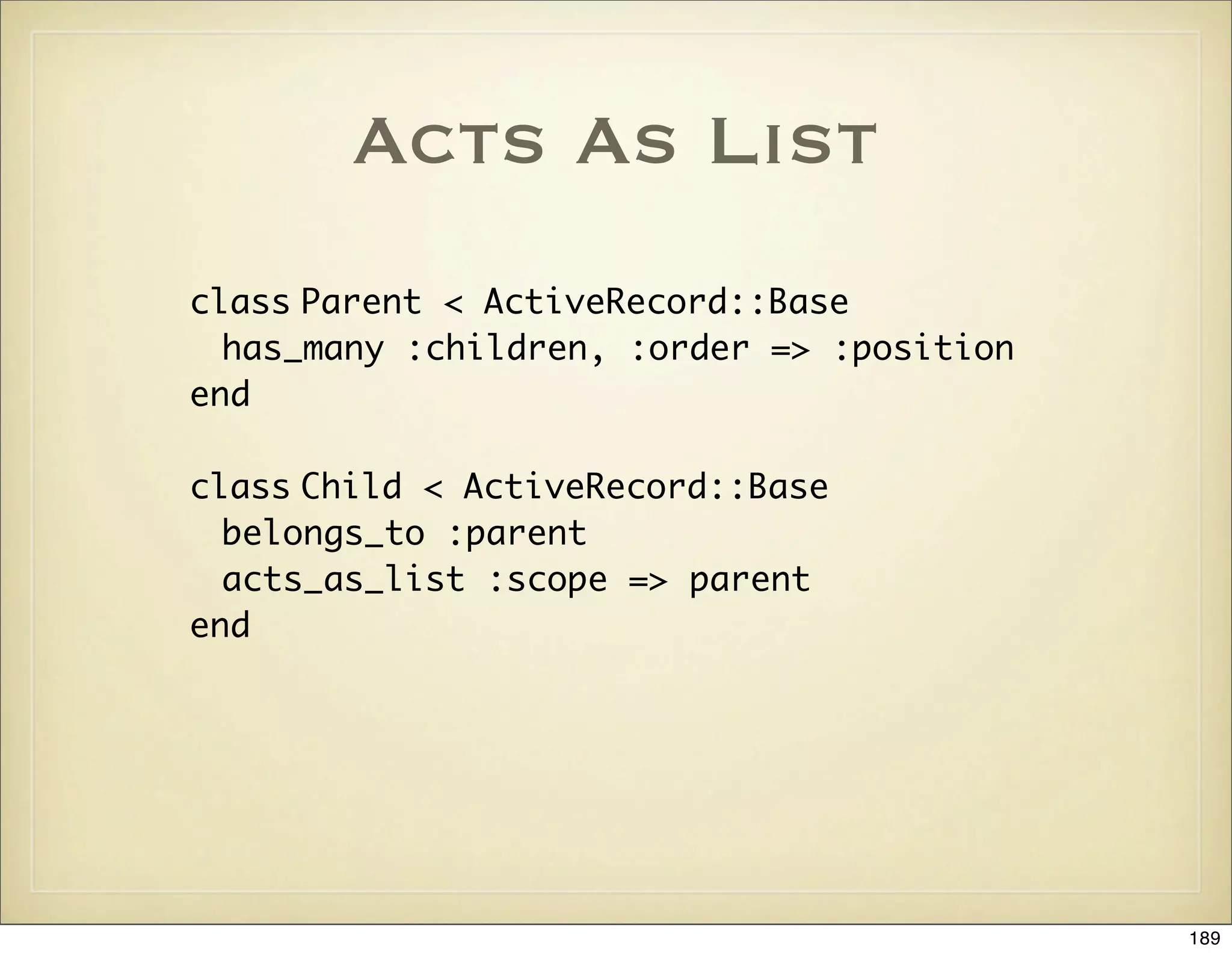
![Acts As List: Usage
parent = Parent.new
%w{ One Two Three Four}.each do |name|
parent.children.create(:name => name)
end
parent.save
def display_children(parent)
puts parent.children(true).map {|child| child.name }.join(", ")
end
display_children(parent) #=> One, Two, Three, Four
puts parent.children[0].first? #=> true
two = parent.children[1]
puts two.lower_item.name #=> Three
puts two.higher_item.name #=> One
parent.children[0].move_lower
display_children(parent) #=> Two, One, Three, Four
parent.children[2].move_to_top
display_children(parent) #=> Three, Two, One, Four
parent.children[2].destroy
display_children(parent) #=> Three, Two, Four
190](https://image.slidesharecdn.com/ruby-on-rails-101-presentation-slides-for-a-five-day-introductory-course-119407436077654-3-121125080043-phpapp01/75/Ruby-on-rails-101-presentation-slides-for-a-five-day-introductory-course-119407436077654-3-190-2048.jpg)
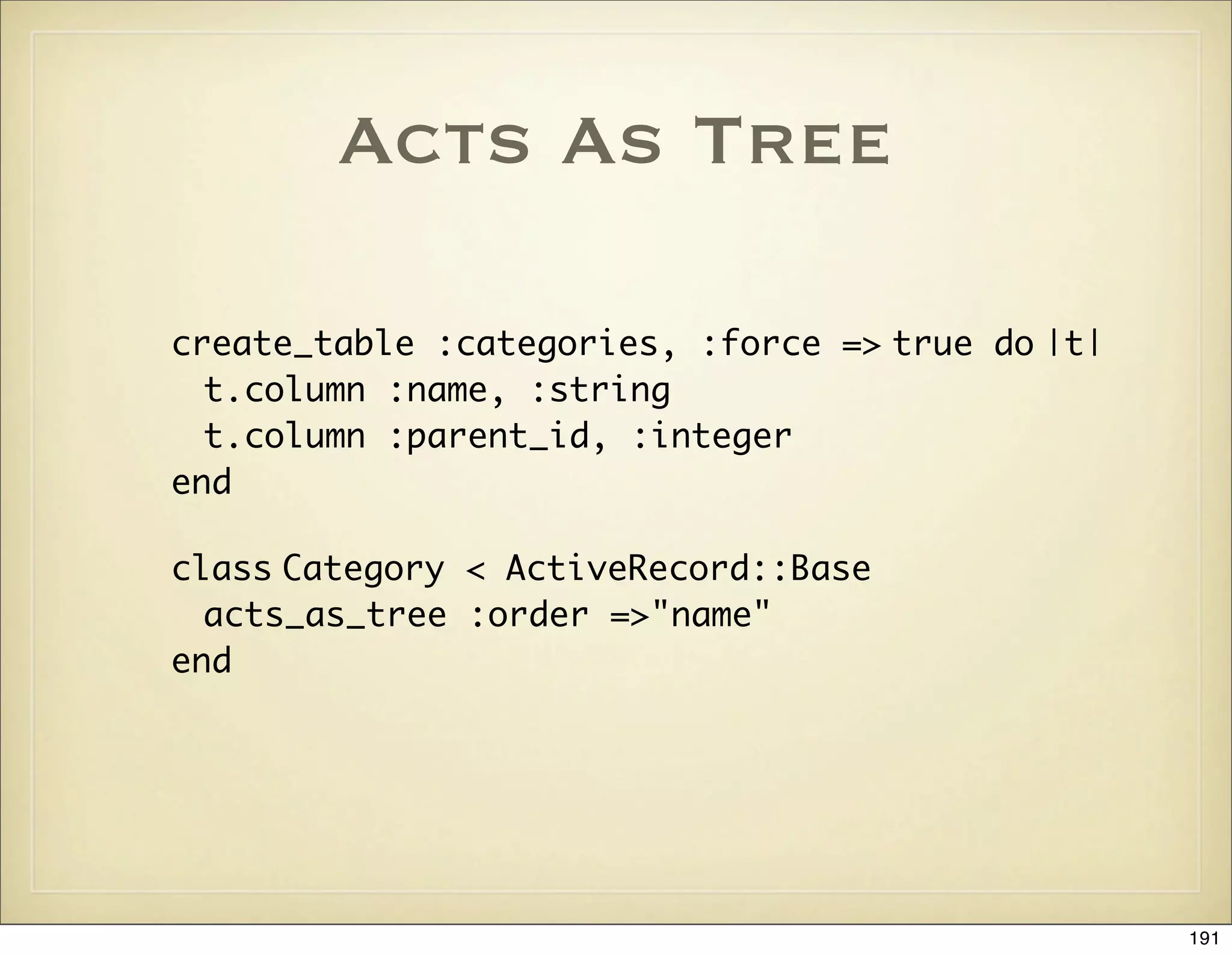
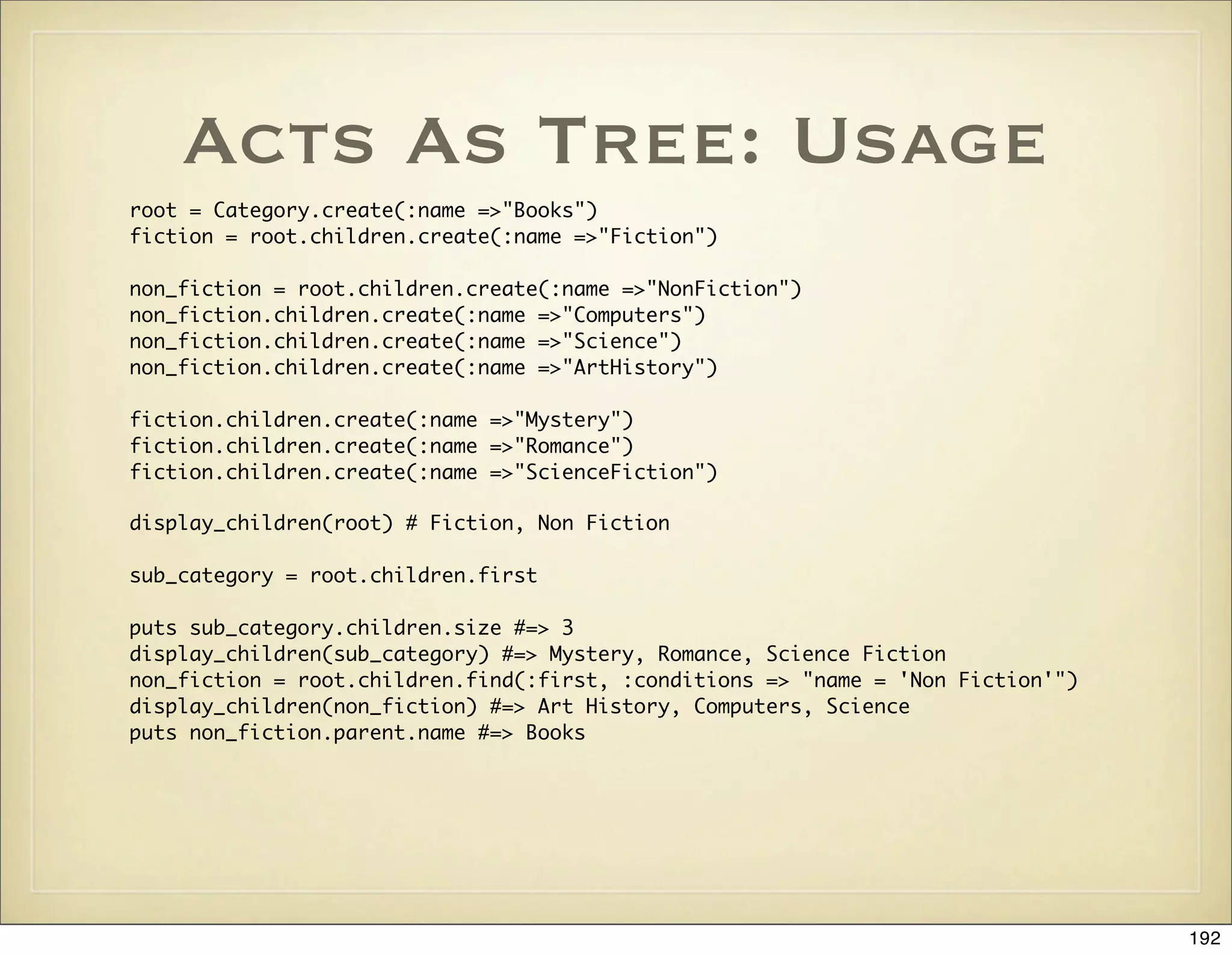
![Eager Loading: From
N+1 to 1 Query
# Joins posts, authors, comments
# in a single select
@posts = Post.find(:all,
:conditions => "posts.title like '%ruby%'",
:include => [:author, :comments])
<% for post in @posts %>
<%= post.author.name %>: <%= post.title %>
Comments:
<% for comment in post.comments %>
<%= comment.body %>
<% end %>
<% end %>
193](https://image.slidesharecdn.com/ruby-on-rails-101-presentation-slides-for-a-five-day-introductory-course-119407436077654-3-121125080043-phpapp01/75/Ruby-on-rails-101-presentation-slides-for-a-five-day-introductory-course-119407436077654-3-193-2048.jpg)
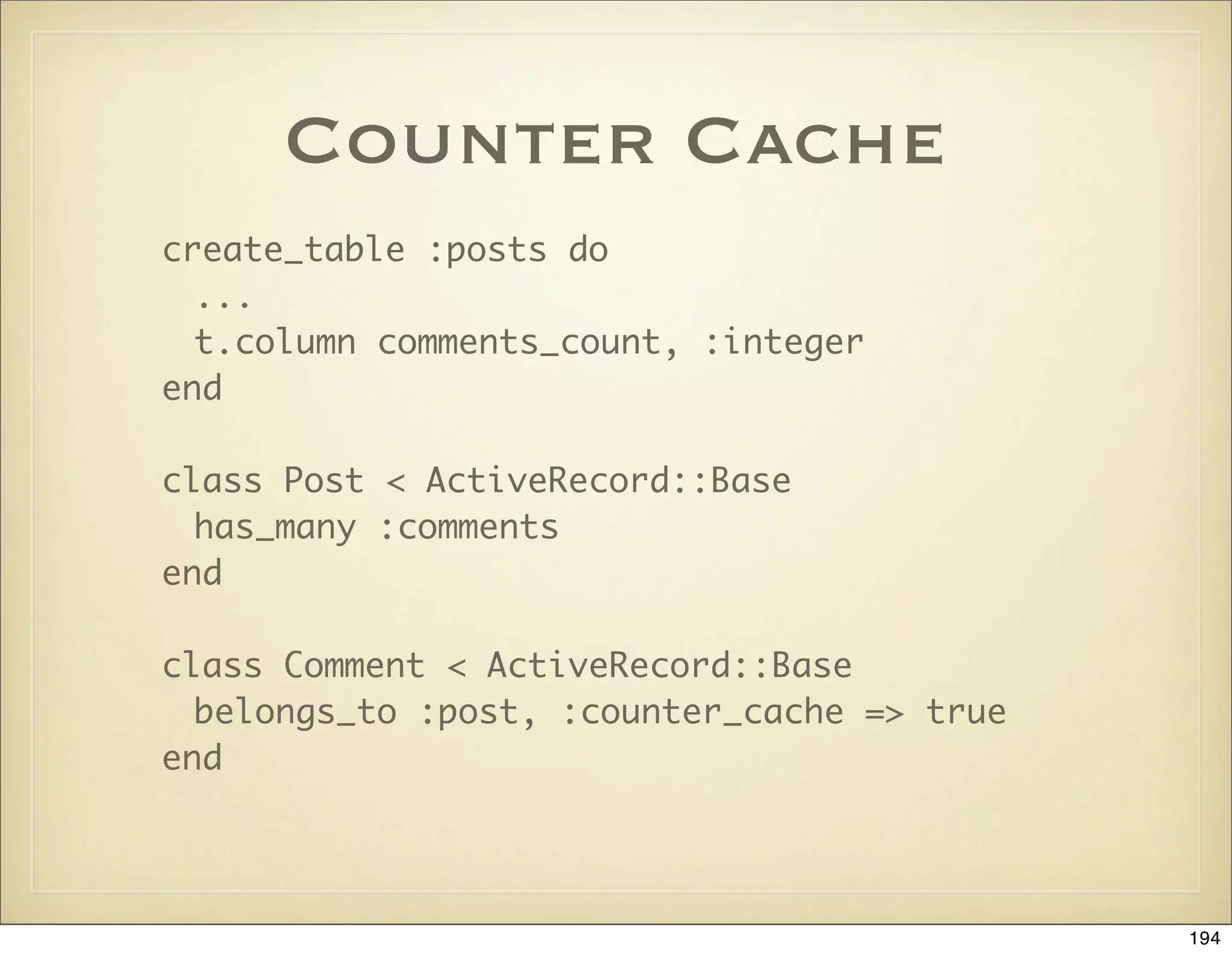
![Association Callbacks
class Project
# Possible callbacks: :after_add, :before_add, :after_remove, :before_remove
has_and_belongs_to_many :developers,
:after_add => [:evaluate_velocity,
Proc.new { |p, d| p.shipping_date = Time.now}]
def evaluate_velocity(developer)
...
end
end
195](https://image.slidesharecdn.com/ruby-on-rails-101-presentation-slides-for-a-five-day-introductory-course-119407436077654-3-121125080043-phpapp01/75/Ruby-on-rails-101-presentation-slides-for-a-five-day-introductory-course-119407436077654-3-195-2048.jpg)

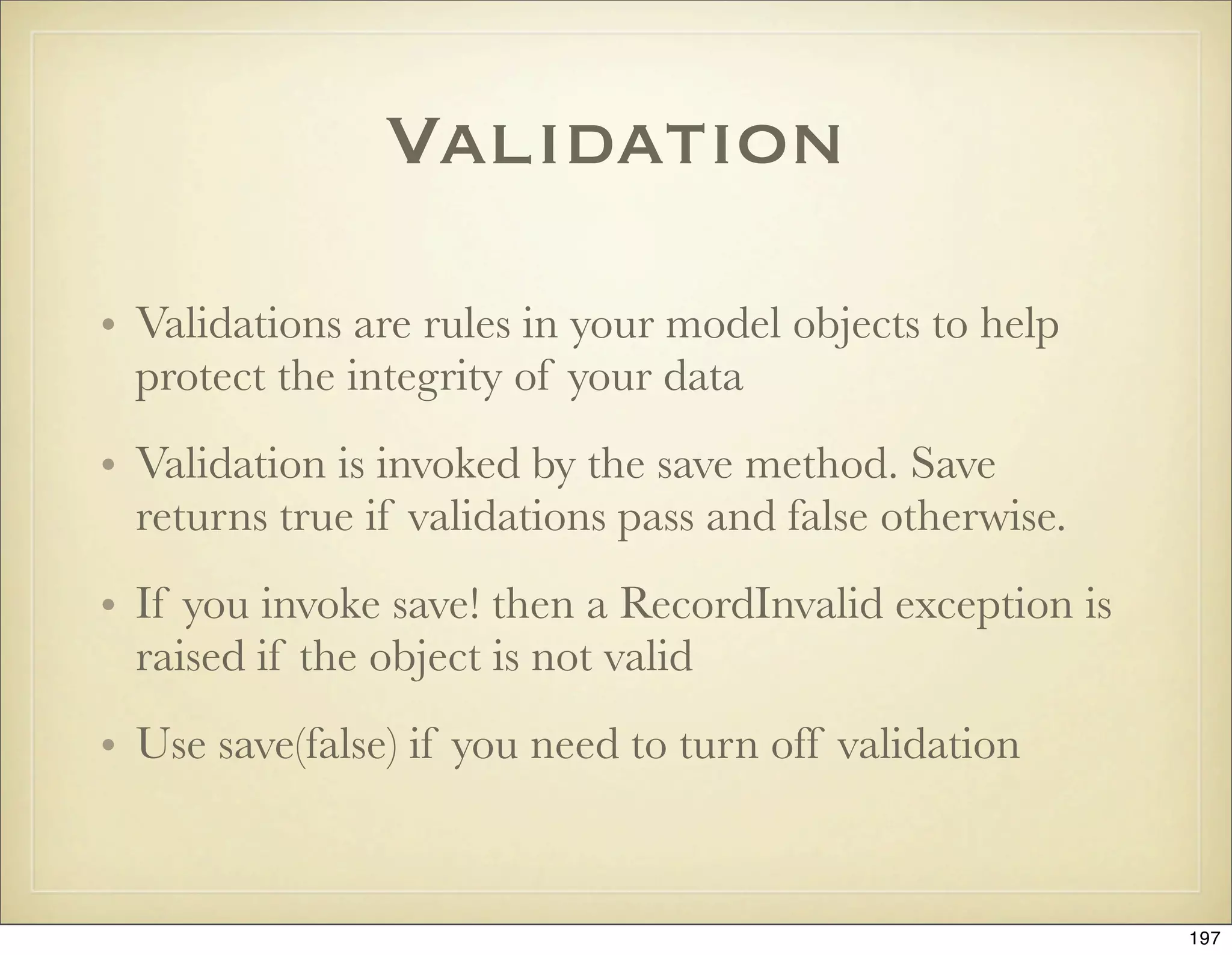
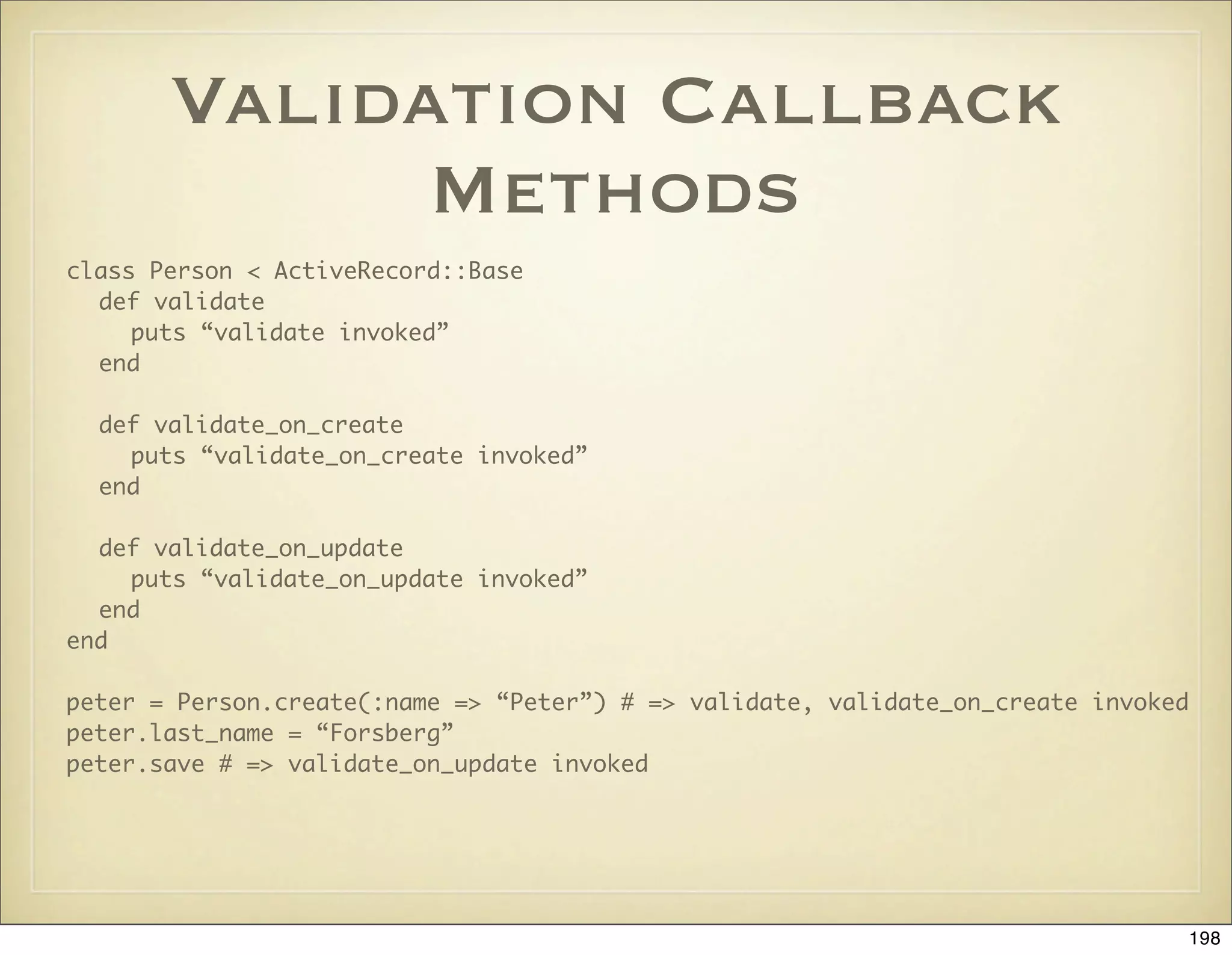
![Validation Errors
class Person < ActiveRecord::Base
def validate
if Person.find_by_name(name)
errors.add(:name”, “is already being used”)
end
if name.blank? and email.blank?
errors.add_to_base(“You must specify name or email”)
end
end
peter = Person.create(:name => “Peter”) # => validate, validate_on_create invoked
peter.valid? # => true
peter.errors # => []
peter2 = Person.create(:name => “Peter”)
peter2.valid? # => false
peter2.errors.on(:name) # => “is already being used”
peter2.errors.full_messages # => [“Name is already being used”]
199](https://image.slidesharecdn.com/ruby-on-rails-101-presentation-slides-for-a-five-day-introductory-course-119407436077654-3-121125080043-phpapp01/75/Ruby-on-rails-101-presentation-slides-for-a-five-day-introductory-course-119407436077654-3-199-2048.jpg)
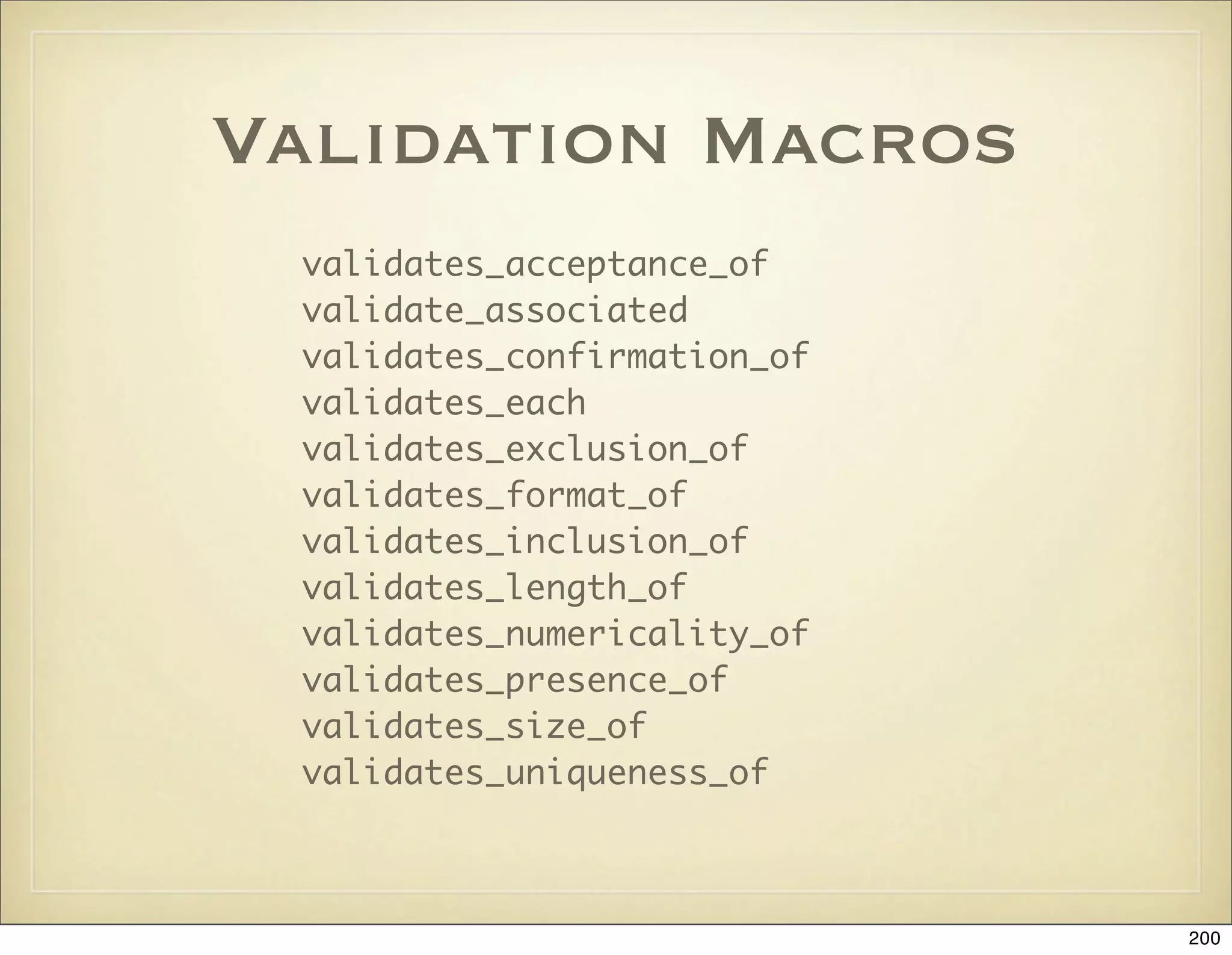
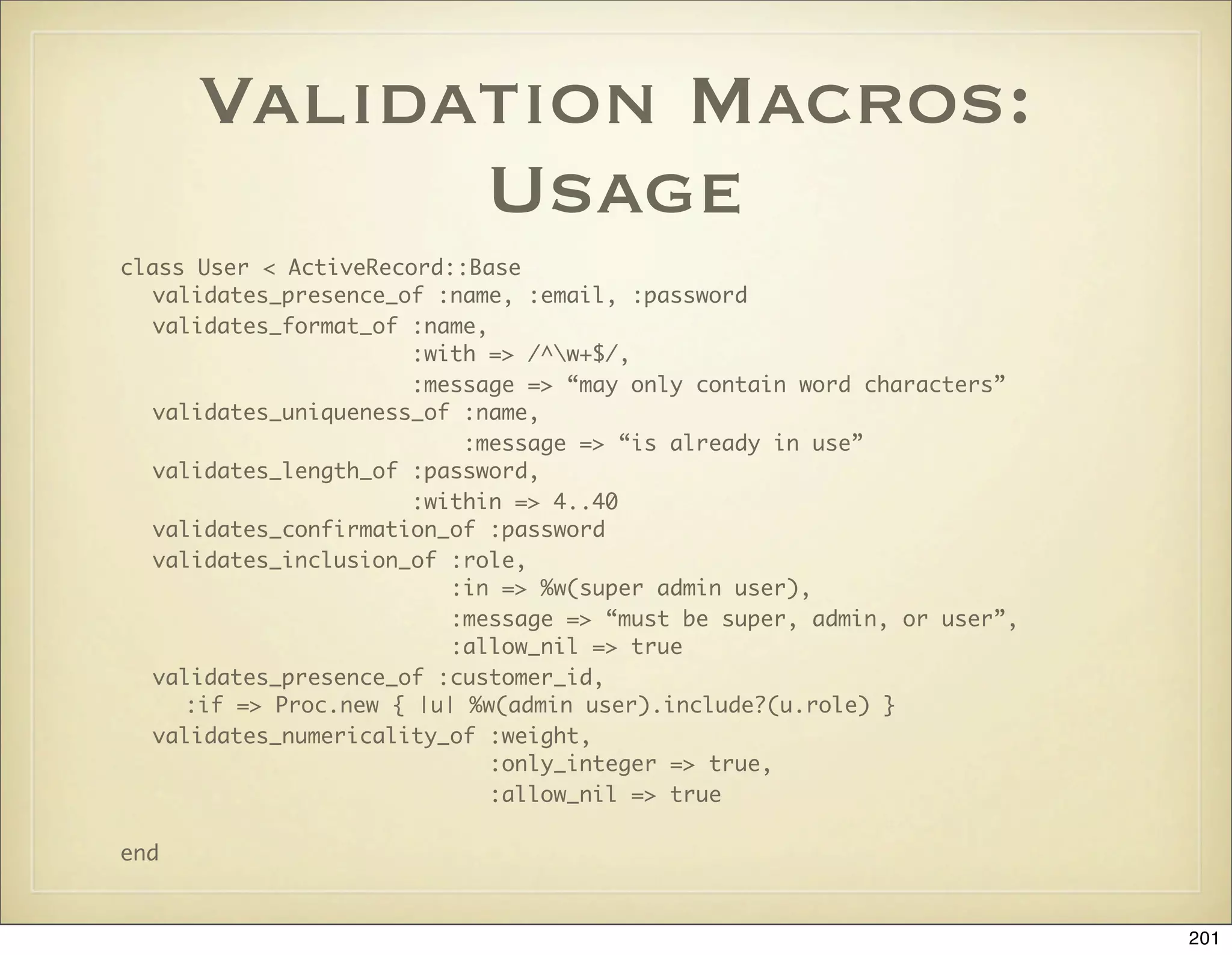
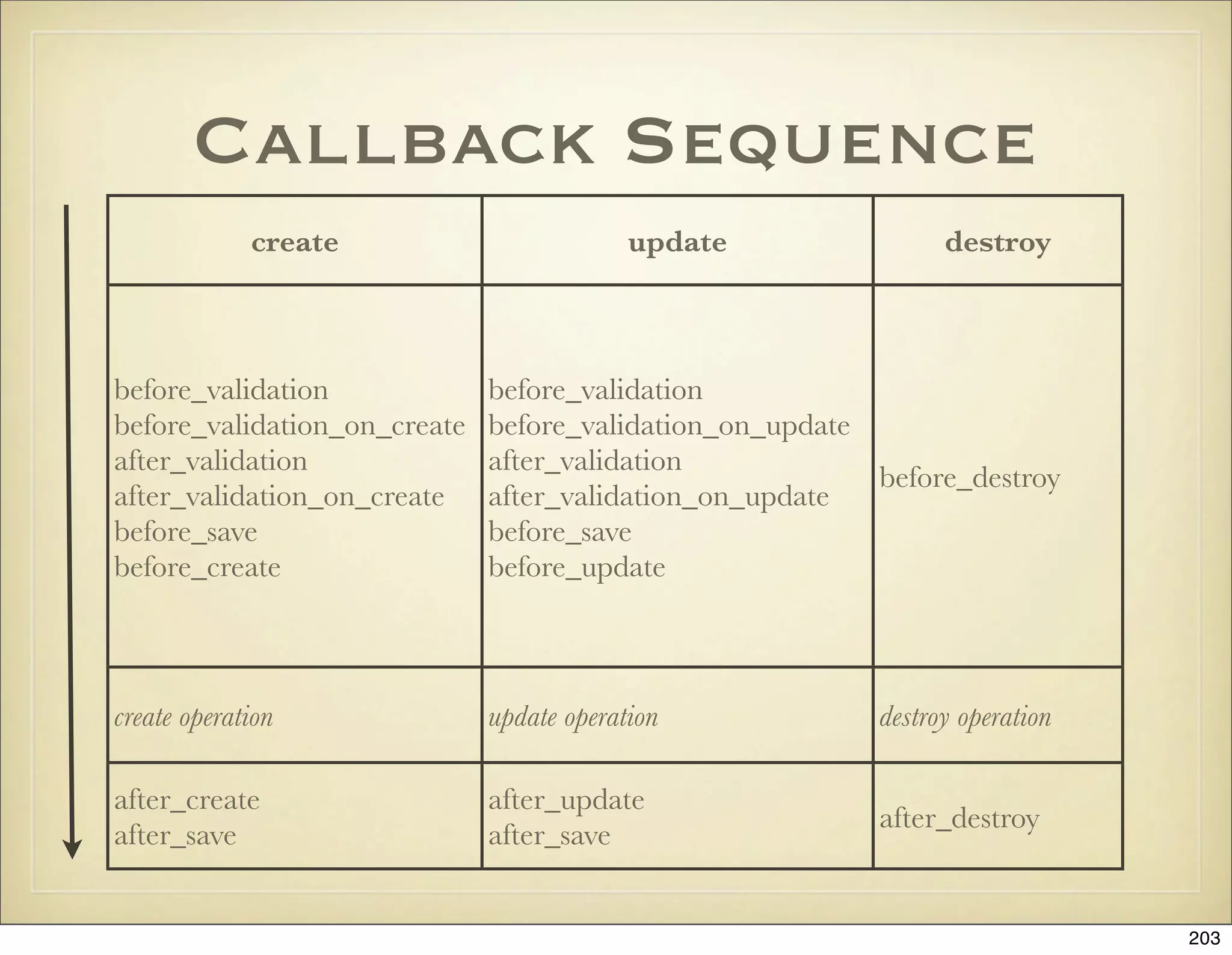
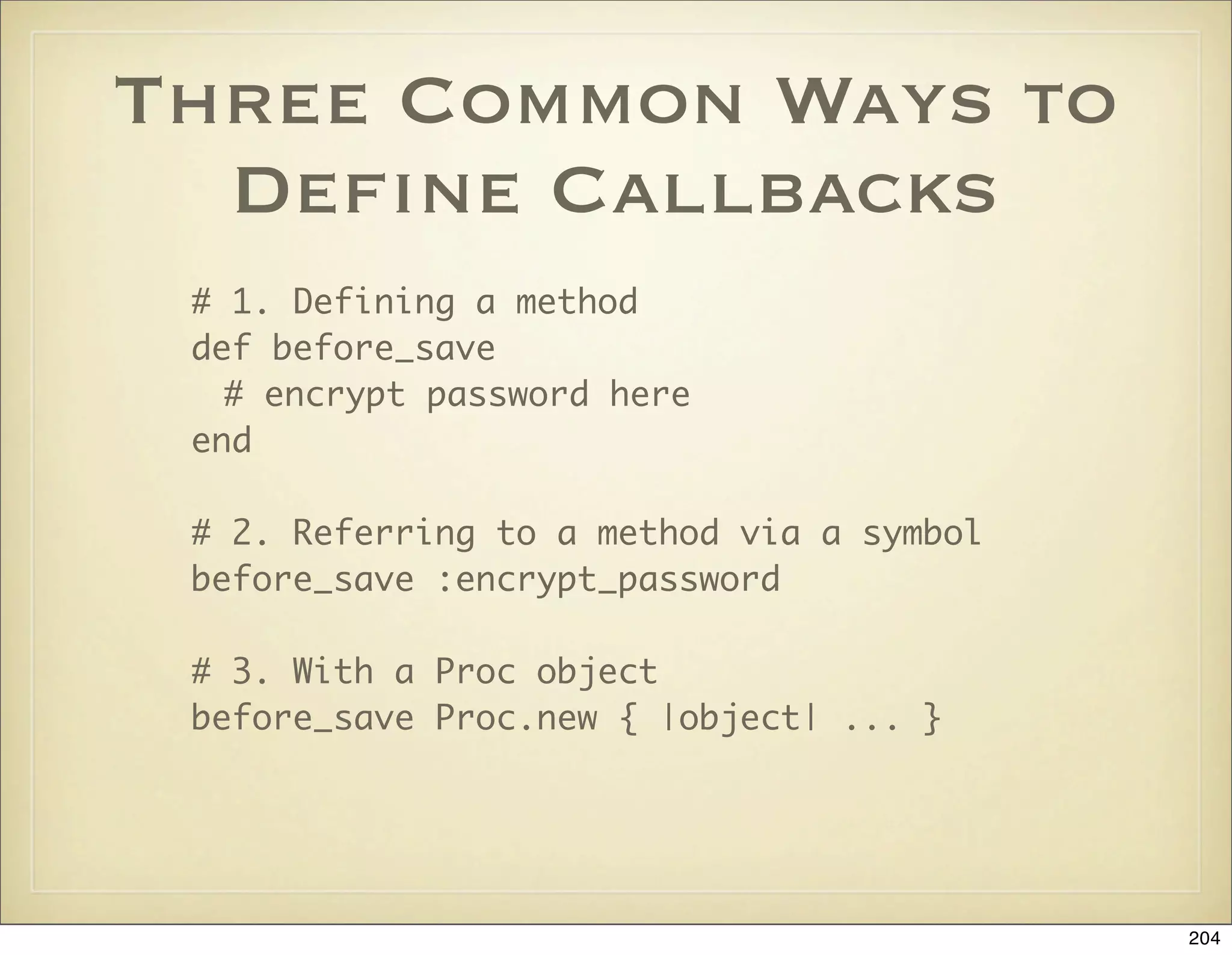
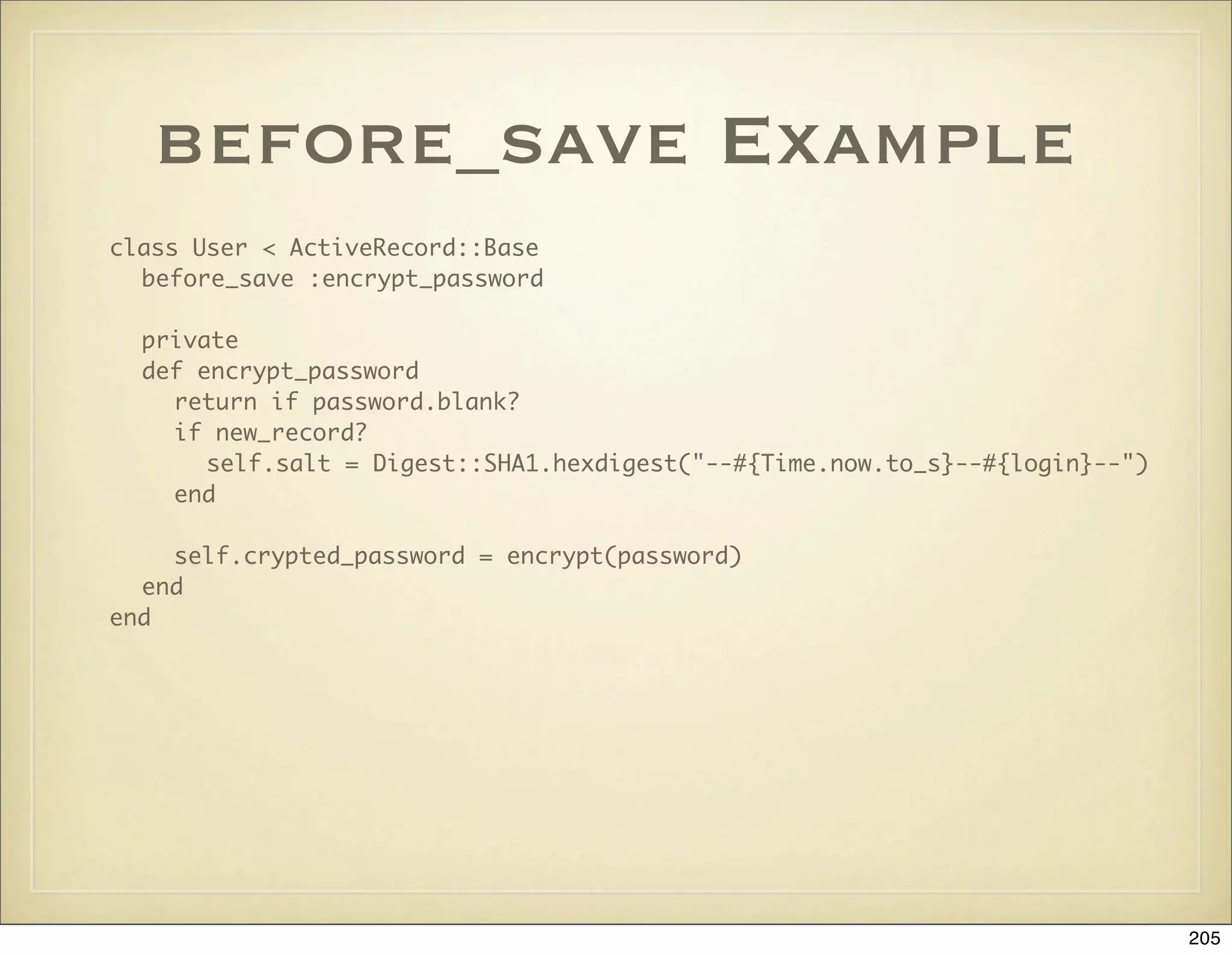
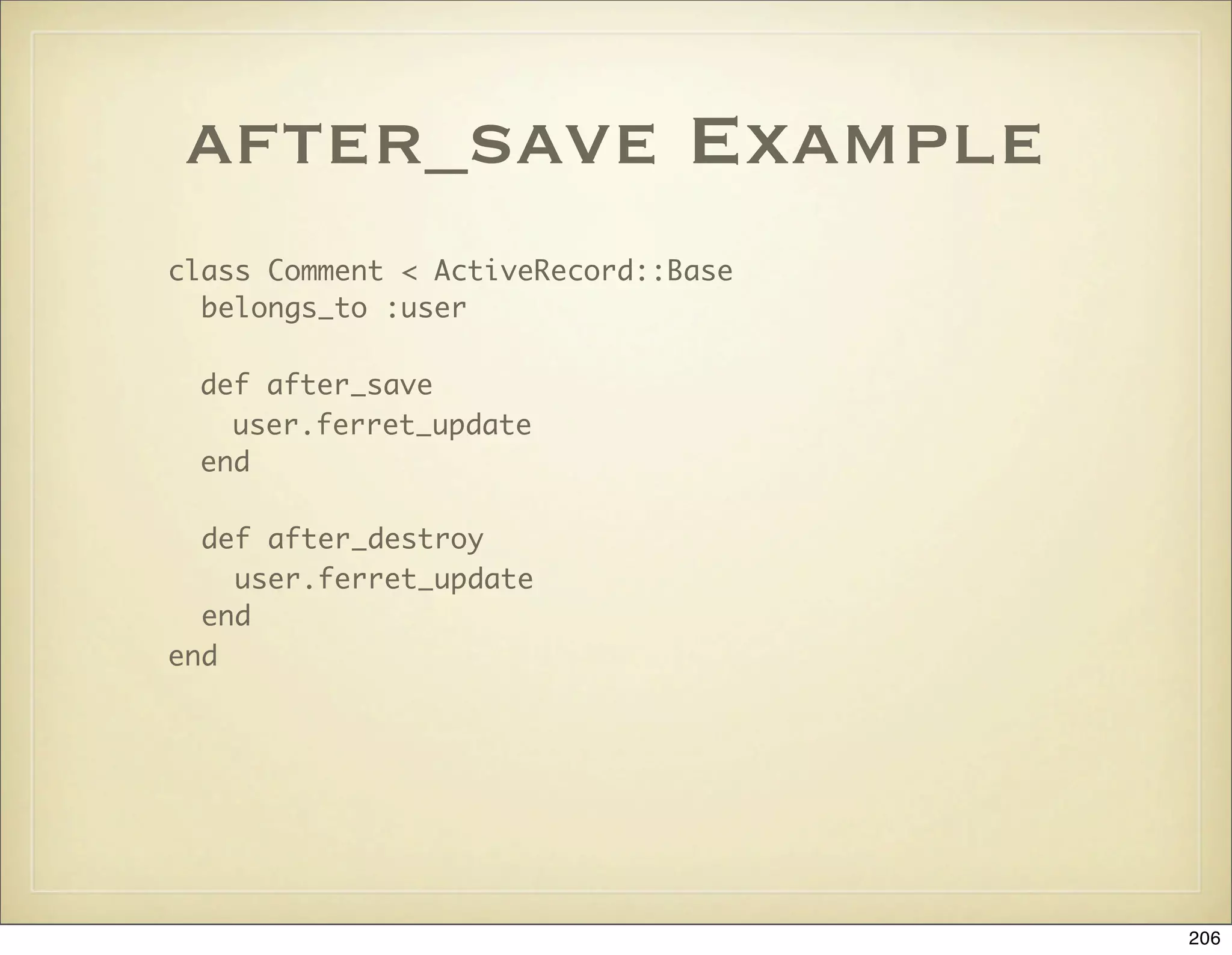
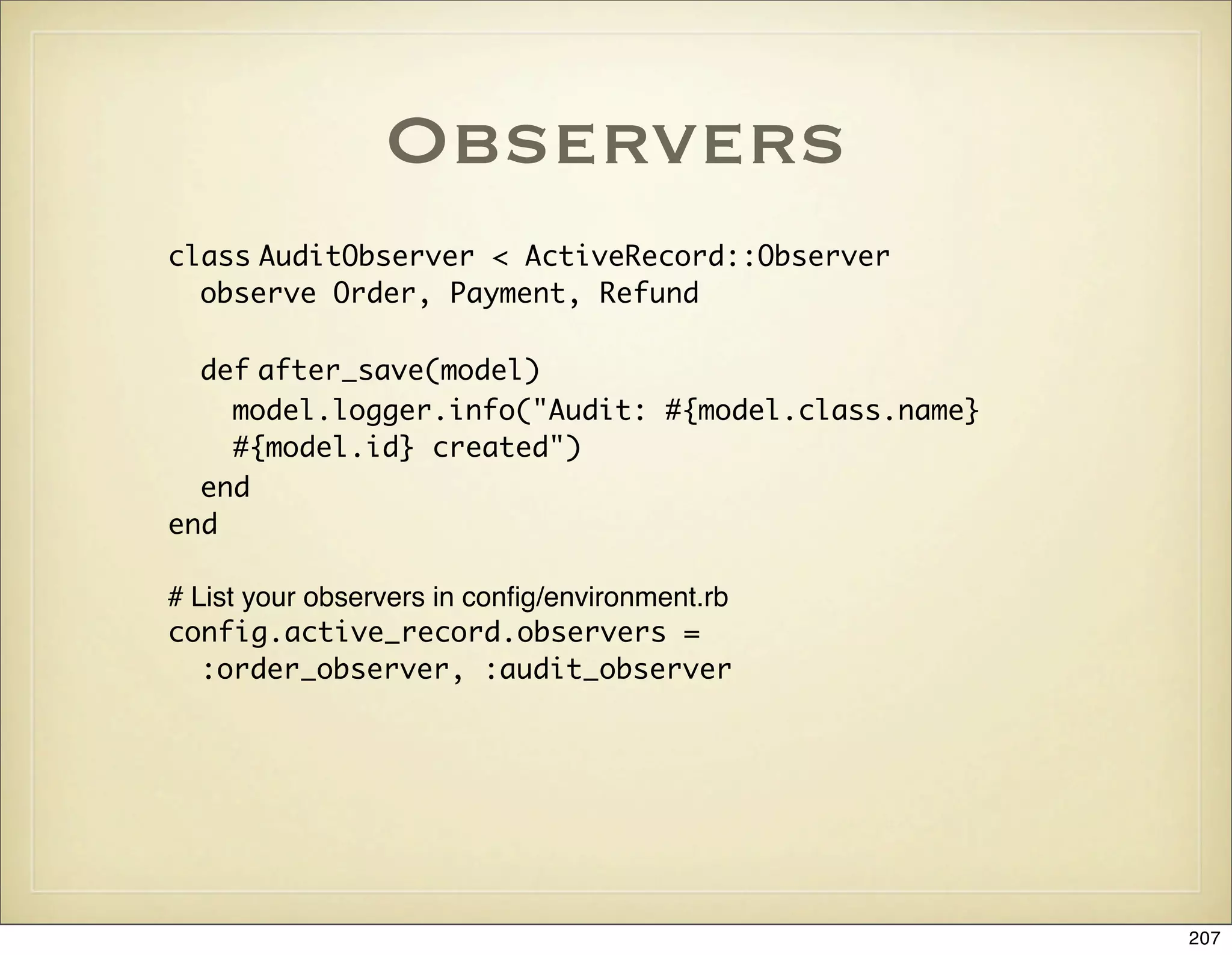
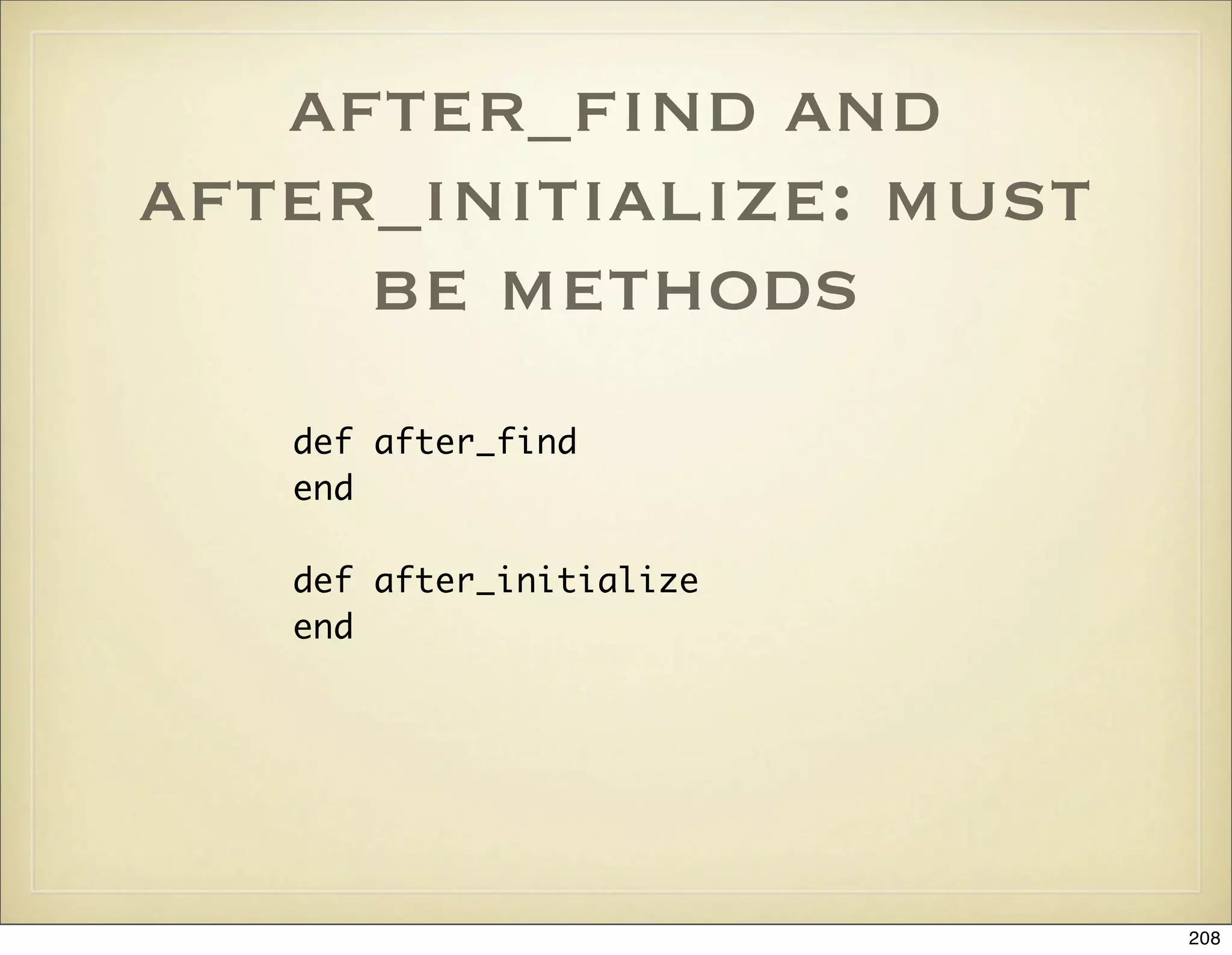

![How Forms Work
Form helpers => HTML => params =>
ActiveRecord validate + save
<% form_tag({:action => 'update', :id => @user} do %>
<%= text_field 'user', 'email' %>
<% end %>
<form action="/admin/users/update/1" method="post">
<input id="user_email" name="user[email]" />
</form>
params = {:user => {:email => “joe@user.com”}}
@user = User.find(params[:id])
@user.update_attributes(params[:user])
210](https://image.slidesharecdn.com/ruby-on-rails-101-presentation-slides-for-a-five-day-introductory-course-119407436077654-3-121125080043-phpapp01/75/Ruby-on-rails-101-presentation-slides-for-a-five-day-introductory-course-119407436077654-3-210-2048.jpg)
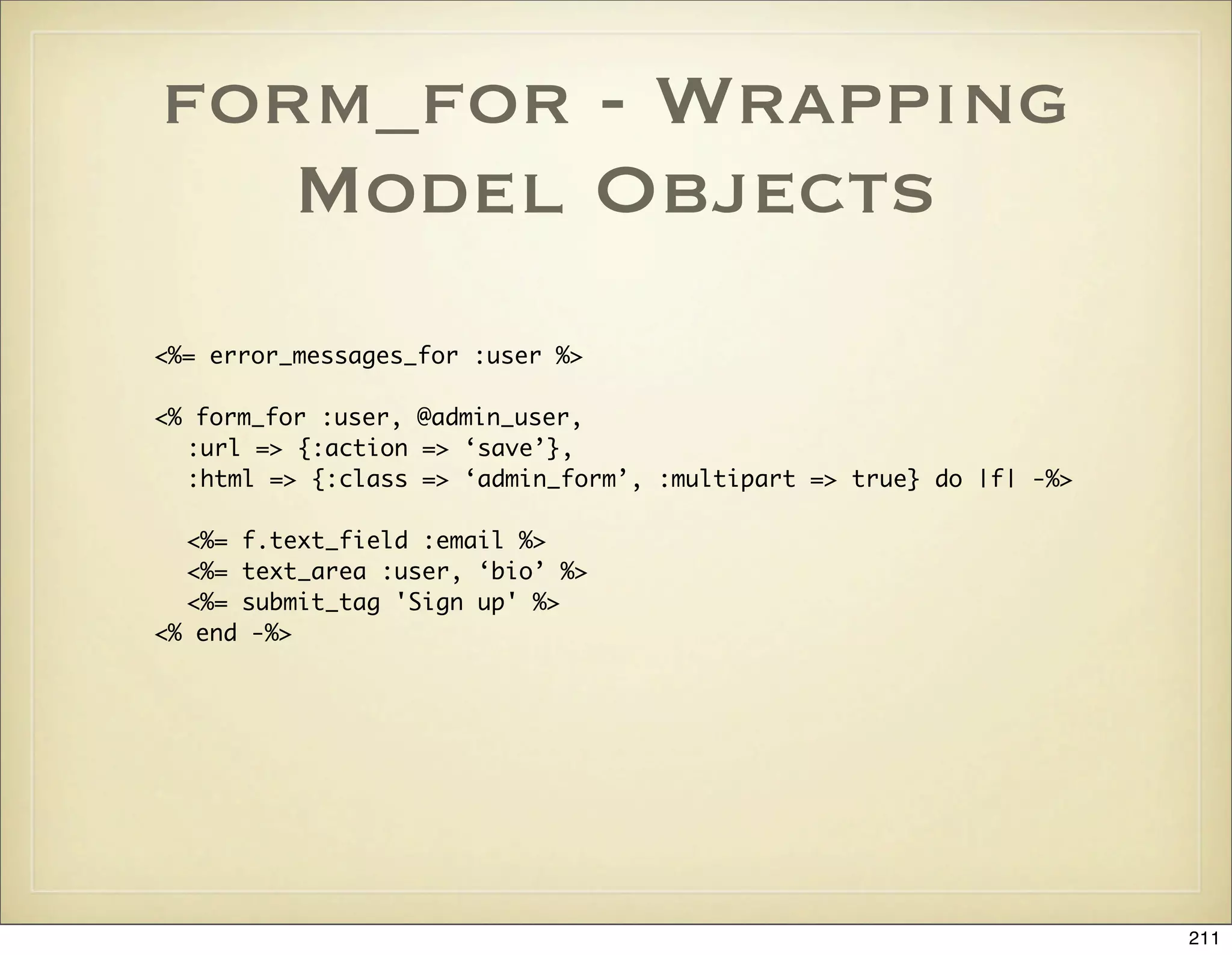
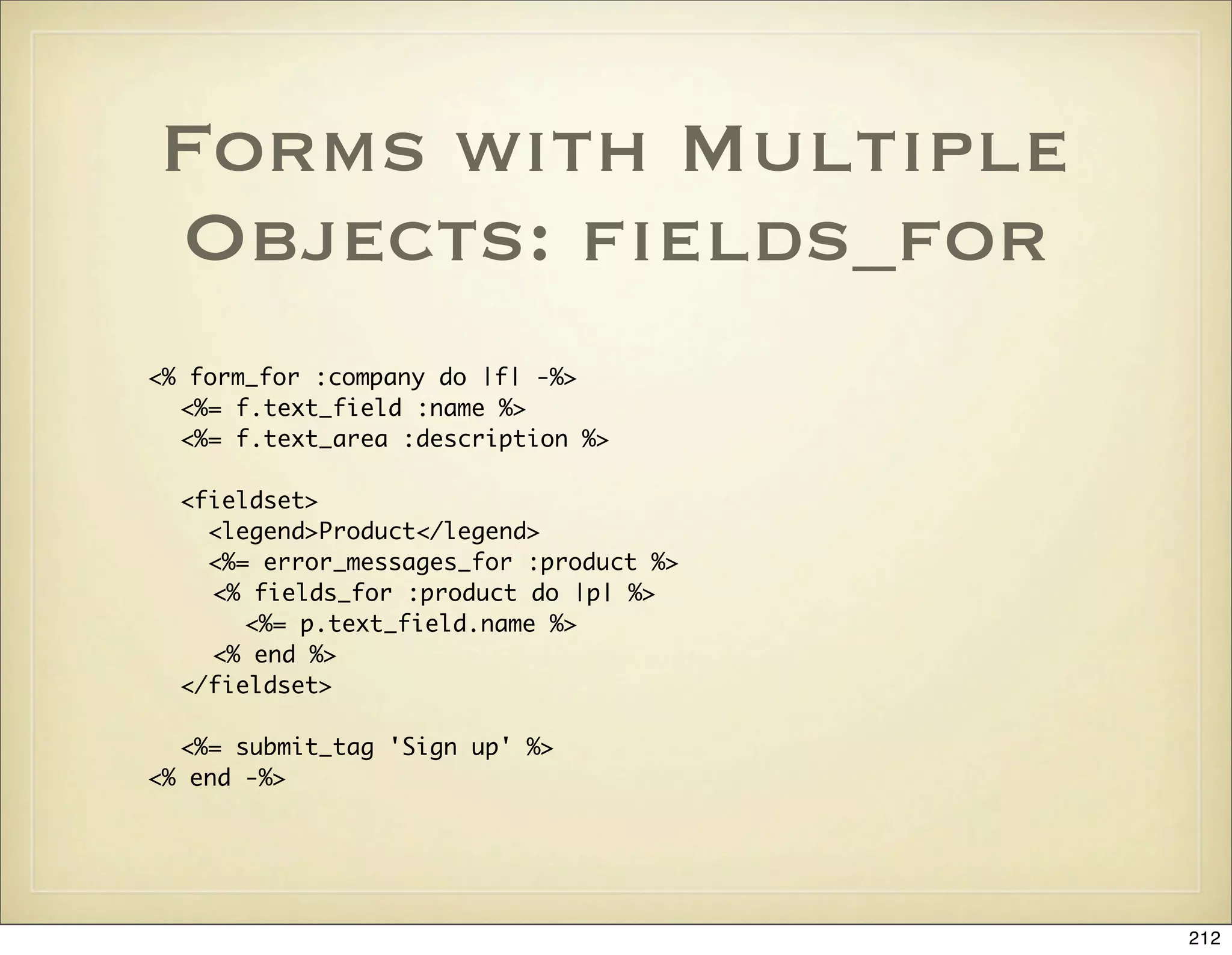
![Processing Multiple
Object Form
Submission
def create
@company = Company.new(params[:company])
@product = Product.new(params[:product])
Company.transaction do
@company.save!
@product.save!
redirect_to :action => :show, :id => @company
end
rescue ActiveRecord::RecordInvalid => e
@product.valid? # Force validation as it may not have been validated
render :action => :new
end
213](https://image.slidesharecdn.com/ruby-on-rails-101-presentation-slides-for-a-five-day-introductory-course-119407436077654-3-121125080043-phpapp01/75/Ruby-on-rails-101-presentation-slides-for-a-five-day-introductory-course-119407436077654-3-213-2048.jpg)
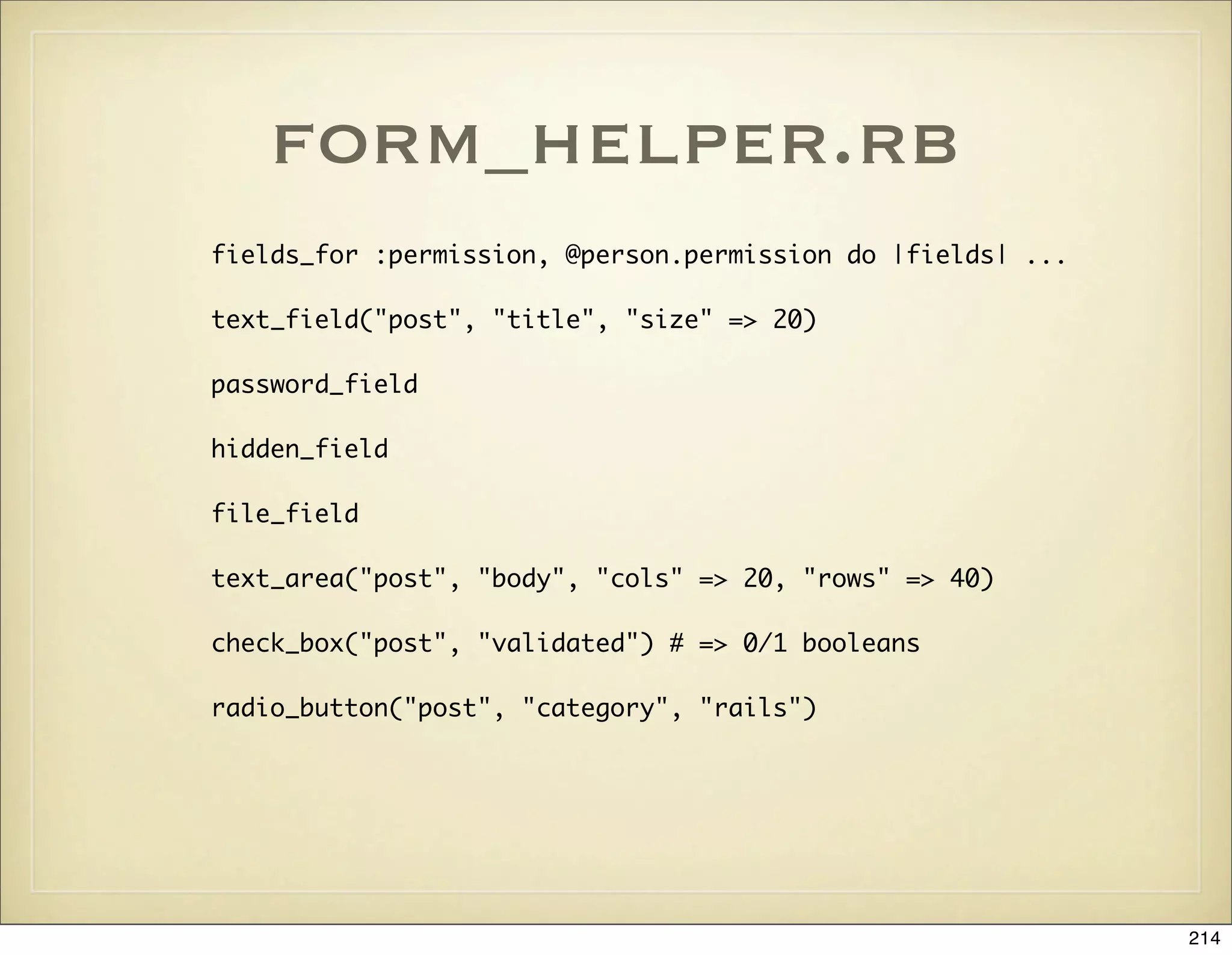
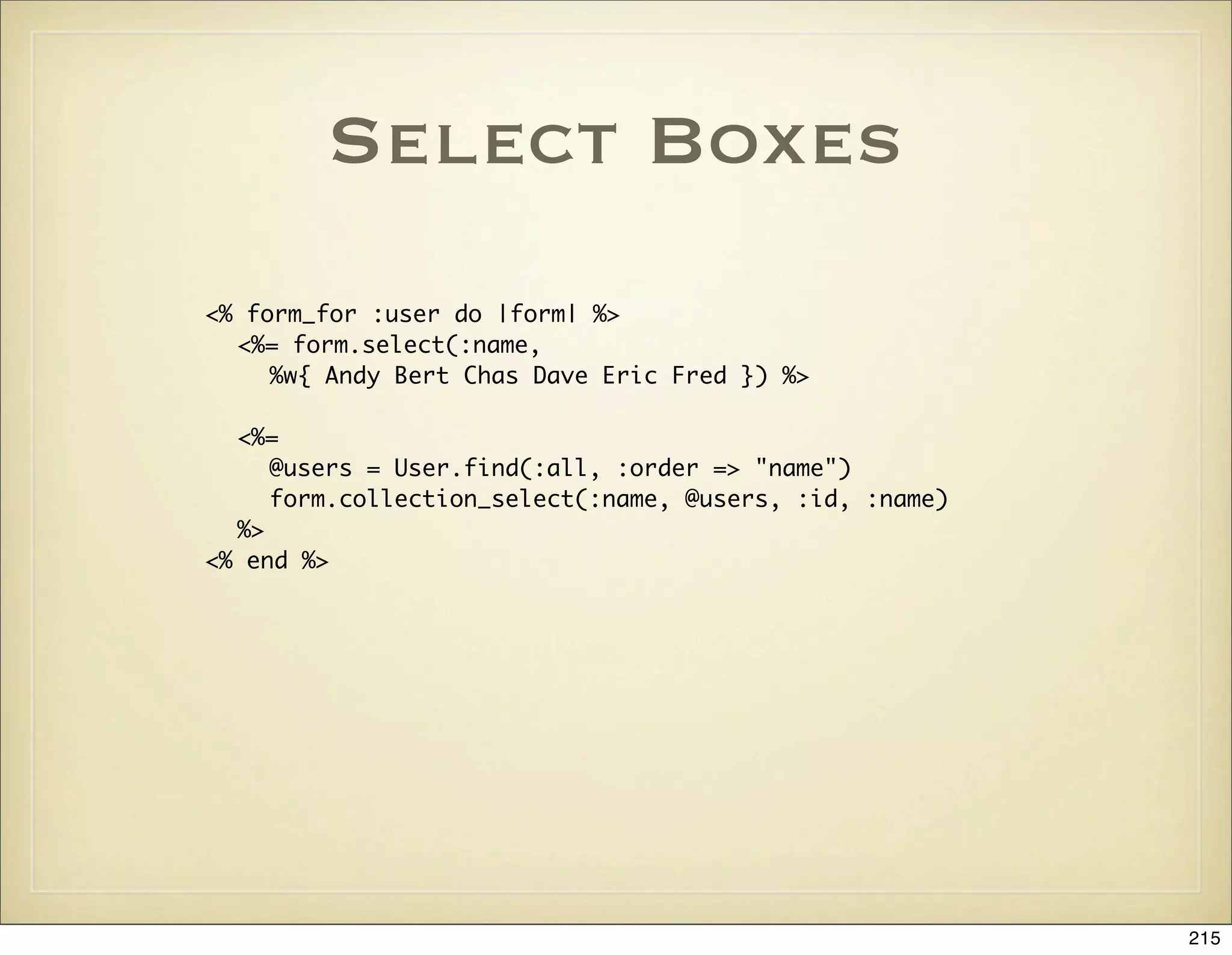
![form_options_helper.rb
select("post", "category",
Post::CATEGORIES, {:include_blank => true})
select("post", "person_id",
Person.find(:all).collect {|p| [ p.name, p.id ] })
select_tag "service[users][]",
options_for_select(User.find(:all, :order => 'name').
map { |u| [u.name, u.id] }, @service.users.map(&:id)),
{:multiple => "multiple", :size => 10, :id => 'users'}
collection_select('user', 'role_ids', @roles, :id, :name,
{}, :multiple => true)
time_zone_select
country_select
option_groups_from_collection_for_select
<select name="addressgroup[address_ids][]" multiple="multiple">
216](https://image.slidesharecdn.com/ruby-on-rails-101-presentation-slides-for-a-five-day-introductory-course-119407436077654-3-121125080043-phpapp01/75/Ruby-on-rails-101-presentation-slides-for-a-five-day-introductory-course-119407436077654-3-216-2048.jpg)
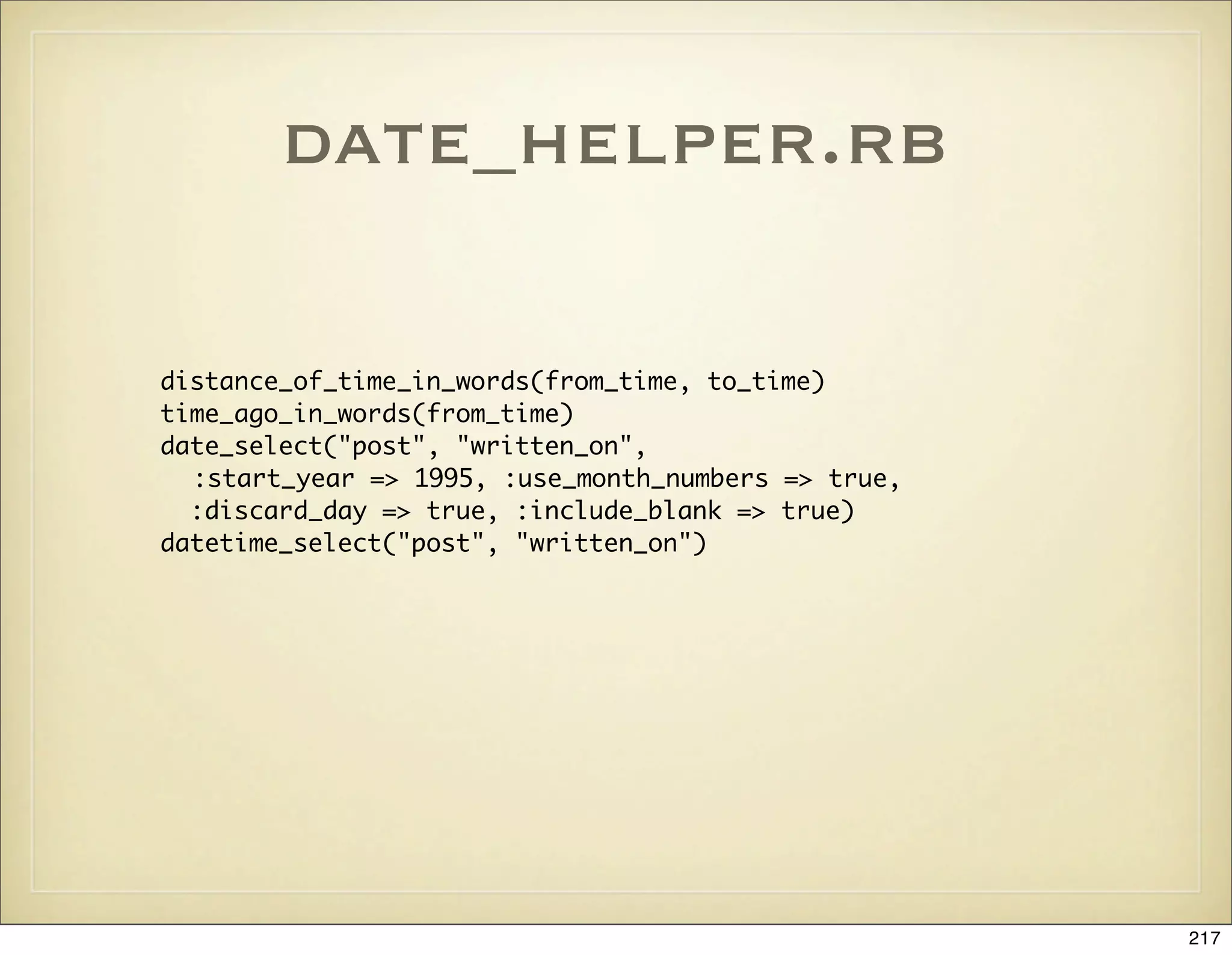
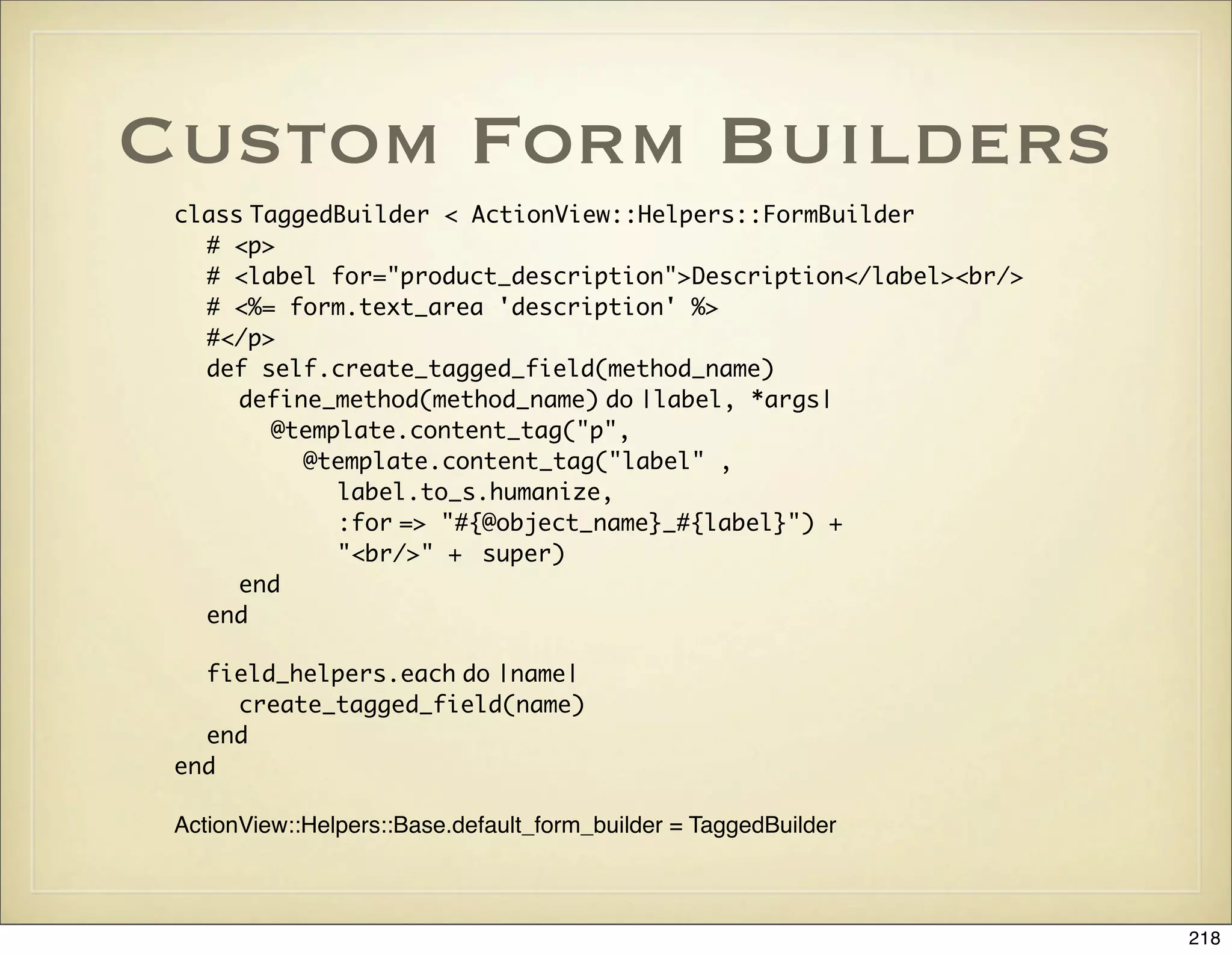
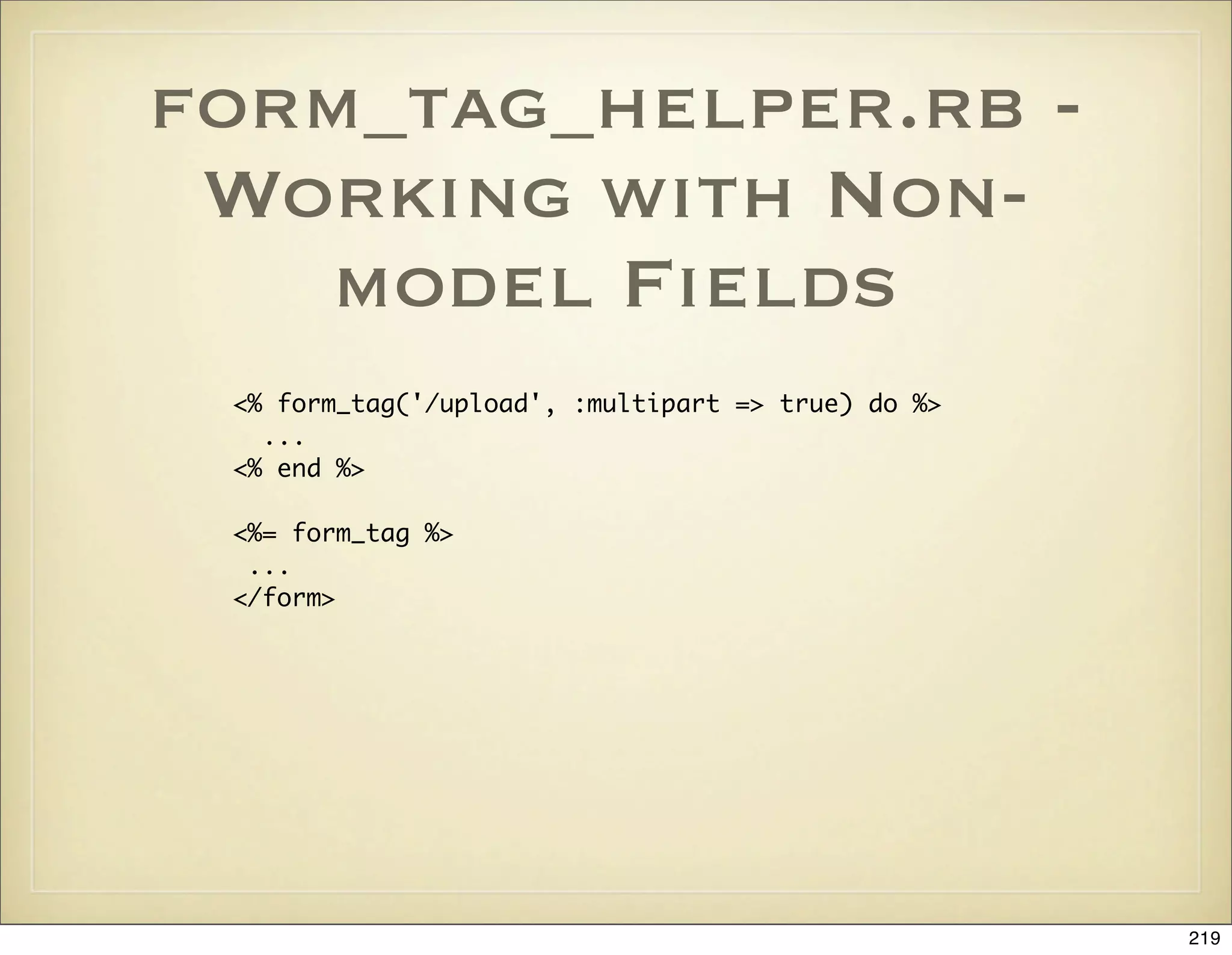
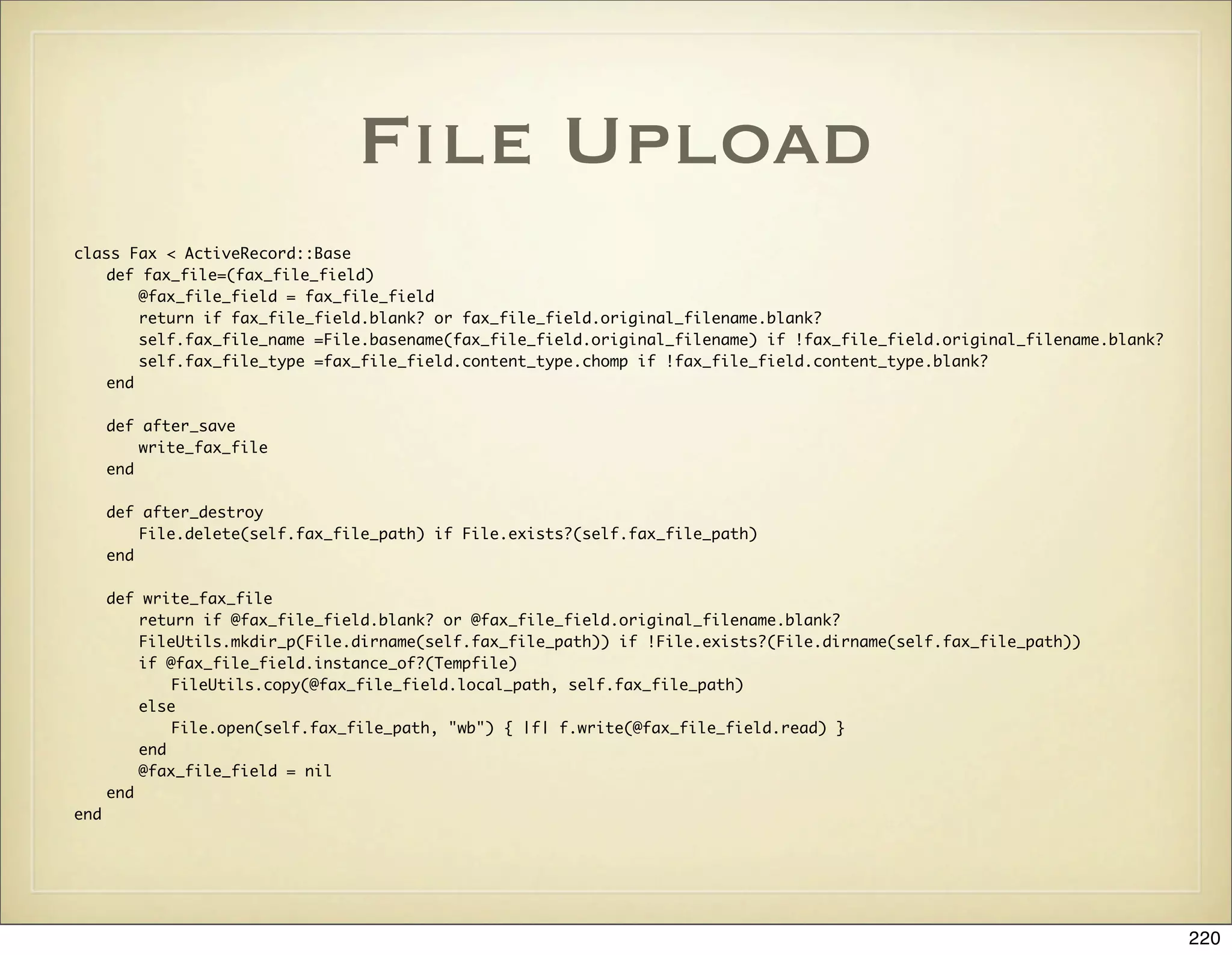
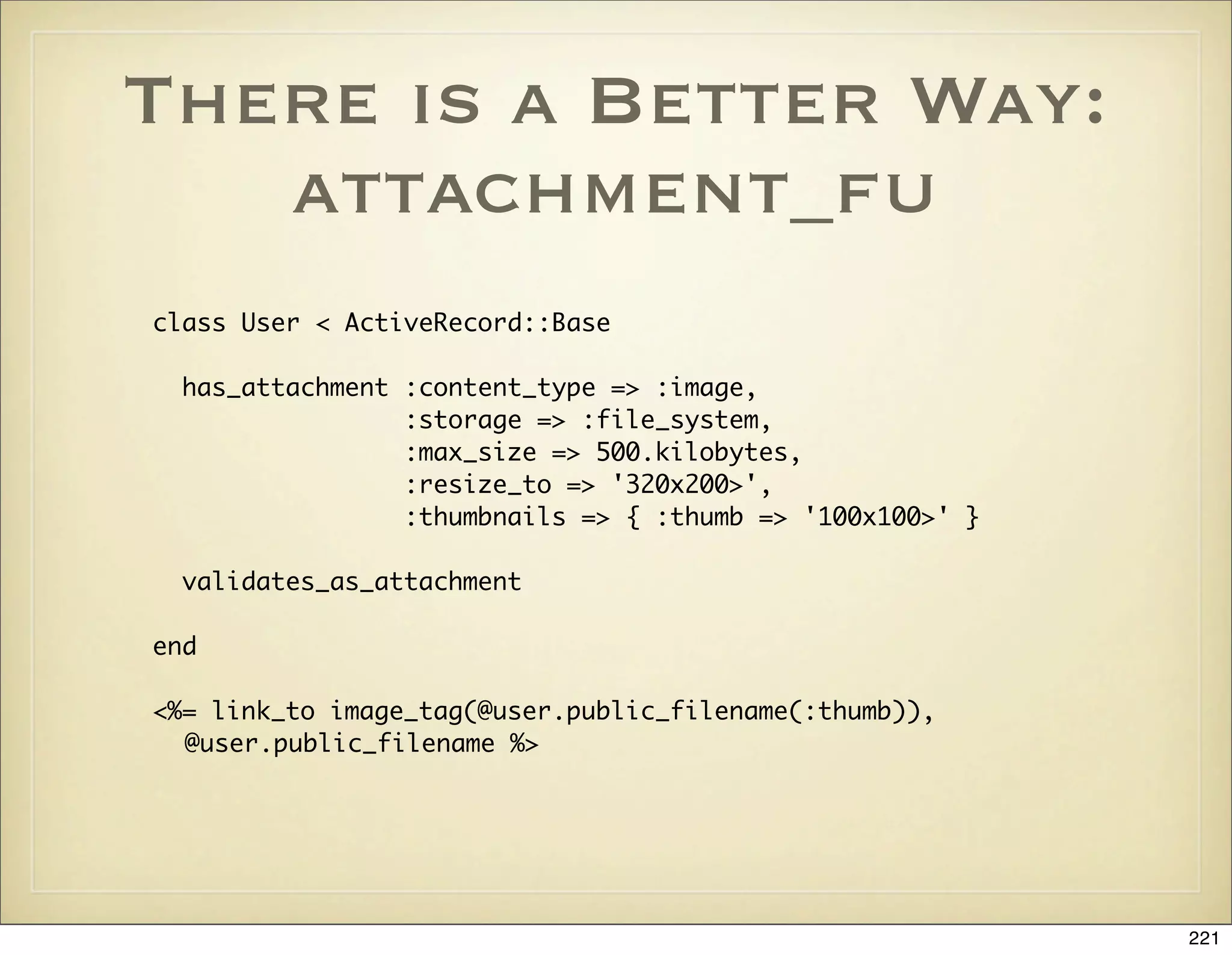
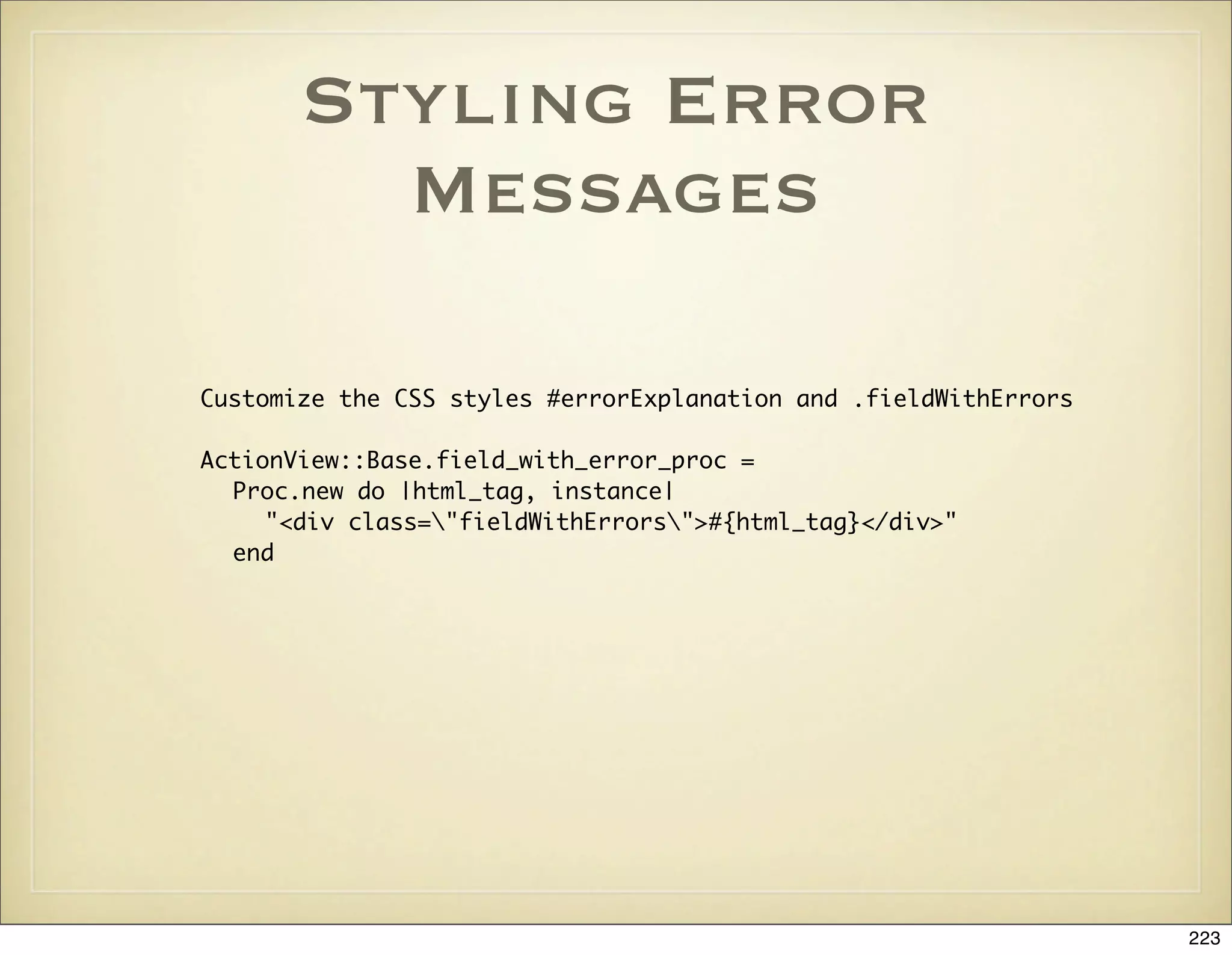

![Filters
• Typically used to implement authentication and
authorization. Can also be used for logging,
compression, or just code reuse between actions
• There are before, after, and around filters
• before_filter :authenticate, :except => [:rss]
• after_filter :log_access, :only => [:rss]
• If a before filter returns false then the request is
aborted
225](https://image.slidesharecdn.com/ruby-on-rails-101-presentation-slides-for-a-five-day-introductory-course-119407436077654-3-121125080043-phpapp01/75/Ruby-on-rails-101-presentation-slides-for-a-five-day-introductory-course-119407436077654-3-225-2048.jpg)
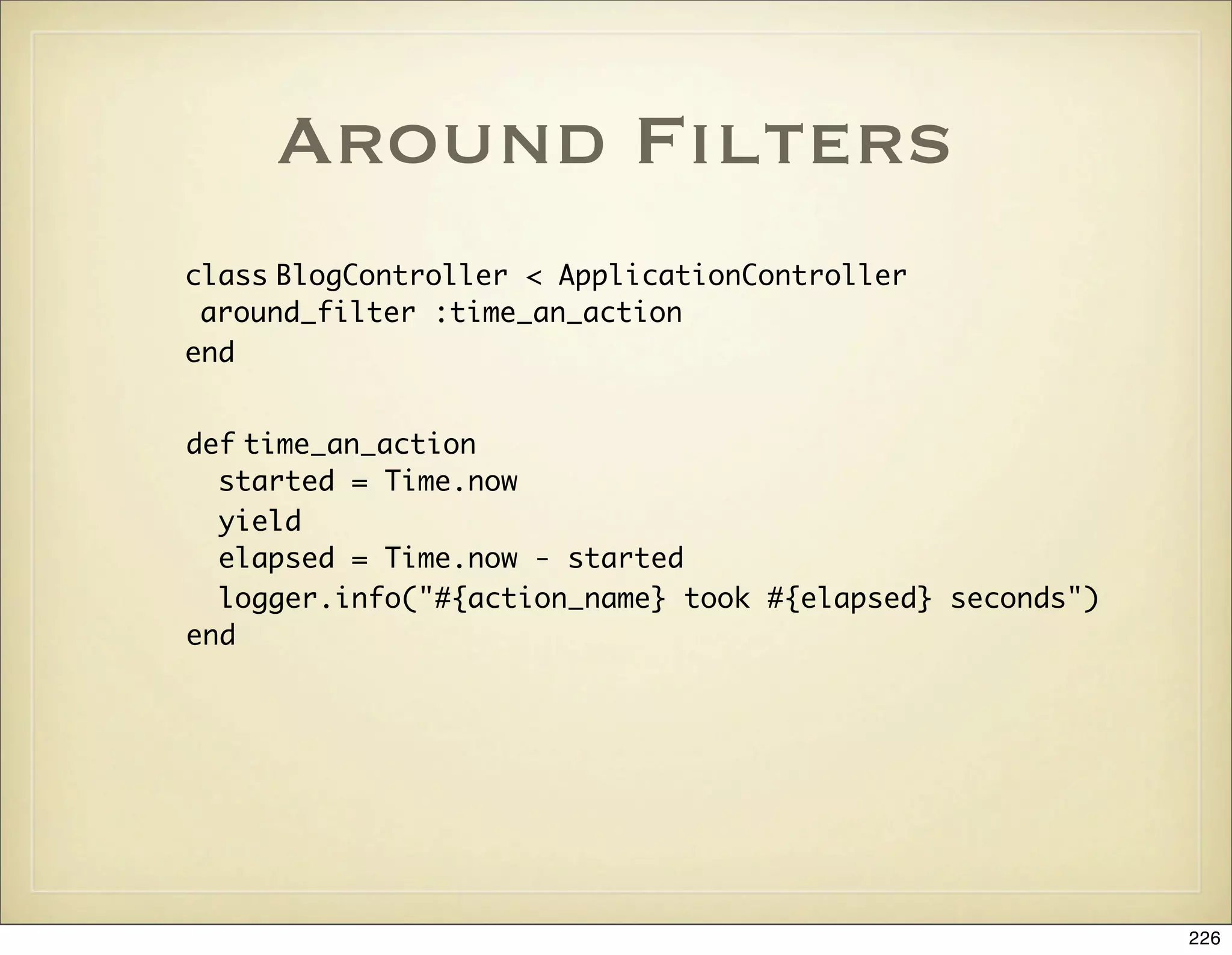
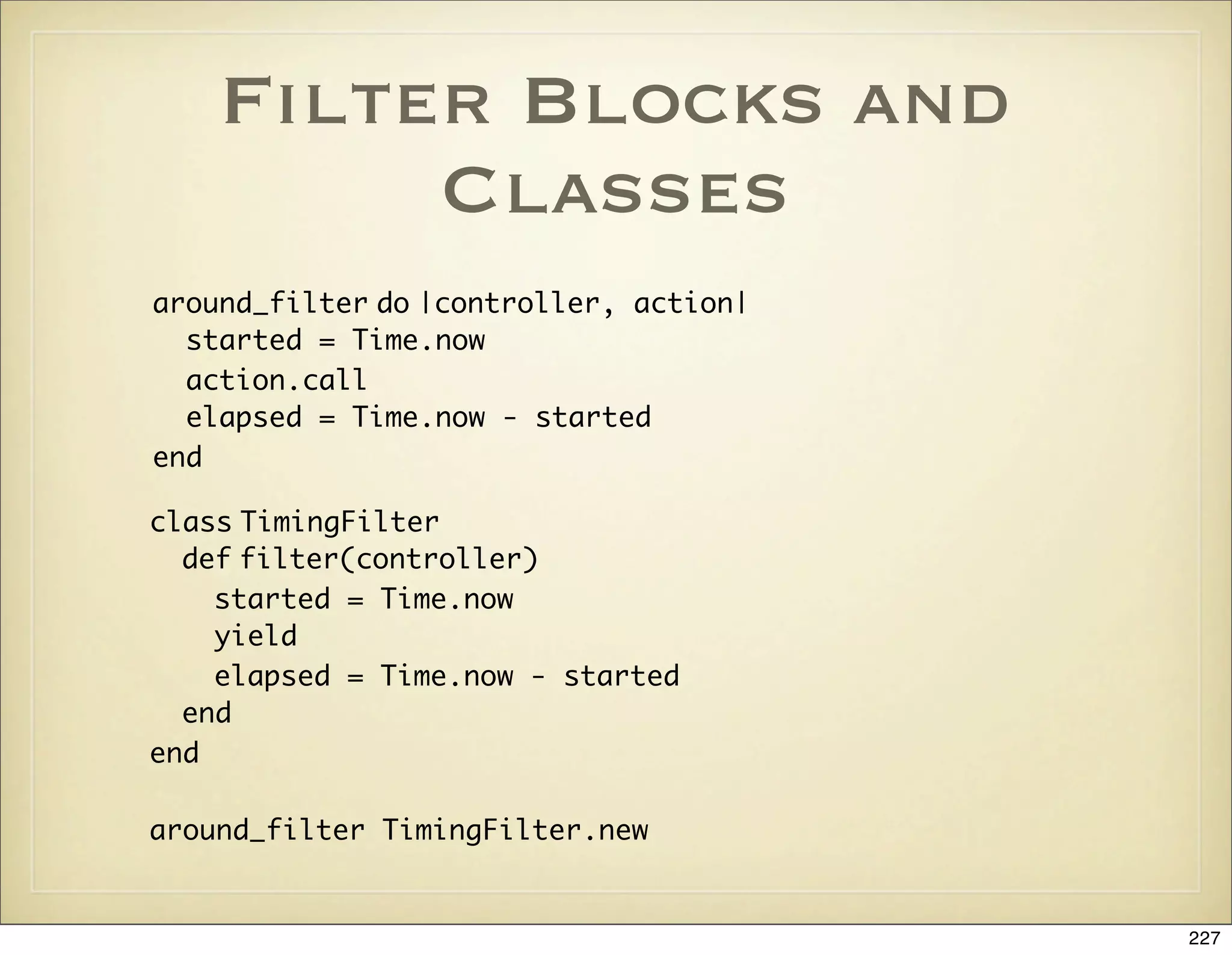
![Filter Inheritance
• skip_before_filter :authorize, :only => [:an_action]
• skip_filter :logging
228](https://image.slidesharecdn.com/ruby-on-rails-101-presentation-slides-for-a-five-day-introductory-course-119407436077654-3-121125080043-phpapp01/75/Ruby-on-rails-101-presentation-slides-for-a-five-day-introductory-course-119407436077654-3-228-2048.jpg)
![Verification
verify :only => :post_comment,
:session => :user_id,
:add_flash => { :note => "You must log in to comment"},
:redirect_to => :index
verify :method => :post,
:only => [:destroy, :create, :update],
:redirect_to => {:action => :list}
229](https://image.slidesharecdn.com/ruby-on-rails-101-presentation-slides-for-a-five-day-introductory-course-119407436077654-3-121125080043-phpapp01/75/Ruby-on-rails-101-presentation-slides-for-a-five-day-introductory-course-119407436077654-3-229-2048.jpg)

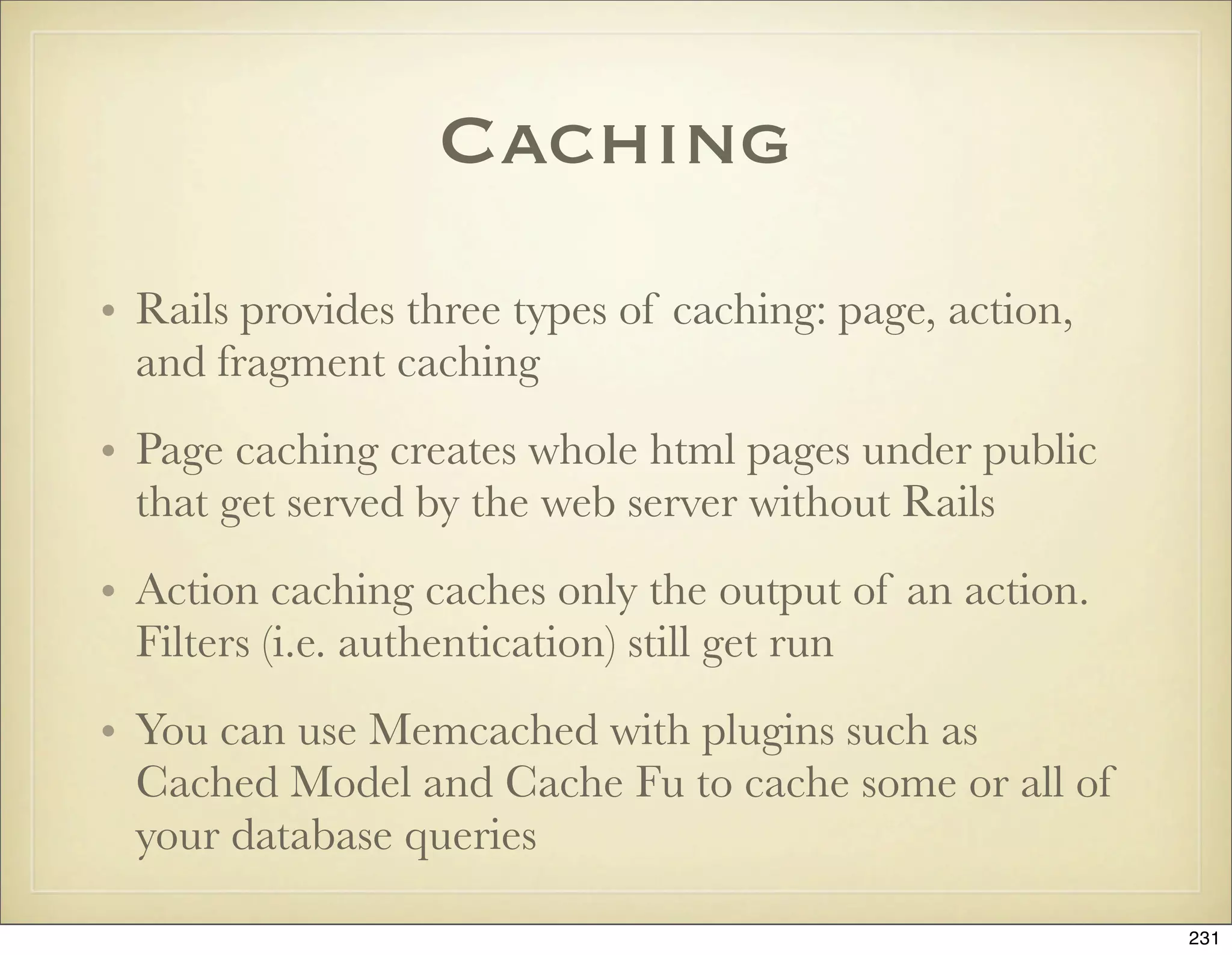
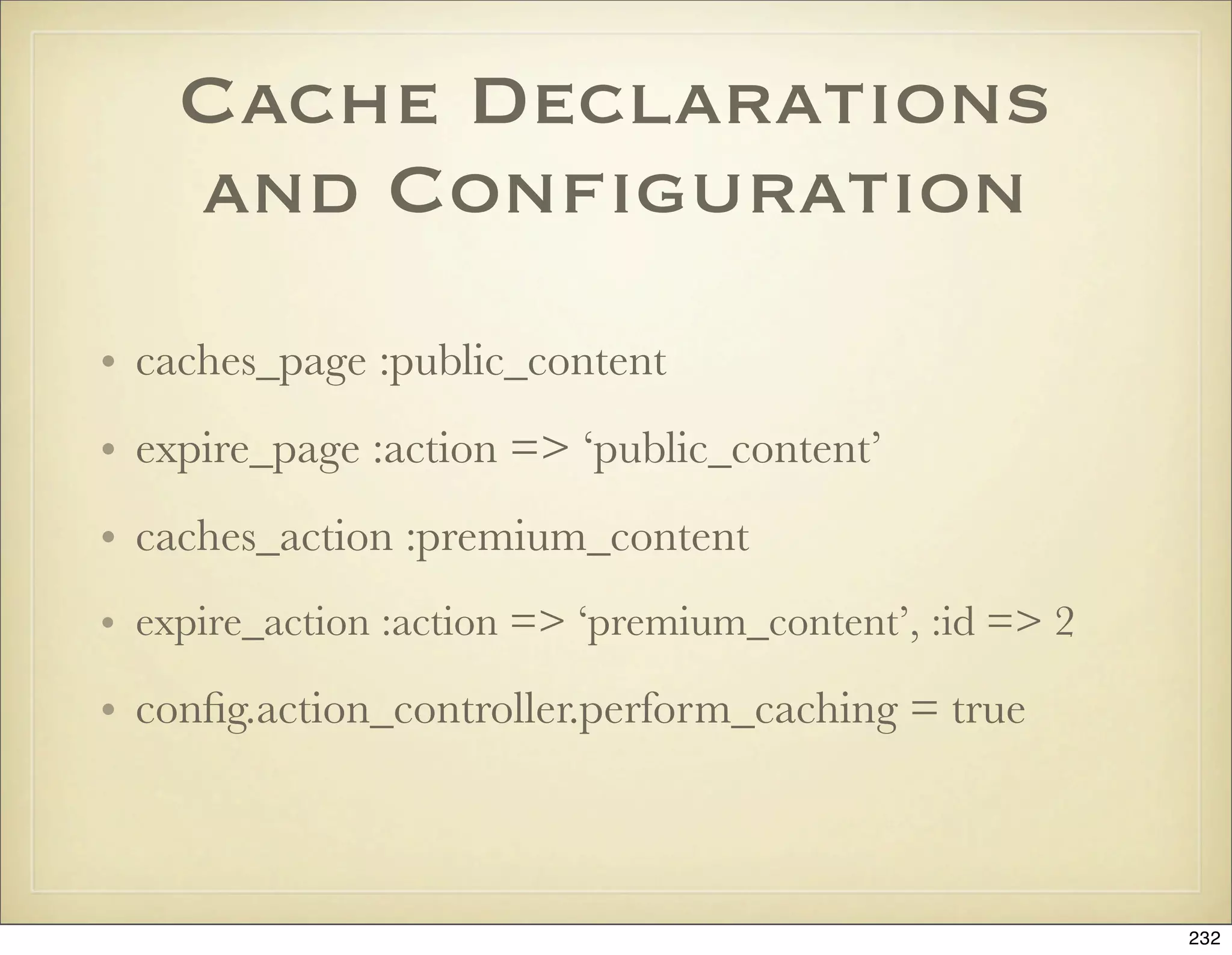
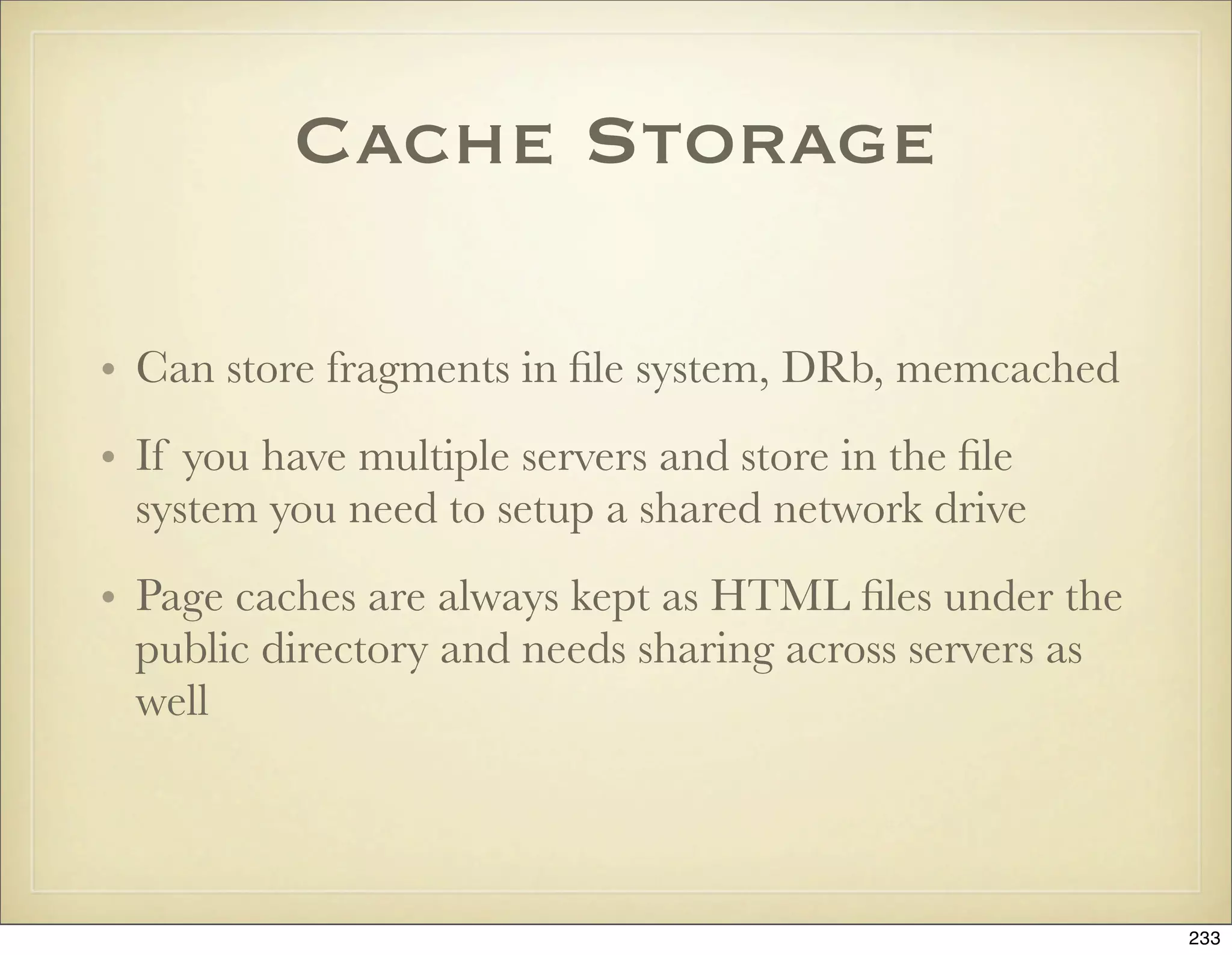
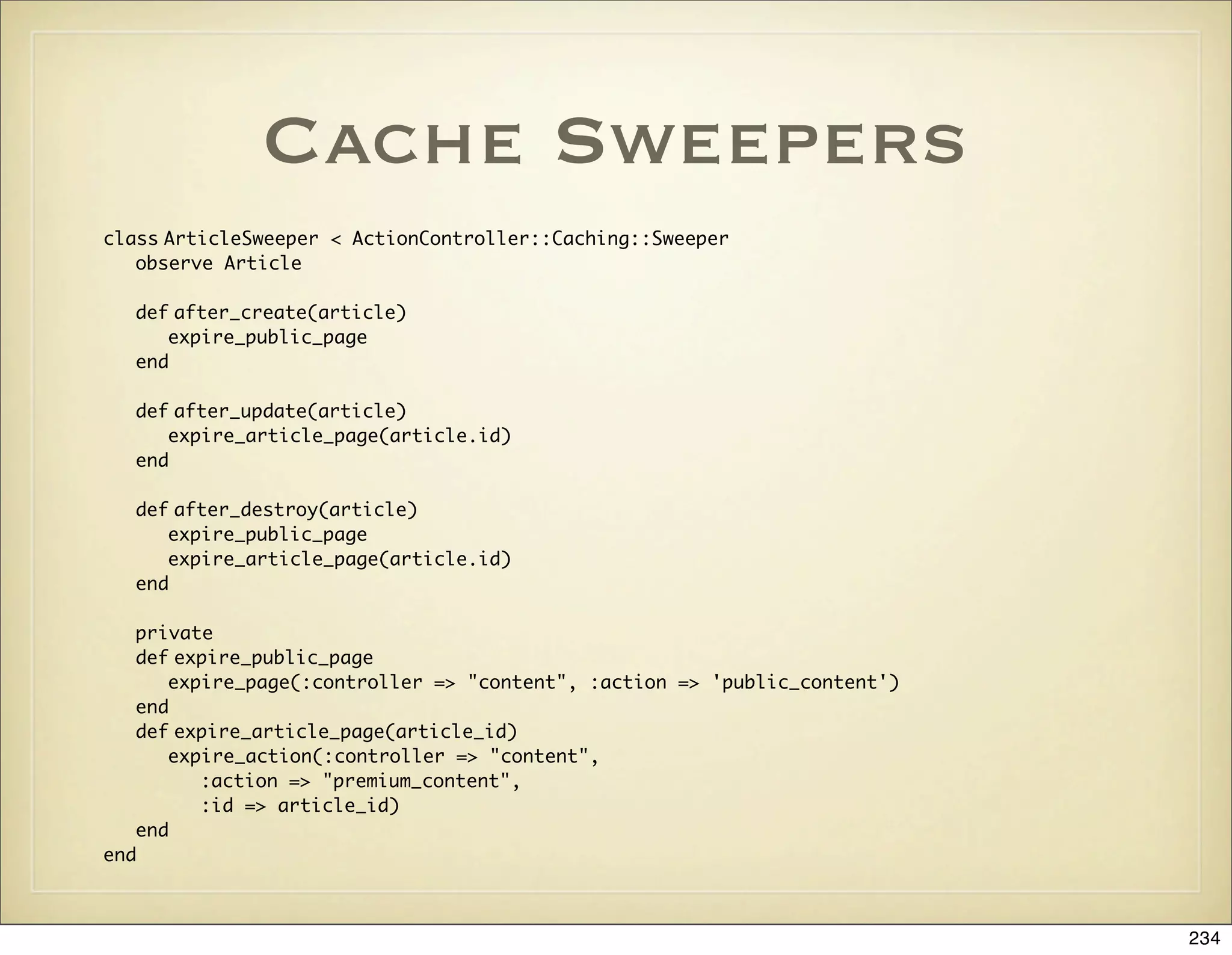
![Cache Sweeper
Declaration
class ContentController < ApplicationController
cache_sweeper :article_sweeper, :only =>
[ :create_article, :update_article, :delete_article ]
end
235](https://image.slidesharecdn.com/ruby-on-rails-101-presentation-slides-for-a-five-day-introductory-course-119407436077654-3-121125080043-phpapp01/75/Ruby-on-rails-101-presentation-slides-for-a-five-day-introductory-course-119407436077654-3-235-2048.jpg)
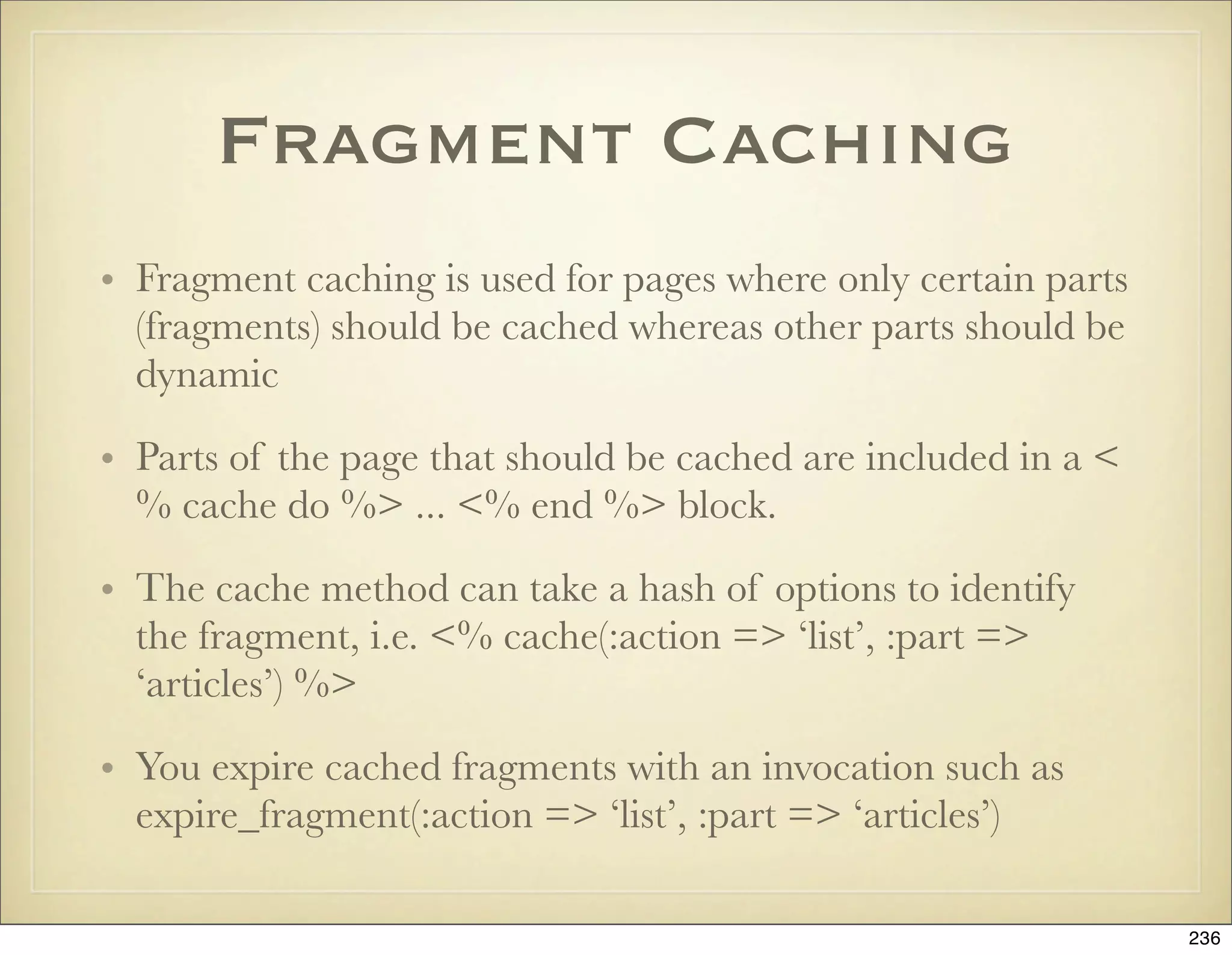
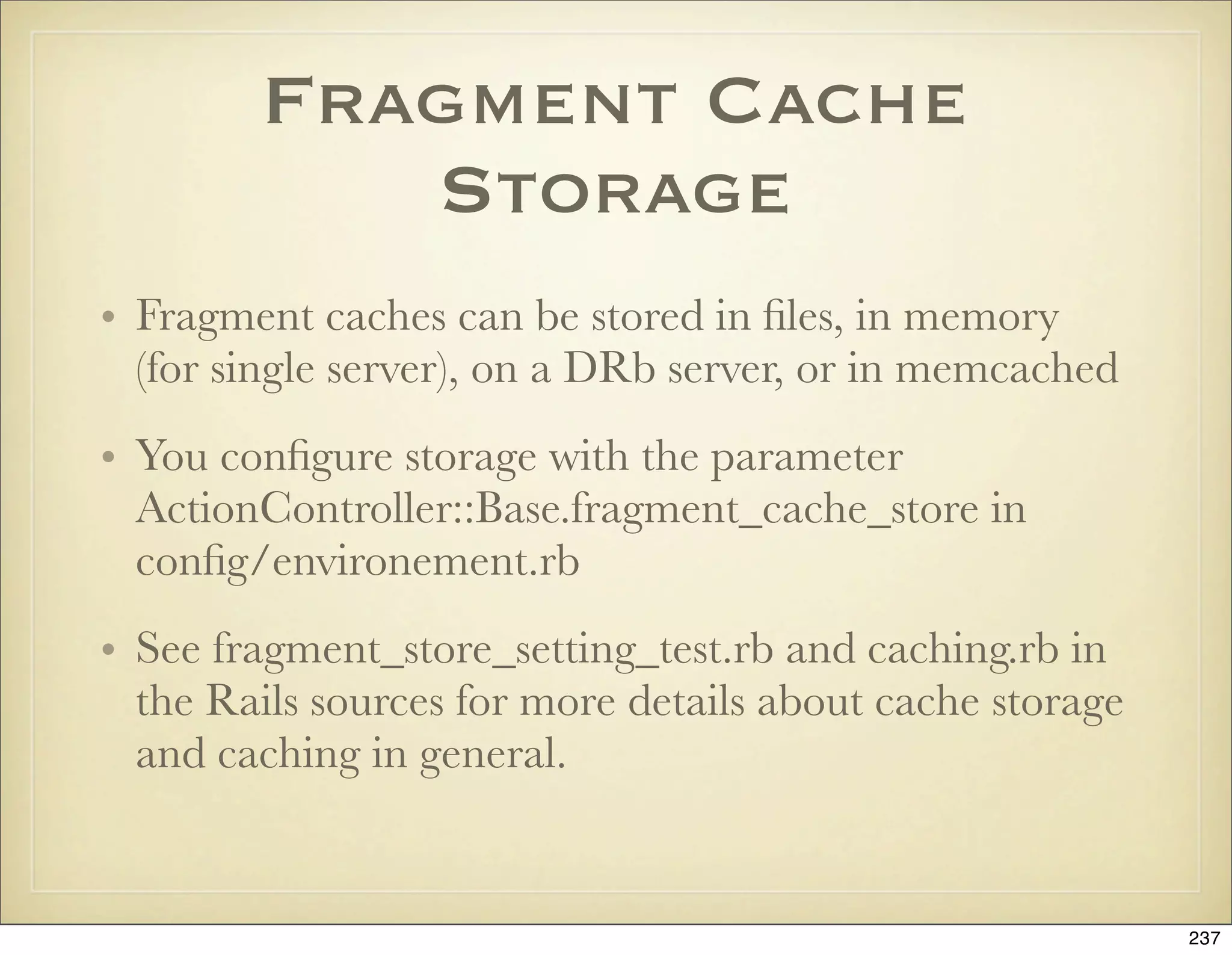

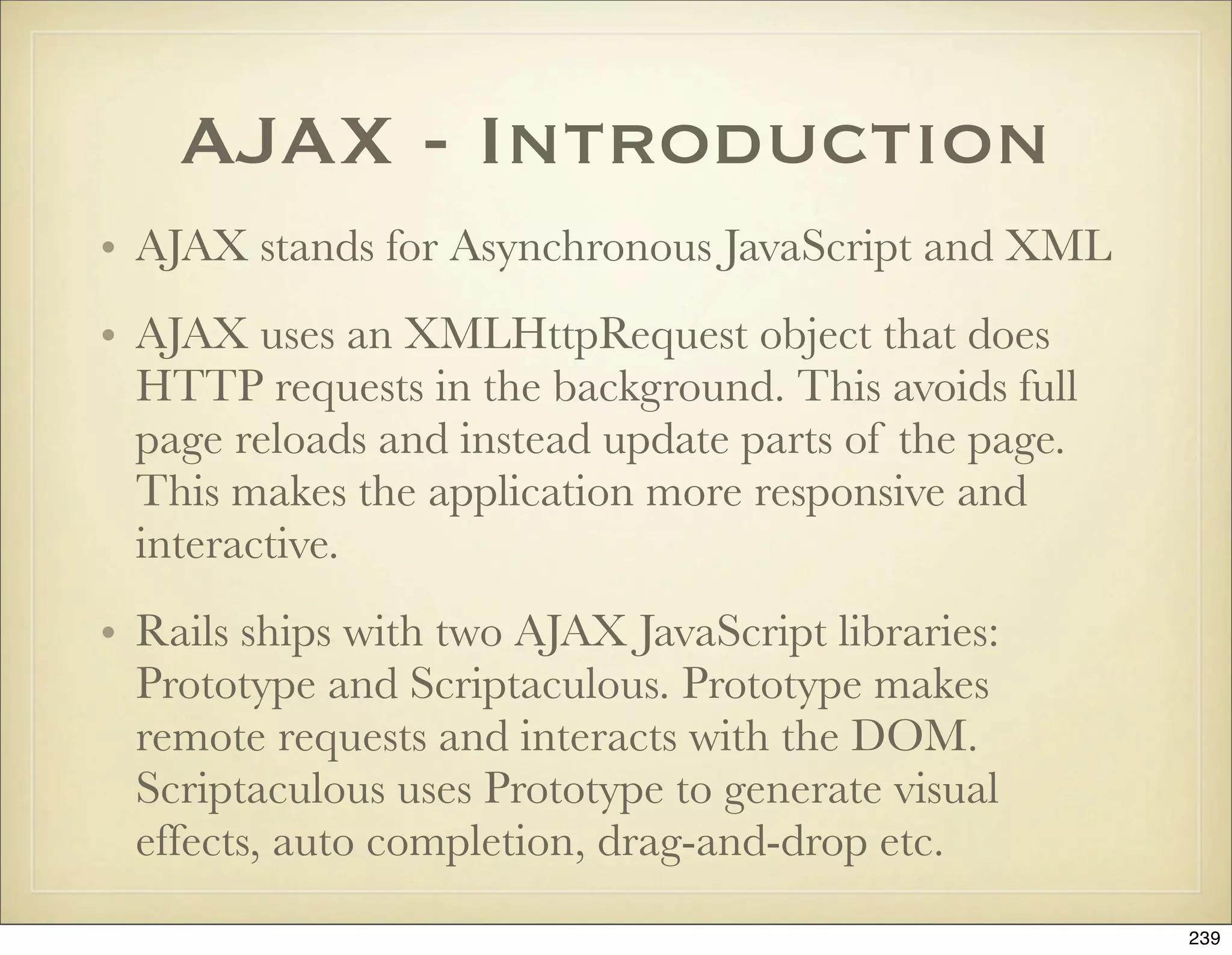
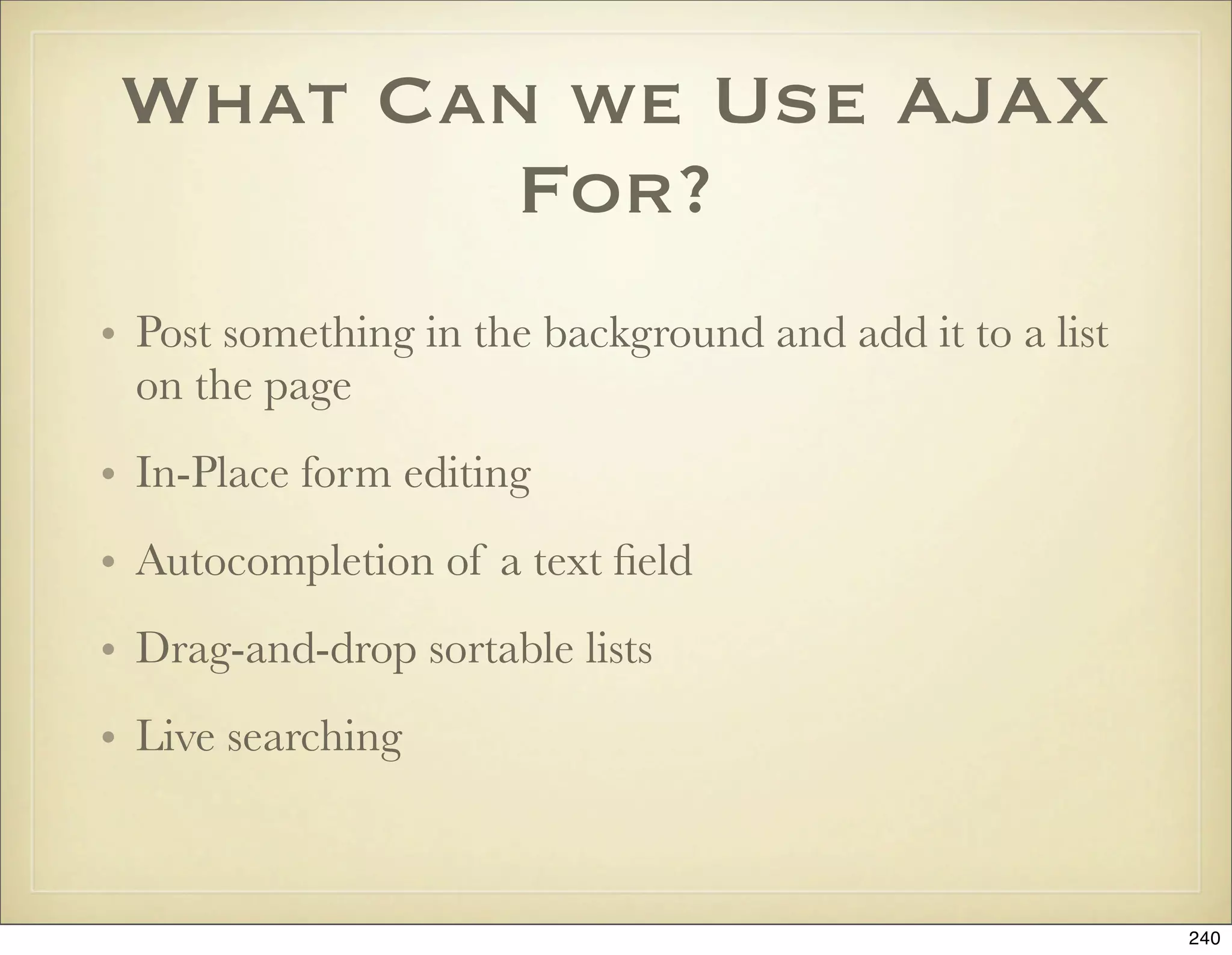
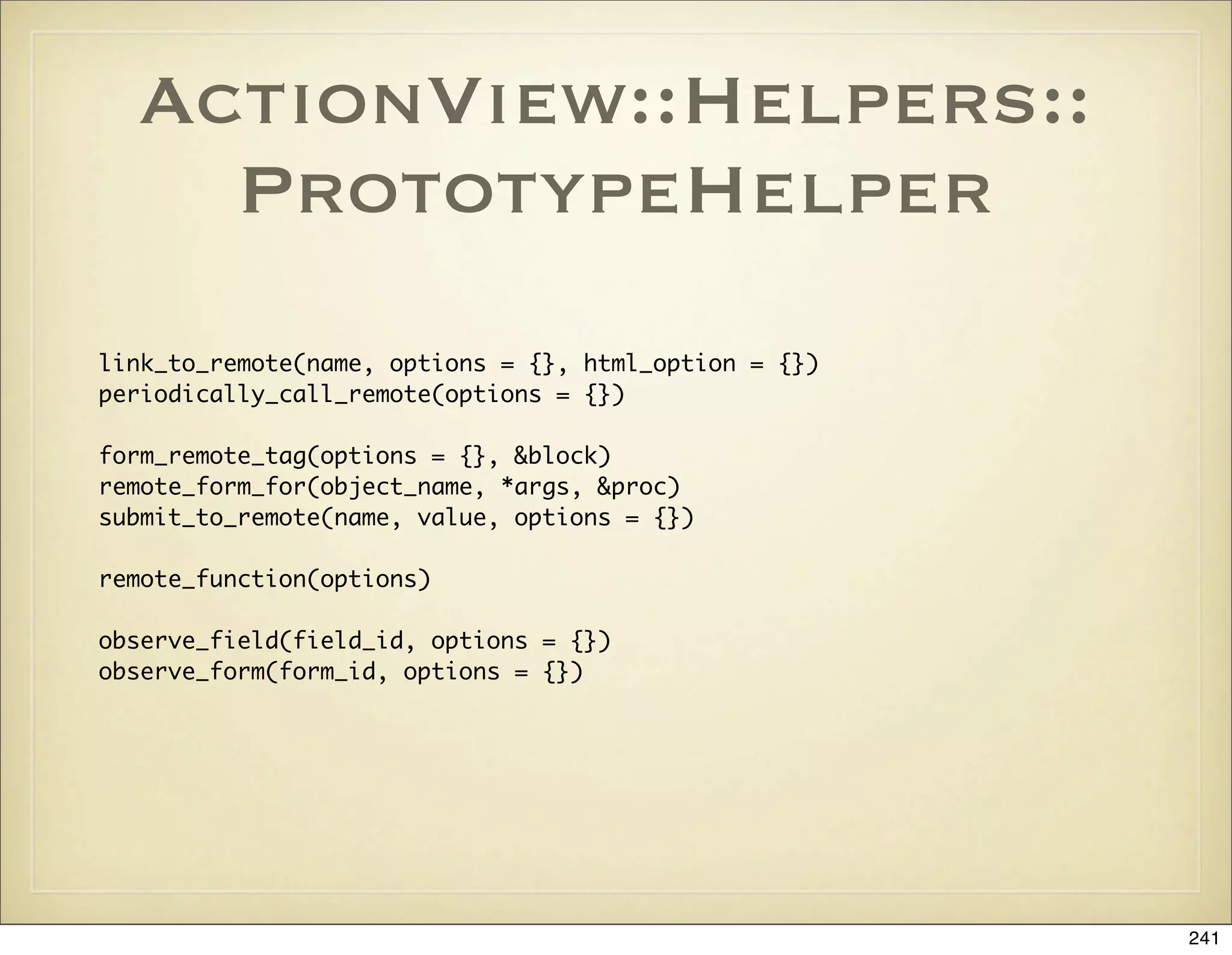
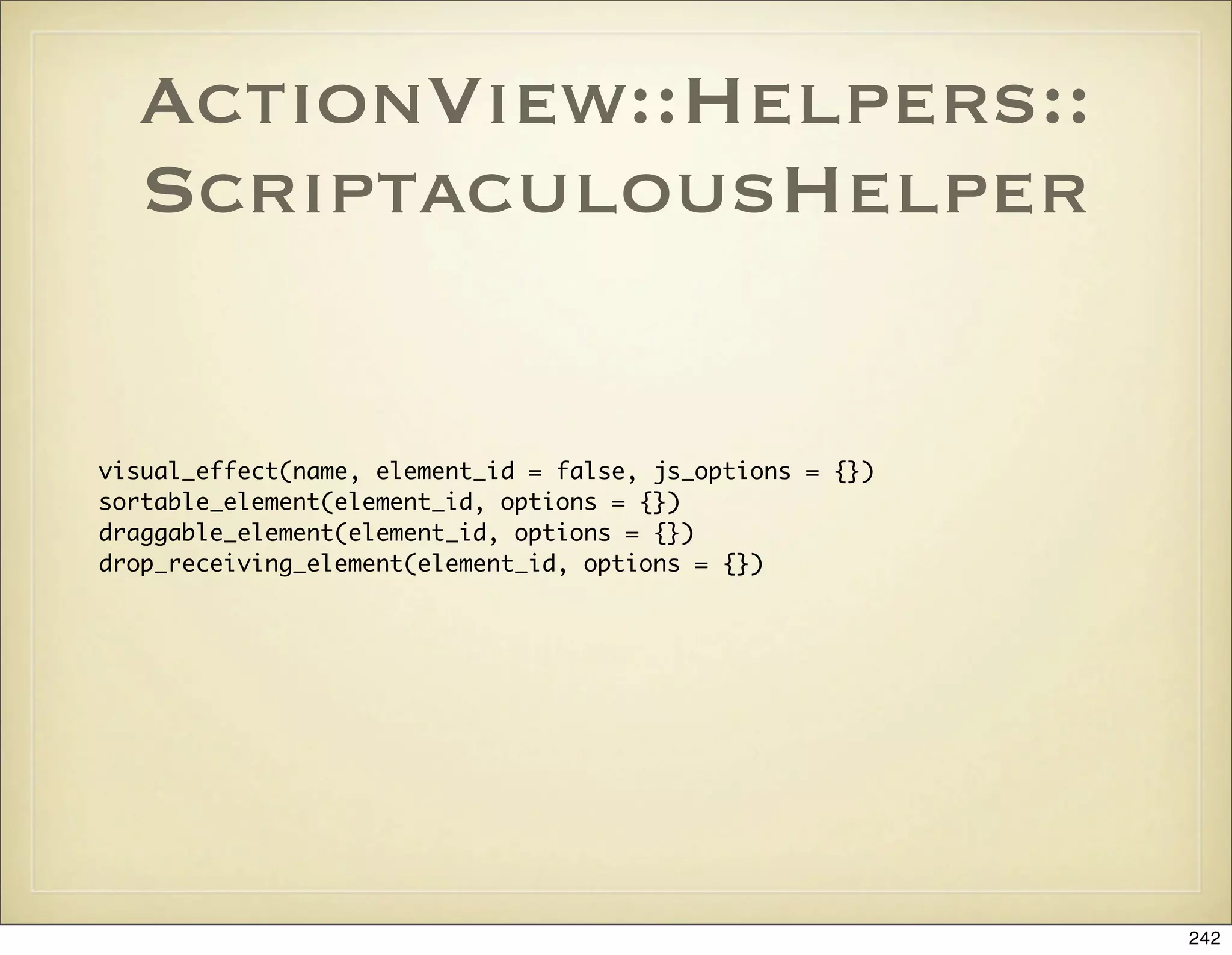
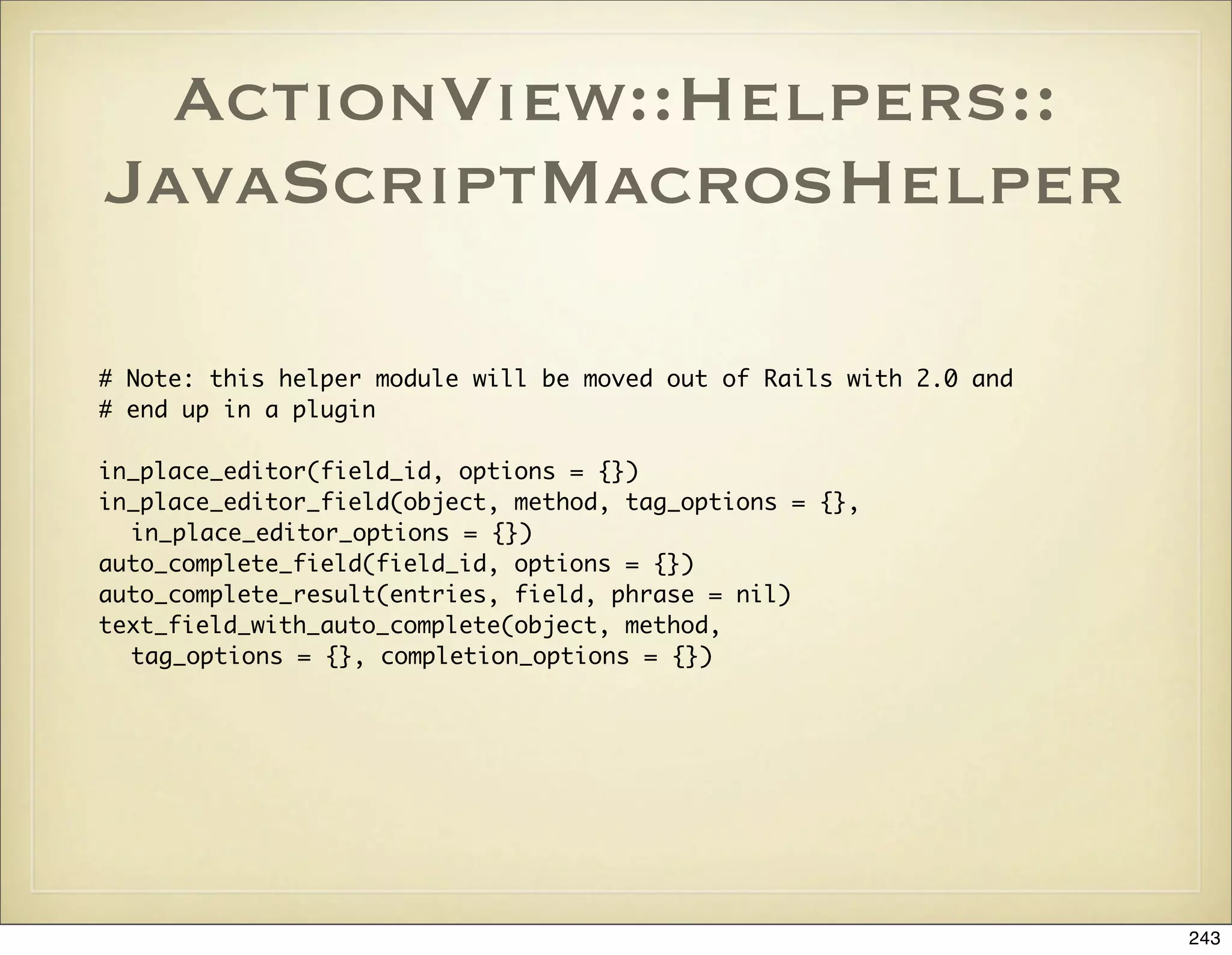
![AJAX Links and Forms
link_to_remote(“Destroy”, :url => {:action => ‘destroy’, :id => item},
:confirm => “Are you sure?”
link_to_function "Cancel", "$('create_form').hide();"
link_to_function “Cancel” do |page|
page[object.dom_id(“rate_link”)].show
page[object.dom_id(“rate”)].hide
end
<% form_remote_tag :url => {:action => 'update'} do %>
<%= hidden_field_tag "prompt[id]", @prompt.id %>
<%= render :partial => 'form', :locals => {:mode => 'edit'} %>
<%= submit_tag "Edit" %>
<% end %>
244](https://image.slidesharecdn.com/ruby-on-rails-101-presentation-slides-for-a-five-day-introductory-course-119407436077654-3-121125080043-phpapp01/75/Ruby-on-rails-101-presentation-slides-for-a-five-day-introductory-course-119407436077654-3-244-2048.jpg)
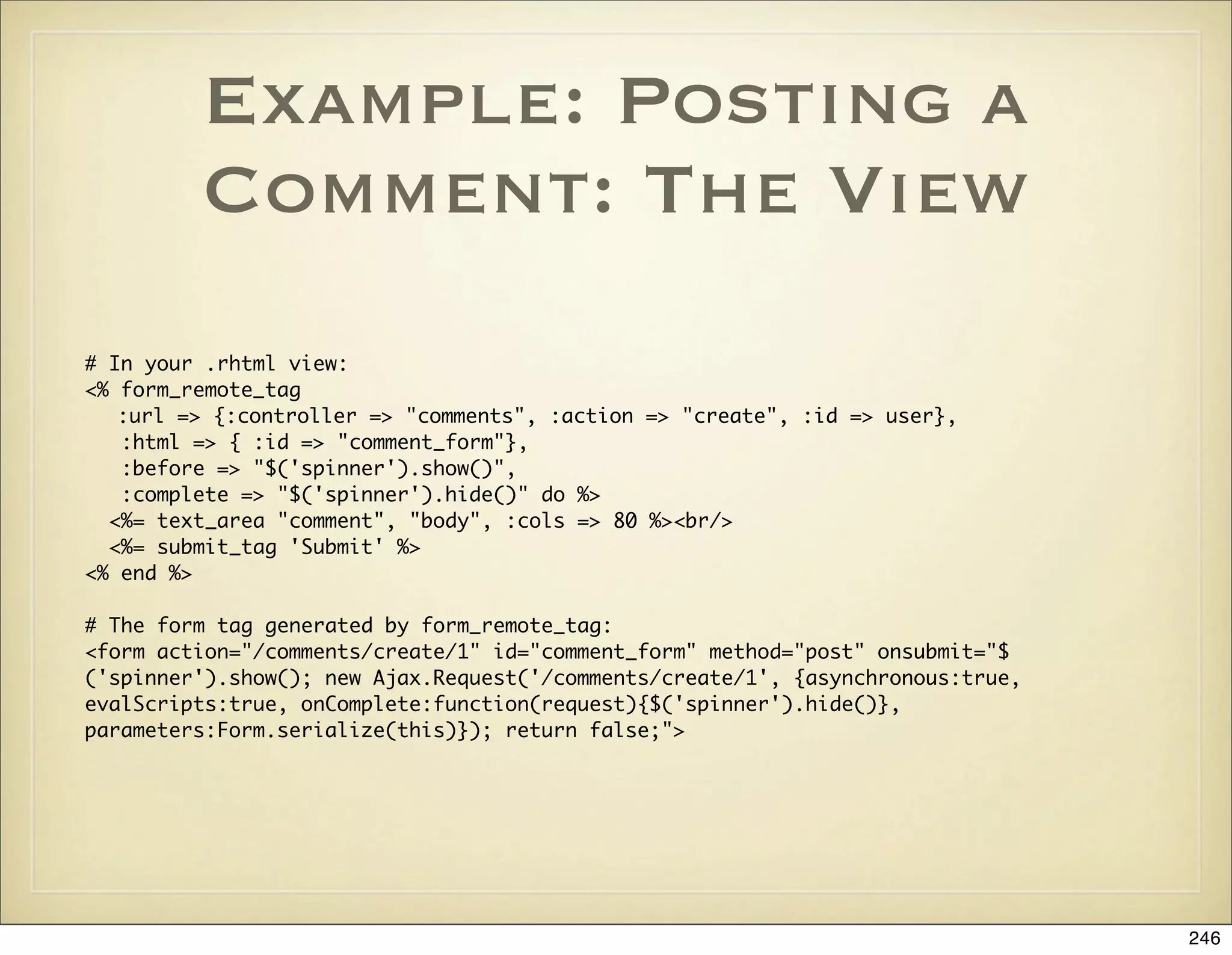
![Example: Posting a
Comment: The
Controller Action
def create
@user = User.find(params[:id])
@comment = @user.comments.build(params[:comment])
@comment.creation_user_id = current_user.id
if @comment.save
render :update do |page|
page.insert_html :bottom, 'comment_list', :partial => 'comment'
page.visual_effect :highlight, @comment.dom_id
page['comment_form'].reset
end
else
render :update do |page|
page.alert "Could not add comment for the following reasons:n" +
@comment.errors.full_messages.map{|m| "* #{m}"}.join("n") +
"nPlease change your input and submit the form again."
end
end
end
247](https://image.slidesharecdn.com/ruby-on-rails-101-presentation-slides-for-a-five-day-introductory-course-119407436077654-3-121125080043-phpapp01/75/Ruby-on-rails-101-presentation-slides-for-a-five-day-introductory-course-119407436077654-3-247-2048.jpg)
![Example: Deleting a
Comment
# In your .rhtml view:
<div class="comment" id="<%= comment.dom_id %>">
<p>
Hey, nice photo!
</p>
<%= link_to_remote "Delete", :url => {:controller => "comments",
:action => 'destroy', :id => comment},
:confirm => "Are you sure you want to delete your comment?",
:update => comment.dom_id %>
</div>
# The following HTML and JavaScript is generated by link_to_remote:
<a href="#" onclick="if (confirm('Are you sure you want to delete your comment?')) { new Ajax.Updater('comment-5-',
'/comments/destroy/5', {asynchronous:true, evalScripts:true}); }; return false;">Delete</a>
# The action in the controller. The innerHTML of the comment div is replaced with
# nothing and thus the comment disappears from the page.
def destroy
@comment = Comment.find(params[:id])
assert_authorized
@comment.destroy
render :text => ''
end
248](https://image.slidesharecdn.com/ruby-on-rails-101-presentation-slides-for-a-five-day-introductory-course-119407436077654-3-121125080043-phpapp01/75/Ruby-on-rails-101-presentation-slides-for-a-five-day-introductory-course-119407436077654-3-248-2048.jpg)
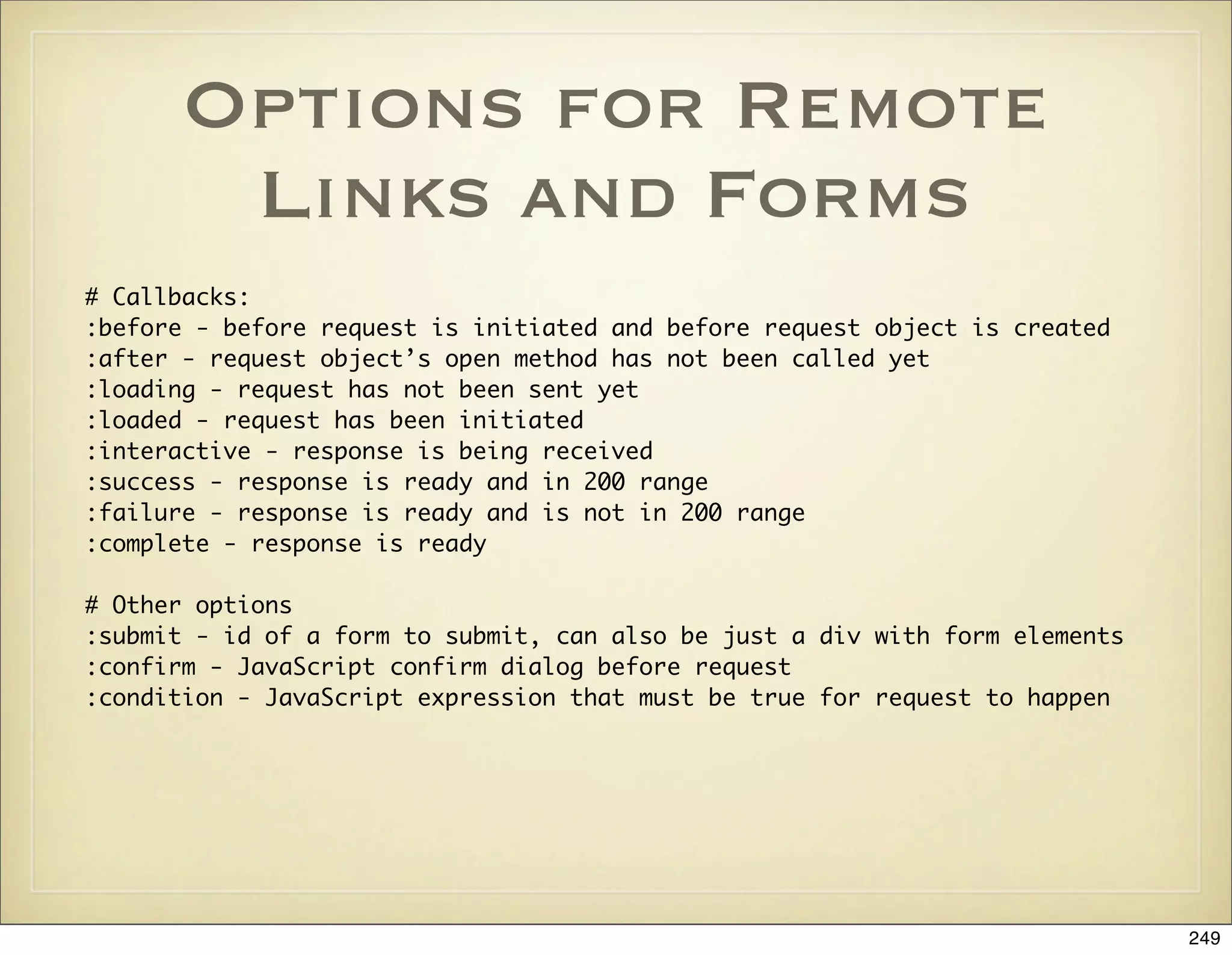
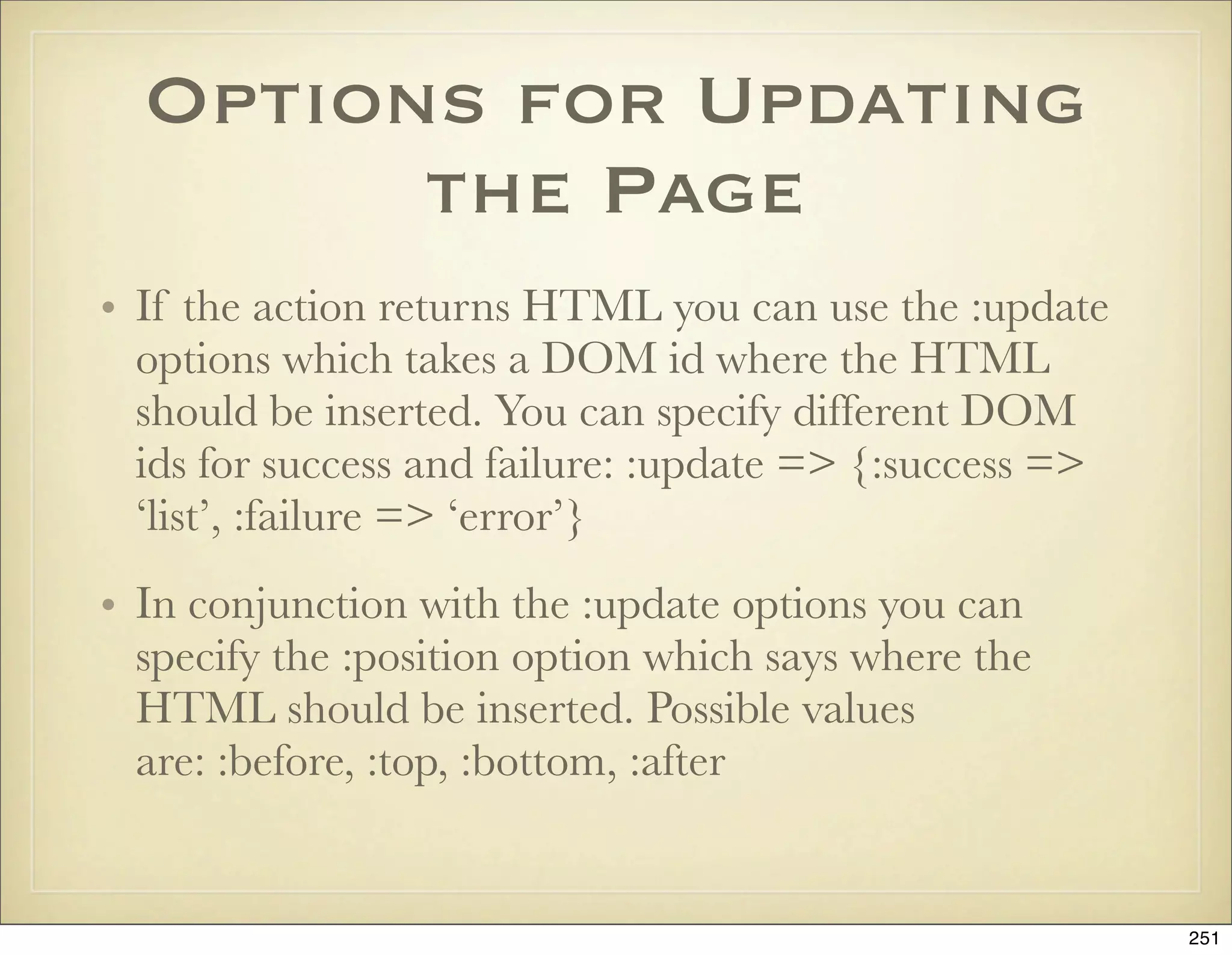
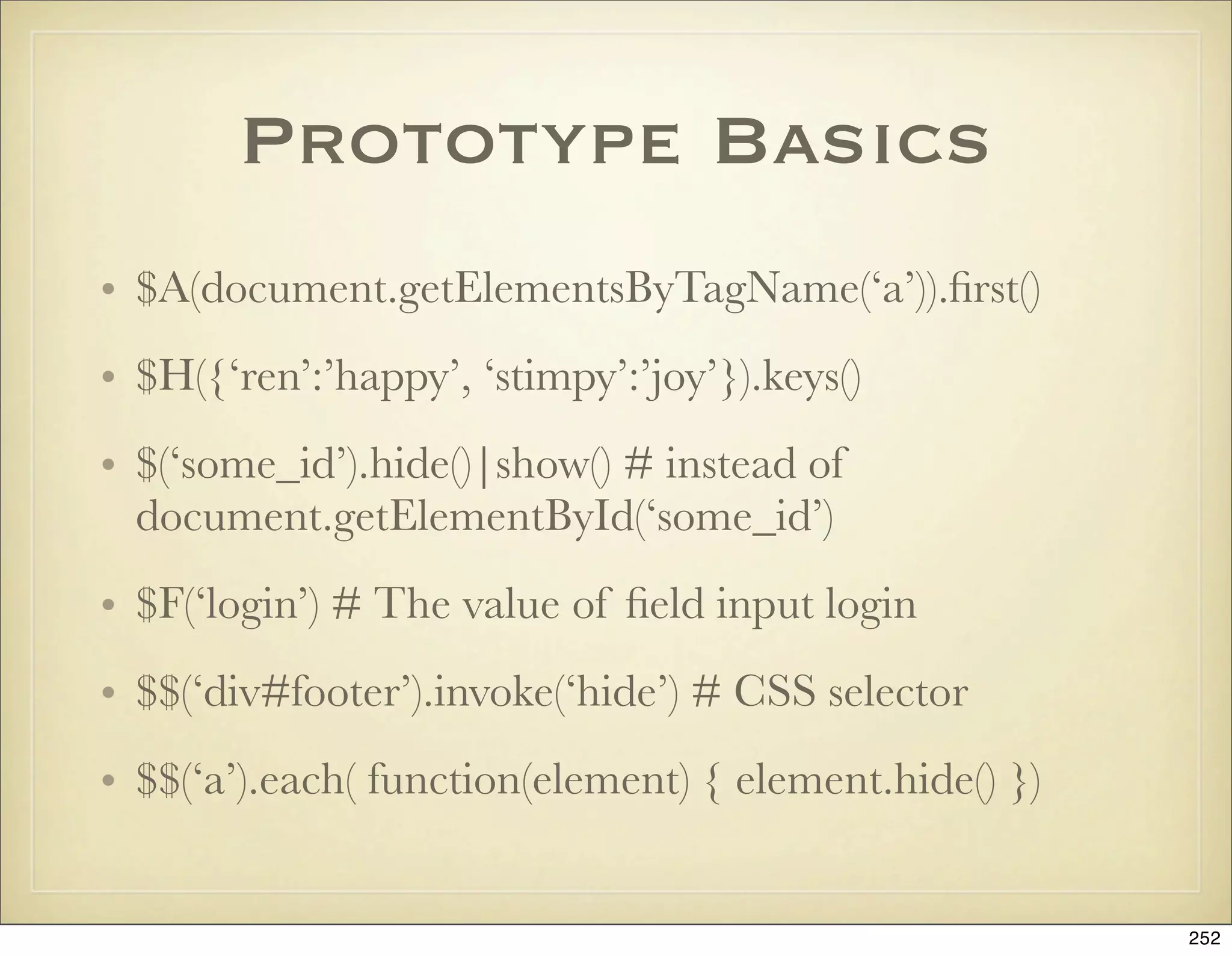
![Example: An AJAX
Shopping Cart
# In index.rhtml:
<% form_remote_tag :url => { :action => :add_to_cart, :id => product } do %>
<%= submit_tag "Add to Cart" %>
<% end %>
# The action:
def add_to_cart
product = Product.find(params[:id])
@current_item = @cart.add_product(product)
redirect_to_index unless request.xhr?
end
# The RJS template add_to_cart.rjs:
page.select("div#notice").each { |div| div.hide }
page.replace_html("cart", :partial => "cart", :object => @cart)
page[:cart].visual_effect :blind_down if @cart.total_items == 1
page[:current_item].visual_effect :highlight,
:startcolor => "#88ff88",
:endcolor => "#114411"
253](https://image.slidesharecdn.com/ruby-on-rails-101-presentation-slides-for-a-five-day-introductory-course-119407436077654-3-121125080043-phpapp01/75/Ruby-on-rails-101-presentation-slides-for-a-five-day-introductory-course-119407436077654-3-253-2048.jpg)
![RJS Methods
# Position argument is one of :before, :top, :bottom, :after
page.insert_html :bottom ‘todo_list’, “<li>#{todo.name}</li>”
page.replace_html ‘flash_notice’, “Todo added: #{todo_name}”
page.replace ‘flash_notice’, :partial => ‘flash’, :object => todo
page[:flash_notice].remove|show|hide|toggle # page[:flash_notice] <=> $(‘flash_notice’)
page.alert “The form contains the following errors: #{errors.join(“, “)}”
page.redirect_to :controller => ‘blog’, :action => ‘list’
page.assign ‘cur_todo’, todo.id # Assign a JavaScript variable
page.call ‘show_todo’, todo.id # Invoke a JavaScript method
page << “alert(‘Hello there’)” # Append raw JavaScript to be executed
# Available effects: :fade, :appear, :blind_up/down, :slide_up/down, :highlight,
# :shake, :pulsate, :fold etc.
page.visual_effect :pulsate, ‘flash_notice’
page.delay(3) do
page.visual_effect :fade, ‘flash_notice’
end
page.select('p.welcome b').first.hide
page.select('#items li').each do |value|
value.hide
end
254](https://image.slidesharecdn.com/ruby-on-rails-101-presentation-slides-for-a-five-day-introductory-course-119407436077654-3-121125080043-phpapp01/75/Ruby-on-rails-101-presentation-slides-for-a-five-day-introductory-course-119407436077654-3-254-2048.jpg)
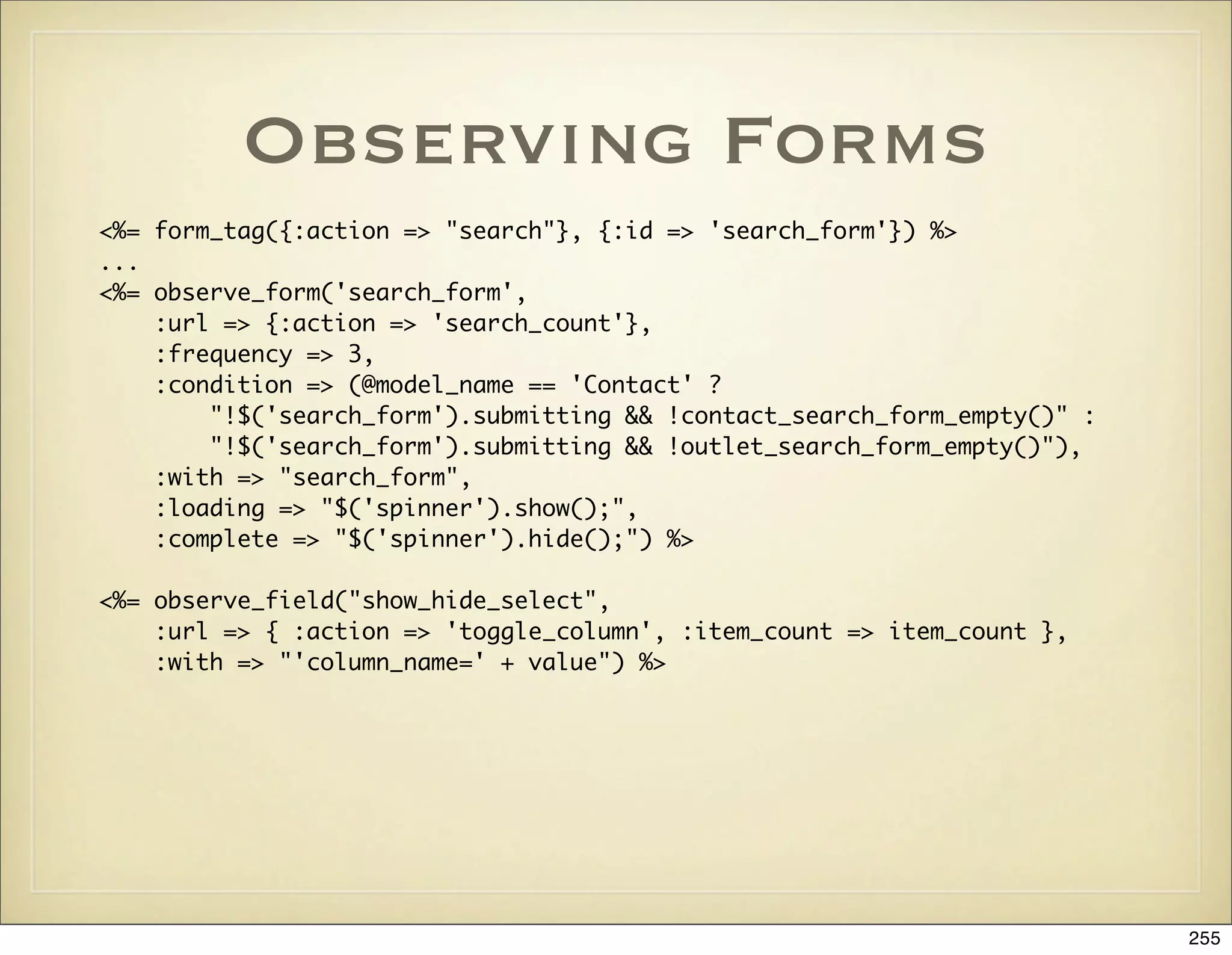
![Example Response to
Form Change
# This is a search form where we want to display a preview of the number
# of search hits
def search_count
query = params[:search_form][/^q=(.*)/, 1]
if form_has_errors?
render :update do |page|
page.alert(@form_errors.join("n"))
end and return
end
...
render :update do |page|
page["search_count_preview"].show
page["search_count_preview"].replace_html :partial => '/mcm/search/
search_count_preview'
page.visual_effect :highlight, "search_count_preview"
if @search_count > 0
page.mcm.set_color("search_count_preview", "green")
else
page.mcm.set_color("search_count_preview", "red")
end
end
end
256](https://image.slidesharecdn.com/ruby-on-rails-101-presentation-slides-for-a-five-day-introductory-course-119407436077654-3-121125080043-phpapp01/75/Ruby-on-rails-101-presentation-slides-for-a-five-day-introductory-course-119407436077654-3-256-2048.jpg)
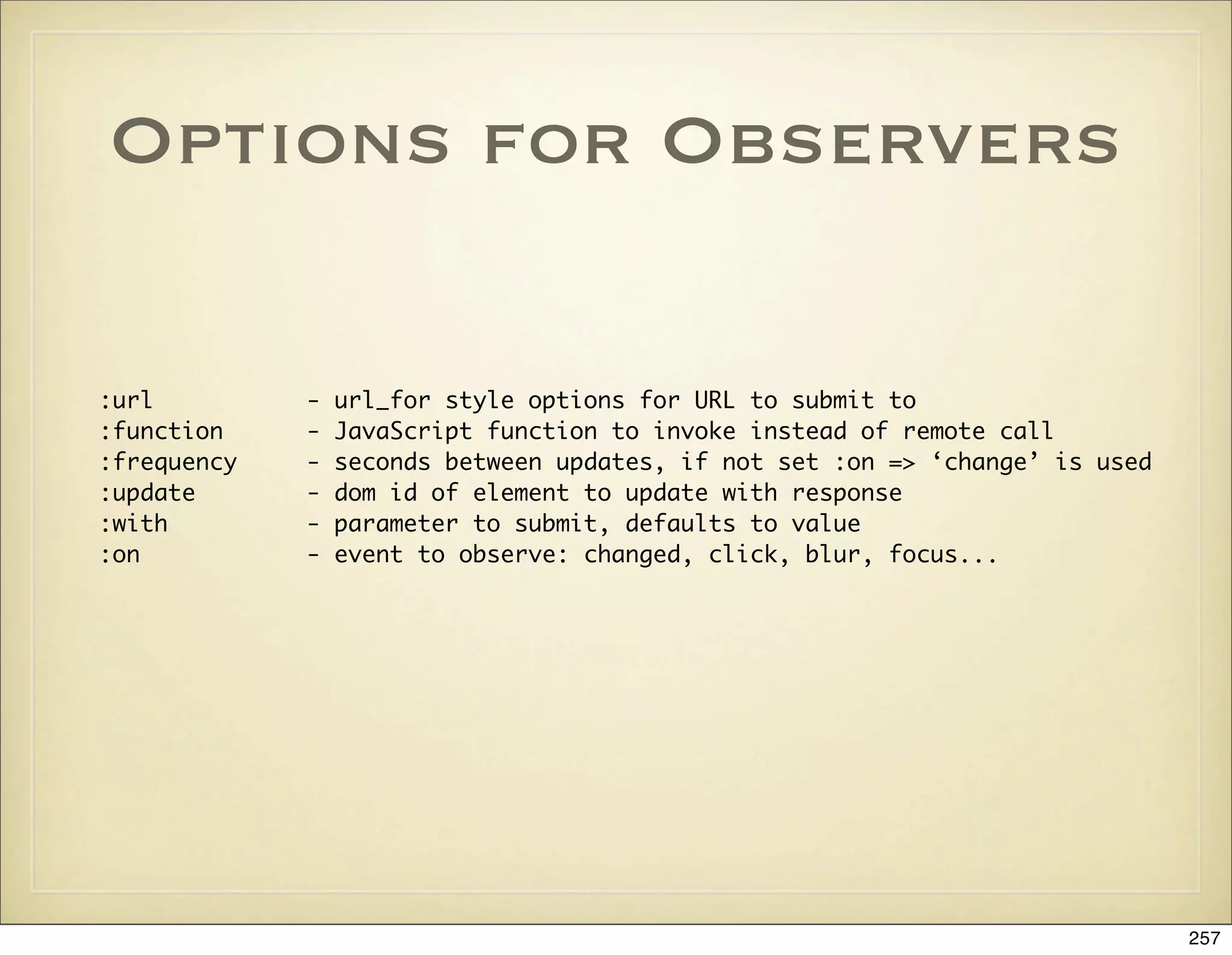
![Dashed DOM ID Plugin
• When we write AJAX applications we rely heavily on DOM ids
for referencing different parts of a page.
• The plugin provides a dom_id helper and method for
ActiveRecord objects so that their DOM ids can be generated
consistently across your application.
• person.dom_id('name').split(/-/) # => ['person', '3', 'name']
258](https://image.slidesharecdn.com/ruby-on-rails-101-presentation-slides-for-a-five-day-introductory-course-119407436077654-3-121125080043-phpapp01/75/Ruby-on-rails-101-presentation-slides-for-a-five-day-introductory-course-119407436077654-3-258-2048.jpg)
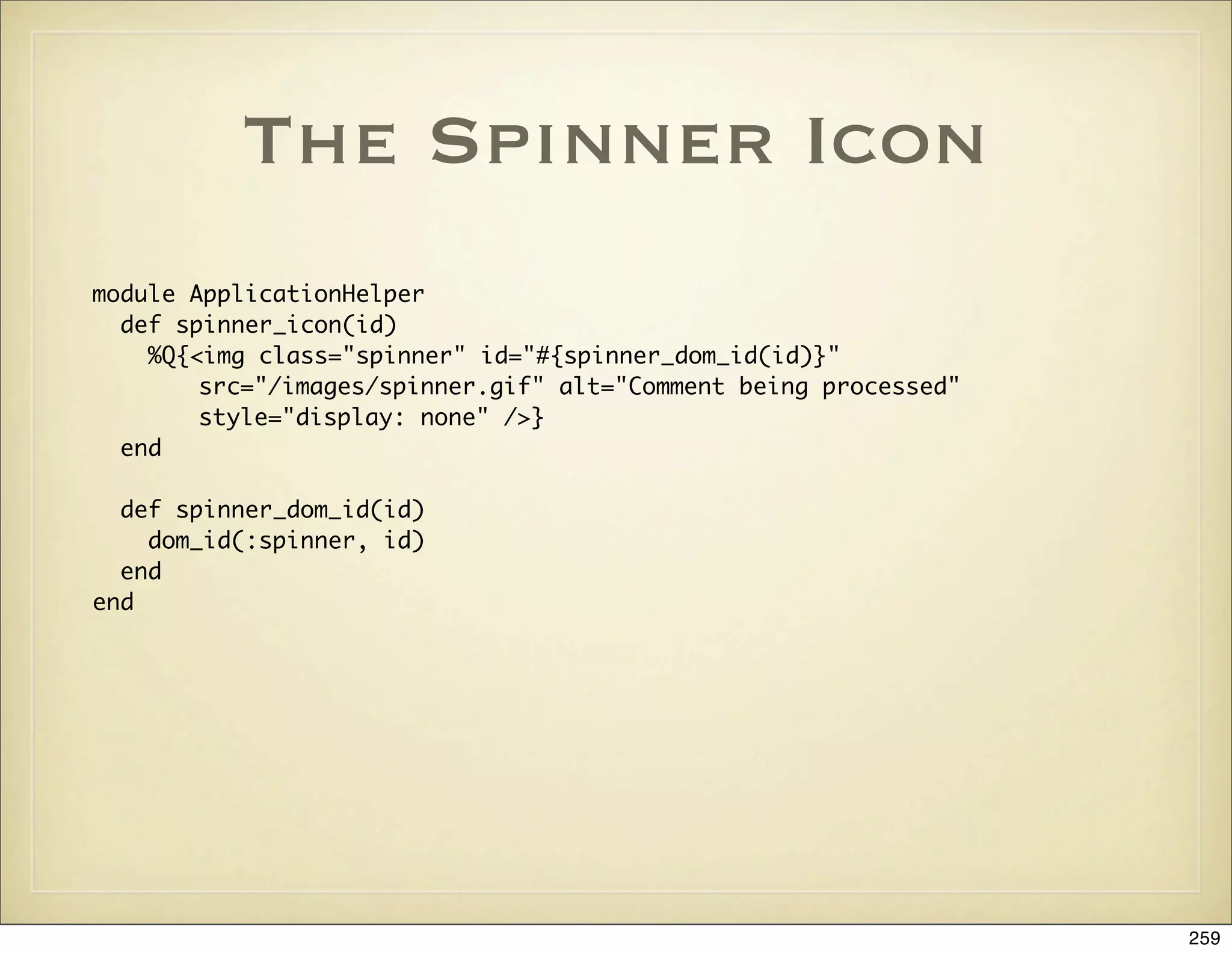
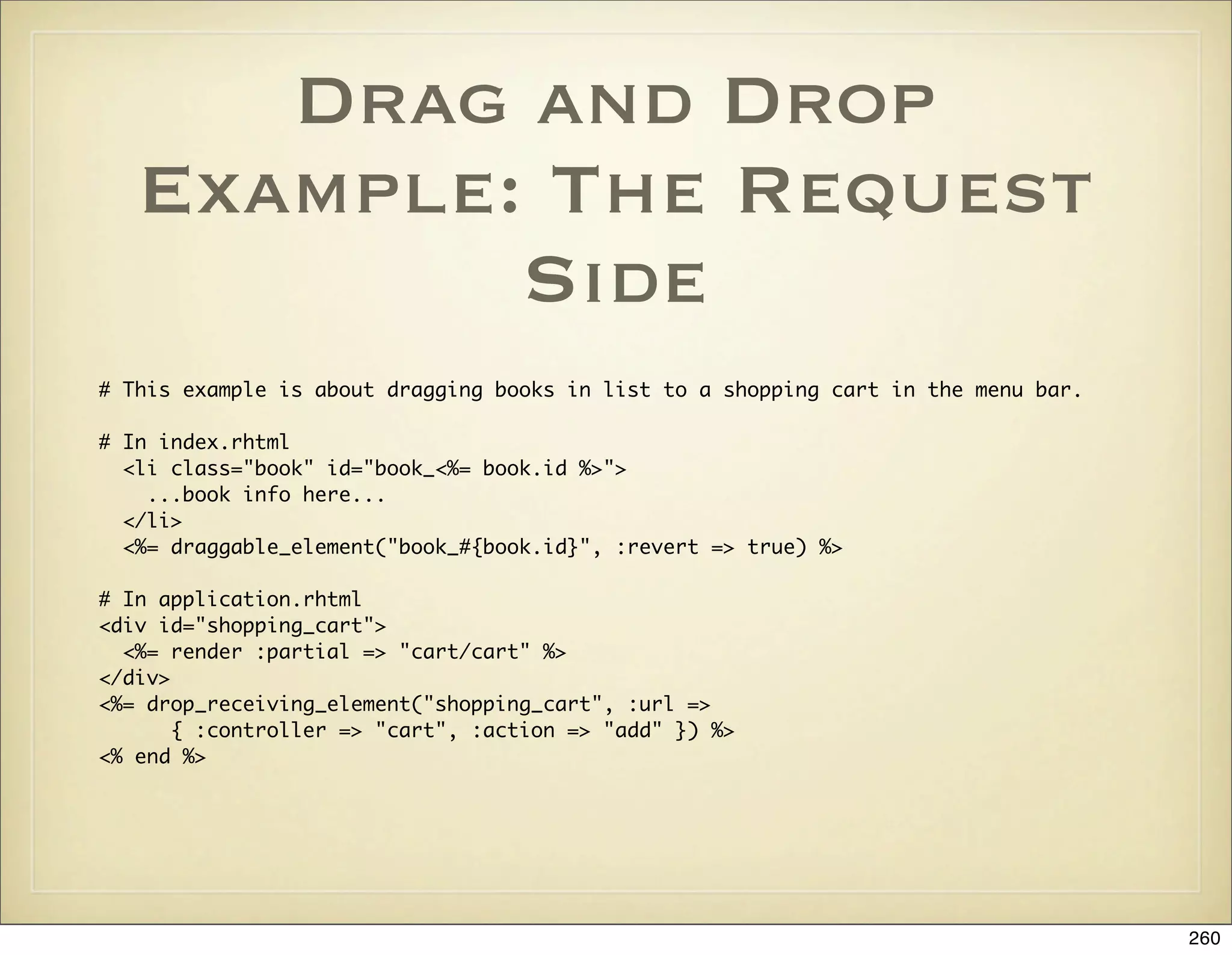
![Drag and Drop
Example: The Response
# The action
def add
params[:id].gsub!(/book_/, "")
@book = Book.find(params[:id])
if request.xhr?
@item = @cart.add(params[:id])
flash.now[:cart_notice] = "Added <em>#{@item.book.title}</em>"
render :action => "add_with_ajax"
elsif request.post?
@item = @cart.add(params[:id])
flash[:cart_notice] = "Added <em>#{@item.book.title}</em>"
redirect_to :controller => "catalog"
else
render
end
end
# add_with_ajax.rjs:
page.replace_html "shopping_cart", :partial => "cart"
page.visual_effect :highlight, "cart_item_#{@item.book.id}", :duration => 3
page.visual_effect :fade, 'cart_notice', :duration => 3
261](https://image.slidesharecdn.com/ruby-on-rails-101-presentation-slides-for-a-five-day-introductory-course-119407436077654-3-121125080043-phpapp01/75/Ruby-on-rails-101-presentation-slides-for-a-five-day-introductory-course-119407436077654-3-261-2048.jpg)
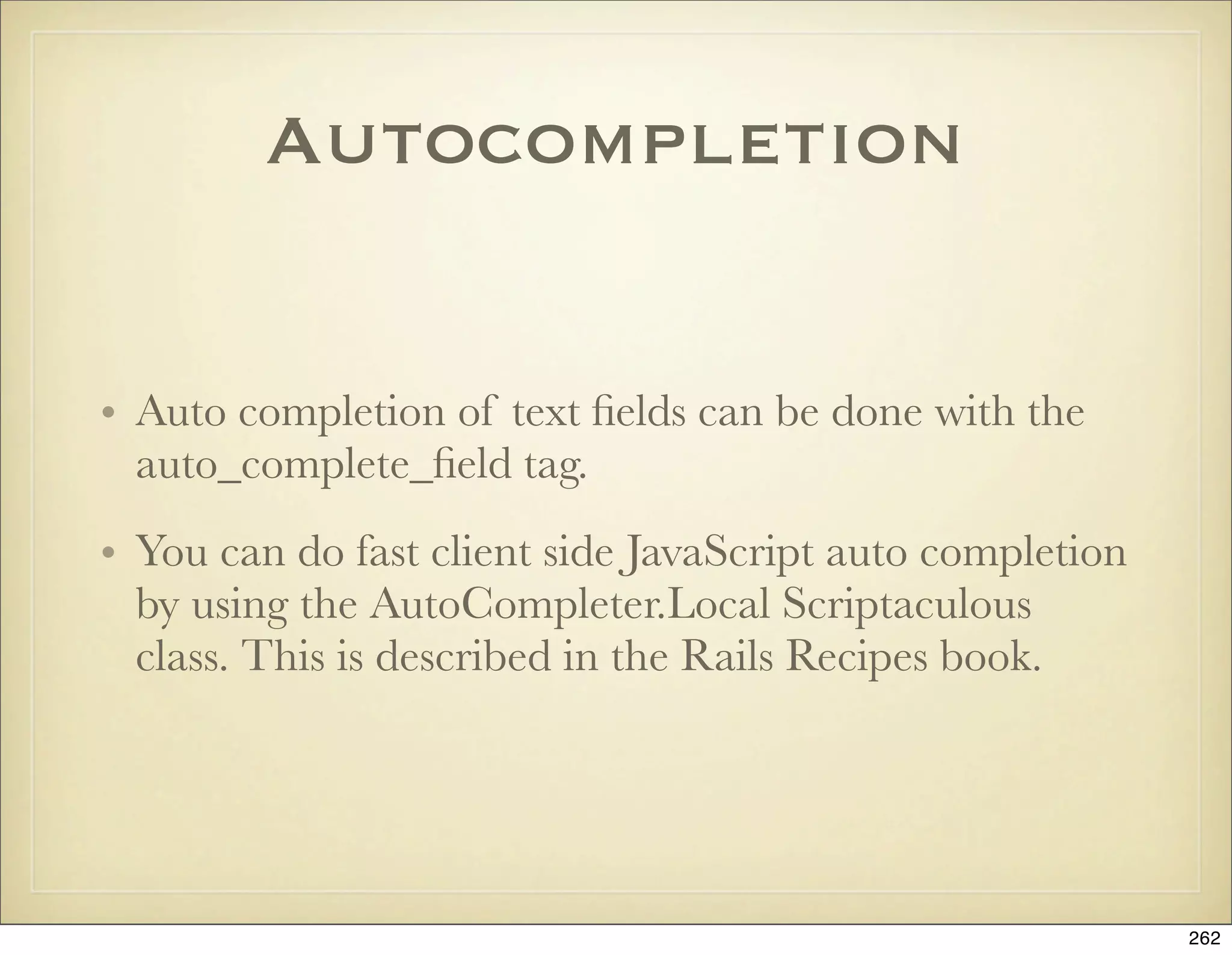
![Autocompletion:
Example
# In text field view:
<%= text_field 'user', 'favorite_language' %>
<div class="auto_complete" id="user_favorite_language_auto_complete"></div>
<%= auto_complete_field :user_favorite_language,
:url=>{:action=>'autocomplete_favorite_language'}, :tokens => ',',
:frequency => 0.5,
:min_chars => 3 %>
# The action
def autocomplete_favorite_language
re = Regexp.new("^#{params[:user][:favorite_language]}", "i")
@languages= LANGUAGES.find_all do |l|
l.match re
end
render :layout=>false
end
# The response view in autocomplete_favorite_language.rhtml
<ul class="autocomplete_list">
<% @languages.each do |l| %>
<li class="autocomplete_item"><%= l %></li>
<% end %>
</ul>
263](https://image.slidesharecdn.com/ruby-on-rails-101-presentation-slides-for-a-five-day-introductory-course-119407436077654-3-121125080043-phpapp01/75/Ruby-on-rails-101-presentation-slides-for-a-five-day-introductory-course-119407436077654-3-263-2048.jpg)
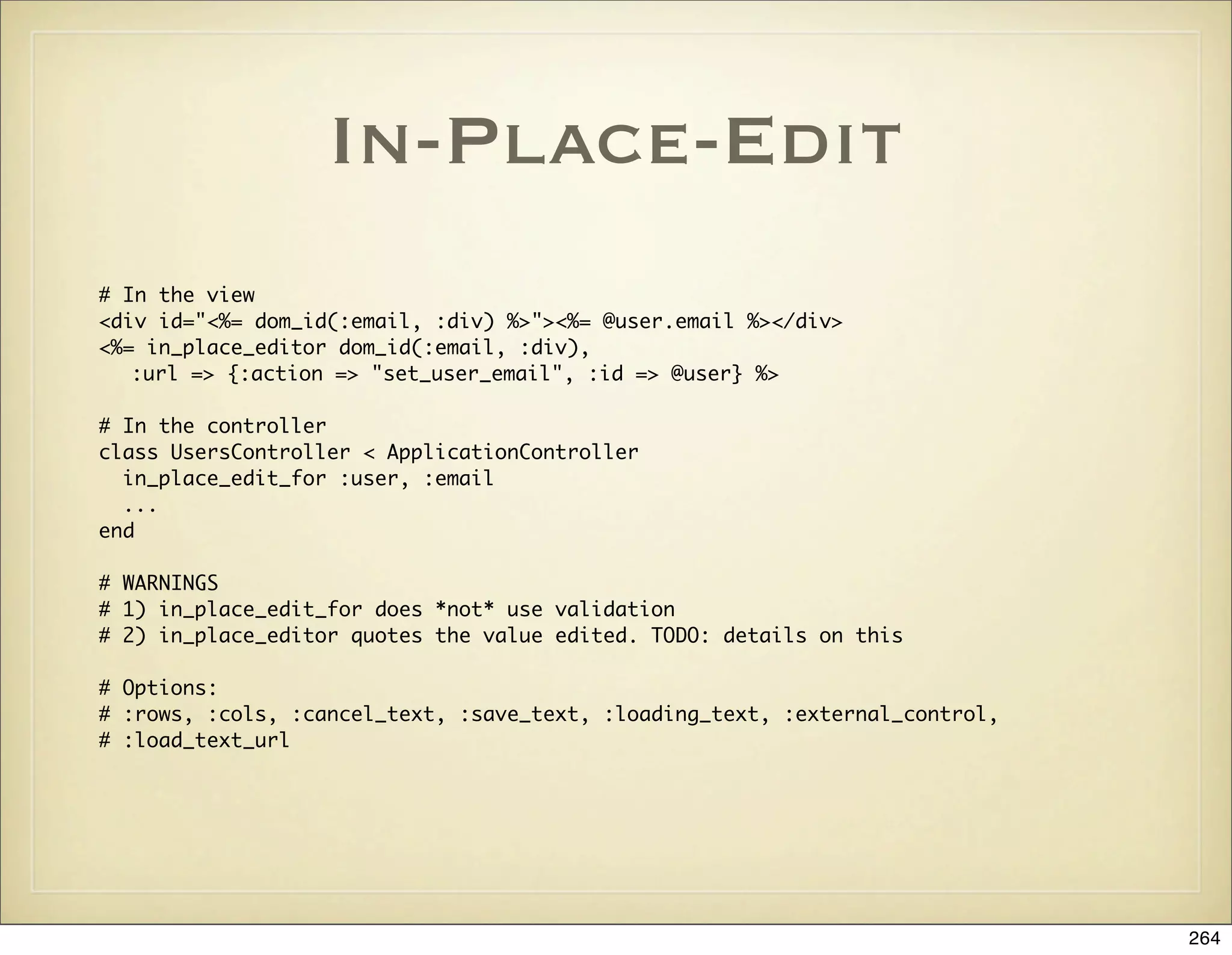
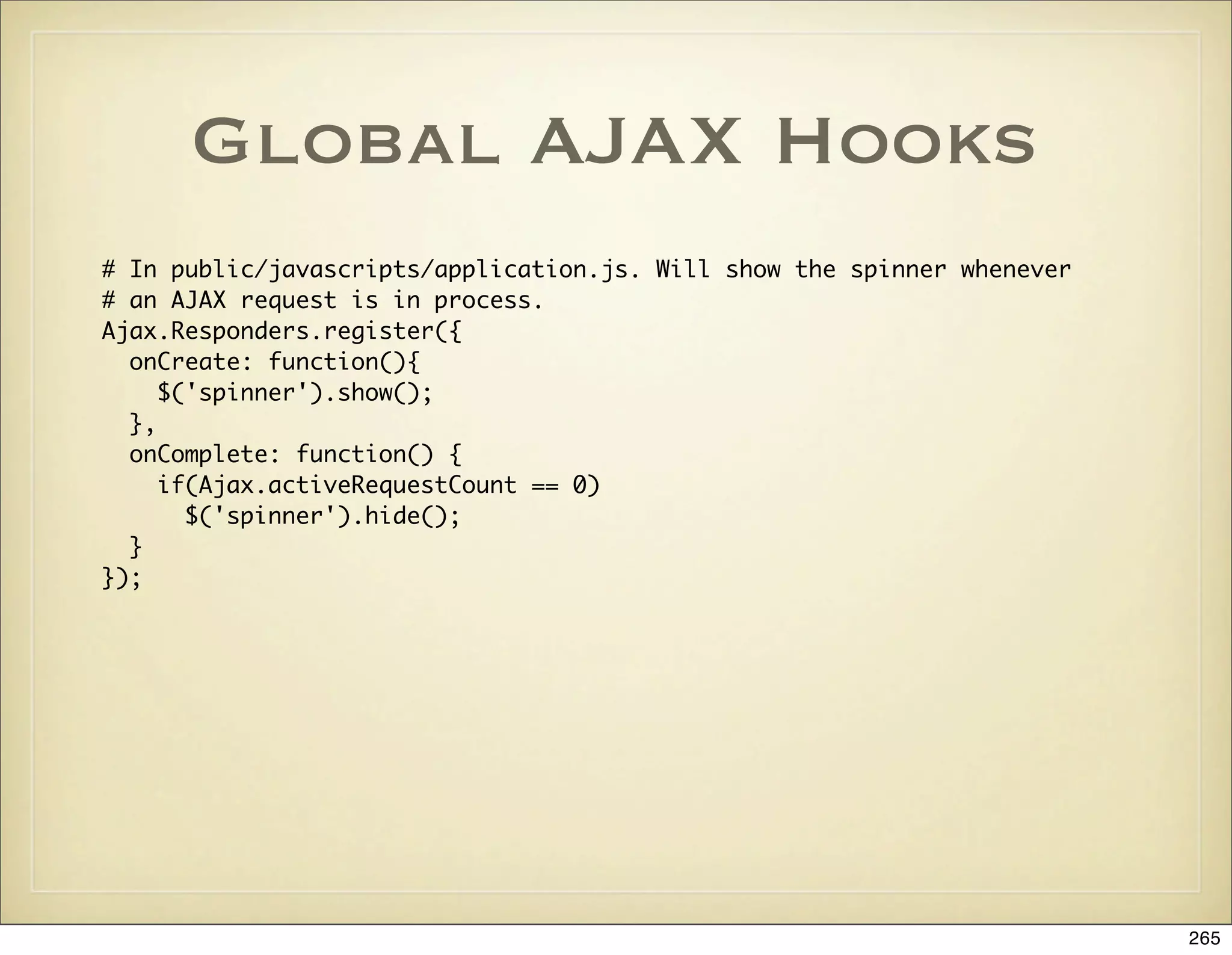
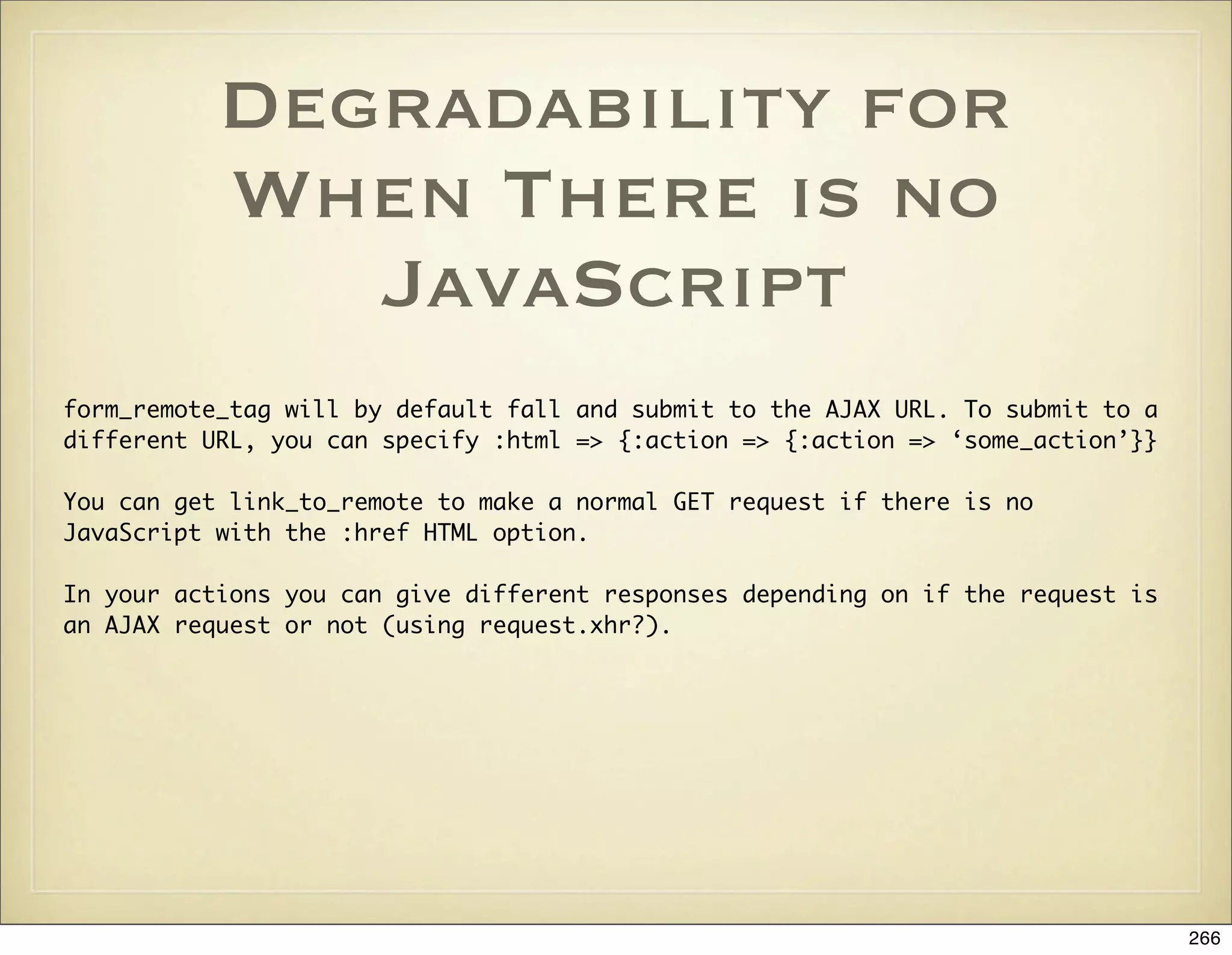
![RJS Reuse
module ApplicationHelper
def replace_article(article)
update_page do |page|
page[:article].replace partial => :article, :locals => {:article => article}
end
end
end
def update
@article = Article.find(:first)
render :update do |page|
page << replace_article(@article)
page.highlight :article
end
end
267](https://image.slidesharecdn.com/ruby-on-rails-101-presentation-slides-for-a-five-day-introductory-course-119407436077654-3-121125080043-phpapp01/75/Ruby-on-rails-101-presentation-slides-for-a-five-day-introductory-course-119407436077654-3-267-2048.jpg)
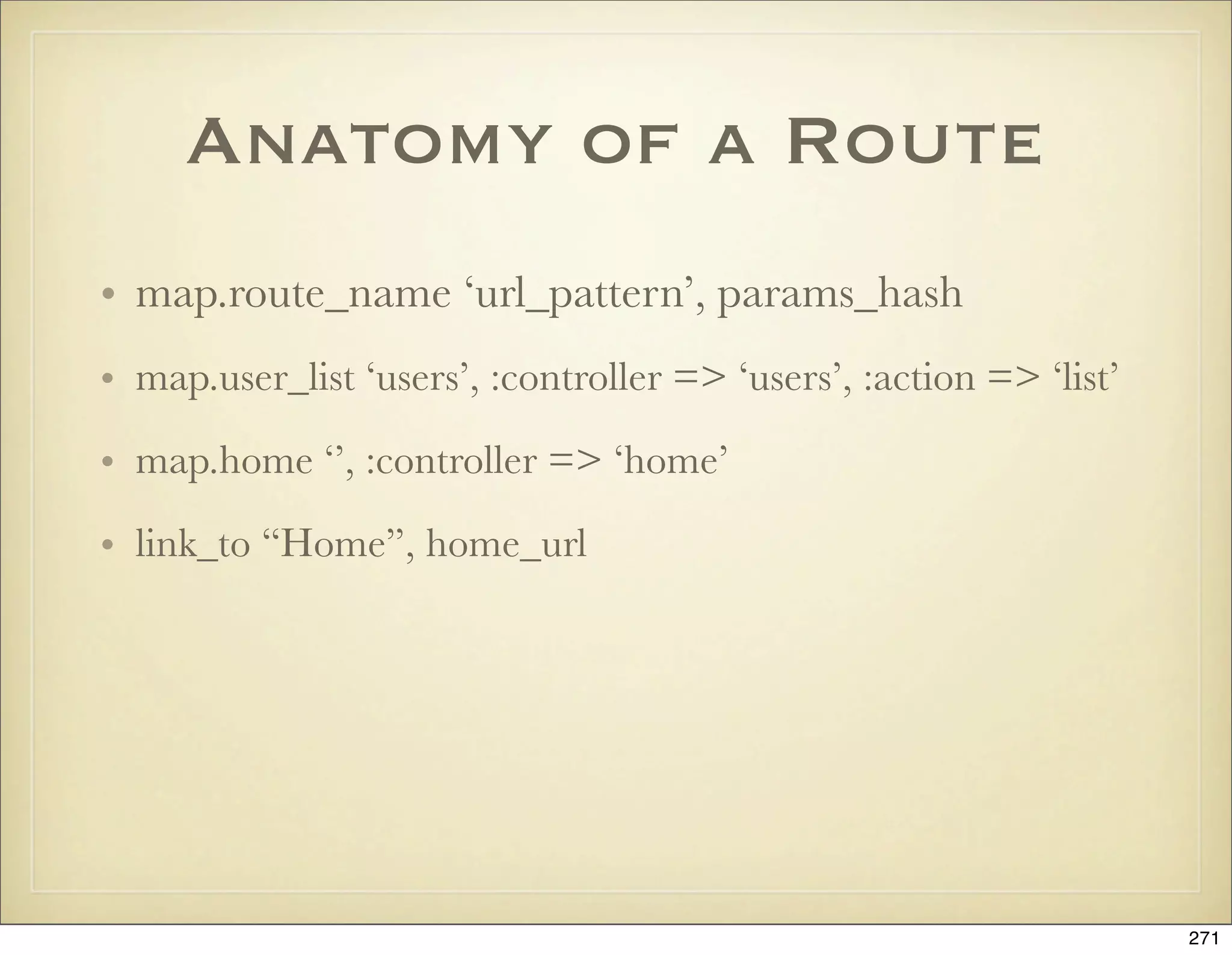
![Defaults and
requirements
map.connect "blog/:year/:month/:day",
:controller => "blog",
:action => "show_date",
:requirements => { :year => /(19|20)dd/,
:month => /[01]?d/,
:day => /[0-3]?d/},
:day => nil,
:month => nil
272](https://image.slidesharecdn.com/ruby-on-rails-101-presentation-slides-for-a-five-day-introductory-course-119407436077654-3-121125080043-phpapp01/75/Ruby-on-rails-101-presentation-slides-for-a-five-day-introductory-course-119407436077654-3-272-2048.jpg)
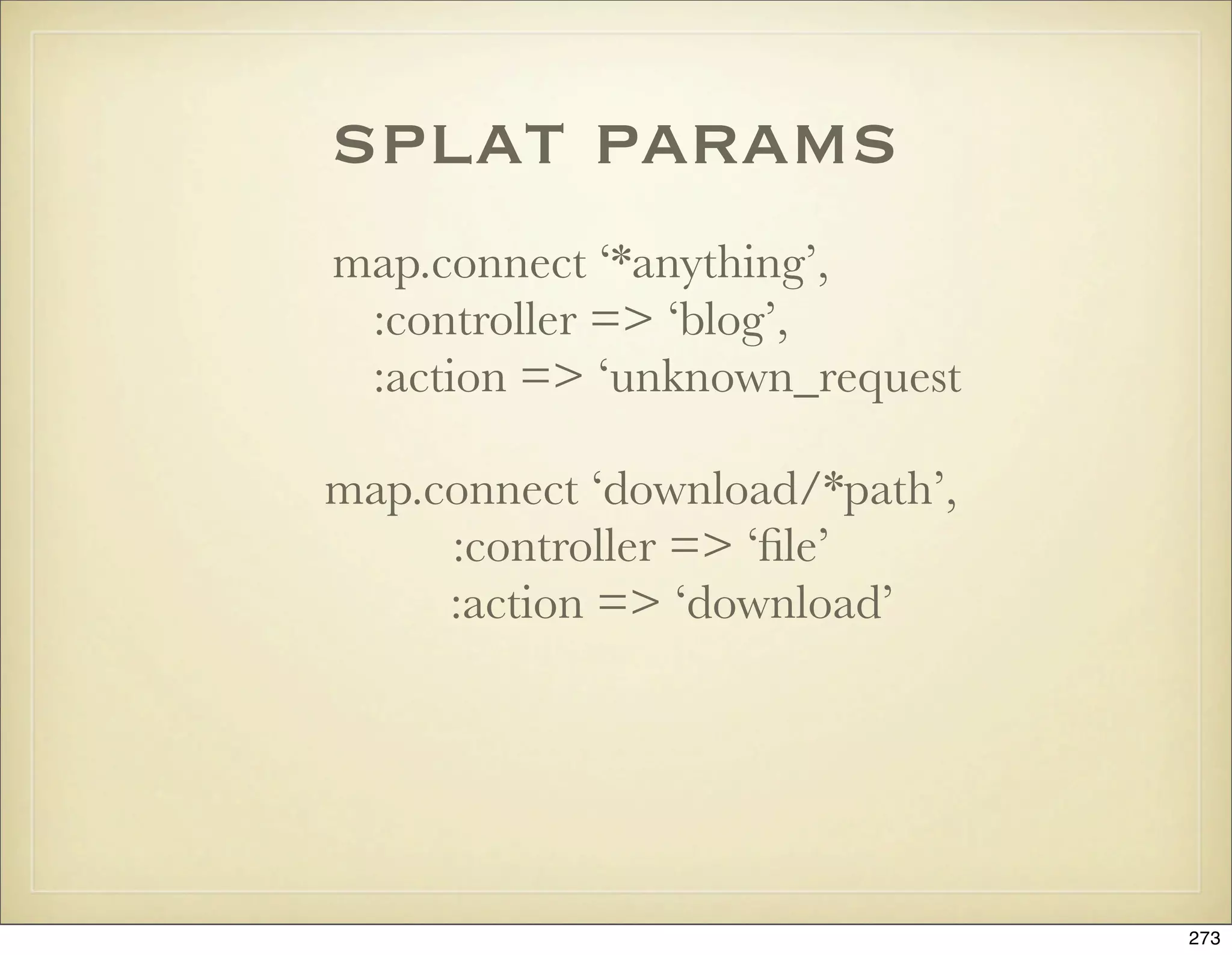
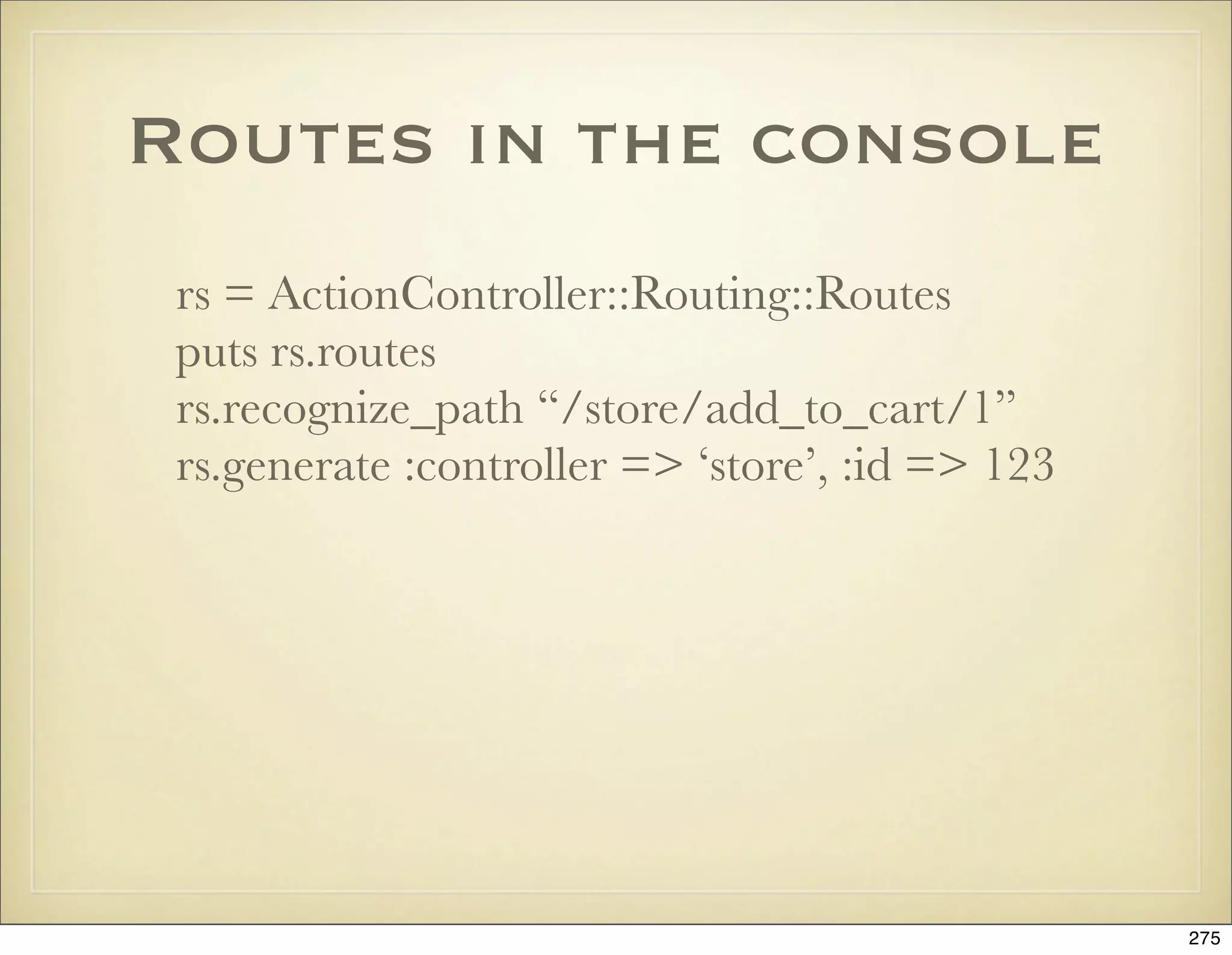
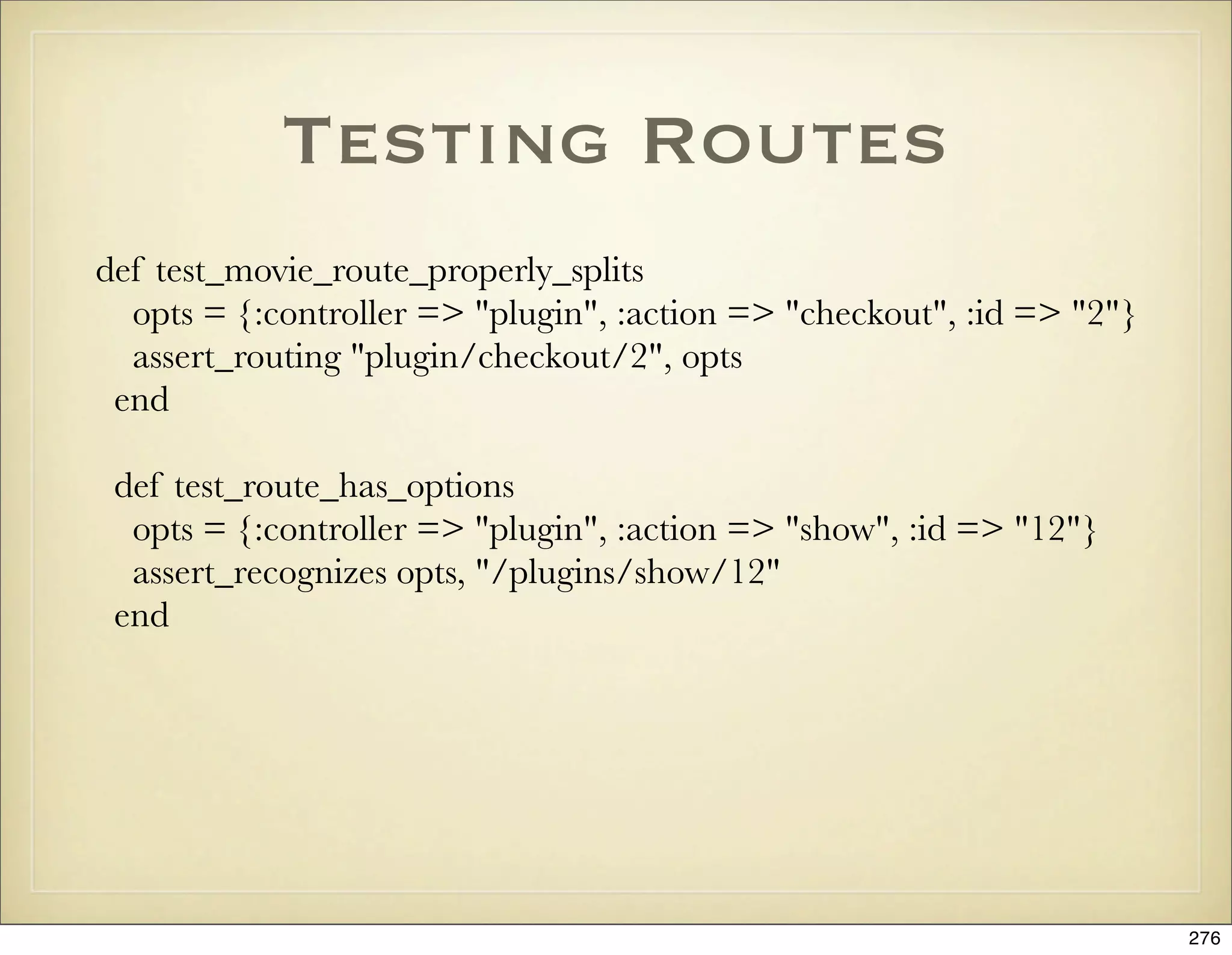

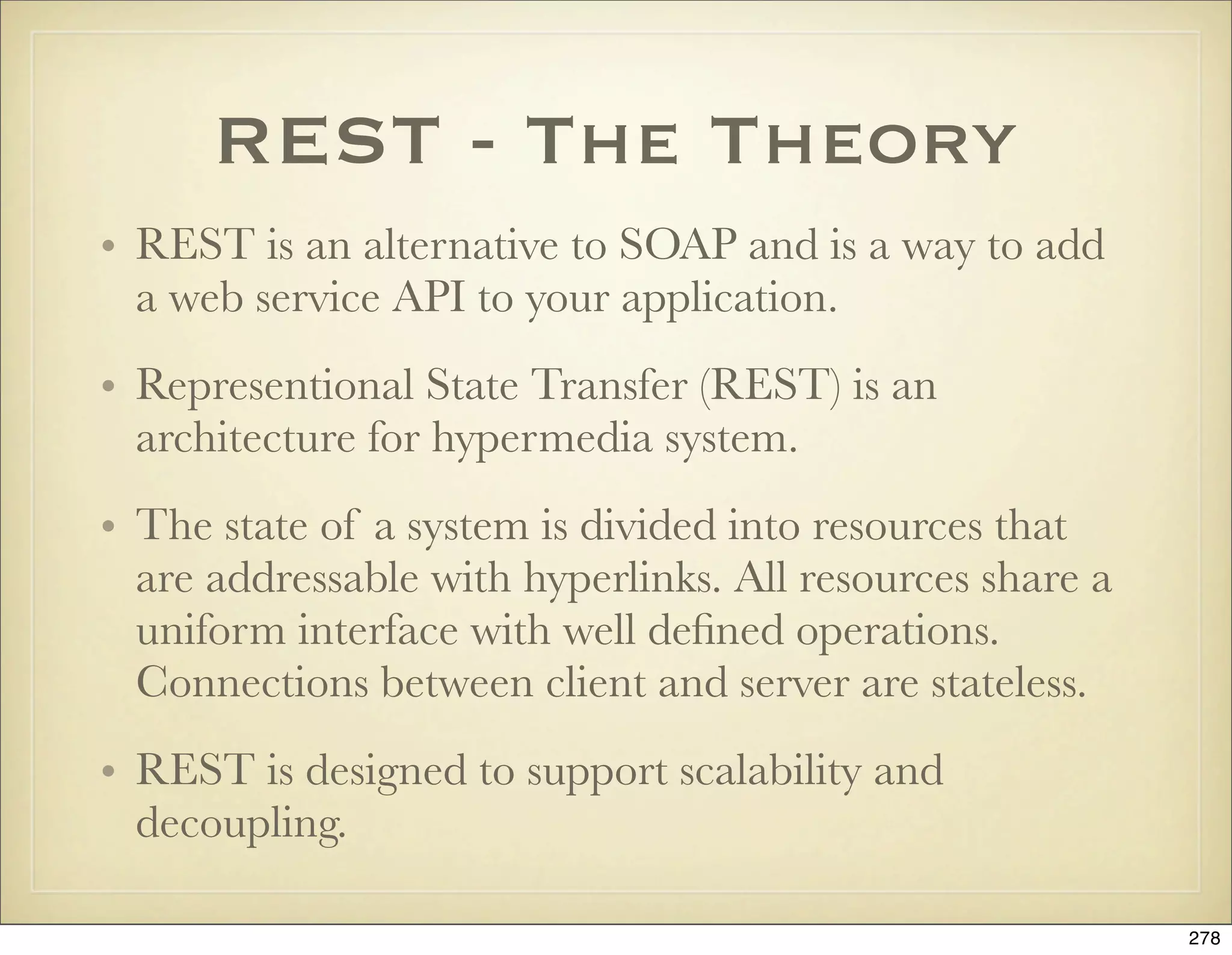
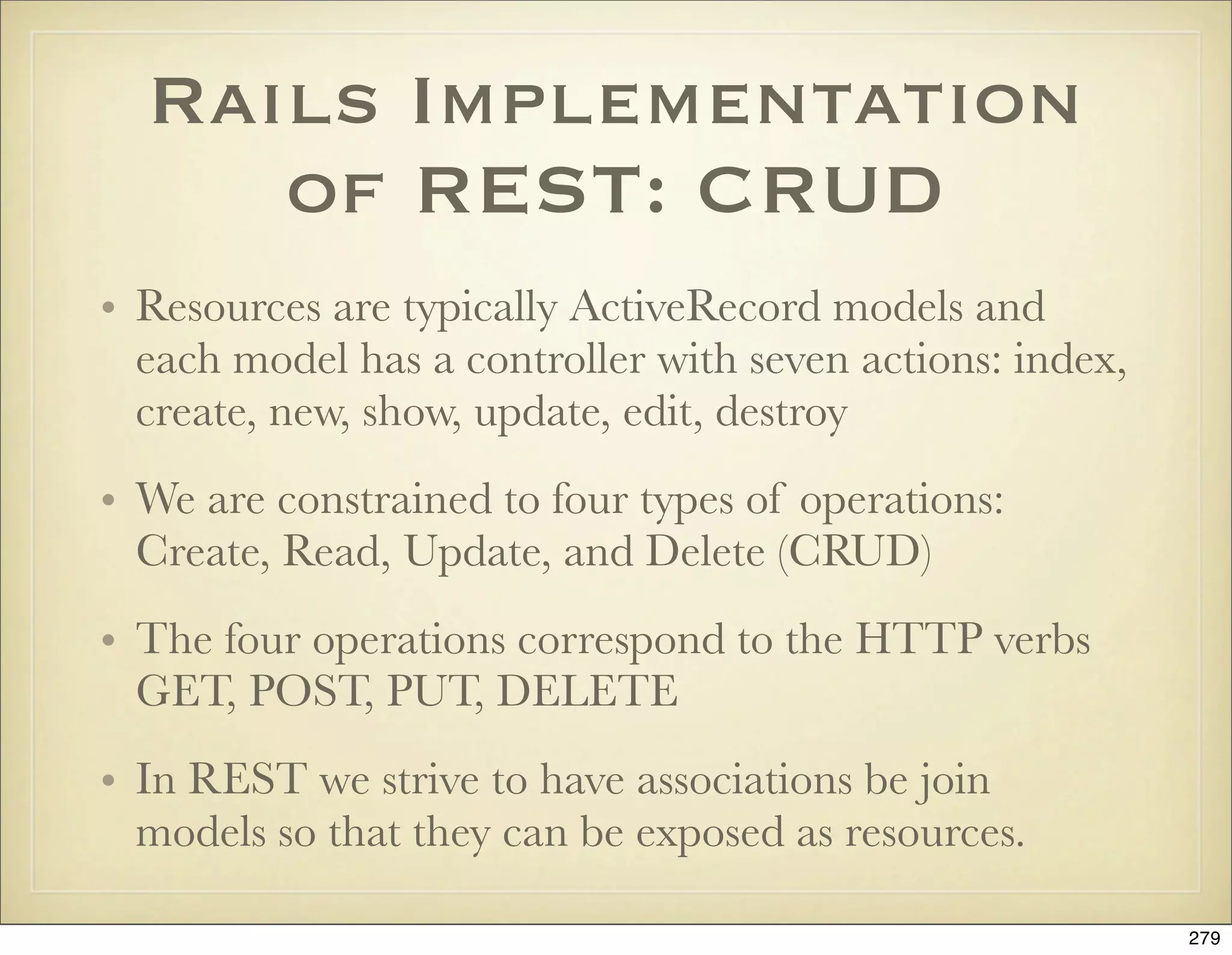
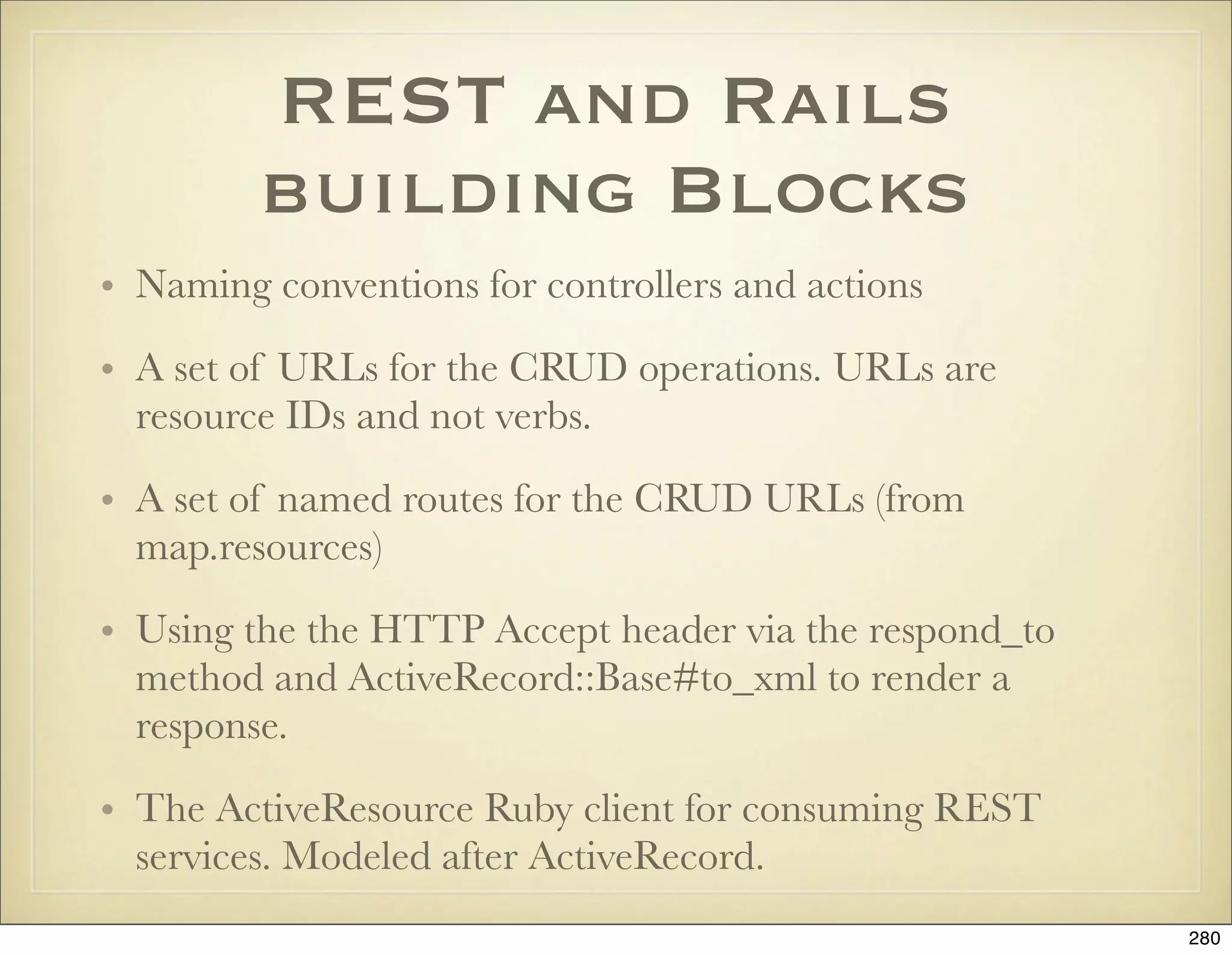
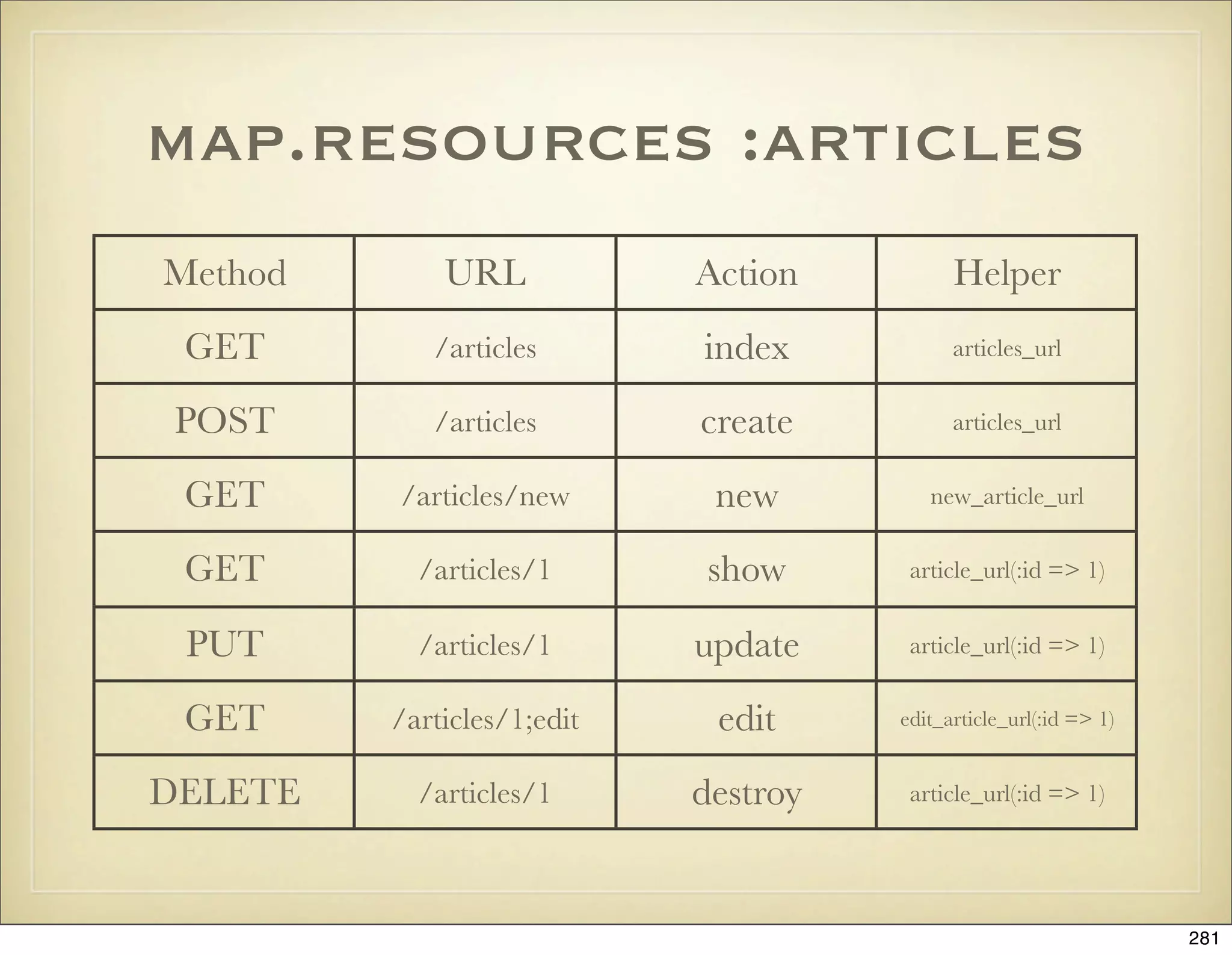
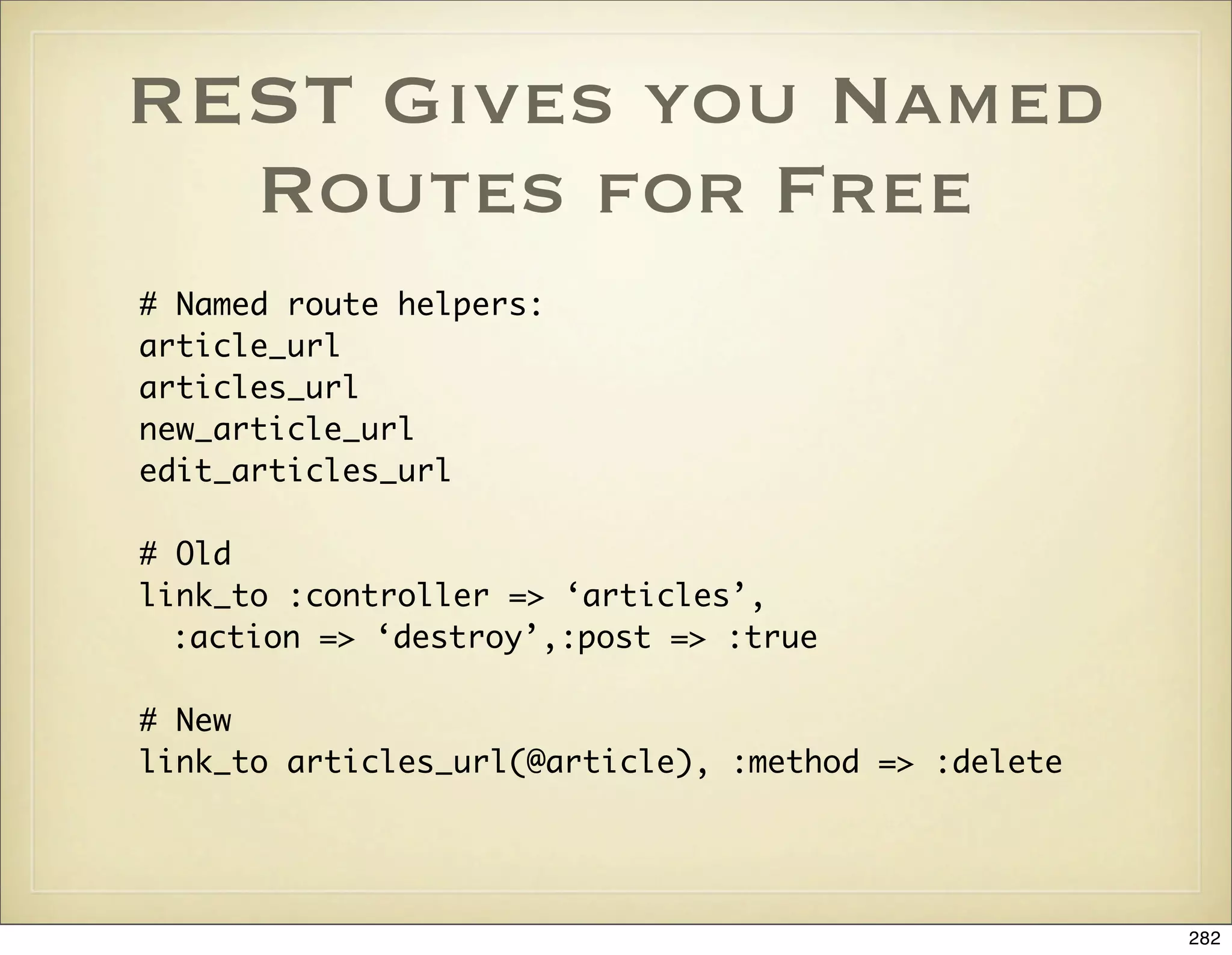
![The Accept Header and
Extensions
# The respond_to method will use the HTTP Accept header or
# any suffix in the URL. So if the URL is /people/1.xml you
# will get XML back:
# GET /posts/1
# GET /posts/1.xml
def show
@post = Post.find(params[:id])
respond_to do |format|
format.html # show.html.erb
format.xml { render :xml => @post }
end
end
283](https://image.slidesharecdn.com/ruby-on-rails-101-presentation-slides-for-a-five-day-introductory-course-119407436077654-3-121125080043-phpapp01/75/Ruby-on-rails-101-presentation-slides-for-a-five-day-introductory-course-119407436077654-3-283-2048.jpg)
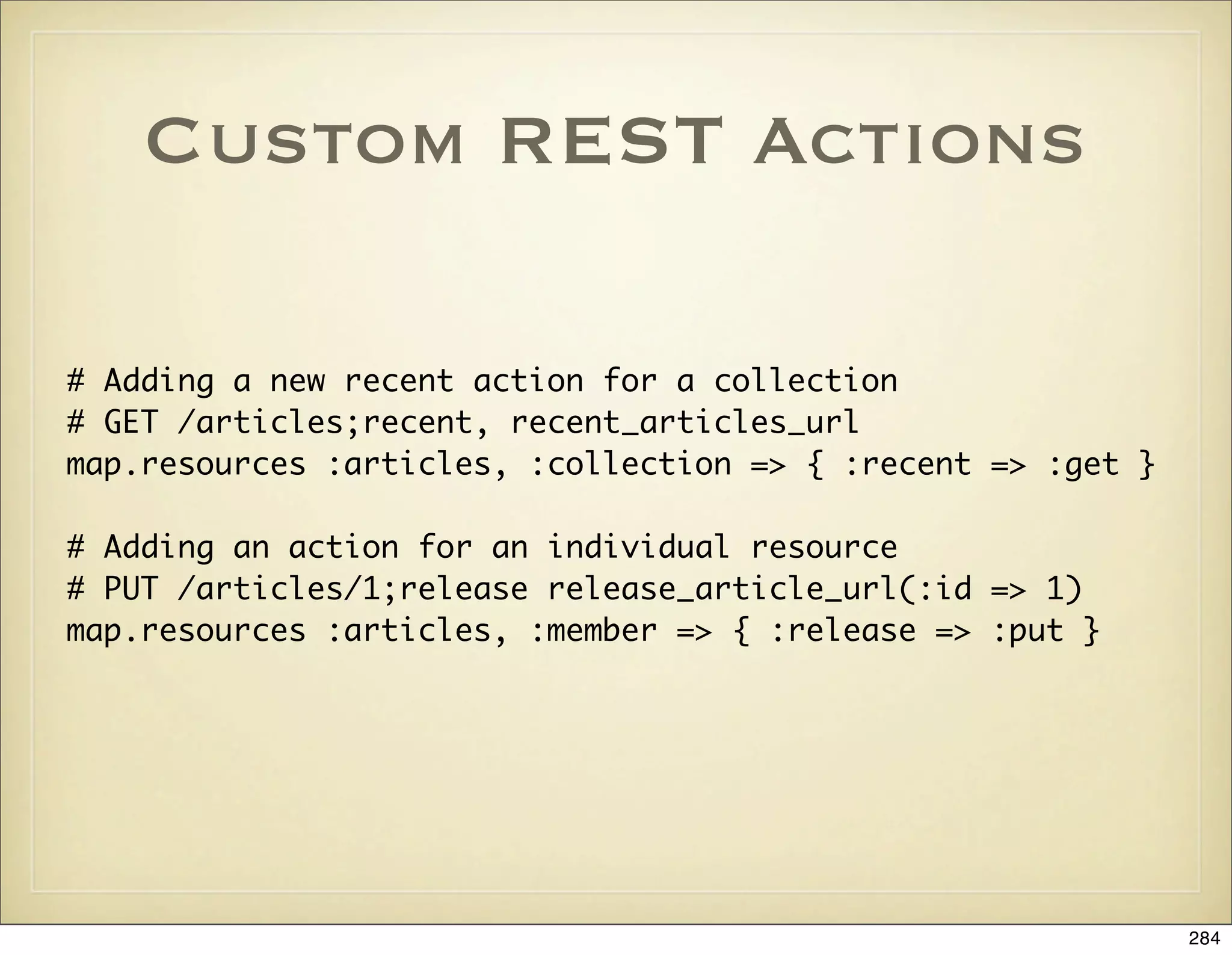
![Nested Resources
# Nested resources are used for one-to-many relationships. Suppose we have
# Post class with has_many :comments, and a Comment class with belongs_to :post.
# The posts controller will be the parent of the comments controller. The
# comments controller needs the post model of the parent.
map.resources :posts do |post|
post.resources :comments
end
# Actions need to be rewritten to use the parent post object
def index
# Old retrieval
# @comments = Comment.find(:all)
@post = Post.find(params[:post_id])
@comments = @post.comments.find(:all)
end
# Links in the views need to be rewritten to include the
# parent post:
<%= link_to comment_url(@comment.post, @comment) %>
285](https://image.slidesharecdn.com/ruby-on-rails-101-presentation-slides-for-a-five-day-introductory-course-119407436077654-3-121125080043-phpapp01/75/Ruby-on-rails-101-presentation-slides-for-a-five-day-introductory-course-119407436077654-3-285-2048.jpg)
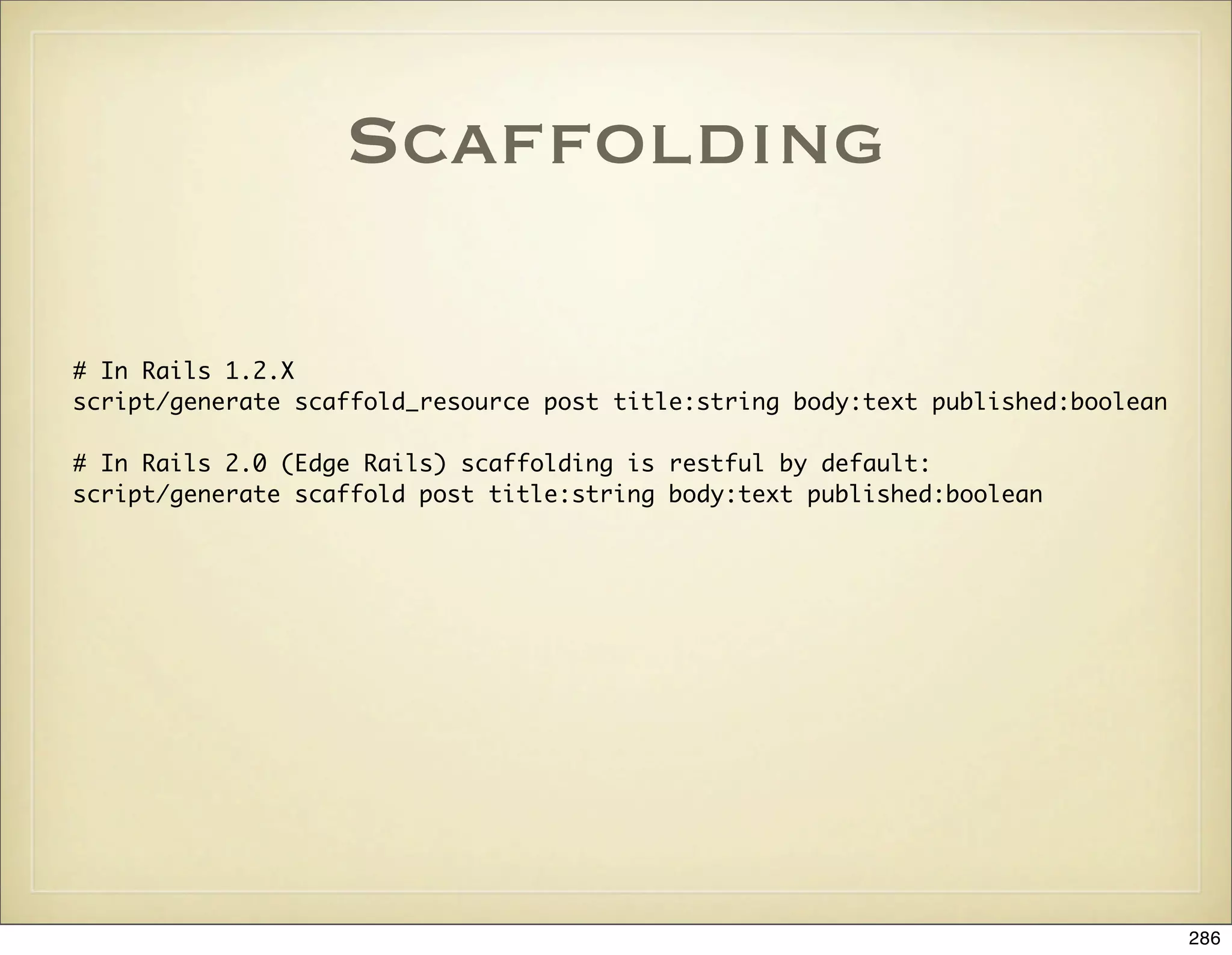
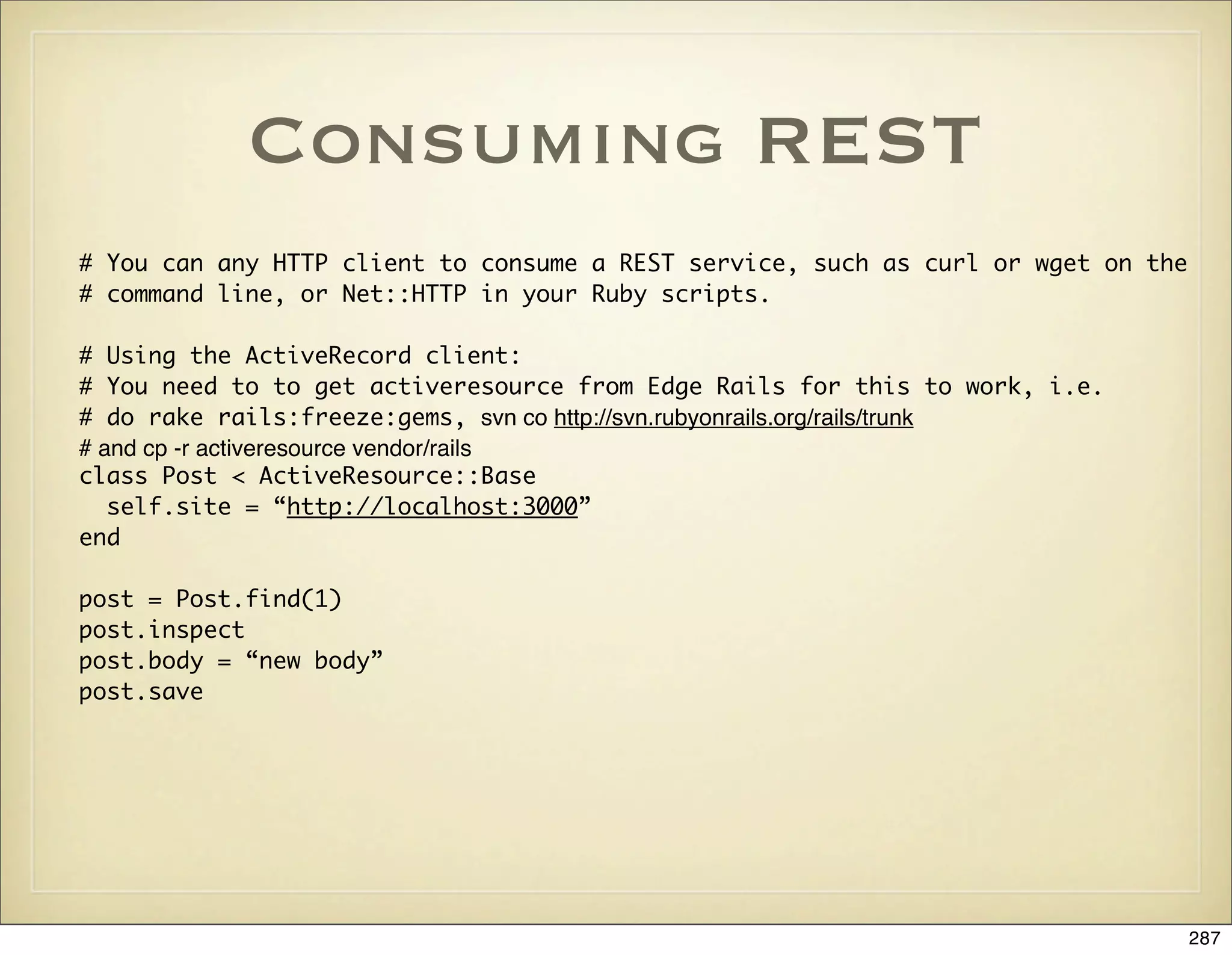

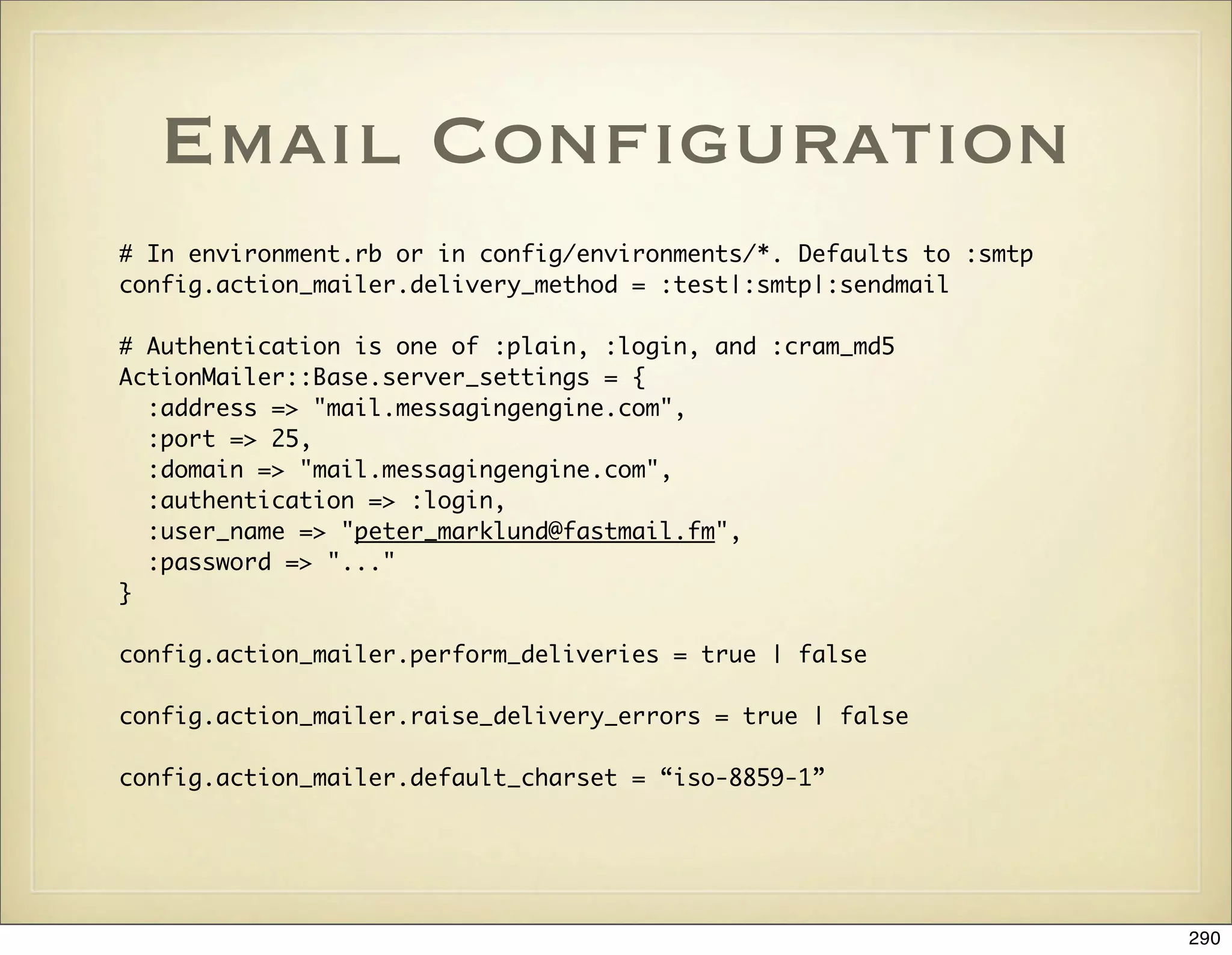
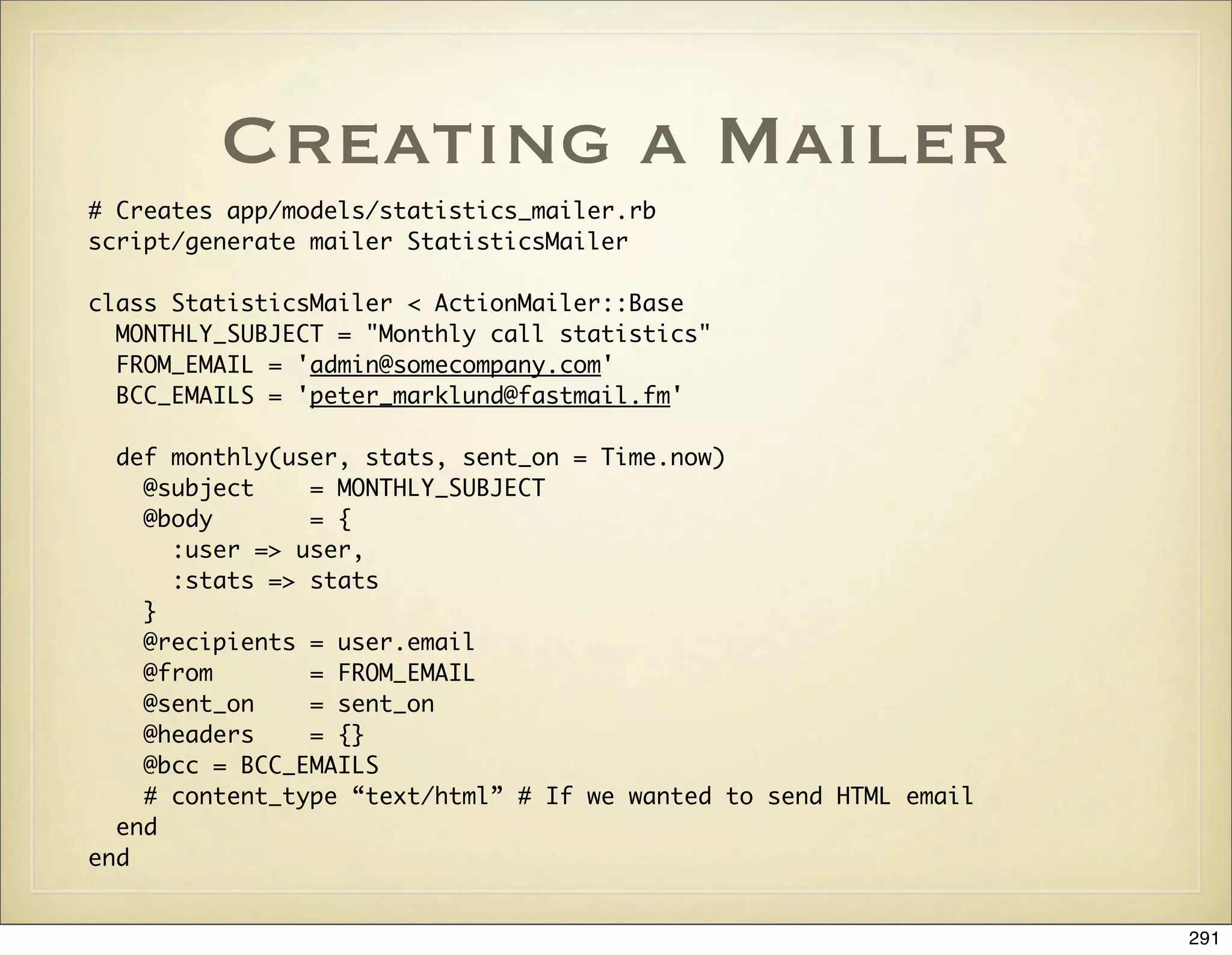
![The Mailer Template
# In app/views/statistics_mailer/monthly.rhtml
Dear <%= @user.name %>,
here is the statistics for <%= @user.customer.name %> for <%=
1.month.ago.strftime("%B") %>.
<%- for service in @user.customer.services -%>
*** Service <%= service.name %>
Number of calls: <%= @stats[service.id]['n_calls'] %>
Number of minutes: <%= @stats[service.id]['n_minutes'] %>
Hour breakdown:
HTML: <%= hour_report_url %>
Excel: <%= hour_report_url + "?content_type=excel" %>
List of all calls: <%= "#{Voxway::TAX_URL}/admin/statistics/calls/
#{service.id}?time_period=last_month" %>
<%- end -%>
Regards
Peter Marklund
292](https://image.slidesharecdn.com/ruby-on-rails-101-presentation-slides-for-a-five-day-introductory-course-119407436077654-3-121125080043-phpapp01/75/Ruby-on-rails-101-presentation-slides-for-a-five-day-introductory-course-119407436077654-3-292-2048.jpg)
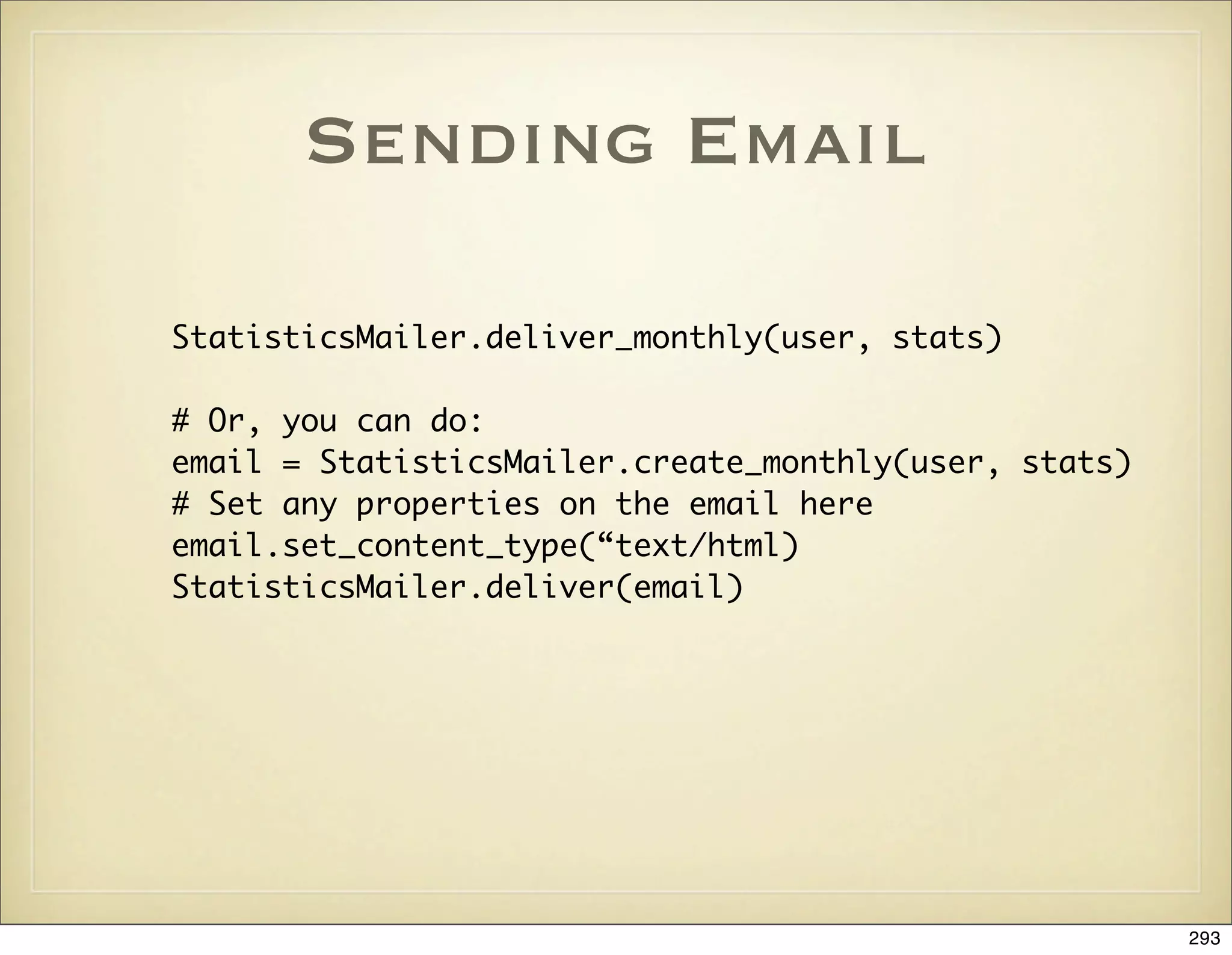
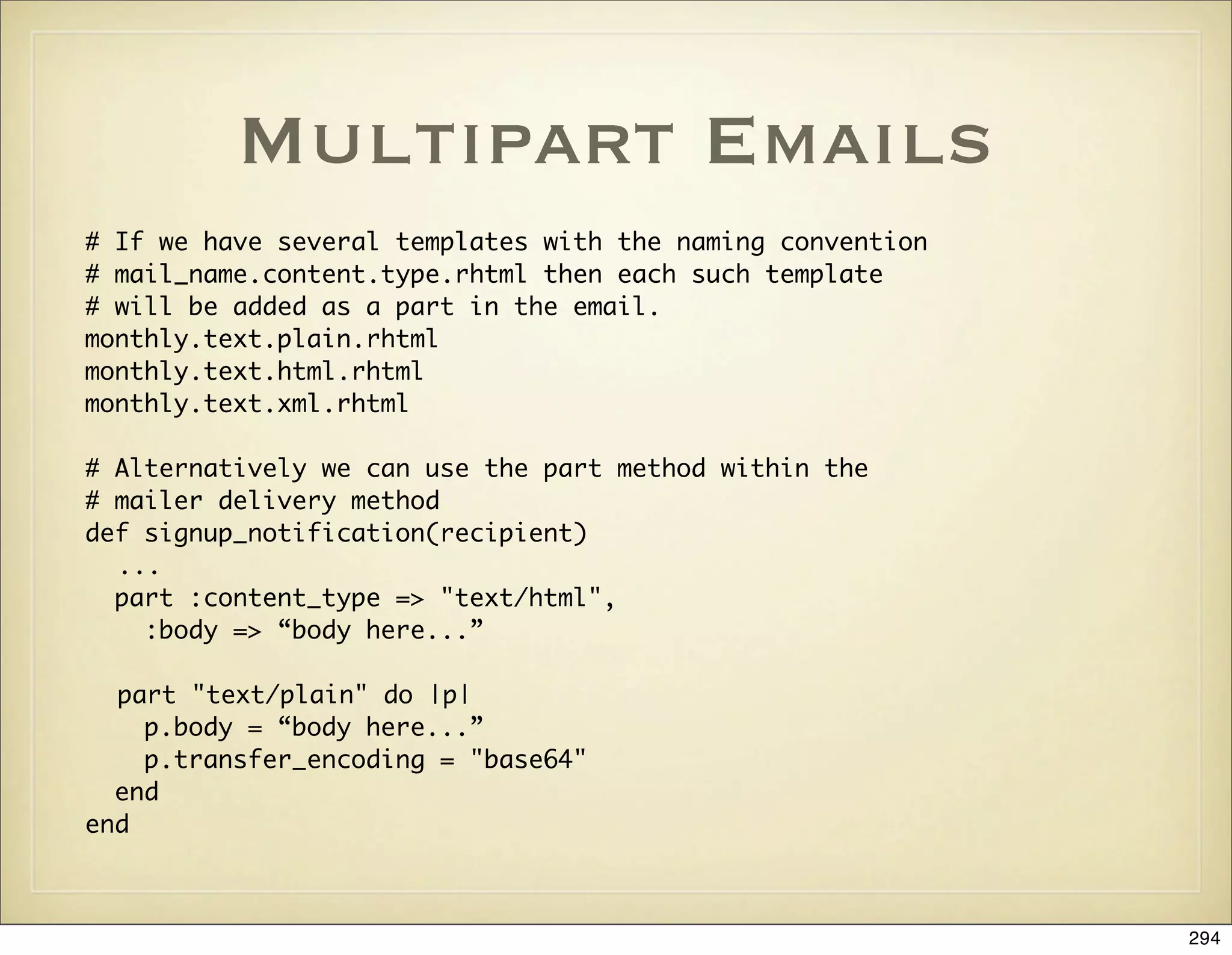
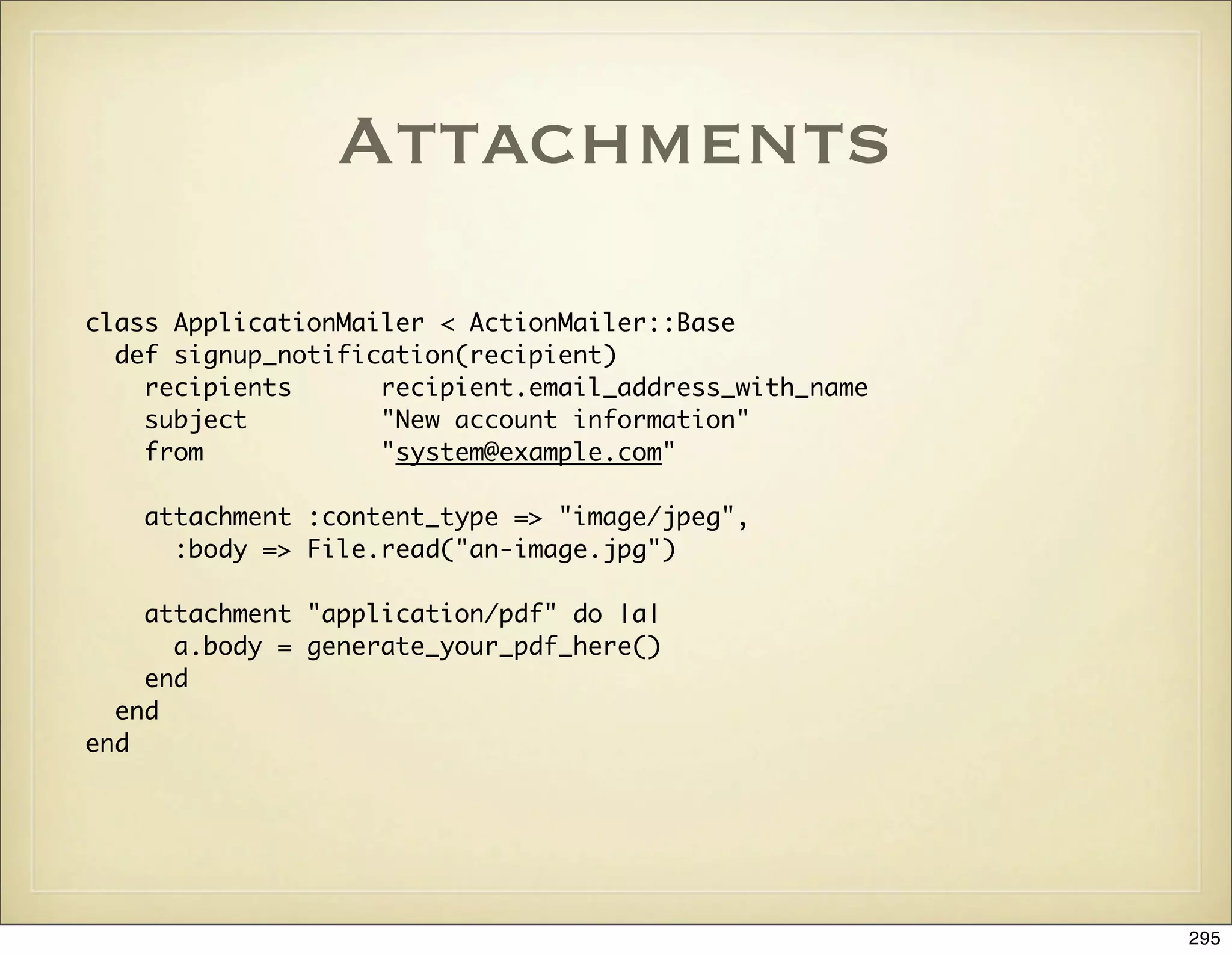
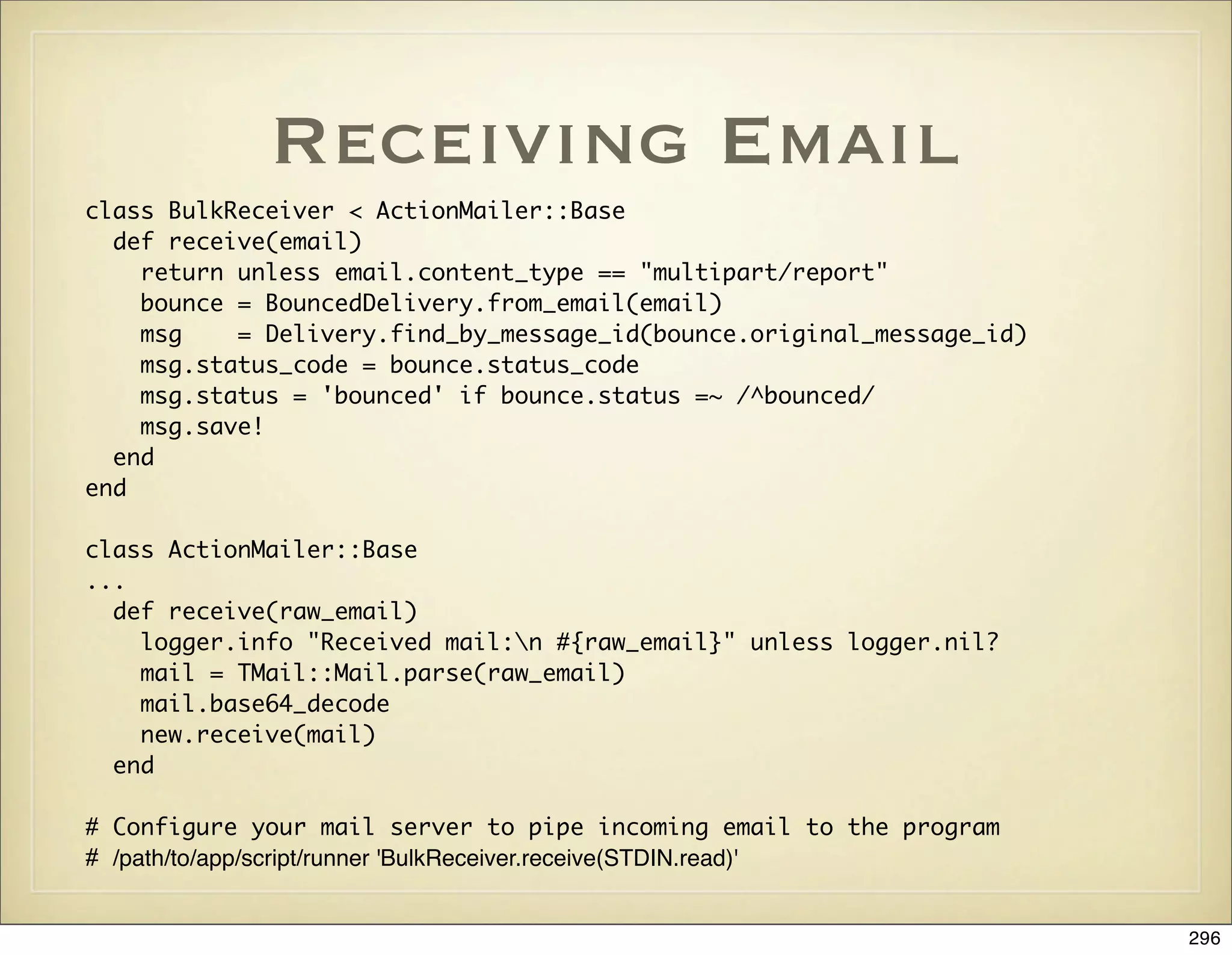
![Unit Testing Mailers
def setup
ActionMailer::Base.delivery_method = :test
ActionMailer::Base.perform_deliveries = true
ActionMailer::Base.deliveries = []
@expected = TMail::Mail.new
@expected.set_content_type "text", "plain", { "charset" => CHARSET }
@expected.mime_version = '1.0'
end
def test_monthly
user = users(:gordon)
@expected.subject = StatisticsMailer::MONTHLY_SUBJECT
@expected.from = StatisticsMailer::FROM_EMAIL
@expected_admin_url = "#{Voxway::TAX_URL}/admin/statistics"
@expected.body = ERB.new(read_fixture('monthly').join).result(binding)
@expected.date = Time.now.beginning_of_year
@expected.to = user.email
@expected.bcc = StatisticsMailer::BCC_EMAILS
stats = [services(:smhi), services(:smhi2)].inject({}) { |stats, service|
stats[service.id] = service.stats; stats }
assert_equal @expected.encoded.strip,
StatisticsMailer.create_monthly(user, stats, @expected.date).encoded.strip
end
297](https://image.slidesharecdn.com/ruby-on-rails-101-presentation-slides-for-a-five-day-introductory-course-119407436077654-3-121125080043-phpapp01/75/Ruby-on-rails-101-presentation-slides-for-a-five-day-introductory-course-119407436077654-3-297-2048.jpg)

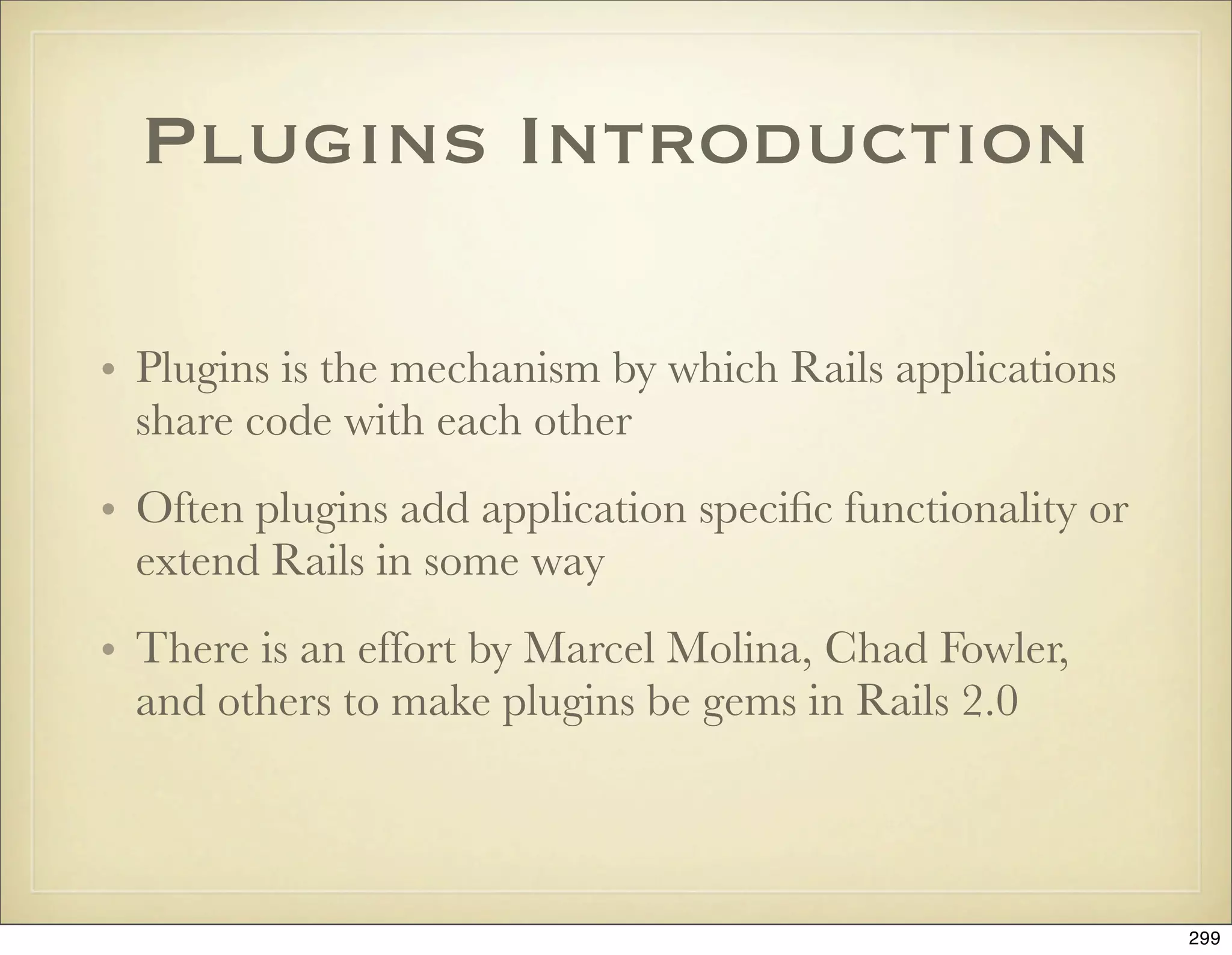
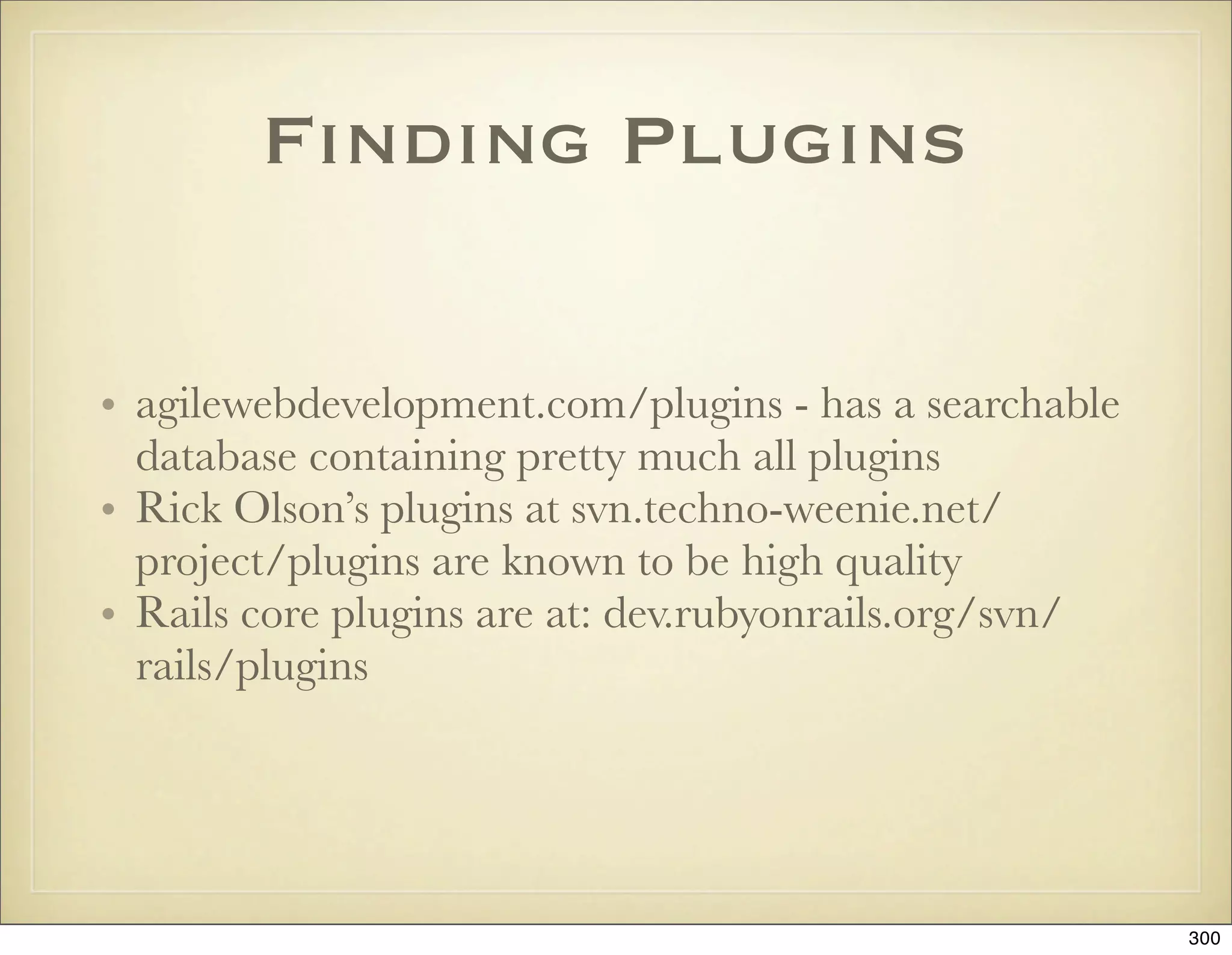
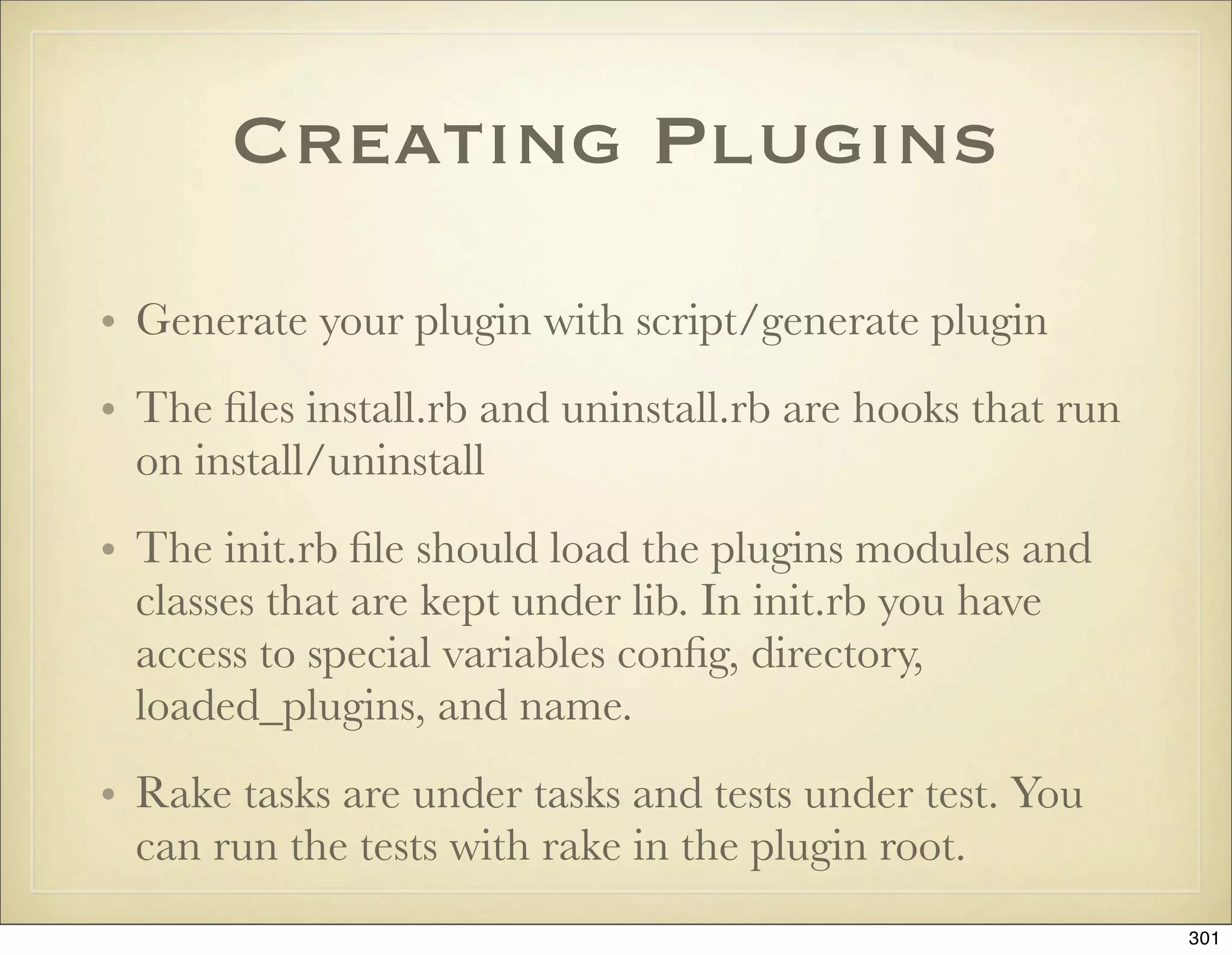
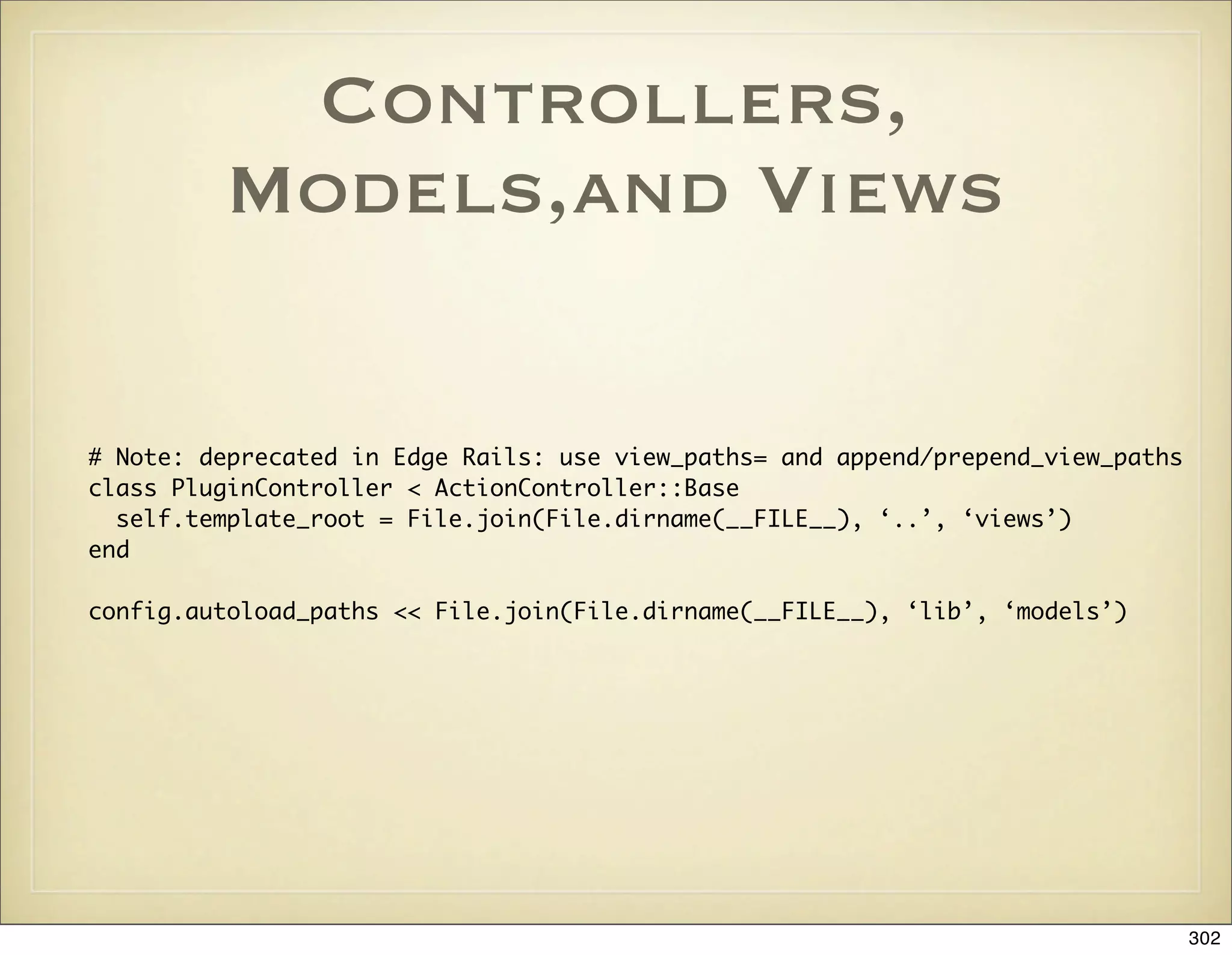
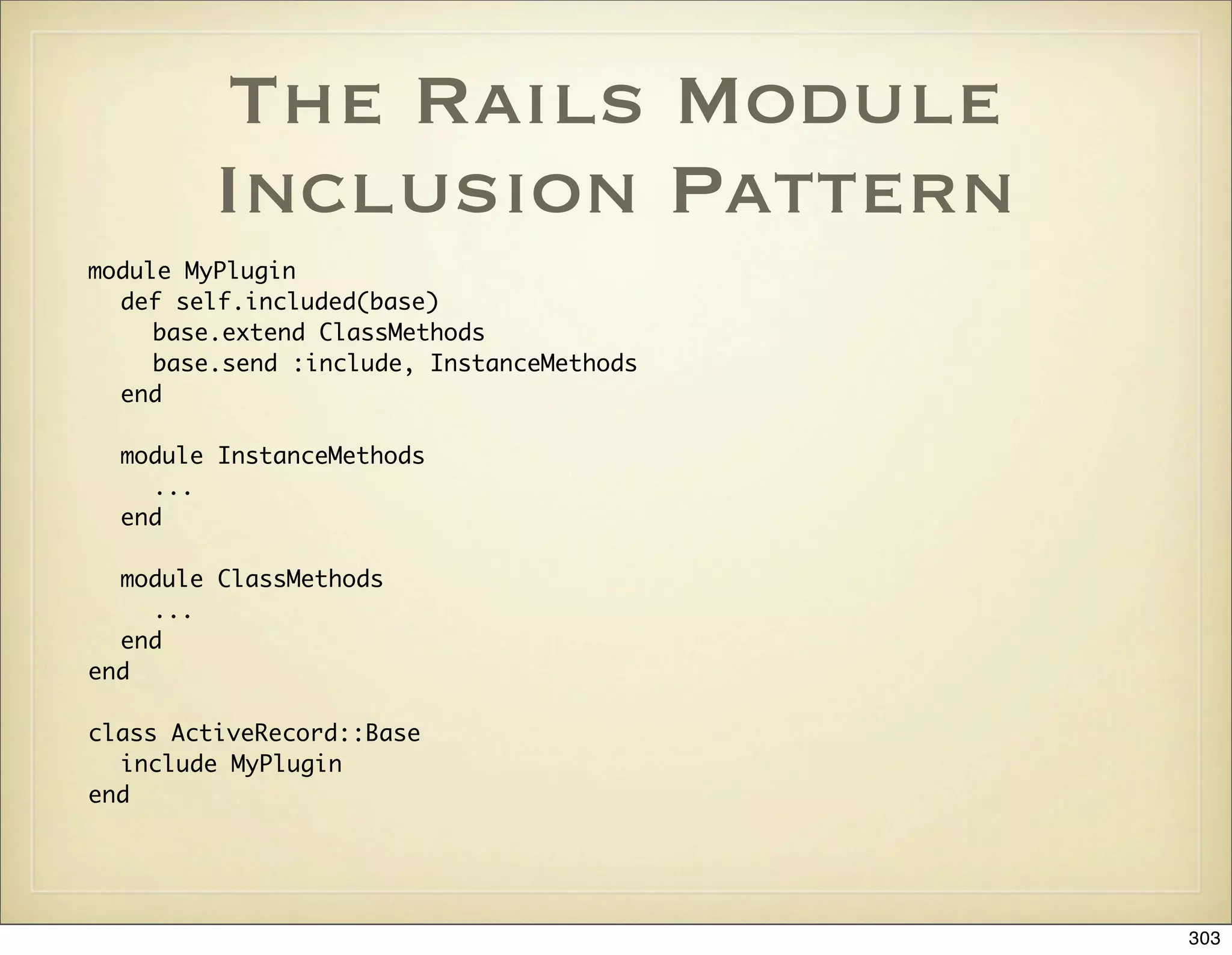

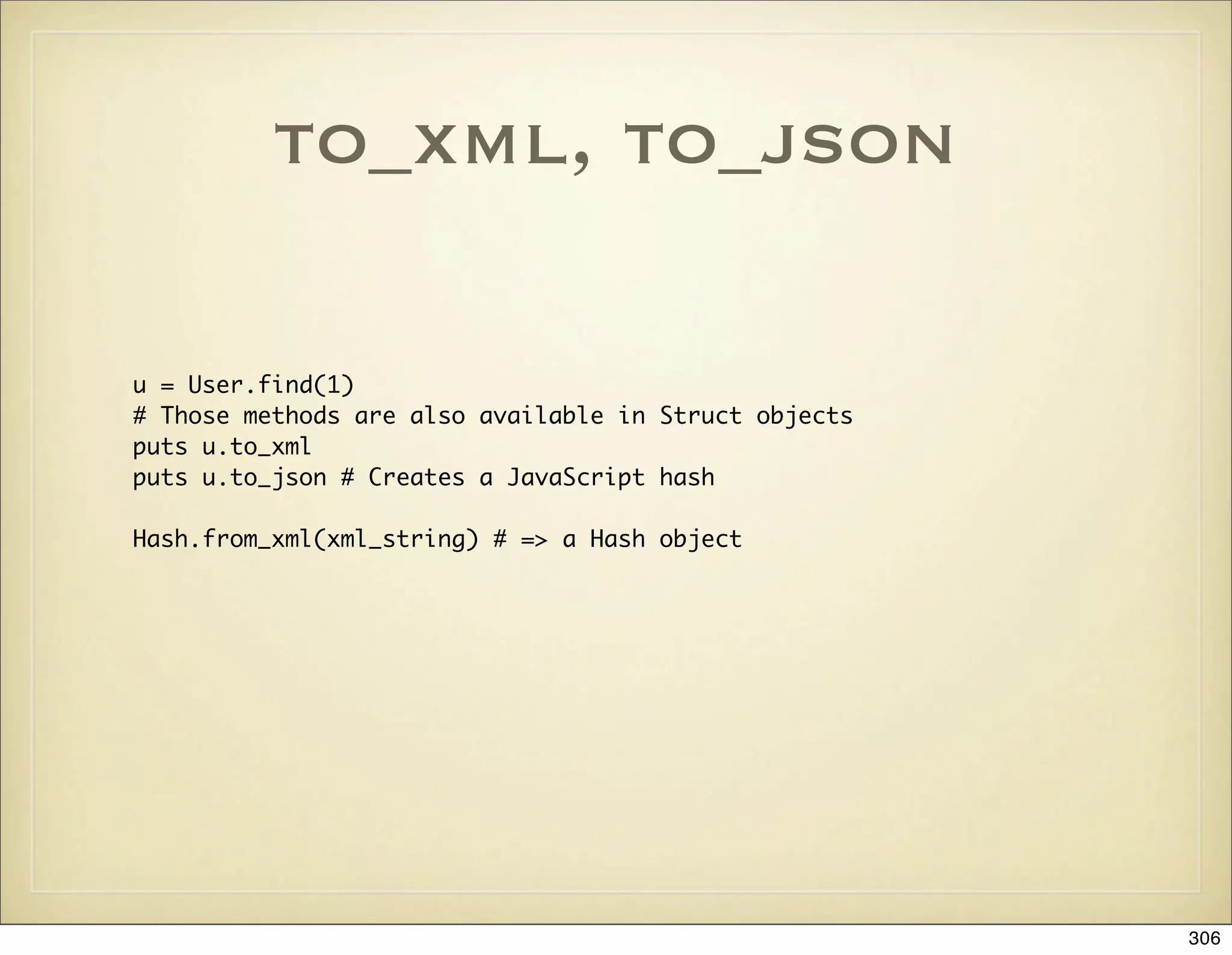
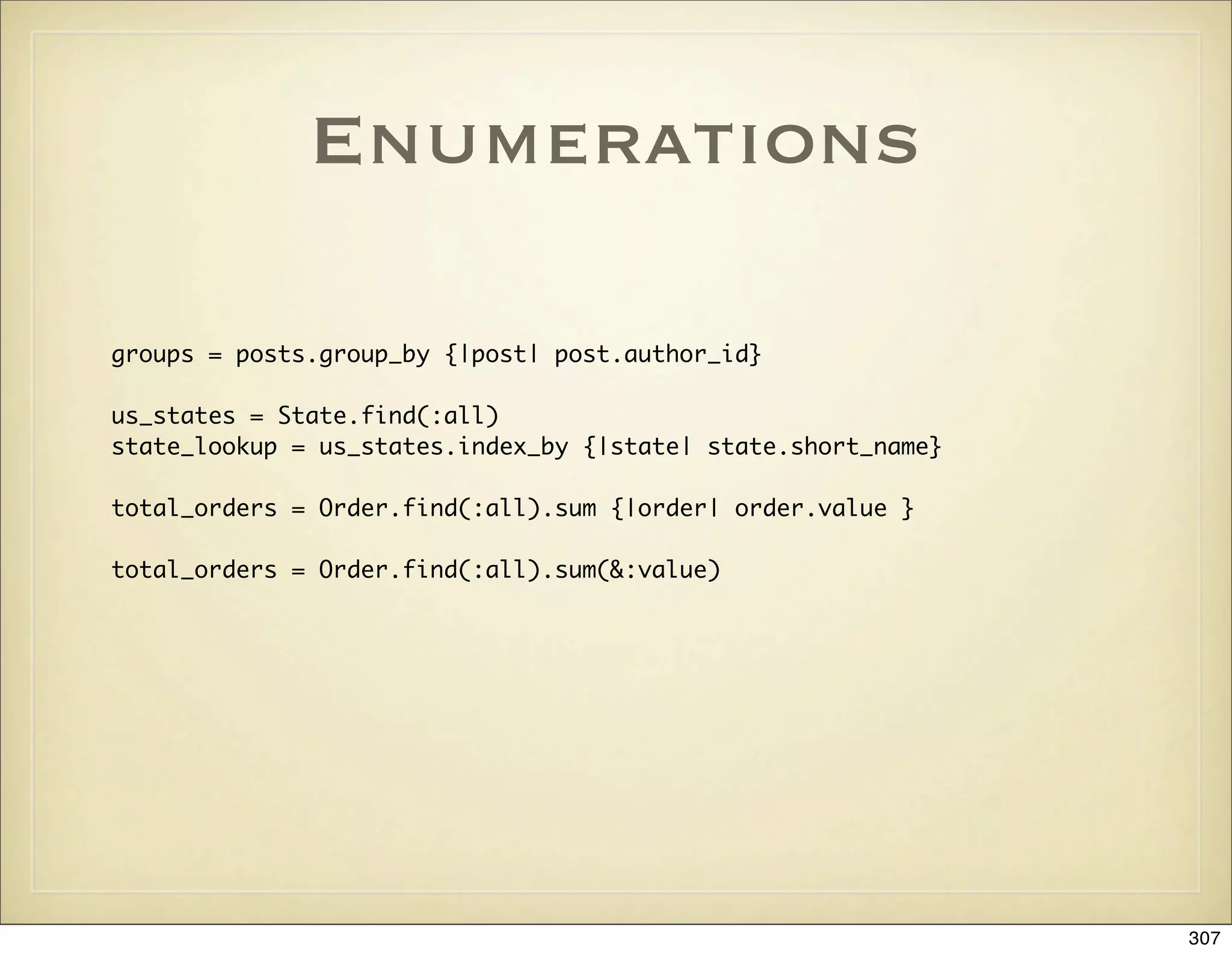
![String
string = “I Go Ruby”
puts string.at(2)
pust string.from(5)
puts string.to(3)
puts string.first(4)
puts string.last(4)
puts string.starts_with?(“I”)
puts string.ends_with?(“Perl”)
count = Hash.new(0)
string.each_char {|ch| count[ch] += 1}
“person”.pluralize
“people”.singularize
“first_name”.humanize # => First Name
“i go ruby”.titleize # => I Go Ruby
308](https://image.slidesharecdn.com/ruby-on-rails-101-presentation-slides-for-a-five-day-introductory-course-119407436077654-3-121125080043-phpapp01/75/Ruby-on-rails-101-presentation-slides-for-a-five-day-introductory-course-119407436077654-3-308-2048.jpg)
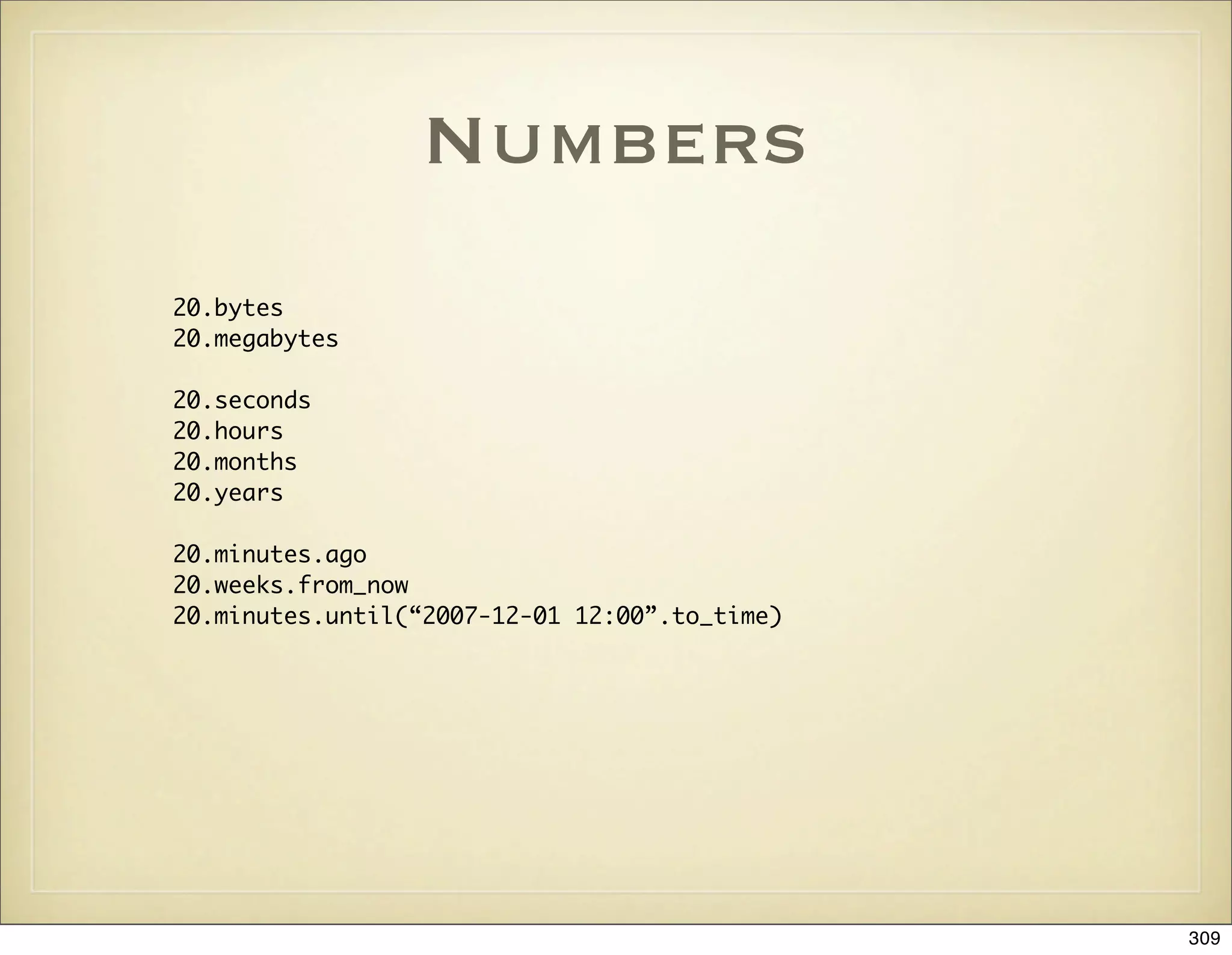
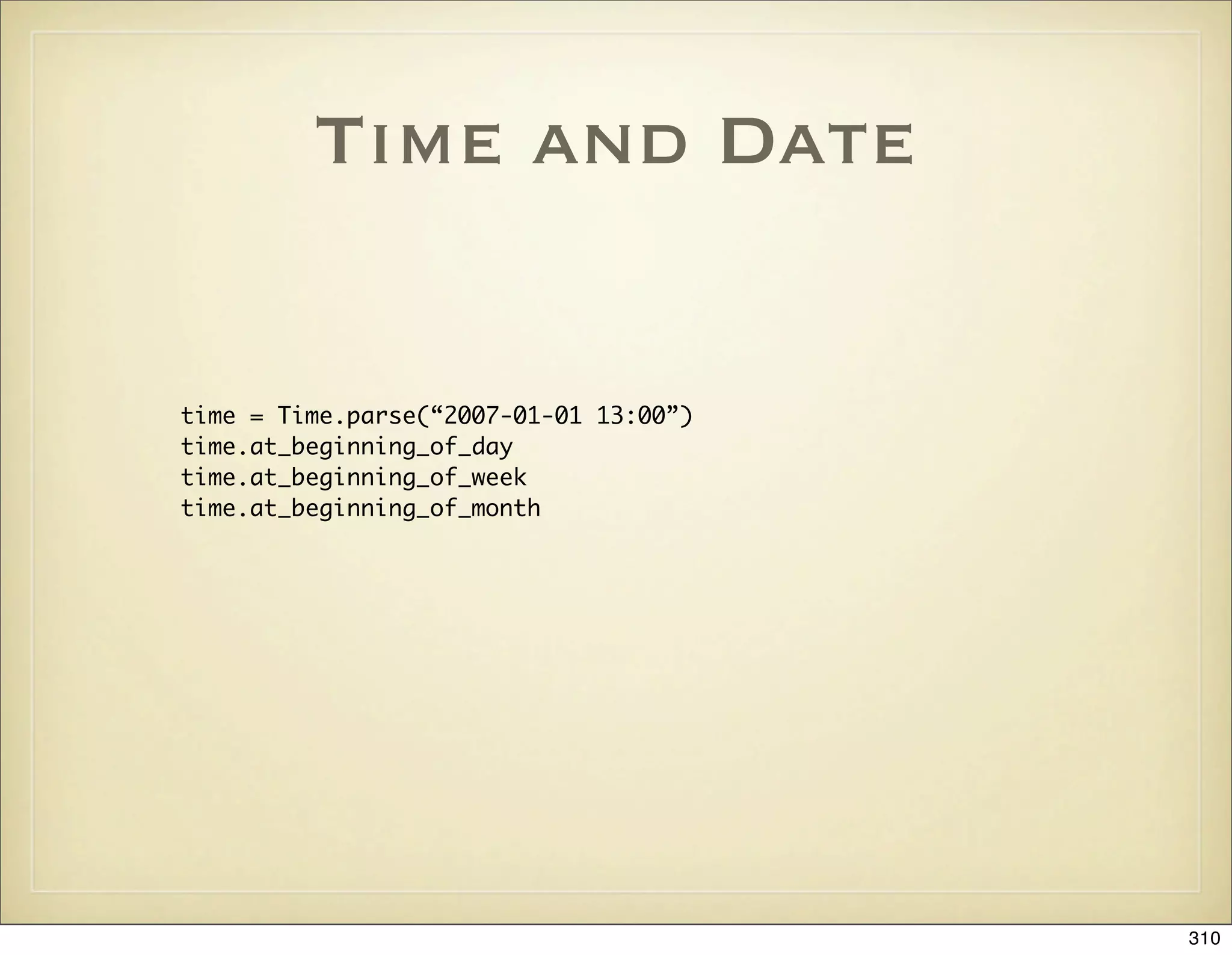
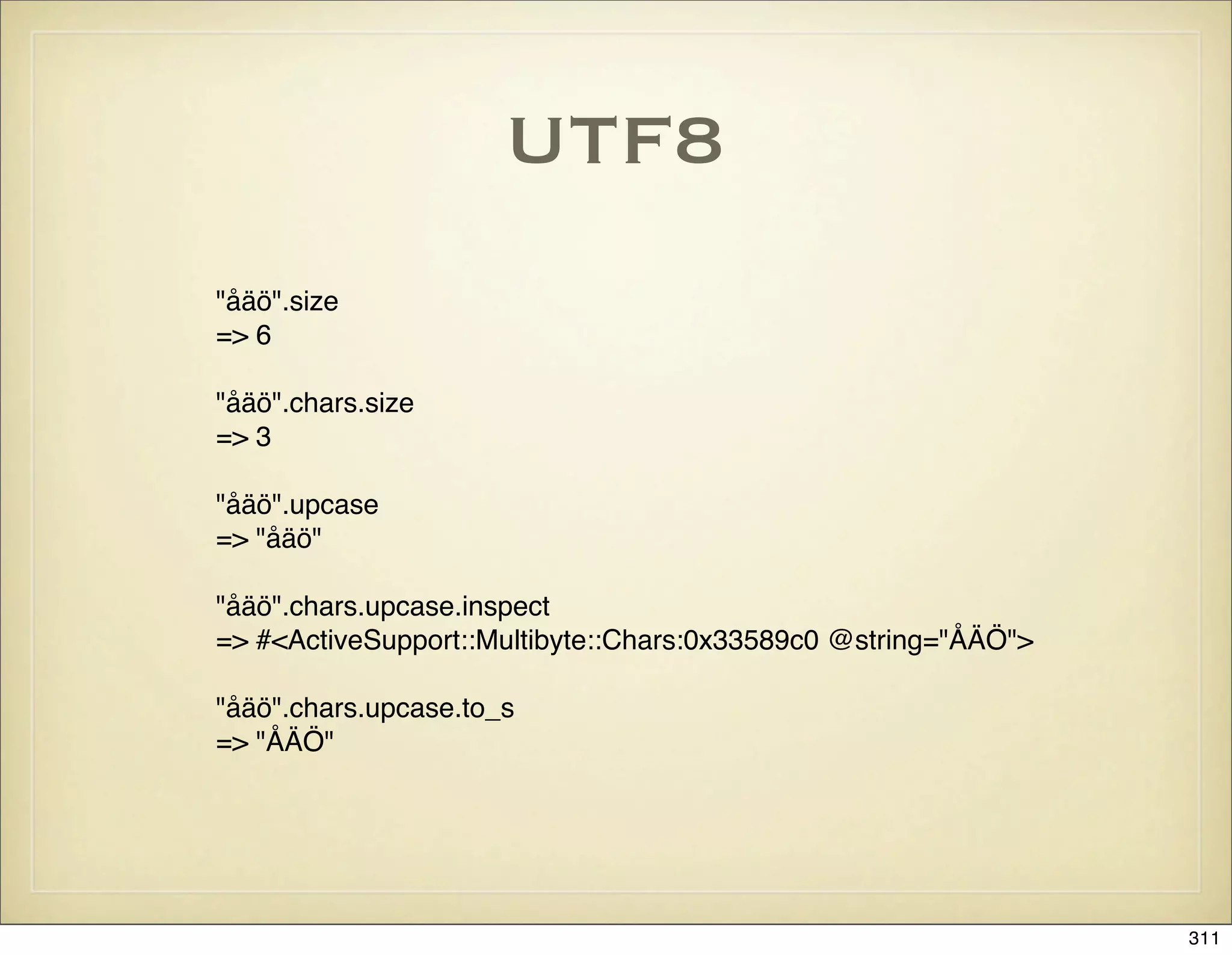
![What’s New in Edge
Rails: ryandaigle.com
* RESTful URL helper
category_article_url(@category, @article) -> url_for([@category, @article])
* New database rake tasks: db:drop and db:reset
* validates_numericality_of pimped
Now takes args: :greater_than, :equal_to, :less_than, :odd, :even
* A more flexible to_xml
user.to_xml(:except => [:id, :created_at], :include => :posts)
* Object transactions are out but there is a plugin
No more Account.transaction(from, to) do ... end with object state rollback
* Code annotations: FIXME, TODO, OPTIMIZE
List annotations with rake notes
* Accessing custom helpers
By default ApplicationController now has helper :all
* Better organization of environment.rb
You can modularize initialization code and put it under config/initializers
* ActiveRecord caching
ActiveRecord::Base.cache do .. end
* New file extensions: .erb and .builder
... and much more!
314](https://image.slidesharecdn.com/ruby-on-rails-101-presentation-slides-for-a-five-day-introductory-course-119407436077654-3-121125080043-phpapp01/75/Ruby-on-rails-101-presentation-slides-for-a-five-day-introductory-course-119407436077654-3-314-2048.jpg)

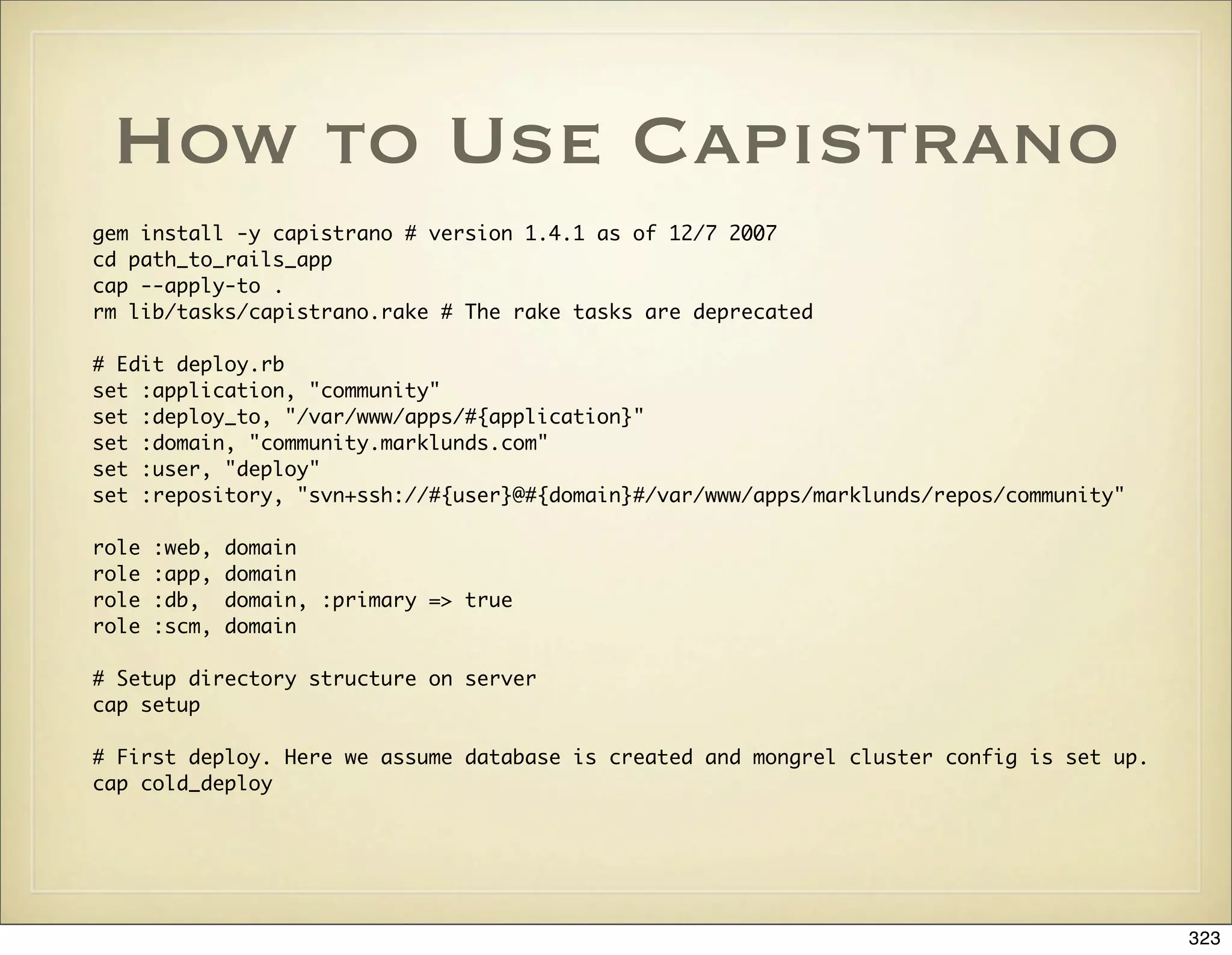
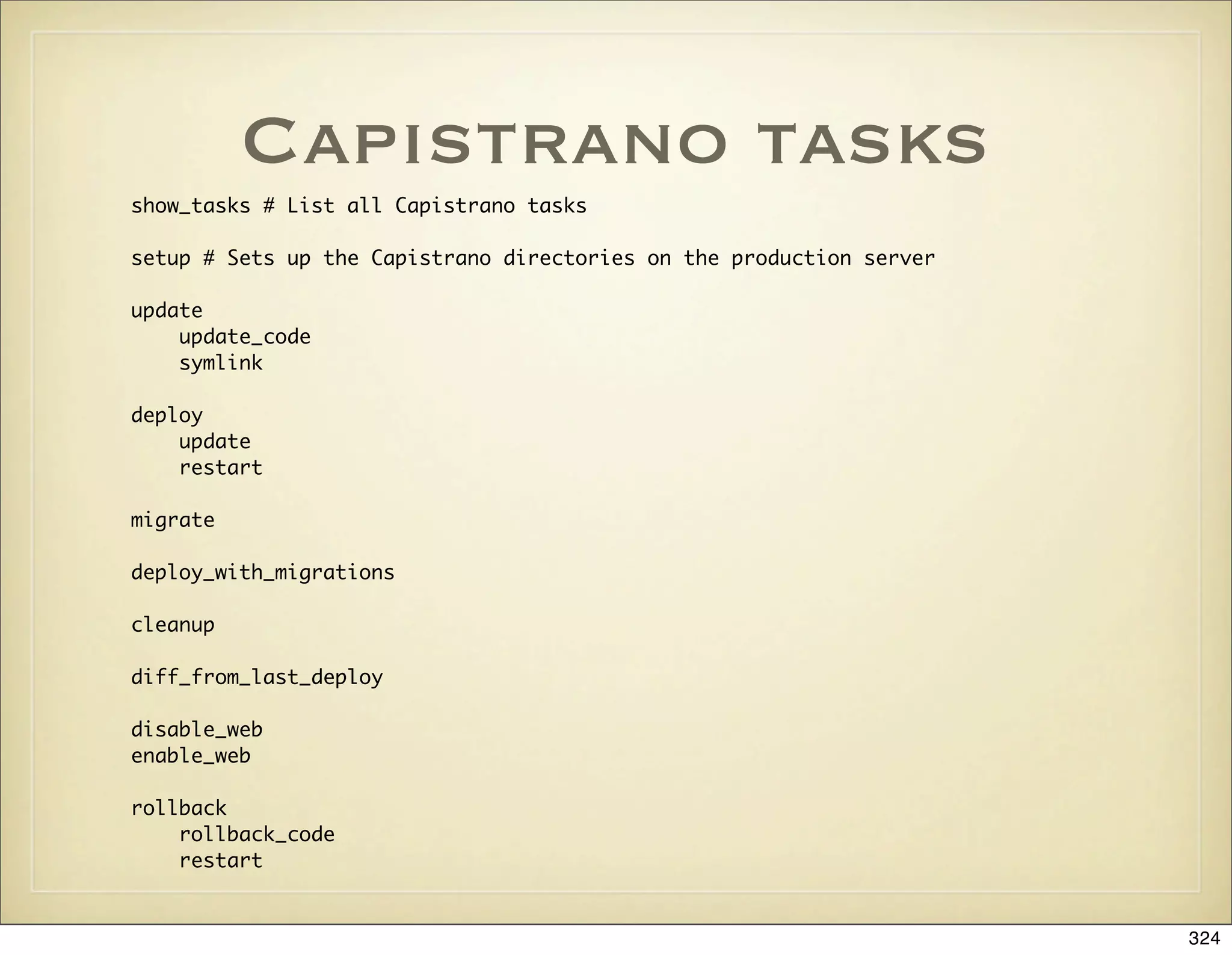
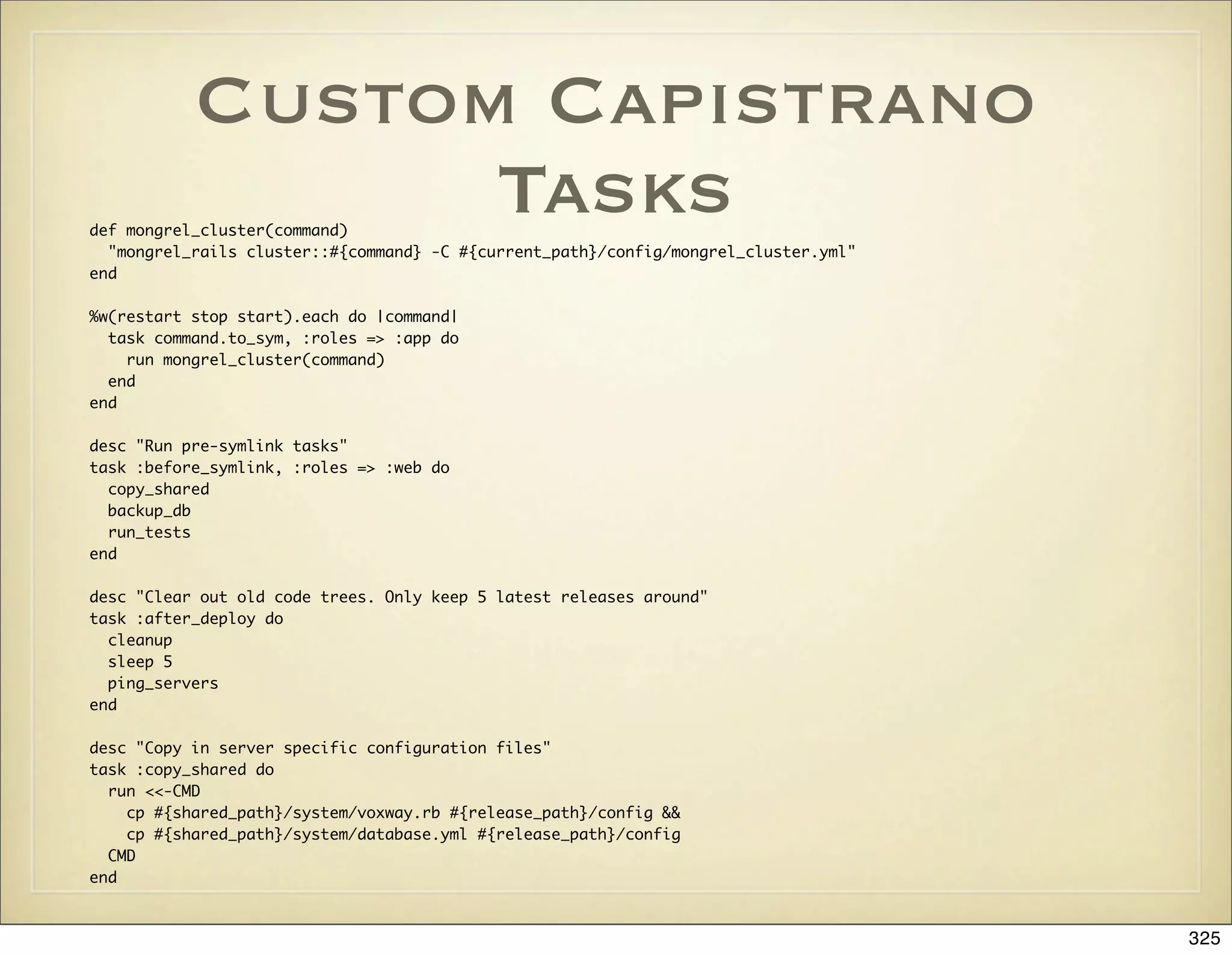
![More Capistrano Tasks
desc "Run the full tests on the deployed app."
task :run_tests do
run "cd #{release_path} && RAILS_ENV=production rake && cat /dev/null > log/test.log"
end
desc "Clear out old sessions from the database"
task :clear_sessions, :roles => :db, :only => { :primary => true } do
delete_sql = "DELETE FROM sessions WHERE updated_at < now() - 48*3600"
run <<-CMD
cd #{current_path} && ./script/runner 'ActiveRecord::Base.connection.delete("#{delete_sql}")'
CMD
end
desc "Backup production database to local file. We want backups on several production servers in case one would
crash."
task :backup_db, :roles => :app do
prod = ::ActiveRecord::Base.configurations['production']
max_age_files = 100 # Number of days to keep db backup files
# We could use a date stamp like '$(date +"%d-%m-%y")' but we don't want to collect too many backup files
backup_type = (ENV['FREQUENCY'] || "pre_deploy")
run <<-CMD
ruby -e "Dir['#{backup_dir}/*.dmp'].each { |file| File.delete(file) if (Time.now - File.mtime(file) >
3600*24*#{max_age_files}) }" && mysqldump #{mysql_options(prod)} --set-charset #{prod['database']} >
#{backup_db_path}
CMD
end
326](https://image.slidesharecdn.com/ruby-on-rails-101-presentation-slides-for-a-five-day-introductory-course-119407436077654-3-121125080043-phpapp01/75/Ruby-on-rails-101-presentation-slides-for-a-five-day-introductory-course-119407436077654-3-326-2048.jpg)
![MySQL and Charsets
# Abort if database doesn't have right encoding configured
%w(character_set_database character_set_client character_set_connection).each do |v|
ActiveRecord::Base.connection.execute("SHOW VARIABLES LIKE '#{v}'").each do |f|
unless f[1] == "utf8"
puts "ERROR: MySQL database isn't properly encoded"
puts "Kindly set your #{f[0]} variable to utf8"
RAILS_DEFAULT_LOGGER.error("MySQL database isn't properly encoded")
exit 1
end
end
end
328](https://image.slidesharecdn.com/ruby-on-rails-101-presentation-slides-for-a-five-day-introductory-course-119407436077654-3-121125080043-phpapp01/75/Ruby-on-rails-101-presentation-slides-for-a-five-day-introductory-course-119407436077654-3-328-2048.jpg)