Wrangle the Tech!
Wrangle the
Tech
Christine Ayar Illichmann
christine.illichmann@librarieshawaii.org
Let’s use tech to make our work
and personal lives better
• Project Planning
• To Do Lists
• RSS and Blogs
• Automated Shortcuts
• Calendars and Scheduling
• Photo Editing and Graphics/Posters
• Other Helpful Things
• Your Suggestions, Please!
Total!
Mostly free,
mostly web-based.
Project
Planning
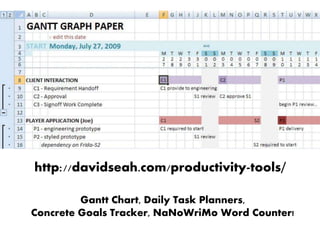
http://davidseah.com/productivity-tools/
Gantt Chart, Daily Task Planners,
Concrete Goals Tracker, NaNoWriMo Word Counter!
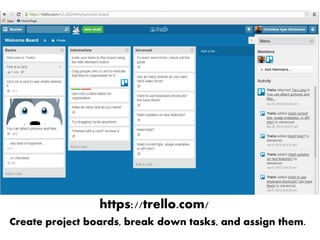
https://trello.com/
Create project boards, break down tasks, and assign them.
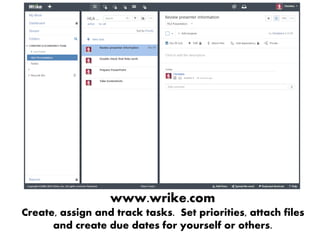
www.wrike.com
Create, assign and track tasks. Set priorities, attach files
and create due dates for yourself or others.
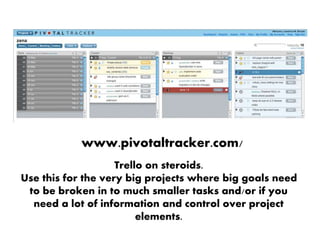
www.pivotaltracker.com/
Trello on steroids.
Use this for the very big projects where big goals need
to be broken in to much smaller tasks and/or if you
need a lot of information and control over project
elements.
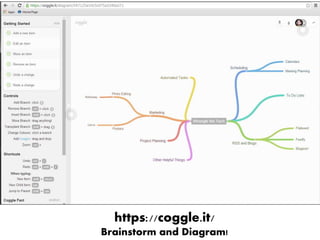
https://coggle.it/
Brainstorm and Diagram!
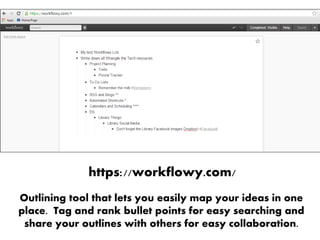
https://workflowy.com/
Outlining tool that lets you easily map your ideas in one
place. Tag and rank bullet points for easy searching and
share your outlines with others for easy collaboration.
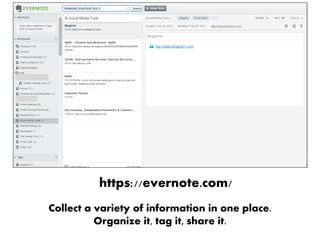
https://evernote.com/
Collect a variety of information in one place.
Organize it, tag it, share it.
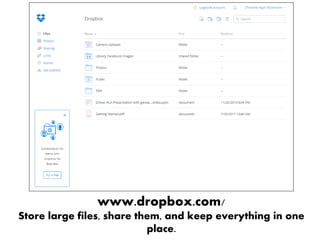
www.dropbox.com/
Store large files, share them, and keep everything in one
place.
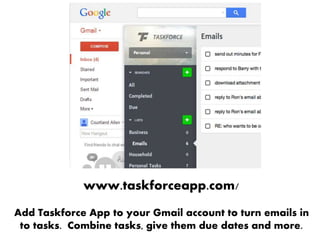
www.taskforceapp.com/
Add Taskforce App to your Gmail account to turn emails in
to tasks. Combine tasks, give them due dates and more.
To Do ListsTo Do
Lists
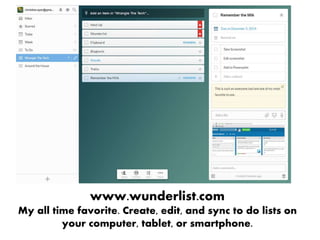
www.wunderlist.com
My all time favorite. Create, edit, and sync to do lists on
your computer, tablet, or smartphone.
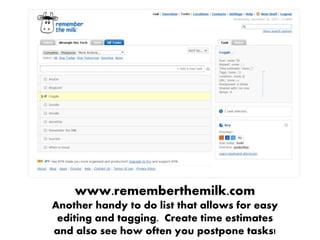
www.rememberthemilk.com
Another handy to do list that allows for easy
editing and tagging. Create time estimates
and also see how often you postpone tasks!
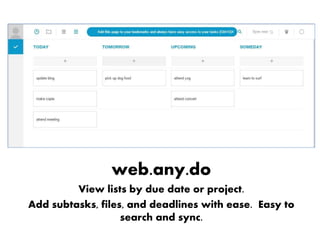
web.any.do
View lists by due date or project.
Add subtasks, files, and deadlines with ease. Easy to
search and sync.
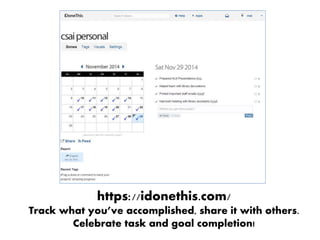
https://idonethis.com/
Track what you’ve accomplished, share it with others.
Celebrate task and goal completion!
RSS and Blogs
https://www.bloglovin.com/
Quickly scan the blogs you love, find blogs that fit your
interest, see what friends are reading.
about.flipboard.com/
Only on smart phones and tablets. But a beautiful way
to see blog and news content.
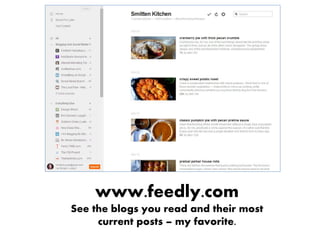
www.feedly.com
See the blogs you read and their most
current posts – my favorite.
Automated Shortcuts
and Notifications
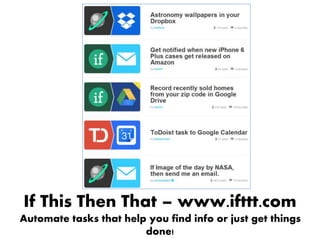
If This Then That – www.ifttt.com
Automate tasks that help you find info or just get things
done!
www.zapier.com
A bit more business minded but also a wonderfully
effective tool for helping to automate tasks!
www.getnotifiedapp.com
Don’t want to figure out “recipes”? Just type in a sentence
and GetNotified does the rest.
Calendars and
Scheduling
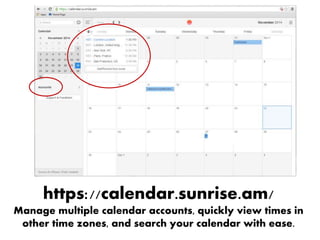
https://calendar.sunrise.am/
Manage multiple calendar accounts, quickly view times in
other time zones, and search your calendar with ease.
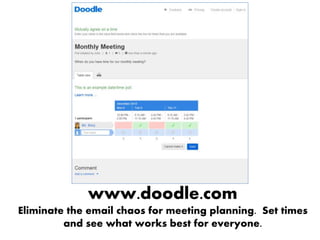
www.doodle.com
Eliminate the email chaos for meeting planning. Set times

and see what works best for everyone.
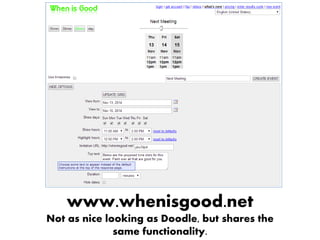
www.whenisgood.net
Not as nice looking as Doodle, but shares the
same functionality.
Time Zones
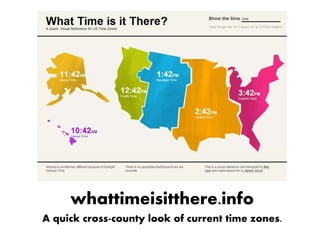
whattimeisitthere.info
A quick cross-county look of current time zones.
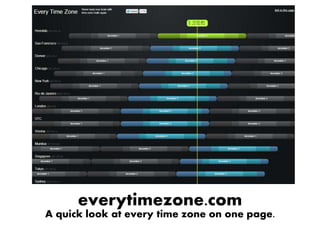
everytimezone.com
A quick look at every time zone on one page.
Photo Editing &
Images
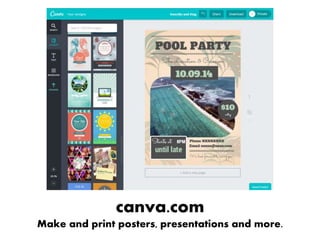
canva.com
Make and print posters, presentations and more.
picmonkey.com
Photo editing and poster creation!
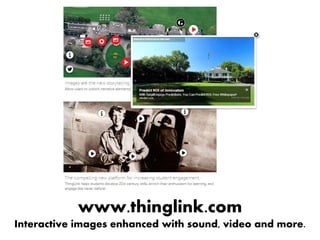
www.thinglink.com
Interactive images enhanced with sound, video and more.
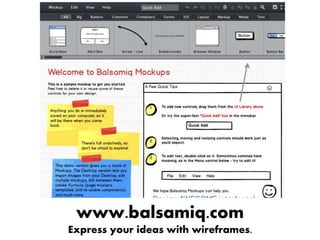
www.balsamiq.com
Express your ideas with wireframes.
A growing aggregator of free stock –
remember attribution!
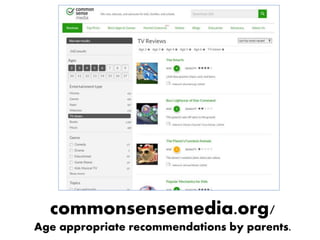
commonsensemedia.org/
Age appropriate recommendations by parents.
Looking for fun, interesting, and cool things to post at your
library or on social media?
Create a Dropbox account (dropbox.com)
Then email ben@benbizzle.com – ask to be added to the
“Library Facebook Images” Dropbox.
www.librariansyellowpages.com
You may be familiar with the Yellow Pages, but the web
version is also handy.
Other Helpful Things
Other
helpful
things
https://todaysmeet.com/
bit.ly/todaysmeetarticle
Make programs more interactive by creating
another way to converse and share thoughts.
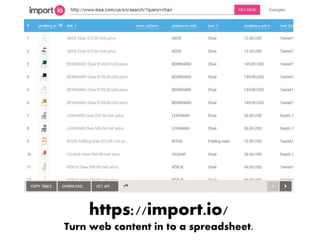
https://import.io/
Turn web content in to a spreadsheet.
Rescuetime.com
Learn more about how you spend your computer time.
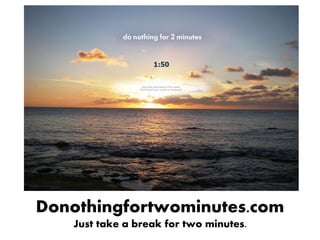
Donothingfortwominutes.com
Just take a break for two minutes.
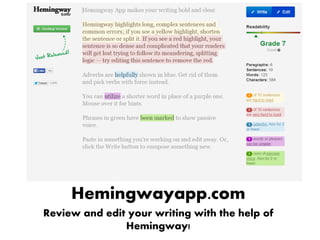
Hemingwayapp.com
Review and edit your writing with the help of
Hemingway!
justgetflux.com
Don’t let your screen keep you up! Flux automatically
adjusts your screen to warmer tones as the night goes
on, so you can get to sleep!
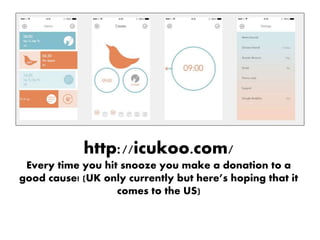
http://icukoo.com/
Every time you hit snooze you make a donation to a
good cause! (UK only currently but here’s hoping that it
comes to the US)

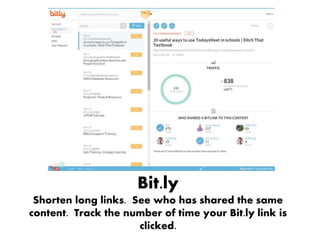
Bit.ly
Shorten long links. See who has shared the same
content. Track the number of time your Bit.ly link is
clicked.
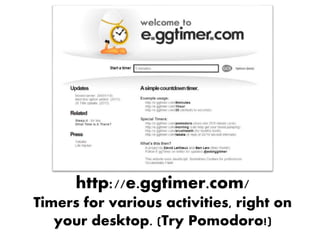
http://e.ggtimer.com/
Timers for various activities, right on
your desktop. (Try Pomodoro!)
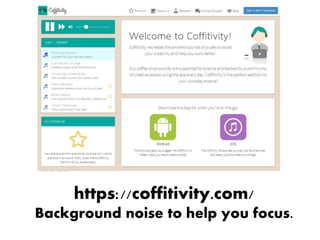
https://coffitivity.com/
Background noise to help you focus.
What are your
favorites?
Photo Credits!
Slide 1: http://magdeleine.co/photo-keith-misner-n-6/
Slide 4: http://magdeleine.co/photo-todd-quackenbush-n-124/
Slide 14:http://magdeleine.co/photo-jose-manuel-rios-valiente-n-57/
Slide 19: http://magdeleine.co/photo-vincent-n-98-2/
Slide 23: http://magdeleine.co/photo-jessica-lok-n-104/
Slide 27: http://magdeleine.co/photo-jonas-nilsson-lee-n-3/
Slide 31: http://magdeleine.co/photo-giovanni-cioli-n-127/
Slide 35: http://magdeleine.co/photo-little-visuals-n-17/
Slide 40: http://magdeleine.co/photo-steve-richey-n-138/
Slide 44: http://magdeleine.co/photo-tomas-laurinavicius-n-26/
Slide 55: http://magdeleine.co/photo-todd-quackenbush-n-151/

Wrangle the tech!