Cool Toyz:  Free Online Productivity Tools Lorena O’English Washington State University Libraries [email_address] Yahoo/MSN/AIM IM: wsulorena
Productivity:  What do we want to do? Organize and manage your own stuff Work collaboratively Use graphics  ???
Decision Rules for Change Is there a need? Does the tool solve that need? Does it work for you/your workflow? Future thinking…
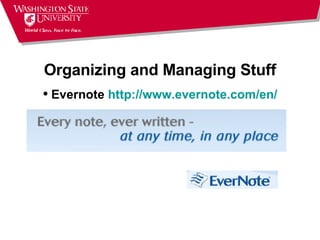
Organizing and Managing Stuff Evernote  http://www.evernote.com/en/
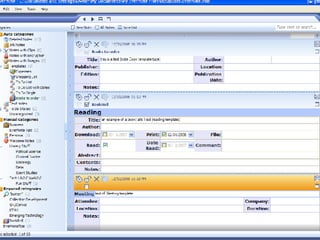
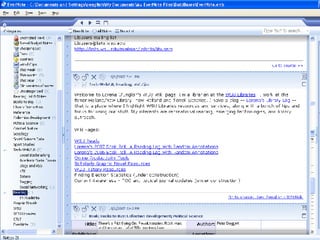
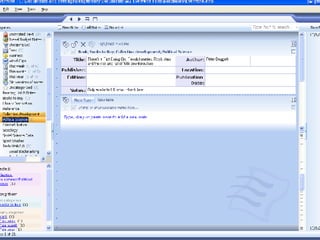
EverNote New metaphor: from documents on files to notes on an endless tape. Can save text, MS Office items, images, clips from webpages and email, and more; saves link to online source. Notes are categorized using tags Find by date, category(s) or search Customizable, via template forms that can be shared with others  Can email notes to others  Automatic backup (5 most recent)
 
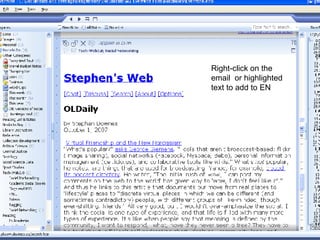
Right-click on the email  or highlighted text to add to EN
 
 
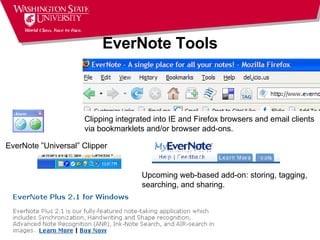
EverNote Tools EverNote ”Universal” Clipper Clipping integrated into IE and Firefox browsers and email clients  via bookmarklets and/or browser add-ons. Upcoming web-based add-on: storing, tagging, searching, and sharing.
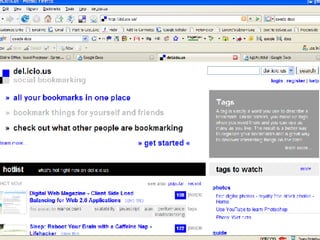
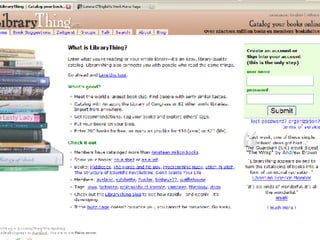
Working Collaboratively: Sharing Save and share Web sites via social bookmarking services: Bookmarks accessible anywhere  Social - searchable, traceable, sharable, sendable  Bookmarklets allow easy saving  Archivable  Del.icio.us www.furl.net Librarything:  http://www.librarything.com/


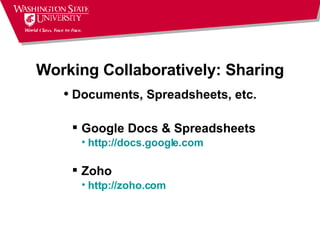
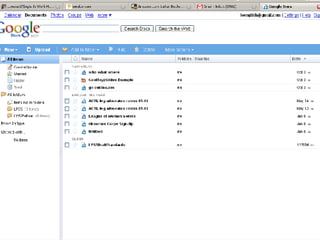
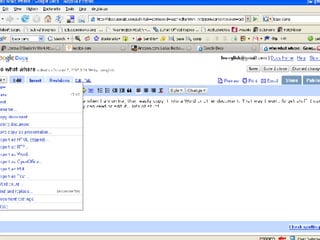
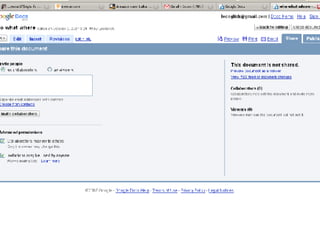
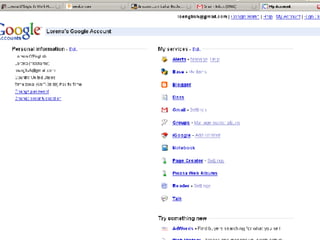
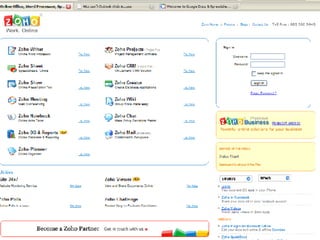
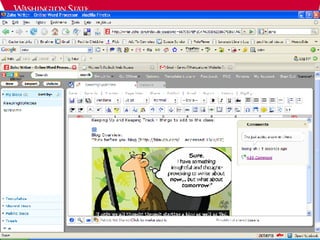
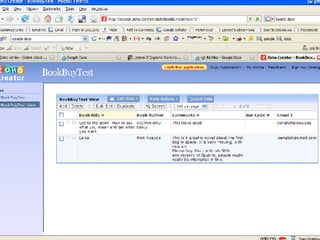
Working Collaboratively: Sharing Documents, Spreadsheets, etc. Google Docs & Spreadsheets http://docs.google.com Zoho http://zoho.com


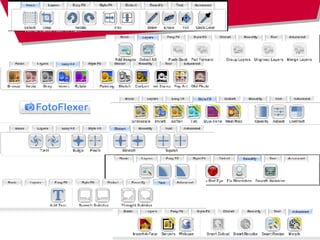
Use Graphics Fotoflexor -   http:// fotoflexer.com/start.php   Phixr –  http://www.phixr.com 3hrs to upload to Flickr, PhotoBucket, etc. or download Picnik -  http://www.picnik.com/ For immediate uploading/downloading Pixenate -  http://pixenate.com/ SnipShot -  http:// snipshot.com / Thumbalizr -  http://www.thumbalizr.com Creates thumbnails from screen or page; resizable … and IrfanView!!!
 
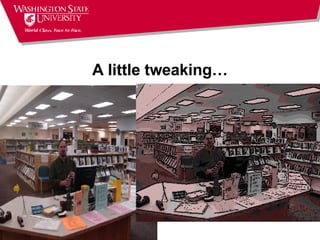
A little tweaking…
Cautions: http://spokesmanreview.com/features/story.asp?ID=211006
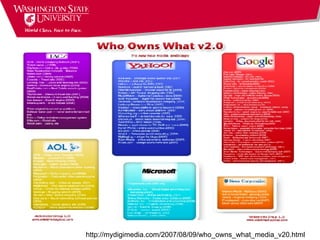
Cautions: Who’s Holding your IP? http://mydigimedia.com/2007/08/09/who_owns_what_media_v20.html
Implementation: Push, not Pull Modeling and training (Patrons too!) Make it easy Automatic application opening Create a *useful* home page with links to what you use Use RSS/syndication  Consistency! …watch out for money/time pits
Questions??? http:// wiki.wsu.edu/wsuwiki/Productivity_Tools Gilding the Molly…

Cool Toyz: Online Productivity Tools

  • 1.
    Cool Toyz: Free Online Productivity Tools Lorena O’English Washington State University Libraries [email_address] Yahoo/MSN/AIM IM: wsulorena
  • 2.
    Productivity: Whatdo we want to do? Organize and manage your own stuff Work collaboratively Use graphics ???
  • 3.
    Decision Rules forChange Is there a need? Does the tool solve that need? Does it work for you/your workflow? Future thinking…
  • 4.
    Organizing and ManagingStuff Evernote http://www.evernote.com/en/
  • 5.
    EverNote New metaphor:from documents on files to notes on an endless tape. Can save text, MS Office items, images, clips from webpages and email, and more; saves link to online source. Notes are categorized using tags Find by date, category(s) or search Customizable, via template forms that can be shared with others Can email notes to others Automatic backup (5 most recent)
  • 6.
  • 7.
    Right-click on theemail or highlighted text to add to EN
  • 8.
  • 9.
  • 10.
    EverNote Tools EverNote”Universal” Clipper Clipping integrated into IE and Firefox browsers and email clients via bookmarklets and/or browser add-ons. Upcoming web-based add-on: storing, tagging, searching, and sharing.
  • 11.
    Working Collaboratively: SharingSave and share Web sites via social bookmarking services: Bookmarks accessible anywhere Social - searchable, traceable, sharable, sendable Bookmarklets allow easy saving Archivable Del.icio.us www.furl.net Librarything: http://www.librarything.com/
  • 12.
  • 13.
  • 14.
  • 15.
    Working Collaboratively: SharingDocuments, Spreadsheets, etc. Google Docs & Spreadsheets http://docs.google.com Zoho http://zoho.com
  • 16.
  • 17.
  • 18.
  • 19.
  • 20.
  • 21.
  • 22.
  • 23.
  • 24.
    Use Graphics Fotoflexor-  http:// fotoflexer.com/start.php Phixr – http://www.phixr.com 3hrs to upload to Flickr, PhotoBucket, etc. or download Picnik - http://www.picnik.com/ For immediate uploading/downloading Pixenate - http://pixenate.com/ SnipShot - http:// snipshot.com / Thumbalizr - http://www.thumbalizr.com Creates thumbnails from screen or page; resizable … and IrfanView!!!
  • 25.
  • 26.
  • 27.
  • 28.
    Cautions: Who’s Holdingyour IP? http://mydigimedia.com/2007/08/09/who_owns_what_media_v20.html
  • 29.
    Implementation: Push, notPull Modeling and training (Patrons too!) Make it easy Automatic application opening Create a *useful* home page with links to what you use Use RSS/syndication Consistency! …watch out for money/time pits
  • 30.