Working with video Media Skills for Language Teachers - Benoît Guilbaud [email_address] @FILTA_Community @MMU_Languages @BenGuilbaud
At the end of this session, you should be able to: Convert a section of a DVD into a digital file Edit film clips and share them online Use Web 2.0 to create online discussions around film clips Session objectives
Select clips Edit Duplicate Upload Share Embed in PowerPoint Preserve quality Save physical space Going digital
http://goo.gl/nrIXS Resources for today ’ s session
Extracting video clips from a DVD Please run the following application on your computer: Xilisoft DVD to WMV converter 6 (PC) Handbrake (Mac)
Editing Please run the following application on your computer: Windows Live Movie Maker (PC) iMovie (Mac)
Please run the following application on your computer: Embedding in PowerPoint PowerPoint
Uploading & sharing Please access the  DropBox  website using the URL provided in the  session resources  document and create a  free  account. DropBox
Using film clips with Web 2.0 Please access the  MMU Languages Student Portal  website using the URL provided in the  session resources  document. Ning
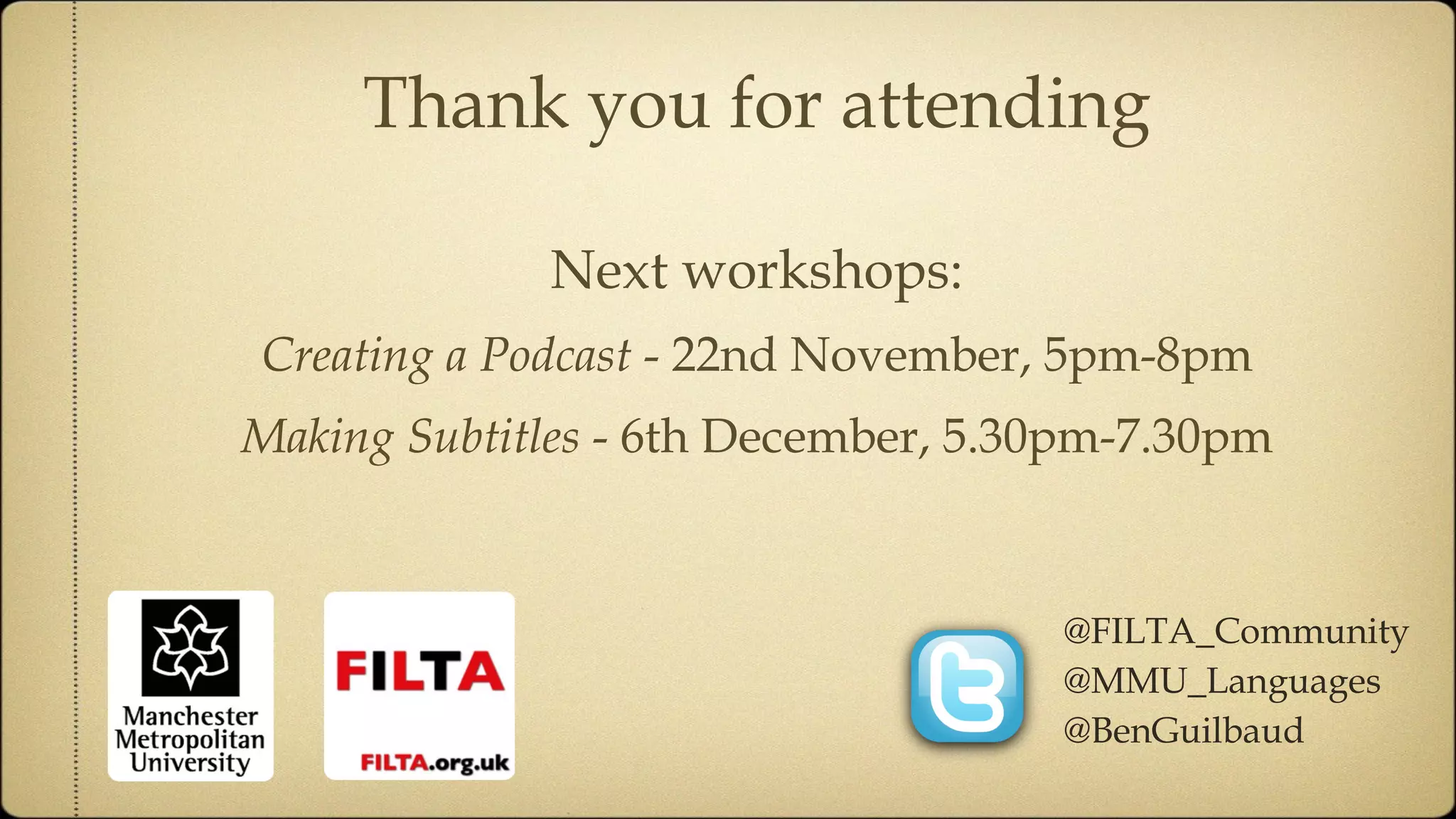
Thank you for attending Next workshops: Creating a Podcast  - 22nd November, 5pm-8pm Making Subtitles  - 6th December, 5.30pm-7.30pm @FILTA_Community @MMU_Languages @BenGuilbaud

Working with video

  • 1.
    Working with videoMedia Skills for Language Teachers - Benoît Guilbaud [email_address] @FILTA_Community @MMU_Languages @BenGuilbaud
  • 2.
    At the endof this session, you should be able to: Convert a section of a DVD into a digital file Edit film clips and share them online Use Web 2.0 to create online discussions around film clips Session objectives
  • 3.
    Select clips EditDuplicate Upload Share Embed in PowerPoint Preserve quality Save physical space Going digital
  • 4.
  • 5.
    Extracting video clipsfrom a DVD Please run the following application on your computer: Xilisoft DVD to WMV converter 6 (PC) Handbrake (Mac)
  • 6.
    Editing Please runthe following application on your computer: Windows Live Movie Maker (PC) iMovie (Mac)
  • 7.
    Please run thefollowing application on your computer: Embedding in PowerPoint PowerPoint
  • 8.
    Uploading & sharingPlease access the DropBox website using the URL provided in the session resources document and create a free account. DropBox
  • 9.
    Using film clipswith Web 2.0 Please access the MMU Languages Student Portal website using the URL provided in the session resources document. Ning
  • 10.
    Thank you forattending Next workshops: Creating a Podcast - 22nd November, 5pm-8pm Making Subtitles - 6th December, 5.30pm-7.30pm @FILTA_Community @MMU_Languages @BenGuilbaud