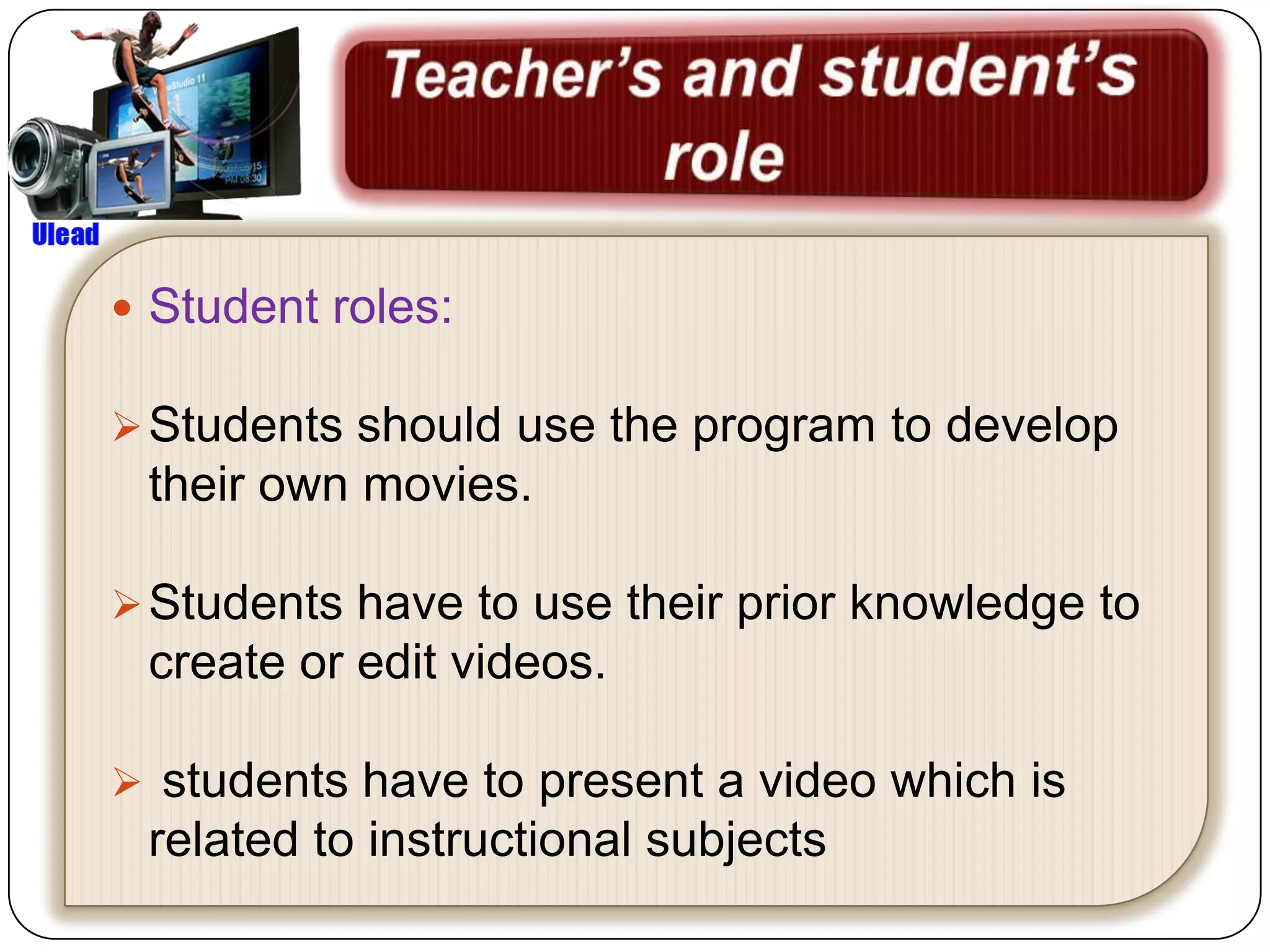
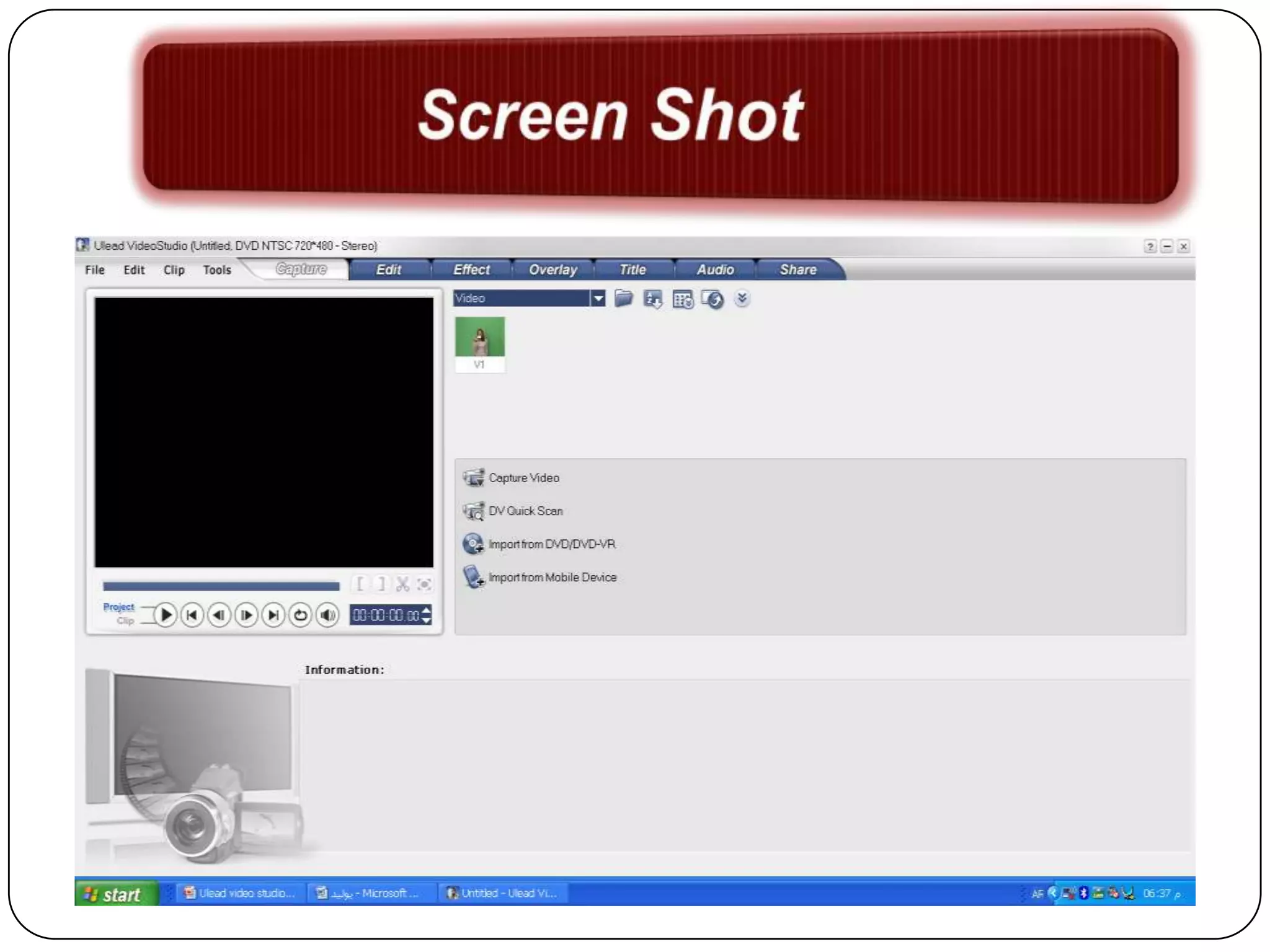
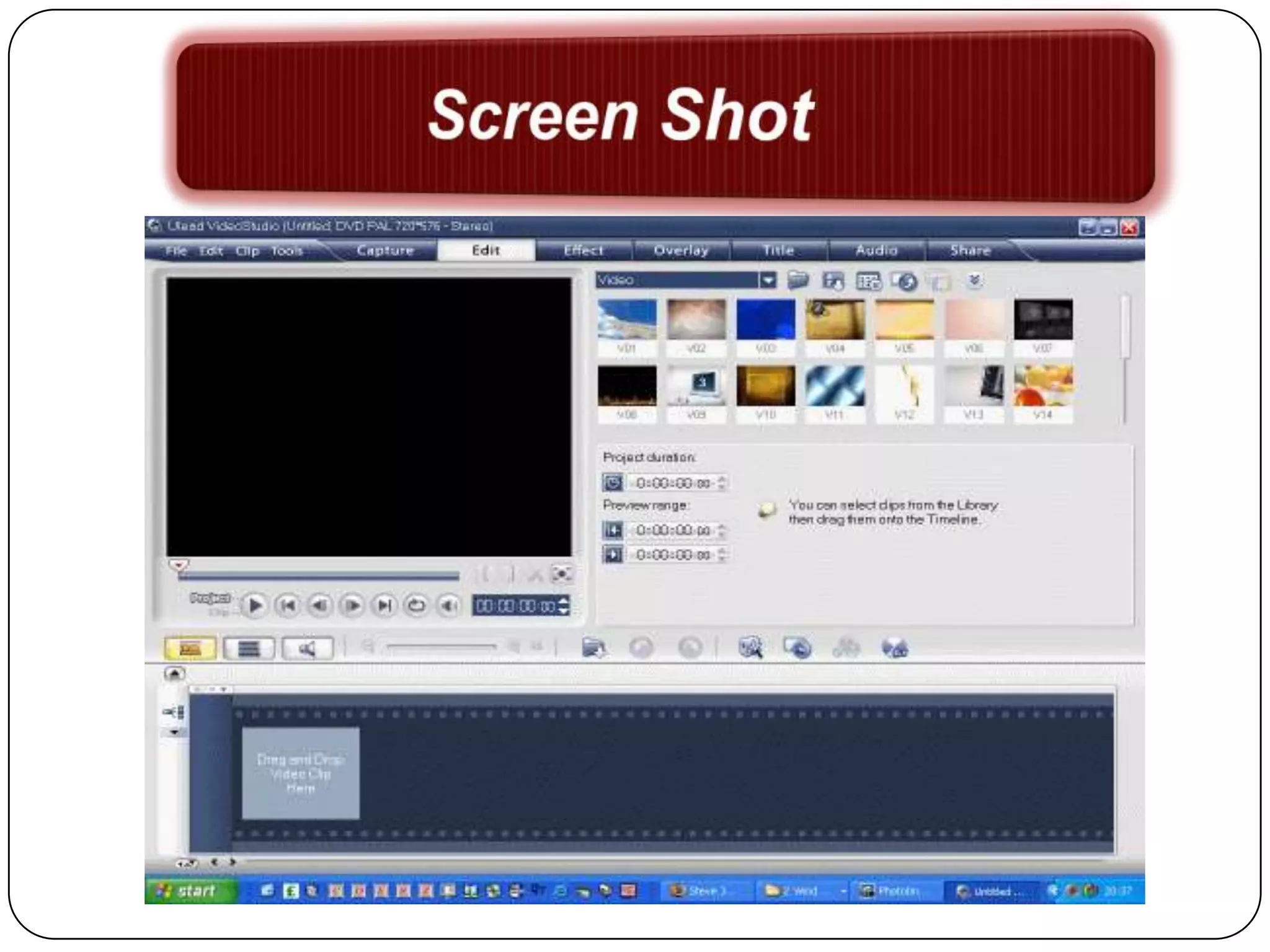
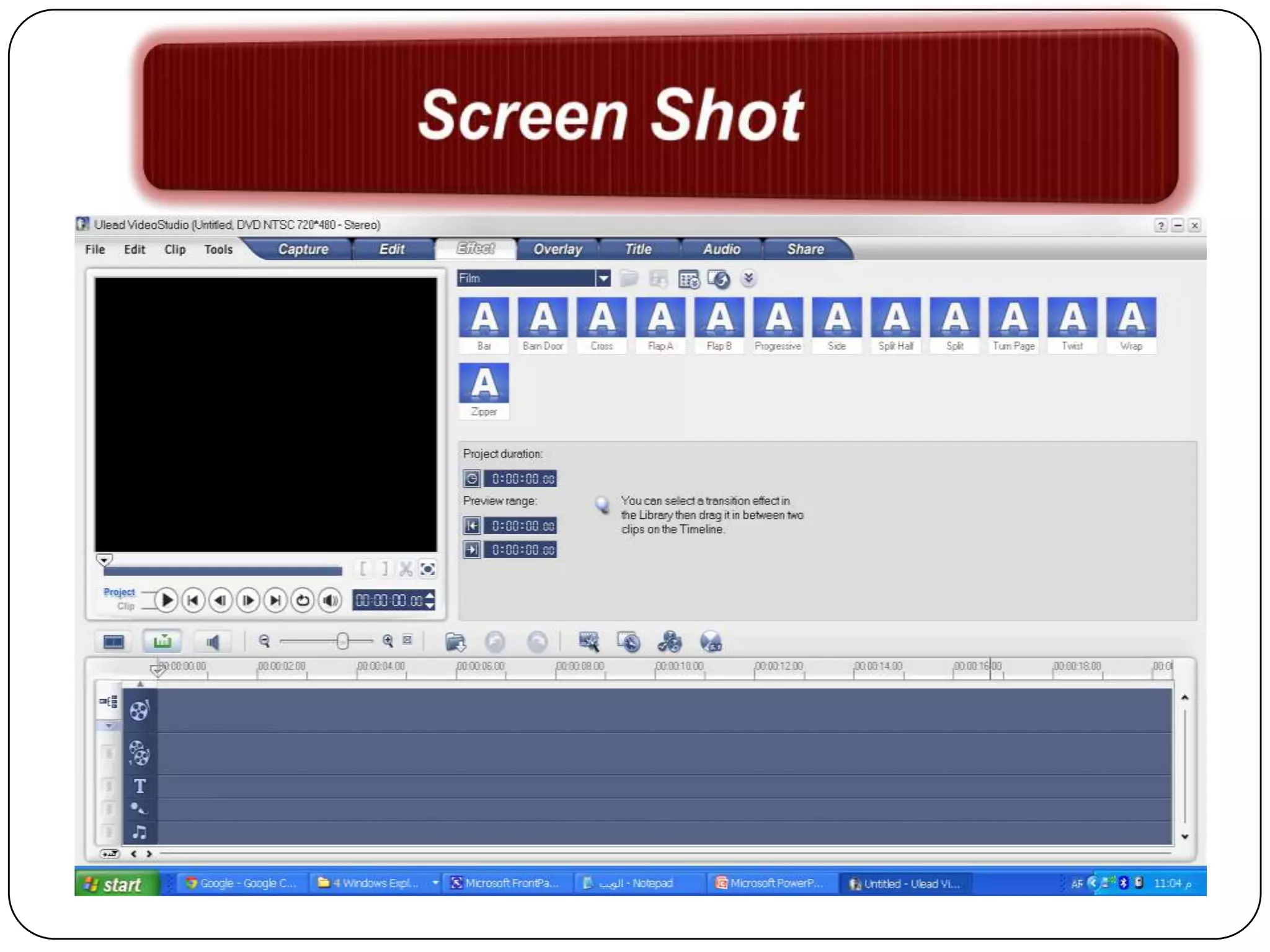
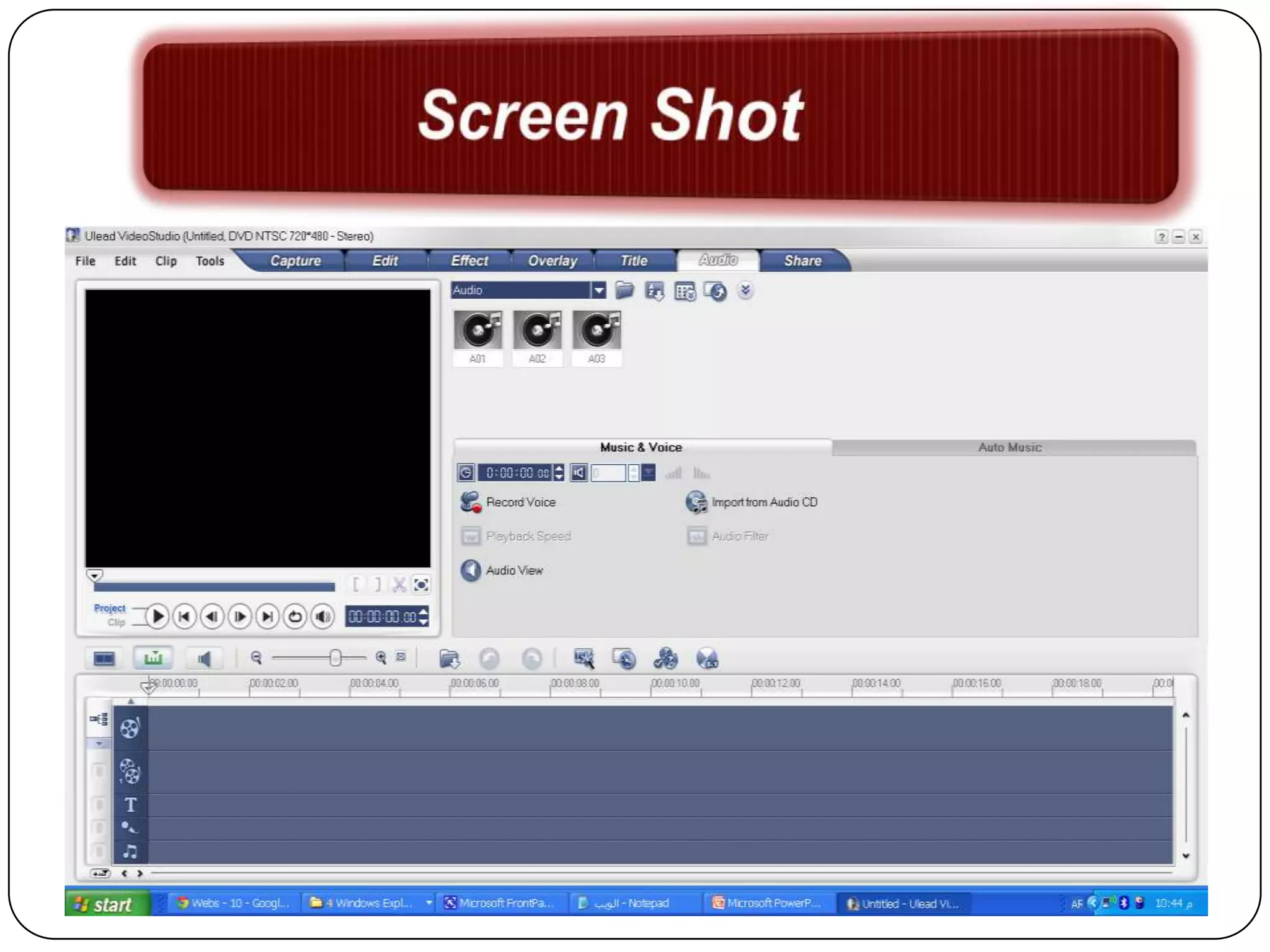
 It is multimedia, powerful video editing
 and disc authoring software from
 Microsoft Windows. It is a simple way to
 get videos and pictures off a camera, do
 some editing to polish it and look good.
 Objectives:
at the end of this program student will be able to:
 edit an already made videos.

 integrate images, audio and text into their video
  clip.
 produce instructional video for students in different
  level.
 convert video to sound file.

 Enhance creativity
many people can use this program.

For instructional use it is suitable for
 high school students.

The target learner must have some
 basic skills about editing video such as
 using movie maker.
Educational Feature:

 It allows students to import images from
 computer to present their ideas, concepts ,
 etc.

It Provides effects , transition , overlay to
 enhance students’ attention.

It is Controllable pace because it includes
 options for stop/pause and exit the video.
Technical Feature:

It Provides exit button and safety nets to end
 the program.

It supports multi -languages .

It Provides save option.

 It is Free download.
Teacher’s role:

 Define the objective .
 teacher should present the interface of
program to the students.
 Gide students to know how can they use the
programs
 teacher should teach students how to use
filters and effects.
 Teacher should teach the student how to
save hisher work.
 Student roles:

 Students should use the program to develop
 their own movies.

 Students have to use their prior knowledge to
 create or edit videos.

 students have to present a video which is
 related to instructional subjects
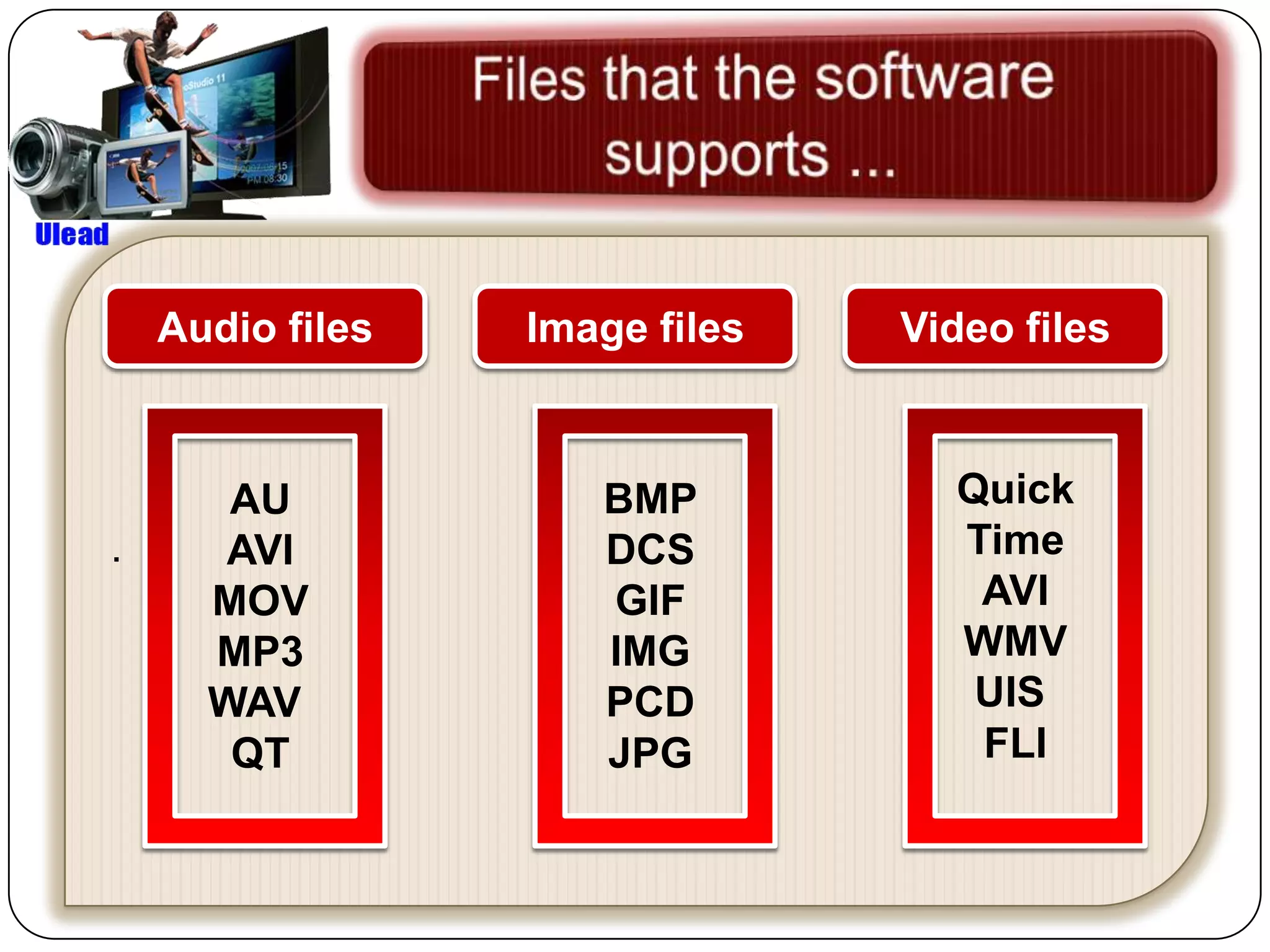
Audio files   Image files   Video files


       AU            BMP          Quick
.      AVI           DCS          Time
      MOV            GIF           AVI
      MP3            IMG          WMV
      WAV            PCD           UIS
       QT            JPG           FLI
Ulead video studio 11 new

Ulead video studio 11 new

  • 3.
     It ismultimedia, powerful video editing and disc authoring software from Microsoft Windows. It is a simple way to get videos and pictures off a camera, do some editing to polish it and look good.
  • 4.
     Objectives: at theend of this program student will be able to:  edit an already made videos.  integrate images, audio and text into their video clip.  produce instructional video for students in different level.  convert video to sound file.  Enhance creativity
  • 5.
    many people canuse this program. For instructional use it is suitable for high school students. The target learner must have some basic skills about editing video such as using movie maker.
  • 6.
    Educational Feature:  Itallows students to import images from computer to present their ideas, concepts , etc. It Provides effects , transition , overlay to enhance students’ attention. It is Controllable pace because it includes options for stop/pause and exit the video.
  • 7.
    Technical Feature: It Providesexit button and safety nets to end the program. It supports multi -languages . It Provides save option.  It is Free download.
  • 8.
    Teacher’s role:  Definethe objective .  teacher should present the interface of program to the students.  Gide students to know how can they use the programs  teacher should teach students how to use filters and effects.  Teacher should teach the student how to save hisher work.
  • 9.
     Student roles: Students should use the program to develop their own movies.  Students have to use their prior knowledge to create or edit videos.  students have to present a video which is related to instructional subjects
  • 10.
    Audio files Image files Video files AU BMP Quick . AVI DCS Time MOV GIF AVI MP3 IMG WMV WAV PCD UIS QT JPG FLI