Windows 8.1 Overview
Alexandre Marreiros
http://netponto.org
hashtag #netponto
About / Contact
Who
– CTO @ Innovagency
– Software Dev/Arch as Independent
– Technical Trainer and Speaker as Independent
– Technical Writer
Contact
– amarreiros@gmail.com
– @alexmarreiros
– Digitalmindignition.com
Alexandre Marreiros
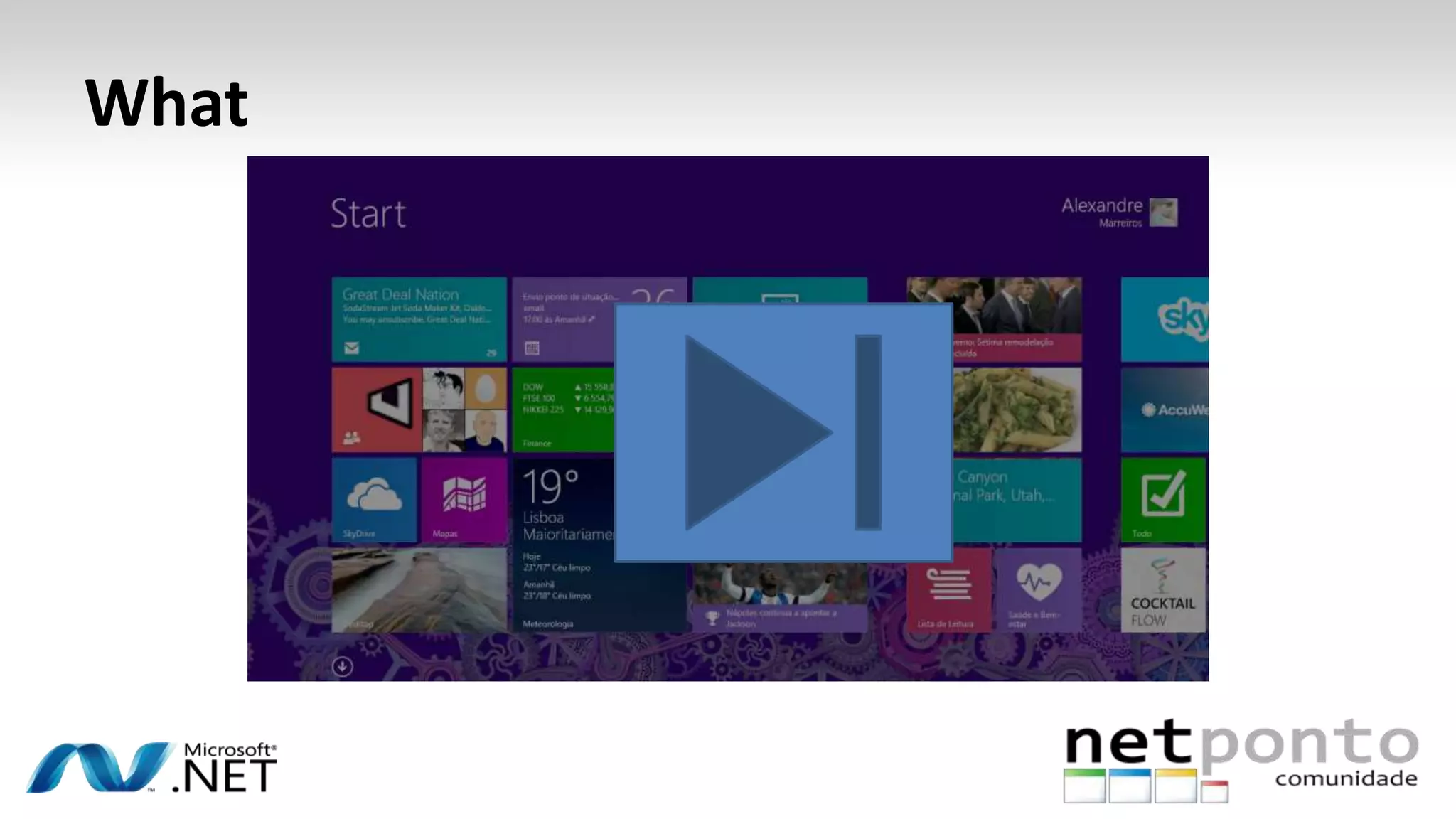
What
Agenda
– Windows 8.1 chat
– Windows 8.1 New Features
– Windows 8.1 a Tech View
Is and Isn’t
Launch date
“Final Windows 8.1 release date is likely to be
September or October, as the OS looks like
will be released to manufacturers to install
on new Machines in August. ”
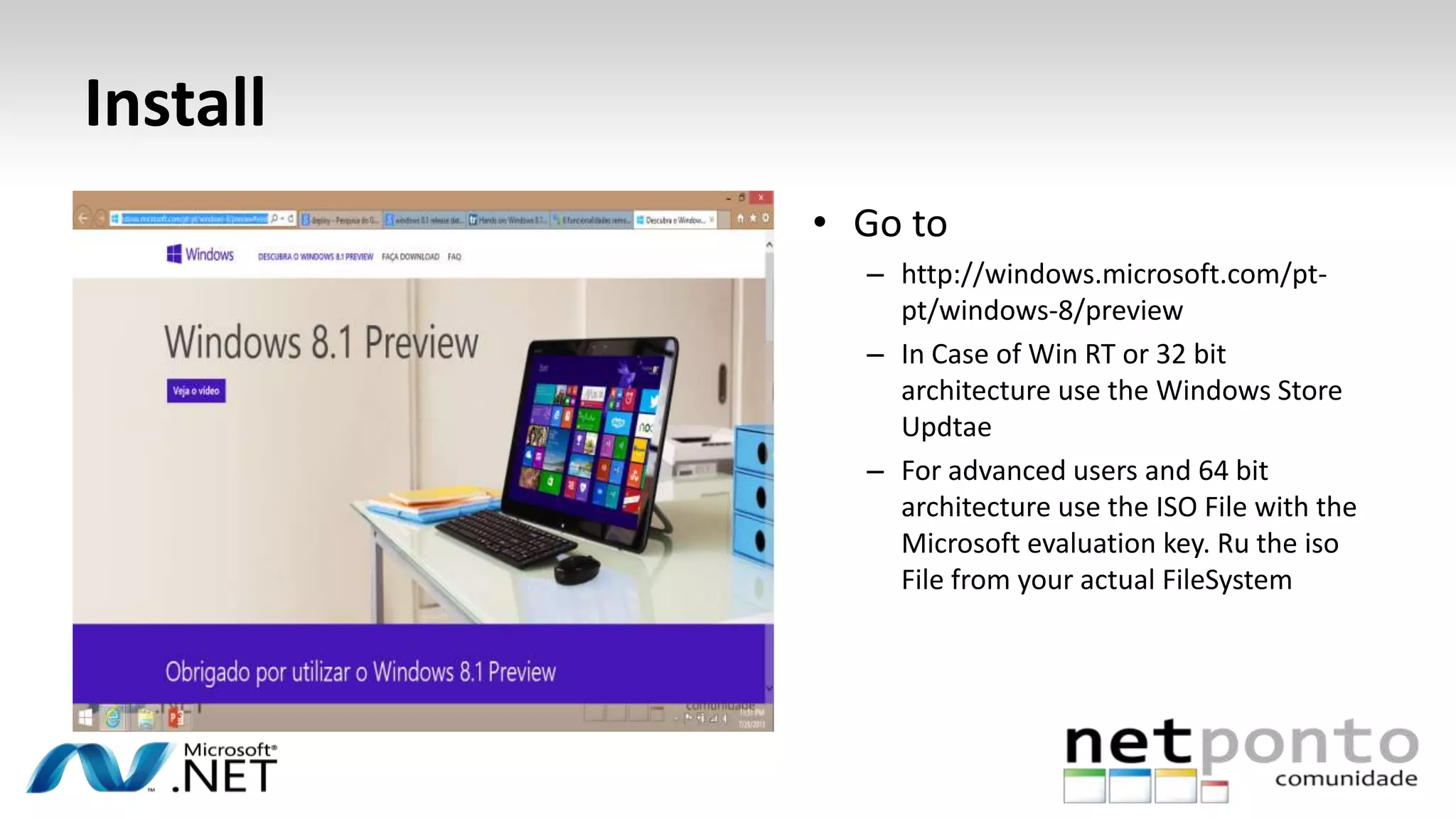
Install
• Go to
– http://windows.microsoft.com/pt-
pt/windows-8/preview
– In Case of Win RT or 32 bit
architecture use the Windows Store
Updtae
– For advanced users and 64 bit
architecture use the ISO File with the
Microsoft evaluation key. Ru the iso
File from your actual FileSystem
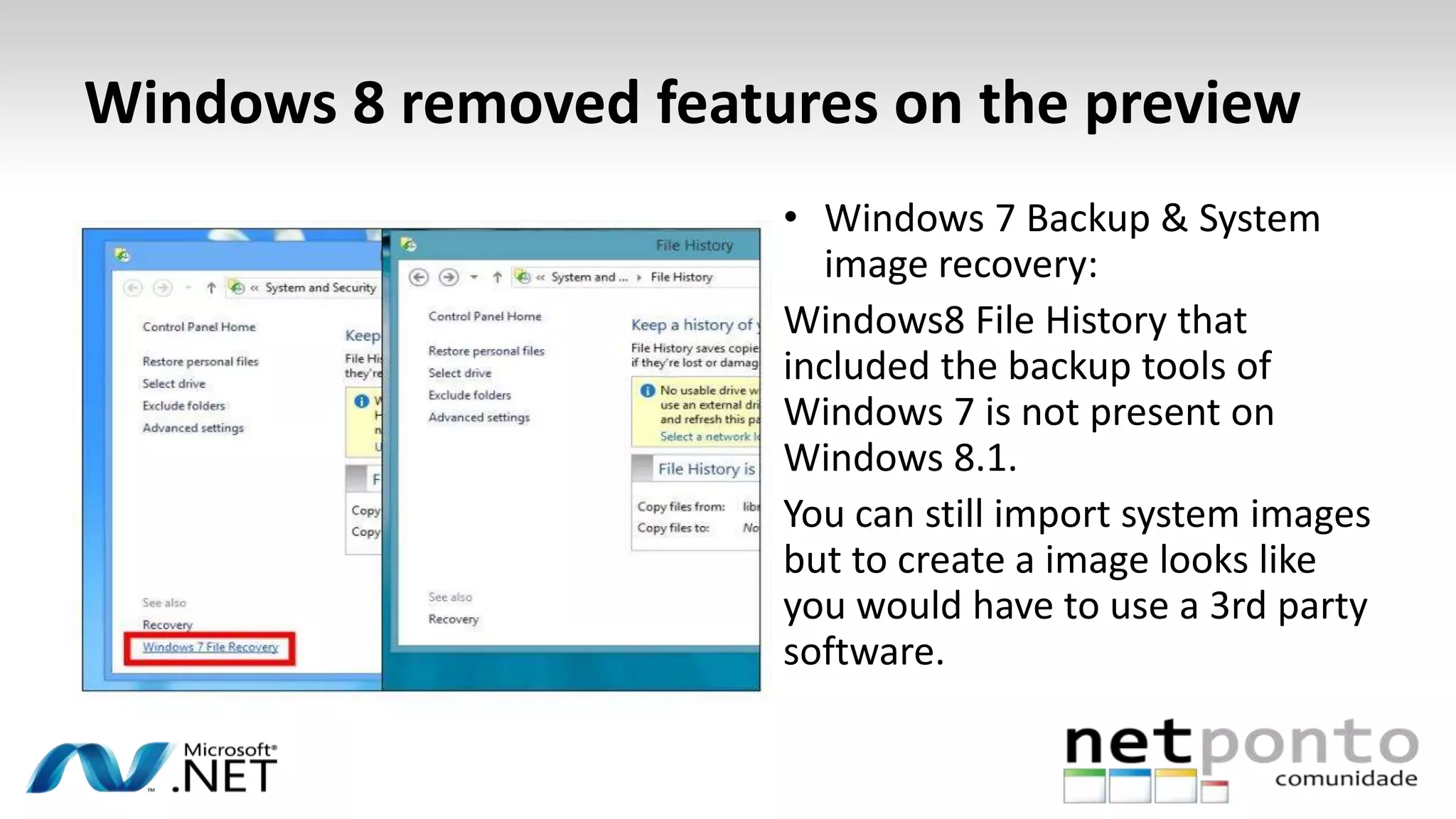
Windows 8 removed features on the preview
• Windows 7 Backup & System
image recovery:
Windows8 File History that
included the backup tools of
Windows 7 is not present on
Windows 8.1.
You can still import system images
but to create a image looks like
you would have to use a 3rd party
software.
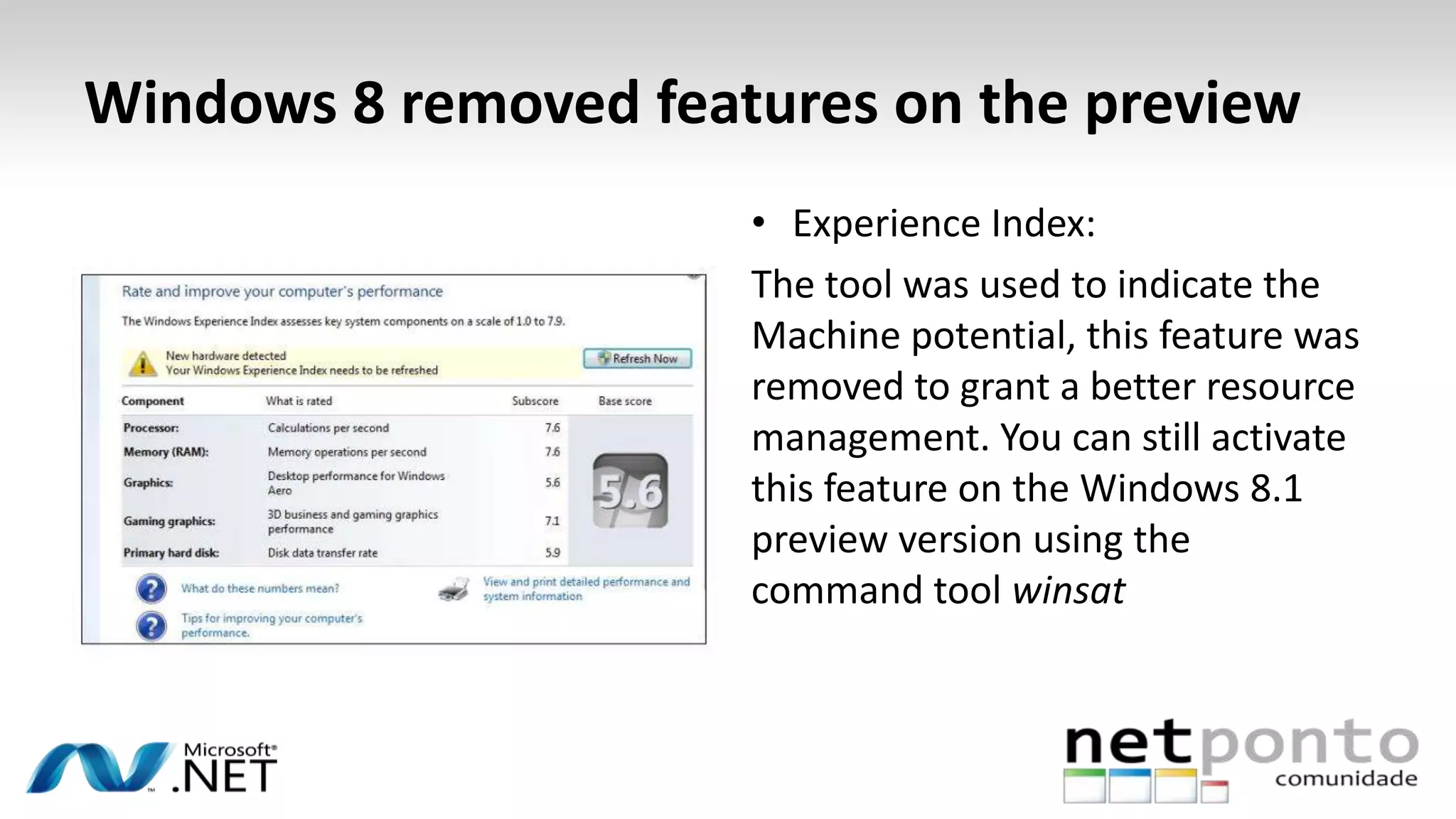
Windows 8 removed features on the preview
• Experience Index:
The tool was used to indicate the
Machine potential, this feature was
removed to grant a better resource
management. You can still activate
this feature on the Windows 8.1
preview version using the
command tool winsat
Windows 8 removed features on the preview
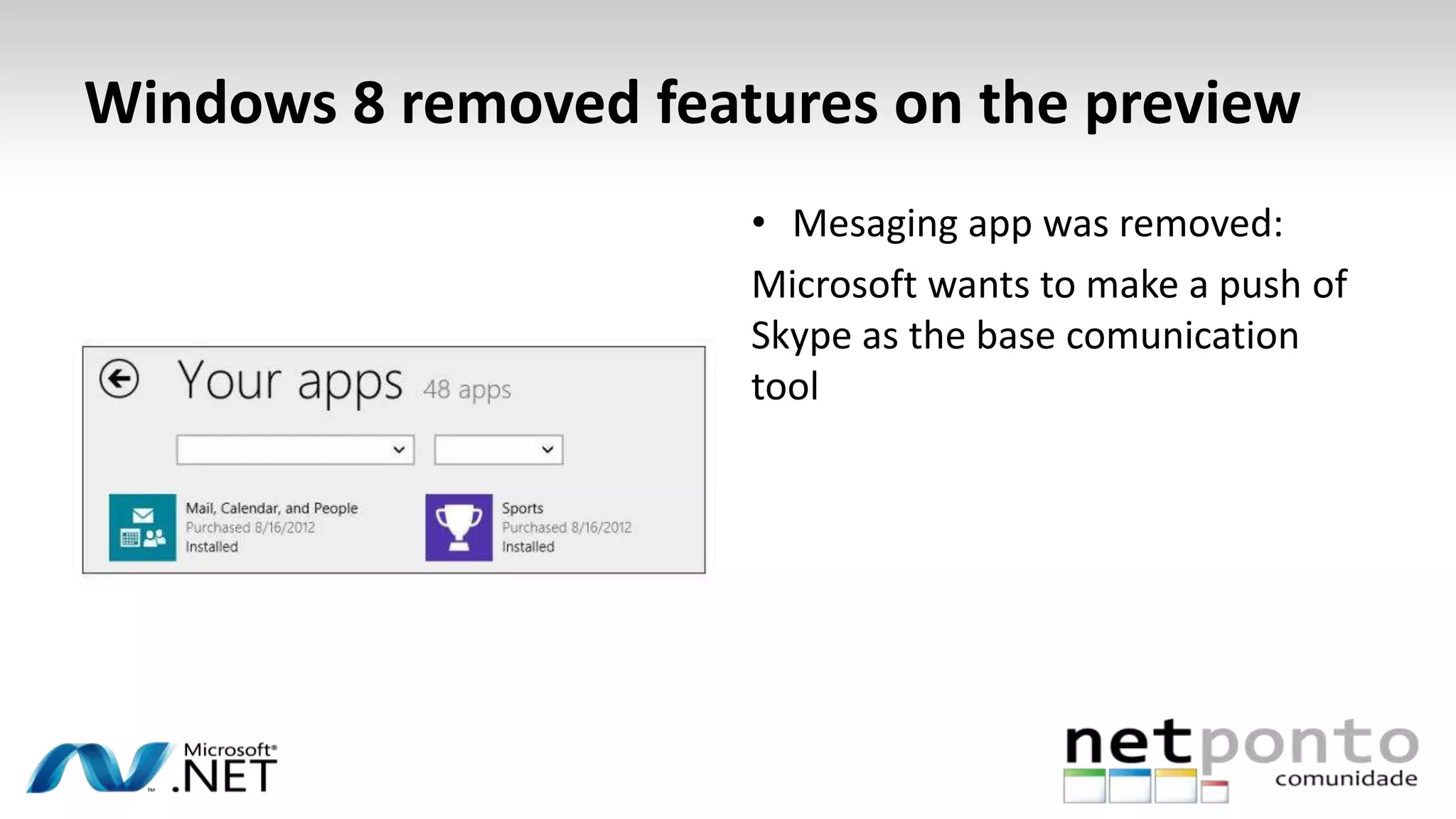
• Mesaging app was removed:
Microsoft wants to make a push of
Skype as the base comunication
tool
Windows 8 removed features on the preview
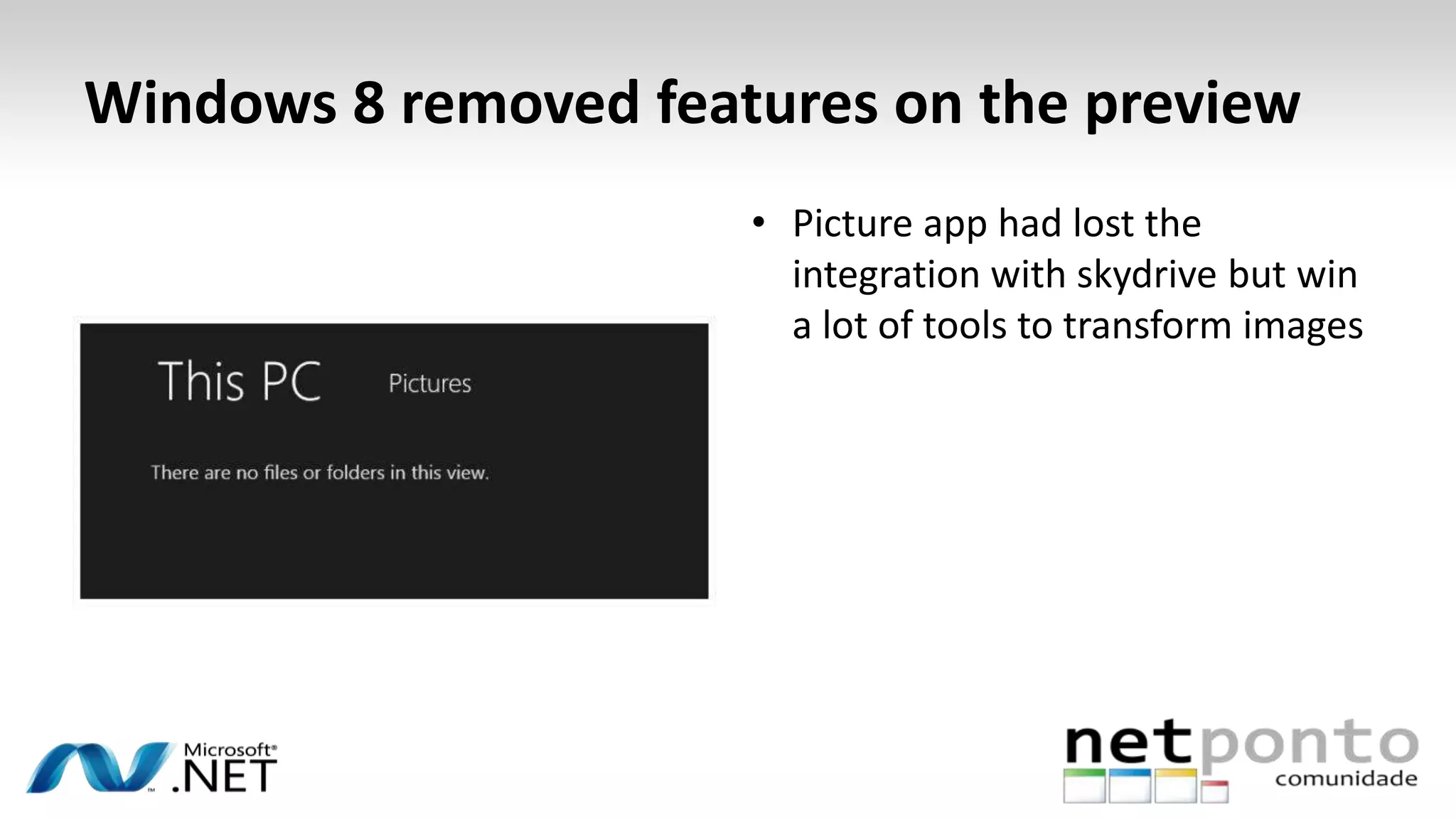
• Picture app had lost the
integration with skydrive but win
a lot of tools to transform images
Windows 8.1
“In Windows 8.1 Preview, apps continue to take center
stage, introducing new ways to interact with the system and
more opportunities for customers to immerse themselves in your
content. Consumers and business users can experience Windows
in ways that are familiar and comfortable, yet new and exciting.”
“With Windows 8.1 Preview, we’ve refined the user experience
to make it more familiar and natural, while keeping the focus on
great apps.”
Antoine Leblond, CVP @ Microsoft
Windows 8.1 Features
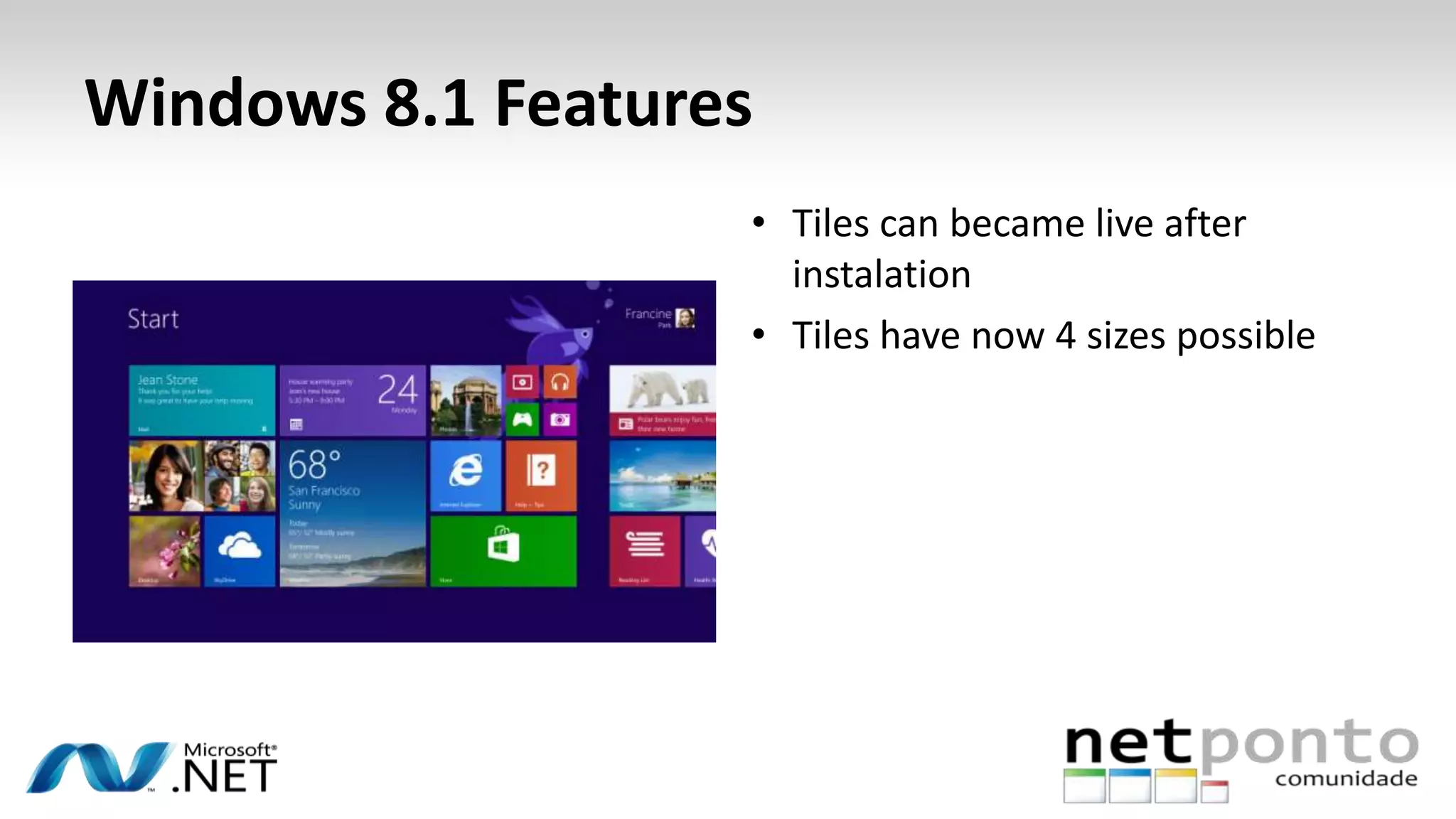
• Tiles can became live after
instalation
• Tiles have now 4 sizes possible
Windows 8.1 Features
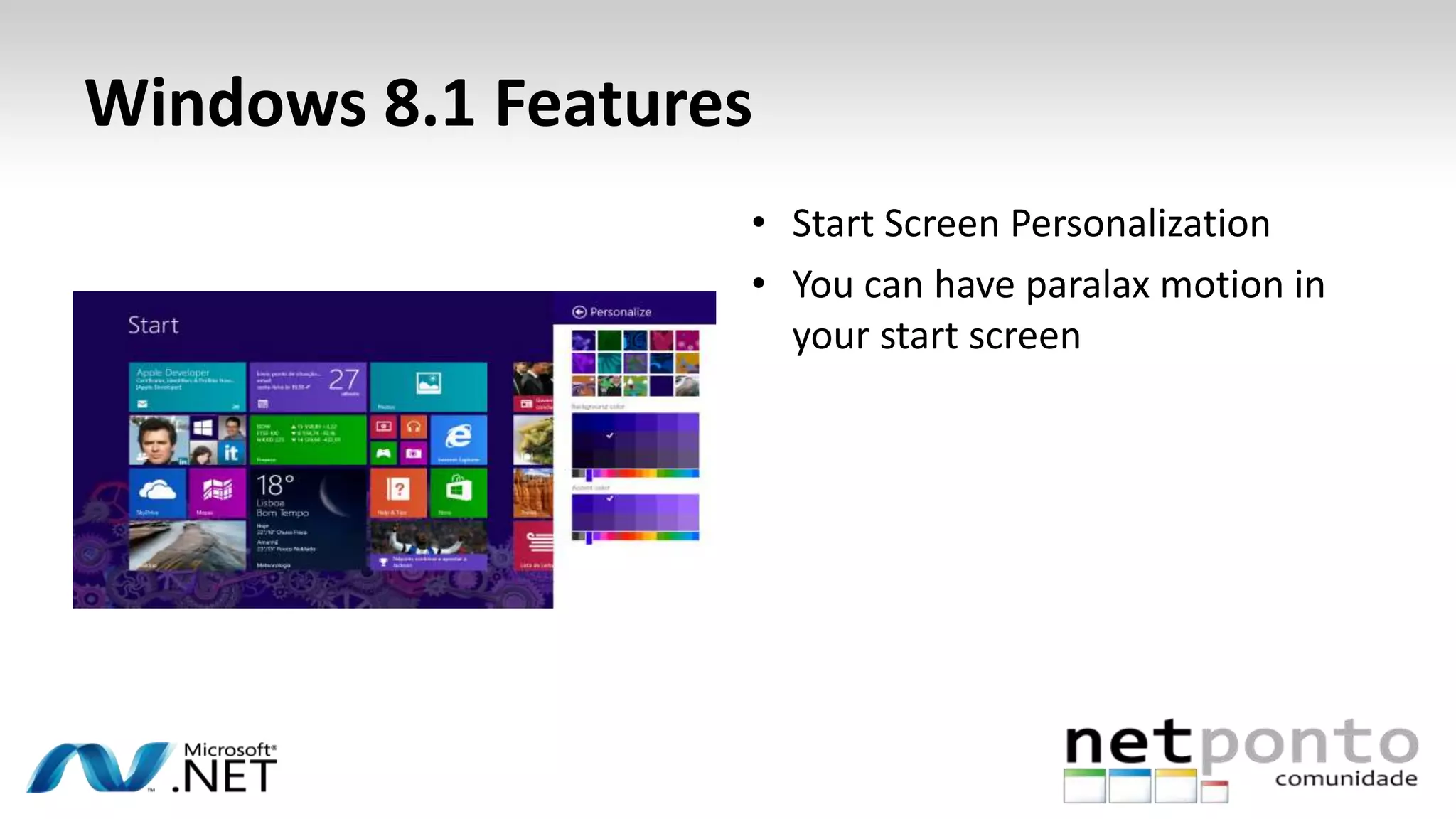
• Start Screen Personalization
• You can have paralax motion in
your start screen
Windows 8.1 Features
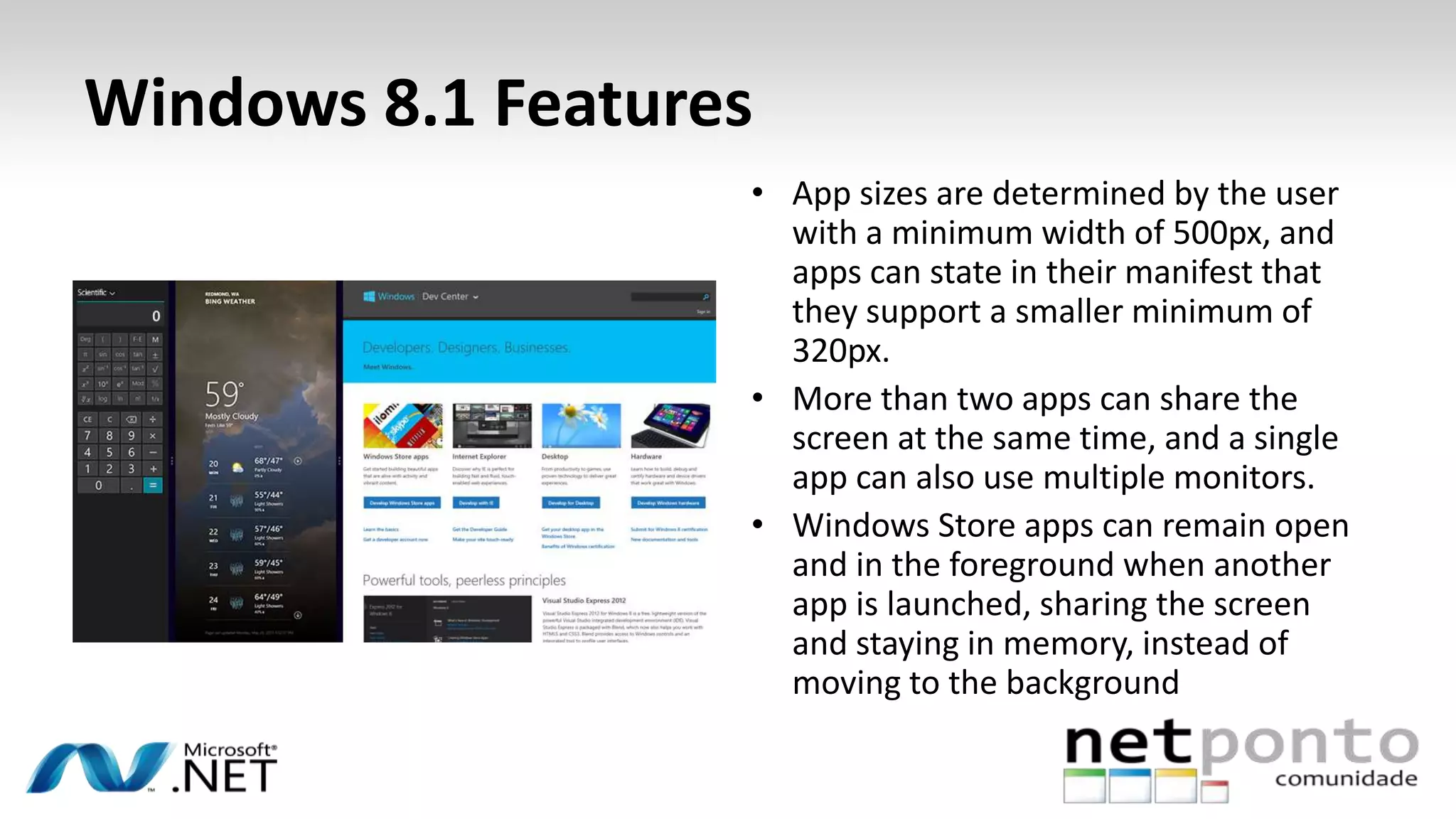
• App sizes are determined by the user
with a minimum width of 500px, and
apps can state in their manifest that
they support a smaller minimum of
320px.
• More than two apps can share the
screen at the same time, and a single
app can also use multiple monitors.
• Windows Store apps can remain open
and in the foreground when another
app is launched, sharing the screen
and staying in memory, instead of
moving to the background
Windows 8.1 Features
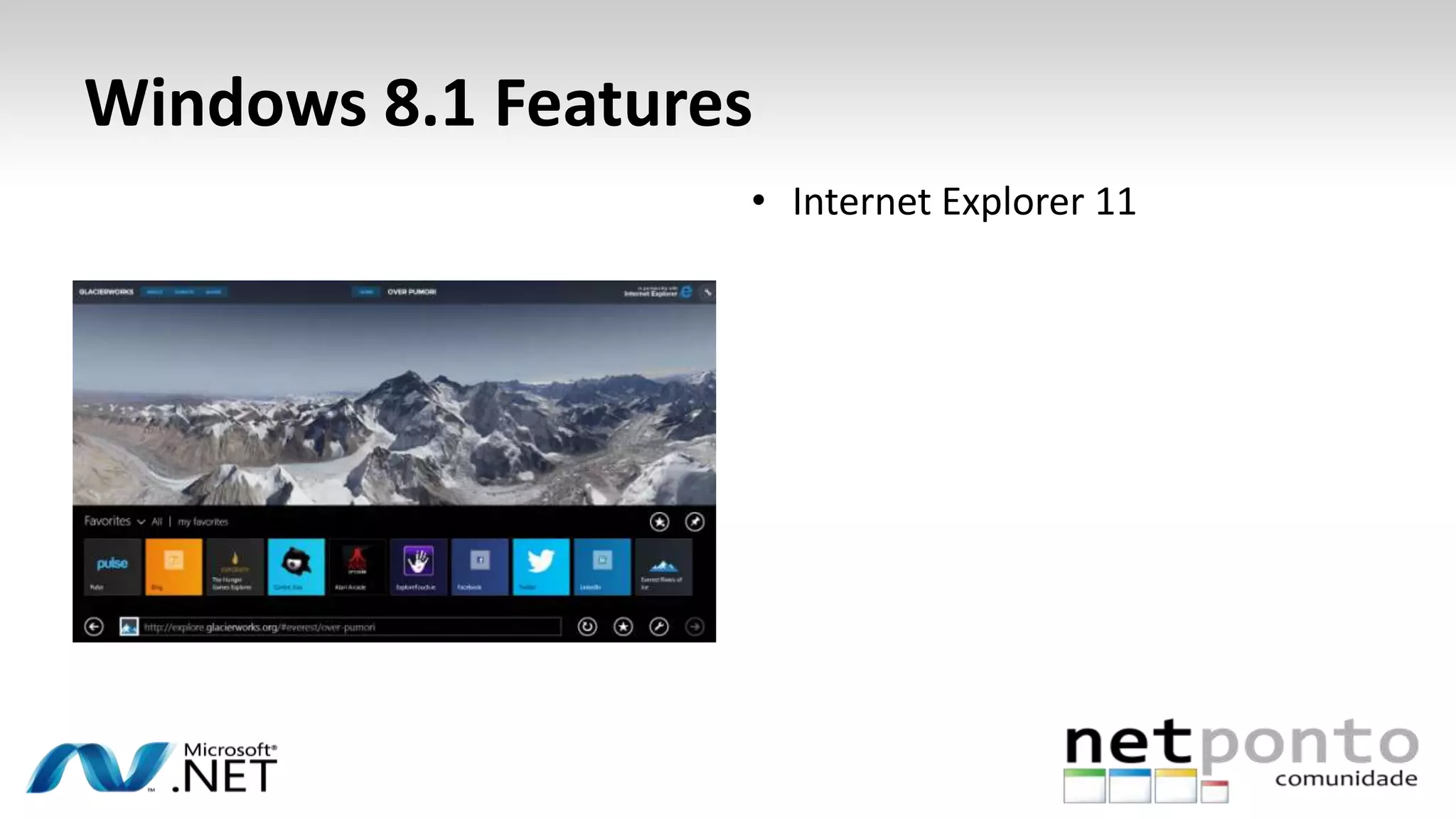
• Internet Explorer 11
Windows 8.1 Features
• Websites get enhanced exposure
on the Windows Start screen
with customizable live tiles that
connect to an RSS feed in
minutes. You can add support for
your website by adding simple
meta tags to a page.
http://msdn.microsoft.com/pt-pt/library/ie/bg182636
Windows 8.1 Features
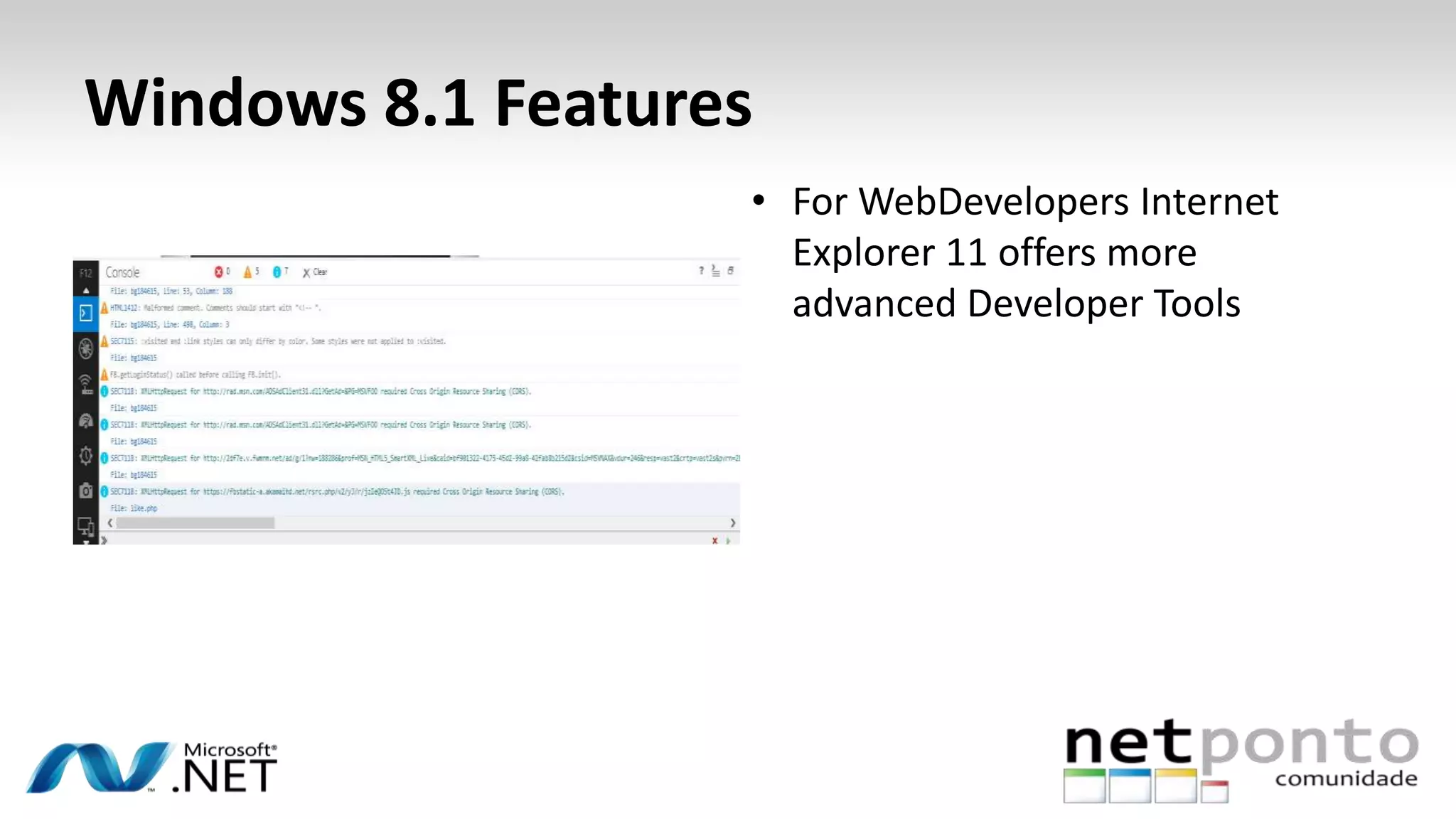
• For WebDevelopers Internet
Explorer 11 offers more
advanced Developer Tools
Windows 8.1 Features
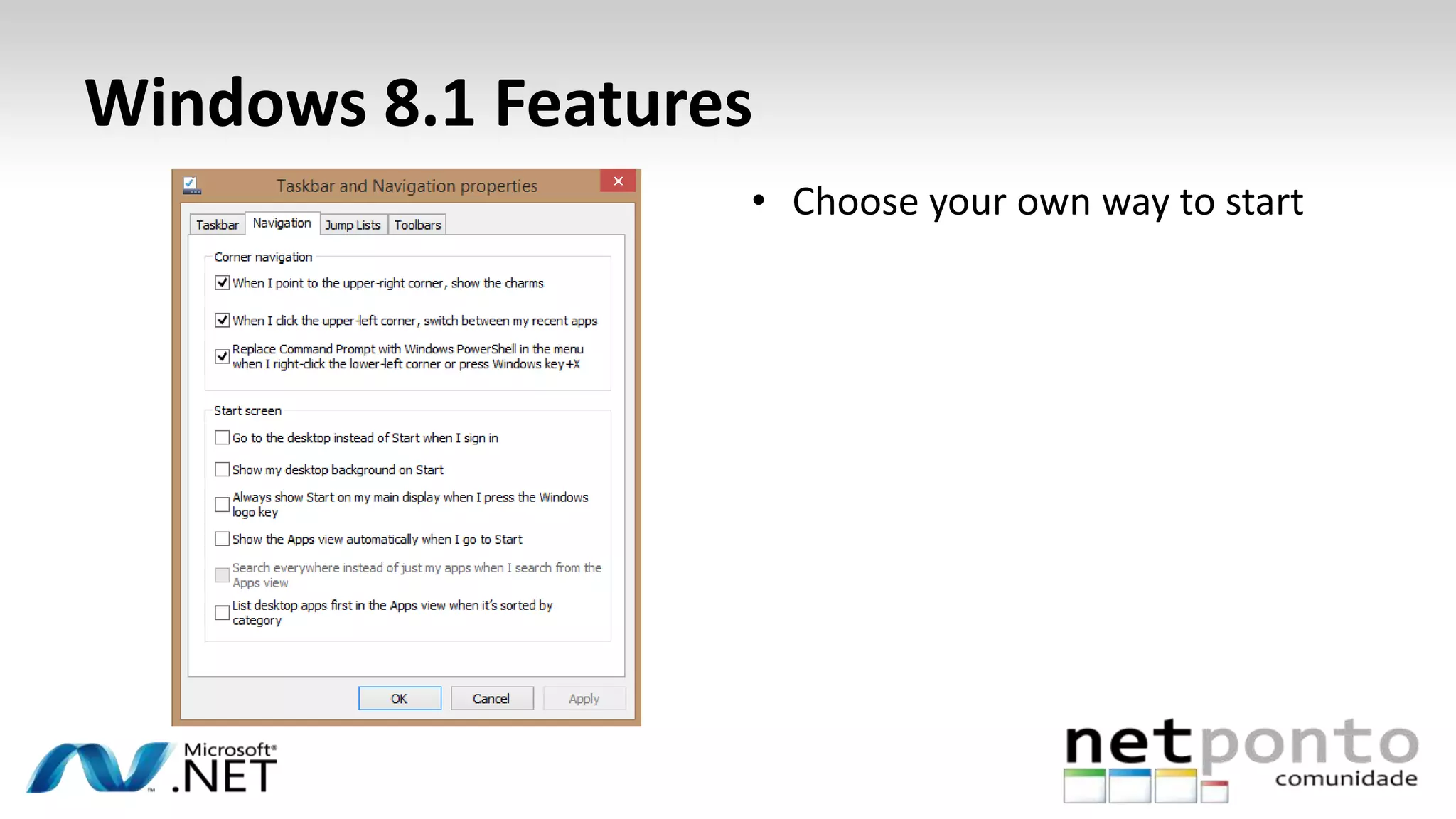
• Choose your own way to start
Windows 8.1 Features
• Store had change
Windows 8.1 Features
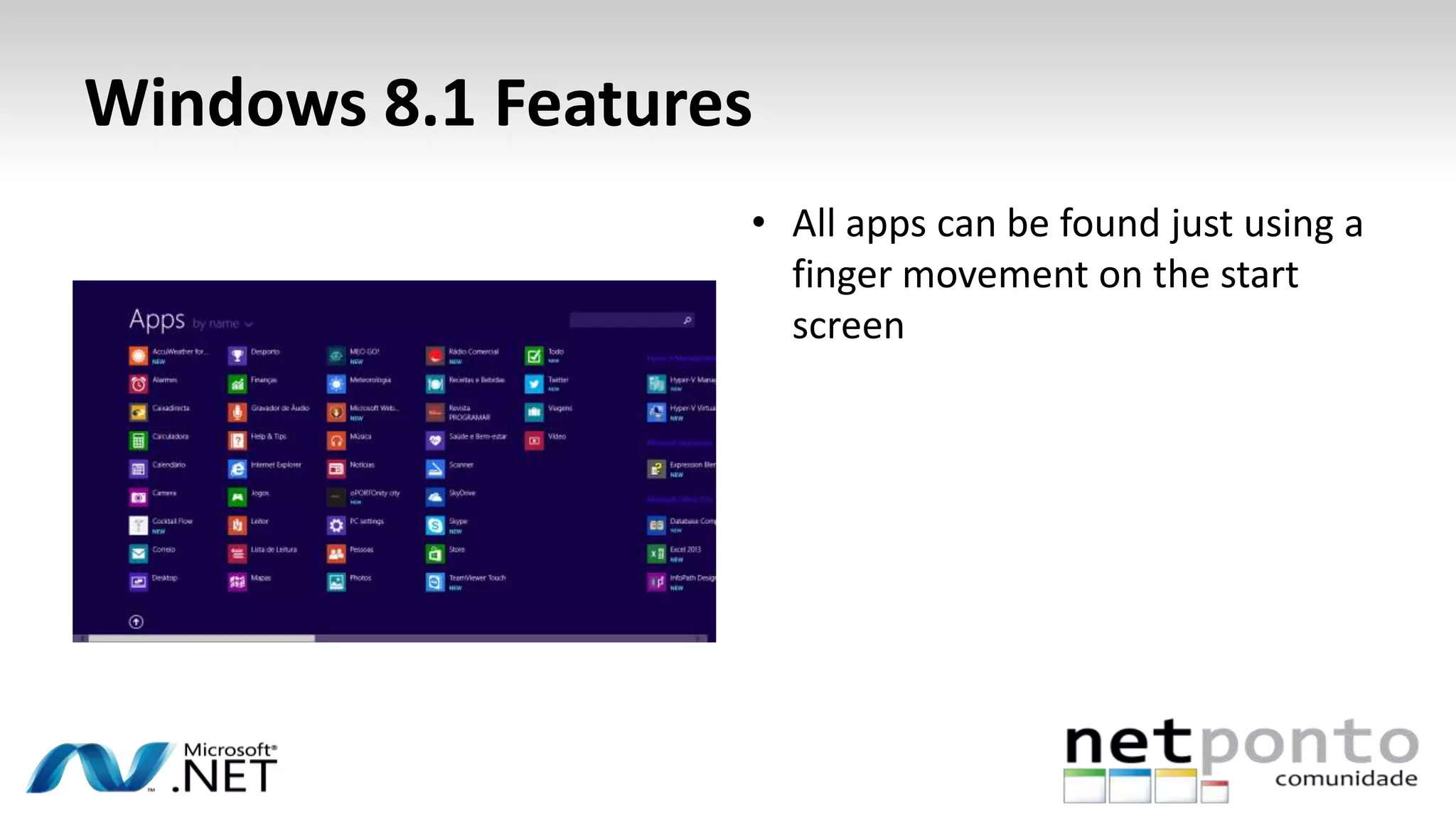
• All apps can be found just using a
finger movement on the start
screen
Windows 8.1 Features
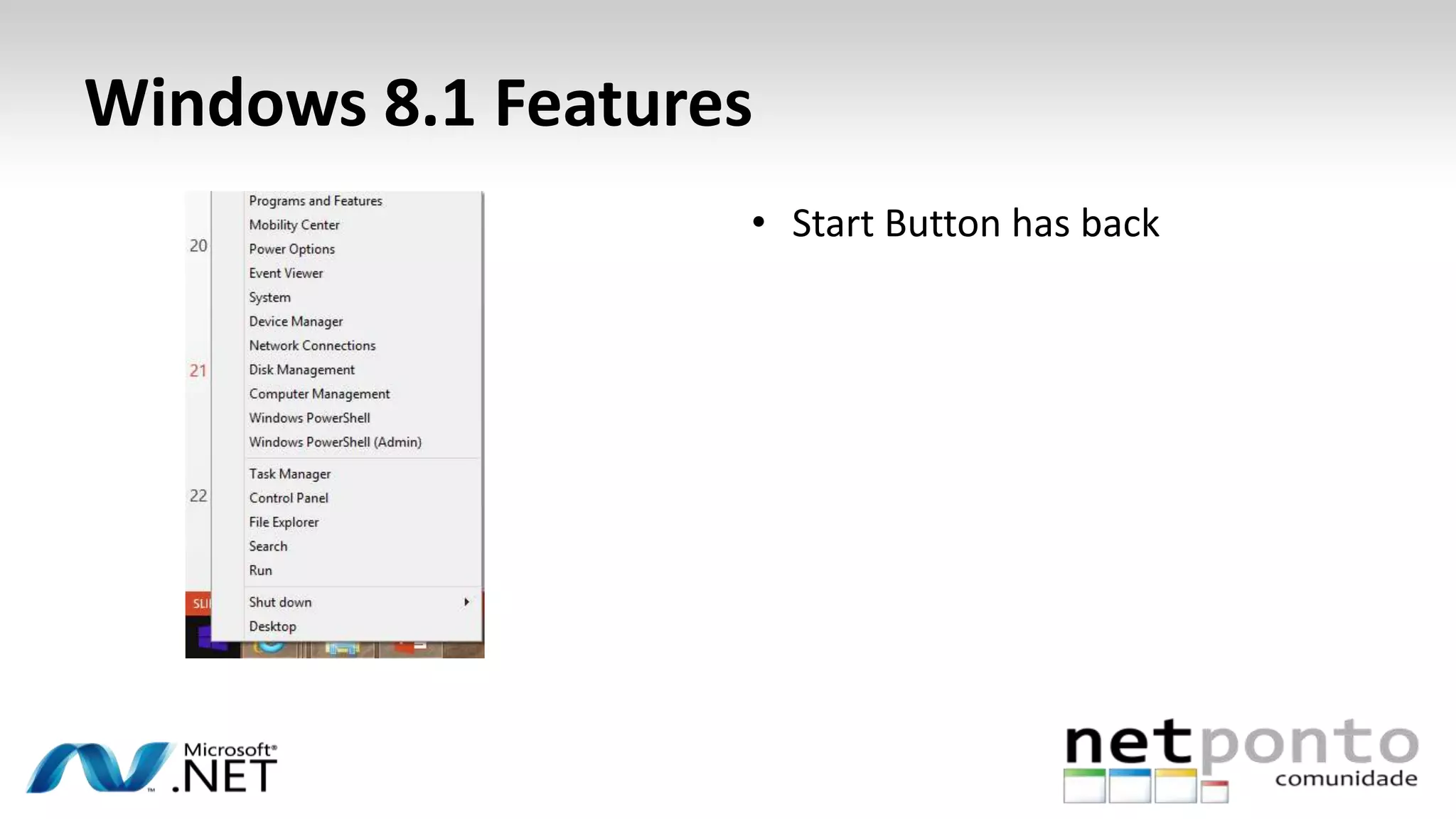
• Start Button has back
Windows 8.1 Features
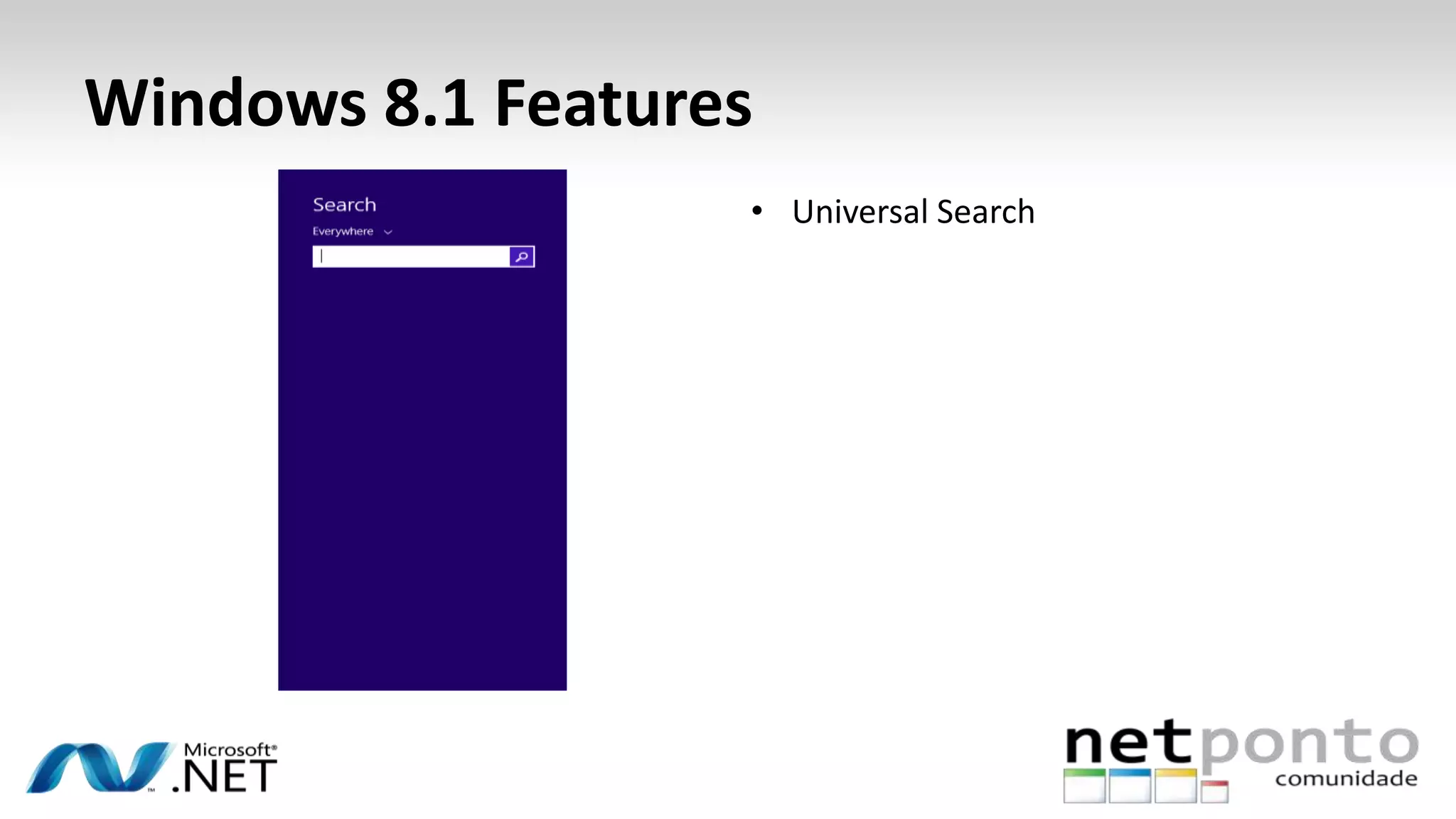
• Universal Search
Windows 8.1 Single Sign on
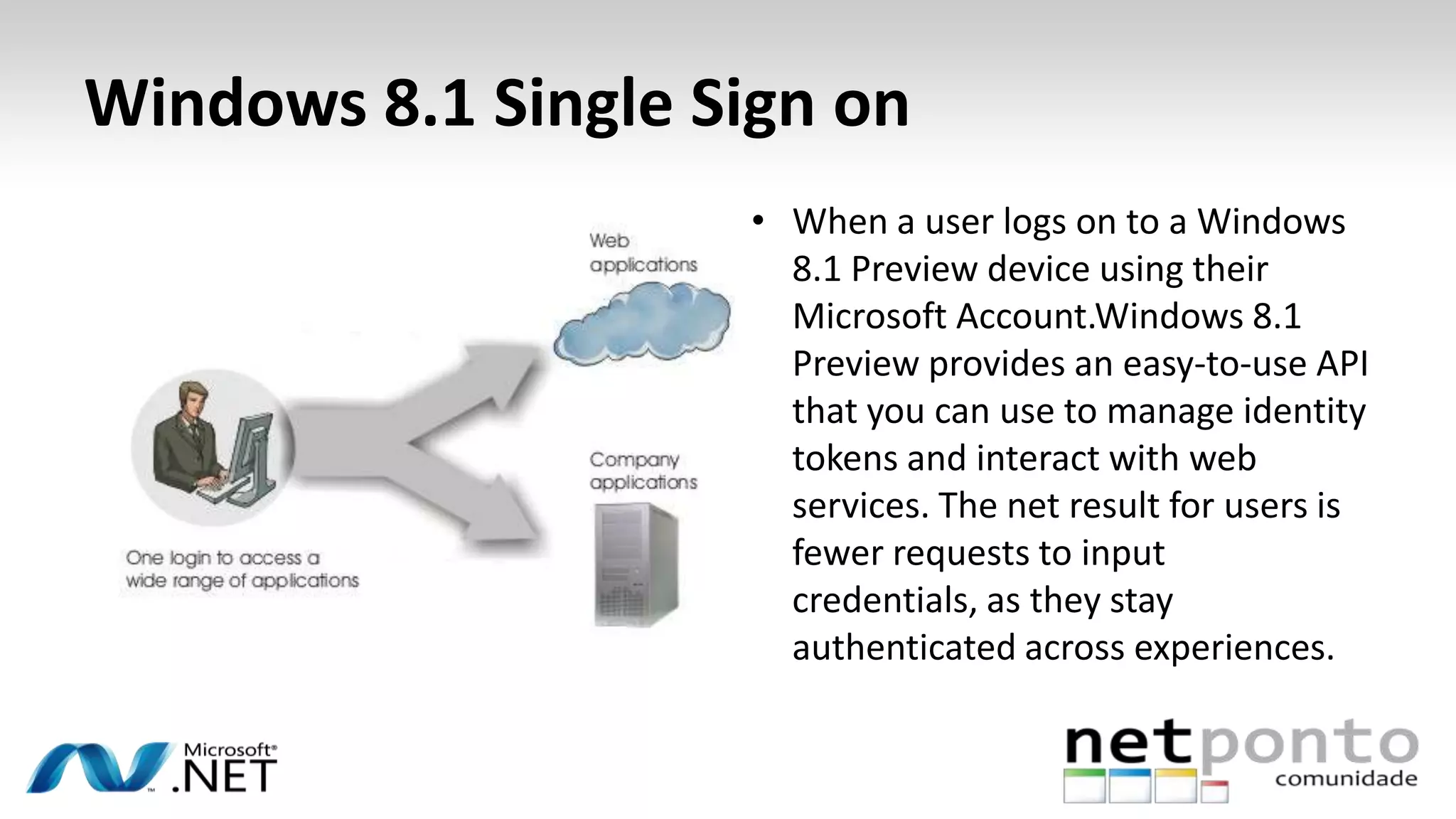
• When a user logs on to a Windows
8.1 Preview device using their
Microsoft Account.Windows 8.1
Preview provides an easy-to-use API
that you can use to manage identity
tokens and interact with web
services. The net result for users is
fewer requests to input
credentials, as they stay
authenticated across experiences.
Windows 8.1 a Tech View
http://www.osiztechnologies.com/webapplication.php?intservicetitleid=15
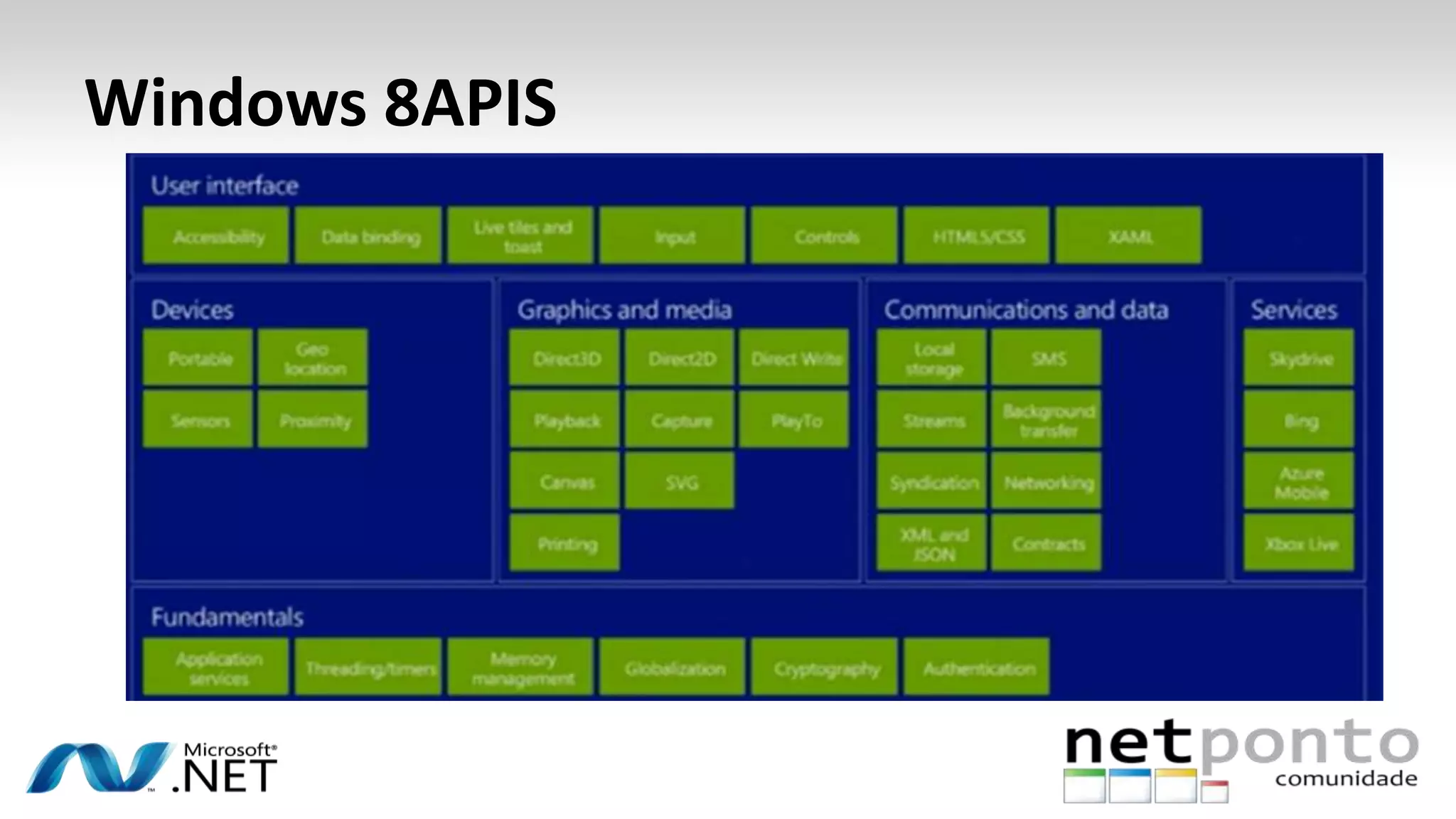
Windows 8APIS
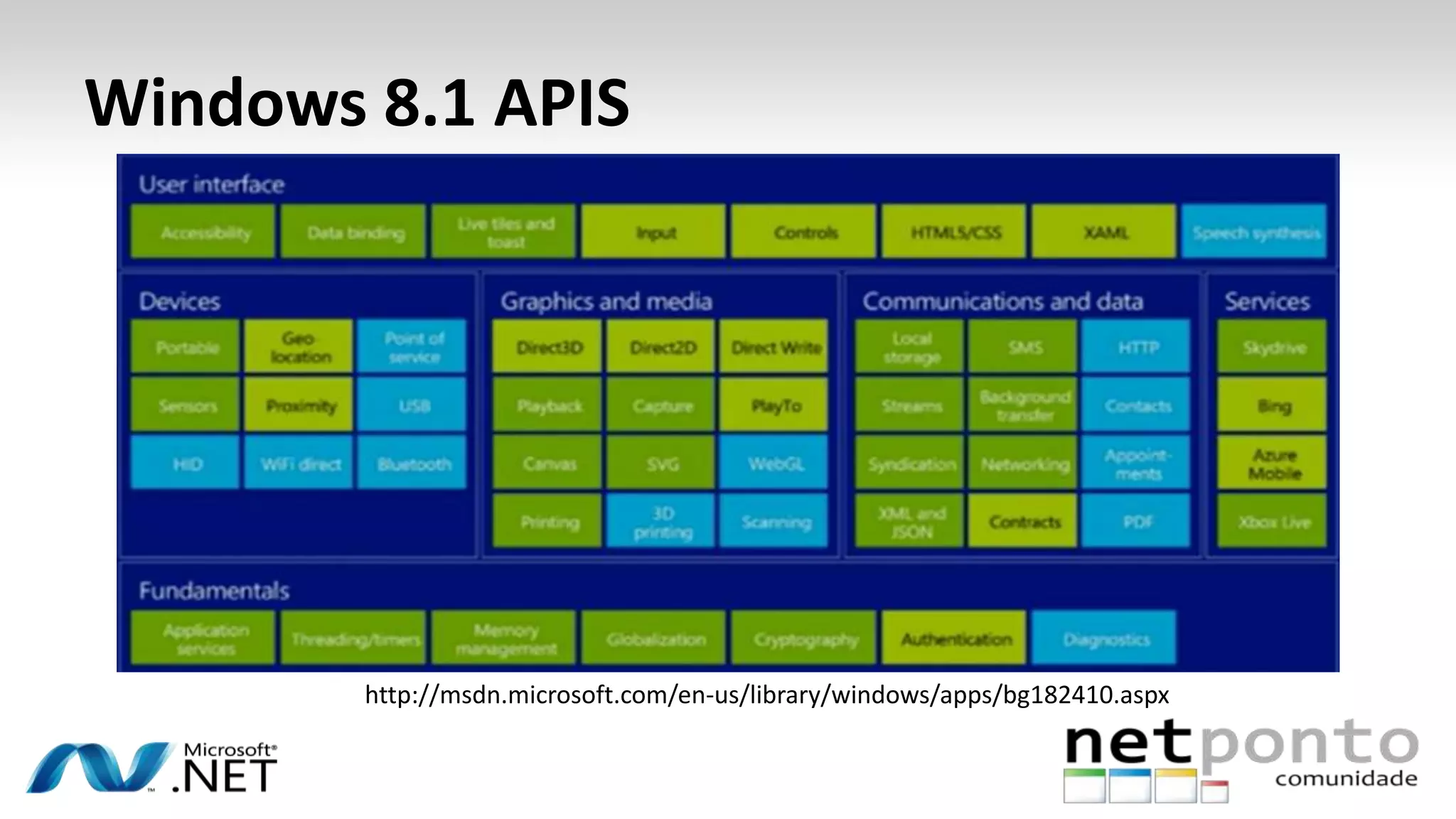
Windows 8.1 API Improvement
Windows 8.1 APIS
http://msdn.microsoft.com/en-us/library/windows/apps/bg182410.aspx
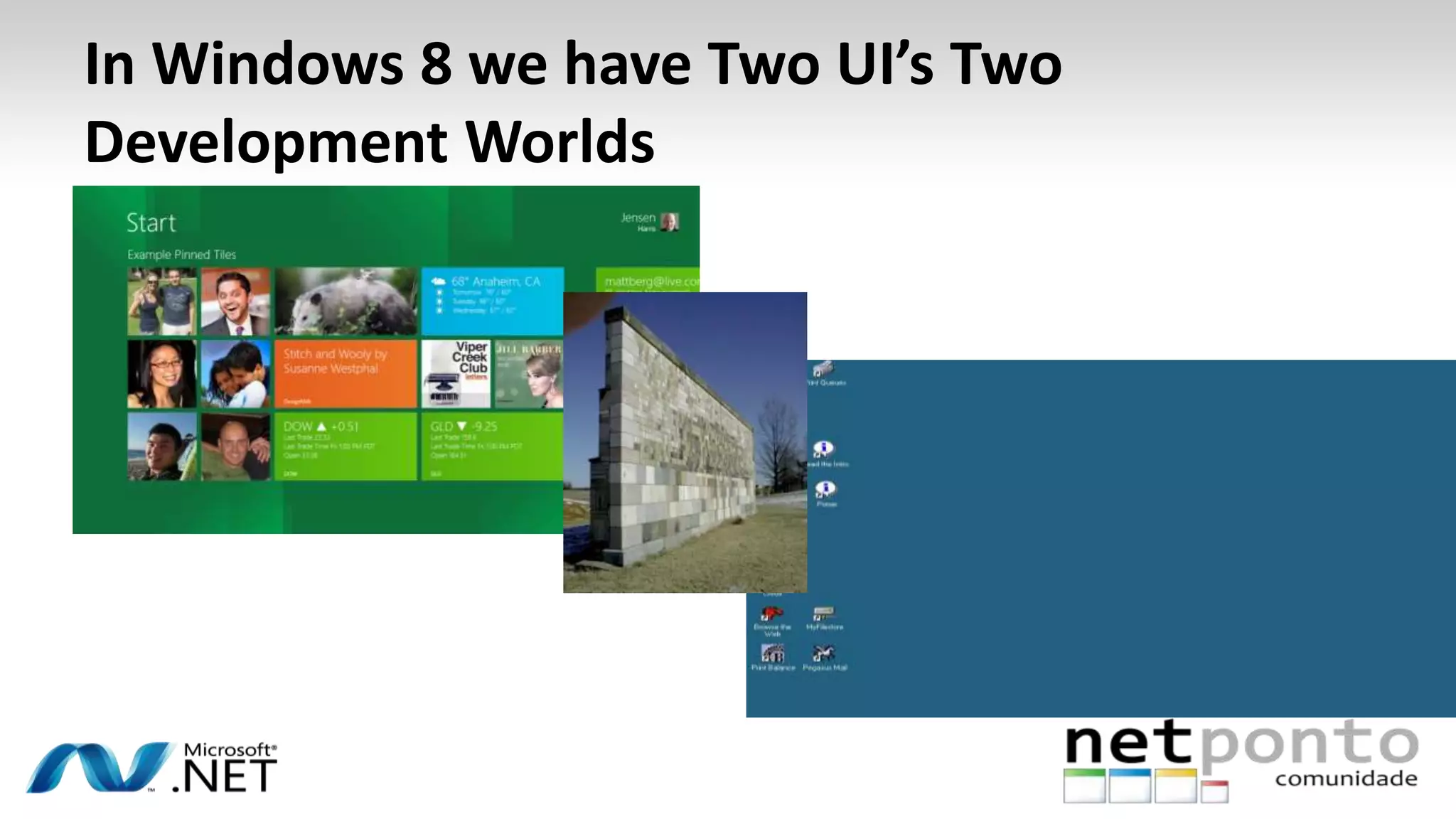
In Windows 8 we have Two UI’s Two
Development Worlds
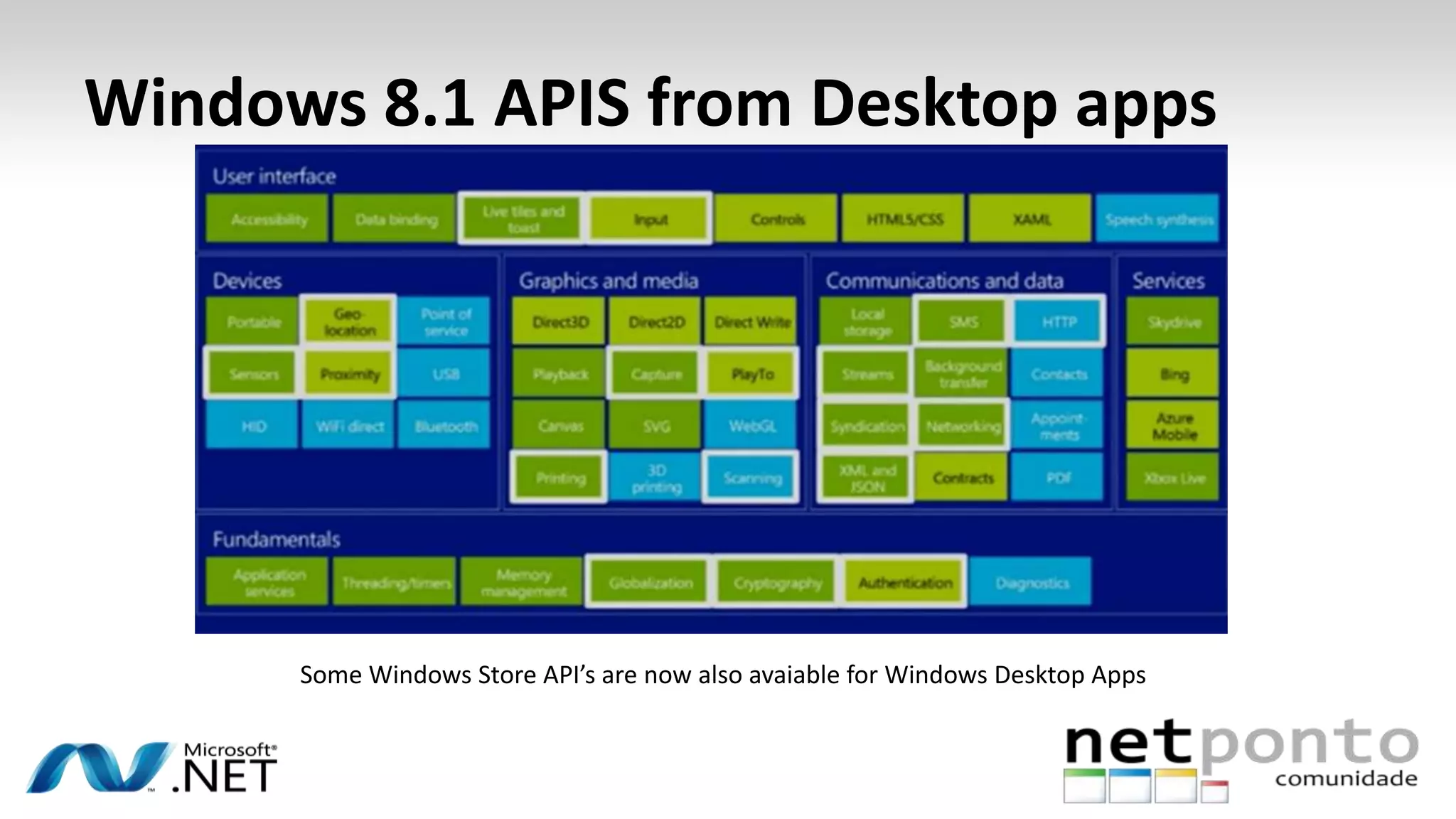
Windows 8.1 APIS from Desktop apps
Some Windows Store API’s are now also avaiable for Windows Desktop Apps
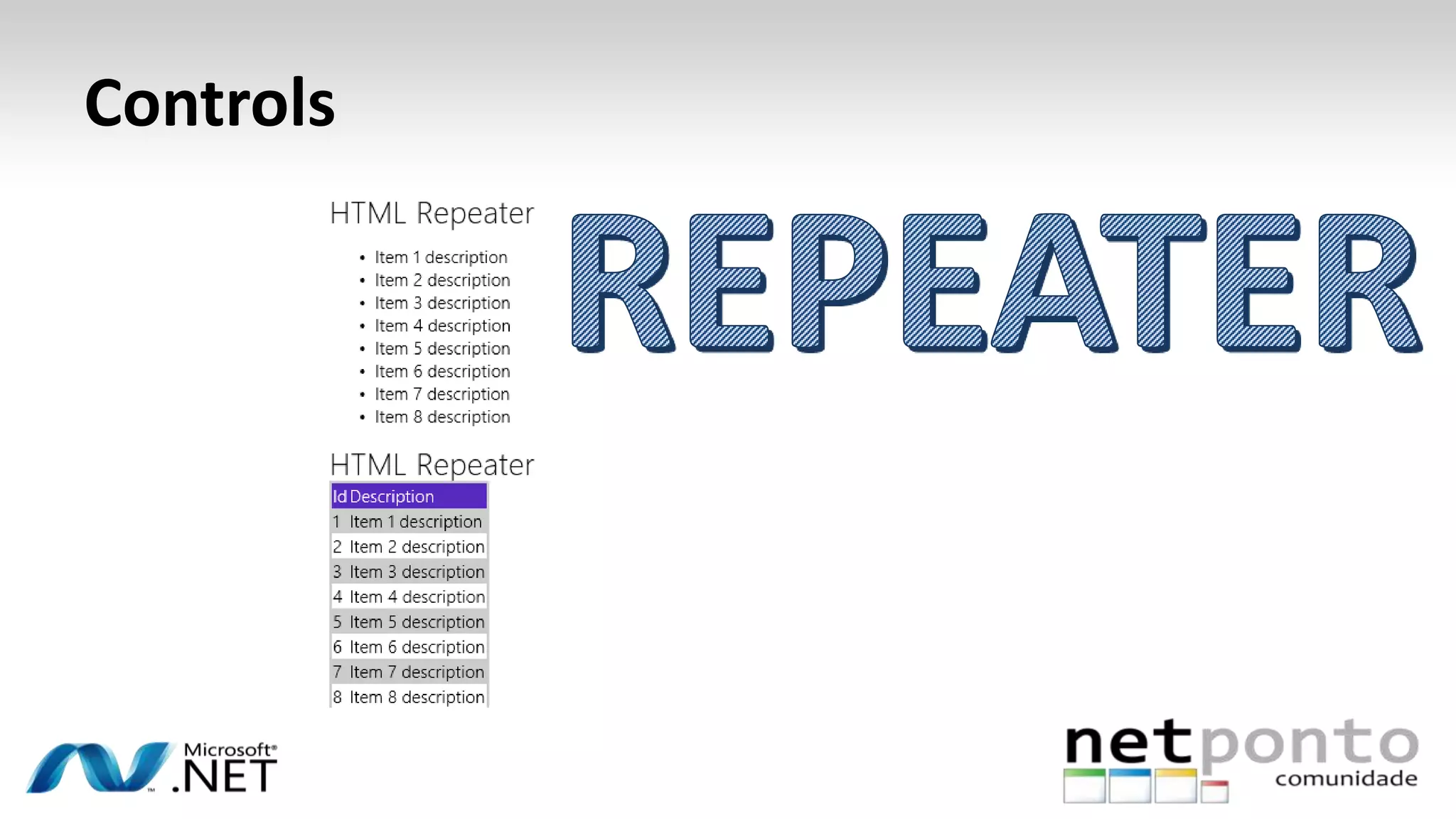
Controls
Controls
Controls
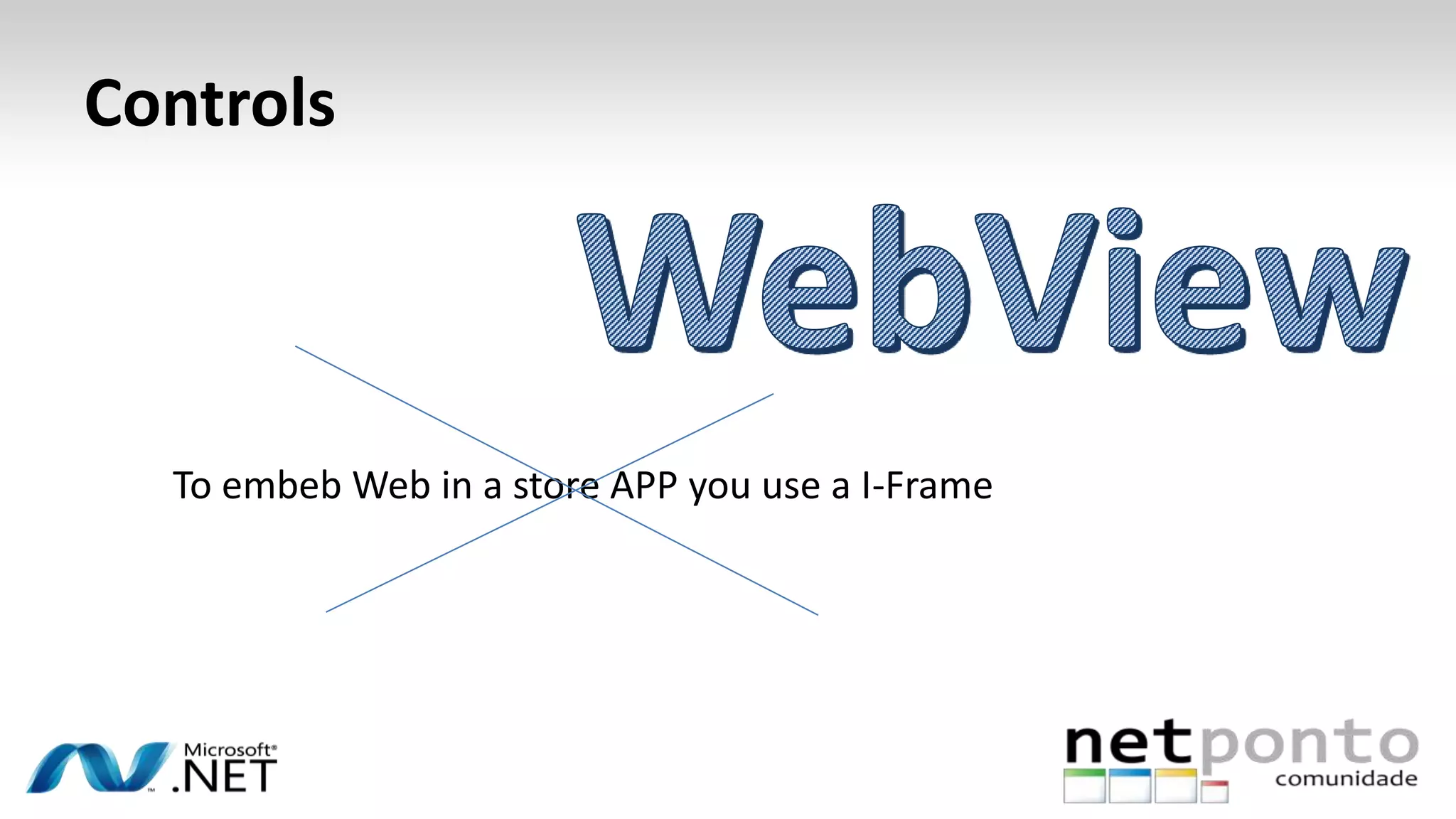
To embeb Web in a store APP you use a I-Frame
Controls
• XAML Controls
XAML developers benefit from following changes in Windows 8.1 Preview:
Access to the new Hub control
Support for a new Flyout control, as well as Date and Time picker controls
Improved interoperation with DirectX with SwapChainPanel
Better performance for GridView and ListView
• HTML and JavaScript controls
Windows 8.1 Preview delivers these improvements for WinJS developers:
Access to the new Hub control
Support for a new WebView control, Item control, and Navigation bar
ListView support of drag-and-drop operations
Assynchronous API
• A new scheduler API lets you set the priority of
tasks and manage jobs.
• The Scheduler is a new object/namespace that
consolidates all work queues into a
single, universal queue. This new queue has a
priority-based scheduling policy that supports
fast and fluid apps and a more unified developer
experience
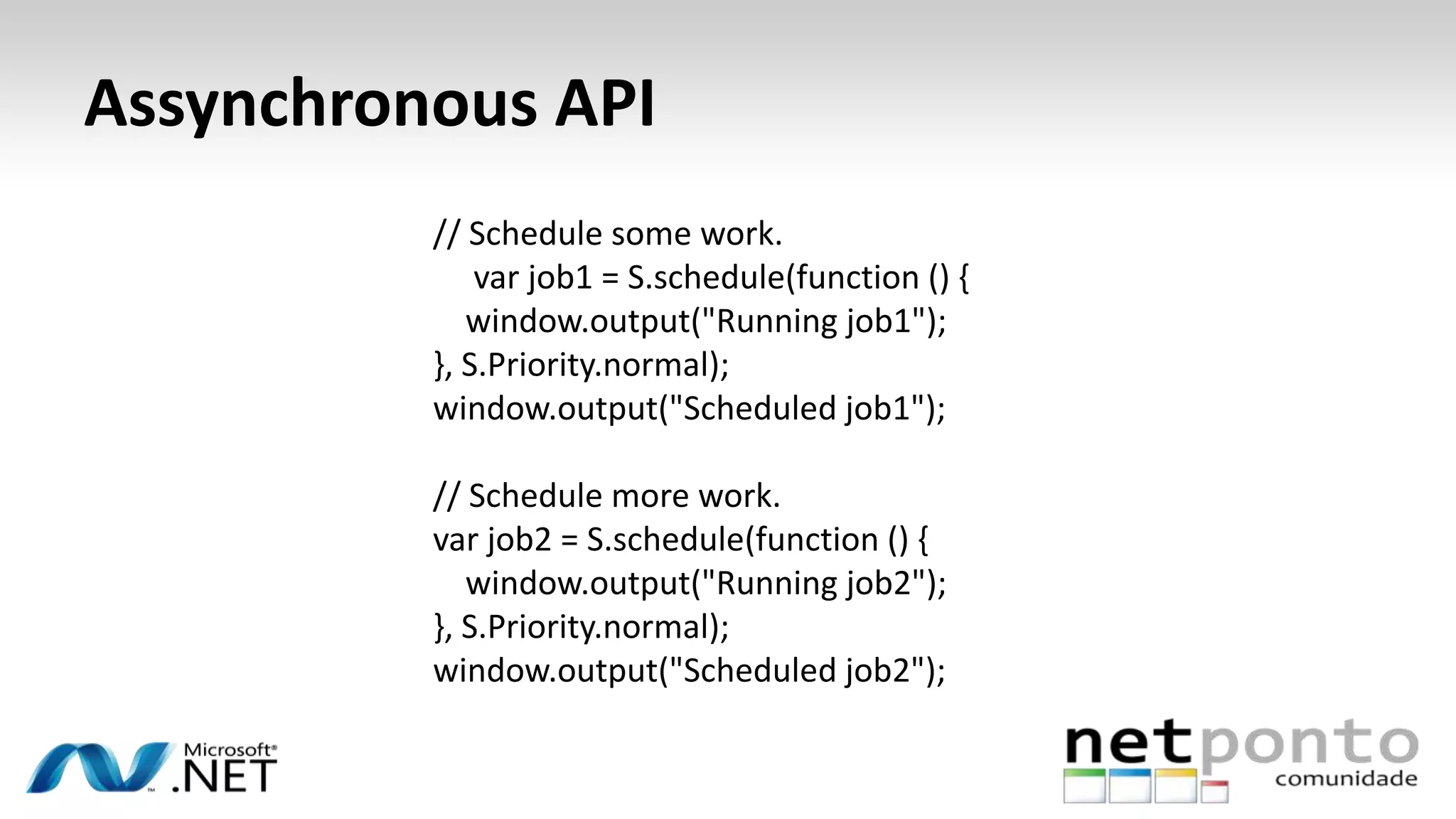
Assynchronous API
// Schedule some work.
var job1 = S.schedule(function () {
window.output("Running job1");
}, S.Priority.normal);
window.output("Scheduled job1");
// Schedule more work.
var job2 = S.schedule(function () {
window.output("Running job2");
}, S.Priority.normal);
window.output("Scheduled job2");
Network Improvements
• “A new HTTP API for apps that target HTTP or REST-based services. This API offers
more capabilities and better performance to support today’s connected apps. The
HTTP capabilities are deeply integrated into Windows, and the API is flexible enough
to support basic, site-specific, and advanced HTTP development scenarios.”
• “Single sign-on, credentials are effectively shared from IE to the Web Authentication
Broker, and to other services the user interacts with”.
• “HTTP prefetching: Nearly every app is connected to a service. With Windows 8.1
Preview, apps can take advantage of prefetching app content via HTTP before it’s
actually needed—that way the content is ready immediately when the user wants it.
Using this API, a background task can download content using a list of URI resources
that should be prefetched”
And what more?
• Windows Store apps using C++ can now natively render PDF
content directly to a DirectX drawing surface. This enables fast
and fluid presentation of PDF-based content within a Windows
Store app
• Windows Store apps now support the same text-to-speech
technology as other Windows apps, using easily invoked
Windows Runtime APIs.
Devices
• USB
• Human interface devices (HID)
• Bluetooth
• 3D printing
Next Steps & References
• The first thing you should be asking is how you start with Windows 8.1, the first step is the
installation of the Operating system, for the preview of this you can go to
http://windows.microsoft.com/en-us/windows-8/preview-download
• To start your own track in Windows 8.1 it will be useful to take a look at the following articles:
• APIS: http://msdn.microsoft.com/library/windows/apps/bg182410
• Play with Samples: http://code.msdn.microsoft.com/windowsapps/Windows-8-Modern-Style-
App-Samples
• Expertise Forums: http://social.msdn.microsoft.com/Forums/windowsapps/en-
US/home?category=windowsapps81preview
• Migration documentation from win8 to 8.1: http://go.microsoft.com/fwlink?linkid=304117
• New Features presentations: http://msdn.microsoft.com/en-US/windows/apps/bg184615
• And of course take a look at build conference: http://www.buildwindows.com
Questions
http://www.sprintfeed.com/2011/10/introducing-its-your-turn/
Contacts
– amarreiros@gmail.com
– @alexmarreiros
– Digitalmindignition.com
40ª Reunião Presencial @ LISBOA
DateTime.Parse(“27-07-2013", new CultureInfo("pt-PT"));
http://netponto.org
hashtag #netponto
Patrocinador “GOLD”
Twitter: @PTMicrosoft http://www.microsoft.com/portugal
Patrocinadores “Silver”
Patrocinadores “Bronze”
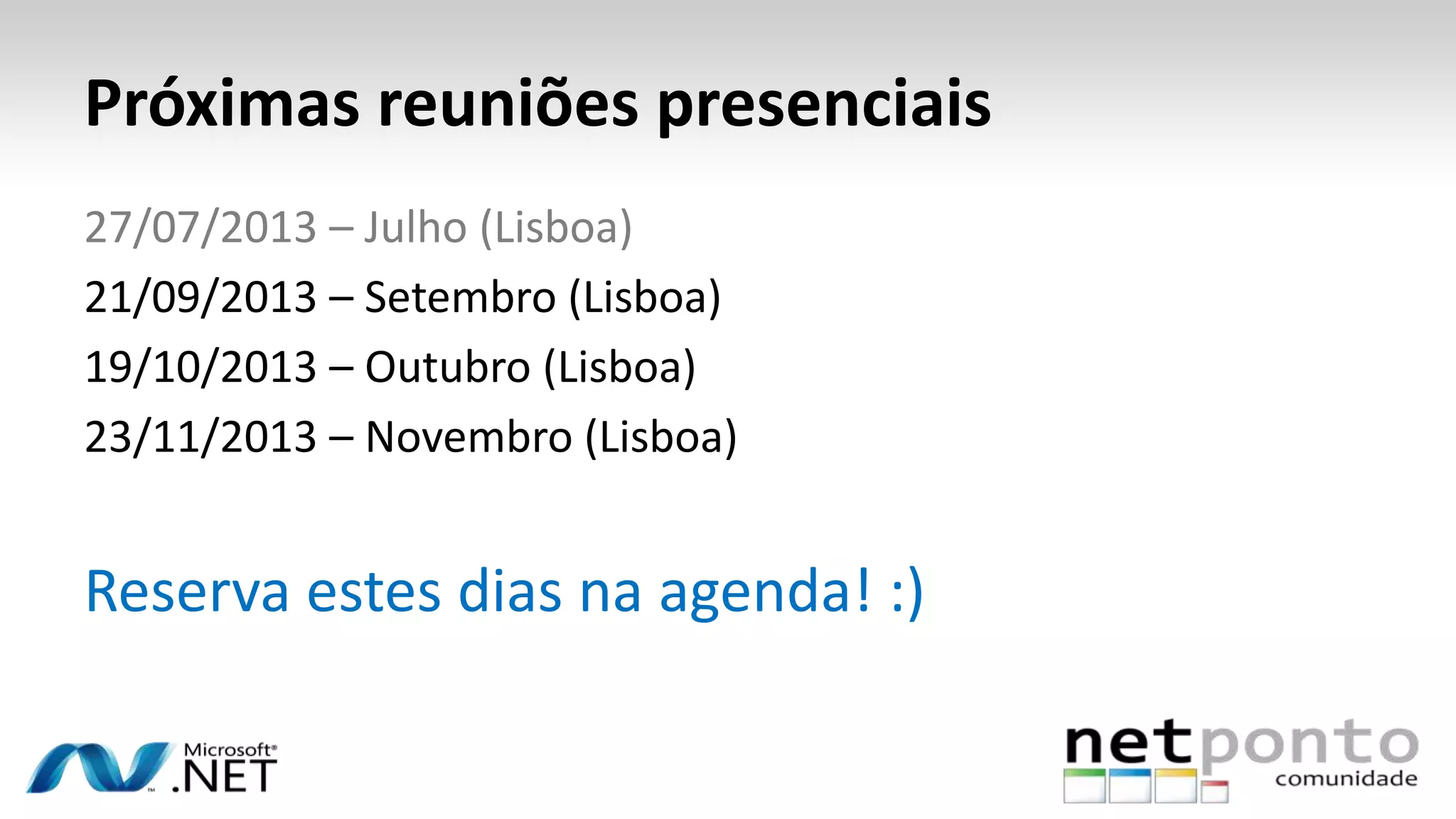
Próximas reuniões presenciais
27/07/2013 – Julho (Lisboa)
21/09/2013 – Setembro (Lisboa)
19/10/2013 – Outubro (Lisboa)
23/11/2013 – Novembro (Lisboa)
Reserva estes dias na agenda! :)

Windows8.1overviewnetponto

  • 1.
    Windows 8.1 Overview AlexandreMarreiros http://netponto.org hashtag #netponto
  • 2.
    About / Contact Who –CTO @ Innovagency – Software Dev/Arch as Independent – Technical Trainer and Speaker as Independent – Technical Writer Contact – amarreiros@gmail.com – @alexmarreiros – Digitalmindignition.com Alexandre Marreiros
  • 3.
  • 4.
    Agenda – Windows 8.1chat – Windows 8.1 New Features – Windows 8.1 a Tech View
  • 5.
  • 6.
    Launch date “Final Windows8.1 release date is likely to be September or October, as the OS looks like will be released to manufacturers to install on new Machines in August. ”
  • 7.
    Install • Go to –http://windows.microsoft.com/pt- pt/windows-8/preview – In Case of Win RT or 32 bit architecture use the Windows Store Updtae – For advanced users and 64 bit architecture use the ISO File with the Microsoft evaluation key. Ru the iso File from your actual FileSystem
  • 8.
    Windows 8 removedfeatures on the preview • Windows 7 Backup & System image recovery: Windows8 File History that included the backup tools of Windows 7 is not present on Windows 8.1. You can still import system images but to create a image looks like you would have to use a 3rd party software.
  • 9.
    Windows 8 removedfeatures on the preview • Experience Index: The tool was used to indicate the Machine potential, this feature was removed to grant a better resource management. You can still activate this feature on the Windows 8.1 preview version using the command tool winsat
  • 10.
    Windows 8 removedfeatures on the preview • Mesaging app was removed: Microsoft wants to make a push of Skype as the base comunication tool
  • 11.
    Windows 8 removedfeatures on the preview • Picture app had lost the integration with skydrive but win a lot of tools to transform images
  • 12.
    Windows 8.1 “In Windows8.1 Preview, apps continue to take center stage, introducing new ways to interact with the system and more opportunities for customers to immerse themselves in your content. Consumers and business users can experience Windows in ways that are familiar and comfortable, yet new and exciting.” “With Windows 8.1 Preview, we’ve refined the user experience to make it more familiar and natural, while keeping the focus on great apps.” Antoine Leblond, CVP @ Microsoft
  • 13.
    Windows 8.1 Features •Tiles can became live after instalation • Tiles have now 4 sizes possible
  • 14.
    Windows 8.1 Features •Start Screen Personalization • You can have paralax motion in your start screen
  • 15.
    Windows 8.1 Features •App sizes are determined by the user with a minimum width of 500px, and apps can state in their manifest that they support a smaller minimum of 320px. • More than two apps can share the screen at the same time, and a single app can also use multiple monitors. • Windows Store apps can remain open and in the foreground when another app is launched, sharing the screen and staying in memory, instead of moving to the background
  • 16.
    Windows 8.1 Features •Internet Explorer 11
  • 17.
    Windows 8.1 Features •Websites get enhanced exposure on the Windows Start screen with customizable live tiles that connect to an RSS feed in minutes. You can add support for your website by adding simple meta tags to a page. http://msdn.microsoft.com/pt-pt/library/ie/bg182636
  • 18.
    Windows 8.1 Features •For WebDevelopers Internet Explorer 11 offers more advanced Developer Tools
  • 19.
    Windows 8.1 Features •Choose your own way to start
  • 20.
    Windows 8.1 Features •Store had change
  • 21.
    Windows 8.1 Features •All apps can be found just using a finger movement on the start screen
  • 22.
    Windows 8.1 Features •Start Button has back
  • 23.
    Windows 8.1 Features •Universal Search
  • 24.
    Windows 8.1 SingleSign on • When a user logs on to a Windows 8.1 Preview device using their Microsoft Account.Windows 8.1 Preview provides an easy-to-use API that you can use to manage identity tokens and interact with web services. The net result for users is fewer requests to input credentials, as they stay authenticated across experiences.
  • 25.
    Windows 8.1 aTech View http://www.osiztechnologies.com/webapplication.php?intservicetitleid=15
  • 26.
  • 27.
    Windows 8.1 APIImprovement
  • 28.
  • 29.
    In Windows 8we have Two UI’s Two Development Worlds
  • 30.
    Windows 8.1 APISfrom Desktop apps
  • 31.
    Windows 8.1 APISfrom Desktop apps Some Windows Store API’s are now also avaiable for Windows Desktop Apps
  • 32.
  • 33.
  • 34.
    Controls To embeb Webin a store APP you use a I-Frame
  • 35.
    Controls • XAML Controls XAMLdevelopers benefit from following changes in Windows 8.1 Preview: Access to the new Hub control Support for a new Flyout control, as well as Date and Time picker controls Improved interoperation with DirectX with SwapChainPanel Better performance for GridView and ListView • HTML and JavaScript controls Windows 8.1 Preview delivers these improvements for WinJS developers: Access to the new Hub control Support for a new WebView control, Item control, and Navigation bar ListView support of drag-and-drop operations
  • 36.
    Assynchronous API • Anew scheduler API lets you set the priority of tasks and manage jobs. • The Scheduler is a new object/namespace that consolidates all work queues into a single, universal queue. This new queue has a priority-based scheduling policy that supports fast and fluid apps and a more unified developer experience
  • 37.
    Assynchronous API // Schedulesome work. var job1 = S.schedule(function () { window.output("Running job1"); }, S.Priority.normal); window.output("Scheduled job1"); // Schedule more work. var job2 = S.schedule(function () { window.output("Running job2"); }, S.Priority.normal); window.output("Scheduled job2");
  • 38.
    Network Improvements • “Anew HTTP API for apps that target HTTP or REST-based services. This API offers more capabilities and better performance to support today’s connected apps. The HTTP capabilities are deeply integrated into Windows, and the API is flexible enough to support basic, site-specific, and advanced HTTP development scenarios.” • “Single sign-on, credentials are effectively shared from IE to the Web Authentication Broker, and to other services the user interacts with”. • “HTTP prefetching: Nearly every app is connected to a service. With Windows 8.1 Preview, apps can take advantage of prefetching app content via HTTP before it’s actually needed—that way the content is ready immediately when the user wants it. Using this API, a background task can download content using a list of URI resources that should be prefetched”
  • 39.
    And what more? •Windows Store apps using C++ can now natively render PDF content directly to a DirectX drawing surface. This enables fast and fluid presentation of PDF-based content within a Windows Store app • Windows Store apps now support the same text-to-speech technology as other Windows apps, using easily invoked Windows Runtime APIs.
  • 40.
    Devices • USB • Humaninterface devices (HID) • Bluetooth • 3D printing
  • 41.
    Next Steps &References • The first thing you should be asking is how you start with Windows 8.1, the first step is the installation of the Operating system, for the preview of this you can go to http://windows.microsoft.com/en-us/windows-8/preview-download • To start your own track in Windows 8.1 it will be useful to take a look at the following articles: • APIS: http://msdn.microsoft.com/library/windows/apps/bg182410 • Play with Samples: http://code.msdn.microsoft.com/windowsapps/Windows-8-Modern-Style- App-Samples • Expertise Forums: http://social.msdn.microsoft.com/Forums/windowsapps/en- US/home?category=windowsapps81preview • Migration documentation from win8 to 8.1: http://go.microsoft.com/fwlink?linkid=304117 • New Features presentations: http://msdn.microsoft.com/en-US/windows/apps/bg184615 • And of course take a look at build conference: http://www.buildwindows.com
  • 42.
  • 43.
    40ª Reunião Presencial@ LISBOA DateTime.Parse(“27-07-2013", new CultureInfo("pt-PT")); http://netponto.org hashtag #netponto
  • 44.
    Patrocinador “GOLD” Twitter: @PTMicrosofthttp://www.microsoft.com/portugal
  • 45.
  • 46.
  • 47.
    Próximas reuniões presenciais 27/07/2013– Julho (Lisboa) 21/09/2013 – Setembro (Lisboa) 19/10/2013 – Outubro (Lisboa) 23/11/2013 – Novembro (Lisboa) Reserva estes dias na agenda! :)