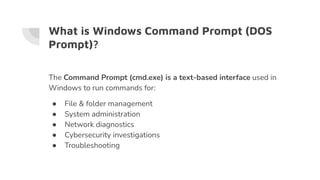
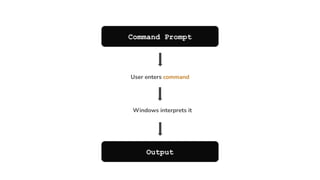
The Command Prompt (cmd.exe) is a text-based interface used in Windows to run commands for:
> File & folder management
> System administration
> Network diagnostics
> Cybersecurity investigations
> Troubleshooting
What is WindowsCommand Prompt (DOS
Prompt)?
The Command Prompt (cmd.exe) is a text-based interface used in
Windows to run commands for:
● File & folder management
● System administration
● Network diagnostics
● Cybersecurity investigations
● Troubleshooting
3.
Why are DosCommands used?
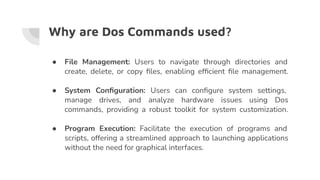
● File Management: Users to navigate through directories and
create, delete, or copy files, enabling efficient file management.
● System Configuration: Users can configure system settings,
manage drives, and analyze hardware issues using Dos
commands, providing a robust toolkit for system customization.
● Program Execution: Facilitate the execution of programs and
scripts, offering a streamlined approach to launching applications
without the need for graphical interfaces.
4.
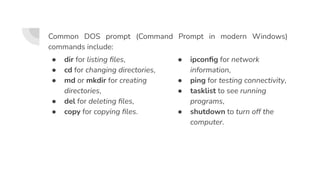
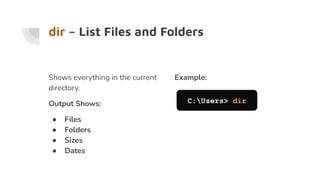
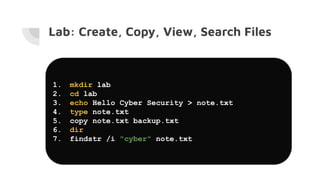
● dir forlisting files,
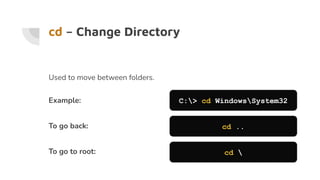
● cd for changing directories,
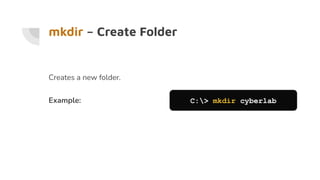
● md or mkdir for creating
directories,
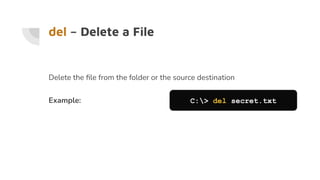
● del for deleting files,
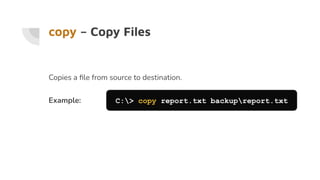
● copy for copying files.
● ipconfig for network
information,
● ping for testing connectivity,
● tasklist to see running
programs,
● shutdown to turn off the
computer.
Common DOS prompt (Command Prompt in modern Windows)
commands include:
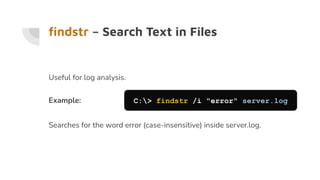
findstr – SearchText in Files
Useful for log analysis.
Example: C:> findstr /i "error" server.log
Searches for the word error (case-insensitive) inside server.log.
16.
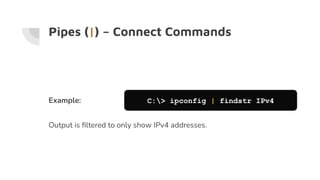
Pipes (|) –Connect Commands
Example: C:> ipconfig | findstr IPv4
Output is filtered to only show IPv4 addresses.
17.
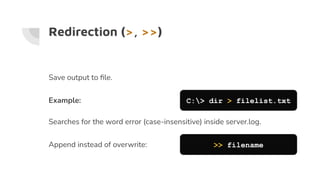
Redirection (>, >>)
Saveoutput to file.
Example: C:> dir > filelist.txt
Searches for the word error (case-insensitive) inside server.log.
Append instead of overwrite: >> filename
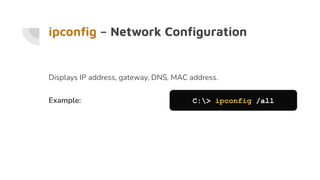
ipconfig – NetworkConfiguration
Displays IP address, gateway, DNS, MAC address.
Example: C:> ipconfig /all
20.
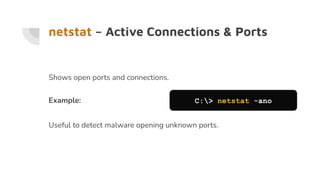
netstat – ActiveConnections & Ports
Shows open ports and connections.
Example: C:> netstat -ano
Useful to detect malware opening unknown ports.
21.
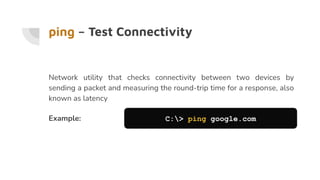
ping – TestConnectivity
Network utility that checks connectivity between two devices by
sending a packet and measuring the round-trip time for a response, also
known as latency
Example: C:> ping google.com
22.
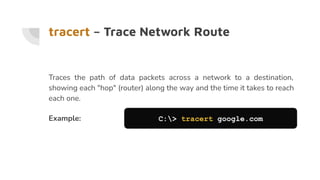
tracert – TraceNetwork Route
Traces the path of data packets across a network to a destination,
showing each "hop" (router) along the way and the time it takes to reach
each one.
Example: C:> tracert google.com
23.
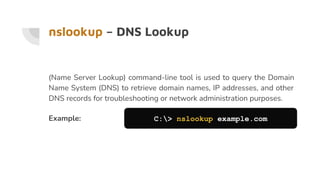
nslookup – DNSLookup
(Name Server Lookup) command-line tool is used to query the Domain
Name System (DNS) to retrieve domain names, IP addresses, and other
DNS records for troubleshooting or network administration purposes.
Example: C:> nslookup example.com
24.
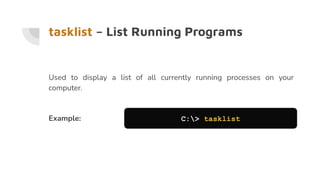
tasklist – ListRunning Programs
Used to display a list of all currently running processes on your
computer.
Example: C:> tasklist
25.
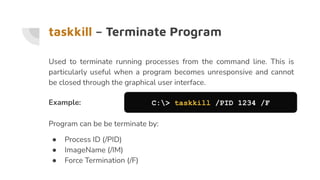
taskkill – TerminateProgram
Used to terminate running processes from the command line. This is
particularly useful when a program becomes unresponsive and cannot
be closed through the graphical user interface.
Example: C:> taskkill /PID 1234 /F
Program can be be terminate by:
● Process ID (/PID)
● ImageName (/IM)
● Force Termination (/F)
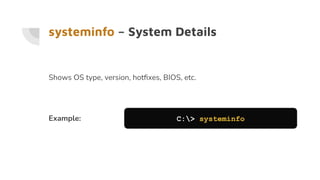
systeminfo – SystemDetails
Shows OS type, version, hotfixes, BIOS, etc.
Example: C:> systeminfo
28.
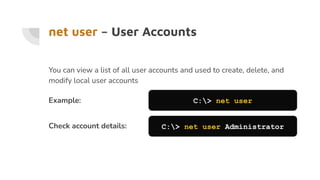
net user –User Accounts
You can view a list of all user accounts and used to create, delete, and
modify local user accounts
Example: C:> net user
Check account details: C:> net user Administrator
29.
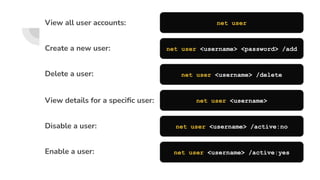
View details fora specific user:
Disable a user:
Enable a user:
net user <username>
net user <username> /active:no
net user <username> /active:yes
View all user accounts:
Create a new user:
Delete a user:
net user
net user <username> <password> /add
net user <username> /delete
30.
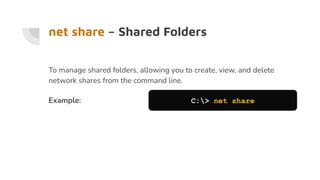
net share –Shared Folders
To manage shared folders, allowing you to create, view, and delete
network shares from the command line.
Example: C:> net share
31.
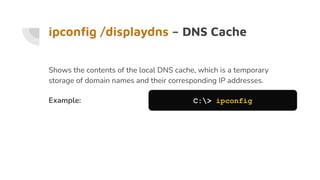
ipconfig /displaydns –DNS Cache
Shows the contents of the local DNS cache, which is a temporary
storage of domain names and their corresponding IP addresses.
Example: C:> ipconfig
● Windows DOSprompt allows direct interaction with the system.
● Commands like dir, cd, copy, del handle file tasks.
● Commands like ipconfig, netstat, tracert, nslookup are used in
cybersecurity.
● Filtering tools (findstr, pipes) help in log and network analysis.
● CMD is essential for digital forensics, troubleshooting, and
penetration testing.