






Windows Azure Web Sites


               Build with ASP.NET, PHP, Node.js
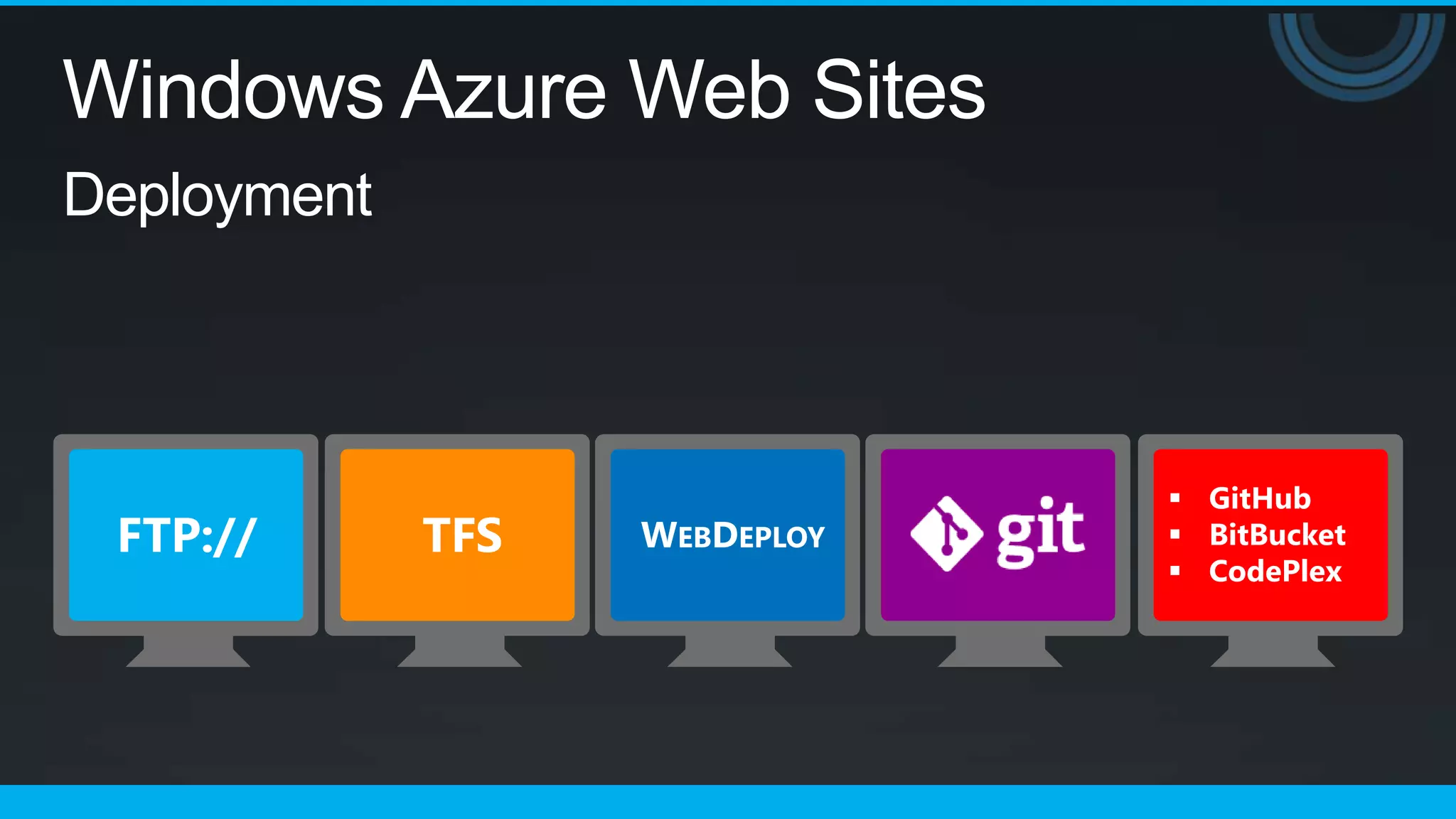
               Deploy Quickly with Git, FTP, TFS
               Start Free, Scale up as needed
Windows Azure Web Sites
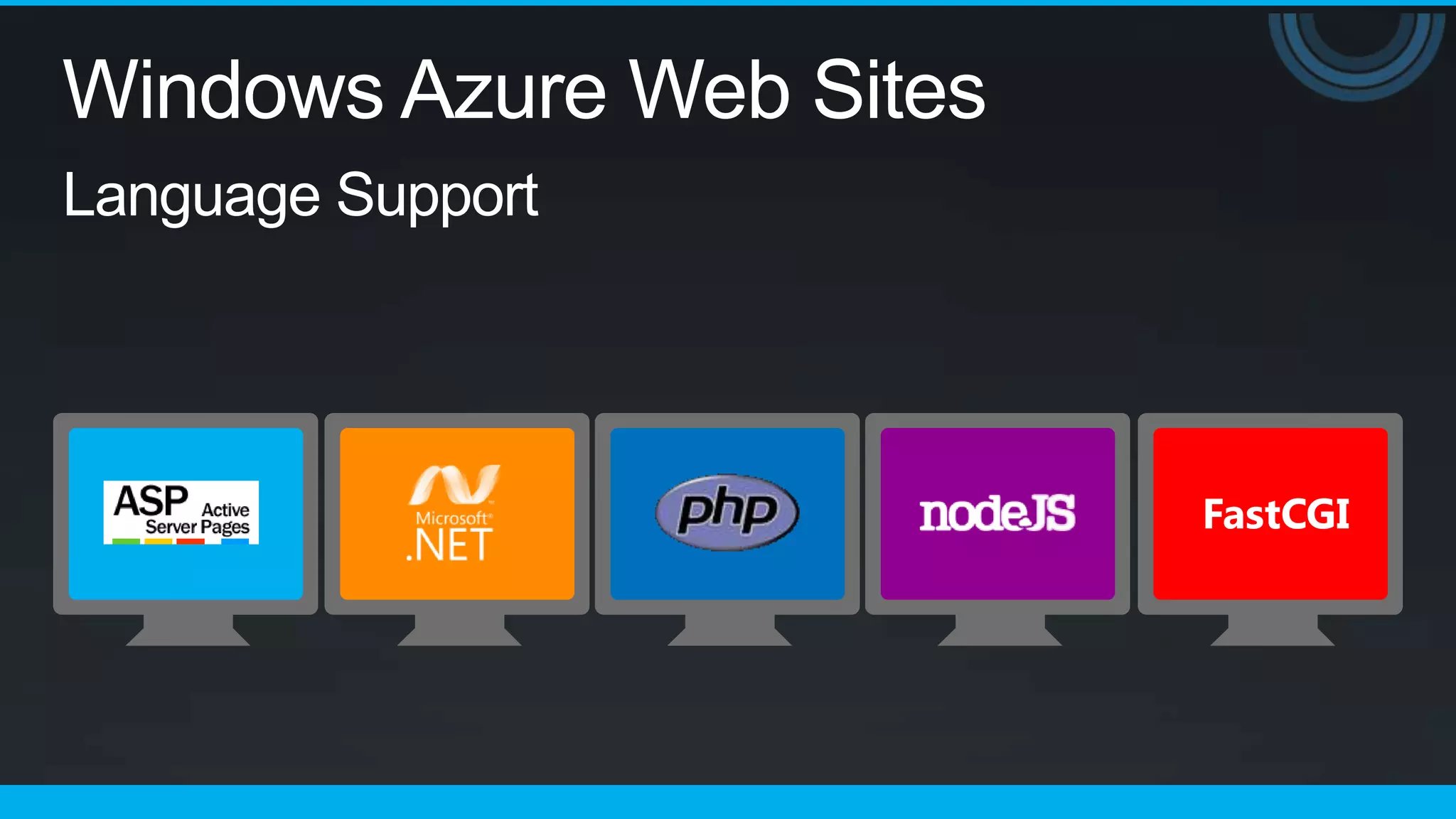
Language Support
Windows Azure Web Sites

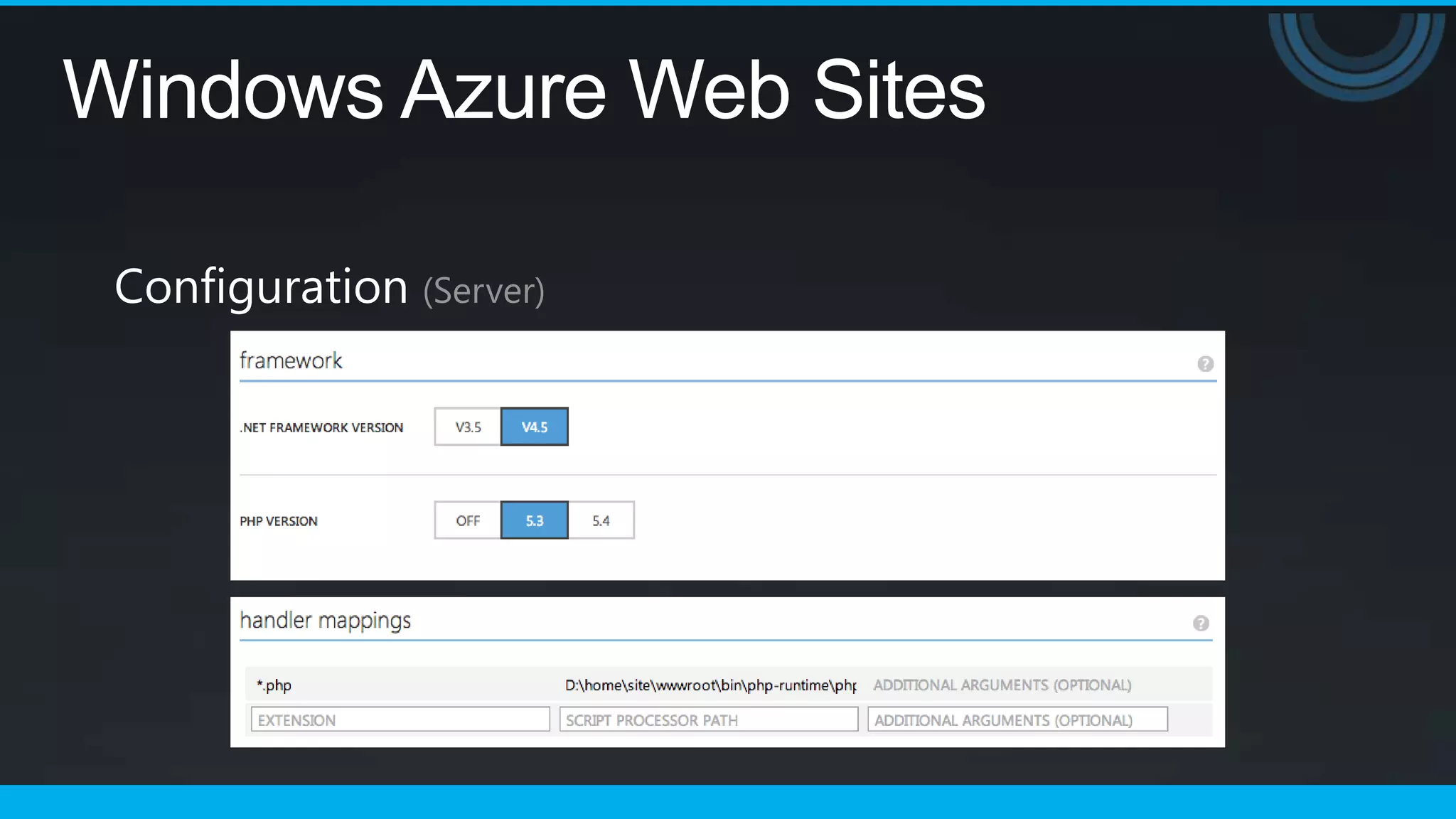
 Configuration (Server)
Windows Azure Web Sites
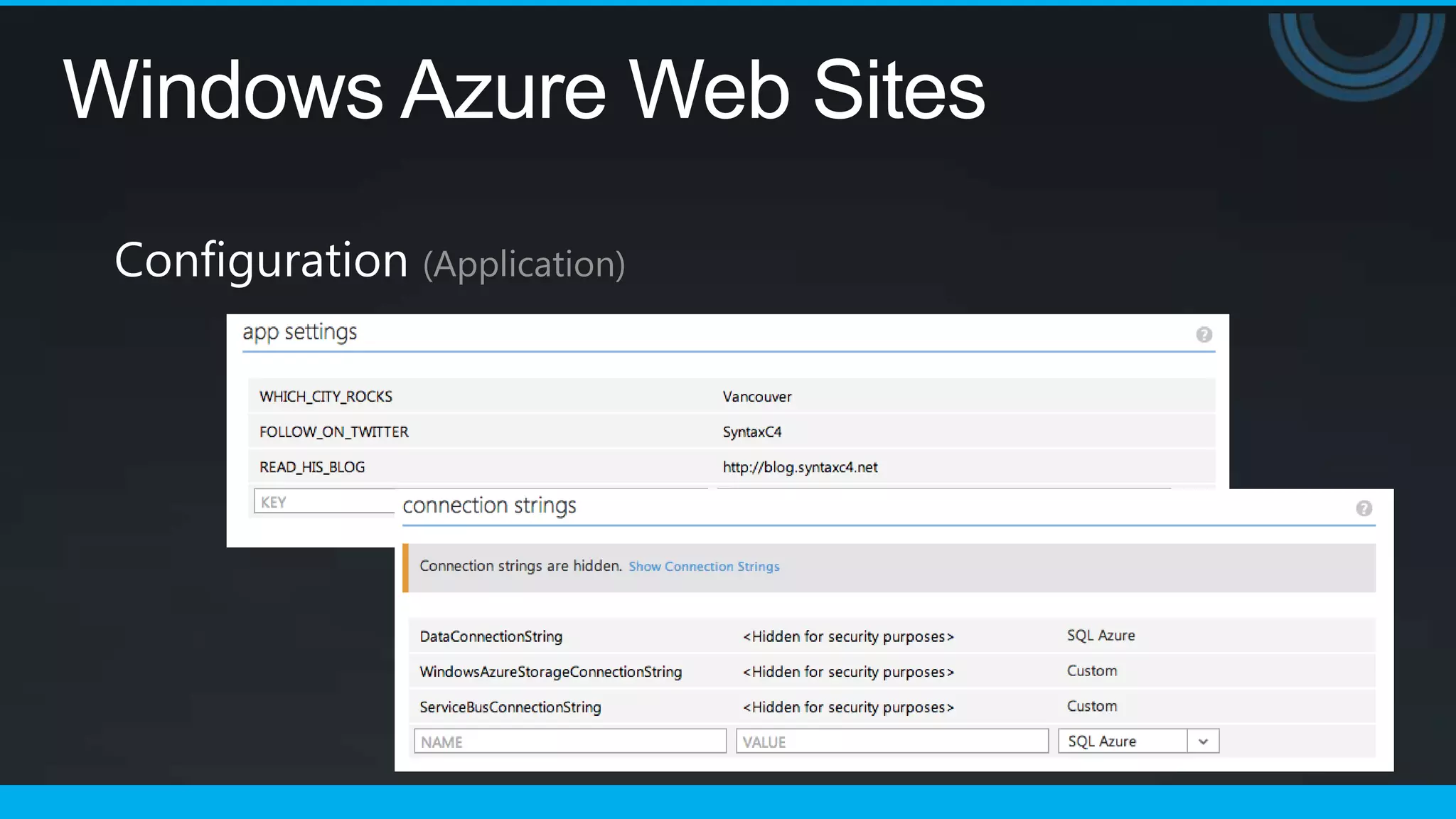
 Configuration (Application)
Windows Azure Web Sites

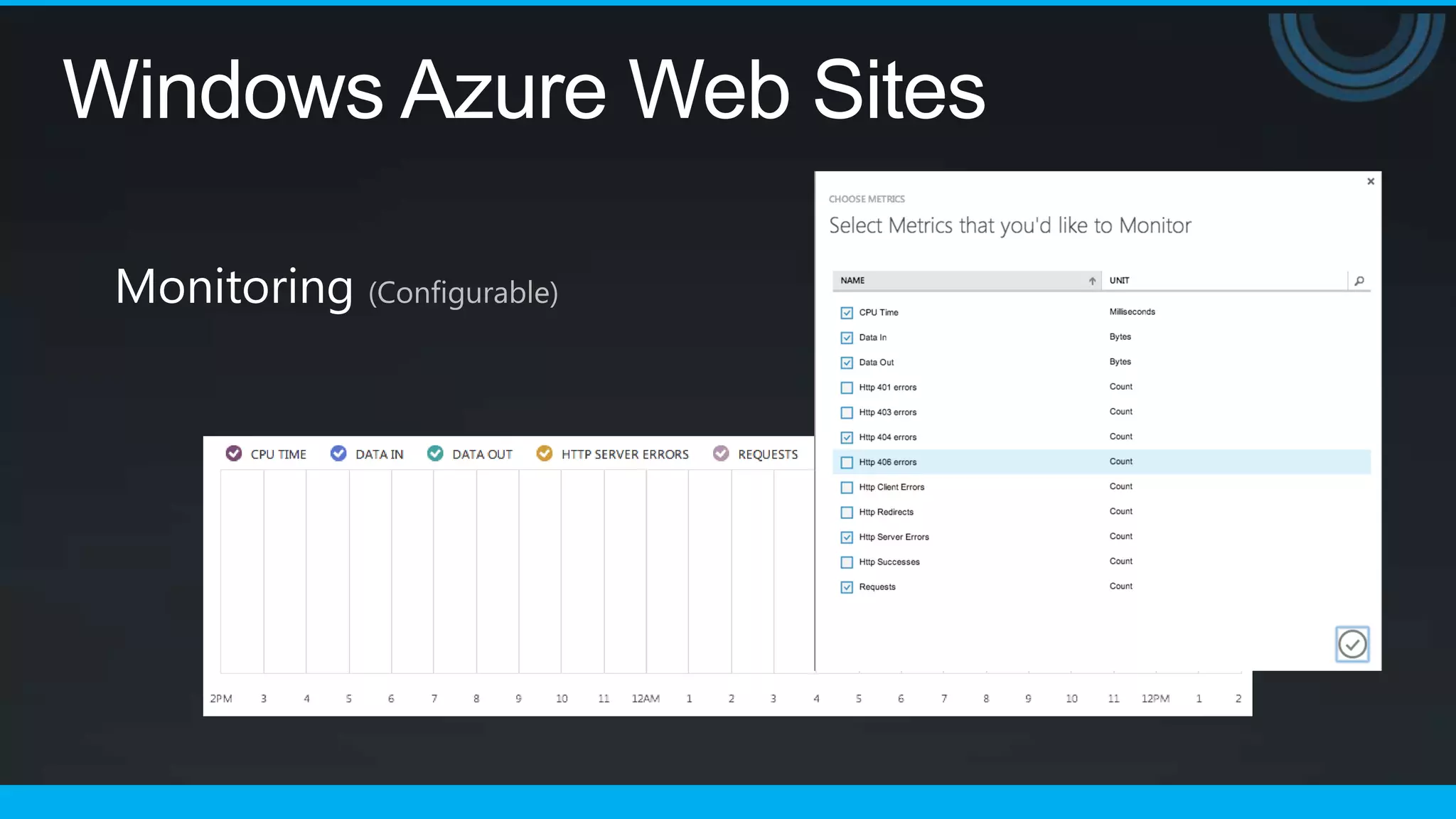
 Monitoring (Configurable)
Windows Azure Web Sites

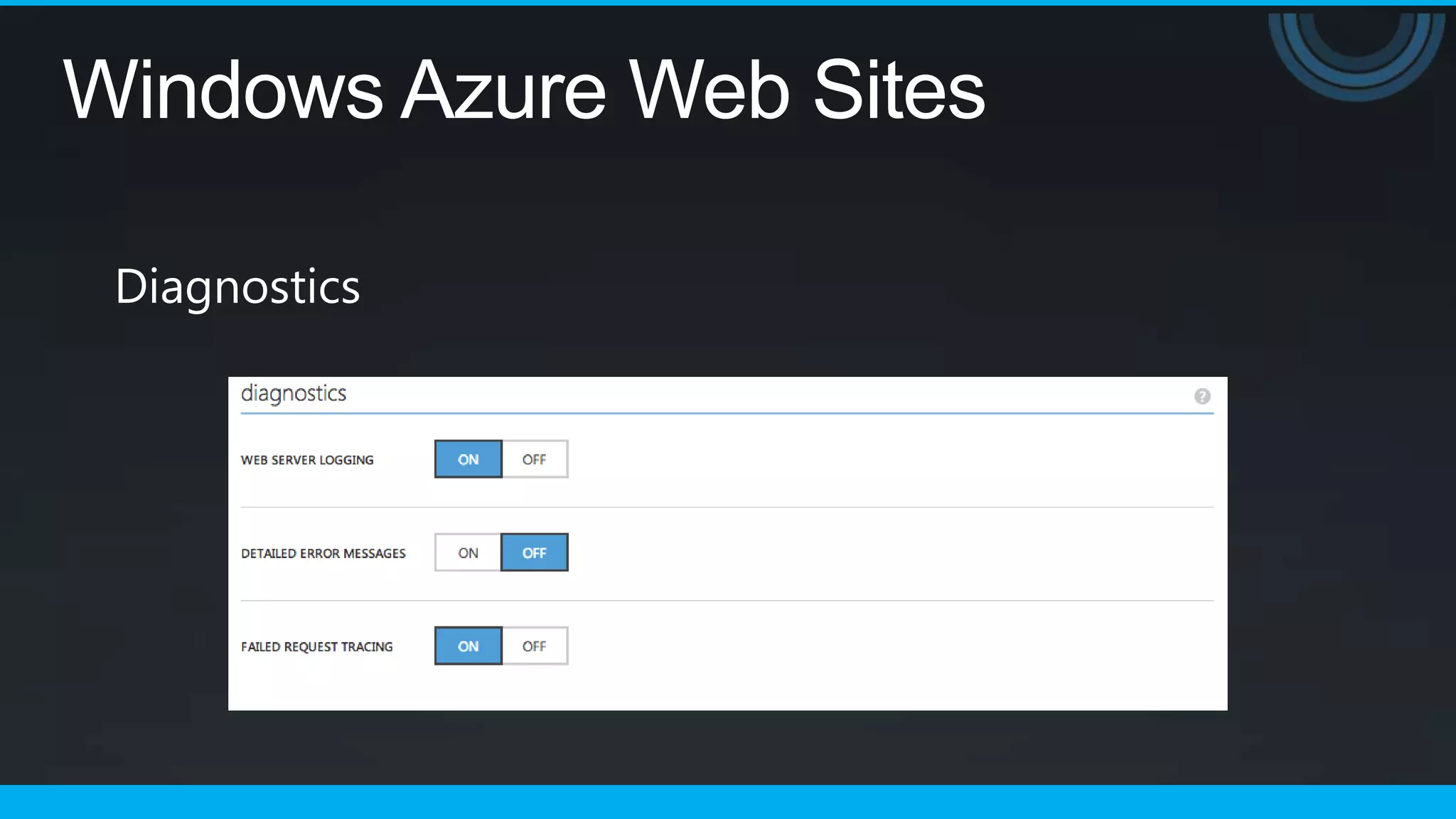
 Diagnostics
Windows Azure Web Sites
Deployment
Windows Azure Web Sites

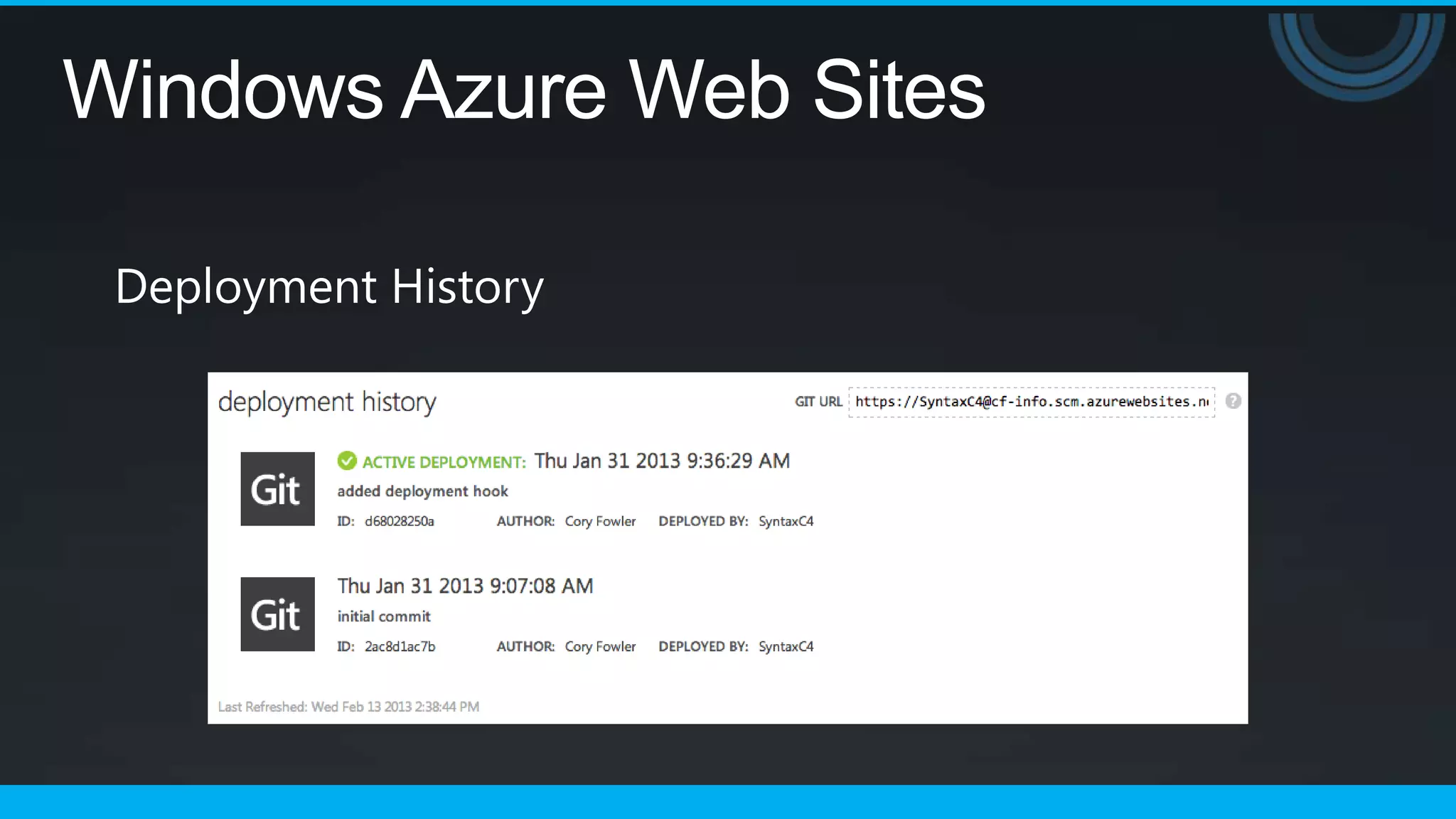
 Deployment History
Windows Azure Web Sites


        Let’s Dive Deeper…
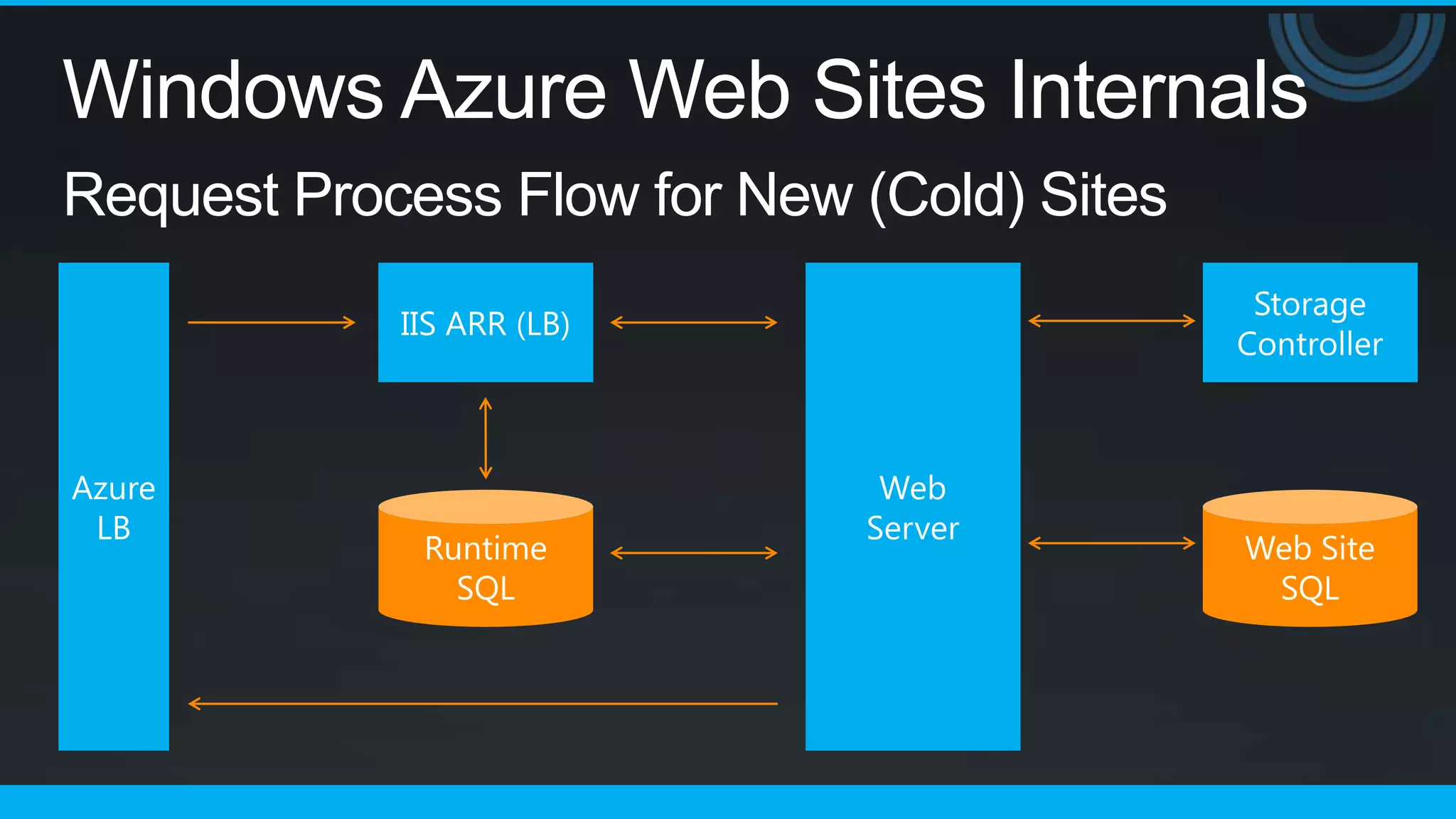
Windows Azure Web Sites Internals
Request Process Flow for New (Cold) Sites
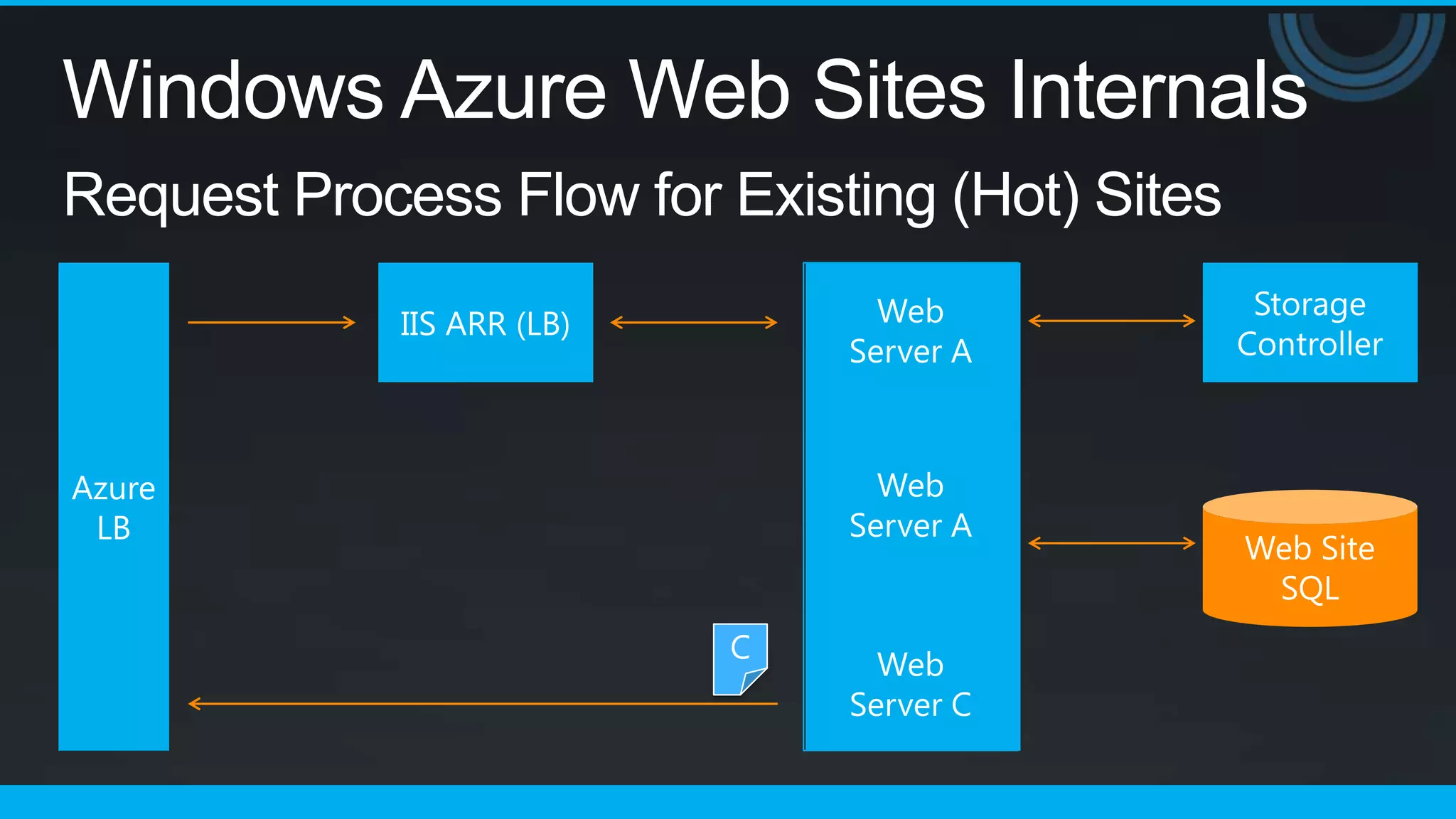
Windows Azure Web Sites Internals
Request Process Flow for Existing (Hot) Sites
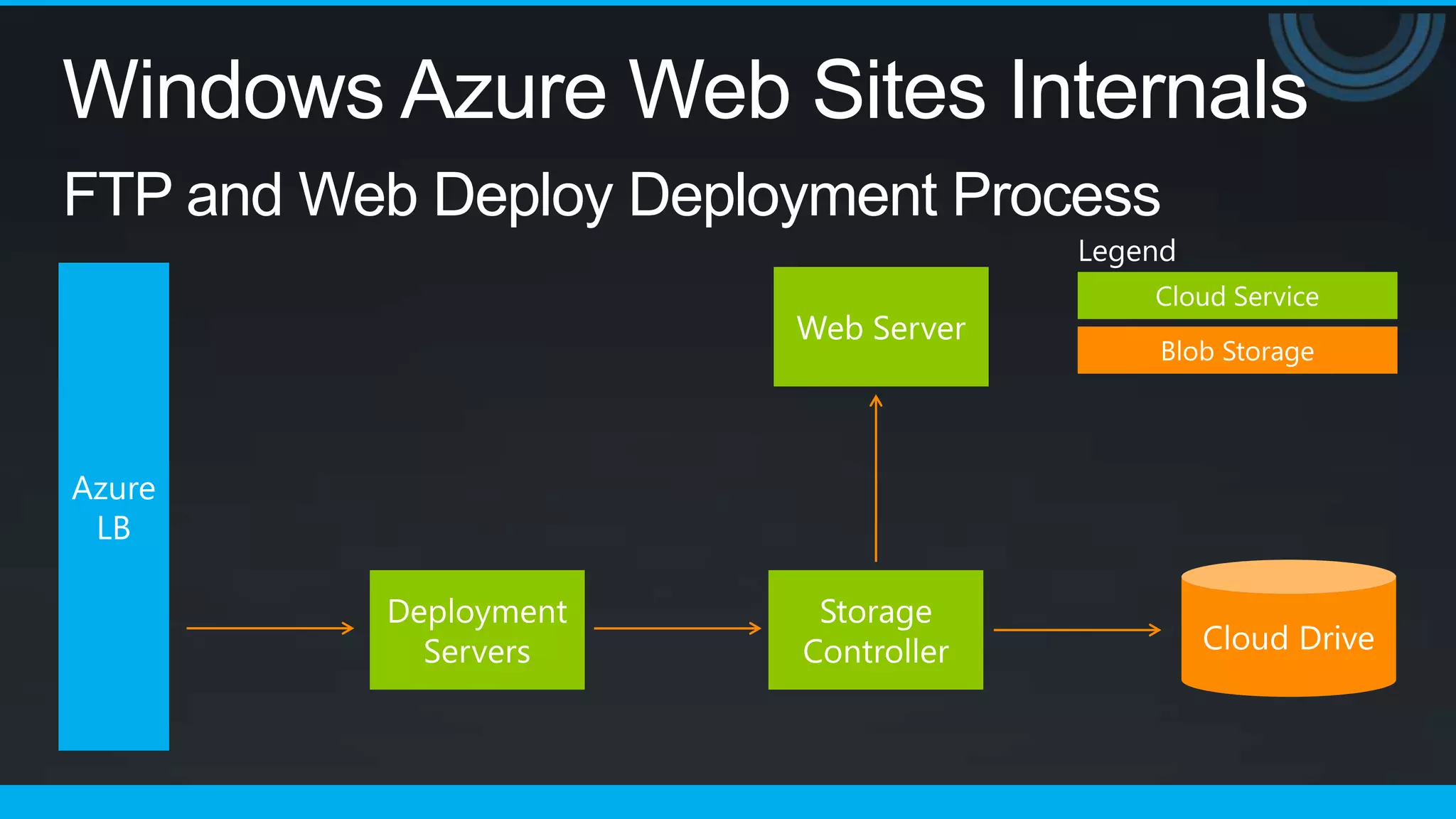
Windows Azure Web Sites Internals
FTP and Web Deploy Deployment Process
                                  Legend
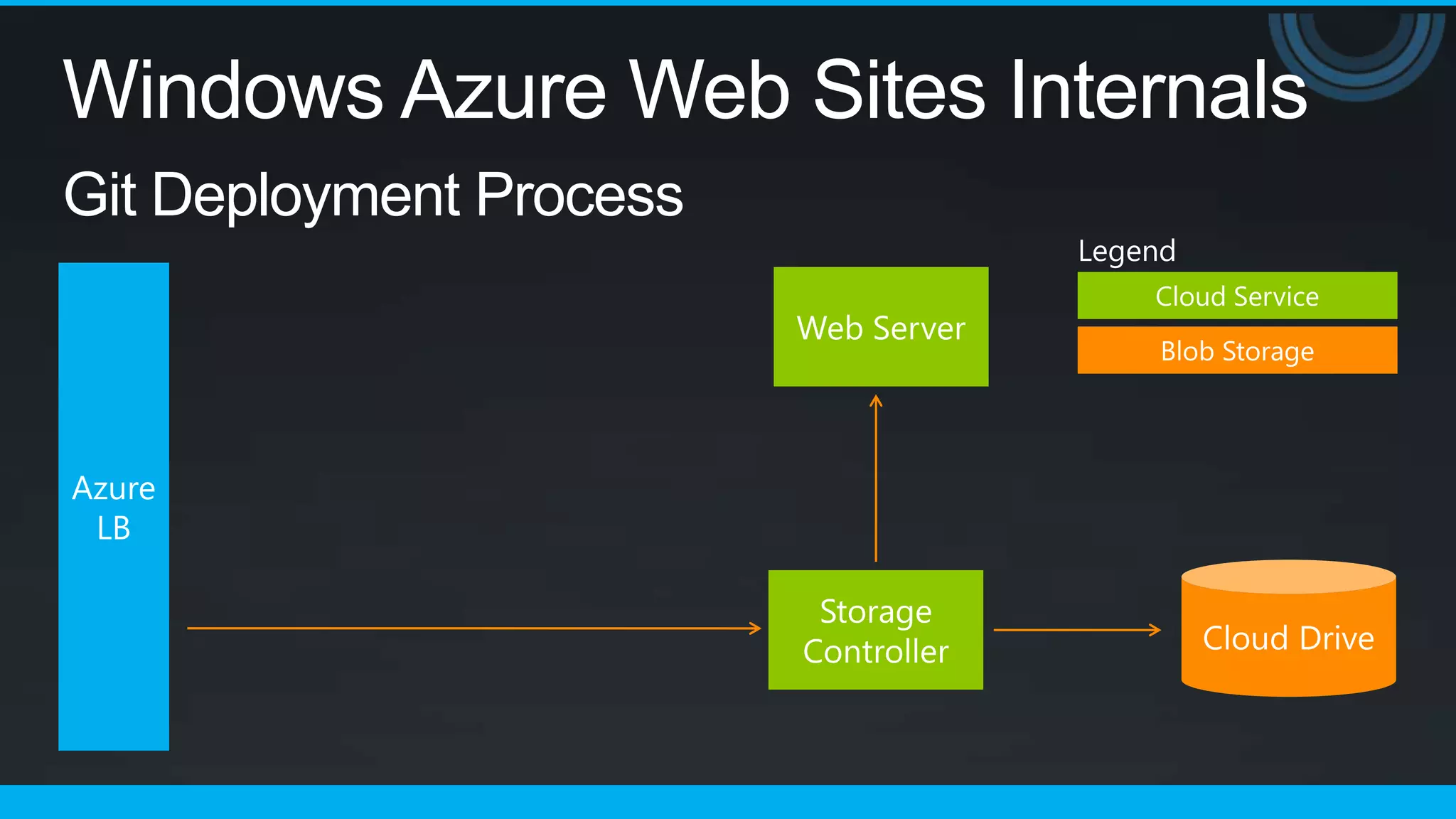
Windows Azure Web Sites Internals
Git Deployment Process
                          Legend
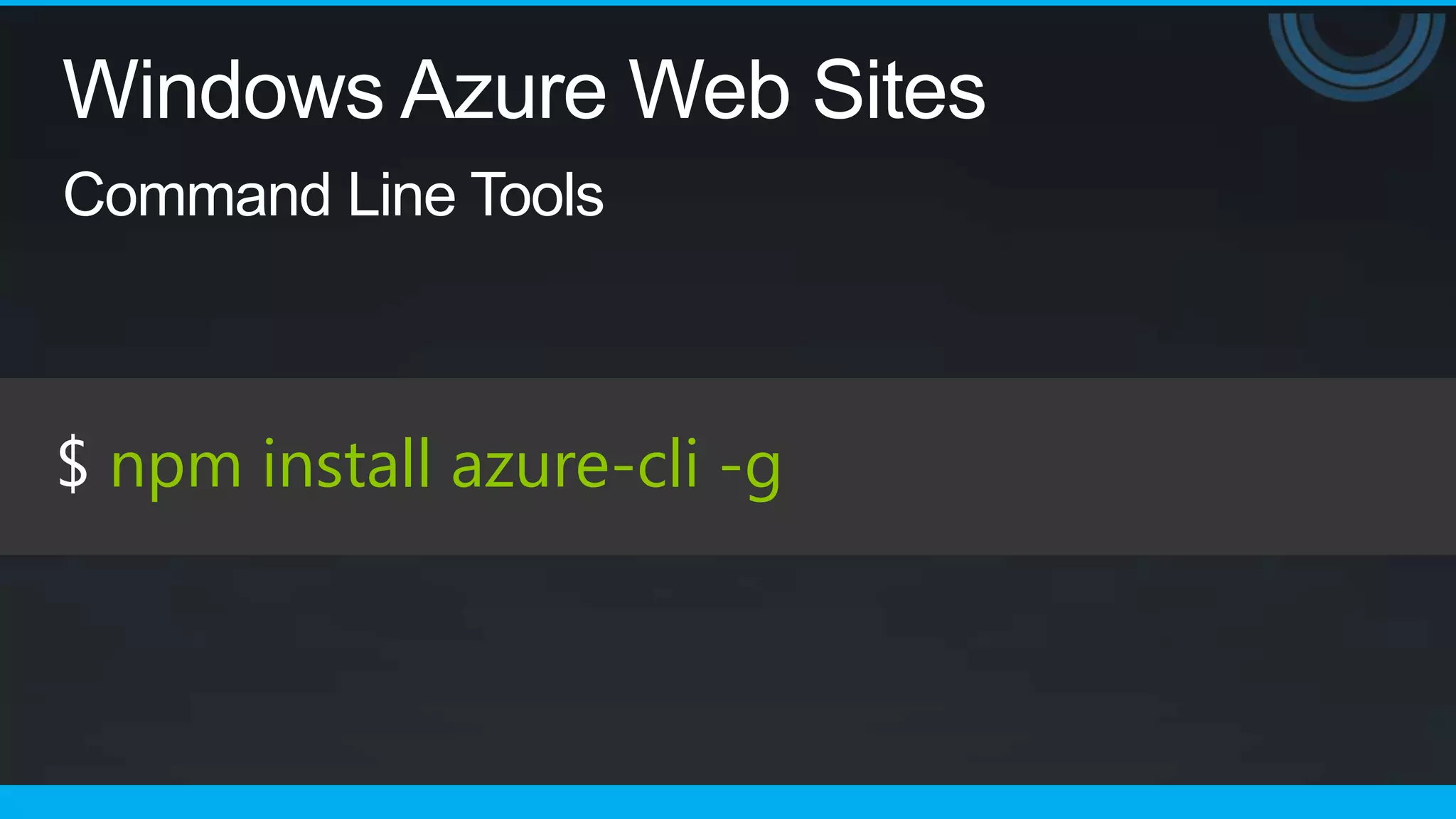
Windows Azure Web Sites
Command Line Tools


$ npm install azure-cli -g
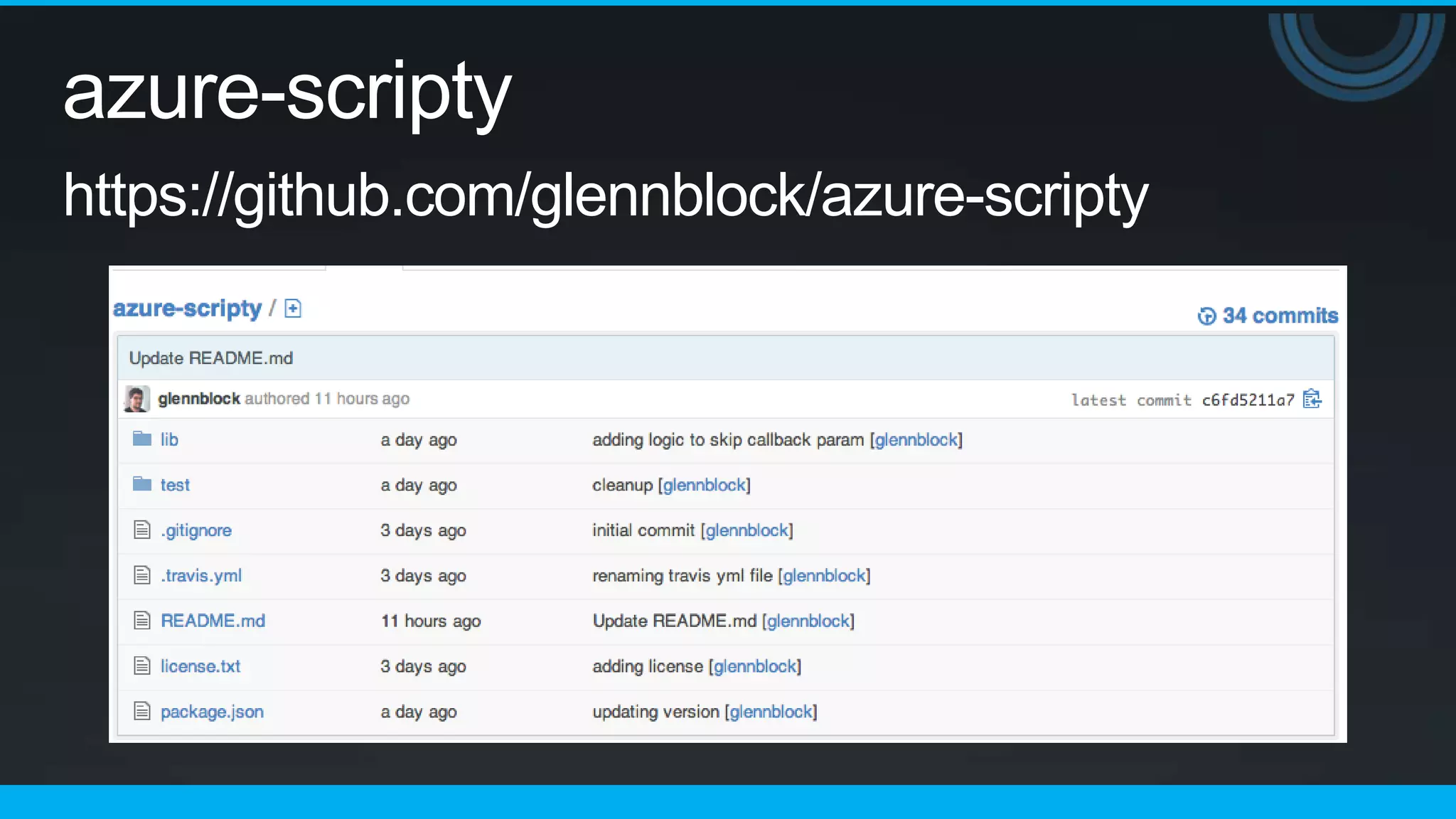
azure-scripty
https://github.com/glennblock/azure-scripty
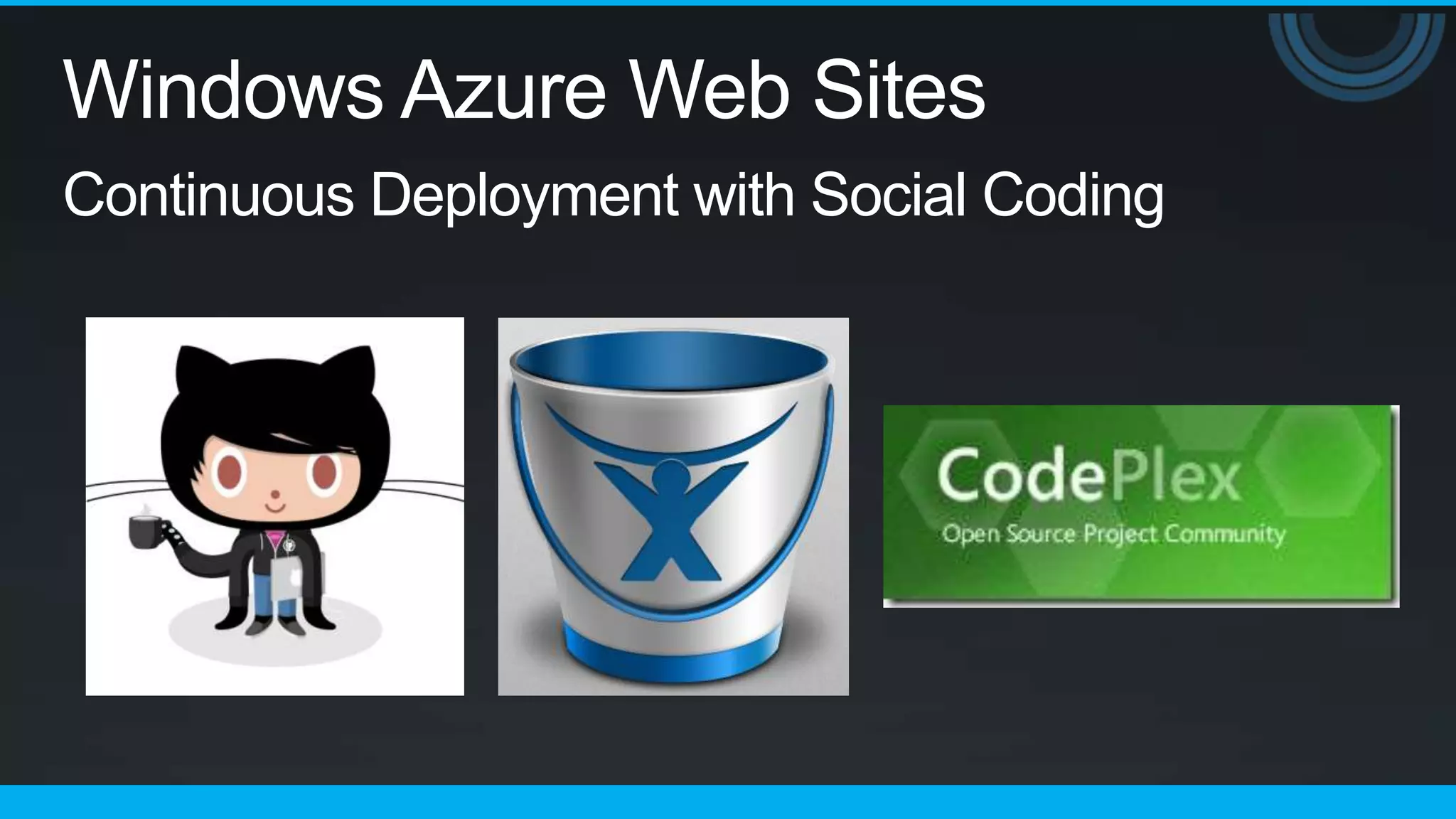
Windows Azure Web Sites
Continuous Deployment with Social Coding
Windows Azure Web Sites
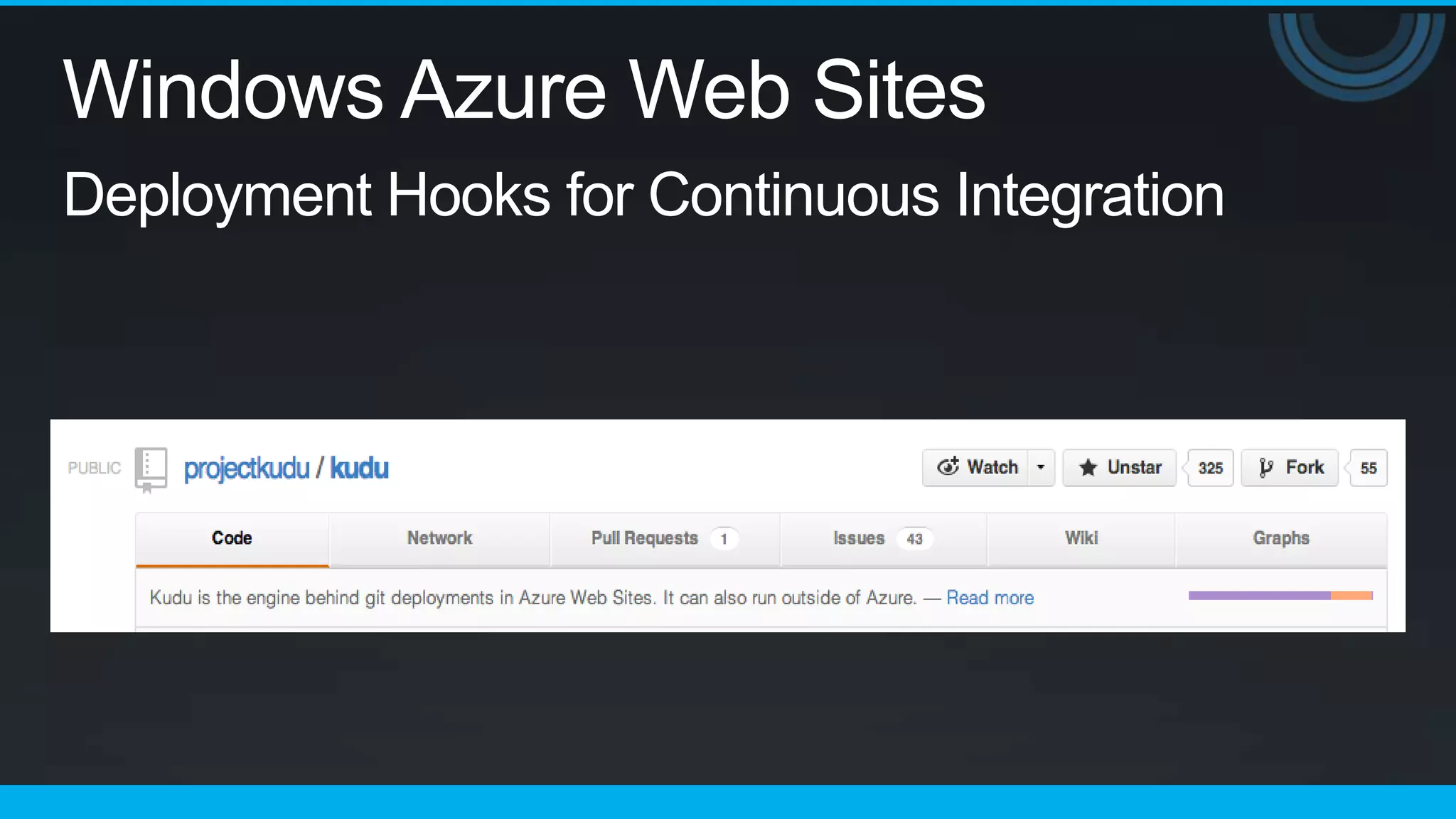
Deployment Hooks for Continuous Integration
Thank You   ;-)
Q&A
Windows Azure Web Sites Mastery

Windows Azure Web Sites Mastery

Editor's Notes

  • #12 SetupThis slide will outline the process by which new Windows Azure Web Sites are provisioned and created when a customer submits a new site request.Request ProcessTraffic comes into the Azure load balancer(fade in ARR) Hits the ARR load balancer (extended to support WAWS)(fade in Runtime SQL) Talks to the runtime database to find out which web server the traffic should be routed to(fade in Web Server) Stores metadata about each siteStores data about individual server load and memory usageUpdates every 30 secondsTraffic is routed to the appropriate web serverWhen the traffic hits the web server, it makes a call back to the runtime SQL database to verify the requested site should served from it (added security functionality)(fade in storage controller) If the site is valid, a map is made to the storage controller defining the content of the siteConfig files are generated and saved(fade in web site SQL) If you chose to have a linked database for your site, the linkage to your site’s database is set up automatically(fade in traffic arrow) Traffic then sent back to the Azure load balancer and then the requesting client sees the output
  • #13 SetupThis slide will outline the process by which requests are handled to Windows Azure Web Sites that have already been provisioned.Request ProcessTraffic comes into the Azure load balancer(fade in ARR) Hits the ARR load balancer, which has a list of where sites live and how to direct traffic to themTraffic is routed to the appropriate web server(fade in web server) Traffic is routed to the web server. (fade out web server, fade in multiple web server instances) If the site has multiple instances, traffic is dynamically routed to the least-utilized server(fade in storage controller) Site content is loaded from the storage controller to the web server that was hit(fade in web site SQL) If you chose to have a linked database for your site, data is exchanged between the site and it’s database during the request(fade in traffic arrow) Traffic then sent back to the Azure load balancer and then the requesting client sees the output
  • #14 SetupThis slide will outline the process by which requests are handled to Windows Azure Web Sites that have already been provisioned.Request ProcessTraffic comes into the Azure load balancer(fade in ARR) Hits the ARR load balancer, which has a list of where sites live and how to direct traffic to themTraffic is routed to the appropriate web server(fade in web server) Traffic is routed to the web server. (fade out web server, fade in multiple web server instances) If the site has multiple instances, traffic is dynamically routed to the least-utilized server(fade in storage controller) Site content is loaded from the storage controller to the web server that was hit(fade in web site SQL) If you chose to have a linked database for your site, data is exchanged between the site and it’s database during the request(fade in traffic arrow) Traffic then sent back to the Azure load balancer and then the requesting client sees the output
  • #15 SetupThis slide will outline the process by which requests are handled to Windows Azure Web Sites that have already been provisioned.Request ProcessTraffic comes into the Azure load balancer(fade in ARR) Hits the ARR load balancer, which has a list of where sites live and how to direct traffic to themTraffic is routed to the appropriate web server(fade in web server) Traffic is routed to the web server. (fade out web server, fade in multiple web server instances) If the site has multiple instances, traffic is dynamically routed to the least-utilized server(fade in storage controller) Site content is loaded from the storage controller to the web server that was hit(fade in web site SQL) If you chose to have a linked database for your site, data is exchanged between the site and it’s database during the request(fade in traffic arrow) Traffic then sent back to the Azure load balancer and then the requesting client sees the output