Dynamic Inventory
Playbook
Roles
Tasks
Vars
Modules
Templates
 Ansible Vault
 Flexibility with ansible
 Demo of Spawning AWS EC2 instances
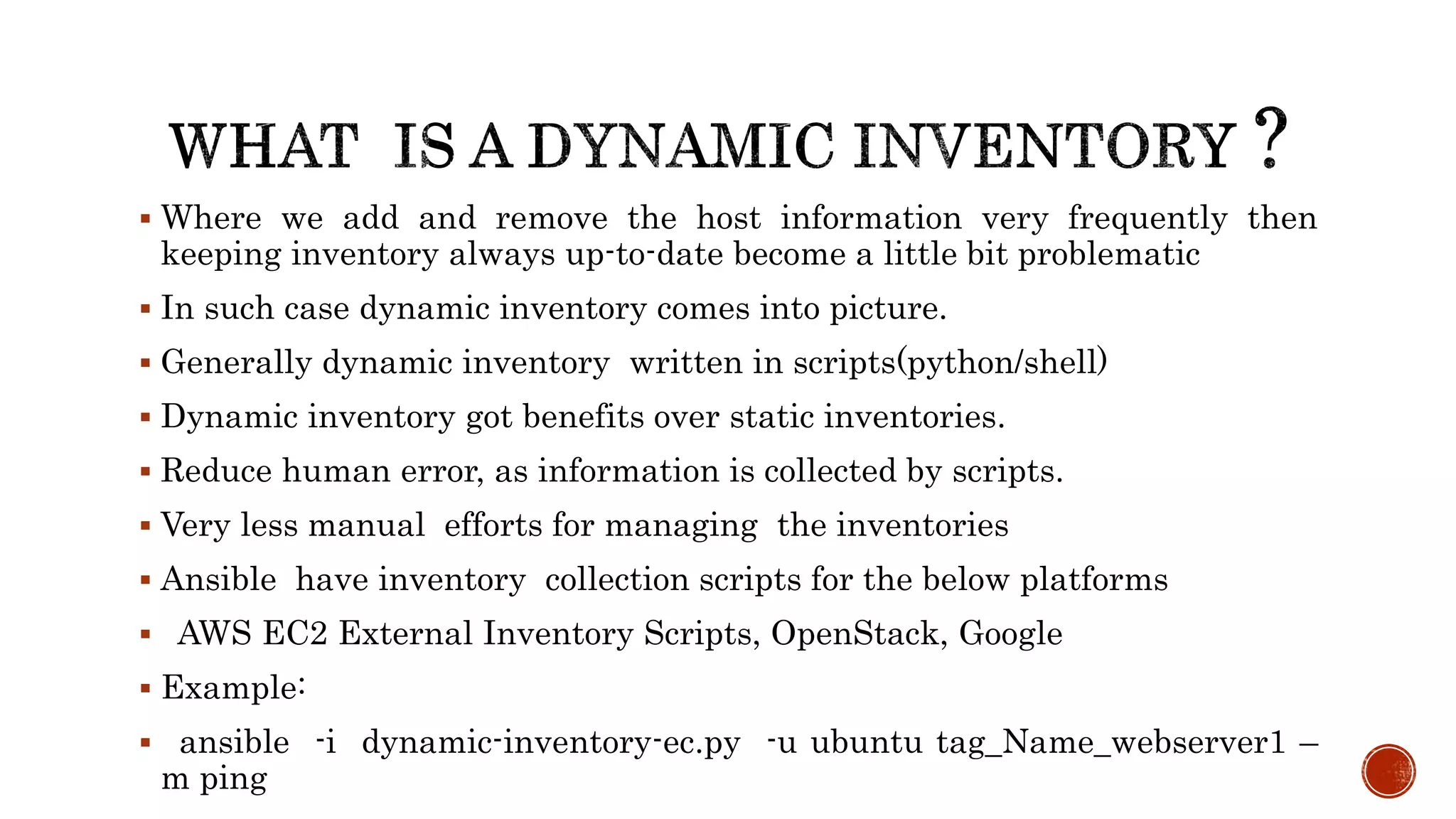
 Where we add and remove the host information very frequently then
keeping inventory always up-to-date become a little bit problematic
 In such case dynamic inventory comes into picture.
 Generally dynamic inventory written in scripts(python/shell)
 Dynamic inventory got benefits over static inventories.
 Reduce human error, as information is collected by scripts.
 Very less manual efforts for managing the inventories
 Ansible have inventory collection scripts for the below platforms
 AWS EC2 External Inventory Scripts, OpenStack, Google
 Example:
 ansible -i dynamic-inventory-ec.py -u ubuntu tag_Name_webserver1 –
m ping
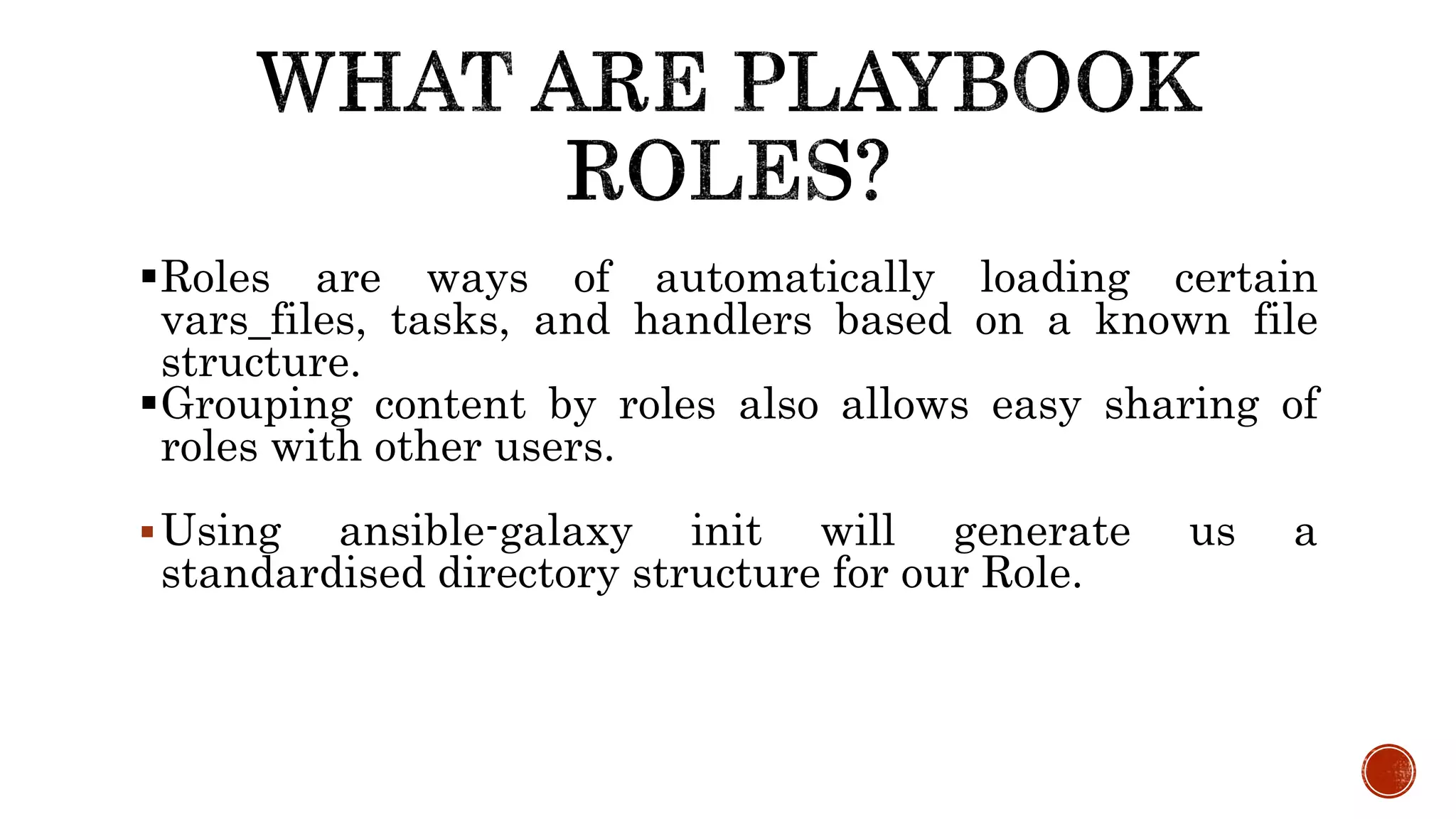
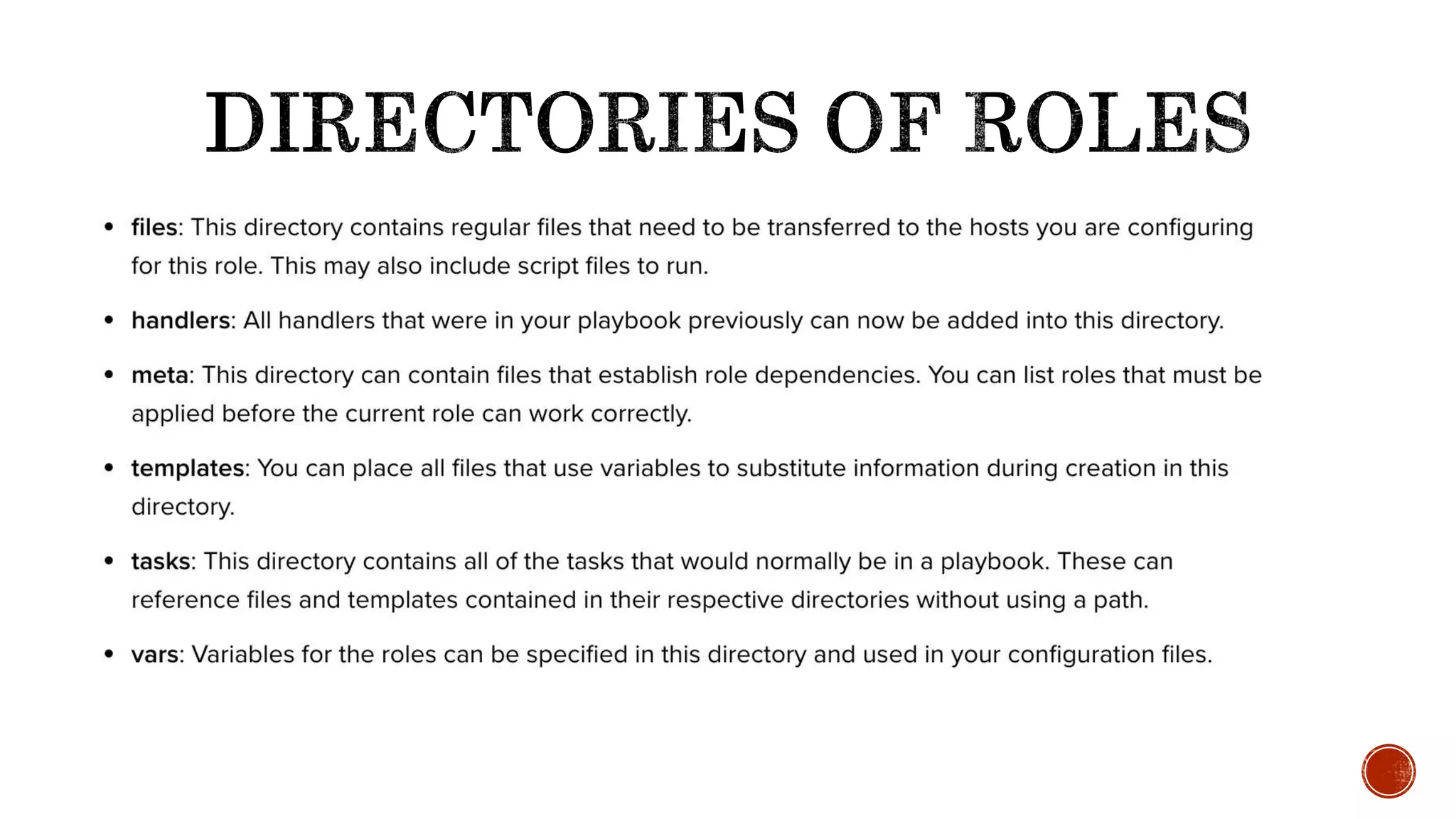
Roles are ways of automatically loading certain
vars_files, tasks, and handlers based on a known file
structure.
Grouping content by roles also allows easy sharing of
roles with other users.
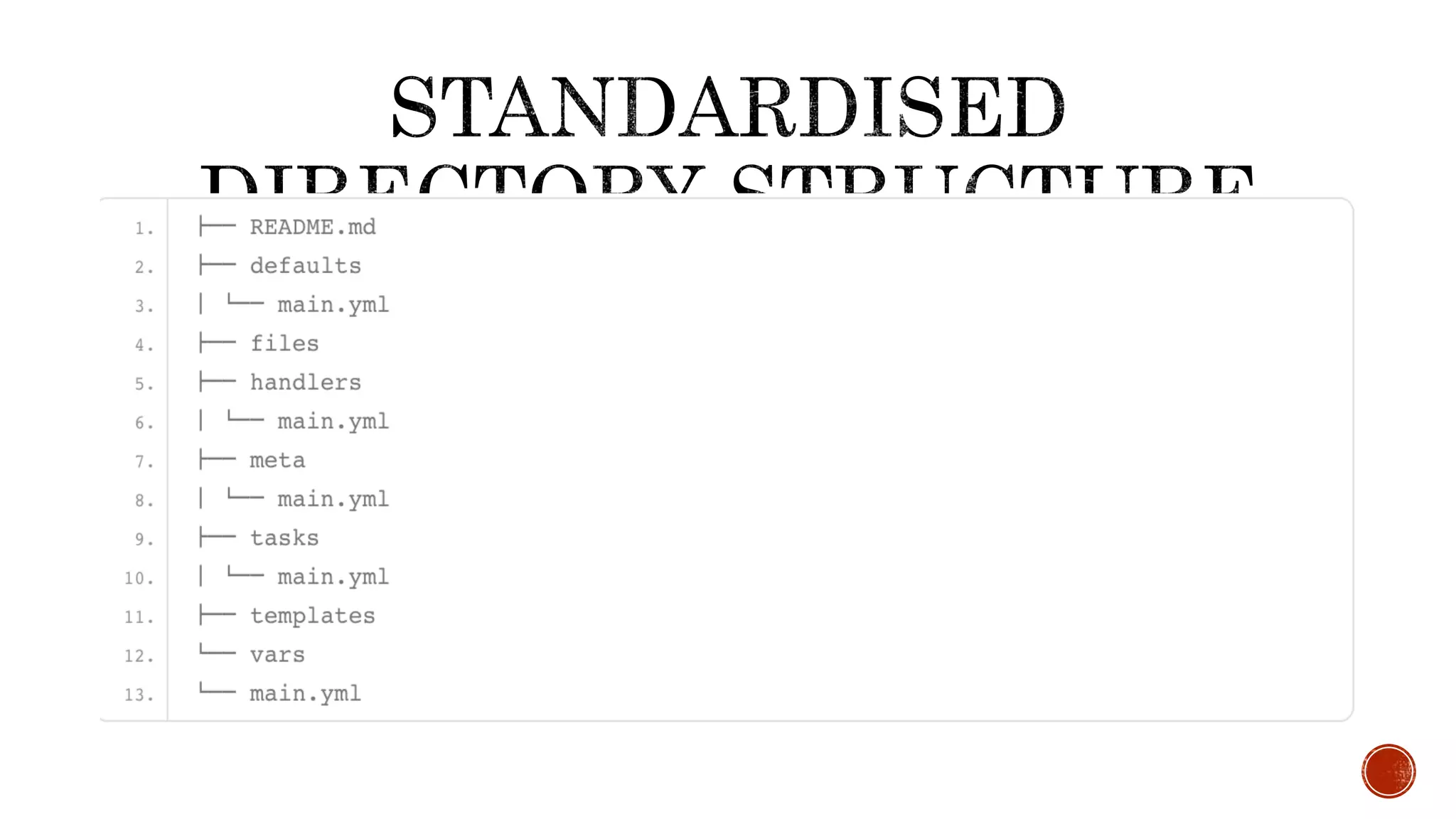
Using ansible-galaxy init will generate us a
standardised directory structure for our Role.
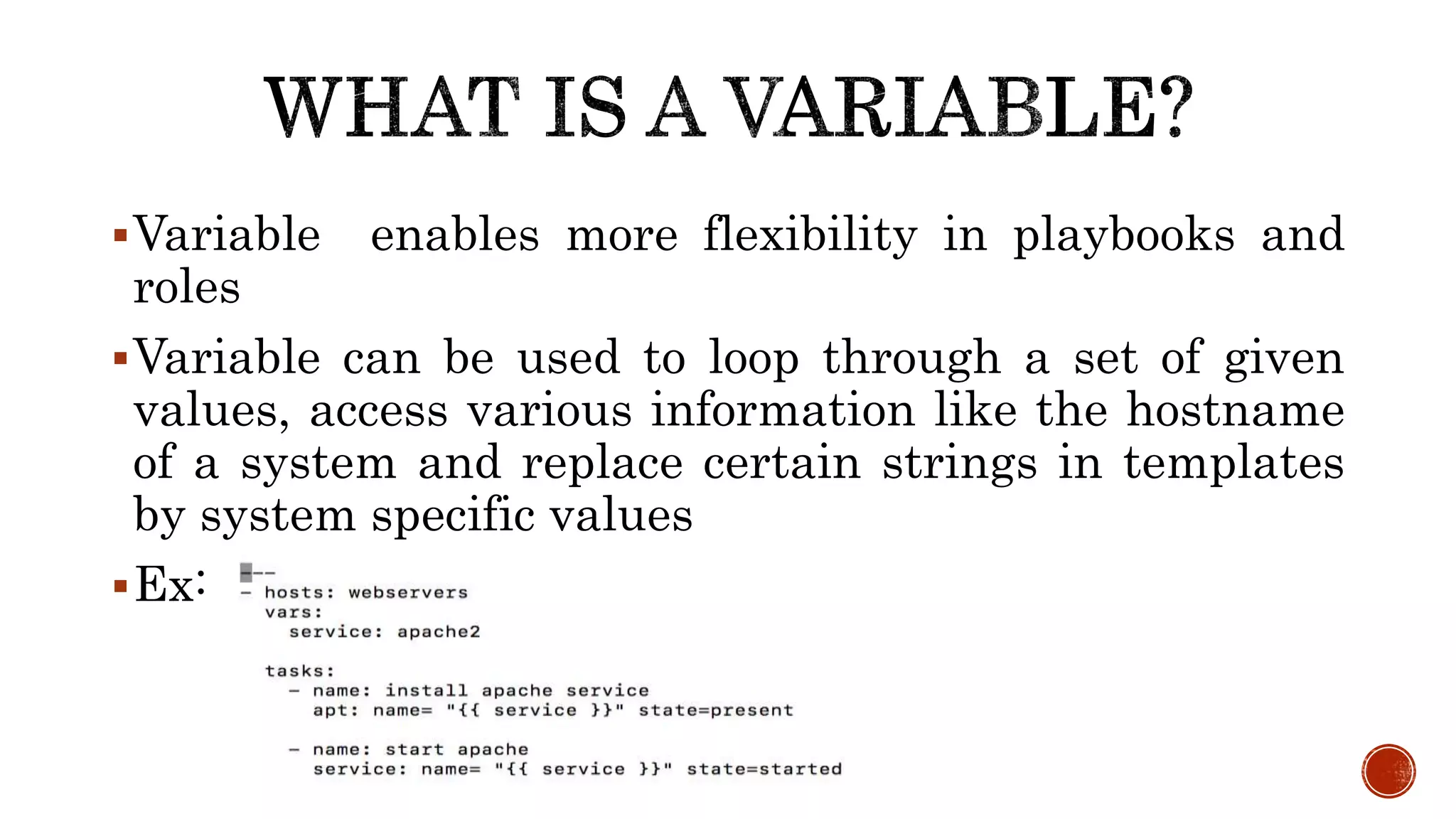
Variable enables more flexibility in playbooks and
roles
Variable can be used to loop through a set of given
values, access various information like the hostname
of a system and replace certain strings in templates
by system specific values
Ex:
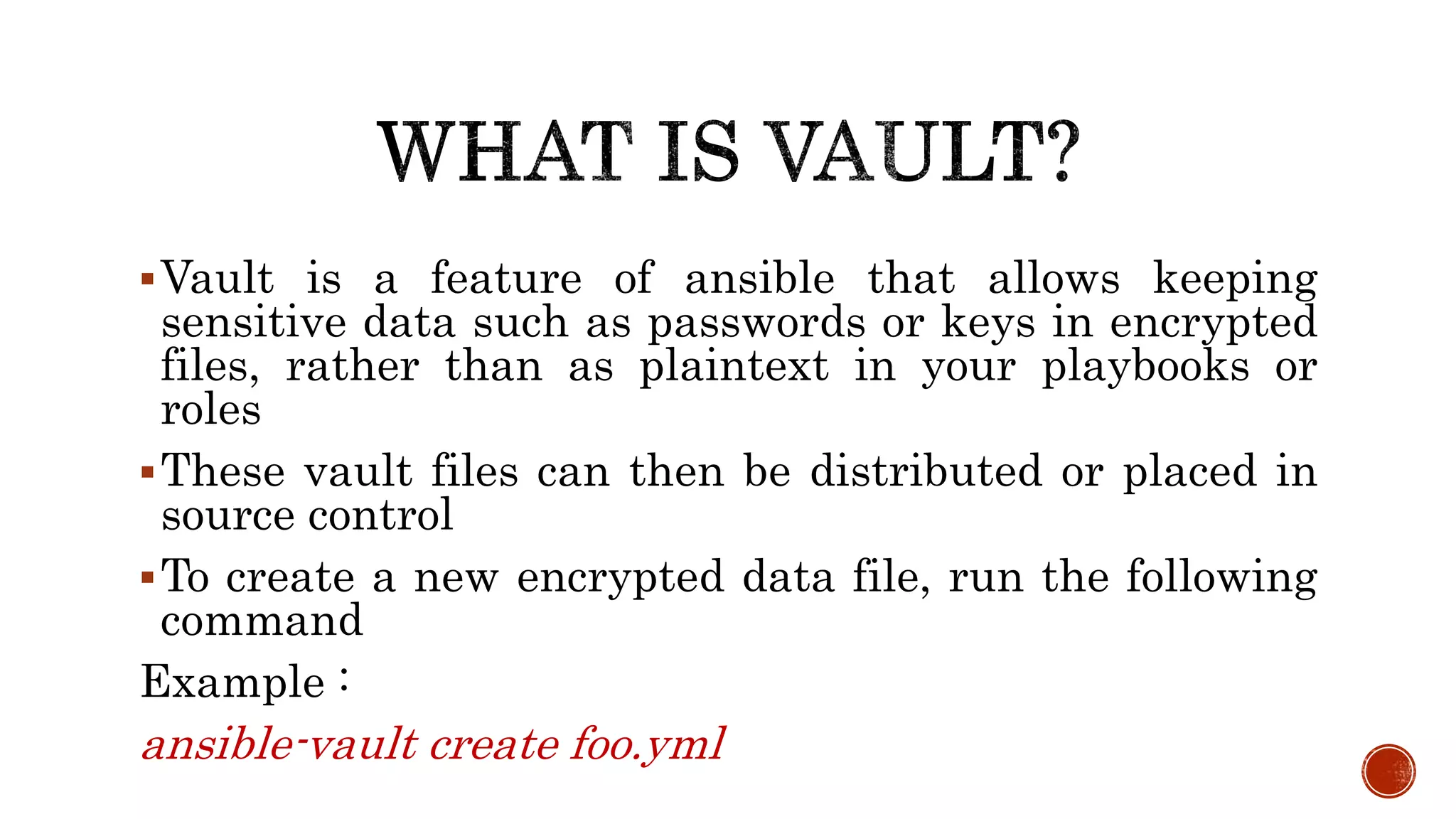
Vault is a feature of ansible that allows keeping
sensitive data such as passwords or keys in encrypted
files, rather than as plaintext in your playbooks or
roles
These vault files can then be distributed or placed in
source control
To create a new encrypted data file, run the following
command
Example :
ansible-vault create foo.yml
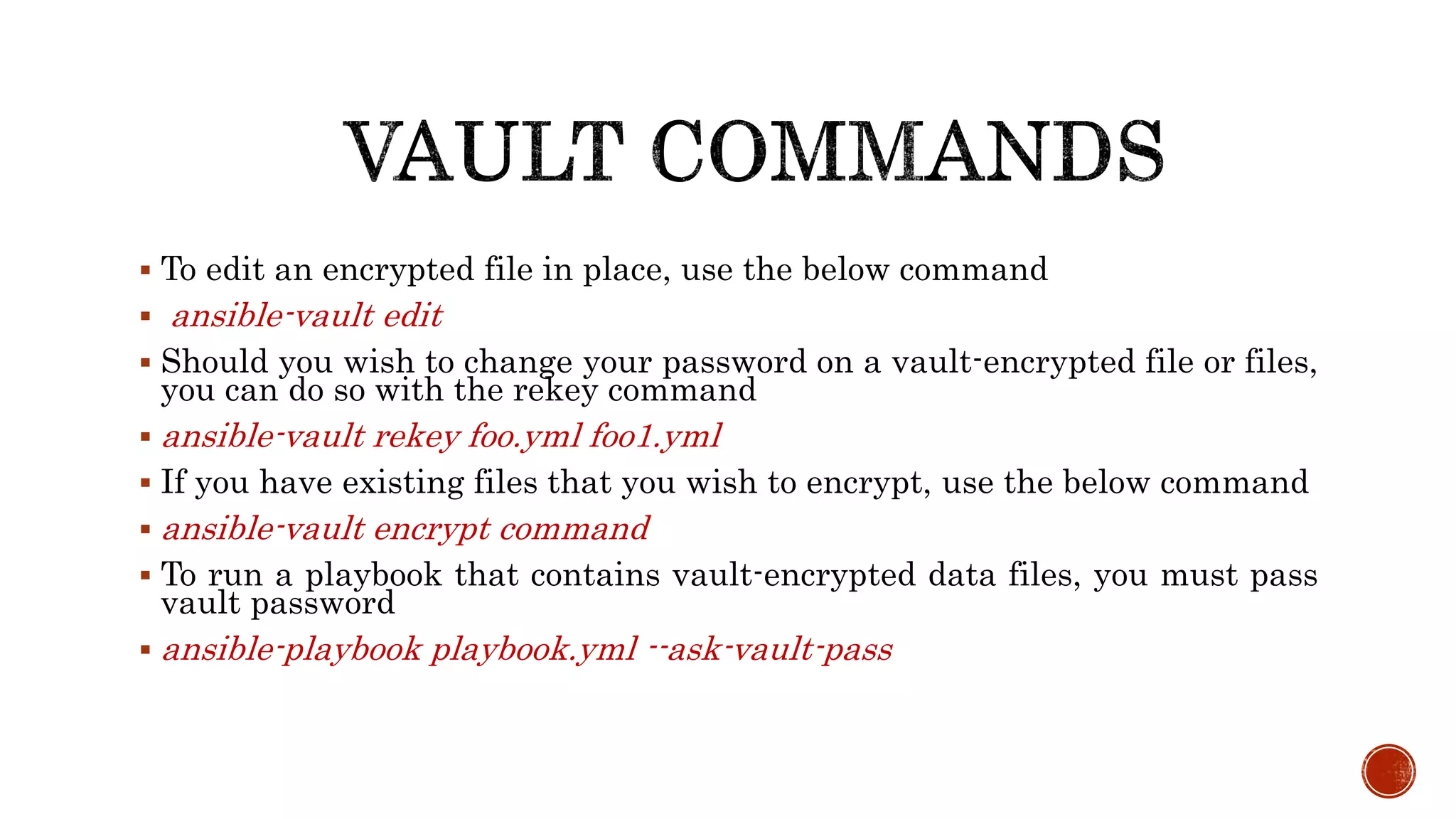
 To edit an encrypted file in place, use the below command
 ansible-vault edit
 Should you wish to change your password on a vault-encrypted file or files,
you can do so with the rekey command
 ansible-vault rekey foo.yml foo1.yml
 If you have existing files that you wish to encrypt, use the below command
 ansible-vault encrypt command
 To run a playbook that contains vault-encrypted data files, you must pass
vault password
 ansible-playbook playbook.yml --ask-vault-pass
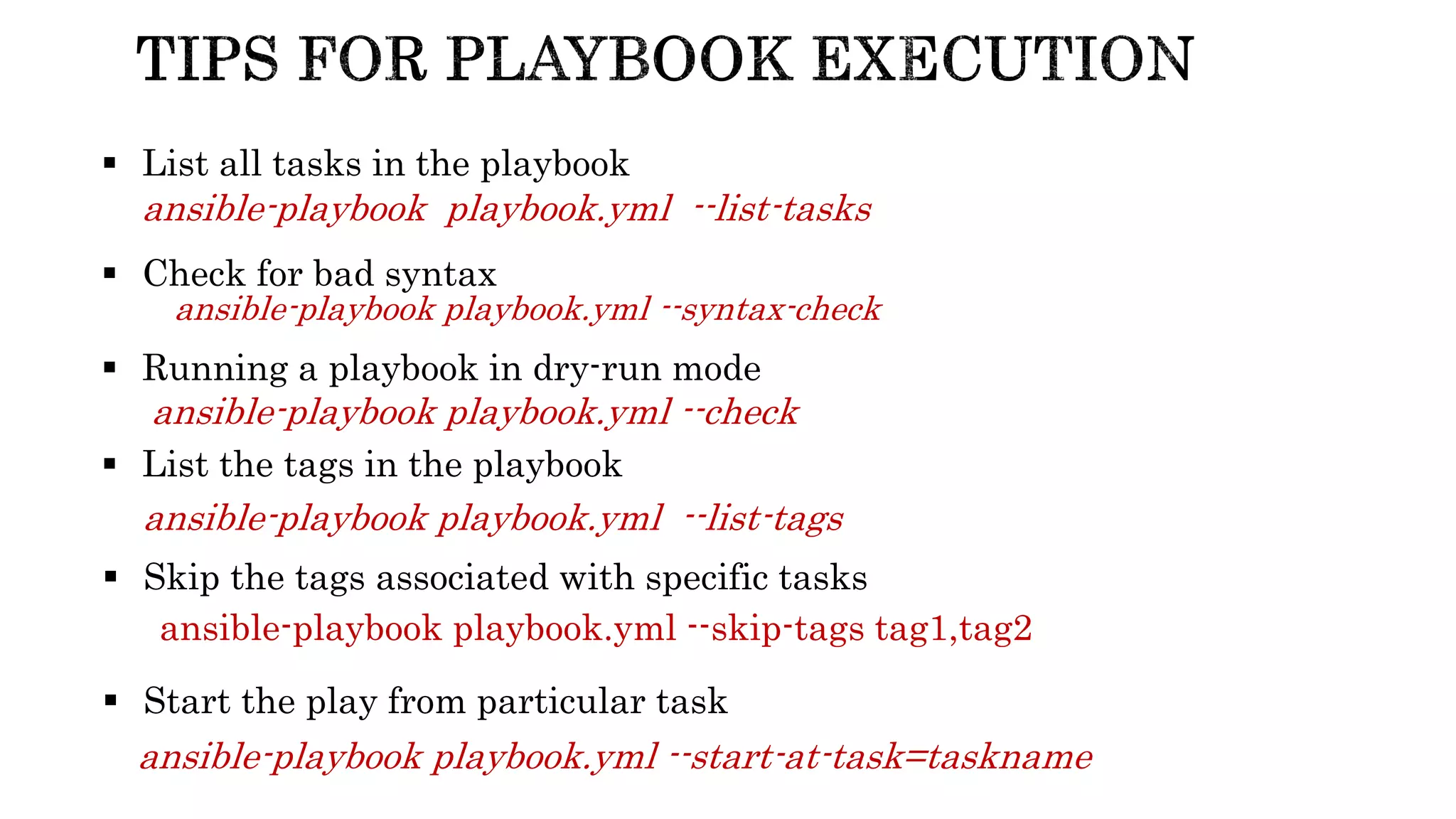
ansible-playbook playbook.yml --syntax-check
 Check for bad syntax
 Running a playbook in dry-run mode
ansible-playbook playbook.yml --check
 List all tasks in the playbook
ansible-playbook playbook.yml --list-tasks
 List the tags in the playbook
ansible-playbook playbook.yml --list-tags
 Skip the tags associated with specific tasks
ansible-playbook playbook.yml --skip-tags tag1,tag2
 Start the play from particular task
ansible-playbook playbook.yml --start-at-task=taskname
 Lets play with the playbooks
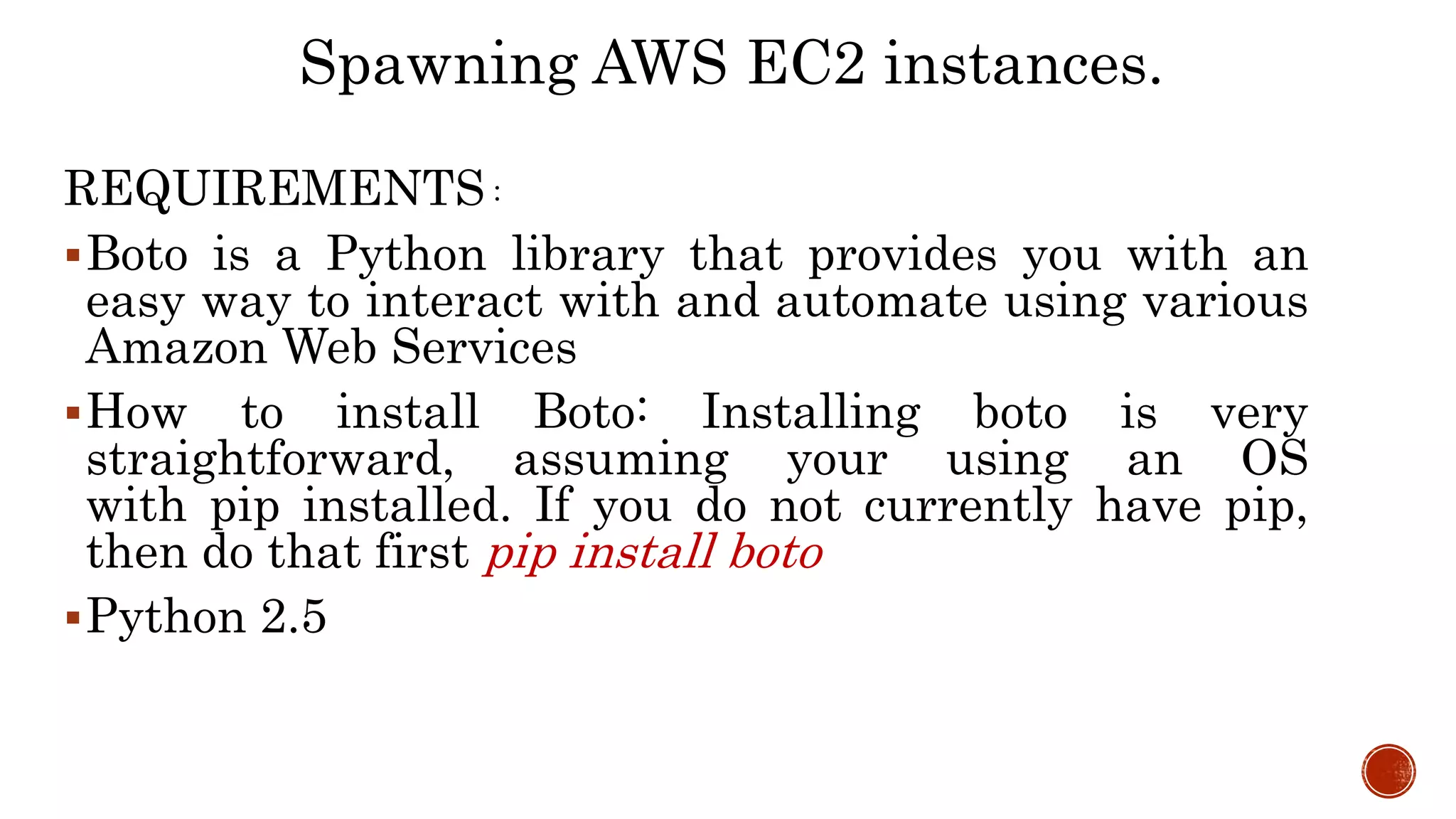
REQUIREMENTS :
Boto is a Python library that provides you with an
easy way to interact with and automate using various
Amazon Web Services
How to install Boto: Installing boto is very
straightforward, assuming your using an OS
with pip installed. If you do not currently have pip,
then do that first pip install boto
Python 2.5
Spawning AWS EC2 instances.
Advance discussion on Ansible - Rahul Inti

Advance discussion on Ansible - Rahul Inti

  • 1.
    Dynamic Inventory Playbook Roles Tasks Vars Modules Templates  AnsibleVault  Flexibility with ansible  Demo of Spawning AWS EC2 instances
  • 2.
     Where weadd and remove the host information very frequently then keeping inventory always up-to-date become a little bit problematic  In such case dynamic inventory comes into picture.  Generally dynamic inventory written in scripts(python/shell)  Dynamic inventory got benefits over static inventories.  Reduce human error, as information is collected by scripts.  Very less manual efforts for managing the inventories  Ansible have inventory collection scripts for the below platforms  AWS EC2 External Inventory Scripts, OpenStack, Google  Example:  ansible -i dynamic-inventory-ec.py -u ubuntu tag_Name_webserver1 – m ping
  • 3.
    Roles are waysof automatically loading certain vars_files, tasks, and handlers based on a known file structure. Grouping content by roles also allows easy sharing of roles with other users. Using ansible-galaxy init will generate us a standardised directory structure for our Role.
  • 6.
    Variable enables moreflexibility in playbooks and roles Variable can be used to loop through a set of given values, access various information like the hostname of a system and replace certain strings in templates by system specific values Ex:
  • 7.
    Vault is afeature of ansible that allows keeping sensitive data such as passwords or keys in encrypted files, rather than as plaintext in your playbooks or roles These vault files can then be distributed or placed in source control To create a new encrypted data file, run the following command Example : ansible-vault create foo.yml
  • 8.
     To editan encrypted file in place, use the below command  ansible-vault edit  Should you wish to change your password on a vault-encrypted file or files, you can do so with the rekey command  ansible-vault rekey foo.yml foo1.yml  If you have existing files that you wish to encrypt, use the below command  ansible-vault encrypt command  To run a playbook that contains vault-encrypted data files, you must pass vault password  ansible-playbook playbook.yml --ask-vault-pass
  • 9.
    ansible-playbook playbook.yml --syntax-check Check for bad syntax  Running a playbook in dry-run mode ansible-playbook playbook.yml --check  List all tasks in the playbook ansible-playbook playbook.yml --list-tasks  List the tags in the playbook ansible-playbook playbook.yml --list-tags  Skip the tags associated with specific tasks ansible-playbook playbook.yml --skip-tags tag1,tag2  Start the play from particular task ansible-playbook playbook.yml --start-at-task=taskname
  • 11.
     Lets playwith the playbooks
  • 12.
    REQUIREMENTS : Boto isa Python library that provides you with an easy way to interact with and automate using various Amazon Web Services How to install Boto: Installing boto is very straightforward, assuming your using an OS with pip installed. If you do not currently have pip, then do that first pip install boto Python 2.5 Spawning AWS EC2 instances.

Editor's Notes

  • #6 Note:tasks are basically yml files
  • #8 Note: I will show u how vault works in demo
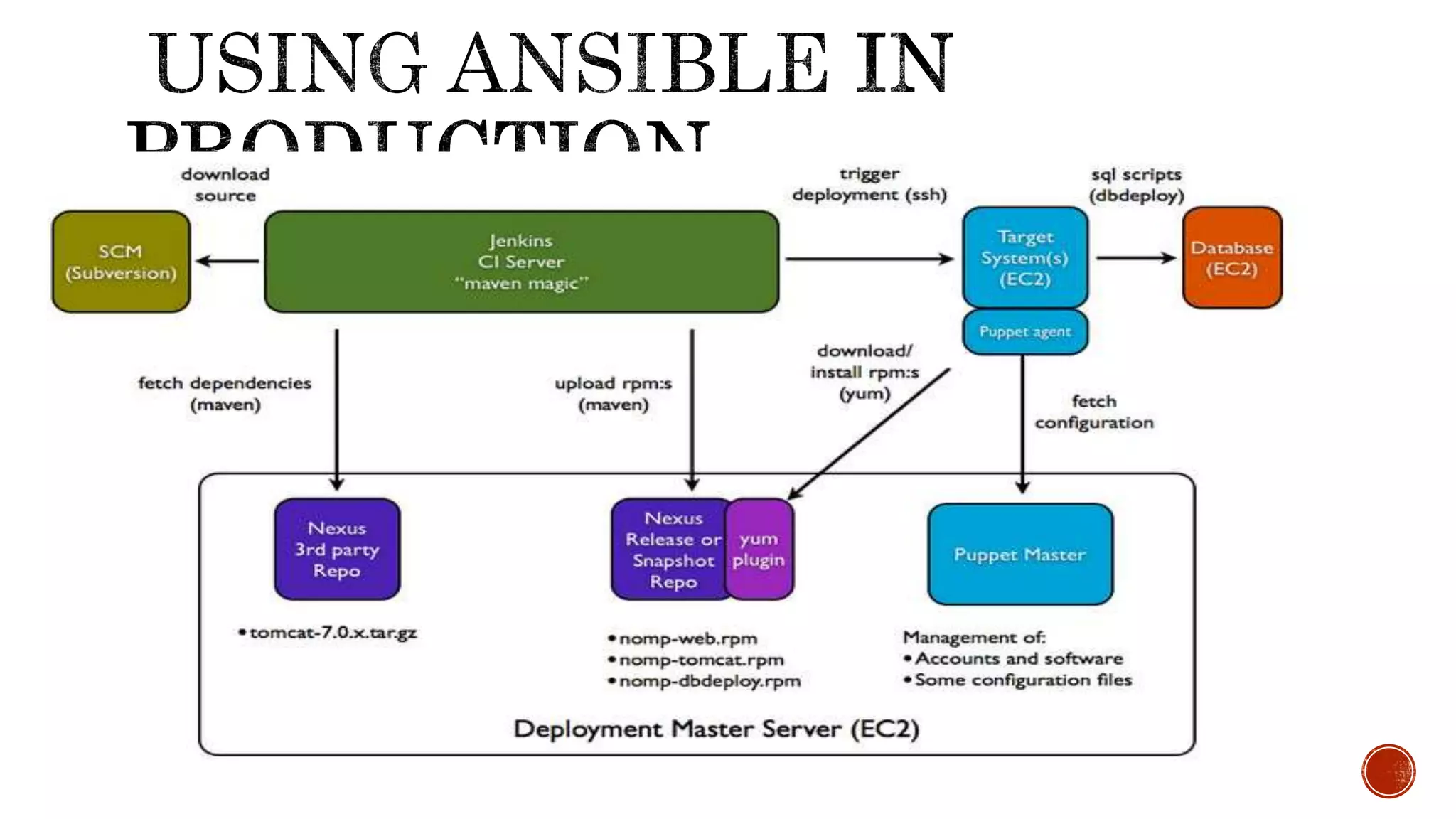
  • #13 Notes: production Arch