




Azure Websites 
Tom Walker 
Founder and principal consultant for 13North 
Microsoft Azure
Agenda 
 Site creation 
 Language Support 
 Deployment 
 Source Control 
Integration 
 Scale 
Web Jobs 
 Site Slots 
 Traffic Manager 
 Backup 
 Hybrid Connections 
 Redis Cache
Fastest way to build for the cloud
Demo 
Azure Website Creation
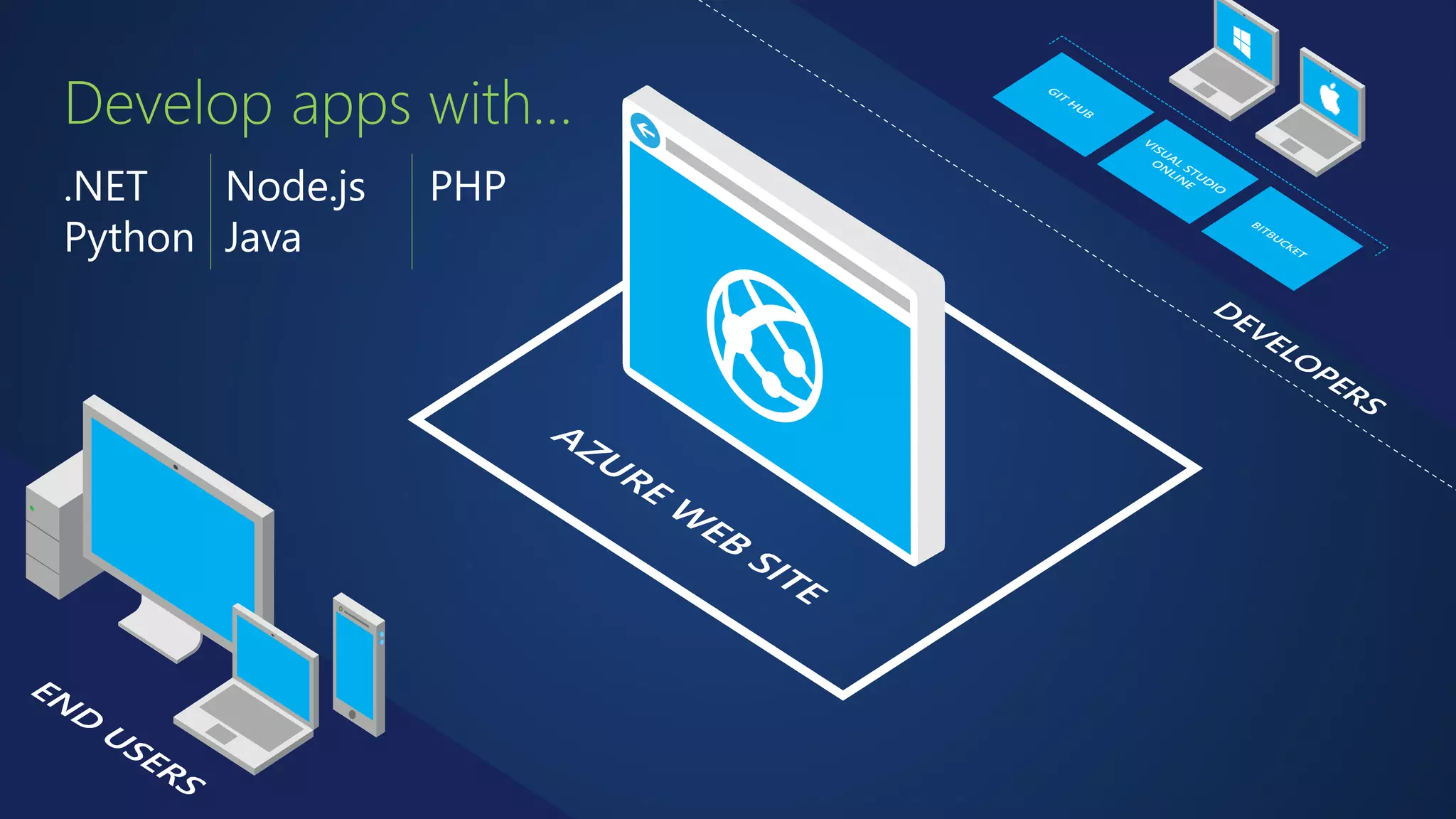
Develop apps with… 
.NET 
Python 
Node.js 
Java 
PHP
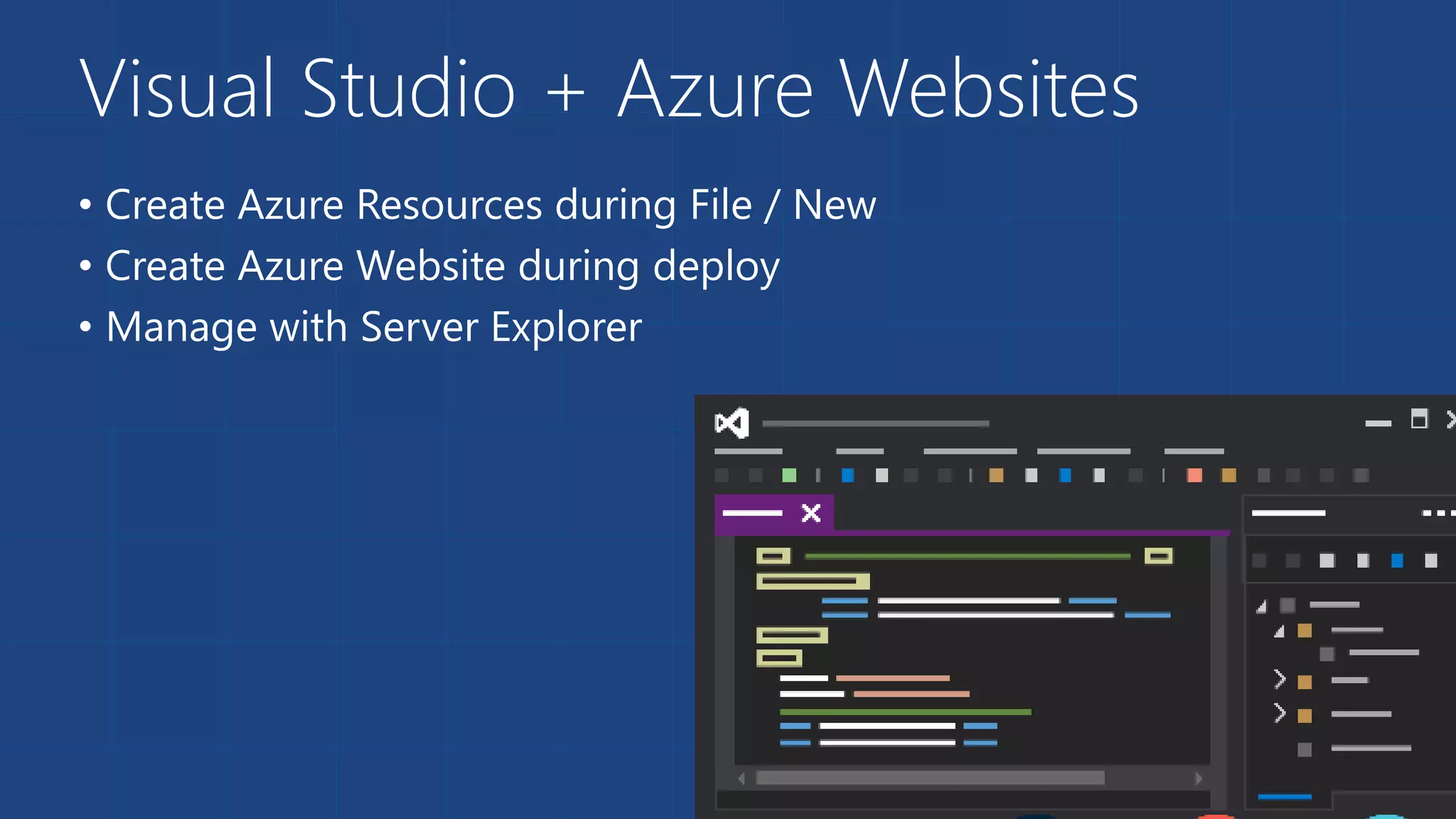
Visual Studio + Azure Websites 
• Create Azure Resources during File / New 
• Create Azure Website during deploy 
• Manage with Server Explorer
Demo 
Visual Studio Support
Choose your own Adventure! 
Visual Studio GitHub 
Online 
CodePlex Git BitBucket DropBox FTP
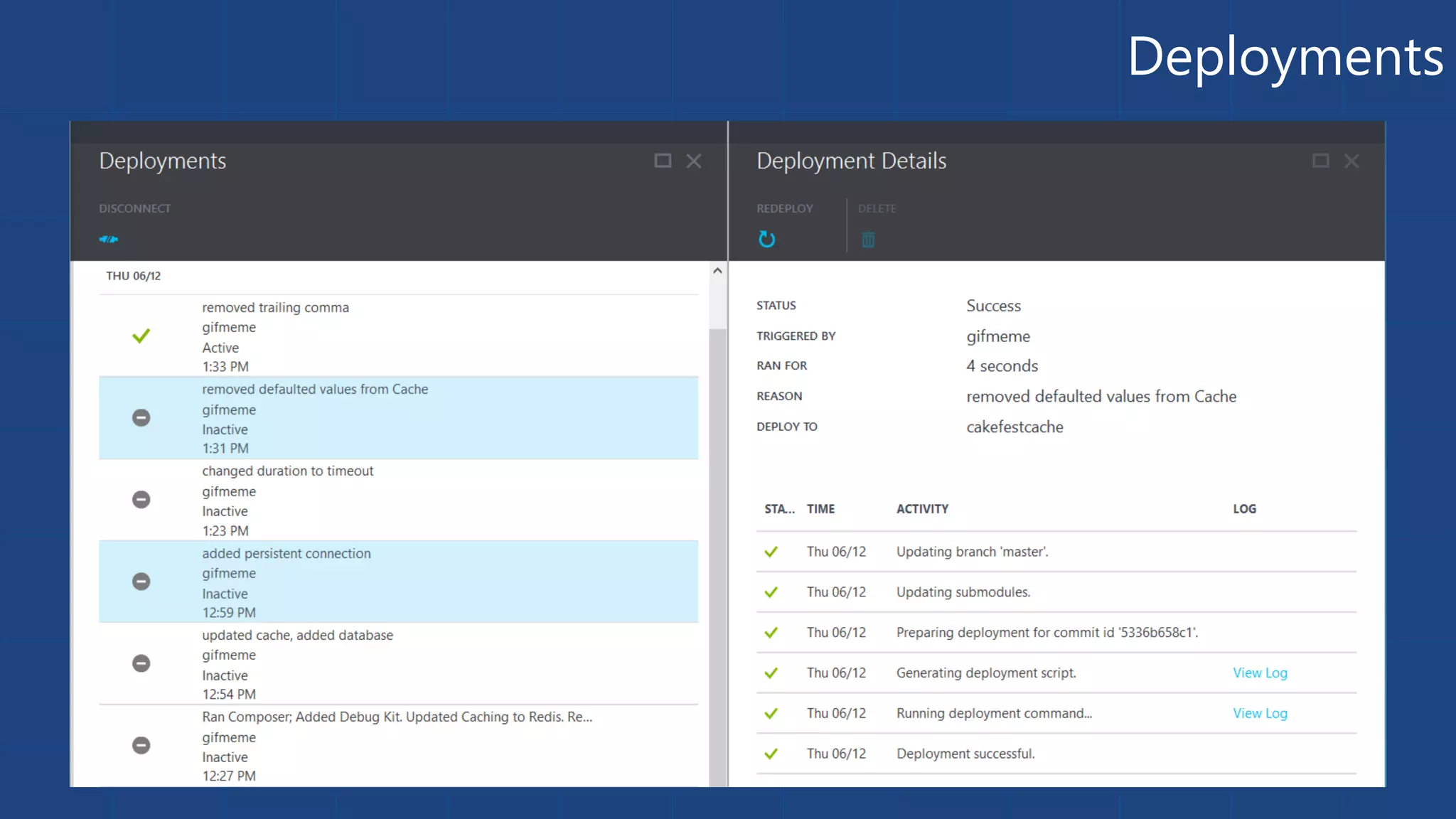
Deployments 
10
Scale
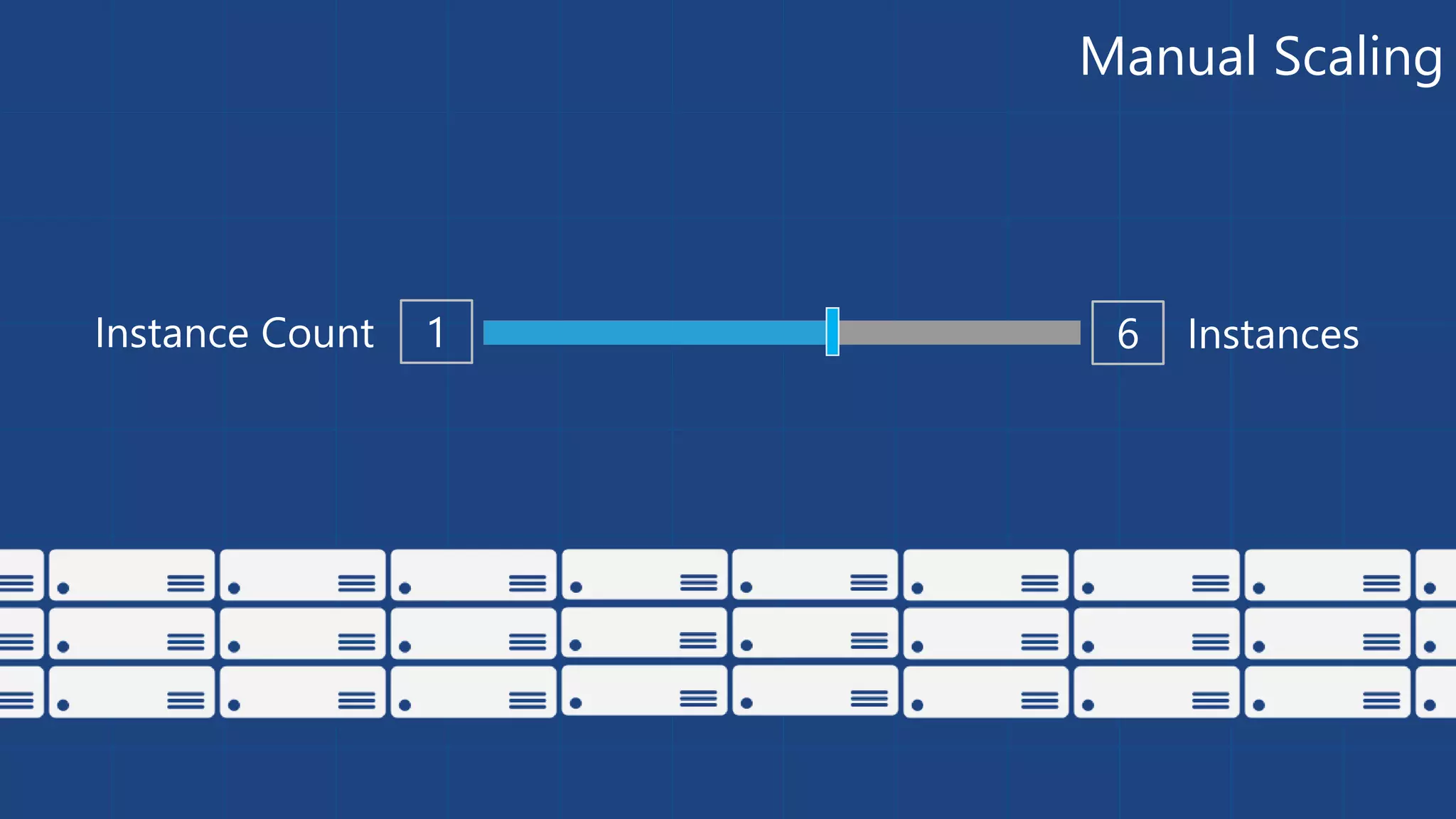
Manual Scaling 
Instance Count 1 6 Instances
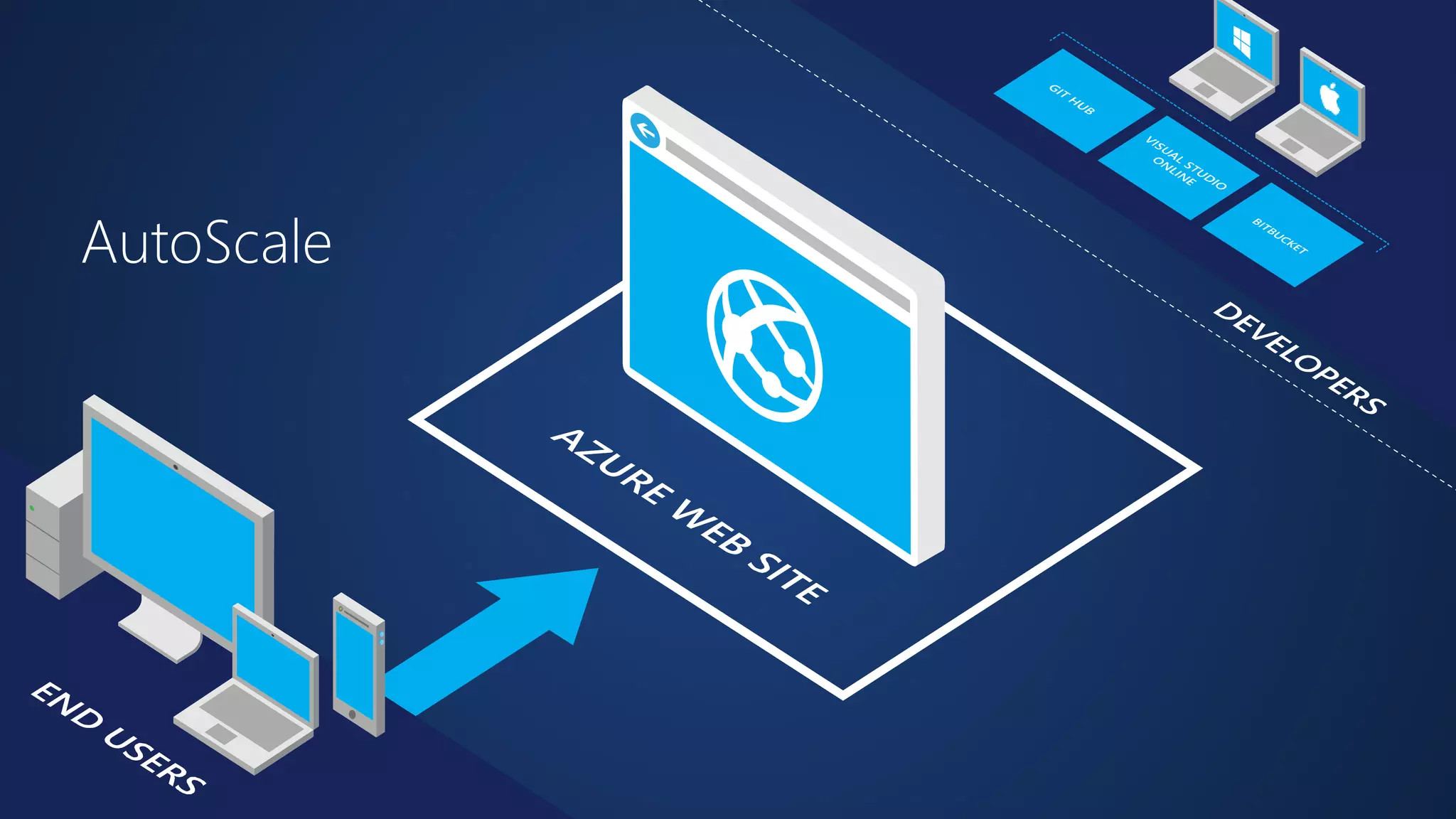
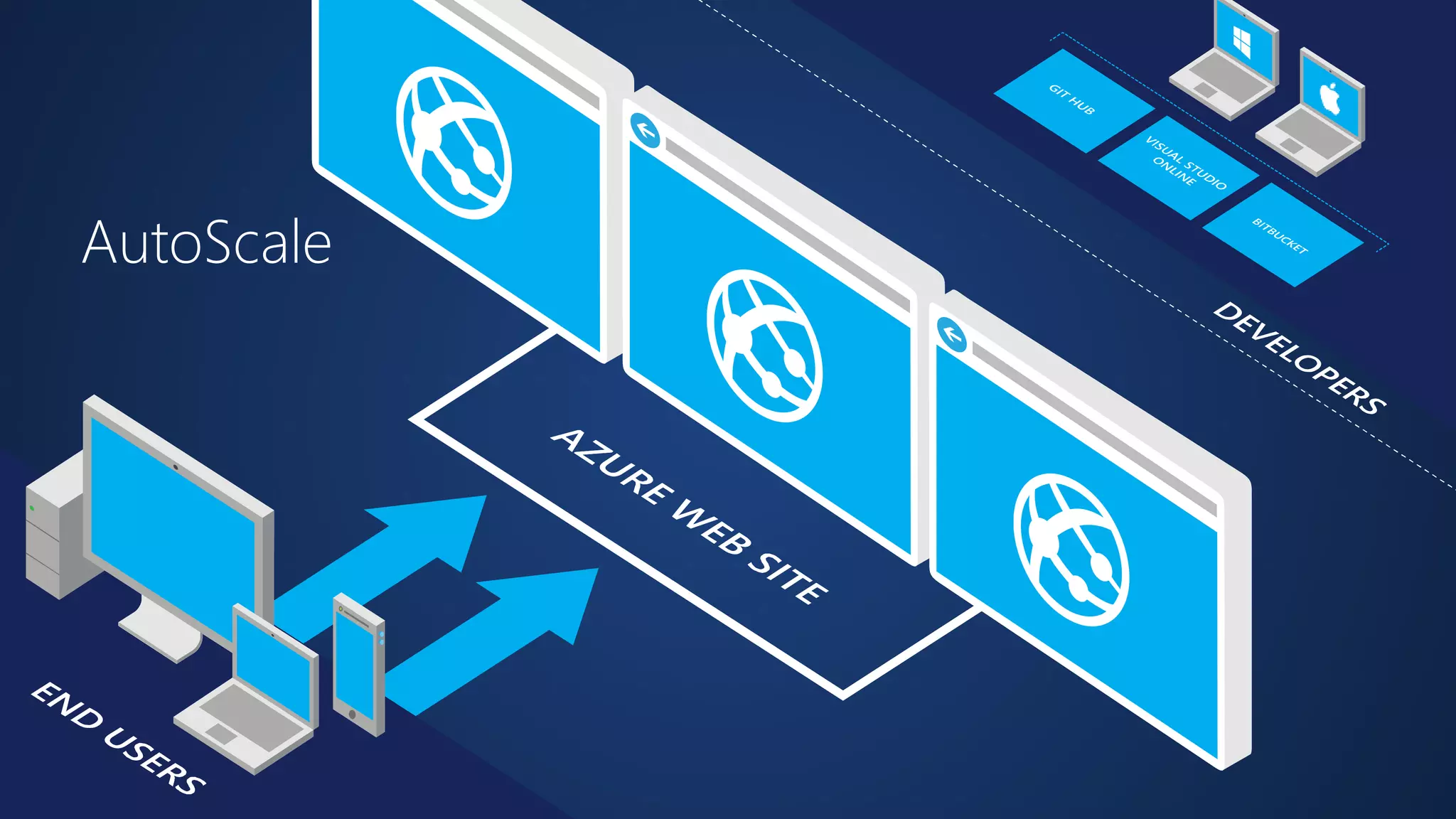
AutoScale
AutoScale
AutoScale
Auto-Scaling (Metric) 
2 6 
60 80 
Instance Count 
Instances 
Percent 
[Metric] 
CPU Percentage | Memory Percentage | Disk Queue Length | HTTP Queue Length | Data In | Data Out
Demo 
Manual Scale 
Auto Scale
Auto-Scale Considerations 
• Only Scales the Web Tier 
• Scale Up/Down is not instantaneous
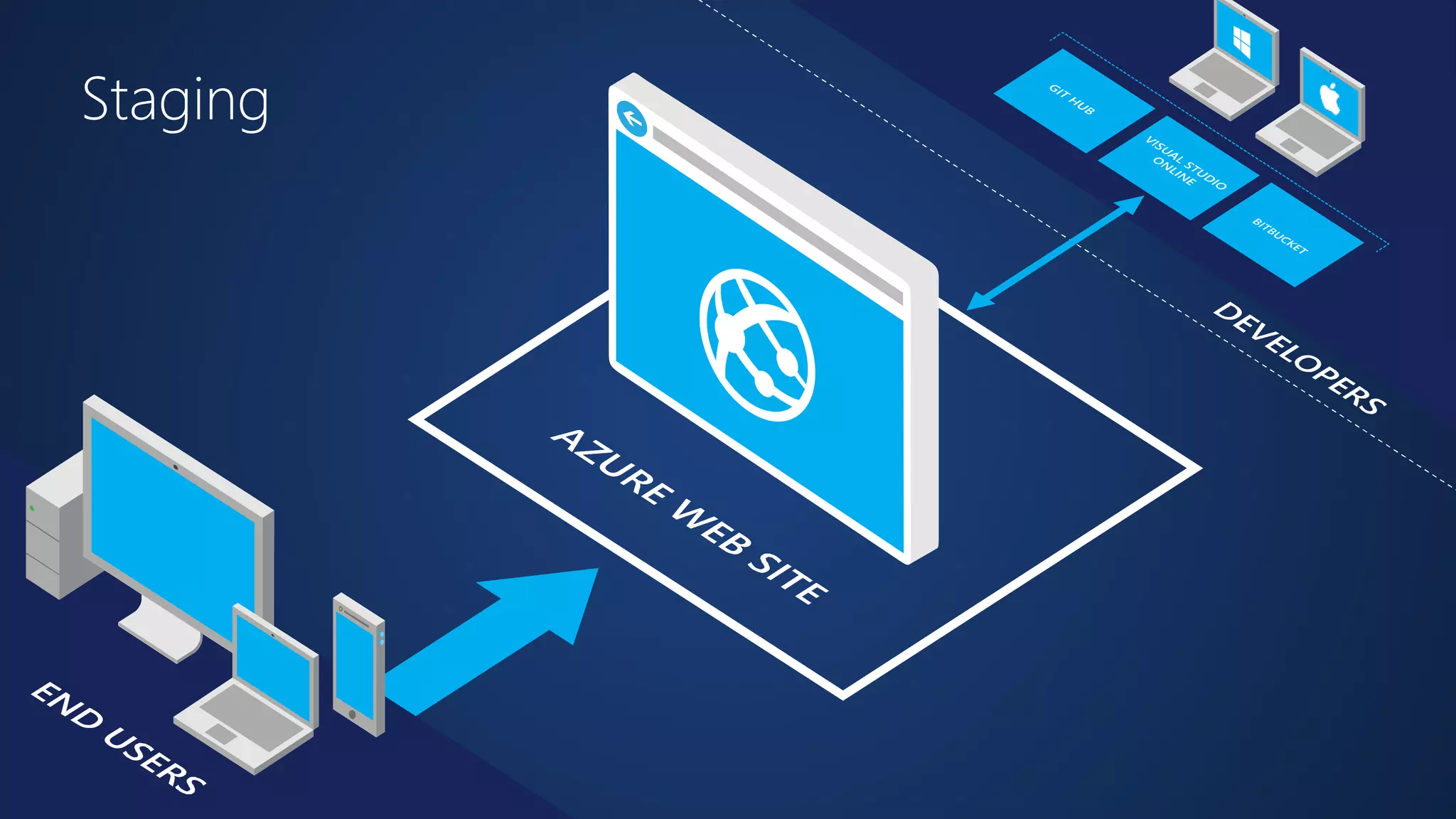
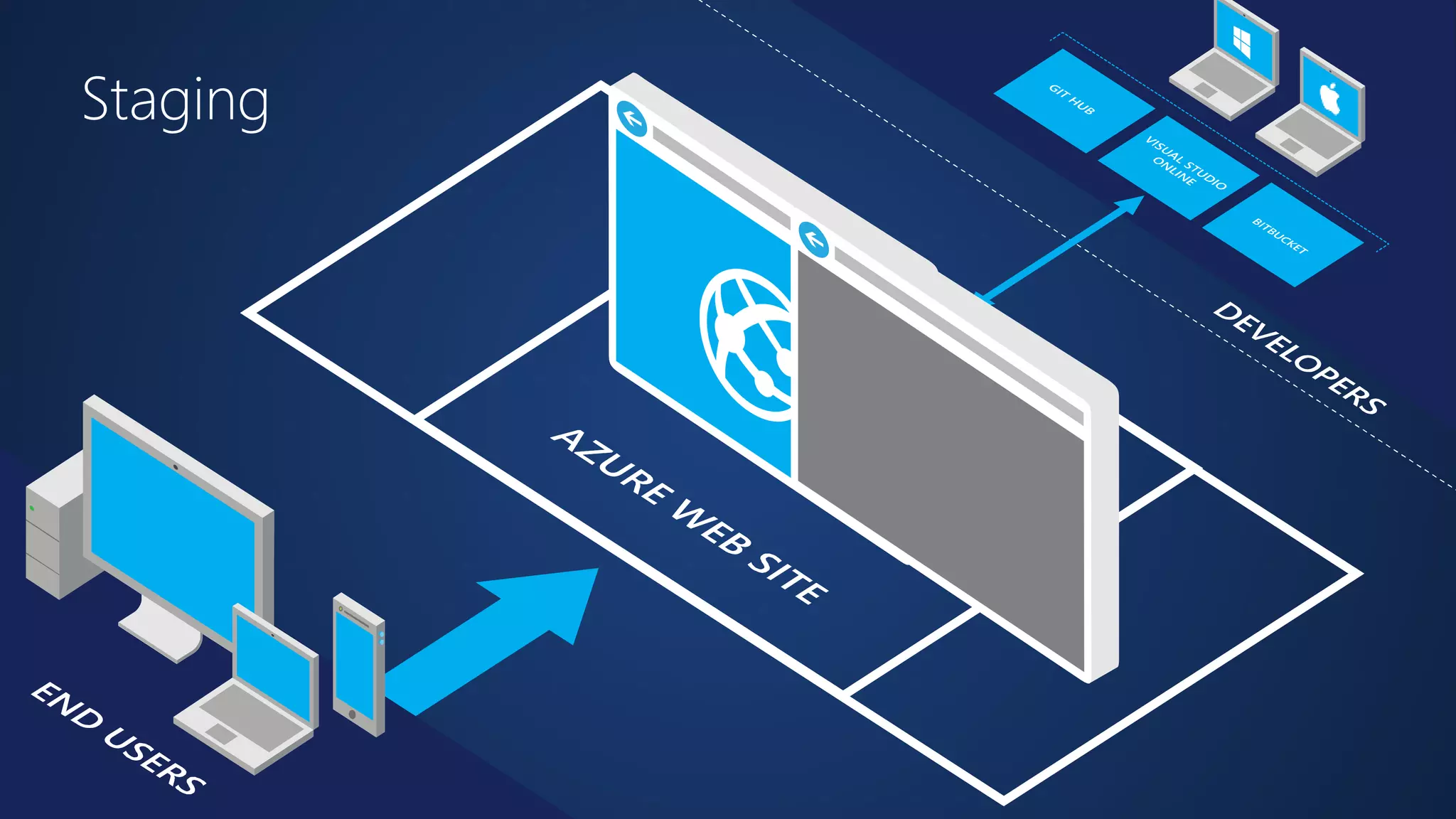
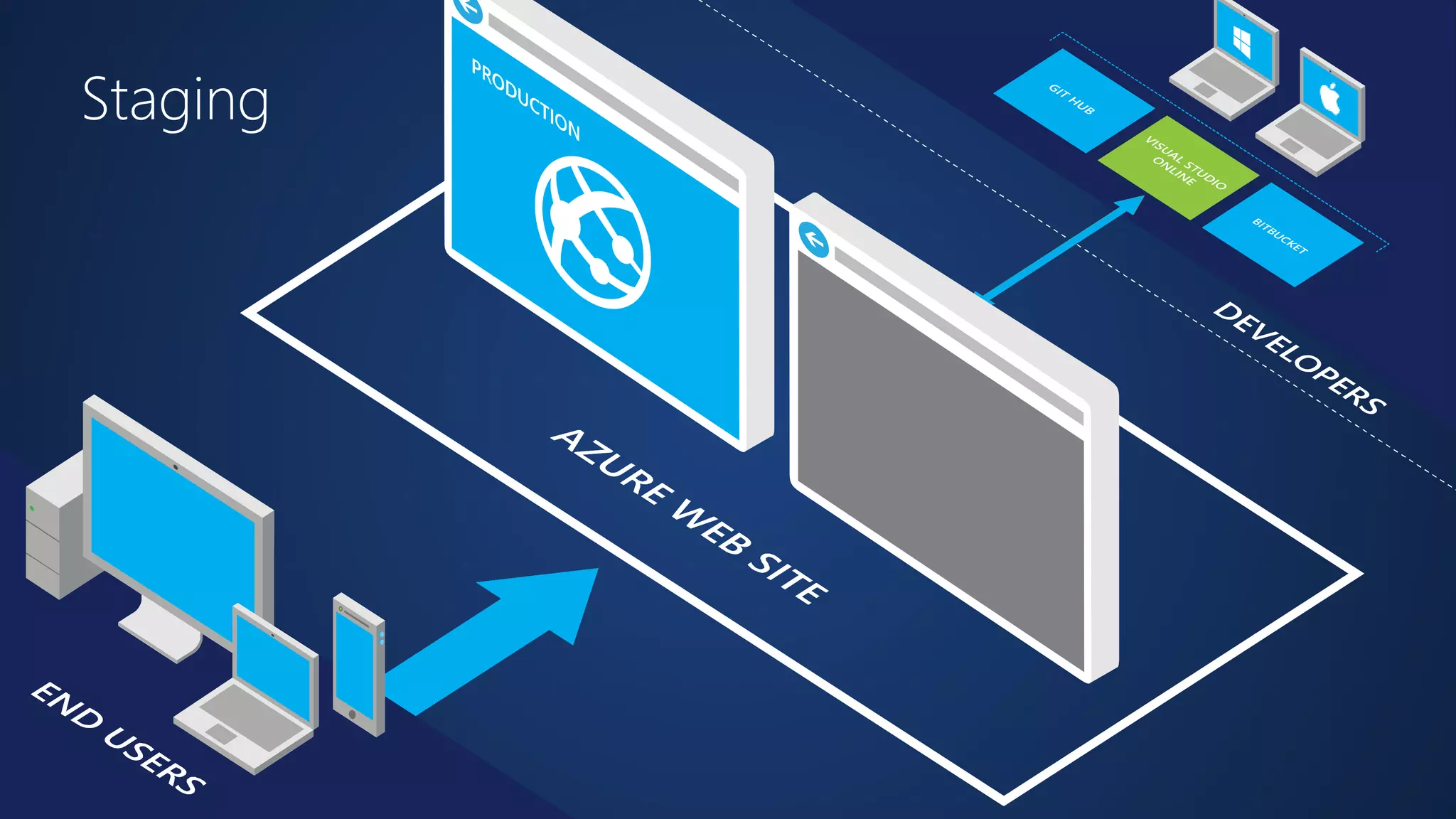
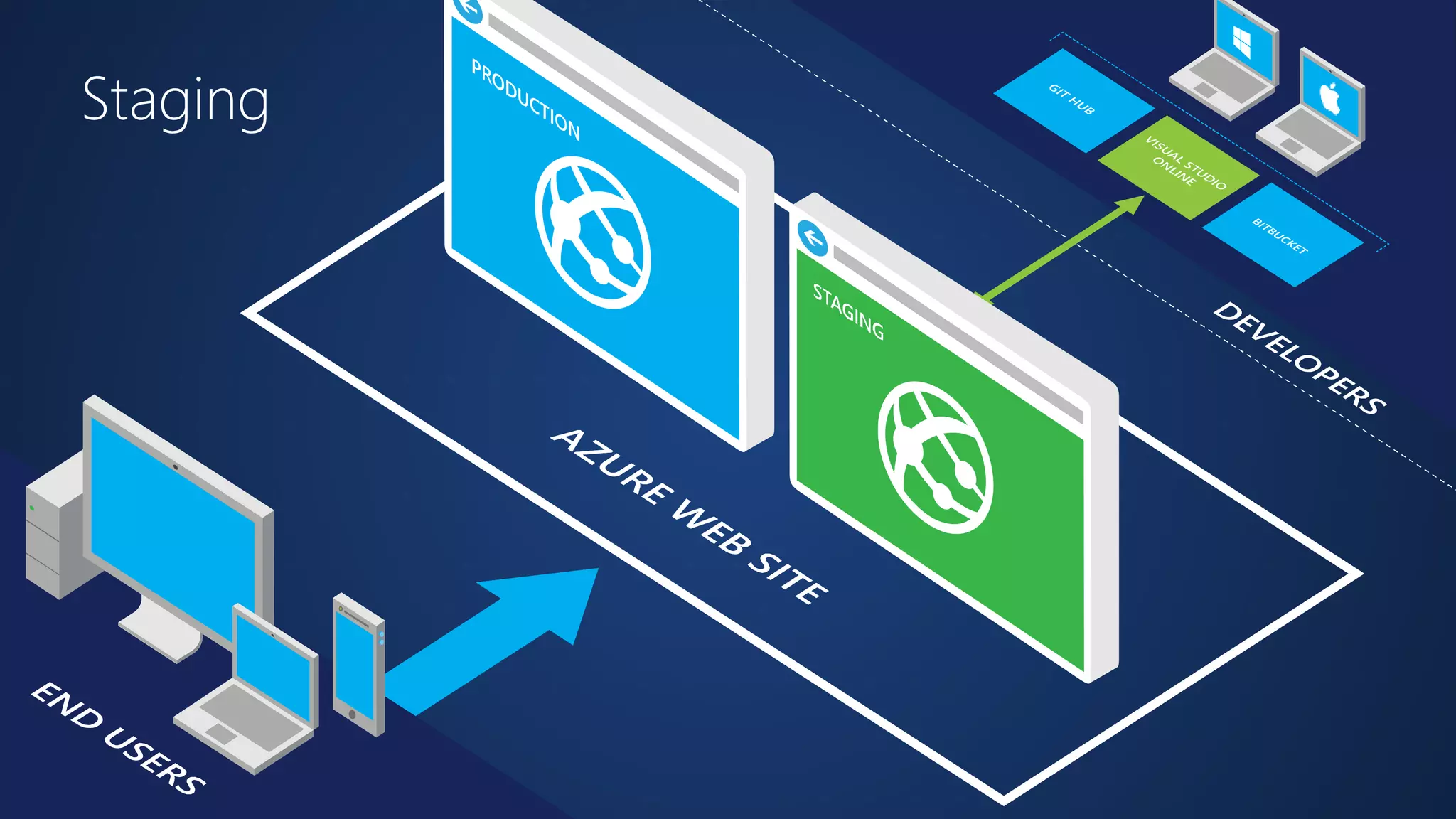
Site Slots
Staging
Staging
Staging
Staging
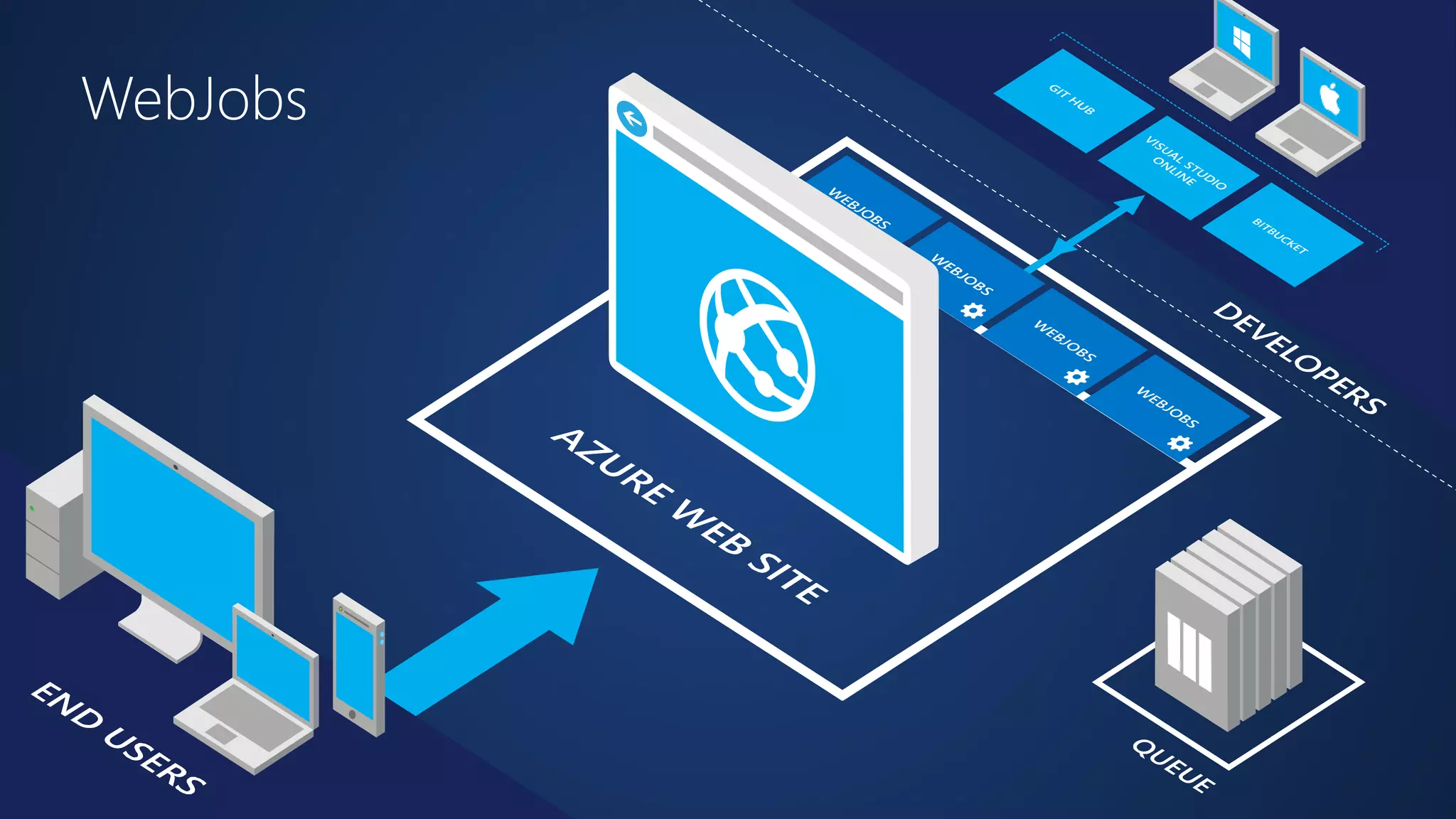
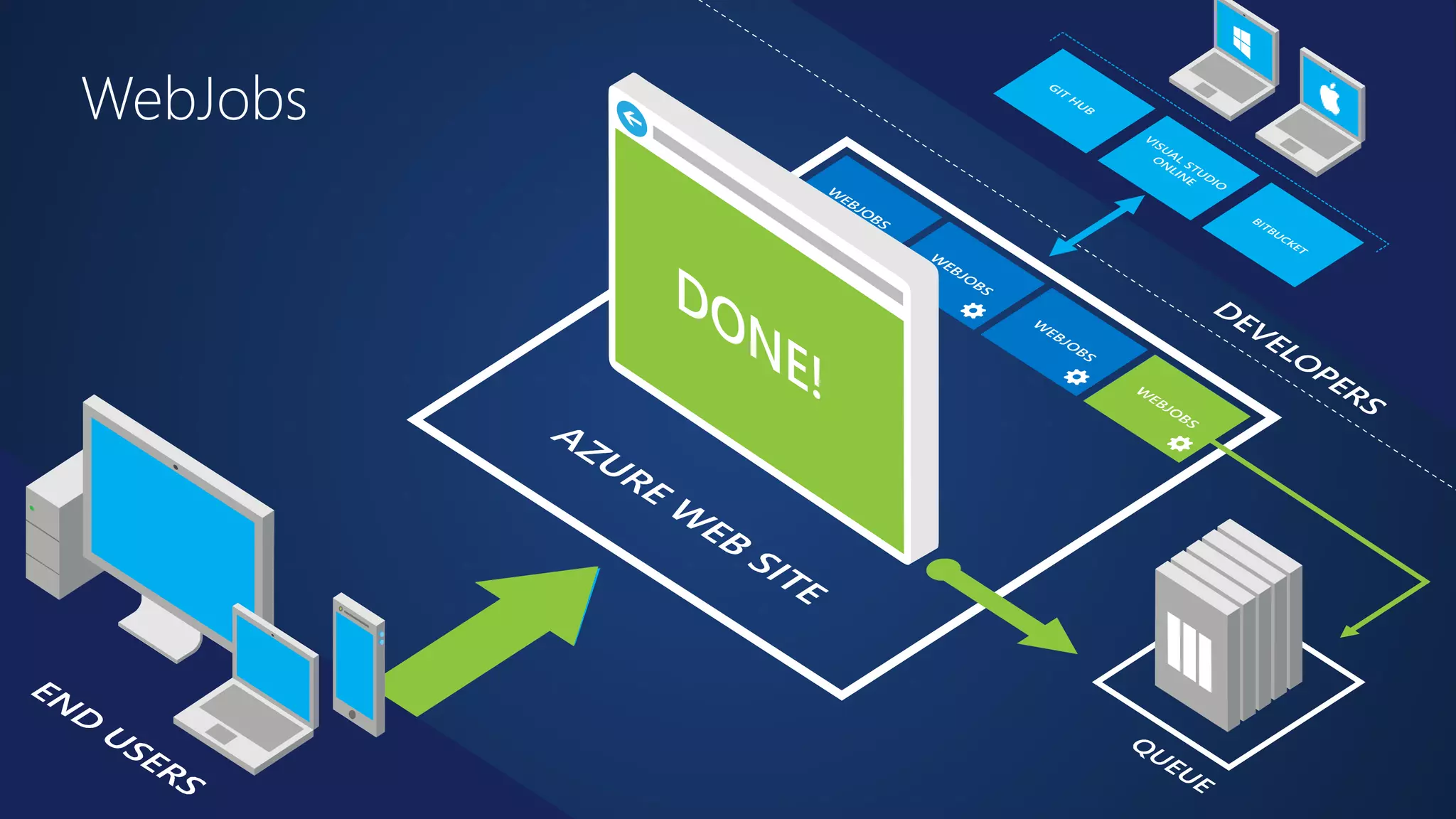
Web Jobs
WebJobs
WebJobs
Demo 
WebJobs
Traffic Manager
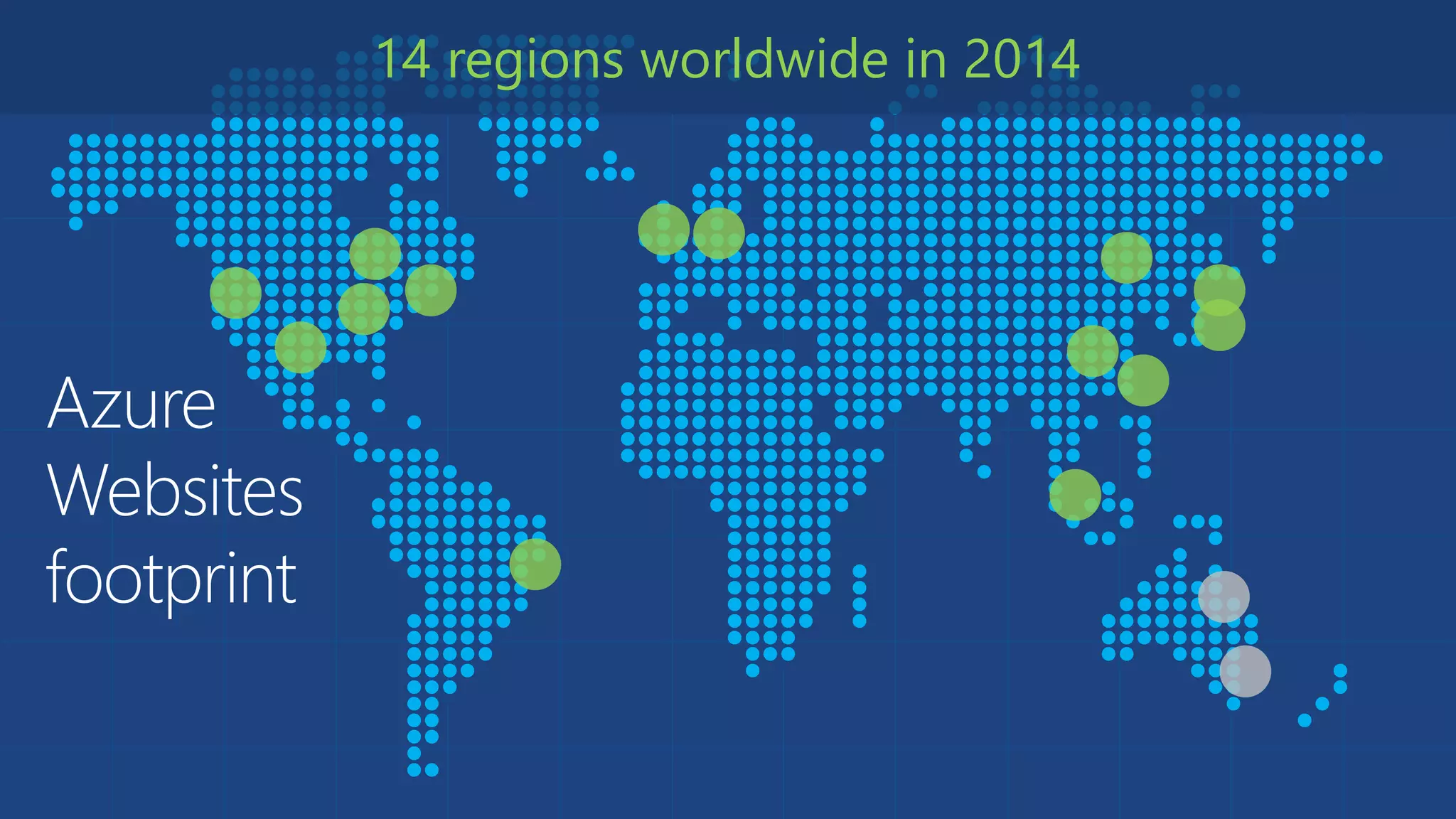
Azure 
Websites 
footprint 
14 regions worldwide in 2014
Intelligent customer routing 
with Traffic Manager 
www.yourapp.com
Intelligent customer routing 
with Traffic Manager 
www.yourapp.com
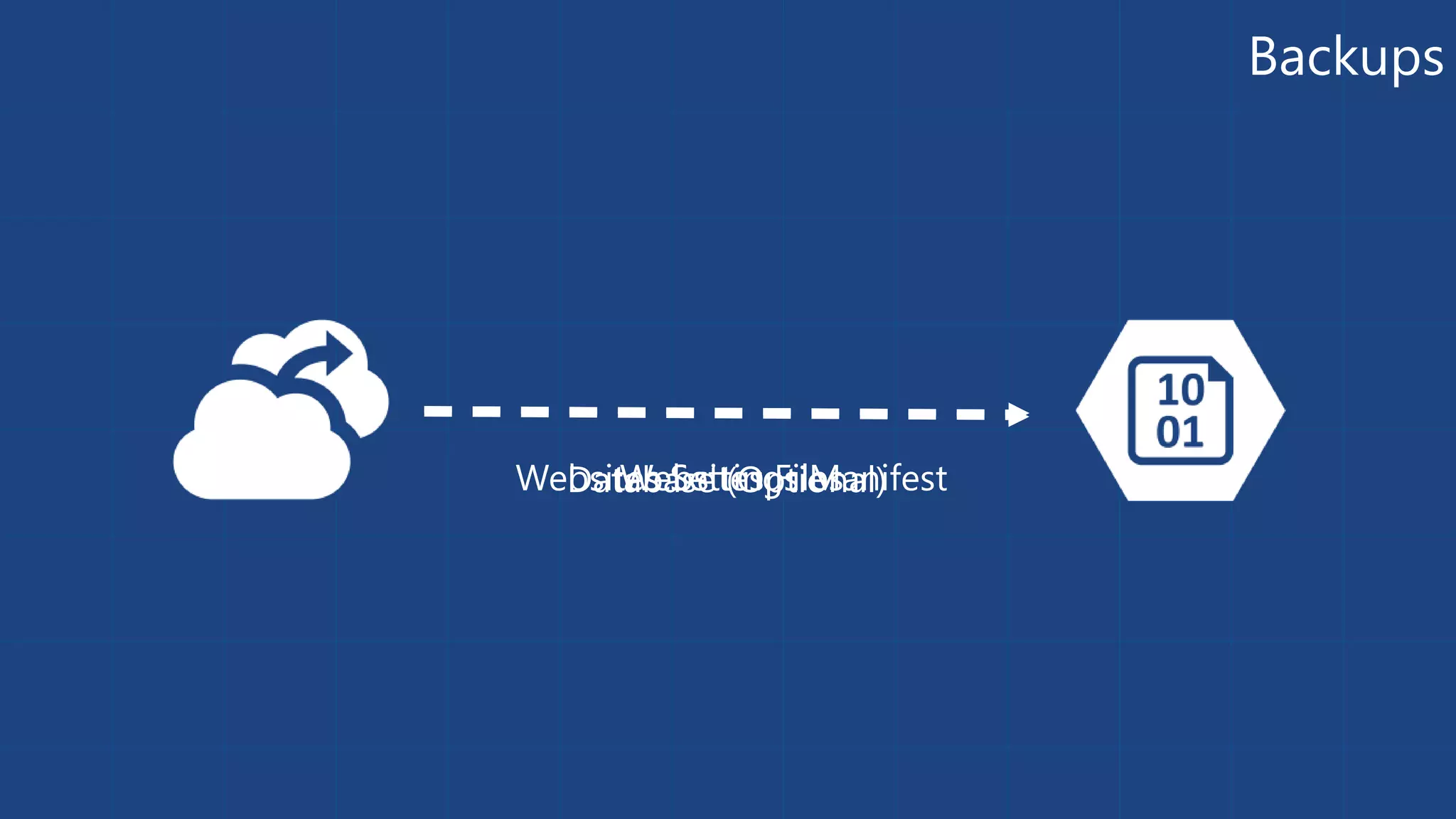
Backup
Backups 
WeDbsaittWaebse aSbseseti tt(eiOnsg pFstii loMensaanl)ifest
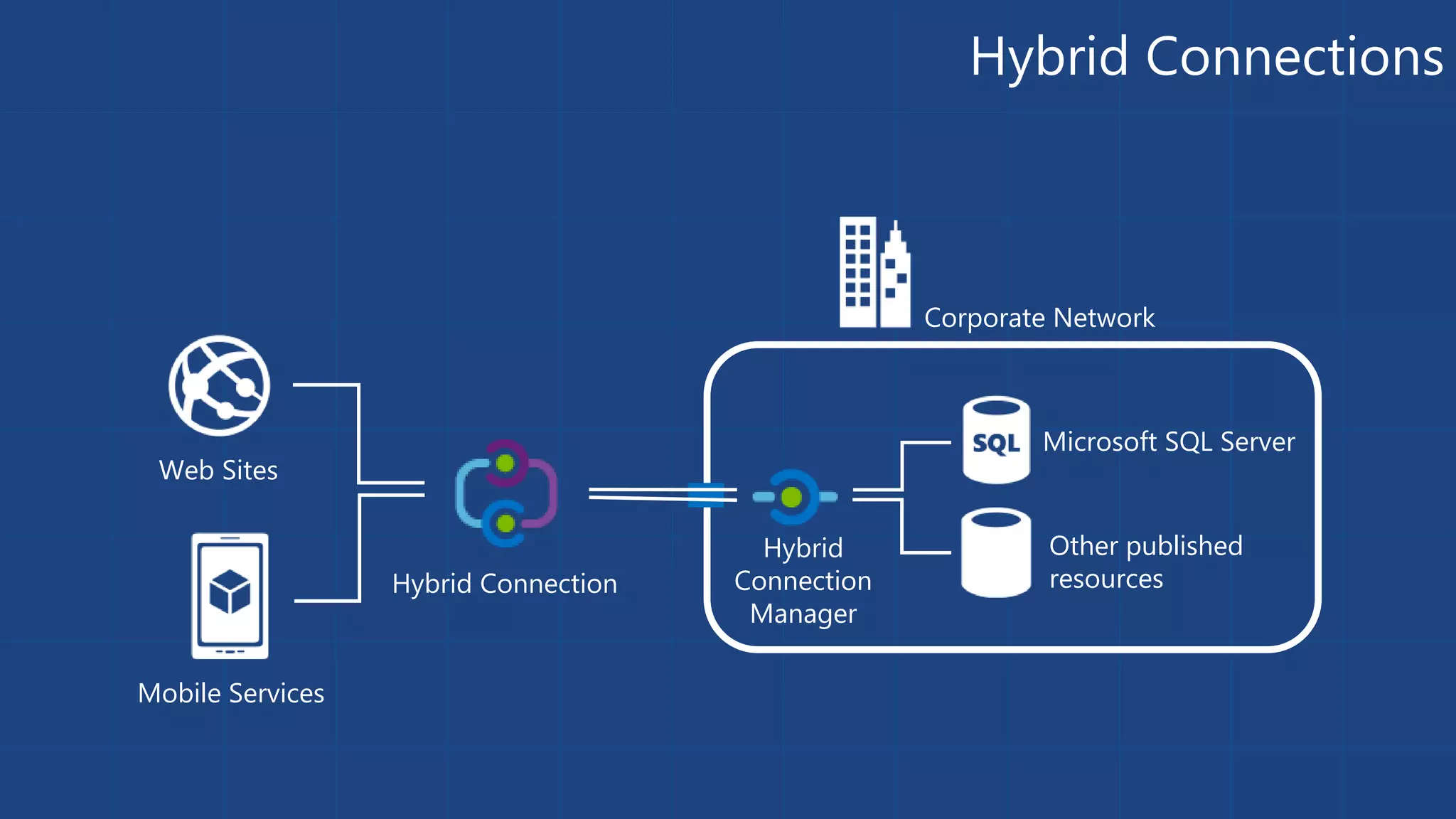
Hybrid Connections
Web Sites 
Mobile Services 
Corporate Network 
Microsoft SQL Server 
Hybrid Connection 
Other published 
resources 
Hybrid 
Connection 
Manager 
Hybrid Connections
Redis Cache
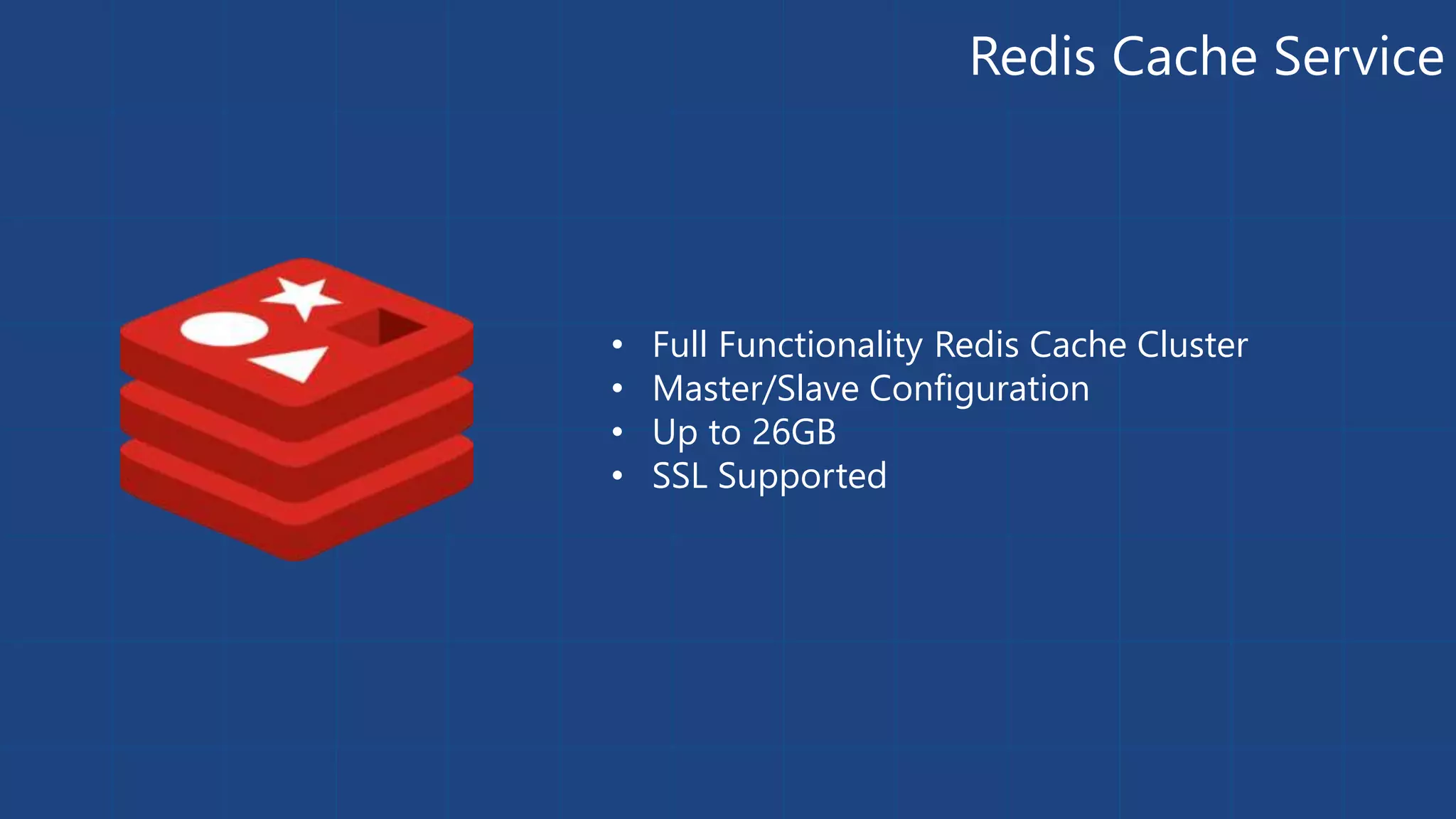
Redis Cache Service 
• Full Functionality Redis Cache Cluster 
• Master/Slave Configuration 
• Up to 26GB 
• SSL Supported
Demo 
Redis Cache
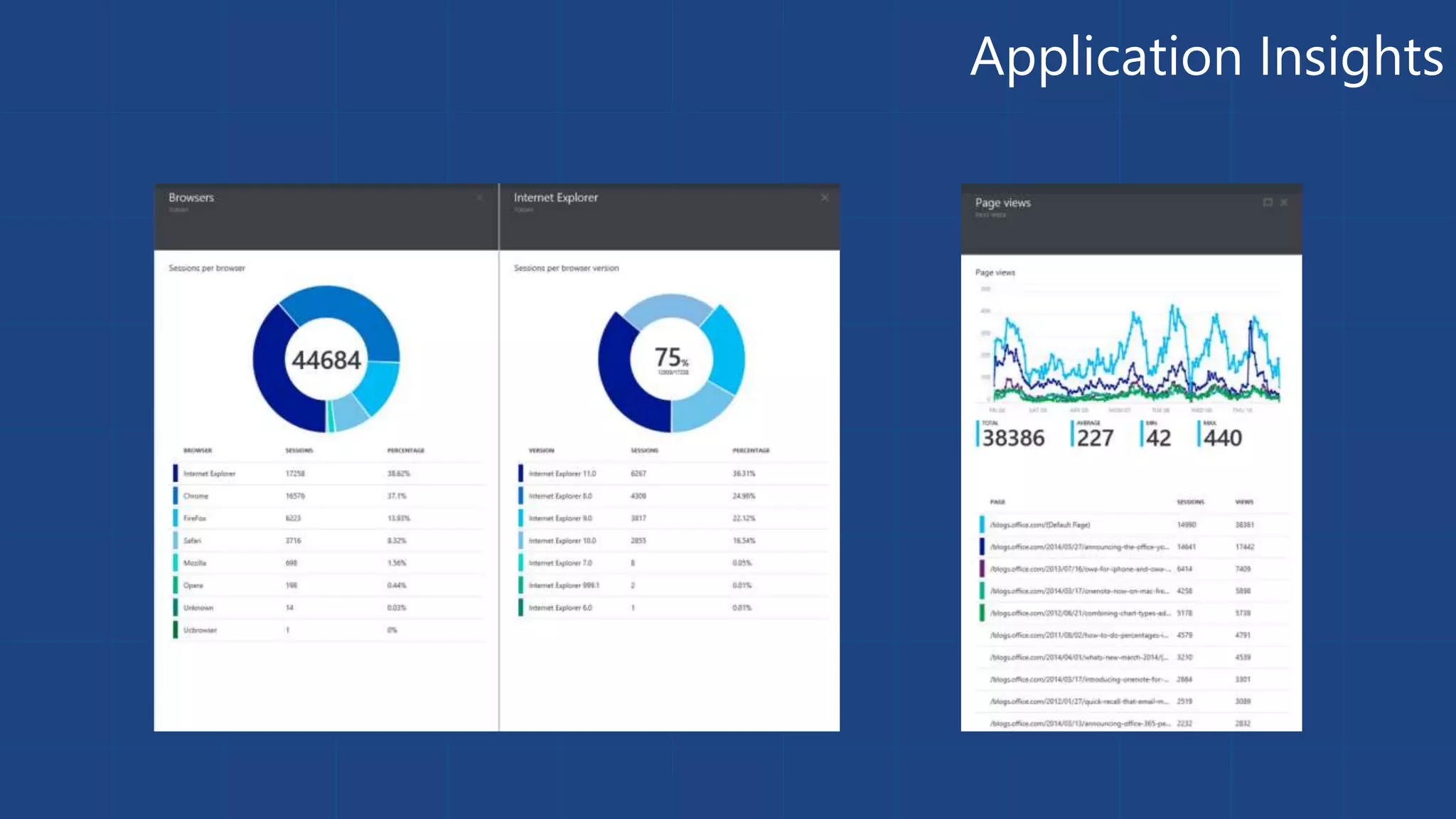
Application Insights
Get started 
Visit azure.microsoft.com
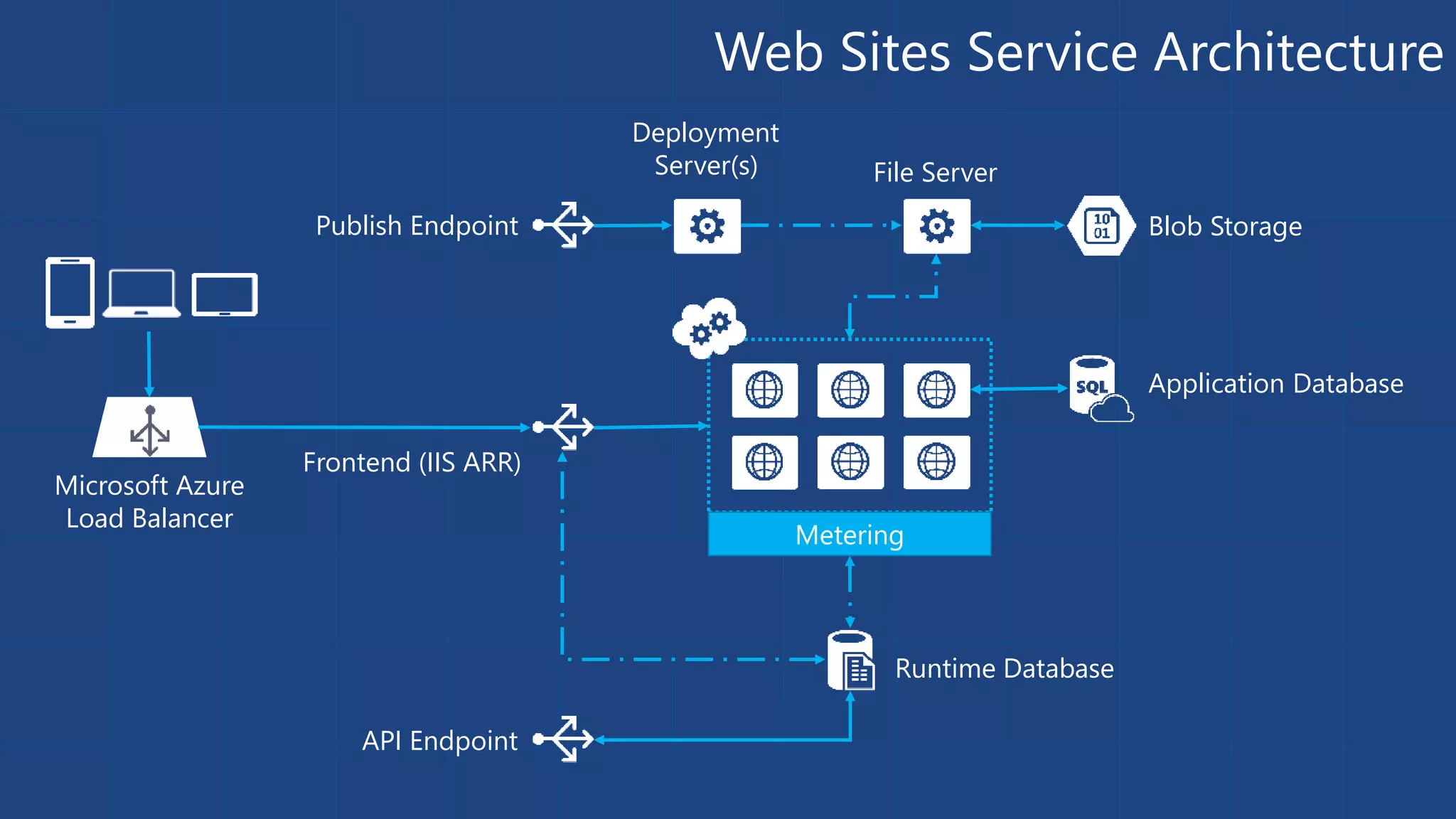
Web Sites Service Architecture 
Microsoft Azure 
Load Balancer 
Publish Endpoint Blob Storage 
Runtime Database 
Application Database 
Frontend (IIS ARR) 
API Endpoint 
File Server 
Metering 
Deployment 
Server(s)
Debug Console (Kudu) 
Environment Debug Console Diagnostics & Logs Web Hooks REST API 
https://[website-name].scm.azurewebsites.net
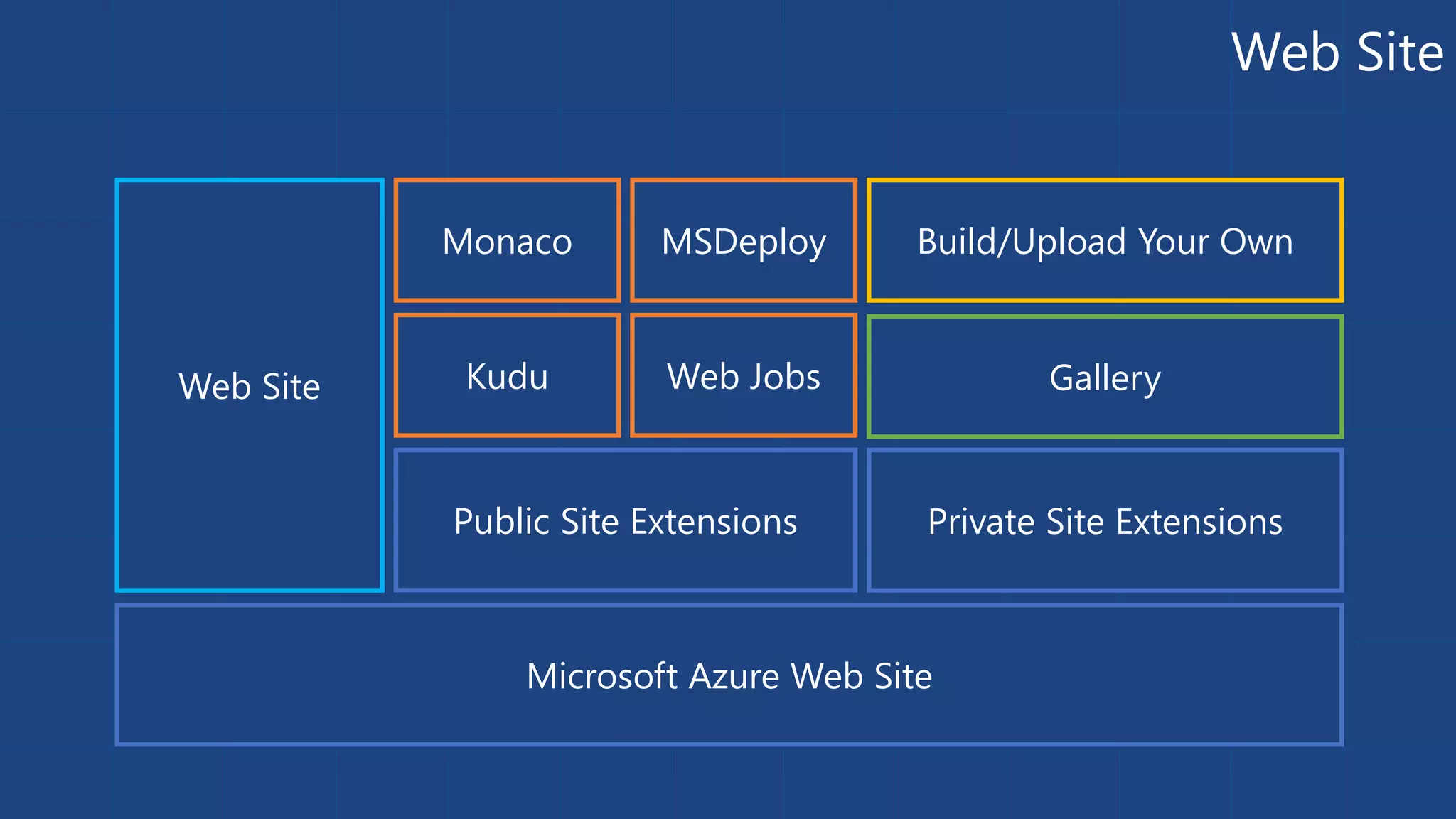
Web Site 
Monaco MSDeploy Build/Upload Your Own 
Web Site Kudu Web Jobs 
Public Site Extensions Private Site Extensions 
Microsoft Azure Web Site 
Gallery
Customizing the Deployment 
>: azure site deploymentscript –h 
help: 
help: Generate custom deployment script 
help: Usage: site deploymentscript [options] 
help: 
help: Options: 
help: --aspWAP <projectFilePath> 
help: --aspWebSite 
help: --node 
help: --php 
help: --python 
help: --basic 
Microsoft Azure Cross Platform Command-Line Tools
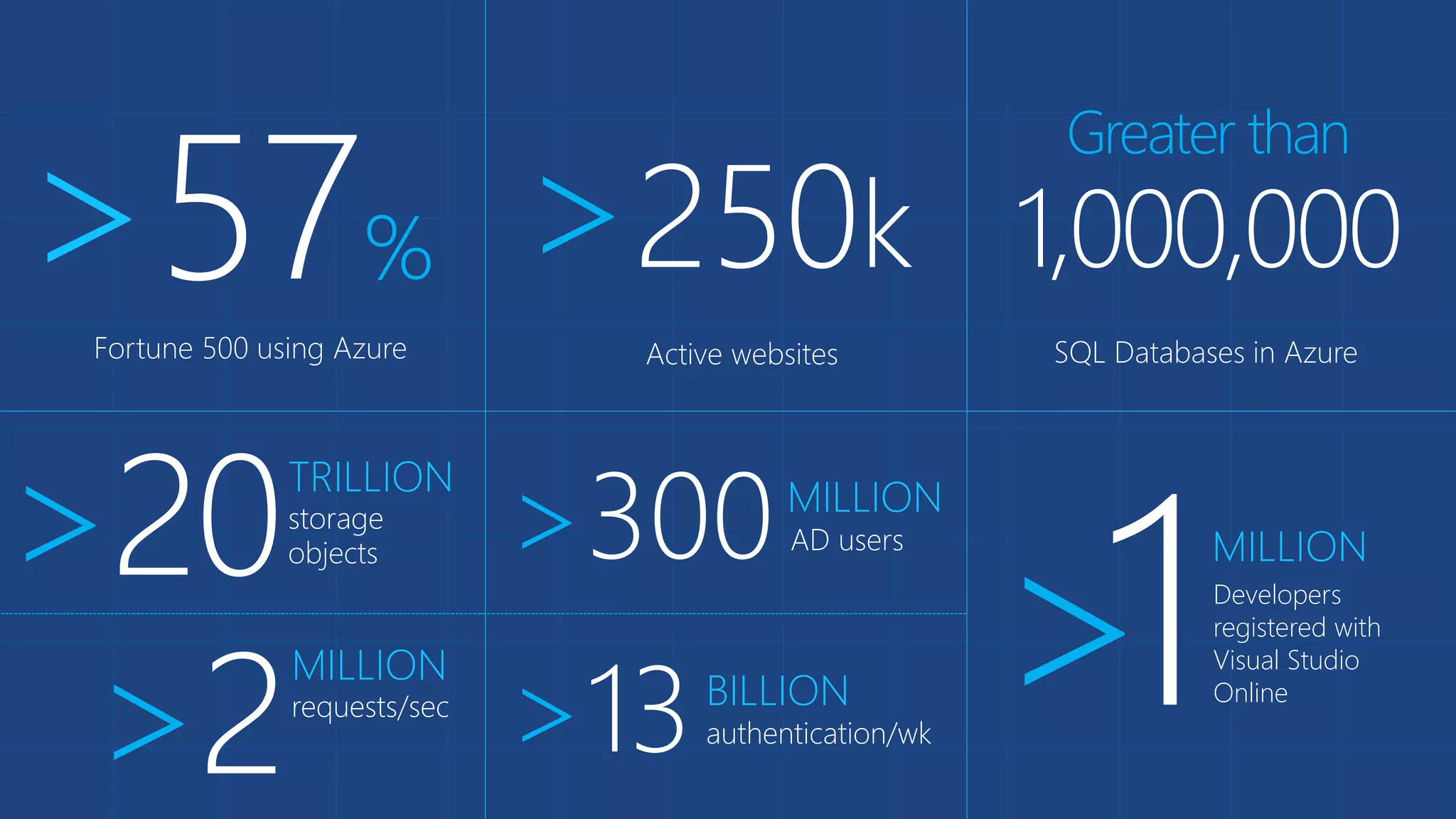
>57% >250k 
Fortune 500 using Azure 
Active websites 
Greater than 
1,000,000 
SQL Databases in Azure 
>20TRILLION 
storage 
objects >300MILLION 
AD users 
>1MILLION 
requests/sec >2 MILLION 
>13 BILLION 
authentication/wk Developers 
registered with 
Visual Studio 
Online
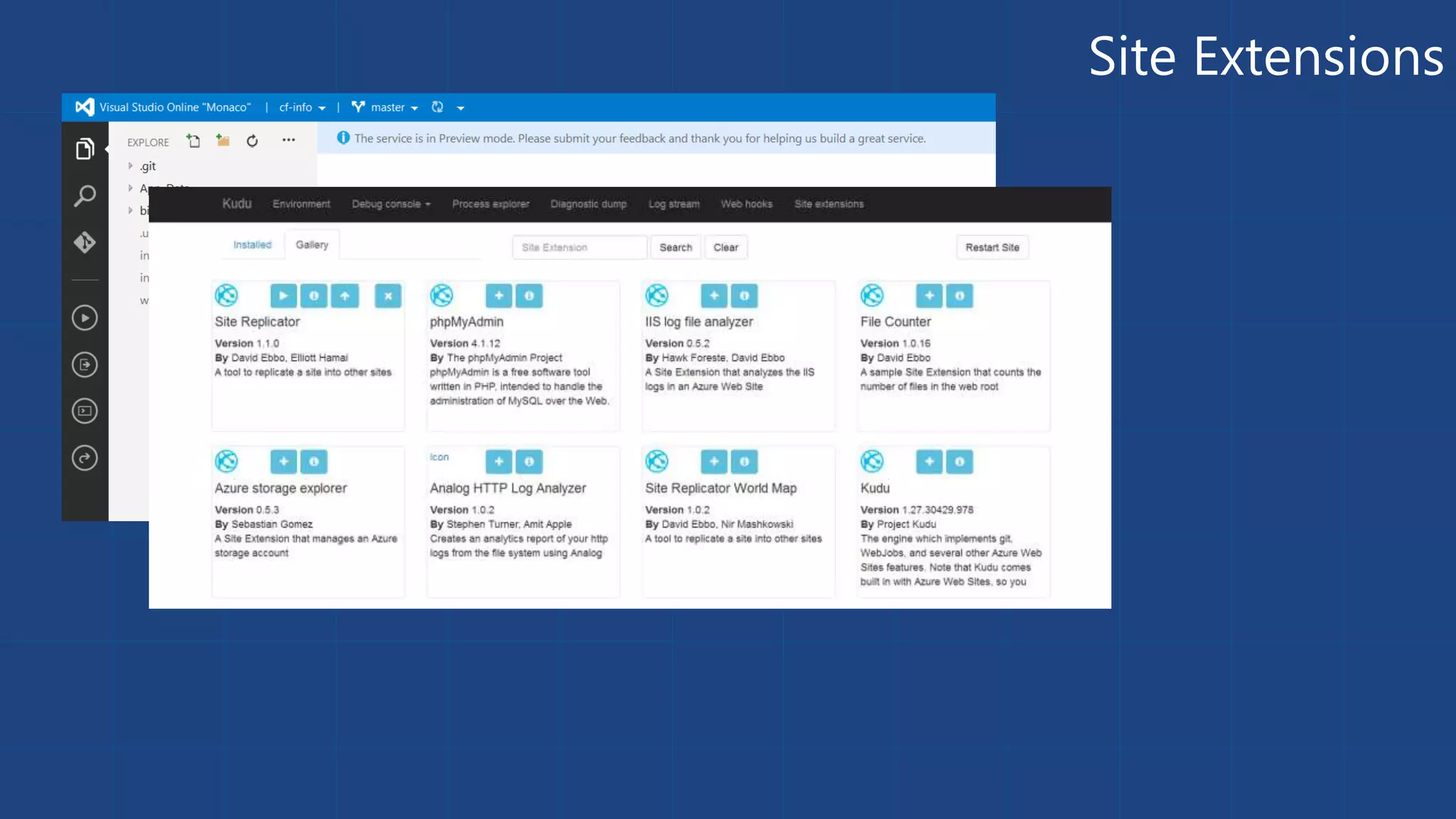
Site Extensions
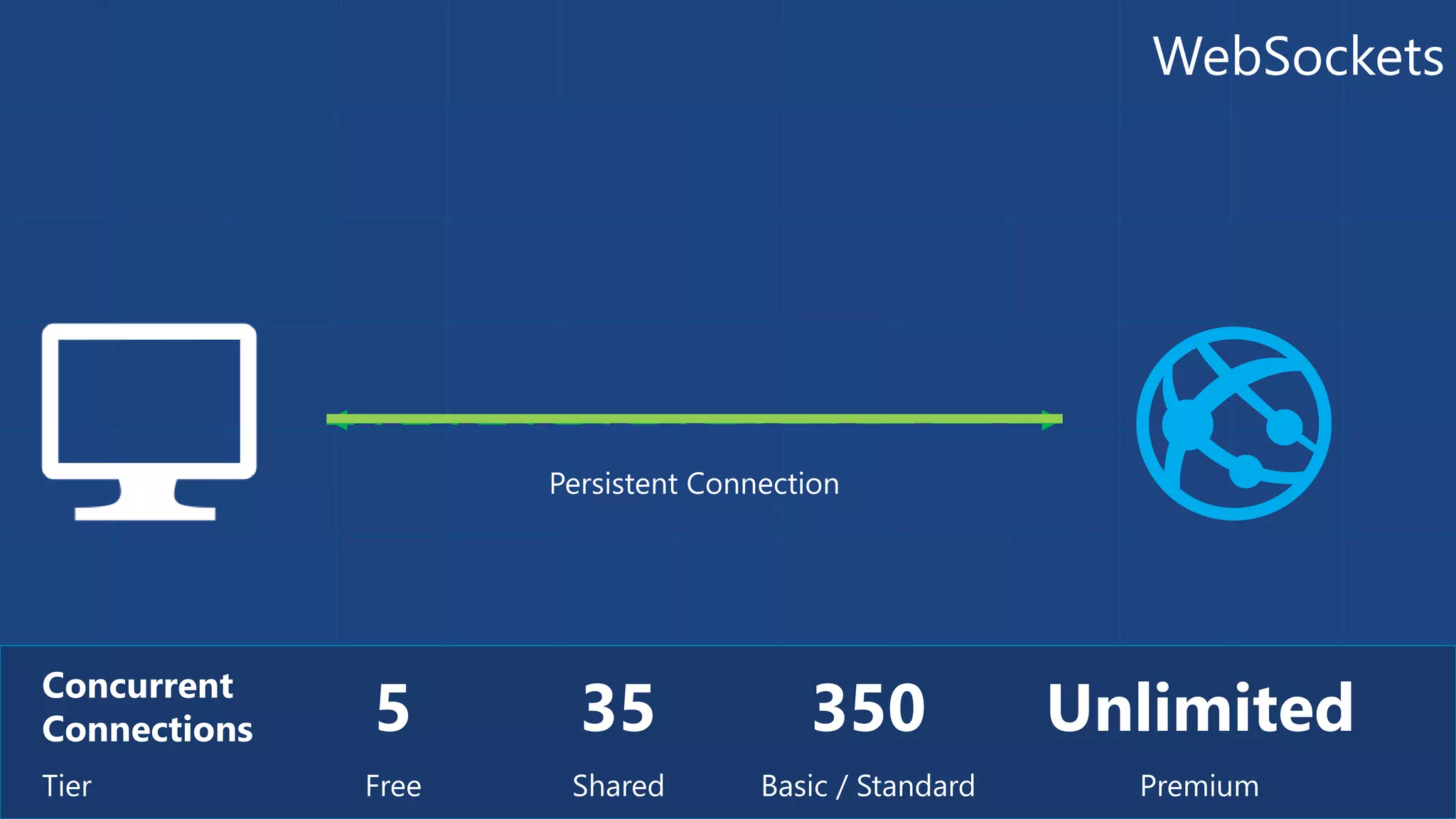
WebSockets 
5 Concurrent 
Connections 
Tier Free 
Persistent Connection 
35 
Shared 
350 
Unlimited 
Basic / Standard Premium
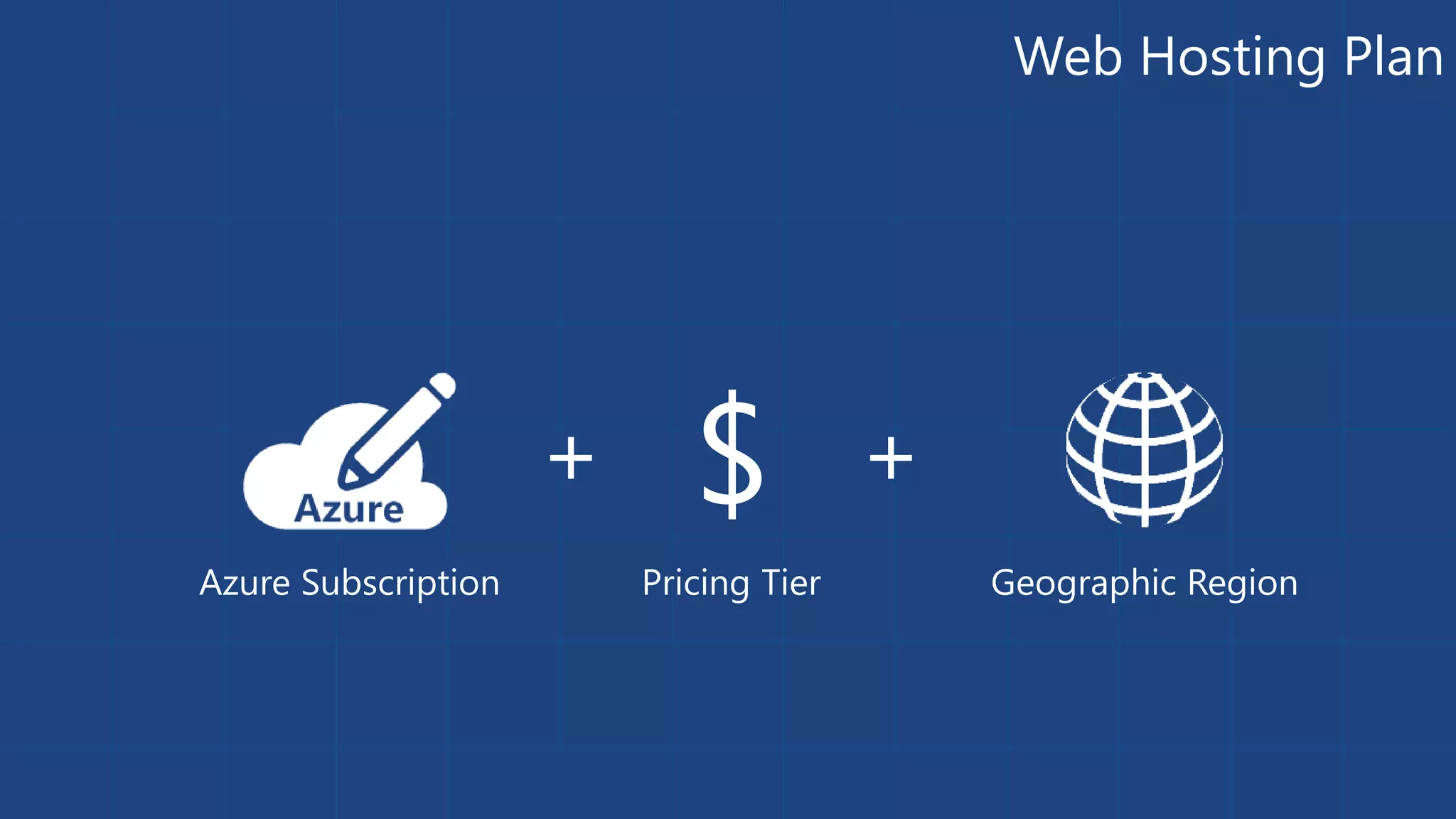
Web Hosting Plan 
Azure Subscription 
$ 
+ + 
Pricing Tier Geographic Region

London .NET Developers Azure Websites

Editor's Notes

  • #7 FTP files (ASP, Node, PHP, etc.) to new website created in demo 1
  • #9 File / New Web Application Show Host In The Cloud dialog Select Empty web site (for quick create) Right-click project, select Publish Show Azure Website creation Cancel publish Show Azure Websites in Server Explorer Right-click one Website and show settings
  • #10 Slide Objectives: Objective #1 Transition: Transition statement(s) to setup the slide Speaking Points: Speaking Point #1 Speaking Point #2 Notes: Any notes go here
  • #25 Azure Websites enables you to run programs or scripts in your website in three ways: on demand, continuously, or on a schedule. There is no additional cost to use Microsoft Azure WebJobs. The key point is WebJobs run in the context of your website. You can use executables, javascript, batch files.
  • #29 Traffic Manager gives you three traffic load balancing methods to choose from: failover, performance, or weighted round robin. You choose the one that’s right for your application or scenario.
  • #38 Azure Redis Cache helps your application become more responsive even as user load increases and leverages the low latency, high-throughput capabilities of the Redis engine. This separate distributed cache layer allows your data tier to scale independently for more efficient use of compute resources in your application layer.
  • #40 Application Insights lets you monitor your live application for: Availability - We'll test your URLs every few minutes from around the world. Performance - Detect and diagnose perf issues and exceptions. Usage - Find out what users are doing with your app, so that you can make it better for them.
  • #54 Web Hosting Plan is a scale unit for websites. It is comprised of a Geographic Region and a Pricing Tier within the same Azure Subscription. When you scale a site to either Basic or Standard all of the sites within the Web Hosting Plan will be placed on the same Virtual Machine.