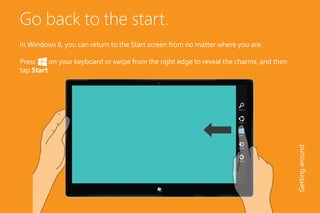
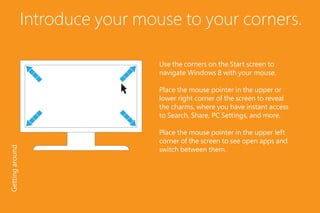
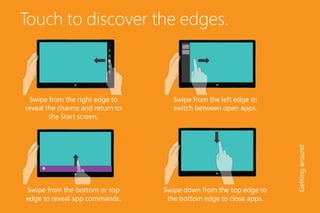
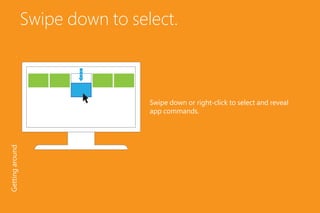
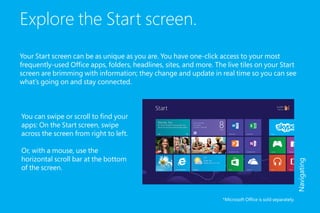
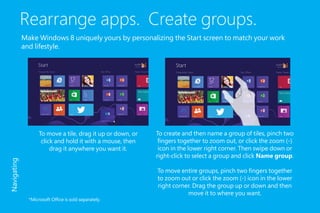
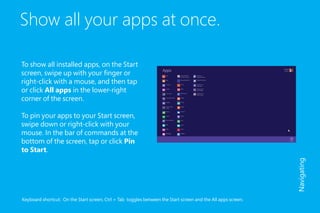
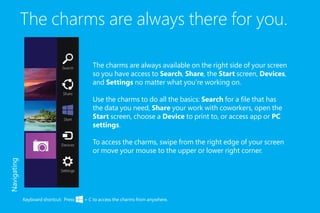
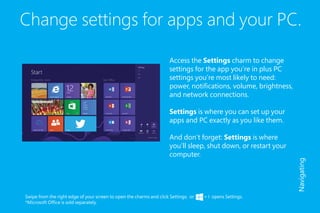
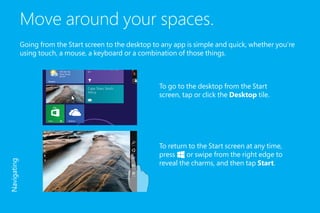
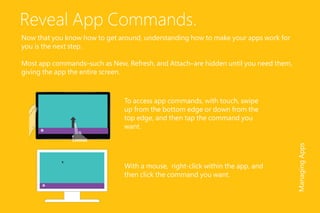
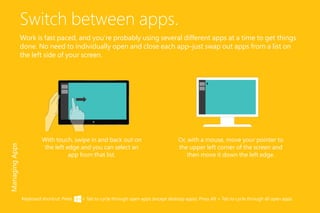
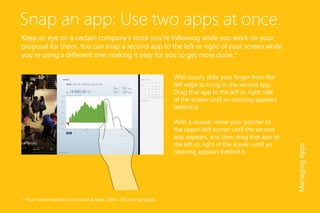
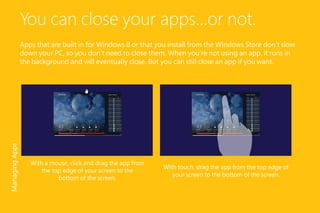
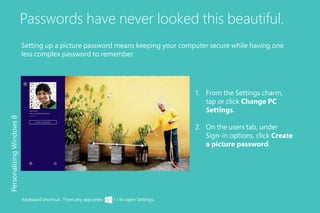
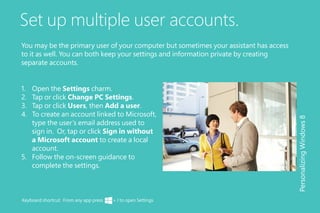
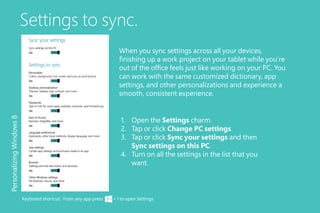
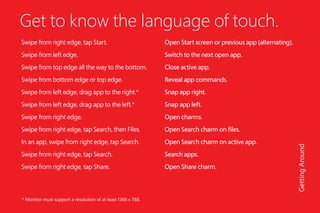
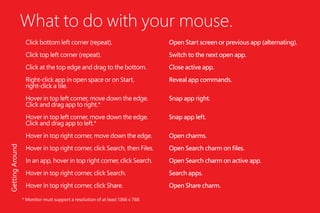
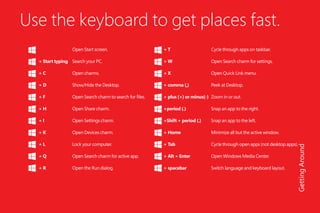
The document provides an overview of new features in Windows 8, describing how to navigate the updated interface using touch, mouse, and keyboard. It explains how to access the Start screen, switch between apps, organize tiles, use charms and settings, manage windows, and customize the interface. Touch gestures like swiping from edges are emphasized as primary ways to interact with Windows 8 on touchscreen devices.



![5G Explained! A High Level Overview [Introduction]](https://cdn.slidesharecdn.com/ss_thumbnails/5gexplainedahighleveloverview-260119165306-cc137a3e-thumbnail.jpg?width=640&height=640&fit=bounds)


