What’s New in MariaDB
Presented by
Monukumar Mahto
Mydbops
Mydbops MyWebinar - 43
24th April 2025
Consulting
Services
Consulting
Services
Managed
Services
❏ Database Management and
Consultancy Provider
❏ Founded in 2016
❏ Assisted 800+ happy customers
❏ AWS partners
❏ PCI & ISO certified
About Us
❏ MariaDB LTS Releases Overview
❏ Enhancement to Logical Backup & Restore
❏ Binary log & Replication Optimization
❏ Security features
❏ Other Notable features
❏ Advanced Features - Vector
Agenda
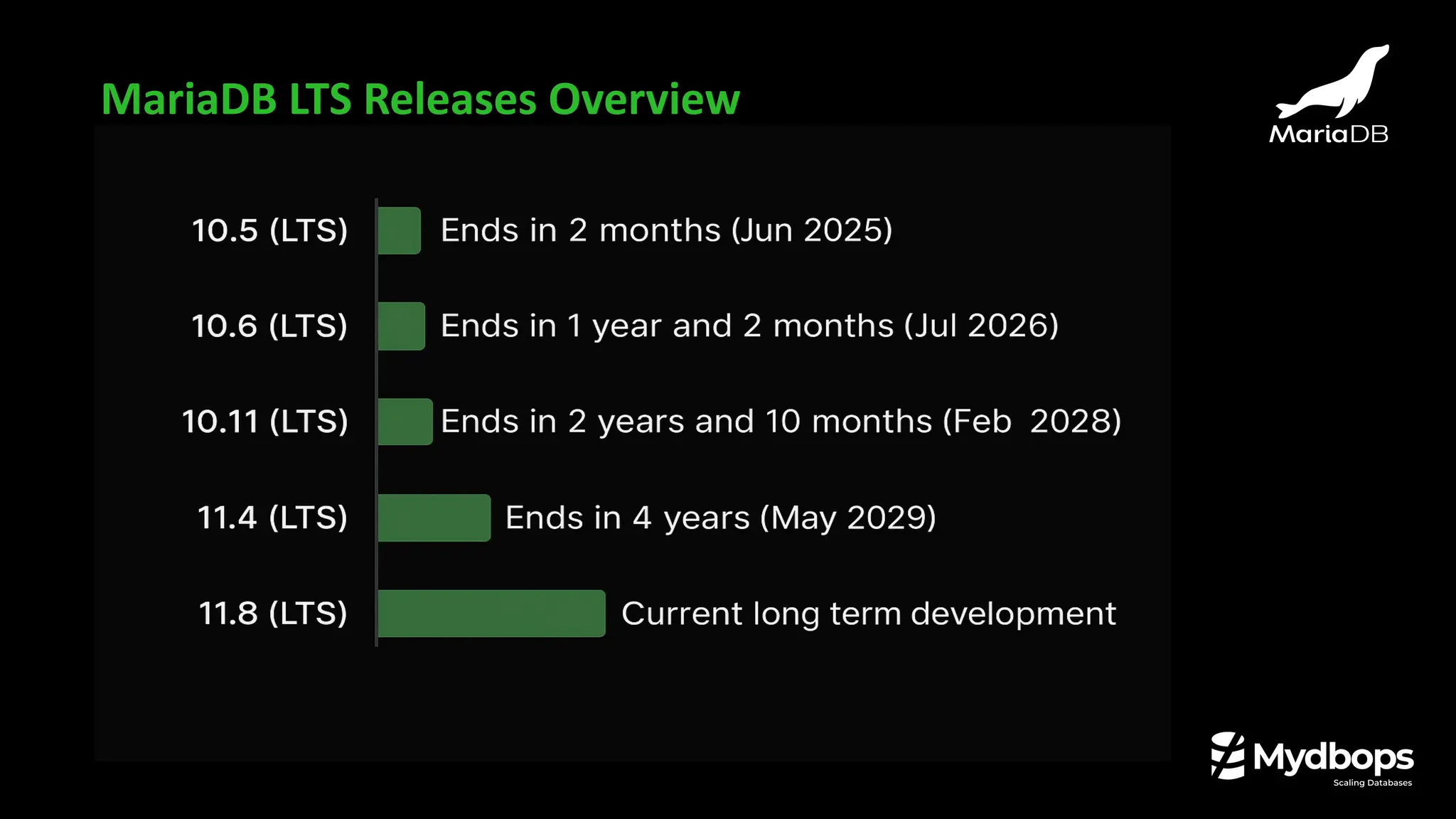
MariaDB LTS Releases Overview
Enhancement to Logical
Backup & Restore
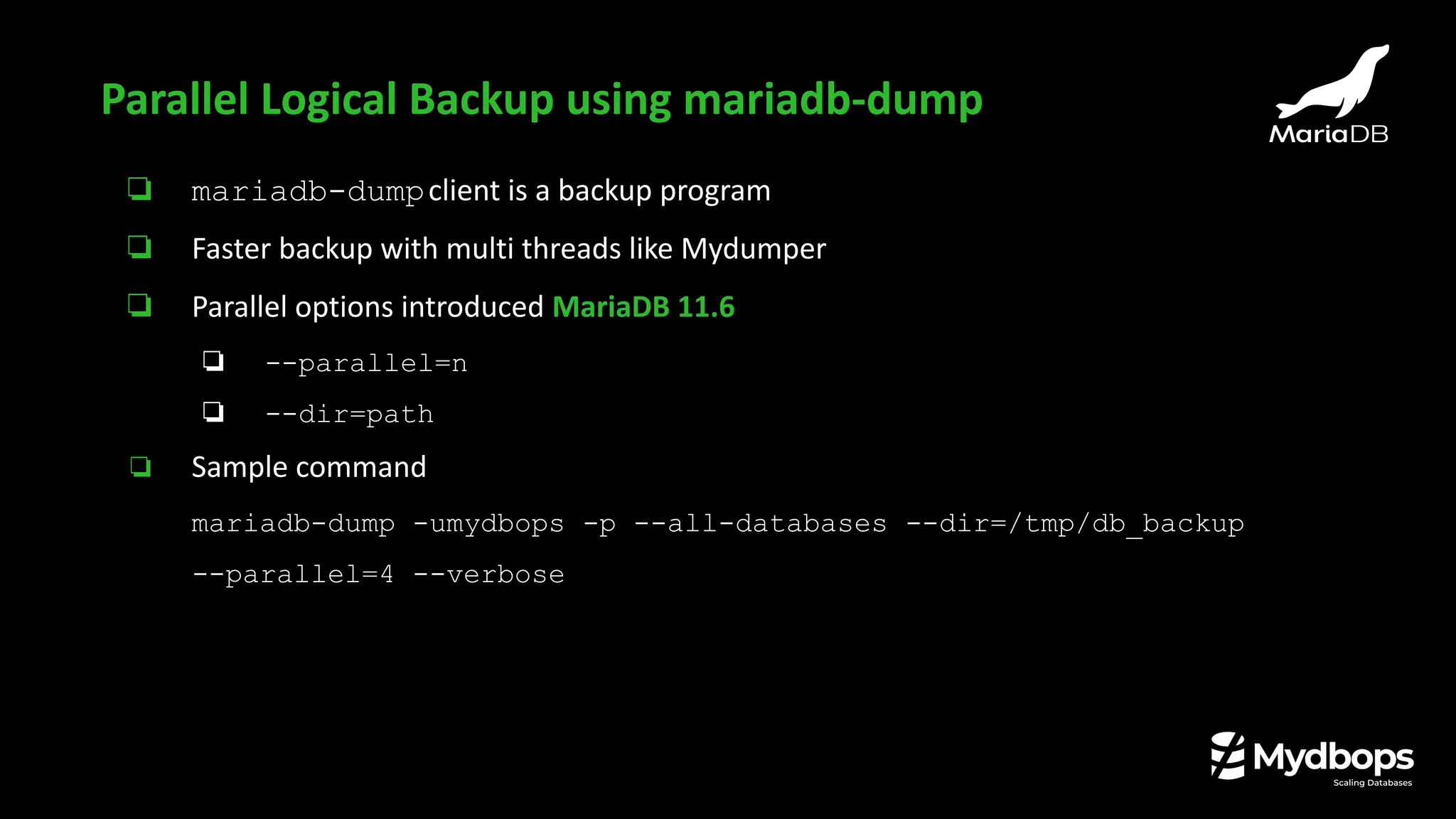
❏ mariadb-dumpclient is a backup program
❏ Faster backup with multi threads like Mydumper
❏ Parallel options introduced MariaDB 11.6
❏ --parallel=n
❏ --dir=path
❏ Sample command
mariadb-dump -umydbops -p --all-databases --dir=/tmp/db_backup
--parallel=4 --verbose
Parallel Logical Backup using mariadb-dump
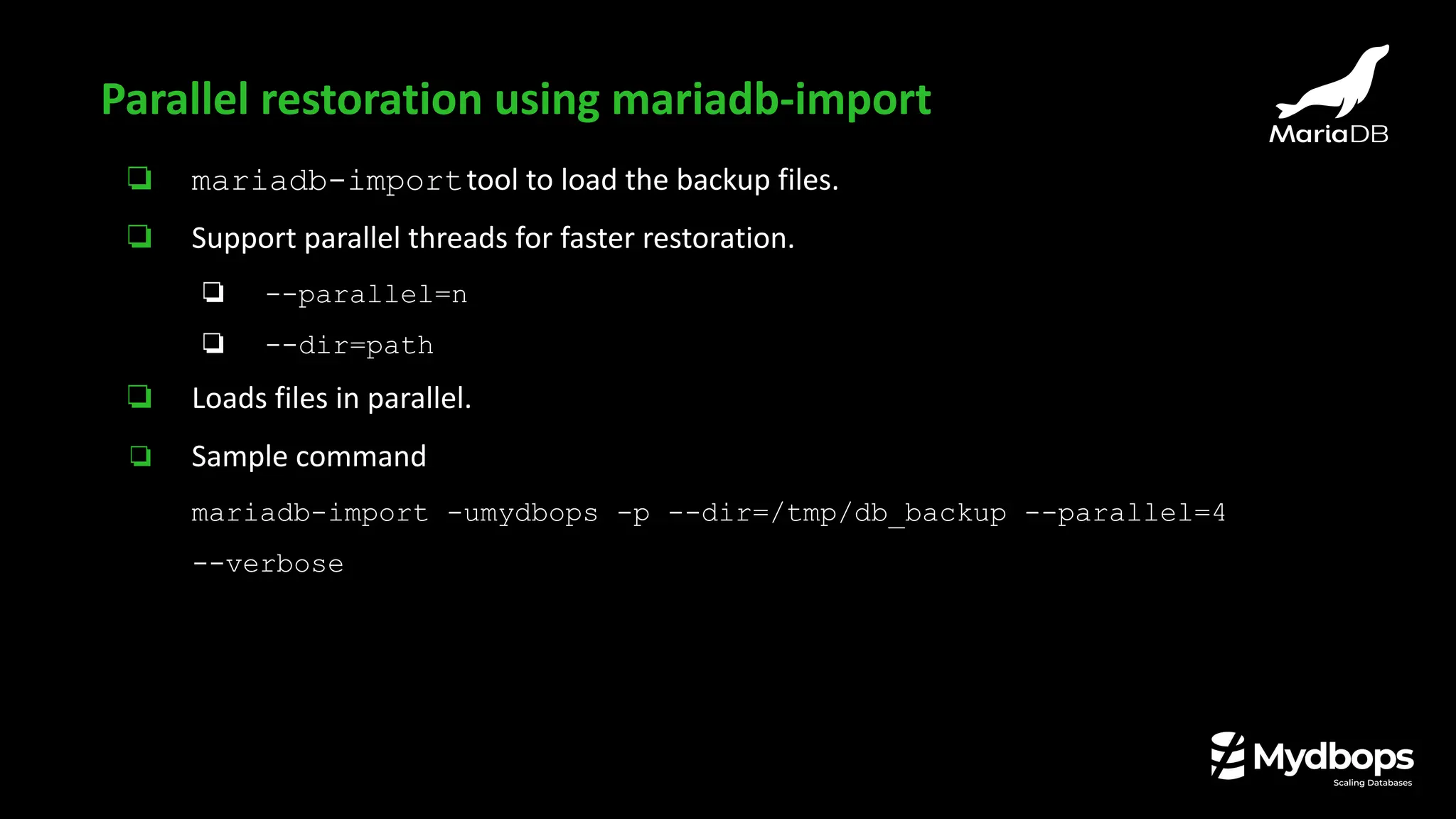
❏ mariadb-importtool to load the backup files.
❏ Support parallel threads for faster restoration.
❏ --parallel=n
❏ --dir=path
❏ Loads files in parallel.
❏ Sample command
mariadb-import -umydbops -p --dir=/tmp/db_backup --parallel=4
--verbose
Parallel restoration using mariadb-import
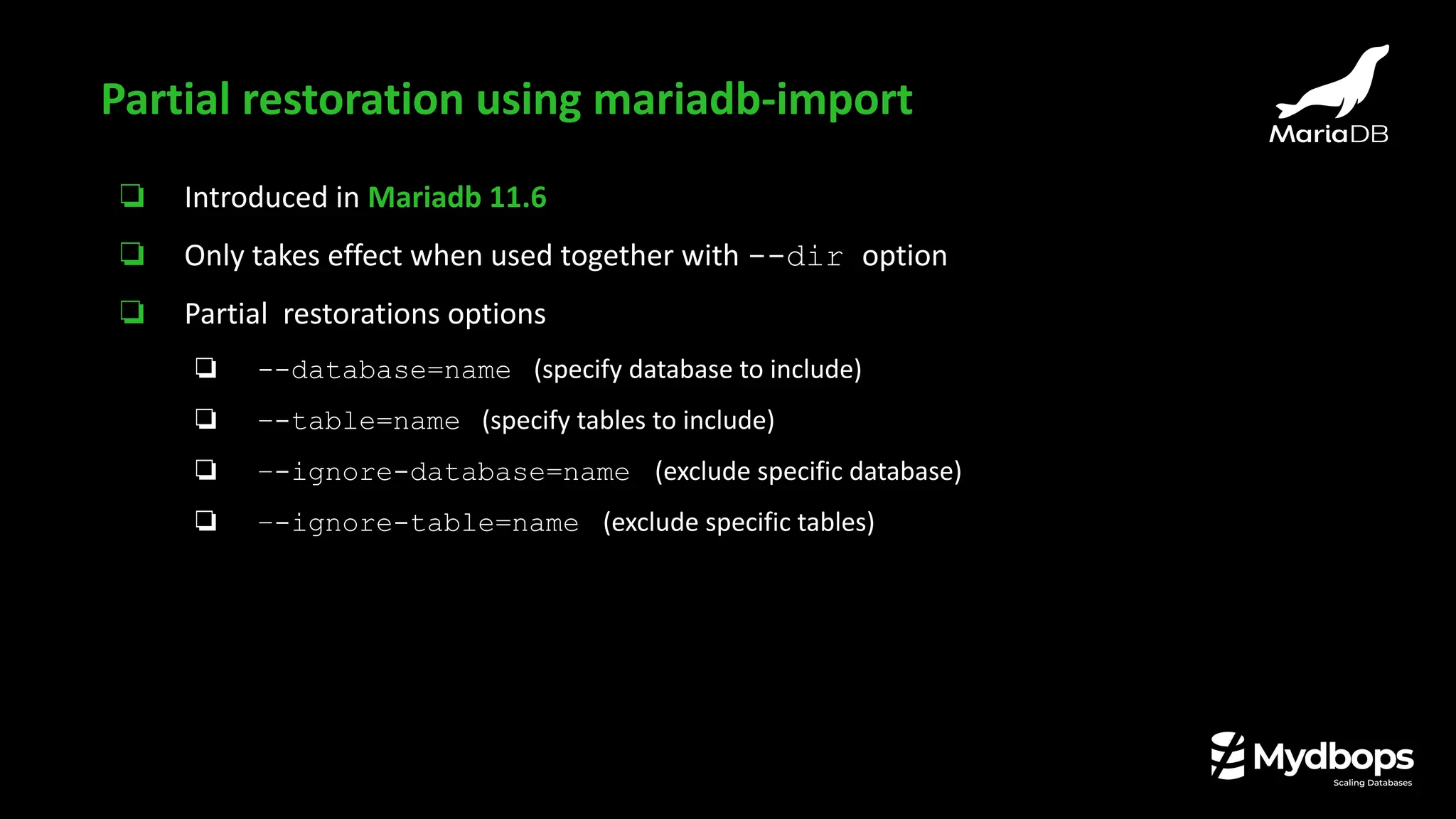
❏ Introduced in Mariadb 11.6
❏ Only takes effect when used together with --dir option
❏ Partial restorations options
❏ --database=name (specify database to include)
❏ –-table=name (specify tables to include)
❏ –-ignore-database=name (exclude specific database)
❏ –-ignore-table=name (exclude specific tables)
Partial restoration using mariadb-import
❏ Available from MariaDB 11.6
❏ Helps in replica creation (without source)
❏ Useful for
❏ cloning a new Replica
❏ doing PITR ,
❏ ensuring backups are replication-consistent
❏ Works similar like --slave-infooption of mariabackup
❏ --dump-slave=[value]
❏ Default value is 1 which print change-master command in dump file
❏ Value 2 the adds only change-master (not active)
dump-slave flag in mariadb-dump
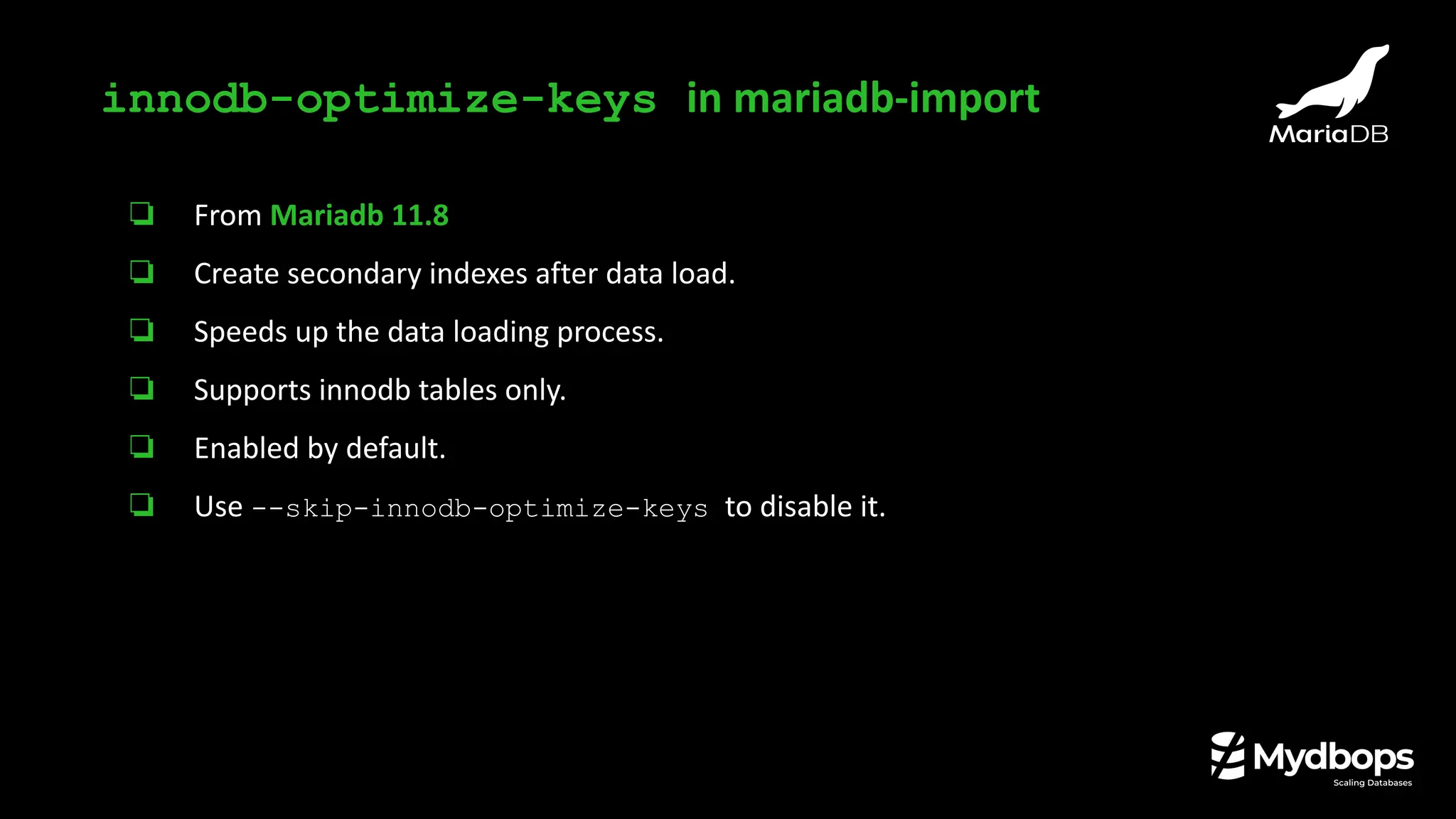
❏ From Mariadb 11.8
❏ Create secondary indexes after data load.
❏ Speeds up the data loading process.
❏ Supports innodb tables only.
❏ Enabled by default.
❏ Use --skip-innodb-optimize-keys to disable it.
innodb-optimize-keys in mariadb-import
Binary log & Replication
Optimizations
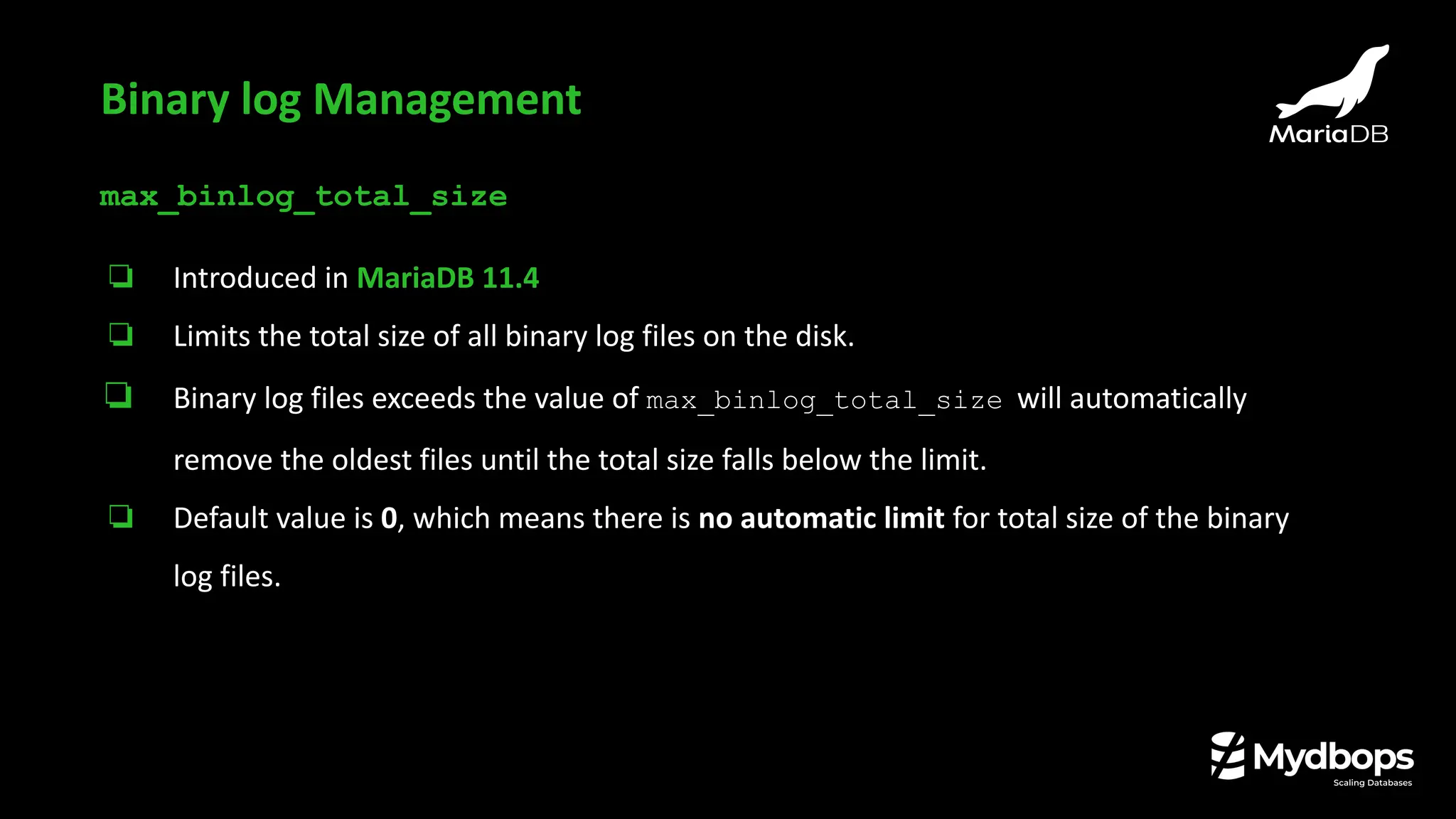
max_binlog_total_size
❏ Introduced in MariaDB 11.4
❏ Limits the total size of all binary log files on the disk.
❏ Binary log files exceeds the value of max_binlog_total_size will automatically
remove the oldest files until the total size falls below the limit.
❏ Default value is 0, which means there is no automatic limit for total size of the binary
log files.
Binary log Management
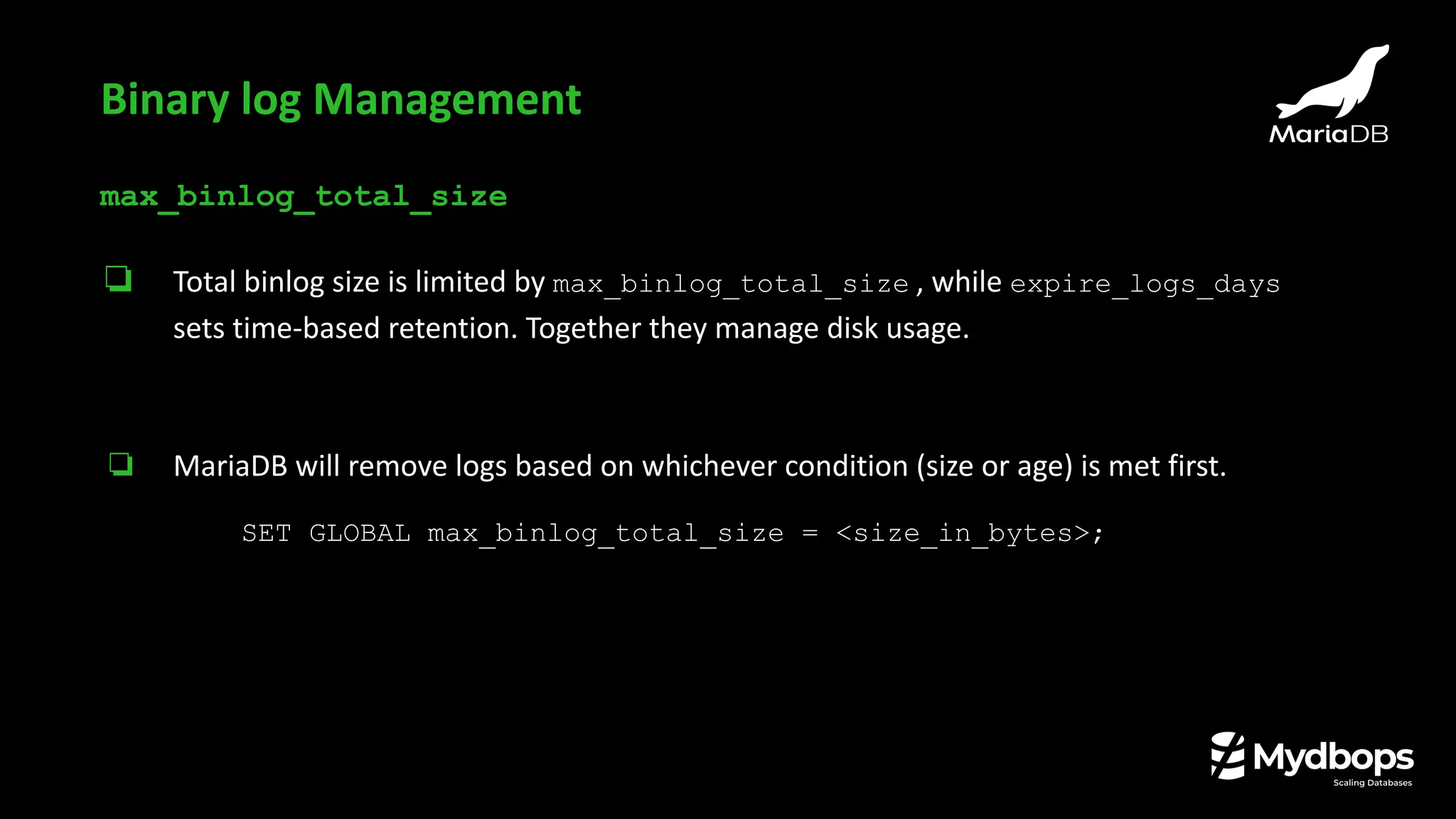
max_binlog_total_size
❏ Total binlog size is limited by max_binlog_total_size , while expire_logs_days
sets time-based retention. Together they manage disk usage.
❏ MariaDB will remove logs based on whichever condition (size or age) is met first.
SET GLOBAL max_binlog_total_size = <size_in_bytes>;
Binary log Management
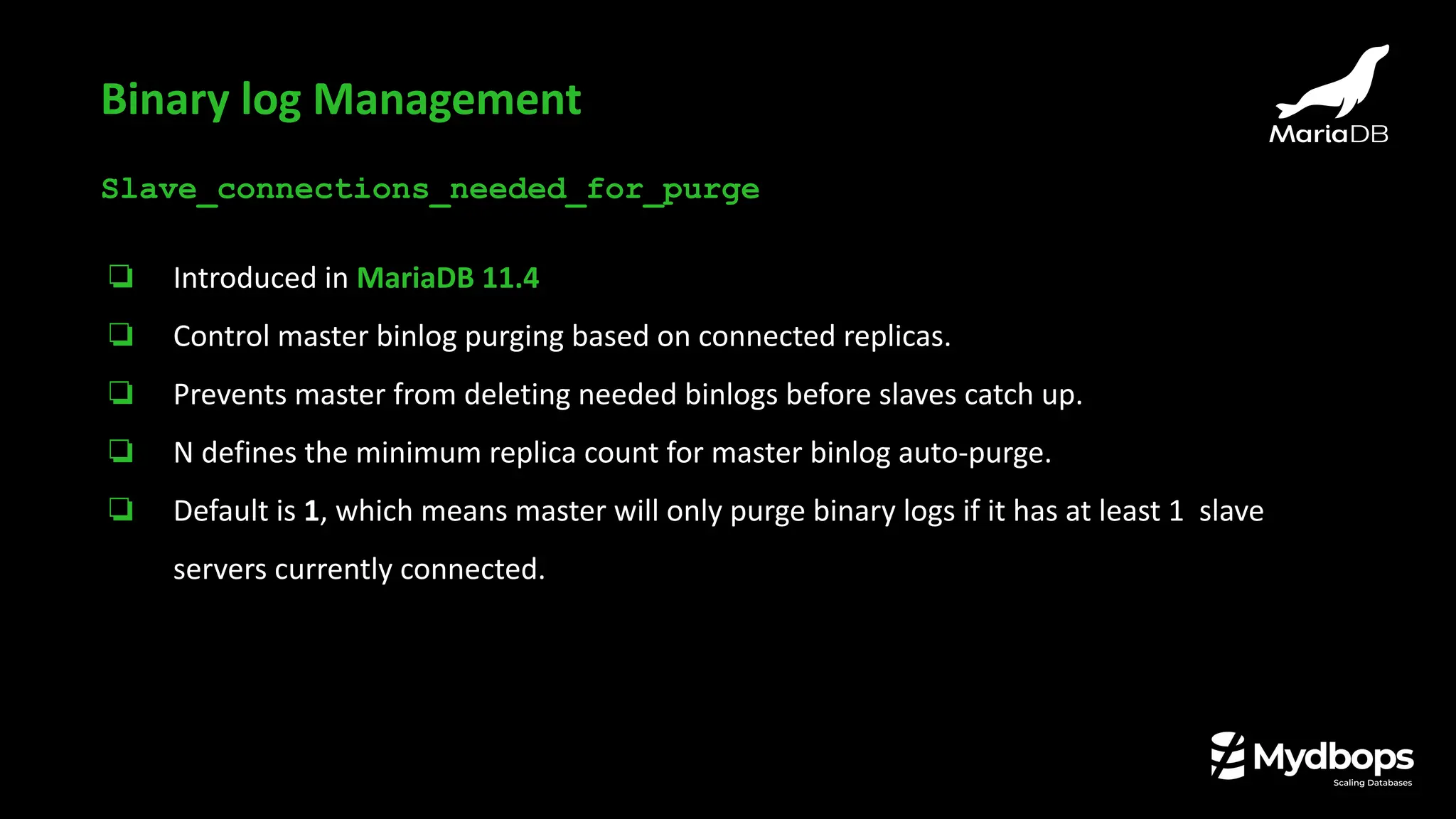
Slave_connections_needed_for_purge
❏ Introduced in MariaDB 11.4
❏ Control master binlog purging based on connected replicas.
❏ Prevents master from deleting needed binlogs before slaves catch up.
❏ N defines the minimum replica count for master binlog auto-purge.
❏ Default is 1, which means master will only purge binary logs if it has at least 1 slave
servers currently connected.
Binary log Management
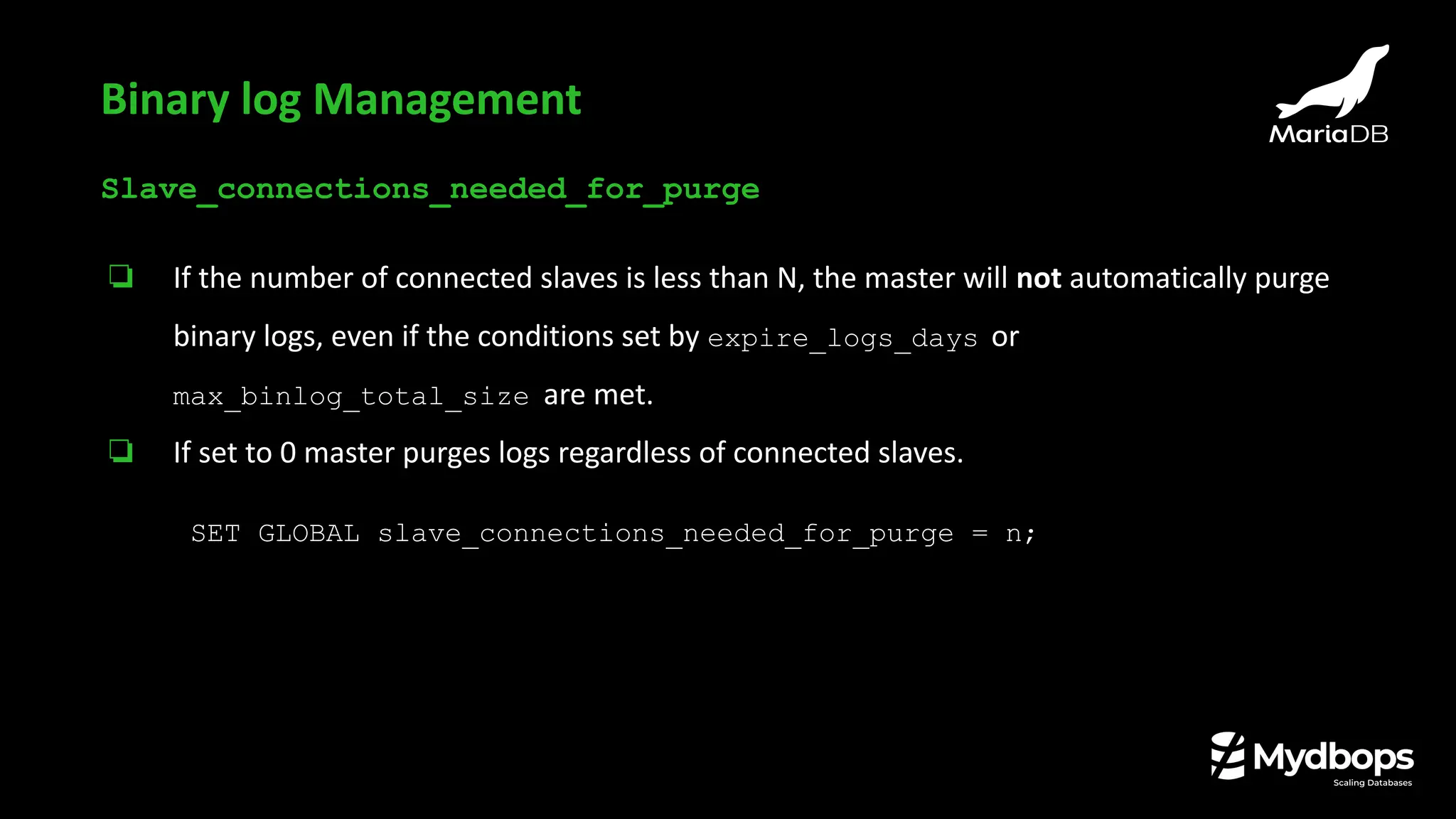
Slave_connections_needed_for_purge
❏ If the number of connected slaves is less than N, the master will not automatically purge
binary logs, even if the conditions set by expire_logs_days or
max_binlog_total_size are met.
❏ If set to 0 master purges logs regardless of connected slaves.
SET GLOBAL slave_connections_needed_for_purge = n;
Binary log Management
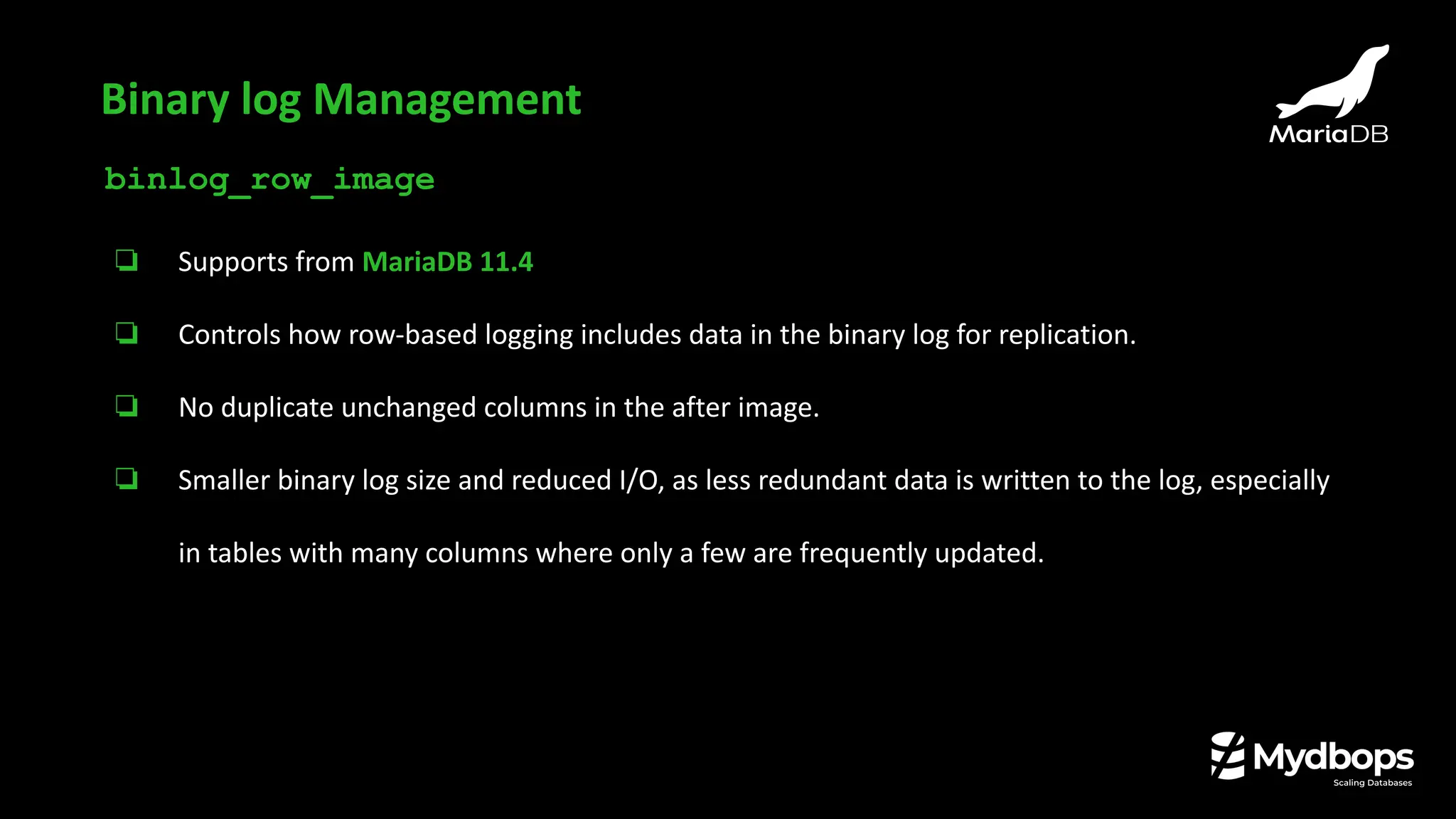
binlog_row_image
❏ Supports from MariaDB 11.4
❏ Controls how row-based logging includes data in the binary log for replication.
❏ No duplicate unchanged columns in the after image.
❏ Smaller binary log size and reduced I/O, as less redundant data is written to the log, especially
in tables with many columns where only a few are frequently updated.
Binary log Management
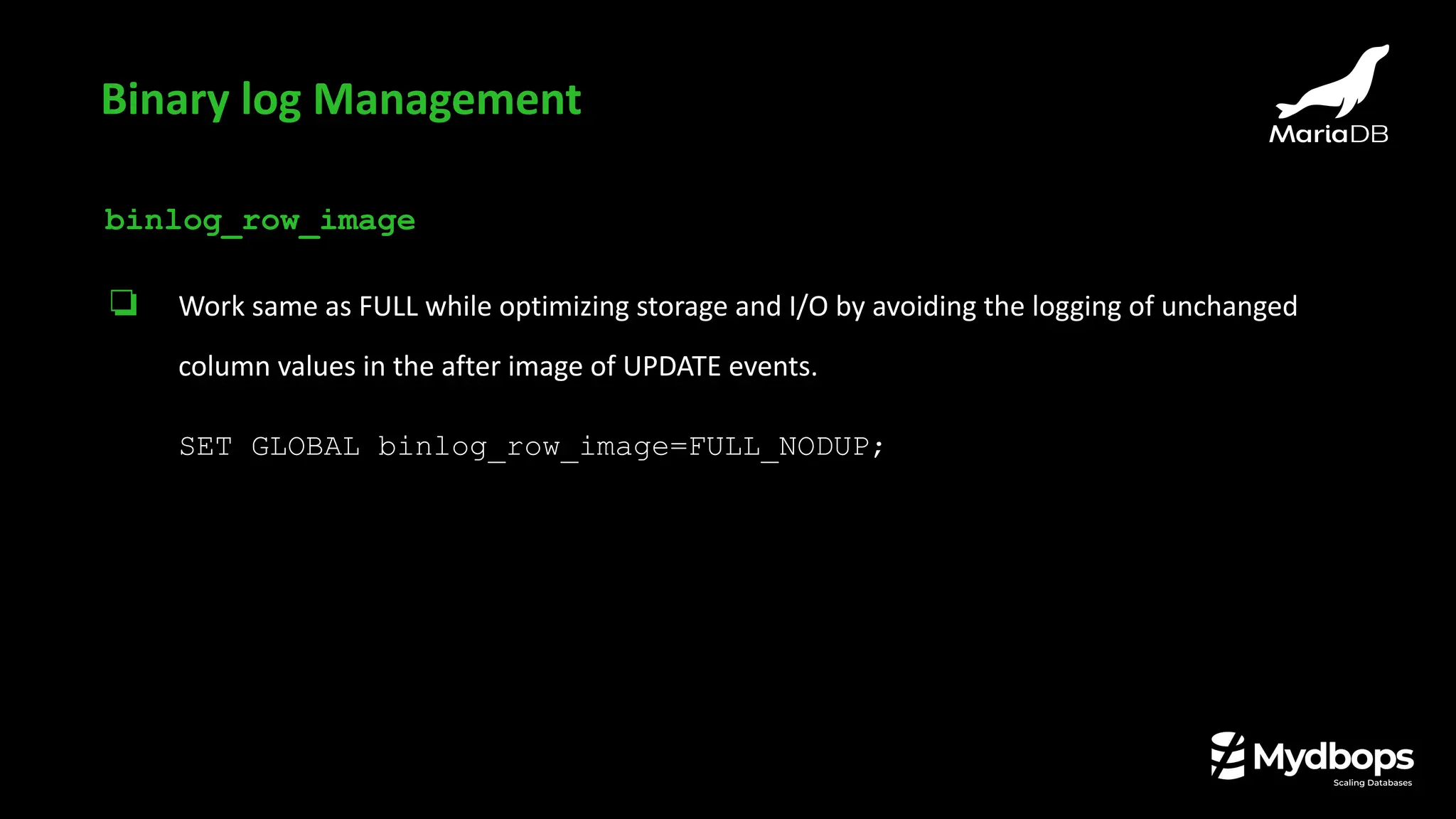
binlog_row_image
❏ Work same as FULL while optimizing storage and I/O by avoiding the logging of unchanged
column values in the after image of UPDATE events.
SET GLOBAL binlog_row_image=FULL_NODUP;
Binary log Management
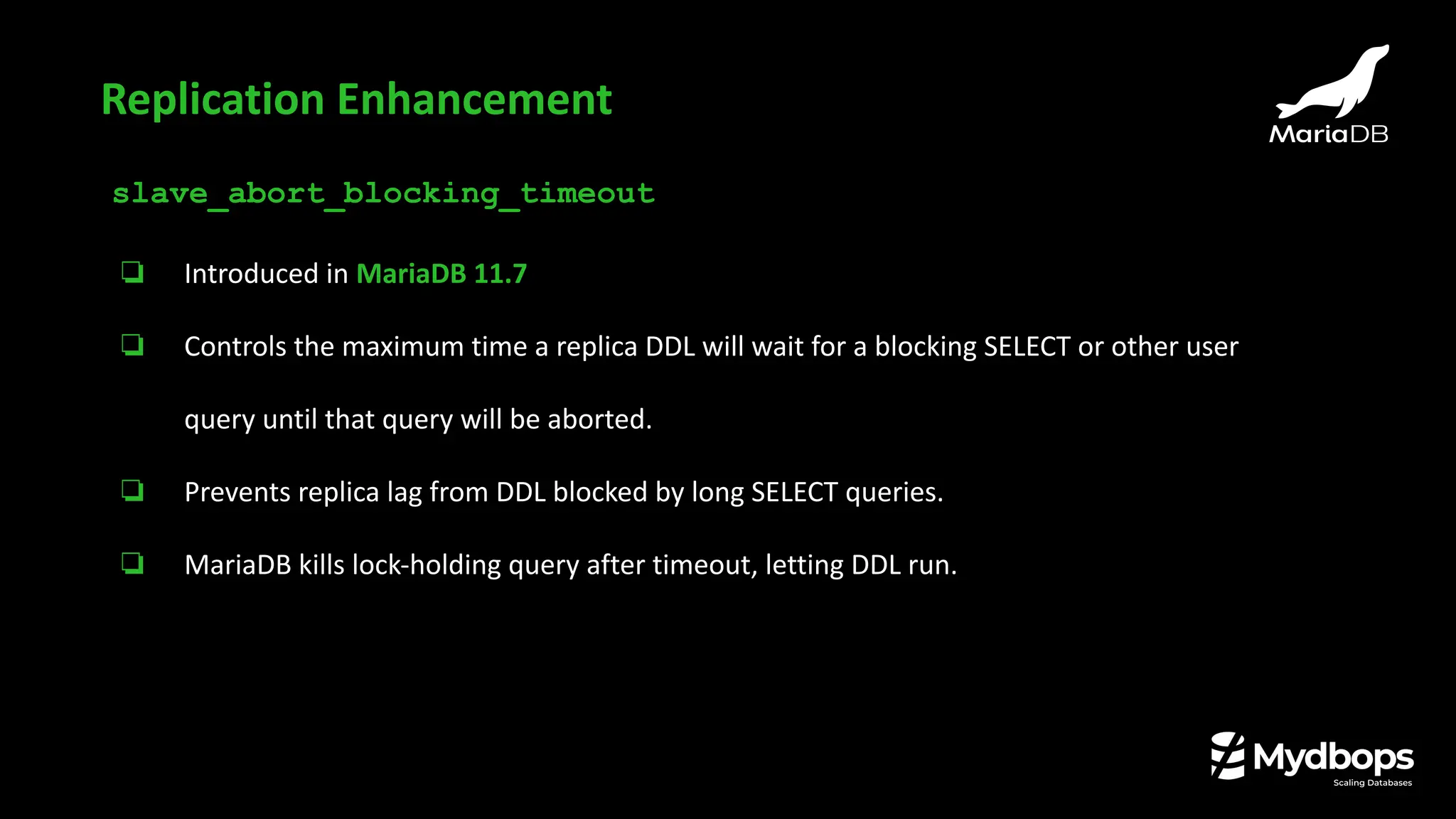
slave_abort_blocking_timeout
❏ Introduced in MariaDB 11.7
❏ Controls the maximum time a replica DDL will wait for a blocking SELECT or other user
query until that query will be aborted.
❏ Prevents replica lag from DDL blocked by long SELECT queries.
❏ MariaDB kills lock-holding query after timeout, letting DDL run.
Replication Enhancement
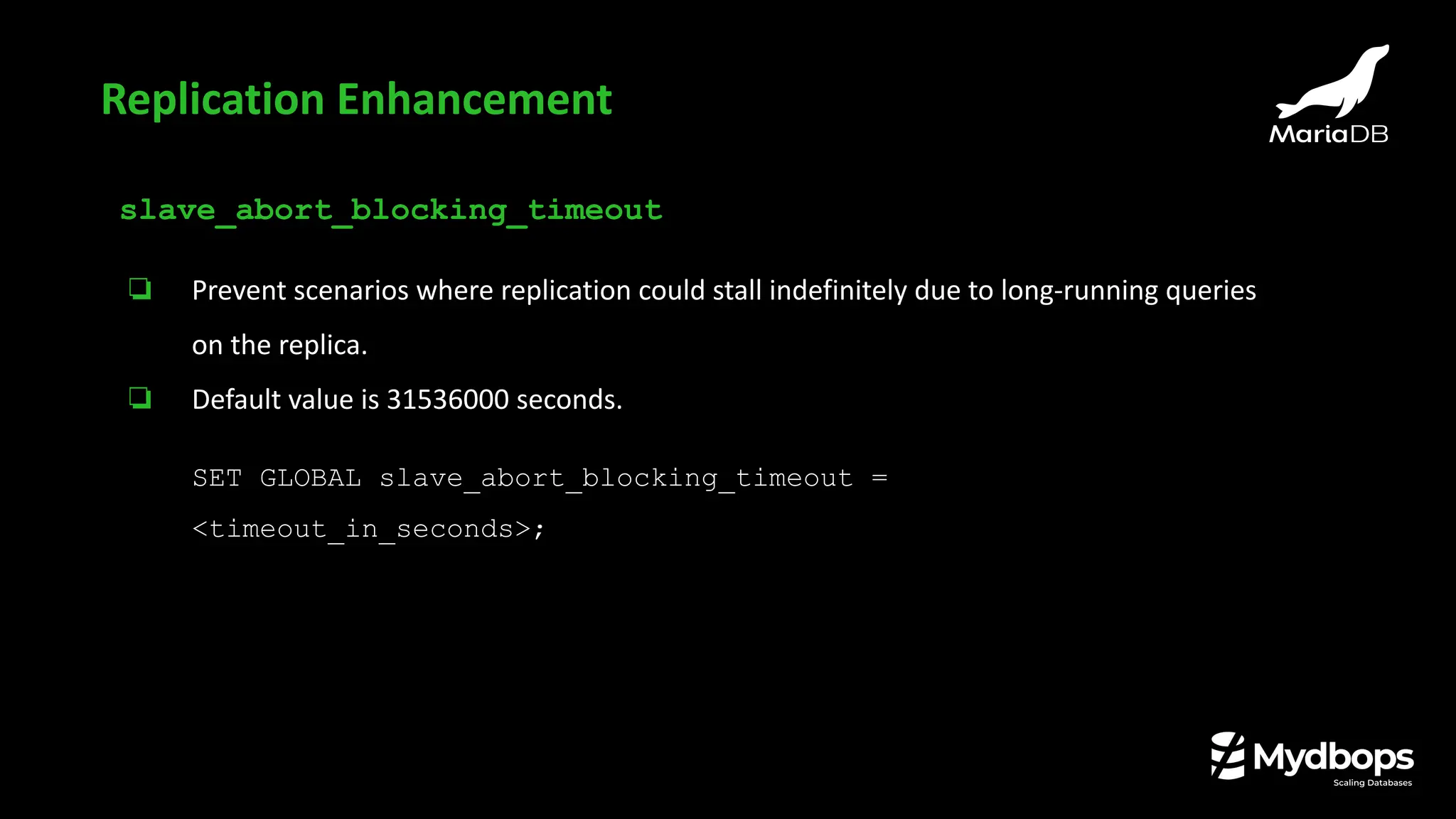
slave_abort_blocking_timeout
❏ Prevent scenarios where replication could stall indefinitely due to long-running queries
on the replica.
❏ Default value is 31536000 seconds.
SET GLOBAL slave_abort_blocking_timeout =
<timeout_in_seconds>;
Replication Enhancement
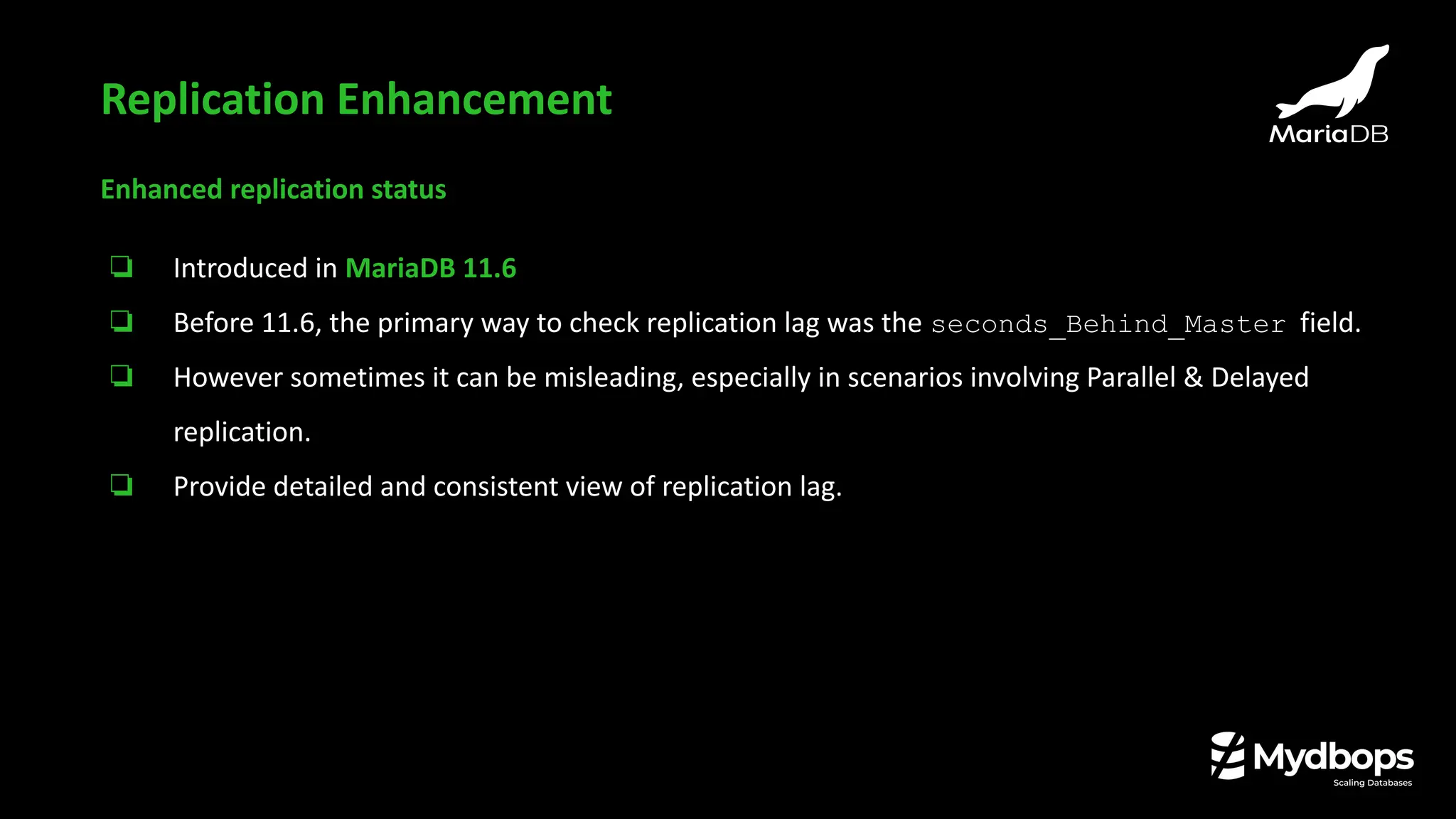
Enhanced replication status
❏ Introduced in MariaDB 11.6
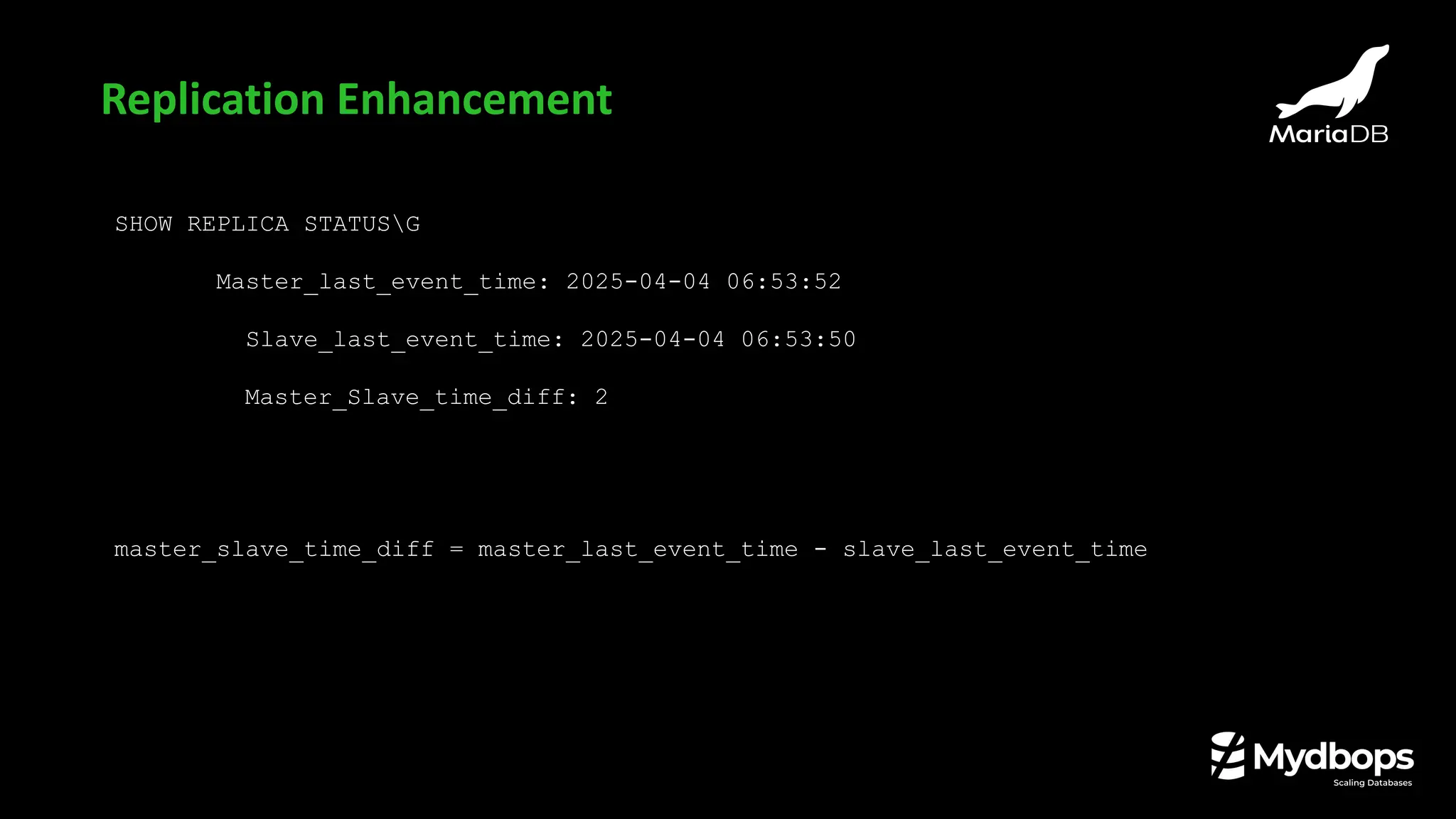
❏ Before 11.6, the primary way to check replication lag was the seconds_Behind_Master field.
❏ However sometimes it can be misleading, especially in scenarios involving Parallel & Delayed
replication.
❏ Provide detailed and consistent view of replication lag.
Replication Enhancement
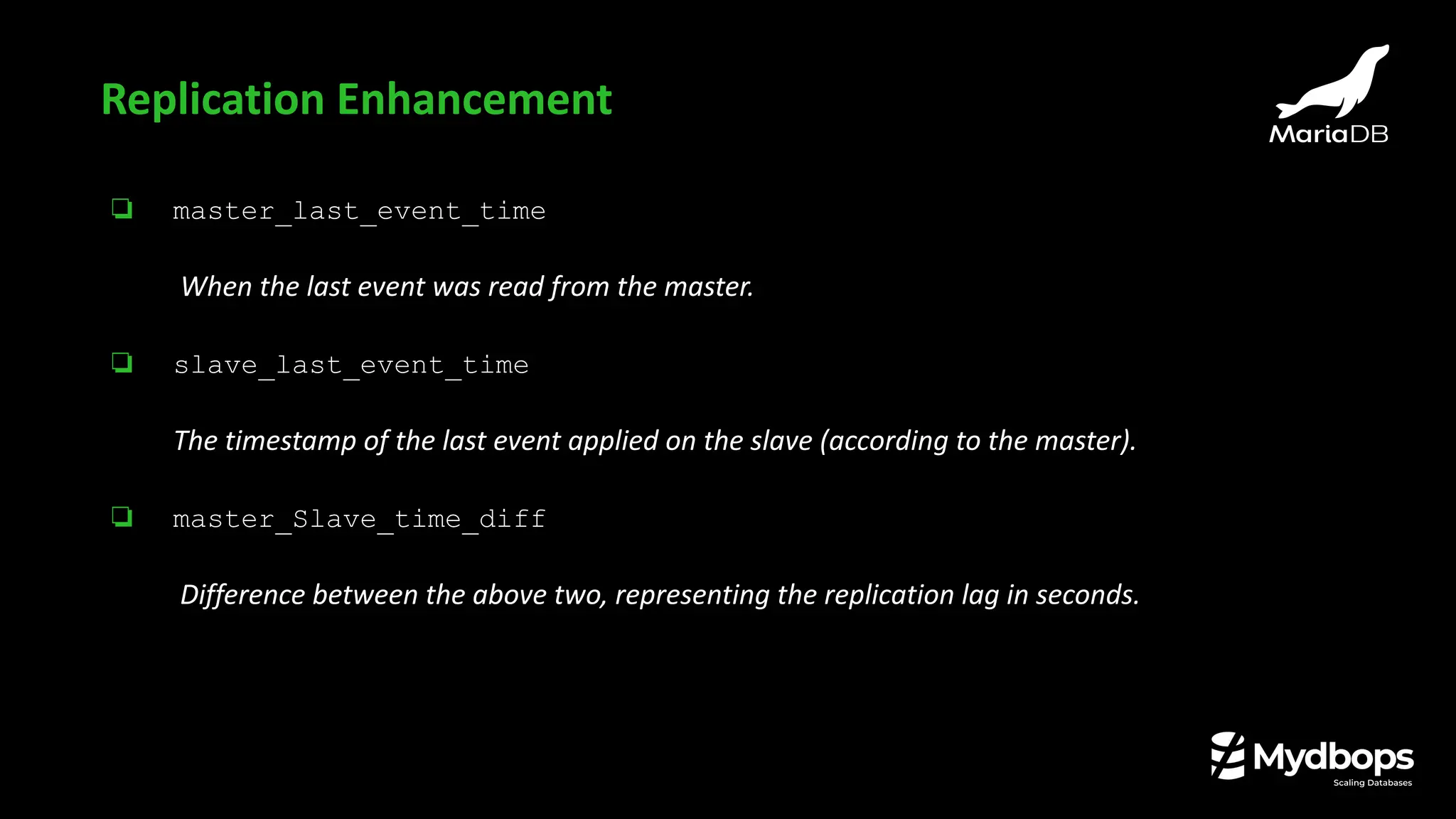
❏ master_last_event_time
When the last event was read from the master.
❏ slave_last_event_time
The timestamp of the last event applied on the slave (according to the master).
❏ master_Slave_time_diff
Difference between the above two, representing the replication lag in seconds.
Replication Enhancement
SHOW REPLICA STATUSG
Master_last_event_time: 2025-04-04 06:53:52
Slave_last_event_time: 2025-04-04 06:53:50
Master_Slave_time_diff: 2
master_slave_time_diff = master_last_event_time - slave_last_event_time
Replication Enhancement
Security Enhancement
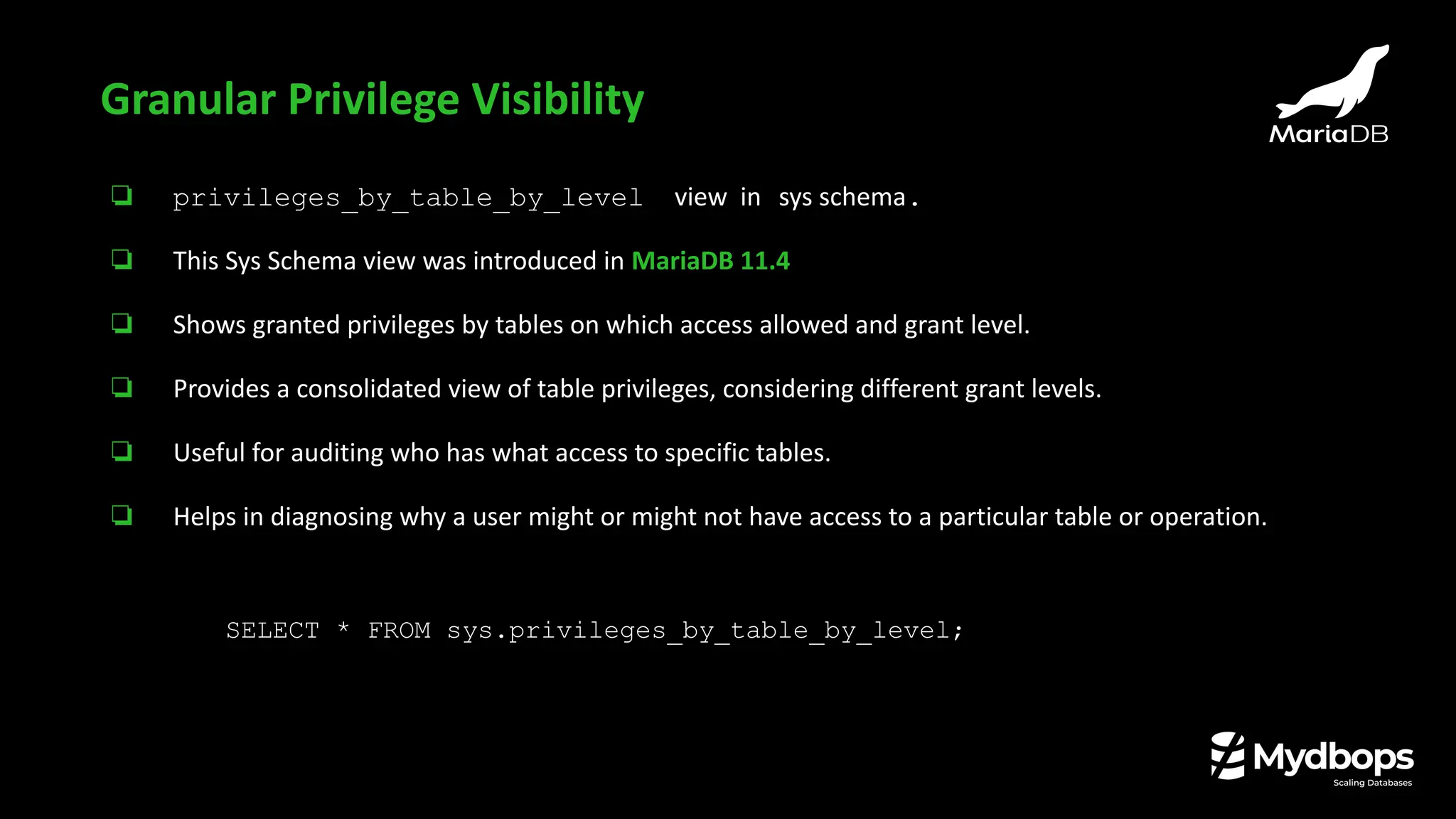
❏ privileges_by_table_by_level view in sys schema.
❏ This Sys Schema view was introduced in MariaDB 11.4
❏ Shows granted privileges by tables on which access allowed and grant level.
❏ Provides a consolidated view of table privileges, considering different grant levels.
❏ Useful for auditing who has what access to specific tables.
❏ Helps in diagnosing why a user might or might not have access to a particular table or operation.
Granular Privilege Visibility
SELECT * FROM sys.privileges_by_table_by_level;
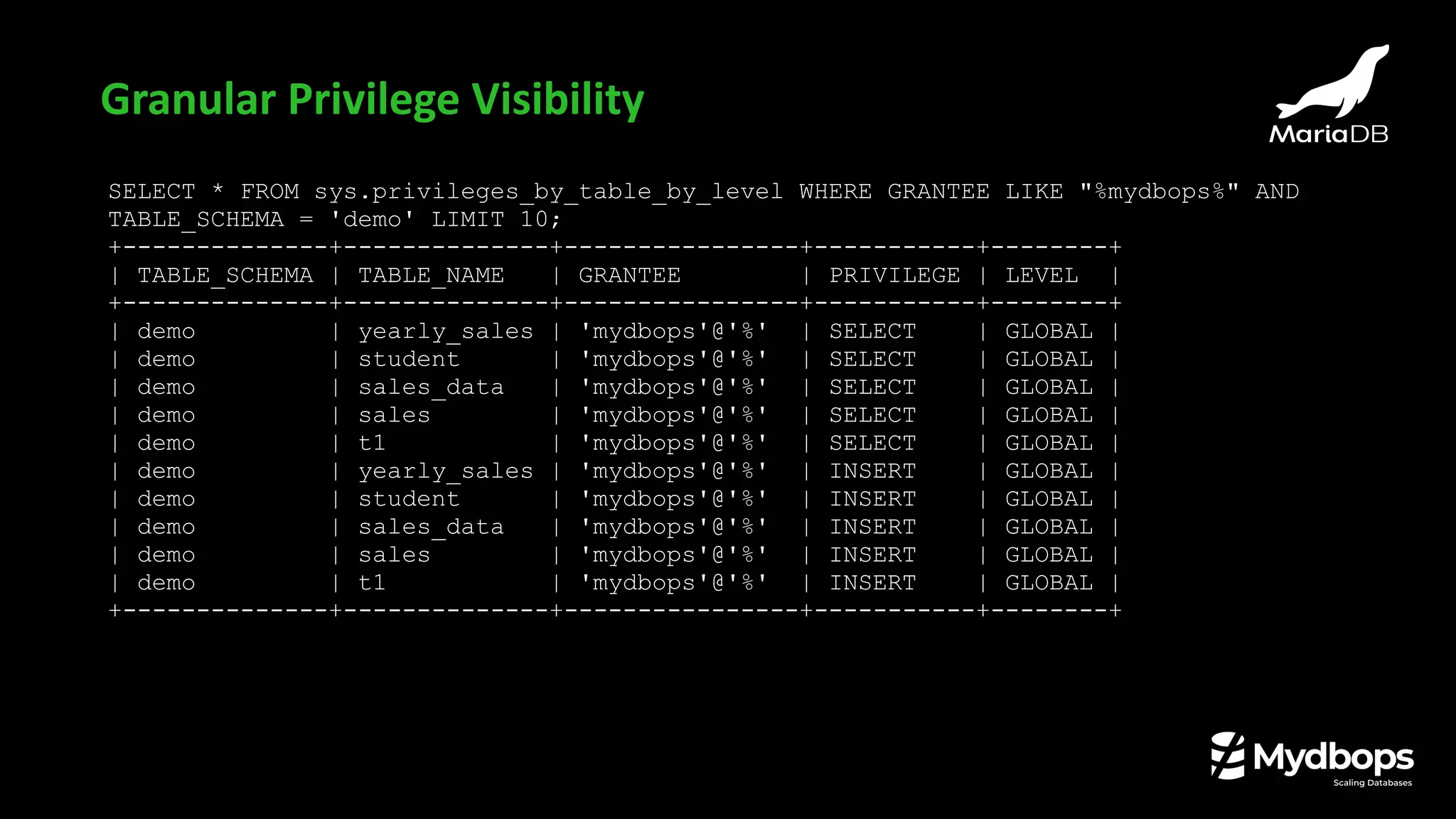
SELECT * FROM sys.privileges_by_table_by_level WHERE GRANTEE LIKE "%mydbops%" AND
TABLE_SCHEMA = 'demo' LIMIT 10;
+--------------+--------------+----------------+-----------+--------+
| TABLE_SCHEMA | TABLE_NAME | GRANTEE | PRIVILEGE | LEVEL |
+--------------+--------------+----------------+-----------+--------+
| demo | yearly_sales | 'mydbops'@'%' | SELECT | GLOBAL |
| demo | student | 'mydbops'@'%' | SELECT | GLOBAL |
| demo | sales_data | 'mydbops'@'%' | SELECT | GLOBAL |
| demo | sales | 'mydbops'@'%' | SELECT | GLOBAL |
| demo | t1 | 'mydbops'@'%' | SELECT | GLOBAL |
| demo | yearly_sales | 'mydbops'@'%' | INSERT | GLOBAL |
| demo | student | 'mydbops'@'%' | INSERT | GLOBAL |
| demo | sales_data | 'mydbops'@'%' | INSERT | GLOBAL |
| demo | sales | 'mydbops'@'%' | INSERT | GLOBAL |
| demo | t1 | 'mydbops'@'%' | INSERT | GLOBAL |
+--------------+--------------+----------------+-----------+--------+
Granular Privilege Visibility
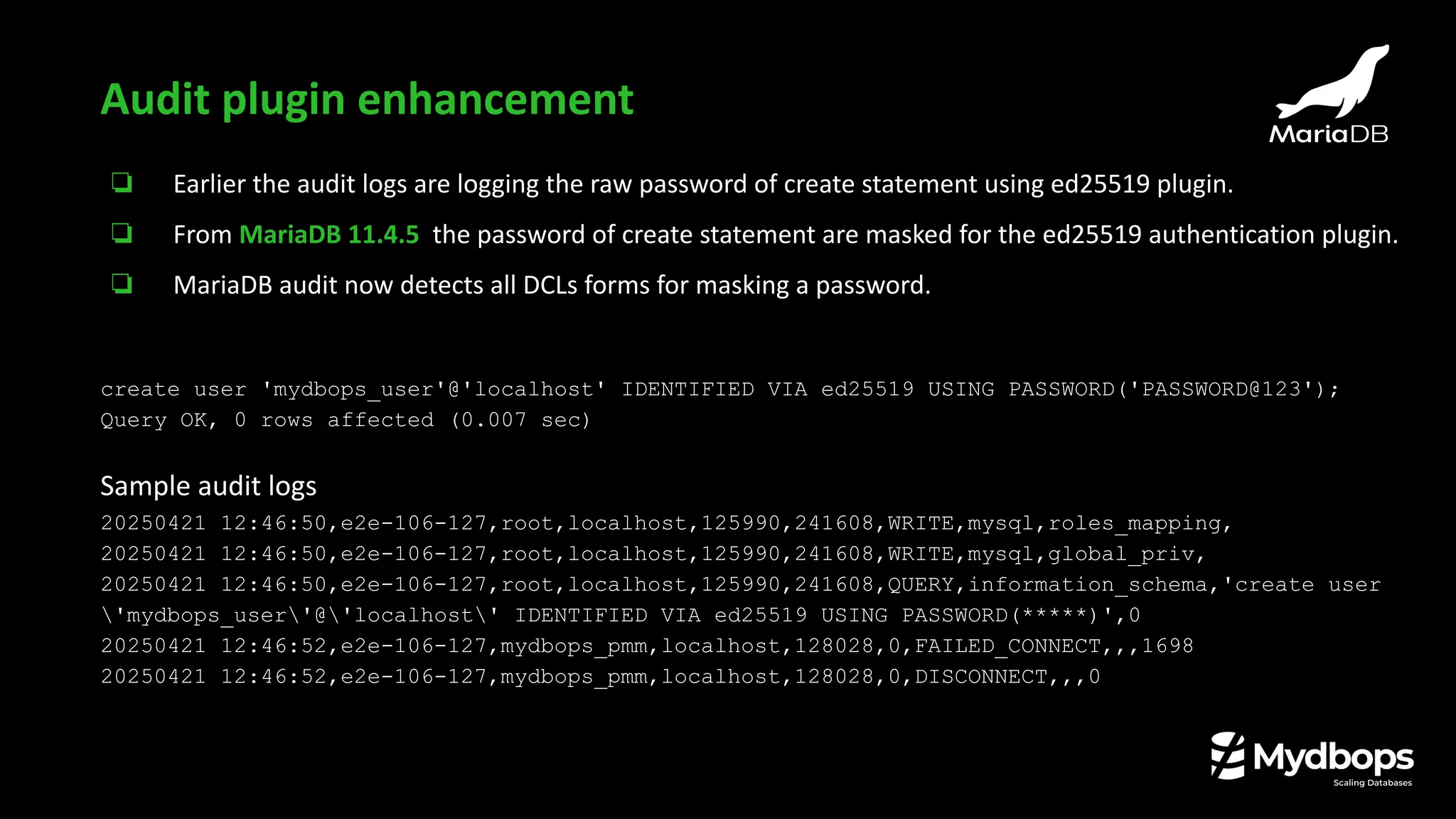
❏ Earlier the audit logs are logging the raw password of create statement using ed25519 plugin.
❏ From MariaDB 11.4.5 the password of create statement are masked for the ed25519 authentication plugin.
❏ MariaDB audit now detects all DCLs forms for masking a password.
create user 'mydbops_user'@'localhost' IDENTIFIED VIA ed25519 USING PASSWORD('PASSWORD@123');
Query OK, 0 rows affected (0.007 sec)
Sample audit logs
20250421 12:46:50,e2e-106-127,root,localhost,125990,241608,WRITE,mysql,roles_mapping,
20250421 12:46:50,e2e-106-127,root,localhost,125990,241608,WRITE,mysql,global_priv,
20250421 12:46:50,e2e-106-127,root,localhost,125990,241608,QUERY,information_schema,'create user
'mydbops_user'@'localhost' IDENTIFIED VIA ed25519 USING PASSWORD(*****)',0
20250421 12:46:52,e2e-106-127,mydbops_pmm,localhost,128028,0,FAILED_CONNECT,,,1698
20250421 12:46:52,e2e-106-127,mydbops_pmm,localhost,128028,0,DISCONNECT,,,0
Audit plugin enhancement
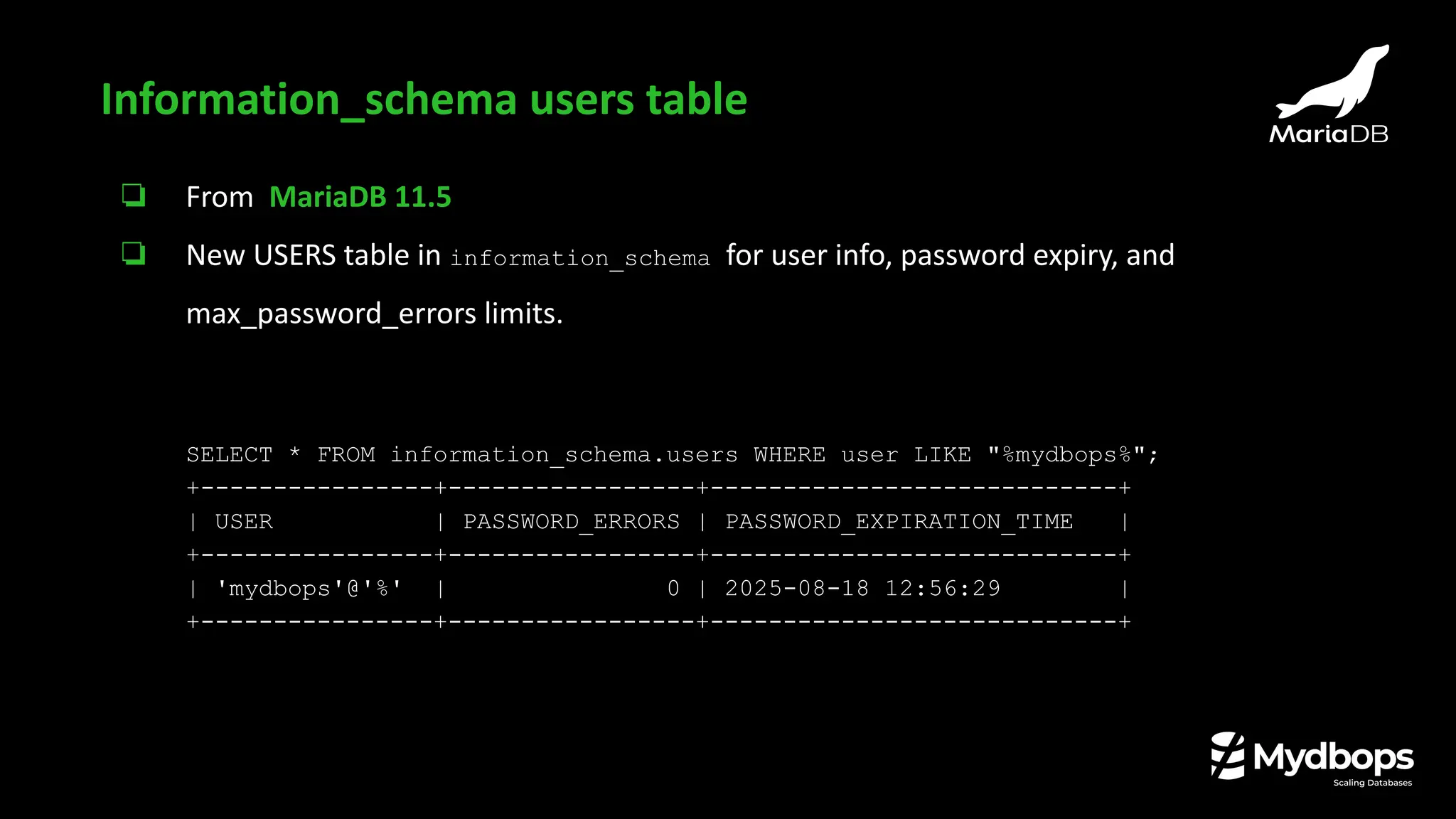
❏ From MariaDB 11.5
❏ New USERS table in information_schema for user info, password expiry, and
max_password_errors limits.
SELECT * FROM information_schema.users WHERE user LIKE "%mydbops%";
+----------------+-----------------+----------------------------+
| USER | PASSWORD_ERRORS | PASSWORD_EXPIRATION_TIME |
+----------------+-----------------+----------------------------+
| 'mydbops'@'%' | 0 | 2025-08-18 12:56:29 |
+----------------+-----------------+----------------------------+
Information_schema users table
Other Notable Features
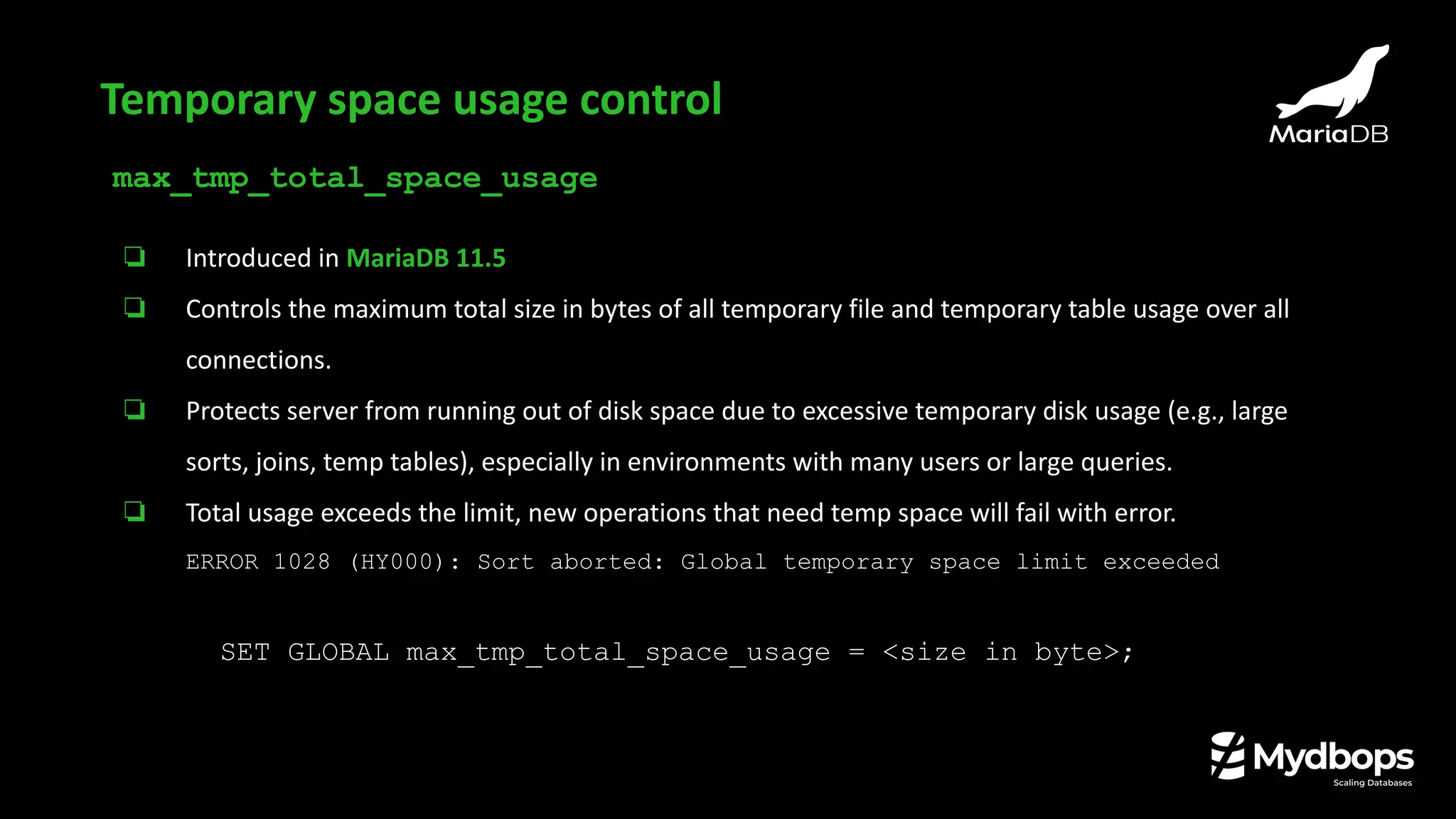
max_tmp_total_space_usage
❏ Introduced in MariaDB 11.5
❏ Controls the maximum total size in bytes of all temporary file and temporary table usage over all
connections.
❏ Protects server from running out of disk space due to excessive temporary disk usage (e.g., large
sorts, joins, temp tables), especially in environments with many users or large queries.
❏ Total usage exceeds the limit, new operations that need temp space will fail with error.
ERROR 1028 (HY000): Sort aborted: Global temporary space limit exceeded
SET GLOBAL max_tmp_total_space_usage = <size in byte>;
Temporary space usage control
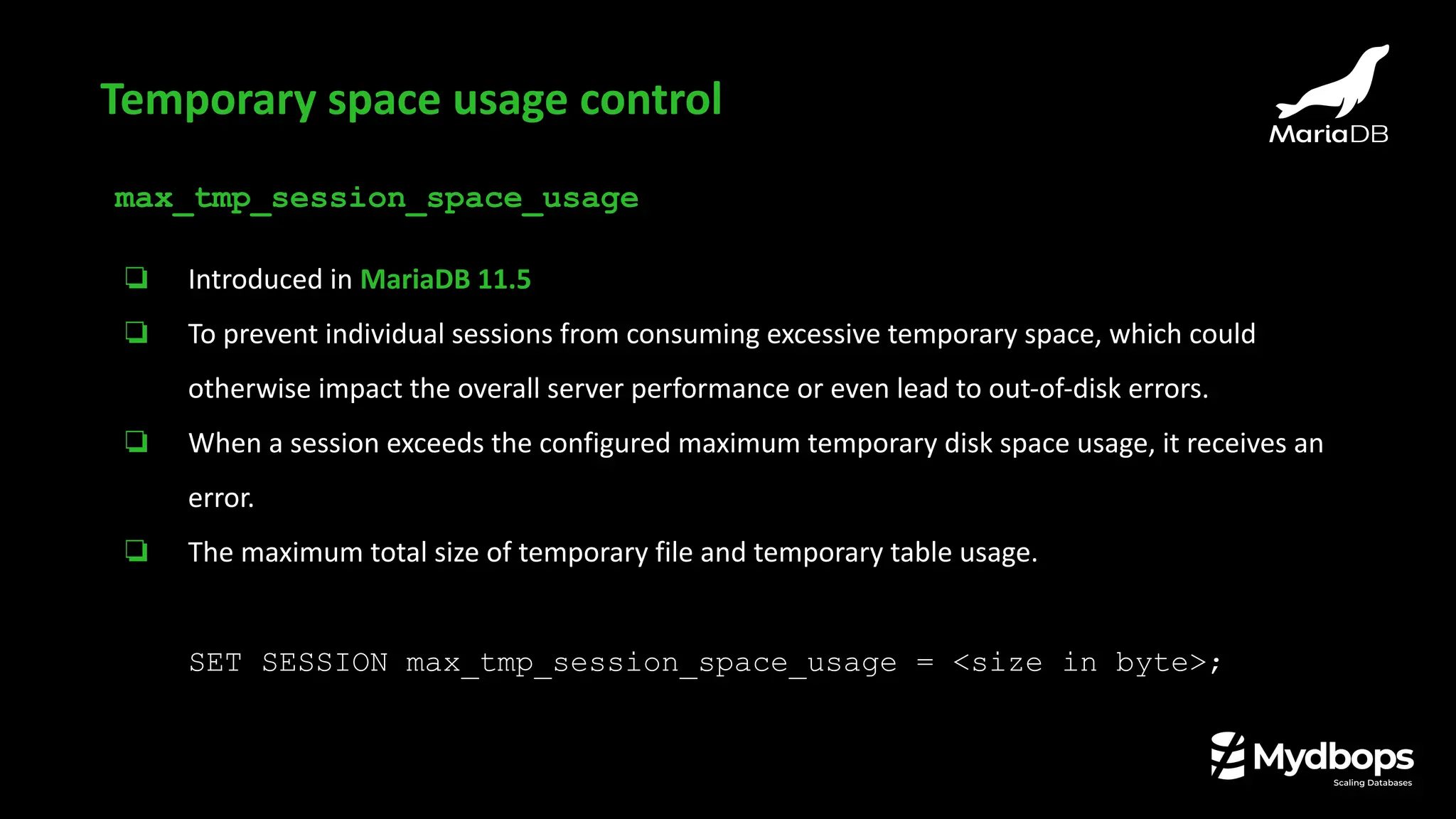
max_tmp_session_space_usage
❏ Introduced in MariaDB 11.5
❏ To prevent individual sessions from consuming excessive temporary space, which could
otherwise impact the overall server performance or even lead to out-of-disk errors.
❏ When a session exceeds the configured maximum temporary disk space usage, it receives an
error.
❏ The maximum total size of temporary file and temporary table usage.
SET SESSION max_tmp_session_space_usage = <size in byte>;
Temporary space usage control
innodb_truncate_temporary_tablespace_now
❏ Introduced in MariaDB 11.3
❏ Reclaims InnoDB temporary tablespace disk space without server restart.
❏ Temporary tablespace can be shrunk by enabling this variable .
❏ This operation only reclaims unused space. Doesn’t affect any persistent data in regular
InnoDB tablespaces.
❏ Truncates the InnoDB temporary tablespace (typically ibtmp1) to free unused disk space from
temporary tables.
SET GLOBAL innodb_truncate_temporary_tablespace_now = ON;
Temporary space usage control
log_slow_always_query_time
❏ Introduced in MariaDB 11.7
❏ Provides a mechanism to force the logging of truly slow queries.
❏ The value is specified in seconds, with microsecond precision.
❏ If (query_time > log_slow_always_query_time) then log it as a slow query, no matter
what.
❏ Queries execution time longer than the value of log_slow_always_query_time will always
be logged to the slow query log, regardless of the settings of log_slow_rate_limit or
log_slow_min_examined_row_limit.
SET GLOBAL log_slow_always_query_time = <value>;
Slow query logging
Advance features - Vector
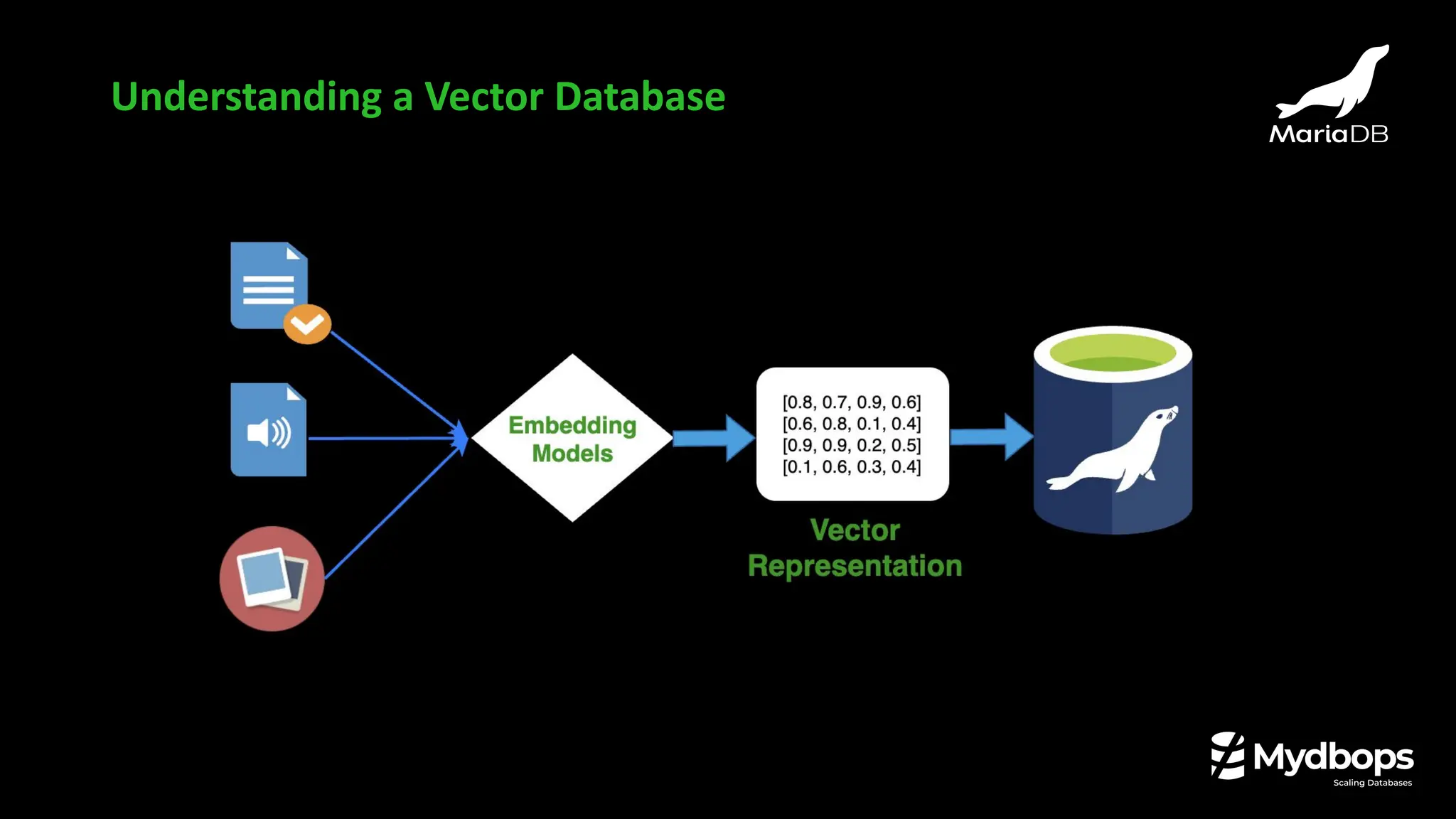
❏ Vector is a numerical representation of data.
❏ An array of numbers.
❏ Lists of numbers that represent things like text, images, or audio.
❏ Numerical vectors are typically generated using embedding models.
❏ Example
“I like MariaDB”
An embedding model can turn that into a list of numbers.
[0.8, 0.1, 0.9, 0.3, 0.7]
What is Vector ?
Understanding a Vector Database
❏ A vector database that stores and searches vectors which are just lists of numbers that
represent things like text, images or audio.
❏ Vector databases are specialized systems designed to efficiently store and query these vector
embeddings.
❏ Store vector embeddings
❏ Provide operations for vector similarity calculations (e.g., cosine similarity, Euclidean distance)
What is Vector Database ?
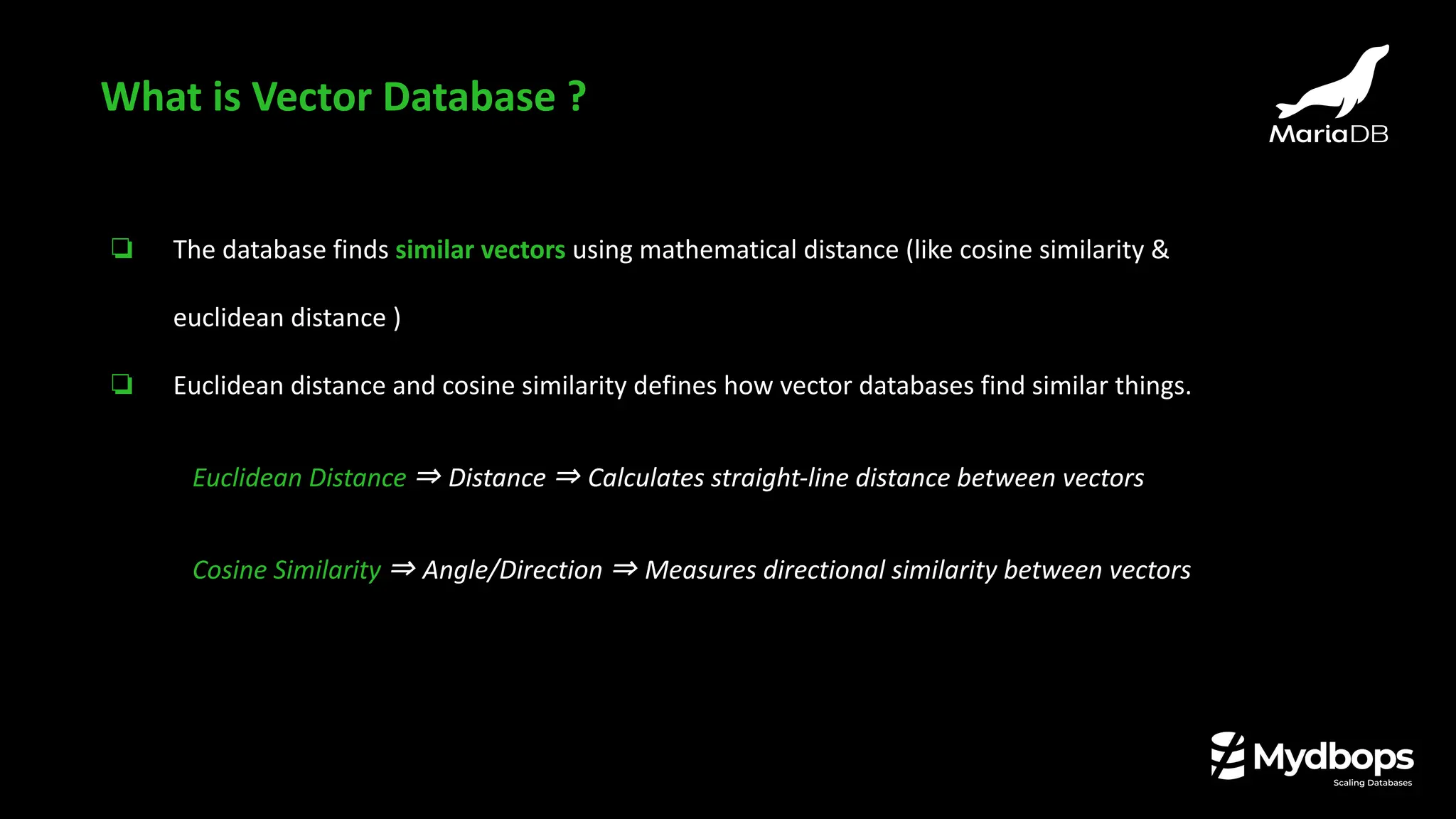
❏ The database finds similar vectors using mathematical distance (like cosine similarity &
euclidean distance )
❏ Euclidean distance and cosine similarity defines how vector databases find similar things.
Euclidean Distance ⇒ Distance ⇒ Calculates straight-line distance between vectors
Cosine Similarity ⇒ Angle/Direction ⇒ Measures directional similarity between vectors
What is Vector Database ?
❏ Vectors were introduced in MariaDB 11.7
❏ MariaDB Vector is a feature that allows MariaDB Server to perform as a relational vector
database.
❏ Vectors generated by AI model can be stored and searched for in MariaDB.
❏ Uses the modified HNSW algorithm for searching in the vector index (to solve the
so-called Approximate Nearest Neighbor problem)
Vector in MariaDB
❏ HNSW stands for Hierarchical Navigable Small World.
❏ Used in vector databases for fast nearest neighbor searches.
❏ Efficiently finds similar vectors in milliseconds.
❏ Solves the Approximate Nearest Neighbor problem.
❏ Default distance function: Euclidean.
Vector in MariaDB
❏ VECTOR data type introduced in MariaDB 11.7.1.
❏ Allows MariaDB to function as a relational vector database.
❏ Syntax: VECTOR(N) where N is the dimensionality (number of elements in the array).
Vector data type in MariaDB
❏ VECTOR stores a fixed-length array of 32-bit IEEE 754 floating-point numbers.
❏ Dimensionality is defined at table creation.
❏ A native data type used directly in SQL.
Vector data type in MariaDB
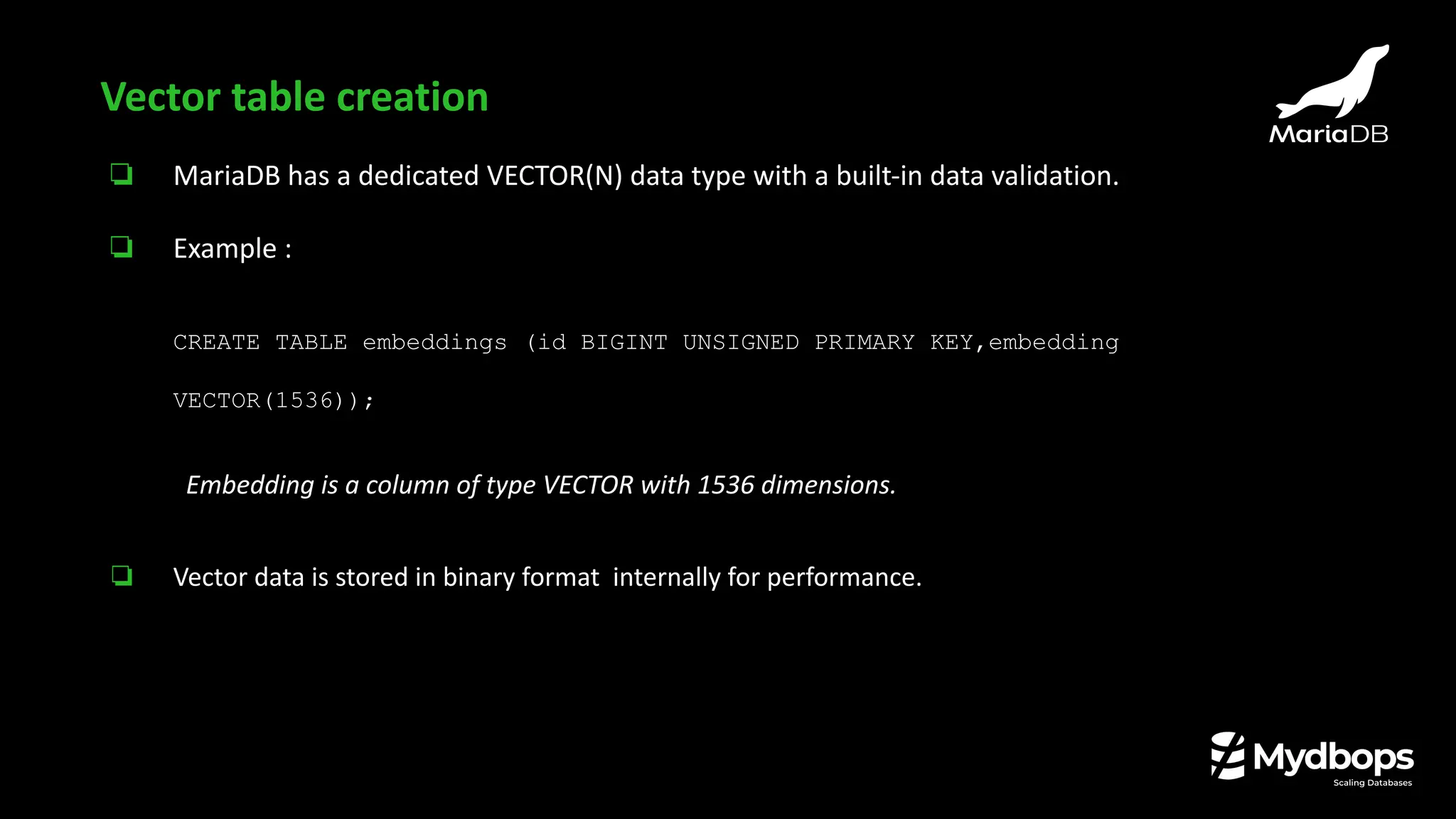
❏ MariaDB has a dedicated VECTOR(N) data type with a built-in data validation.
❏ Example :
CREATE TABLE embeddings (id BIGINT UNSIGNED PRIMARY KEY,embedding
VECTOR(1536));
Embedding is a column of type VECTOR with 1536 dimensions.
❏ Vector data is stored in binary format internally for performance.
Vector table creation
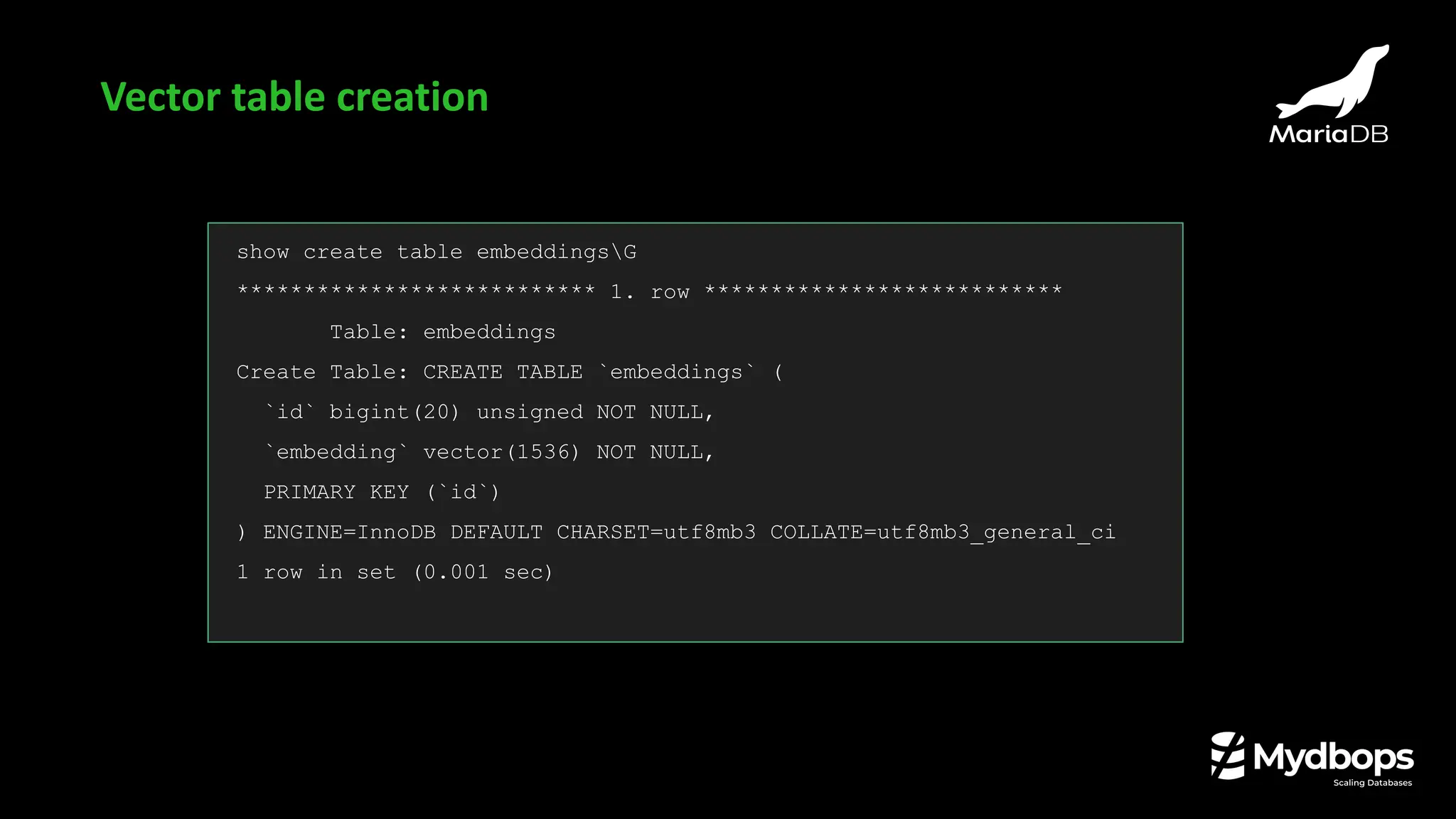
show create table embeddingsG
*************************** 1. row ***************************
Table: embeddings
Create Table: CREATE TABLE `embeddings` (
`id` bigint(20) unsigned NOT NULL,
`embedding` vector(1536) NOT NULL,
PRIMARY KEY (`id`)
) ENGINE=InnoDB DEFAULT CHARSET=utf8mb3 COLLATE=utf8mb3_general_ci
1 row in set (0.001 sec)
Vector table creation
❏ MariaDB offers a VECTOR INDEX for fast vector searches.
❏ Distance function options: Euclidean (default) or Cosine.
❏ Only one vector index per table.
MariaDB [vectordb]> Alter table embeddings ADD VECTOR INDEX
embedding_vec_idx_1 (embedding) DISTANCE=cosine;
ERROR 1235 (42000): This version of MariaDB doesn't yet support 'multiple
VECTOR indexes'
Vector index
Using default distance function (EUCLIDEAN)
Alter table embeddings ADD VECTOR INDEX embedding_vec_idx (embedding);
Query OK, 0 rows affected (0.035 sec)
Records: 0 Duplicates: 0 Warnings: 0
MariaDB [vectordb]> show create table embeddingsG
*************************** 1. row ***************************
Table: embeddings
Create Table: CREATE TABLE `embeddings` (
`id` bigint(20) unsigned NOT NULL,
`embedding` vector(1536) NOT NULL,
PRIMARY KEY (`id`),
VECTOR KEY `embedding_vec_idx` (`embedding`)
) ENGINE=InnoDB DEFAULT CHARSET=utf8mb3 COLLATE=utf8mb3_general_ci
1 row in set (0.002 sec)
Vector index creation
Using cosine distance function
Alter table embeddings ADD VECTOR INDEX embedding_vec_idx_cosine (embedding) DISTANCE=cosine;
Query OK, 0 rows affected (0.026 sec)
Records: 0 Duplicates: 0 Warnings: 0
MariaDB [vectordb]> show create table embeddingsG
*************************** 1. row ***************************
Table: embeddings
Create Table: CREATE TABLE `embeddings` (
`id` bigint(20) unsigned NOT NULL,
`embedding` vector(1536) NOT NULL,
PRIMARY KEY (`id`),
VECTOR KEY `embedding_vec_idx_cosine` (`embedding`) `DISTANCE`=cosine
) ENGINE=InnoDB DEFAULT CHARSET=utf8mb3 COLLATE=utf8mb3_general_ci
1 row in set (0.003 sec)
Vector index creation
❏ MariaDB includes built-in functions to calculate the distance between vectors, which is crucial
for similarity searches
❏ VEC_DISTANCE_EUCLIDEAN()
SQL function that calculates the Euclidean (L2) distance between two points.
❏ VEC_DISTANCE_COSINE()
SQL function that calculates the cosine distance between two vectors.
❏ VEC_DISTANCE()
Generic function that uses the distance function defined for the underlying vector index.
Vector distance functions in MariaDB
❏ VEC_FromText(text)
Converts a text representation of a vector (e.g., '[1.0, 2.5, 3.0]') into the VECTOR data type.
Vector distance functions in MariaDB
select hex(vec_fromtext('[4,5,6]'));
+------------------------------+
| hex(vec_fromtext('[4,5,6]')) |
+------------------------------+
| 000080400000A0400000C040 |
+------------------------------+
1 row in set (0.001 sec)
❏ VEC_ToText(vector)
Converts a binary vector into a json array of numbers (floats).
Vector distance functions in MariaDB
SELECT VEC_ToText(x'e360d63ebe554f3fcdbc523f4522193f5236083d');
+---------------------------------------------------------+
| VEC_ToText(x'e360d63ebe554f3fcdbc523f4522193f5236083d') |
+---------------------------------------------------------+
| [0.418708,0.809902,0.823193,0.598179,0.0332549] |
+---------------------------------------------------------+
1 row in set (0.001 sec)
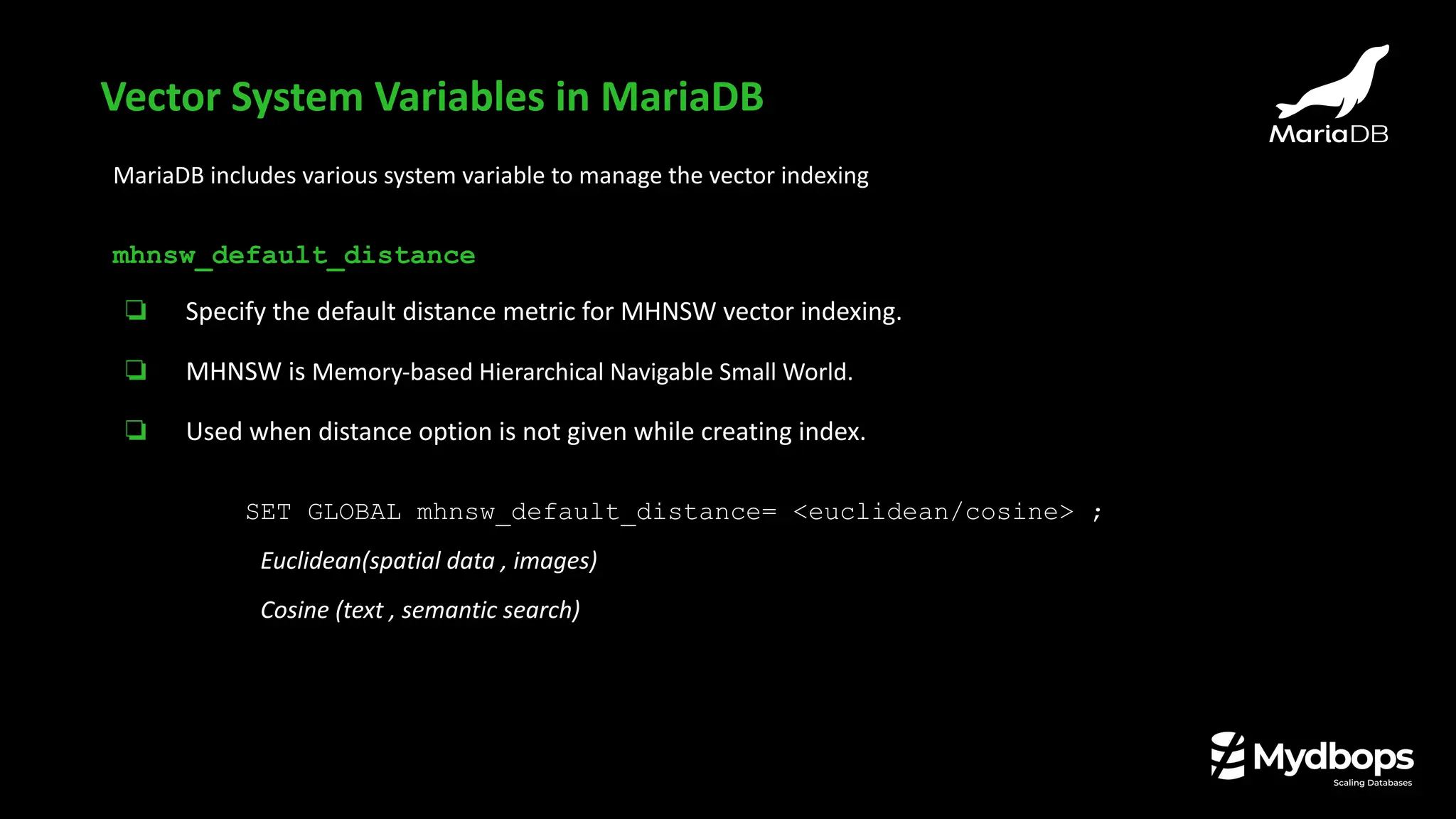
MariaDB includes various system variable to manage the vector indexing
mhnsw_default_distance
❏ Specify the default distance metric for MHNSW vector indexing.
❏ MHNSW is Memory-based Hierarchical Navigable Small World.
❏ Used when distance option is not given while creating index.
SET GLOBAL mhnsw_default_distance= <euclidean/cosine> ;
Euclidean(spatial data , images)
Cosine (text , semantic search)
Vector System Variables in MariaDB
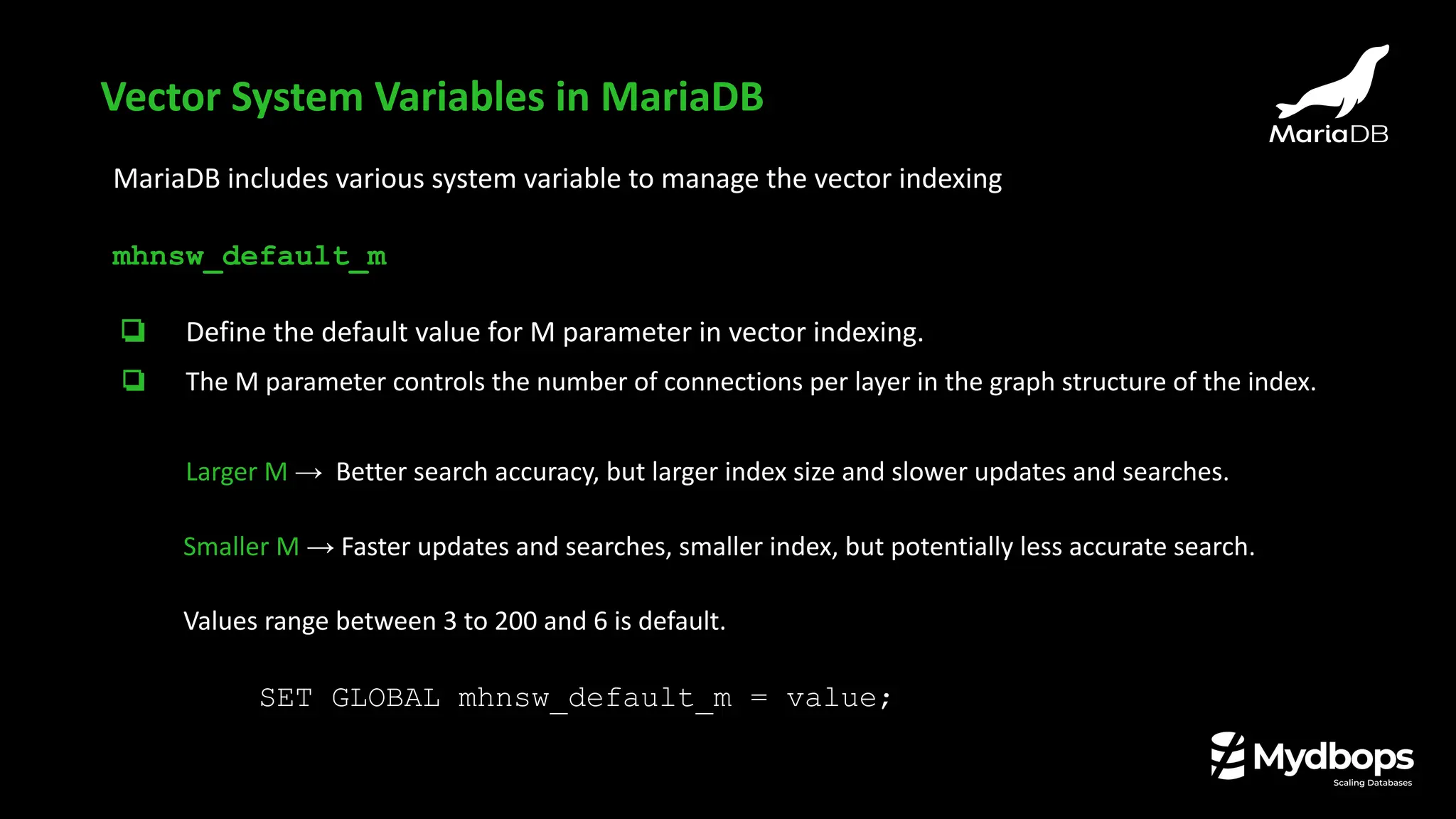
MariaDB includes various system variable to manage the vector indexing
mhnsw_default_m
❏ Define the default value for M parameter in vector indexing.
❏ The M parameter controls the number of connections per layer in the graph structure of the index.
Larger M → Better search accuracy, but larger index size and slower updates and searches.
Smaller M → Faster updates and searches, smaller index, but potentially less accurate search.
Values range between 3 to 200 and 6 is default.
SET GLOBAL mhnsw_default_m = value;
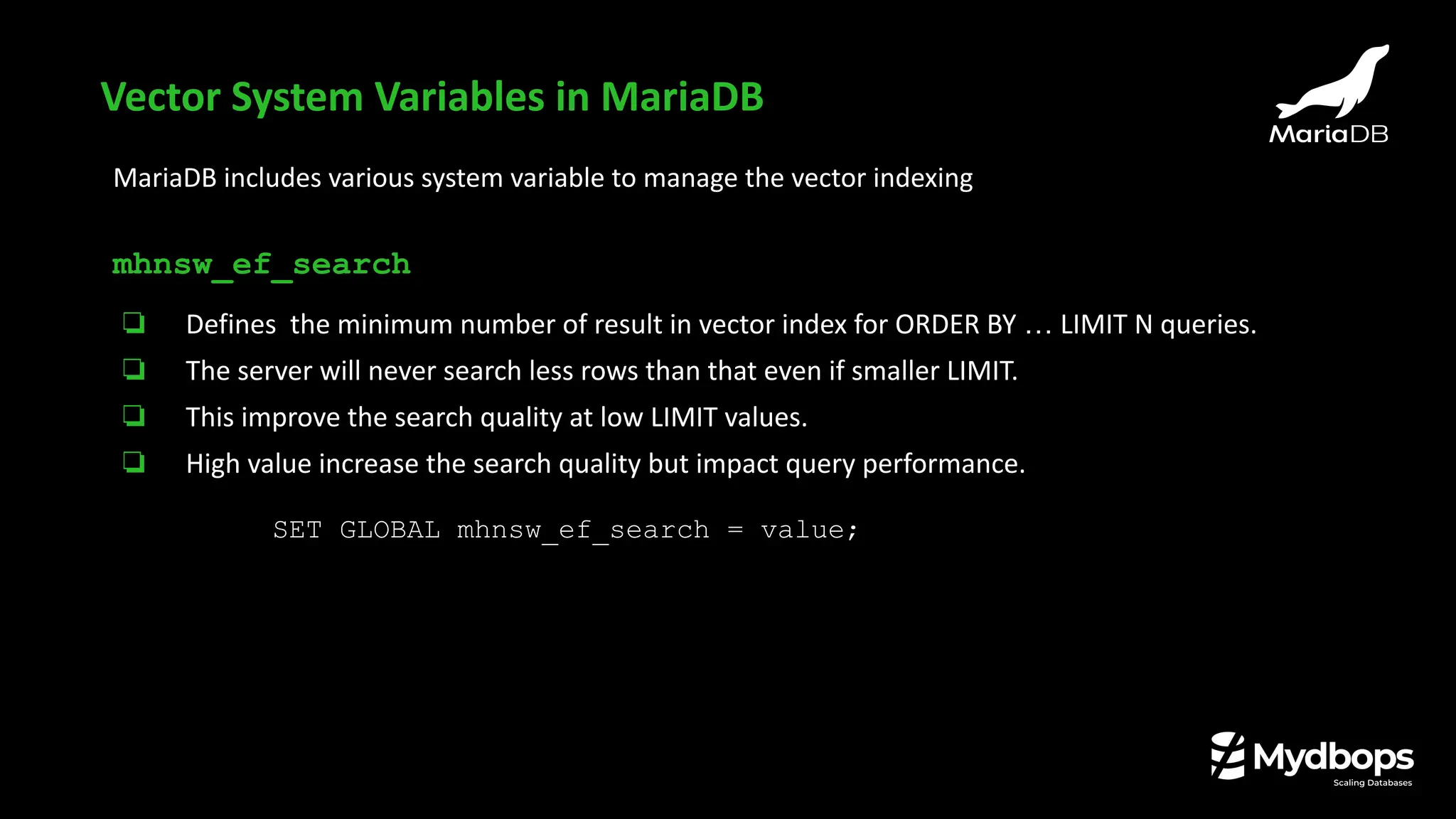
MariaDB includes various system variable to manage the vector indexing
mhnsw_ef_search
❏ Defines the minimum number of result in vector index for ORDER BY … LIMIT N queries.
❏ The server will never search less rows than that even if smaller LIMIT.
❏ This improve the search quality at low LIMIT values.
❏ High value increase the search quality but impact query performance.
SET GLOBAL mhnsw_ef_search = value;
Vector System Variables in MariaDB
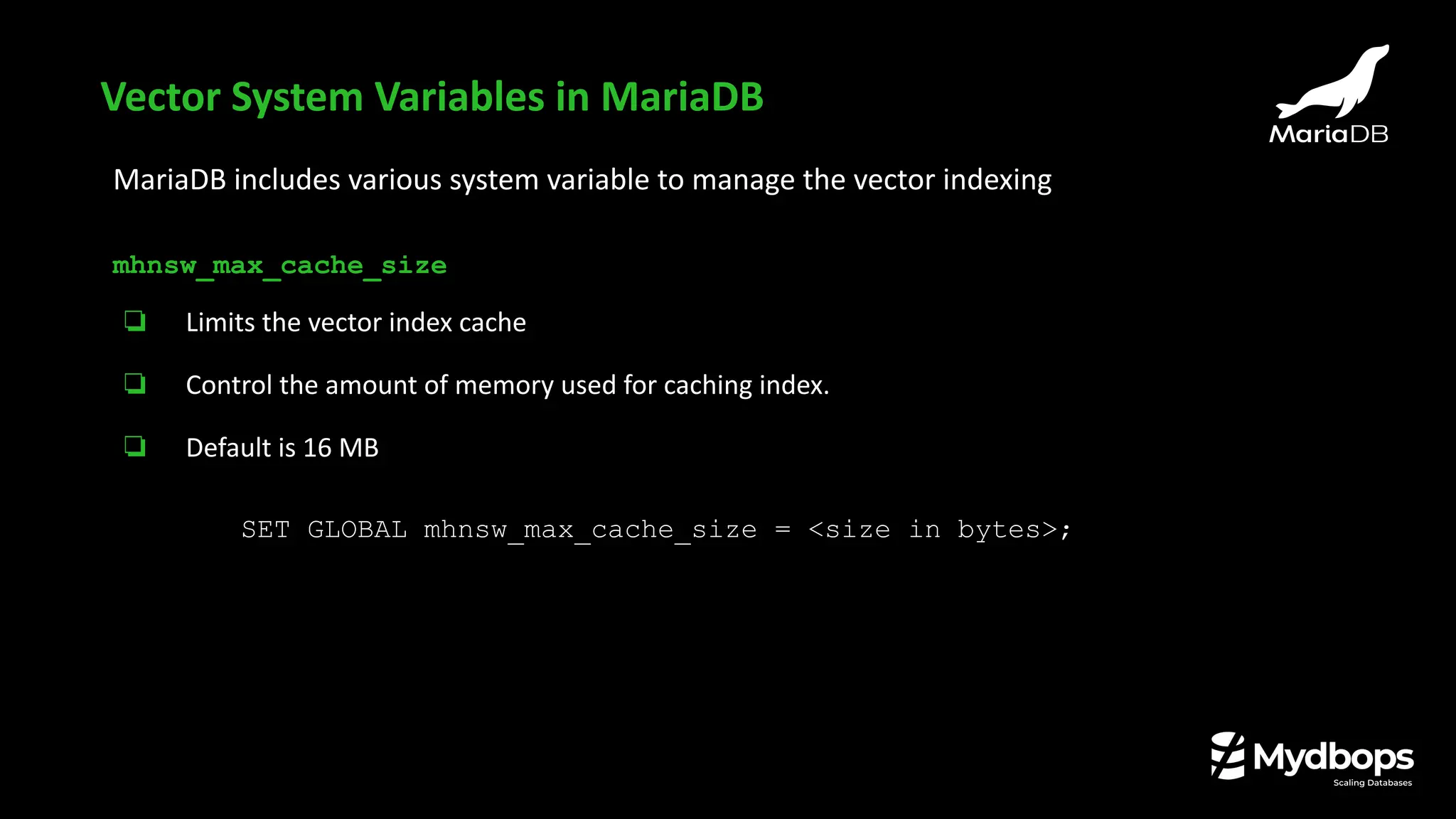
MariaDB includes various system variable to manage the vector indexing
mhnsw_max_cache_size
❏ Limits the vector index cache
❏ Control the amount of memory used for caching index.
❏ Default is 16 MB
SET GLOBAL mhnsw_max_cache_size = <size in bytes>;
Vector System Variables in MariaDB
Sample table
show create table vector_storeG
*************************** 1. row ***************************
Table: vector_store
Create Table: CREATE TABLE `vector_store` (
`id` int(11) NOT NULL AUTO_INCREMENT,
`name` varchar(100) DEFAULT NULL,
`embedding` vector(4) DEFAULT NULL,
PRIMARY KEY (`id`)
) ENGINE=InnoDB DEFAULT CHARSET=utf8mb3 COLLATE=utf8mb3_general_ci
1 row in set (0.001 sec)
Inserting few records
INSERT INTO vector_store (name, embedding) VALUES ('cat',Vec_FromText('[0.1, 0.2, 0.3, 0.4]'));
INSERT INTO vector_store (name, embedding) VALUES ('dog', Vec_FromText('[0.11, 0.18, 0.29, 0.41]'));
INSERT INTO vector_store (name, embedding) VALUES ('apple', Vec_FromText('[0.7, 0.6, 0.8, 0.9]'));
INSERT INTO vector_store (name, embedding) VALUES ('banana', Vec_FromText('[0.71, 0.59, 0.81,
0.88]'));
Vector search example
Selecting the records (vector data stored in binary format)
MariaDB [vectordb]> SELECT * FROM vector_store;
+----+--------+-------------------------------+
| id | name | embedding |
+----+--------+-------------------------------+
| 1 | cat | ���=��L>���>���> |
| 2 | cat | ���=��L>���>���> |
| 3 | dog | �G�=�Q8>�z�>���> |
| 4 | apple | 333?��?��L?fff? |
| 5 | banana | ��5?=?)O?�Ga? |
+----+--------+-------------------------------+
Vector search example
Fetching in readable format using Vec_ToText function
SELECT name, Vec_ToText(embedding) AS embedding FROM vector_store;
+--------+---------------------------+
| name | embedding |
+--------+---------------------------+
| cat | [0.1,0.2,0.3,0.4] |
| cat | [0.1,0.2,0.3,0.4] |
| dog | [0.11,0.18,0.29,0.41] |
| apple | [0.7,0.6,0.8,0.9] |
| banana | [0.71,0.59,0.81,0.88] |
+--------+---------------------------+
5 rows in set (0.002 sec)
Vector search example
Searching using VEC_DISTANCE_EUCLIDEAN
SELECT name, Vec_ToText(embedding) AS embedding FROM Vector_store ORDER BY
VEC_DISTANCE_EUCLIDEAN(embedding, Vec_FromText('[0.71,0.59,0.81,0.88]'));
+--------+------------------------+
| name | embedding |
+--------+------------------------+
| banana | [0.71,0.59,0.81,0.88] |
| apple | [0.7,0.6,0.8,0.9] |
| cat | [0.1,0.2,0.3,0.4] |
| cat | [0.1,0.2,0.3,0.4] |
| dog | [0.11,0.18,0.29,0.41] |
+--------+------------------------+
5 rows in set (0.005 sec)
Vector search example
Searching using VEC_DISTANCE_COSINE
SELECT name, Vec_ToText(embedding) AS embedding FROM vector_store
ORDER BY VEC_DISTANCE_COSINE(embedding, Vec_FromText('[0.71,0.59,0.81,0.88]'));
+--------+------------------------+
| name | embedding |
+--------+------------------------+
| banana | [0.71,0.59,0.81,0.88] |
| apple | [0.7,0.6,0.8,0.9] |
| dog | [0.11,0.18,0.29,0.41] |
| cat | [0.1,0.2,0.3,0.4] |
| cat | [0.1,0.2,0.3,0.4] |
+--------+------------------------+
5 rows in set (0.002 sec)
Vector search example
Queries ?
https://mariadb.com/kb/en/mariadb-community-server-release-notes/
https://mariadb.com/kb/en/mariadb-dump/
https://mariadb.com/kb/en/mariadb-import/
https://mariadb.com/resources/blog/enhancements-to-mariadb-logical-dump-and-import-tools-in-release-series-11-5-11-6/
https://mariadb.com/kb/en/log_slow_always_query_time-system-variable/
https://mariadb.com/kb/en/privileges_by_table_by_level-sys-schema-view/
https://mariadb.com/kb/en/information-schema-users-table/
https://mariadb.com/kb/en/replication-and-binary-log-system-variables/#max_binlog_total_size
https://mariadb.com/kb/en/vectors/
https://mariadb.com/kb/en/vector-system-variables/
References
Thank you !