Manosh Malai
CTO, Mydbops LLP
Mydbops MyWebinar Edition X
10 MongoDB Anti-Patterns
That Cost You Millions and How to
Fix Them
About Me
Manosh Malai
❏ Interested in Open Source technologies
❏ Interested in MongoDB,PostgreSQL, DevOps & DevOpSec Practices
❏ Tech Speaker/Blogger
❏ MongoDB User Group Leader(Bangalore)
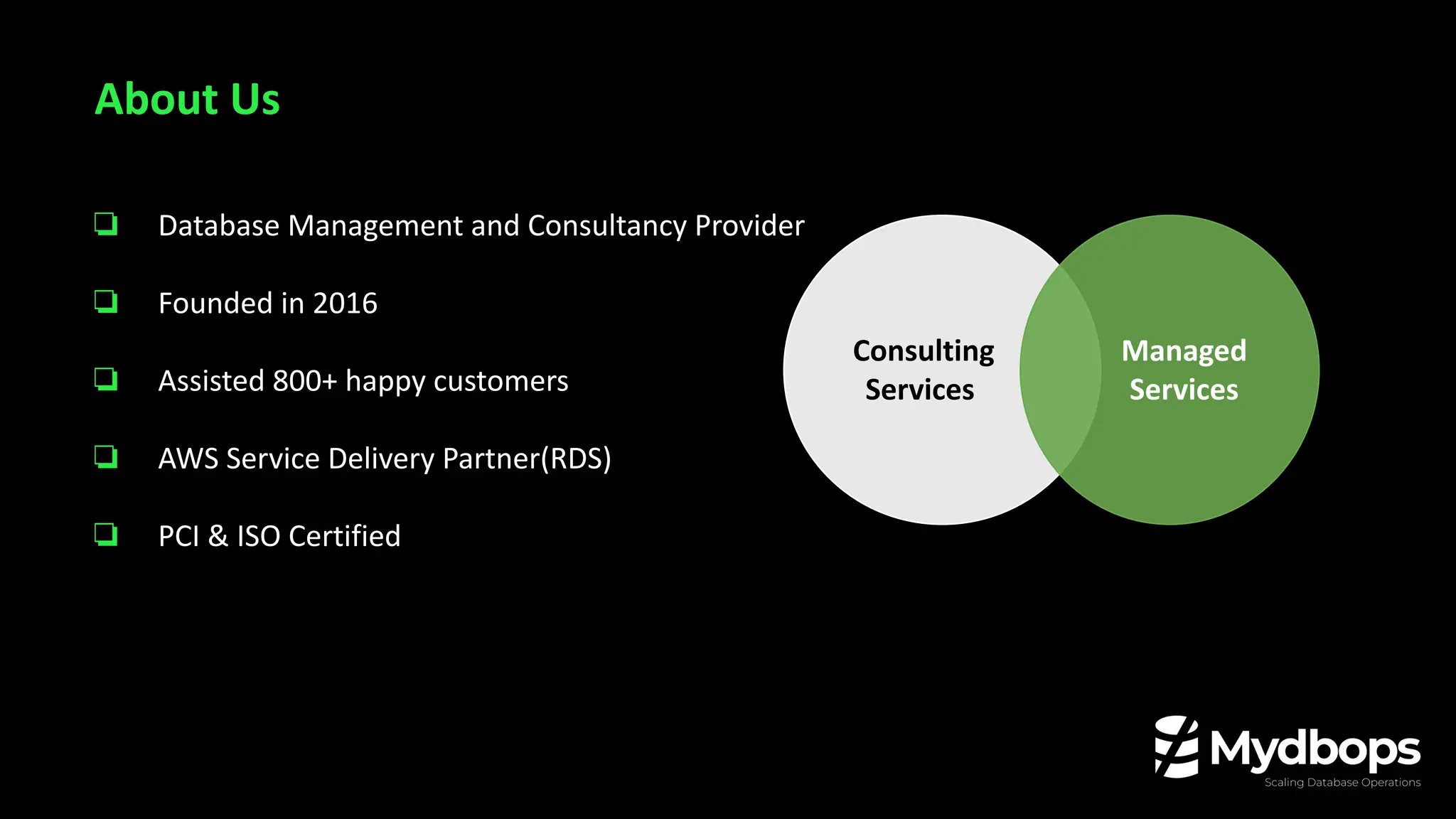
Consulting
Services
Consulting
Services
Managed
Services
❏ Database Management and Consultancy Provider
❏ Founded in 2016
❏ Assisted 800+ happy customers
❏ AWS Service Delivery Partner(RDS)
❏ PCI & ISO Certified
About Us
❏ Anti-Patterns in Schema Design
❏ Anti-Patterns in Query & Indexing
❏ Operational Anti-Patterns
❏ Deployment & Infrastructure Pitfalls
❏ Monitoring Blind Spots
Agenda
Anti-Patterns in Schema
Design
MongoDB gives you flexibility—but that doesn’t
mean you can skip design.
No Schema ≠ No Rules
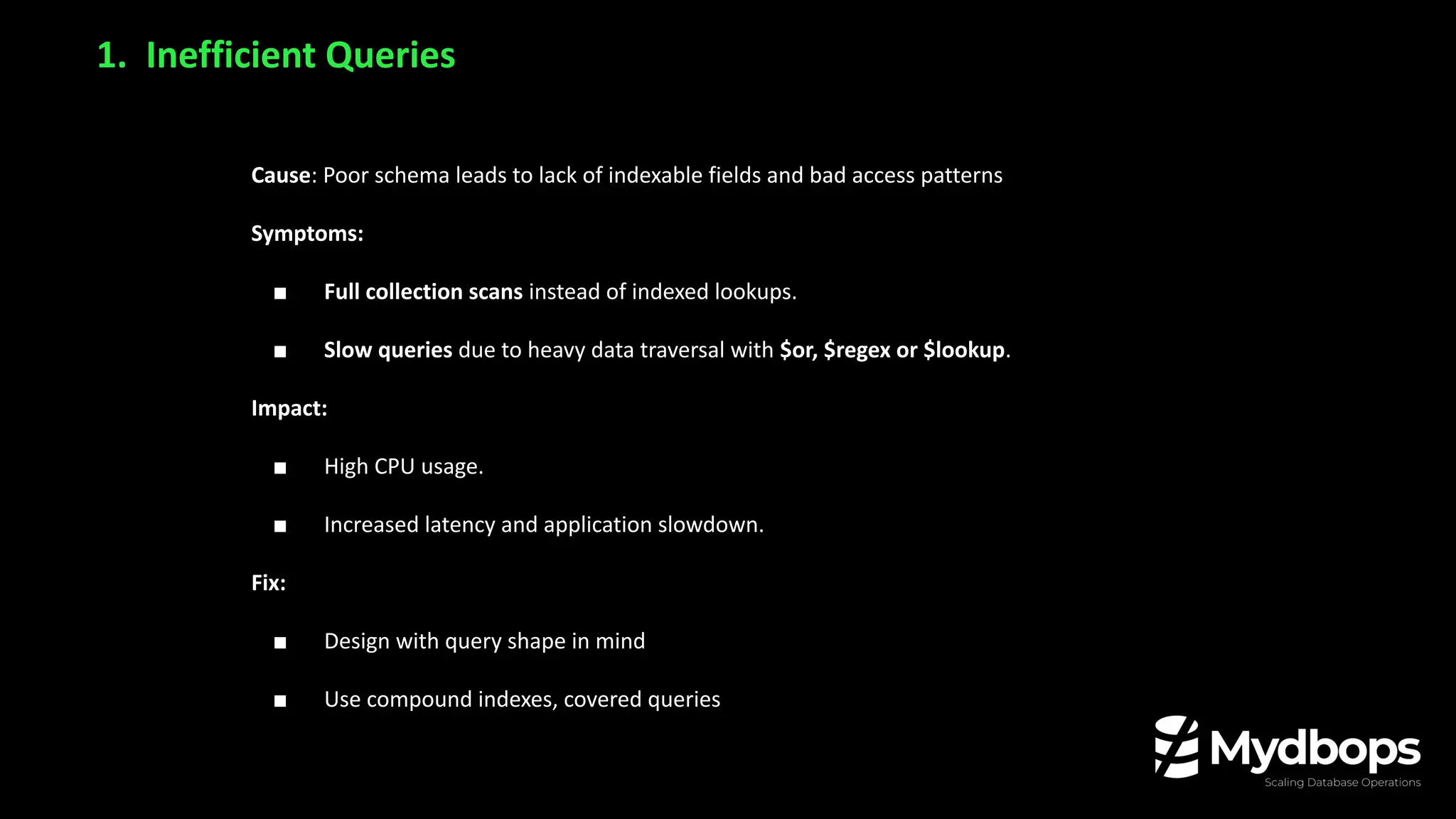
Cause: Poor schema leads to lack of indexable fields and bad access patterns
Symptoms:
■ Full collection scans instead of indexed lookups.
■ Slow queries due to heavy data traversal with $or, $regex or $lookup.
Impact:
■ High CPU usage.
■ Increased latency and application slowdown.
Fix:
■ Design with query shape in mind
■ Use compound indexes, covered queries
1. Inefficient Queries
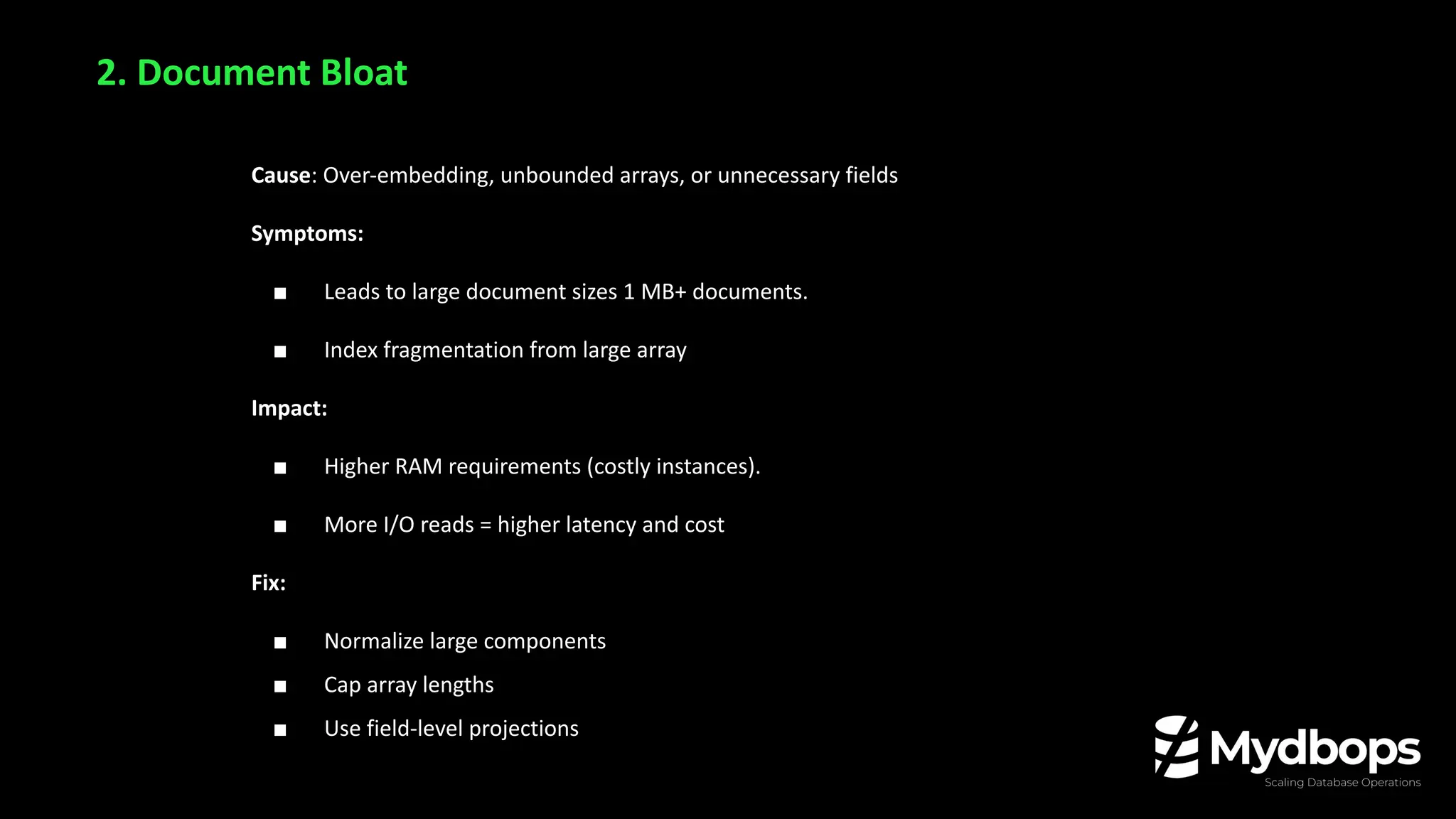
Cause: Over-embedding, unbounded arrays, or unnecessary fields
Symptoms:
■ Leads to large document sizes 1 MB+ documents.
■ Index fragmentation from large array
Impact:
■ Higher RAM requirements (costly instances).
■ More I/O reads = higher latency and cost
Fix:
■ Normalize large components
■ Cap array lengths
■ Use field-level projections
2. Document Bloat
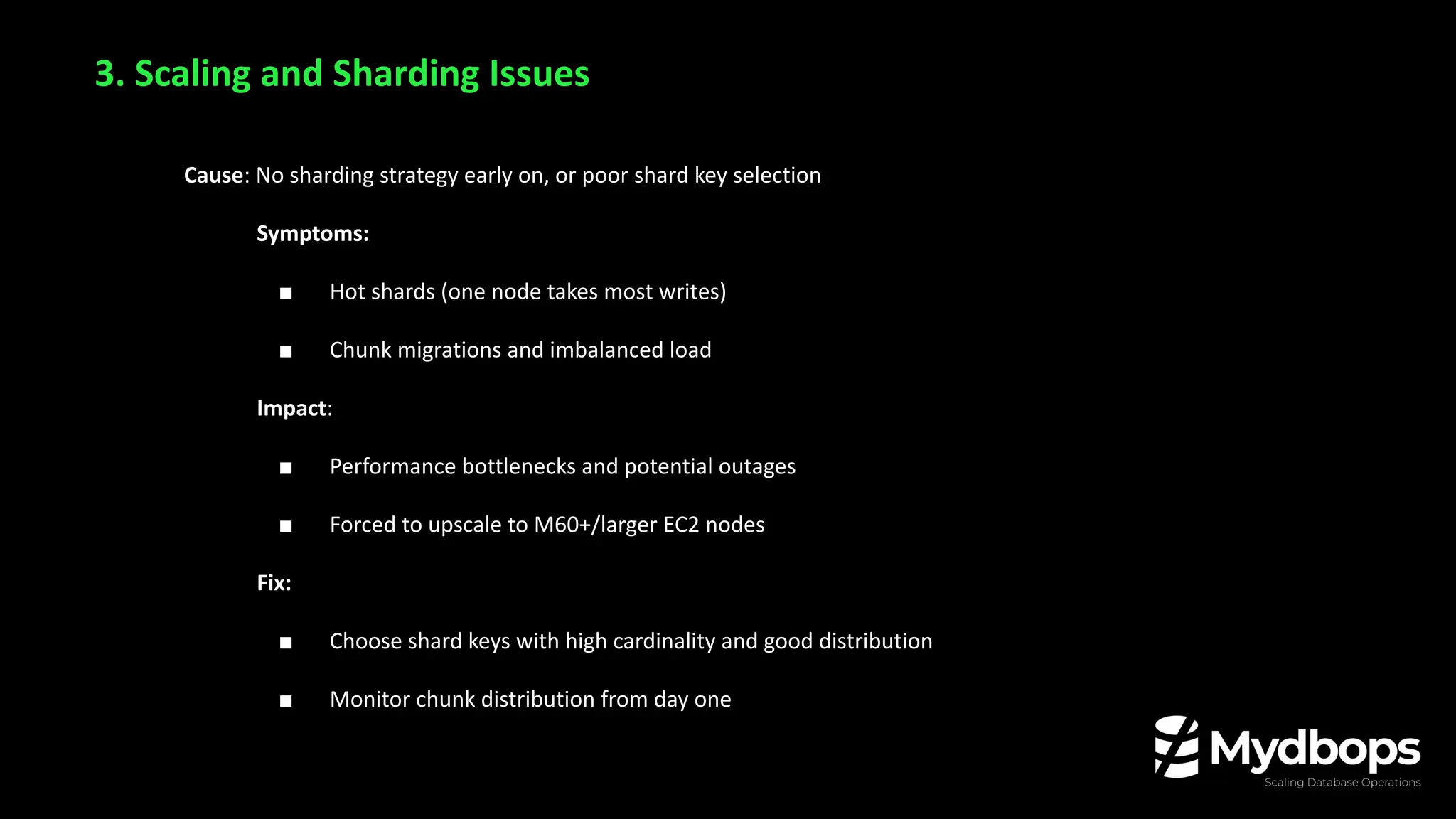
Cause: No sharding strategy early on, or poor shard key selection
Symptoms:
■ Hot shards (one node takes most writes)
■ Chunk migrations and imbalanced load
Impact:
■ Performance bottlenecks and potential outages
■ Forced to upscale to M60+/larger EC2 nodes
Fix:
■ Choose shard keys with high cardinality and good distribution
■ Monitor chunk distribution from day one
3. Scaling and Sharding Issues
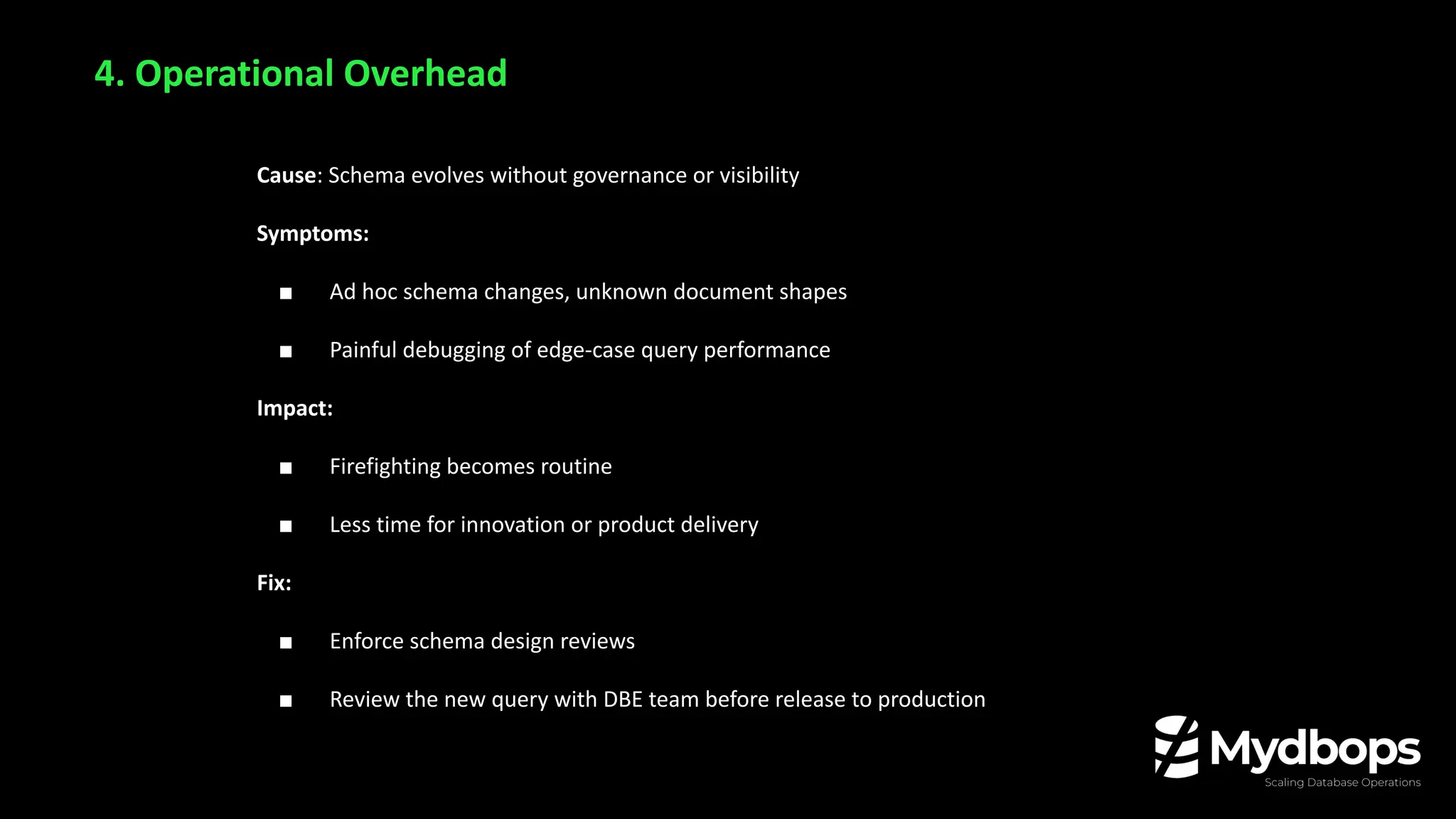
Cause: Schema evolves without governance or visibility
Symptoms:
■ Ad hoc schema changes, unknown document shapes
■ Painful debugging of edge-case query performance
Impact:
■ Firefighting becomes routine
■ Less time for innovation or product delivery
Fix:
■ Enforce schema design reviews
■ Review the new query with DBE team before release to production
4. Operational Overhead
💸 Cloud Cost Implications
a. Higher resource usage (CPU, RAM, IOPS) directly translates to increased monthly billing.
b. Poor schema = Higher cloud bills (often unnoticed until significant).
Why Bad Schema = Poor Performance, Higher Cloud Bills
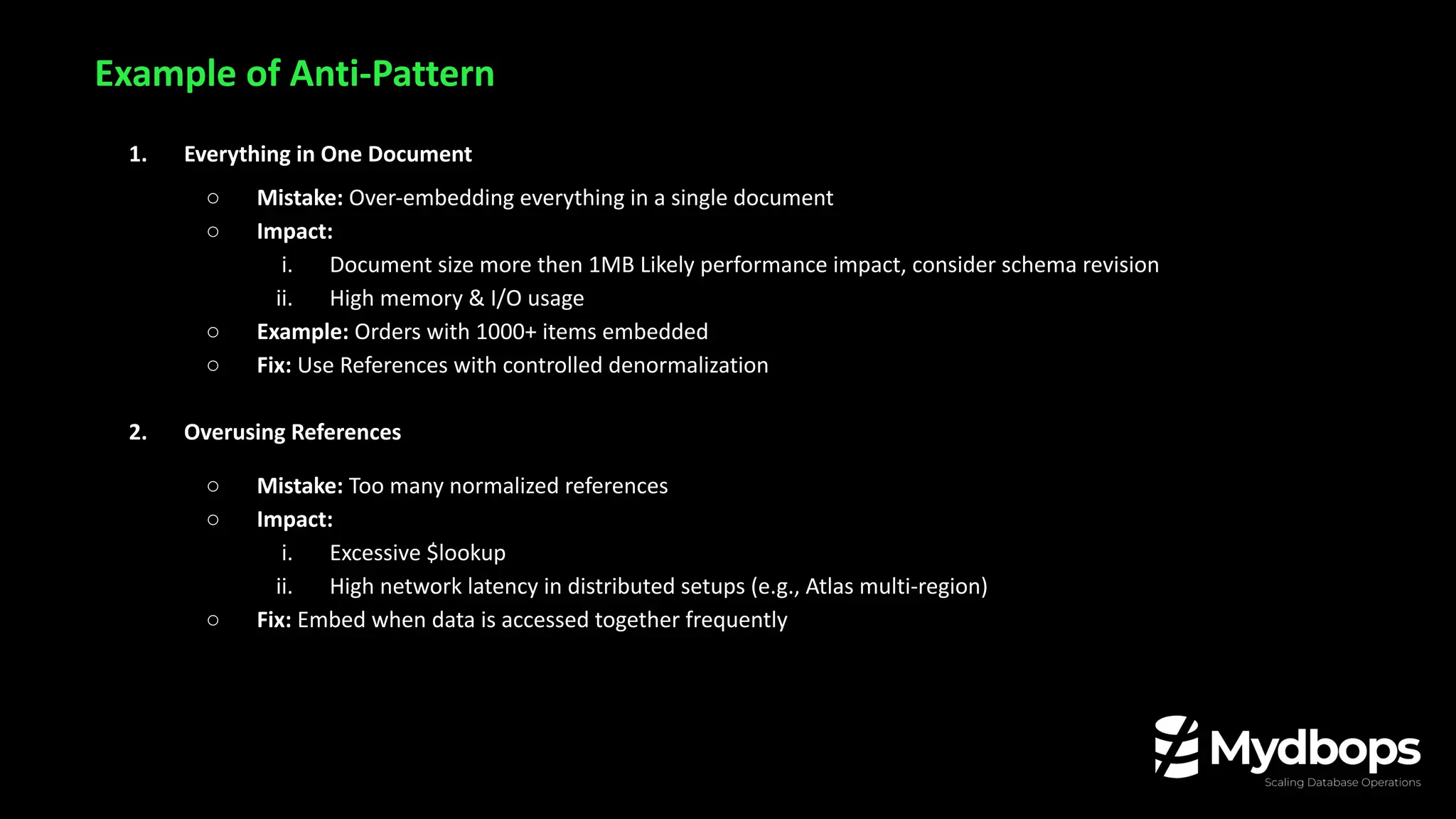
Example of Anti-Pattern
1. Everything in One Document
○ Mistake: Over-embedding everything in a single document
○ Impact:
i. Document size more then 1MB Likely performance impact, consider schema revision
ii. High memory & I/O usage
○ Example: Orders with 1000+ items embedded
○ Fix: Use References with controlled denormalization
2. Overusing References
○ Mistake: Too many normalized references
○ Impact:
i. Excessive $lookup
ii. High network latency in distributed setups (e.g., Atlas multi-region)
○ Fix: Embed when data is accessed together frequently
Example of Anti-Pattern
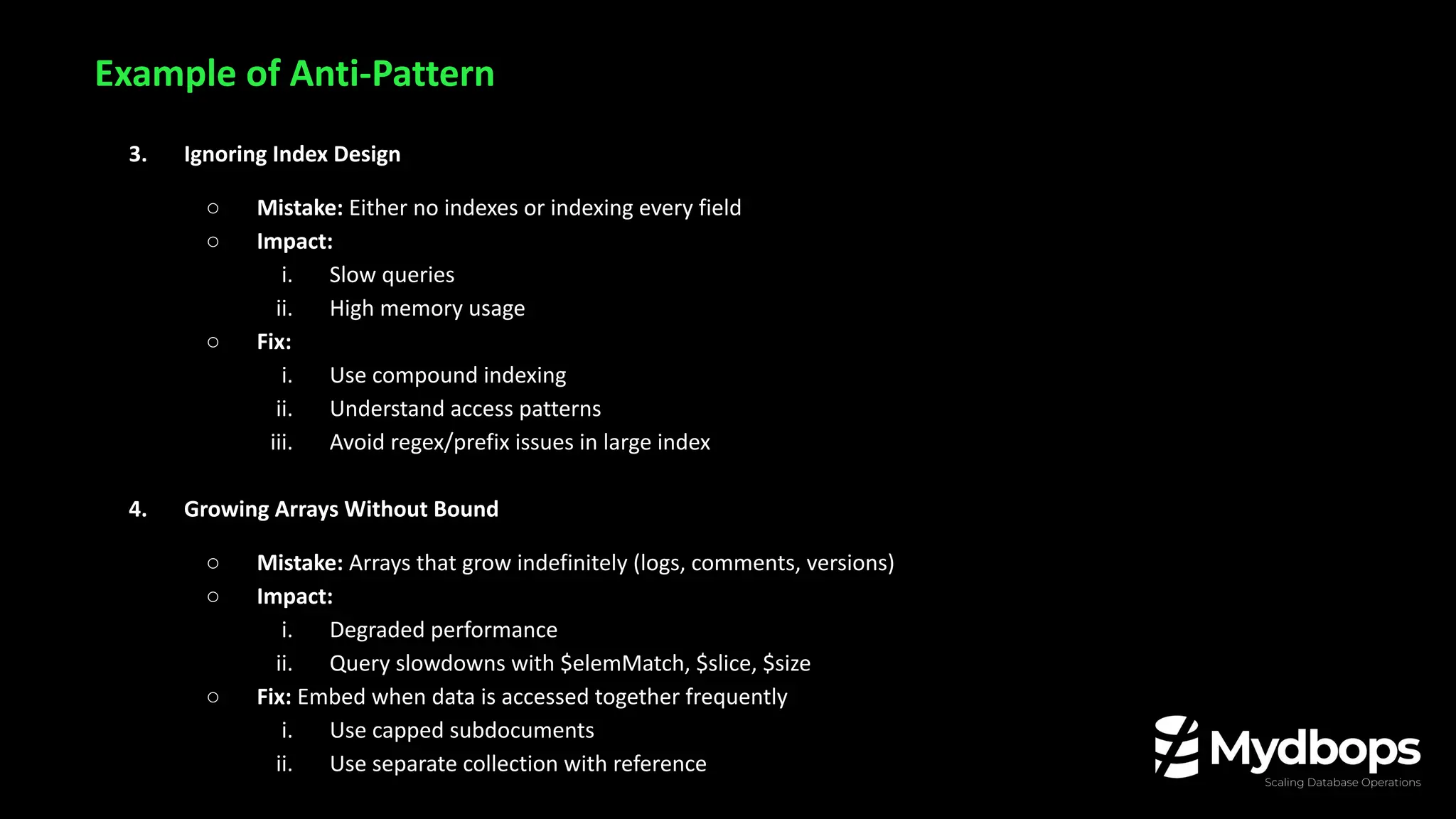
3. Ignoring Index Design
○ Mistake: Either no indexes or indexing every field
○ Impact:
i. Slow queries
ii. High memory usage
○ Fix:
i. Use compound indexing
ii. Understand access patterns
iii. Avoid regex/prefix issues in large index
4. Growing Arrays Without Bound
○ Mistake: Arrays that grow indefinitely (logs, comments, versions)
○ Impact:
i. Degraded performance
ii. Query slowdowns with $elemMatch, $slice, $size
○ Fix: Embed when data is accessed together frequently
i. Use capped subdocuments
ii. Use separate collection with reference
Example of Anti-Pattern
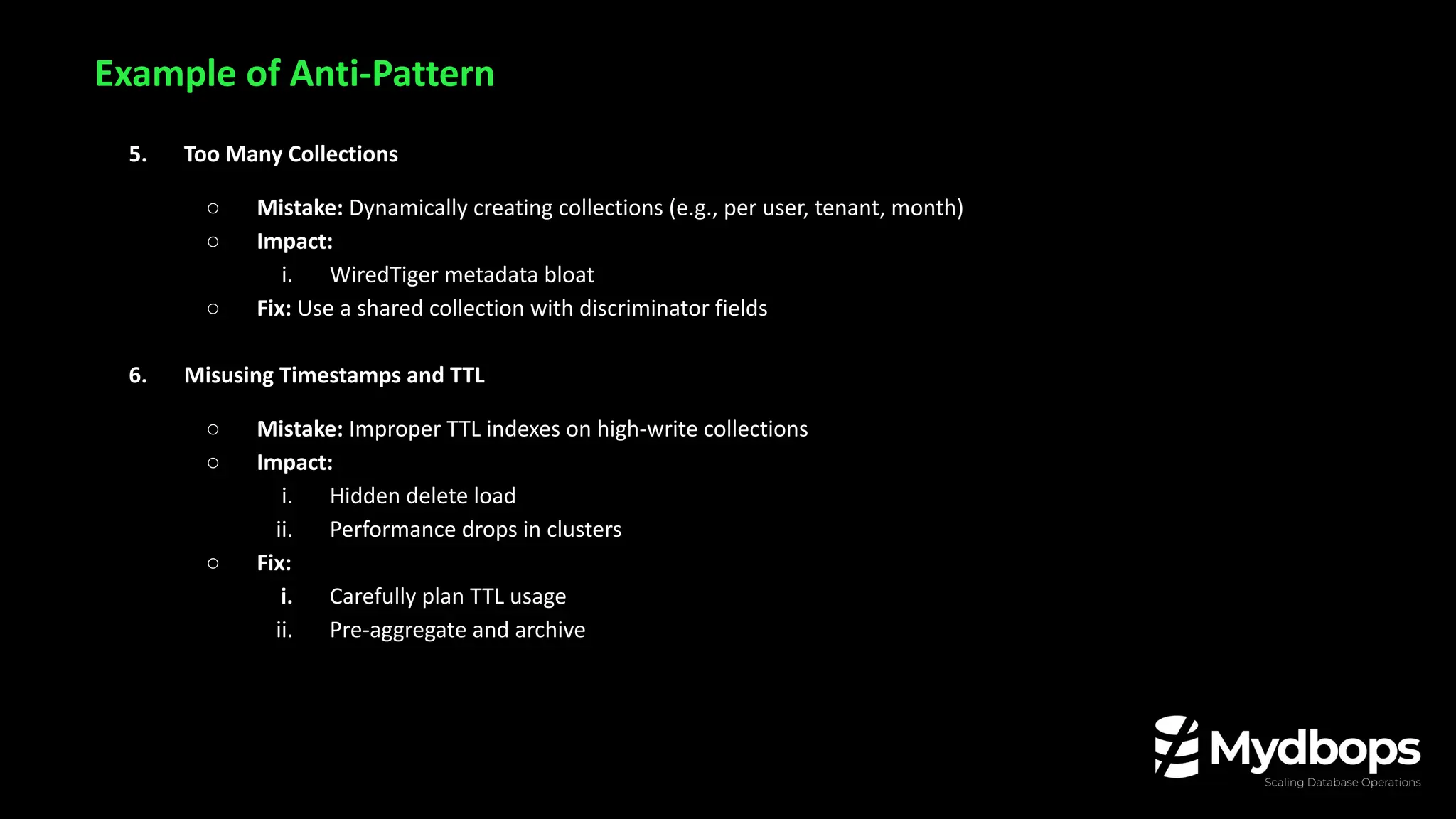
5. Too Many Collections
○ Mistake: Dynamically creating collections (e.g., per user, tenant, month)
○ Impact:
i. WiredTiger metadata bloat
○ Fix: Use a shared collection with discriminator fields
6. Misusing Timestamps and TTL
○ Mistake: Improper TTL indexes on high-write collections
○ Impact:
i. Hidden delete load
ii. Performance drops in clusters
○ Fix:
i. Carefully plan TTL usage
ii. Pre-aggregate and archive
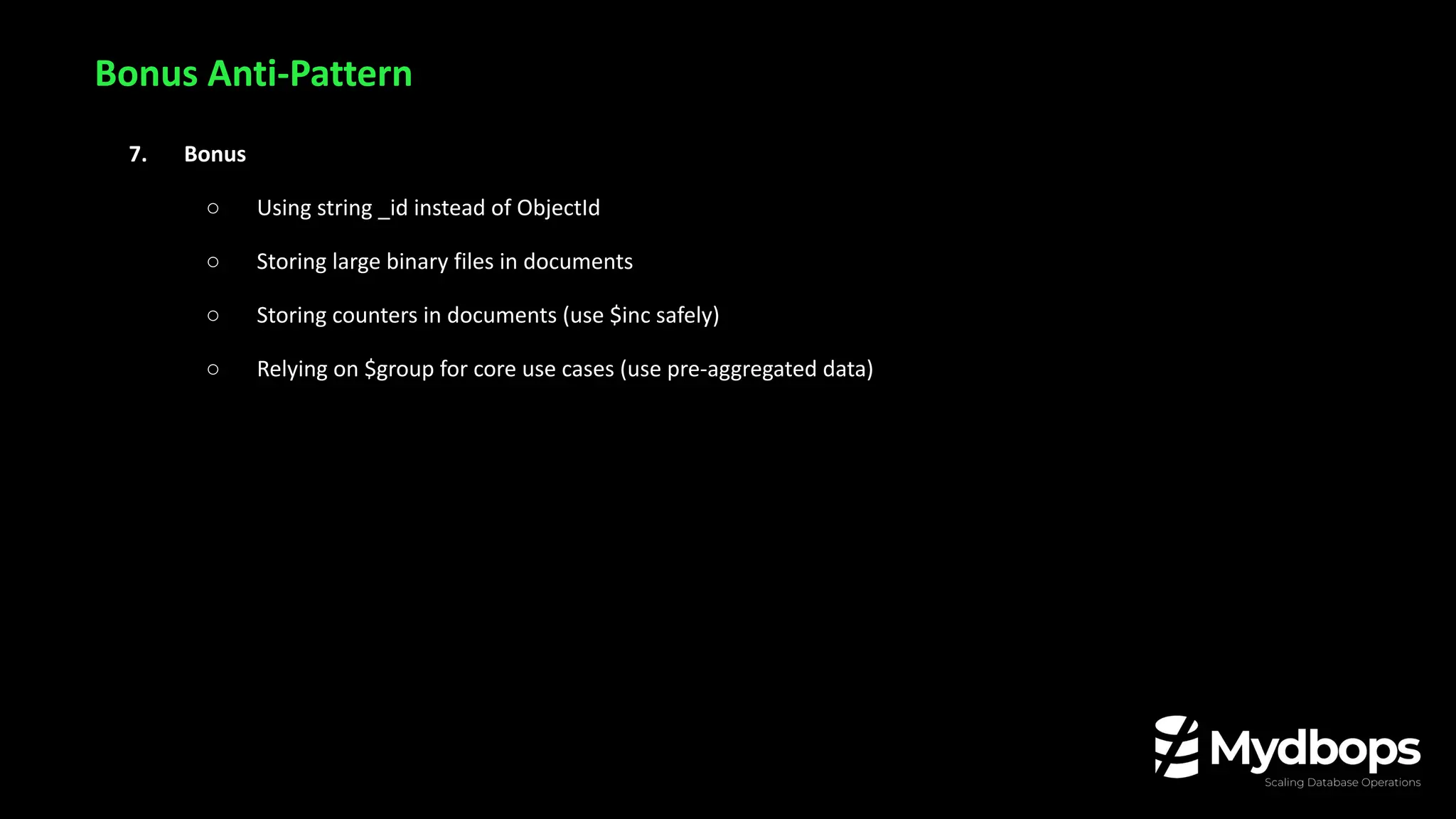
Bonus Anti-Pattern
7. Bonus
○ Using string _id instead of ObjectId
○ Storing large binary files in documents
○ Storing counters in documents (use $inc safely)
○ Relying on $group for core use cases (use pre-aggregated data)
Anti-Patterns in Query &
Indexing
5. Regex on Large Collections
Cause: Using $regex queries on large collections without indexed prefixes forces full collection scans.
Symptoms:
■ High CPU usage and query latency
■ Collection scans instead of index usage
■ MongoDB can’t use indexes unless the regex has an anchored prefix (e.g., /^abc/)
■ On Atlas: leads to auto-scaling costs (CPU, memory)
Impact:
■ Increased IOPS and memory pressure
■ Expensive compute usage on Atlas/EC2
■ Application response time degrades at scale
Fix:
■ Use anchored regex (e.g., ^start) to allow index usage
■ Implement autocomplete indexes (Atlas Search or manual n-gram)
■ Avoid case-insensitive full regex without constraints
6. Multi-Key Indexes on Large Arrays
Cause: Indexing a field that contains large or deeply nested arrays, triggering multi-key indexing.
Symptoms:
■ High index size relative to data size
■ Insert/update operations become slower
■ Replication lag increases during heavy writes
Impact:
■ Memory bloat due to oversized indexes
■ Slower writes → delayed user interactions
■ High backup sizes and longer restore times
Fix:
■ Avoid indexing full arrays; instead use top-N values or flatten schema
■ Consider denormalization or embedding documents selectively
■ If unavoidable, monitor index size and eviction stats
7. Missing Indexes on High Cardinality Fields
Cause: No indexes on frequently queried fields like user_id, email, or session_id.
Symptoms:
■ Slow reads on large collections
■ MongoDB profiler shows COLLSCAN (collection scan)
■ Query latency increases during peak usage
Impact:
■ Queries block other operations, hurting throughput
■ MongoDB may auto-scale vertically in Atlas or VM
■ Increased risk of lock contention and connection timeouts
Fix:
■ Analyze slow queries using profiler or explain()
■ Create single-field or compound indexes
■ Regularly review index usage and optimize placement
Operational Anti-Patterns
in the Cloud
8. Ignoring WiredTiger Cache Behavior
Cause: Relying on default cache settings without monitoring eviction patterns or understanding working set
size.
Symptoms:
■ Increased disk reads even for frequently accessed data
■ Spikes in query latency during high read periods
■ Eviction stats show high “dirty” or “forced” evictions
Impact:
■ Higher disk IOPS (especially on EC2 with gp2/gp3 drives)
■ Atlas may throttle or trigger auto-scaling
■ Performance bottlenecks lead to reactive firefighting
Fix:
■ Tune WiredTiger cache size (storage.wiredTiger.engineConfig.cacheSizeGB)
■ Monitor eviction metrics (db.serverStatus().wiredTiger.cache)
■ Reduce working set size via index-only queries and field projection
■ Add RAM if working set can’t fit in cache
9. Over-Optimizing WiredTiger Compression
Cause: Switching from Snappy to zstd across all collections to save disk space, without analyzing workload
patterns or latency sensitivity.
Symptoms:
■ Query latency spikes (e.g., 100ms → 400–500ms)
■ Increased CPU utilization during read-heavy operations
■ Higher P95/P99 latency and degraded SLO adherence
■ Reduced throughput for real-time applications
Impact:
■ Forced CPU-based instance upgrades (e.g., M60 → M100)
■ Application slowdown and user experience degradation
■ WiredTiger cache pressure due to longer decompression cycles
■ Storage cost may go down, but compute cost increases—net negative savings
Fix:
■ Profile before changing: Benchmark query latency and CPU usage with Snappy vs. zstd
■ Retain Snappy: For read-heavy or latency-sensitive collections
■ Monitor continuously: Use wiredTiger.cache, block-manager.bytes read, and CPU metrics to
validate real benefit
10. Blindly Relying on Atlas Defaults
Cause: Trusting MongoDB Atlas to auto-optimize without reviewing instance size, backups, and indexes.
Symptoms:
■ Over-provisioned clusters (e.g., M60+ with low CPU usage)
■ Frequent backup snapshots with no data churn
■ Unused indexes increasing storage and memory load
Impact:
■ Wasted cloud cost (CPU, RAM, backups)
■ Storage utilization creeps up silently
■ Dev teams unaware of underused or bloated indexes
Fix:
■ Regularly review Atlas Performance Advisor and Profiler
■ Prune unused indexes (db.collection.totalIndexSize() + indexStats)
■ Audit snapshot schedules and retention
Bonus
Deployment &
Infrastructure Pitfalls
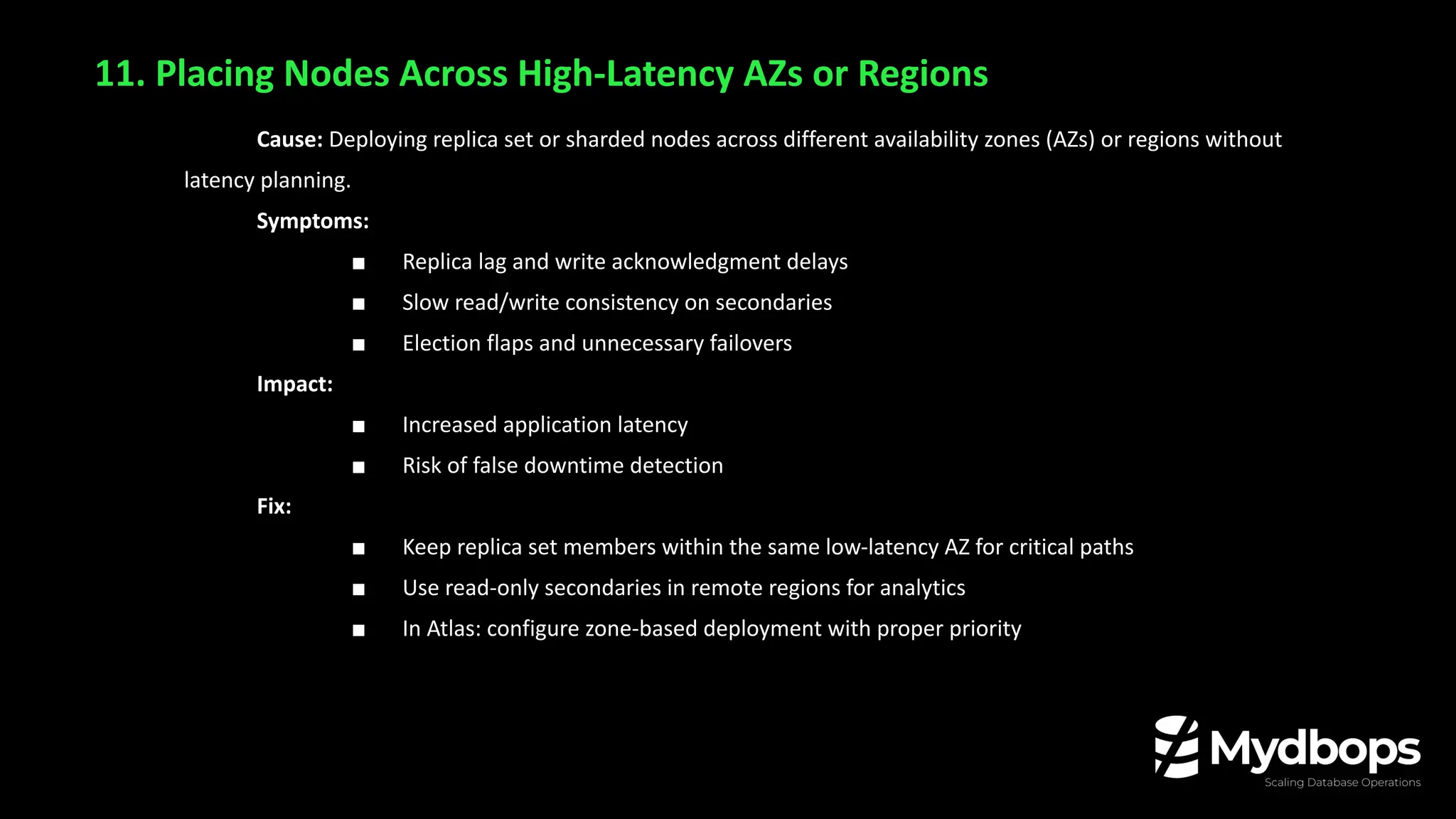
11. Placing Nodes Across High-Latency AZs or Regions
Cause: Deploying replica set or sharded nodes across different availability zones (AZs) or regions without
latency planning.
Symptoms:
■ Replica lag and write acknowledgment delays
■ Slow read/write consistency on secondaries
■ Election flaps and unnecessary failovers
Impact:
■ Increased application latency
■ Risk of false downtime detection
Fix:
■ Keep replica set members within the same low-latency AZ for critical paths
■ Use read-only secondaries in remote regions for analytics
■ In Atlas: configure zone-based deployment with proper priority
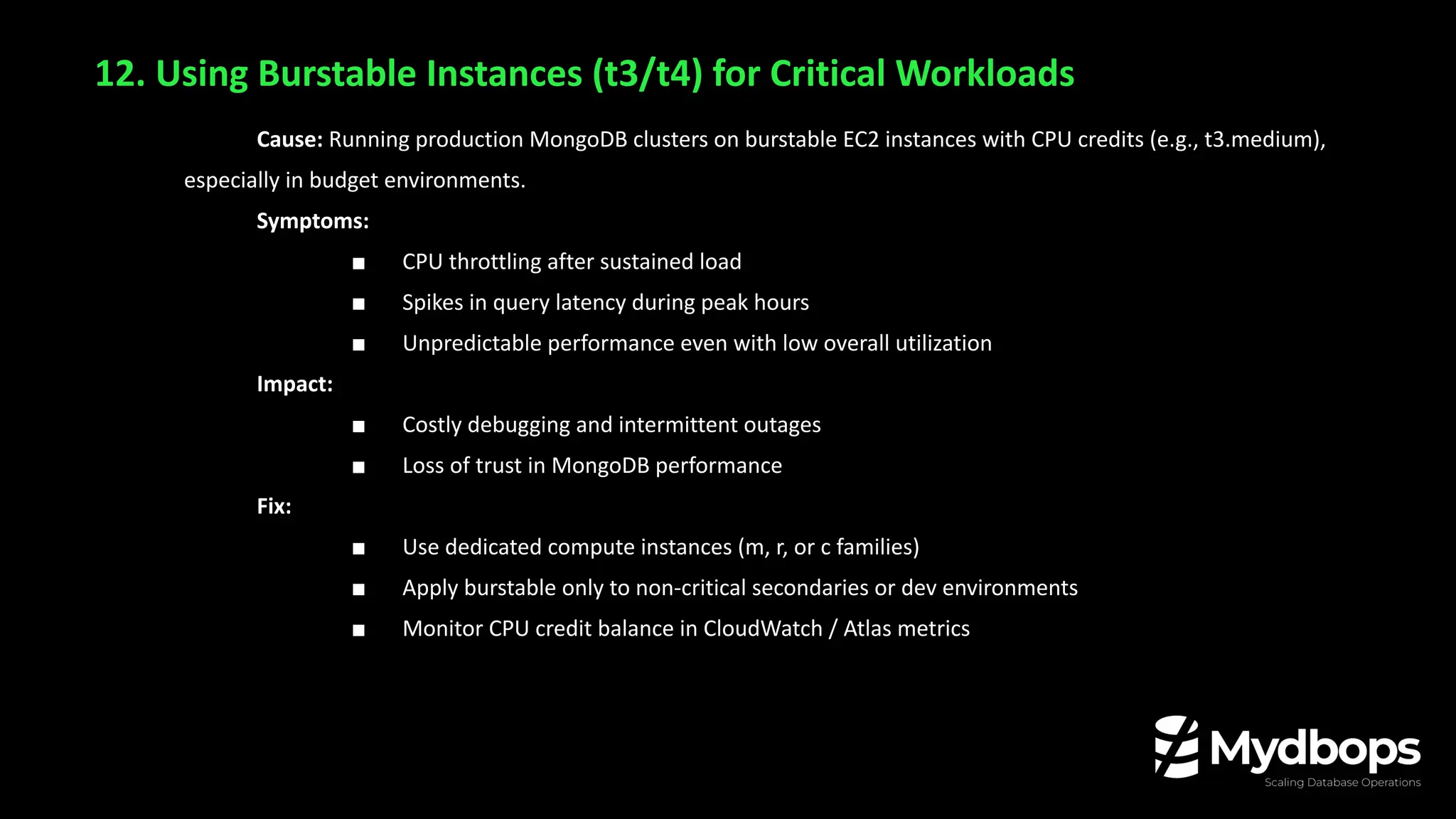
12. Using Burstable Instances (t3/t4) for Critical Workloads
Cause: Running production MongoDB clusters on burstable EC2 instances with CPU credits (e.g., t3.medium),
especially in budget environments.
Symptoms:
■ CPU throttling after sustained load
■ Spikes in query latency during peak hours
■ Unpredictable performance even with low overall utilization
Impact:
■ Costly debugging and intermittent outages
■ Loss of trust in MongoDB performance
Fix:
■ Use dedicated compute instances (m, r, or c families)
■ Apply burstable only to non-critical secondaries or dev environments
■ Monitor CPU credit balance in CloudWatch / Atlas metrics
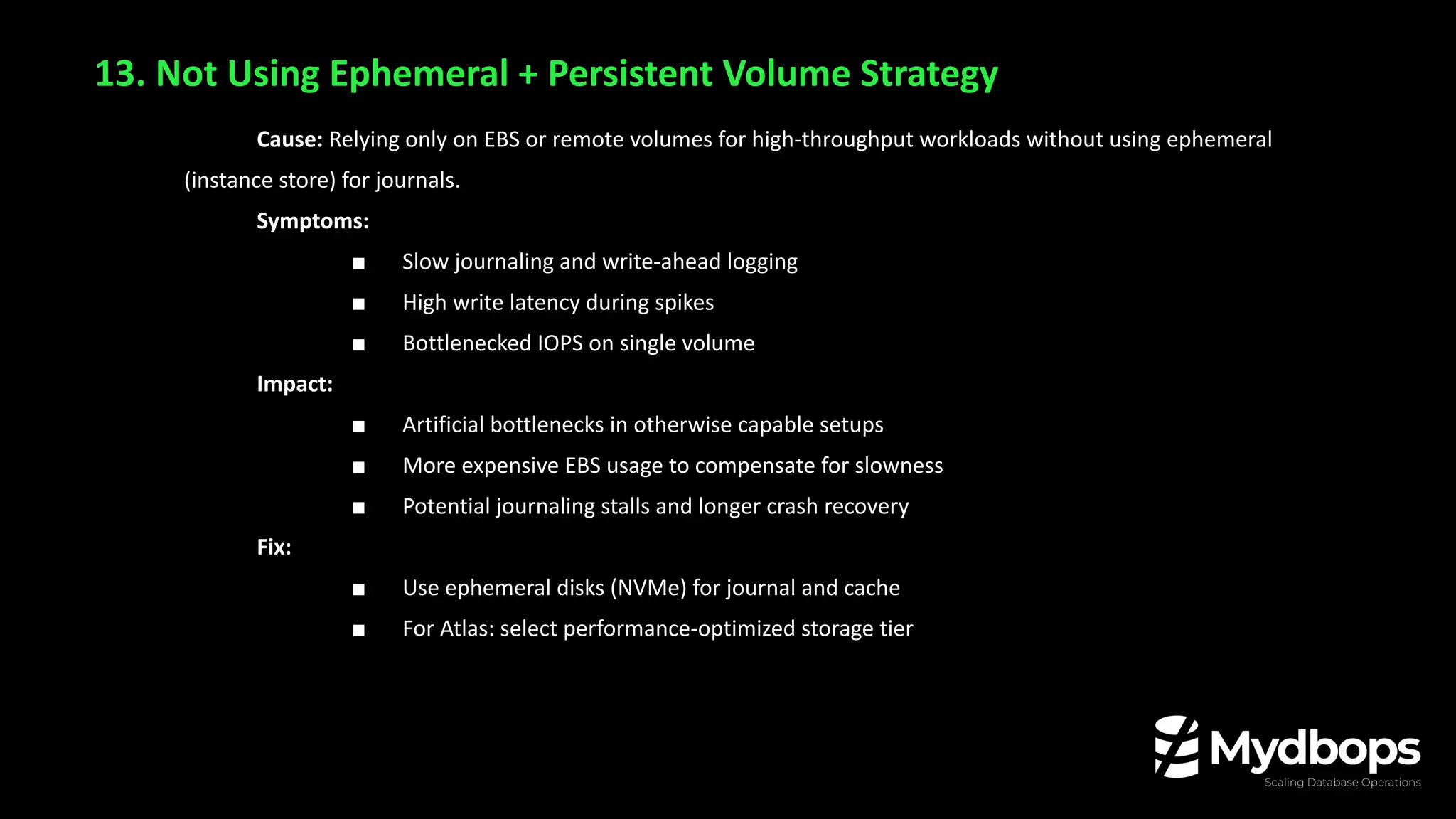
13. Not Using Ephemeral + Persistent Volume Strategy
Cause: Relying only on EBS or remote volumes for high-throughput workloads without using ephemeral
(instance store) for journals.
Symptoms:
■ Slow journaling and write-ahead logging
■ High write latency during spikes
■ Bottlenecked IOPS on single volume
Impact:
■ Artificial bottlenecks in otherwise capable setups
■ More expensive EBS usage to compensate for slowness
■ Potential journaling stalls and longer crash recovery
Fix:
■ Use ephemeral disks (NVMe) for journal and cache
■ For Atlas: select performance-optimized storage tier
Monitoring Blind Spots
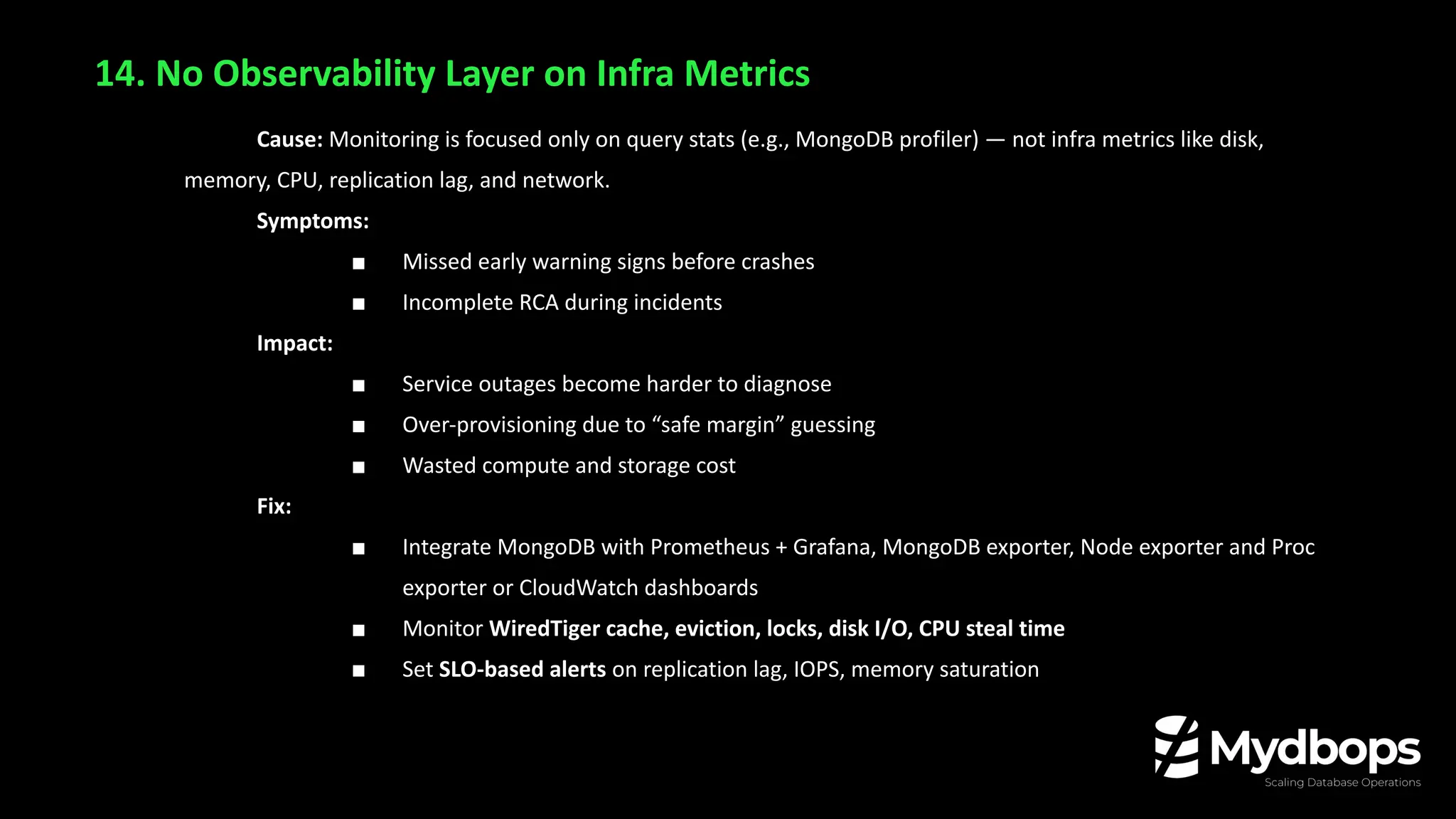
14. No Observability Layer on Infra Metrics
Cause: Monitoring is focused only on query stats (e.g., MongoDB profiler) — not infra metrics like disk,
memory, CPU, replication lag, and network.
Symptoms:
■ Missed early warning signs before crashes
■ Incomplete RCA during incidents
Impact:
■ Service outages become harder to diagnose
■ Over-provisioning due to “safe margin” guessing
■ Wasted compute and storage cost
Fix:
■ Integrate MongoDB with Prometheus + Grafana, MongoDB exporter, Node exporter and Proc
exporter or CloudWatch dashboards
■ Monitor WiredTiger cache, eviction, locks, disk I/O, CPU steal time
■ Set SLO-based alerts on replication lag, IOPS, memory saturation
Conclusion: Optimize with Intent, Not Assumptions
■ MongoDB doesn’t fail — misuse does
■ Most cost and performance issues come from:
■ Poor schema decisions
■ Inefficient query patterns
■ Blind reliance on defaults
■ Over-engineered “optimizations”
Thank you!

10 MongoDB Anti-Patterns That Cost Millions (& How to Fix Them) | Manosh Malai | Mydbops Webinar 44

  • 1.
    Manosh Malai CTO, MydbopsLLP Mydbops MyWebinar Edition X 10 MongoDB Anti-Patterns That Cost You Millions and How to Fix Them
  • 2.
    About Me Manosh Malai ❏Interested in Open Source technologies ❏ Interested in MongoDB,PostgreSQL, DevOps & DevOpSec Practices ❏ Tech Speaker/Blogger ❏ MongoDB User Group Leader(Bangalore)
  • 3.
    Consulting Services Consulting Services Managed Services ❏ Database Managementand Consultancy Provider ❏ Founded in 2016 ❏ Assisted 800+ happy customers ❏ AWS Service Delivery Partner(RDS) ❏ PCI & ISO Certified About Us
  • 4.
    ❏ Anti-Patterns inSchema Design ❏ Anti-Patterns in Query & Indexing ❏ Operational Anti-Patterns ❏ Deployment & Infrastructure Pitfalls ❏ Monitoring Blind Spots Agenda
  • 5.
  • 6.
    MongoDB gives youflexibility—but that doesn’t mean you can skip design. No Schema ≠ No Rules
  • 7.
    Cause: Poor schemaleads to lack of indexable fields and bad access patterns Symptoms: ■ Full collection scans instead of indexed lookups. ■ Slow queries due to heavy data traversal with $or, $regex or $lookup. Impact: ■ High CPU usage. ■ Increased latency and application slowdown. Fix: ■ Design with query shape in mind ■ Use compound indexes, covered queries 1. Inefficient Queries
  • 8.
    Cause: Over-embedding, unboundedarrays, or unnecessary fields Symptoms: ■ Leads to large document sizes 1 MB+ documents. ■ Index fragmentation from large array Impact: ■ Higher RAM requirements (costly instances). ■ More I/O reads = higher latency and cost Fix: ■ Normalize large components ■ Cap array lengths ■ Use field-level projections 2. Document Bloat
  • 9.
    Cause: No shardingstrategy early on, or poor shard key selection Symptoms: ■ Hot shards (one node takes most writes) ■ Chunk migrations and imbalanced load Impact: ■ Performance bottlenecks and potential outages ■ Forced to upscale to M60+/larger EC2 nodes Fix: ■ Choose shard keys with high cardinality and good distribution ■ Monitor chunk distribution from day one 3. Scaling and Sharding Issues
  • 10.
    Cause: Schema evolveswithout governance or visibility Symptoms: ■ Ad hoc schema changes, unknown document shapes ■ Painful debugging of edge-case query performance Impact: ■ Firefighting becomes routine ■ Less time for innovation or product delivery Fix: ■ Enforce schema design reviews ■ Review the new query with DBE team before release to production 4. Operational Overhead
  • 11.
    💸 Cloud CostImplications a. Higher resource usage (CPU, RAM, IOPS) directly translates to increased monthly billing. b. Poor schema = Higher cloud bills (often unnoticed until significant). Why Bad Schema = Poor Performance, Higher Cloud Bills
  • 12.
    Example of Anti-Pattern 1.Everything in One Document ○ Mistake: Over-embedding everything in a single document ○ Impact: i. Document size more then 1MB Likely performance impact, consider schema revision ii. High memory & I/O usage ○ Example: Orders with 1000+ items embedded ○ Fix: Use References with controlled denormalization 2. Overusing References ○ Mistake: Too many normalized references ○ Impact: i. Excessive $lookup ii. High network latency in distributed setups (e.g., Atlas multi-region) ○ Fix: Embed when data is accessed together frequently
  • 13.
    Example of Anti-Pattern 3.Ignoring Index Design ○ Mistake: Either no indexes or indexing every field ○ Impact: i. Slow queries ii. High memory usage ○ Fix: i. Use compound indexing ii. Understand access patterns iii. Avoid regex/prefix issues in large index 4. Growing Arrays Without Bound ○ Mistake: Arrays that grow indefinitely (logs, comments, versions) ○ Impact: i. Degraded performance ii. Query slowdowns with $elemMatch, $slice, $size ○ Fix: Embed when data is accessed together frequently i. Use capped subdocuments ii. Use separate collection with reference
  • 14.
    Example of Anti-Pattern 5.Too Many Collections ○ Mistake: Dynamically creating collections (e.g., per user, tenant, month) ○ Impact: i. WiredTiger metadata bloat ○ Fix: Use a shared collection with discriminator fields 6. Misusing Timestamps and TTL ○ Mistake: Improper TTL indexes on high-write collections ○ Impact: i. Hidden delete load ii. Performance drops in clusters ○ Fix: i. Carefully plan TTL usage ii. Pre-aggregate and archive
  • 15.
    Bonus Anti-Pattern 7. Bonus ○Using string _id instead of ObjectId ○ Storing large binary files in documents ○ Storing counters in documents (use $inc safely) ○ Relying on $group for core use cases (use pre-aggregated data)
  • 16.
  • 17.
    5. Regex onLarge Collections Cause: Using $regex queries on large collections without indexed prefixes forces full collection scans. Symptoms: ■ High CPU usage and query latency ■ Collection scans instead of index usage ■ MongoDB can’t use indexes unless the regex has an anchored prefix (e.g., /^abc/) ■ On Atlas: leads to auto-scaling costs (CPU, memory) Impact: ■ Increased IOPS and memory pressure ■ Expensive compute usage on Atlas/EC2 ■ Application response time degrades at scale Fix: ■ Use anchored regex (e.g., ^start) to allow index usage ■ Implement autocomplete indexes (Atlas Search or manual n-gram) ■ Avoid case-insensitive full regex without constraints
  • 18.
    6. Multi-Key Indexeson Large Arrays Cause: Indexing a field that contains large or deeply nested arrays, triggering multi-key indexing. Symptoms: ■ High index size relative to data size ■ Insert/update operations become slower ■ Replication lag increases during heavy writes Impact: ■ Memory bloat due to oversized indexes ■ Slower writes → delayed user interactions ■ High backup sizes and longer restore times Fix: ■ Avoid indexing full arrays; instead use top-N values or flatten schema ■ Consider denormalization or embedding documents selectively ■ If unavoidable, monitor index size and eviction stats
  • 19.
    7. Missing Indexeson High Cardinality Fields Cause: No indexes on frequently queried fields like user_id, email, or session_id. Symptoms: ■ Slow reads on large collections ■ MongoDB profiler shows COLLSCAN (collection scan) ■ Query latency increases during peak usage Impact: ■ Queries block other operations, hurting throughput ■ MongoDB may auto-scale vertically in Atlas or VM ■ Increased risk of lock contention and connection timeouts Fix: ■ Analyze slow queries using profiler or explain() ■ Create single-field or compound indexes ■ Regularly review index usage and optimize placement
  • 20.
  • 21.
    8. Ignoring WiredTigerCache Behavior Cause: Relying on default cache settings without monitoring eviction patterns or understanding working set size. Symptoms: ■ Increased disk reads even for frequently accessed data ■ Spikes in query latency during high read periods ■ Eviction stats show high “dirty” or “forced” evictions Impact: ■ Higher disk IOPS (especially on EC2 with gp2/gp3 drives) ■ Atlas may throttle or trigger auto-scaling ■ Performance bottlenecks lead to reactive firefighting Fix: ■ Tune WiredTiger cache size (storage.wiredTiger.engineConfig.cacheSizeGB) ■ Monitor eviction metrics (db.serverStatus().wiredTiger.cache) ■ Reduce working set size via index-only queries and field projection ■ Add RAM if working set can’t fit in cache
  • 22.
    9. Over-Optimizing WiredTigerCompression Cause: Switching from Snappy to zstd across all collections to save disk space, without analyzing workload patterns or latency sensitivity. Symptoms: ■ Query latency spikes (e.g., 100ms → 400–500ms) ■ Increased CPU utilization during read-heavy operations ■ Higher P95/P99 latency and degraded SLO adherence ■ Reduced throughput for real-time applications Impact: ■ Forced CPU-based instance upgrades (e.g., M60 → M100) ■ Application slowdown and user experience degradation ■ WiredTiger cache pressure due to longer decompression cycles ■ Storage cost may go down, but compute cost increases—net negative savings Fix: ■ Profile before changing: Benchmark query latency and CPU usage with Snappy vs. zstd ■ Retain Snappy: For read-heavy or latency-sensitive collections ■ Monitor continuously: Use wiredTiger.cache, block-manager.bytes read, and CPU metrics to validate real benefit
  • 23.
    10. Blindly Relyingon Atlas Defaults Cause: Trusting MongoDB Atlas to auto-optimize without reviewing instance size, backups, and indexes. Symptoms: ■ Over-provisioned clusters (e.g., M60+ with low CPU usage) ■ Frequent backup snapshots with no data churn ■ Unused indexes increasing storage and memory load Impact: ■ Wasted cloud cost (CPU, RAM, backups) ■ Storage utilization creeps up silently ■ Dev teams unaware of underused or bloated indexes Fix: ■ Regularly review Atlas Performance Advisor and Profiler ■ Prune unused indexes (db.collection.totalIndexSize() + indexStats) ■ Audit snapshot schedules and retention
  • 24.
  • 25.
  • 26.
    11. Placing NodesAcross High-Latency AZs or Regions Cause: Deploying replica set or sharded nodes across different availability zones (AZs) or regions without latency planning. Symptoms: ■ Replica lag and write acknowledgment delays ■ Slow read/write consistency on secondaries ■ Election flaps and unnecessary failovers Impact: ■ Increased application latency ■ Risk of false downtime detection Fix: ■ Keep replica set members within the same low-latency AZ for critical paths ■ Use read-only secondaries in remote regions for analytics ■ In Atlas: configure zone-based deployment with proper priority
  • 27.
    12. Using BurstableInstances (t3/t4) for Critical Workloads Cause: Running production MongoDB clusters on burstable EC2 instances with CPU credits (e.g., t3.medium), especially in budget environments. Symptoms: ■ CPU throttling after sustained load ■ Spikes in query latency during peak hours ■ Unpredictable performance even with low overall utilization Impact: ■ Costly debugging and intermittent outages ■ Loss of trust in MongoDB performance Fix: ■ Use dedicated compute instances (m, r, or c families) ■ Apply burstable only to non-critical secondaries or dev environments ■ Monitor CPU credit balance in CloudWatch / Atlas metrics
  • 28.
    13. Not UsingEphemeral + Persistent Volume Strategy Cause: Relying only on EBS or remote volumes for high-throughput workloads without using ephemeral (instance store) for journals. Symptoms: ■ Slow journaling and write-ahead logging ■ High write latency during spikes ■ Bottlenecked IOPS on single volume Impact: ■ Artificial bottlenecks in otherwise capable setups ■ More expensive EBS usage to compensate for slowness ■ Potential journaling stalls and longer crash recovery Fix: ■ Use ephemeral disks (NVMe) for journal and cache ■ For Atlas: select performance-optimized storage tier
  • 29.
  • 30.
    14. No ObservabilityLayer on Infra Metrics Cause: Monitoring is focused only on query stats (e.g., MongoDB profiler) — not infra metrics like disk, memory, CPU, replication lag, and network. Symptoms: ■ Missed early warning signs before crashes ■ Incomplete RCA during incidents Impact: ■ Service outages become harder to diagnose ■ Over-provisioning due to “safe margin” guessing ■ Wasted compute and storage cost Fix: ■ Integrate MongoDB with Prometheus + Grafana, MongoDB exporter, Node exporter and Proc exporter or CloudWatch dashboards ■ Monitor WiredTiger cache, eviction, locks, disk I/O, CPU steal time ■ Set SLO-based alerts on replication lag, IOPS, memory saturation
  • 31.
    Conclusion: Optimize withIntent, Not Assumptions ■ MongoDB doesn’t fail — misuse does ■ Most cost and performance issues come from: ■ Poor schema decisions ■ Inefficient query patterns ■ Blind reliance on defaults ■ Over-engineered “optimizations”
  • 32.