
Sponsored by
WhatOneDigitalForensicsExpert
FoundOn HundredsofHardDrives,
iPhonesandAndroidDevices
© 2016 Monterey Technology Group Inc.
Thanks to
 Made possible by
Data Recovery On
Devices Purchased On EBay
When is erase is not really an erase…
Just How Do
TheyGet
There?
 Bankruptcy Proceedings
 Do you really thing the bankruptcy court cares about your data?
 If it cost money to do something rest assured it will not be done
 Equipment Liquidators
 Again… If it cost money to do something rest assured it will not
be done
 Employees
 Make a few extra bucks selling discarded equipment
How Do you
RetrieveThe
Data? (1)
 On a hard disk sold on eBay where nothing was done to the disk
the data is simply readily available with no effort required to
recover it
 Yes some of the drives purchased on eBay were simply
removed from a PC and nothing at all was done to protect the
data that was on the disk
How Do you
RetrieveThe
Data? (2)
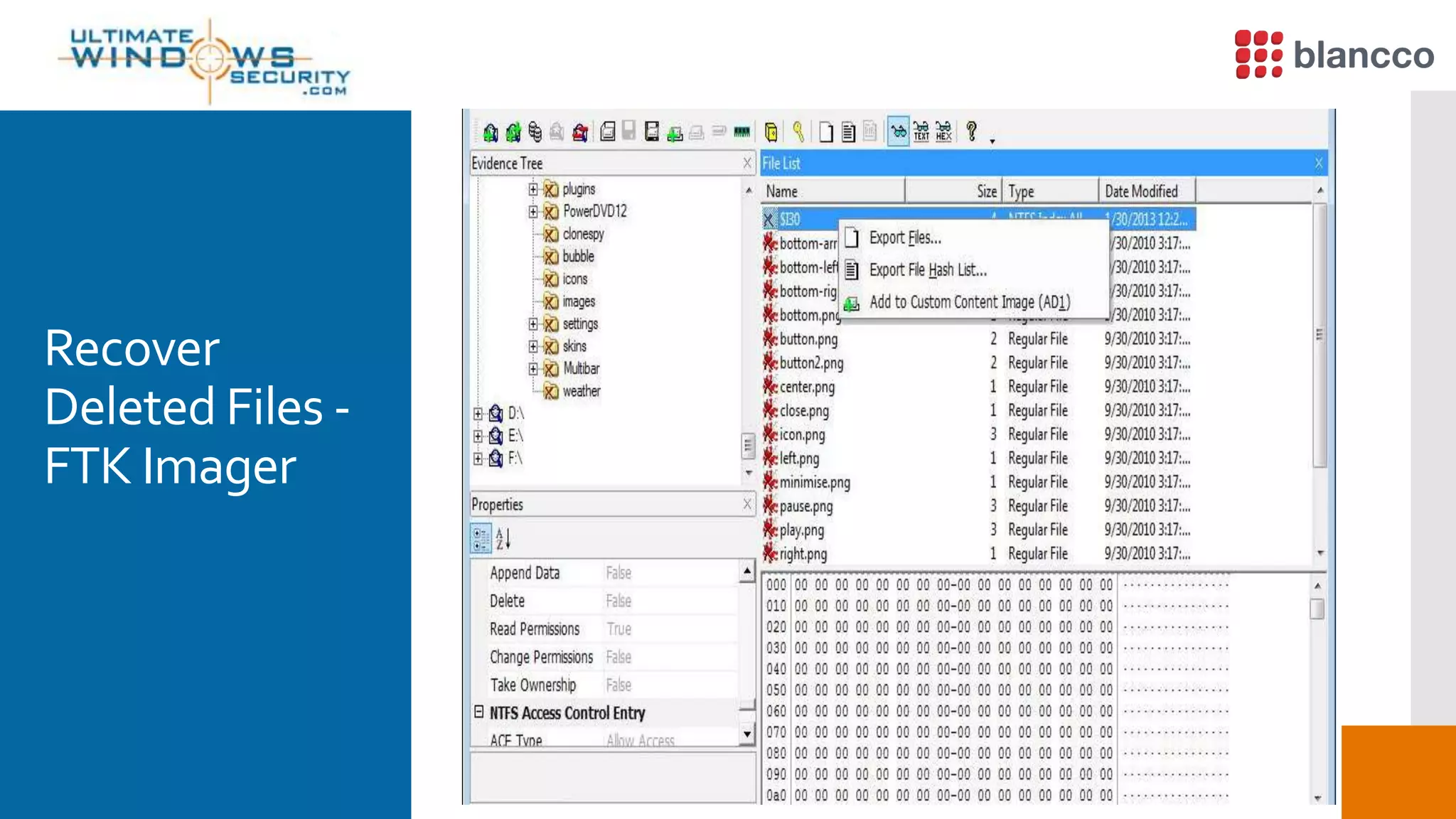
 On a disk where the data was only erased you simply use a free
tool like FTK Imager to recover the data
 If the file allocation table was not overwritten by i.e.
reformatting it still contains the “map” to all files and they
easily retrieved from unallocated space
 FTK shows all deleted files with a red X as the first character in
the file name
 You simply right click on the file and save it
Blancco File
 Erase Unwanted Files Easily, Quickly and Permanently with
Blancco File
 As a participant in today’s webinar, we’re giving you Blancco File
at 25% off! Just use Promo Code: ULTIMATE25
 http://www.blancco.com/en/buy
*Promotion expires on May 31, 2016.
Blancco File  Demo byTimTutten
Recover
Deleted Files -
FTK Imager
How Do you
RetrieveThe
Data? (3)
 On a disk that was re-formatted you simply “carve” the data
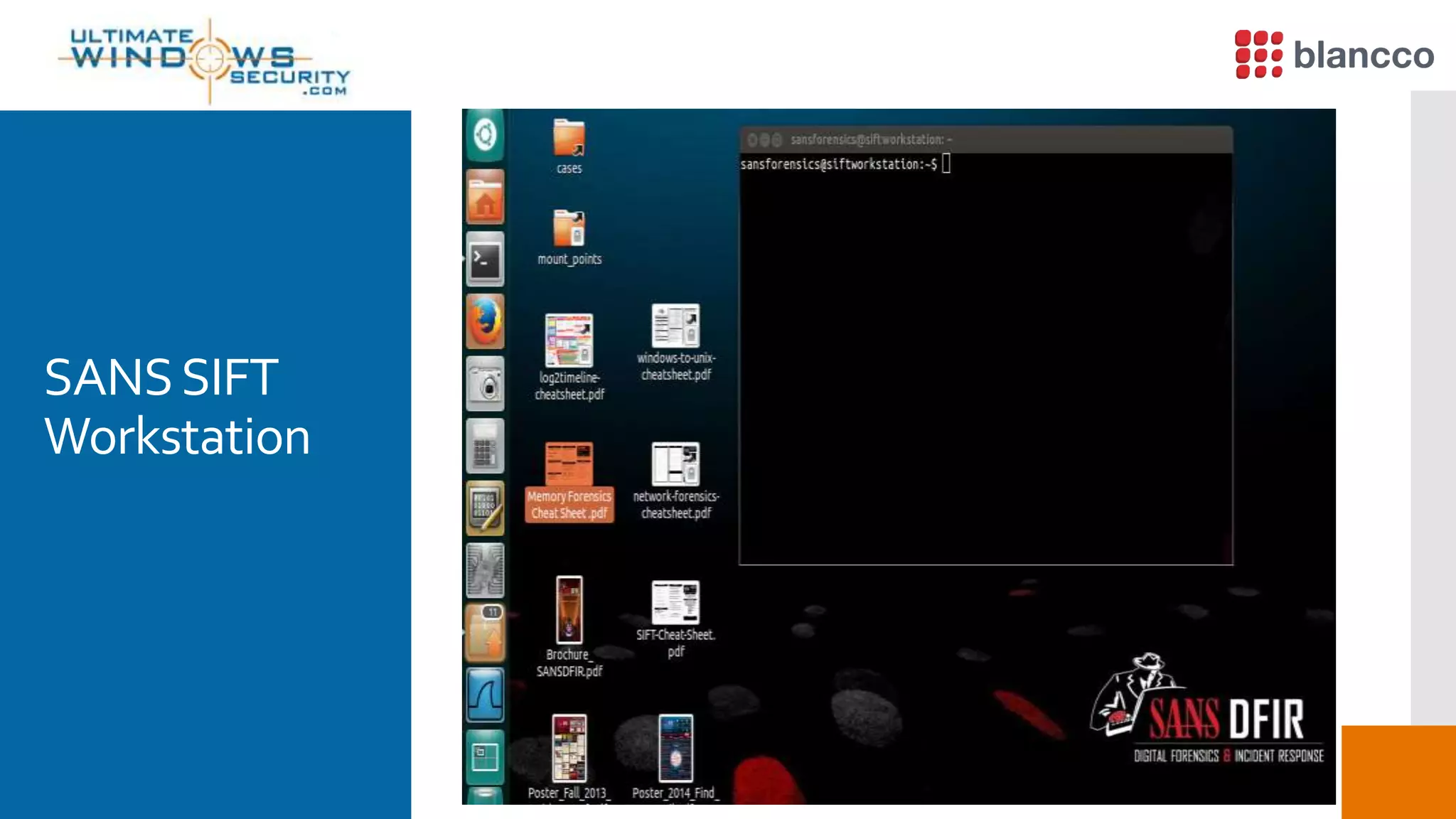
from unallocated space using a free tool contained in the SANS
SIFT toolkit called Scapel / Foremost or any of the many
alternatives
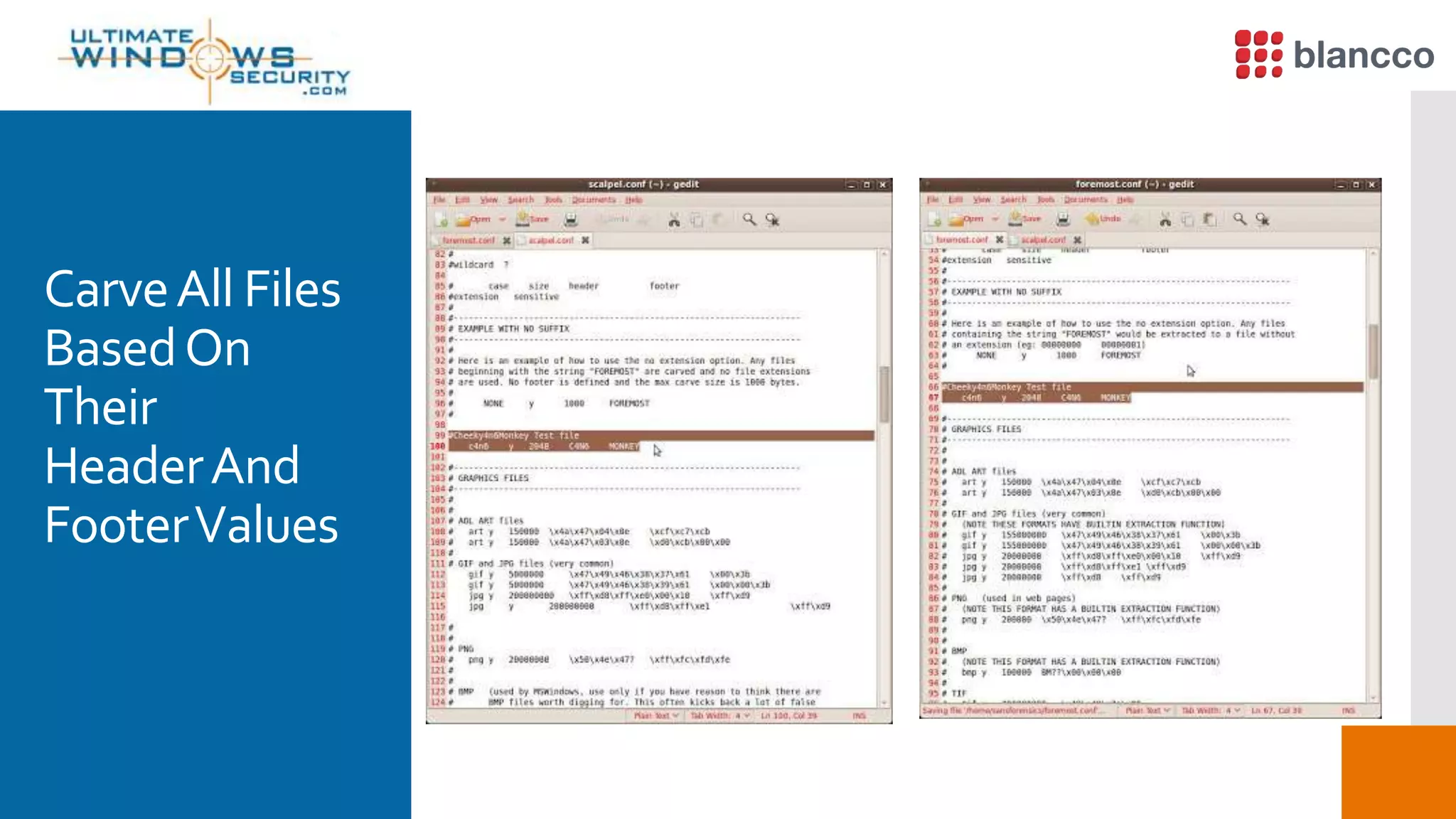
 Most every file has a known start called the Header and an end
called the Footer
 You simply search unallocated space for the respective Header
and carve the file out until you reach the Footer….
SANSSIFT
Workstation
CarveAll Files
BasedOn
Their
HeaderAnd
FooterValues
WhatAboutA
Wiped Disk?
Blancco 5  Demo byTimTutten
Android
Devices  Data retrieval on an Android device is quite easy using free tools
such as MagnetAcquire
ImageWith
Magnet
Acquire
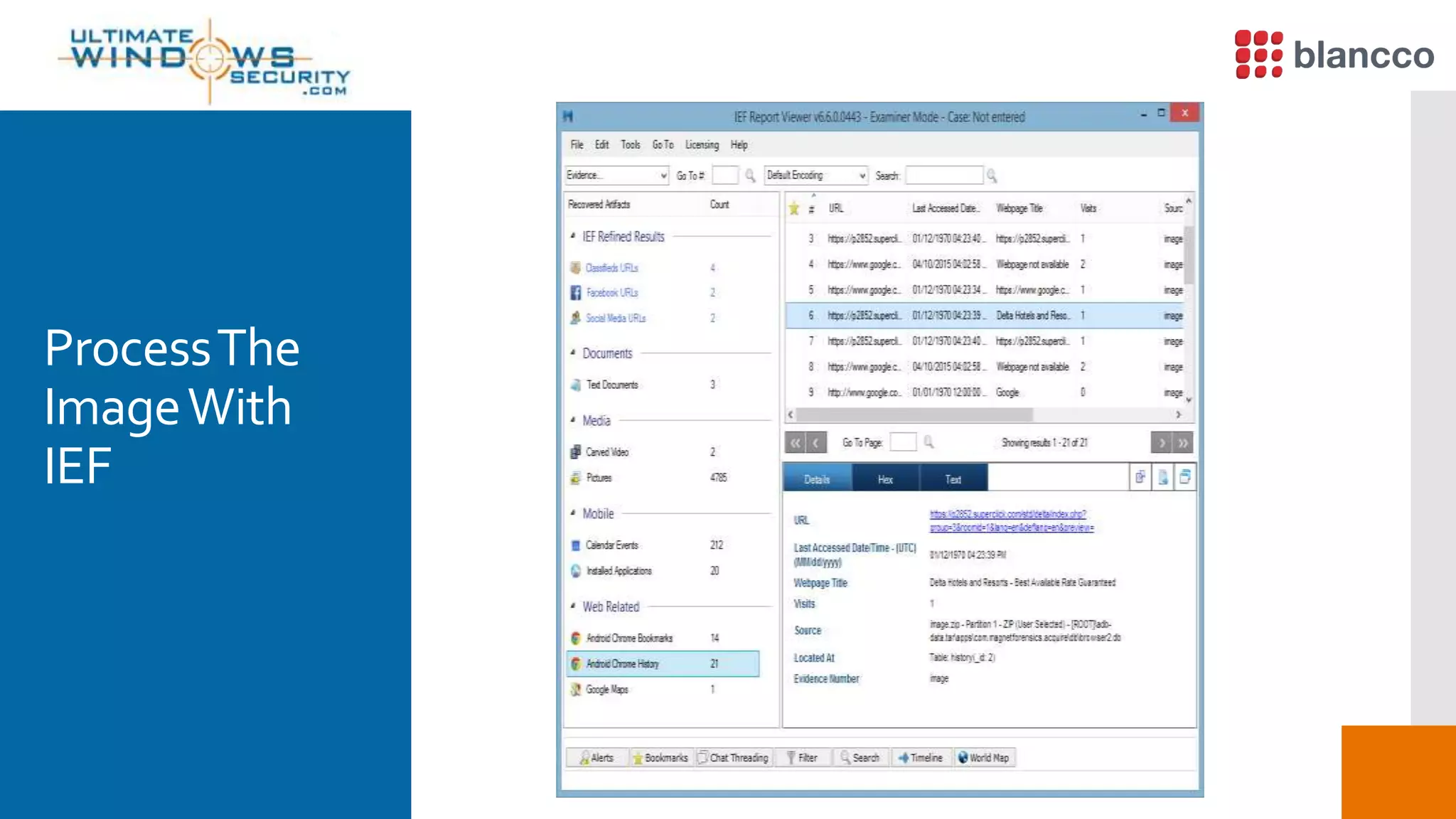
ProcessThe
ImageWith
IEF
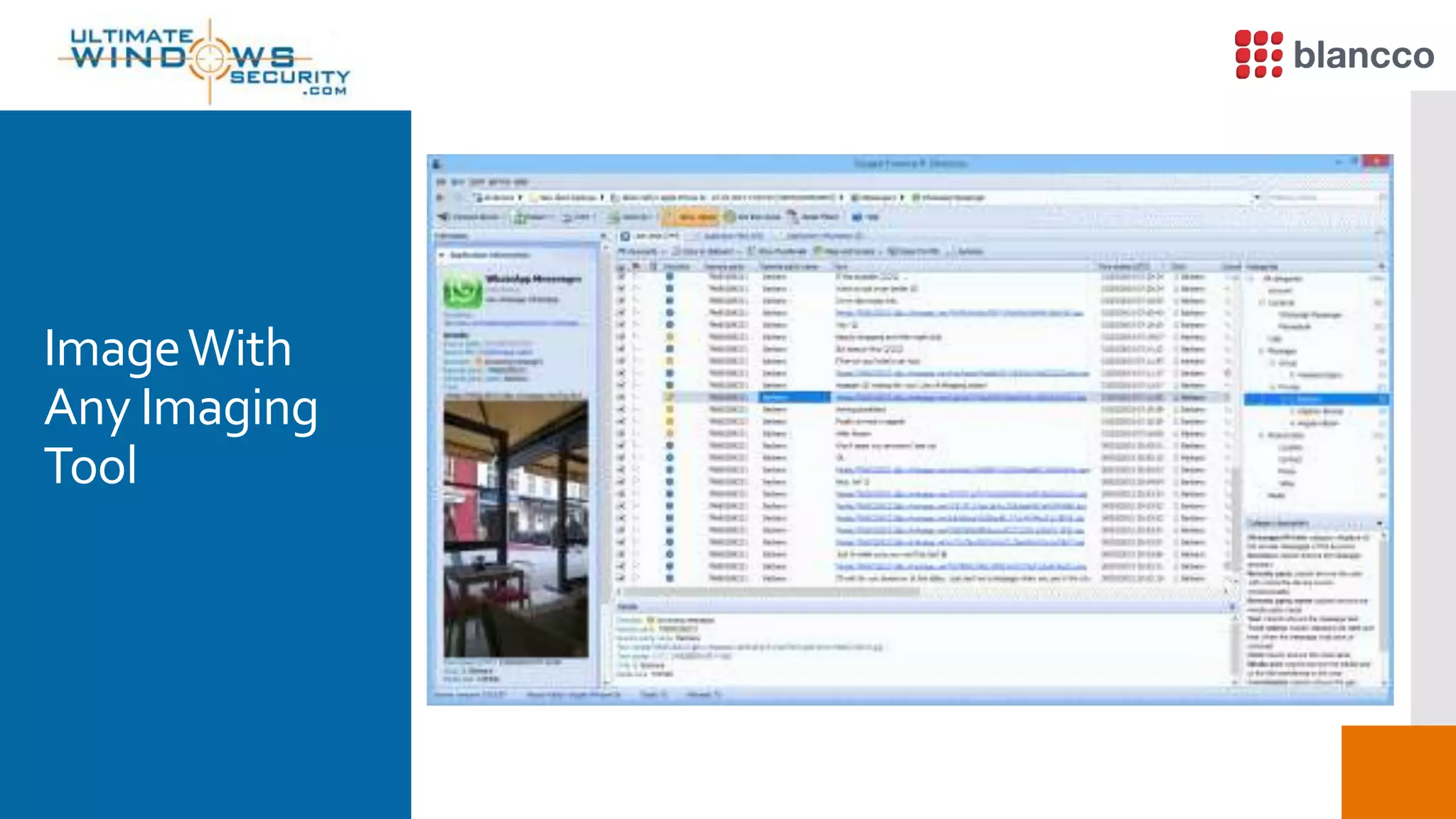
ImageWith
Any Imaging
Tool
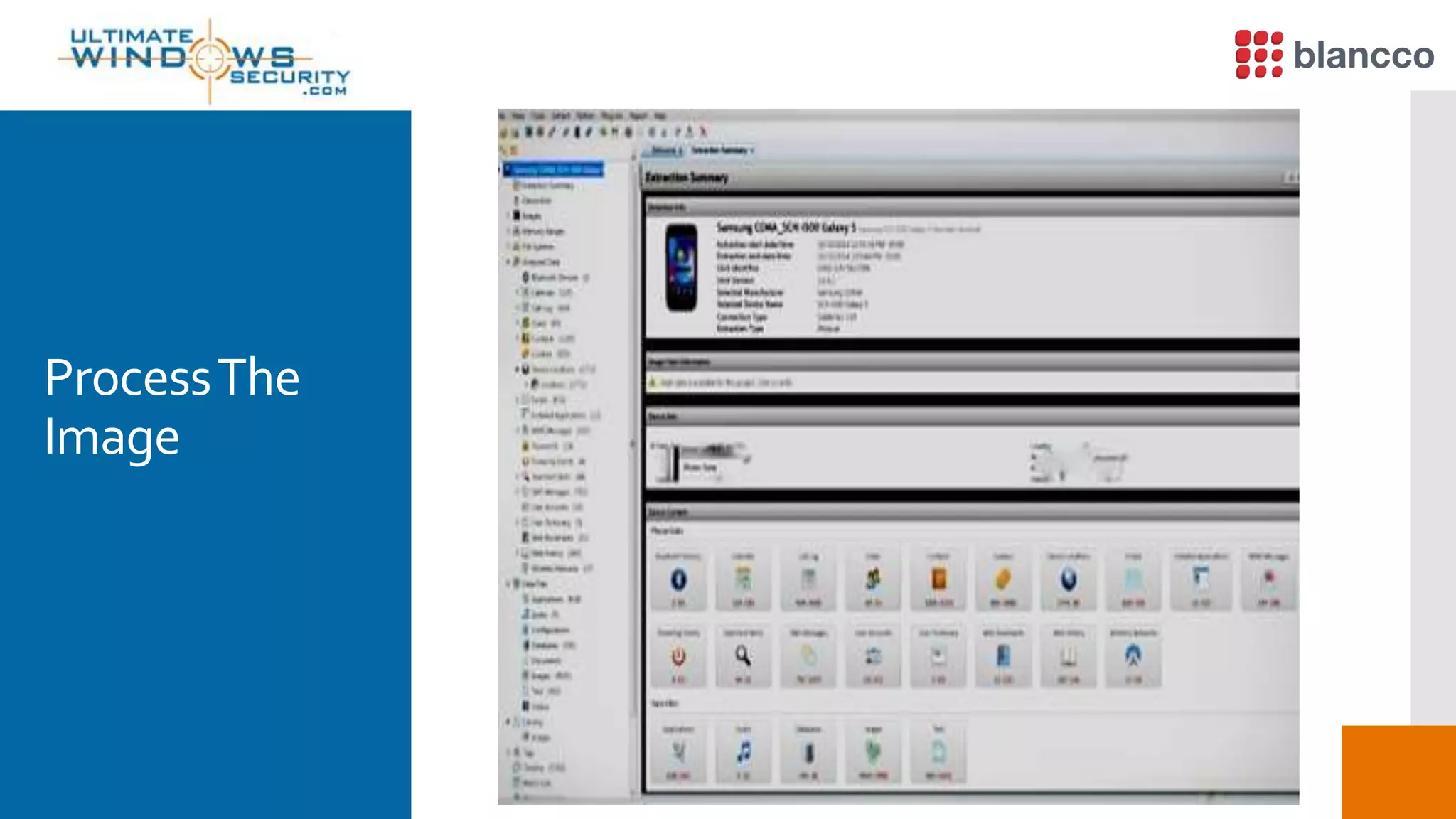
ProcessThe
Image
WhatCanYou
Recover?
 A treasure trove of information is stored in an Android and can
be recovered
 Logical analysis can provide:
 Browser history, Call Logs, Contact Methods, External
Image Media (meta data), External ImageThumbnail Media
(meta data), External Media, Audio, and Misc. (meta data),
ExternalVideos (meta data), MMS, MMS Parts (includes full
images sent via MMS), Organizations, People, SMS, List of
all applications installed and version, Contacts – Extensions,
Groups, Phones, Settings
WhatAboutA
Factory Reset?
 A factory reset on an unencryptedAndroid device does not by
default properly overwrite data.
 Hence, literally all user data is recoverable using the carving
methods described earlier
 To get rid of the users data you need to encrypt the phone first
and then do the factory reset to delete the key used for
encryption
 There is still a risk data could be recovered if the key is guessed
WhatAbout
The iPhone
 On early iPhones like the iPhone 4 encryption was not
mandatory
 Around version 5 recovery of deleted data was made easy as
Apple did a poor job of properly handling the encryption key
 After version 5 Apple began to hide the key in hardware but
exploits were discovered to reveal the key and allow access to
the phones data
 Remember the recent FBI case…
 A treasure trove of information is stored in the iPhone
 For starters:
 User accounts
 Contacts
 Call history
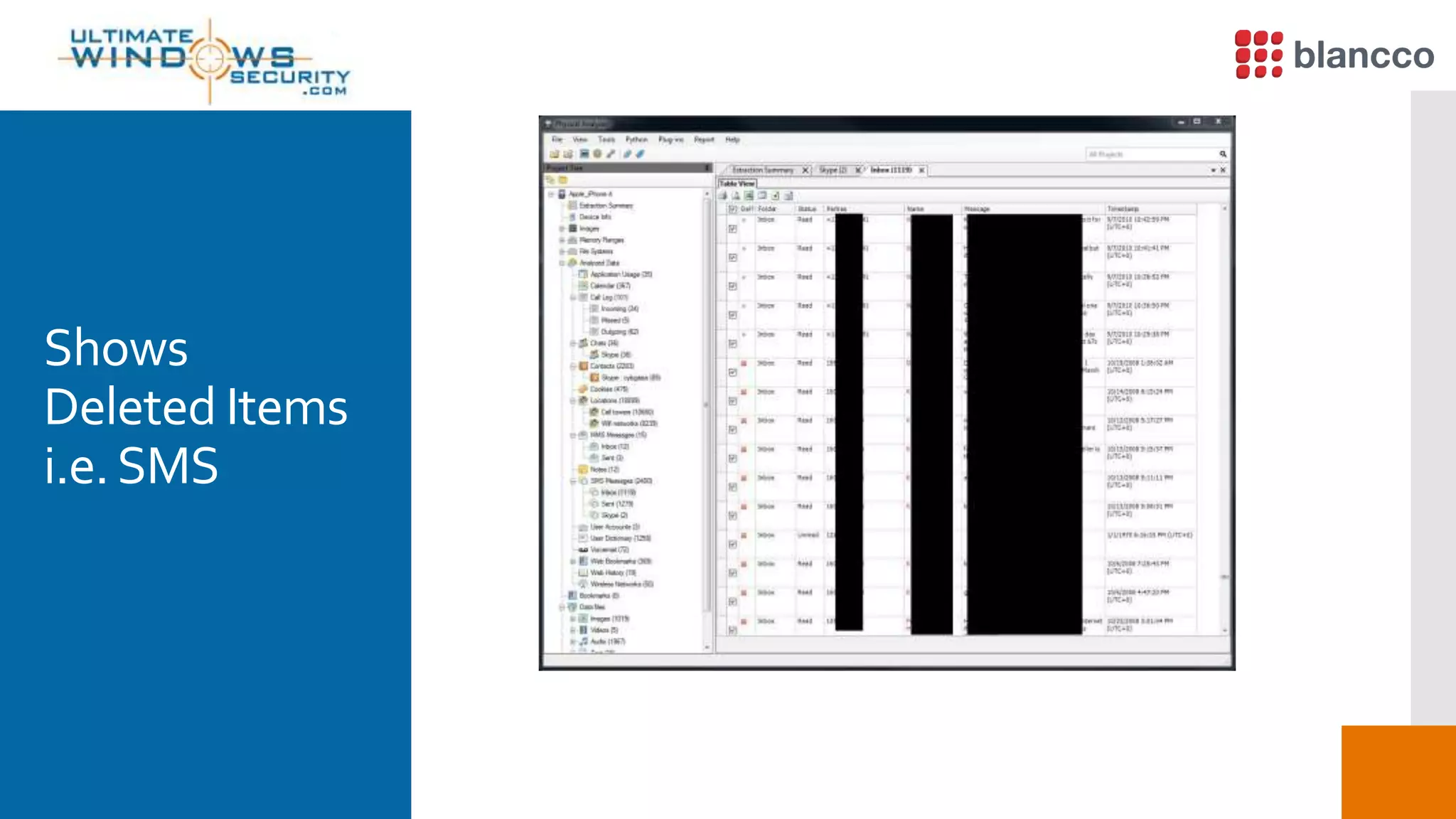
 SMS Messages
 Messages Google Mail andYahoo! Messenger
 Skype Chat
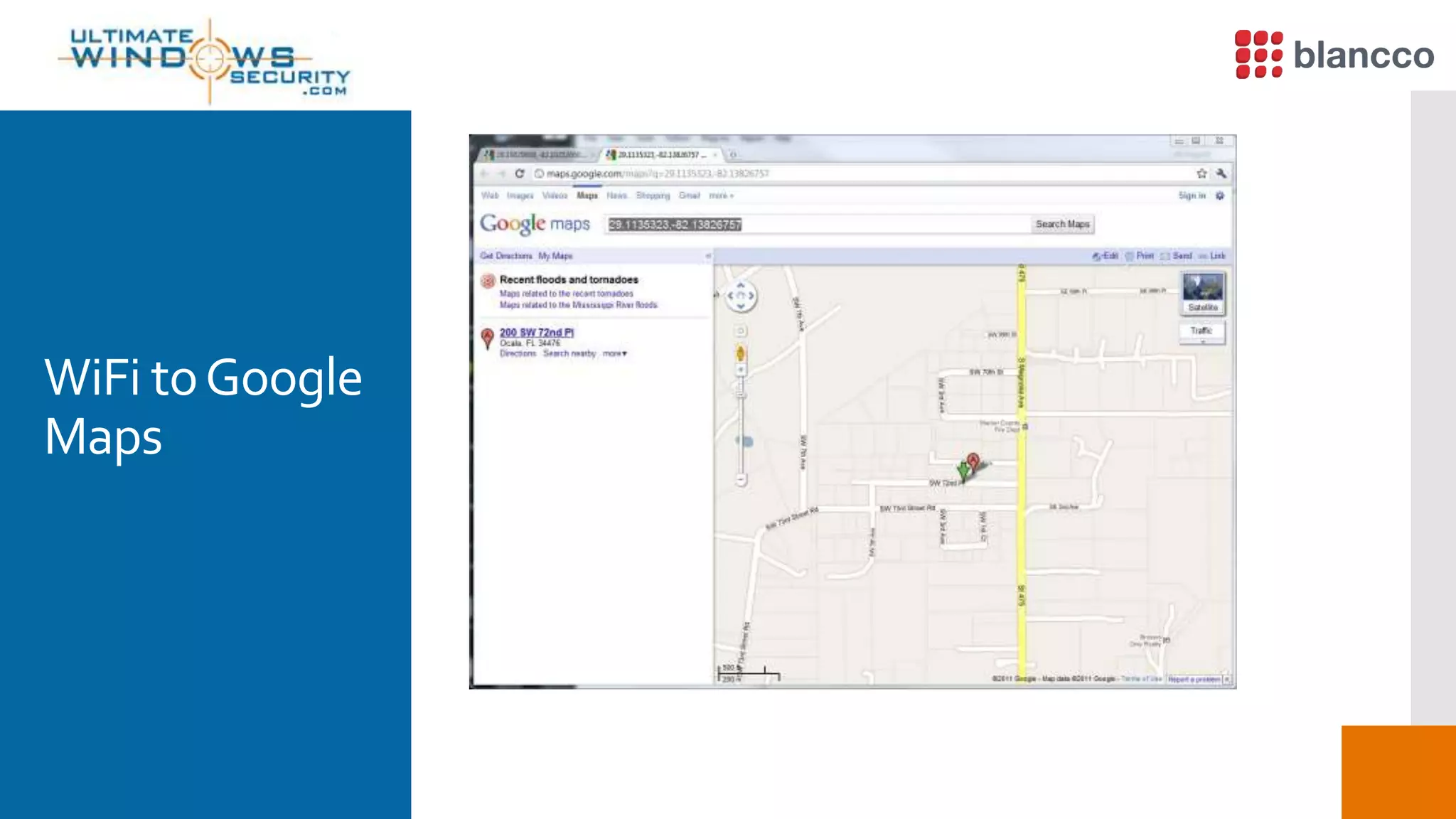
 History of Google Maps, stored in iPhone and iPad
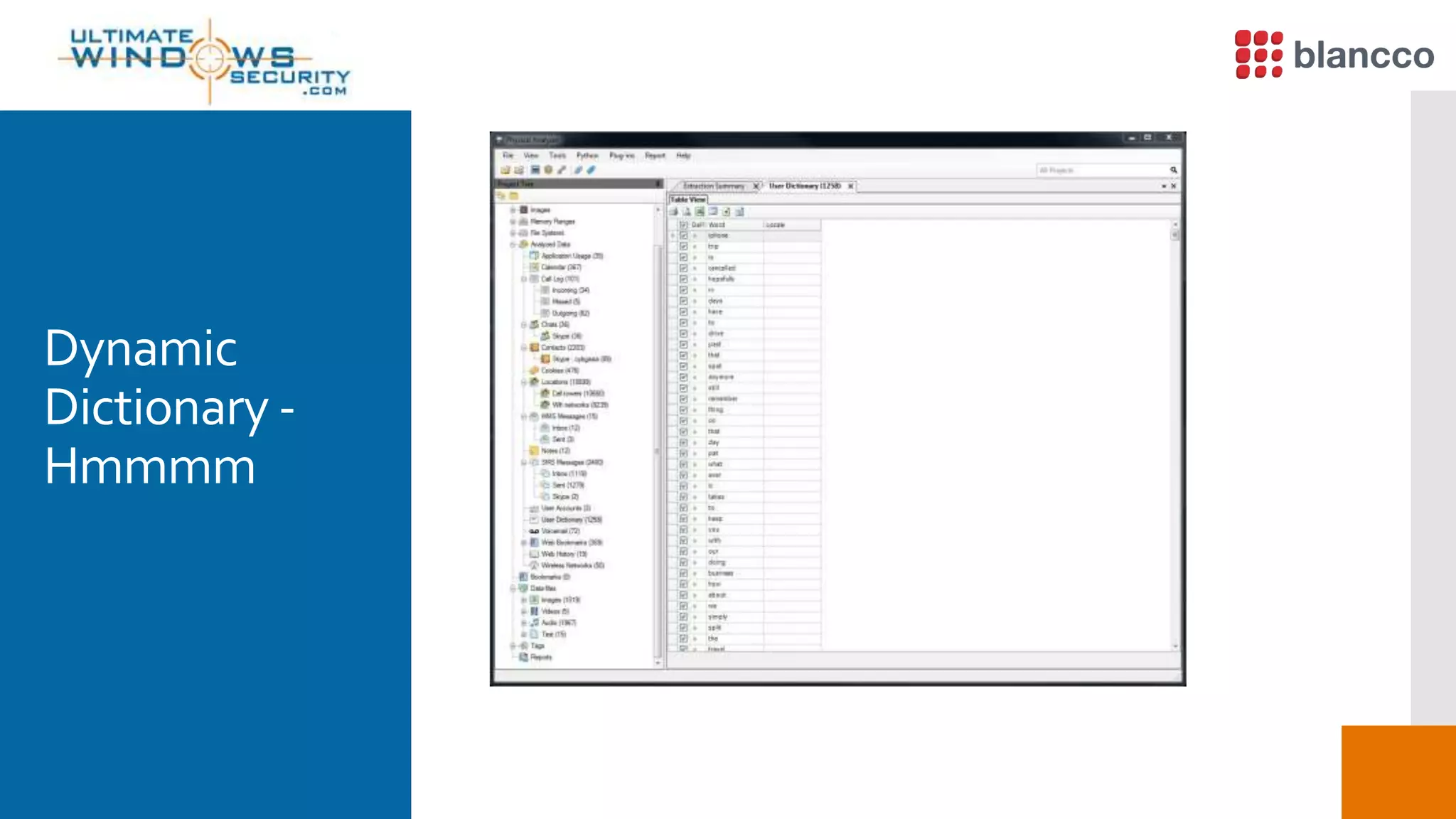
 Dynamic Dictionary
 Automatic Screen Shots
 Most apps store data so the list simply goes on and on and on
Apple iPhone Data Recovery (1)
WhatAbout
The iPhone
Apple iPhone Data Recovery (2)
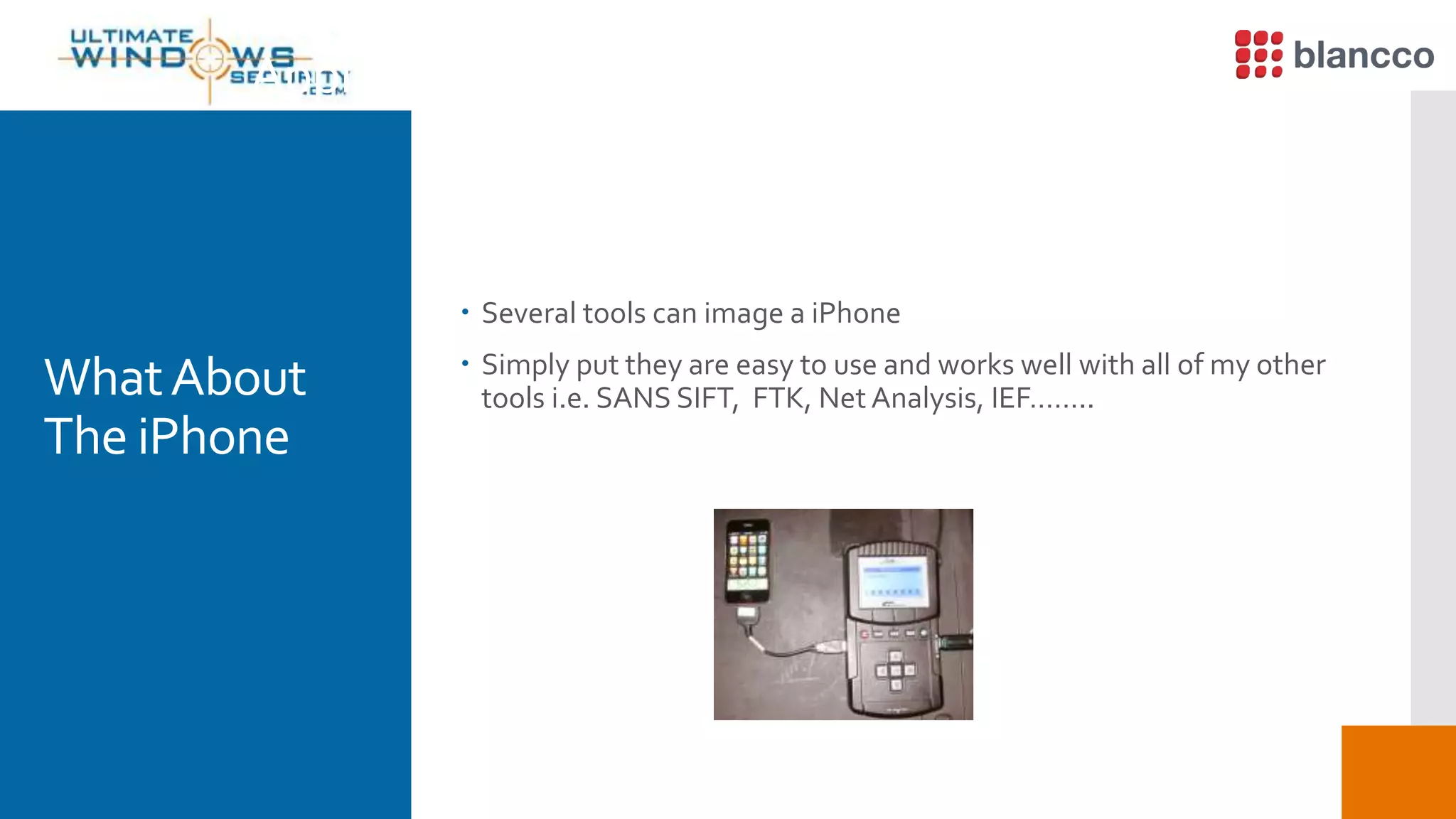
 Several tools can image a iPhone
 Simply put they are easy to use and works well with all of my other
tools i.e. SANS SIFT, FTK, Net Analysis, IEF……..WhatAbout
The iPhone
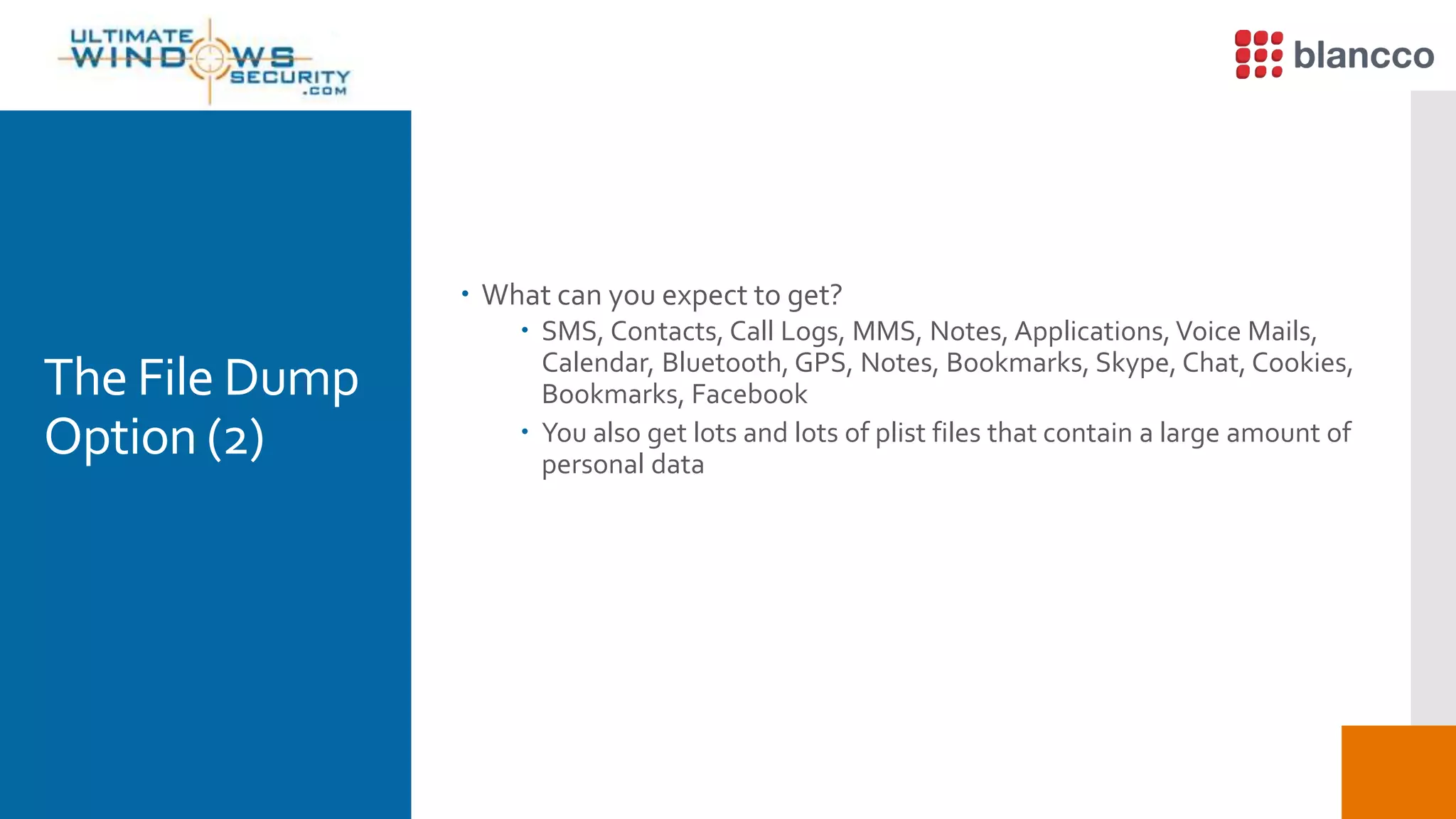
Extract Phone
DataOption
 You get what you would expect in a well formatted report
 Call logs, Phone Book, SMS, Videos, Audio / Music
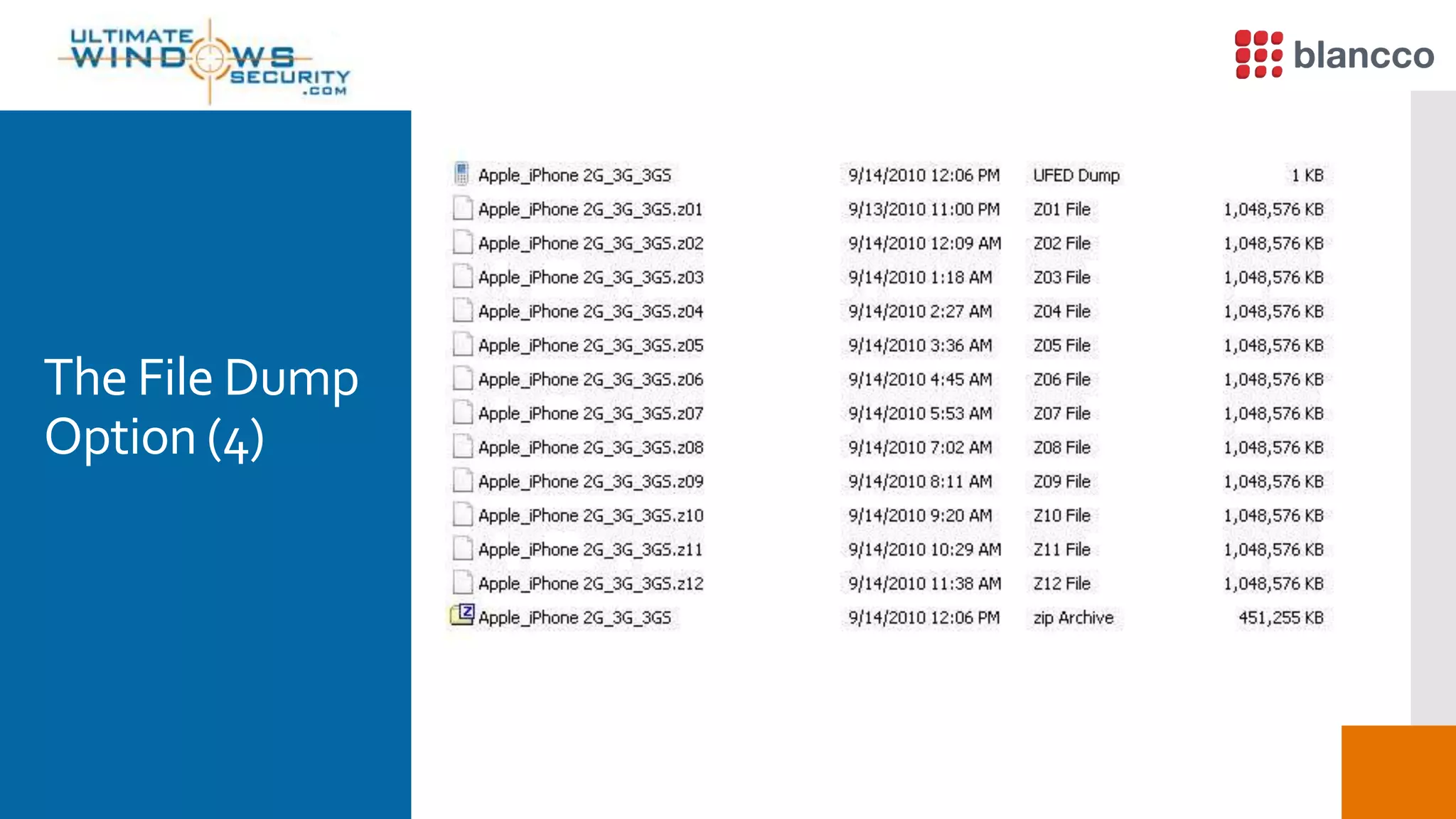
The File Dump
Option (1)
 Not to overly simplify it, when you use the file system dump it
mounts the file system and does a file by file copy while it also
maintains the file system hierarchy.
 Software is great for reporting on the files system dump but it also
works well when you import the data structure in and analyze it in
tools like SIFT or FTK
The File Dump
Option (2)
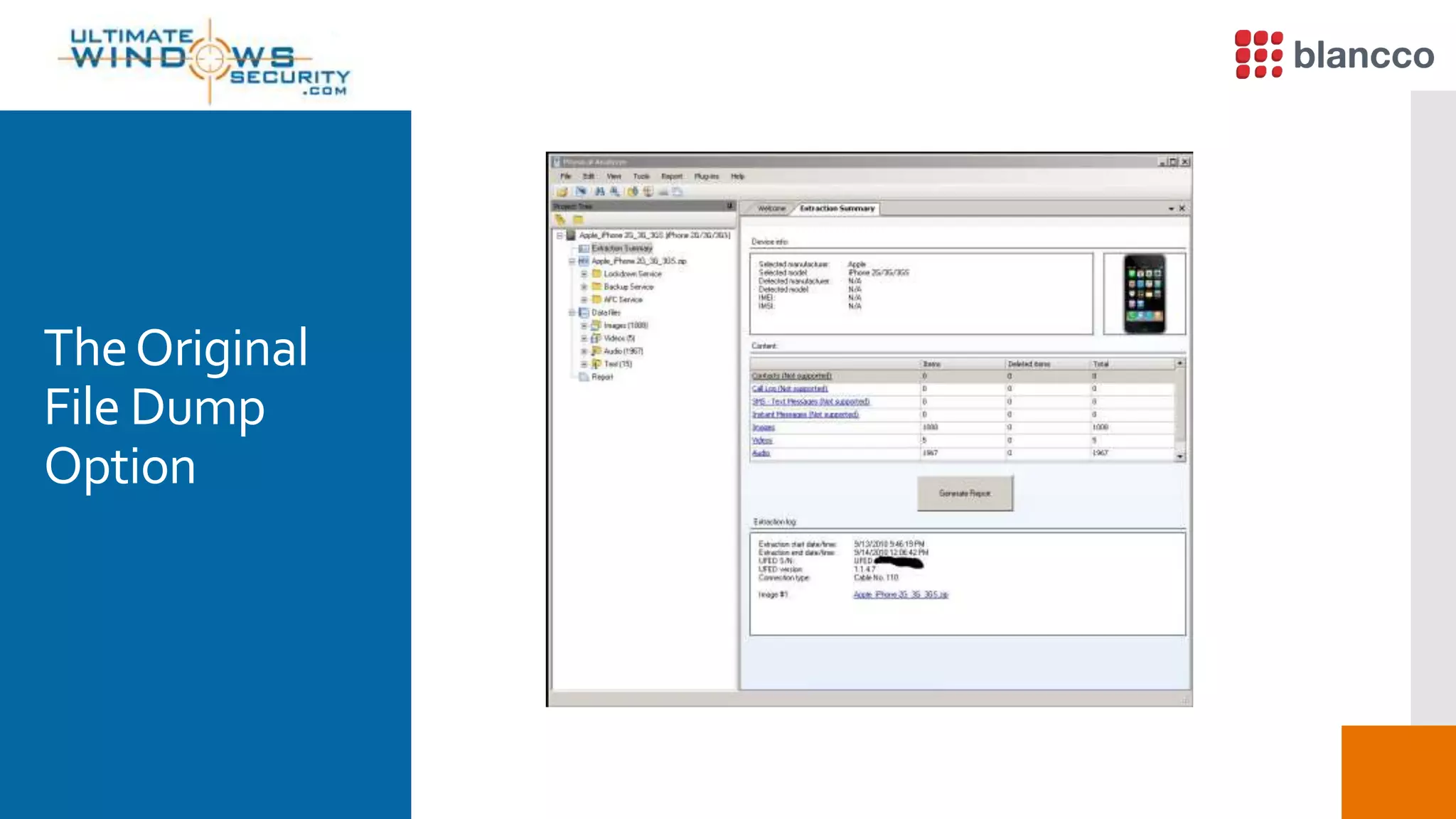
 What can you expect to get?
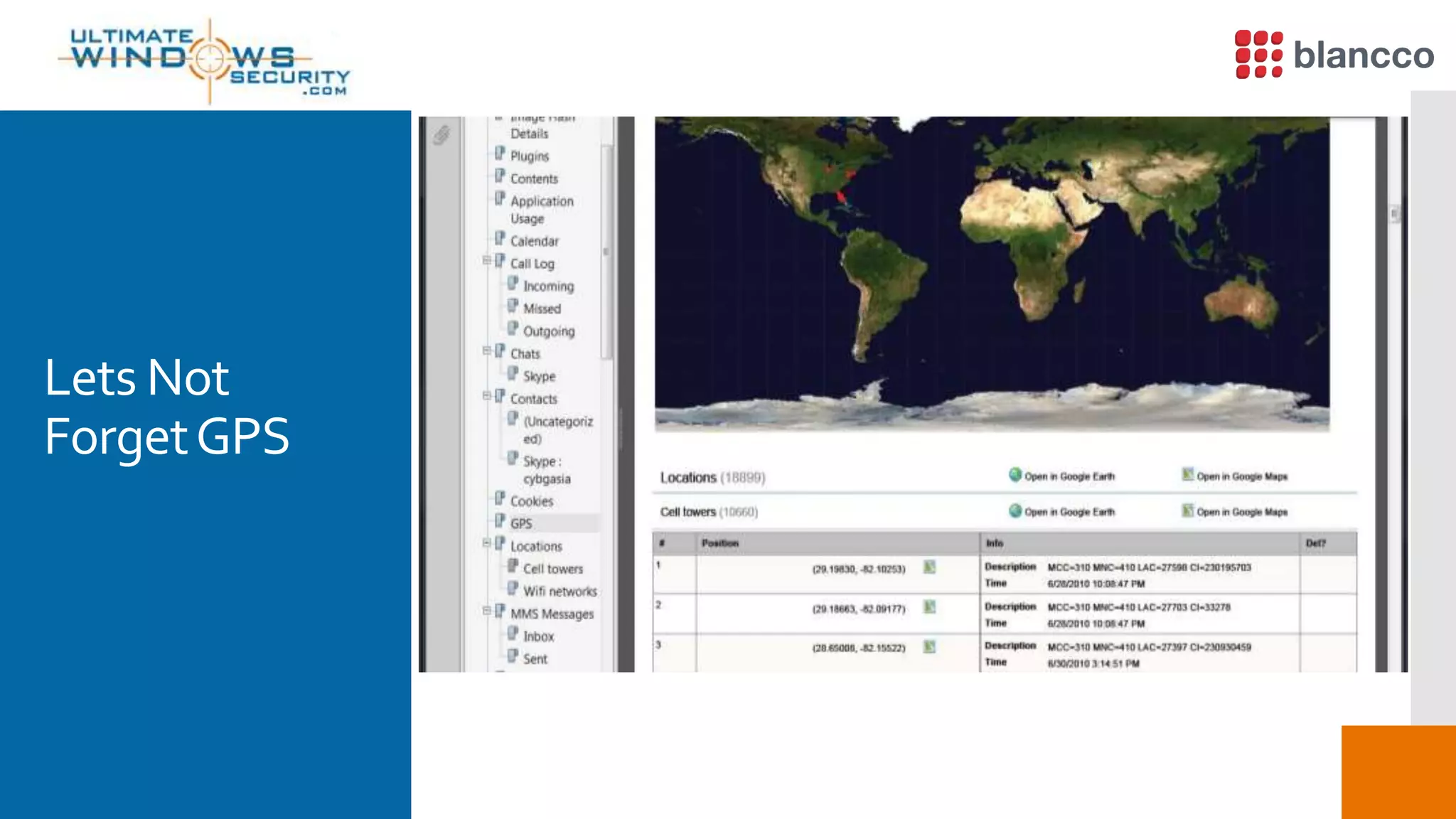
 SMS, Contacts, Call Logs, MMS, Notes, Applications, Voice Mails,
Calendar, Bluetooth, GPS, Notes, Bookmarks, Skype, Chat, Cookies,
Bookmarks, Facebook
 You also get lots and lots of plist files that contain a large amount of
personal data
The File Dump
Option (3)
 What your not going to get?
 Well your not going to get email as it is separately encrypted and
your not going to get some deleted files
 let me clarify - if the deleted entry is only marked as deleted in the respective
database then yes as the file is not really deleted you will get the entry…. I am
talking about really deleted files from the storage media
The File Dump
Option (4)
TheOriginal
File Dump
Option
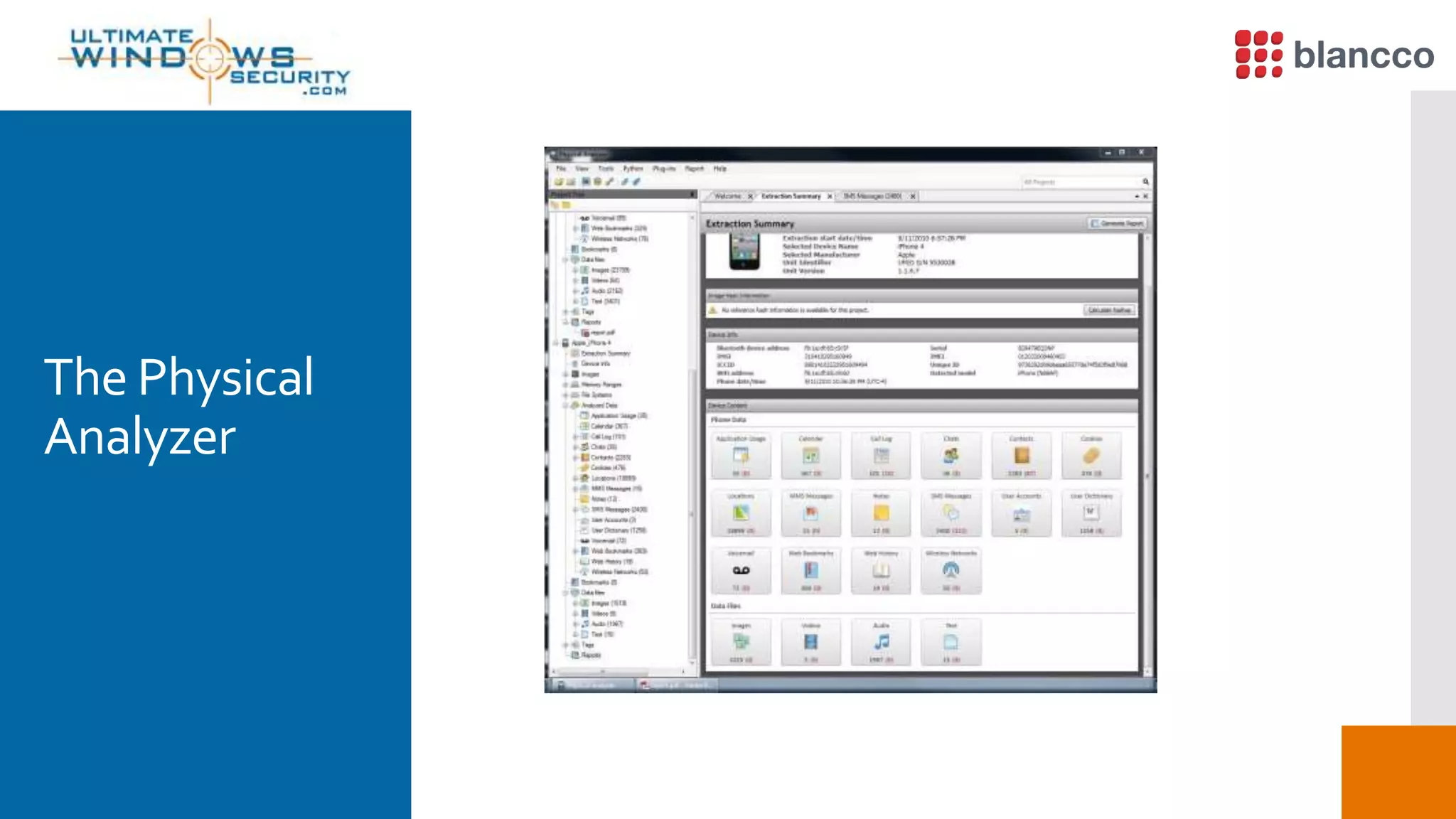
The Physical
Analyzer
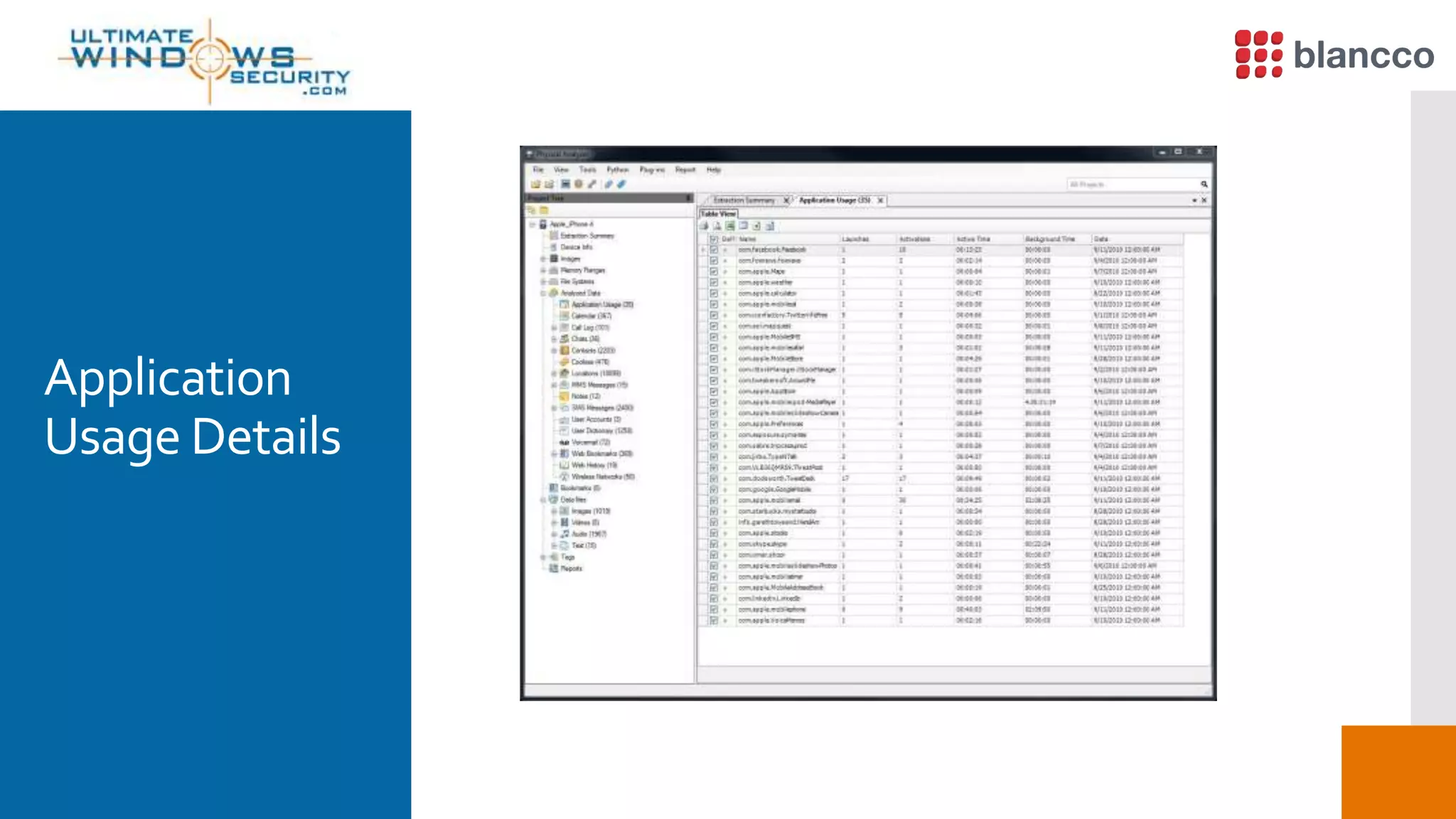
Application
Usage Details
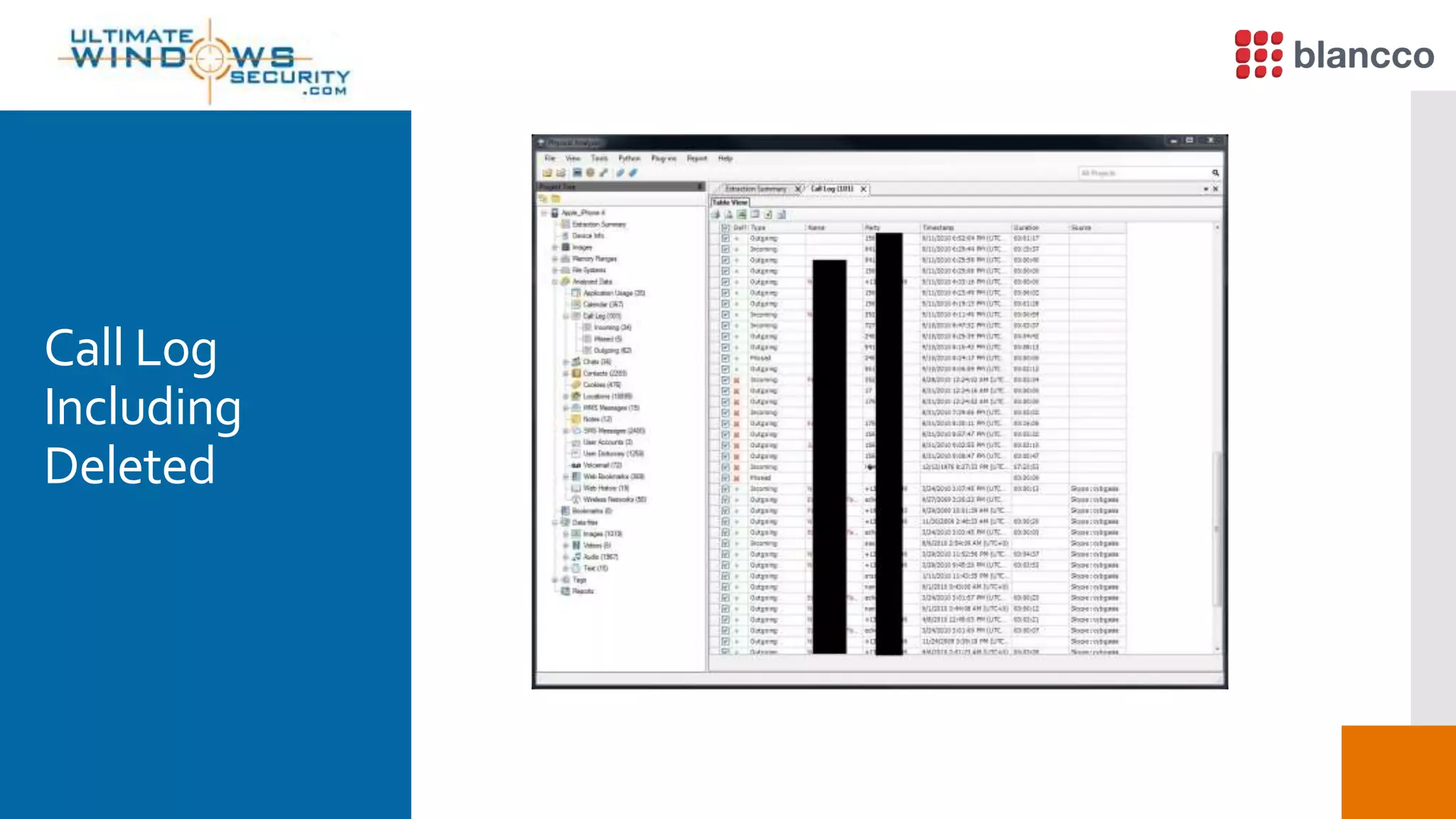
Call Log
Including
Deleted
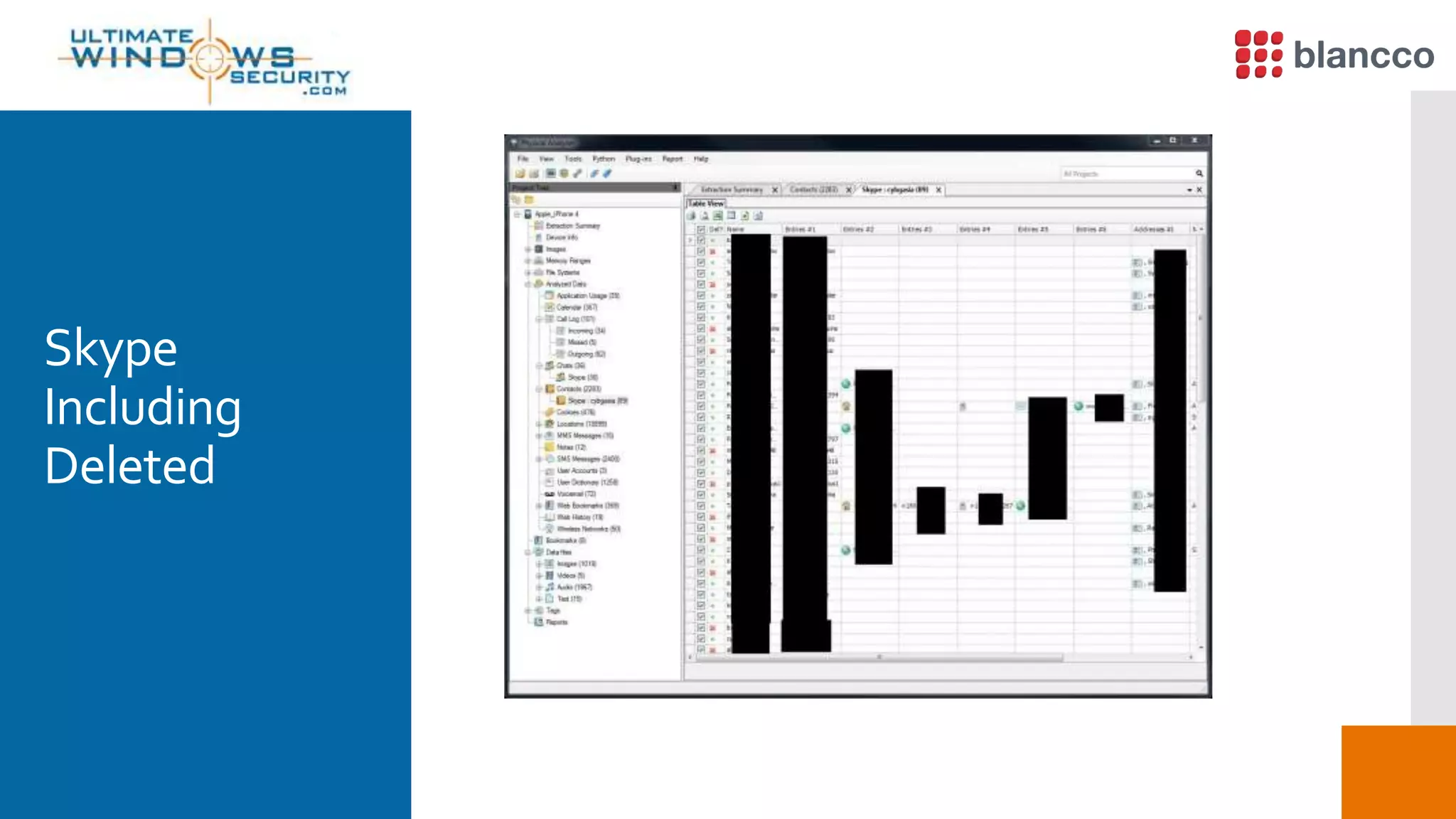
Skype
Including
Deleted
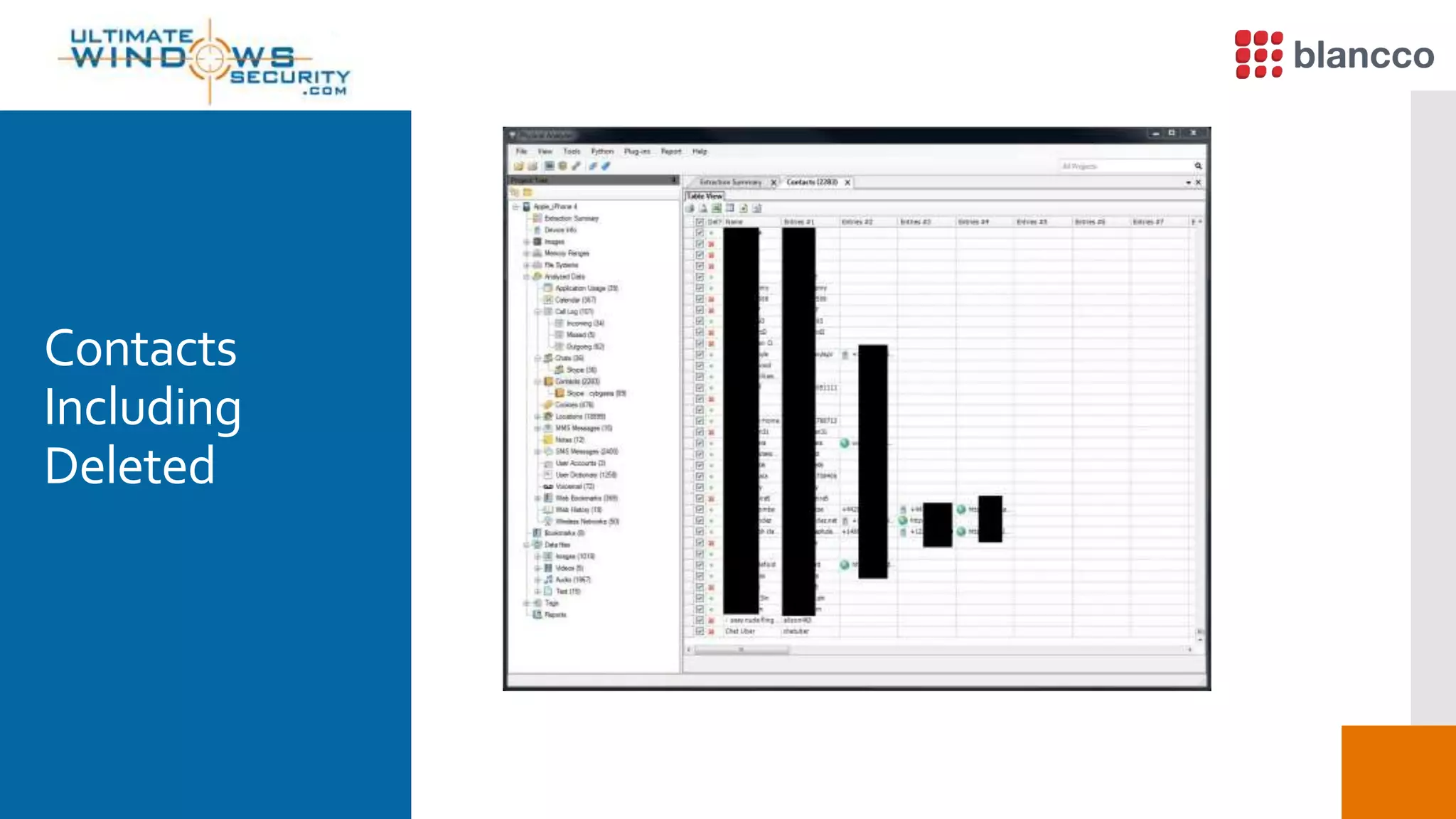
Contacts
Including
Deleted
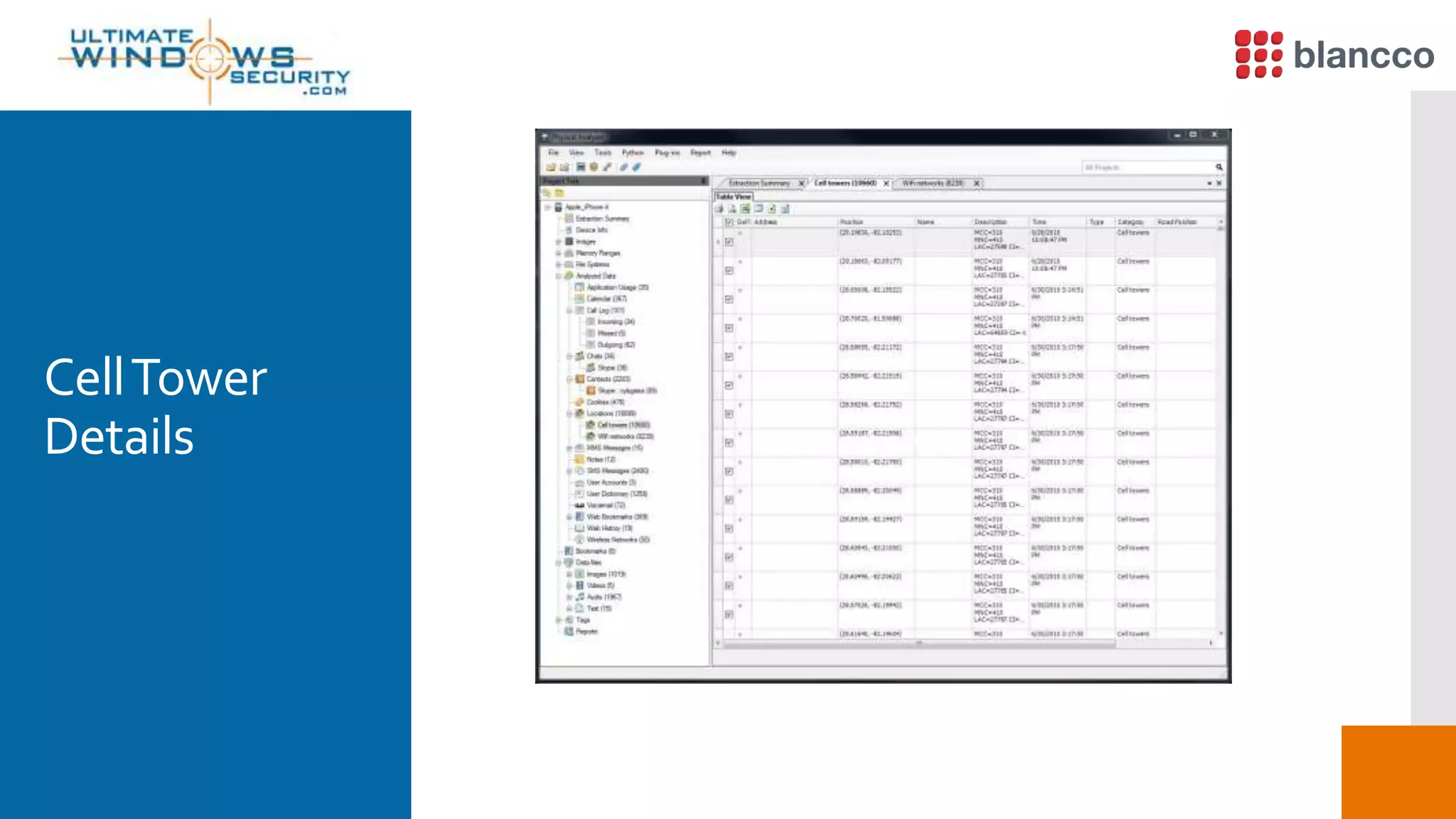
CellTower
Details
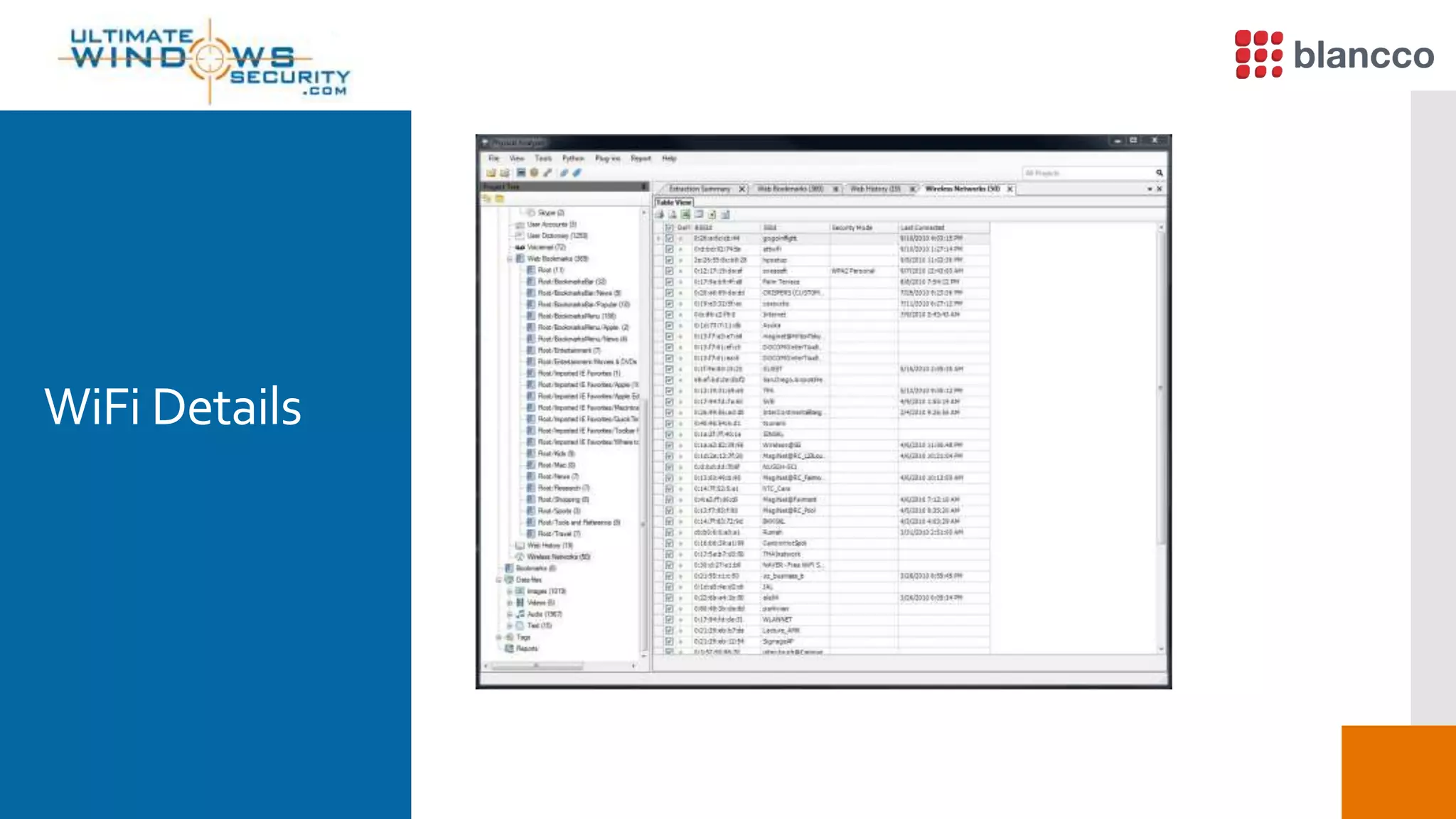
WiFi Details
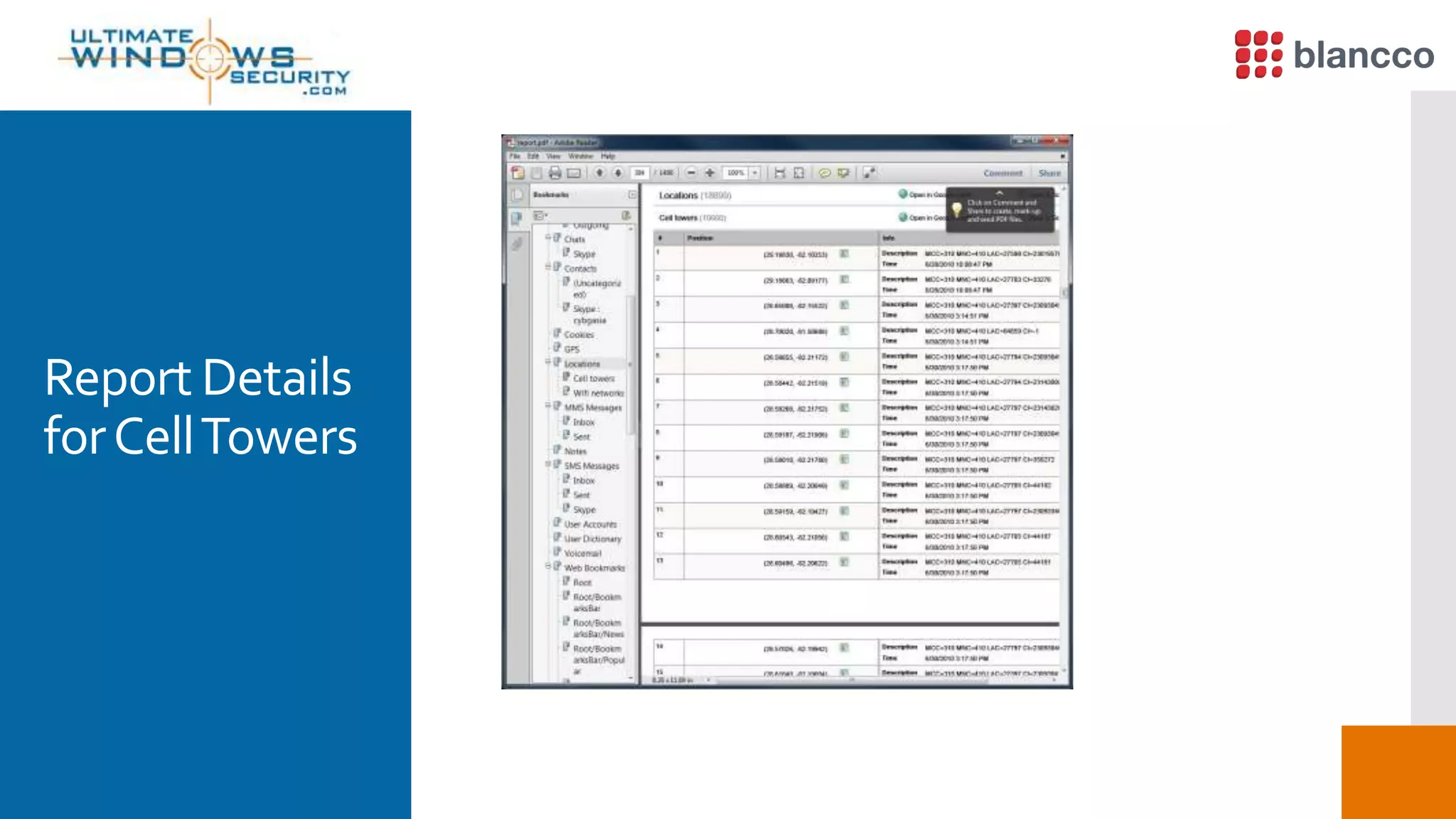
Report Details
forCellTowers
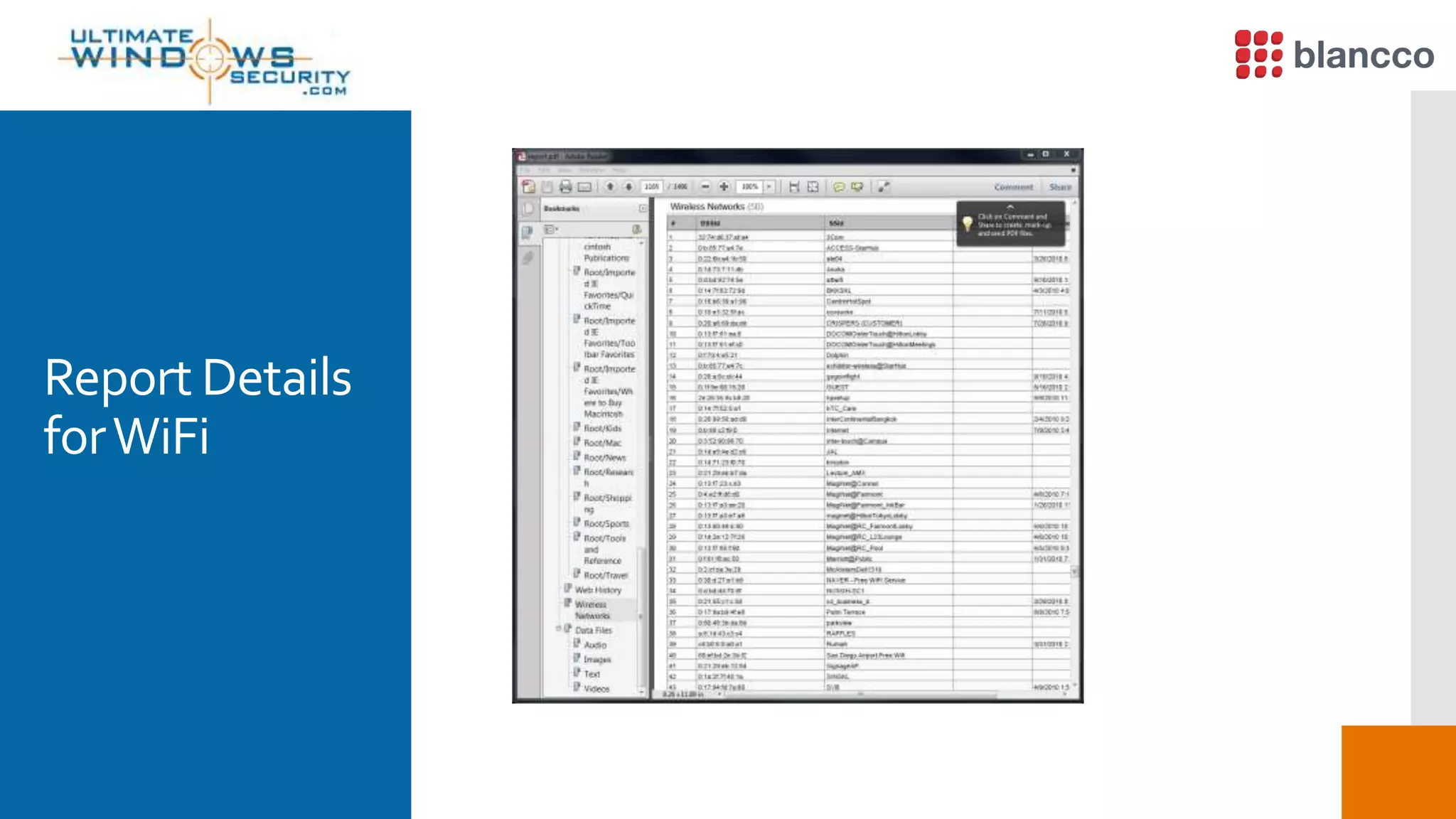
Report Details
forWiFi
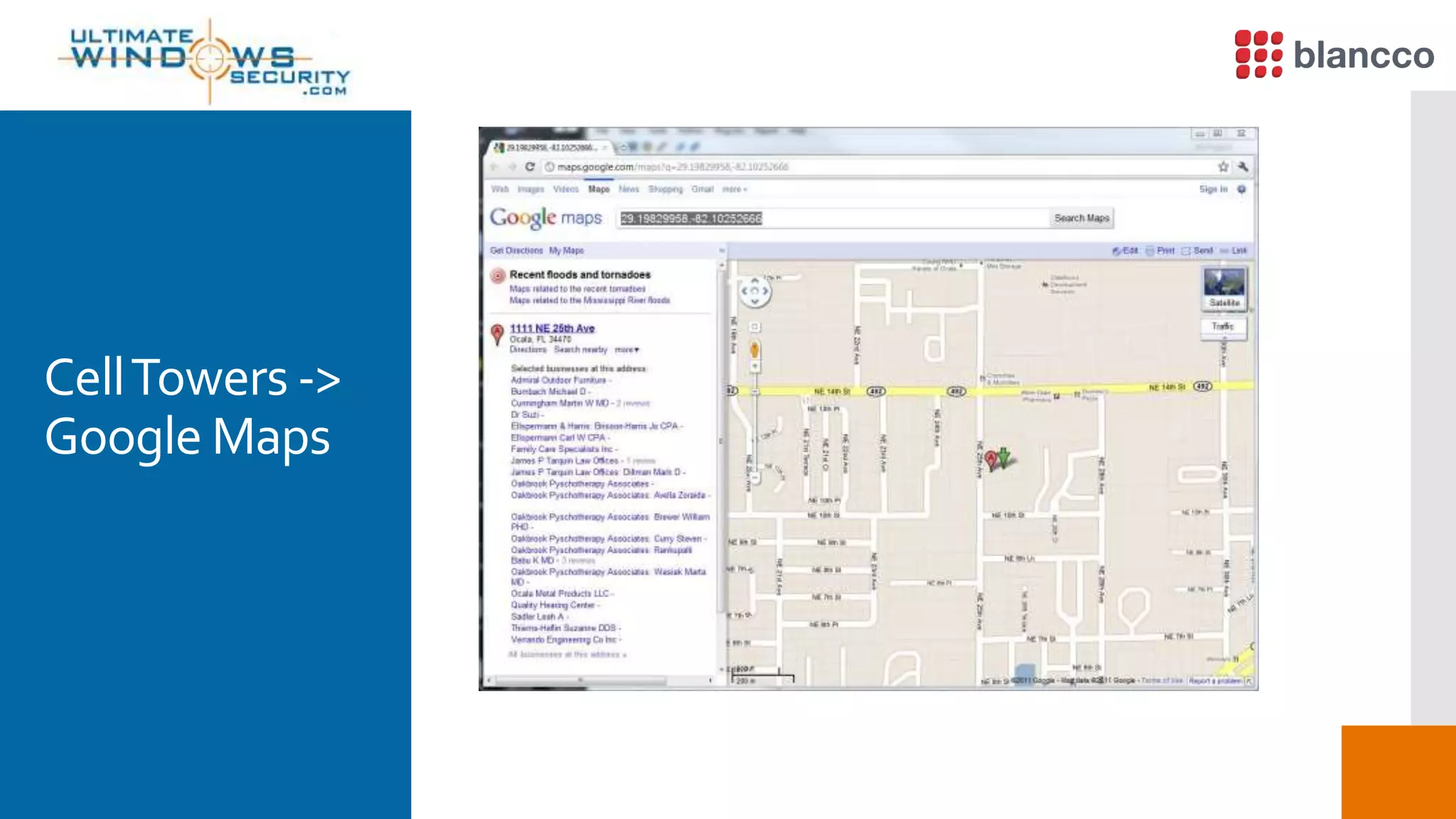
CellTowers ->
Google Maps
WiFi toGoogle
Maps
Lets Not
ForgetGPS
Shows
Deleted Items
i.e.SMS
Dynamic
Dictionary -
Hmmmm
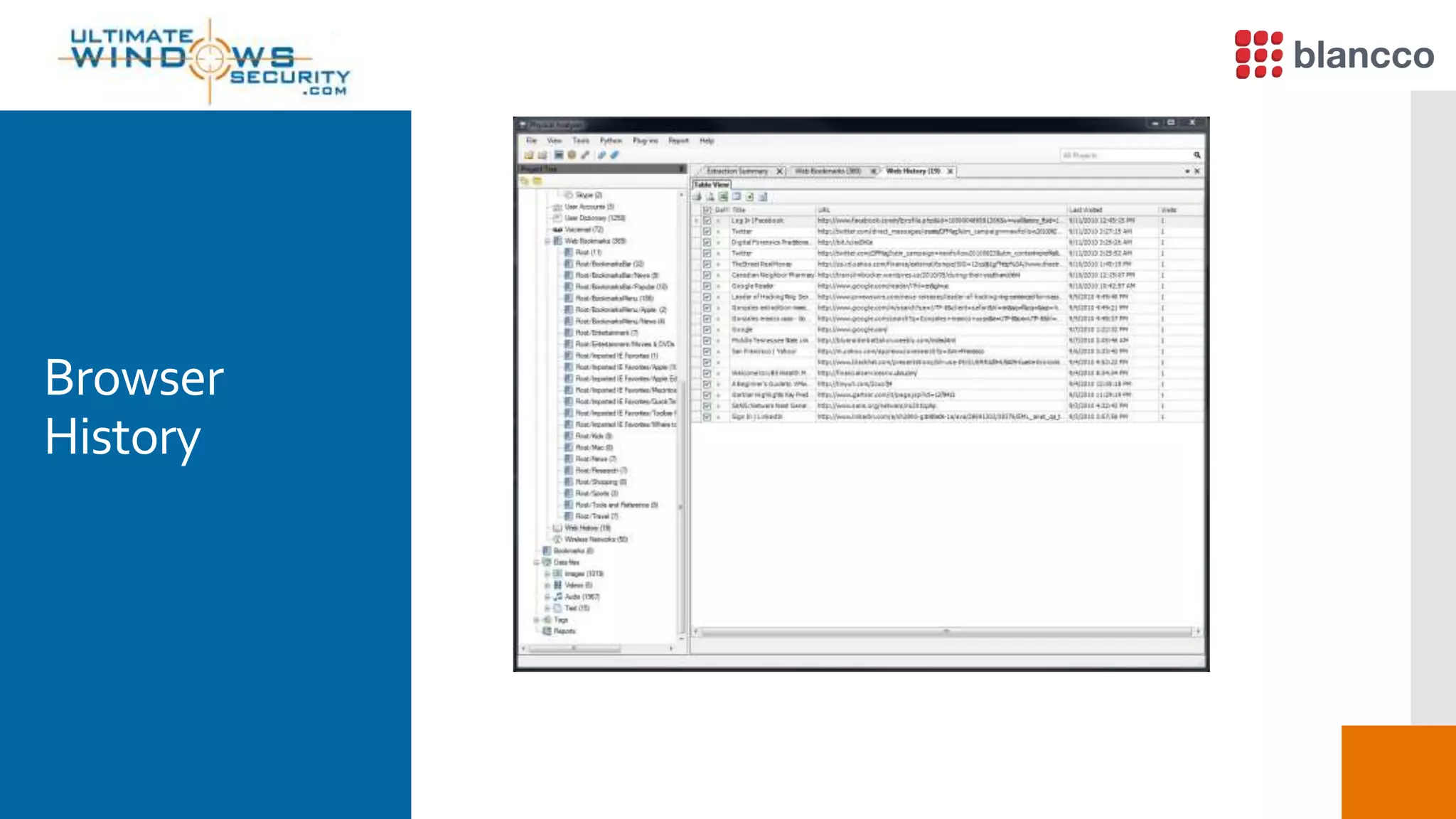
Browser
History
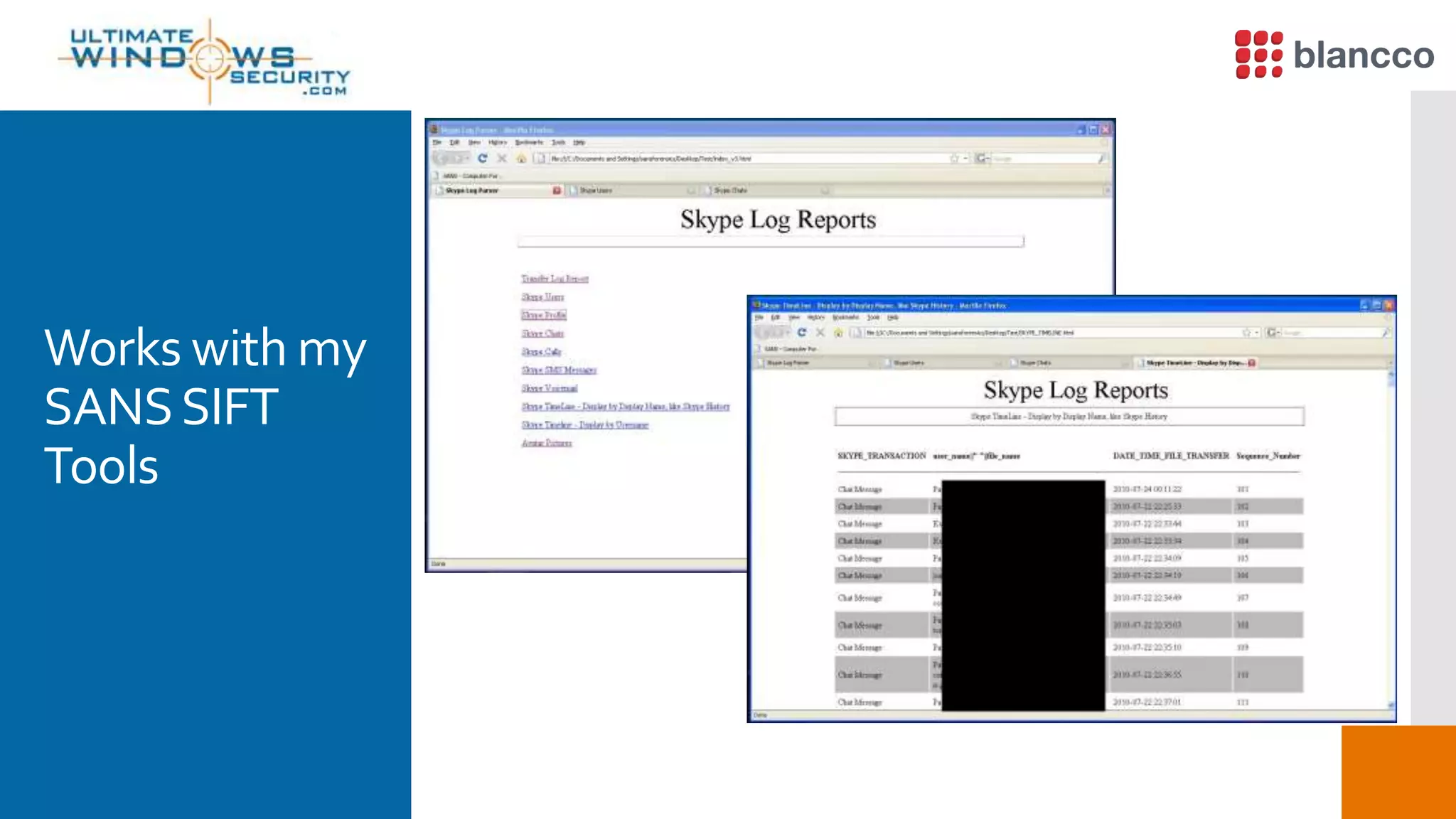
Works with my
SANSSIFT
Tools
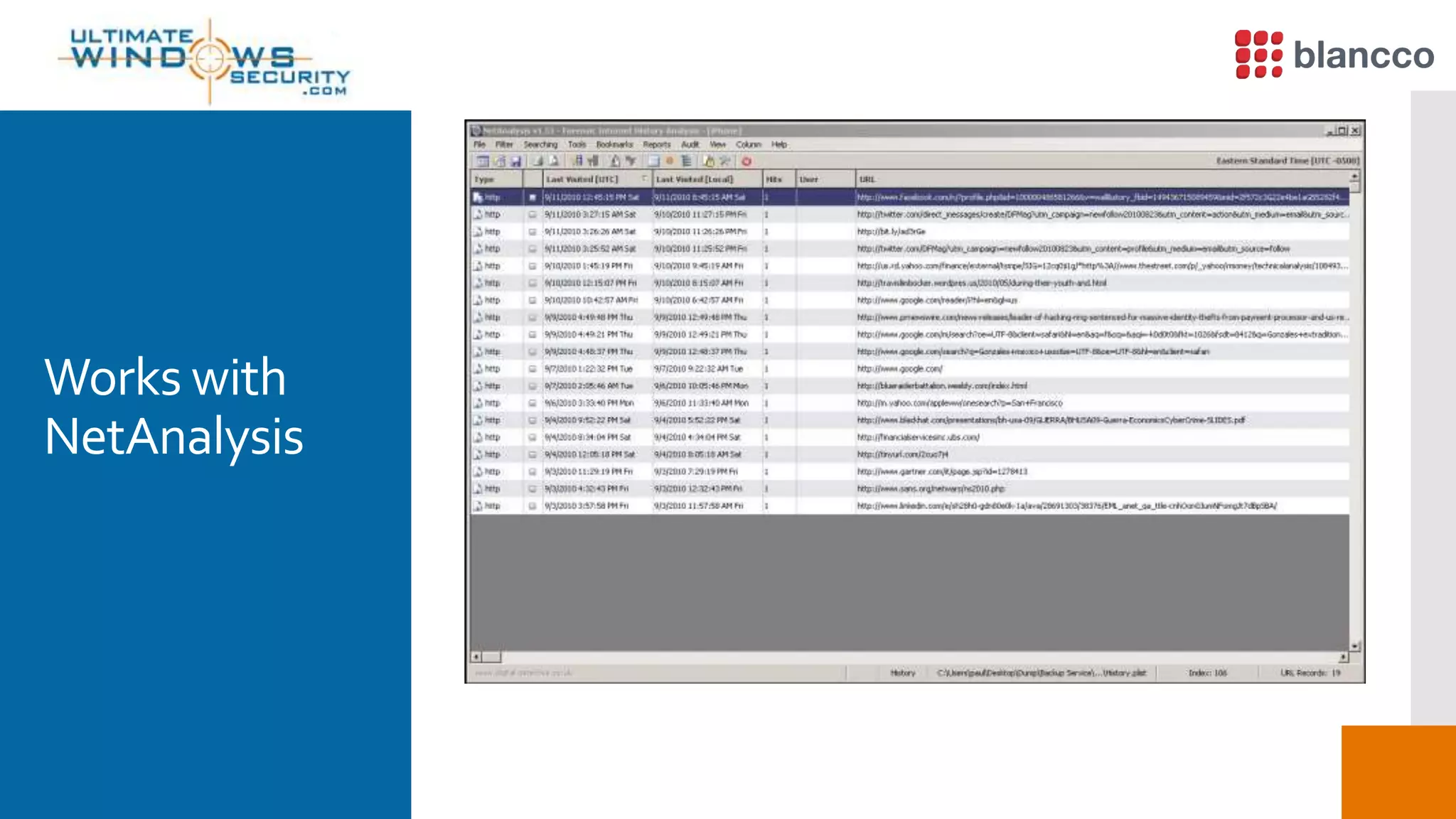
Works with
NetAnalysis
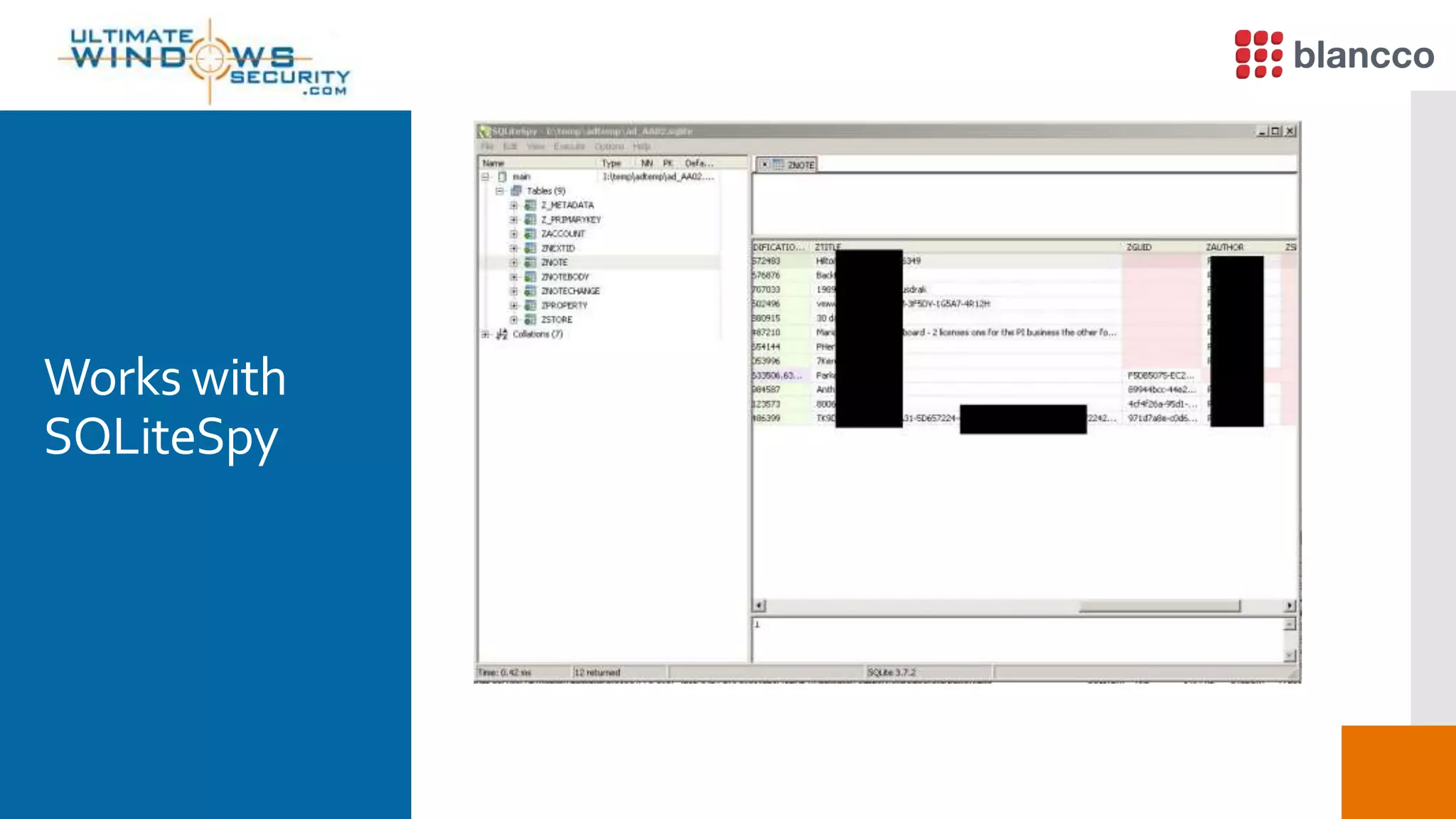
Works with
SQLiteSpy
Works with
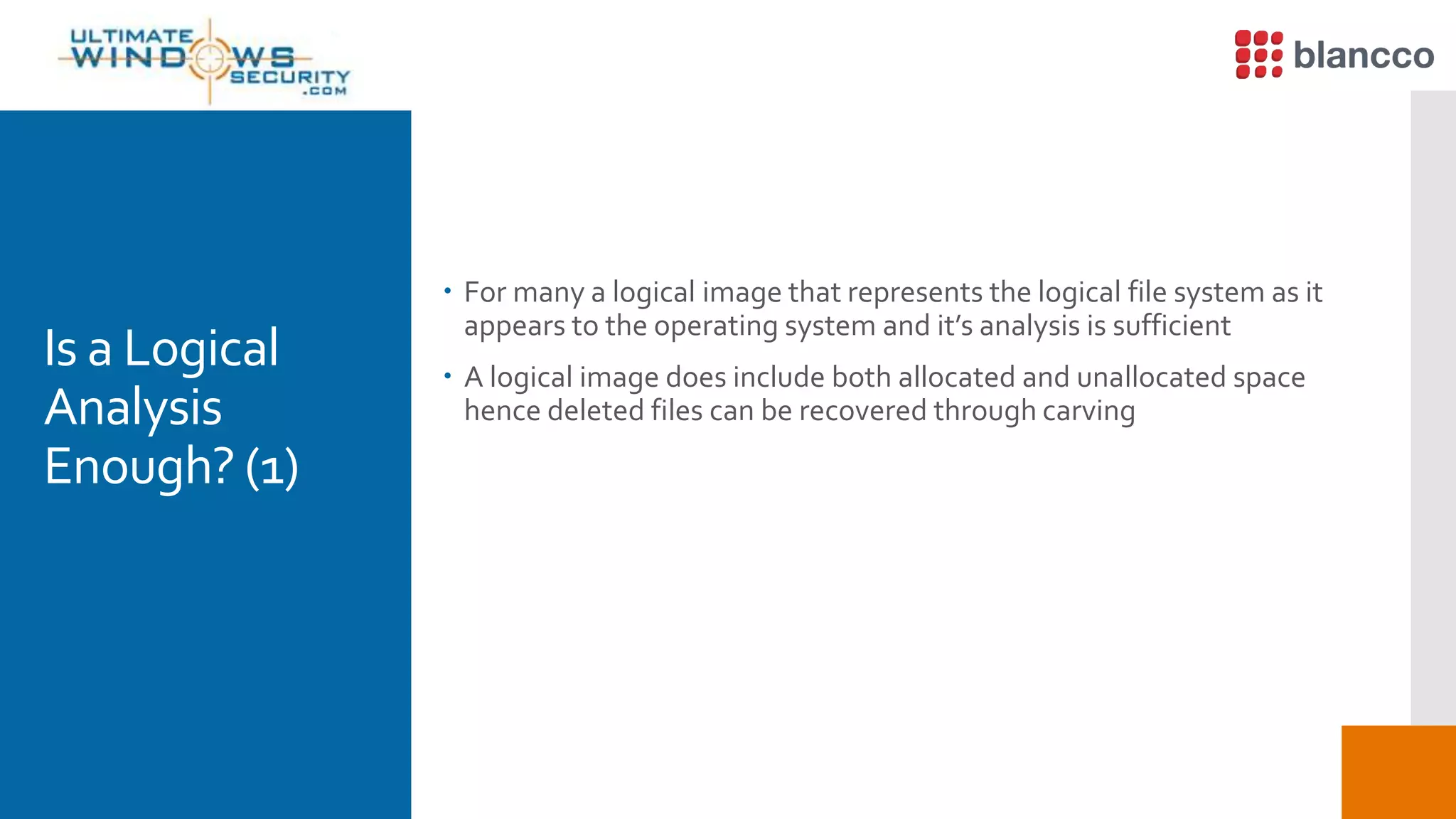
FTK 3.X
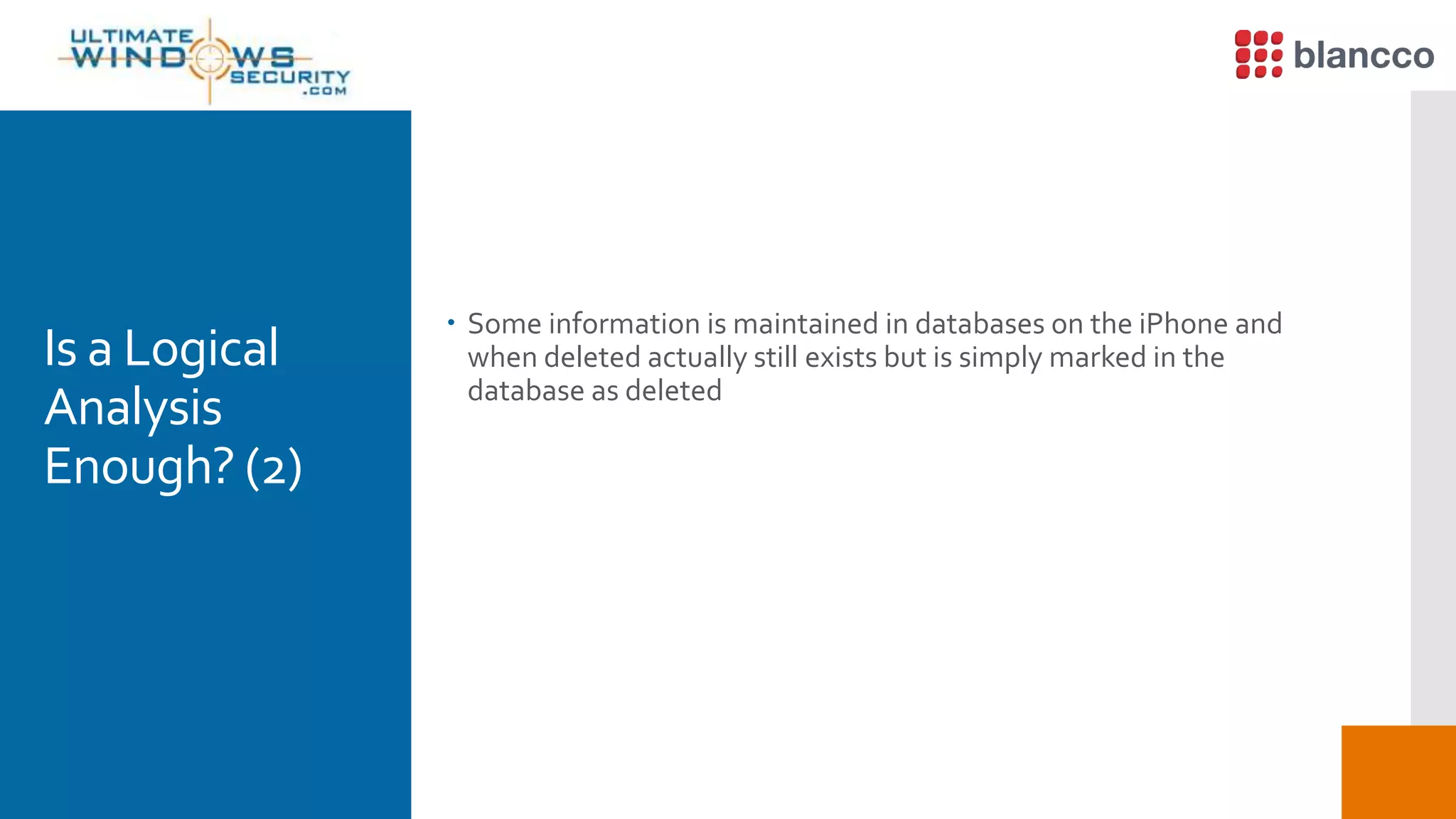
Use FTK Plist
View
Capability
Is a Logical
Analysis
Enough? (1)
 For many a logical image that represents the logical file system as it
appears to the operating system and it’s analysis is sufficient
 A logical image does include both allocated and unallocated space
hence deleted files can be recovered through carving
Is a Logical
Analysis
Enough? (2)
 Some information is maintained in databases on the iPhone and
when deleted actually still exists but is simply marked in the
database as deleted
IsA Logical
Analysis
Enough? (3)
 No longer seen by the user in the applications GUI hence some
“deleted” information can in fact be recovered in a logical
extraction.
 So yes a logical analysis may provide a significant amount of data
but… it is of course not equivalent to a physical analysis, more about
that in a few minutes
What is a
Physical
Analysis
 For starters a Physical image is a bit by bit copy of the entire physical
data store including that which is outside of the operating systems
view of the storage media’s file structure.
 A typical physical analysis allows you to access portions of the
storage media that may not currently be in use by the phone. Now
you can carve files from both allocated and unallocated space across
all available storage media
Now let's get
Physical
 Significantly more data is typically found with a physical image such
as deleted files including images and other user data that effectively
needs to be carved from the physical image (includes all storage
media both allocated and unallocated space including that which is
outside the scope of the file system) just like on a PC or server hard
disk.
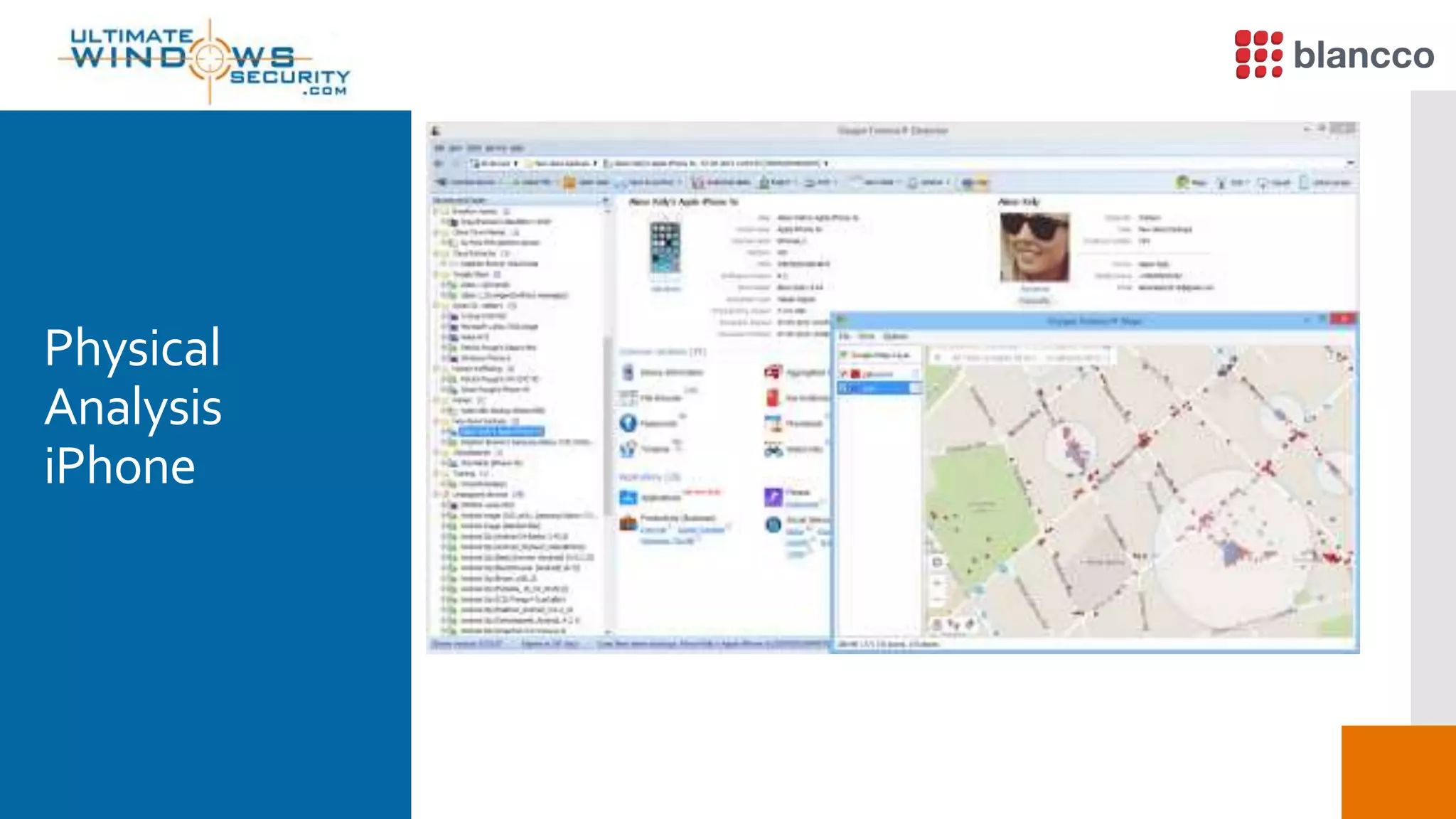
Physical
Analysis
iPhone
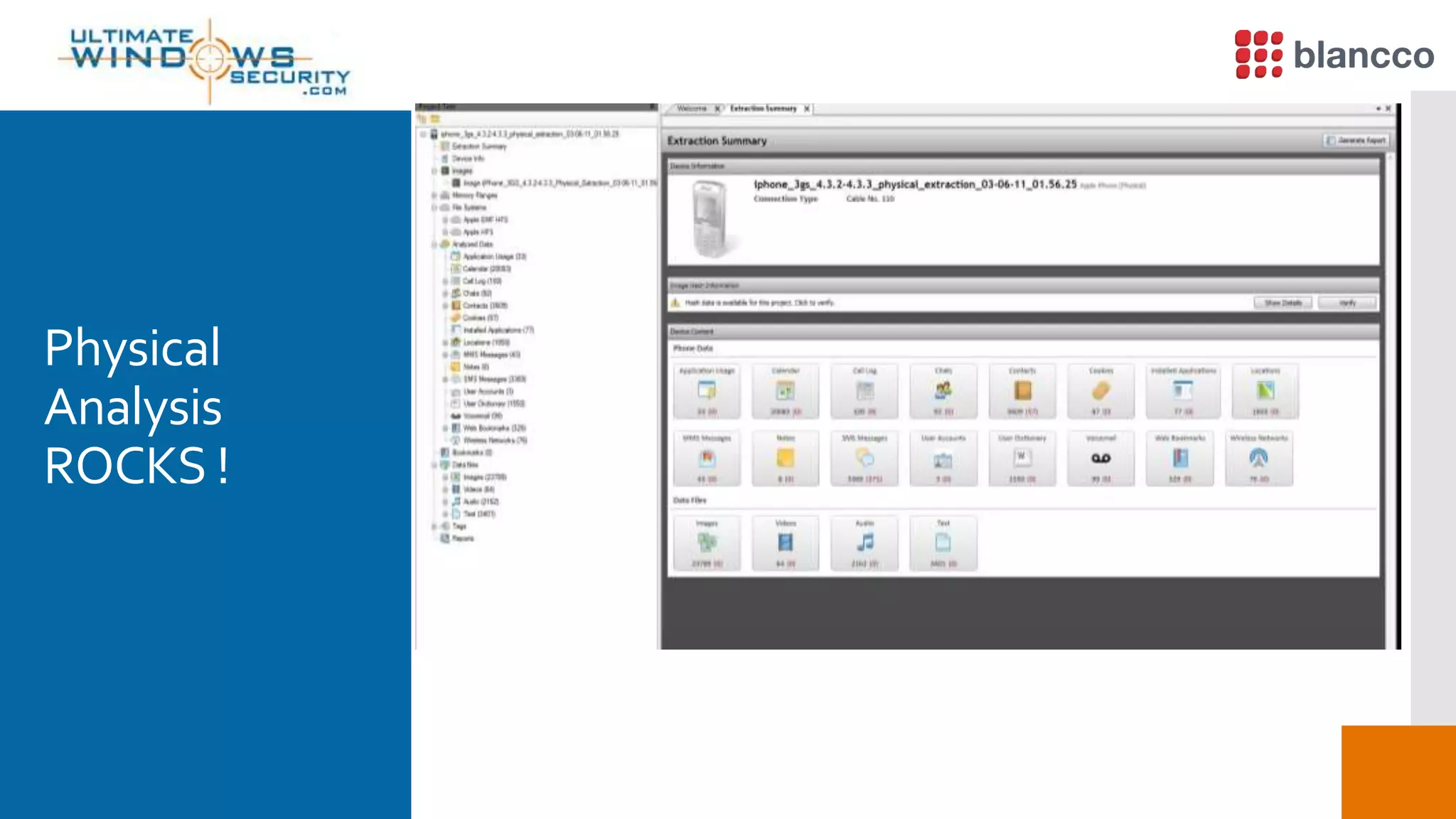
Physical
Analysis
ROCKS !
Logical vs.
Physical (1)
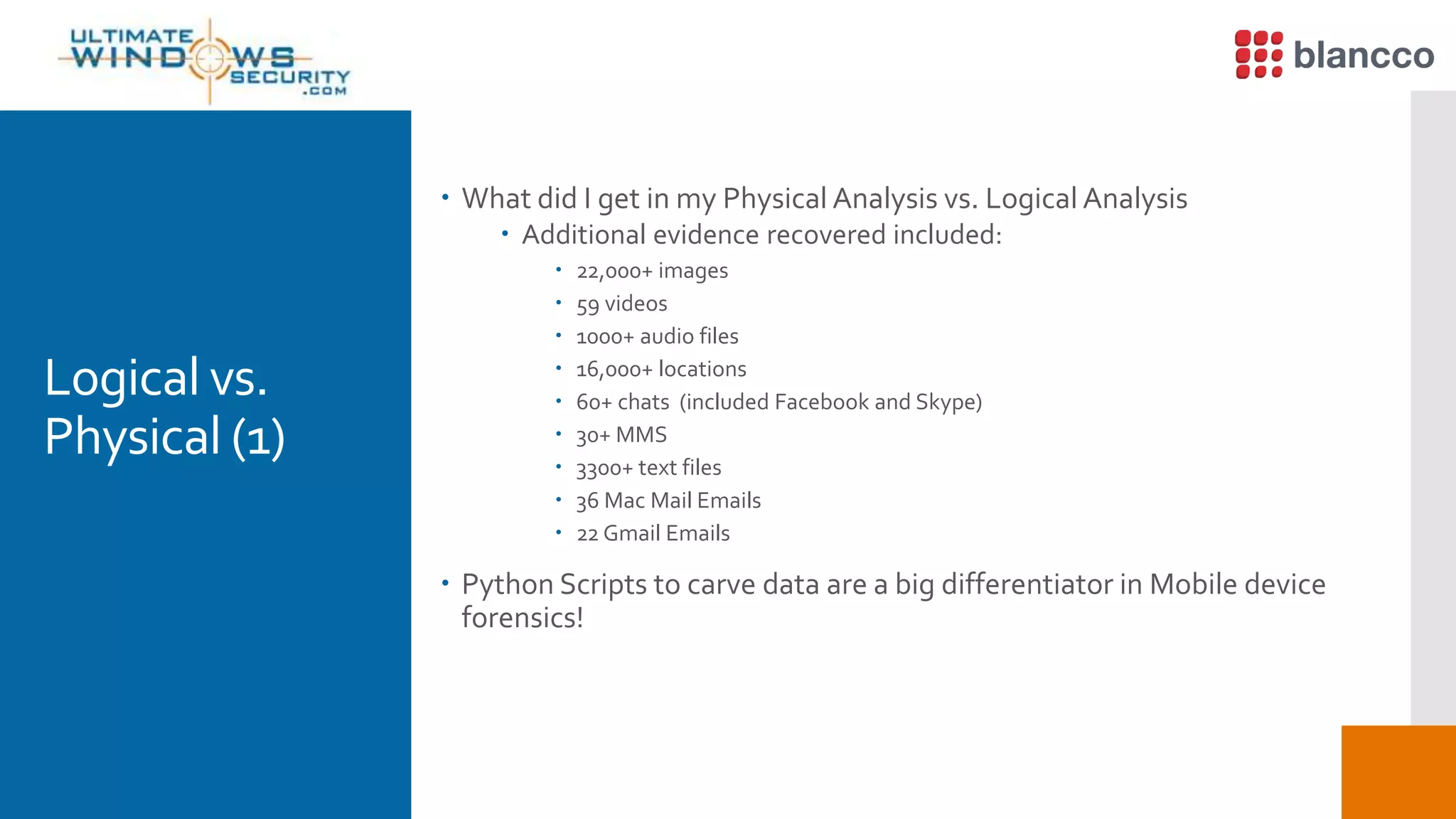
 What did I get in my Physical Analysis vs. Logical Analysis
 Additional evidence recovered included:
 22,000+ images
 59 videos
 1000+ audio files
 16,000+ locations
 60+ chats (included Facebook and Skype)
 30+ MMS
 3300+ text files
 36 Mac Mail Emails
 22 Gmail Emails
 Python Scripts to carve data are a big differentiator in Mobile device
forensics!
Logical vs.
Physical (2)
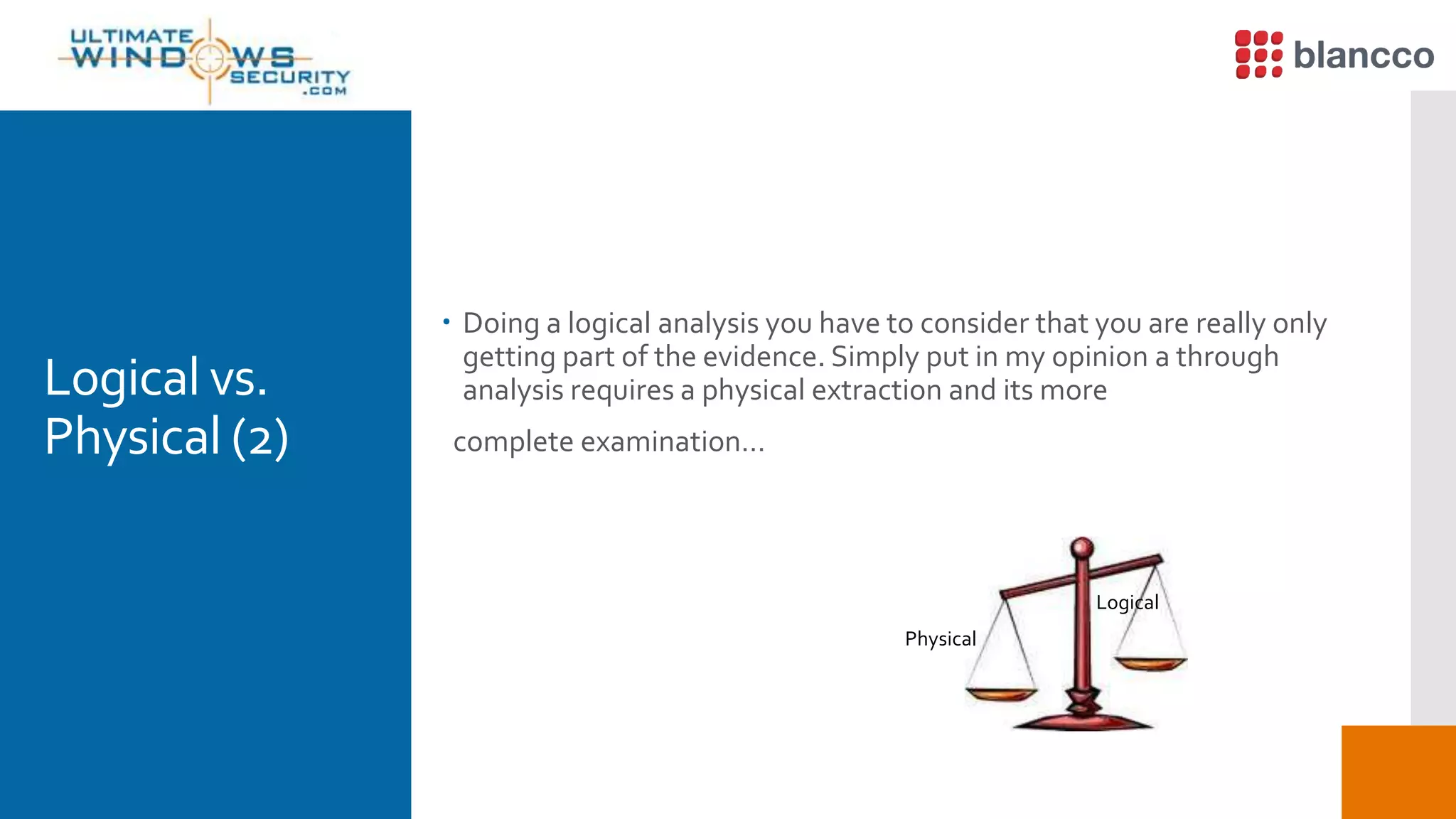
 Doing a logical analysis you have to consider that you are really only
getting part of the evidence. Simply put in my opinion a through
analysis requires a physical extraction and its more
complete examination…
Logical
Physical
FinalThoughts
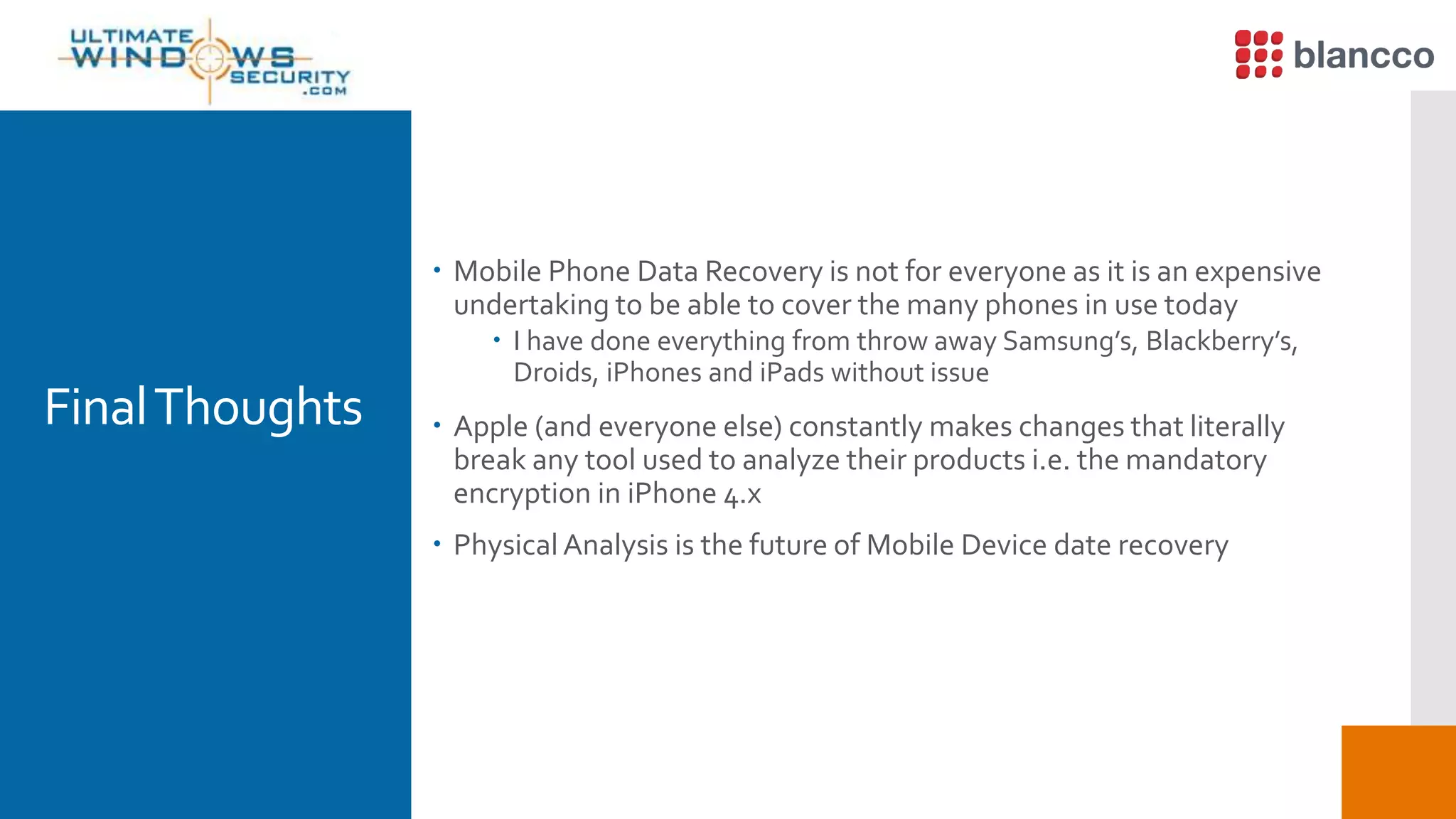
 Mobile Phone Data Recovery is not for everyone as it is an expensive
undertaking to be able to cover the many phones in use today
 I have done everything from throw away Samsung’s, Blackberry’s,
Droids, iPhones and iPads without issue
 Apple (and everyone else) constantly makes changes that literally
break any tool used to analyze their products i.e. the mandatory
encryption in iPhone 4.x
 Physical Analysis is the future of Mobile Device date recovery
Blancco  Demo byTimTutten
 Blancco Mobile
 Blancco Management Console
FinalThoughts
Thanks for coming!
Contact:
phenry@vnetsecurity.com
phenry@sans.org
Questions?

What One Digital Forensics Expert Found on Hundreds of Hard Drives, iPhones and Android Devices

  • 1.
  • 2.
    Thanks to  Madepossible by
  • 3.
    Data Recovery On DevicesPurchased On EBay When is erase is not really an erase…
  • 4.
    Just How Do TheyGet There? Bankruptcy Proceedings  Do you really thing the bankruptcy court cares about your data?  If it cost money to do something rest assured it will not be done  Equipment Liquidators  Again… If it cost money to do something rest assured it will not be done  Employees  Make a few extra bucks selling discarded equipment
  • 5.
    How Do you RetrieveThe Data?(1)  On a hard disk sold on eBay where nothing was done to the disk the data is simply readily available with no effort required to recover it  Yes some of the drives purchased on eBay were simply removed from a PC and nothing at all was done to protect the data that was on the disk
  • 6.
    How Do you RetrieveThe Data?(2)  On a disk where the data was only erased you simply use a free tool like FTK Imager to recover the data  If the file allocation table was not overwritten by i.e. reformatting it still contains the “map” to all files and they easily retrieved from unallocated space  FTK shows all deleted files with a red X as the first character in the file name  You simply right click on the file and save it
  • 7.
    Blancco File  EraseUnwanted Files Easily, Quickly and Permanently with Blancco File  As a participant in today’s webinar, we’re giving you Blancco File at 25% off! Just use Promo Code: ULTIMATE25  http://www.blancco.com/en/buy *Promotion expires on May 31, 2016.
  • 8.
    Blancco File Demo byTimTutten
  • 9.
  • 10.
    How Do you RetrieveThe Data?(3)  On a disk that was re-formatted you simply “carve” the data from unallocated space using a free tool contained in the SANS SIFT toolkit called Scapel / Foremost or any of the many alternatives  Most every file has a known start called the Header and an end called the Footer  You simply search unallocated space for the respective Header and carve the file out until you reach the Footer….
  • 11.
  • 12.
  • 13.
  • 14.
    Blancco 5 Demo byTimTutten
  • 15.
    Android Devices  Dataretrieval on an Android device is quite easy using free tools such as MagnetAcquire
  • 16.
  • 17.
  • 18.
  • 19.
  • 20.
    WhatCanYou Recover?  A treasuretrove of information is stored in an Android and can be recovered  Logical analysis can provide:  Browser history, Call Logs, Contact Methods, External Image Media (meta data), External ImageThumbnail Media (meta data), External Media, Audio, and Misc. (meta data), ExternalVideos (meta data), MMS, MMS Parts (includes full images sent via MMS), Organizations, People, SMS, List of all applications installed and version, Contacts – Extensions, Groups, Phones, Settings
  • 21.
    WhatAboutA Factory Reset?  Afactory reset on an unencryptedAndroid device does not by default properly overwrite data.  Hence, literally all user data is recoverable using the carving methods described earlier  To get rid of the users data you need to encrypt the phone first and then do the factory reset to delete the key used for encryption  There is still a risk data could be recovered if the key is guessed
  • 22.
    WhatAbout The iPhone  Onearly iPhones like the iPhone 4 encryption was not mandatory  Around version 5 recovery of deleted data was made easy as Apple did a poor job of properly handling the encryption key  After version 5 Apple began to hide the key in hardware but exploits were discovered to reveal the key and allow access to the phones data  Remember the recent FBI case…
  • 23.
     A treasuretrove of information is stored in the iPhone  For starters:  User accounts  Contacts  Call history  SMS Messages  Messages Google Mail andYahoo! Messenger  Skype Chat  History of Google Maps, stored in iPhone and iPad  Dynamic Dictionary  Automatic Screen Shots  Most apps store data so the list simply goes on and on and on Apple iPhone Data Recovery (1) WhatAbout The iPhone
  • 24.
    Apple iPhone DataRecovery (2)  Several tools can image a iPhone  Simply put they are easy to use and works well with all of my other tools i.e. SANS SIFT, FTK, Net Analysis, IEF……..WhatAbout The iPhone
  • 25.
    Extract Phone DataOption  Youget what you would expect in a well formatted report  Call logs, Phone Book, SMS, Videos, Audio / Music
  • 26.
    The File Dump Option(1)  Not to overly simplify it, when you use the file system dump it mounts the file system and does a file by file copy while it also maintains the file system hierarchy.  Software is great for reporting on the files system dump but it also works well when you import the data structure in and analyze it in tools like SIFT or FTK
  • 27.
    The File Dump Option(2)  What can you expect to get?  SMS, Contacts, Call Logs, MMS, Notes, Applications, Voice Mails, Calendar, Bluetooth, GPS, Notes, Bookmarks, Skype, Chat, Cookies, Bookmarks, Facebook  You also get lots and lots of plist files that contain a large amount of personal data
  • 28.
    The File Dump Option(3)  What your not going to get?  Well your not going to get email as it is separately encrypted and your not going to get some deleted files  let me clarify - if the deleted entry is only marked as deleted in the respective database then yes as the file is not really deleted you will get the entry…. I am talking about really deleted files from the storage media
  • 29.
  • 30.
  • 31.
  • 32.
  • 33.
  • 34.
  • 35.
  • 36.
  • 37.
  • 38.
  • 39.
  • 40.
  • 41.
  • 42.
  • 43.
  • 44.
  • 45.
  • 46.
  • 47.
  • 48.
  • 49.
  • 50.
  • 51.
    Is a Logical Analysis Enough?(1)  For many a logical image that represents the logical file system as it appears to the operating system and it’s analysis is sufficient  A logical image does include both allocated and unallocated space hence deleted files can be recovered through carving
  • 52.
    Is a Logical Analysis Enough?(2)  Some information is maintained in databases on the iPhone and when deleted actually still exists but is simply marked in the database as deleted
  • 53.
    IsA Logical Analysis Enough? (3) No longer seen by the user in the applications GUI hence some “deleted” information can in fact be recovered in a logical extraction.  So yes a logical analysis may provide a significant amount of data but… it is of course not equivalent to a physical analysis, more about that in a few minutes
  • 54.
    What is a Physical Analysis For starters a Physical image is a bit by bit copy of the entire physical data store including that which is outside of the operating systems view of the storage media’s file structure.  A typical physical analysis allows you to access portions of the storage media that may not currently be in use by the phone. Now you can carve files from both allocated and unallocated space across all available storage media
  • 55.
    Now let's get Physical Significantly more data is typically found with a physical image such as deleted files including images and other user data that effectively needs to be carved from the physical image (includes all storage media both allocated and unallocated space including that which is outside the scope of the file system) just like on a PC or server hard disk.
  • 56.
  • 57.
  • 58.
    Logical vs. Physical (1) What did I get in my Physical Analysis vs. Logical Analysis  Additional evidence recovered included:  22,000+ images  59 videos  1000+ audio files  16,000+ locations  60+ chats (included Facebook and Skype)  30+ MMS  3300+ text files  36 Mac Mail Emails  22 Gmail Emails  Python Scripts to carve data are a big differentiator in Mobile device forensics!
  • 59.
    Logical vs. Physical (2) Doing a logical analysis you have to consider that you are really only getting part of the evidence. Simply put in my opinion a through analysis requires a physical extraction and its more complete examination… Logical Physical
  • 60.
    FinalThoughts  Mobile PhoneData Recovery is not for everyone as it is an expensive undertaking to be able to cover the many phones in use today  I have done everything from throw away Samsung’s, Blackberry’s, Droids, iPhones and iPads without issue  Apple (and everyone else) constantly makes changes that literally break any tool used to analyze their products i.e. the mandatory encryption in iPhone 4.x  Physical Analysis is the future of Mobile Device date recovery
  • 61.
    Blancco  DemobyTimTutten  Blancco Mobile  Blancco Management Console
  • 62.
  • 63.

Editor's Notes

  • #5 While the numbers vary typically less then 30 to 40% of hard drives sold on eBay are encrypted and even less are actually properly wiped I have also seen cases where USB sticks collected by employees on a commuter train line were sold with no regard to wiping the data stored upon them
  • #6 Yes some people simply yank out the drive and resell it on ebay…
  • #7 An erase leaves the data in unallocated space and the pointer to the file still exists in the file allocation table
  • #10 FTK marks deleted files and folders with a red X – simply right click on one and tell FTK where to save the file to it is that easy
  • #11 If a disk is reformatted the file allocation is recreated and all pointers to files that had existed on the disk are lost. To get the data back you simply carve it off the disk by searching for headers and carving to the footer…. This can be done automatically using several different free and comercial tools
  • #12 SIFT from SAN is a free collection of tools to perform incident response, forensics and data recovery
  • #13 You can extend the capability of the tools by entering your own customer headers and footers to carve for files that are not already included in the tool configuration
  • #14 This is a view of a wiped disk – there is simply no data to recover
  • #16 Nothing really special about data recovery on an Android
  • #17 Supports Android and Apple as well as hard disk imaging
  • #18 IEF can carve for files and automatically recover them from unallocated space
  • #19 point and click easy to use
  • #20 File carving from unallocated space and recovering deleted records within applications is an automatic process