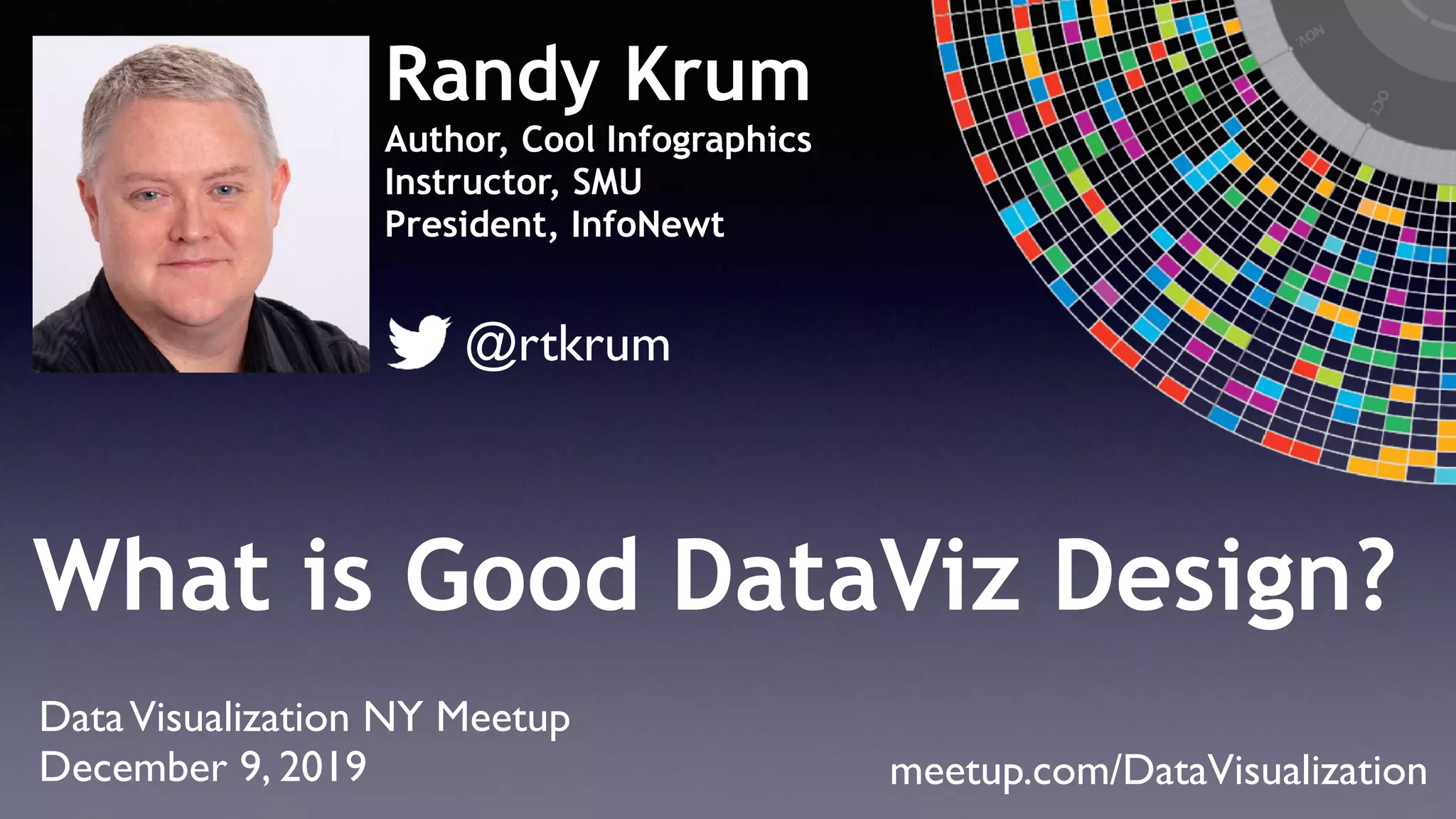
What is Good DataViz Design?
Randy Krum
Author, Cool Infographics
Instructor, SMU
President, InfoNewt
DataVisualization NY Meetup
December 9, 2019 meetup.com/DataVisualization
@rtkrum
5 Things About Me
LinkedIn Mobile Networking
coolinfographics.com/nycmeetup
Files & links available at
Good DataViz Design
Image by Will Lion, 2008
50,000
100,000
150,000
200,000
250,000
300,000
350,000
400,000
1990 1995 2000 2005 2010 2015 2020
Global Internet Traffic Growth
(Petabytes/Month)
CiscoVisual Networking Index, 2019
2019
Traffic will DOUBLE by 2022!
Drowning in Data!
Don’t Be Part of the Problem!
“Of all methods for analyzing and
communicating statistical information,
well-designed data graphics are
usually the simplest and at the same
time the most powerful.”
Edward Tufte, 2001
NOT Data Visualization!
Simplify
Clarify
The job of a data visualization design is to…
What is DataVisualization?
AVisual Representation of Data
Infographics Tell
Stories Combining
Text
Illustrations
DataVisualizations
Layout
DataViz is a Skill
Dashboards Reports Presentations
Good DataViz Design
The Big Three
Hundreds of Ways toVisualize Data
extremepresentation.com/design/7-charts/
datavizcatalogue.com
The Data
Visualization
Catalogue
Severino Ribecca
The Graphic Continuum
Back
Front
bit.ly/1AU1hb8
The Chart Guide
20 Ways To
Visualize
Percentages
Reference
Sheet
28 DataViz Reference Guides
DataViz Design Toolbox
Data Visualization
TOOLBOX
DataViz Design with Objects
Diabetes is Overwhelming Medicare
The Noun Project
thenounproject.com
The Noun Project in PowerPoint
Wordle.net
Qualitative
Data
gliffy.com
Microsoft Power BI
Chart.js
Interactive HTML5 Charts
Highcharts/HighMaps JS
highcharts.com
D3.js
Flourish
R
programming language
r-project.org
Processing 2.0
programming language
processing.org
Real World DataViz
49 of the 50
Best selling-drugs in 2014 were developed in partnership
with Covance Central Laboratory Services
49
1
Coolinfographics.com/Tools
Good DataViz Design
Most
Charts
Suck!
The Tyranny of the Default
Two Opposing Goals
Discovery Communication
Discovery DataViz
Communication DataViz
Good DataViz for Communication…
Understood
Faster
Memorable Actionable
Tips for Good DataViz Design
(and the problems they solve)
5
2004 2005 2006 2007 2008 2009 2010 2011 2012 2013 2014 2015 2016 2017 2018 2019
0
100
50
2019
1. VisualizeYour Data!
Search term = “Infographic”
University of Rochester, 2004
80% of the brain is dedicated to
visual processing
The human brain is a pattern recognition machine
Picture Superiority Effect
European Journal of Cognitive Psychology 18(6), 2006
10% 65%
Text or Audio Only Text + Picture
Memory retention after 3 days
Visualizing data compares
multiple values and puts
the information into
CONTEXT
There are approximately
3,079,339,857global Internet users
InternetWorldStats.com
December 31, 2014
Big fonts are NOT data visualizations!
Data shown
as text-only
provides
no context!
thesocialmediahat.com/active-users
Data shown as
text is ineffective!
Ineffective designs from lazy designers
Global Internet Users
2014
3,079,339,857
It’s tough to visualize a
number by itself
There are approximately
3,079,339,857
global Internet users
InternetWorldStats.com
December 31, 2014
Approximately
7,264,623,793
total people on Earth
US Census Bureau (USCB)
December 2014
There are approximately
3,079,339,857
global Internet users
InternetWorldStats.com
December 31, 2014
Approximately
320,087,963
total people in the U.S.
US Census Bureau (USCB)
December 2014
2. Be Accurate!
Accuracy
is the most important aspect of a
data visualization design
Everything else is secondary
Good DataViz Design
BAD
Inaccuracy
BAD
How Concerned Are You About the Zika Virus?
Very Somewhat Not Very Not At All
13%
25%
28%
34%
Back Palin
Back Huckabee
Back Romney 60%
63%
70%
2012 Presidential Run

GOP Candidates
2019 Augmented/Virtual Reality Report
$1,500
Total
389% ???
Digi-Capital 2019 Augmented/Virtual Reality Report
$1,500
CiscoVisual Networking Index
viz.wtf
Your CREDIBILITY
is defined by your
DataVisualizations!
FalseVisualizations
Calculate Area for Shapes
1X
9X
1X
3X
Area = 0.79in2
Diameter = 1in
Area = 0.785in2
Diameter = 1in
Area = 7.07in2
Diameter = 3in
Area = 2.355in2
Diameter = 1.73in
WRONG
CORRECT
FalseVisualizations
January 6, 2016
FalseVisualizations
January 6, 2016
Sizing Circles
Bedford	Police	Department	Budget
Budget Circle Circle
2009-2010 Area Diameter
Police
Patrol $4,609,556 5.30 2.60
C.I.D. $1,545,216 1.78 1.50
Community	Services $843,754 0.97 1.11
DetenBon	Services $802,880 0.92 1.08
AdministraBon $782,525 0.90 1.07
Dispatch $662,940 0.76 0.99
Traffic $530,514 0.61 0.88
Records $372,171 0.43 0.74
Red	Light	Camera $371,460 0.43 0.74
Animal	Control $362,703 0.42 0.73
SWAT $18,660 0.02 0.17
Drug	Enforcement $15,000 0.02 0.15
Training $6,600 0.01 0.10
Total $10,923,979 12.57 4.00
Visualizing Circles
X1 = $36.00
D1 = 0.36in
X2 = $144.00
D2 = ?
D2 = D1 * Sqrt (X2 / X1)
?0.36
Visualizing
Circles
Reference
Sheet
Bar Charts
Visualize Area
By Changing
Length
Math
Area = Length x Width
4.0 in2 = 2.0” x 2.0”
12.0 in2 = 6.0” x 2.0”
12.0 in2 / 4.0 in2 = 3
Different Widths
BAD
April June Untitled 1 Untitled 3 Untitled 5
3D
BAD
Bad 3D Charts
Good 3D?
Earth’s Weird Gravity
Non Zero Baseline?
BAD
0%
Scaling Pictograms?
BAD
1
2
3
1
2
3
Filling Pictograms?
BAD
3. ReduceVisual Noise
“Simplify, Simplify, Simplify”
•Reduce Text
•Reduce Colors
•Reduce Clutter
•Reduce Data
•Reduce Lines
Default Chart With Legend
-
10,000
20,000
30,000
40,000
50,000
60,000
70,000
80,000
90,000
100,000
U.S. Residents
Thousands
Gen Z
Gen Y
Gen X
Baby Boomers
Silent Gen
Improved Chart - No Legend
-
10,000
20,000
30,000
40,000
50,000
60,000
70,000
80,000
90,000
100,000
Gen Z Gen Y Gen X Baby Boomers Silent Gen
Thousands
U.S. Residents
6 Steps to Remove Legend
-
10,000
20,000
30,000
40,000
50,000
60,000
70,000
80,000
90,000
100,000
Gen Z Gen Y Gen X Baby Boomers Silent Gen
Thousands
U.S. Residents
1. Delete Legend
2. Transpose the Data
3. Age Groups as Categories
4. Reduce Gap Width
5. Edit Colors for bars (Optional)
6. Add Icons (Optional)
-
10,000
20,000
30,000
40,000
50,000
60,000
70,000
80,000
90,000
100,000
U.S. Residents
Thousands
Gen Z
Gen Y
Gen X
Baby Boomers
Silent Gen
Templates are the Starting Point!
0"
5"
10"
15"
20"
25"
30"
35"
1/1/02" 2/1/02" 3/1/02" 4/1/02" 5/1/02"
Title&
Series"1"
Series"2"
Clean up your charts
32# 32#
28#
12#
15#
12# 12# 12#
21#
28#
Jan# Feb# Mar# Apr# May#
2002 Store Openings
Steps to Clean Up Bar Chart
• Delete Legend
• Change Label Format to Custom “mmm”
• Widen Bar Gap Width = “40%”
• Add Company Logos
• Recolor Data Series
• Add Data Labels Inside End
• Recolor Data Labels to White
• RemoveY-Axis
• Remove Grid Lines & Tick Marks
• Change X-Axis Font Color
32# 32#
28#
12#
15#
12# 12# 12#
21#
28#
Jan# Feb# Mar# Apr# May#
2002 Store Openings
0"
5"
10"
15"
20"
25"
30"
35"
1/1/02" 2/1/02" 3/1/02" 4/1/02" 5/1/02"
Title&
Series"1"
Series"2"
4. Focus on a Key Message
Who isYour Audience?
What Decisions are they Trying to Make?
Preattentive Attributes
Visual aspects your brain can process easily in a fraction of a second
Form Color PositionSize
Please Stand Up!
Count the 4’s
1 9 543 1 5 2 6 5 3 8 9 7 9 3
3 2 882 4 6 6 4 3 3 3 2 7 9 5
2 1 980 8 4 9 7 1 6 3 9 9 3 7
1 2 905 5 8 0 9 7 4 4 4 5 9 2
0 6 873 8 1 4 0 6 2 6 2 0 8 9
Use Size
1 9 5
43 1 5 2 6 5 3 8 9 7 9 3
3 2 882
46 6
43 3 3 2 7 9 5
2 1 980 8
4 9 7 1 6 3 9 9 3 7
1 2 905 5 8 0 9 7
4 445 9 2
0 6 873 8 1
40 6 2 6 2 0 8 9
Use Opacity
1 9 543 1 5 2 6 5 3 8 9 7 9 3
3 2 882 4 6 6 4 3 3 3 2 7 9 5
2 1 980 8 4 9 7 1 6 3 9 9 3 7
1 2 905 5 8 0 9 7 4 4 4 5 9 2
0 6 873 8 1 4 0 6 2 6 2 0 8 9
Use Color
1 9 543 1 5 2 6 5 3 8 9 7 9 3
3 2 882 4 6 6 4 3 3 3 2 7 9 5
2 1 980 8 4 9 7 1 6 3 9 9 3 7
1 2 905 5 8 0 9 7 4 4 4 5 9 2
0 6 873 8 1 4 0 6 2 6 2 0 8 9
4
4 4
4
4 4 4
4
Use Callouts
1 9 543 1 5 2 6 5 3 8 9 7 9 3
3 2 882 4 6 6 4 3 3 3 2 7 9 5
2 1 980 8 4 9 7 1 6 3 9 9 3 7
1 2 905 5 8 0 9 7 4 4 4 5 9 2
0 6 873 8 1 4 0 6 2 6 2 0 8 9
Combinations!
4
4 4
4
4 4 4
4
1 9 53 1 5 2 6 5 3 8 9 7 9 3
3 2 882 6 6 3 3 3 2 7 9 5
2 1 980 8 9 7 1 6 3 9 9 3 7
1 2 905 5 8 0 9 7 5 9 2
0 6 873 8 1 0 6 2 6 2 0 8 9
4
4 4
4
4 4 4
4
7%
8%
10%
11%
29%
35%
35%
Discovery
Show All Data
Communication
Highlight The Insight
Target
Audience
$0
$200,000
$400,000
$600,000
Sep Oct Nov Dec Jan Feb Mar Apr May Jun Jul
20162015
Decline of
$250,000
FY2016Fees
Fees in July 2016 were reduced DRAMATICALLY
5. Be Data Transparent
Give your audience
a reason to believe
your data!
The
Credibility
Hurdle
Find the Original Source!
WIKIPEDIA
Not a Credible Data Source!
Don’t obscure your data sources
with top-level URLs!
Sources:
data.gov
uspto.org
data.un.org
worldbank.org
Data Transparency
Data Credibility Questions
1. Can you determine the data source?
2. Is the data source trusted?
3. Is the data accessible for verification?
4. Is a direct link to the data provided?
5. Is the data current?
1. Provided?
2. Trusted?
3. Accessible?
4. Linked?
5. Current?
NO
???
NO
NO
NO
Data Transparent?
1. Provided?
2. Trusted?
3. Accessible?
4. Linked?
5. Current?
YES
YES
???
NO
YES
Data Transparent?
1. Provided?
2. Trusted?
3. Accessible?
4. Linked?
5. Current?
YES
YES
YES
YES
YES
Good DataViz Design
Good DataViz Design
Good DataViz Design
Good DataViz for Communication…
Understood
Faster
Memorable Actionable
5 DataViz Tips
1. Visualize your Data
2. Be Accurate
3. ReduceVisual Noise
4. Focus on a Key Message
5. Be Data Transparent
coolinfographics.com/book
Download a Free Chapter!
Data Visualization and Communication
Online Certificate Program
pro.smu.edu/dataviz
Launching September 2020
datavisualizationsociety.com
ThankYou!
infonewt.com
@rtkrum
coolinfographics.com
randy@infonewt.com

What Is Good DataViz Design?