Discover eZ Platform v2.4
December 21st, 2018
Product Timeline
www.ez.no
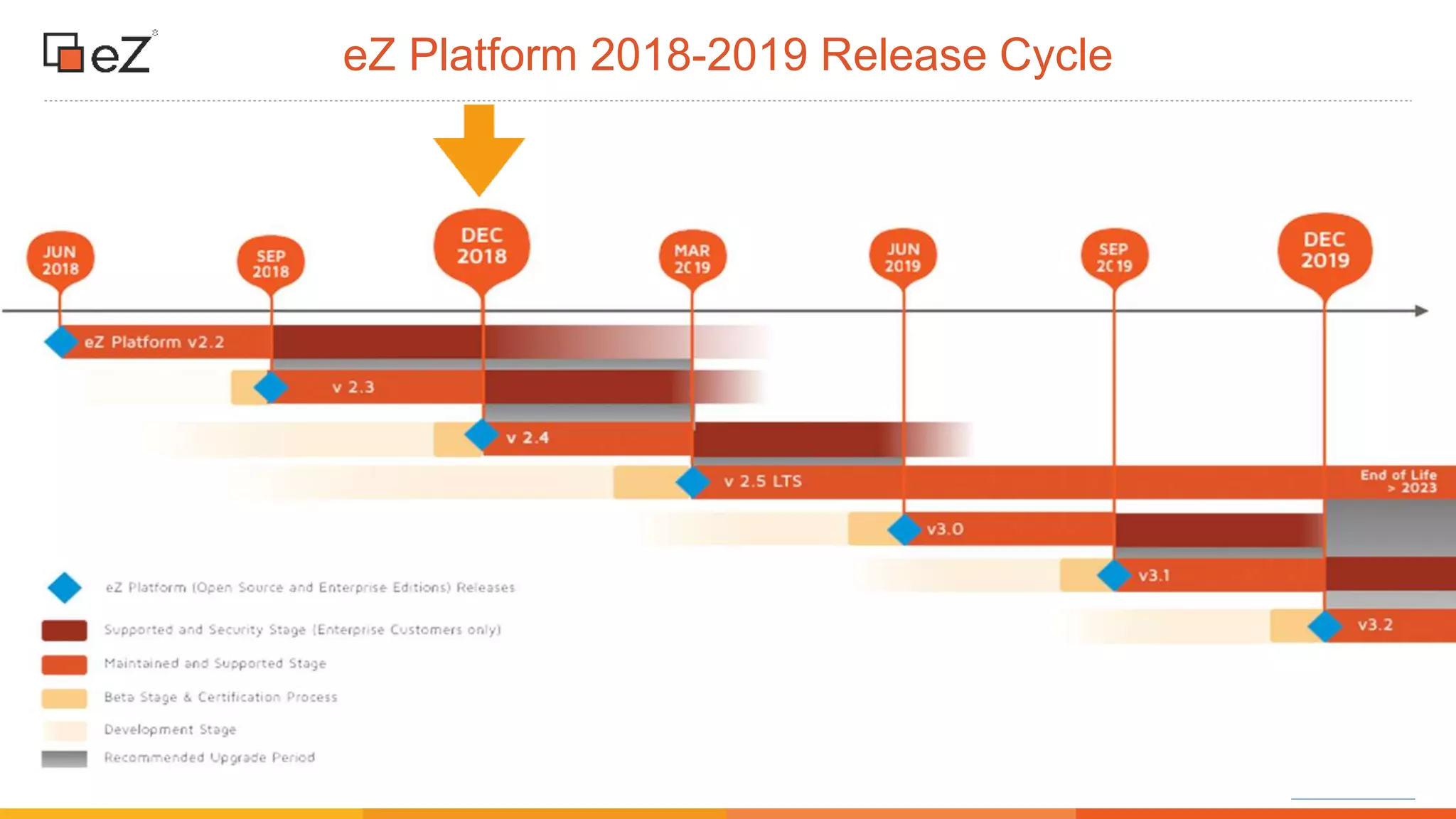
eZ Platform 2018-2019 Release Cycle
www.ez.no
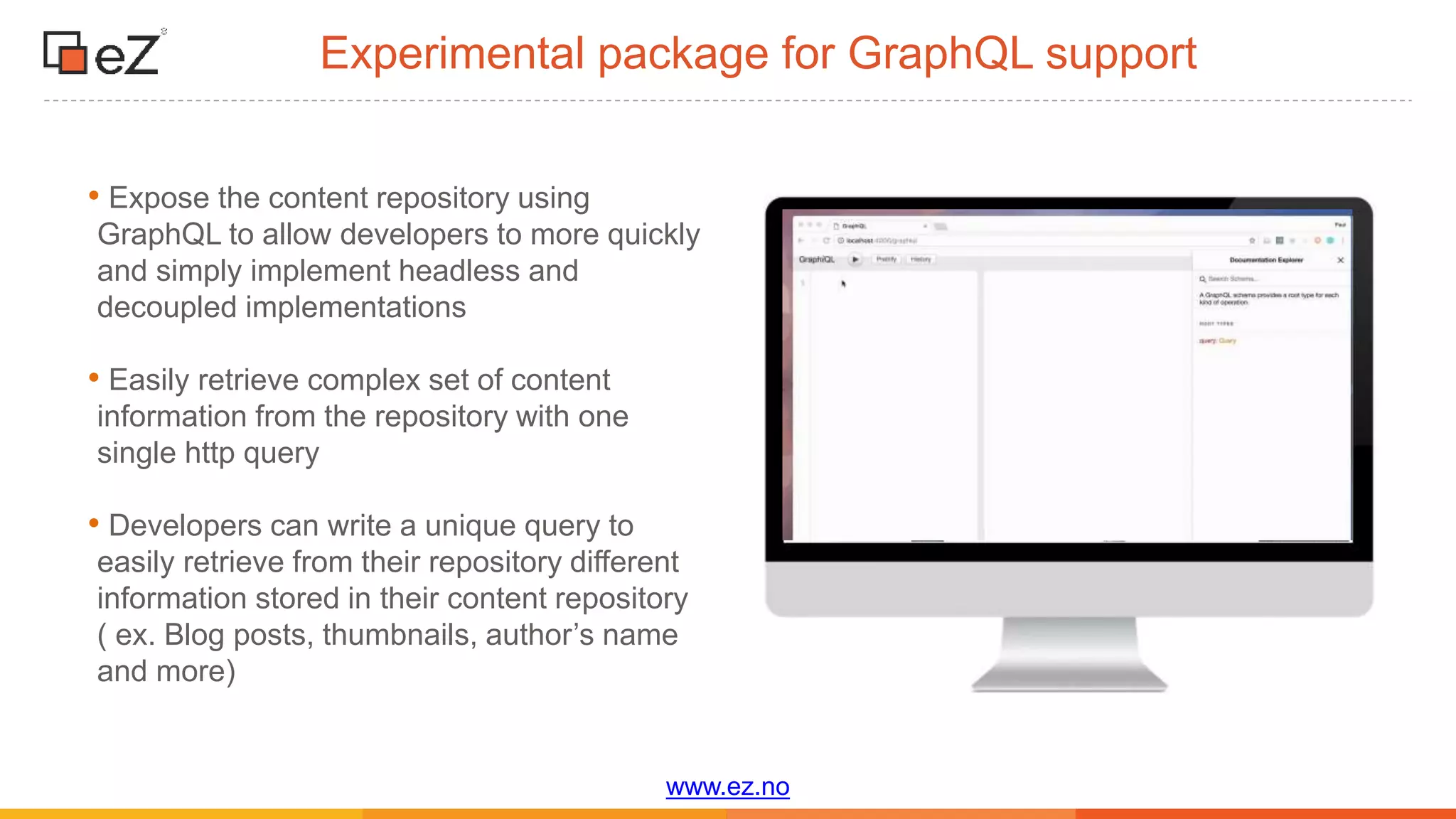
Experimental package for GraphQL support
• Expose the content repository using
GraphQL to allow developers to more quickly
and simply implement headless and
decoupled implementations
• Easily retrieve complex set of content
information from the repository with one
single http query
• Developers can write a unique query to
easily retrieve from their repository different
information stored in their content repository
( ex. Blog posts, thumbnails, author’s name
and more)
www.ez.no
Editorial workflow
www.ez.no
Why editorial workflow?
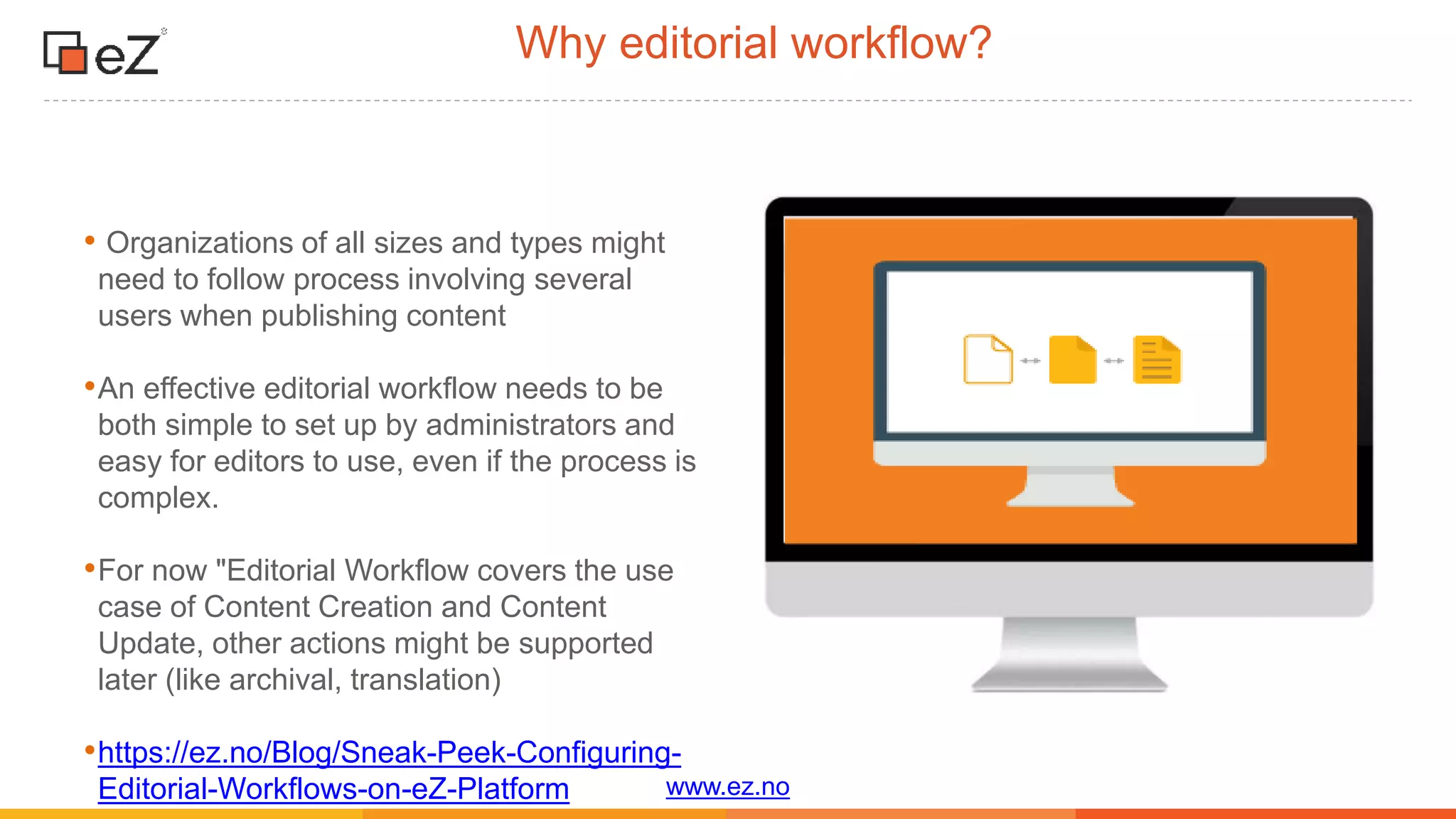
• Organizations of all sizes and types might
need to follow process involving several
users when publishing content
•An effective editorial workflow needs to be
both simple to set up by administrators and
easy for editors to use, even if the process is
complex.
•For now "Editorial Workflow covers the use
case of Content Creation and Content
Update, other actions might be supported
later (like archival, translation)
•https://ez.no/Blog/Sneak-Peek-Configuring-
Editorial-Workflows-on-eZ-Platform
www.ez.no
Configuring Editorial Workflows on eZ Platform
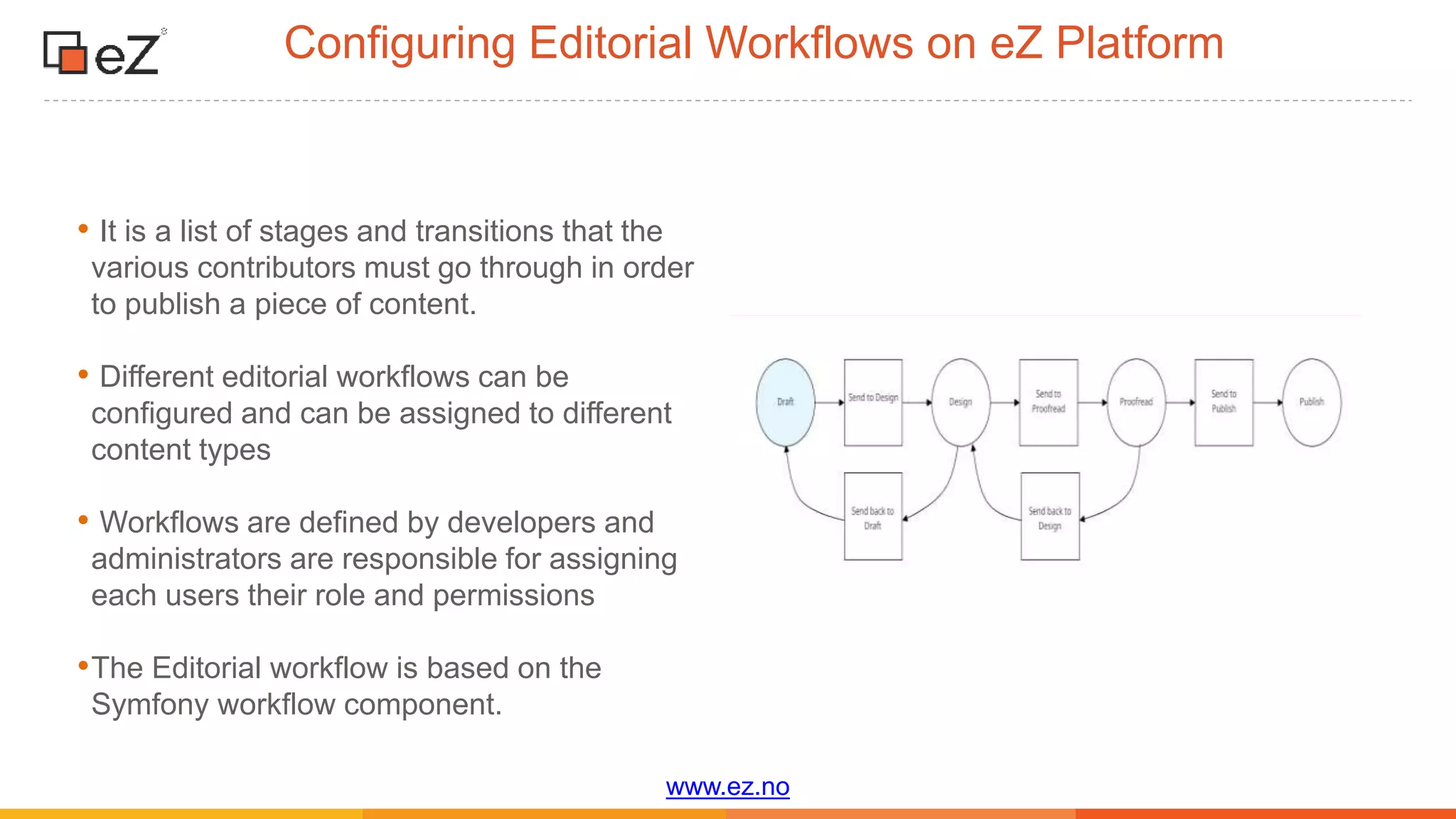
• It is a list of stages and transitions that the
various contributors must go through in order
to publish a piece of content.
• Different editorial workflows can be
configured and can be assigned to different
content types
• Workflows are defined by developers and
administrators are responsible for assigning
each users their role and permissions
•The Editorial workflow is based on the
Symfony workflow component.
www.ez.no
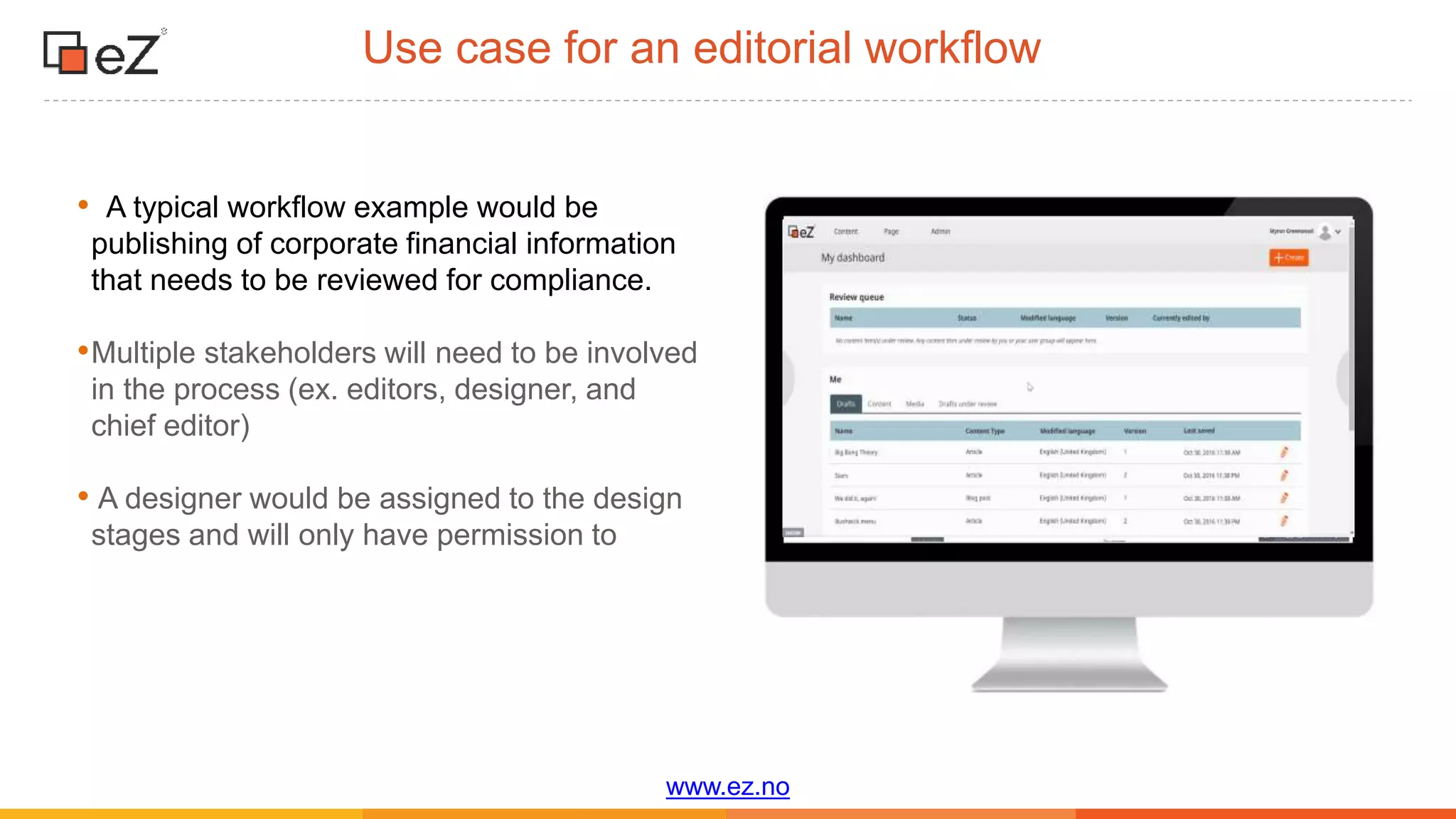
• A typical workflow example would be
publishing of corporate financial information
that needs to be reviewed for compliance.
•Multiple stakeholders will need to be involved
in the process (ex. editors, designer, and
chief editor)
• A designer would be assigned to the design
stages and will only have permission to
Use case for an editorial workflow
www.ez.no
Page builder updates
www.ez.no
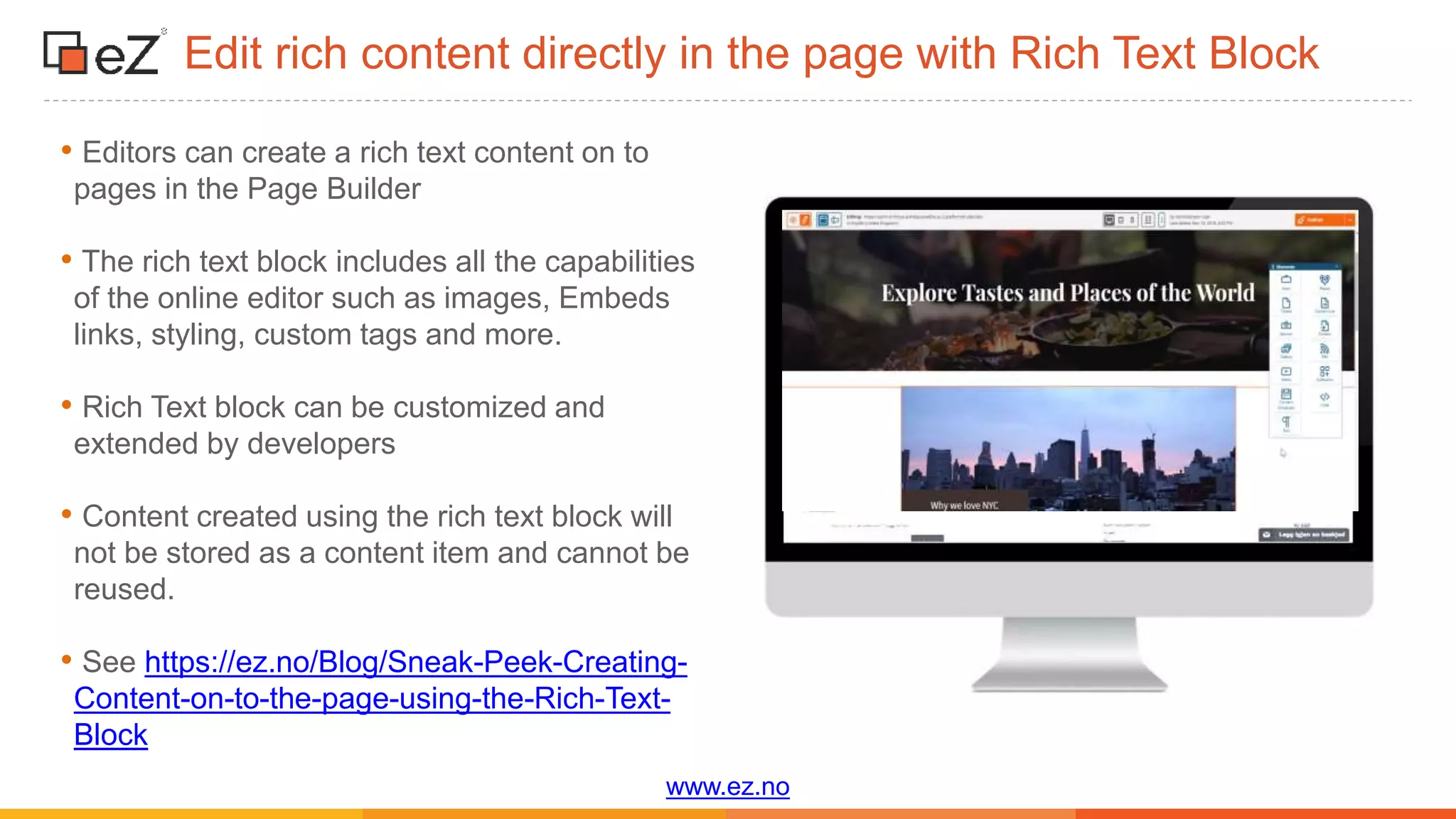
Edit rich content directly in the page with Rich Text Block
• Editors can create a rich text content on to
pages in the Page Builder
• The rich text block includes all the capabilities
of the online editor such as images, Embeds
links, styling, custom tags and more.
• Rich Text block can be customized and
extended by developers
• Content created using the rich text block will
not be stored as a content item and cannot be
reused.
• See https://ez.no/Blog/Sneak-Peek-Creating-
Content-on-to-the-page-using-the-Rich-Text-
Block
www.ez.no
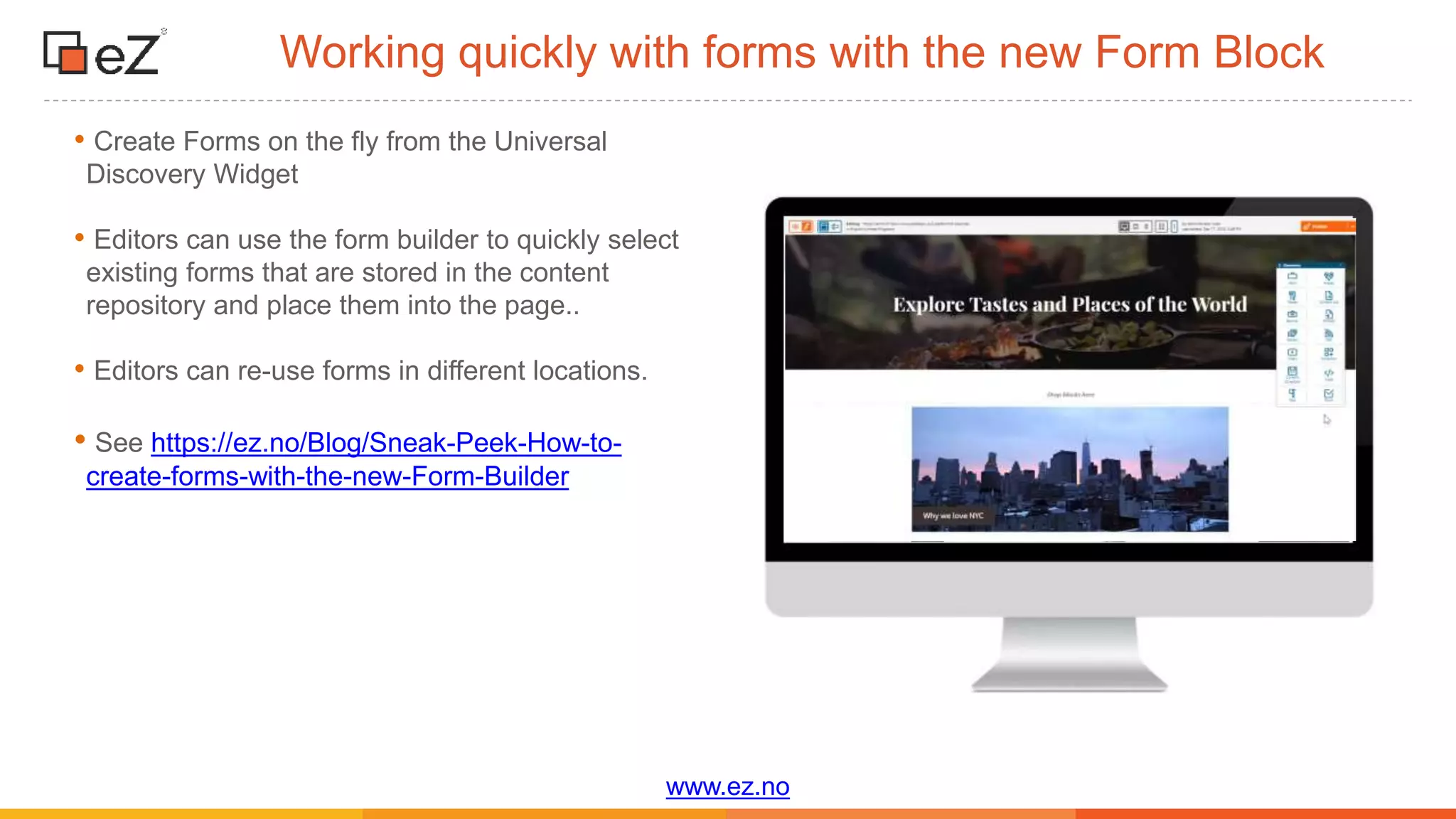
Working quickly with forms with the new Form Block
• Create Forms on the fly from the Universal
Discovery Widget
• Editors can use the form builder to quickly select
existing forms that are stored in the content
repository and place them into the page..
• Editors can re-use forms in different locations.
• See https://ez.no/Blog/Sneak-Peek-How-to-
create-forms-with-the-new-Form-Builder
www.ez.no
Managing content
www.ez.no
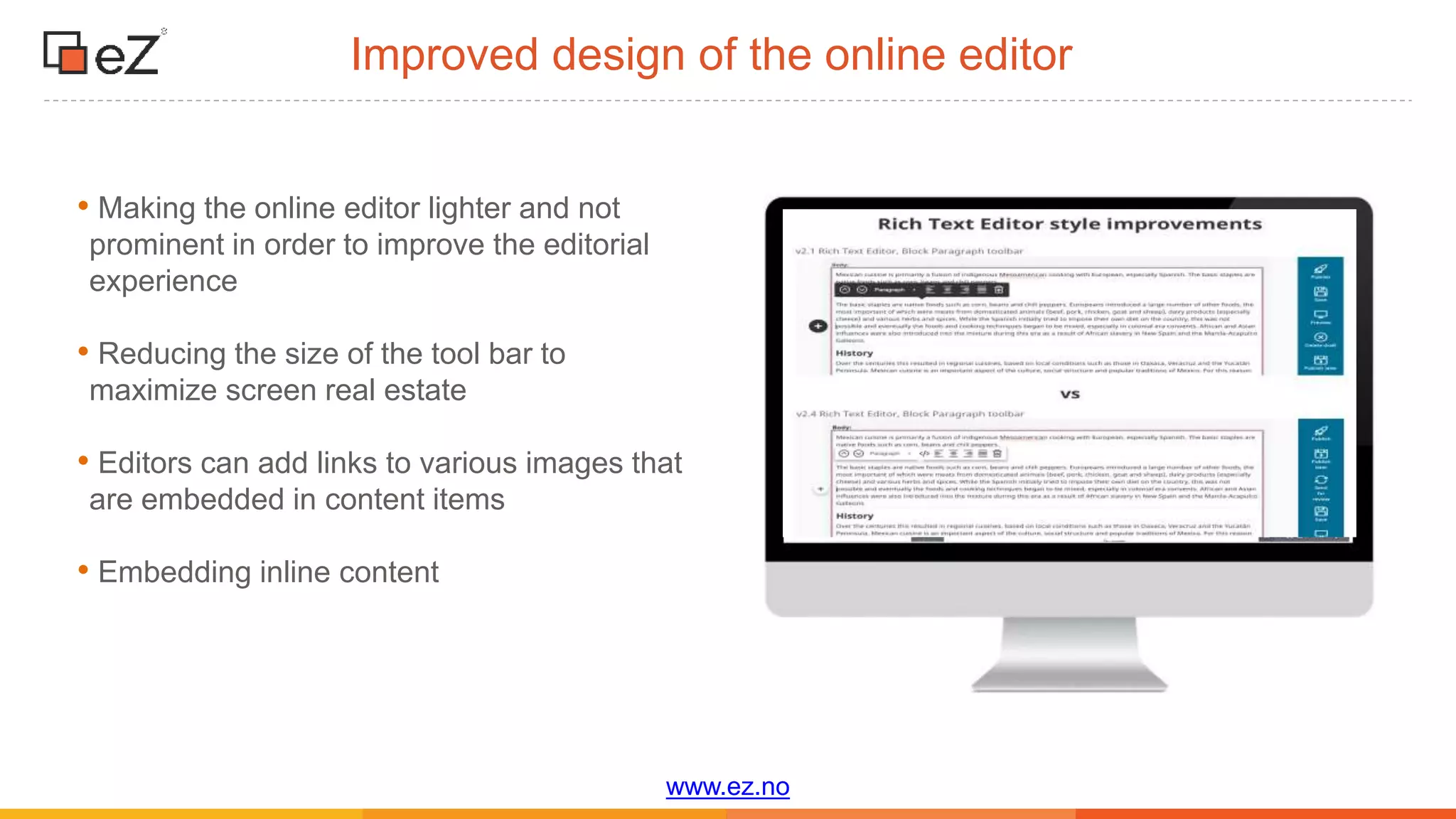
Improved design of the online editor
• Making the online editor lighter and not
prominent in order to improve the editorial
experience
• Reducing the size of the tool bar to
maximize screen real estate
• Editors can add links to various images that
are embedded in content items
• Embedding inline content
www.ez.no
Custom tag improvements
• Editors will have the capability to write rich
text into the custom tags.
• The editor can embed a custom tag inside
another custom tag (ex. Youtube video inside
rich text custom tag)
• No limit to the number of custom tags that
can be embedded.
www.ez.no
Filter search by subtree
• More readable and enables editors to
increase the number of filters they want to
use
• New filter lets editors restrict search to a
specific subtree of the content repository
• Example: Useful in multi-site configurations
as editors will be able to search more quickly
for various content items
www.ez.no
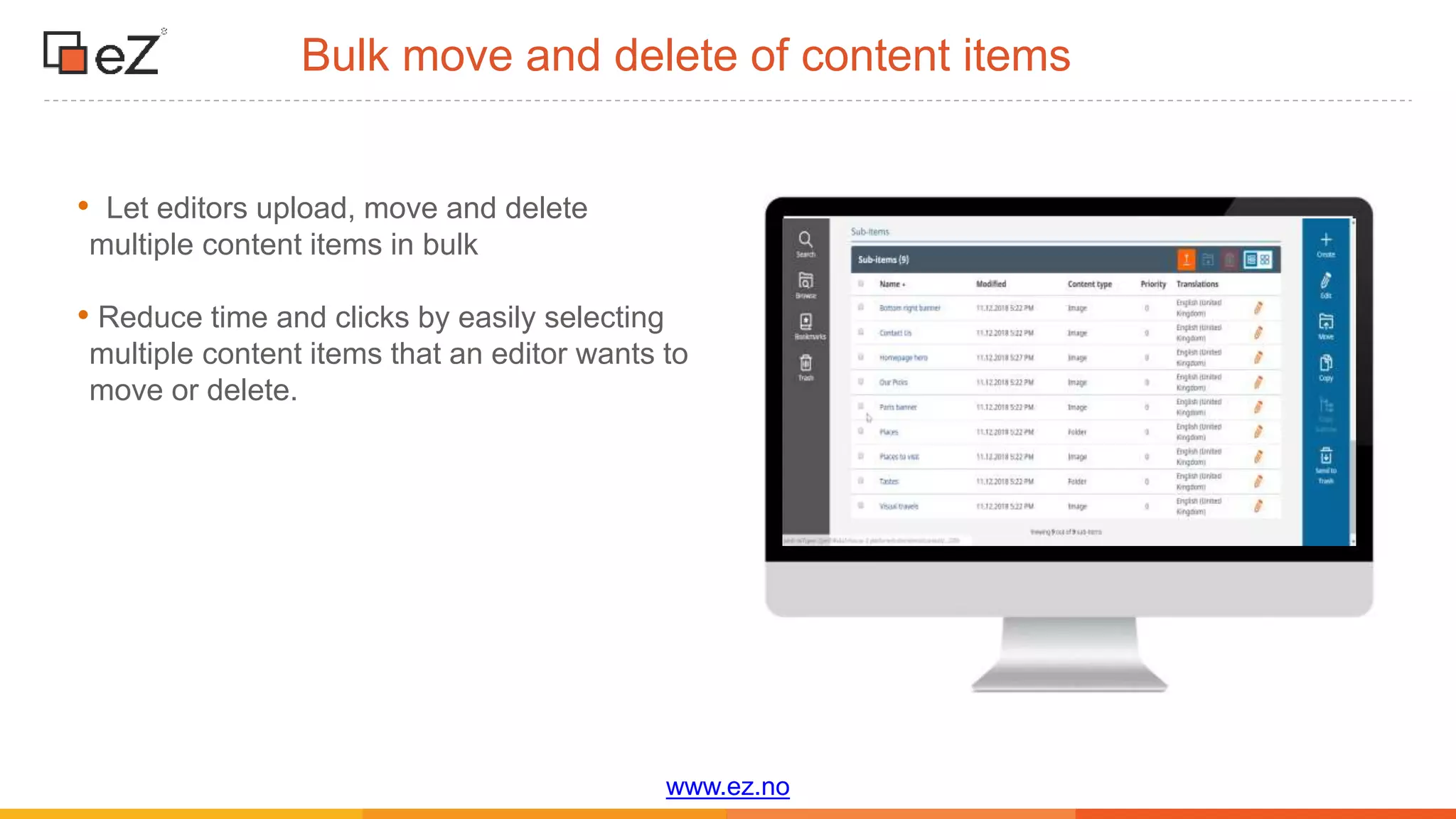
Bulk move and delete of content items
• Let editors upload, move and delete
multiple content items in bulk
• Reduce time and clicks by easily selecting
multiple content items that an editor wants to
move or delete.
www.ez.no
Better support of user permissions
• The list of content type presented to the
editor when creating content now depends
on his permissions, she/he will only see the
content types she/he can create
• Multi-file upload relies on user permissions.
www.ez.no
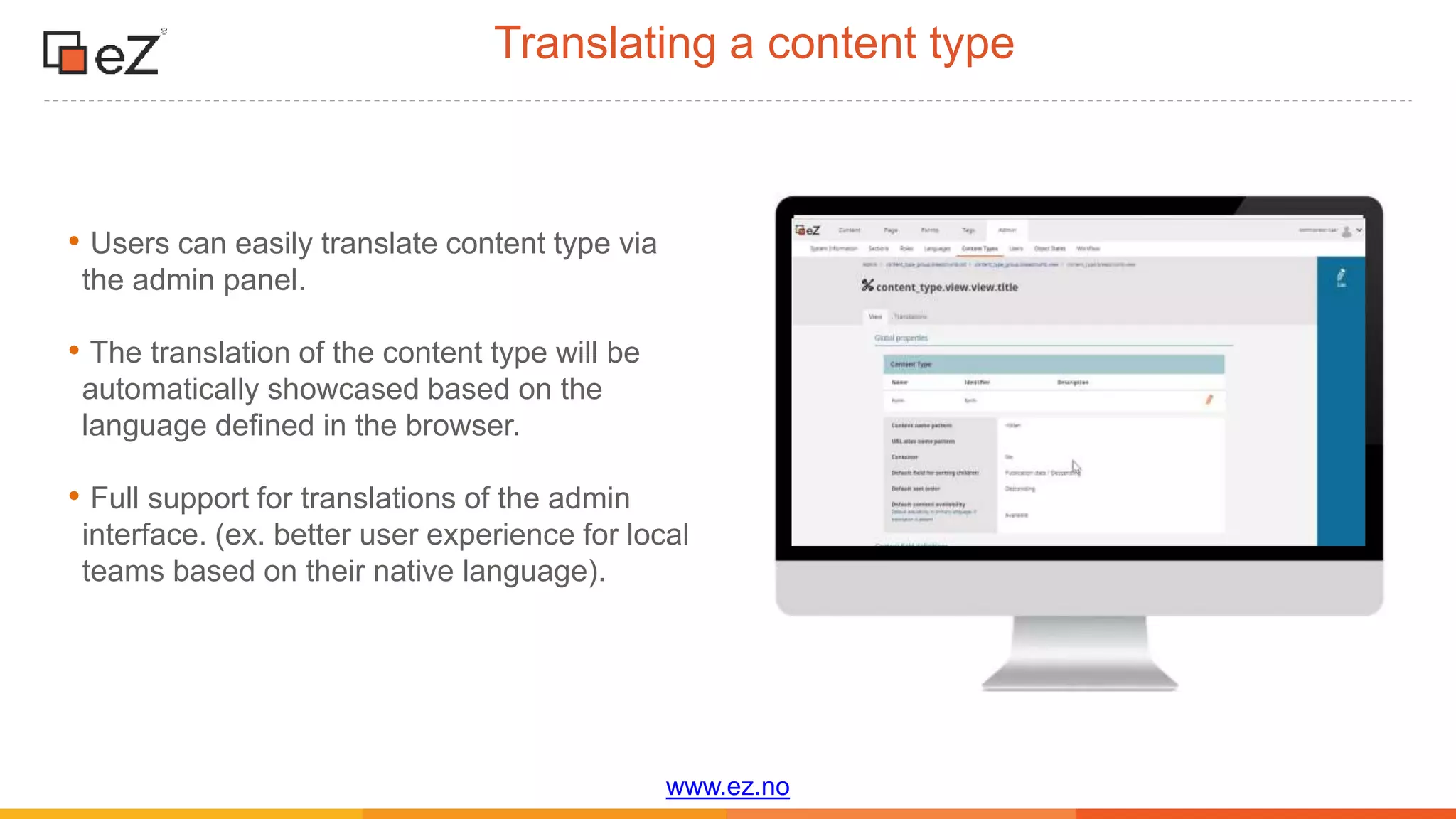
Translating a content type
• Users can easily translate content type via
the admin panel.
• The translation of the content type will be
automatically showcased based on the
language defined in the browser.
• Full support for translations of the admin
interface. (ex. better user experience for local
teams based on their native language).
www.ez.no
Additional features
www.ez.no
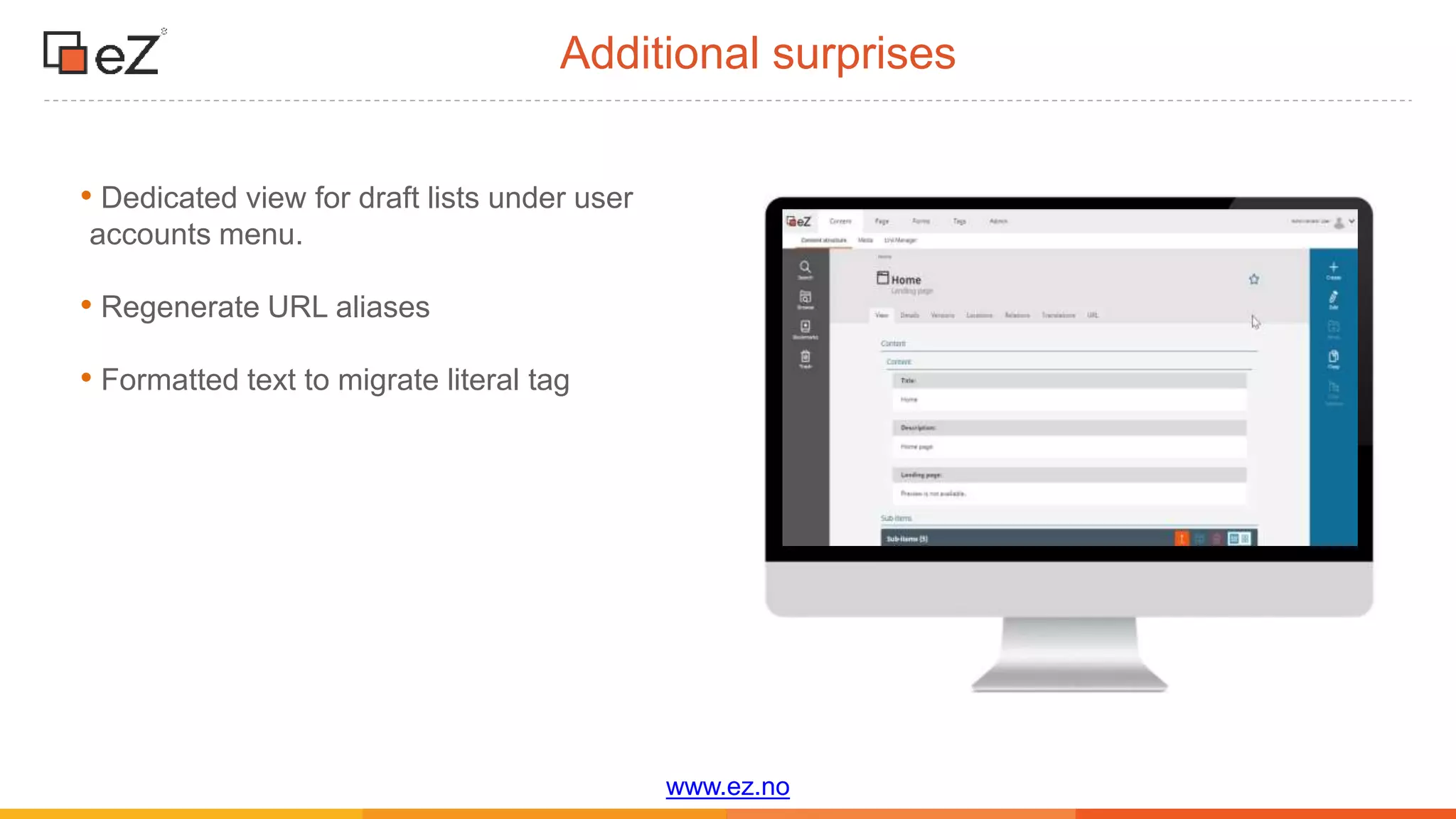
Additional surprises
• Dedicated view for draft lists under user
accounts menu.
• Regenerate URL aliases
• Formatted text to migrate literal tag
www.ez.no
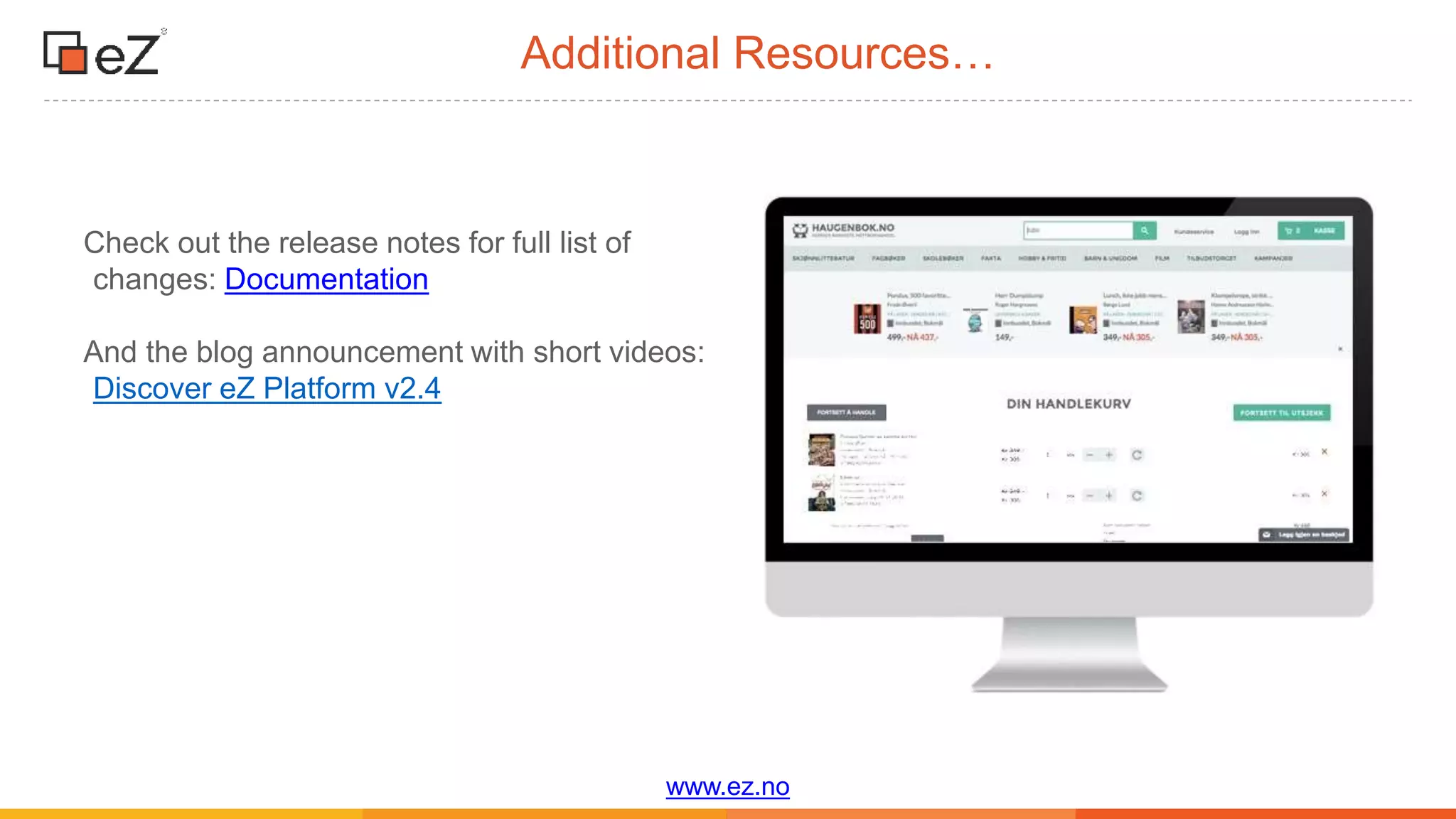
Additional Resources…
Check out the release notes for full list of
changes: Documentation
And the blog announcement with short videos:
Discover eZ Platform v2.4
What next?
Thank You!
Product feedback: productmanagement@ez.no
Personal?: amit.gutin@ez.no
Stay tuned by following https://ez.no/Blog/
and https://discuss.ezplatform.com/

[Webinar] Discover eZ platform v2.4

  • 1.
    Discover eZ Platformv2.4 December 21st, 2018
  • 2.
  • 3.
  • 4.
    www.ez.no Experimental package forGraphQL support • Expose the content repository using GraphQL to allow developers to more quickly and simply implement headless and decoupled implementations • Easily retrieve complex set of content information from the repository with one single http query • Developers can write a unique query to easily retrieve from their repository different information stored in their content repository ( ex. Blog posts, thumbnails, author’s name and more)
  • 5.
  • 6.
    www.ez.no Why editorial workflow? •Organizations of all sizes and types might need to follow process involving several users when publishing content •An effective editorial workflow needs to be both simple to set up by administrators and easy for editors to use, even if the process is complex. •For now "Editorial Workflow covers the use case of Content Creation and Content Update, other actions might be supported later (like archival, translation) •https://ez.no/Blog/Sneak-Peek-Configuring- Editorial-Workflows-on-eZ-Platform
  • 7.
    www.ez.no Configuring Editorial Workflowson eZ Platform • It is a list of stages and transitions that the various contributors must go through in order to publish a piece of content. • Different editorial workflows can be configured and can be assigned to different content types • Workflows are defined by developers and administrators are responsible for assigning each users their role and permissions •The Editorial workflow is based on the Symfony workflow component.
  • 8.
    www.ez.no • A typicalworkflow example would be publishing of corporate financial information that needs to be reviewed for compliance. •Multiple stakeholders will need to be involved in the process (ex. editors, designer, and chief editor) • A designer would be assigned to the design stages and will only have permission to Use case for an editorial workflow
  • 9.
  • 10.
    www.ez.no Edit rich contentdirectly in the page with Rich Text Block • Editors can create a rich text content on to pages in the Page Builder • The rich text block includes all the capabilities of the online editor such as images, Embeds links, styling, custom tags and more. • Rich Text block can be customized and extended by developers • Content created using the rich text block will not be stored as a content item and cannot be reused. • See https://ez.no/Blog/Sneak-Peek-Creating- Content-on-to-the-page-using-the-Rich-Text- Block
  • 11.
    www.ez.no Working quickly withforms with the new Form Block • Create Forms on the fly from the Universal Discovery Widget • Editors can use the form builder to quickly select existing forms that are stored in the content repository and place them into the page.. • Editors can re-use forms in different locations. • See https://ez.no/Blog/Sneak-Peek-How-to- create-forms-with-the-new-Form-Builder
  • 12.
  • 13.
    www.ez.no Improved design ofthe online editor • Making the online editor lighter and not prominent in order to improve the editorial experience • Reducing the size of the tool bar to maximize screen real estate • Editors can add links to various images that are embedded in content items • Embedding inline content
  • 14.
    www.ez.no Custom tag improvements •Editors will have the capability to write rich text into the custom tags. • The editor can embed a custom tag inside another custom tag (ex. Youtube video inside rich text custom tag) • No limit to the number of custom tags that can be embedded.
  • 15.
    www.ez.no Filter search bysubtree • More readable and enables editors to increase the number of filters they want to use • New filter lets editors restrict search to a specific subtree of the content repository • Example: Useful in multi-site configurations as editors will be able to search more quickly for various content items
  • 16.
    www.ez.no Bulk move anddelete of content items • Let editors upload, move and delete multiple content items in bulk • Reduce time and clicks by easily selecting multiple content items that an editor wants to move or delete.
  • 17.
    www.ez.no Better support ofuser permissions • The list of content type presented to the editor when creating content now depends on his permissions, she/he will only see the content types she/he can create • Multi-file upload relies on user permissions.
  • 18.
    www.ez.no Translating a contenttype • Users can easily translate content type via the admin panel. • The translation of the content type will be automatically showcased based on the language defined in the browser. • Full support for translations of the admin interface. (ex. better user experience for local teams based on their native language).
  • 19.
  • 20.
    www.ez.no Additional surprises • Dedicatedview for draft lists under user accounts menu. • Regenerate URL aliases • Formatted text to migrate literal tag
  • 21.
    www.ez.no Additional Resources… Check outthe release notes for full list of changes: Documentation And the blog announcement with short videos: Discover eZ Platform v2.4
  • 22.
  • 23.
    Thank You! Product feedback:productmanagement@ez.no Personal?: amit.gutin@ez.no Stay tuned by following https://ez.no/Blog/ and https://discuss.ezplatform.com/