EXPERIENCE
LEAGUE
SKILL BUILDER:
AEM MODERNIZATION
SUITE
HANISH BANSAL
COMPUTER SCIENTIST
ADOBE ENGINEERING
habansal@adobe.com
Linkedin: hanishbansal93
AGENDA
 WHAT I mean by Sites Modernization & WHY is it needed
 WHICH AEM features can help achieve it and HOW
 HOW to migrate to those new features easily using the Toolkit
 Demo
 References/Q&A
How experiences often get built
ImplementDesign
Content
1 2 3 4 50
How experiences should be built
1 20
Design
Content
Design
Design
Implement
Implement
Implement
Pros:
• Shorter Development Cycle
• Content Drives Implementation
• Iterative Improvement (Agile)
• Write once, use Everywhere
An Example
Let’s look at the process to implement an experience from a design.
When Designs Define Components
ImplementDesign
Content
1 2 3 4 50
😞
Components on the page:
 Hero banner
 Rich text
 Highlighted banner
 Image and text
 Text and image
NEW Optimized Approach
1. Searching for commonalities:
 Title, text, link(s), image
NEW Optimized Approach
2. Search matching Core
Component(s):
 Teaser component
 Title (optional)
 Image (optional)
 Rich text (optional)
 List of call to action (optional)1 20
Design
Content
Design
Design
Implement
Implement
Implement
Migrations required to Modernize
Static Templates
& Column Control
Editable Templates
& Responsive Grid
Foundation
Components
Core
Components
Designs &
Design Dialogs
Editable Template
Policies
ExtJS
Dialogs
TouchUI
Dialogs
Achieving this Modernization
 Project level effort
 Plan => review => convert => validate => launch
 Similar sizing to AEM Upgrade Project
 Enter AEM Modernization Tools - Converts:
 Page’s Template
 Component
 Dialog
 Policy
AEM Modernization Tools Demo
DEMO
Modernization Tool Kit is…
 Configurable
 Component/Policy/Dialog – Pattern & Replacement Configurations
Page Rewrite, Column Control Rule Factory
 Extensible
 RewriteRule Interfaces – For complex custom rules.
 ComponentRewriteRule
 DialogRewriteRule
 Independent of AEM version. Works on AEM 6.3, 6.4, 6.5... + any SP/CFP
 Open Source
 Configuration Aware
 Only Page/Components/Policies with rules will be available for conversion.
Hanish Bansal
habansal@adobe.com
LinkedIn: https://www.linkedin.com/in/hanishbansal93/
SUMMARY
• WHY do you need to Modernize your Sites Code base
• How can Editable Templates, Core components, new UI will help
• How to use the new AEM Modernization Toolkit to migrate to the new features
• Migration to Editable templates:
• Create an Editable Template matching page structure.
• Use the Toolkit 
• Migration to Core components:
• Find/Create matching Core components
• Create Rewrite Rules
• Use the Toolkit 
• Migrate to Touch UI Dialogs:
• Create Dialog Re-write Rules
• Use the Toolkit 
References
 Meetup Workbook:
 https://expleague.azureedge.net/labs/aem-intro/index.html
 Modernization Tools Repo:
 https://github.com/adobe/aem-modernize-tools
 Gem Session:
 https://helpx.adobe.com/experience-manager/kt/eseminars/gems/Introducing-the-AEM-
Modernization-Suite.html
 Summit 2019 - Lab 761
 Workbook: https://expleague.azureedge.net/labs/L761/index.html
 Forum Post: https://forums.adobe.com/message/10924161#10924161
Page/Template Converter – Evaluate Template
17
Core Components
Template components
1. Page: Responsive page that works well with the Template
Editor.
2. Navigation: Site navigation that handles globalized structures.
3. Language Navigation: Displays the language structure of a
site.
4. Breadcrumb: Lists the hierarchy of parent pages.
5. Quick Search: Incremental search field.
Basic components
6. Title: Headings configurable to allow levels 1 to 6.
7. Text: Plain or rich text with configurable capabilities.
8. Image: Smart image display with configurable capabilities.
9. Separator: Visual spacer between the components
Social components
10. Sharing: Facebook and Pinterest widgets.
Referencing components
11. List: Lists pages that match the configured criteria.
12. Teaser: Visual link to a page teasing its content with an image.
13. Content Fragment: Displays reusable content.
14. Content Fragment List: Query content fragments to display.
Container components
15. Carousel: Slideshow presentation of content.
16. Tabs: Organizes content into accessible tabs.
Form components
17. Form Container: Form paragraph system.
18. Form Text: Text input field (text, text area, email, phone, date,
…).
19. Form Options: Multi-input filed (checkboxes, radios, drop-
down, …).
20. Form Button: Submit or scriptable button.
21. Form Hidden: Invisible input field, for sending information
along.
Core Components
Flexible and configurable components that can be freely
combined by authors to create various kind of content.
Useable as-is: lean markup, better SEO and
Accessibility
The Component Library allows to easily understand how
to style the semantic markup of the components.
Expressive Blocks
Production Ready
Easy to Style
Template Editor
Instead of developing every page variation,
compose, configure and style them!
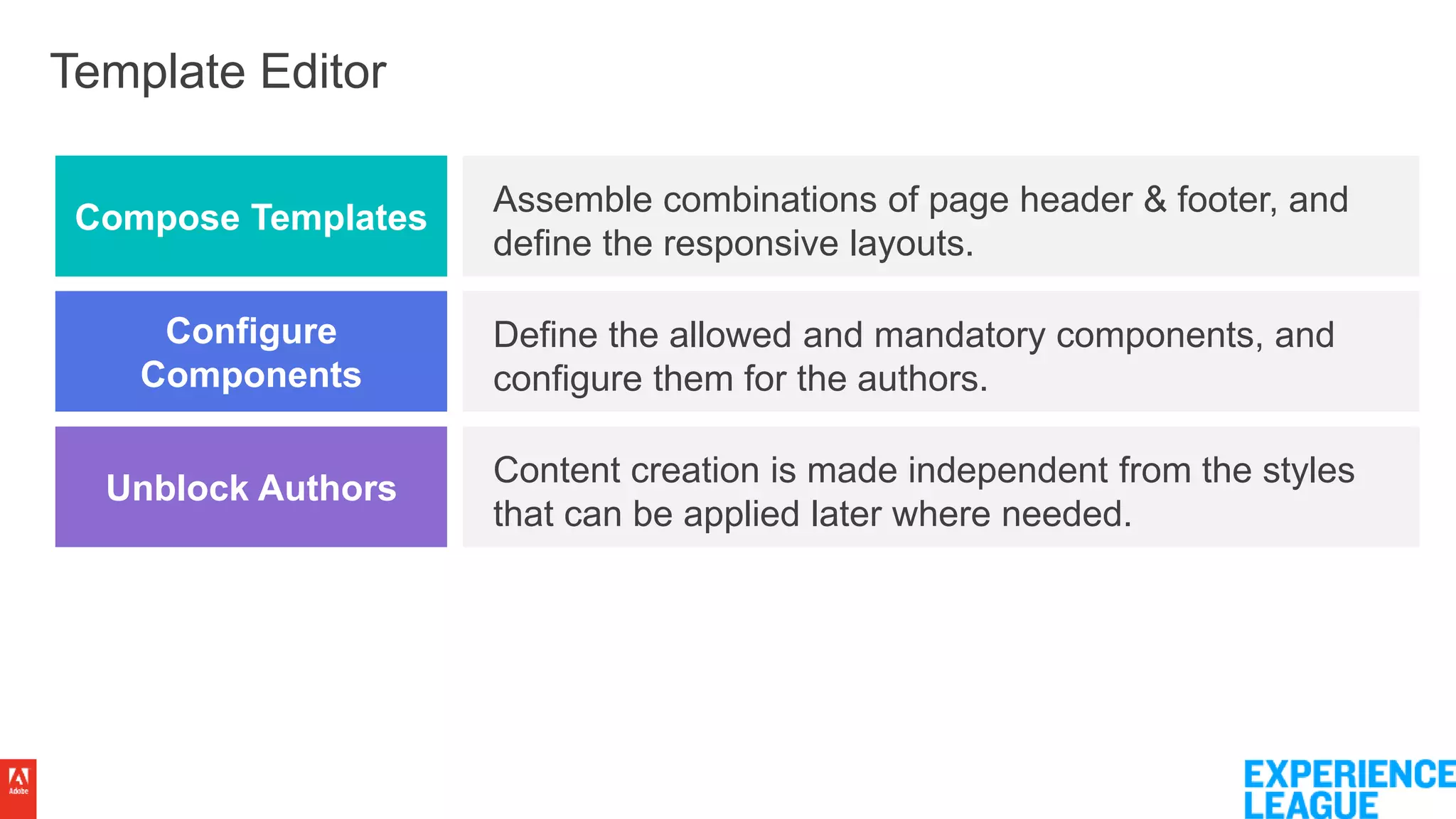
Template Editor
Assemble combinations of page header & footer, and
define the responsive layouts.
Define the allowed and mandatory components, and
configure them for the authors.
Content creation is made independent from the styles
that can be applied later where needed.
Compose Templates
Configure
Components
Unblock Authors

Modernising AEM Sites Codebase (AEM Meetup 2019)

  • 1.
  • 2.
    HANISH BANSAL COMPUTER SCIENTIST ADOBEENGINEERING habansal@adobe.com Linkedin: hanishbansal93
  • 3.
    AGENDA  WHAT Imean by Sites Modernization & WHY is it needed  WHICH AEM features can help achieve it and HOW  HOW to migrate to those new features easily using the Toolkit  Demo  References/Q&A
  • 4.
    How experiences oftenget built ImplementDesign Content 1 2 3 4 50 How experiences should be built 1 20 Design Content Design Design Implement Implement Implement Pros: • Shorter Development Cycle • Content Drives Implementation • Iterative Improvement (Agile) • Write once, use Everywhere
  • 5.
    An Example Let’s lookat the process to implement an experience from a design.
  • 6.
    When Designs DefineComponents ImplementDesign Content 1 2 3 4 50 😞 Components on the page:  Hero banner  Rich text  Highlighted banner  Image and text  Text and image
  • 7.
    NEW Optimized Approach 1.Searching for commonalities:  Title, text, link(s), image  Title, text, link(s), image  Title, text, link(s), image  Title, text, link(s), image  Title, text, link(s), image
  • 8.
    NEW Optimized Approach 2.Search matching Core Component(s):  Teaser component  Title (optional)  Image (optional)  Rich text (optional)  List of call to action (optional)1 20 Design Content Design Design Implement Implement Implement
  • 9.
    Migrations required toModernize Static Templates & Column Control Editable Templates & Responsive Grid Foundation Components Core Components Designs & Design Dialogs Editable Template Policies ExtJS Dialogs TouchUI Dialogs
  • 10.
    Achieving this Modernization Project level effort  Plan => review => convert => validate => launch  Similar sizing to AEM Upgrade Project  Enter AEM Modernization Tools - Converts:  Page’s Template  Component  Dialog  Policy
  • 11.
  • 12.
    Modernization Tool Kitis…  Configurable  Component/Policy/Dialog – Pattern & Replacement Configurations Page Rewrite, Column Control Rule Factory  Extensible  RewriteRule Interfaces – For complex custom rules.  ComponentRewriteRule  DialogRewriteRule  Independent of AEM version. Works on AEM 6.3, 6.4, 6.5... + any SP/CFP  Open Source  Configuration Aware  Only Page/Components/Policies with rules will be available for conversion.
  • 13.
  • 14.
    SUMMARY • WHY doyou need to Modernize your Sites Code base • How can Editable Templates, Core components, new UI will help • How to use the new AEM Modernization Toolkit to migrate to the new features • Migration to Editable templates: • Create an Editable Template matching page structure. • Use the Toolkit  • Migration to Core components: • Find/Create matching Core components • Create Rewrite Rules • Use the Toolkit  • Migrate to Touch UI Dialogs: • Create Dialog Re-write Rules • Use the Toolkit 
  • 15.
    References  Meetup Workbook: https://expleague.azureedge.net/labs/aem-intro/index.html  Modernization Tools Repo:  https://github.com/adobe/aem-modernize-tools  Gem Session:  https://helpx.adobe.com/experience-manager/kt/eseminars/gems/Introducing-the-AEM- Modernization-Suite.html  Summit 2019 - Lab 761  Workbook: https://expleague.azureedge.net/labs/L761/index.html  Forum Post: https://forums.adobe.com/message/10924161#10924161
  • 17.
    Page/Template Converter –Evaluate Template 17
  • 18.
    Core Components Template components 1.Page: Responsive page that works well with the Template Editor. 2. Navigation: Site navigation that handles globalized structures. 3. Language Navigation: Displays the language structure of a site. 4. Breadcrumb: Lists the hierarchy of parent pages. 5. Quick Search: Incremental search field. Basic components 6. Title: Headings configurable to allow levels 1 to 6. 7. Text: Plain or rich text with configurable capabilities. 8. Image: Smart image display with configurable capabilities. 9. Separator: Visual spacer between the components Social components 10. Sharing: Facebook and Pinterest widgets. Referencing components 11. List: Lists pages that match the configured criteria. 12. Teaser: Visual link to a page teasing its content with an image. 13. Content Fragment: Displays reusable content. 14. Content Fragment List: Query content fragments to display. Container components 15. Carousel: Slideshow presentation of content. 16. Tabs: Organizes content into accessible tabs. Form components 17. Form Container: Form paragraph system. 18. Form Text: Text input field (text, text area, email, phone, date, …). 19. Form Options: Multi-input filed (checkboxes, radios, drop- down, …). 20. Form Button: Submit or scriptable button. 21. Form Hidden: Invisible input field, for sending information along.
  • 19.
    Core Components Flexible andconfigurable components that can be freely combined by authors to create various kind of content. Useable as-is: lean markup, better SEO and Accessibility The Component Library allows to easily understand how to style the semantic markup of the components. Expressive Blocks Production Ready Easy to Style
  • 20.
    Template Editor Instead ofdeveloping every page variation, compose, configure and style them!
  • 21.
    Template Editor Assemble combinationsof page header & footer, and define the responsive layouts. Define the allowed and mandatory components, and configure them for the authors. Content creation is made independent from the styles that can be applied later where needed. Compose Templates Configure Components Unblock Authors

Editor's Notes

  • #5 Agility: A large upfront design and implementation effort is usually required. Creativity: Happens mostly in the design phase only, after which the cake’s been baked. Consistency: Content reuse is limited to the implemented MSM* content creation process. Content creation should be independent from the design and implementation phase: Agility: Smaller and faster iterations that don’t block the content creation. Creativity: Design and implementation become an ongoing process that optimize the content. Consistency: Content reuse is possible for any piece(s) of content, within the same channel or not.
  • #10 We have 4 sections in this lab, where we wanna guide you how to modernize your project in that area. We’ll start with converting from static templates and column control, to editable templates and responsive grid.
  • #12 Show the existing Dialog Then convert Then show replaced dialog
  • #16 Show the existing Dialog Then convert Then show replaced dialog
  • #19 SEO + Accessibility