Drupal at
UNC Charlotte
Mark Shropshire - mdshrops@uncc.edu
Business & Technology Applications Analyst
Student Union, Activites and Recreation IT
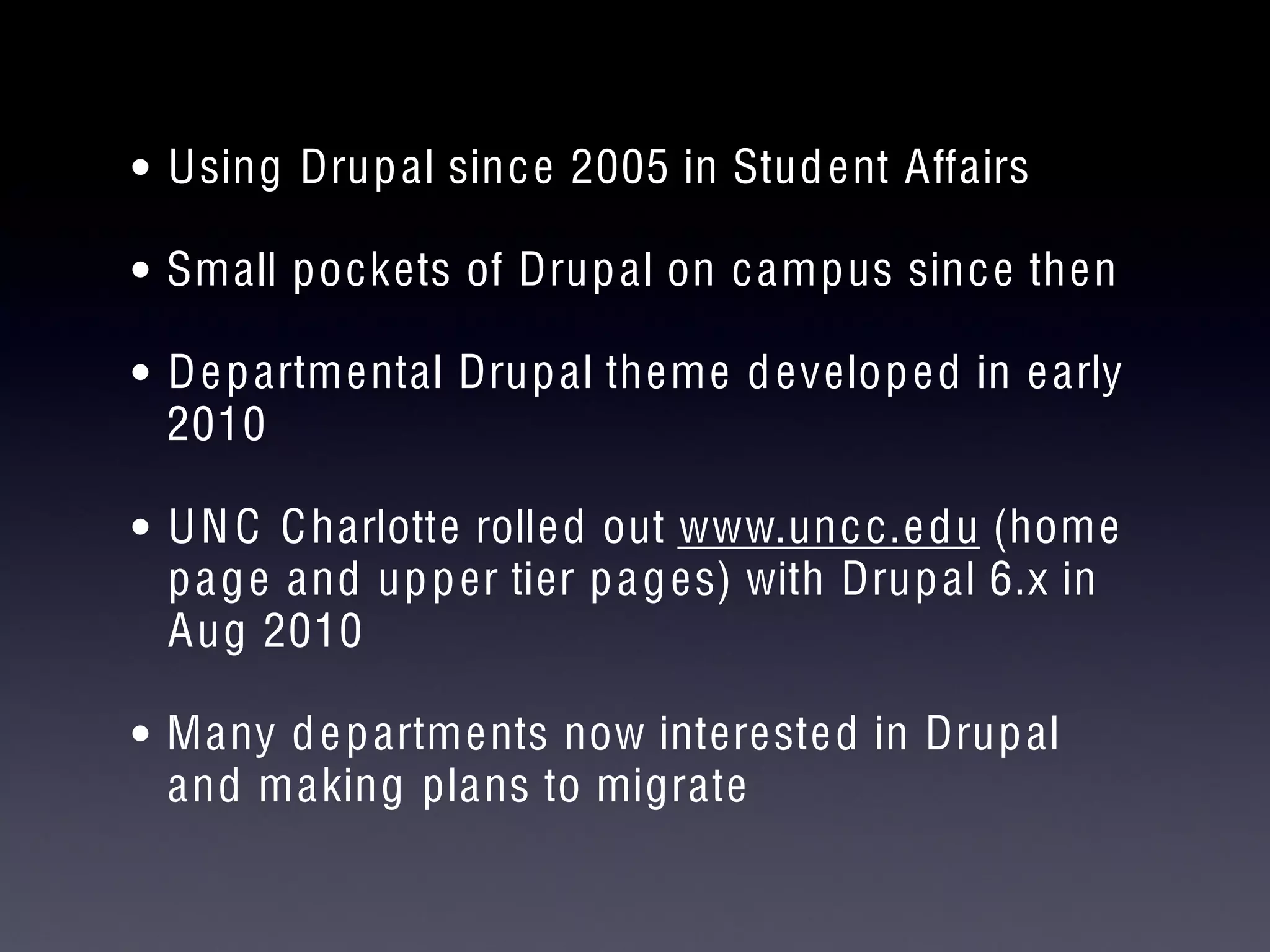
• Using Drupal since 2005 in Student Affairs
• Small pockets of Drupal on campus since then
• Departmental Drupal theme developed in early
2010
• UNC Charlotte rolled out www.uncc.edu (home
page and upper tier pages) with Drupal 6.x in
Aug 2010
• Many departments now interested in Drupal
and making plans to migrate
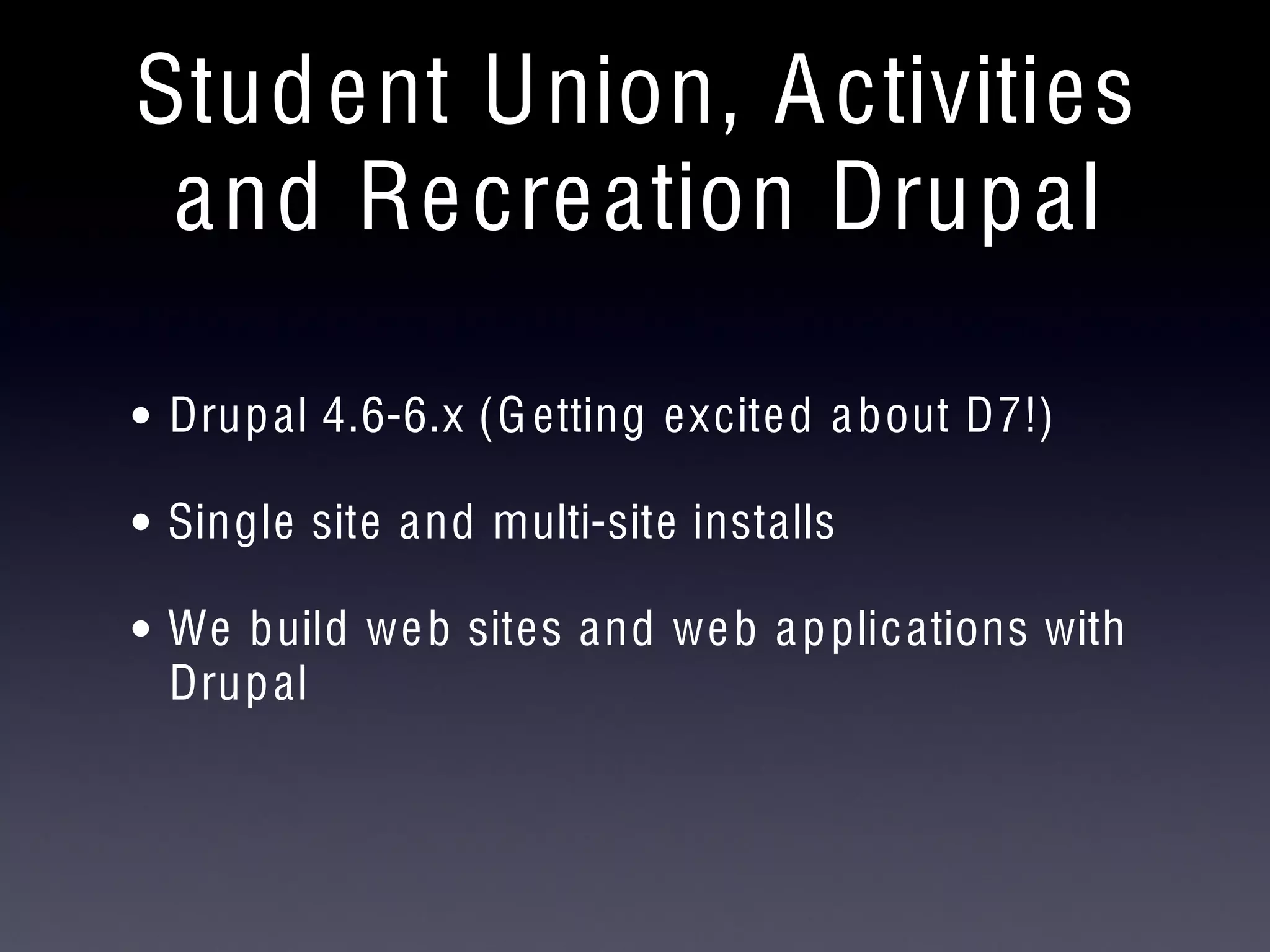
Student Union, Activities
and Recreation Drupal
• Drupal 4.6-6.x (Getting excited about D7!)
• Single site and multi-site installs
• We build web sites and web applications with
Drupal
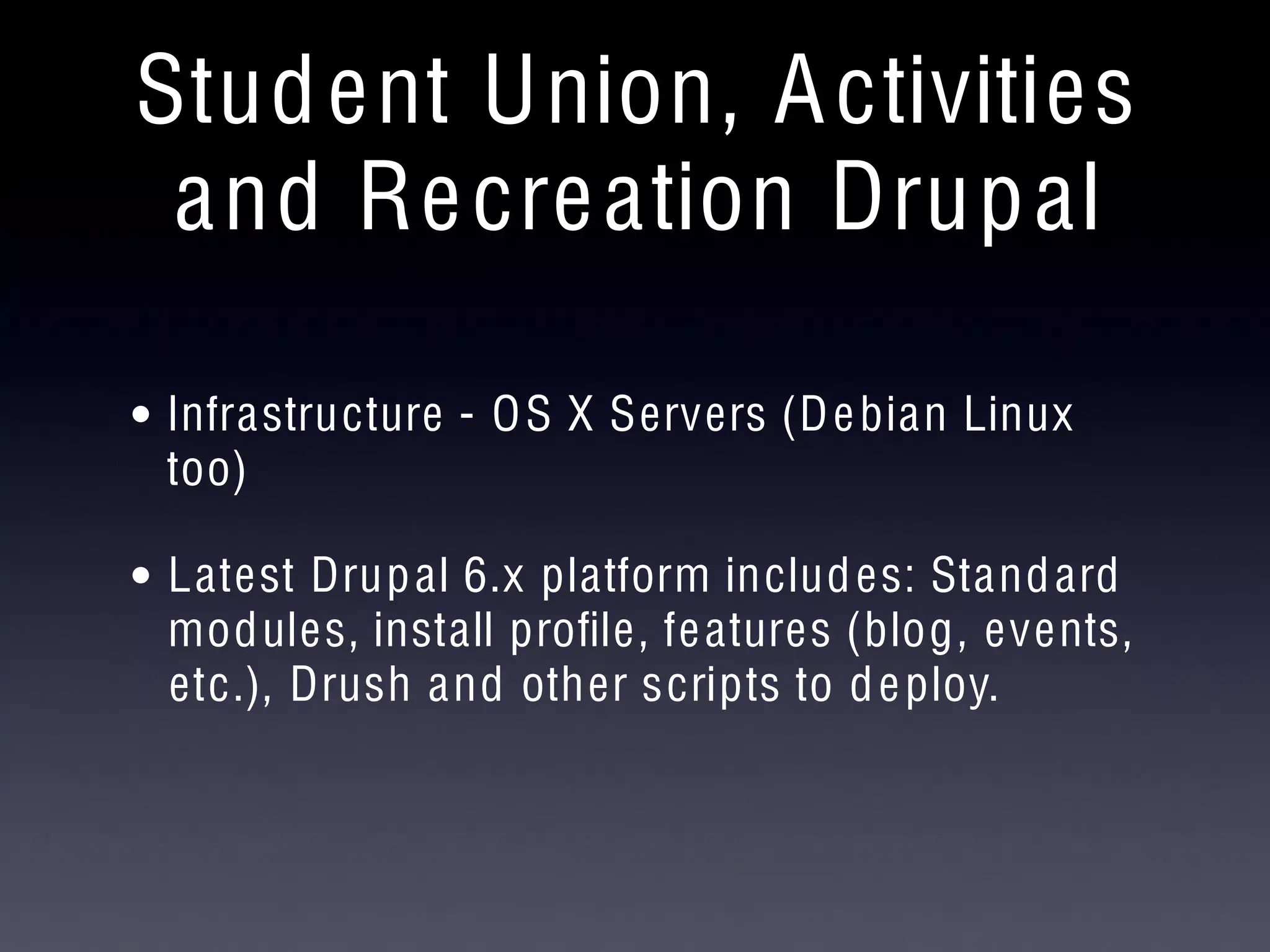
Student Union, Activities
and Recreation Drupal
• Infrastructure - OS X Servers (Debian Linux
too)
• Latest Drupal 6.x platform includes: Standard
modules, install profile, features (blog, events,
etc.), Drush and other scripts to deploy.
Drupal at Appalachian State
UNC Cause Conference
November 8, 2010
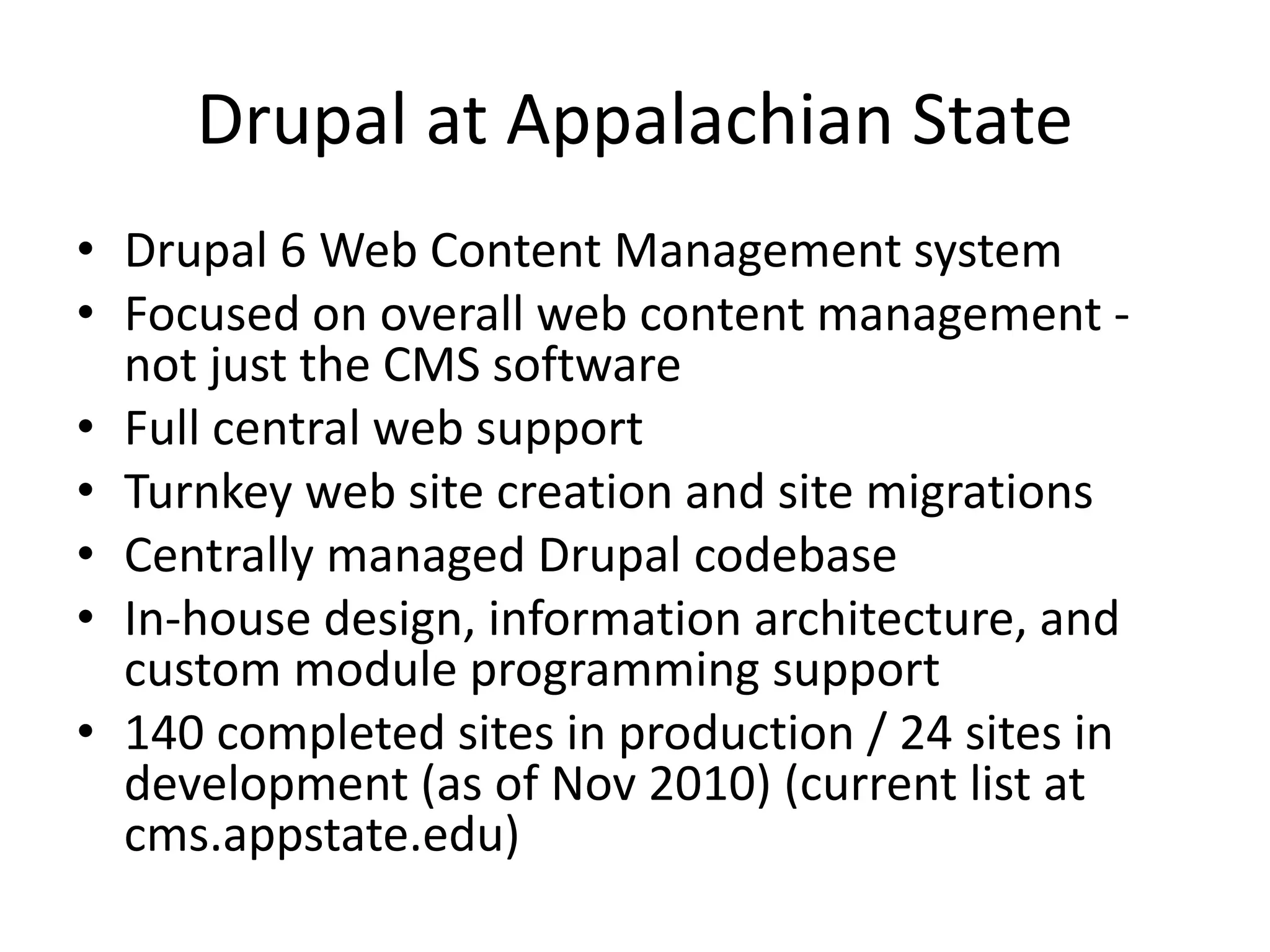
Drupal at Appalachian State
• Drupal 6 Web Content Management system
• Focused on overall web content management -
not just the CMS software
• Full central web support
• Turnkey web site creation and site migrations
• Centrally managed Drupal codebase
• In-house design, information architecture, and
custom module programming support
• 140 completed sites in production / 24 sites in
development (as of Nov 2010) (current list at
cms.appstate.edu)
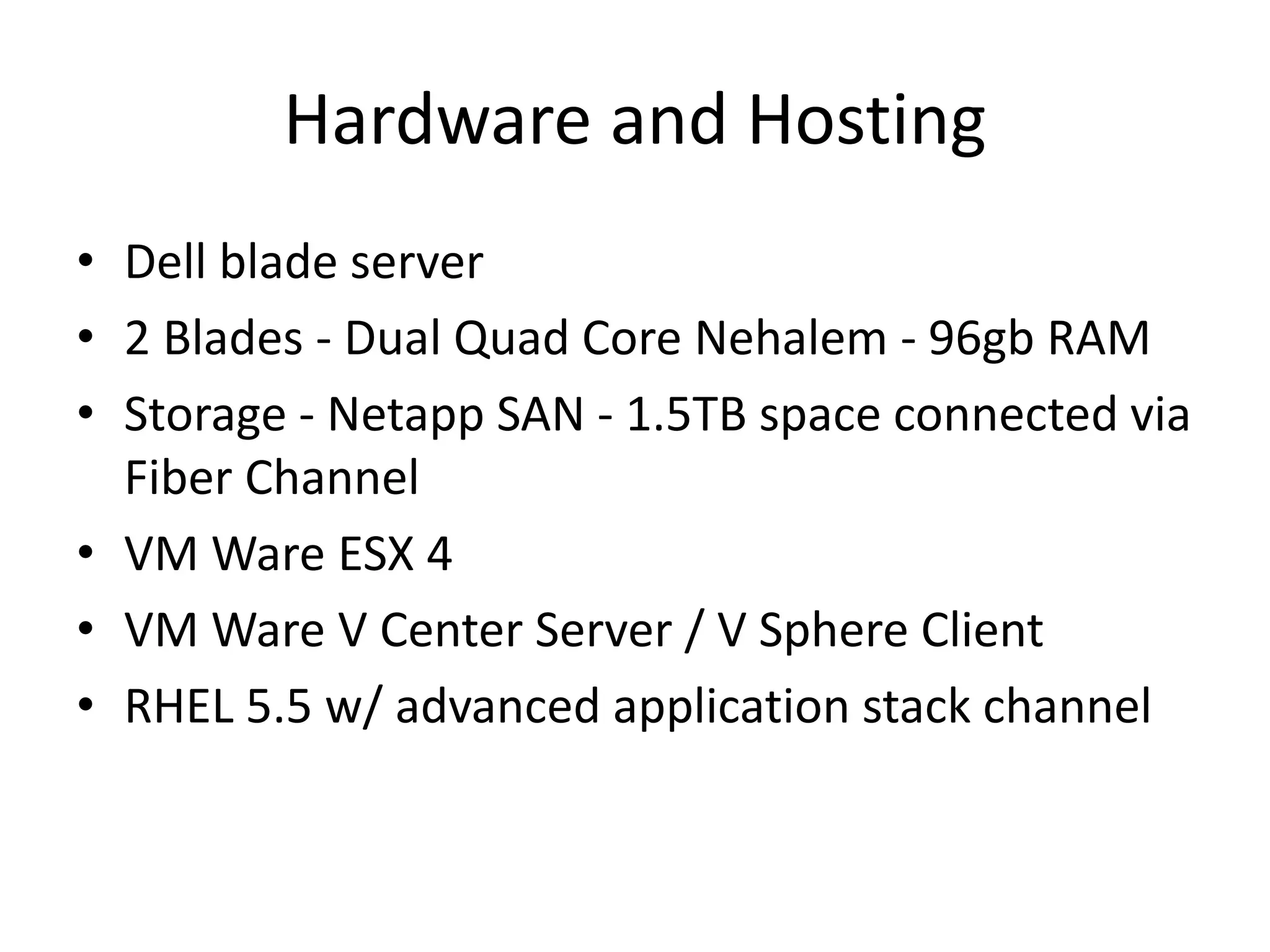
Hardware and Hosting
• Dell blade server
• 2 Blades - Dual Quad Core Nehalem - 96gb RAM
• Storage - Netapp SAN - 1.5TB space connected via
Fiber Channel
• VM Ware ESX 4
• VM Ware V Center Server / V Sphere Client
• RHEL 5.5 w/ advanced application stack channel
Codebase Management
• GIT repository is used to manage our codebase
(previously used subversion)
• Changes and updates are tested on the CMSPilot
dev server
• Once testing is finished, its committed to the
repo and a new version tag is created
• Updates then pushed out through to deployed
production sites
Meet with the Client
• Will this be an ASU themed site, or will it require
a custom design?
• New Site: What pages will they need?
• Existing Site: Will any content be changing?
• What programming will they need to make
updating the site easier (i.e. news, event
calendar, photo gallery)
• Are there any deadlines that need to be met?
• What URLs will be used for the site?
Project Management
• Add project to webteam Open Atrium project
management site
• Create development site
• Develop site plan for organization of content into
most user-friendly format
• Input menu structure into development site (for
larger sites)
• Obtain client approval on site plan
Site Building
• Migrate content into development site
• Set up any custom content types that are
needed
• Obtain client approval on completed
development site
Site Review
• Web Policy Violations
• Strong Recommendations
• Best Practices / Personal Preference
Web Policy Violations
• EO policy link
• Privacy statement
• ALT attributes for non-background images
• Alternate content for multimedia resources
• Readable by Jaws/Fangs
Recommendations
• Page title changes
• Contact information
• Appalachian State University clearly identified
• Disclaimer link
• Copyright information
• No grammatical errors
• Clear link destinations
• Operable links
• Site works in all supported browsers
Best Practices
• Consistent, easy to use navigation
• Clearly written copy
• Logical organizational structure
• Meets information needs of audience
• Logical folder and file naming convention
• Appropriately sized images
• Validated HTML and CSS
• Maps link to official campus map
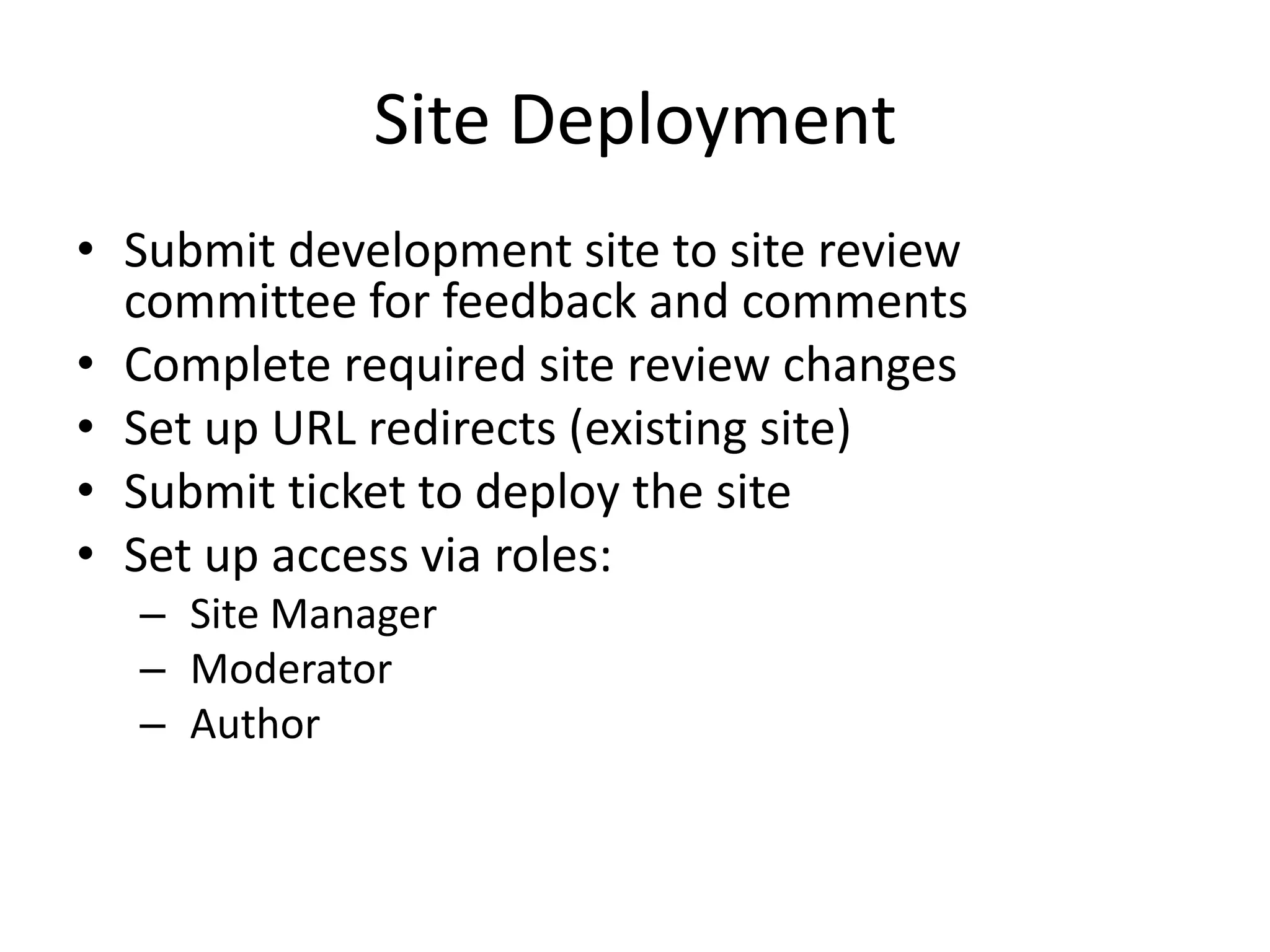
Site Deployment
• Submit development site to site review
committee for feedback and comments
• Complete required site review changes
• Set up URL redirects (existing site)
• Submit ticket to deploy the site
• Set up access via roles:
– Site Manager
– Moderator
– Author
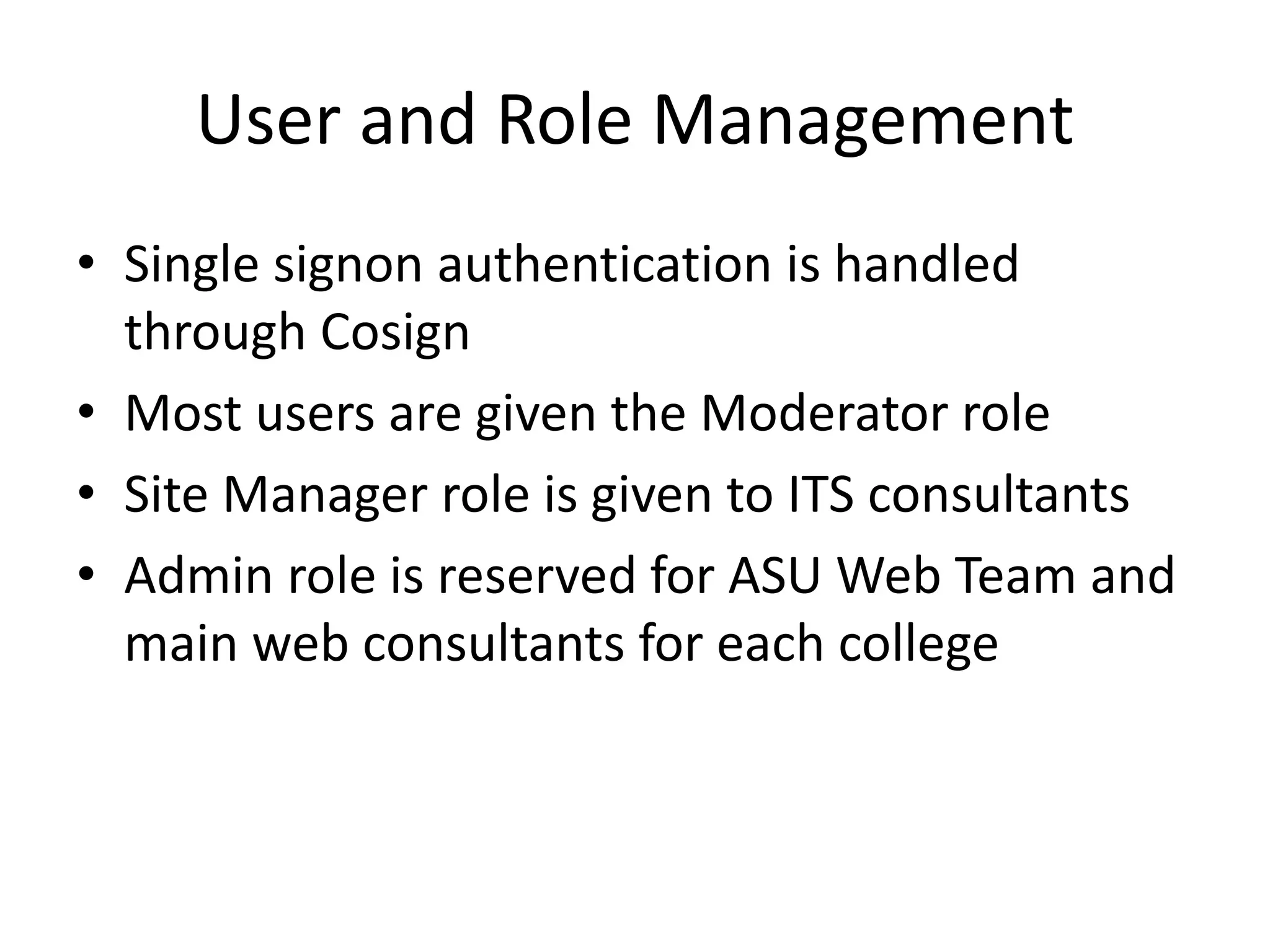
User and Role Management
• Single signon authentication is handled
through Cosign
• Most users are given the Moderator role
• Site Manager role is given to ITS consultants
• Admin role is reserved for ASU Web Team and
main web consultants for each college
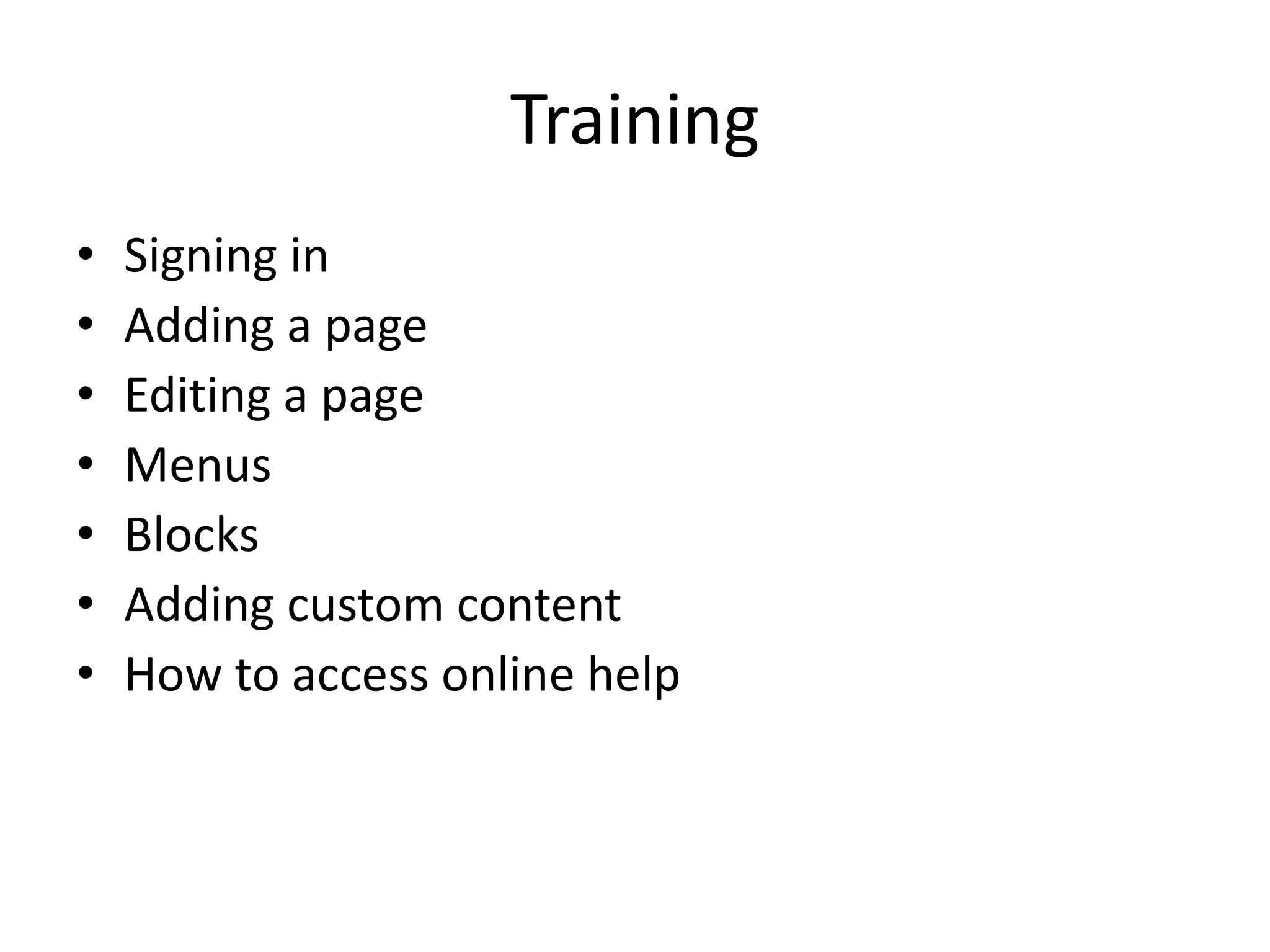
Training
• Signing in
• Adding a page
• Editing a page
• Menus
• Blocks
• Adding custom content
• How to access online help
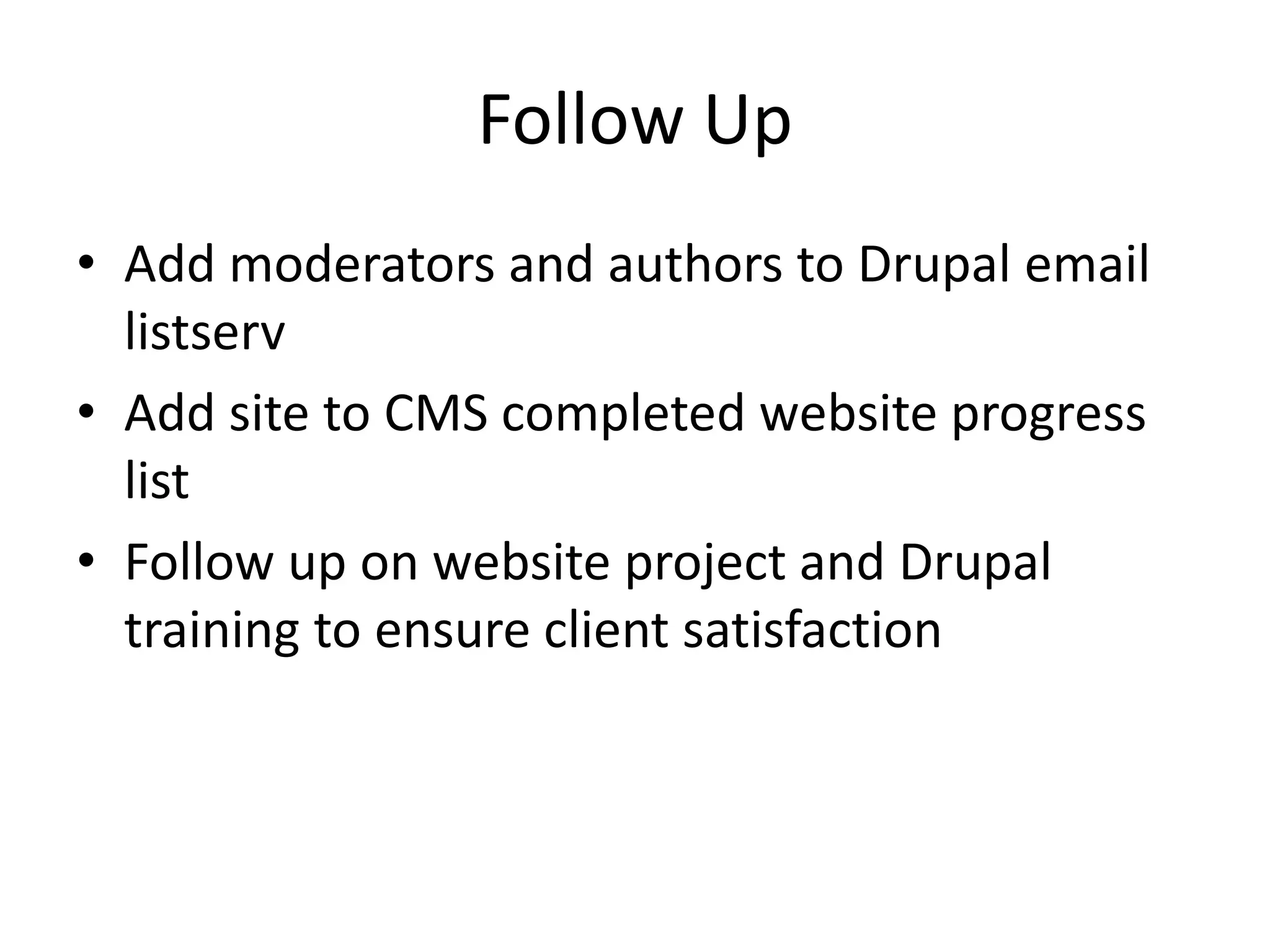
Follow Up
• Add moderators and authors to Drupal email
listserv
• Add site to CMS completed website progress
list
• Follow up on website project and Drupal
training to ensure client satisfaction
Challenges
• Reservations about migrating to Drupal
– Previous system changes
– Capabilities
• Large sites that are not able to be completely
migrated
• Users who want full admin access
Benefits
• Security & Stability: Limited production server
access and managed codebase
• Consistency: The design and organization of the
University’s websites are more consistent, making
them easier to use
• Updated Content: Drupal makes it easy for the
people that best understand the content to keep
websites up to date, so the information is more
accurate and current
Thank You…
Questions?
App State Web Team:
Stephen Taylor (University Webmaster) – taylorsa1@appstate.edu
Michelle Melton (Lead Site Migrator) – meltonml@appstate.edu
Zach Seifts (Drupal Programmer) – seiftsze@appstate.edu
Ericka Hudspeth (Site Migration Assistant) - hudspethea@appstate.edu
Ivan Ditscheiner (Docs and Help Guides) - ditscheinerid@appstate.edu

UNC CAUSE 2010: Drupal BOF Presentation

  • 2.
    Drupal at UNC Charlotte MarkShropshire - mdshrops@uncc.edu Business & Technology Applications Analyst Student Union, Activites and Recreation IT
  • 3.
    • Using Drupalsince 2005 in Student Affairs • Small pockets of Drupal on campus since then • Departmental Drupal theme developed in early 2010 • UNC Charlotte rolled out www.uncc.edu (home page and upper tier pages) with Drupal 6.x in Aug 2010 • Many departments now interested in Drupal and making plans to migrate
  • 4.
    Student Union, Activities andRecreation Drupal • Drupal 4.6-6.x (Getting excited about D7!) • Single site and multi-site installs • We build web sites and web applications with Drupal
  • 5.
    Student Union, Activities andRecreation Drupal • Infrastructure - OS X Servers (Debian Linux too) • Latest Drupal 6.x platform includes: Standard modules, install profile, features (blog, events, etc.), Drush and other scripts to deploy.
  • 6.
    Drupal at AppalachianState UNC Cause Conference November 8, 2010
  • 7.
    Drupal at AppalachianState • Drupal 6 Web Content Management system • Focused on overall web content management - not just the CMS software • Full central web support • Turnkey web site creation and site migrations • Centrally managed Drupal codebase • In-house design, information architecture, and custom module programming support • 140 completed sites in production / 24 sites in development (as of Nov 2010) (current list at cms.appstate.edu)
  • 8.
    Hardware and Hosting •Dell blade server • 2 Blades - Dual Quad Core Nehalem - 96gb RAM • Storage - Netapp SAN - 1.5TB space connected via Fiber Channel • VM Ware ESX 4 • VM Ware V Center Server / V Sphere Client • RHEL 5.5 w/ advanced application stack channel
  • 9.
    Codebase Management • GITrepository is used to manage our codebase (previously used subversion) • Changes and updates are tested on the CMSPilot dev server • Once testing is finished, its committed to the repo and a new version tag is created • Updates then pushed out through to deployed production sites
  • 10.
    Meet with theClient • Will this be an ASU themed site, or will it require a custom design? • New Site: What pages will they need? • Existing Site: Will any content be changing? • What programming will they need to make updating the site easier (i.e. news, event calendar, photo gallery) • Are there any deadlines that need to be met? • What URLs will be used for the site?
  • 11.
    Project Management • Addproject to webteam Open Atrium project management site • Create development site • Develop site plan for organization of content into most user-friendly format • Input menu structure into development site (for larger sites) • Obtain client approval on site plan
  • 12.
    Site Building • Migratecontent into development site • Set up any custom content types that are needed • Obtain client approval on completed development site
  • 13.
    Site Review • WebPolicy Violations • Strong Recommendations • Best Practices / Personal Preference
  • 14.
    Web Policy Violations •EO policy link • Privacy statement • ALT attributes for non-background images • Alternate content for multimedia resources • Readable by Jaws/Fangs
  • 15.
    Recommendations • Page titlechanges • Contact information • Appalachian State University clearly identified • Disclaimer link • Copyright information • No grammatical errors • Clear link destinations • Operable links • Site works in all supported browsers
  • 16.
    Best Practices • Consistent,easy to use navigation • Clearly written copy • Logical organizational structure • Meets information needs of audience • Logical folder and file naming convention • Appropriately sized images • Validated HTML and CSS • Maps link to official campus map
  • 17.
    Site Deployment • Submitdevelopment site to site review committee for feedback and comments • Complete required site review changes • Set up URL redirects (existing site) • Submit ticket to deploy the site • Set up access via roles: – Site Manager – Moderator – Author
  • 18.
    User and RoleManagement • Single signon authentication is handled through Cosign • Most users are given the Moderator role • Site Manager role is given to ITS consultants • Admin role is reserved for ASU Web Team and main web consultants for each college
  • 19.
    Training • Signing in •Adding a page • Editing a page • Menus • Blocks • Adding custom content • How to access online help
  • 20.
    Follow Up • Addmoderators and authors to Drupal email listserv • Add site to CMS completed website progress list • Follow up on website project and Drupal training to ensure client satisfaction
  • 21.
    Challenges • Reservations aboutmigrating to Drupal – Previous system changes – Capabilities • Large sites that are not able to be completely migrated • Users who want full admin access
  • 22.
    Benefits • Security &Stability: Limited production server access and managed codebase • Consistency: The design and organization of the University’s websites are more consistent, making them easier to use • Updated Content: Drupal makes it easy for the people that best understand the content to keep websites up to date, so the information is more accurate and current
  • 23.
    Thank You… Questions? App StateWeb Team: Stephen Taylor (University Webmaster) – taylorsa1@appstate.edu Michelle Melton (Lead Site Migrator) – meltonml@appstate.edu Zach Seifts (Drupal Programmer) – seiftsze@appstate.edu Ericka Hudspeth (Site Migration Assistant) - hudspethea@appstate.edu Ivan Ditscheiner (Docs and Help Guides) - ditscheinerid@appstate.edu