Dato Confidential1
Analyzing Video with GraphLab Create
June 16, 2016
Guy Rapaport, Data Scientist, Dato EMEA
guy@dato.com
Dato Confidential2
Dato: We Intelligent Applications
Dato Confidential
Some of our Customers
3
Dato Confidential4
Business
must be intelligent
Machine learning
applications
• Recommenders
• Fraud detection
• Ad targeting
• Financial models
• Personalized medicine
• Churn prediction
• Smart UX
(video & text)
• Personal assistants
• IoT
• Socials networks
• Log analysis
Last decade:
Data management
Now:
Intelligent apps
?
Last 5 years:
Traditional analytics
Dato Confidential
Dato Confidential
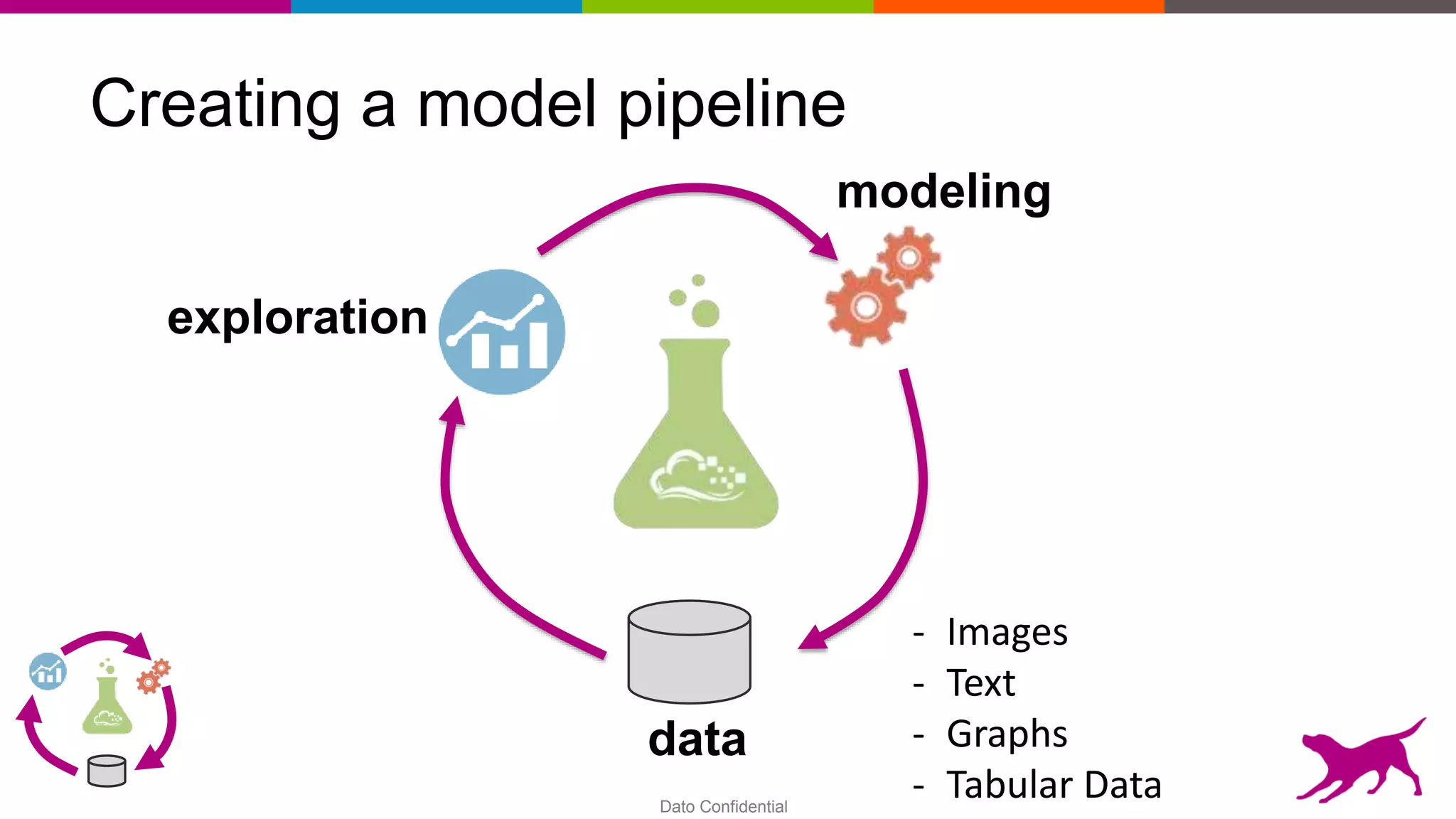
Creating a model pipeline
exploration
data
modeling
- Images
- Text
- Graphs
- Tabular Data
Dato Confidential
Creating a model pipeline
Ingest Transform Model Deploy
Unstructured Data
Dato Confidential
Creating a model pipeline using Dato products
Ingest Transform Model Deploy
Unstructured Data
SFrame Engine
(FREE, open
source)
GraphLab Create
(Scalable Machine
Learning Python
Library,
4K/machine/year)
Predictive Services
(Serving + Load Balancing
+ AB Testing,
10K/machine/year)
Dato Confidential9
$ pip install –U graphlab-create
Dato Confidential10
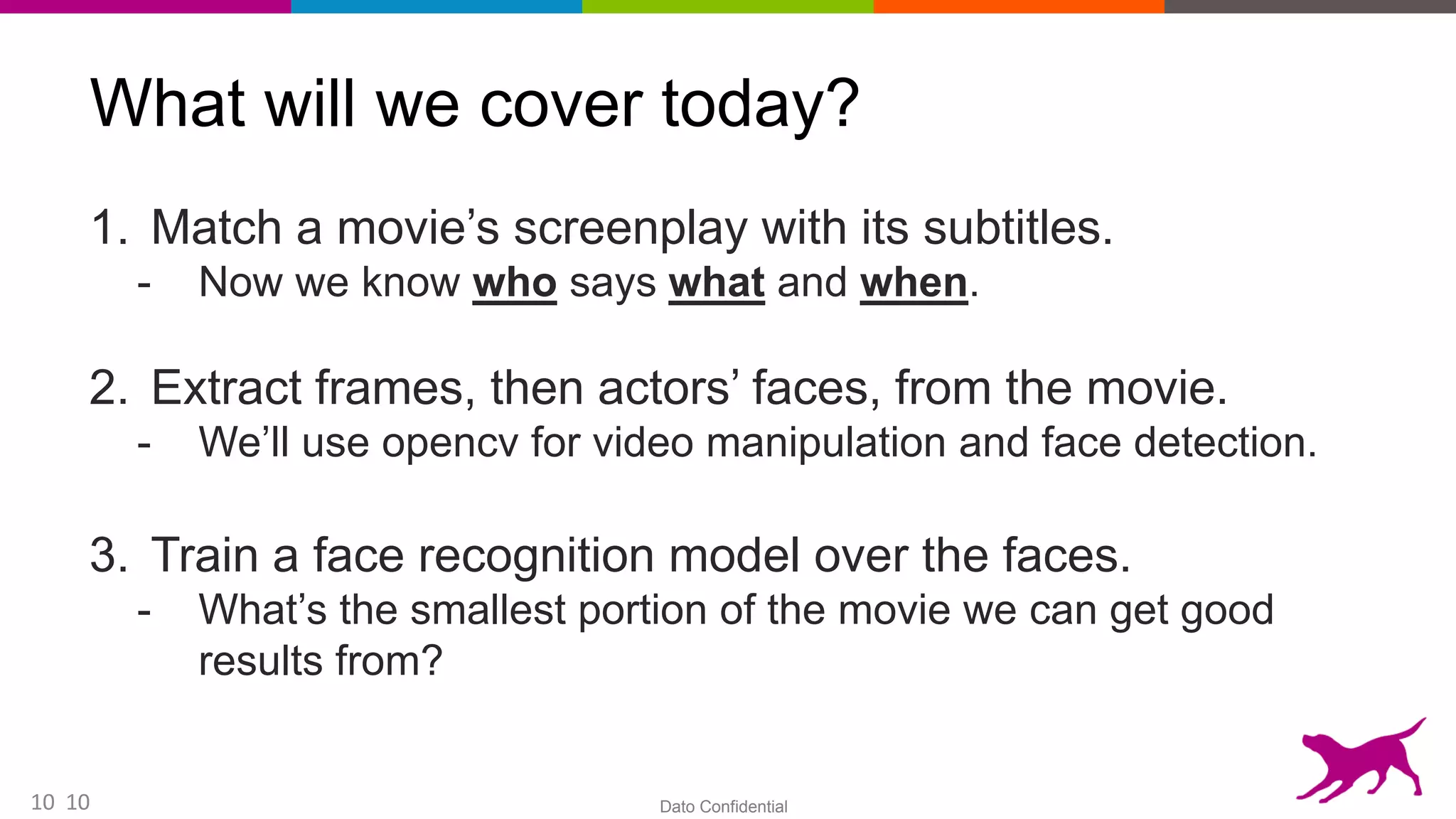
What will we cover today?
1. Match a movie’s screenplay with its subtitles.
- Now we know who says what and when.
2. Extract frames, then actors’ faces, from the movie.
- We’ll use opencv for video manipulation and face detection.
3. Train a face recognition model over the faces.
- What’s the smallest portion of the movie we can get good
results from?
10
Dato Confidential11
Python vs. Anaconda
• You can download Python for free from python.org .
- Python with its standard library.
• Or, you could download the Anaconda distribution.
- Python + tons of installed packages + package managers.
• It’s the same Python, but Anaconda includes both pip and
also with it’s own package manager, conda.
11
Dato Confidential12
pip vs. conda vs. virtualenv
pip – install Python packages.
conda – install Python packages + any OS packages required
for your package to work (libraries etc).
$ conda install -c menpo opencv3=3.1.0
virtualenv – separate environment (by manipulating the
$PYTHONPATH etc.) so packages won’t break.
You can have multiple Python versions on the same machine,
and use a Python version in different environments.
12
Dato Confidential13
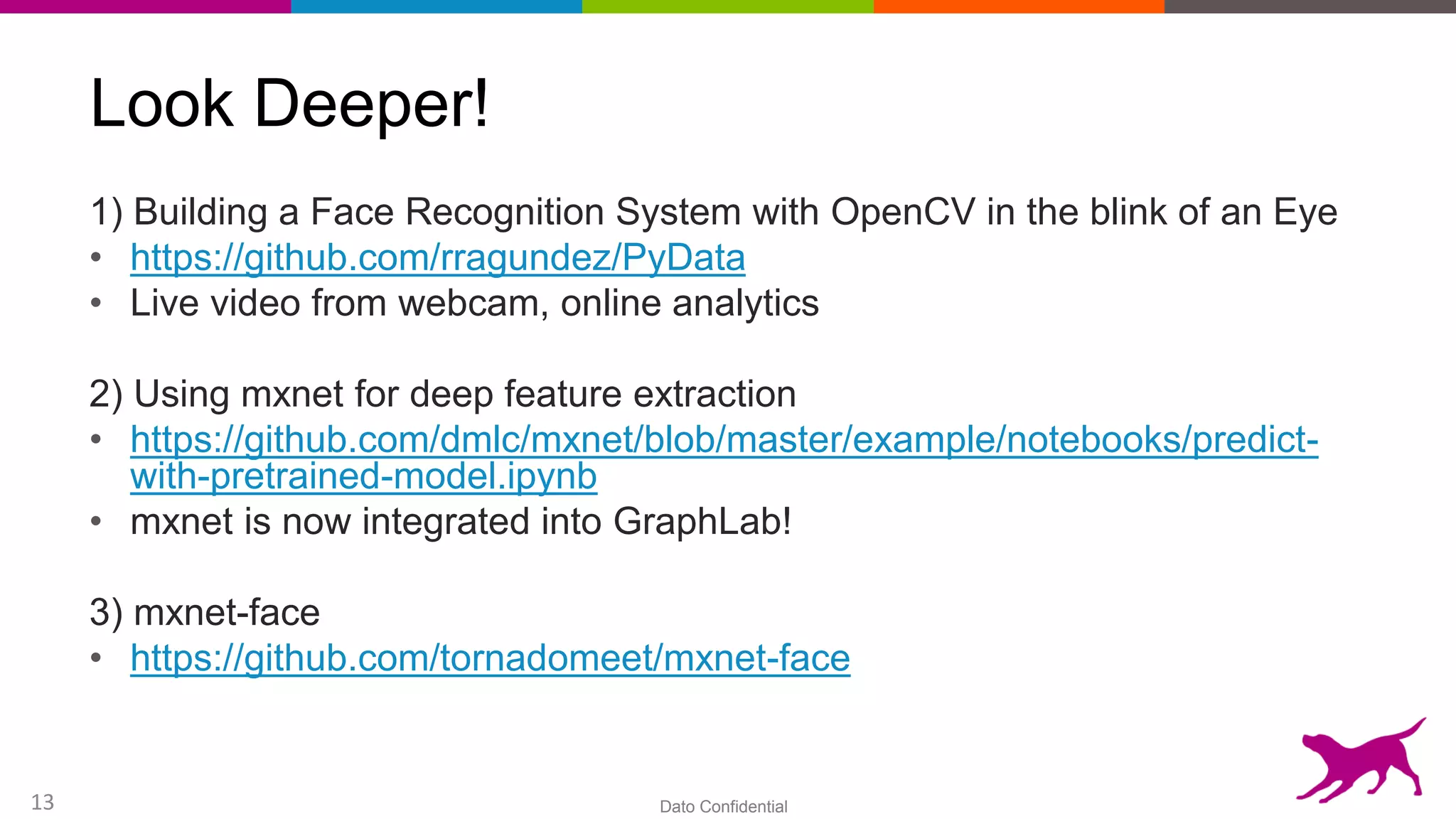
Look Deeper!
1) Building a Face Recognition System with OpenCV in the blink of an Eye
• https://github.com/rragundez/PyData
• Live video from webcam, online analytics
2) Using mxnet for deep feature extraction
• https://github.com/dmlc/mxnet/blob/master/example/notebooks/predict-
with-pretrained-model.ipynb
• mxnet is now integrated into GraphLab!
3) mxnet-face
• https://github.com/tornadomeet/mxnet-face
Dato Confidential
Confidential – Dato internal use only. ©2015 Dato, Inc.
Questions?
“For the purpose of learning the Answer to the
Ultimate Question of Life, The Universe, and Everything,
the supercomputer Deep Thought was specially built.
It takes Deep Thought 7½ million years to compute and check the
answer, which turns out to be 42. Deep Thought points out that
the answer seems meaningless because
the beings who instructed it
never actually knew what the Question was.”
- Douglas Adams, “The Hitchhiker’s Guide to the Galaxy”
Dato Confidential15
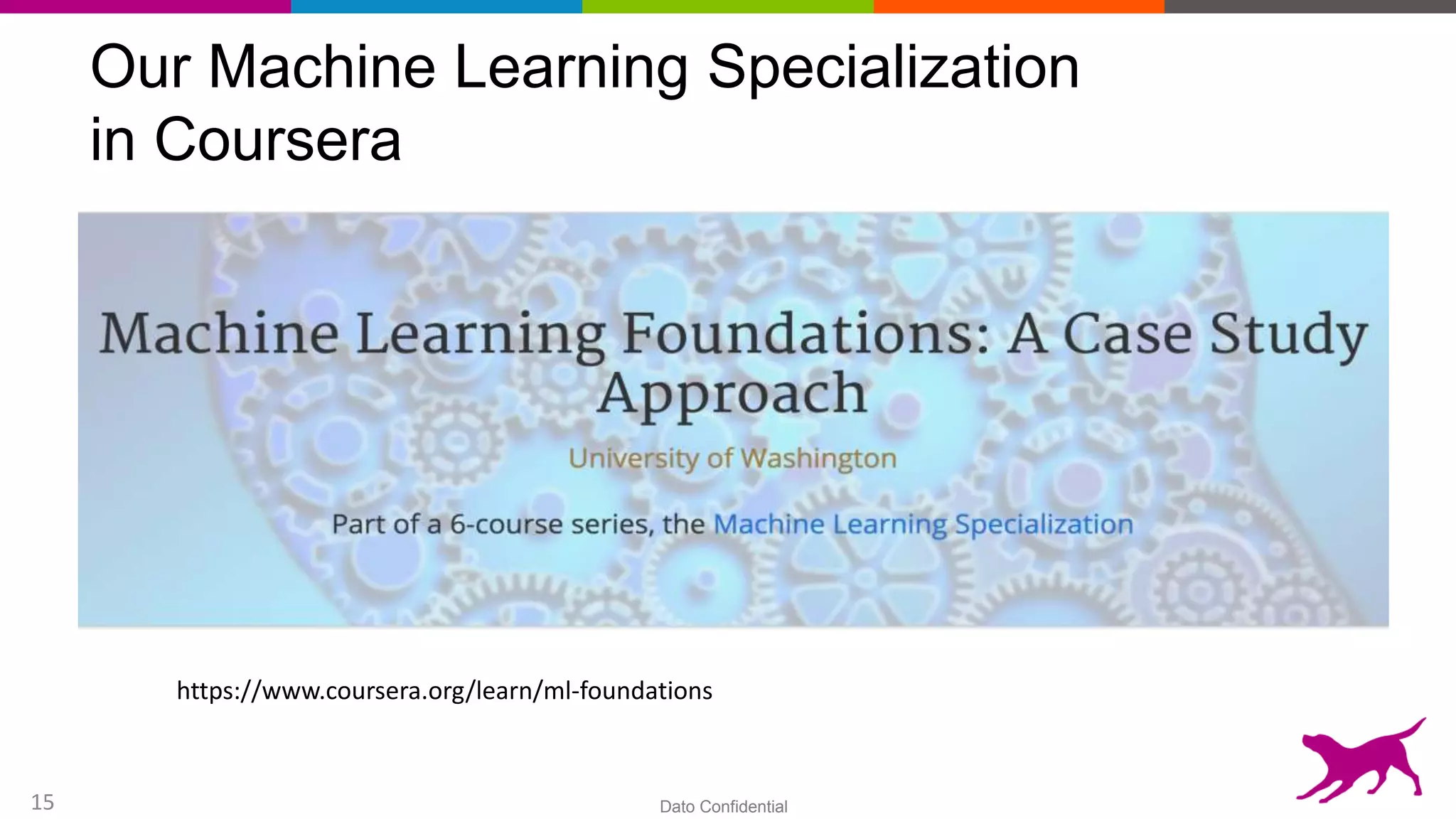
Our Machine Learning Specialization
in Coursera
https://www.coursera.org/learn/ml-foundations
Dato Confidential
Confidential – Dato internal use only. ©2015 Dato, Inc.
Thanks!
Install using pip: $ pip install -U graphlab-create
Dato Launcher Download:
https://dato.com/download/
The benchmarks on GitHub:
https://github.com/guy4261/glc_pagerank_benchmark
Coursera Course:
https://www.coursera.org/learn/ml-foundations
Reach out: guy@dato.com

Webinar - Analyzing Video

  • 1.
    Dato Confidential1 Analyzing Videowith GraphLab Create June 16, 2016 Guy Rapaport, Data Scientist, Dato EMEA guy@dato.com
  • 2.
    Dato Confidential2 Dato: WeIntelligent Applications
  • 3.
  • 4.
    Dato Confidential4 Business must beintelligent Machine learning applications • Recommenders • Fraud detection • Ad targeting • Financial models • Personalized medicine • Churn prediction • Smart UX (video & text) • Personal assistants • IoT • Socials networks • Log analysis Last decade: Data management Now: Intelligent apps ? Last 5 years: Traditional analytics
  • 5.
  • 6.
    Dato Confidential Creating amodel pipeline exploration data modeling - Images - Text - Graphs - Tabular Data
  • 7.
    Dato Confidential Creating amodel pipeline Ingest Transform Model Deploy Unstructured Data
  • 8.
    Dato Confidential Creating amodel pipeline using Dato products Ingest Transform Model Deploy Unstructured Data SFrame Engine (FREE, open source) GraphLab Create (Scalable Machine Learning Python Library, 4K/machine/year) Predictive Services (Serving + Load Balancing + AB Testing, 10K/machine/year)
  • 9.
    Dato Confidential9 $ pipinstall –U graphlab-create
  • 10.
    Dato Confidential10 What willwe cover today? 1. Match a movie’s screenplay with its subtitles. - Now we know who says what and when. 2. Extract frames, then actors’ faces, from the movie. - We’ll use opencv for video manipulation and face detection. 3. Train a face recognition model over the faces. - What’s the smallest portion of the movie we can get good results from? 10
  • 11.
    Dato Confidential11 Python vs.Anaconda • You can download Python for free from python.org . - Python with its standard library. • Or, you could download the Anaconda distribution. - Python + tons of installed packages + package managers. • It’s the same Python, but Anaconda includes both pip and also with it’s own package manager, conda. 11
  • 12.
    Dato Confidential12 pip vs.conda vs. virtualenv pip – install Python packages. conda – install Python packages + any OS packages required for your package to work (libraries etc). $ conda install -c menpo opencv3=3.1.0 virtualenv – separate environment (by manipulating the $PYTHONPATH etc.) so packages won’t break. You can have multiple Python versions on the same machine, and use a Python version in different environments. 12
  • 13.
    Dato Confidential13 Look Deeper! 1)Building a Face Recognition System with OpenCV in the blink of an Eye • https://github.com/rragundez/PyData • Live video from webcam, online analytics 2) Using mxnet for deep feature extraction • https://github.com/dmlc/mxnet/blob/master/example/notebooks/predict- with-pretrained-model.ipynb • mxnet is now integrated into GraphLab! 3) mxnet-face • https://github.com/tornadomeet/mxnet-face
  • 14.
    Dato Confidential Confidential –Dato internal use only. ©2015 Dato, Inc. Questions? “For the purpose of learning the Answer to the Ultimate Question of Life, The Universe, and Everything, the supercomputer Deep Thought was specially built. It takes Deep Thought 7½ million years to compute and check the answer, which turns out to be 42. Deep Thought points out that the answer seems meaningless because the beings who instructed it never actually knew what the Question was.” - Douglas Adams, “The Hitchhiker’s Guide to the Galaxy”
  • 15.
    Dato Confidential15 Our MachineLearning Specialization in Coursera https://www.coursera.org/learn/ml-foundations
  • 16.
    Dato Confidential Confidential –Dato internal use only. ©2015 Dato, Inc. Thanks! Install using pip: $ pip install -U graphlab-create Dato Launcher Download: https://dato.com/download/ The benchmarks on GitHub: https://github.com/guy4261/glc_pagerank_benchmark Coursera Course: https://www.coursera.org/learn/ml-foundations Reach out: guy@dato.com

Editor's Notes

  • #2  The team, the history of the product
  • #3 Company began 7 years ago in Carnegie Mellon University as an open-source project. Now a company with 50+ employees and a recently opened EMEA office here in Israel. Customers 
  • #4 Yes, we are selling  (100+ paying customers, brand names)  Intelligent apps are predictive
  • #5 From analytics (queries over known data) to predictive (discovering the unknown). Supported data types 
  • #6 # end of corporate slides GLC in a line 
  • #7 Steps in the model pipeline creation 
  • #8 From inspiration to production 
  • #9 The tools that we are making and what are they doing for this pipeline. My goal today is that you’ll install it. 
  • #10 My goal today.
  • #15 Check our Coursera course 
  • #16 Thanks 