Web 2.0
The Read/Write Web
History
 Tim Berners-Lee: World
Wide Web 1989
 Dream of sharing
information back and
forth
 Mosaic Web browser in
1993
 Writing to the web
required knowledge of
HTML codes and more.
The New World Wide Web
 New way software developers and users utilize
the web.
 2003 - sites utilize tools that make it easy to
publish to the web.
 No longer limited to “consuming” information.
 Multimedia publishing has exploded.
Useful Web 2.0 Tools
 Weblogs
 Wikis
 Real Simple Syndication (RSS)
 Aggregators
 Social Bookmarking and Networking
 Online Photo Galleries
 Audio/video-casting
*Not the only web 2.0 tools! Keep educational uses
in mind when looking at these.
Weblogs (Blogs)
 Easily created/updated
sites.
 Publish instantly from
any internet connection.
 Interactive - comment,
question, link,
converse.
Wikis
 Collaborative page.
 Anyone can add or
edit content.
 Wikipedia - friend or
foe?
 Wikispaces
Real Simple Syndication
 Subscribe to “feeds”
from your favorite sites.
 New information is sent
to you.
 Reduces research time.
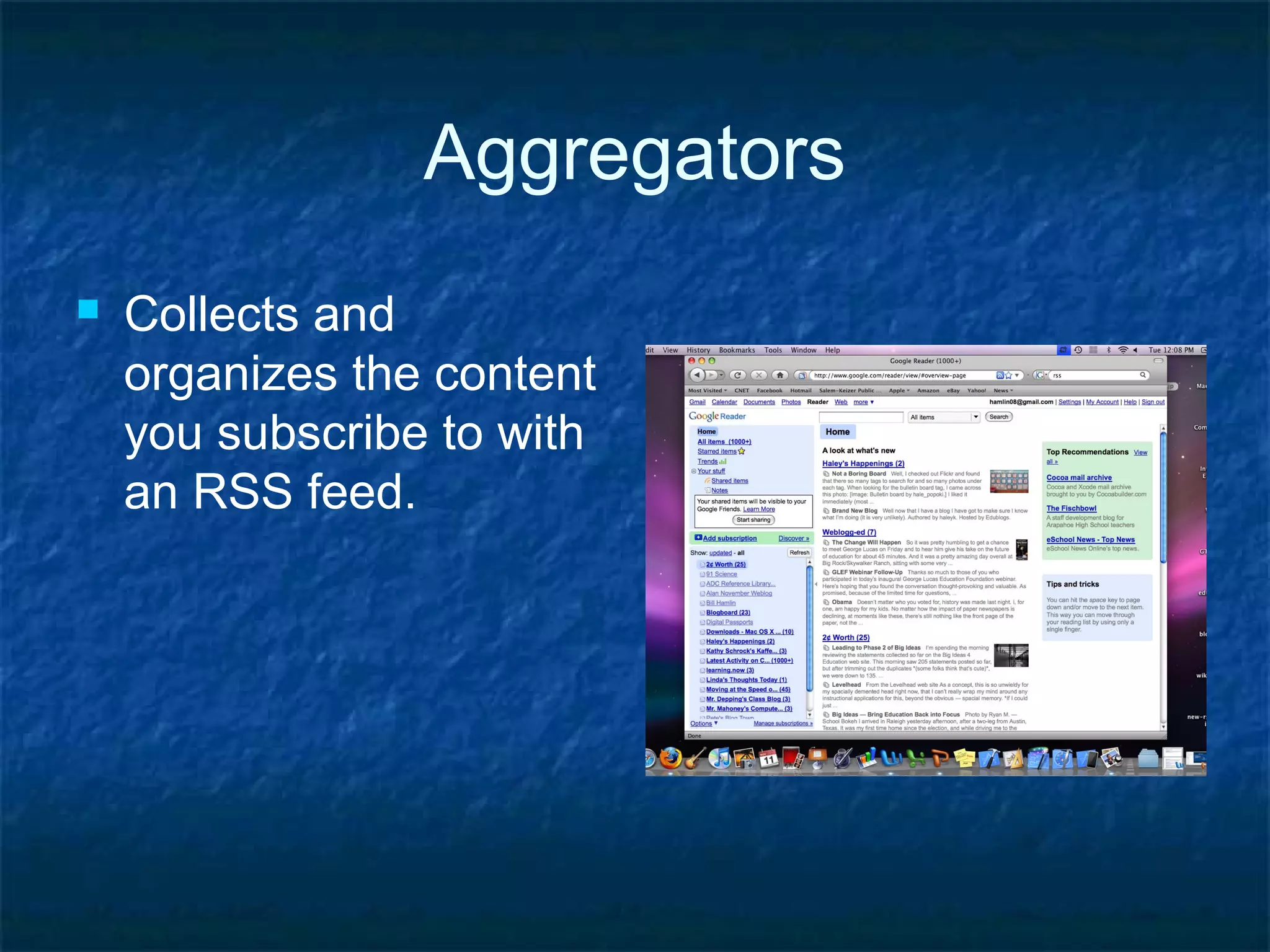
Aggregators
 Collects and
organizes the content
you subscribe to with
an RSS feed.
Social Bookmarking
 Save web addresses
of useful content.
 Share and search
bookmarks.
 Generate specific
resource lists.
Social Networking
 Facebook, Twitter
 LinkedIn.com
 Collaborate,
bookmark, share, etc.
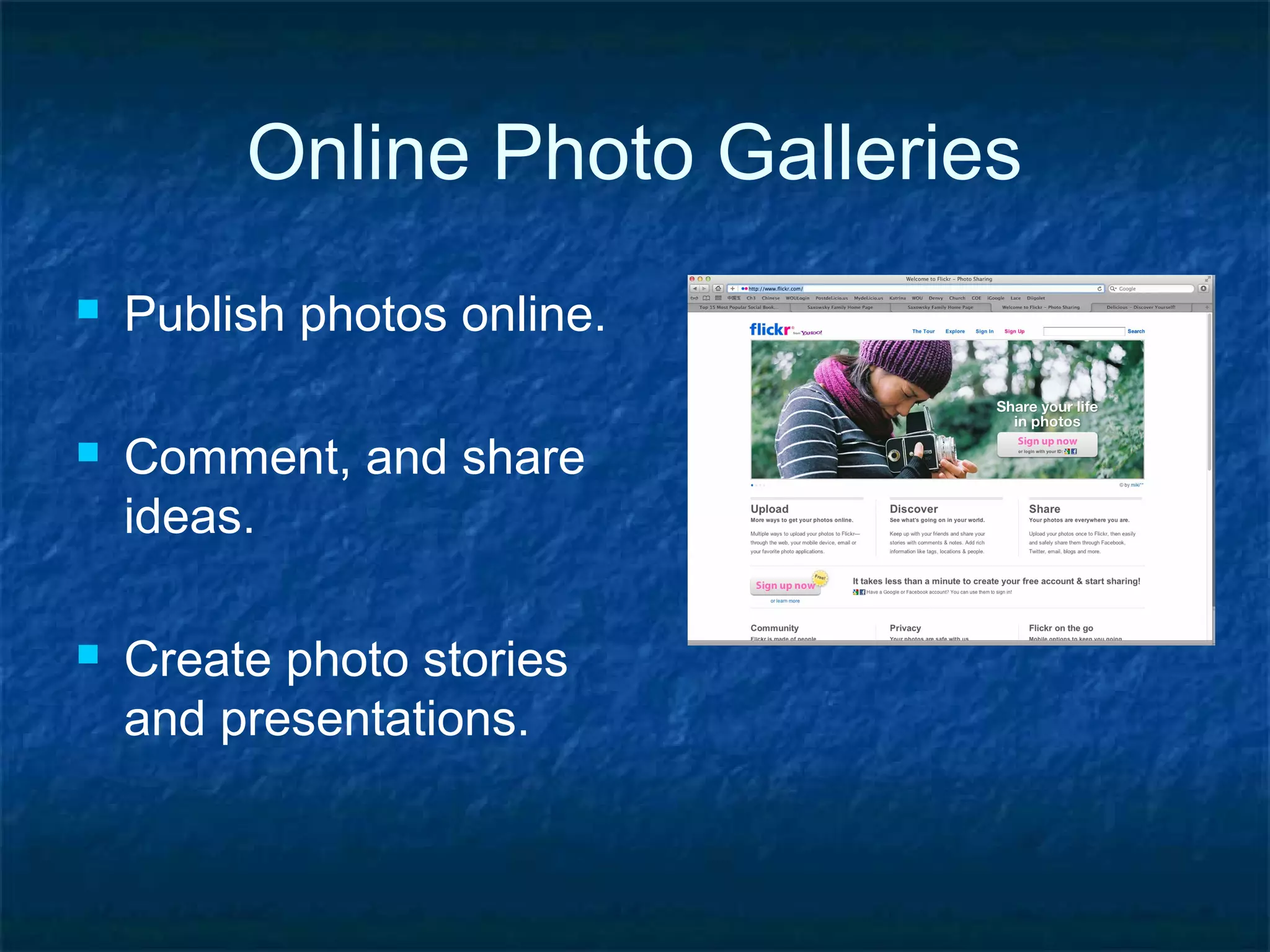
Online Photo Galleries
 Publish photos online.
 Comment, and share
ideas.
 Create photo stories
and presentations.
Audio/video-casting
 Produce audio and
video recordings.
 Publish them easily to
the web.
 Creates a world-wide
audience.
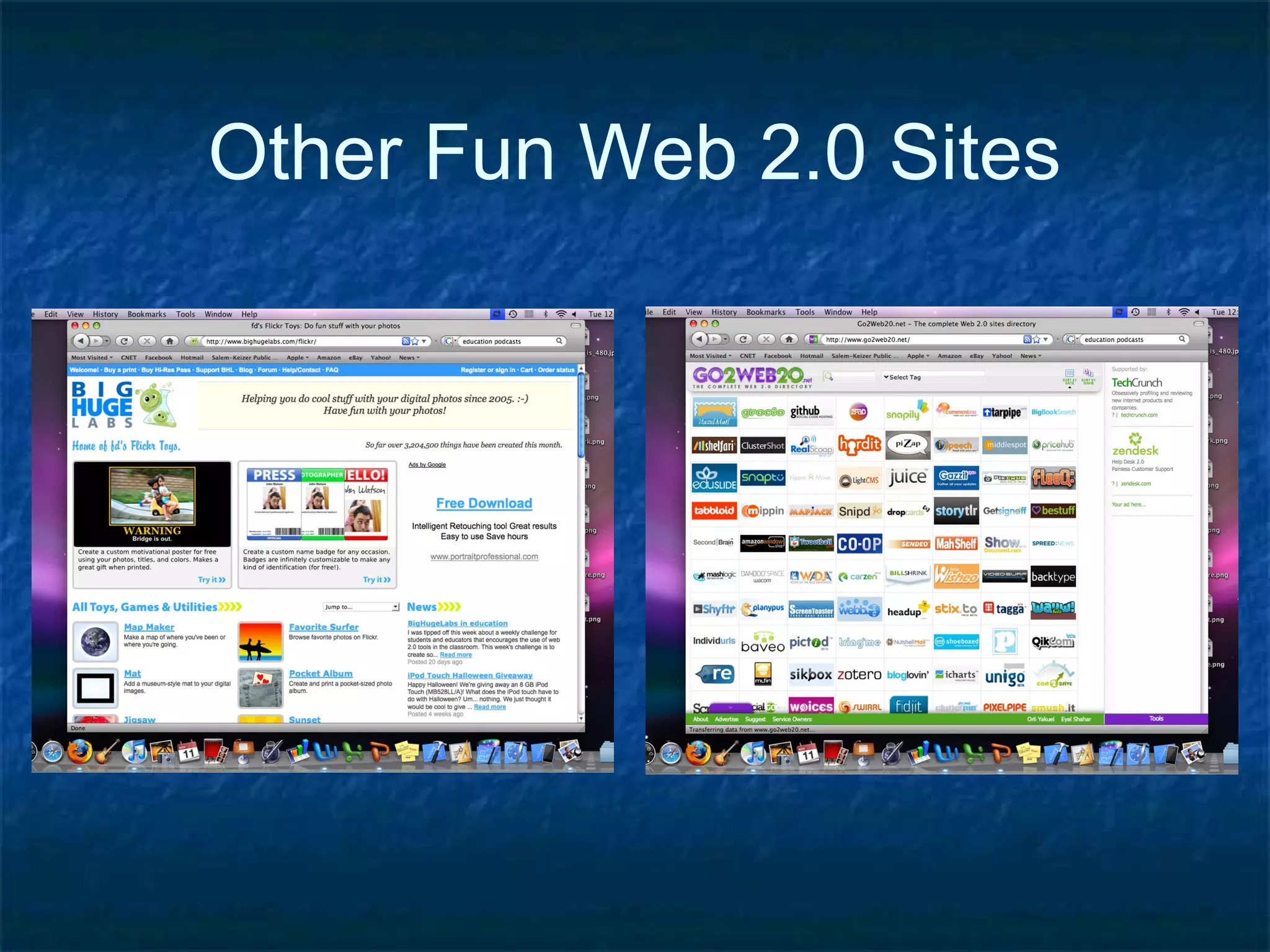
Other Fun Web 2.0 Sites
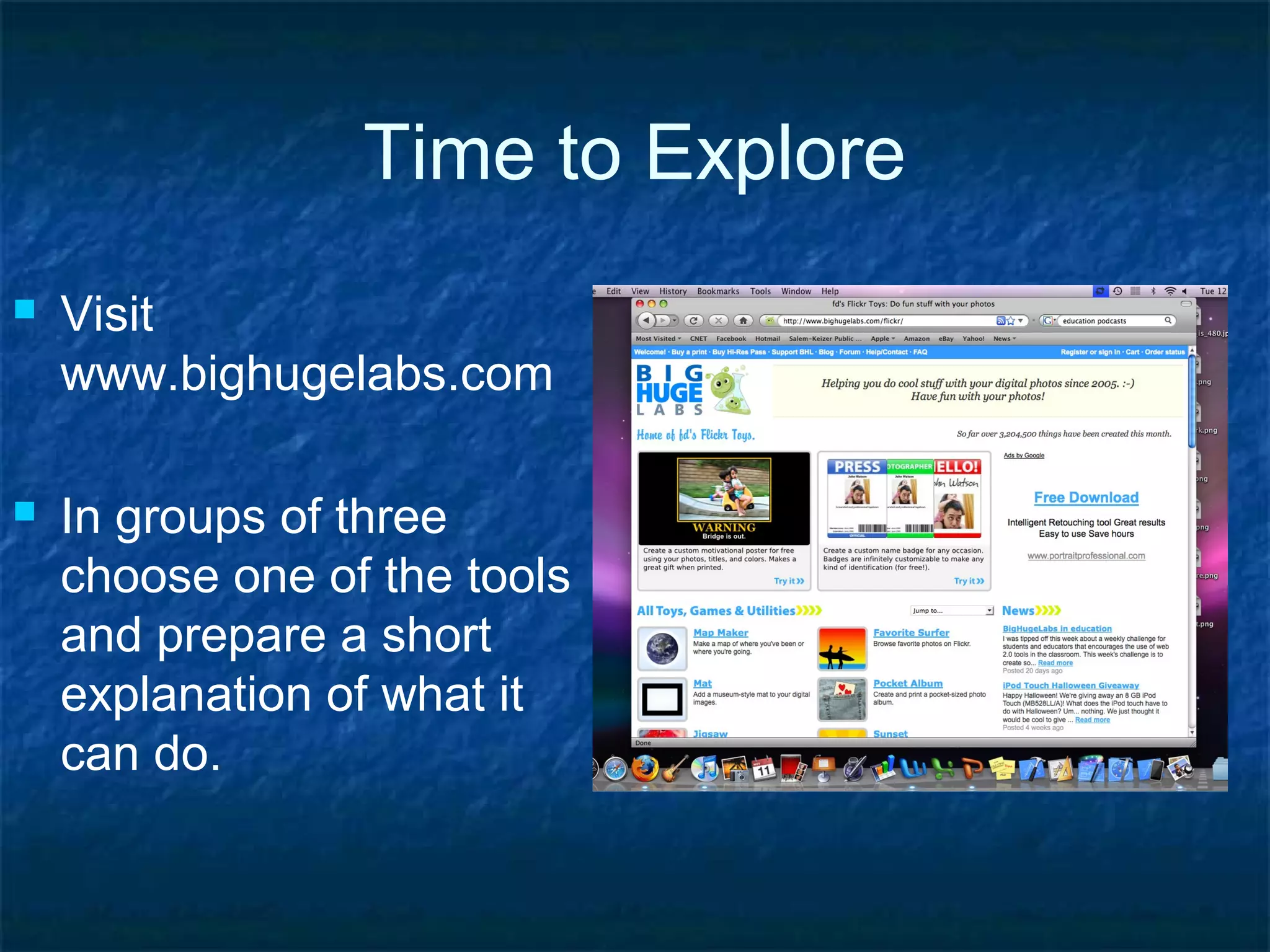
Time to Explore
 Visit
www.bighugelabs.com
 In groups of three
choose one of the tools
and prepare a short
explanation of what it
can do.
Are you ready for this?
 Visit
www.go2web20.net
 In groups of three
choose a web 2.0 tool
to share with the
class.
Time to bring it all together
 How could these tools be used in a particular
grade level and content area?
 What do these tools bring to a lesson that is
unique?
 What are some disadvantages or risks
associated with these tools?
 What are some of the benefits and challenges of
utilizing web 2.0 tools?

Web20

  • 1.
  • 2.
    History  Tim Berners-Lee:World Wide Web 1989  Dream of sharing information back and forth  Mosaic Web browser in 1993  Writing to the web required knowledge of HTML codes and more.
  • 3.
    The New WorldWide Web  New way software developers and users utilize the web.  2003 - sites utilize tools that make it easy to publish to the web.  No longer limited to “consuming” information.  Multimedia publishing has exploded.
  • 4.
    Useful Web 2.0Tools  Weblogs  Wikis  Real Simple Syndication (RSS)  Aggregators  Social Bookmarking and Networking  Online Photo Galleries  Audio/video-casting *Not the only web 2.0 tools! Keep educational uses in mind when looking at these.
  • 5.
    Weblogs (Blogs)  Easilycreated/updated sites.  Publish instantly from any internet connection.  Interactive - comment, question, link, converse.
  • 6.
    Wikis  Collaborative page. Anyone can add or edit content.  Wikipedia - friend or foe?  Wikispaces
  • 7.
    Real Simple Syndication Subscribe to “feeds” from your favorite sites.  New information is sent to you.  Reduces research time.
  • 8.
    Aggregators  Collects and organizesthe content you subscribe to with an RSS feed.
  • 9.
    Social Bookmarking  Saveweb addresses of useful content.  Share and search bookmarks.  Generate specific resource lists.
  • 10.
    Social Networking  Facebook,Twitter  LinkedIn.com  Collaborate, bookmark, share, etc.
  • 11.
    Online Photo Galleries Publish photos online.  Comment, and share ideas.  Create photo stories and presentations.
  • 12.
    Audio/video-casting  Produce audioand video recordings.  Publish them easily to the web.  Creates a world-wide audience.
  • 13.
    Other Fun Web2.0 Sites
  • 14.
    Time to Explore Visit www.bighugelabs.com  In groups of three choose one of the tools and prepare a short explanation of what it can do.
  • 15.
    Are you readyfor this?  Visit www.go2web20.net  In groups of three choose a web 2.0 tool to share with the class.
  • 16.
    Time to bringit all together  How could these tools be used in a particular grade level and content area?  What do these tools bring to a lesson that is unique?  What are some disadvantages or risks associated with these tools?  What are some of the benefits and challenges of utilizing web 2.0 tools?

Editor's Notes

  • #2 Do you know what Web2.0 is? What about Web1.0? Interconnecting computers started with the military (1962) and universities to exchange information, data and research. Web1.0, which really never had this name, was static, read only and could only be modified by the webmaster. Web2.0 allows the client, the user to interact such as commenting on blogs and using Facebook.
  • #3 First connections were very technical using only text on black or green screens. First friendly Mosaic web browser started in ‘93. It still required coding HTML by webmasters.
  • #4 The idea of Web2.0 started in ’99 and mentioned by Tim O’Reilly at a conference in 2003 or 2004. Multimedia publishing flourished. The web became very interactive.
  • #5 Quick list of some tools. (explain on following slides)
  • #6 Discuss experience with blogs with students. Talk about different uses: journaling, news reporting, personal diaries, communicating in education about peers, with parents and students. Includes multi-media and gadgets or widgets.
  • #7 Most famous is Wikipedia. Wiki means “quick” in Hawaiian. Losing popularity.
  • #8 Think about syndicating like Peanuts cartoon, it comes to you, you don’t have to go to find it. Many sites have a RSS button.
  • #9 Great for collecting your “stuff” on the Internet, such as email, RSS, new feeds, following blogs and all your favorite sites.
  • #10 Early option was delicious.com for saving useful URLs. Many more tools now can do much the same thing.
  • #11 Top names now are Facebook and Twitter. Formerly was MySpace. Discuss the use of Facebook in education, in class, the affect on socializing and relationships.