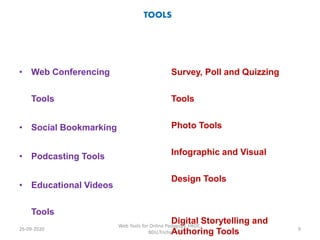
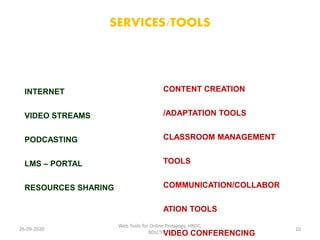
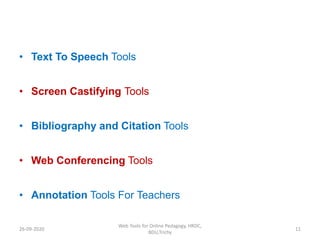
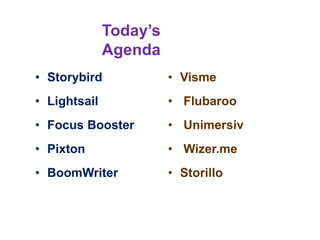
The document discusses web 2.0 tools that can be used for online teaching. It defines web 2.0 tools as end-user applications that require dynamic interaction, social networking, or user interfacing between people and information. Some examples of familiar web 2.0 tools mentioned are wikis, blogs, social networking sites, and image/video hosting sites. The document discusses how web 2.0 tools allow users to generate and manipulate content, and students can individualize content and go beyond expectations. It notes the importance of teachers considering objectives and purposes over the tools themselves. The benefits mentioned are how tools can facilitate authentic interactions with content and other learners, allowing student freedom and different interpretations.