Wait…
WHAT JUST HAPPENED
TO MY EMAIL?!?
#WelcomeToTheInbox
Jason Rodriguez
Community Manager, Litmus
@rodriguezcommaj
Marketing Lead, Sendwithus
@alexophile
Alex Mohr
Welcome to the inbox, nerds.
#WelcomeToTheInbox
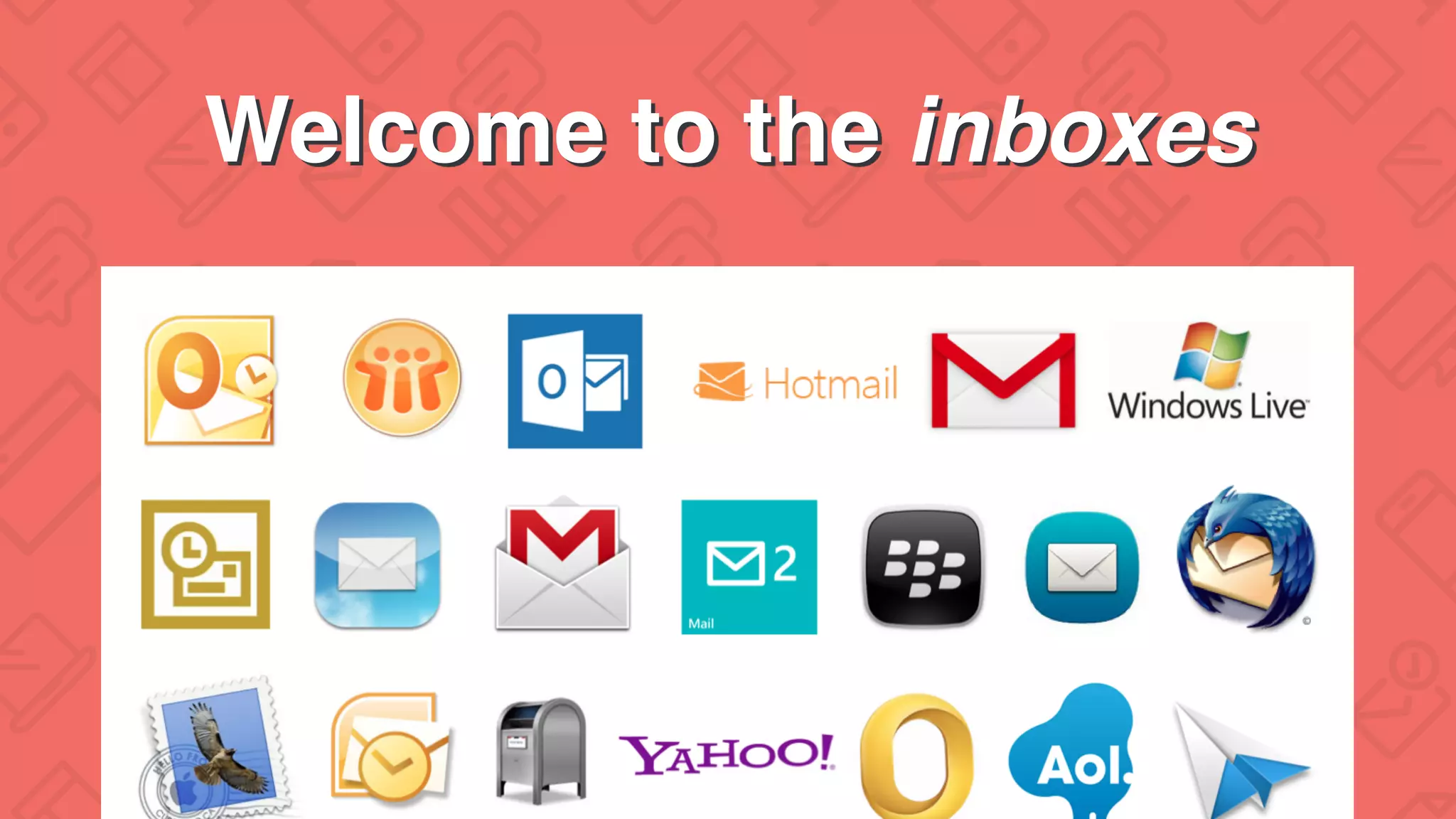
Welcome to the inboxes
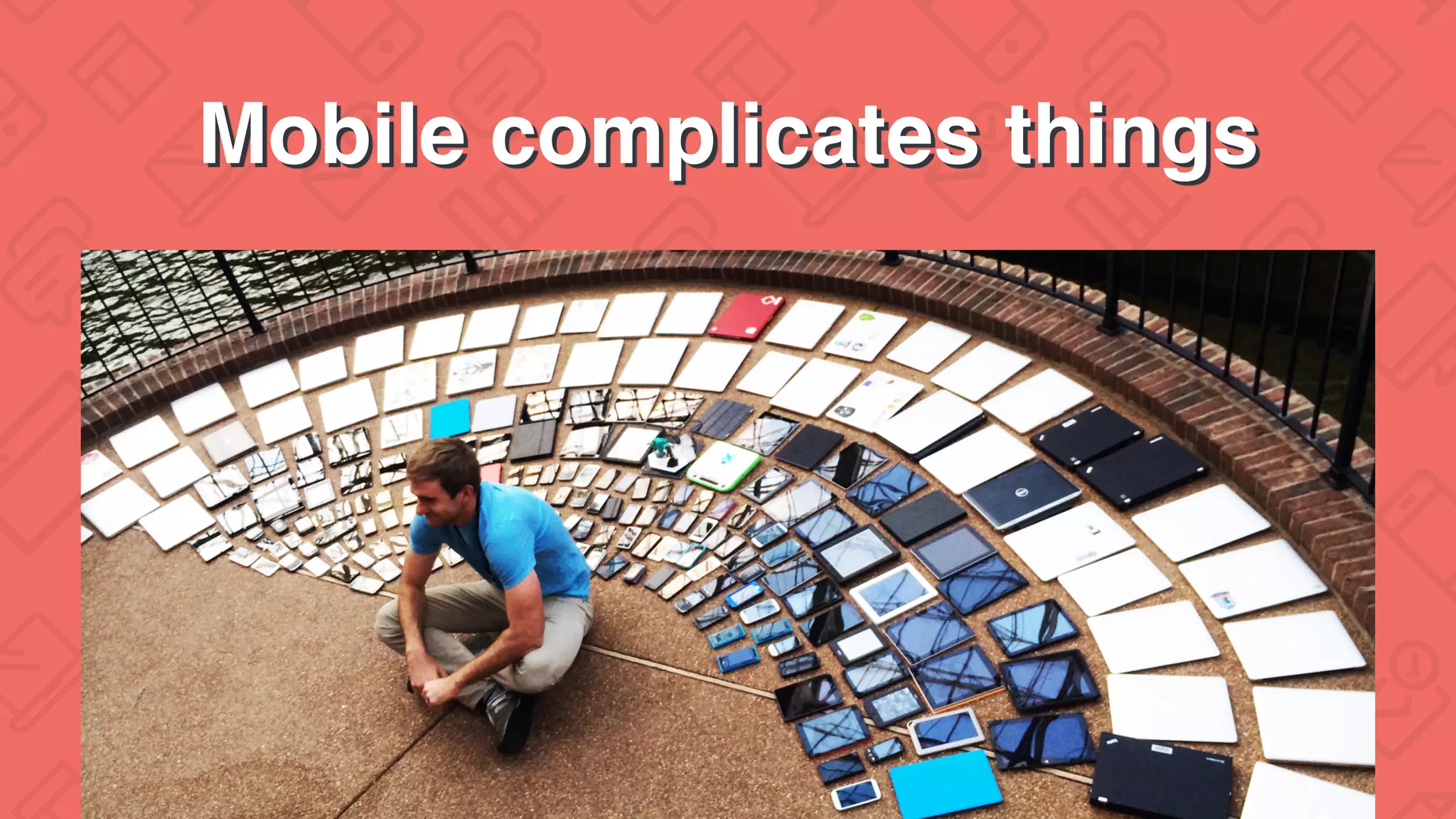
Mobile complicates things
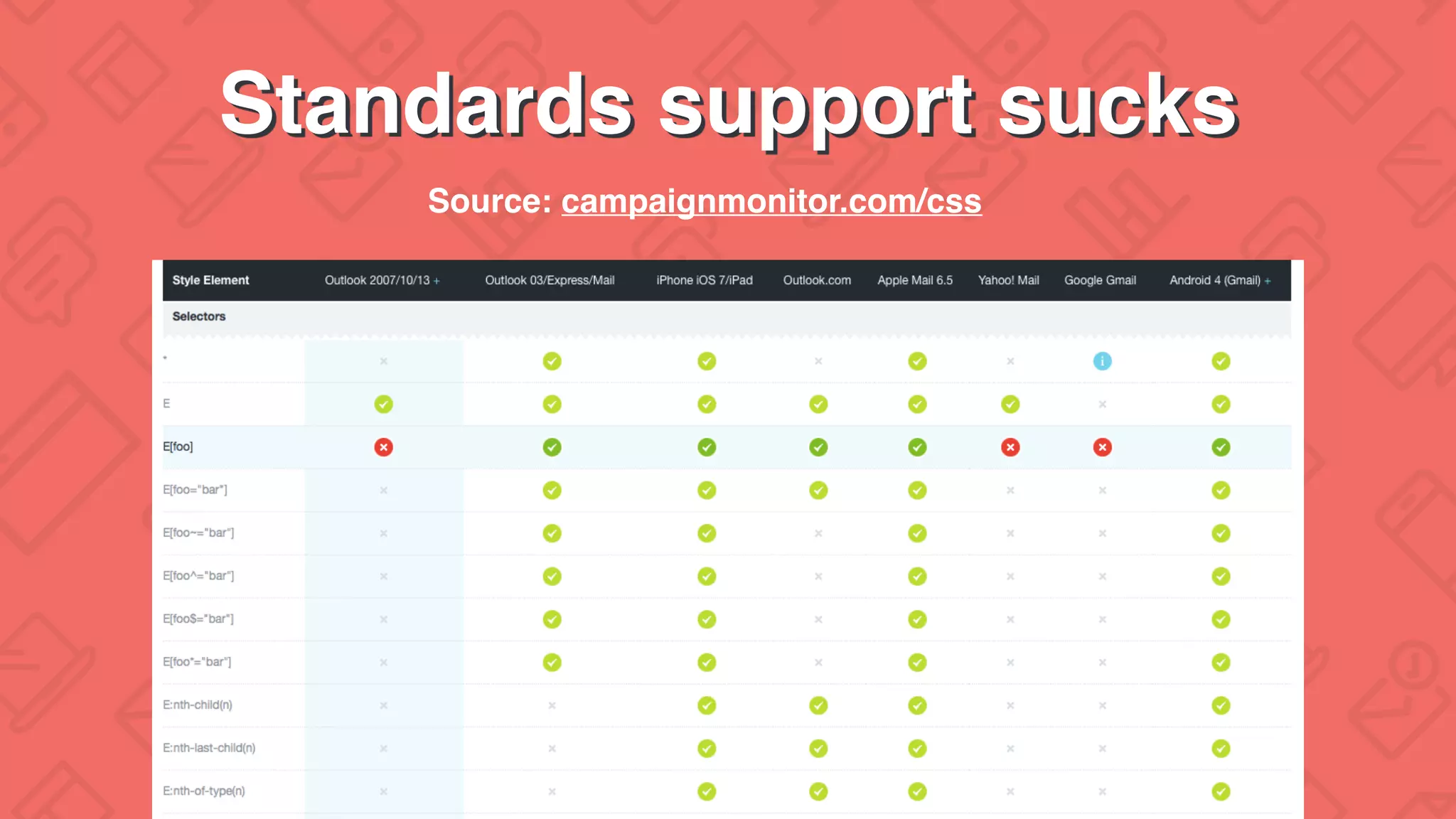
Standards support sucks
Source: campaignmonitor.com/css
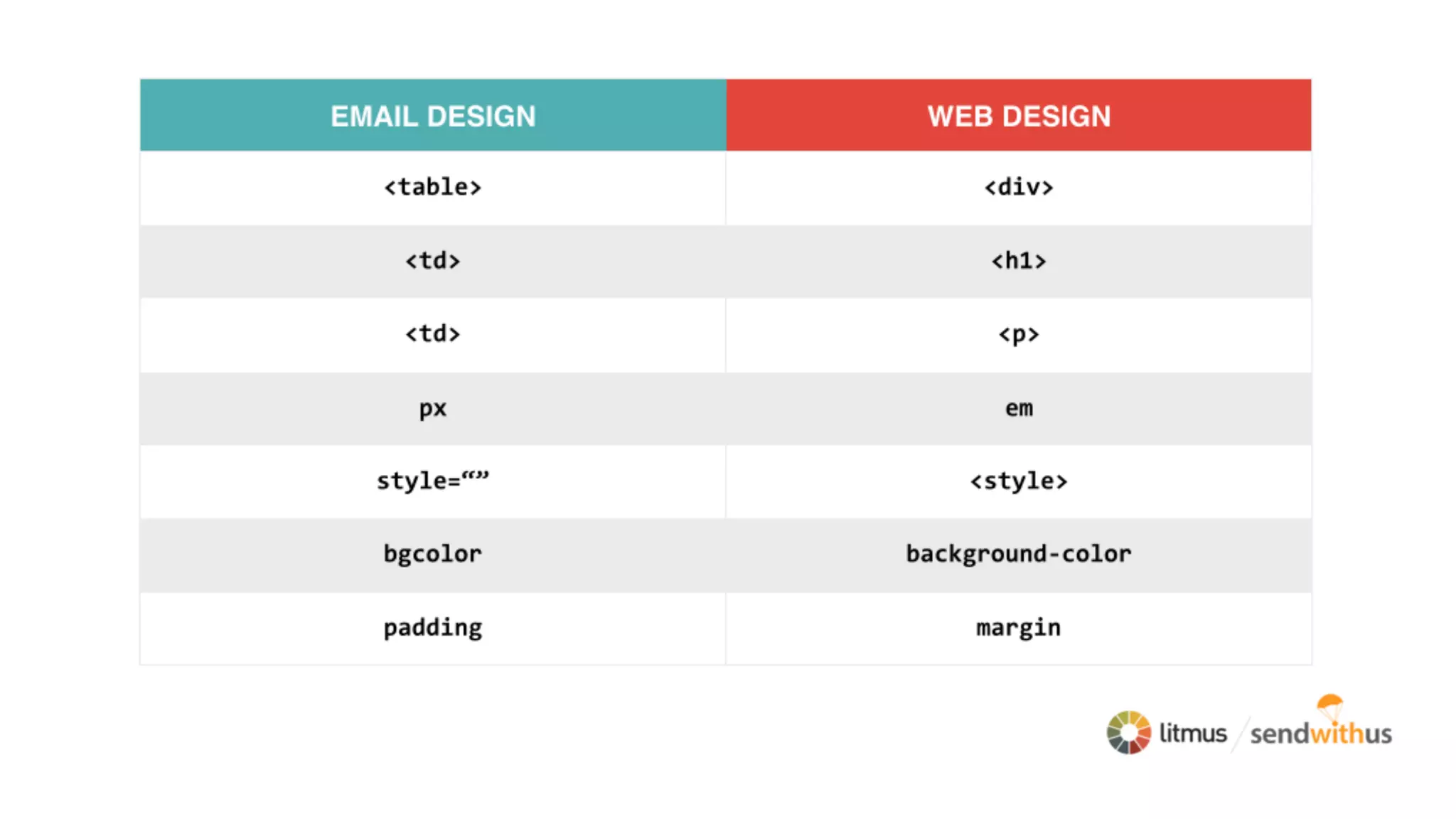
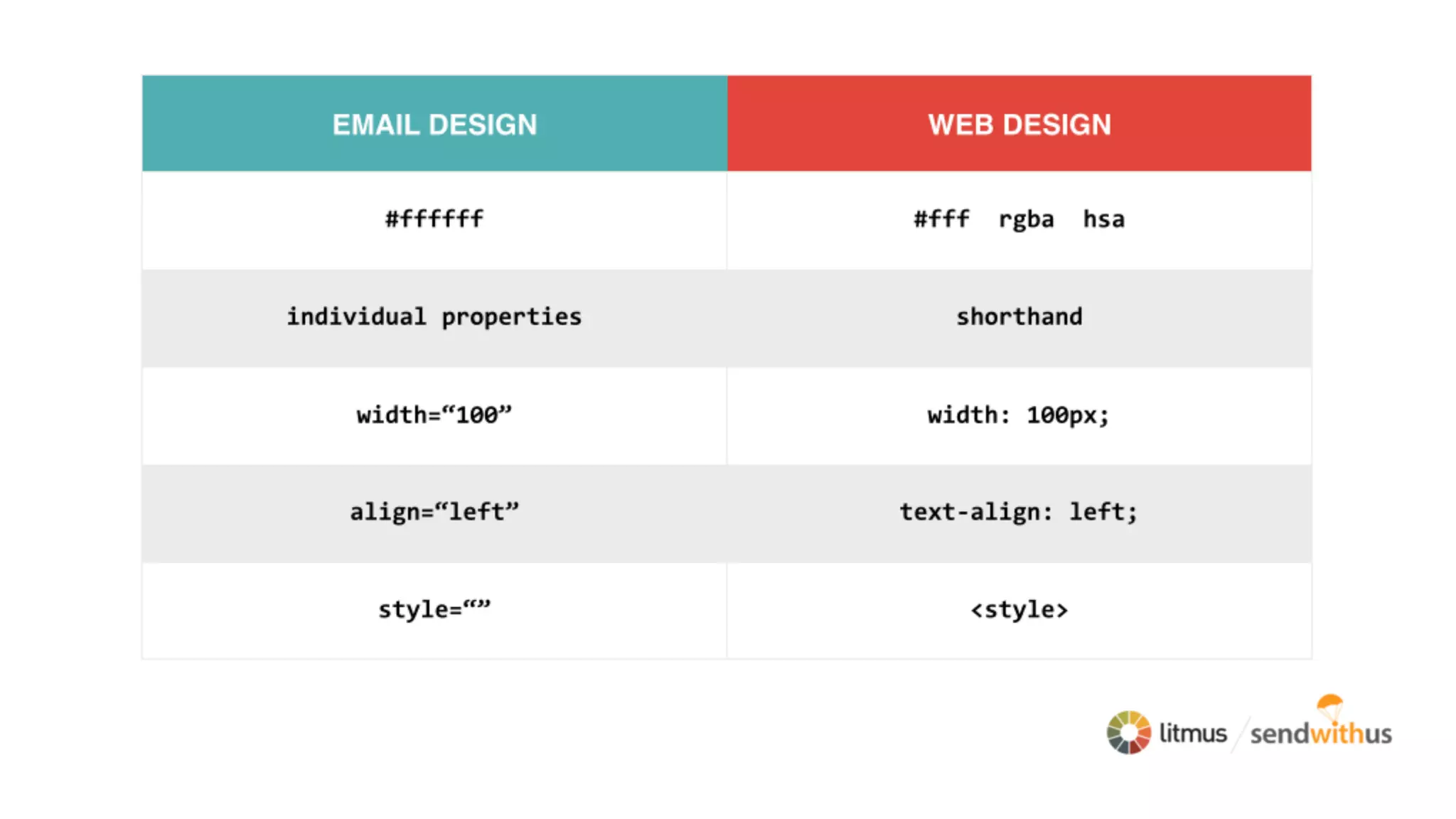
The Web ≠ Email
#WelcomeToTheInbox
What can actually go wrong?
#WelcomeToTheInbox
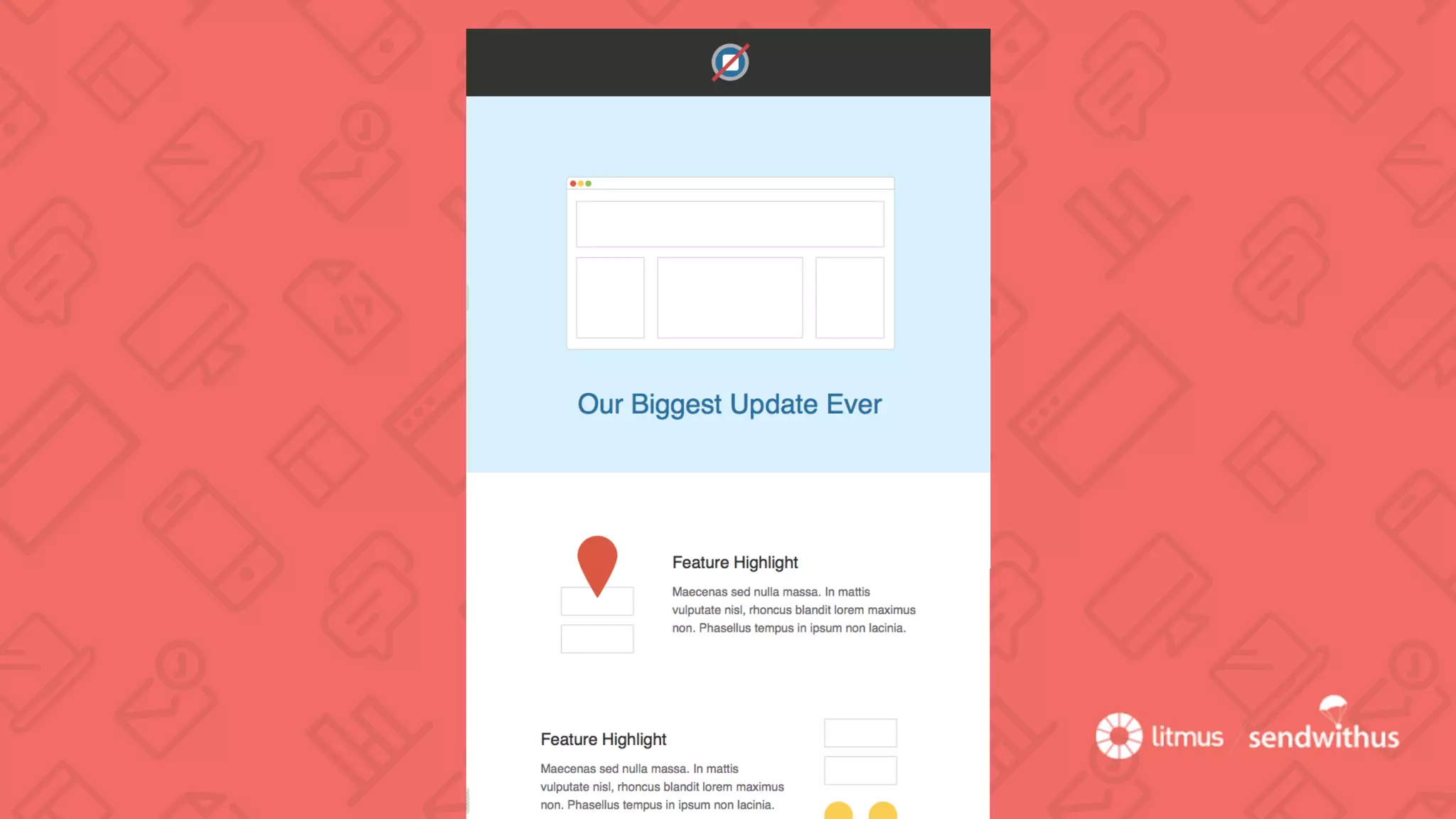
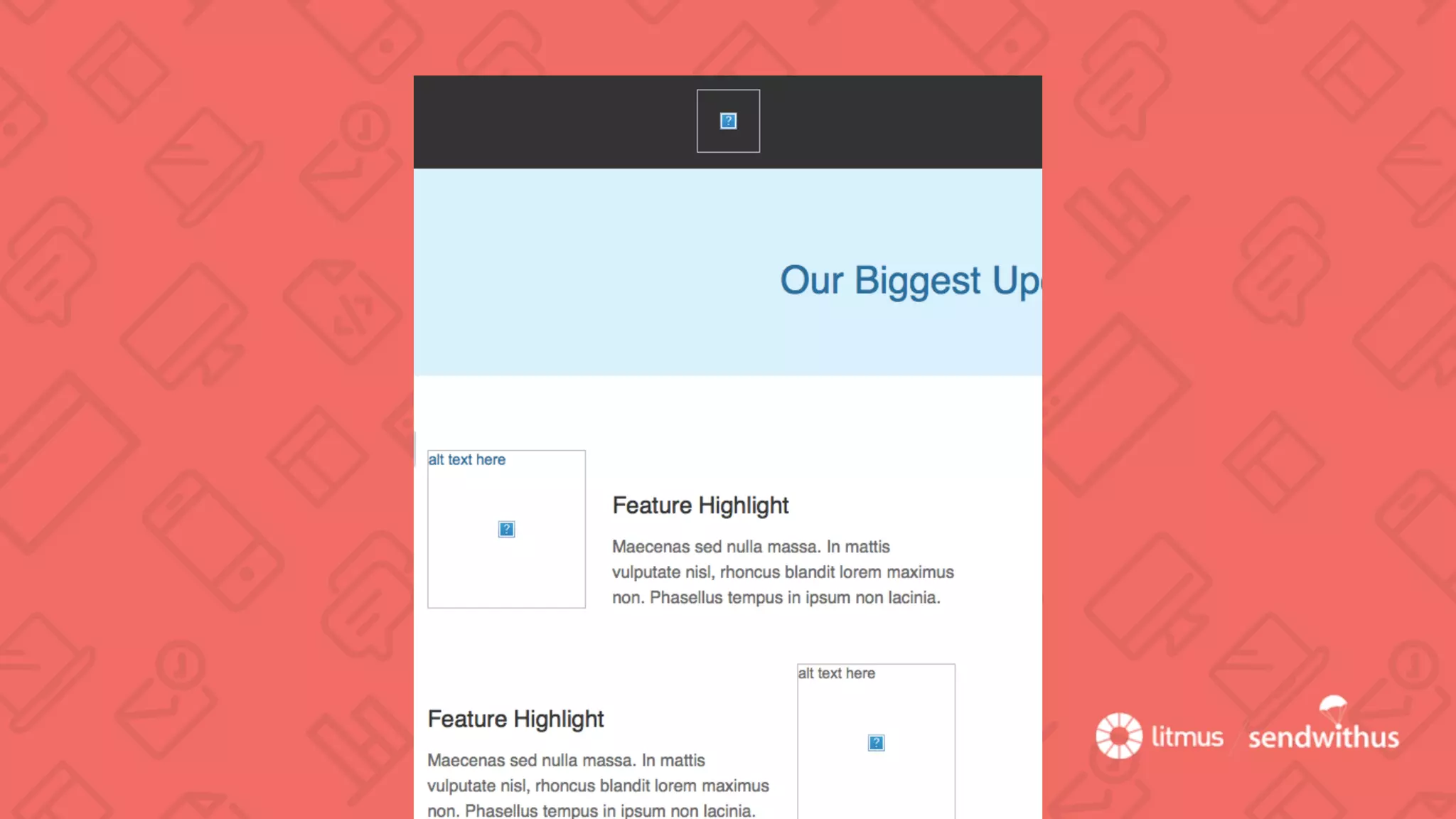
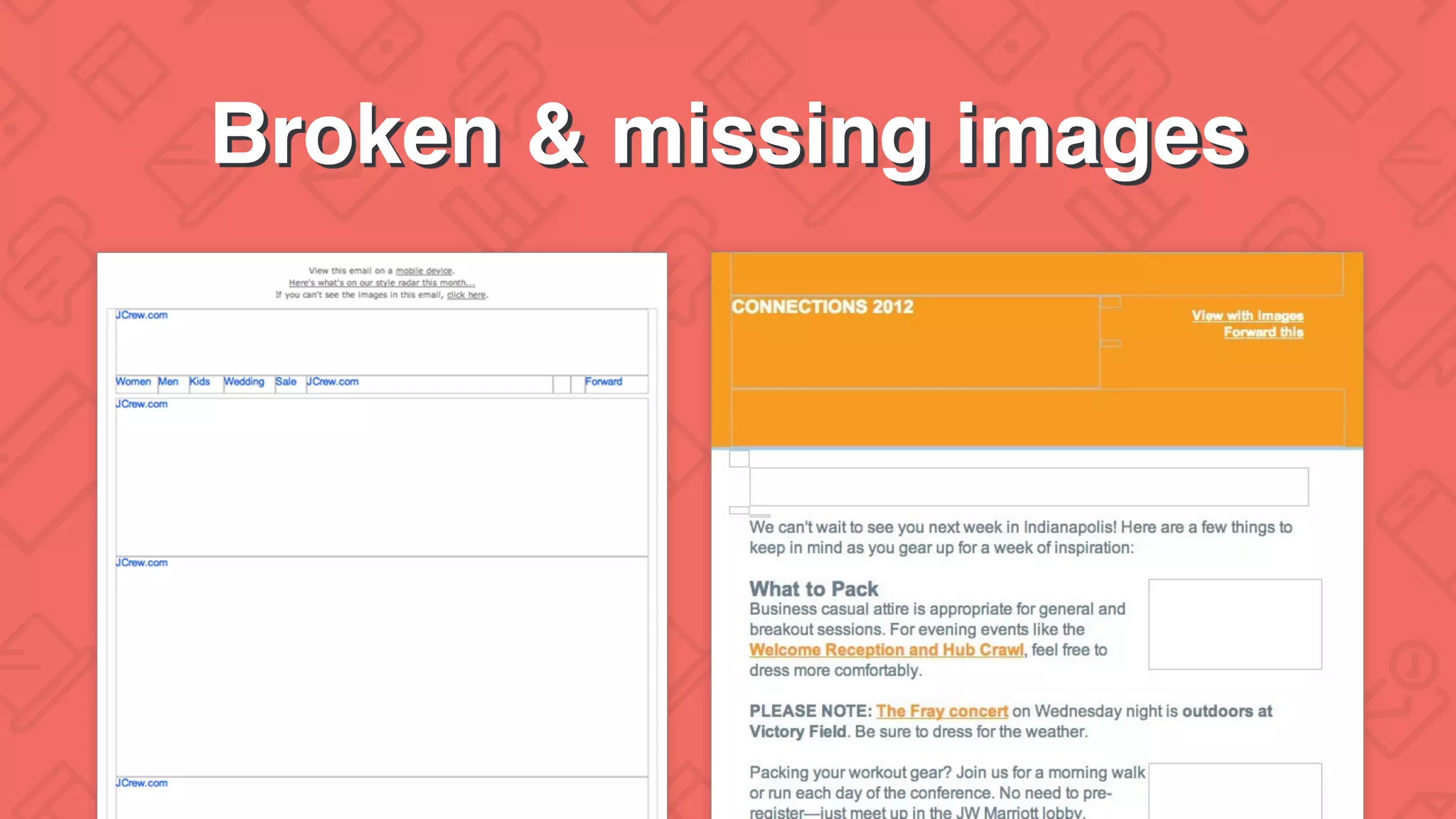
Broken & missing images
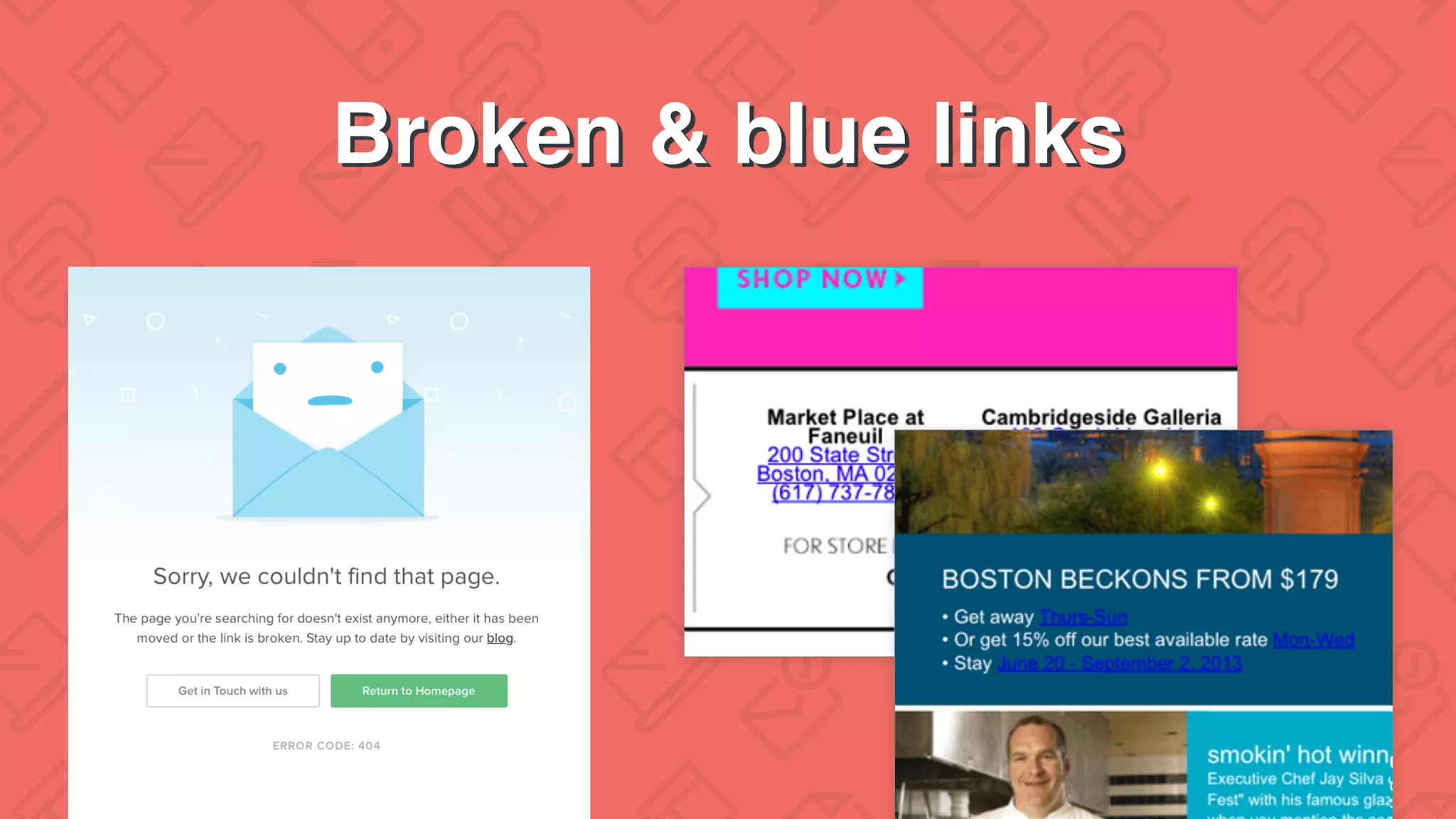
Broken & blue links
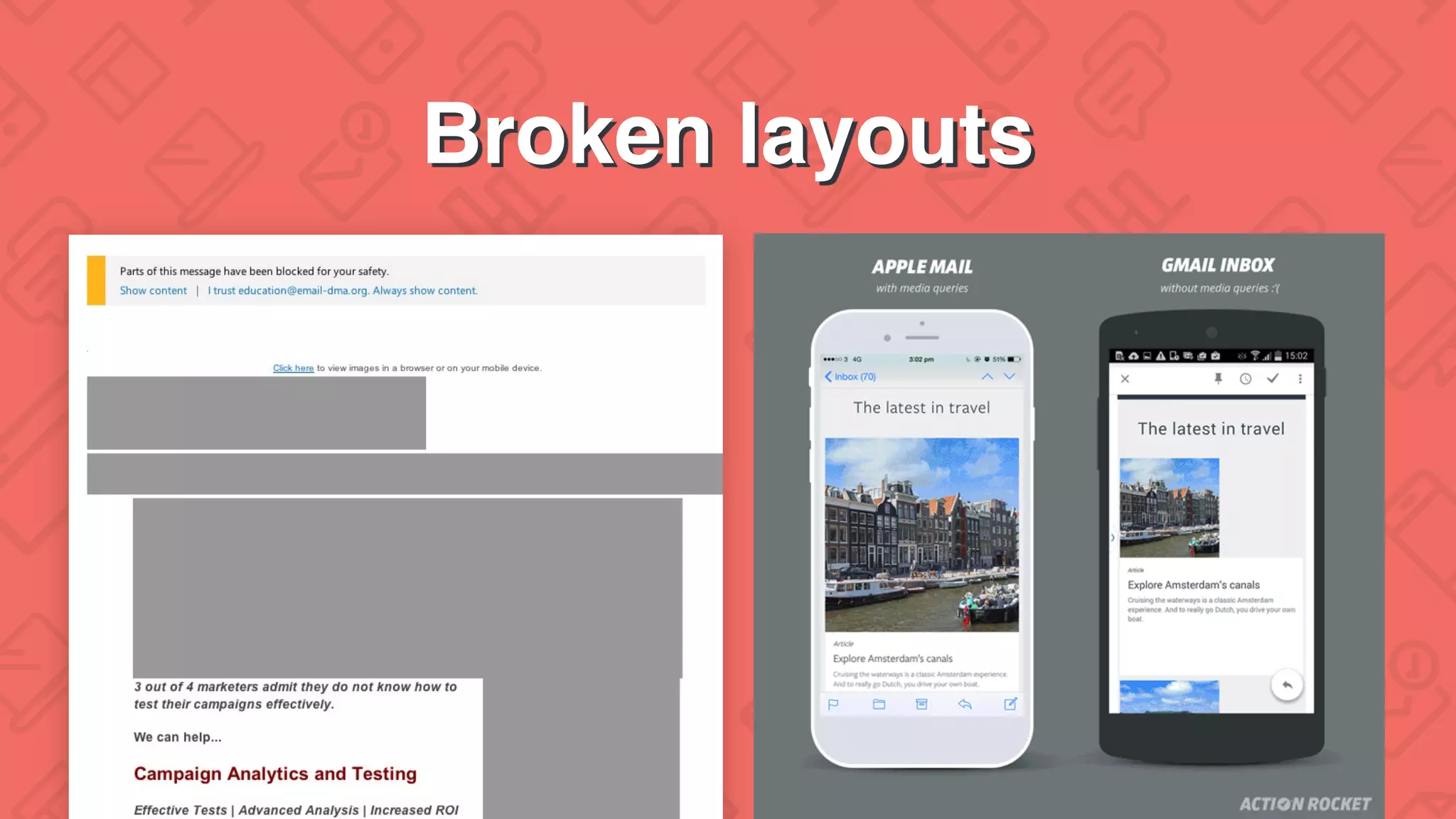
Broken layouts
How do you find these problems
before your subscribers?
#WelcomeToTheInbox
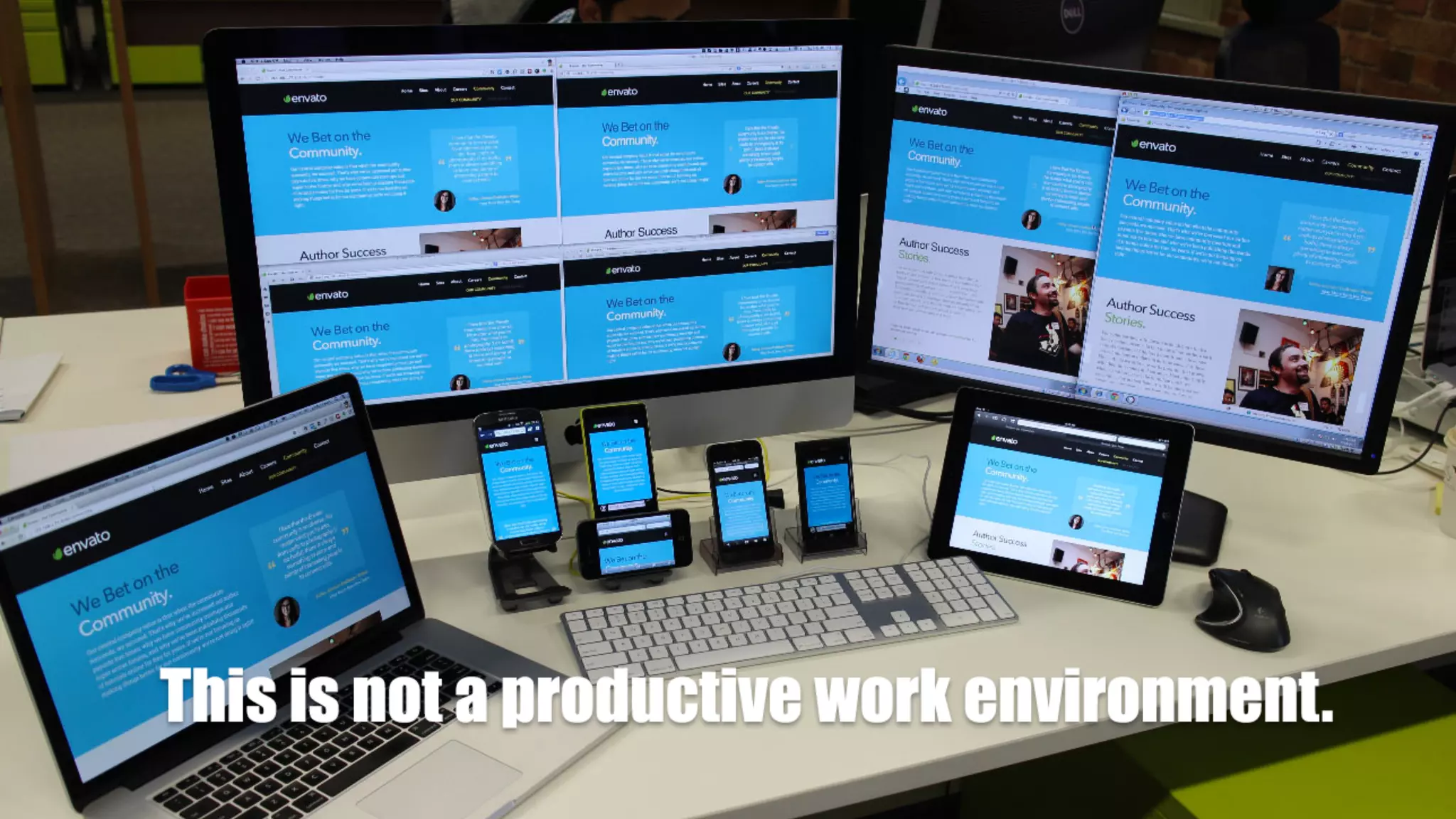
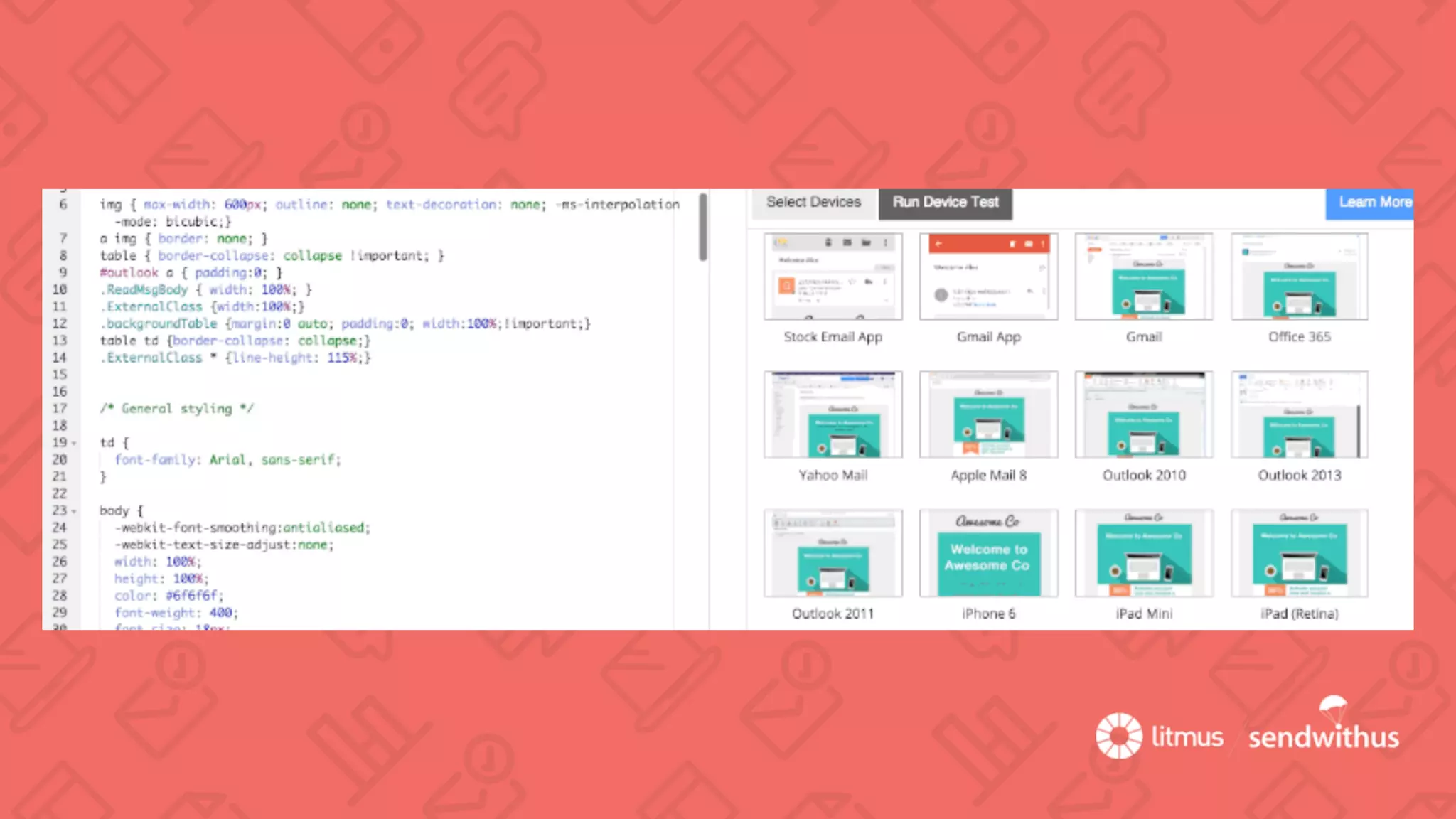
We’ll have to run a test…
#WelcomeToTheInbox
0
22.5
45
67.5
90
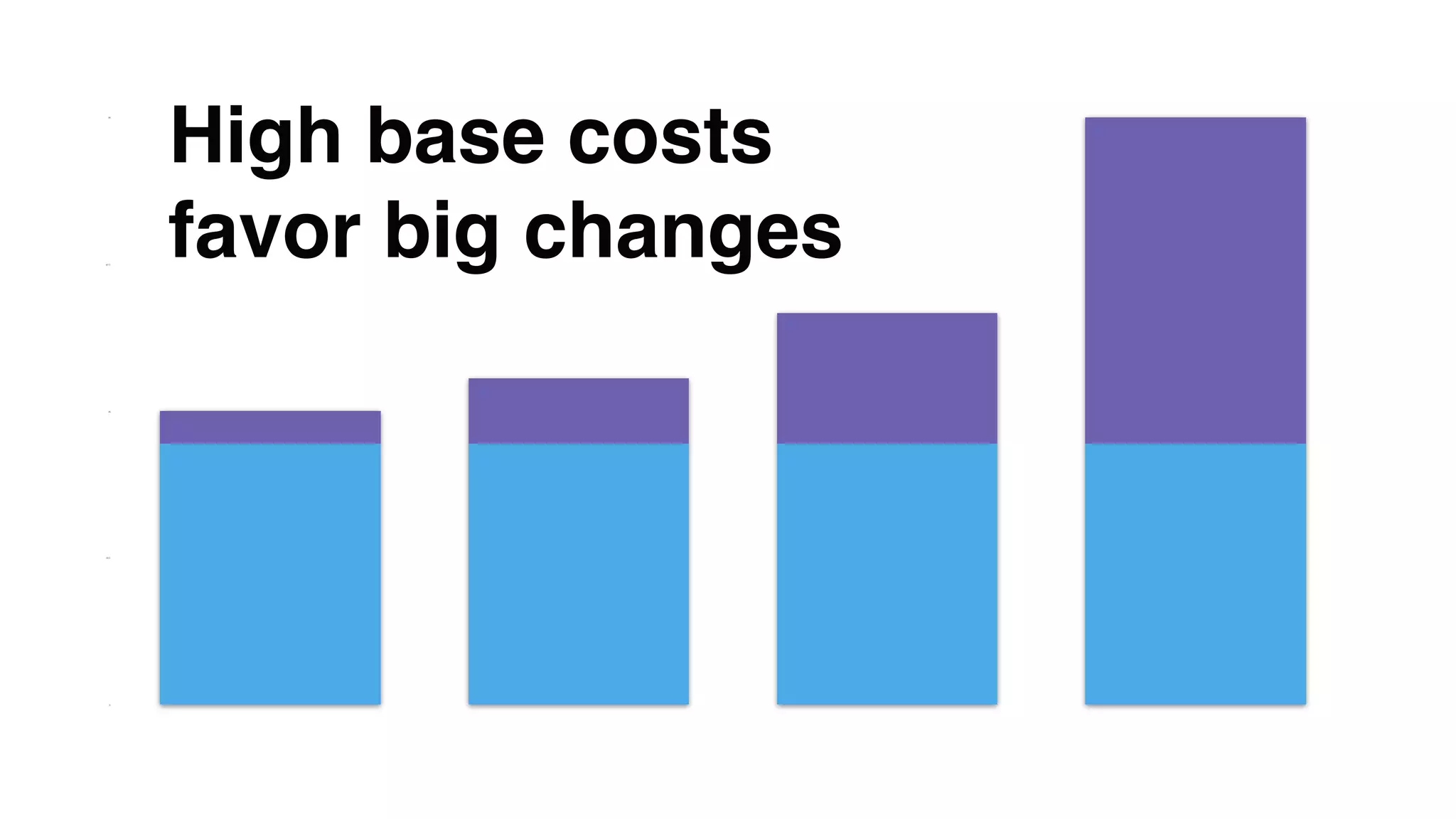
High base costs
favor big changes
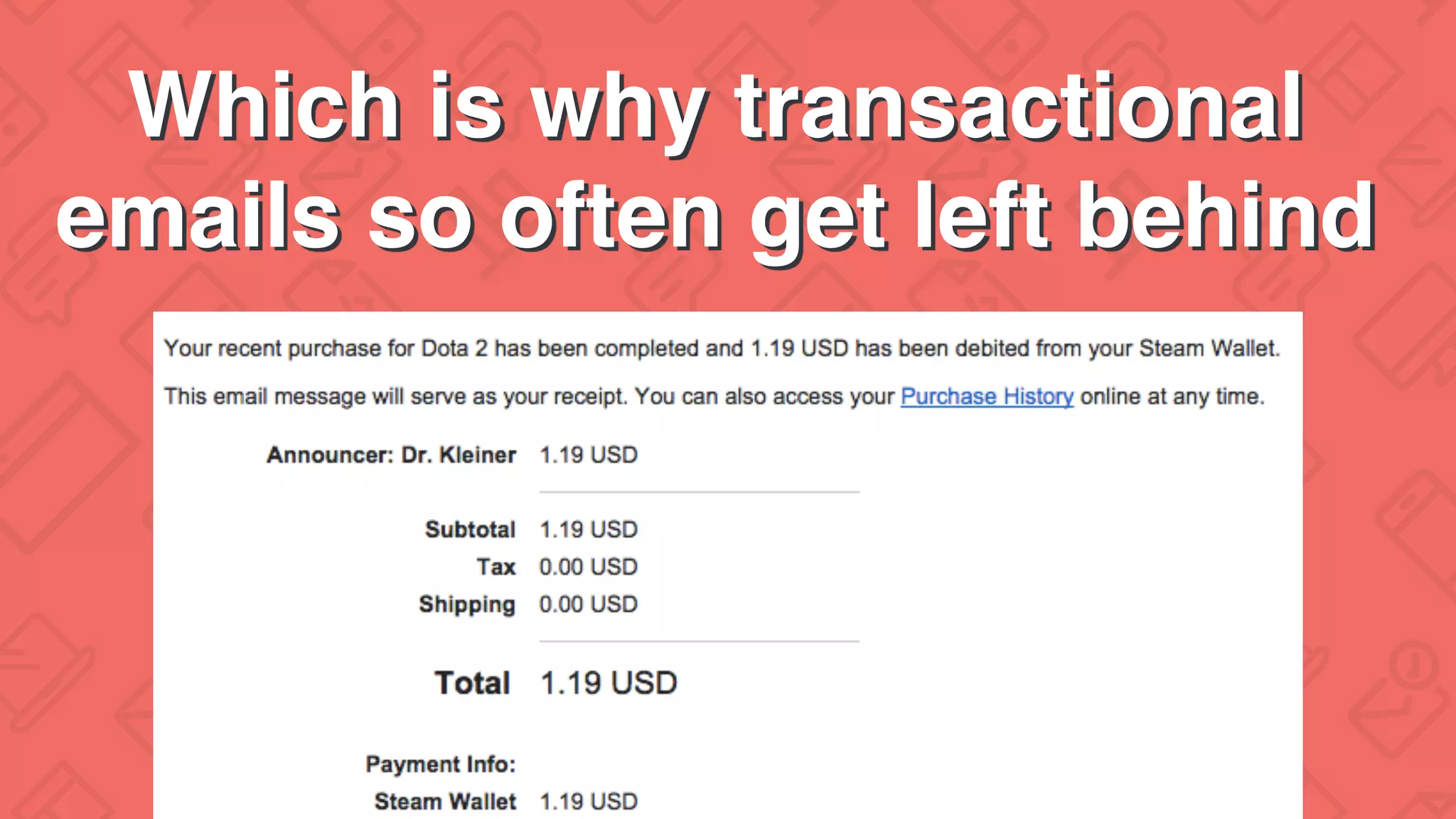
Which is why transactional
emails so often get left behind
Perfect, now never move
ever again.
0
15
30
45
60
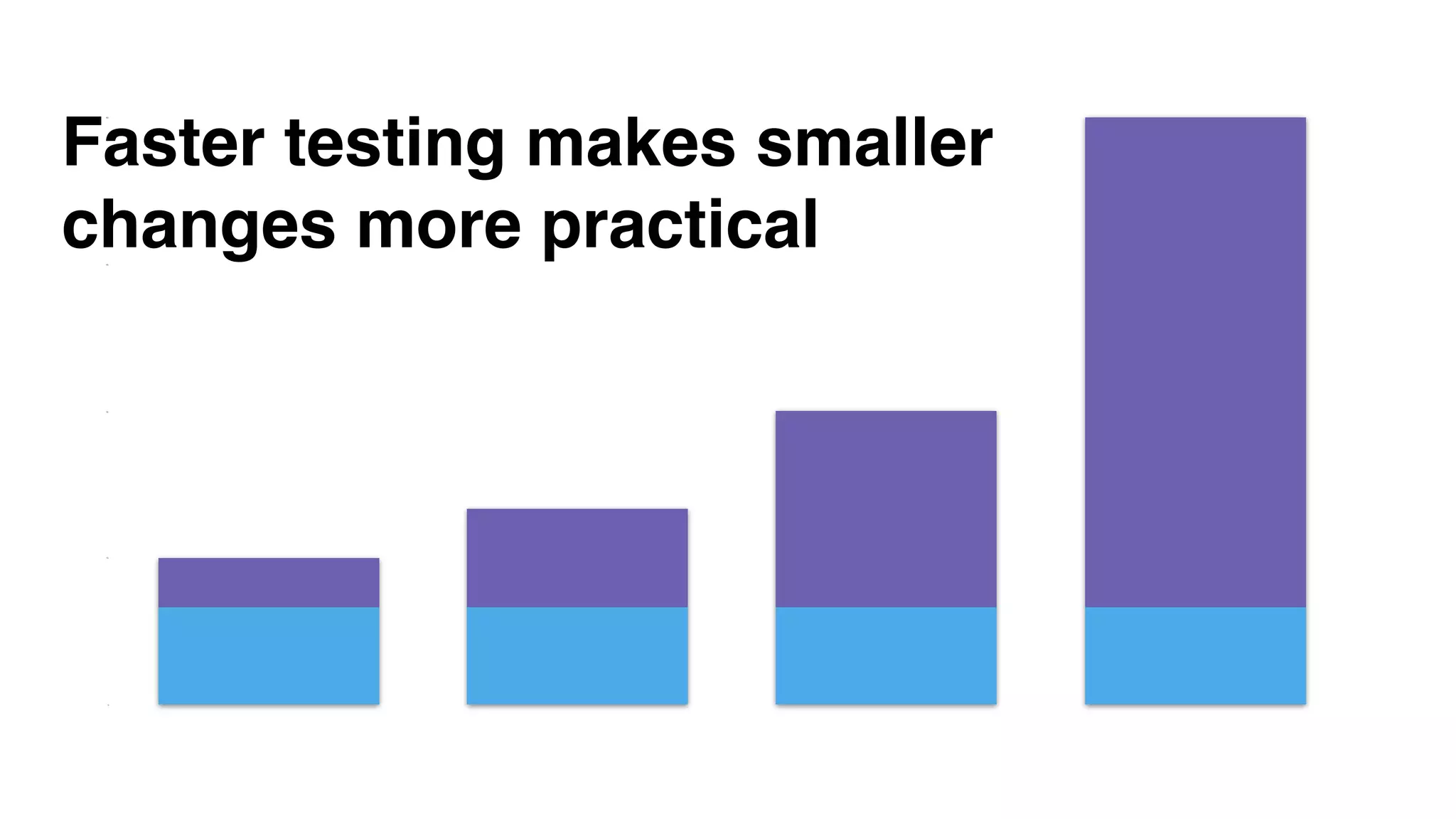
Faster testing makes smaller
changes more practical
Smaller changes =
better feedback
and more control
#WelcomeToTheInbox
Data DeliveryDesign
#WelcomeToTheInbox
Let’s look at these again…
#WelcomeToTheInbox
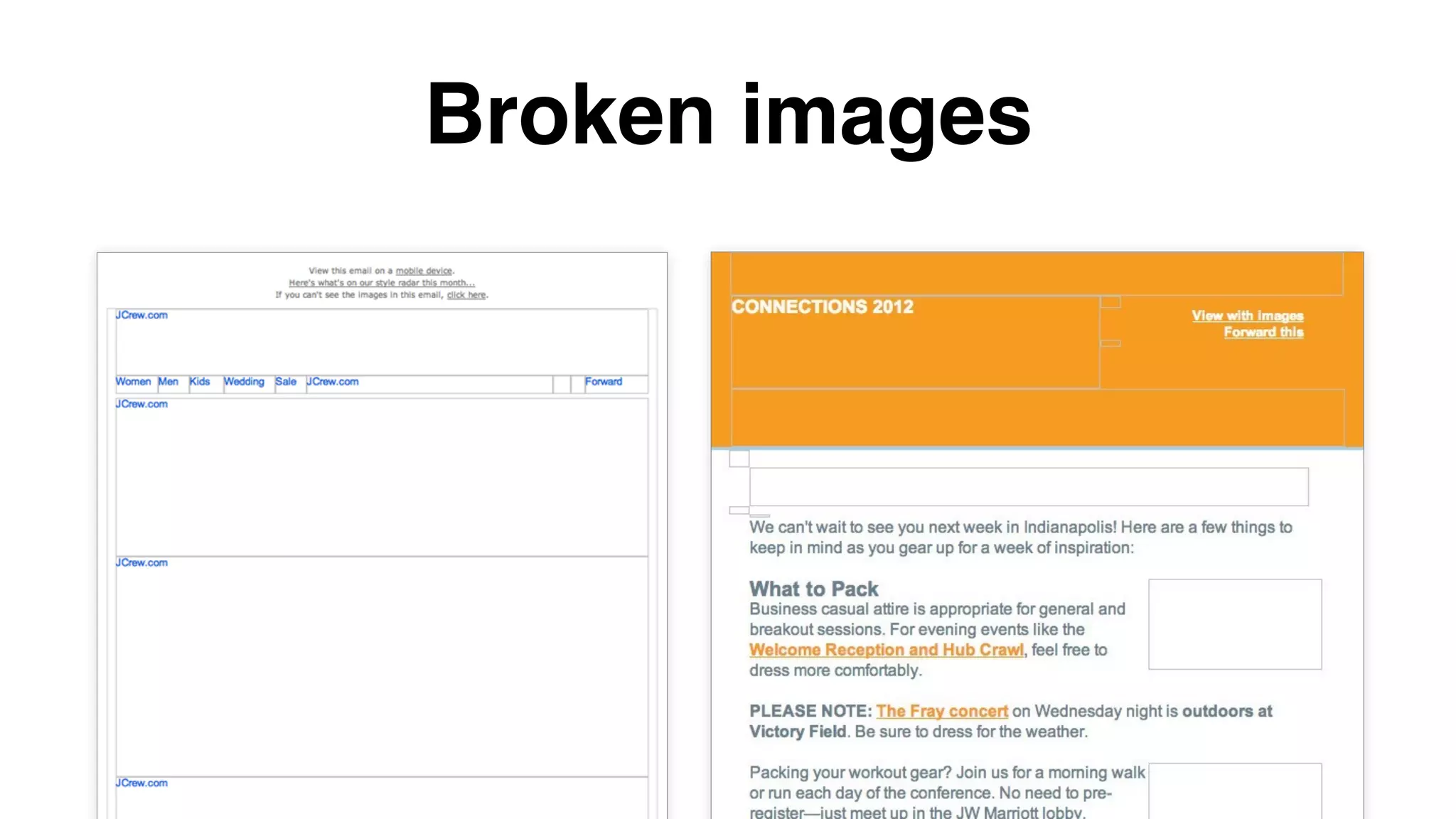
Broken images
Blue links
Broken layouts
#WelcomeToTheInbox
Broken images
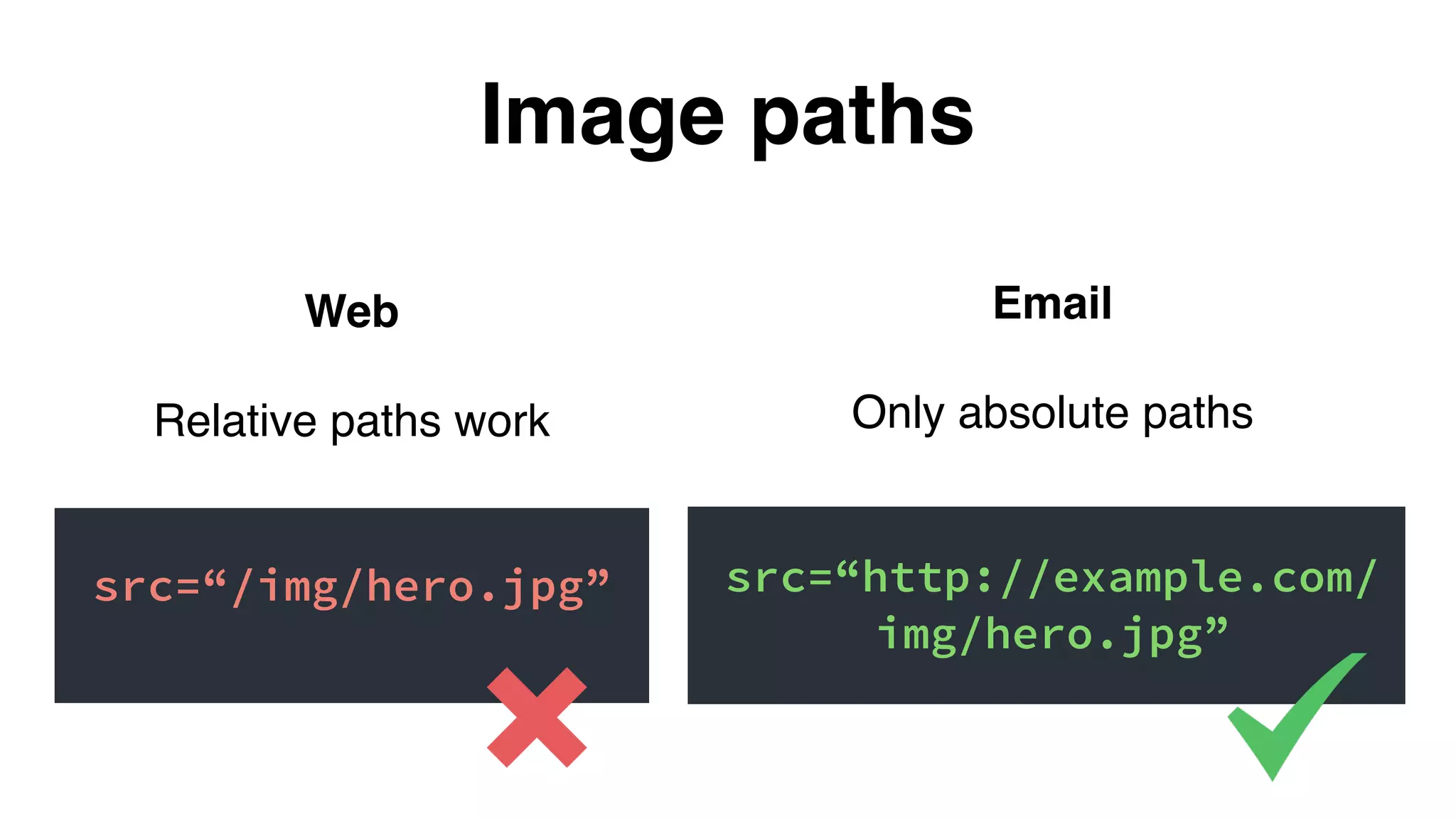
Web
Relative paths work
src=“/img/hero.jpg”
Image paths
Email
Only absolute paths
src=“http://example.com/
img/hero.jpg”
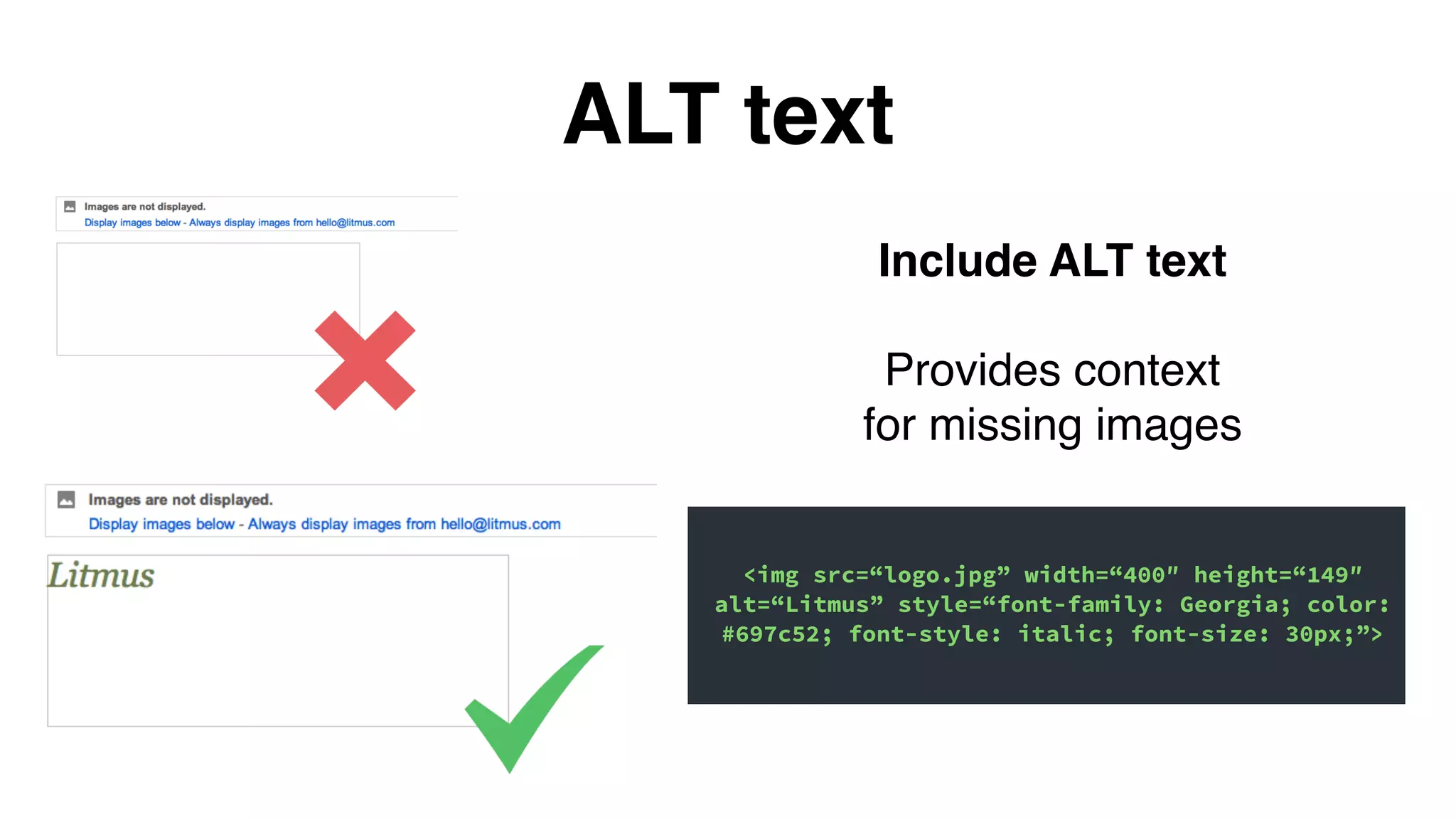
ALT text
Include ALT text
Provides context
for missing images
<img src=“logo.jpg” width=“400″ height=“149″
alt=“Litmus” style=“font-family: Georgia; color:
#697c52; font-style: italic; font-size: 30px;”>
Web
Relative paths work
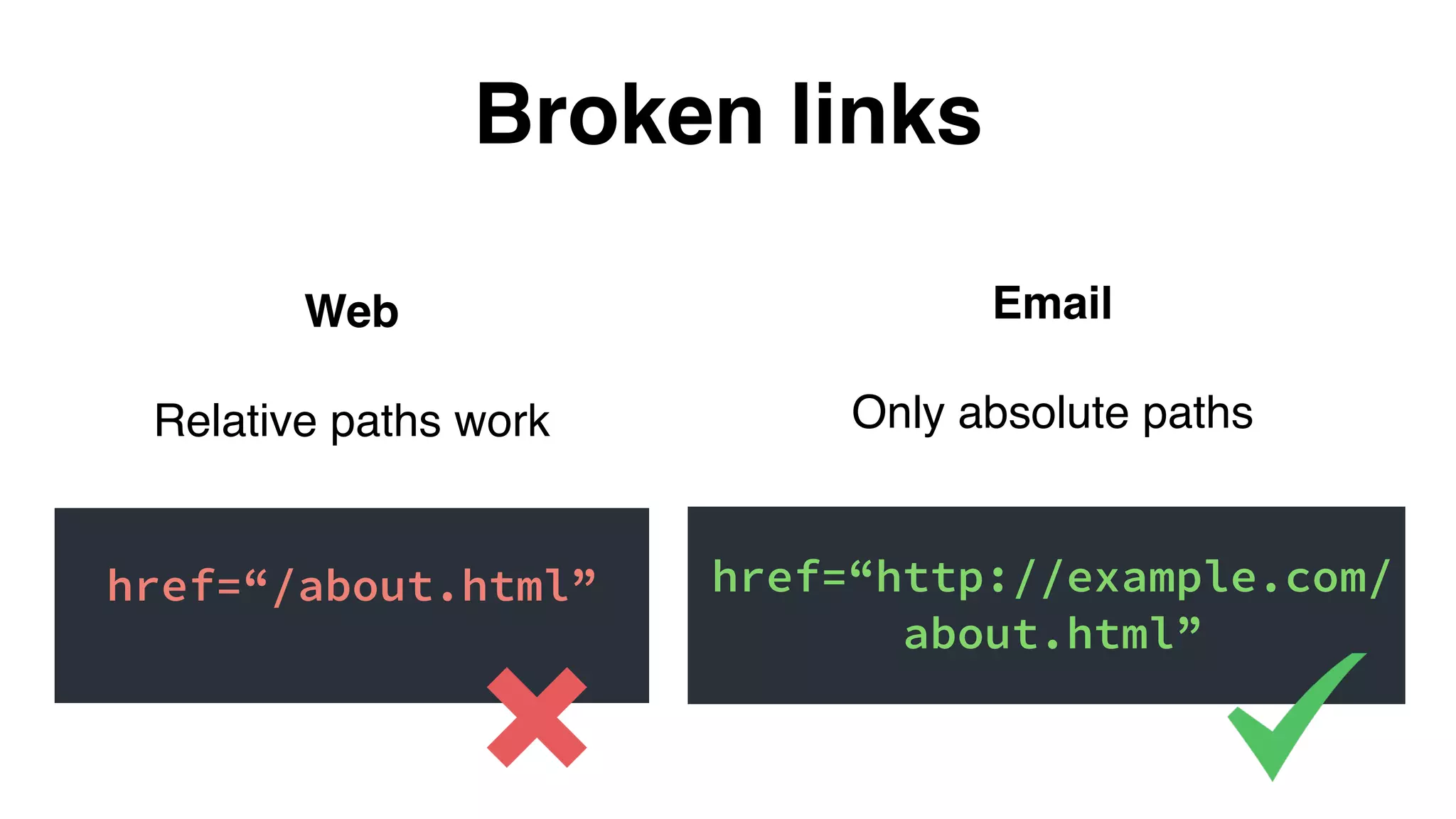
href=“/about.html”
Broken links
Email
Only absolute paths
href=“http://example.com/
about.html”
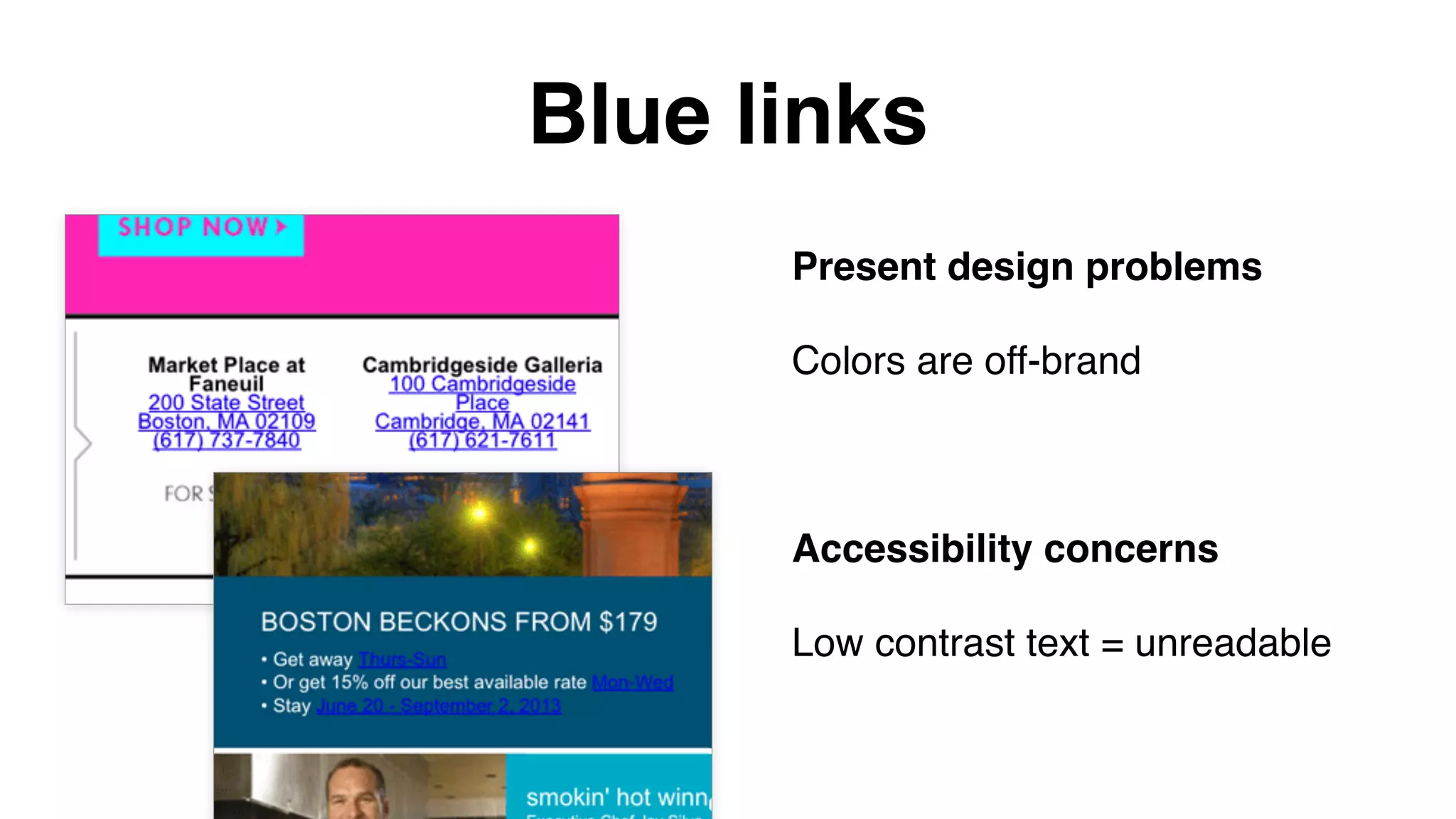
Blue links
Present design problems
Colors are off-brand
Accessibility concerns
Low contrast text = unreadable
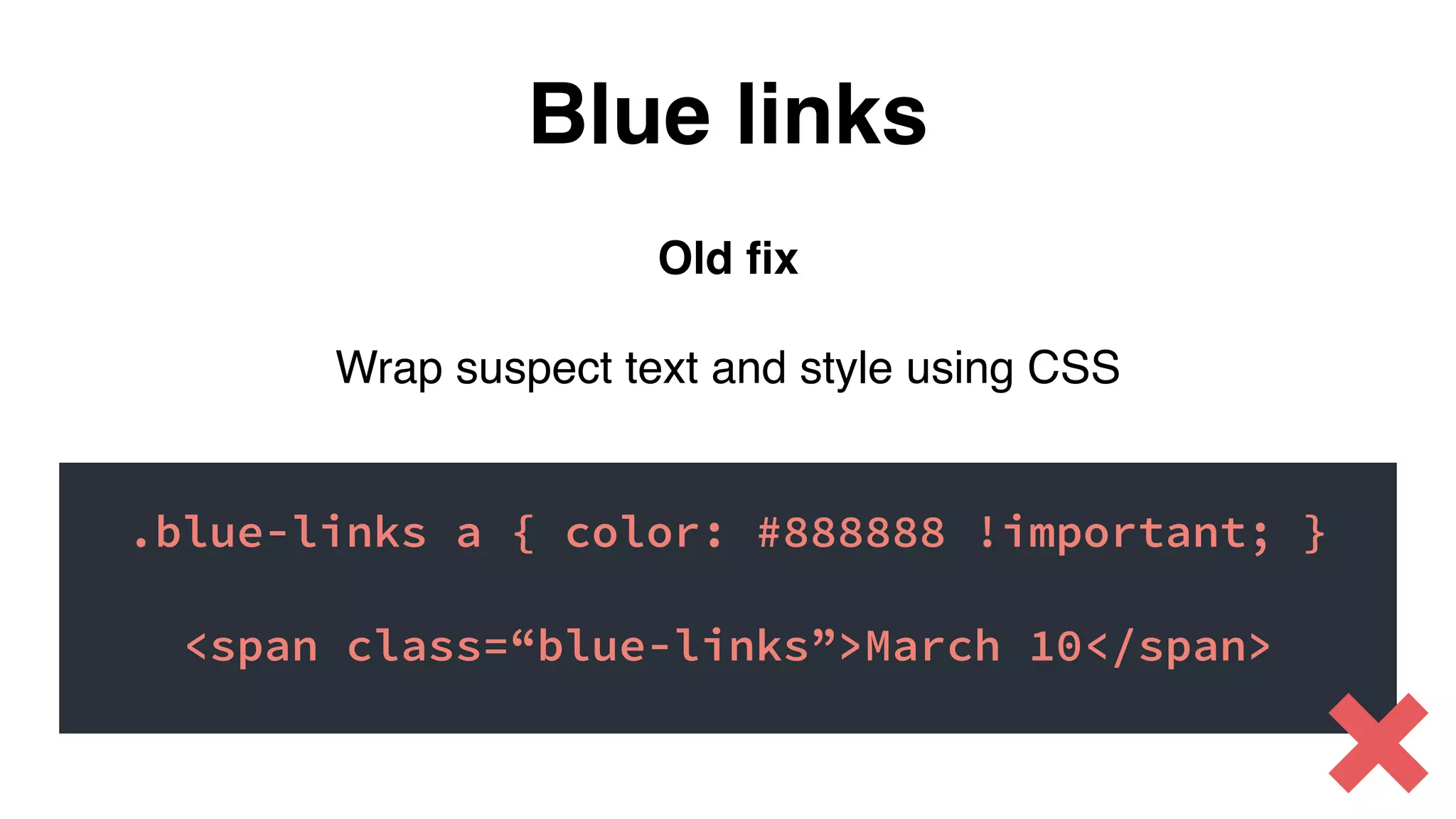
Old fix
Wrap suspect text and style using CSS
.blue-links a { color: #888888 !important; }
<span class=“blue-links”>March 10</span>
Blue links
New fix
Put this in the <head> of your email:
Blue links
a[x-apple-data-detectors] {
color: inherit !important;
text-decoration: none !important;
font-size: inherit !important;
font-family: inherit !important;
font-weight: inherit !important;
line-height: inherit !important;
}
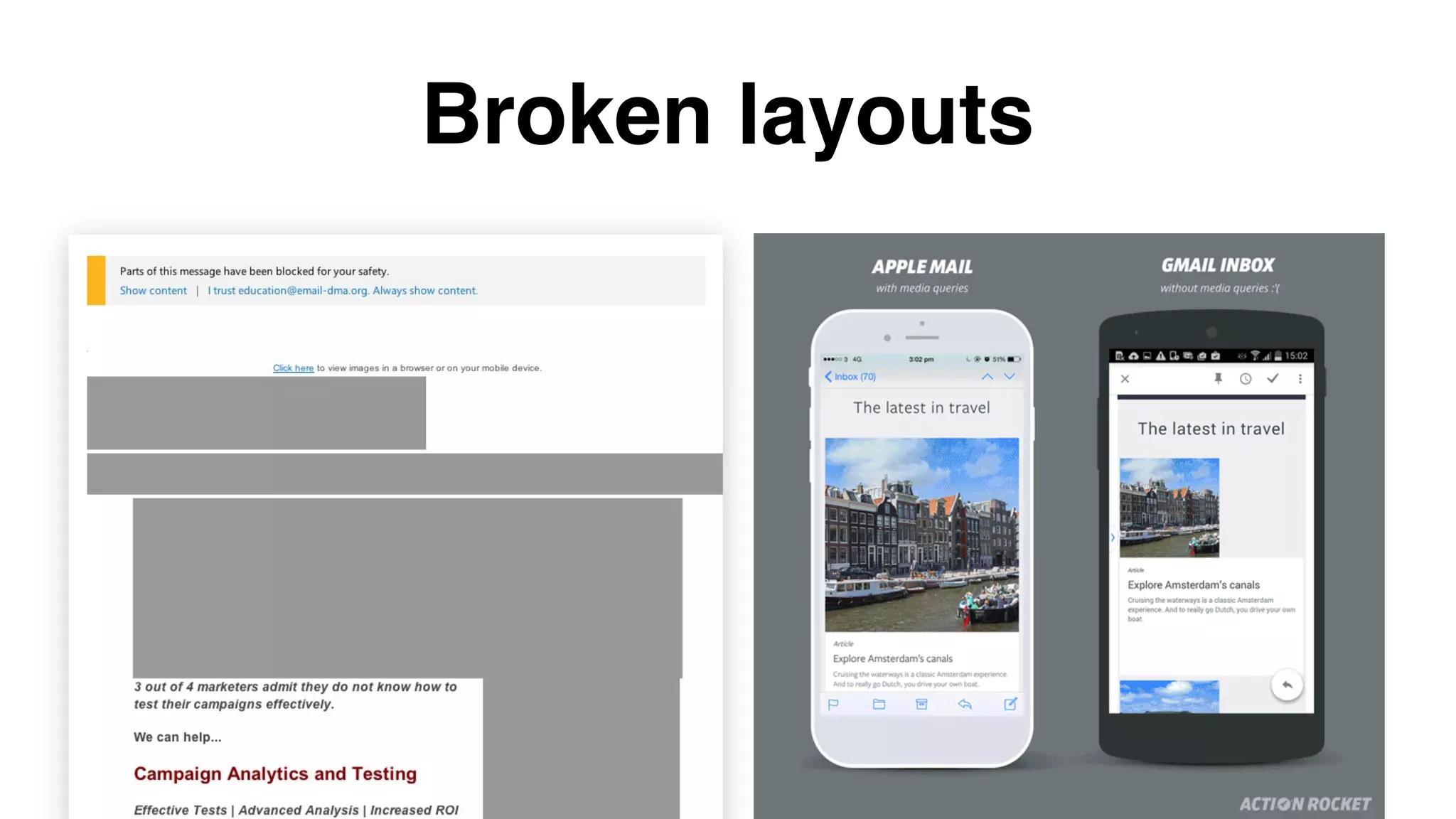
Broken layouts
Always remember:
The Web ≠ Email
#WelcomeToTheInbox
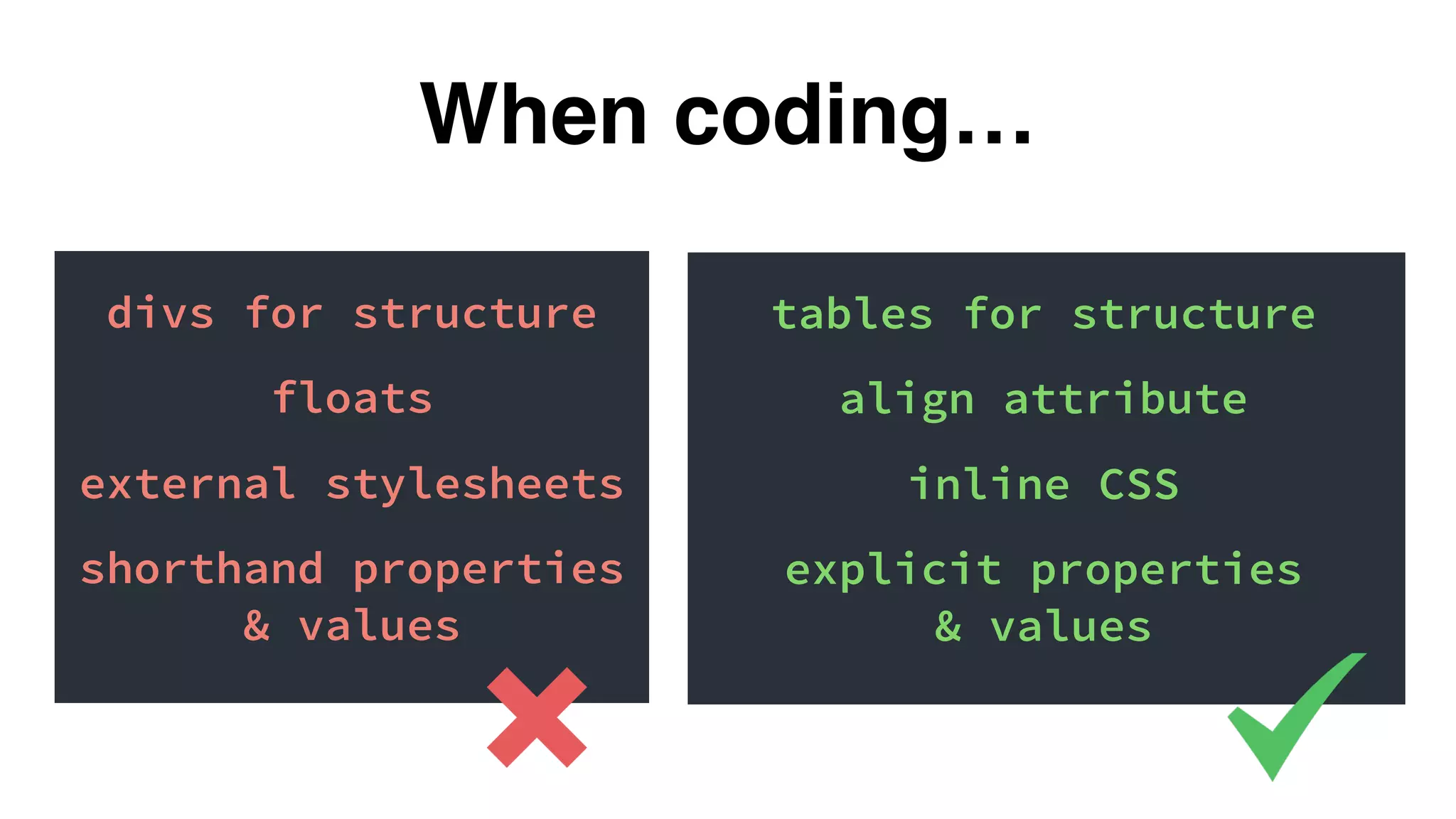
divs for structure
floats
external stylesheets
shorthand properties
& values
When coding…
tables for structure
align attribute
inline CSS
explicit properties
& values
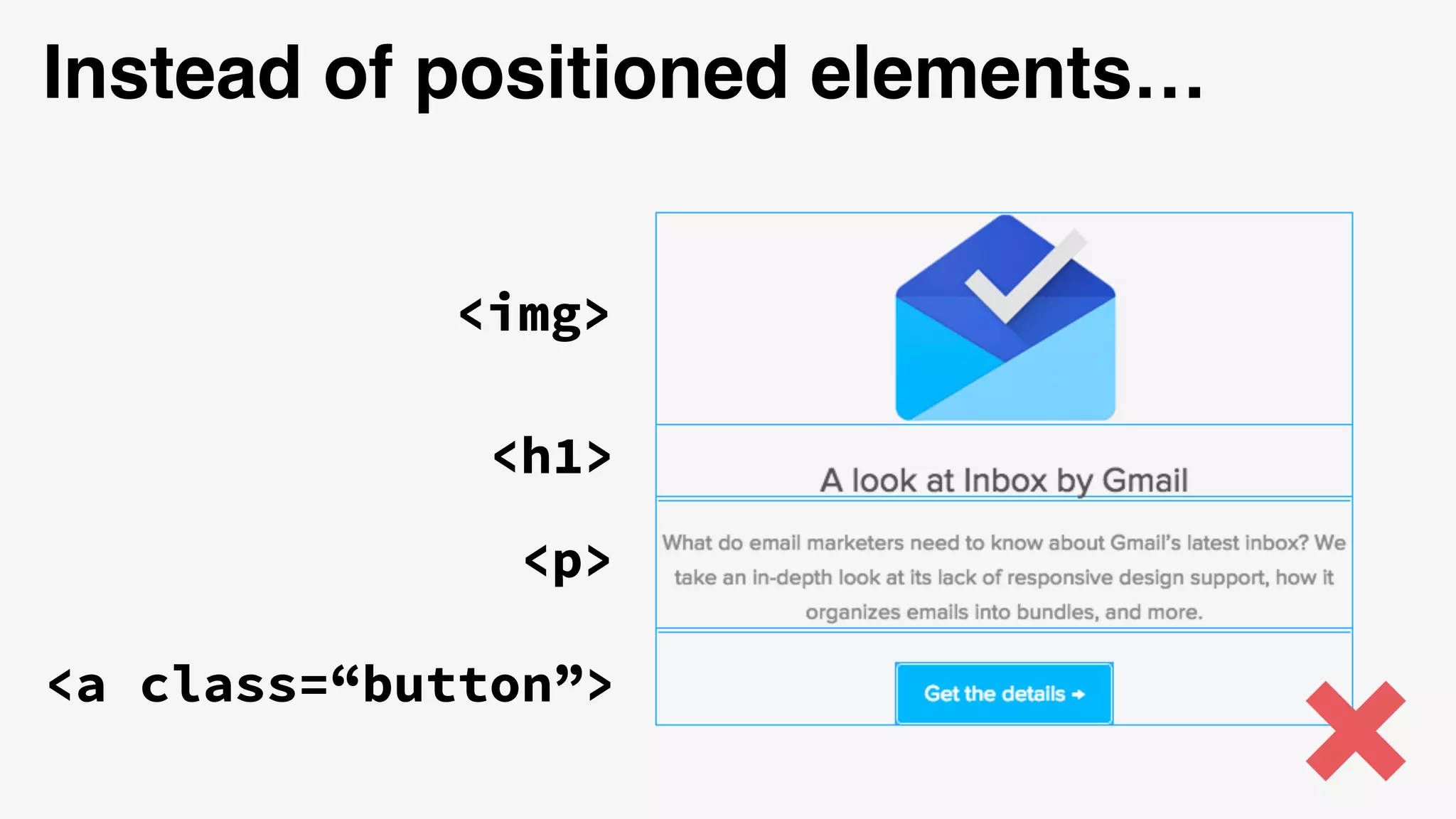
<h1>
<p>
<img>
<a class=“button”>
Instead of positioned elements…
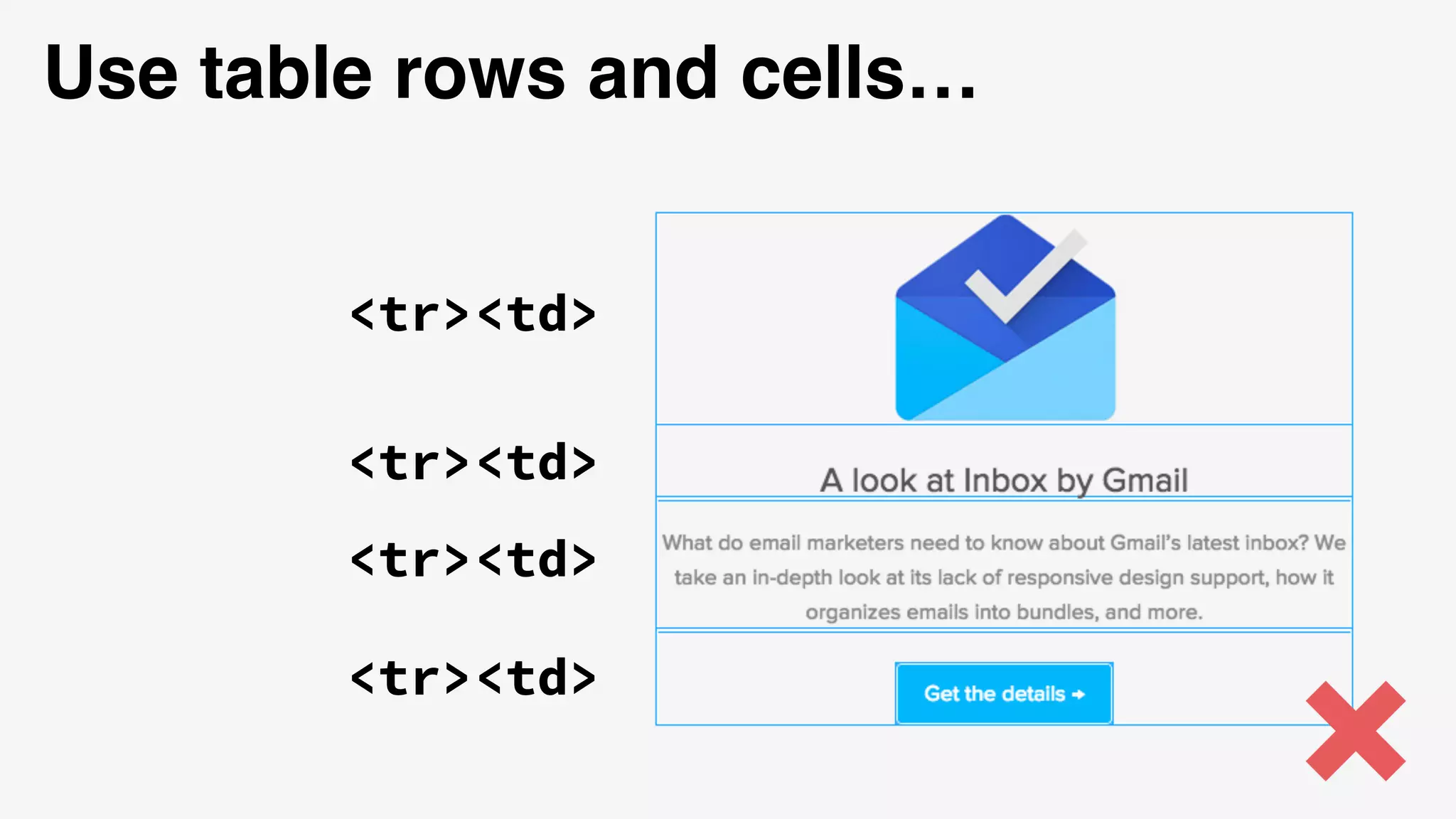
<tr><td>
Use table rows and cells…
<tr><td>
<tr><td>
<tr><td>
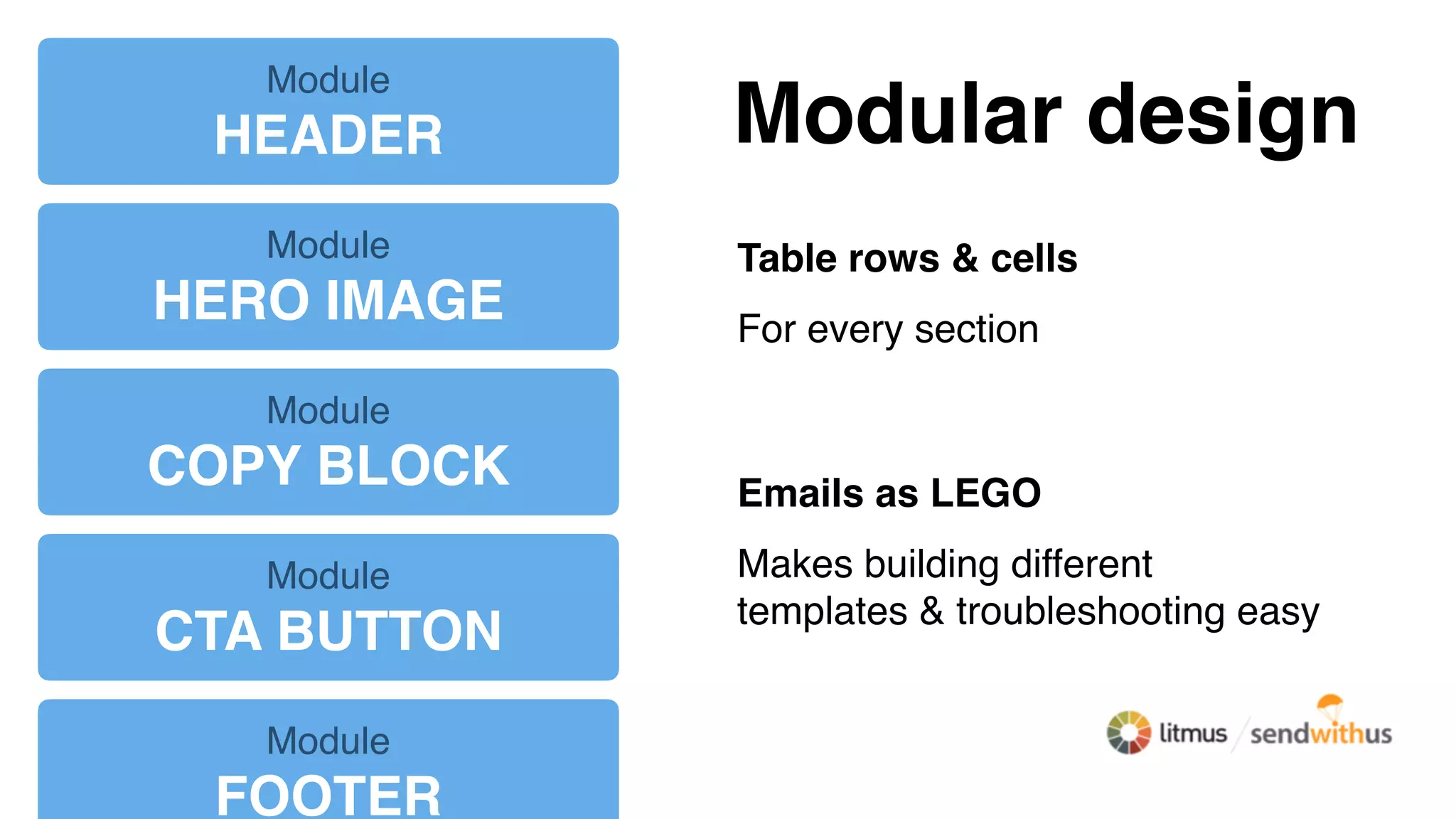
Modular design
Table rows & cells
For every section
Emails as LEGO
Makes building different
templates & troubleshooting easy
Module
HEADER
Module
HERO IMAGE
Module
COPY BLOCK
Module
CTA BUTTON
Module
FOOTER
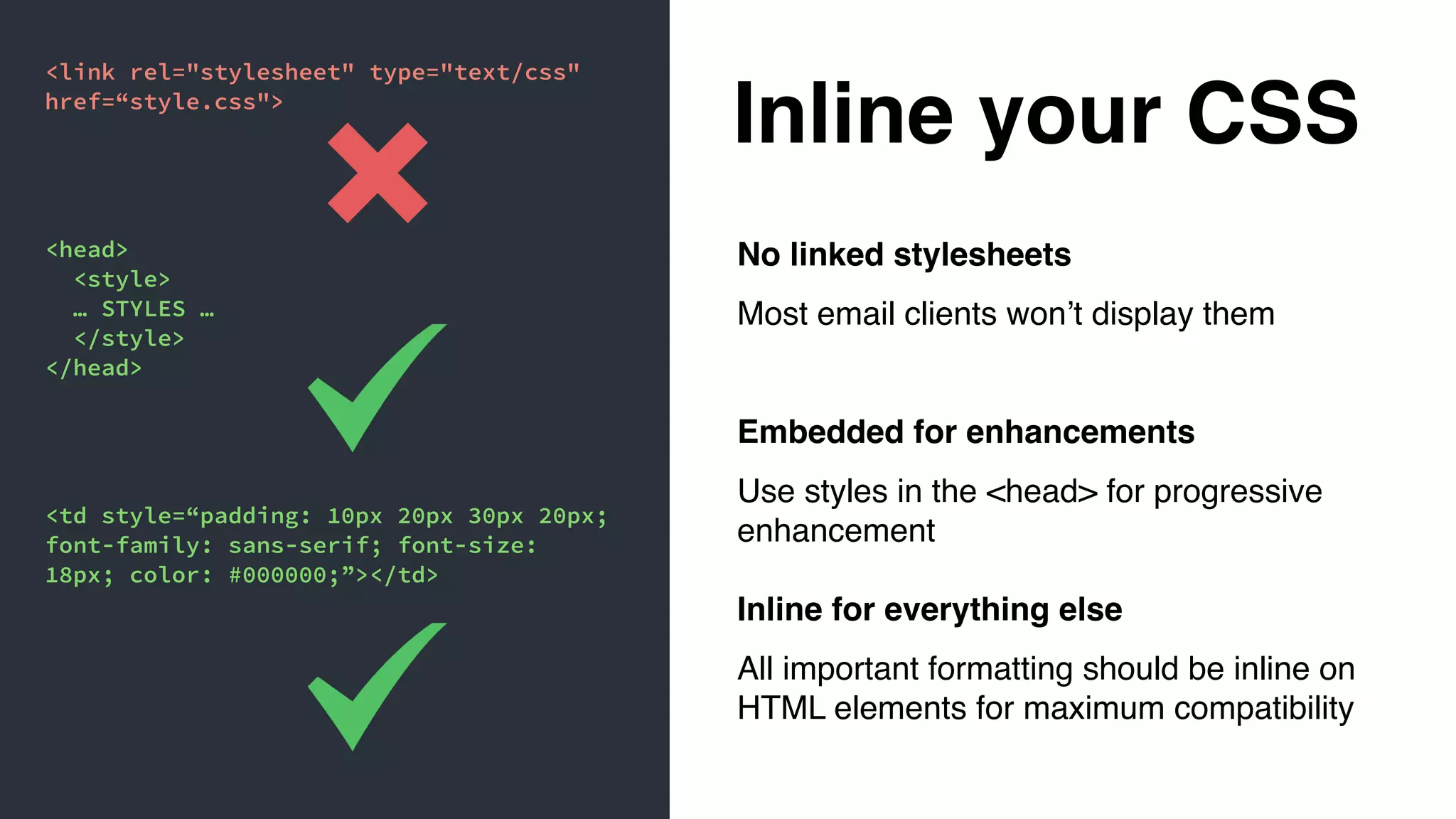
Inline your CSS
No linked stylesheets
Most email clients won’t display them
Embedded for enhancements
Use styles in the <head> for progressive
enhancement
Inline for everything else
All important formatting should be inline on
HTML elements for maximum compatibility
<link rel="stylesheet" type="text/css"
href=“style.css">
<head>
<style>
… STYLES …
</style>
</head>
<td style=“padding: 10px 20px 30px 20px;
font-family: sans-serif; font-size:
18px; color: #000000;”></td>
Different device & screen
sizes break a lot of emails
#WelcomeToTheInbox
Email approaches:
Mobile aware, fluid,
and responsive
* In two varieties
*
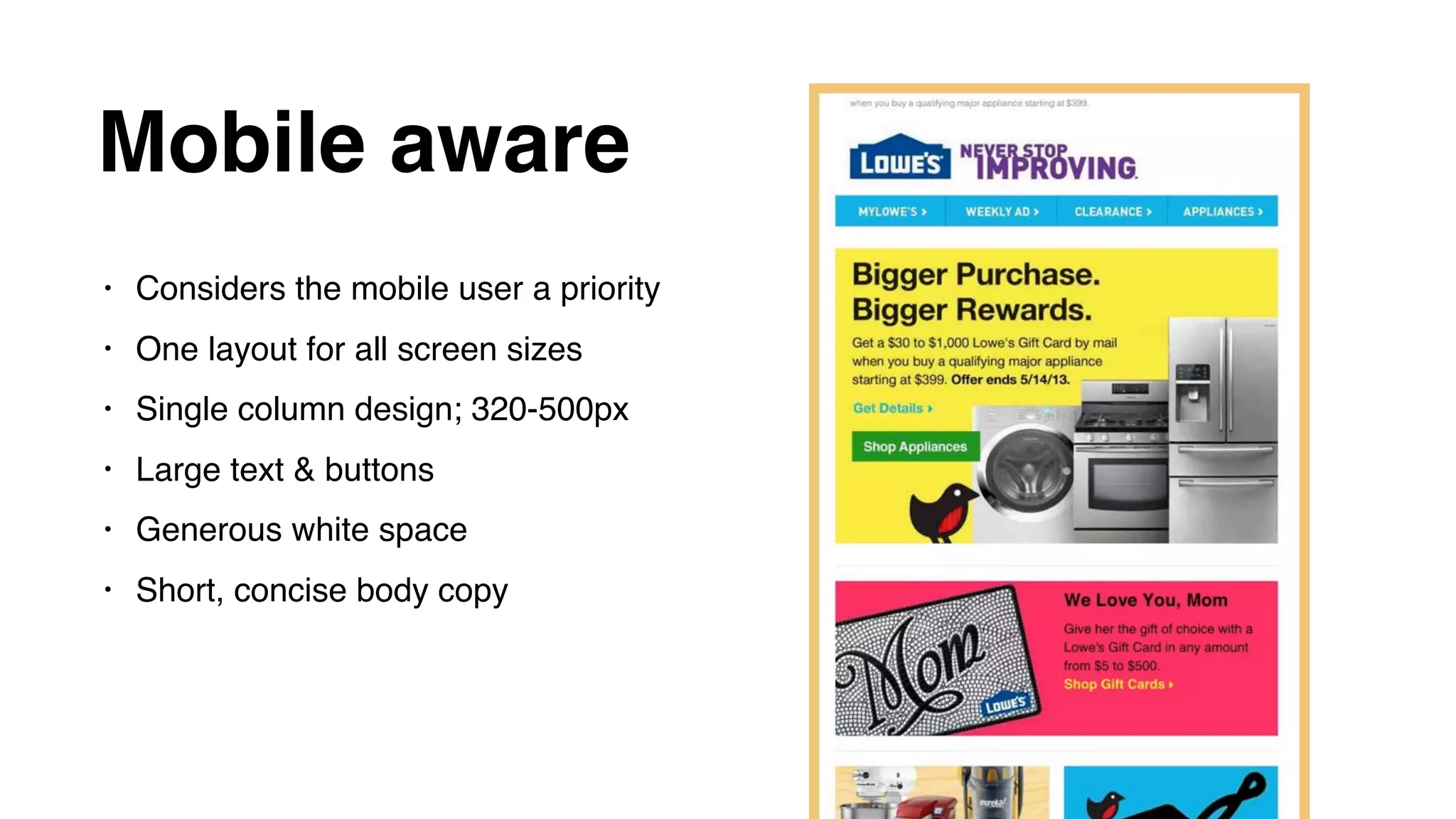
Mobile aware
• Considers the mobile user a priority
• One layout for all screen sizes
• Single column design; 320-500px
• Large text & buttons
• Generous white space
• Short, concise body copy
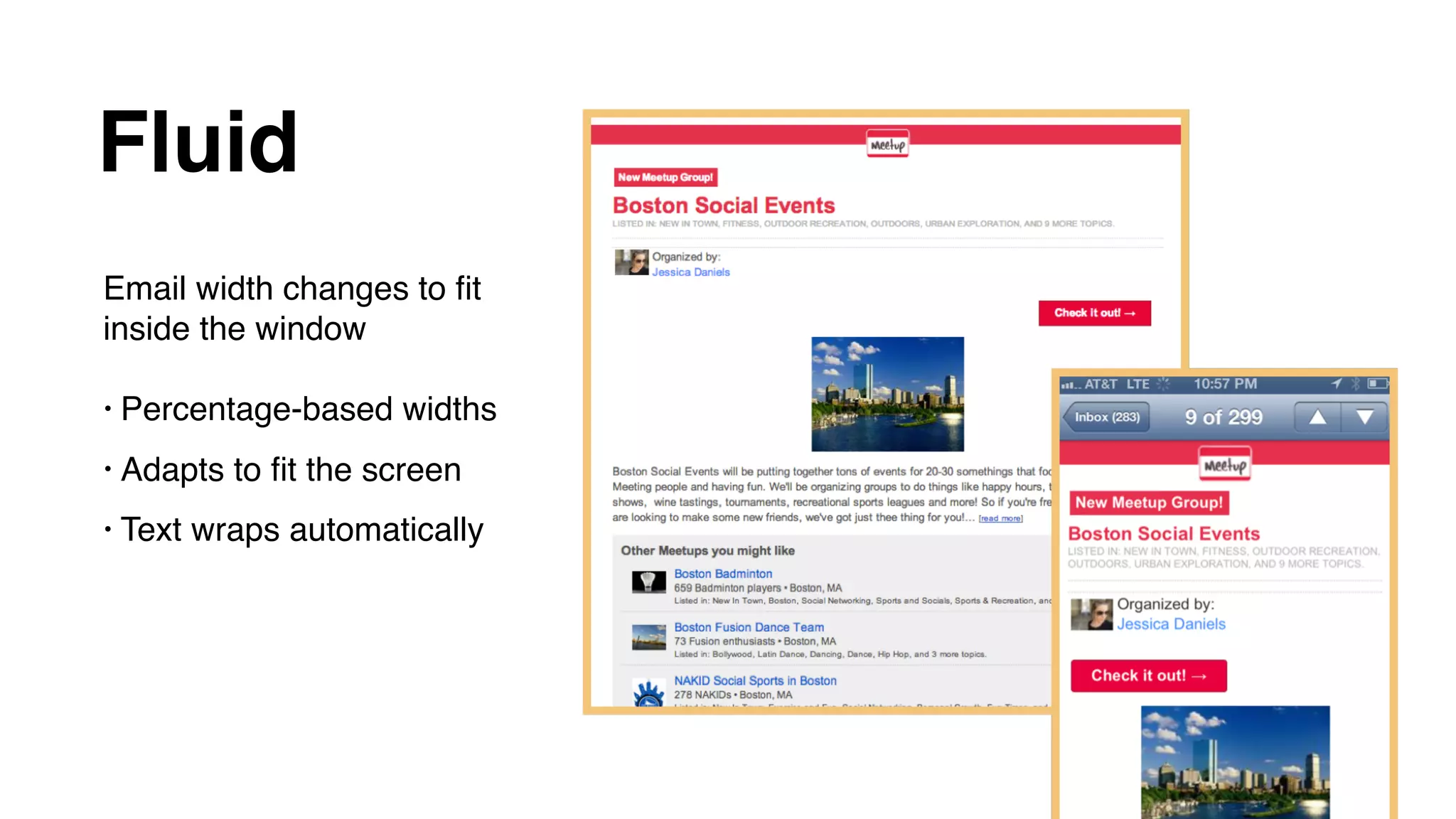
Fluid
Email width changes to fit
inside the window
• Percentage-based widths
• Adapts to fit the screen
• Text wraps automatically
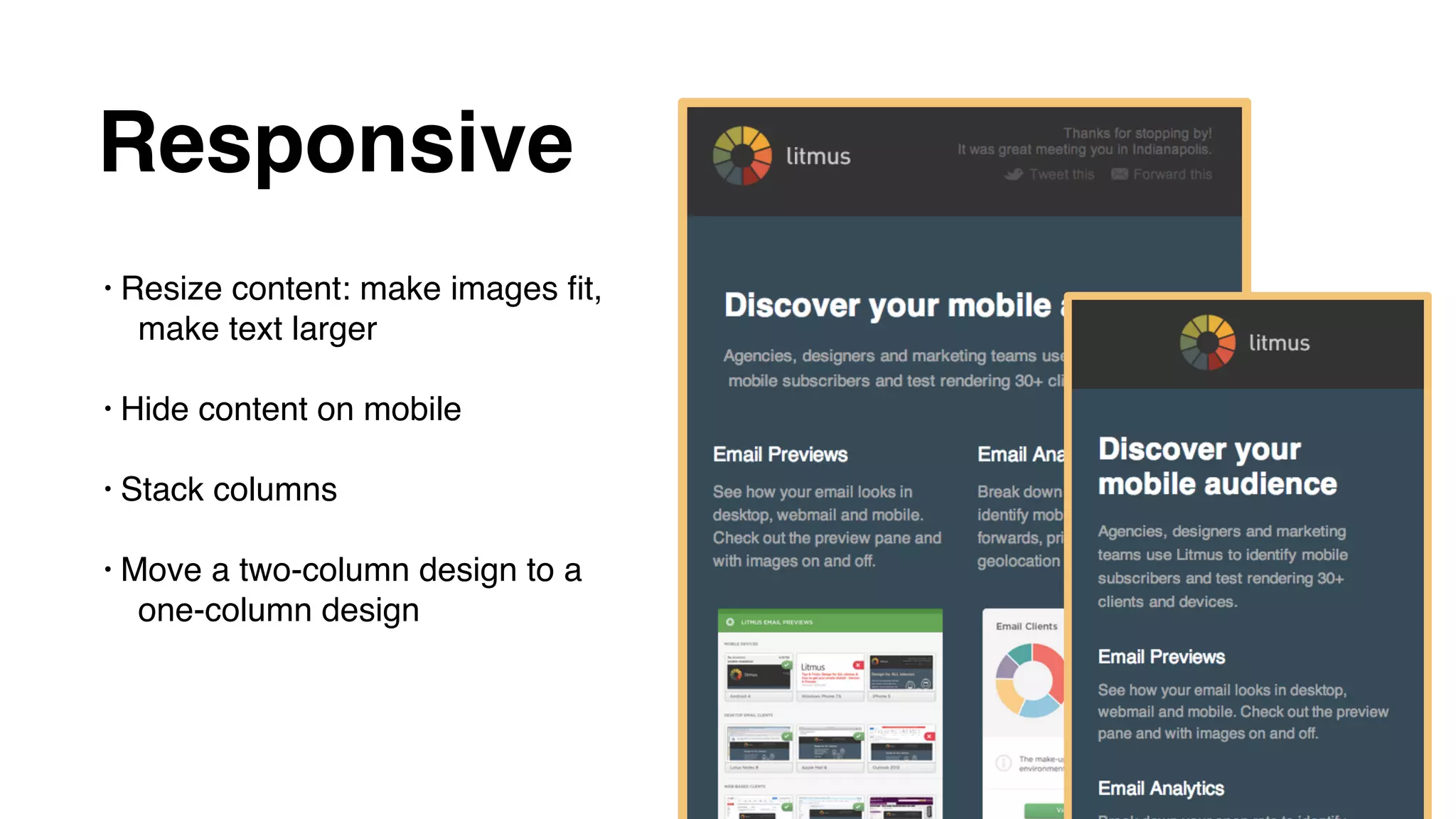
Responsive
• Resize content: make images fit,
make text larger
• Hide content on mobile
• Stack columns
• Move a two-column design to a
one-column design
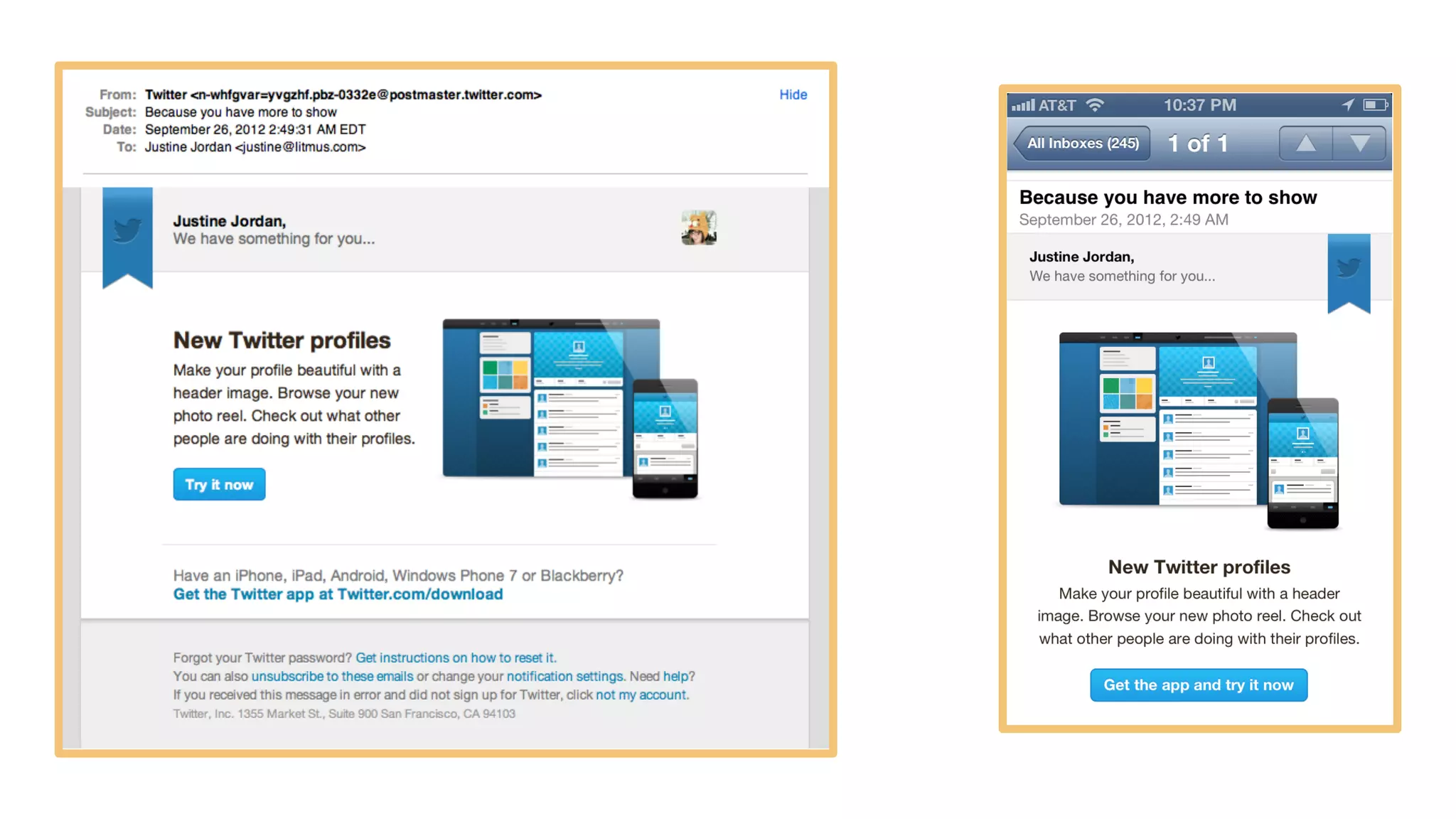
Traditional
Responsive
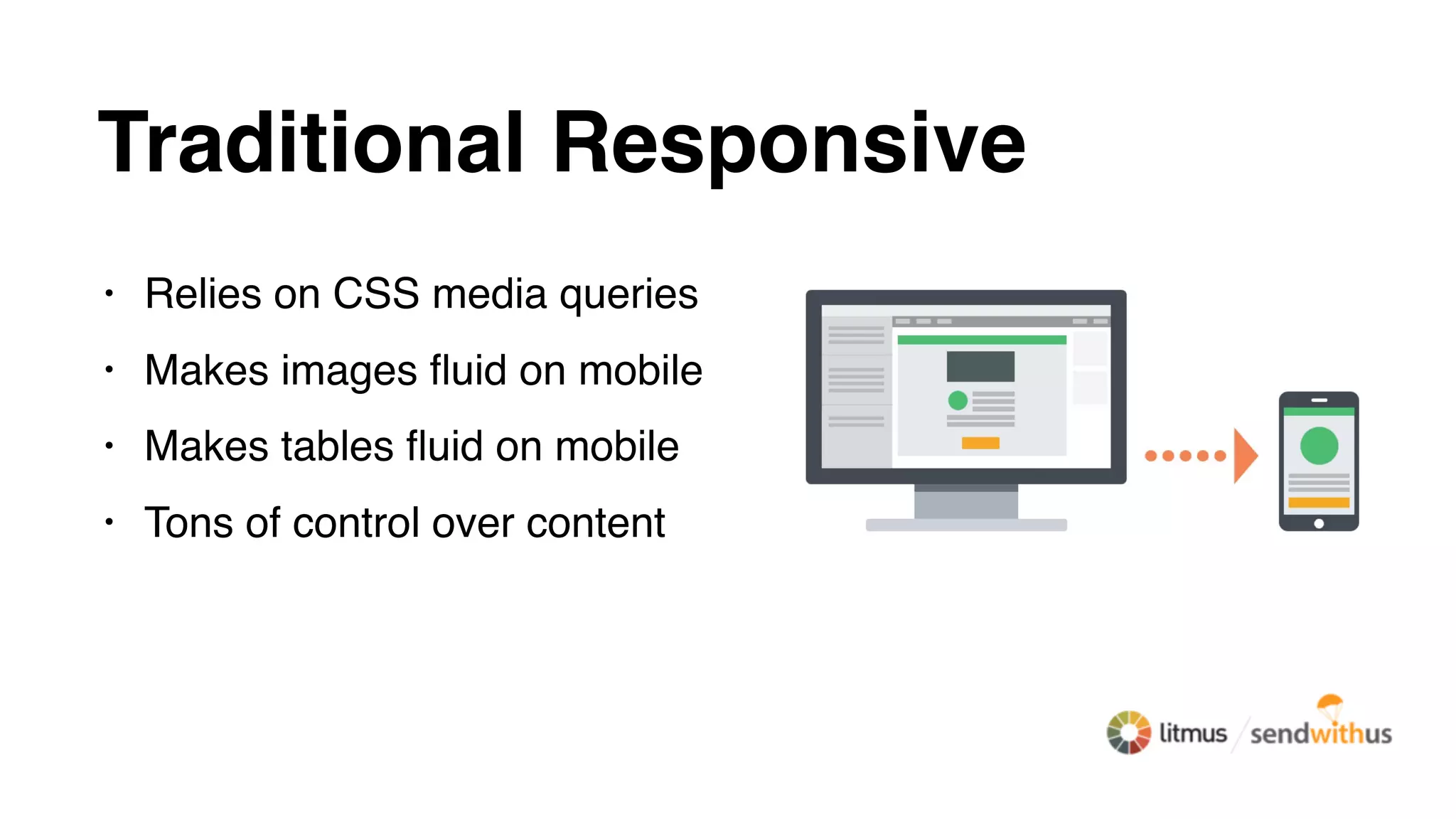
Traditional Responsive
• Relies on CSS media queries
• Makes images fluid on mobile
• Makes tables fluid on mobile
• Tons of control over content
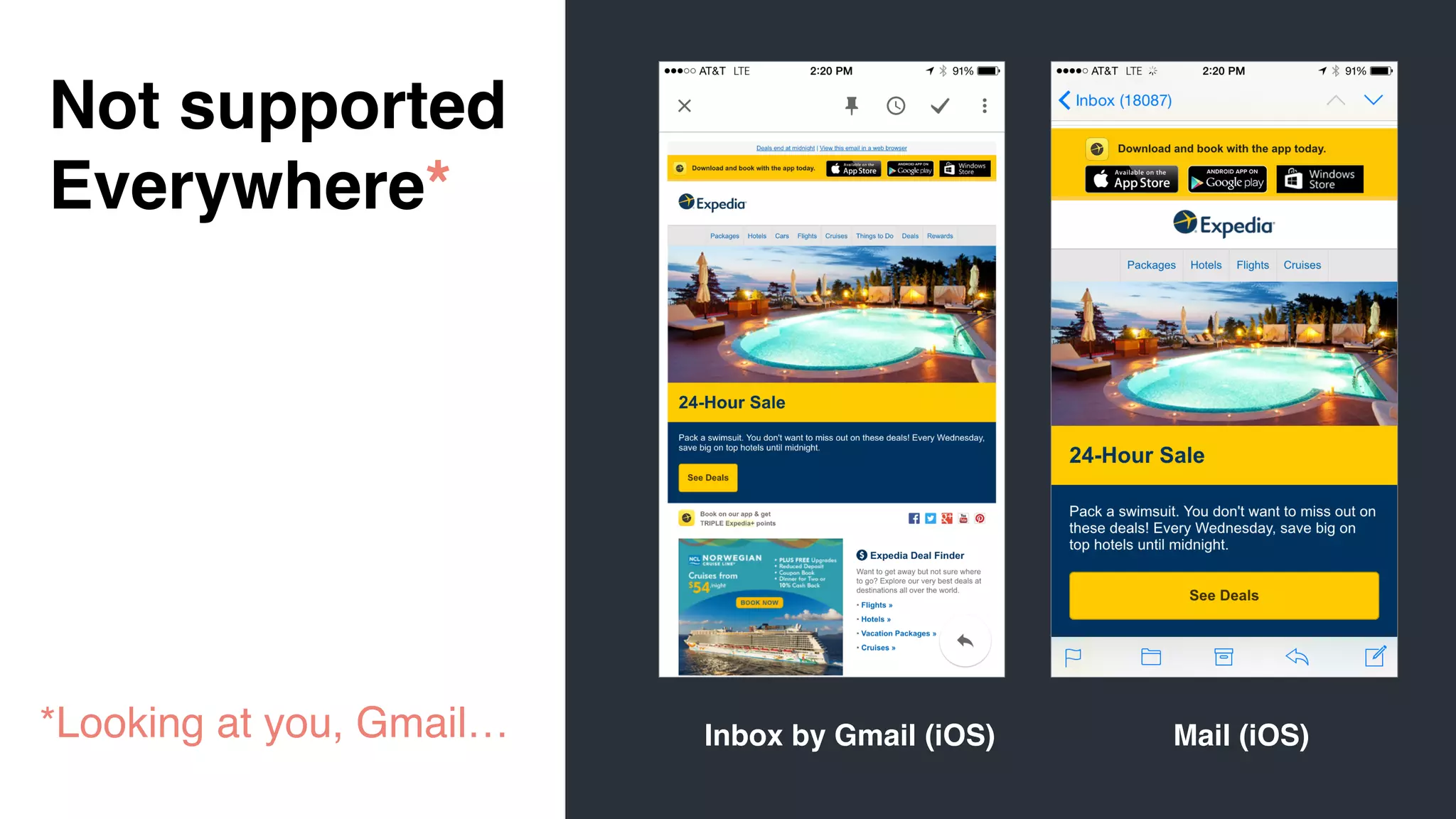
Not supported
Everywhere*
*Looking at you, Gmail… Inbox by Gmail (iOS) Mail (iOS)
Spongy /
Hybrid
Approach
Spongy (hybrid) approach
• Fluid-by-default tables
• Constrained tables using CSS
• Conditional tables for Outlook
• Content stacking w/o media queries
• Complicated w/ complex layouts
<!--[if (gte mso 9)|(IE)]>
<table align="center" border="0" cellspacing="0" cellpadding="0"
width="600">
<tr>
<td align="center" valign="top" width="600">
<![endif]-->
<table border="0" cellpadding="0" cellspacing="0" width="100%" style="max-
width: 600px;" >
<tr>
<td align="left" valign="top" style="padding: 10px 10px 20px 10px;">
… CONTENT …
</td>
</tr>
</table>
<!--[if (gte mso 9)|(IE)]>
</td>
</tr>
</table>
<![endif]-->
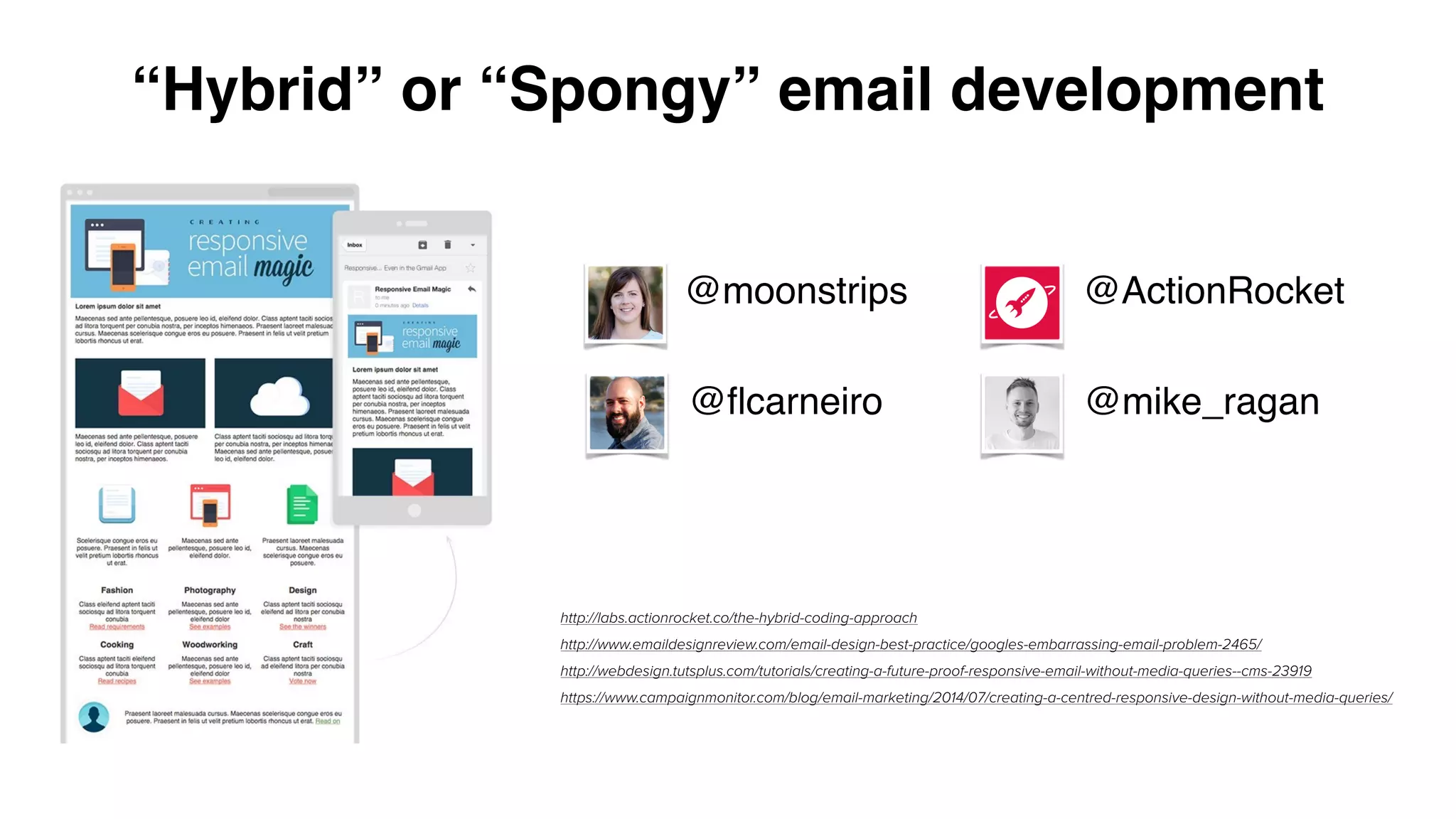
“Hybrid” or “Spongy” email development
http://labs.actionrocket.co/the-hybrid-coding-approach
http://www.emaildesignreview.com/email-design-best-practice/googles-embarrassing-email-problem-2465/
http://webdesign.tutsplus.com/tutorials/creating-a-future-proof-responsive-email-without-media-queries--cms-23919
https://www.campaignmonitor.com/blog/email-marketing/2014/07/creating-a-centred-responsive-design-without-media-queries/
@ActionRocket
@flcarneiro
@moonstrips
@mike_ragan
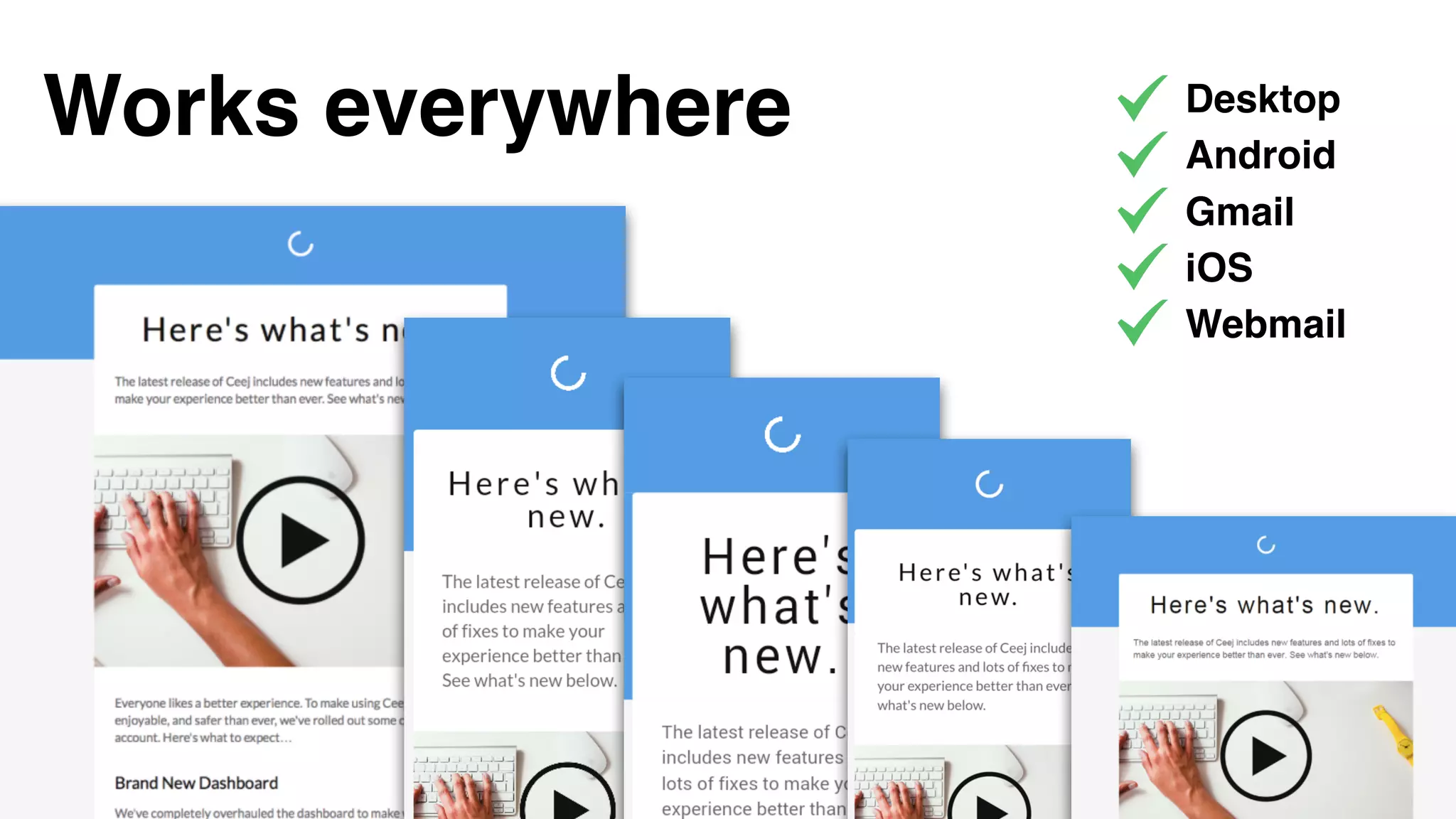
Works everywhere Desktop
Android
Gmail
iOS
Webmail
Keep all of that in mind and
email can be wonderful
(even transactional!)
#WelcomeToTheInbox
Always be testing
#WelcomeToTheInbox
Check out these
resources…
#WelcomeToTheInbox
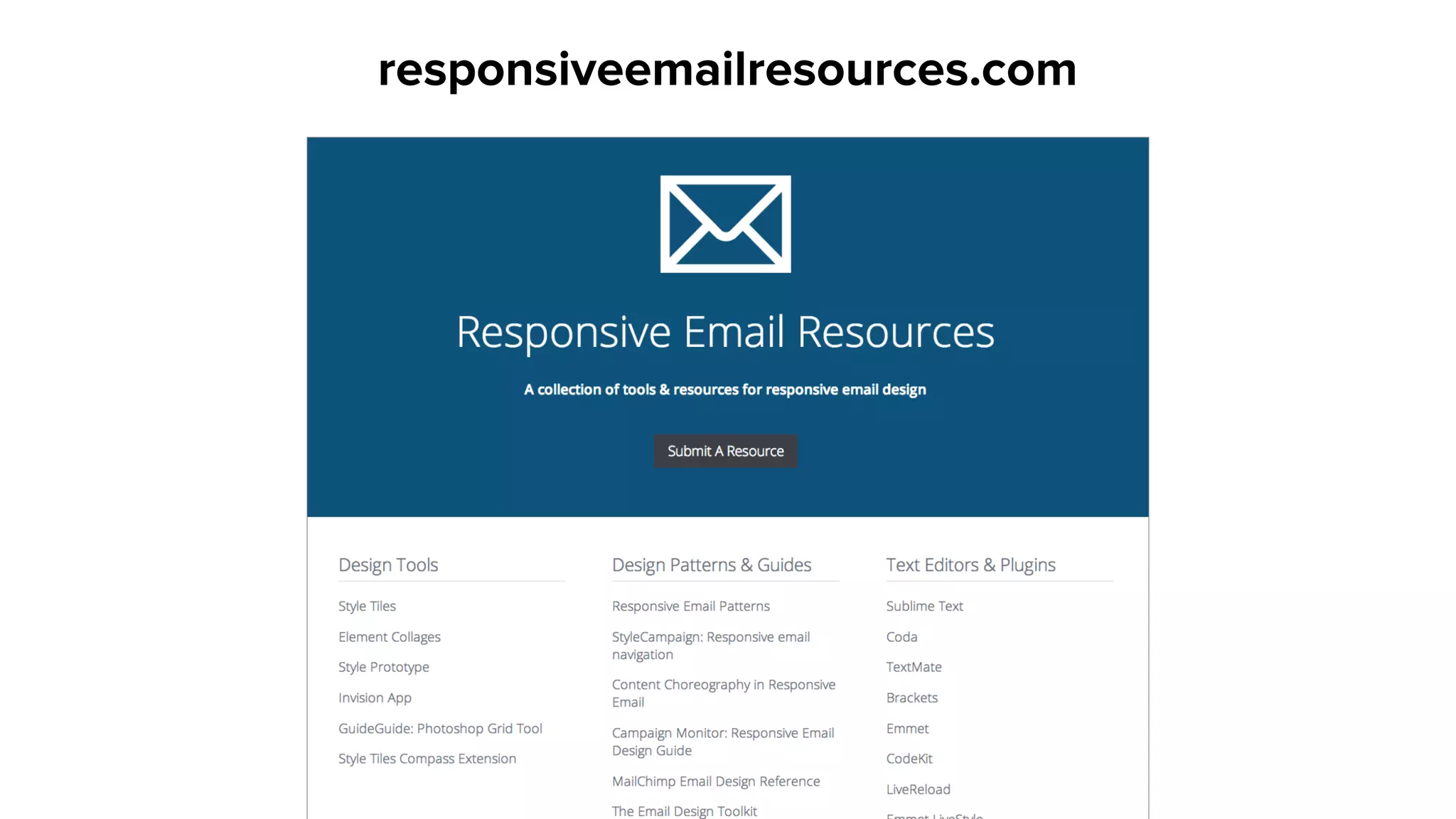
responsiveemailresources.com
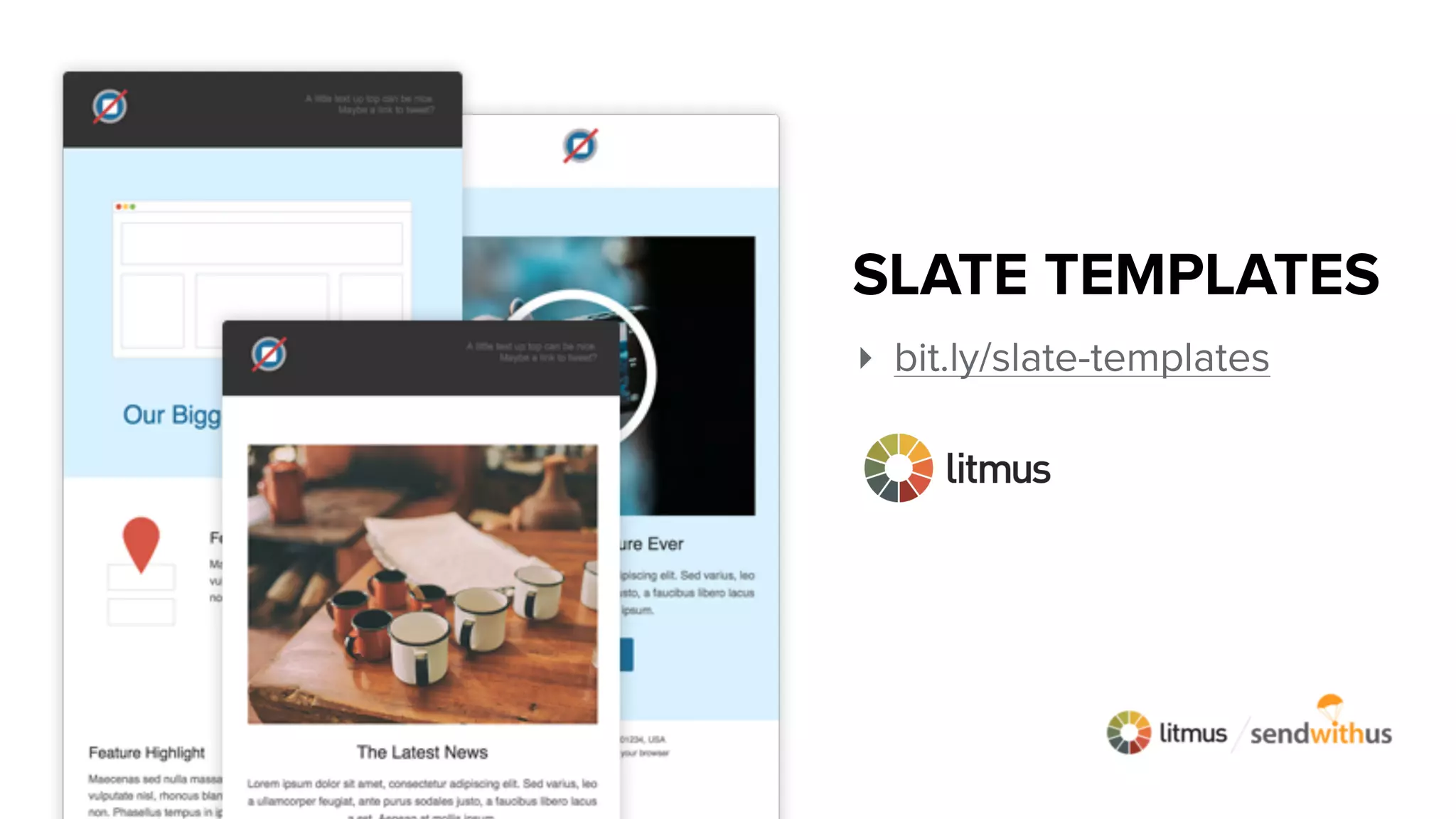
‣ bit.ly/slate-templates
SLATE TEMPLATES
Sendwithus Open Source Templates
sendwithus.com/resources/templates
Litmus Community
litmus.com/community
Litmus Blog
litmus.com/blog
Litmus Community
http://bit.ly/1KogqN1
Q&A Time
Type your questions in the chat window
Try Sendwithus free
sendwithus.com/pricing
Try Litmus free for 14 days
litmus.com/coupon/WelcomeToTheInbox
Join the discussion

Wait. What just happened to my email?