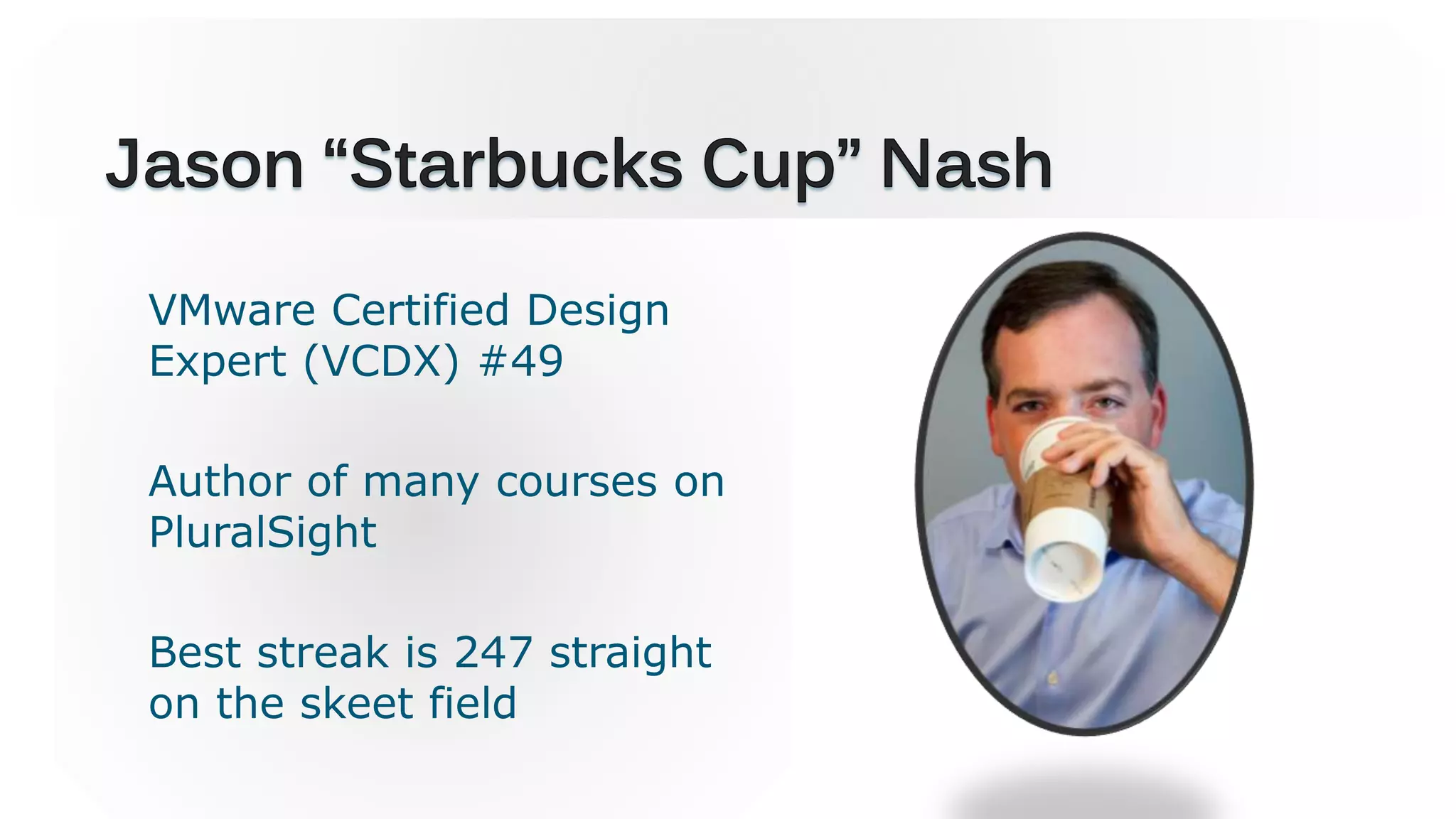
VMware Certified Design
Expert (VCDX) #49
Author of many courses on
PluralSight
Best streak is 247 straight
on the skeet field
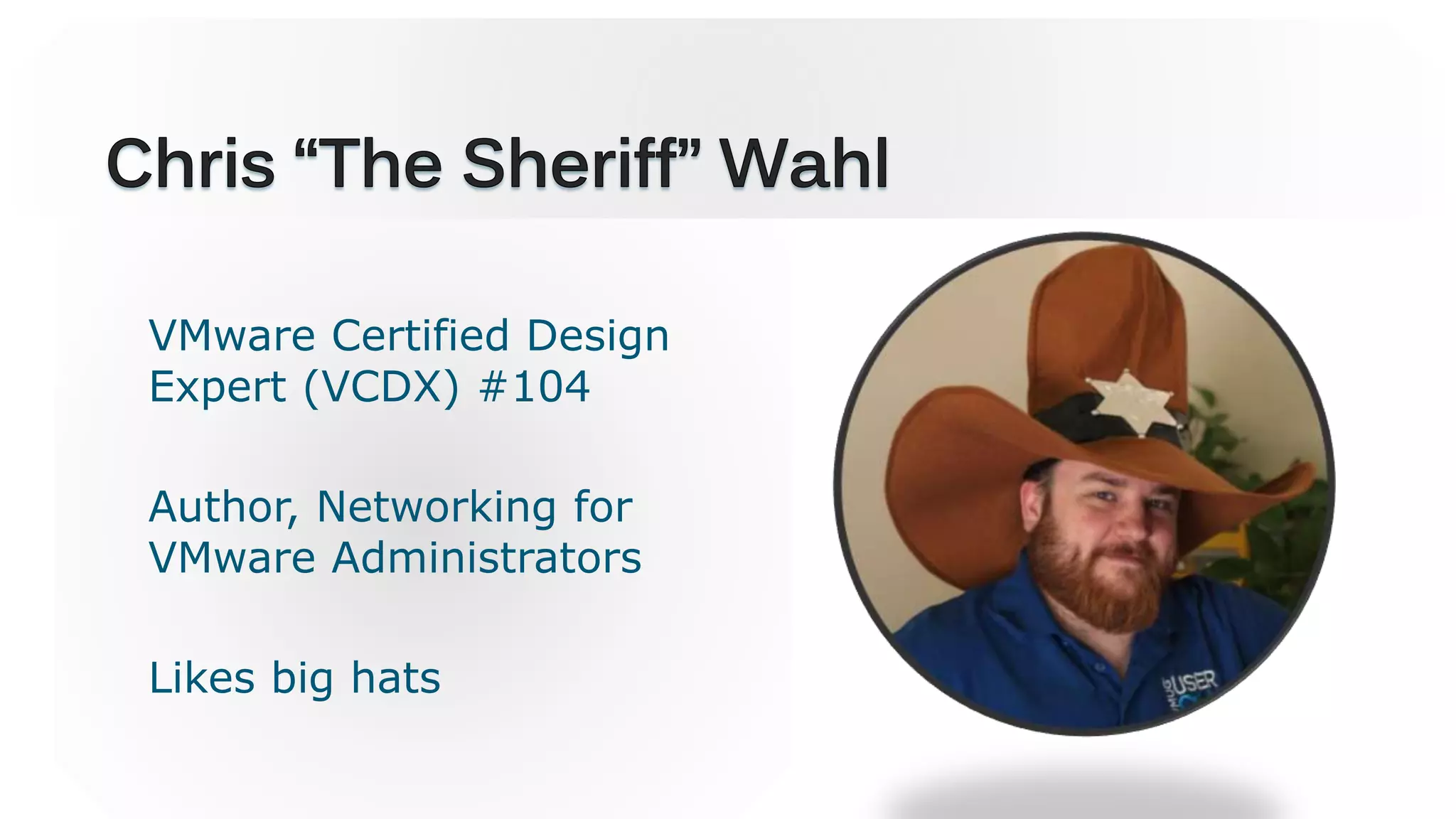
VMware Certified Design
Expert (VCDX) #104
Author, Networking for
VMware Administrators
Likes big hats
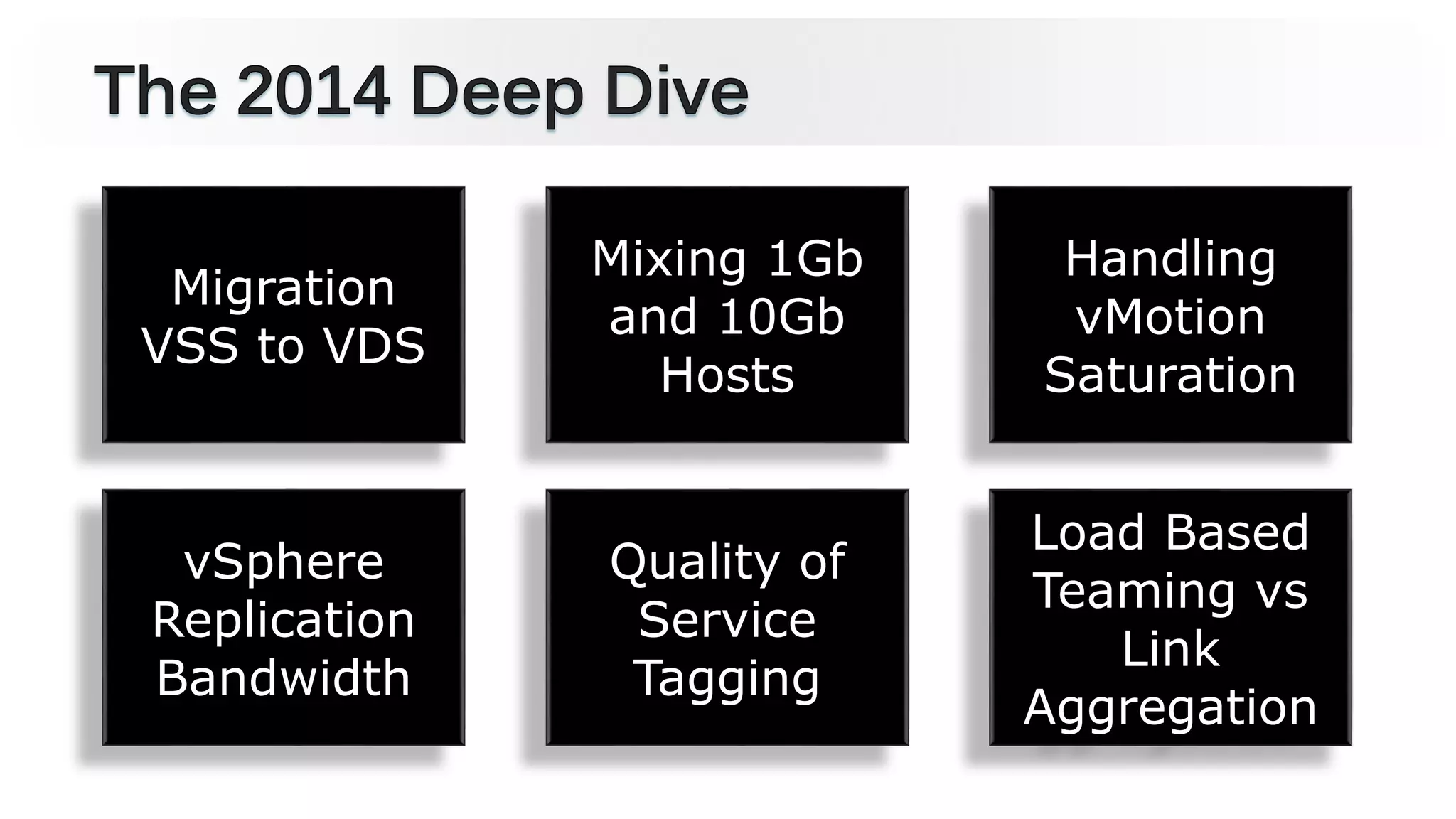
Migration
VSS to VDS
Mixing 1Gb
and 10Gb
Hosts
Handling
vMotion
Saturation
vSphere
Replication
Bandwidth
Quality of
Service
Tagging
Load Based
Teaming vs
Link
Aggregation
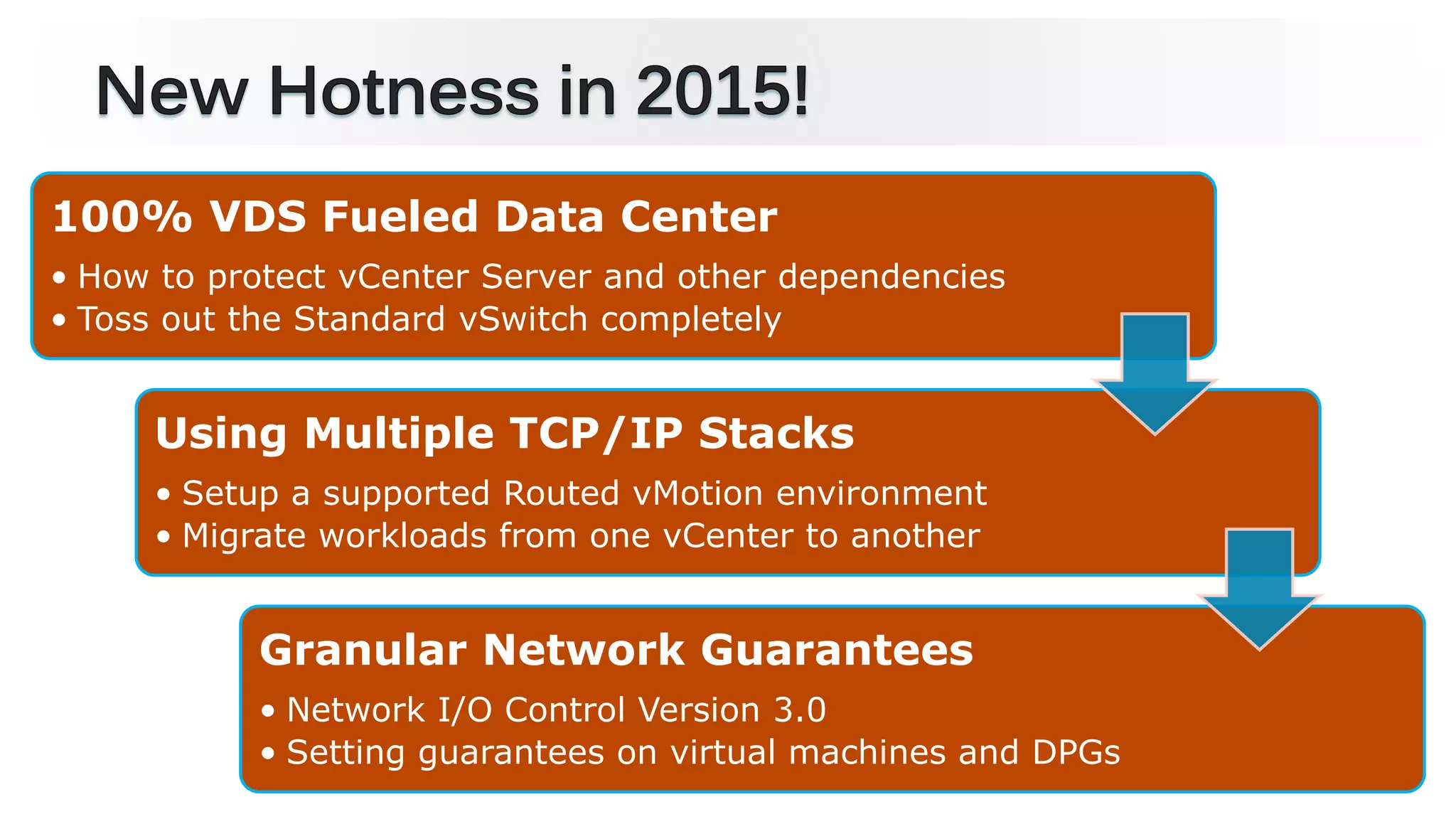
100% VDS Fueled Data Center
• How to protect vCenter Server and other dependencies
• Toss out the Standard vSwitch completely
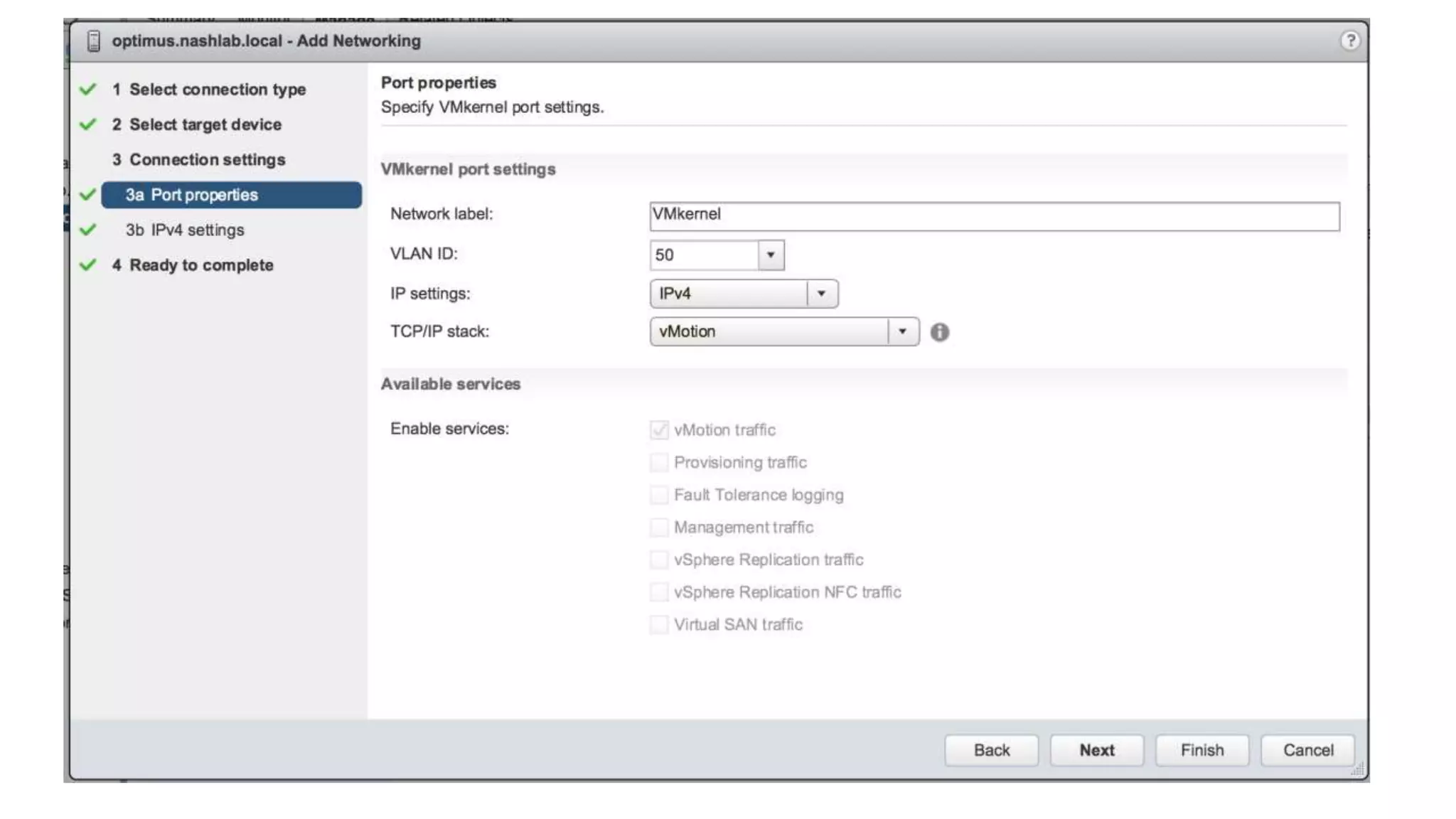
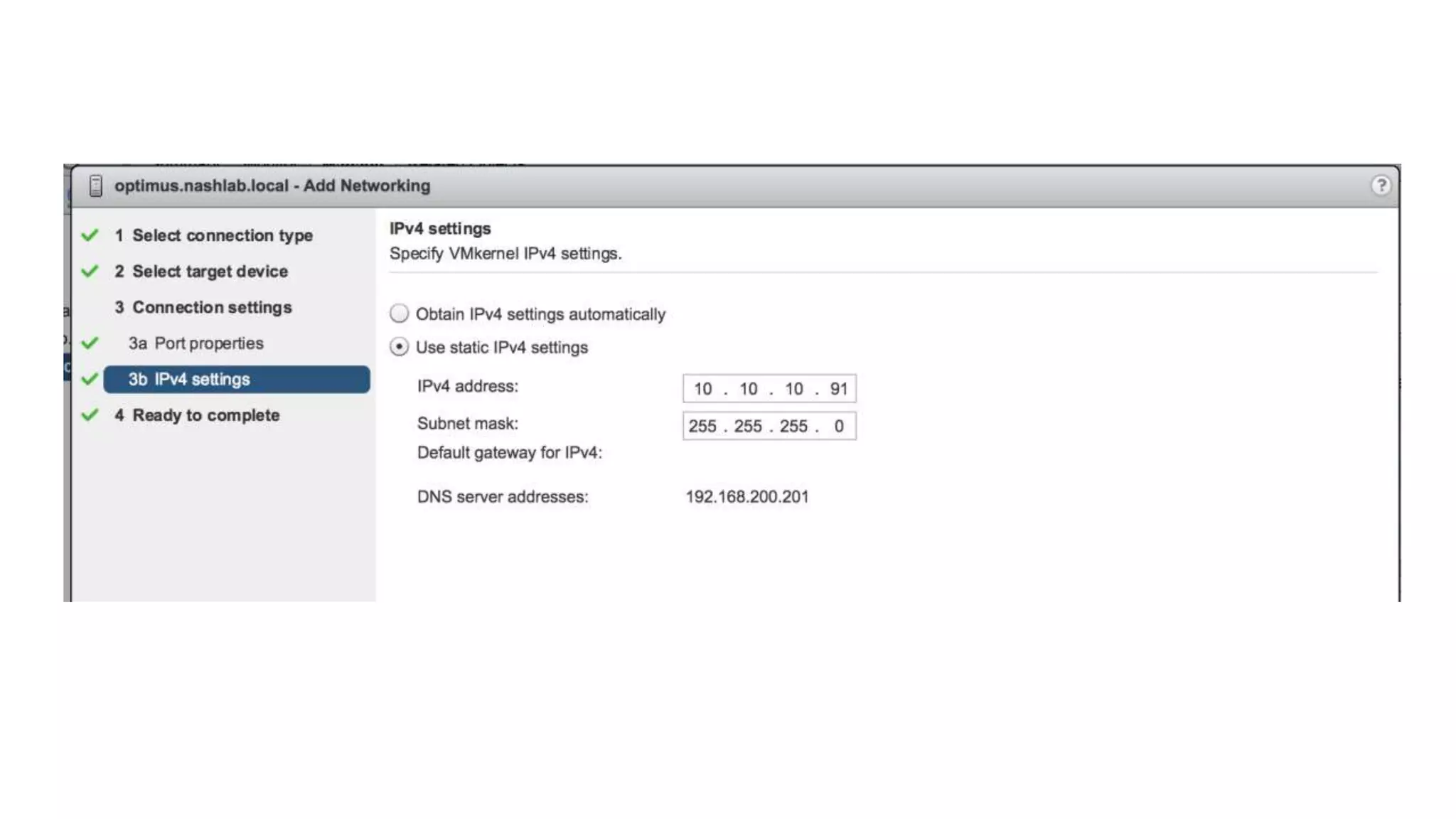
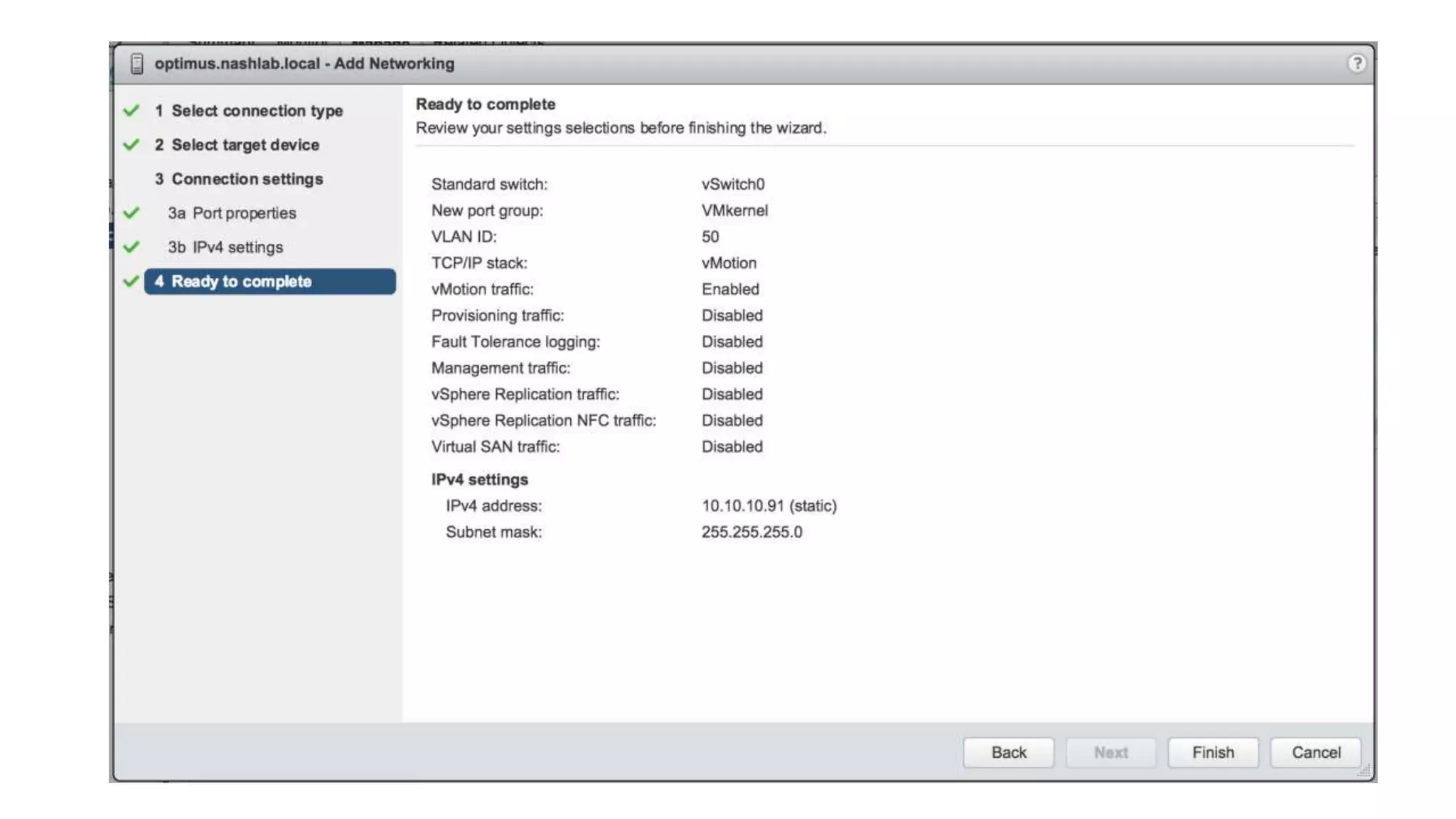
Using Multiple TCP/IP Stacks
• Setup a supported Routed vMotion environment
• Migrate workloads from one vCenter to another
Granular Network Guarantees
• Network I/O Control Version 3.0
• Setting guarantees on virtual machines and DPGs
The vSphere Distributed Switch 6.0
Network I/O
Control (NIOC)
Version 3.0
Multicast (IGMP)
Snooping
Multiple TCP/IP
Stack for vMotion
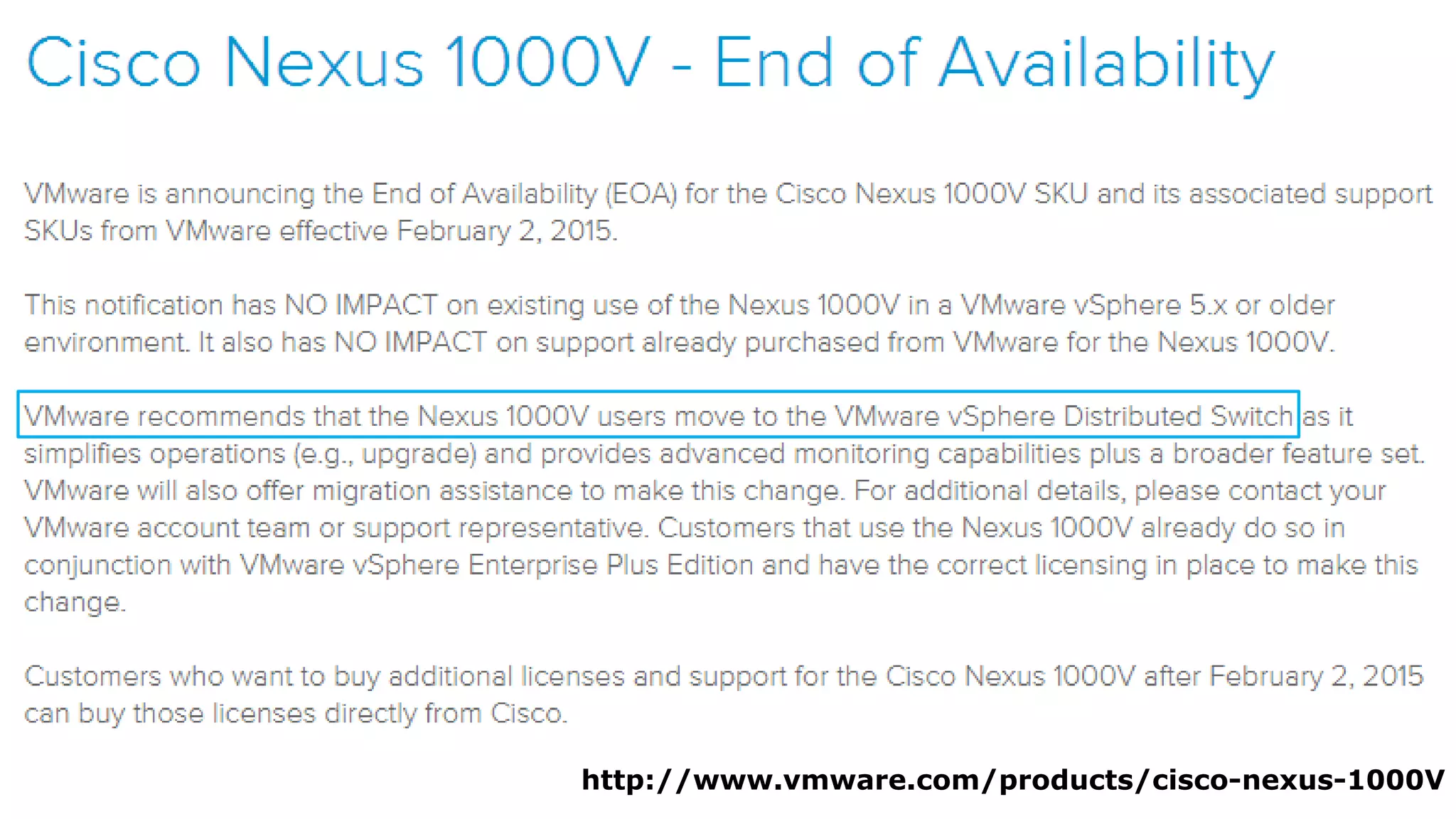
• VMware no longer sells the Nexus 1000v
• Nexus 1000v is supported in vSphere 6.0
 Requires 5.2(1)SV3(1.4) or Later
• Cisco Nexus 1000v AVS Mode = Not Supported
http://www.vmware.com/products/cisco-nexus-1000V
“The Nexus 1000v … is the market leading
3rd party virtual switch in the industry”
The vSphere Distributed Switch 6.0
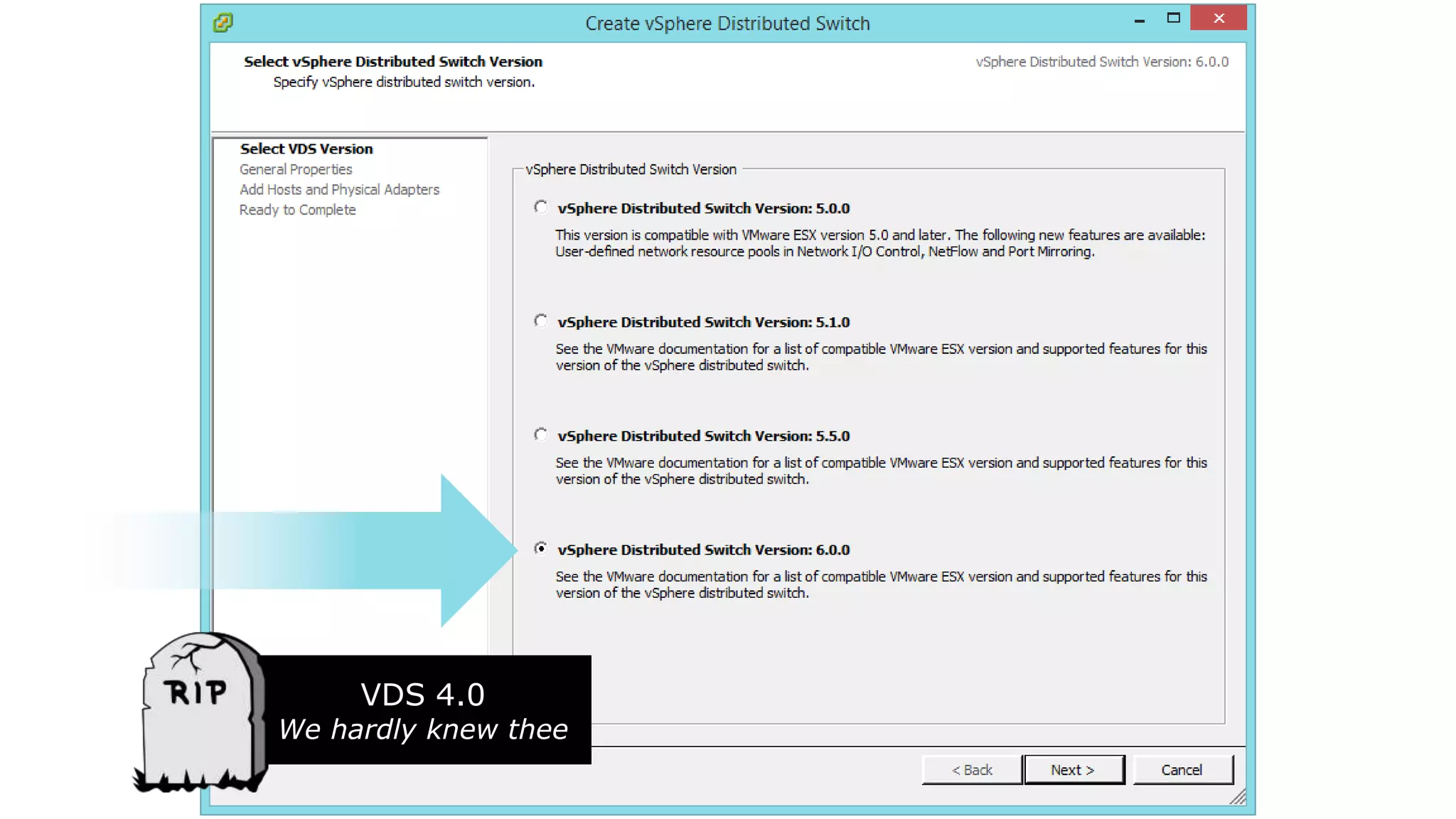
VDS 4.0
We hardly knew thee
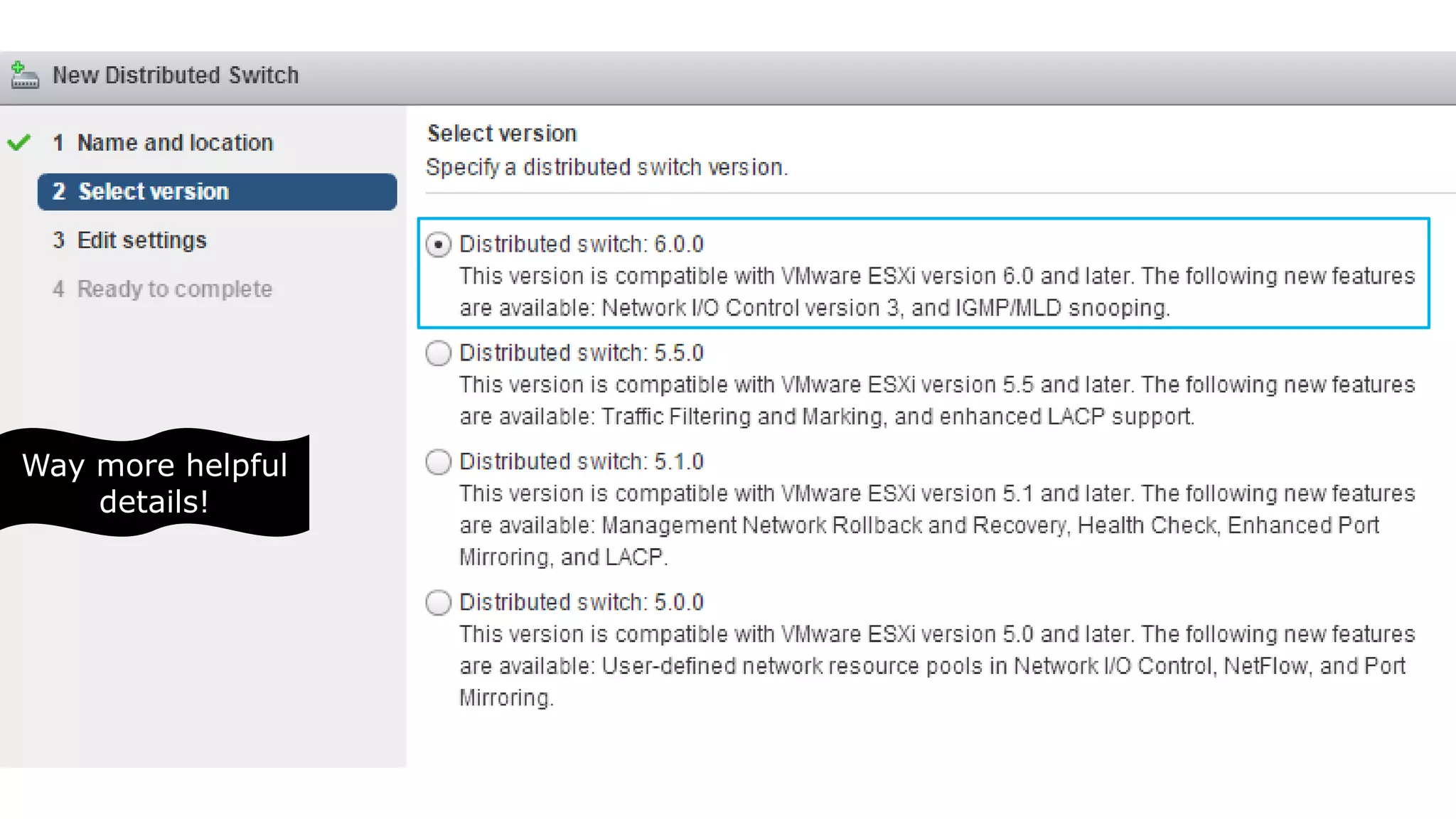
Way more helpful
details!
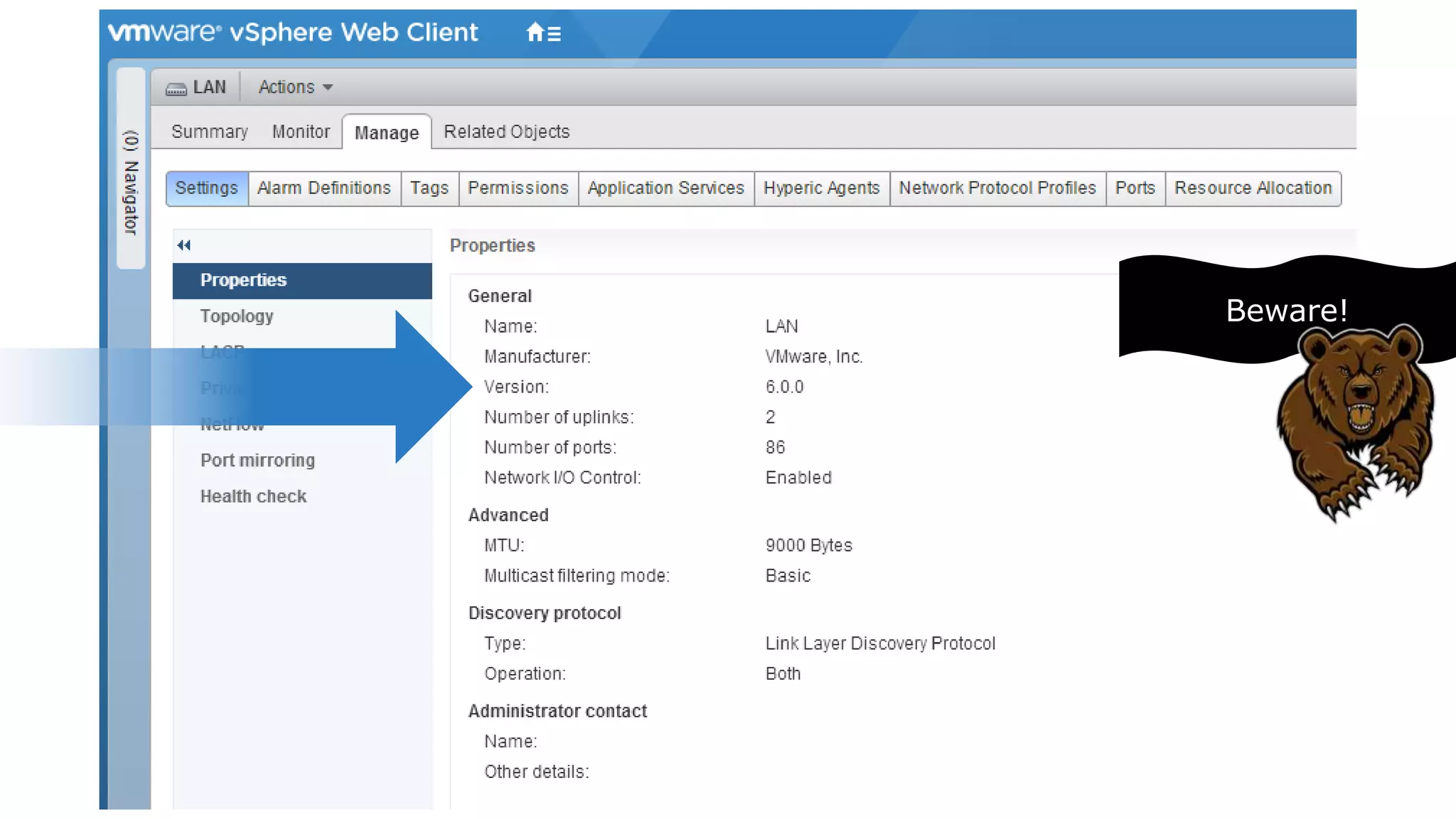
Beware!
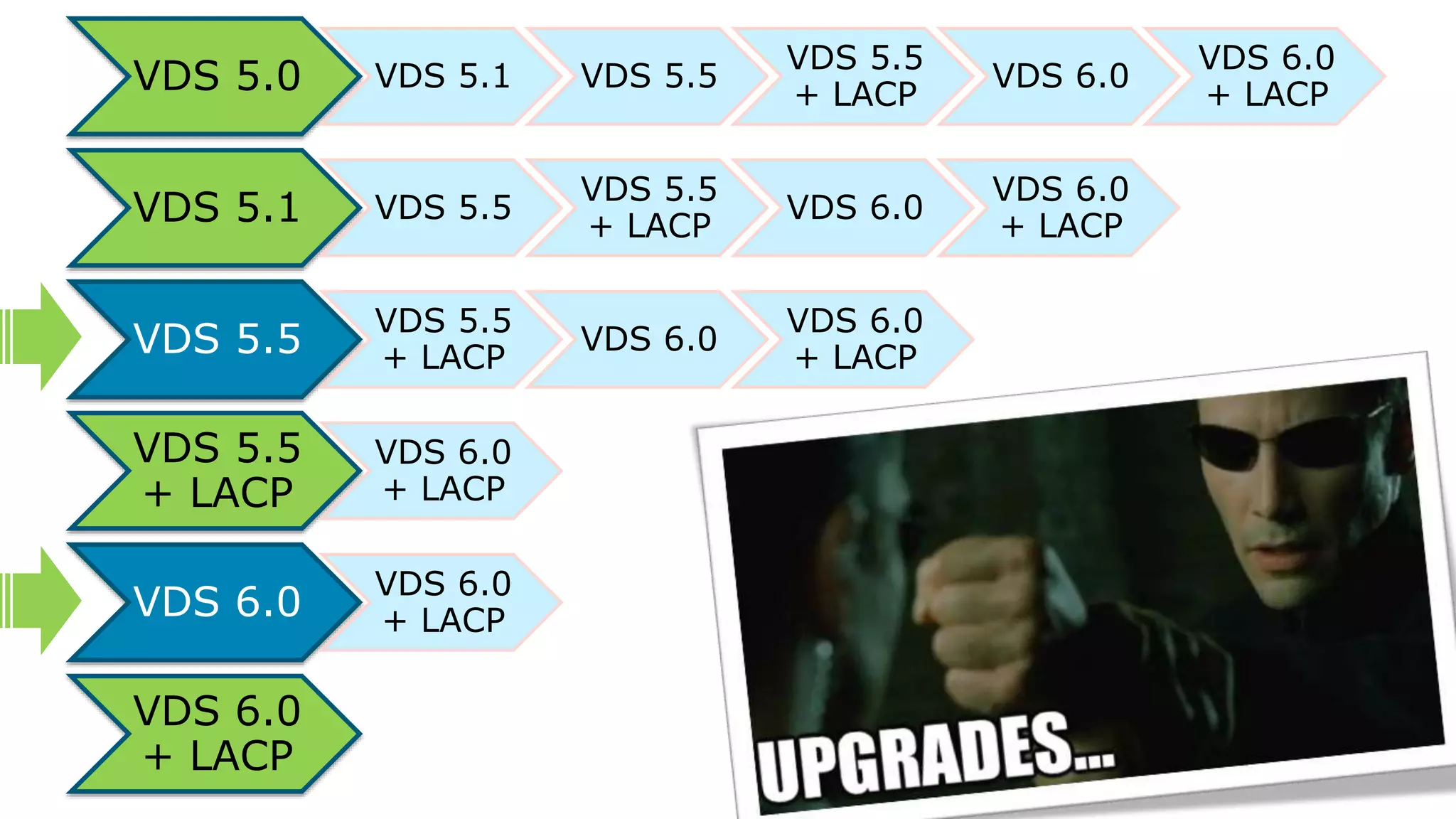
VDS 5.0 VDS 5.1 VDS 5.5
VDS 5.5
+ LACP
VDS 6.0
VDS 6.0
+ LACP
VDS 5.1 VDS 5.5
VDS 5.5
+ LACP
VDS 6.0
VDS 6.0
+ LACP
VDS 5.5
VDS 5.5
+ LACP
VDS 6.0
VDS 6.0
+ LACP
VDS 5.5
+ LACP
VDS 6.0
+ LACP
VDS 6.0
VDS 6.0
+ LACP
VDS 6.0
+ LACP
“Discover how easy it can be to begin using the
vSphere Distributed Switch (VDS) for all workloads,
even vCenter and other management dependencies”
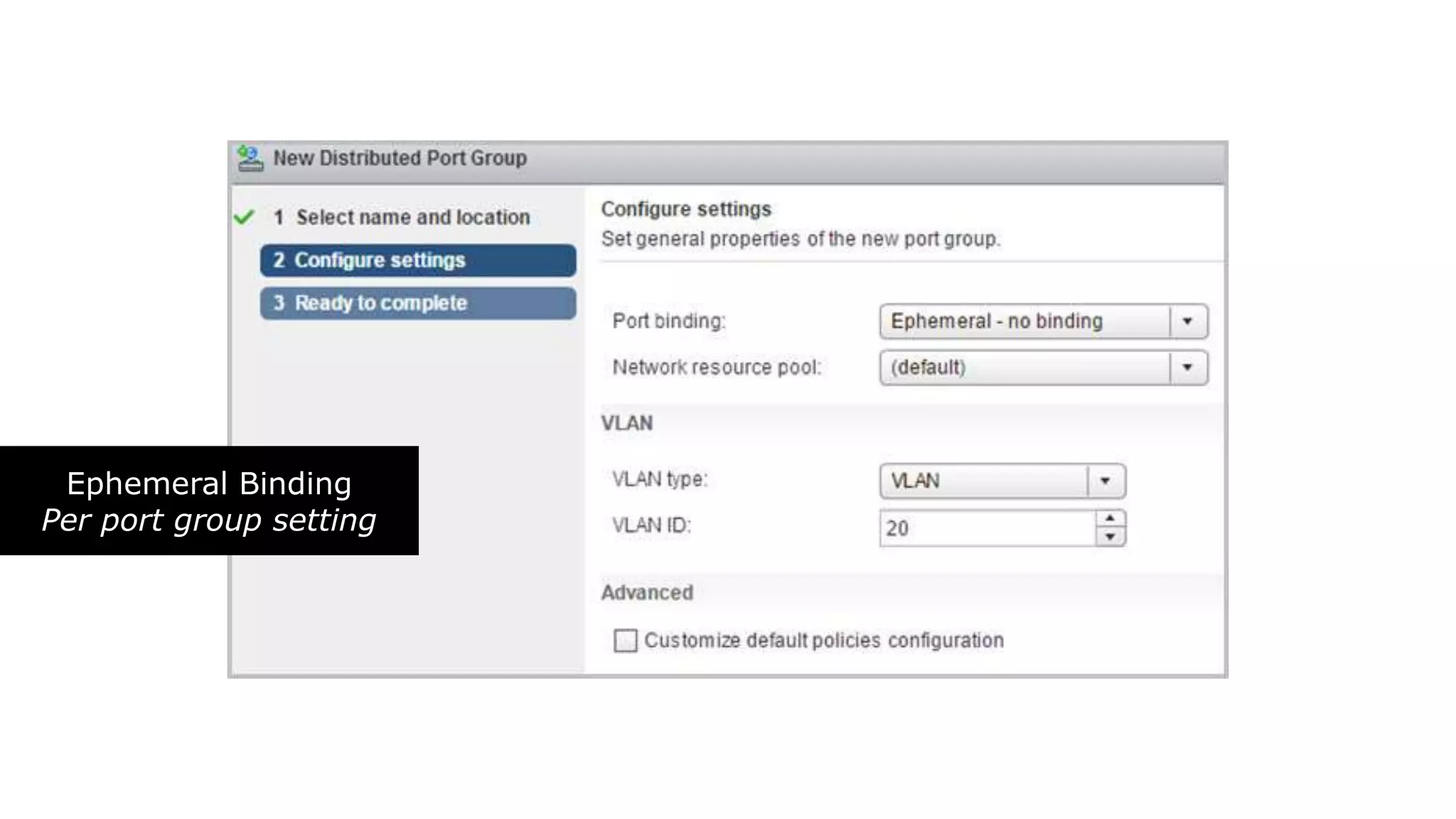
Ephemeral Binding
Per port group setting
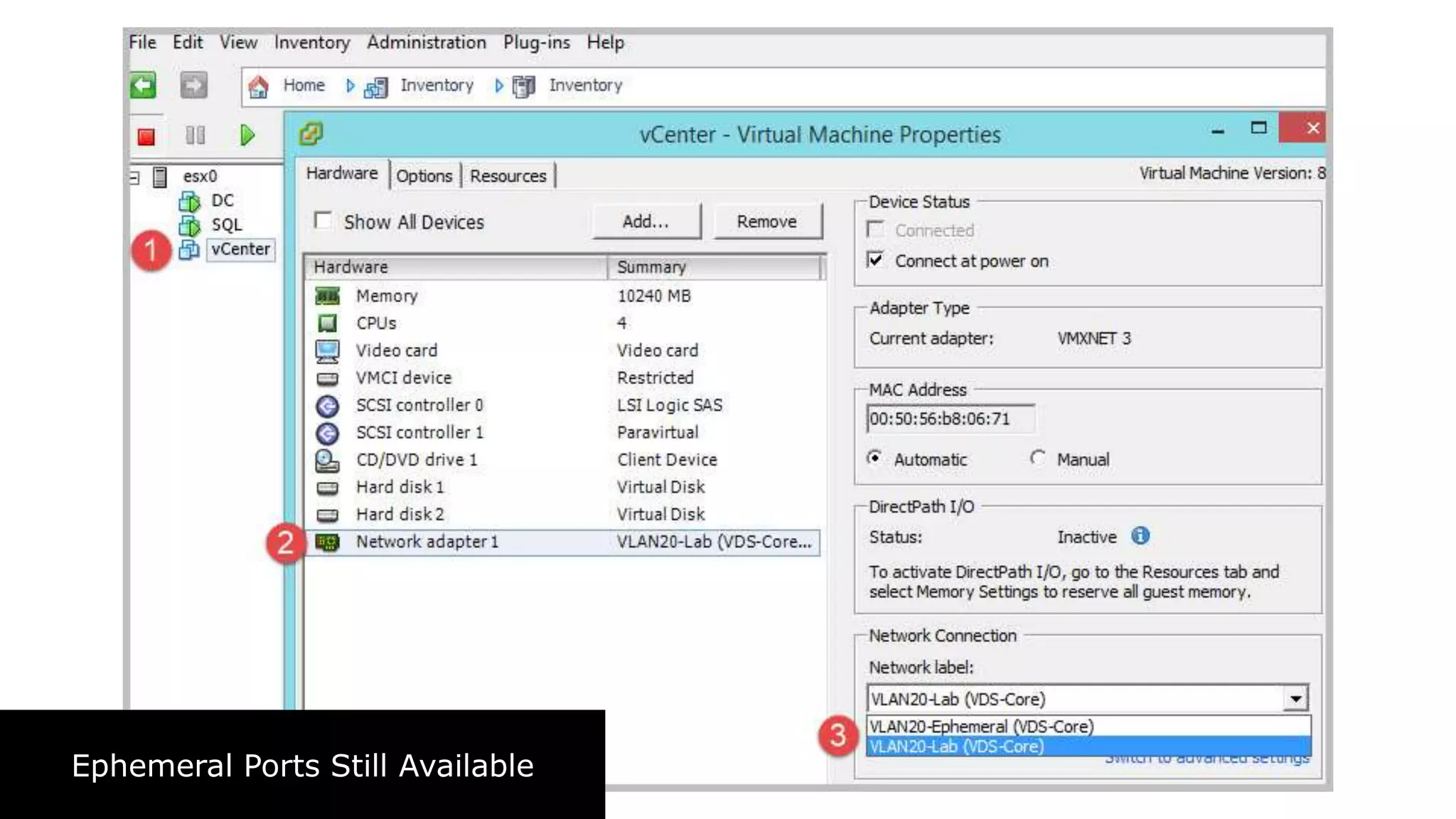
Ephemeral Ports Still Available
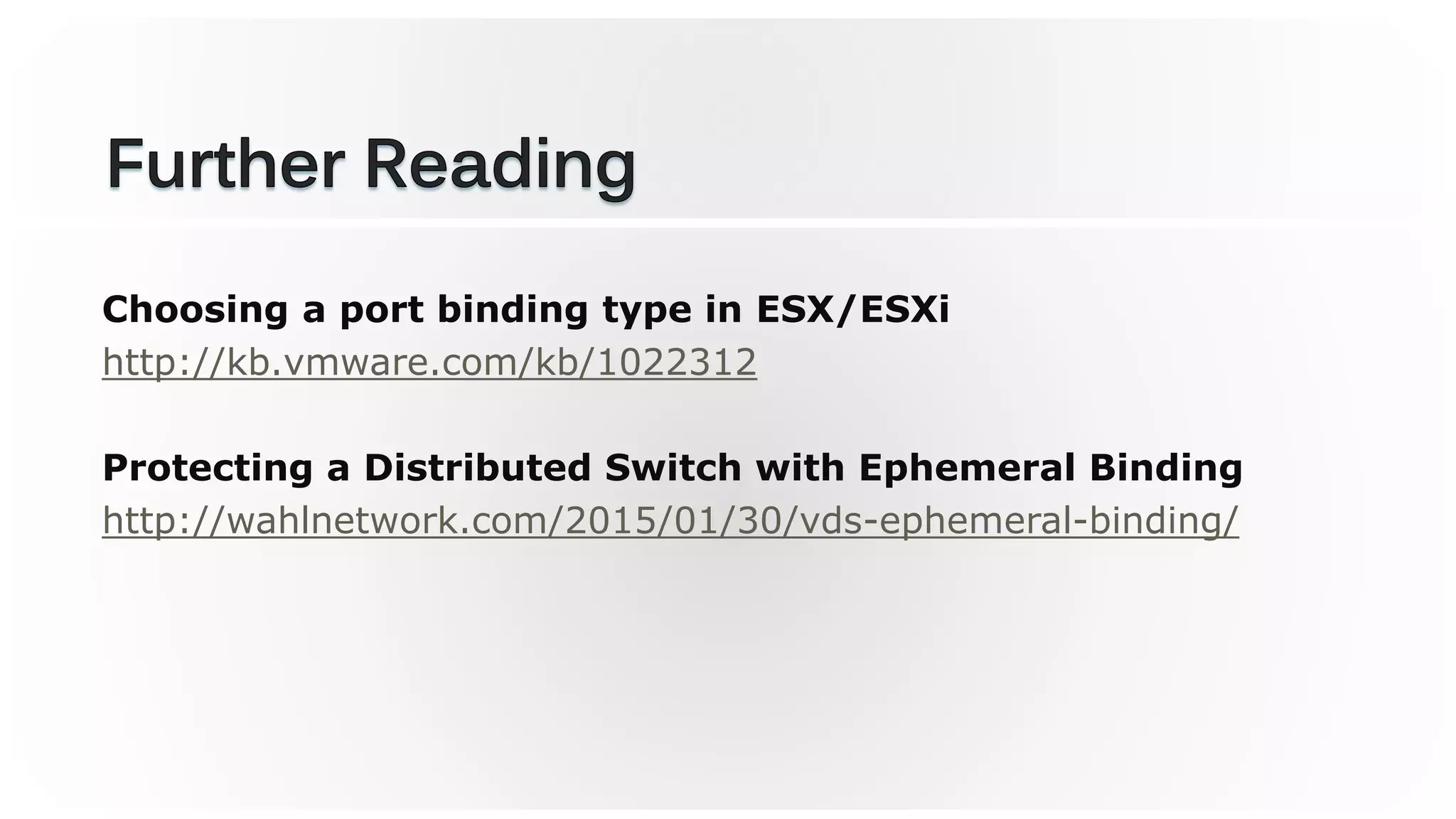
Choosing a port binding type in ESX/ESXi
http://kb.vmware.com/kb/1022312
Protecting a Distributed Switch with Ephemeral Binding
http://wahlnetwork.com/2015/01/30/vds-ephemeral-binding/
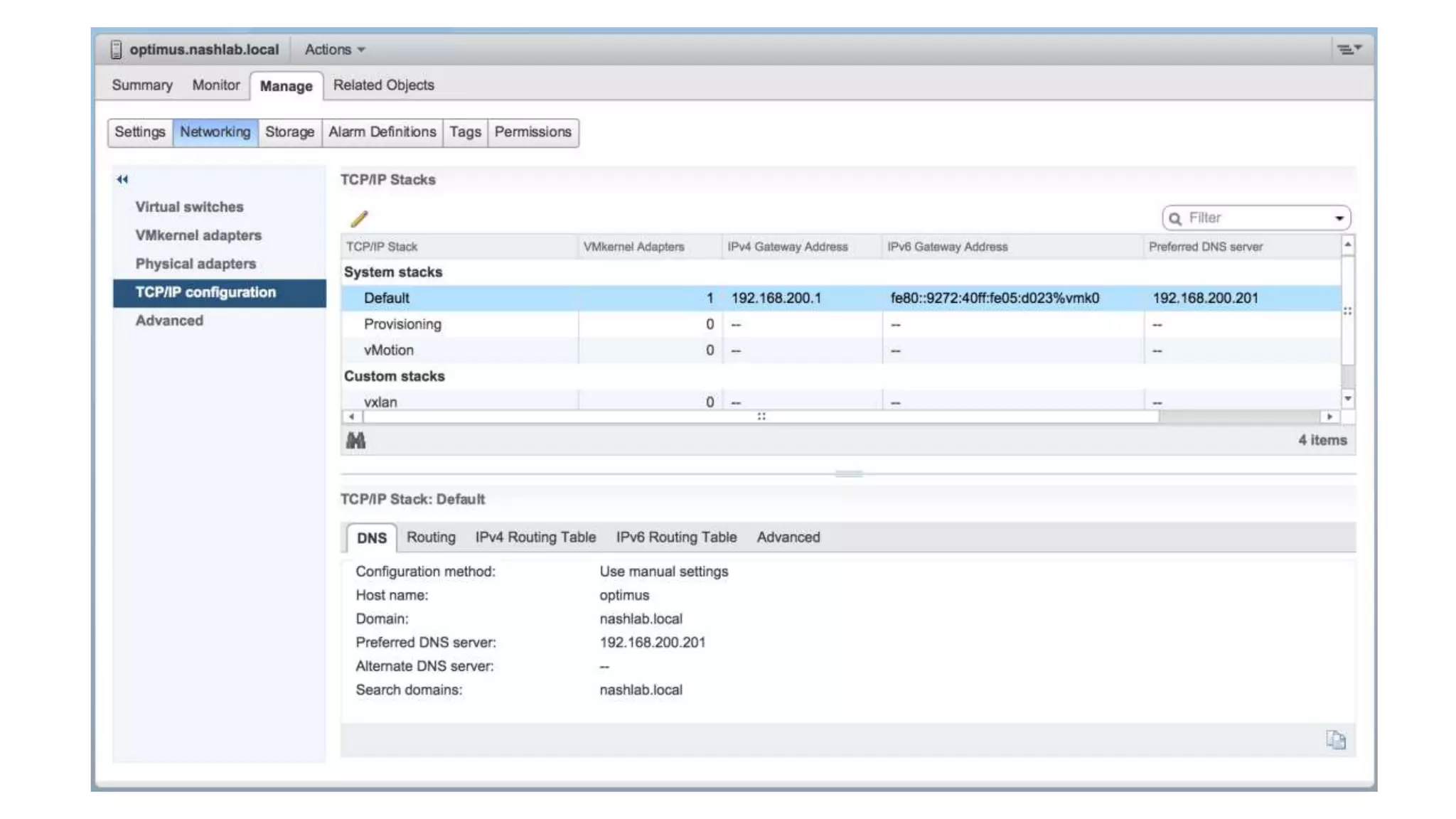
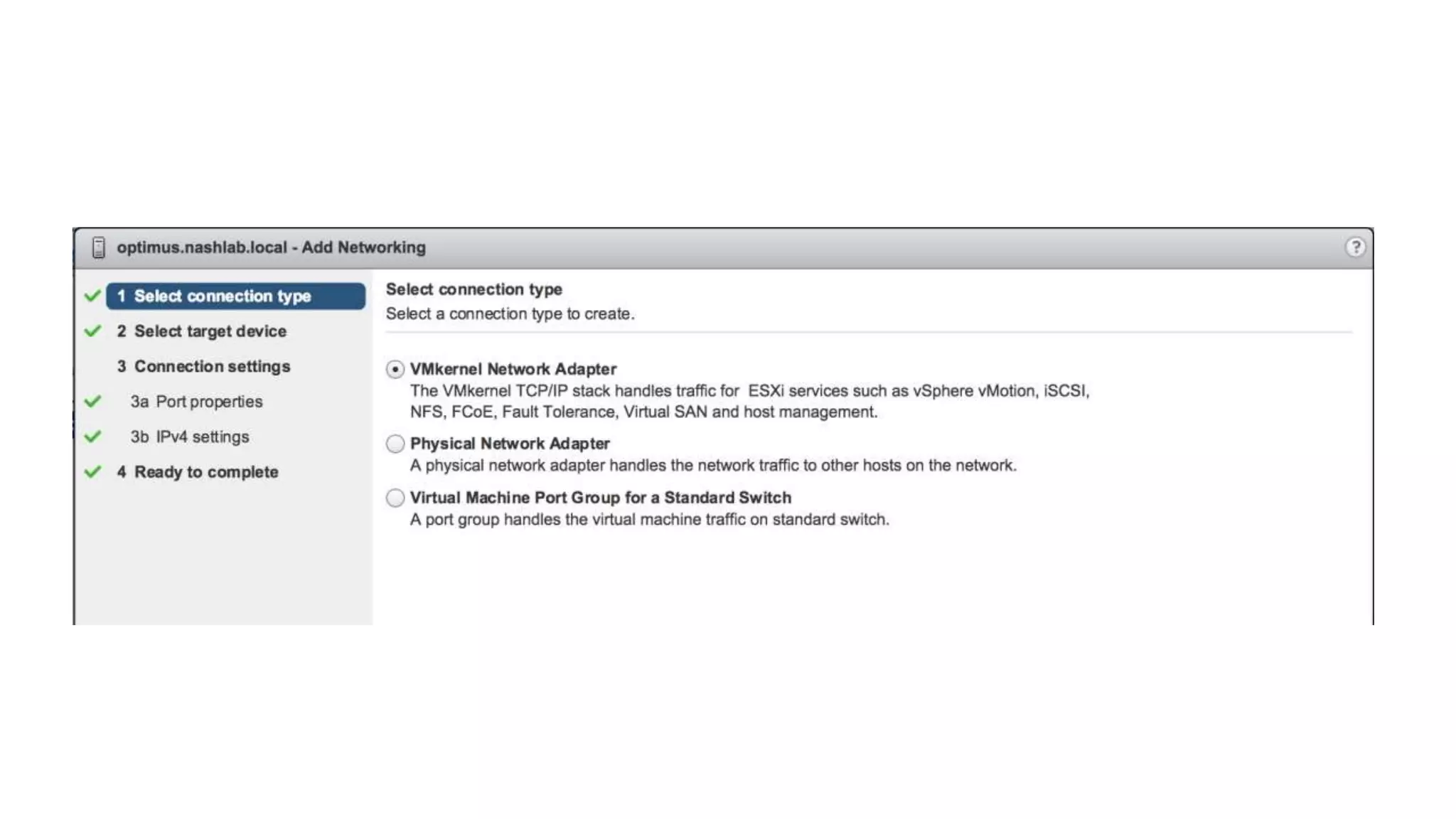
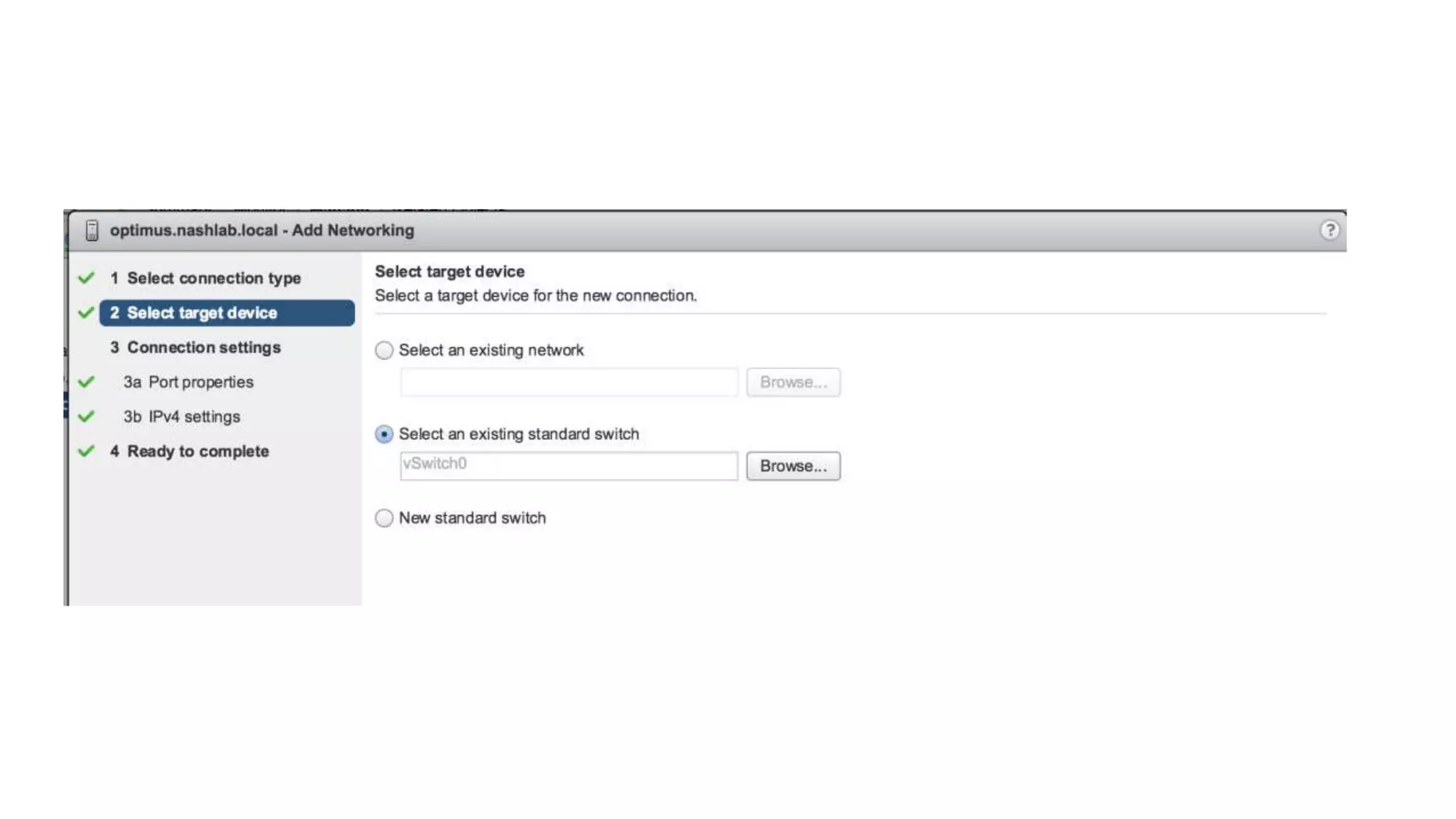
“Gain valuable insight on how to best configure your
VDS to take advantage of the new vMotion TCP/IP
stack for routed traffic”
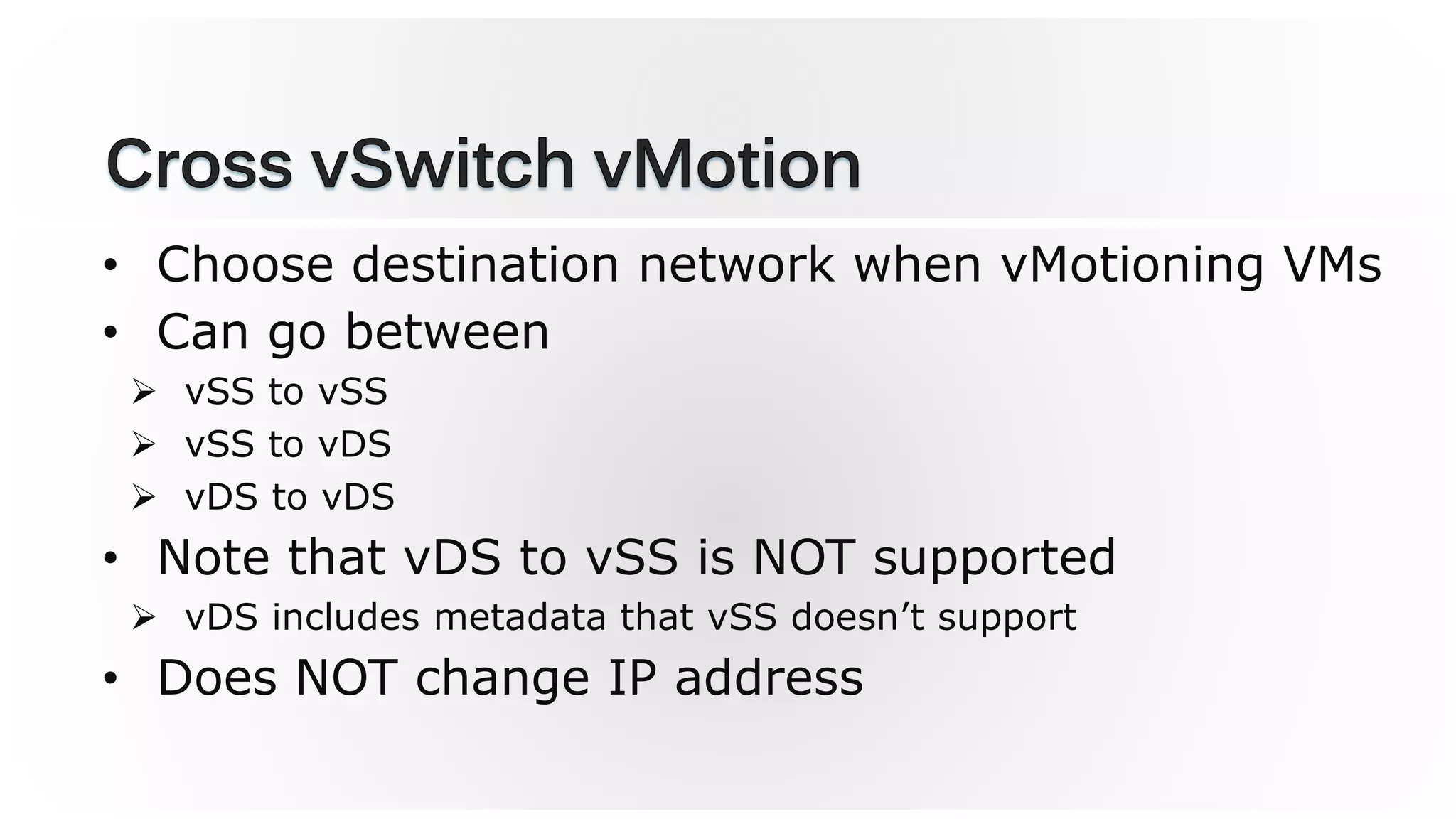
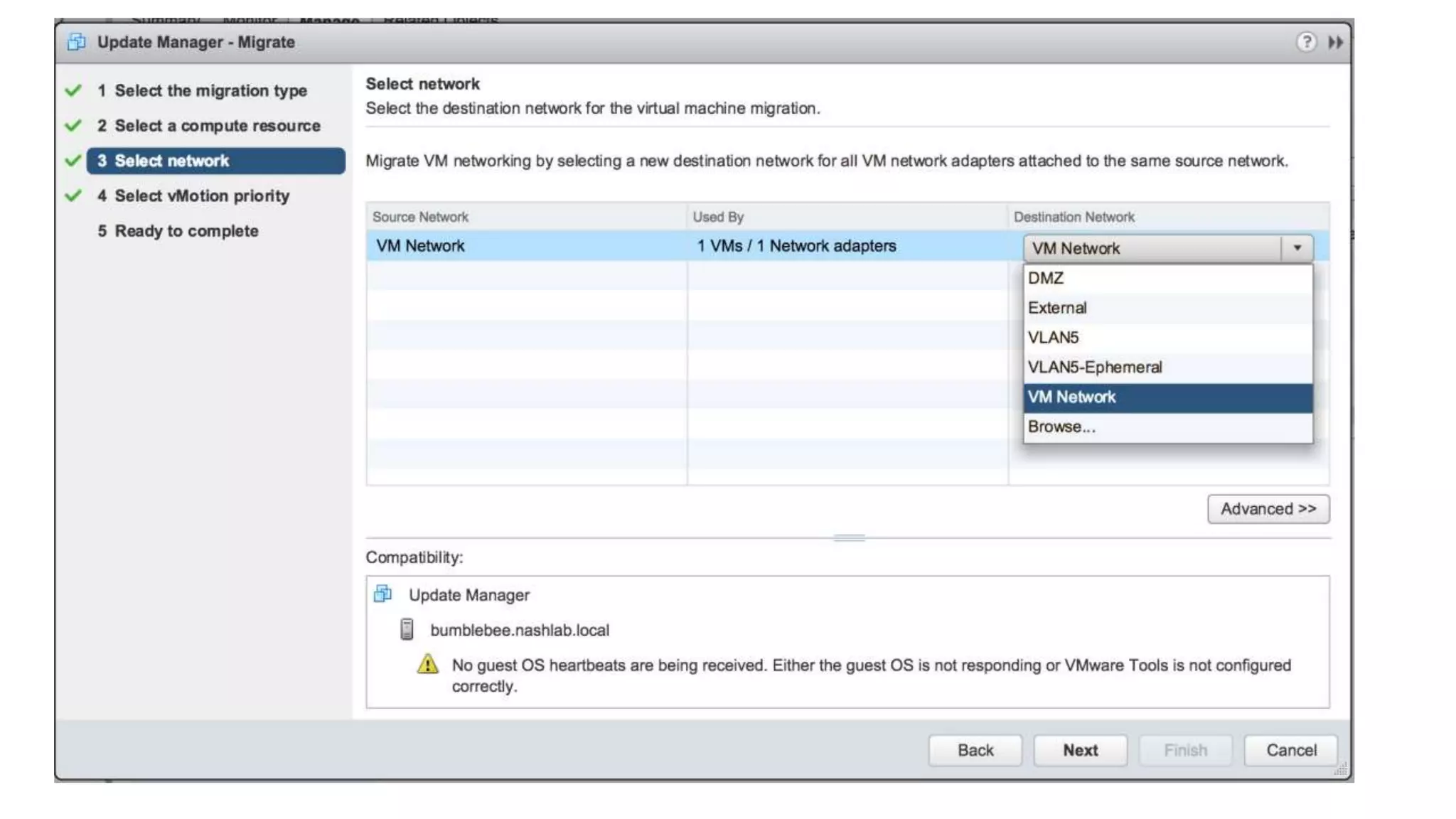
• Choose destination network when vMotioning VMs
• Can go between
 vSS to vSS
 vSS to vDS
 vDS to vDS
• Note that vDS to vSS is NOT supported
 vDS includes metadata that vSS doesn’t support
• Does NOT change IP address
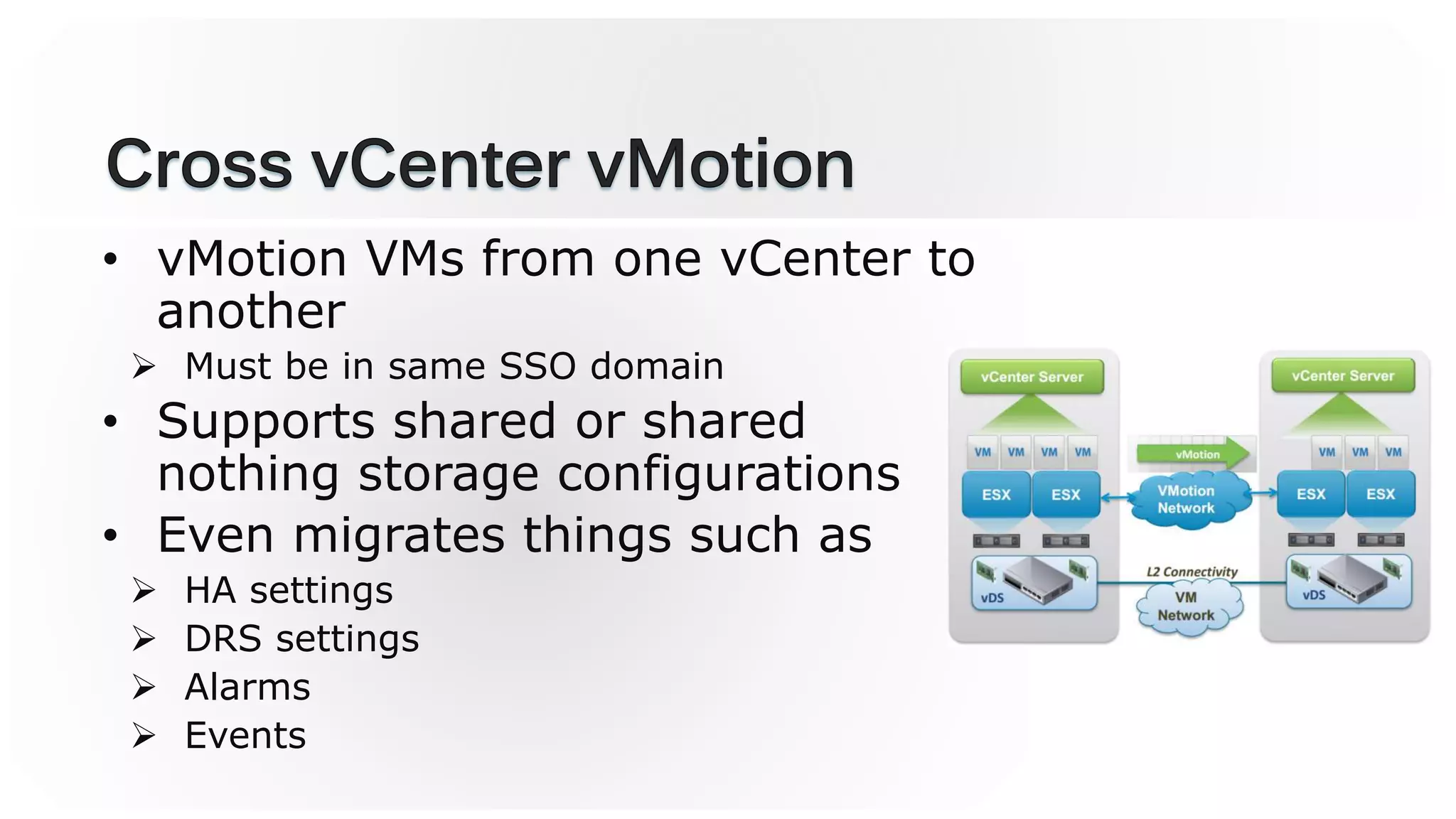
• vMotion VMs from one vCenter to
another
 Must be in same SSO domain
• Supports shared or shared
nothing storage configurations
• Even migrates things such as
 HA settings
 DRS settings
 Alarms
 Events
• Must be on Enterprise Plus licensing!
• vCenter Servers must be in Enhanced Linked Mode
• Make sure you have good time sync of the
vCenters
• Can now vMotion across links up to *150ms* of
latency!
 No more 10ms limit!
• Keep in mind that this can affect VM application
performance
 Do this in non-peak hours
“Learn how to leverage the new NIOC version 3
features found in the VDS 6.0 for building robust
multi-tenant configurations”
• More guardrails = less fluidity in the data center
• The best designs are simple
• Are you solving a problem?
• Places VM’s network adapter on optimal NIC
• Must be able to meet reservation
• Still adheres to teaming policies
 Active, standby, and unused
• Two control points
 Distributed Port Group (all VMs attached)
 Virtual Machine (per VM)
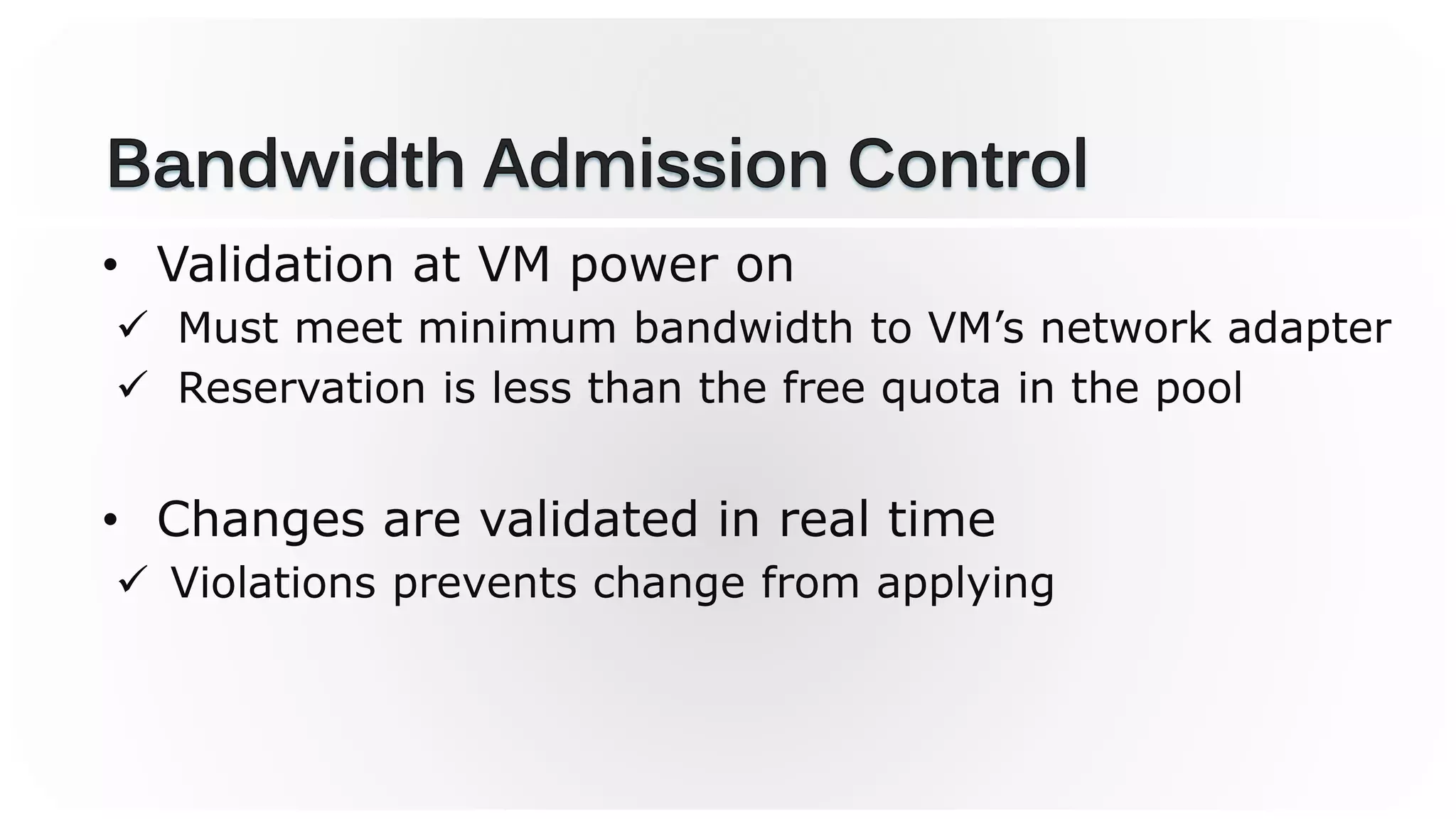
• Validation at VM power on
 Must meet minimum bandwidth to VM’s network adapter
 Reservation is less than the free quota in the pool
• Changes are validated in real time
 Violations prevents change from applying
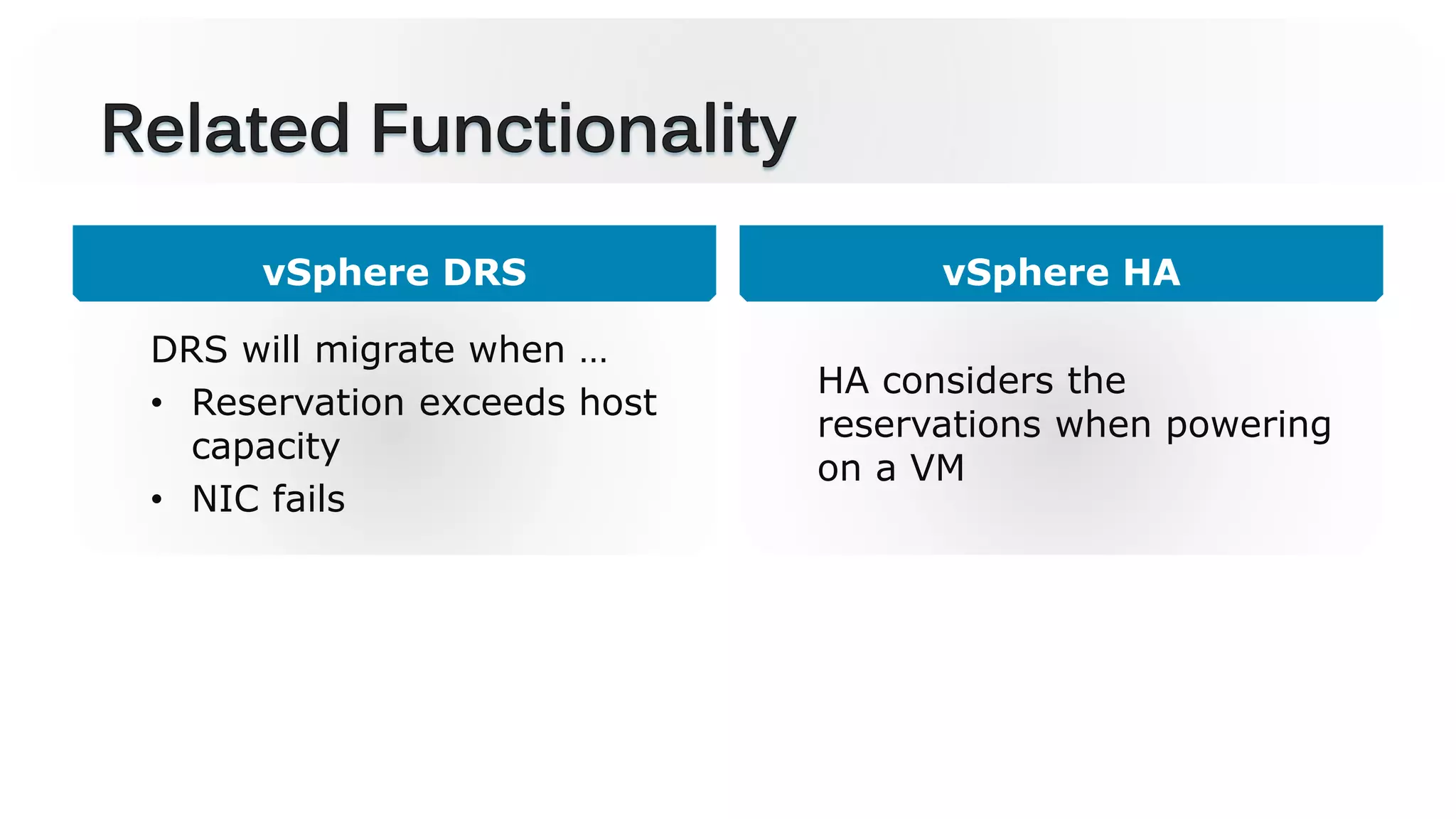
vSphere DRS
DRS will migrate when …
• Reservation exceeds host
capacity
• NIC fails
vSphere HA
HA considers the
reservations when powering
on a VM
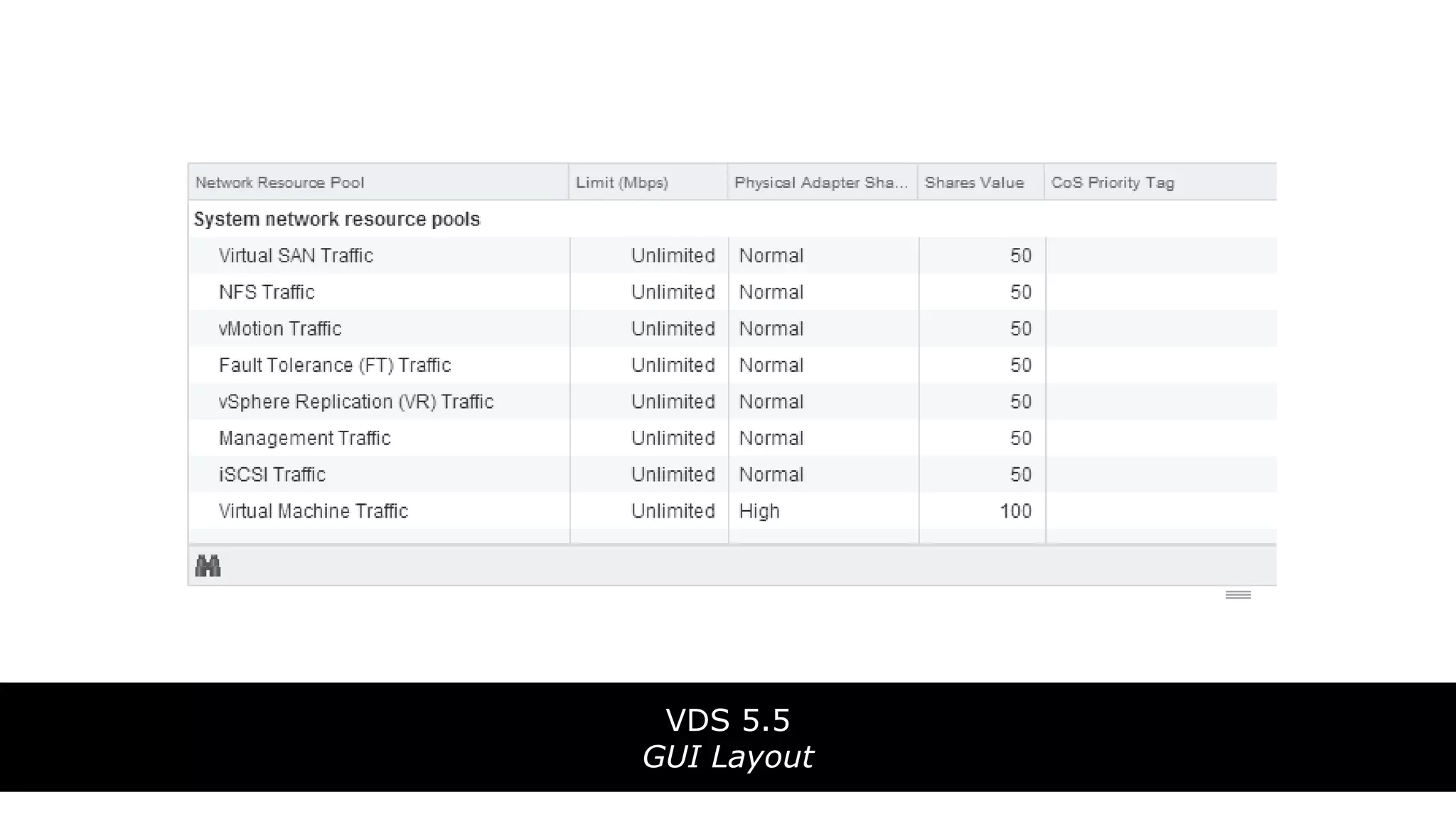
VDS 5.5
GUI Layout
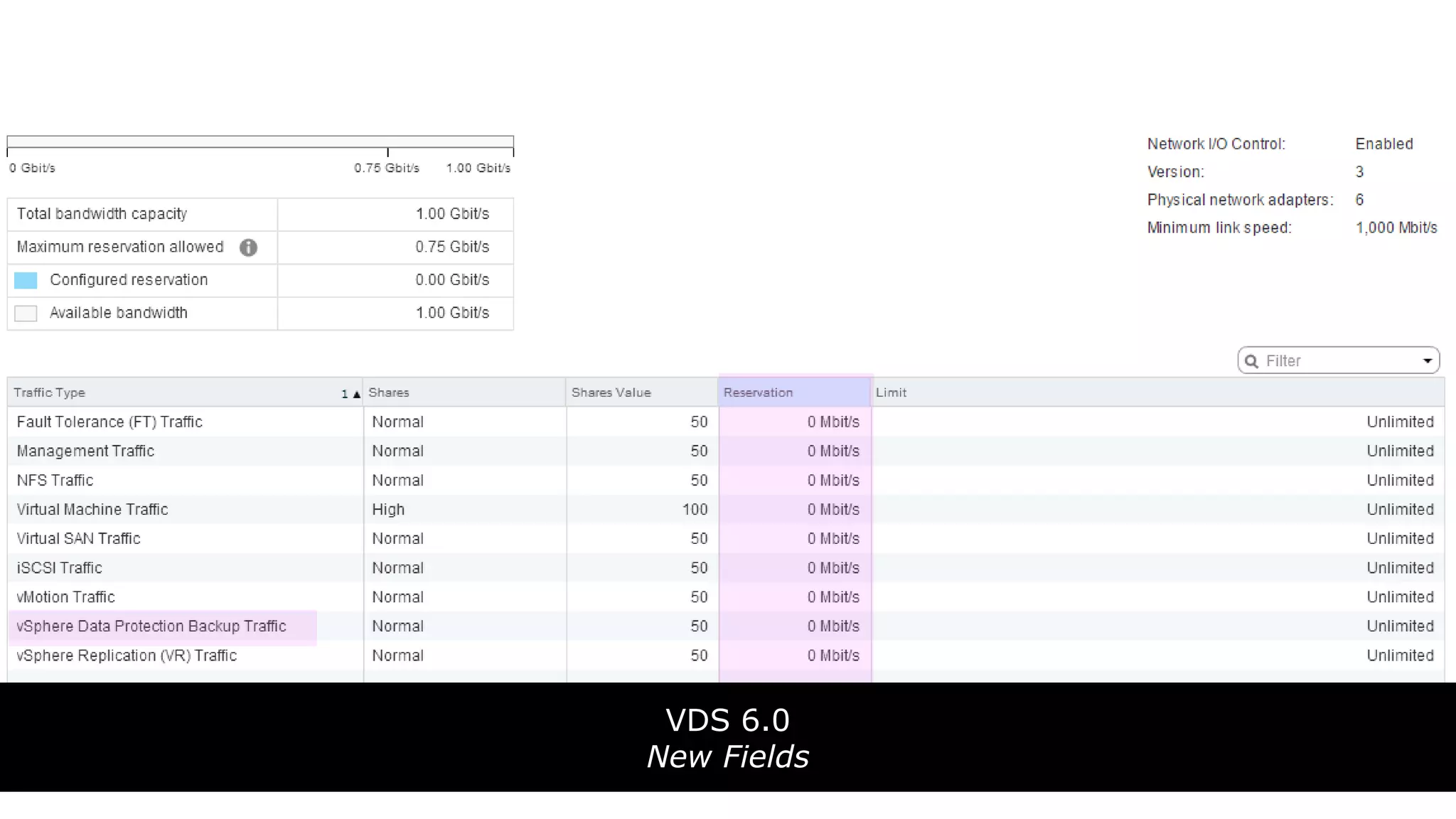
VDS 6.0
New Fields
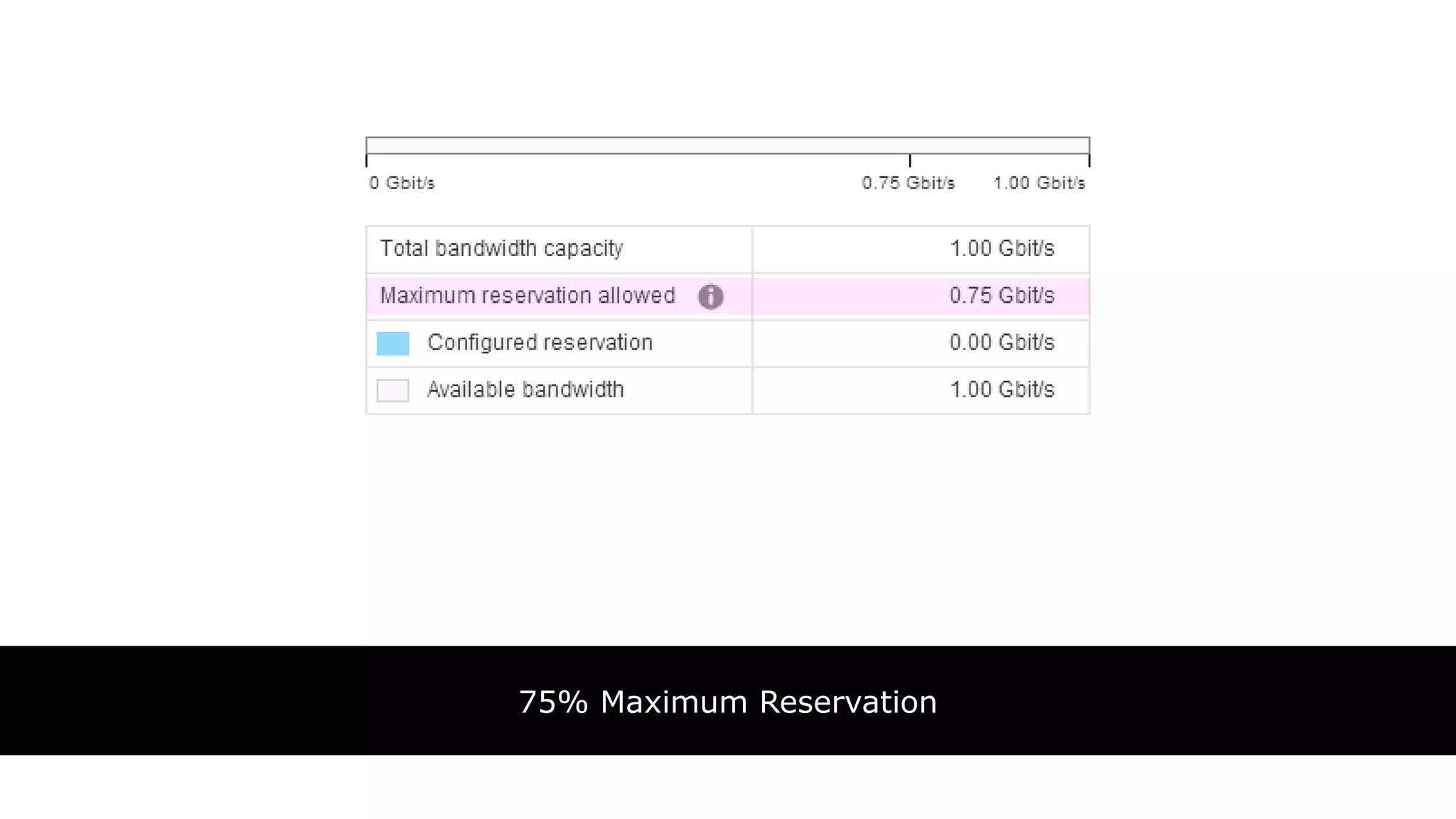
75% Maximum Reservation
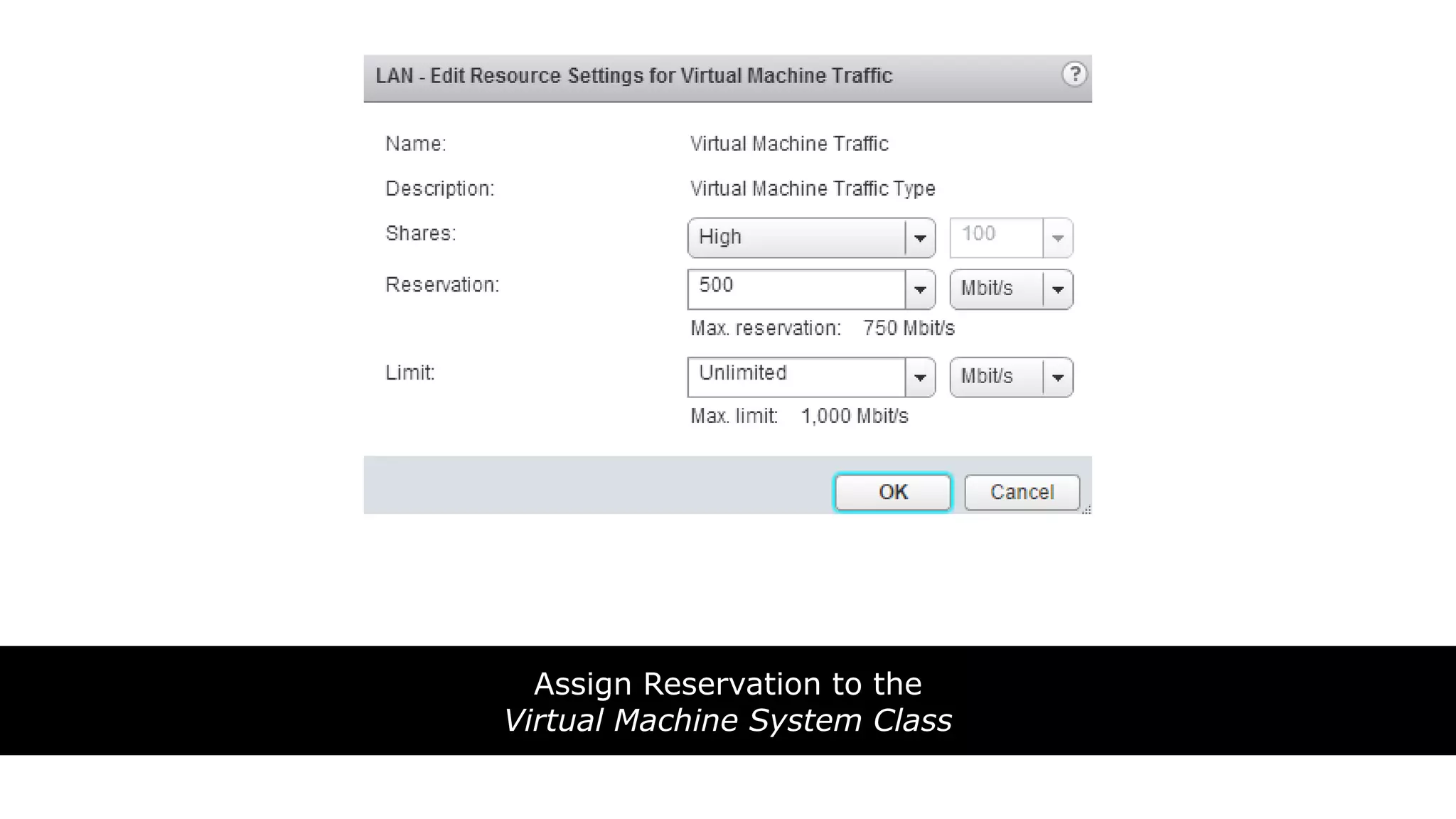
Assign Reservation to the
Virtual Machine System Class
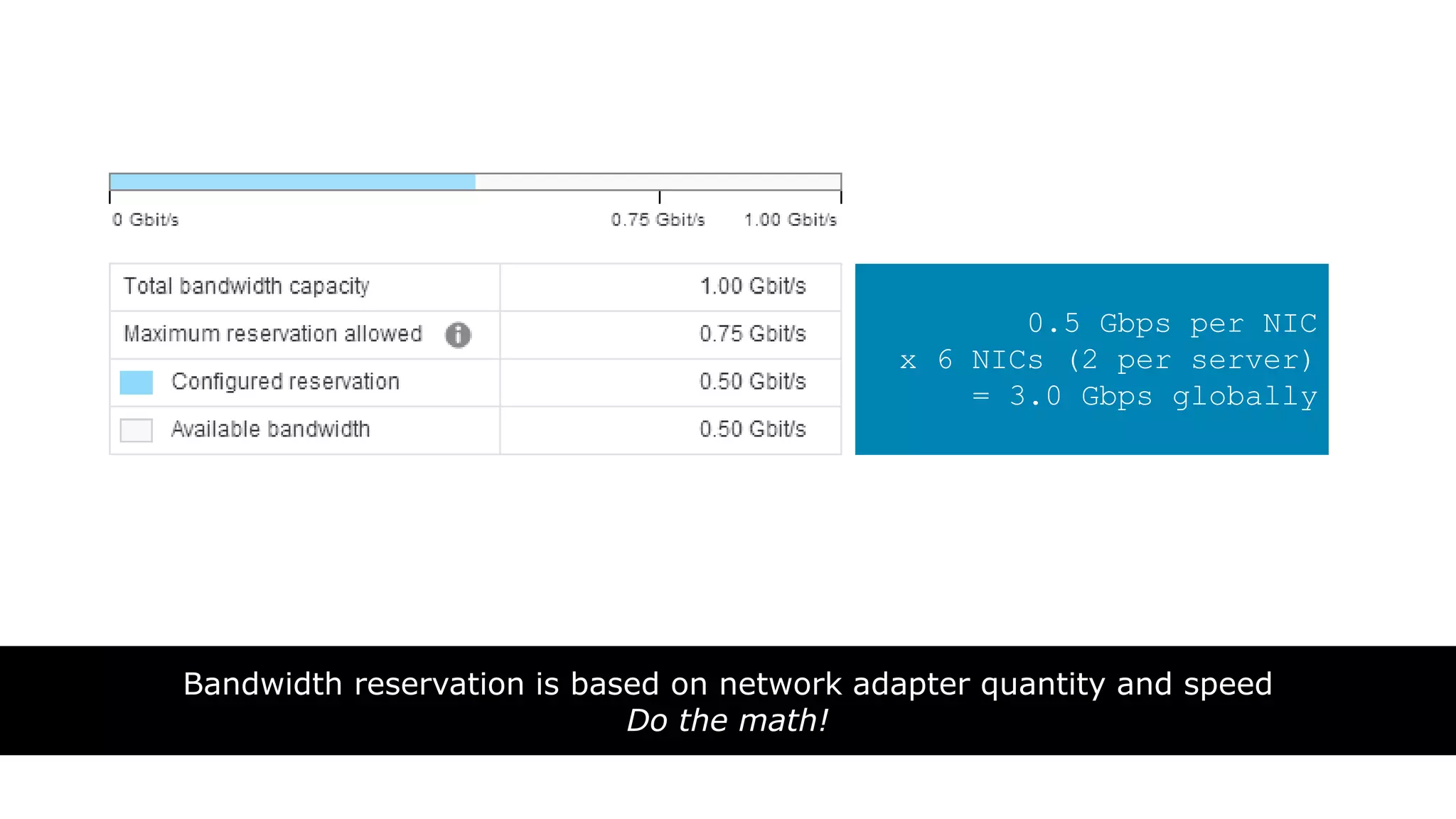
Bandwidth reservation is based on network adapter quantity and speed
Do the math!
0.5 Gbps per NIC
x 6 NICs (2 per server)
= 3.0 Gbps globally
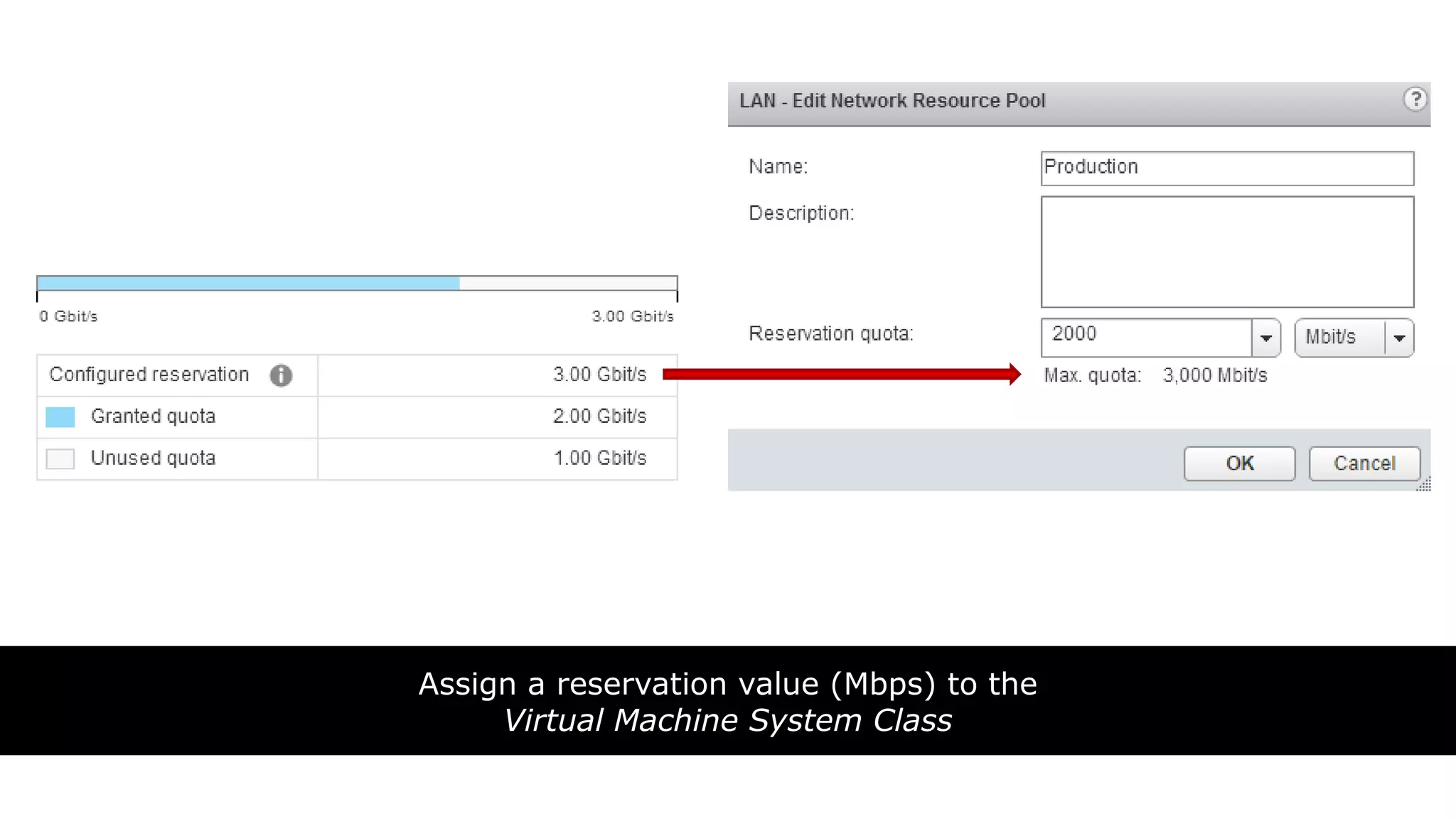
Assign a reservation value (Mbps) to the
Virtual Machine System Class
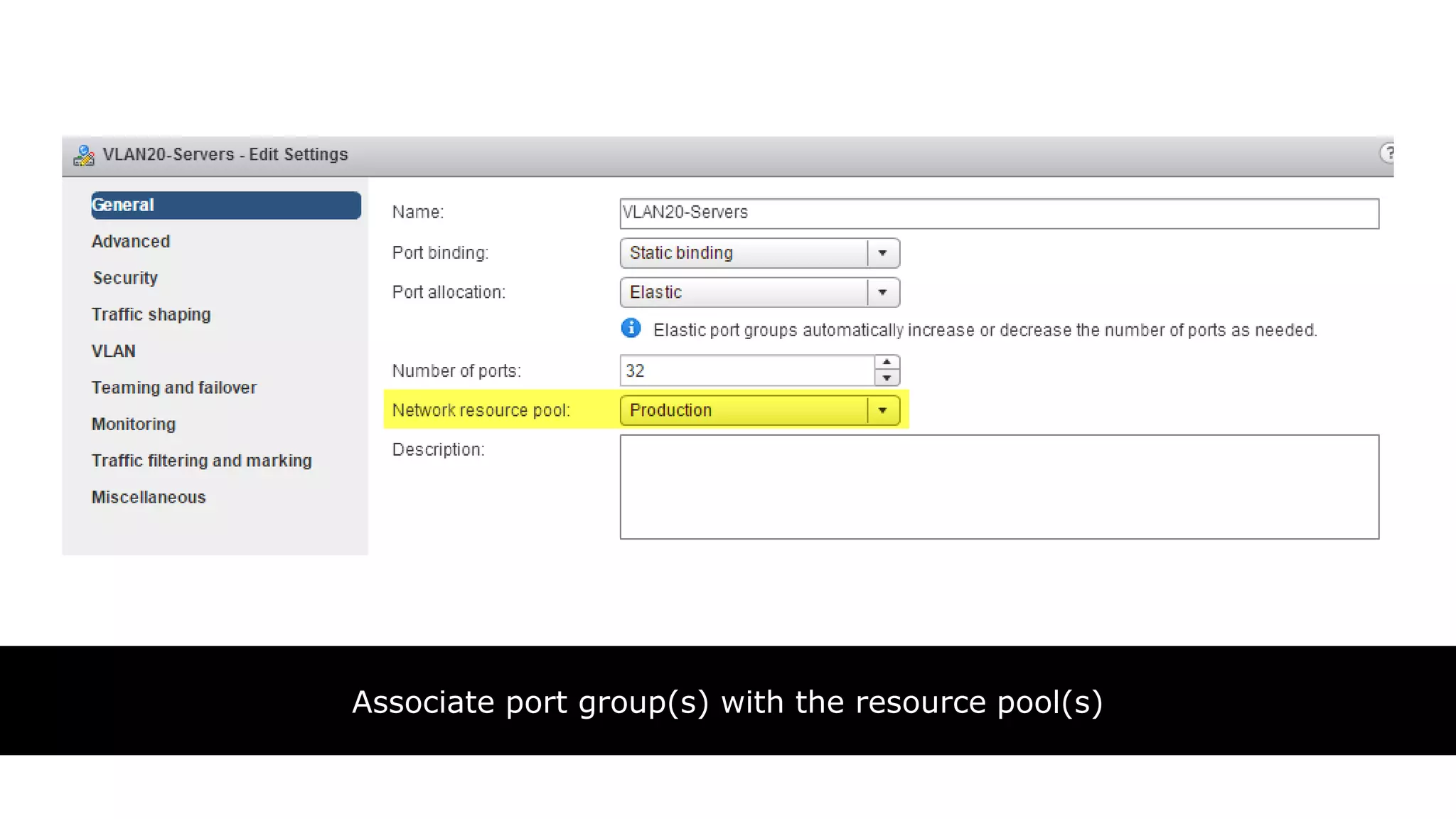
Associate port group(s) with the resource pool(s)
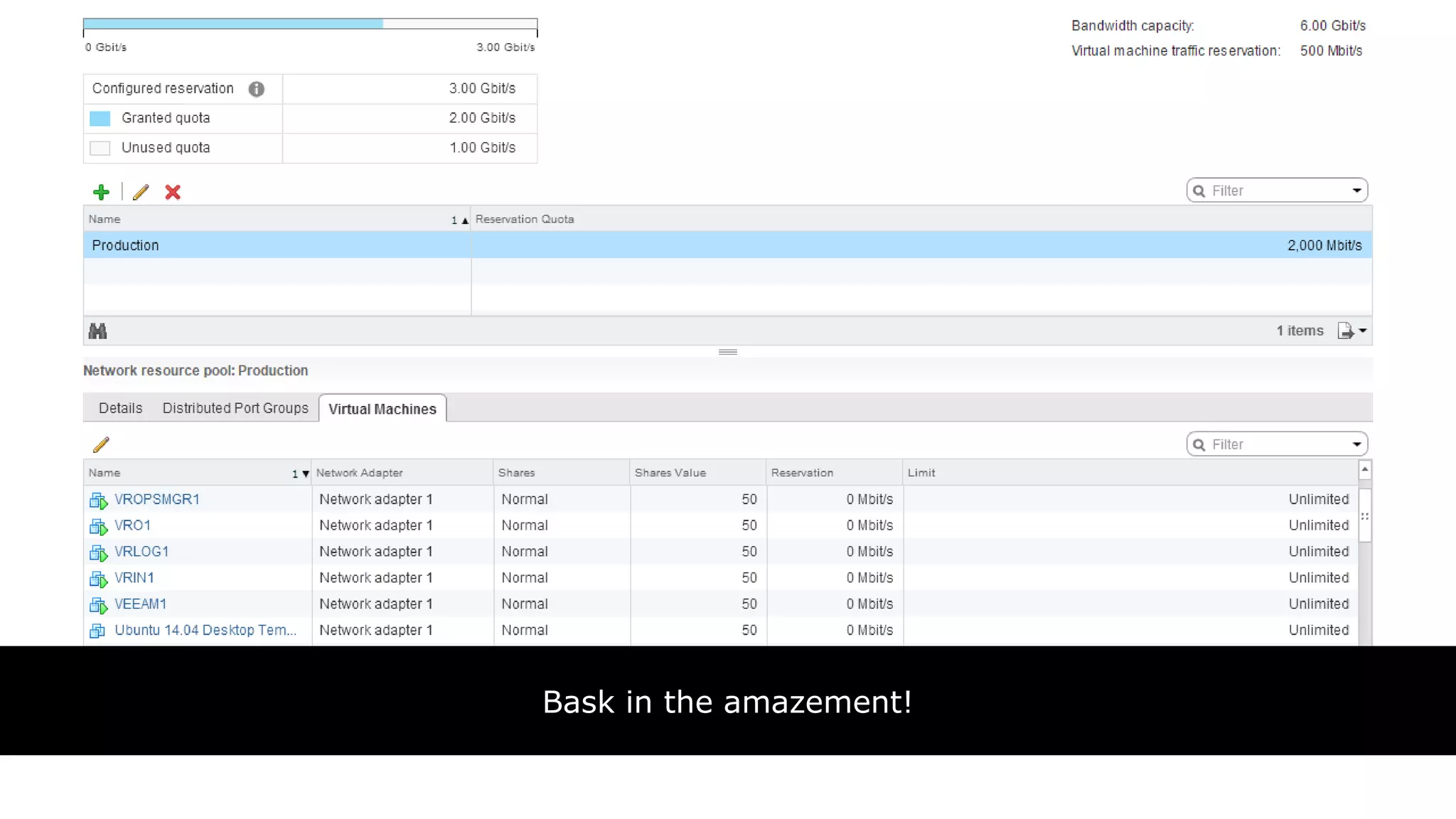
Bask in the amazement!
VMworld - vSphere Distributed Switch 6.0 Technical Deep Dive

VMworld - vSphere Distributed Switch 6.0 Technical Deep Dive

  • 2.
    VMware Certified Design Expert(VCDX) #49 Author of many courses on PluralSight Best streak is 247 straight on the skeet field
  • 3.
    VMware Certified Design Expert(VCDX) #104 Author, Networking for VMware Administrators Likes big hats
  • 4.
    Migration VSS to VDS Mixing1Gb and 10Gb Hosts Handling vMotion Saturation vSphere Replication Bandwidth Quality of Service Tagging Load Based Teaming vs Link Aggregation
  • 5.
    100% VDS FueledData Center • How to protect vCenter Server and other dependencies • Toss out the Standard vSwitch completely Using Multiple TCP/IP Stacks • Setup a supported Routed vMotion environment • Migrate workloads from one vCenter to another Granular Network Guarantees • Network I/O Control Version 3.0 • Setting guarantees on virtual machines and DPGs
  • 6.
  • 8.
    Network I/O Control (NIOC) Version3.0 Multicast (IGMP) Snooping Multiple TCP/IP Stack for vMotion
  • 9.
    • VMware nolonger sells the Nexus 1000v • Nexus 1000v is supported in vSphere 6.0  Requires 5.2(1)SV3(1.4) or Later • Cisco Nexus 1000v AVS Mode = Not Supported
  • 10.
  • 11.
    “The Nexus 1000v… is the market leading 3rd party virtual switch in the industry”
  • 12.
  • 13.
  • 14.
  • 15.
  • 16.
    VDS 5.0 VDS5.1 VDS 5.5 VDS 5.5 + LACP VDS 6.0 VDS 6.0 + LACP VDS 5.1 VDS 5.5 VDS 5.5 + LACP VDS 6.0 VDS 6.0 + LACP VDS 5.5 VDS 5.5 + LACP VDS 6.0 VDS 6.0 + LACP VDS 5.5 + LACP VDS 6.0 + LACP VDS 6.0 VDS 6.0 + LACP VDS 6.0 + LACP
  • 17.
    “Discover how easyit can be to begin using the vSphere Distributed Switch (VDS) for all workloads, even vCenter and other management dependencies”
  • 19.
  • 20.
  • 21.
    Choosing a portbinding type in ESX/ESXi http://kb.vmware.com/kb/1022312 Protecting a Distributed Switch with Ephemeral Binding http://wahlnetwork.com/2015/01/30/vds-ephemeral-binding/
  • 22.
    “Gain valuable insighton how to best configure your VDS to take advantage of the new vMotion TCP/IP stack for routed traffic”
  • 30.
    • Choose destinationnetwork when vMotioning VMs • Can go between  vSS to vSS  vSS to vDS  vDS to vDS • Note that vDS to vSS is NOT supported  vDS includes metadata that vSS doesn’t support • Does NOT change IP address
  • 32.
    • vMotion VMsfrom one vCenter to another  Must be in same SSO domain • Supports shared or shared nothing storage configurations • Even migrates things such as  HA settings  DRS settings  Alarms  Events
  • 33.
    • Must beon Enterprise Plus licensing! • vCenter Servers must be in Enhanced Linked Mode • Make sure you have good time sync of the vCenters
  • 34.
    • Can nowvMotion across links up to *150ms* of latency!  No more 10ms limit! • Keep in mind that this can affect VM application performance  Do this in non-peak hours
  • 35.
    “Learn how toleverage the new NIOC version 3 features found in the VDS 6.0 for building robust multi-tenant configurations”
  • 36.
    • More guardrails= less fluidity in the data center • The best designs are simple • Are you solving a problem?
  • 37.
    • Places VM’snetwork adapter on optimal NIC • Must be able to meet reservation • Still adheres to teaming policies  Active, standby, and unused • Two control points  Distributed Port Group (all VMs attached)  Virtual Machine (per VM)
  • 38.
    • Validation atVM power on  Must meet minimum bandwidth to VM’s network adapter  Reservation is less than the free quota in the pool • Changes are validated in real time  Violations prevents change from applying
  • 39.
    vSphere DRS DRS willmigrate when … • Reservation exceeds host capacity • NIC fails vSphere HA HA considers the reservations when powering on a VM
  • 41.
  • 42.
  • 43.
  • 44.
    Assign Reservation tothe Virtual Machine System Class
  • 45.
    Bandwidth reservation isbased on network adapter quantity and speed Do the math! 0.5 Gbps per NIC x 6 NICs (2 per server) = 3.0 Gbps globally
  • 46.
    Assign a reservationvalue (Mbps) to the Virtual Machine System Class
  • 47.
    Associate port group(s)with the resource pool(s)
  • 48.
    Bask in theamazement!