Visualizing NoSQL Databases 
Corey Lanum
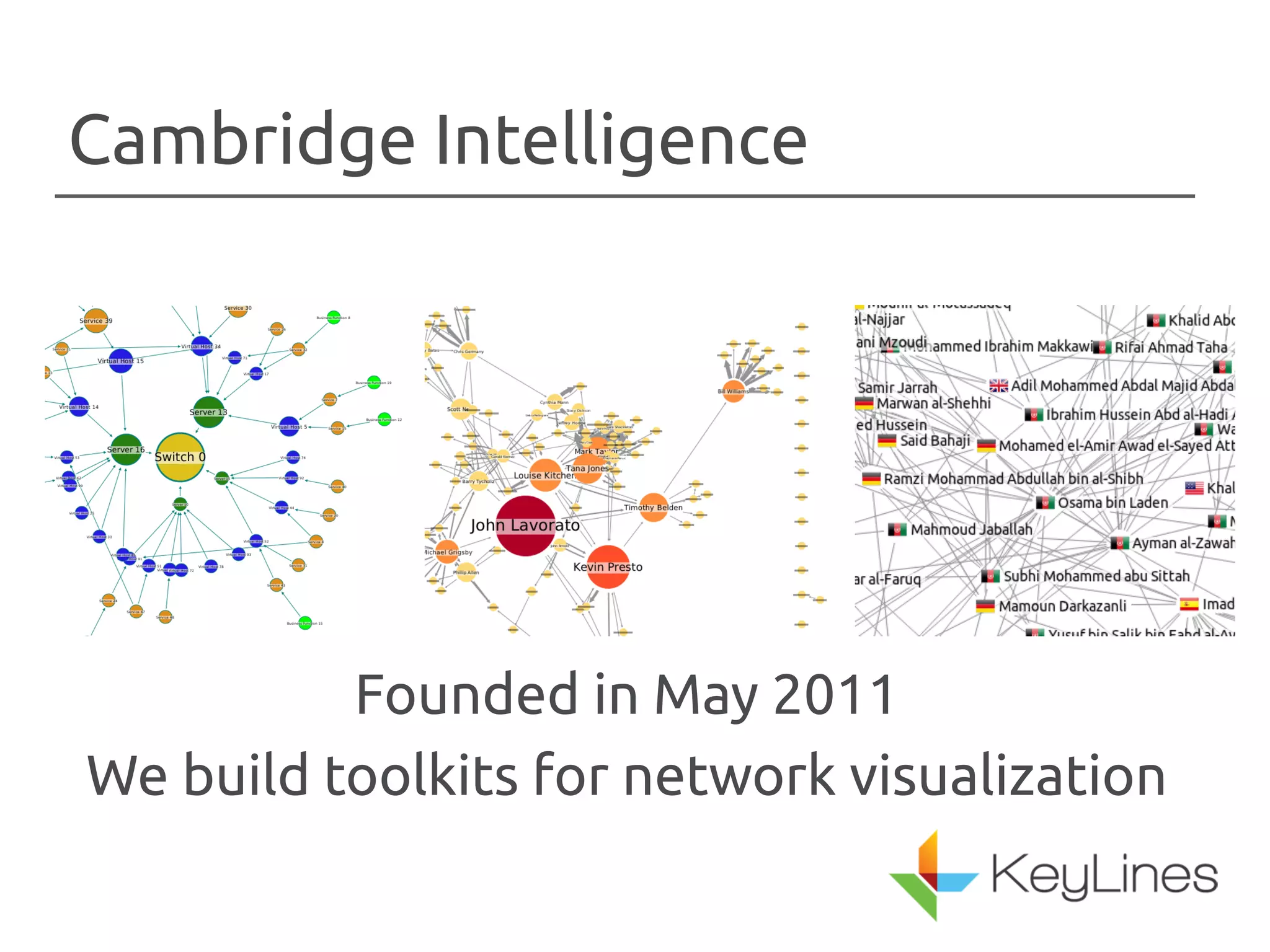
Cambridge Intelligence 
Founded in May 2011 
We build toolkits for network visualization
Corey Lanum 
General Manager – 
Americas 
Former Sales 
Engineering Lead for i2
Outline 
• What are networks? 
• Why visualize networks? 
• Visualization techniques 
– Animation 
– Color 
– Interactivity 
• What about dynamic networks?
What are networks? 
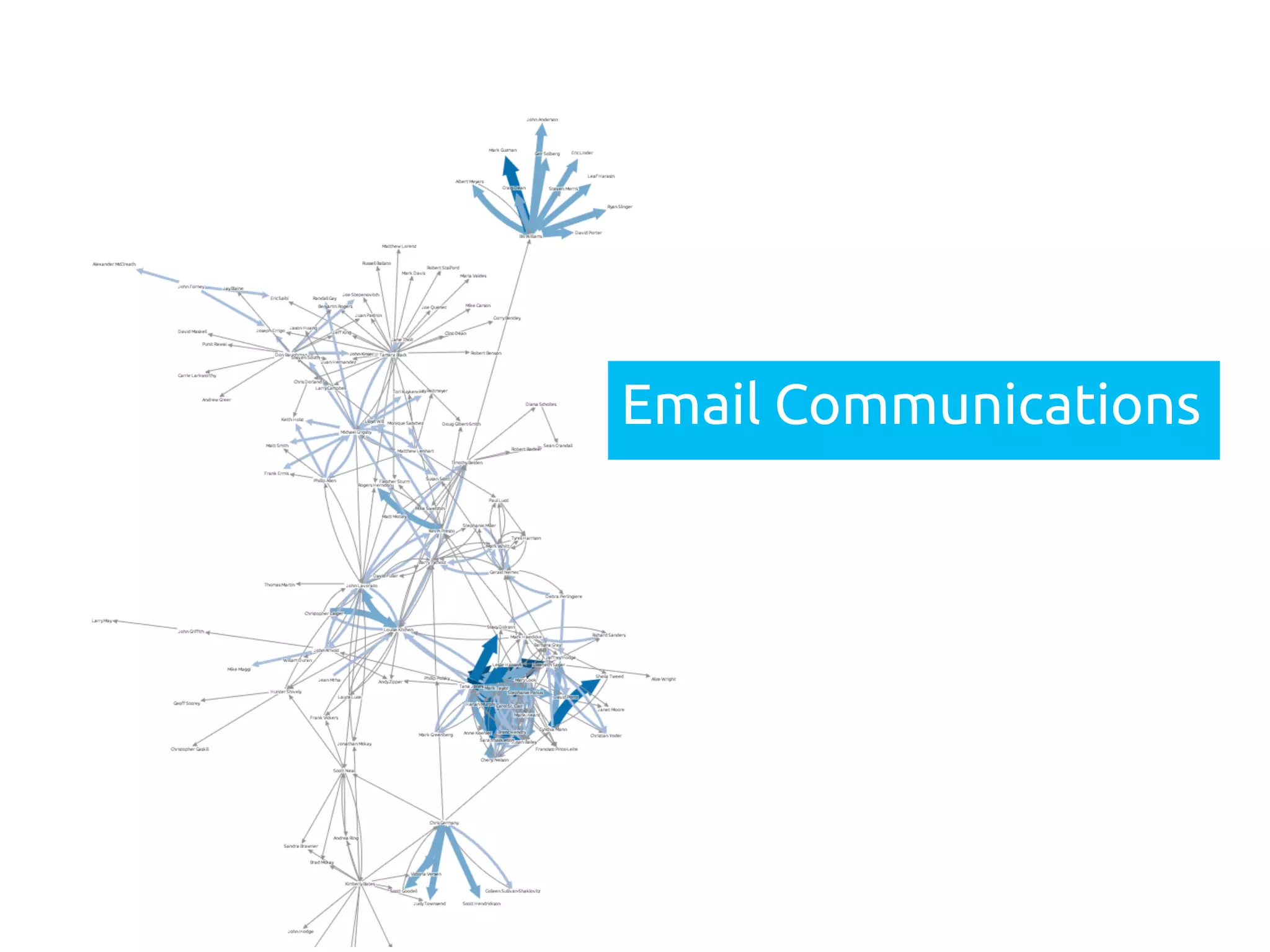
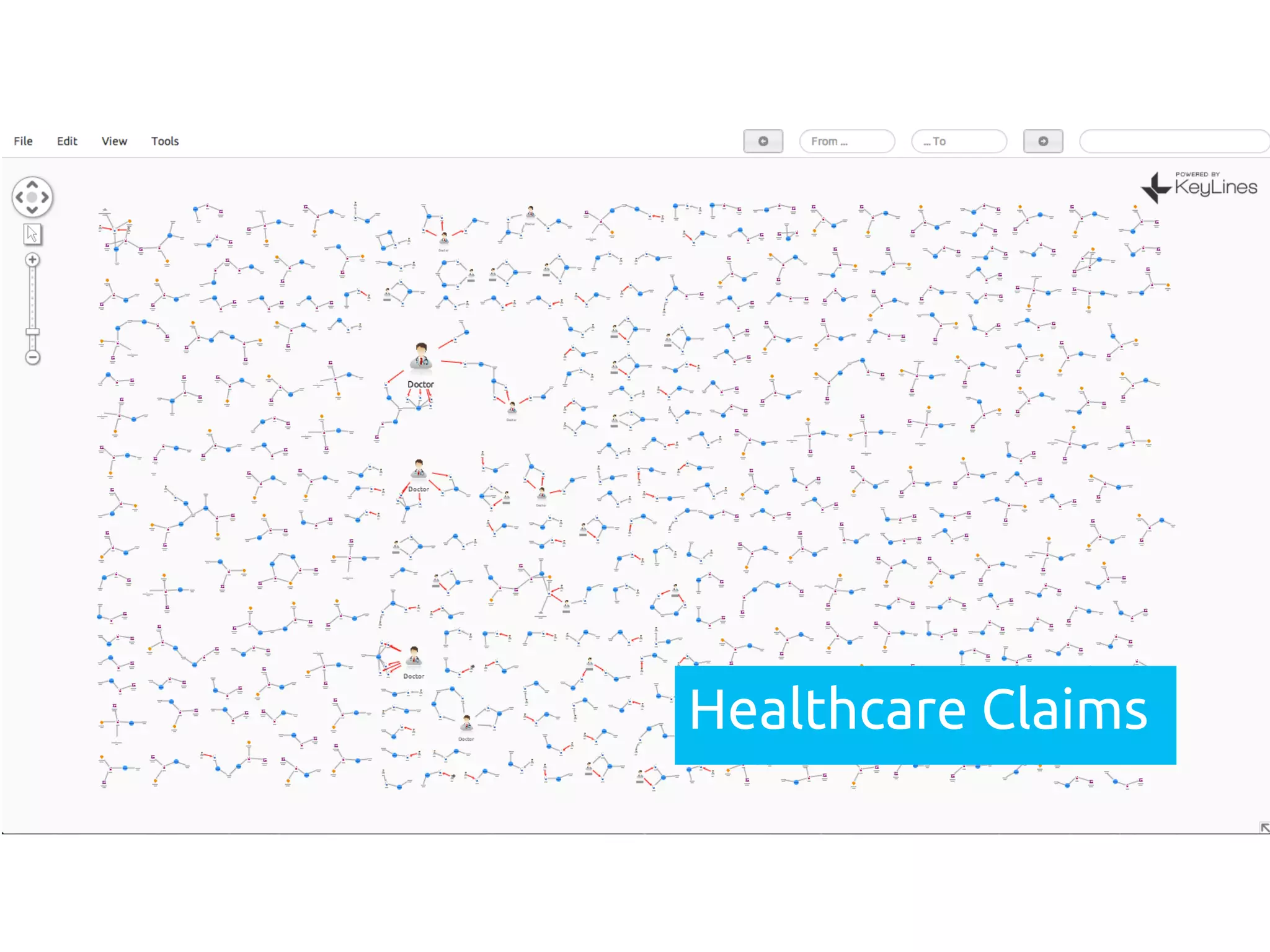
• A network is a model of interconnected data where 
the connections are just as important as the data 
elements 
• Networks are typically modeled as nodes, edges, and 
properties – when done this way, can be called a 
“graph” 
• Many technologies exist to work with graphs 
• Graph databases are useful for working with networks 
but not required. Even key-value pairs can be modeled 
as networks!
Botnet Tra"c
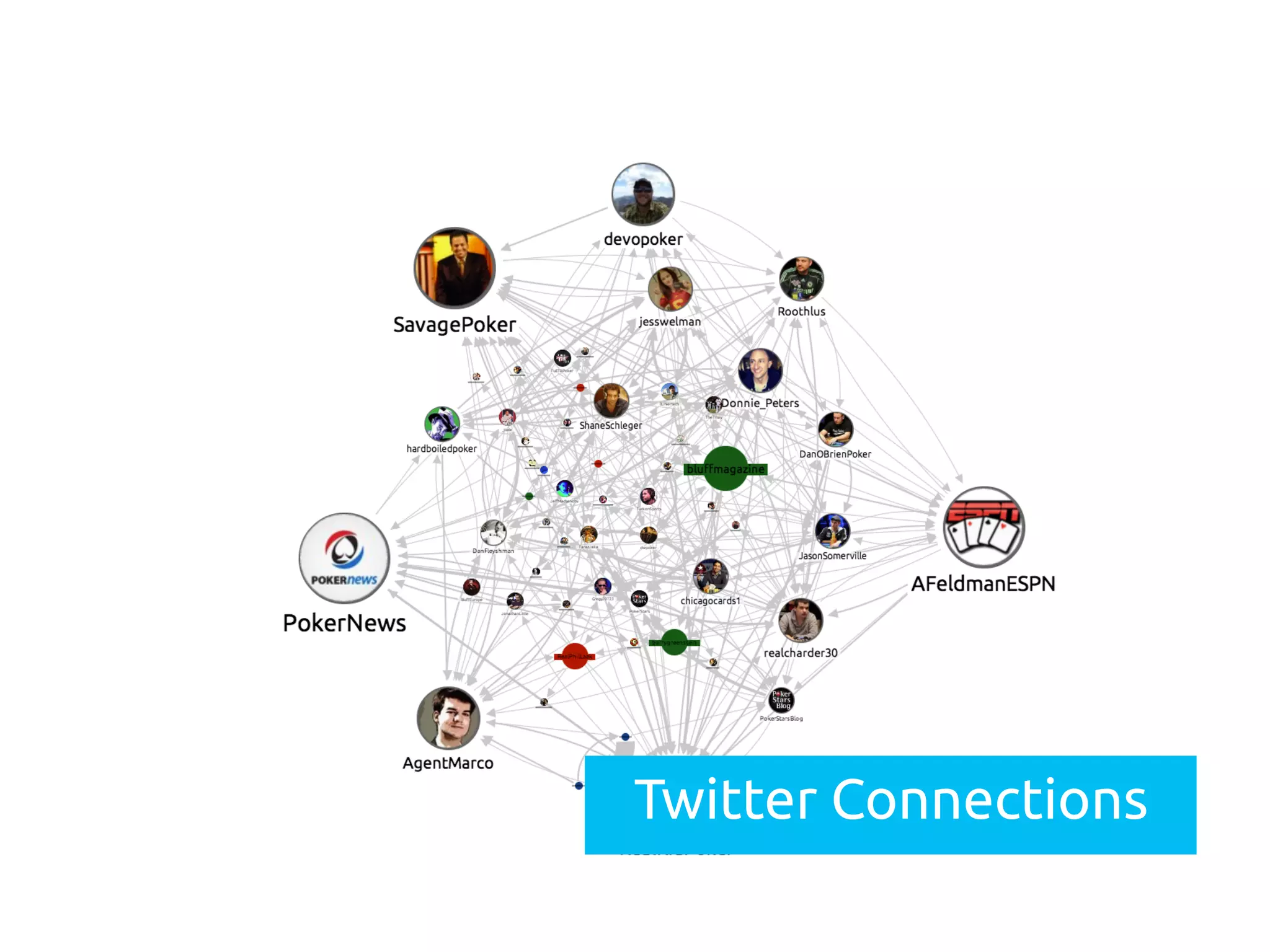
Twitter Connections
Email Communications
Healthcare Claims
Purpose of visualization 
• To better understand the structure of 
the data that you are collecting 
• To better understand the relationships 
contained in the data that you are 
collecting
Why Visualize Networks? 
• Graph data is inherently visual 
• Accessible by non-scientists 
• Convey a deeper understanding of data 
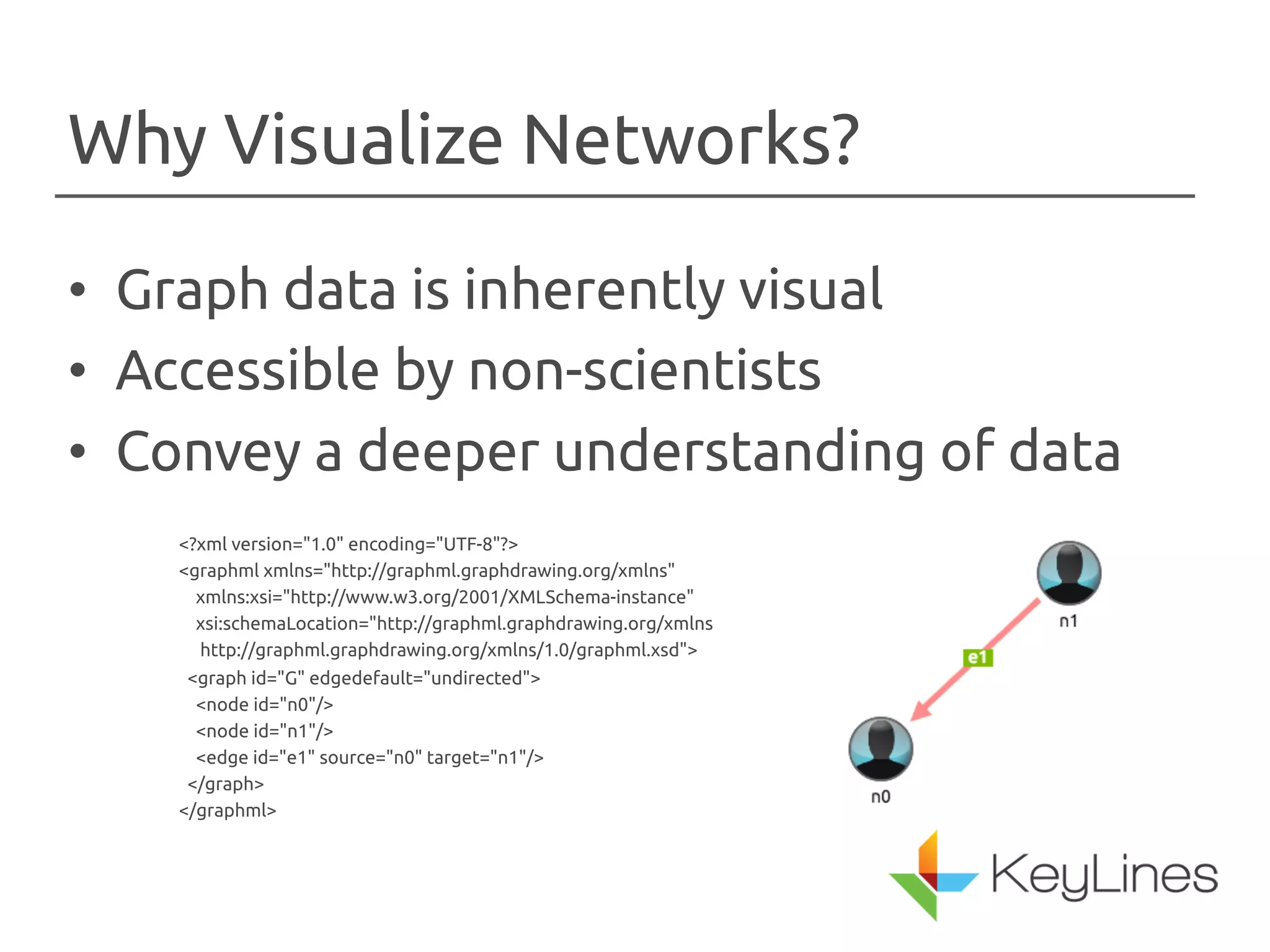
<?xml version="1.0" encoding="UTF-8"?> 
<graphml xmlns="http://graphml.graphdrawing.org/xmlns" 
xmlns:xsi="http://www.w3.org/2001/XMLSchema-instance" 
xsi:schemaLocation="http://graphml.graphdrawing.org/xmlns 
http://graphml.graphdrawing.org/xmlns/1.0/graphml.xsd"> 
<graph id="G" edgedefault="undirected"> 
<node id="n0"/> 
<node id="n1"/> 
<edge id="e1" source="n0" target="n1"/> 
</graph> 
</graphml>
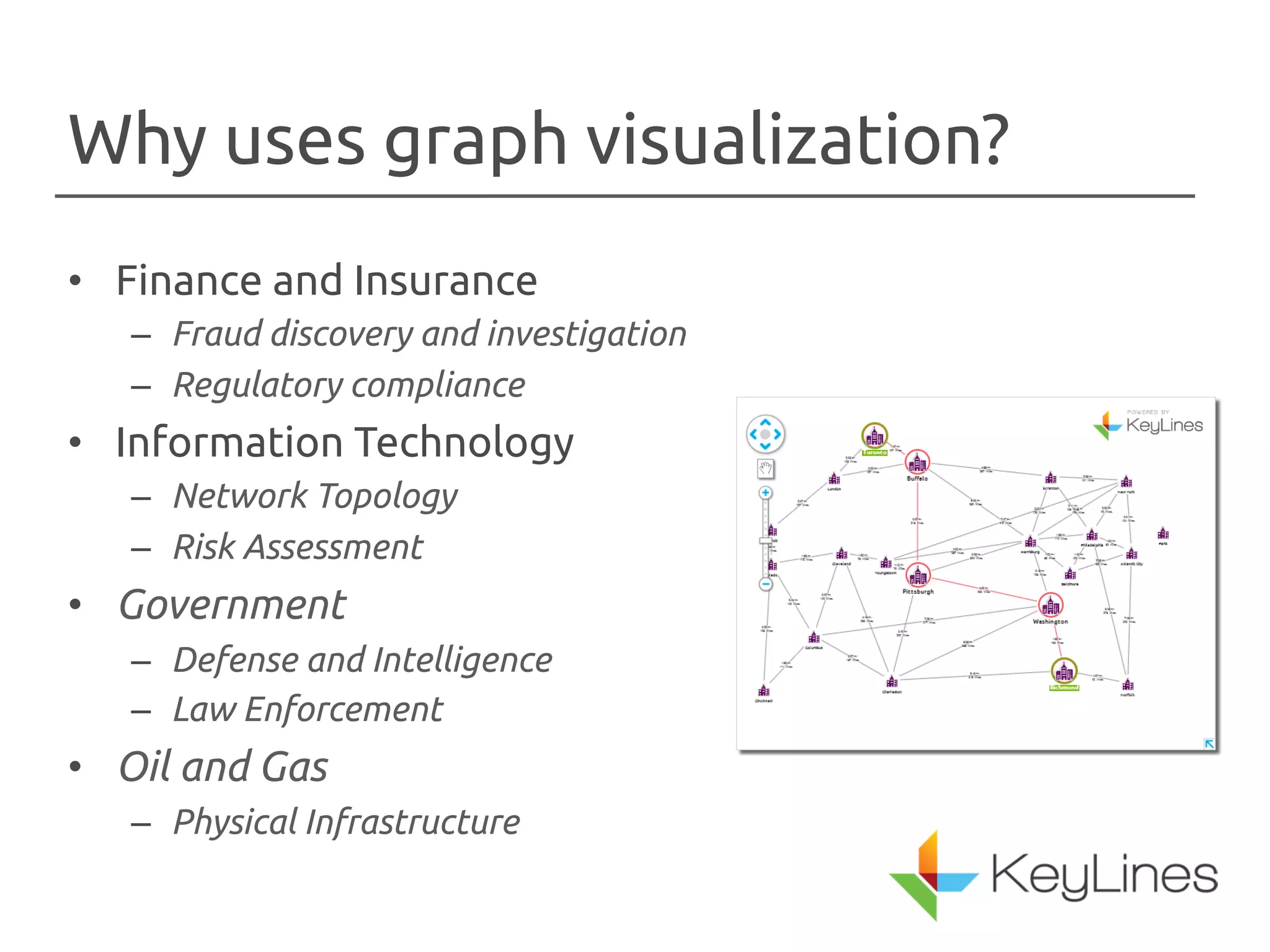
Why uses graph visualization? 
• Finance and Insurance 
– Fraud discovery and investigation 
– Regulatory compliance 
• Information Technology 
– Network Topology 
– Risk Assessment 
• Government 
– Defense and Intelligence 
– Law Enforcement 
• Oil and Gas 
– Physical Infrastructure
Creating visualizations 
• Convey Information Through Visual 
Properties 
– Nodes 
• Images or Icons 
• Colors 
• Sizes 
• Glyphs 
– Edges 
• Colors 
• Width
Add interactivity 
• Query 
• Animate - Changes to the chart should be animated so 
that the user doesn’t lose track of nodes 
• Layout - The user should be provided with multiple 
layout options to see what best organizes the data 
• Explore - The user needs to be able to inspect non-visual 
properties of the nodes and edges 
• Expand - The user needs to be able to add additional 
data to the visualization 
• Combine and Filter - Not every data element needs to be 
drawn on the chart at once
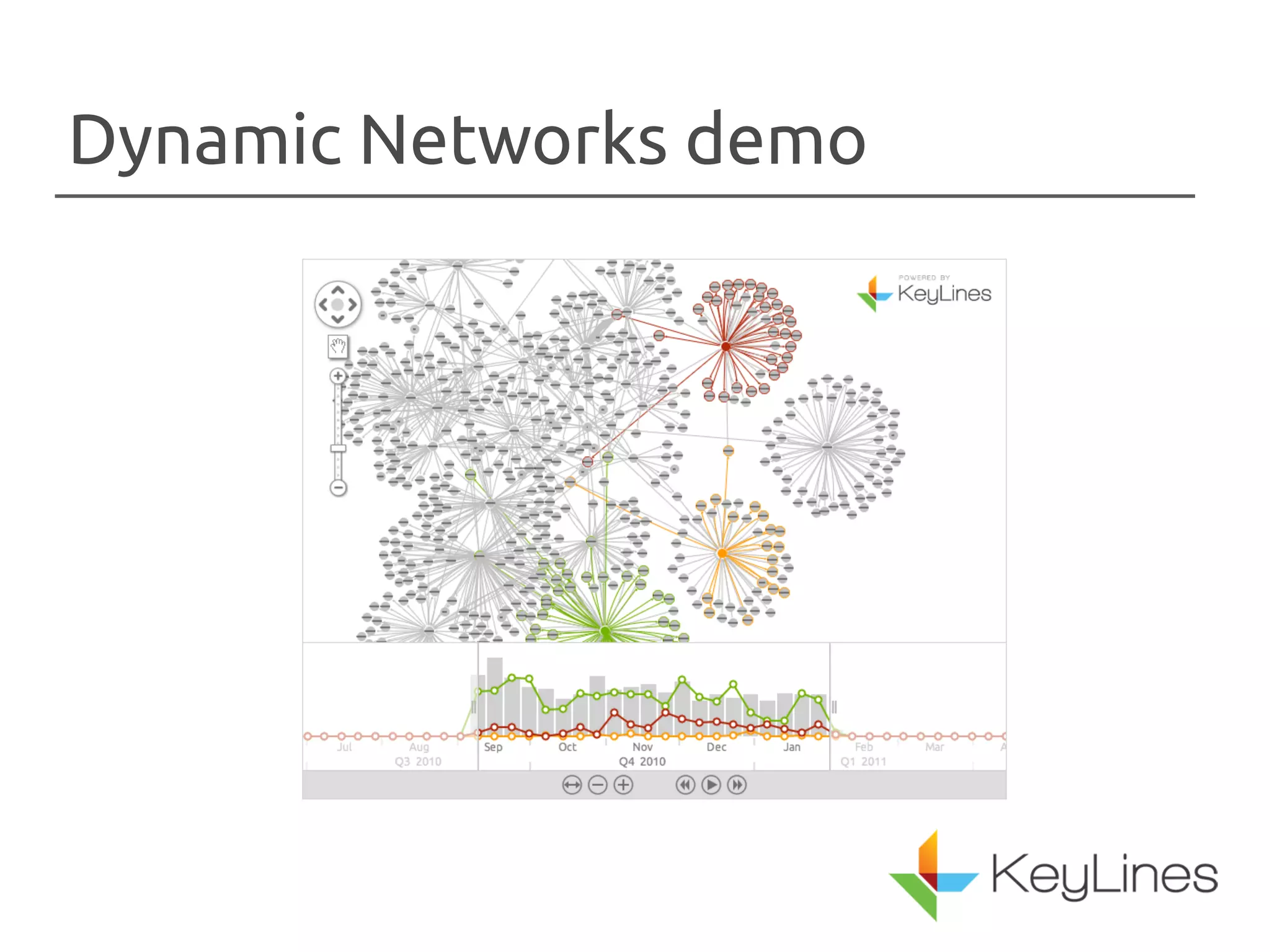
Dynamic Networks demo
Thanks! Any questions? 
info@cambridge-intelligence.com

Visualizing NoSQL databases as networks

  • 1.
  • 2.
    Cambridge Intelligence Foundedin May 2011 We build toolkits for network visualization
  • 3.
    Corey Lanum GeneralManager – Americas Former Sales Engineering Lead for i2
  • 4.
    Outline • Whatare networks? • Why visualize networks? • Visualization techniques – Animation – Color – Interactivity • What about dynamic networks?
  • 5.
    What are networks? • A network is a model of interconnected data where the connections are just as important as the data elements • Networks are typically modeled as nodes, edges, and properties – when done this way, can be called a “graph” • Many technologies exist to work with graphs • Graph databases are useful for working with networks but not required. Even key-value pairs can be modeled as networks!
  • 6.
  • 7.
  • 8.
  • 9.
  • 10.
    Purpose of visualization • To better understand the structure of the data that you are collecting • To better understand the relationships contained in the data that you are collecting
  • 11.
    Why Visualize Networks? • Graph data is inherently visual • Accessible by non-scientists • Convey a deeper understanding of data <?xml version="1.0" encoding="UTF-8"?> <graphml xmlns="http://graphml.graphdrawing.org/xmlns" xmlns:xsi="http://www.w3.org/2001/XMLSchema-instance" xsi:schemaLocation="http://graphml.graphdrawing.org/xmlns http://graphml.graphdrawing.org/xmlns/1.0/graphml.xsd"> <graph id="G" edgedefault="undirected"> <node id="n0"/> <node id="n1"/> <edge id="e1" source="n0" target="n1"/> </graph> </graphml>
  • 12.
    Why uses graphvisualization? • Finance and Insurance – Fraud discovery and investigation – Regulatory compliance • Information Technology – Network Topology – Risk Assessment • Government – Defense and Intelligence – Law Enforcement • Oil and Gas – Physical Infrastructure
  • 13.
    Creating visualizations •Convey Information Through Visual Properties – Nodes • Images or Icons • Colors • Sizes • Glyphs – Edges • Colors • Width
  • 14.
    Add interactivity •Query • Animate - Changes to the chart should be animated so that the user doesn’t lose track of nodes • Layout - The user should be provided with multiple layout options to see what best organizes the data • Explore - The user needs to be able to inspect non-visual properties of the nodes and edges • Expand - The user needs to be able to add additional data to the visualization • Combine and Filter - Not every data element needs to be drawn on the chart at once
  • 15.
  • 16.
    Thanks! Any questions? info@cambridge-intelligence.com