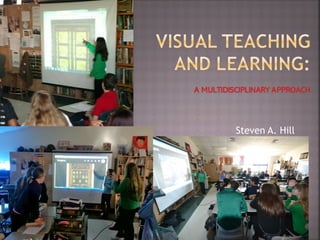
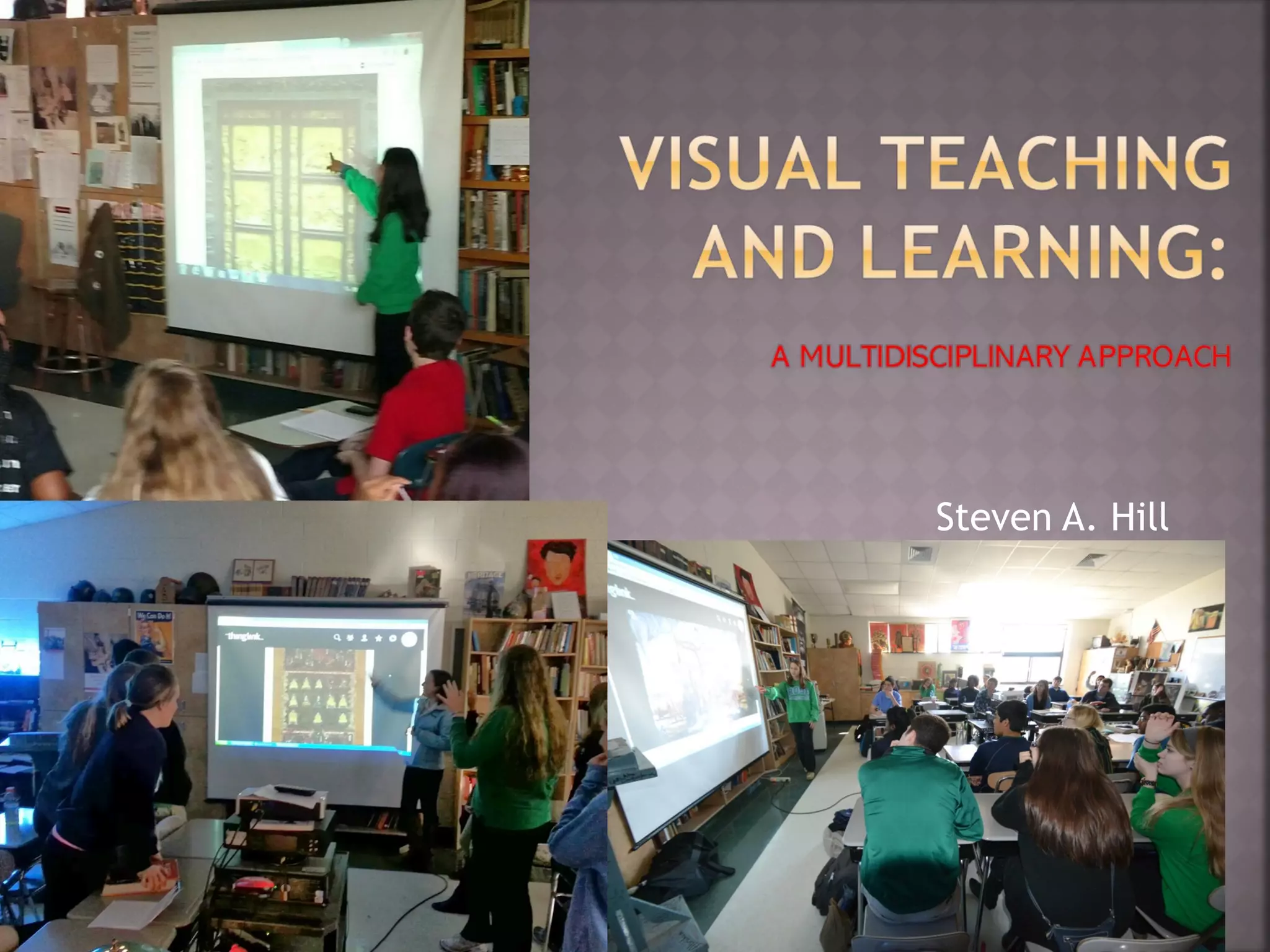
Steven A. Hill
Seeing comes before words.
The child looks and recognizes
long before she can read.
-
How do you use
ART and visuals in
your classroom?
The teacher can
tell them ……
Or
 They can tell
us….
OR
 We CAN LEARN
TOGETHER
 TEACHERS could tell the students
what they are seeing …..and
students become passive receivers
of information.
 BORING….
A better way of
using ART…
 1. Give a minute to look
 2. Ask: What’s going on here?
 3. point, repeat, confirm, clarify
 4. Ask: “What makes you say that?”
 5. ASK: What more can we find?
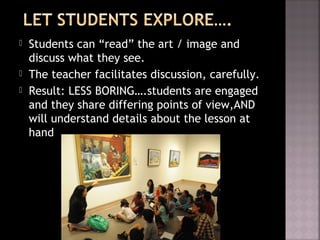
 Students can “read” the art / image and
discuss what they see.
 The teacher facilitates discussion, carefully.
 Result: LESS BORING….students are engaged
and they share differing points of view,AND
will understand details about the lesson at
hand
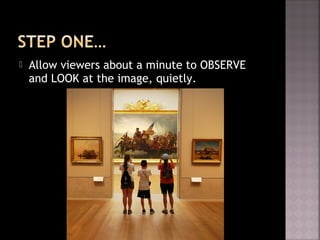
 Allow viewers about a minute to OBSERVE
and LOOK at the image, quietly.
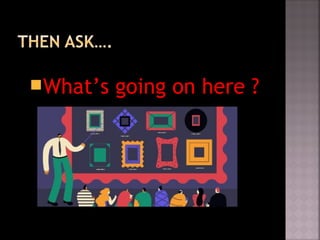
What’s going on here ?
 As students share
their observations
 Teacher should
point, repeat to
clarify, and
confirm the
student’s thoughts
aloud
 DO NOT JUDGE
The “TRUTH” of
their response….
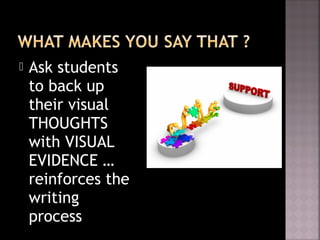
 Ask students
to back up
their visual
THOUGHTS
with VISUAL
EVIDENCE …
reinforces the
writing
process
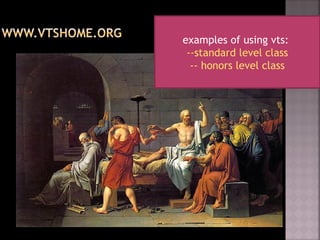
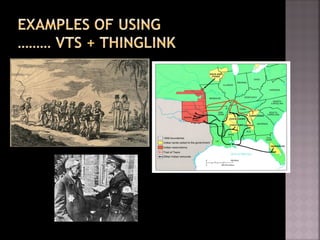
examples of using vts:
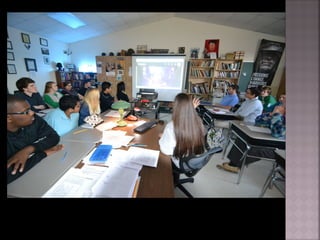
--standard level class
-- honors level class
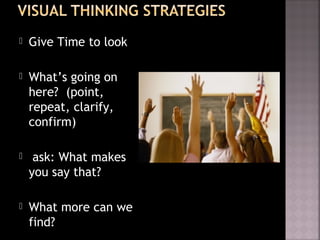
 Give Time to look
 What’s going on
here? (point,
repeat, clarify,
confirm)
 ask: What makes
you say that?
 What more can we
find?
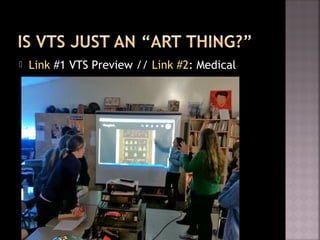
 Link #1 VTS Preview // Link #2: Medical
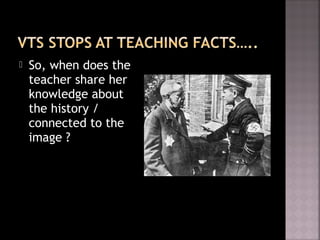
 So, when does the
teacher share her
knowledge about
the history /
connected to the
image ?
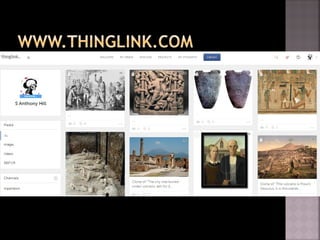
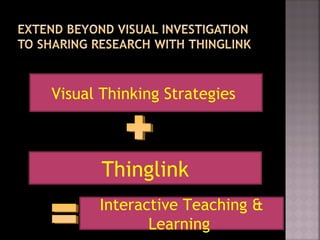
Thinglink
Visual Thinking Strategies
Interactive Teaching &
Learning
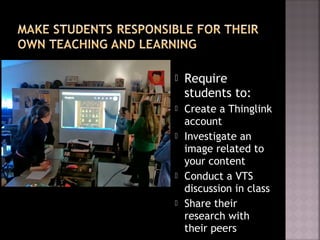
 Require
students to:
 Create a Thinglink
account
 Investigate an
image related to
your content
 Conduct a VTS
discussion in class
 Share their
research with
their peers
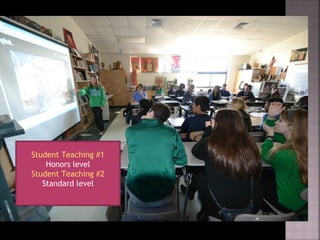
Student Teaching #1
Honors level
Student Teaching #2
Standard level
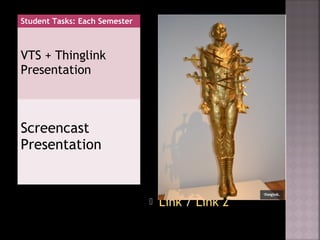
Student Tasks: Each Semester
VTS + Thinglink
Presentation
Screencast
Presentation
 Link / Link 2
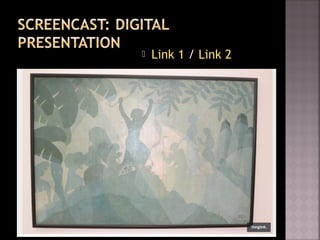
 Link 1 / Link 2
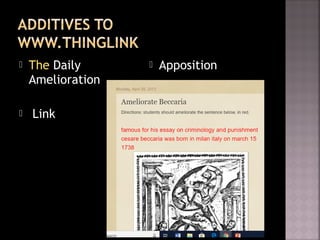
 The Daily
Amelioration
 Link
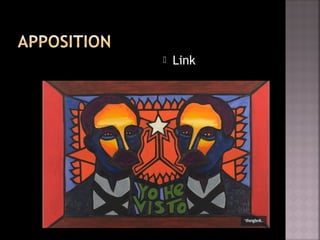
 Apposition
 Link
Visual teaching and learning 2018

Visual teaching and learning 2018

  • 1.
  • 2.
    Seeing comes beforewords. The child looks and recognizes long before she can read. -
  • 3.
    How do youuse ART and visuals in your classroom?
  • 4.
    The teacher can tellthem …… Or  They can tell us…. OR  We CAN LEARN TOGETHER
  • 5.
     TEACHERS couldtell the students what they are seeing …..and students become passive receivers of information.  BORING….
  • 6.
    A better wayof using ART…
  • 7.
     1. Givea minute to look  2. Ask: What’s going on here?  3. point, repeat, confirm, clarify  4. Ask: “What makes you say that?”  5. ASK: What more can we find?
  • 8.
     Students can“read” the art / image and discuss what they see.  The teacher facilitates discussion, carefully.  Result: LESS BORING….students are engaged and they share differing points of view,AND will understand details about the lesson at hand
  • 9.
     Allow viewersabout a minute to OBSERVE and LOOK at the image, quietly.
  • 10.
  • 11.
     As studentsshare their observations  Teacher should point, repeat to clarify, and confirm the student’s thoughts aloud  DO NOT JUDGE The “TRUTH” of their response….
  • 13.
     Ask students toback up their visual THOUGHTS with VISUAL EVIDENCE … reinforces the writing process
  • 14.
    examples of usingvts: --standard level class -- honors level class
  • 15.
     Give Timeto look  What’s going on here? (point, repeat, clarify, confirm)  ask: What makes you say that?  What more can we find?
  • 16.
     Link #1VTS Preview // Link #2: Medical
  • 17.
     So, whendoes the teacher share her knowledge about the history / connected to the image ?
  • 19.
  • 20.
     Require students to: Create a Thinglink account  Investigate an image related to your content  Conduct a VTS discussion in class  Share their research with their peers
  • 22.
    Student Teaching #1 Honorslevel Student Teaching #2 Standard level
  • 23.
    Student Tasks: EachSemester VTS + Thinglink Presentation Screencast Presentation  Link / Link 2
  • 24.
     Link 1/ Link 2
  • 25.
     The Daily Amelioration Link  Apposition
  • 27.