Visual Studio Code
Firoz Mohamed.
Consutant at Neudesic.
Visual Studio Code
Fast, Lightweight, Cross Platform Editor.
Top 5 reasons
to choose
VsCode.
1 Code is Fast
2 Code is Cross-Platform
3 Code has Debugging
4 Code has Rich Intellisense
5 Code has Rich Refactorings
Get up and running with VS Code
Downloading Code
http://code.visualstudio.com
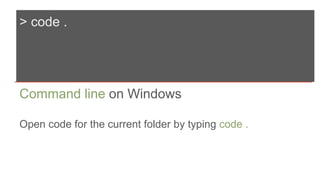
> code .
Command line on Windows
Open code for the current folder by typing code .
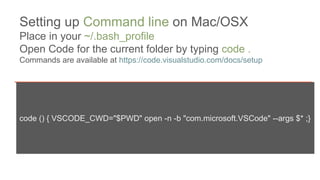
code () { VSCODE_CWD="$PWD" open -n -b "com.microsoft.VSCode" --args $* ;}
Setting up Command line on Mac/OSX
Place in your ~/.bash_profile
Open Code for the current folder by typing code .
Commands are available at https://code.visualstudio.com/docs/setup
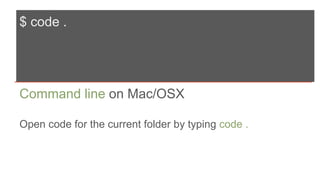
$ code .
Command line on Mac/OSX
Open code for the current folder by typing code .
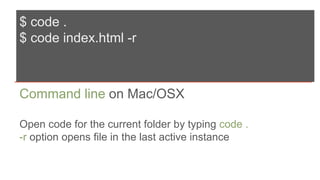
$ code .
$ code index.html -r
Command line on Mac/OSX
Open code for the current folder by typing code .
-r option opens file in the last active instance
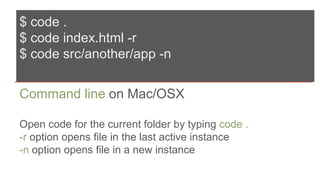
$ code .
$ code index.html -r
$ code src/another/app -n
Command line on Mac/OSX
Open code for the current folder by typing code .
-r option opens file in the last active instance
-n option opens file in a new instance
Getting around VS Code
Layout
Editing
Explorer
Saving
Searching
Command Palette
File Navigation
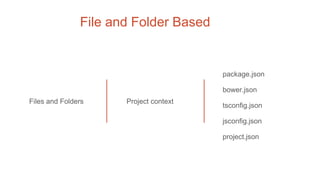
File and Folder Based
Files and Folders Project context
package.json
bower.json
tsconfig.json
jsconfig.json
project.json
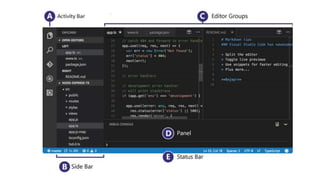
User Interface of VS Code
Demo
Command Palette
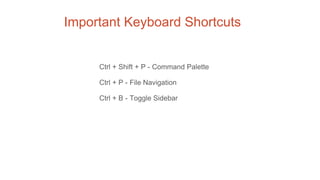
Important Keyboard Shortcuts
Ctrl + Shift + P - Command Palette
Ctrl + P - File Navigation
Ctrl + B - Toggle Sidebar
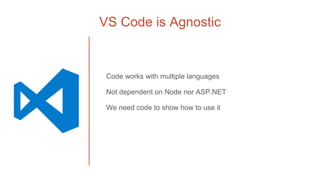
VS Code is Agnostic
Code works with multiple languages
Not dependent on Node nor ASP.NET
We need code to show how to use it
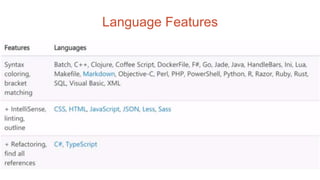
Language Features
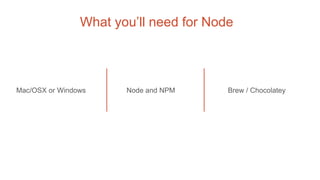
What you’ll need for Node
Mac/OSX or Windows Node and NPM Brew / Chocolatey
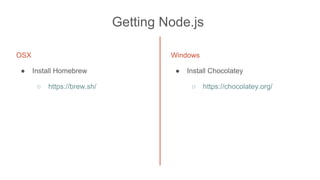
Getting Node.js
OSX
● Install Homebrew
○ https://brew.sh/
Windows
● Install Chocolatey
○ https://chocolatey.org/
Tips for Node on Windows
http://jpapa.me/winnode
Version Control and Git
Debugging
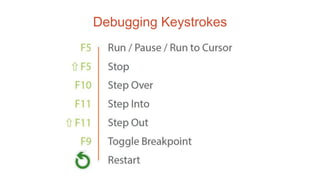
Debugging Keystrokes
Questions?
Thank You

Visual studio code