Download as PDF, PPTX
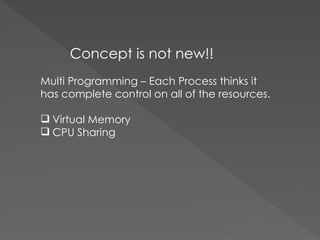
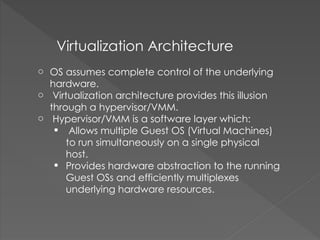
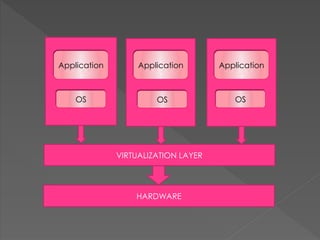
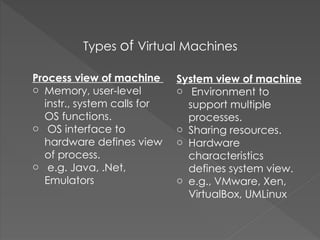
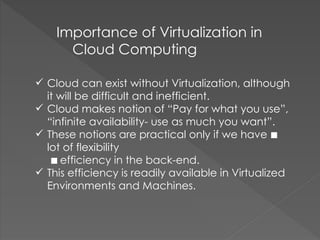
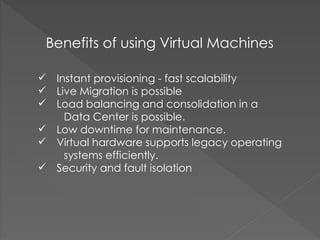
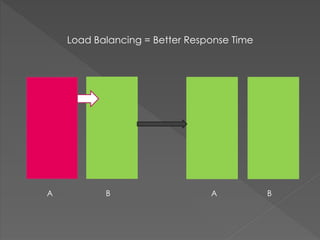


Virtualization allows for the creation of virtual versions of hardware platforms, operating systems, storage, and network resources. It works by inserting a hypervisor or VMM between the virtual machines and physical hardware that provides an abstraction layer and efficiently multiplexes resources. There are two main types of virtual machines - system VMs that support multiple processes and share resources, and process VMs that emulate hardware for a single process. Virtualization is important for cloud computing because it allows clouds to offer flexible, on-demand resources and enables features like live migration, load balancing, and high availability. The main benefits of virtualization include instant provisioning, mobility, consolidation, high utilization, and improved hardware isolation and security.


![php[world] 2015 Training - Laravel from the Ground Up](https://cdn.slidesharecdn.com/ss_thumbnails/phpworld-2015-training-151117190847-lva1-app6892-thumbnail.jpg?width=640&height=640&fit=bounds)


