Vim for
Mere Mortals
@VimIndy 06.2016
Who am I?@claytron IRL and on the internets
Senior Software Engineer at TinderBox
Vimmer ca. 2003
is hard retro.
Don't rage :quit! just yet...
Fundamentals
You start by learning the
minimal to survive,
then you integrate all the
tricks slowly.
— Learn Vim Progressively
$ vimtutor
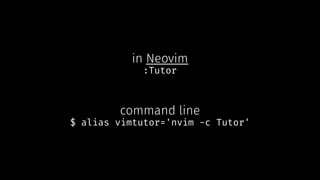
in Neovim
:Tutor
command line
$ alias vimtutor='nvim -c Tutor'
Terminology
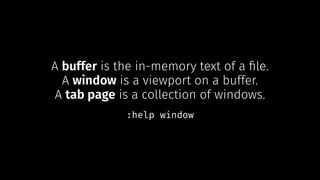
A buffer is the in-memory text of a file.
A window is a viewport on a buffer.
A tab page is a collection of windows.
:help window
Modal Editing
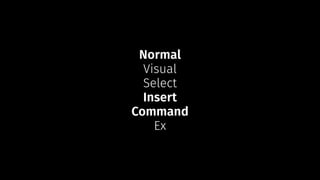
Normal
Visual
Select
Insert
Command
Ex
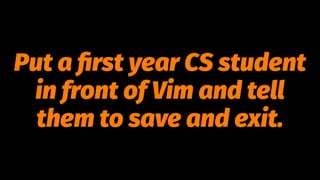
How do you generate a
random string?
Put a first year CS student
in front of Vim and tell
them to save and exit.
#normalmodeproblems
Normal Mode
Insert Mode
Command Mode
Help!
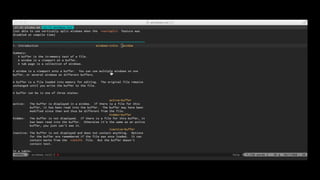
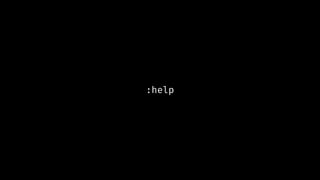
:help
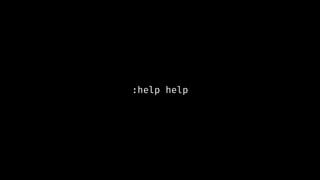
:help help
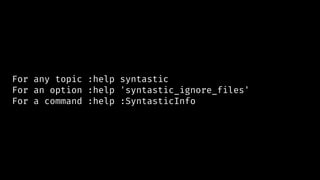
For any topic :help syntastic
For an option :help 'syntastic_ignore_files'
For a command :help :SyntasticInfo
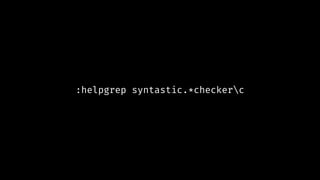
:helpgrep syntastic.*checkerc
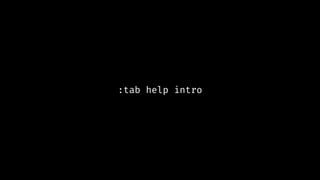
:tab help intro
1. Help commands *online-help*
*help* *<Help>* *:h* *:help* *<F1>* *i_<F1>* *i_<Help>*
<Help> or
:h[elp] Open a window and display the help file in read-only
mode. If there is a help window open already, use
that one. Otherwise, if the current window uses the
full width of the screen or is at least 80 characters
wide, the help window will appear just above the
current window. Otherwise the new window is put at
the very top.
VimIndy Slack.
#vim on Freenode.
Vi and Vim StackExchange.
Vim! Do you speak it?
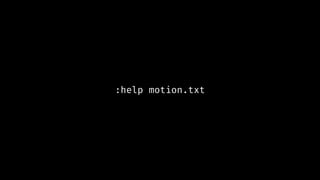
:help motion.txt
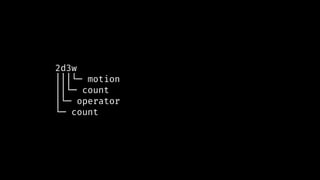
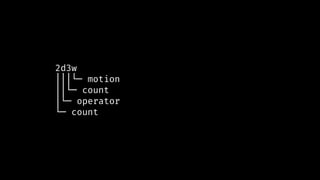
2d3w
│││└─ motion
││└─ count
│└─ operator
└─ count
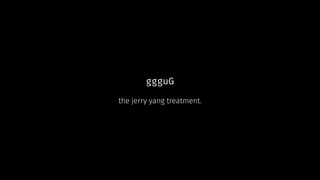
ggguG
the jerry yang treatment.
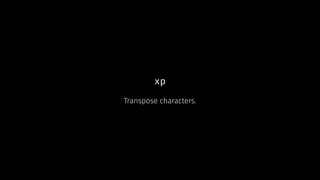
xp
Transpose characters.
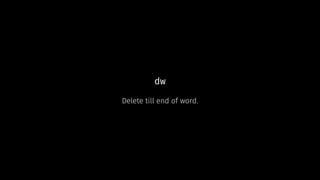
dw
Delete till end of word.
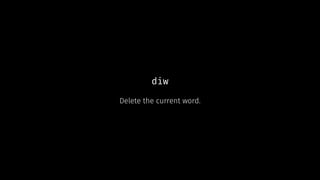
diw
Delete the current word.
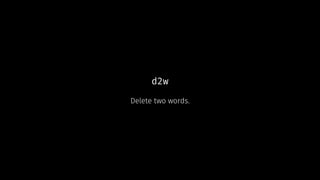
d2w
Delete two words.
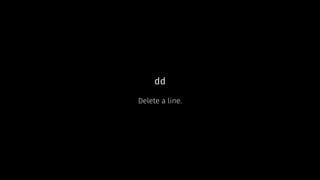
dd
Delete a line.
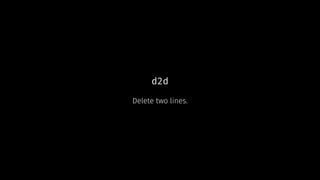
d2d
Delete two lines.
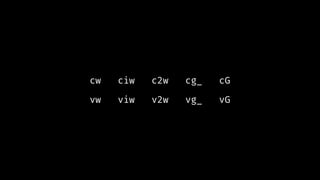
cw ciw c2w cg_ cG
vw viw v2w vg_ vG
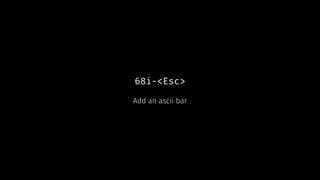
68i-<Esc>
Add an ascii bar
2d3w
│││└─ motion
││└─ count
│└─ operator
└─ count
Arrow Keys?
Experienced users prefer
the hjkl keys because
they are always right
under their fingers.
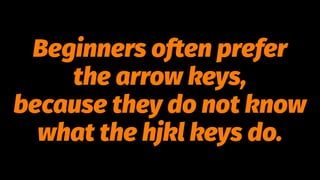
Beginners often prefer
the arrow keys,
because they do not know
what the hjkl keys do.
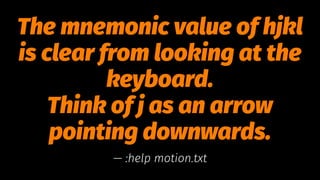
The mnemonic value of hjkl
is clear from looking at the
keyboard.
Think of j as an arrow
pointing downwards.
— :help motion.txt
VIM
WIZARD[1] a man who has magical powers, especially in
legends and fairy tales
You can use your
MOUSE
Use vim-sensible to start out.
Or go all in with Vim Bootstrap, Janus or spf13.
Plugins
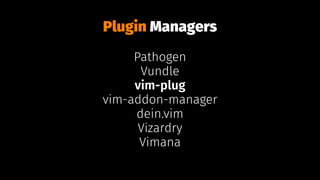
Plugin Managers
Pathogen
Vundle
vim-plug
vim-addon-manager
dein.vim
Vizardry
Vimana
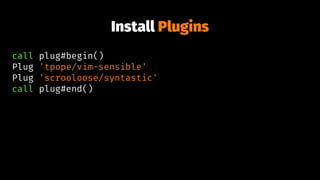
Install Plugins
call plug#begin()
Plug 'tpope/vim-sensible'
Plug 'scrooloose/syntastic'
call plug#end()
Pillaging .vimrc
THE END
Links
→ @VimIndy
→ vim.org
→ Neovim
→ Help always in a tab
→ My .vimrc
→ VIM: Hard Mode
→ vim-galore: Everything you
need to know about Vim
Screencasts
→ Vimcasts
→ Derek Wyatt Tutorials
Articles / Books
→ Learn Vim Progressively
→ Learn Vim the Hard Way
→ Coming Home to Vim
→ Everyone Who Tried to Convince
Me to use Vim was Wrong
→ Learn to Speak Vim
→ Vim Text Objects: The Definitive
Guide
→ Practical Vim
Photo Credits
Title (B.B. Wijdieks)
Fundamentals (@nobida)
Terminology (@nicklockey)
Modal (@chrisobayda)
Help (@mountaineer4061)
Help (@carbonated)
Do you speak it? (@reallyboring)
Arrow Keys (@regocasasnovas)
hjkl (@donpdonp)
mouse (@kapy)
Sensible (@matt_gibson)
Plugins (@chicagobart)
Pillaging (Damian Gadal)
Links (@volvob12b)
⬅ This Picture (@rhodes)
Thanks to
and
Vim for Mere Mortals by claytron is licensed under a
Creative Commons Attribution-ShareAlike 4.0
International License.
*bar*
| To screen column [count] in the current line.
|exclusive| motion. Ceci n'est pas une pipe.

Vim for Mere Mortals