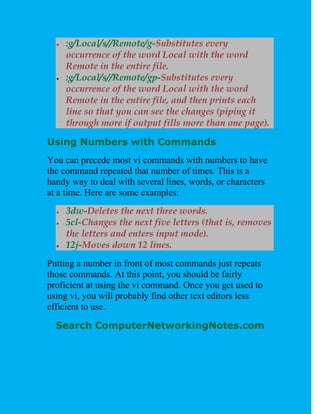
The document provides instructions for using the vi text editor. It describes how to start vi to open or create new files, how to enter different modes like command mode and insert mode, and how to perform basic text editing tasks like moving the cursor, inserting and deleting text, searching, and saving files. The key commands are organized into sections based on their functions like entering text, moving around, editing, and closing files. Basic navigation is done using hjkl keys while commands like i switch to insert mode, dd deletes a line, and ZZ saves and exits vi. The document aims to help new vi users get started with basic text editing.

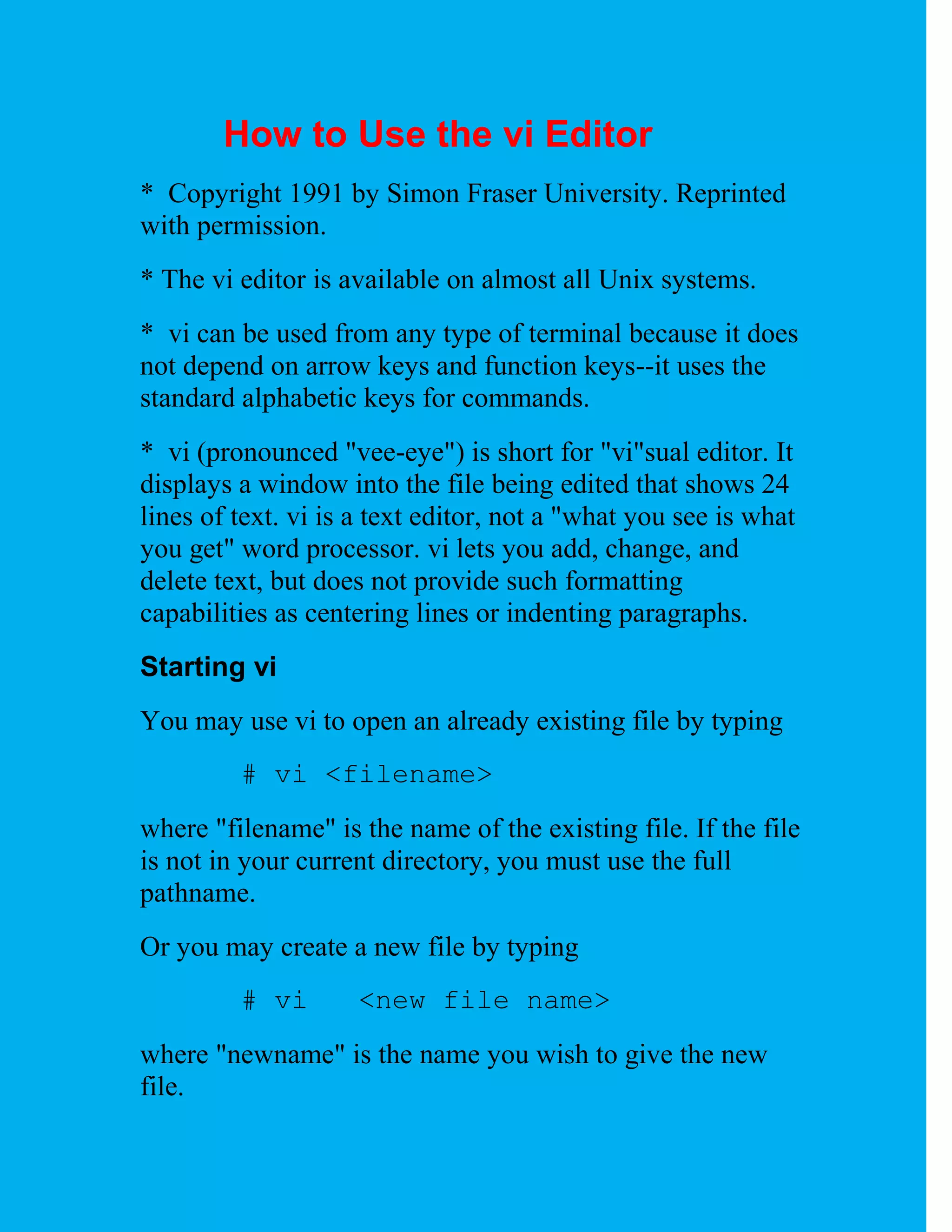
![To open a new file called "test," enter
# vi test
On-screen, you will see blank lines, each with a tilde (~) at
the left, and a line at the bottom giving the name and status
of the new file:
~
"test" [New file]
vi Modes
vi has two modes:
command mode
insert mode
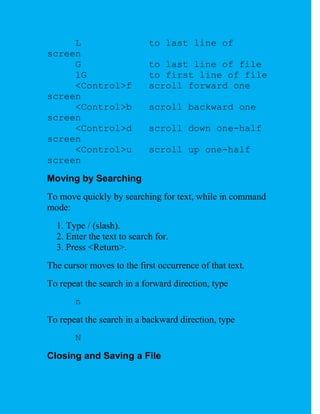
In command mode, the letters of the keyboard perform
editing functions (like moving the cursor, deleting text,
etc.). To enter command mode, press the escape <Esc> key.
In insert mode, the letters you type form words and
sentences. Unlike many word processors, vi starts up in
command mode.
Entering Text
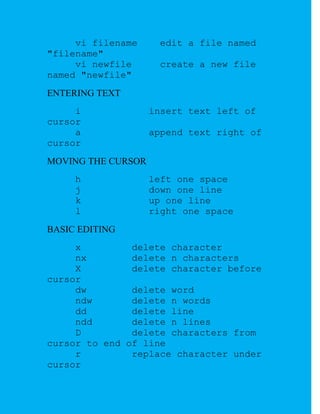
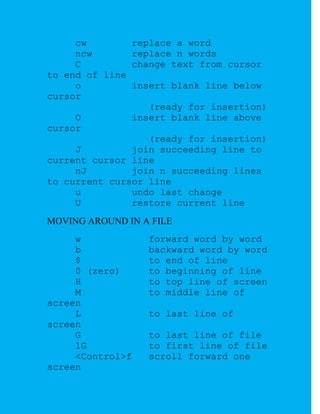
In order to begin entering text in this empty file, you must
change from command mode to insert mode. To do this,
type
i](https://image.slidesharecdn.com/usingvieditor-130406074025-phpapp02/85/Using-vi-editor-2-320.jpg)
![ /hello-Searches forward for the word hello.
?goodbye-Searches backward for the word
goodbye.
/The.*foot-Searches forward for a line that has
the word The in it and also, after that at some
point, the word foot.
?[pP]rint-Searches backward for either print or
Print. Remember that case matters in Linux, so
make use of brackets to search for words that
could have different capitalization.
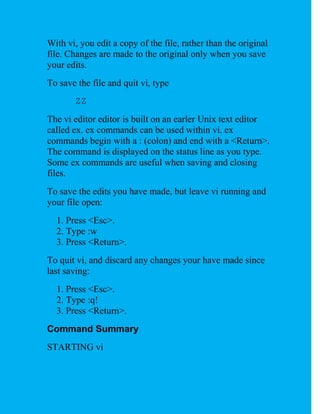
The vi editor was originally based on the ex editor, which
didn’t let you work in full-screen mode. However, it did
enable you to run commands that let you find and change
text on one or more lines at a time. When you type a colon
and the cursor goes to the bottom of the screen, you are
essentially in ex mode. Here is an example of some of those
ex commands for searching for and changing text. (I chose
the words Local and Remote to search for, but you can use
any appropriate words.)
:g/Local-Searches for the word Local and prints
every occurrence of that line from the file. (If
there is more than a screenful, the output is piped
to the more command.)
:s/Local/Remote-Substitutes Remote for the
word Local on the current line.
:g/Local/s//Remote-Substitutes the first
occurrence of the word Local on every line of the
file with the word Remote.](https://image.slidesharecdn.com/usingvieditor-130406074025-phpapp02/85/Using-vi-editor-20-320.jpg)