Using Video to Capture Student Voice, Data and Ideas in the ClassroomSeini SmithMangere Central School
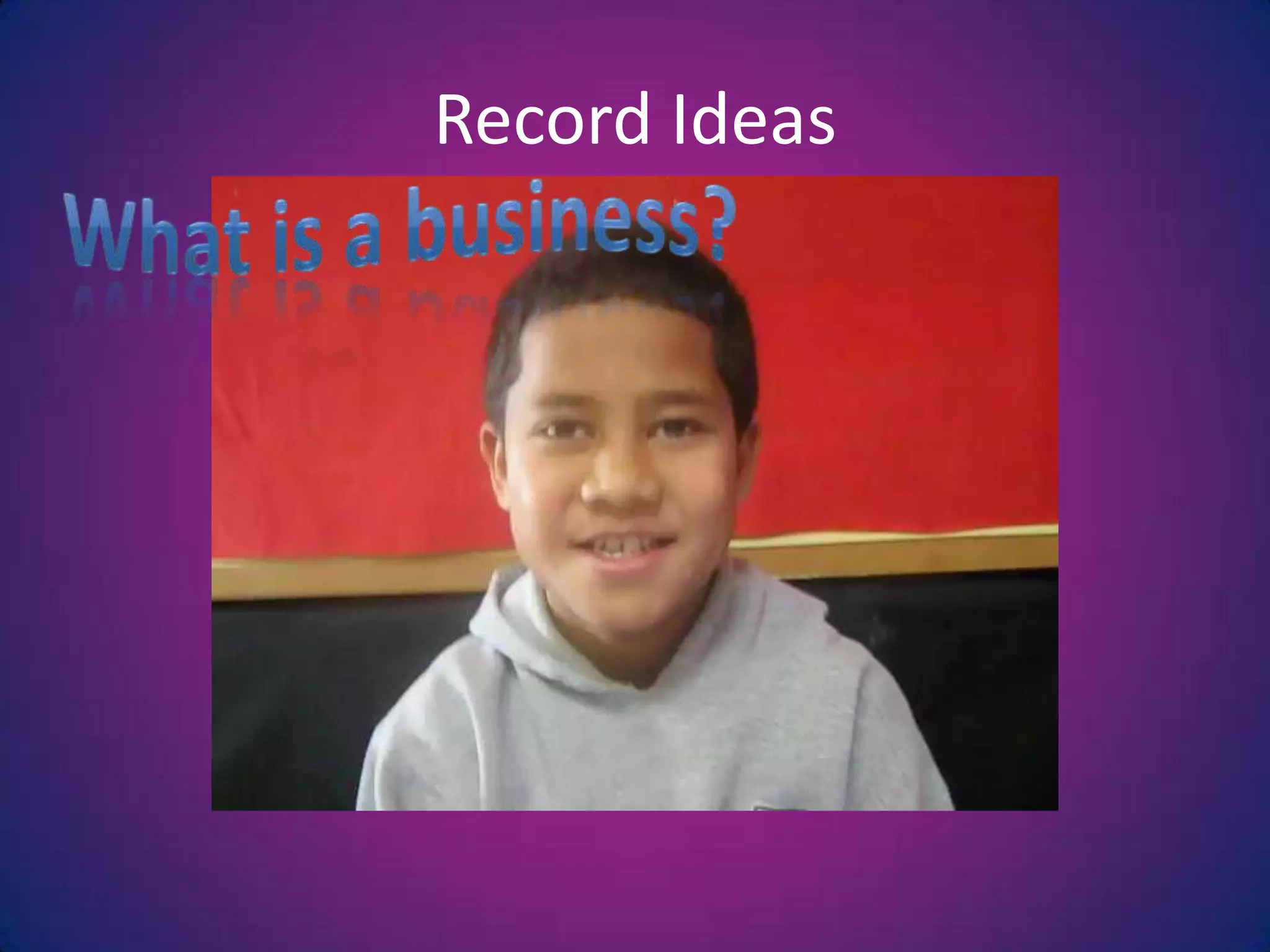
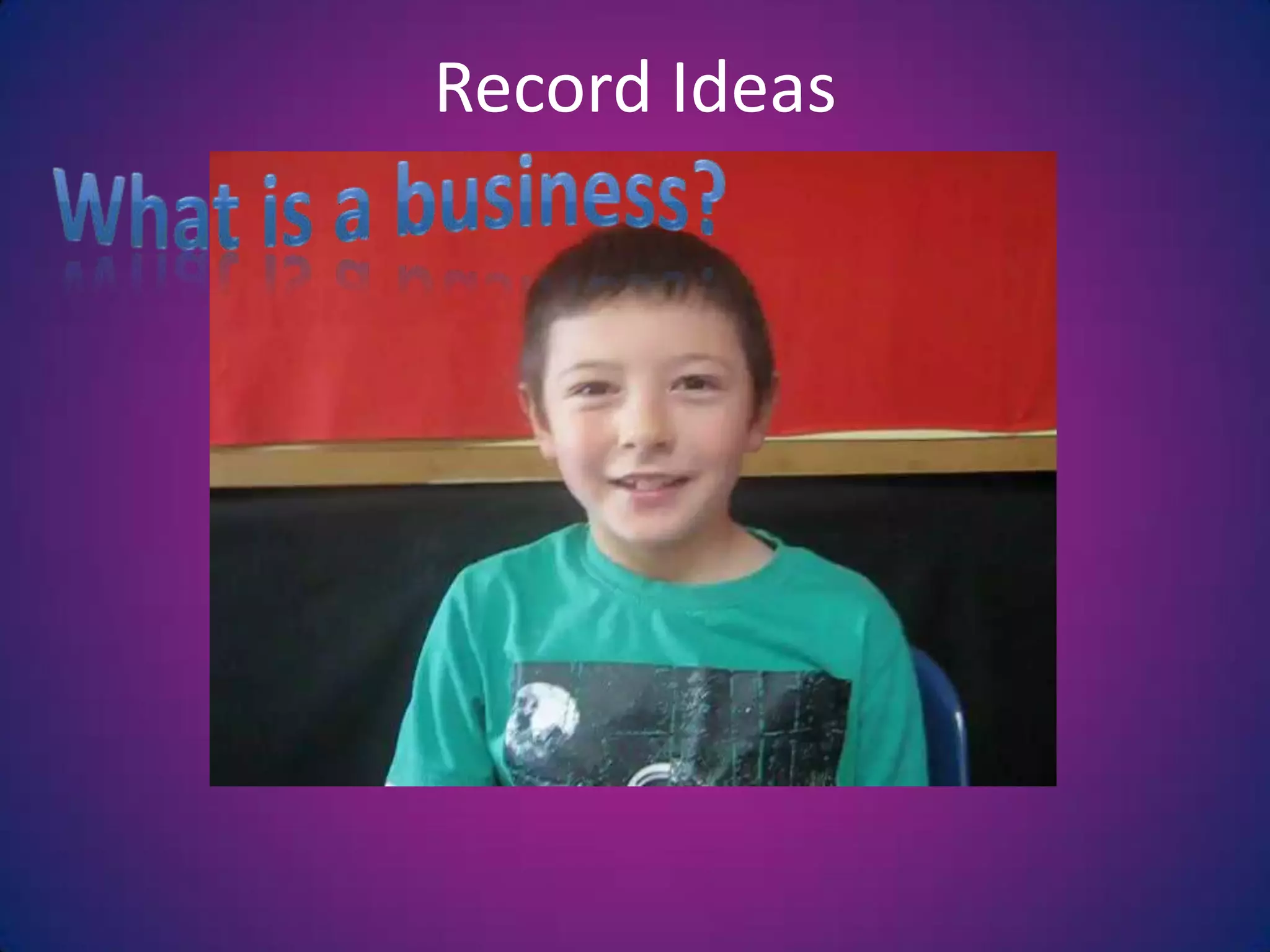
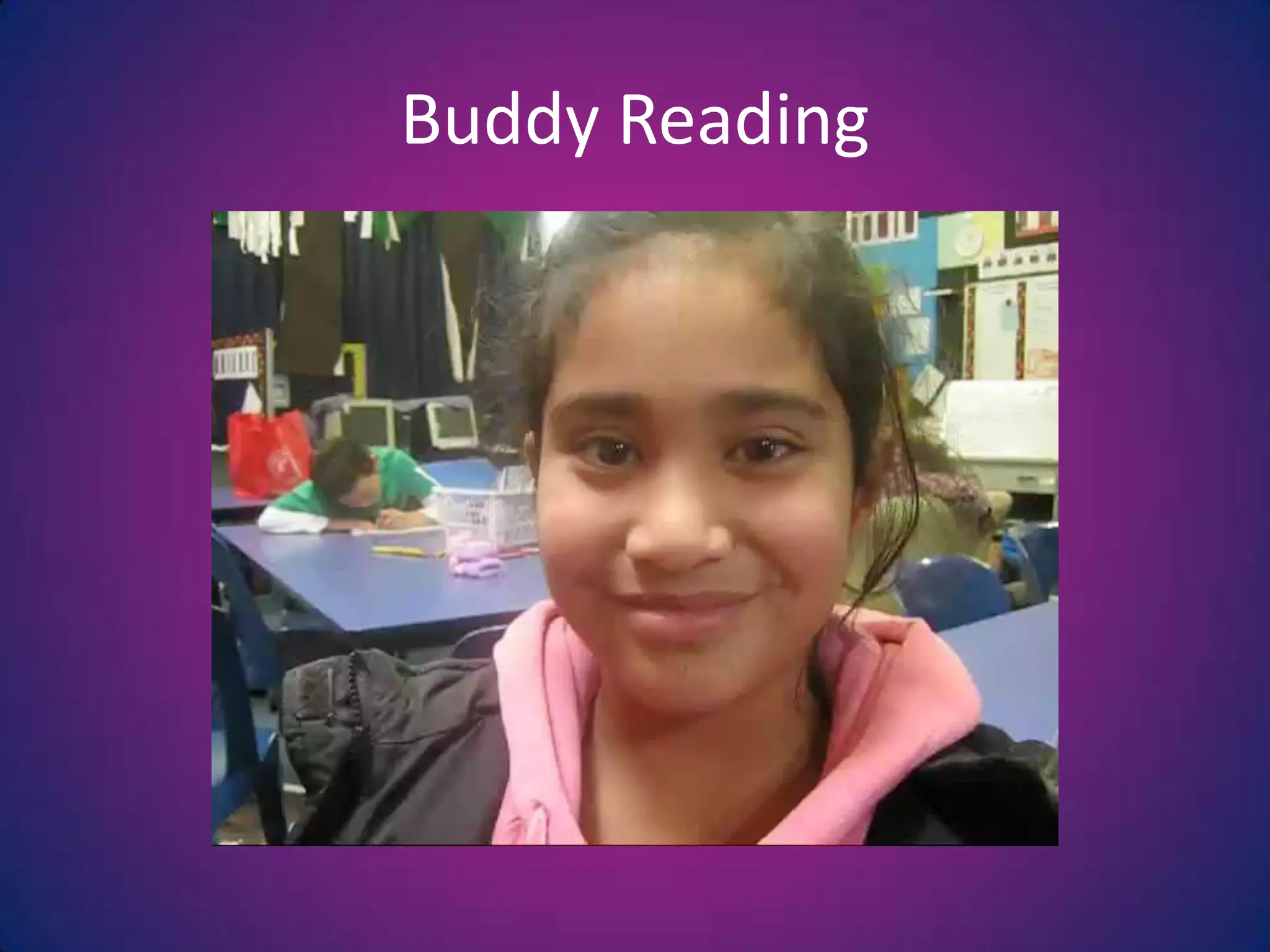
8 Ways to Use Video in the ClassroomRecord IdeasBuddy ReadingShow instructionsSharing workESOL students recording in their own languageDictating a StoryboardListening and Viewing PostAssembly Presentations
Why Use Video?Once students get past being shy allows all children including low level and  ESOL learners to contributeAll students can share their own work with a bigger audience without getting shyUse of ‘own language’Students are able to ‘hear’ their progressUtilises another one of the 5 senses (viewing) as opposed to just listeningProvides another way of monitoring students
Tracking progress through inquirySomething to take home, easily viewed by many.  Captures their voiceNot reliant on internetUtilising other equipmentMultiple use of still cameras, web camsLearning other digital skillsWhy Use Video?
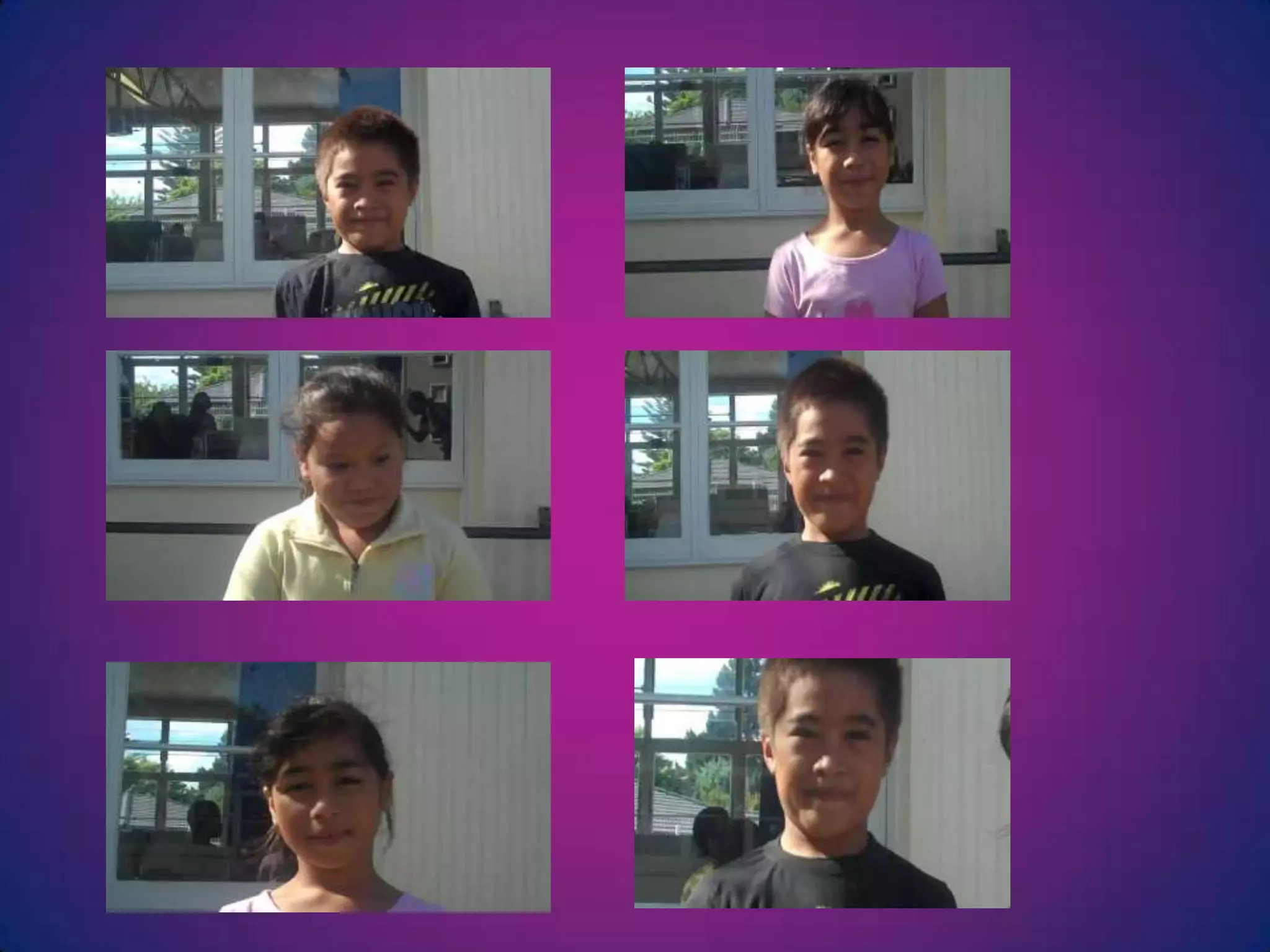
Record IdeasWhat is a business?
Buddy Reading
Buddy Reading
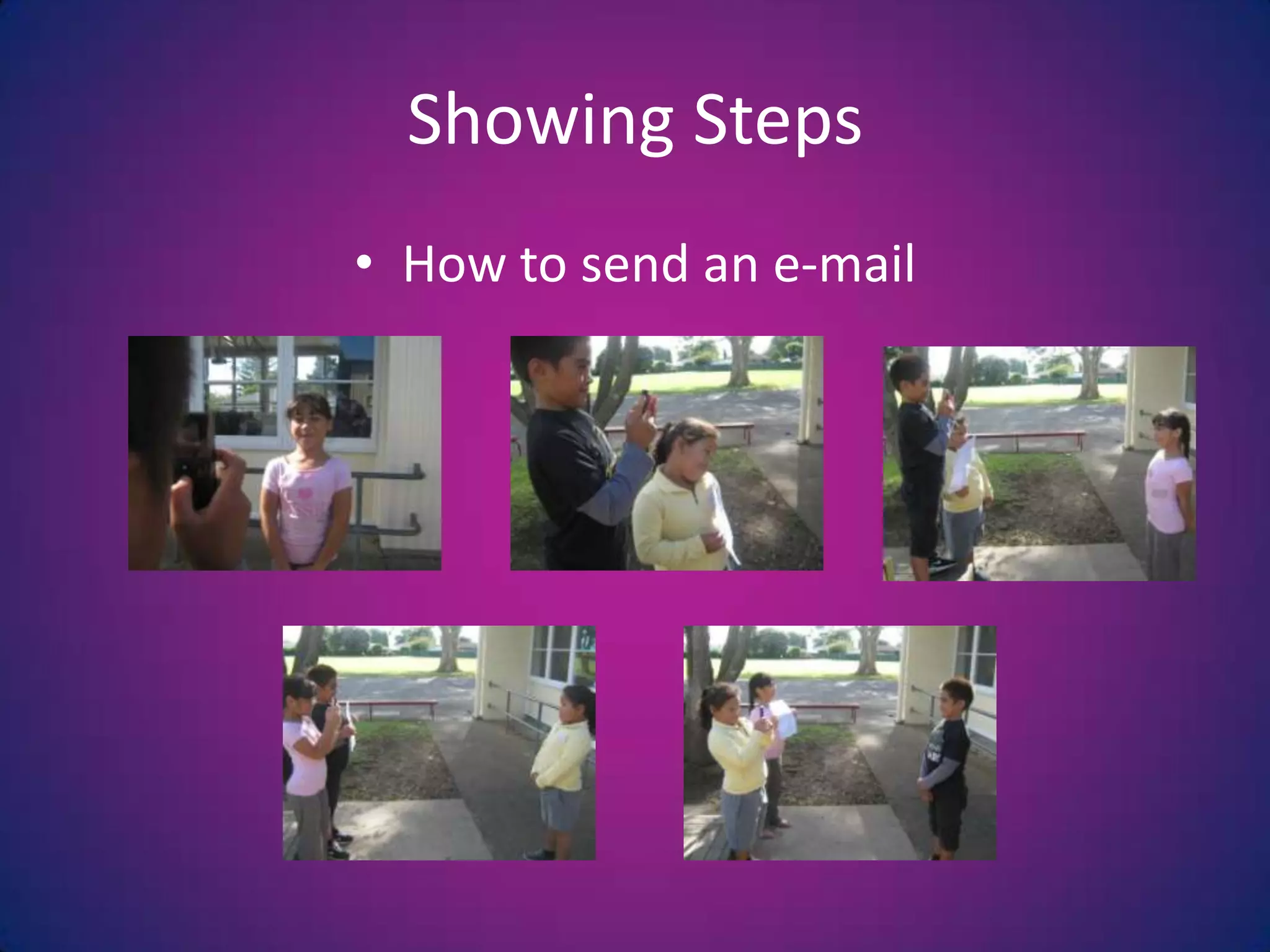
Showing StepsHow to send an e-mail
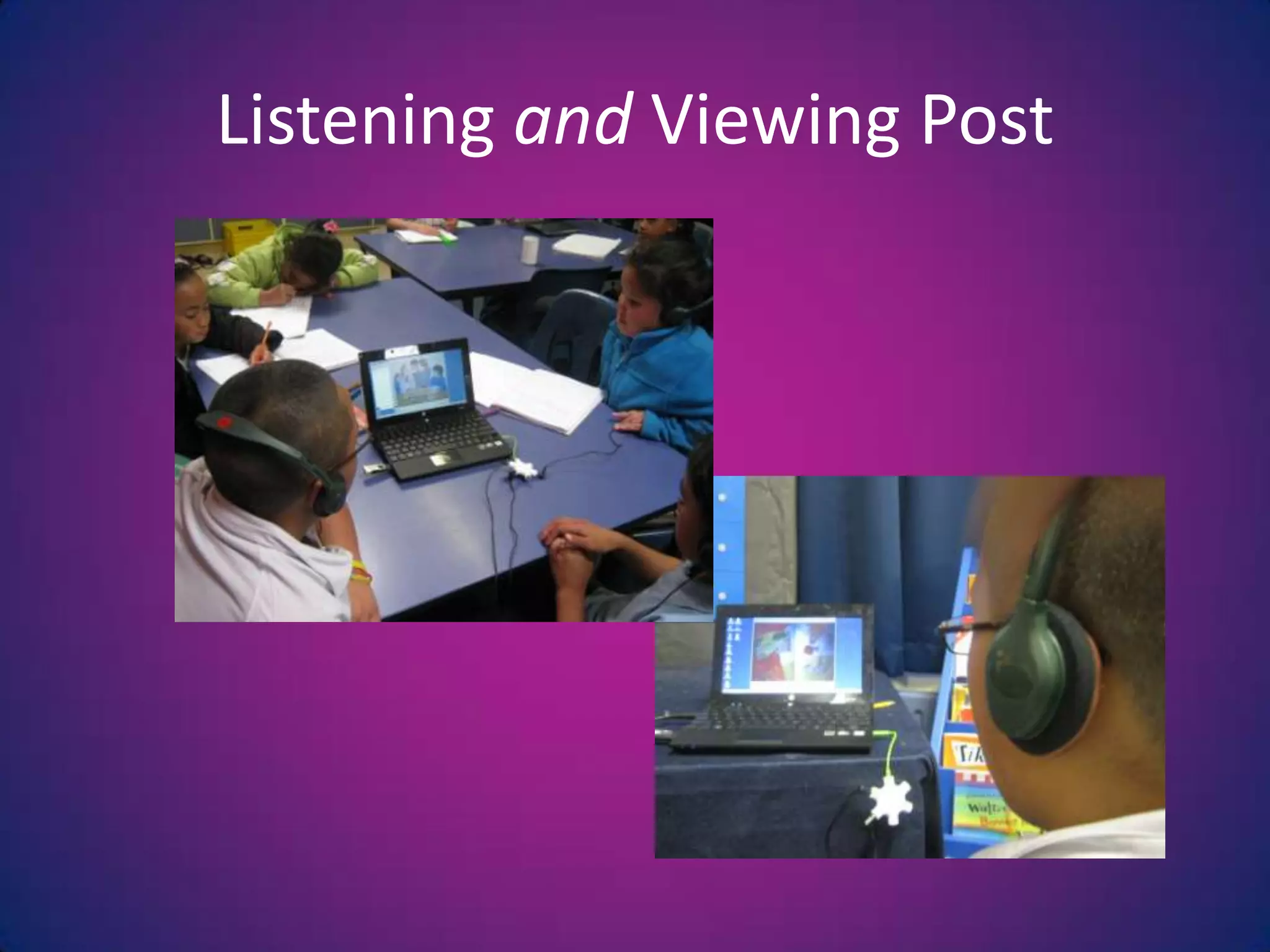
Listening and Viewing Post
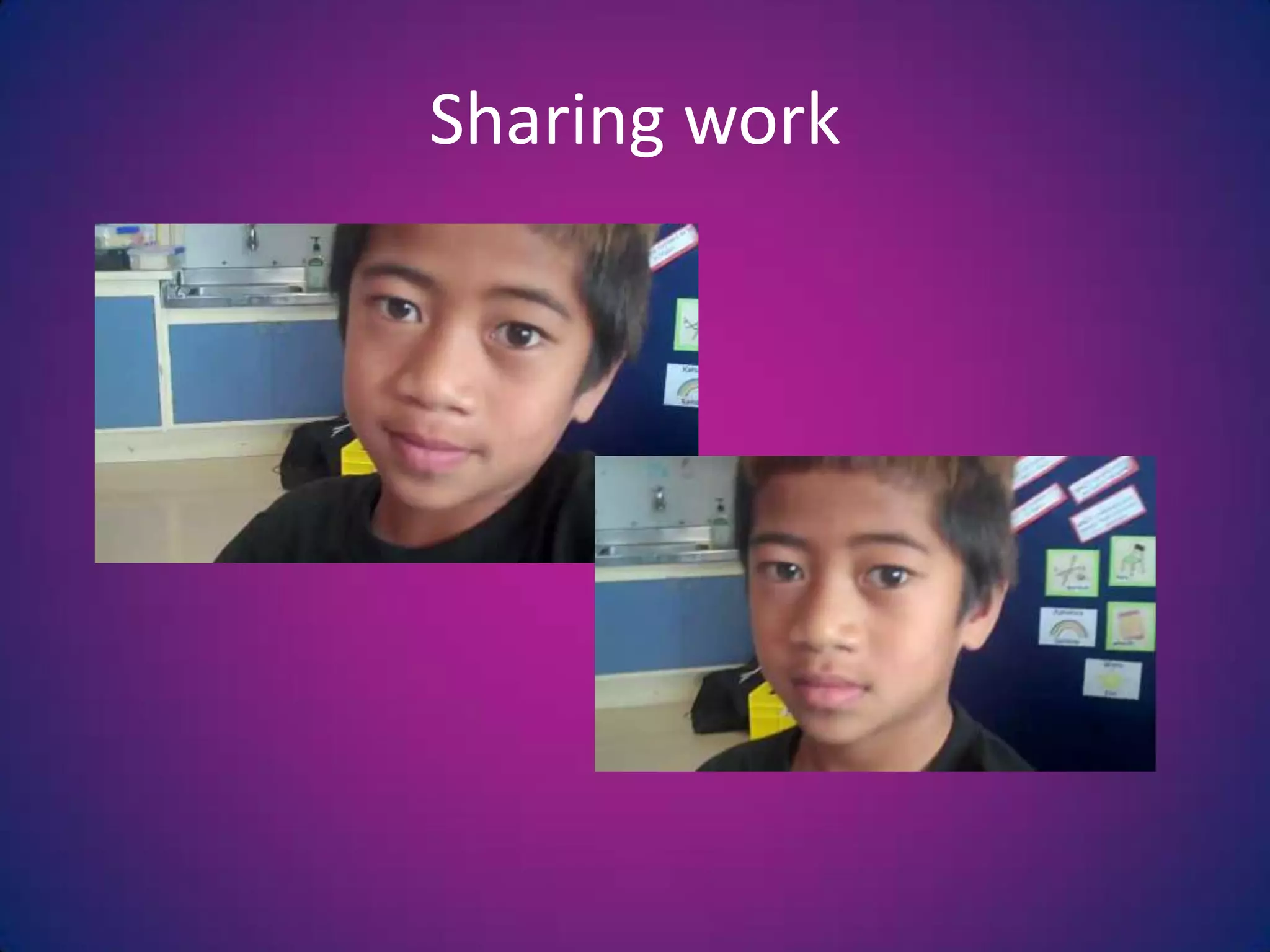
Sharing work
Sharing their work
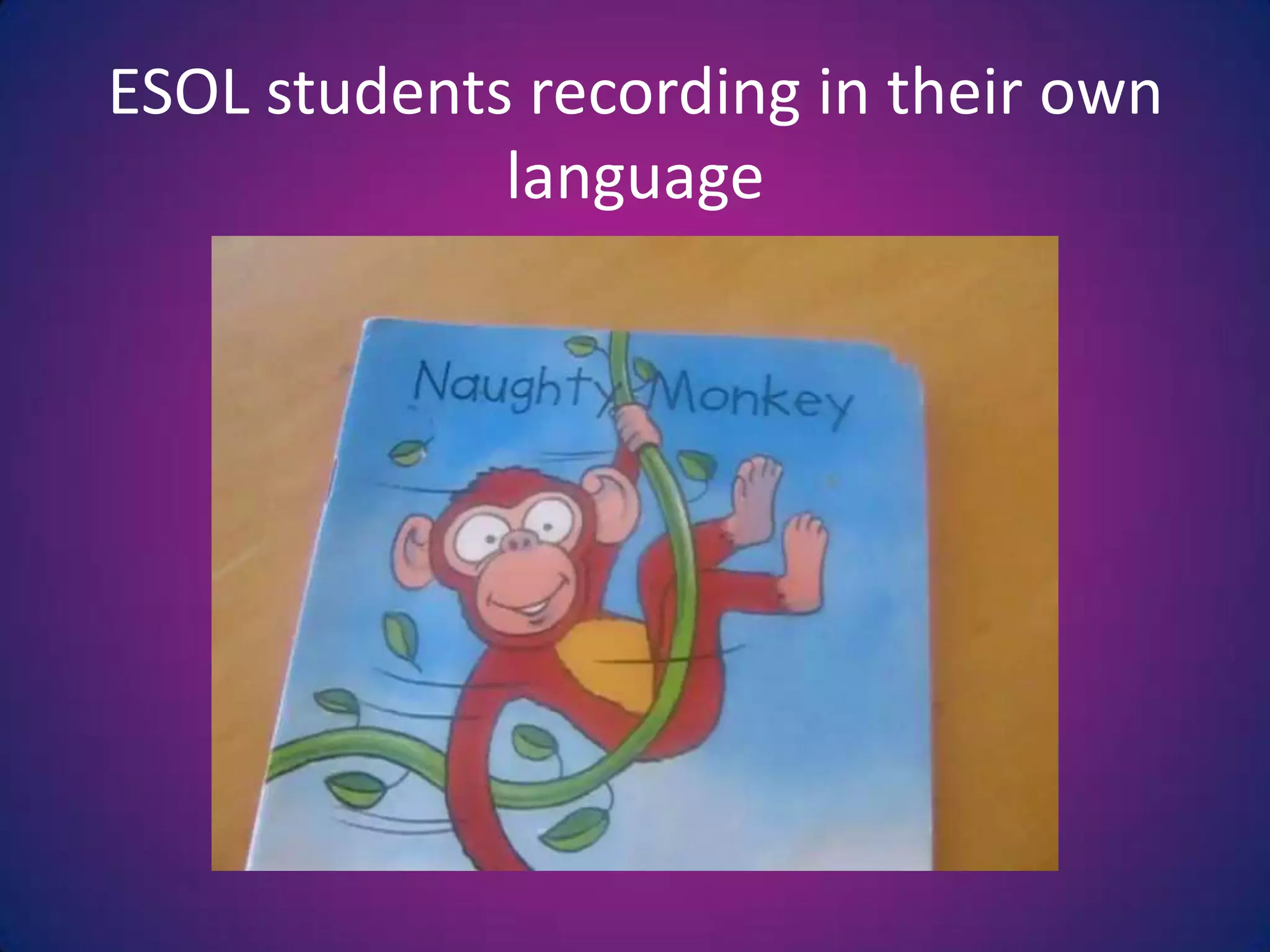
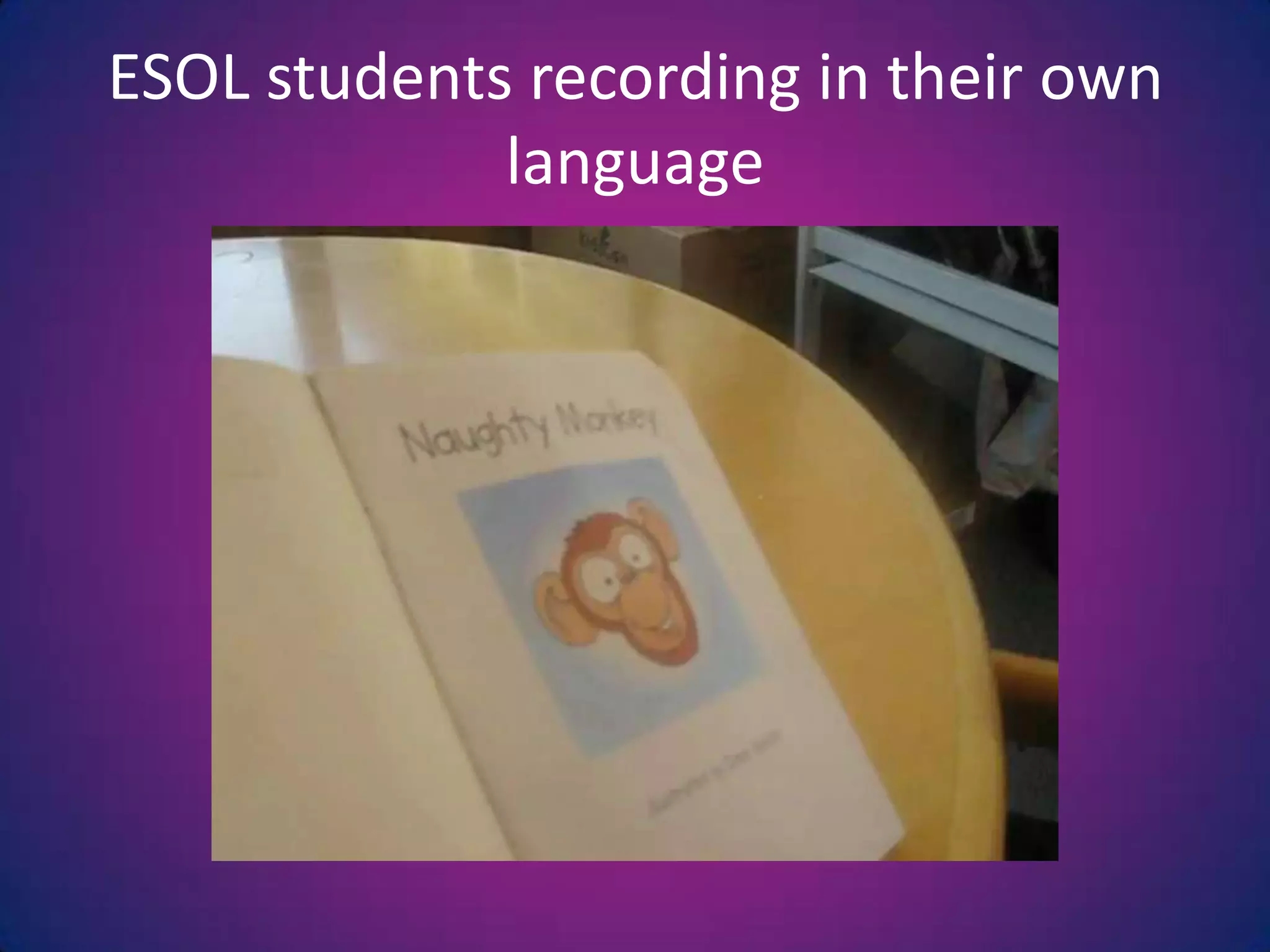
ESOL students recording in their own language
Dictating a Storyboard
Assembly Presentations
Teaching AidesRecord steps of how to do things, e.g. making something, PE LessonShared StoryRecording Behaviour, e.g. students talking or calling out for viewing by studentsObservations of colleaguesSharing ideas of lessons
How?Any video recording device e.g. Flip Video, Still Camera, Web Cam, Video CameraTripod      Upload onto class computers    Splitter
How?Organisation and Management in classsee:  http://ictprofessionaldevelopment.wikispaces.comHave a few ‘text-perts’ who you train and can help demonstrate and trouble-shootSet Rules – class rules and use of equipmentHave a symbol on the board when recording – good way to keep the noise downMake sure you have consentHave a rosteredsystem
Sharing/SavingSave files onto Class Desktop or in Class Documents for easy viewingOrganise your folders – Each child having a folder for each curriculum area.For each curriculum area have a folder of resources.Other viewing options:TV and DVD unit for viewingView on iPods/iPads
Other things to considerSaving on external hard driveVimeoYouTubeNewsmakerPowerpointMoviemakerStoryline Online http://www.storylineonline.net/
Keep it simple!

Using video to capture student voice, data presentation

  • 1.
    Using Video toCapture Student Voice, Data and Ideas in the ClassroomSeini SmithMangere Central School
  • 2.
    8 Ways toUse Video in the ClassroomRecord IdeasBuddy ReadingShow instructionsSharing workESOL students recording in their own languageDictating a StoryboardListening and Viewing PostAssembly Presentations
  • 3.
    Why Use Video?Oncestudents get past being shy allows all children including low level and ESOL learners to contributeAll students can share their own work with a bigger audience without getting shyUse of ‘own language’Students are able to ‘hear’ their progressUtilises another one of the 5 senses (viewing) as opposed to just listeningProvides another way of monitoring students
  • 4.
    Tracking progress throughinquirySomething to take home, easily viewed by many. Captures their voiceNot reliant on internetUtilising other equipmentMultiple use of still cameras, web camsLearning other digital skillsWhy Use Video?
  • 5.
  • 6.
  • 7.
  • 8.
  • 9.
    Showing StepsHow tosend an e-mail
  • 11.
  • 12.
  • 13.
  • 14.
    ESOL students recordingin their own language
  • 15.
    ESOL students recordingin their own language
  • 16.
  • 17.
  • 18.
  • 19.
    Teaching AidesRecord stepsof how to do things, e.g. making something, PE LessonShared StoryRecording Behaviour, e.g. students talking or calling out for viewing by studentsObservations of colleaguesSharing ideas of lessons
  • 20.
    How?Any video recordingdevice e.g. Flip Video, Still Camera, Web Cam, Video CameraTripod Upload onto class computers Splitter
  • 21.
    How?Organisation and Managementin classsee: http://ictprofessionaldevelopment.wikispaces.comHave a few ‘text-perts’ who you train and can help demonstrate and trouble-shootSet Rules – class rules and use of equipmentHave a symbol on the board when recording – good way to keep the noise downMake sure you have consentHave a rosteredsystem
  • 22.
    Sharing/SavingSave files ontoClass Desktop or in Class Documents for easy viewingOrganise your folders – Each child having a folder for each curriculum area.For each curriculum area have a folder of resources.Other viewing options:TV and DVD unit for viewingView on iPods/iPads
  • 23.
    Other things toconsiderSaving on external hard driveVimeoYouTubeNewsmakerPowerpointMoviemakerStoryline Online http://www.storylineonline.net/
  • 24.

Editor's Notes

  • #6 E.g. in a bus stop activity
  • #22 Allow the children to have a play, they will often pick up what needs to be improved, e.g. lighting, background, noise and they don’t always have the same issues!