The use of Digital video and media to enhance literacy learningBy: Heather Lease
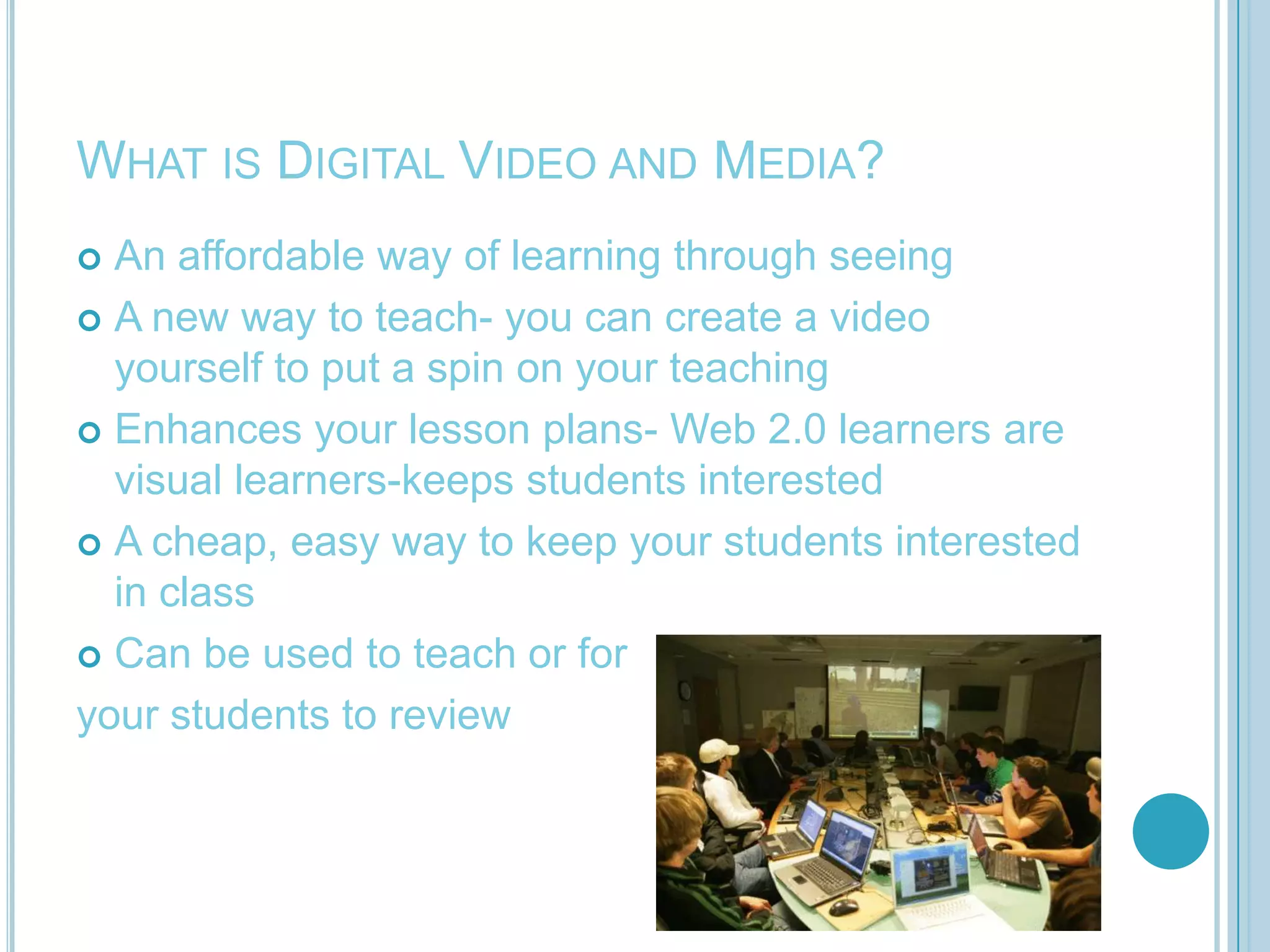
What is Digital Video and Media?An affordable way of learning through seeingA new way to teach- you can create a video yourself to put a spin on your teachingEnhances your lesson plans- Web 2.0 learners are visual learners-keeps students interestedA cheap, easy way to keep your students interested in classCan be used to teach or foryour students to review
What does this mean for my classroom?You have hundreds of resources available at your fingertipsYour students can have fun creating presentations using a countless number of free video making websites.Students will stay more interested in lessons being taught if videos are involvedNo matter what grade you teach digital video and media can be modified
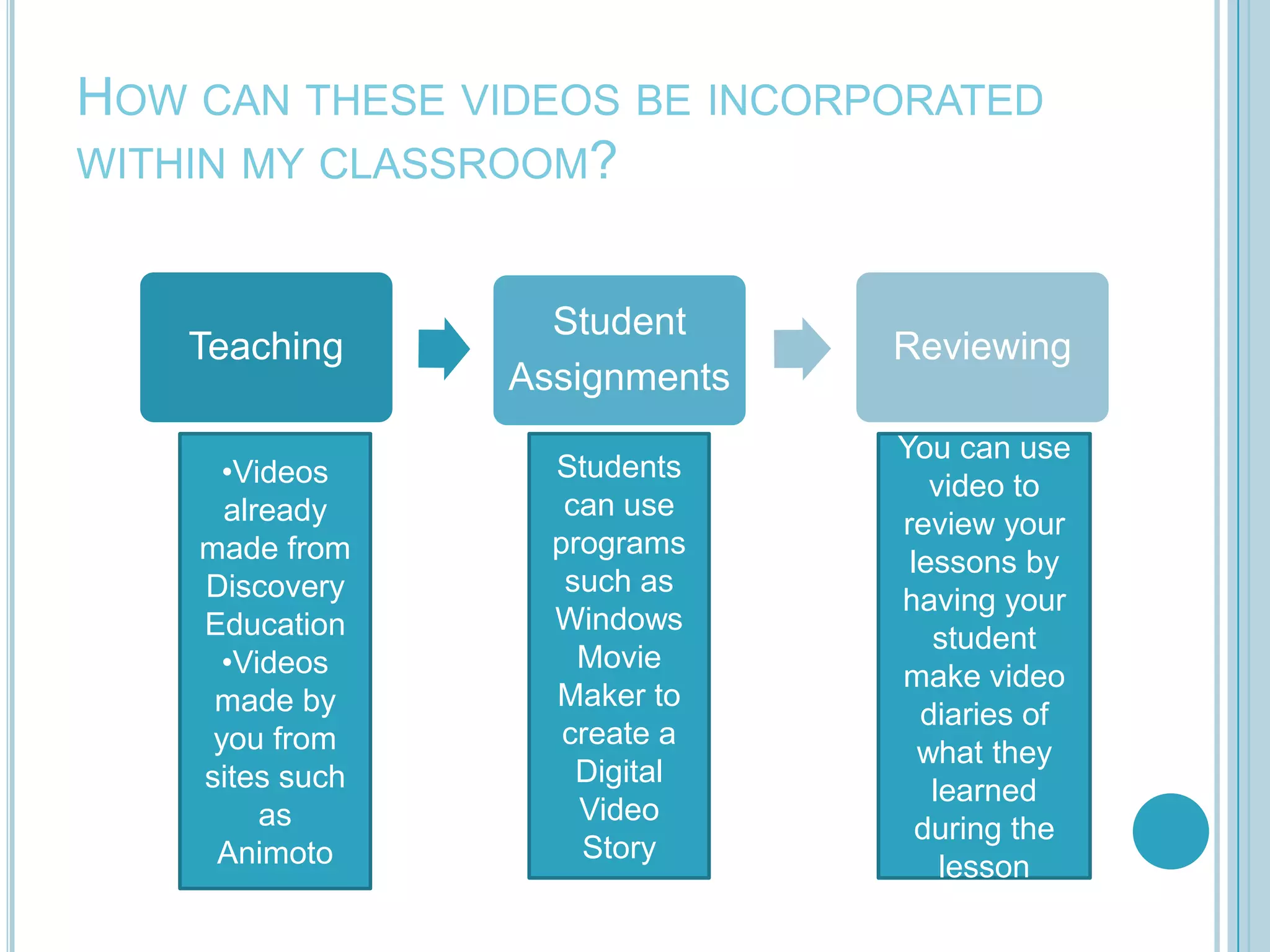
How can these videos be incorporated within my classroom?Videos already made from Discovery Education
Videos made by you from sites such as  AnimotoStudents can use programs such as Windows Movie Maker to create a Digital Video StoryYou can use video to review your lessons by having your student make video diaries of what they learned during the lesson
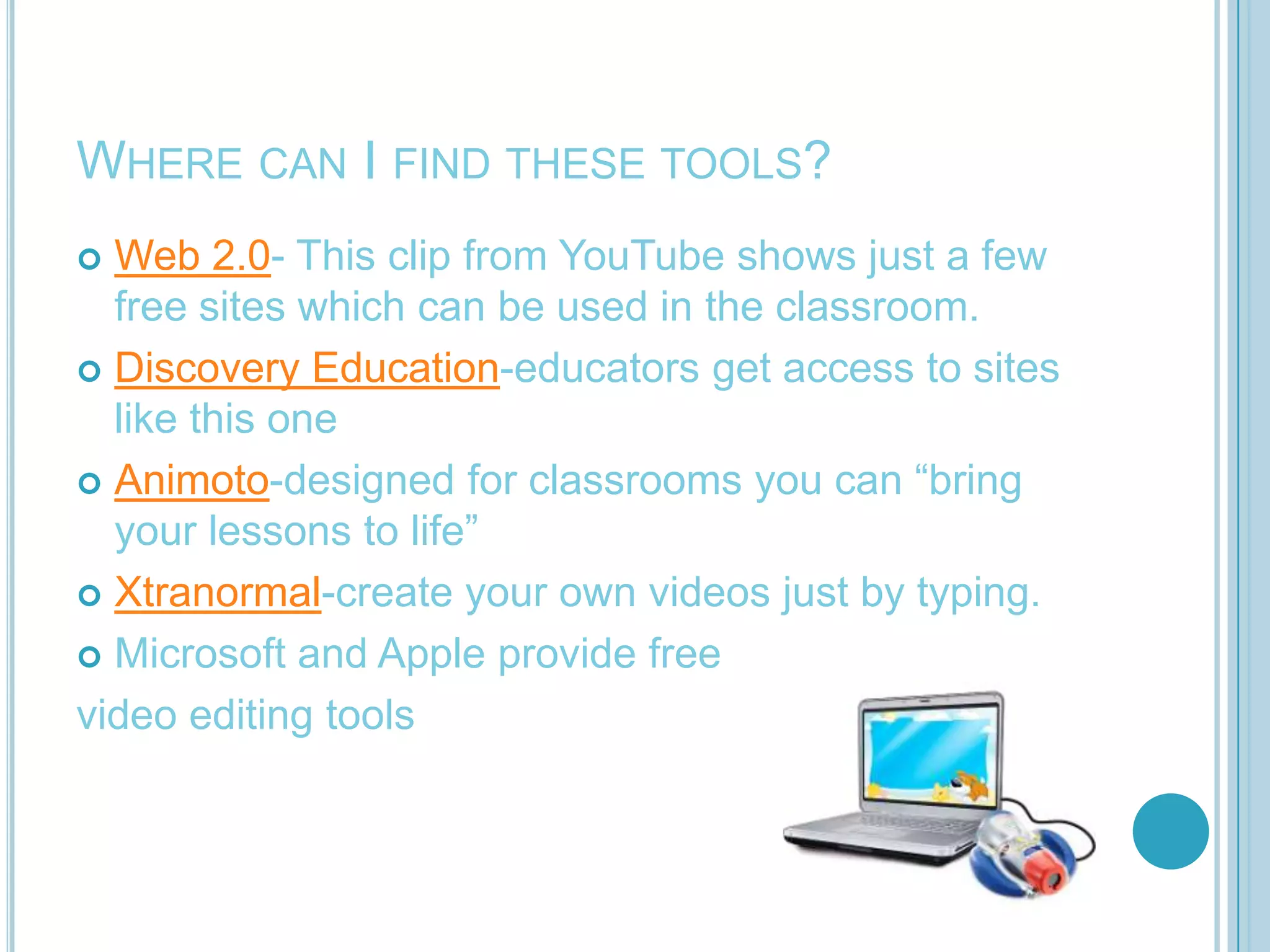
Where can I find these tools?Web 2.0- This clip from YouTube shows just a few free sites which can be used in the classroom.Discovery Education-educators get access to sites like this oneAnimoto-designed for classrooms you can “bring your lessons to life”Xtranormal-create your own videos just by typing.Microsoft and Apple provide freevideo editing tools
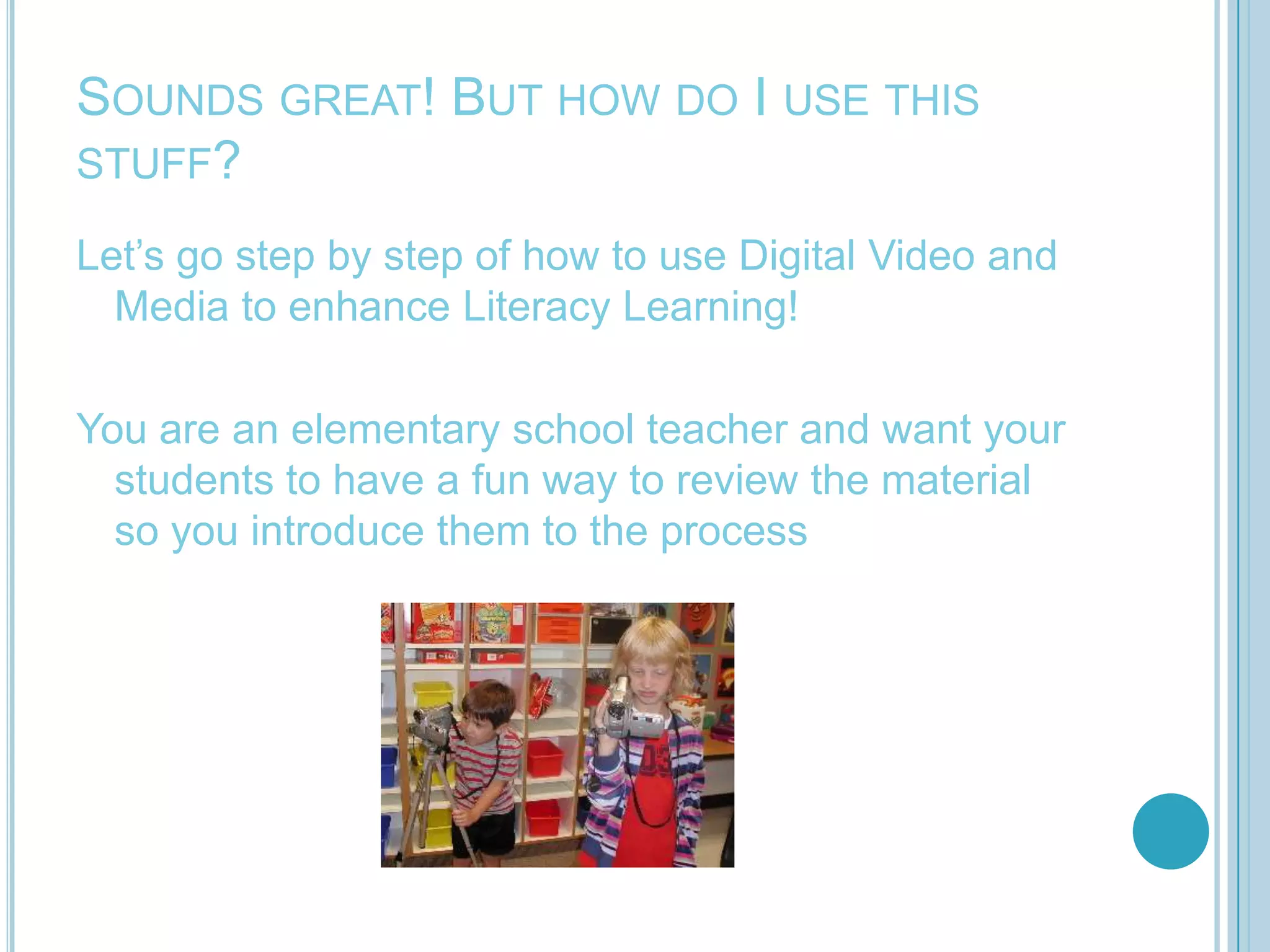
Sounds great! But how do I use this stuff?Let’s go step by step of how to use Digital Video and Media to enhance Literacy Learning!You are an elementary school teacher and want your students to have a fun way to review the material so you introduce them to the process
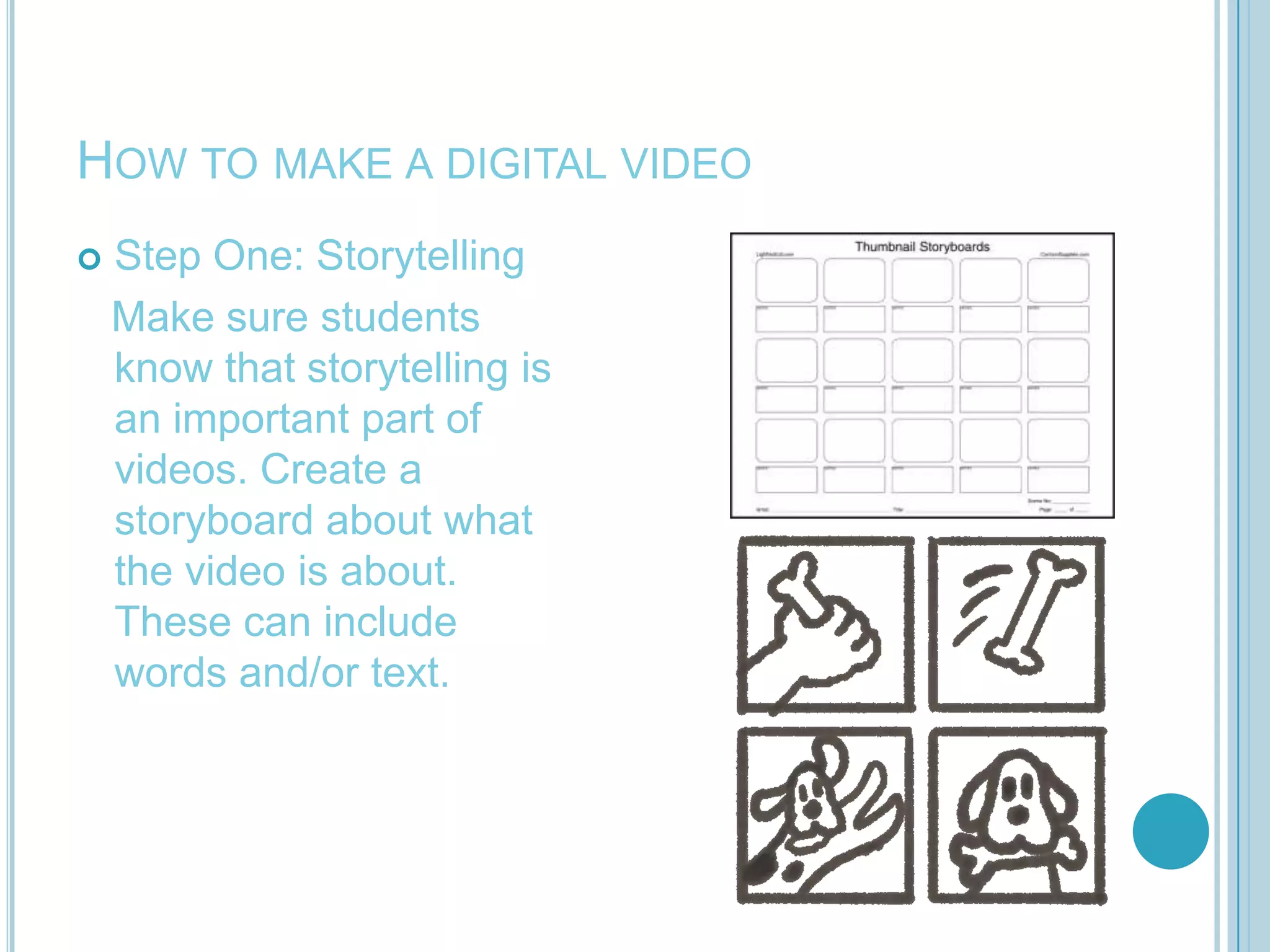
How to make a digital videoStep One: Storytelling   Make sure students know that storytelling is an important part of videos. Create a storyboard about what the video is about. These can include words and/or text.
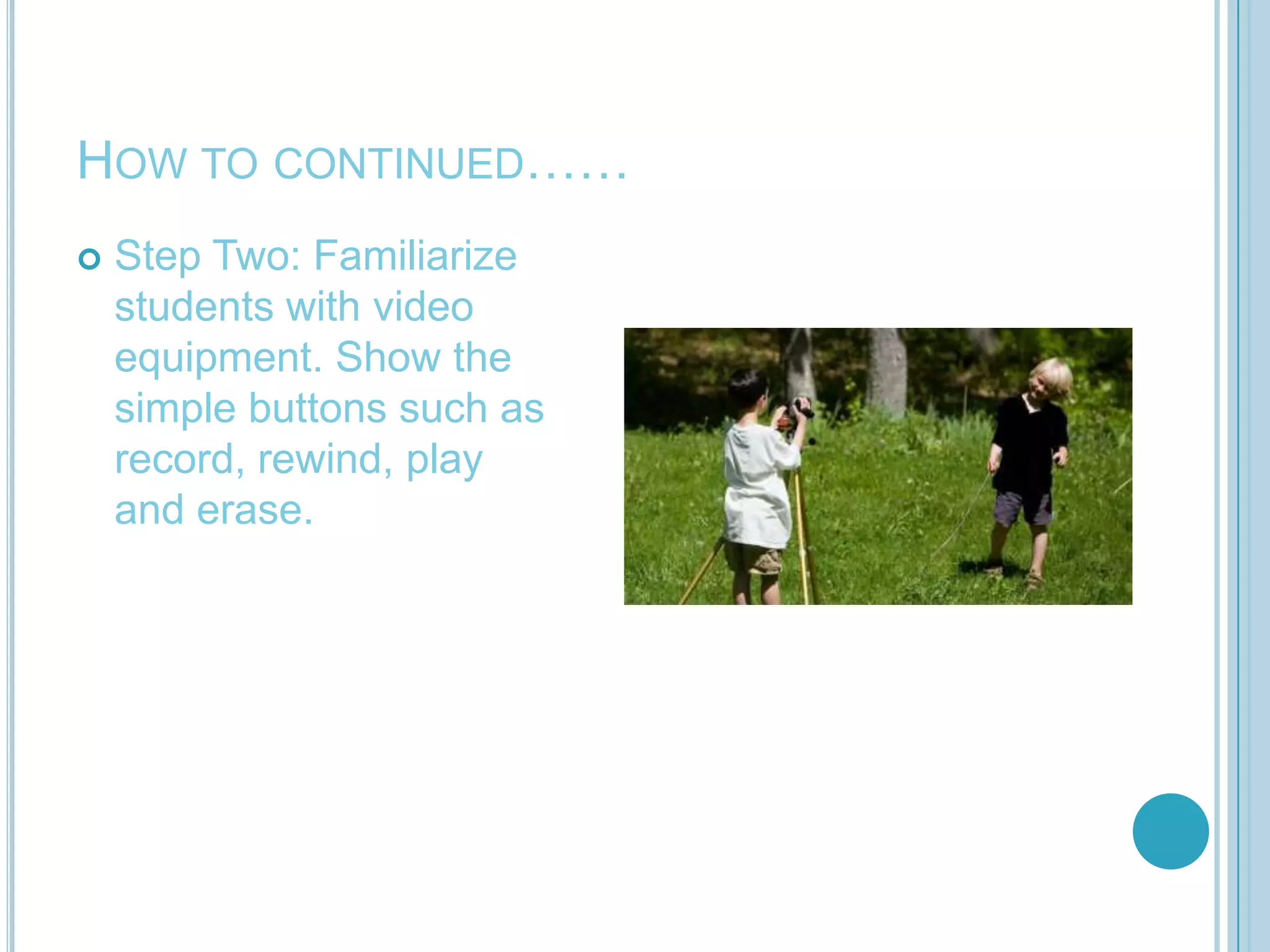
How to continued……Step Two: Familiarize students with video equipment. Show the simple buttons such as record, rewind, play and erase.
How to continued……Step Three: Show students an example of an already made video. This will give them an idea of what they are supposed to do. Example
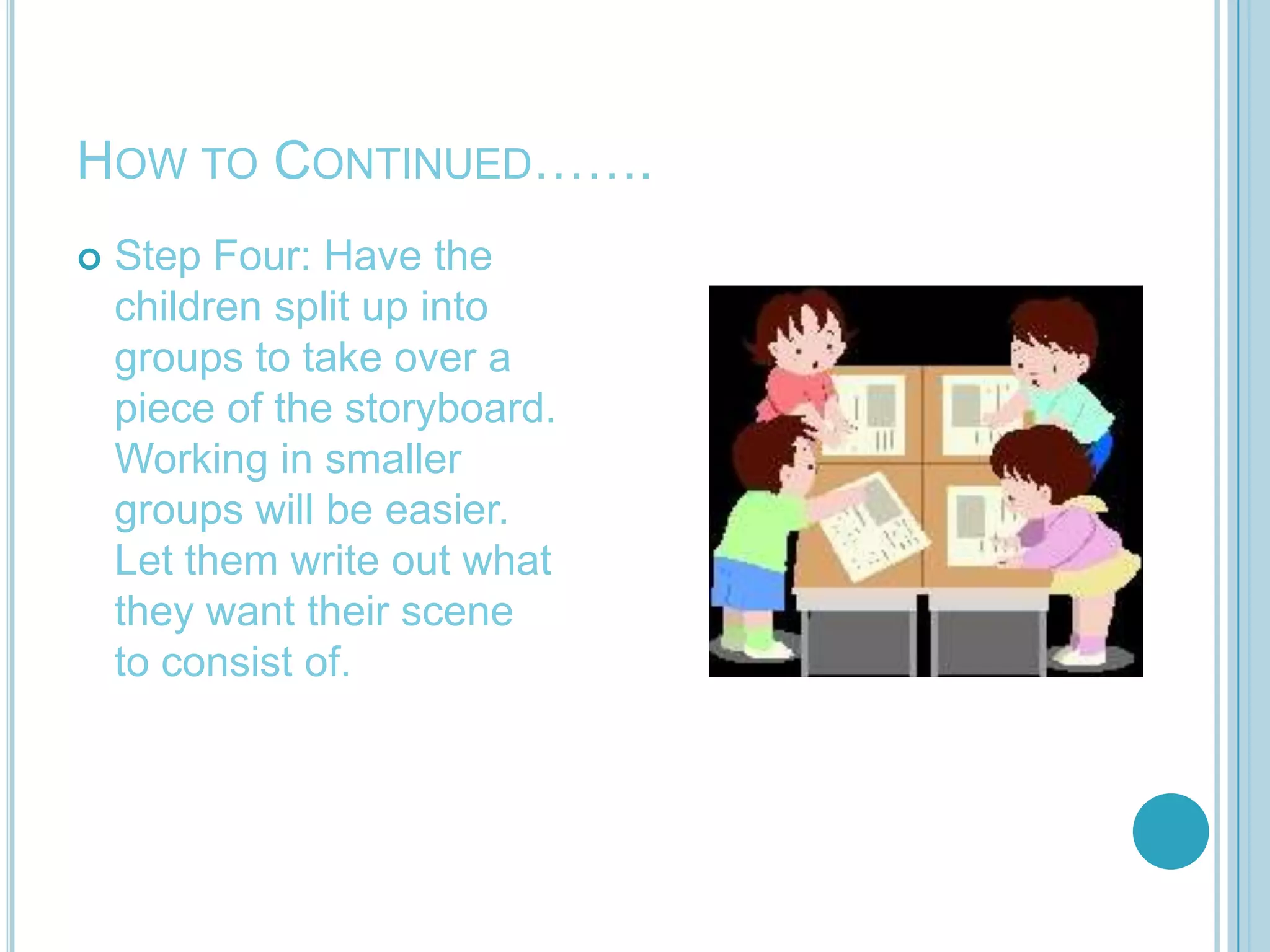
How to Continued…….Step Four: Have the children split up into groups to take over a piece of the storyboard. Working in smaller groups will be easier. Let them write out what they want their scene to consist of.
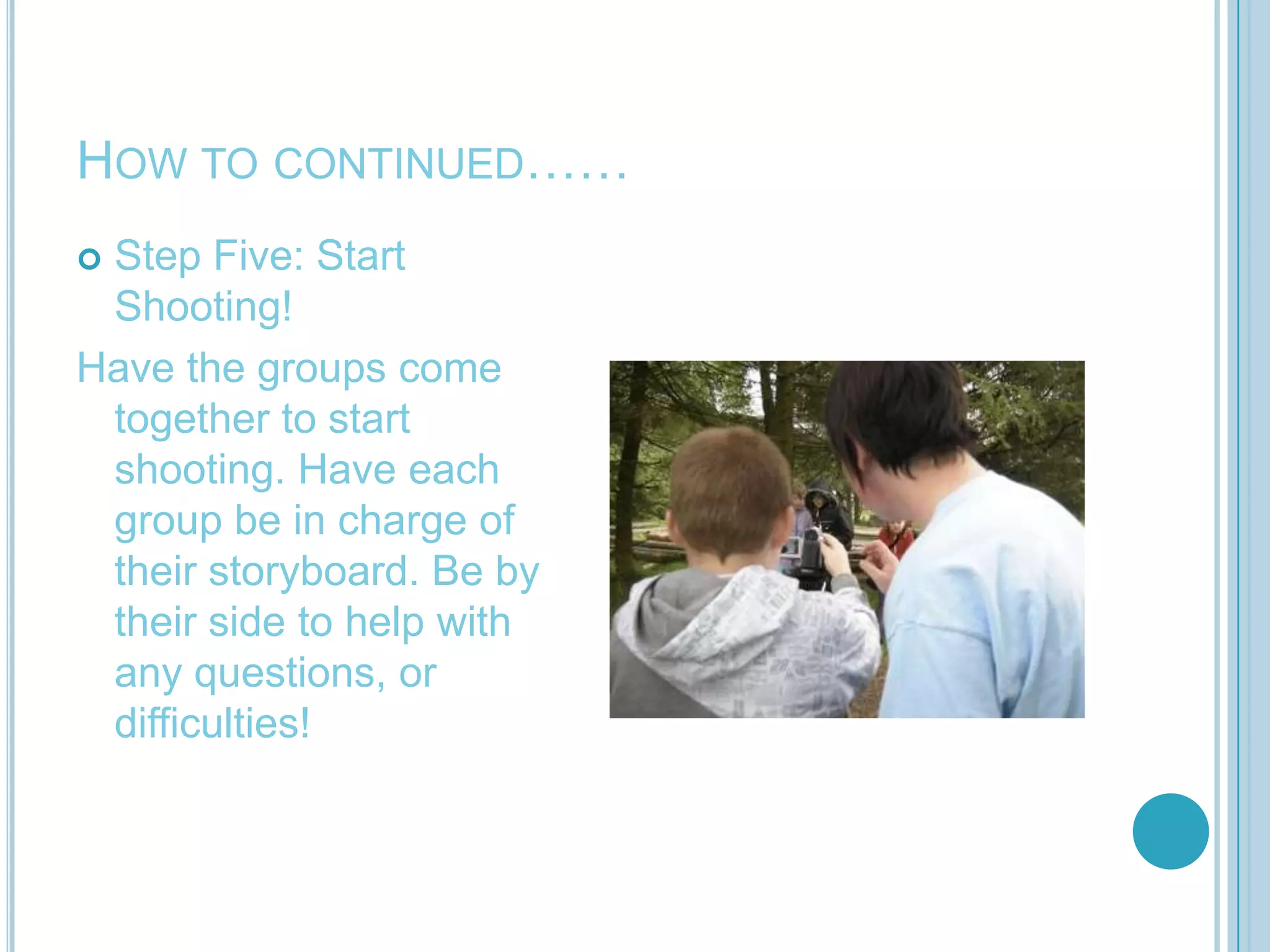
How to continued……Step Five: Start Shooting!Have the groups come together to start shooting. Have each group be in charge of their storyboard. Be by their side to help with any questions, or difficulties!
How to continued…….Step Six: Edit and Share! Microsoft has a video editing program “MovieMaker”Apple has a free video editing program “iMovie”

The use of digital video and media to

  • 1.
    The use ofDigital video and media to enhance literacy learningBy: Heather Lease
  • 2.
    What is DigitalVideo and Media?An affordable way of learning through seeingA new way to teach- you can create a video yourself to put a spin on your teachingEnhances your lesson plans- Web 2.0 learners are visual learners-keeps students interestedA cheap, easy way to keep your students interested in classCan be used to teach or foryour students to review
  • 3.
    What does thismean for my classroom?You have hundreds of resources available at your fingertipsYour students can have fun creating presentations using a countless number of free video making websites.Students will stay more interested in lessons being taught if videos are involvedNo matter what grade you teach digital video and media can be modified
  • 4.
    How can thesevideos be incorporated within my classroom?Videos already made from Discovery Education
  • 5.
    Videos made byyou from sites such as AnimotoStudents can use programs such as Windows Movie Maker to create a Digital Video StoryYou can use video to review your lessons by having your student make video diaries of what they learned during the lesson
  • 6.
    Where can Ifind these tools?Web 2.0- This clip from YouTube shows just a few free sites which can be used in the classroom.Discovery Education-educators get access to sites like this oneAnimoto-designed for classrooms you can “bring your lessons to life”Xtranormal-create your own videos just by typing.Microsoft and Apple provide freevideo editing tools
  • 7.
    Sounds great! Buthow do I use this stuff?Let’s go step by step of how to use Digital Video and Media to enhance Literacy Learning!You are an elementary school teacher and want your students to have a fun way to review the material so you introduce them to the process
  • 8.
    How to makea digital videoStep One: Storytelling Make sure students know that storytelling is an important part of videos. Create a storyboard about what the video is about. These can include words and/or text.
  • 9.
    How to continued……StepTwo: Familiarize students with video equipment. Show the simple buttons such as record, rewind, play and erase.
  • 10.
    How to continued……StepThree: Show students an example of an already made video. This will give them an idea of what they are supposed to do. Example
  • 11.
    How to Continued…….StepFour: Have the children split up into groups to take over a piece of the storyboard. Working in smaller groups will be easier. Let them write out what they want their scene to consist of.
  • 12.
    How to continued……StepFive: Start Shooting!Have the groups come together to start shooting. Have each group be in charge of their storyboard. Be by their side to help with any questions, or difficulties!
  • 13.
    How to continued…….StepSix: Edit and Share! Microsoft has a video editing program “MovieMaker”Apple has a free video editing program “iMovie”
  • 14.
    ReferencesTeaching K-8 Website:How to…Use Digital Images and Videos. Retrieved July 2010 from: http://www.teachingk8.com/archives/how_to/how_touse_digital_images_and_video.htmlWeb 20.10 From Discovery Education Website. Retrieved July 2010 from:http://web2010.discoveryeducation.com/YouLearn Website: You Oughta be in Pictures: An Introduction To Making Videos. Retrieved July 2010 from: http://www.youthlearn.org/activities/you-oughta-be-pictures-introduction-making-videosYouTube Video: Video Direct-Quick Video Projects for the classroom. Retrieved July 2010 From: http://www.youtube.com/watch?v=n4Nv27fn4Lo