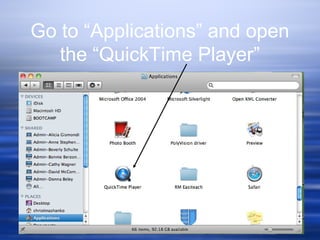
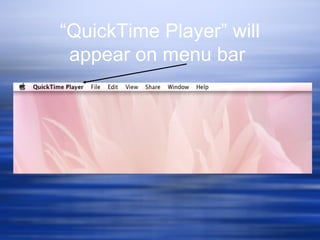
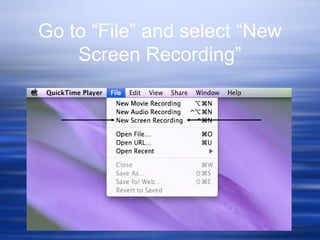
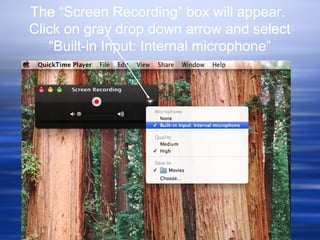
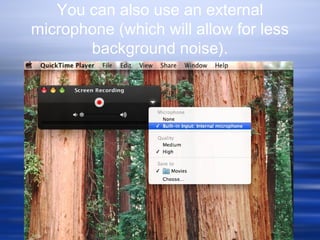
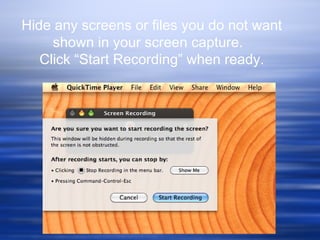
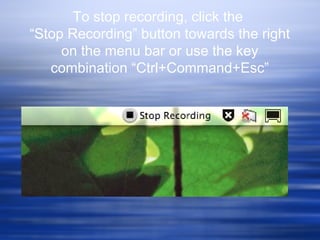
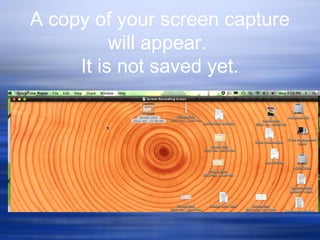
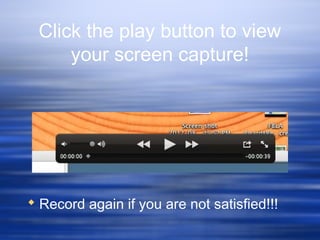
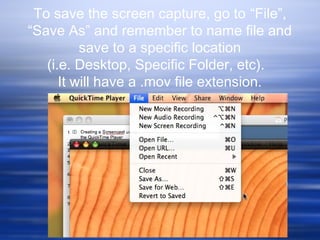
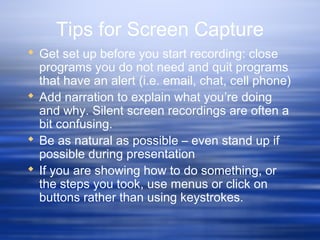
Screencasting allows teachers to record lessons using the QuickTime Player to provide students instructional material to review concepts. It lets teachers demonstrate steps for software programs and solving math problems. This is helpful for absent students. To screencast, open QuickTime Player, select new screen recording, choose audio input, hide unnecessary screens, start recording, and save the file. Narration helps explain what is being shown. Multiple takes may be needed, and it is best to act naturally and show steps visually rather than using keystrokes. More information is available from Educause Learning Initiative.