USE OF TOOLS FOR
RESEARCH
Dr Jing Deng
j.deng@qub.ac.uk, ext: 4111
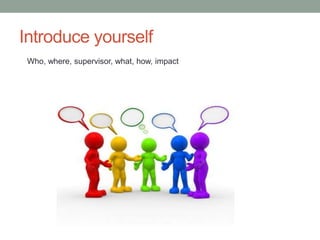
Introduce yourself
Who, where, supervisor, what, how, impact
What do you want to take away from this course?
Content (9:30am – 11:30)
• Introduction
• Latex
• Reference management
• Figure, Diagram, PDF file
• Zero Inbox, GTD, mind mapping
• Note taking, Wiki, personal website
• Cloud computing, storage, backup, online security
• Collaboration, communication, group messaging
• Matlab, Labview, Circuit and PCB design, programming
IDE, board controller
• Other useful resources
Content (11:30am – 13:00)
• Latex demo
• Figures
• Tables
• Slides
• CV
• References management Demo
• Mendeley
• Zotero
• Refworks
• Wiki Demo
• Labview Demo
Introduction
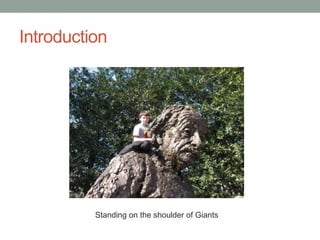
Standing on the shoulder of Giants
Introduction
Latex
Latex
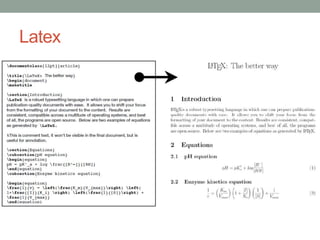
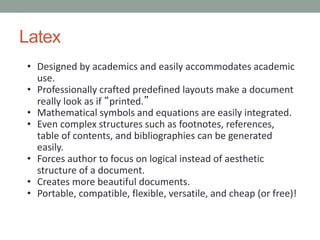
• Designed by academics and easily accommodates academic
use.
• Professionally crafted predefined layouts make a document
really look as if “printed.”
• Mathematical symbols and equations are easily integrated.
• Even complex structures such as footnotes, references,
table of contents, and bibliographies can be generated
easily.
• Forces author to focus on logical instead of aesthetic
structure of a document.
• Creates more beautiful documents.
• Portable, compatible, flexible, versatile, and cheap (or free)!
Latex
Latex
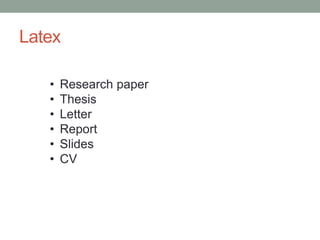
• Research paper
• Thesis
• Letter
• Report
• Slides
• CV
Latex
http://isac.wikidot.com/research-resources
More resources
“The Not So Short Introduction to LATEX2”
Latex
Installation
Library + Tex Editor
Latex
Package
TeX Live
http://miktex.org/ https://www.tug.org/texlive/
Latex
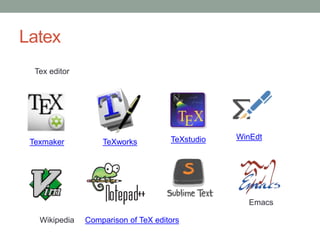
Tex editor
Texmaker TeXworks TeXstudio WinEdt
Comparison of TeX editorsWikipedia
Emacs
Latex
Web version
Sharelatex
Overleaf
Authore
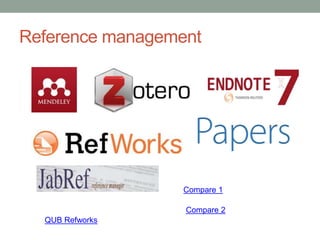
Reference management
• Create a searchable database of your references
• Manage PDFs
• Take searchable notes
• format bibliographies and in-text citations in hundreds
of citations styles
• share references and collaborate on projects with
colleagues
Reference management
QUB Refworks
Compare 1
Compare 2
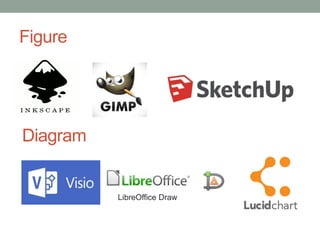
Figure
LibreOffice Draw
Diagram
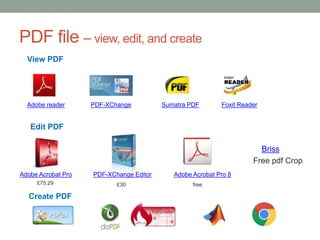
PDF file – view, edit, and create
View PDF
Edit PDF
PDF-XChangeAdobe reader Sumatra PDF Foxit Reader
Adobe Acrobat Pro
£75.29
PDF-XChange Editor
£30
Briss
Free pdf Crop
Adobe Acrobat Pro 8
free
Create PDF
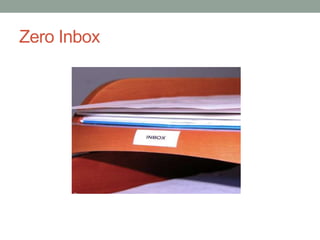
Zero Inbox
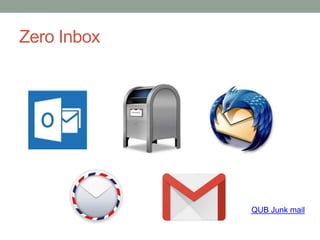
Zero Inbox
QUB Junk mail
GTD
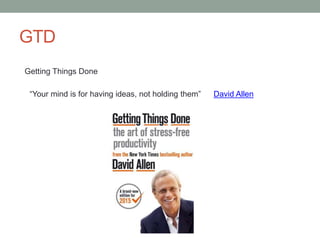
Getting Things Done
David Allen“Your mind is for having ideas, not holding them”
GTD
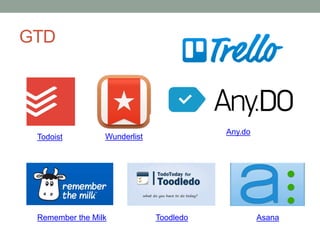
Todoist Wunderlist
Any.do
Remember the Milk Toodledo Asana
Mind mapping
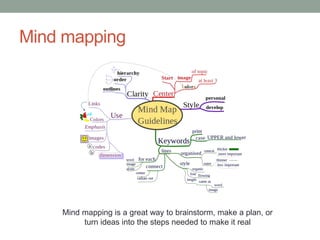
Mind mapping is a great way to brainstorm, make a plan, or
turn ideas into the steps needed to make it real
Mind mapping
Note taking
What do you use for taking notes?
Note taking
ELN - Electronic Lab Notebook
Wiki
DokuWiki
Zim
Website
Cloud computing
What do you know about cloud computing?
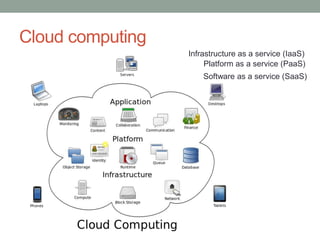
Cloud computing
Platform as a service (PaaS)
Infrastructure as a service (IaaS)
Software as a service (SaaS)
Cloud computing
Private cloud
Storage
Storage
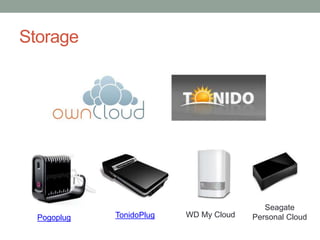
Storage
Pogoplug TonidoPlug WD My Cloud
Seagate
Personal Cloud
Backup
i Drive
Security
Security
Collaboration
Group messaging / online meeting
Cisco WebEx gotomeeting join.me
Programming
Programming
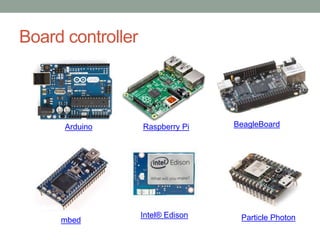
Board controller
Arduino Raspberry Pi BeagleBoard
mbed
Intel® Edison Particle Photon
EEECS resources (credit to Jonny McCullagh)
• QUB Email Blacklisting
http://www.qub.ac.uk/mailtools
• Wordpress QUB Blogs
blogs.qub.ac.uk
• Personal Web Hosting within EEECS
selfservice.eeecs.qub.ac.uk
LAMP or .NET
• Personal QUB subdomain
• Git
gitlab.eeecs.qub.ac.uk
• Log in with EEECS username and password
• Code version control etc
Can be used for collaboration and even latex documentation
• Sending Large Files
dropbox.qub.ac.uk
• ownCloud
I have an EEECS ownCloud installation if anyone is interested in a Dropbox/Box private alternative - contact jonny.mccullagh@qub.ac.uk
• Short URLs
go.qub.ac.uk - create personal QUB-specific short web addresses e.g.go.qub.ac.uk/jonny
• DokuWiki
• If any research groups want to have DokuWiki for collaboration I can set up an EEECS DokuWiki service. HPDC group currently use DokuWiki.
• Surveys
I have an installation of Lime Survey if any researchers need to send surveys/questionnaires rather than using external services such as
SurveyMonkey
• Hackerspace
• https://selfservice.eeecs.qub.ac.uk/hackerspace.php

Use of tools for research 2016