




Upgrading an Ext JS 4.x
Application to Ext JS 6.x
Mark D. Lincoln
Senior Solutions Engineer, Sencha
November 9, 2016
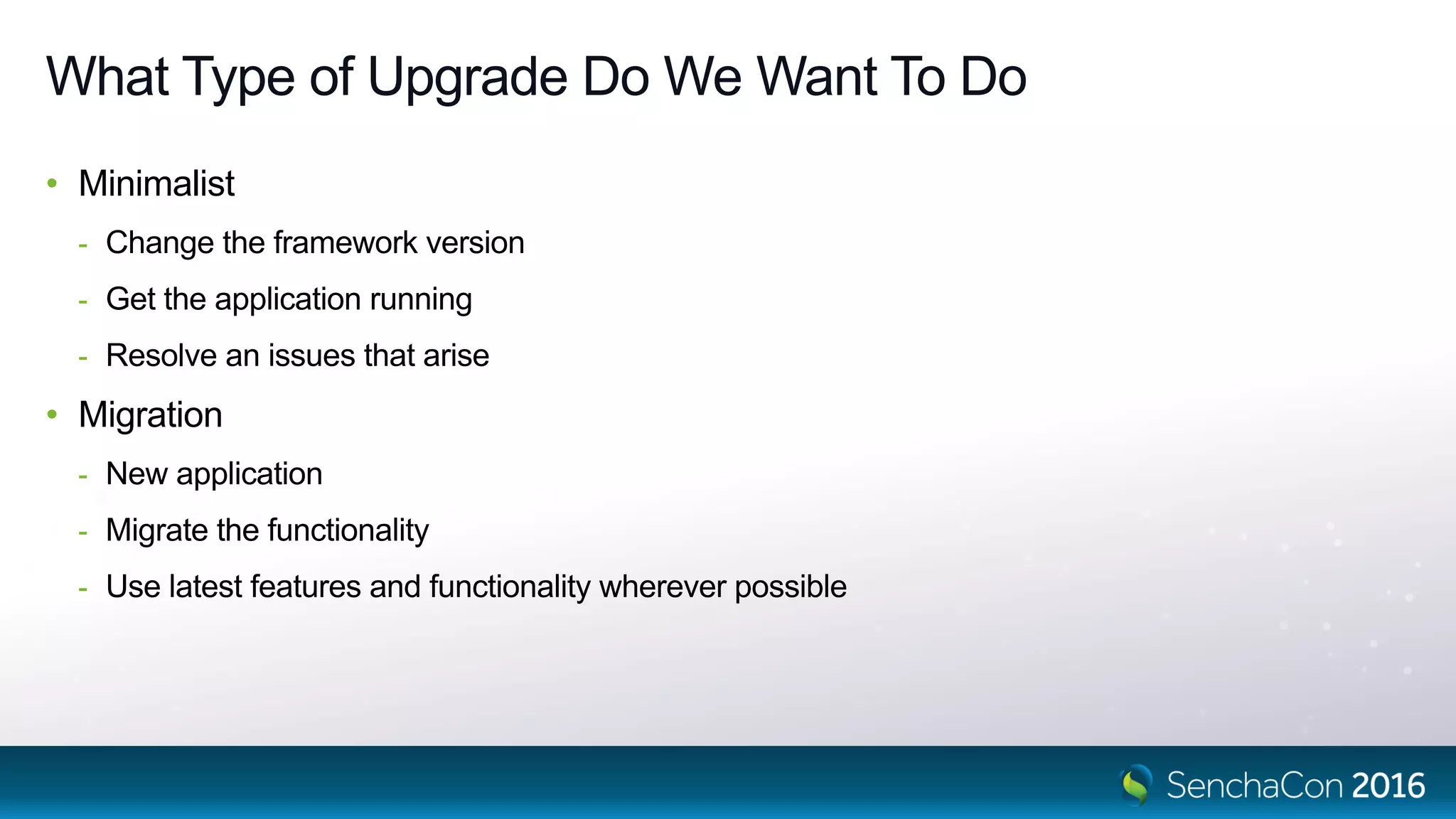
What Type of Upgrade Do We Want To Do
• Minimalist
- Change the framework version
- Get the application running
- Resolve an issues that arise
• Migration
- New application
- Migrate the functionality
- Use latest features and functionality wherever possible
How Do We Perform the Upgrade?
• Review the architecture
• Analyze the implementation
• Decompose the source code into logical parts
• Reassemble it into an upgraded application
Jigsaw Puzzle
Jigsaw Puzzle
• How do we assemble a jigsaw puzzle?
- Layout the pieces
- Find the corners
- Assemble the edges
- Work toward the middle
Steps to Assemble the Puzzle
Laying Out the Pieces
• Original application requirements
• Implementation heritage
- Original version of Ext JS used
- Subsequent versions of Ext JS used
- Existing legacy code
- Sencha MVC pattern
• State of the Ext JS 4.x application
- Code quality
- Performance problems
- Memory leaks
7
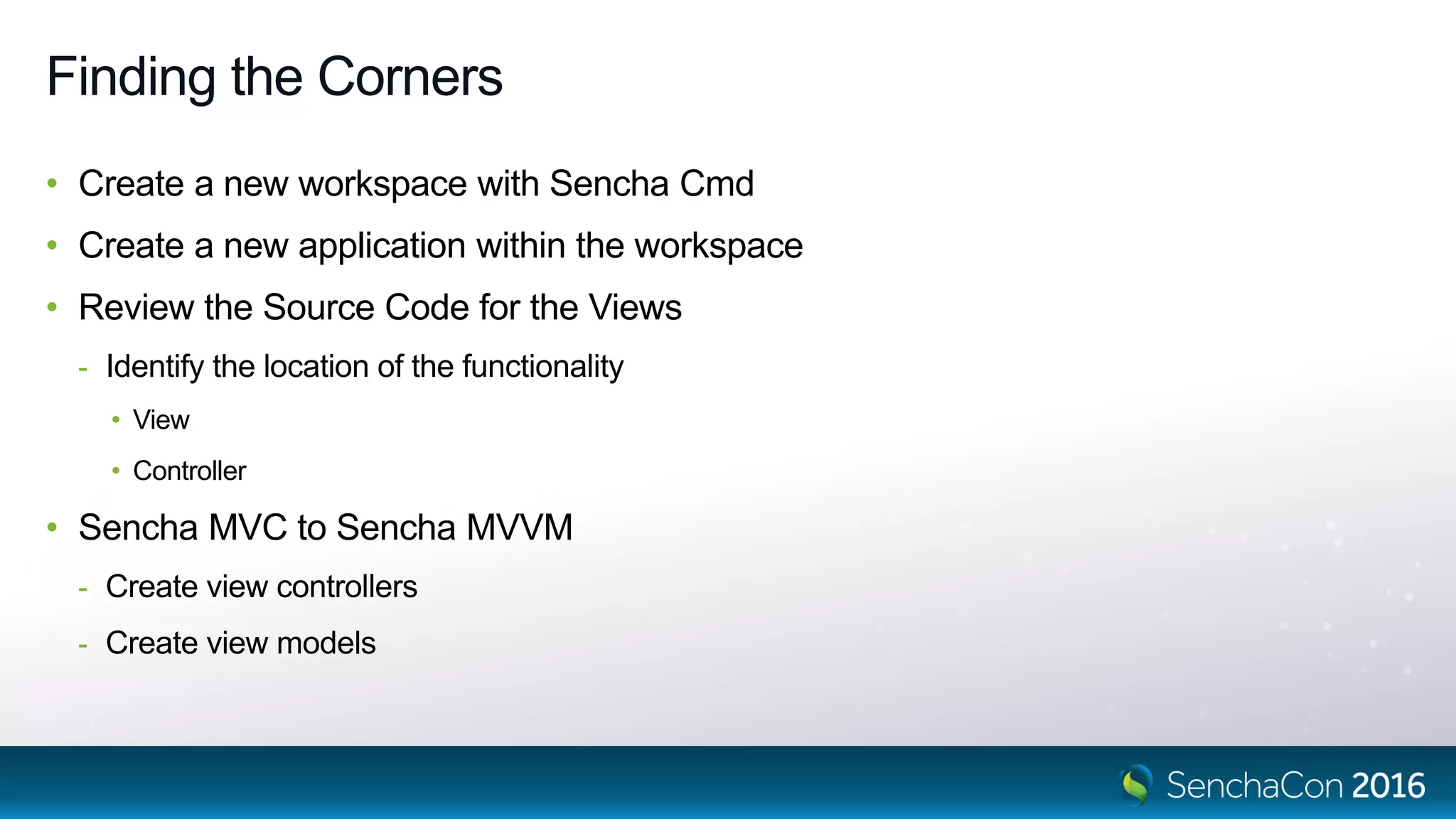
Finding the Corners
• Create a new workspace with Sencha Cmd
• Create a new application within the workspace
• Review the Source Code for the Views
- Identify the location of the functionality
• View
• Controller
• Sencha MVC to Sencha MVVM
- Create view controllers
- Create view models
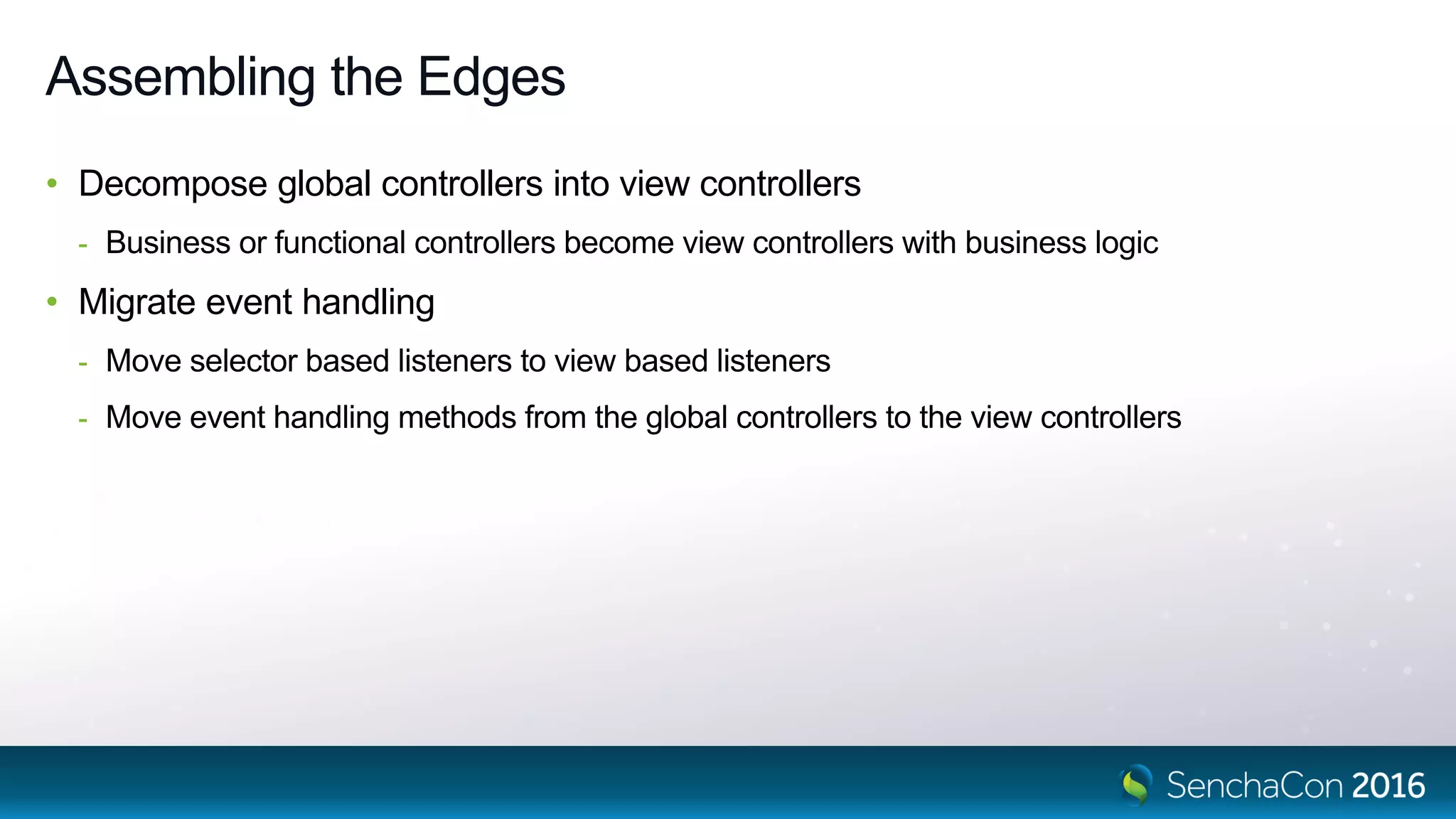
Assembling the Edges
• Decompose global controllers into view controllers
- Business or functional controllers become view controllers with business logic
• Migrate event handling
- Move selector based listeners to view based listeners
- Move event handling methods from the global controllers to the view controllers
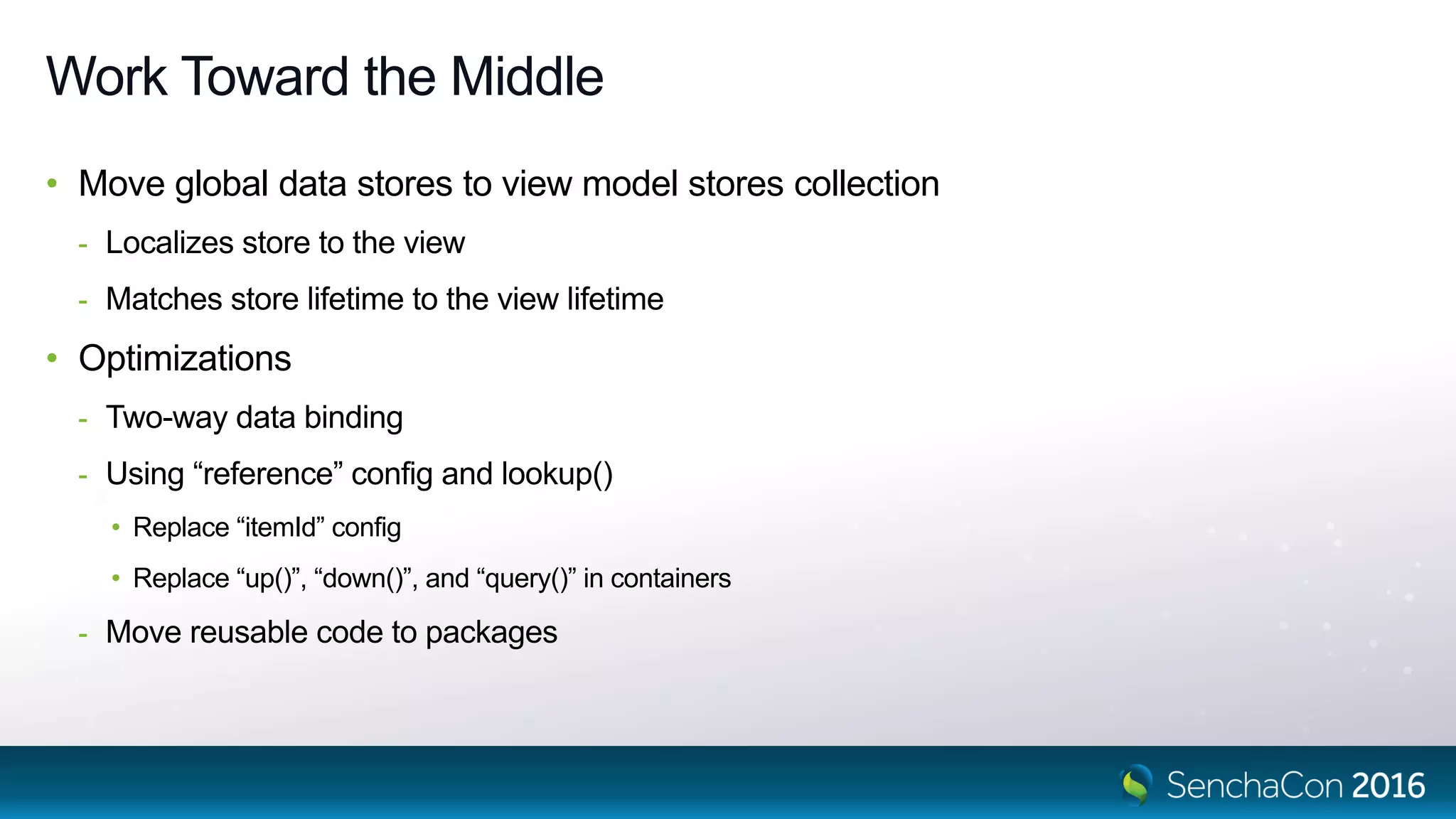
Work Toward the Middle
• Move global data stores to view model stores collection
- Localizes store to the view
- Matches store lifetime to the view lifetime
• Optimizations
- Two-way data binding
- Using “reference” config and lookup()
• Replace “itemId” config
• Replace “up()”, “down()”, and “query()” in containers
- Move reusable code to packages
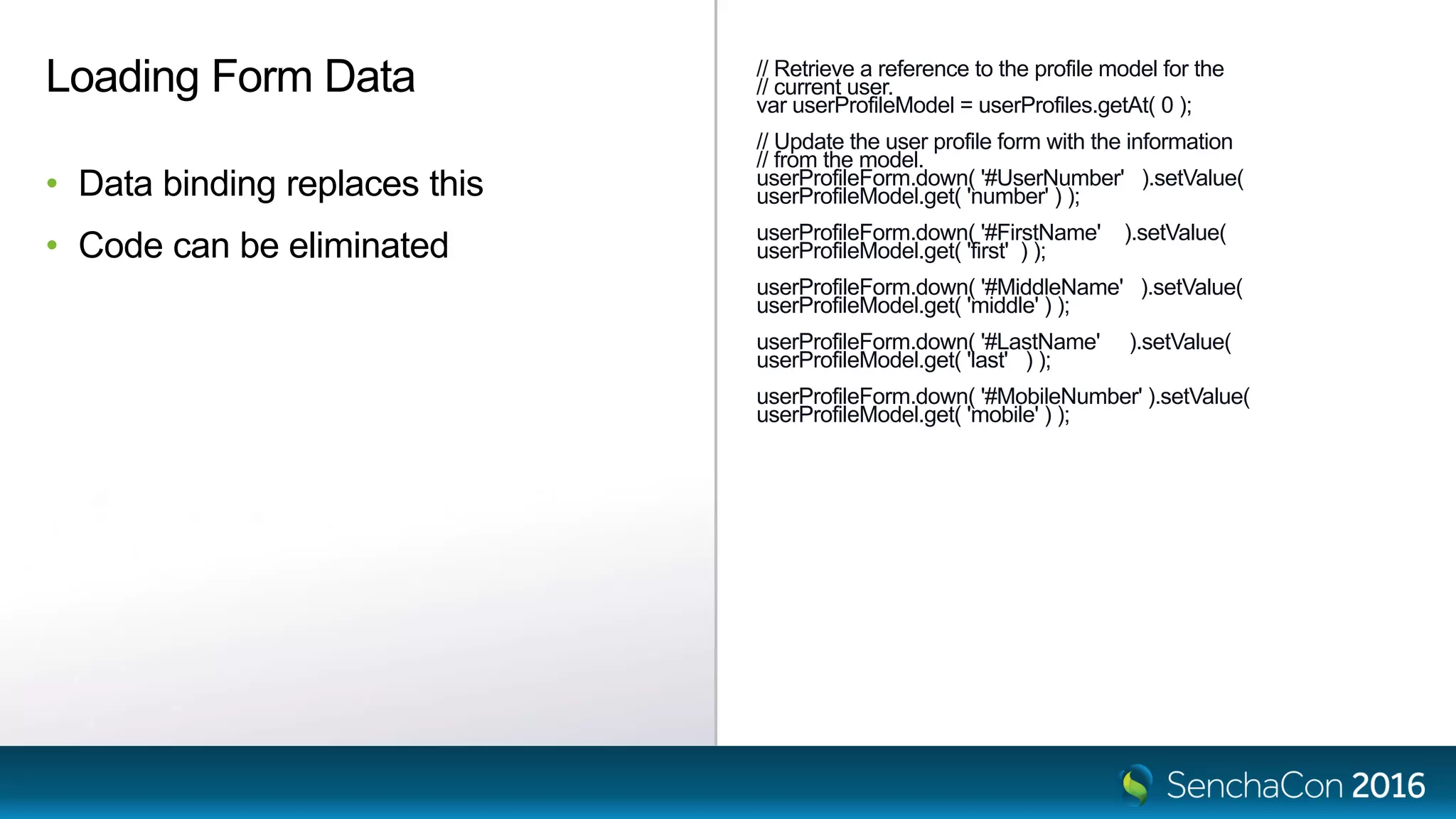
// Retrieve a reference to the profile model for the
// current user.
var userProfileModel = userProfiles.getAt( 0 );
// Update the user profile form with the information
// from the model.
userProfileForm.down( '#UserNumber' ).setValue(
userProfileModel.get( 'number' ) );
userProfileForm.down( '#FirstName' ).setValue(
userProfileModel.get( 'first' ) );
userProfileForm.down( '#MiddleName' ).setValue(
userProfileModel.get( 'middle' ) );
userProfileForm.down( '#LastName' ).setValue(
userProfileModel.get( 'last' ) );
userProfileForm.down( '#MobileNumber' ).setValue(
userProfileModel.get( 'mobile' ) );
Loading Form Data
• Data binding replaces this
• Code can be eliminated
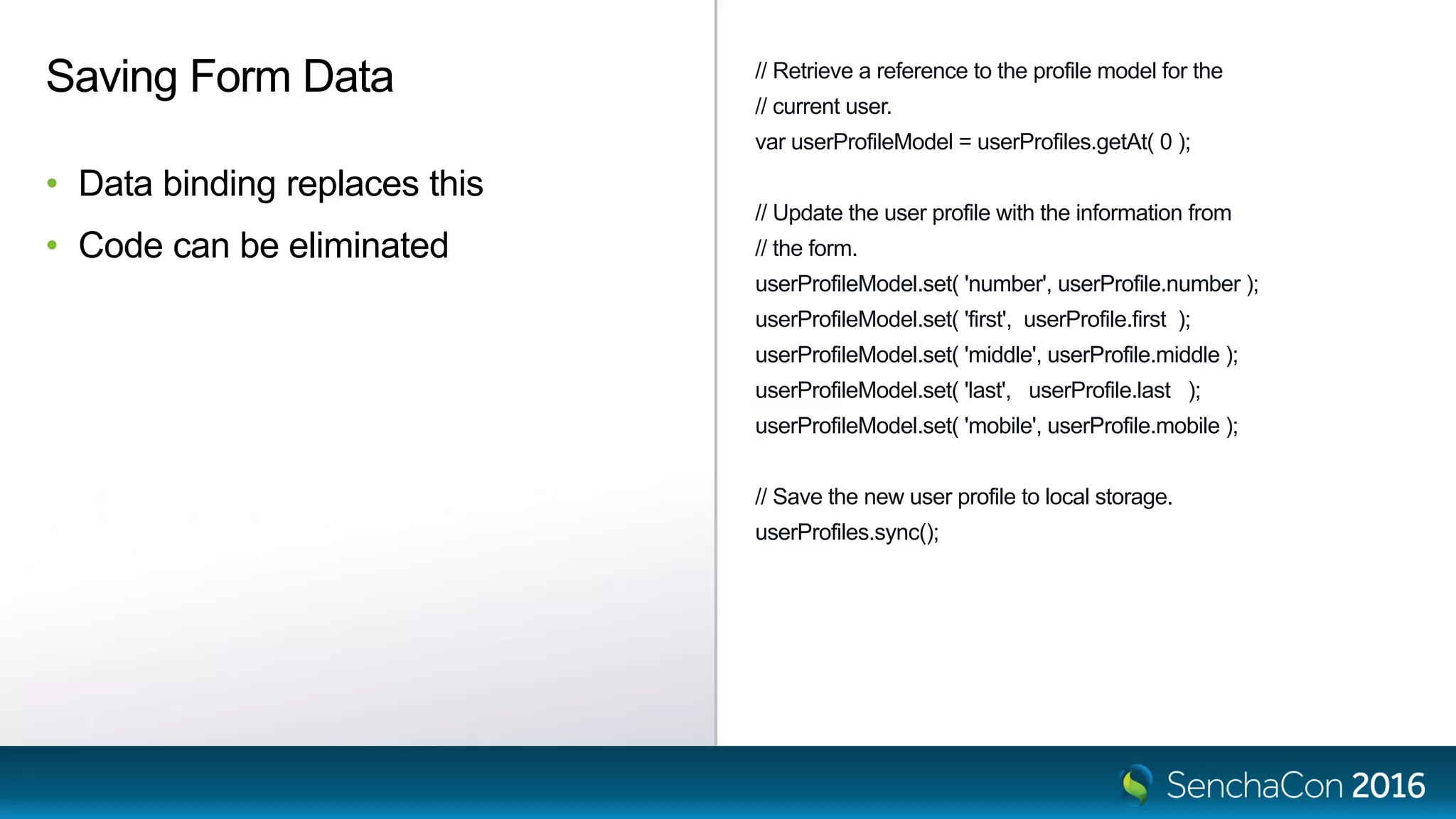
// Retrieve a reference to the profile model for the
// current user.
var userProfileModel = userProfiles.getAt( 0 );
// Update the user profile with the information from
// the form.
userProfileModel.set( 'number', userProfile.number );
userProfileModel.set( 'first', userProfile.first );
userProfileModel.set( 'middle', userProfile.middle );
userProfileModel.set( 'last', userProfile.last );
userProfileModel.set( 'mobile', userProfile.mobile );
// Save the new user profile to local storage.
userProfiles.sync();
Saving Form Data
• Data binding replaces this
• Code can be eliminated
items : [
{
xtype : 'textfield',
reference : 'UserNumber',
anchor : '100%',
fieldLabel : 'User #',
labelAlign : 'left',
labelWidth : 60,
name : 'number',
allowBlank : false,
bind : {
value : '{user.number}'
}
},
{
xtype : 'textfield',
reference : 'FirstName',
anchor : '100%',
fieldLabel : 'First',
labelAlign : 'left',
labelWidth : 60,
name : 'first',
allowBlank : false,
bind : {
value : '{user.first}'
}
}
]
Two-Way Data Binding Form
• Replacement for boiler plate code
- Reduces load and save functionality
- More efficient
- Easier to maintain
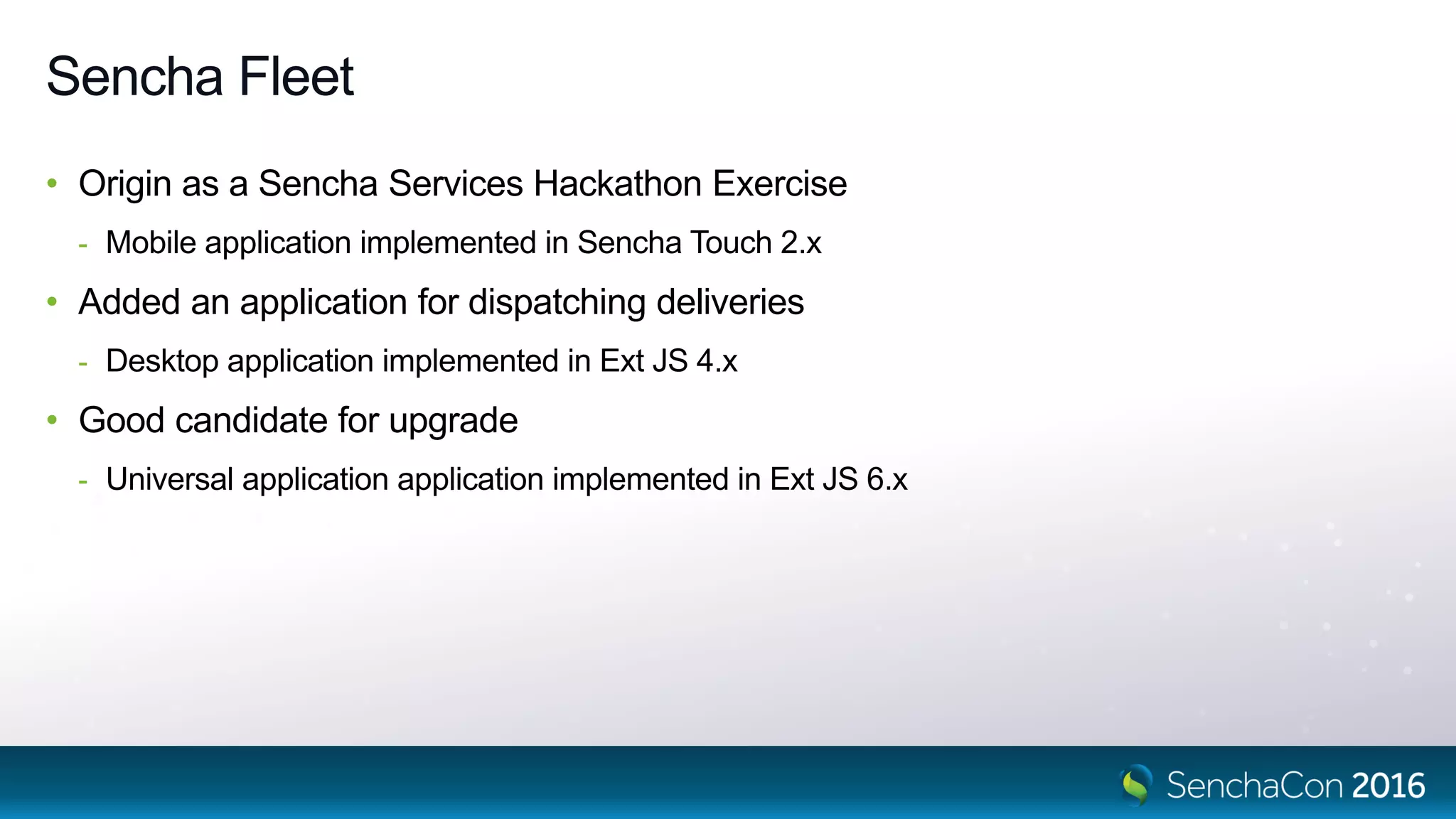
Sencha Fleet
Sencha Fleet
• Origin as a Sencha Services Hackathon Exercise
- Mobile application implemented in Sencha Touch 2.x
• Added an application for dispatching deliveries
- Desktop application implemented in Ext JS 4.x
• Good candidate for upgrade
- Universal application application implemented in Ext JS 6.x
Sencha Services
• Code review, recommendations, and level of effort
• Get your team started in the right direction
• Provide support and periodic assistance
• Perform the entire upgrade
Please Take the Survey in the Mobile App
• Navigate to this session in the mobile app
• Click on “Evaluate Session”
• Respondents will be entered into a drawing to win one of five $50 Amazon gift cards
SenchaCon 2016: Upgrading an Ext JS 4.x Application to Ext JS 6.x - Mark Lincoln

SenchaCon 2016: Upgrading an Ext JS 4.x Application to Ext JS 6.x - Mark Lincoln

  • 1.
    Upgrading an ExtJS 4.x Application to Ext JS 6.x Mark D. Lincoln Senior Solutions Engineer, Sencha November 9, 2016
  • 2.
    What Type ofUpgrade Do We Want To Do • Minimalist - Change the framework version - Get the application running - Resolve an issues that arise • Migration - New application - Migrate the functionality - Use latest features and functionality wherever possible
  • 3.
    How Do WePerform the Upgrade? • Review the architecture • Analyze the implementation • Decompose the source code into logical parts • Reassemble it into an upgraded application
  • 4.
  • 5.
    Jigsaw Puzzle • Howdo we assemble a jigsaw puzzle? - Layout the pieces - Find the corners - Assemble the edges - Work toward the middle
  • 6.
  • 7.
    Laying Out thePieces • Original application requirements • Implementation heritage - Original version of Ext JS used - Subsequent versions of Ext JS used - Existing legacy code - Sencha MVC pattern • State of the Ext JS 4.x application - Code quality - Performance problems - Memory leaks 7
  • 8.
    Finding the Corners •Create a new workspace with Sencha Cmd • Create a new application within the workspace • Review the Source Code for the Views - Identify the location of the functionality • View • Controller • Sencha MVC to Sencha MVVM - Create view controllers - Create view models
  • 9.
    Assembling the Edges •Decompose global controllers into view controllers - Business or functional controllers become view controllers with business logic • Migrate event handling - Move selector based listeners to view based listeners - Move event handling methods from the global controllers to the view controllers
  • 10.
    Work Toward theMiddle • Move global data stores to view model stores collection - Localizes store to the view - Matches store lifetime to the view lifetime • Optimizations - Two-way data binding - Using “reference” config and lookup() • Replace “itemId” config • Replace “up()”, “down()”, and “query()” in containers - Move reusable code to packages
  • 11.
    // Retrieve areference to the profile model for the // current user. var userProfileModel = userProfiles.getAt( 0 ); // Update the user profile form with the information // from the model. userProfileForm.down( '#UserNumber' ).setValue( userProfileModel.get( 'number' ) ); userProfileForm.down( '#FirstName' ).setValue( userProfileModel.get( 'first' ) ); userProfileForm.down( '#MiddleName' ).setValue( userProfileModel.get( 'middle' ) ); userProfileForm.down( '#LastName' ).setValue( userProfileModel.get( 'last' ) ); userProfileForm.down( '#MobileNumber' ).setValue( userProfileModel.get( 'mobile' ) ); Loading Form Data • Data binding replaces this • Code can be eliminated
  • 12.
    // Retrieve areference to the profile model for the // current user. var userProfileModel = userProfiles.getAt( 0 ); // Update the user profile with the information from // the form. userProfileModel.set( 'number', userProfile.number ); userProfileModel.set( 'first', userProfile.first ); userProfileModel.set( 'middle', userProfile.middle ); userProfileModel.set( 'last', userProfile.last ); userProfileModel.set( 'mobile', userProfile.mobile ); // Save the new user profile to local storage. userProfiles.sync(); Saving Form Data • Data binding replaces this • Code can be eliminated
  • 13.
    items : [ { xtype: 'textfield', reference : 'UserNumber', anchor : '100%', fieldLabel : 'User #', labelAlign : 'left', labelWidth : 60, name : 'number', allowBlank : false, bind : { value : '{user.number}' } }, { xtype : 'textfield', reference : 'FirstName', anchor : '100%', fieldLabel : 'First', labelAlign : 'left', labelWidth : 60, name : 'first', allowBlank : false, bind : { value : '{user.first}' } } ] Two-Way Data Binding Form • Replacement for boiler plate code - Reduces load and save functionality - More efficient - Easier to maintain
  • 14.
  • 15.
    Sencha Fleet • Originas a Sencha Services Hackathon Exercise - Mobile application implemented in Sencha Touch 2.x • Added an application for dispatching deliveries - Desktop application implemented in Ext JS 4.x • Good candidate for upgrade - Universal application application implemented in Ext JS 6.x
  • 16.
    Sencha Services • Codereview, recommendations, and level of effort • Get your team started in the right direction • Provide support and periodic assistance • Perform the entire upgrade
  • 17.
    Please Take theSurvey in the Mobile App • Navigate to this session in the mobile app • Click on “Evaluate Session” • Respondents will be entered into a drawing to win one of five $50 Amazon gift cards