Unit Testing in .NET
Core 7.0 with xUnit
Ajay Jajoo – Senior Software Consultant
Akshit Kumar – Software Consultant
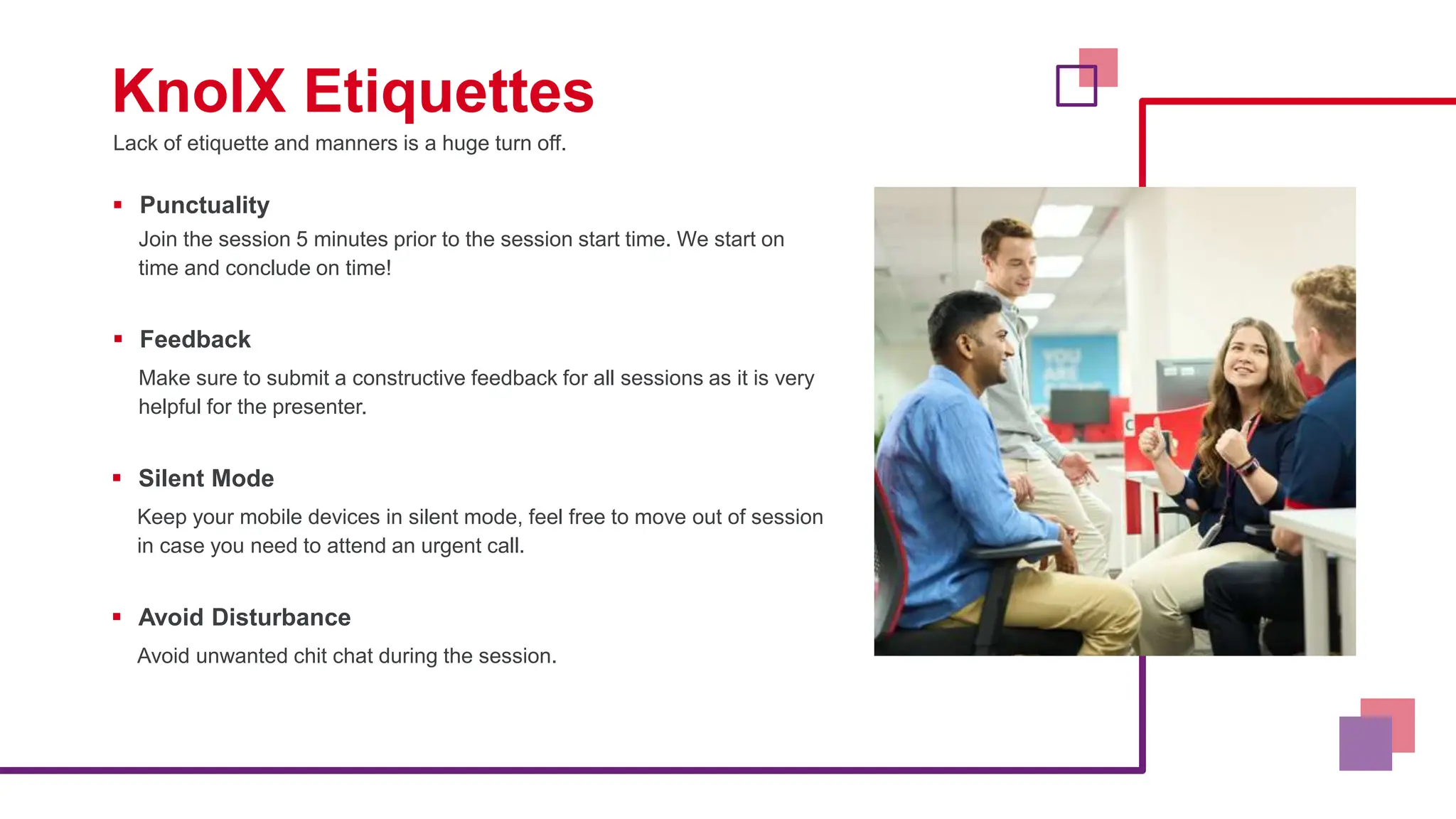
Lack of etiquette and manners is a huge turn off.
KnolX Etiquettes
 Punctuality
Join the session 5 minutes prior to the session start time. We start on
time and conclude on time!
 Feedback
Make sure to submit a constructive feedback for all sessions as it is very
helpful for the presenter.
 Silent Mode
Keep your mobile devices in silent mode, feel free to move out of session
in case you need to attend an urgent call.
 Avoid Disturbance
Avoid unwanted chit chat during the session.
1. Introduction to Unit Testing
2. Why Unit Testing is Essential (Benefits)
3. Getting Started with .NET Core 7.0 and xUnit
4. Writing our First Unit Test
5. Organizing Tests and Test Classes
6. Best Practices
7. Mocking
8. Conclusion
Unit testing is a fundamental practice in
software development, essential for ensuring
the reliability, maintainability, and quality of your
code. We will explore the key concepts and
principles behind unit testing in .NET Core 7.0
with xUnit.
Definition of Unit Testing
•Unit testing is a software testing method
where individual units or components of a
software application are tested in isolation.
•A "unit" typically refers to the smallest
testable part of an application, such as a
method or function.
Purpose of Unit Testing
• Detect and fix bugs early in the development cycle.
• Ensure that individual units of code work as intended.
• Provide a safety net for code changes and refactoring.
• Serve as documentation for how the code is supposed
to behave.
• Enhance collaboration among team members.
• Improve the overall quality and reliability of the
software.
Why Unit Testing is Essential (Benefits)
1.Improved Code Quality
2.Early Bug Detection
3.Faster Debugging
4.Regression Testing
5.Documentation
6.Collaboration
Introduction to .NET Core 7.0 and xUnit
Before diving into unit testing, it's important for us to understand
the tools and environment we'll be using.
NET Core 7.0 and xUnit, the framework of choice for unit testing
in the .NET ecosystem.
Though, we have unit testing frameworks like MSTest, NUnit, or
xUnit.
• .NET Core is a free, open-
source, cross-platform
framework for building
modern, high-performance
applications.
• .NET Core 7.0 is the latest
release, offering new
features, improvements, and
enhanced performance.
NET Core 7.0 Overview
• xUnit is an open-source unit
testing framework for .NET.
• Inspired by JUnit, it follows
the xUnit testing pattern,
emphasizing simplicity and
clarity.
What is xUnit
Why xUnit for Unit Testing?
•Clean and consistent syntax.
•Extensive community support.
•Integrated test discovery and execution.
•Extensible for custom needs.
Setting Up .NET Core 7.0 and xUnit
Install .NET Core 7.0
Download and install the .NET SDK 7.0 for your platform (Windows, macOS, Linux).
Create a .NET Core Project
Use dotnet new to create a new .NET Core project or use an existing project.
Add xUnit to Your Project
Use NuGet Package Manager to add the xUnit library and test runner.
Create Your First Test Class
In your project, create a new test class that will contain your unit tests.
Write Your First Unit Test
Implement test methods in your test class to validate specific units of code.
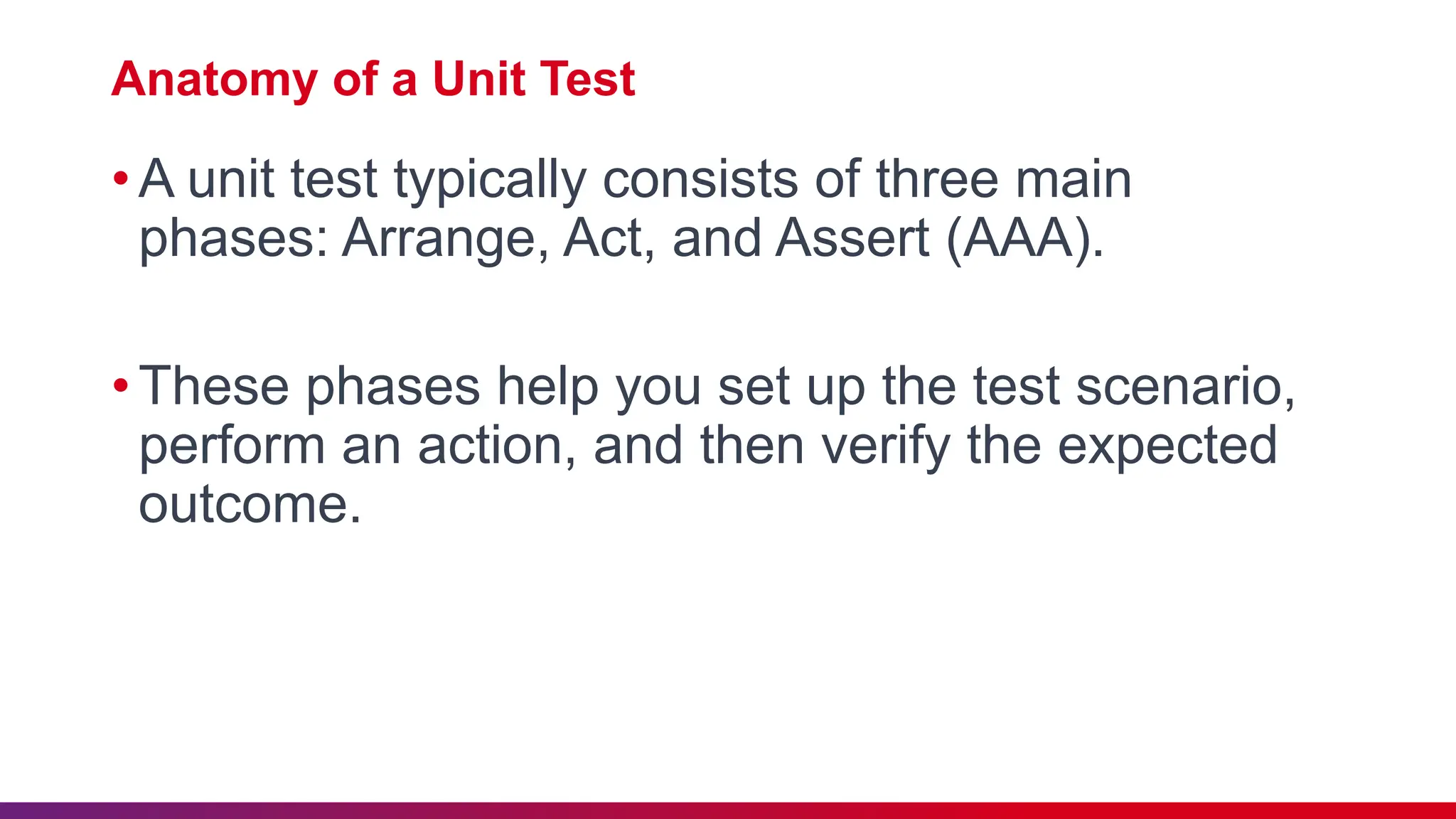
Anatomy of a Unit Test
•A unit test typically consists of three main
phases: Arrange, Act, and Assert (AAA).
•These phases help you set up the test scenario,
perform an action, and then verify the expected
outcome.
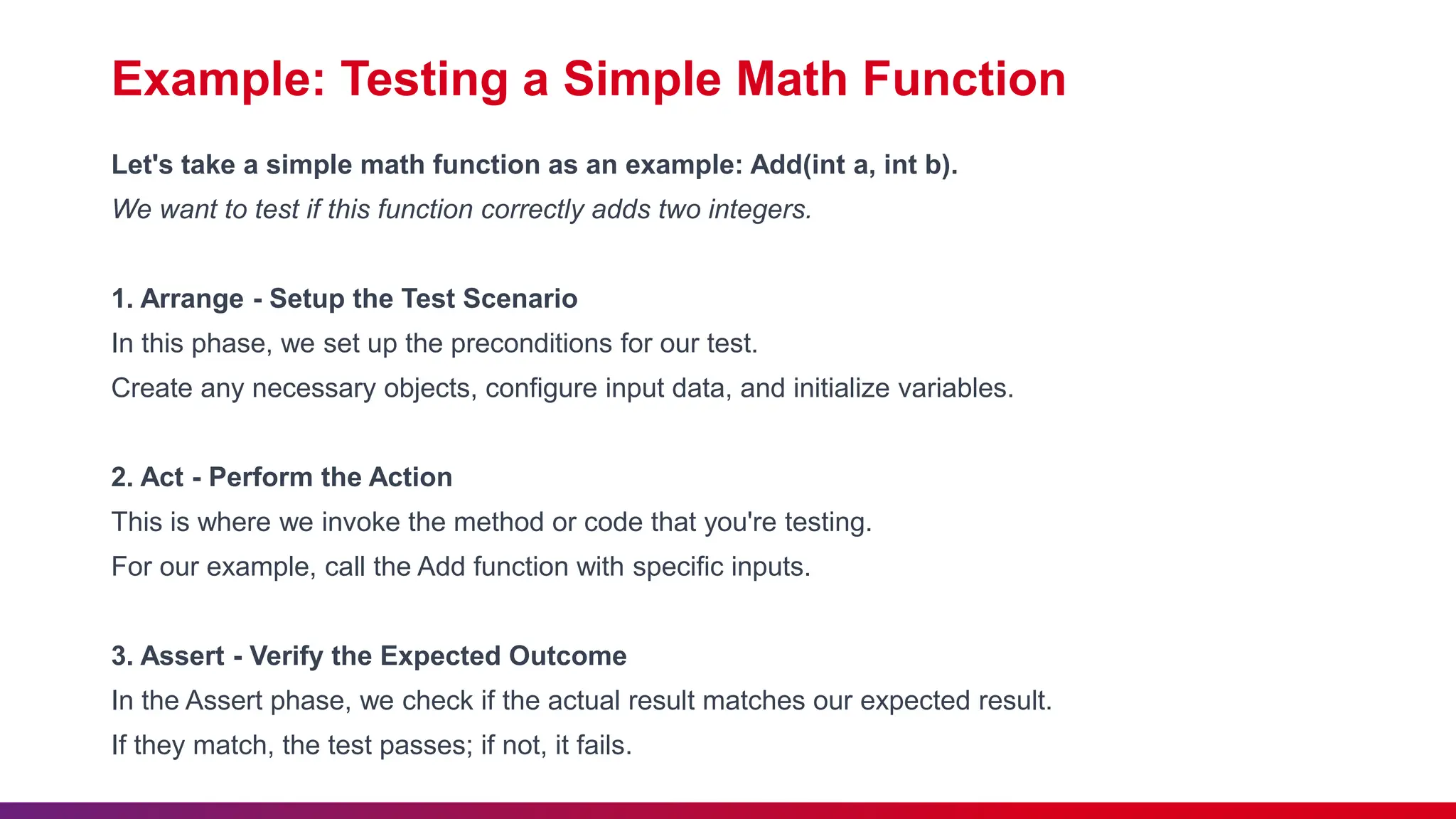
Example: Testing a Simple Math Function
Let's take a simple math function as an example: Add(int a, int b).
We want to test if this function correctly adds two integers.
1. Arrange - Setup the Test Scenario
In this phase, we set up the preconditions for our test.
Create any necessary objects, configure input data, and initialize variables.
2. Act - Perform the Action
This is where we invoke the method or code that you're testing.
For our example, call the Add function with specific inputs.
3. Assert - Verify the Expected Outcome
In the Assert phase, we check if the actual result matches our expected result.
If they match, the test passes; if not, it fails.
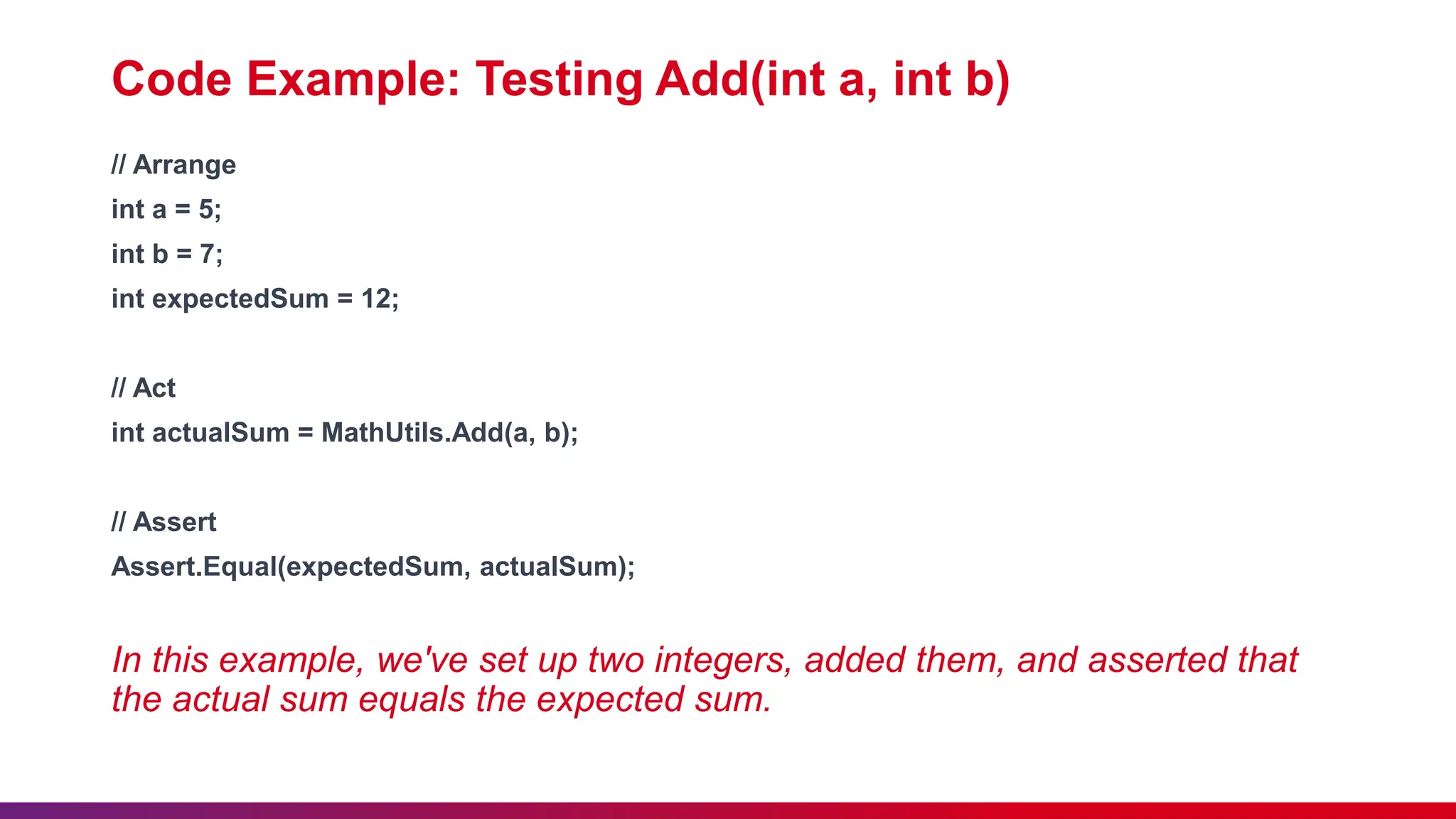
Code Example: Testing Add(int a, int b)
// Arrange
int a = 5;
int b = 7;
int expectedSum = 12;
// Act
int actualSum = MathUtils.Add(a, b);
// Assert
Assert.Equal(expectedSum, actualSum);
In this example, we've set up two integers, added them, and asserted that
the actual sum equals the expected sum.
Running our First Test
After writing our test, we can use our chosen test
runner to execute it.
xUnit provides various command-line and Visual
Studio integration options for running tests.
Benefits of this Approach
Unit tests are simple, focused, and specific to individual
components.
They provide quick feedback on whether our code is
functioning as intended.
When something breaks, we know precisely where to
look.
Why Organize Tests?
Maintainability: Well-organized tests are easier to maintain
and understand, reducing the risk of test code becoming a
maintenance burden.
Readability: Organized tests are more readable, making it
simpler to identify the purpose of each test case.
Execution Control: We can selectively run specific sets of
tests, helping us focus on relevant areas of our codebase.
Test Class Organization
Group related tests within test classes. For instance, we
have a MathUtilsTests class for tests related to your
MathUtils functions.
Use descriptive names for test classes that clearly indicate
their purpose.
Consider categorizing tests based on different aspects of
functionality or scenarios (e.g., "AdditionTests,"
"SubtractionTests").
Test Method Naming Conventions
•Name test methods with descriptive names that
explain what is being tested.
•Use a consistent naming convention (e.g.,
"MethodName_StateUnderTest_ExpectedOutco
me").
Example: Test Class Organization
public class MathUtilsTests
{
[Fact]
public void Add_TwoPositiveIntegers_ReturnsCorrectSum()
{
// Test code here
}
[Fact]
public void Add_TwoNegativeIntegers_ReturnsCorrectSum()
{
// Test code here
}
[Fact]
public void Subtract_TwoIntegers_ReturnsCorrectDifference()
{
// Test code here
}
}
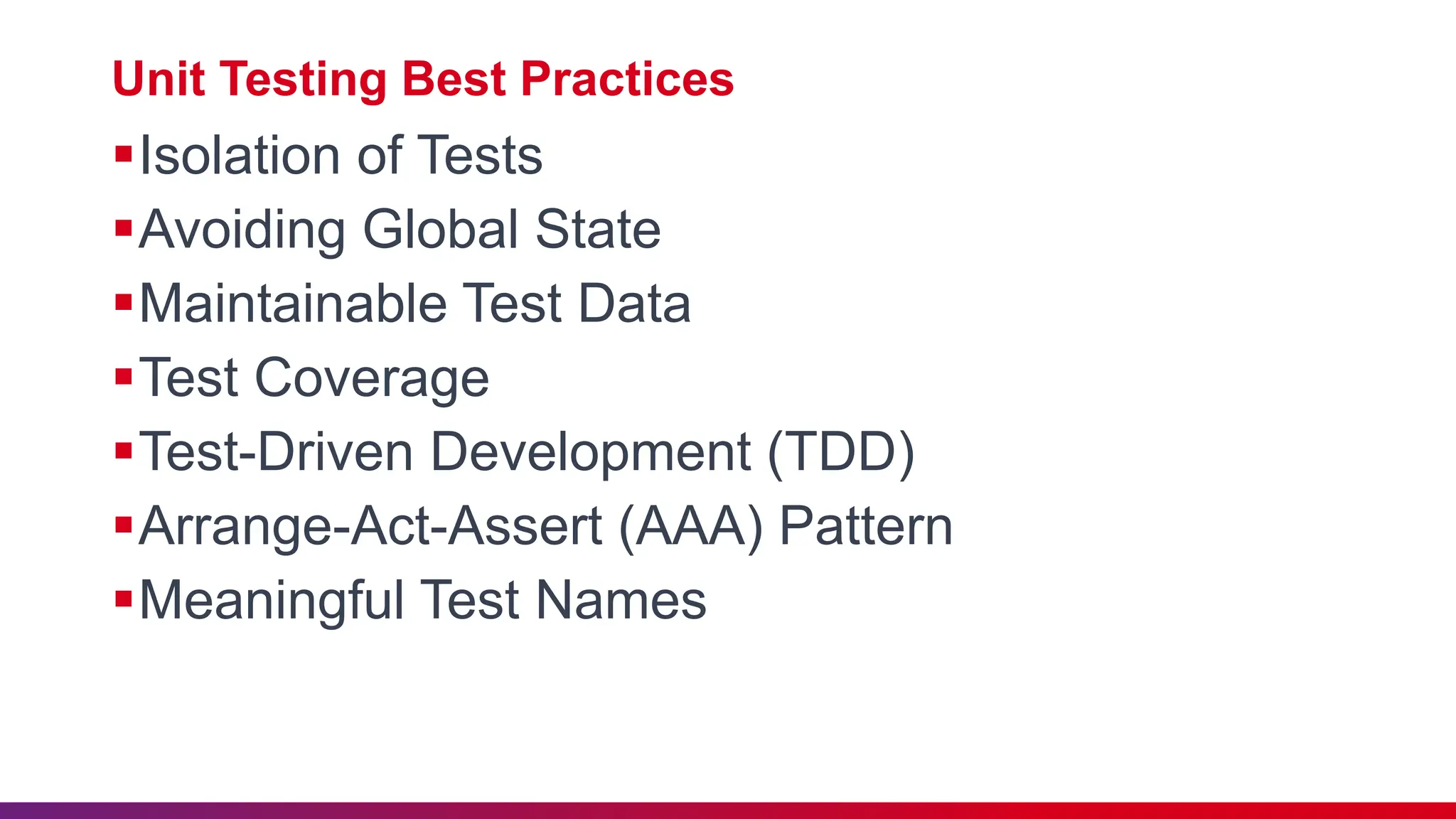
Unit Testing Best Practices
Isolation of Tests
Avoiding Global State
Maintainable Test Data
Test Coverage
Test-Driven Development (TDD)
Arrange-Act-Assert (AAA) Pattern
Meaningful Test Names
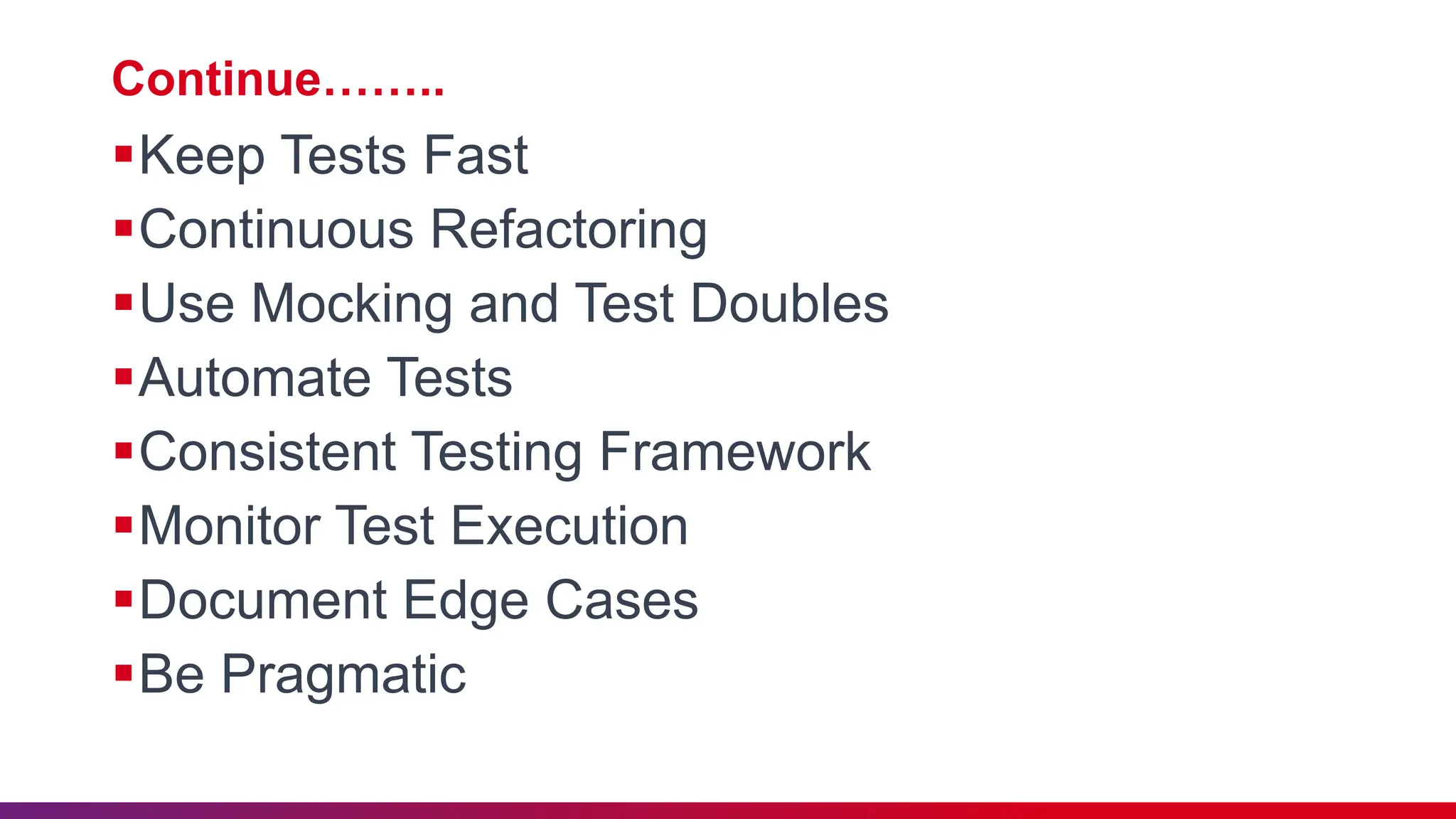
Continue……..
Keep Tests Fast
Continuous Refactoring
Use Mocking and Test Doubles
Automate Tests
Consistent Testing Framework
Monitor Test Execution
Document Edge Cases
Be Pragmatic
In unit testing, it's often necessary to
isolate the code under test from its external
dependencies, such as databases,
services, or APIs.
This is where mocking and test doubles
come into play to create controlled,
predictable testing environments
What Are Mocks and Test Doubles?
Mock Objects: Mock objects are simulated
objects that mimic the behavior of real objects.
They allow us to define how an external
dependency should behave during our tests.
Test Doubles: Test doubles are generic terms
for various types of objects that replace real
dependencies in our tests. These include mocks,
stubs, fakes, and dummies.
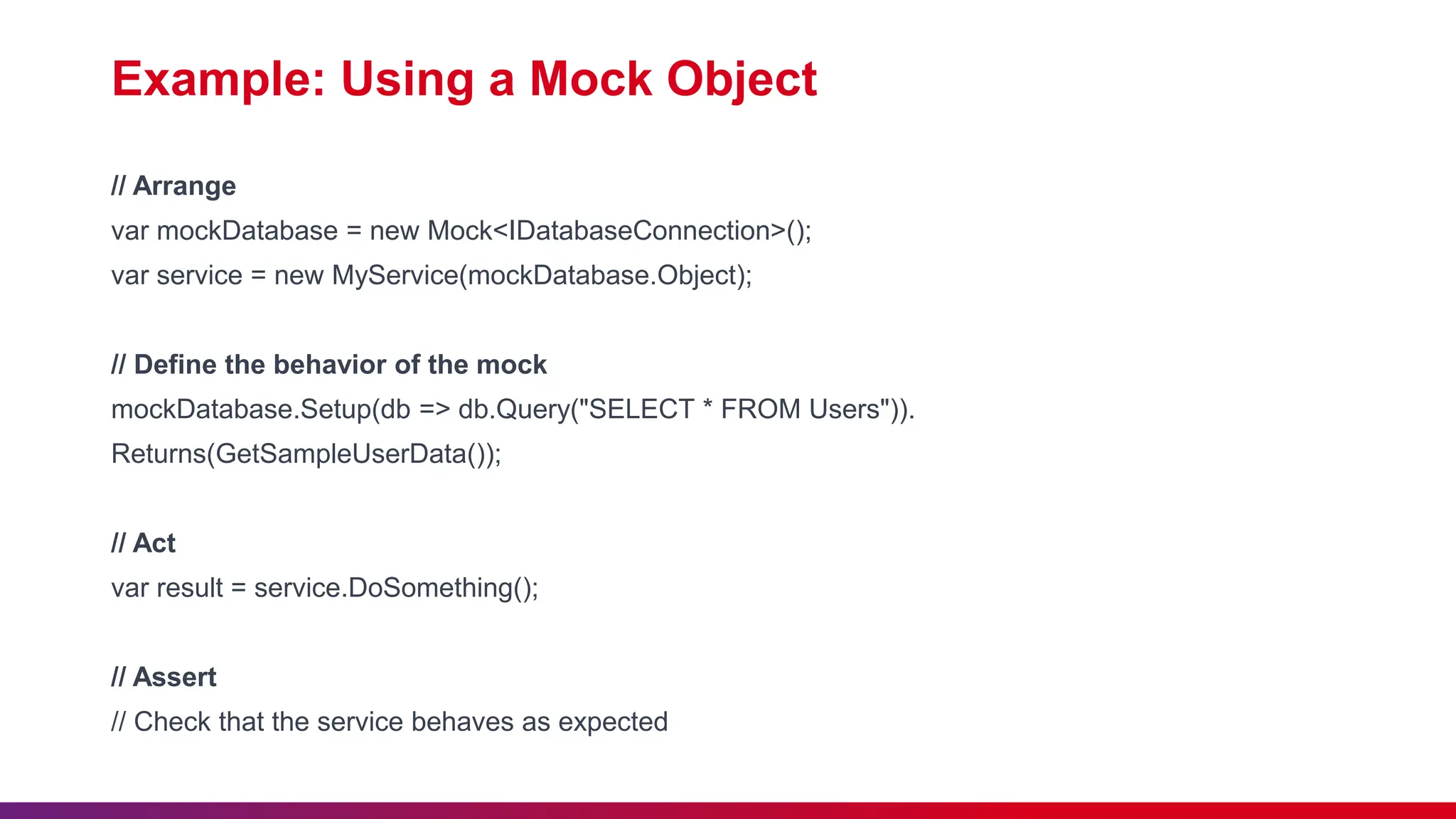
Example: Using a Mock Object
// Arrange
var mockDatabase = new Mock<IDatabaseConnection>();
var service = new MyService(mockDatabase.Object);
// Define the behavior of the mock
mockDatabase.Setup(db => db.Query("SELECT * FROM Users")).
Returns(GetSampleUserData());
// Act
var result = service.DoSomething();
// Assert
// Check that the service behaves as expected
In Conclusion
• Unit testing is an integral part of software
development, ensuring code quality and early bug
detection.
• .NET Core 7.0 and xUnit provide powerful tools for
effective unit testing.
• Best practices, like organizing tests, are essential for
maintainable and valuable test suites.
• Mocking and test doubles help isolate code for more
predictable and focused testing.
Unit Testing in .NET Core 7.0 with XUnit.pptx

Unit Testing in .NET Core 7.0 with XUnit.pptx

  • 1.
    Unit Testing in.NET Core 7.0 with xUnit Ajay Jajoo – Senior Software Consultant Akshit Kumar – Software Consultant
  • 2.
    Lack of etiquetteand manners is a huge turn off. KnolX Etiquettes  Punctuality Join the session 5 minutes prior to the session start time. We start on time and conclude on time!  Feedback Make sure to submit a constructive feedback for all sessions as it is very helpful for the presenter.  Silent Mode Keep your mobile devices in silent mode, feel free to move out of session in case you need to attend an urgent call.  Avoid Disturbance Avoid unwanted chit chat during the session.
  • 3.
    1. Introduction toUnit Testing 2. Why Unit Testing is Essential (Benefits) 3. Getting Started with .NET Core 7.0 and xUnit 4. Writing our First Unit Test 5. Organizing Tests and Test Classes 6. Best Practices 7. Mocking 8. Conclusion
  • 4.
    Unit testing isa fundamental practice in software development, essential for ensuring the reliability, maintainability, and quality of your code. We will explore the key concepts and principles behind unit testing in .NET Core 7.0 with xUnit.
  • 5.
    Definition of UnitTesting •Unit testing is a software testing method where individual units or components of a software application are tested in isolation. •A "unit" typically refers to the smallest testable part of an application, such as a method or function.
  • 6.
    Purpose of UnitTesting • Detect and fix bugs early in the development cycle. • Ensure that individual units of code work as intended. • Provide a safety net for code changes and refactoring. • Serve as documentation for how the code is supposed to behave. • Enhance collaboration among team members. • Improve the overall quality and reliability of the software.
  • 7.
    Why Unit Testingis Essential (Benefits) 1.Improved Code Quality 2.Early Bug Detection 3.Faster Debugging 4.Regression Testing 5.Documentation 6.Collaboration
  • 9.
    Introduction to .NETCore 7.0 and xUnit Before diving into unit testing, it's important for us to understand the tools and environment we'll be using. NET Core 7.0 and xUnit, the framework of choice for unit testing in the .NET ecosystem. Though, we have unit testing frameworks like MSTest, NUnit, or xUnit.
  • 10.
    • .NET Coreis a free, open- source, cross-platform framework for building modern, high-performance applications. • .NET Core 7.0 is the latest release, offering new features, improvements, and enhanced performance. NET Core 7.0 Overview • xUnit is an open-source unit testing framework for .NET. • Inspired by JUnit, it follows the xUnit testing pattern, emphasizing simplicity and clarity. What is xUnit
  • 11.
    Why xUnit forUnit Testing? •Clean and consistent syntax. •Extensive community support. •Integrated test discovery and execution. •Extensible for custom needs.
  • 12.
    Setting Up .NETCore 7.0 and xUnit Install .NET Core 7.0 Download and install the .NET SDK 7.0 for your platform (Windows, macOS, Linux). Create a .NET Core Project Use dotnet new to create a new .NET Core project or use an existing project. Add xUnit to Your Project Use NuGet Package Manager to add the xUnit library and test runner. Create Your First Test Class In your project, create a new test class that will contain your unit tests. Write Your First Unit Test Implement test methods in your test class to validate specific units of code.
  • 14.
    Anatomy of aUnit Test •A unit test typically consists of three main phases: Arrange, Act, and Assert (AAA). •These phases help you set up the test scenario, perform an action, and then verify the expected outcome.
  • 15.
    Example: Testing aSimple Math Function Let's take a simple math function as an example: Add(int a, int b). We want to test if this function correctly adds two integers. 1. Arrange - Setup the Test Scenario In this phase, we set up the preconditions for our test. Create any necessary objects, configure input data, and initialize variables. 2. Act - Perform the Action This is where we invoke the method or code that you're testing. For our example, call the Add function with specific inputs. 3. Assert - Verify the Expected Outcome In the Assert phase, we check if the actual result matches our expected result. If they match, the test passes; if not, it fails.
  • 16.
    Code Example: TestingAdd(int a, int b) // Arrange int a = 5; int b = 7; int expectedSum = 12; // Act int actualSum = MathUtils.Add(a, b); // Assert Assert.Equal(expectedSum, actualSum); In this example, we've set up two integers, added them, and asserted that the actual sum equals the expected sum.
  • 17.
    Running our FirstTest After writing our test, we can use our chosen test runner to execute it. xUnit provides various command-line and Visual Studio integration options for running tests.
  • 18.
    Benefits of thisApproach Unit tests are simple, focused, and specific to individual components. They provide quick feedback on whether our code is functioning as intended. When something breaks, we know precisely where to look.
  • 20.
    Why Organize Tests? Maintainability:Well-organized tests are easier to maintain and understand, reducing the risk of test code becoming a maintenance burden. Readability: Organized tests are more readable, making it simpler to identify the purpose of each test case. Execution Control: We can selectively run specific sets of tests, helping us focus on relevant areas of our codebase.
  • 21.
    Test Class Organization Grouprelated tests within test classes. For instance, we have a MathUtilsTests class for tests related to your MathUtils functions. Use descriptive names for test classes that clearly indicate their purpose. Consider categorizing tests based on different aspects of functionality or scenarios (e.g., "AdditionTests," "SubtractionTests").
  • 22.
    Test Method NamingConventions •Name test methods with descriptive names that explain what is being tested. •Use a consistent naming convention (e.g., "MethodName_StateUnderTest_ExpectedOutco me").
  • 23.
    Example: Test ClassOrganization public class MathUtilsTests { [Fact] public void Add_TwoPositiveIntegers_ReturnsCorrectSum() { // Test code here } [Fact] public void Add_TwoNegativeIntegers_ReturnsCorrectSum() { // Test code here } [Fact] public void Subtract_TwoIntegers_ReturnsCorrectDifference() { // Test code here } }
  • 25.
    Unit Testing BestPractices Isolation of Tests Avoiding Global State Maintainable Test Data Test Coverage Test-Driven Development (TDD) Arrange-Act-Assert (AAA) Pattern Meaningful Test Names
  • 26.
    Continue…….. Keep Tests Fast ContinuousRefactoring Use Mocking and Test Doubles Automate Tests Consistent Testing Framework Monitor Test Execution Document Edge Cases Be Pragmatic
  • 28.
    In unit testing,it's often necessary to isolate the code under test from its external dependencies, such as databases, services, or APIs. This is where mocking and test doubles come into play to create controlled, predictable testing environments
  • 29.
    What Are Mocksand Test Doubles? Mock Objects: Mock objects are simulated objects that mimic the behavior of real objects. They allow us to define how an external dependency should behave during our tests. Test Doubles: Test doubles are generic terms for various types of objects that replace real dependencies in our tests. These include mocks, stubs, fakes, and dummies.
  • 30.
    Example: Using aMock Object // Arrange var mockDatabase = new Mock<IDatabaseConnection>(); var service = new MyService(mockDatabase.Object); // Define the behavior of the mock mockDatabase.Setup(db => db.Query("SELECT * FROM Users")). Returns(GetSampleUserData()); // Act var result = service.DoSomething(); // Assert // Check that the service behaves as expected
  • 32.
    In Conclusion • Unittesting is an integral part of software development, ensuring code quality and early bug detection. • .NET Core 7.0 and xUnit provide powerful tools for effective unit testing. • Best practices, like organizing tests, are essential for maintainable and valuable test suites. • Mocking and test doubles help isolate code for more predictable and focused testing.