Argo Rollouts
Advanced Deployment
Strategies for Kubernetes
Riya
Lack of etiquette and manners is a huge turn off.
KnolX Etiquettes
 Punctuality
Join the session 5 minutes prior to the session start time. We start on
time and conclude on time!
 Feedback
Make sure to submit a constructive feedback for all sessions as it is very
helpful for the presenter.
 Silent Mode
Keep your mobile devices in silent mode, feel free to move out of session
in case you need to attend an urgent call.
 Avoid Disturbance
Avoid unwanted chit chat during the session.
1. Introduction to Argo Rollouts
2. Key Features
3. Benefits
4. Architecture and Components
5. Workflow of a rollout
6. Difference between ArgoCD and Argo Rollout
7. Demo: Implementing a Canary Deployment
8. Best Practices
• An advanced open-source Kubernetes controller
• A part of the Argo Project under the CNCF
• Extends the basic Kubernetes deployment capabilities
• Focuses on progressive delivery
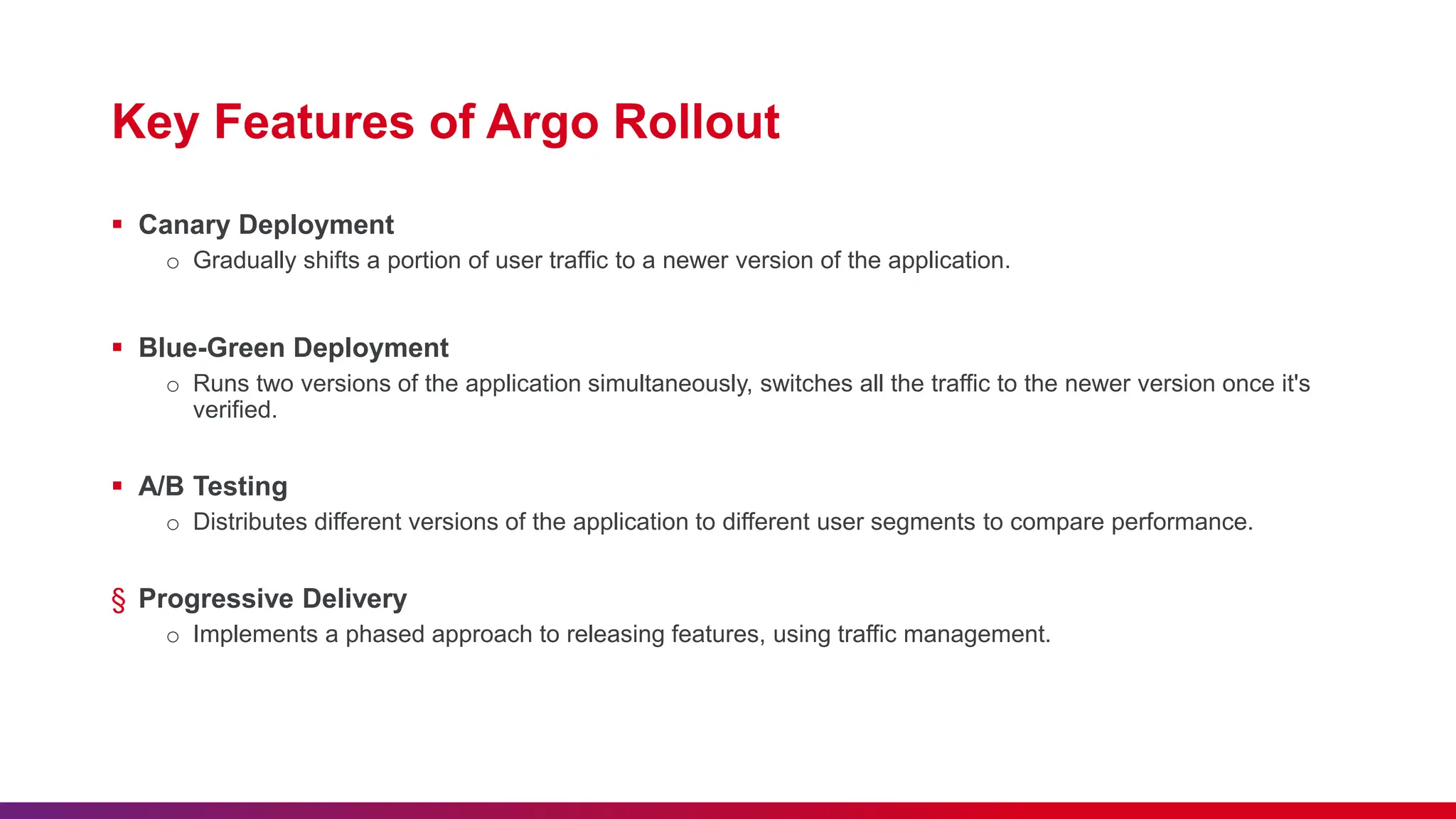
Key Features of Argo Rollout
 Canary Deployment
o Gradually shifts a portion of user traffic to a newer version of the application.
 Blue-Green Deployment
o Runs two versions of the application simultaneously, switches all the traffic to the newer version once it's
verified.
 A/B Testing
o Distributes different versions of the application to different user segments to compare performance.
§ Progressive Delivery
o Implements a phased approach to releasing features, using traffic management.
Benefits
 Reduced risk during deployment
 Incremental updates with minimal downtime
 Automated rollbacks
 Enables near-instantaneous switchovers
 Provides insights into user preferences
 Controlled and incremental feature releases
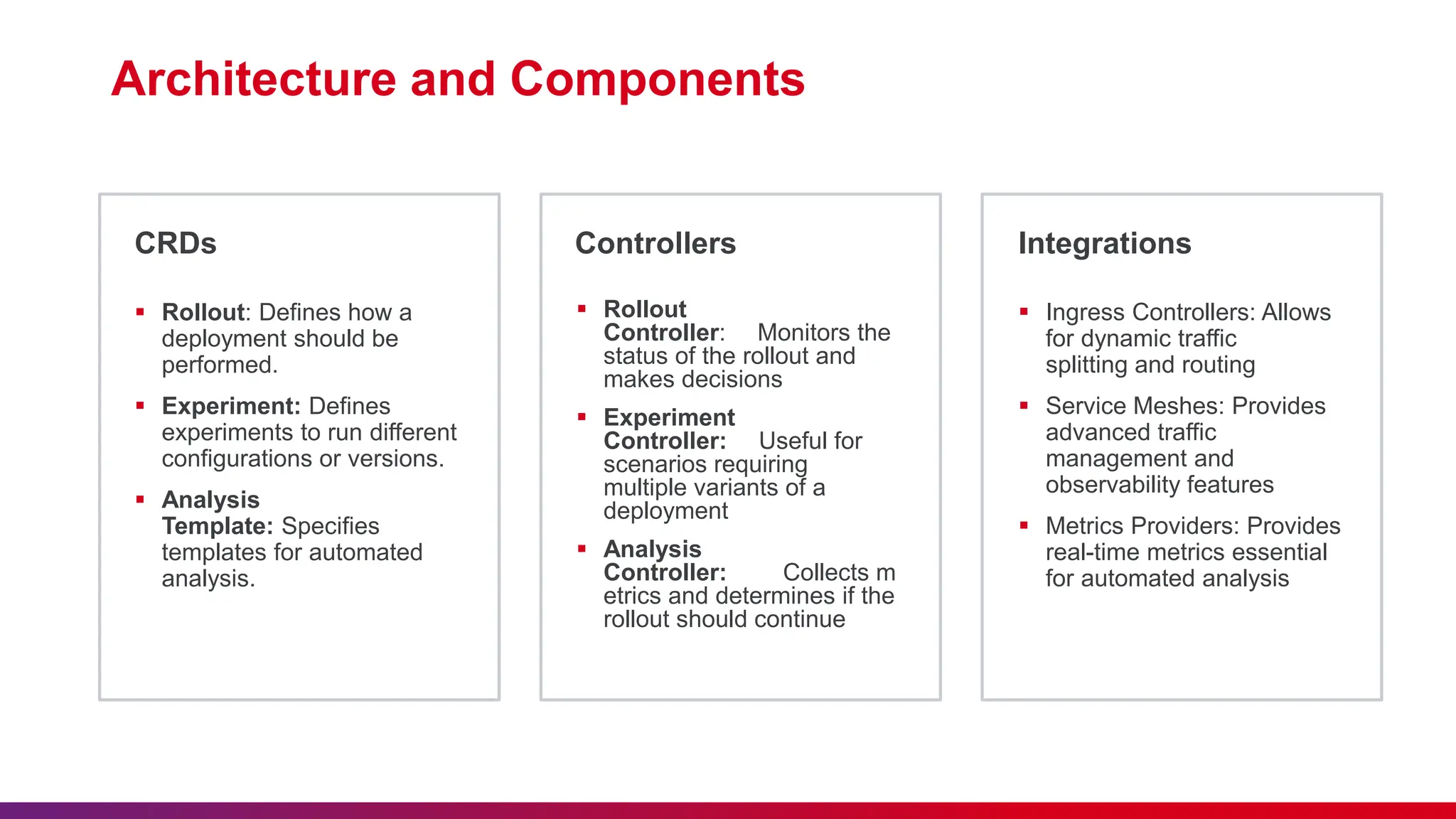
Controllers Integrations
CRDs
 Rollout: Defines how a
deployment should be
performed.
 Experiment: Defines
experiments to run different
configurations or versions.
 Analysis
Template: Specifies
templates for automated
analysis.
 Rollout
Controller: Monitors the
status of the rollout and
makes decisions
 Experiment
Controller: Useful for
scenarios requiring
multiple variants of a
deployment
 Analysis
Controller: Collects m
etrics and determines if the
rollout should continue
 Ingress Controllers: Allows
for dynamic traffic
splitting and routing
 Service Meshes: Provides
advanced traffic
management and
observability features
 Metrics Providers: Provides
real-time metrics essential
for automated analysis
Architecture and Components
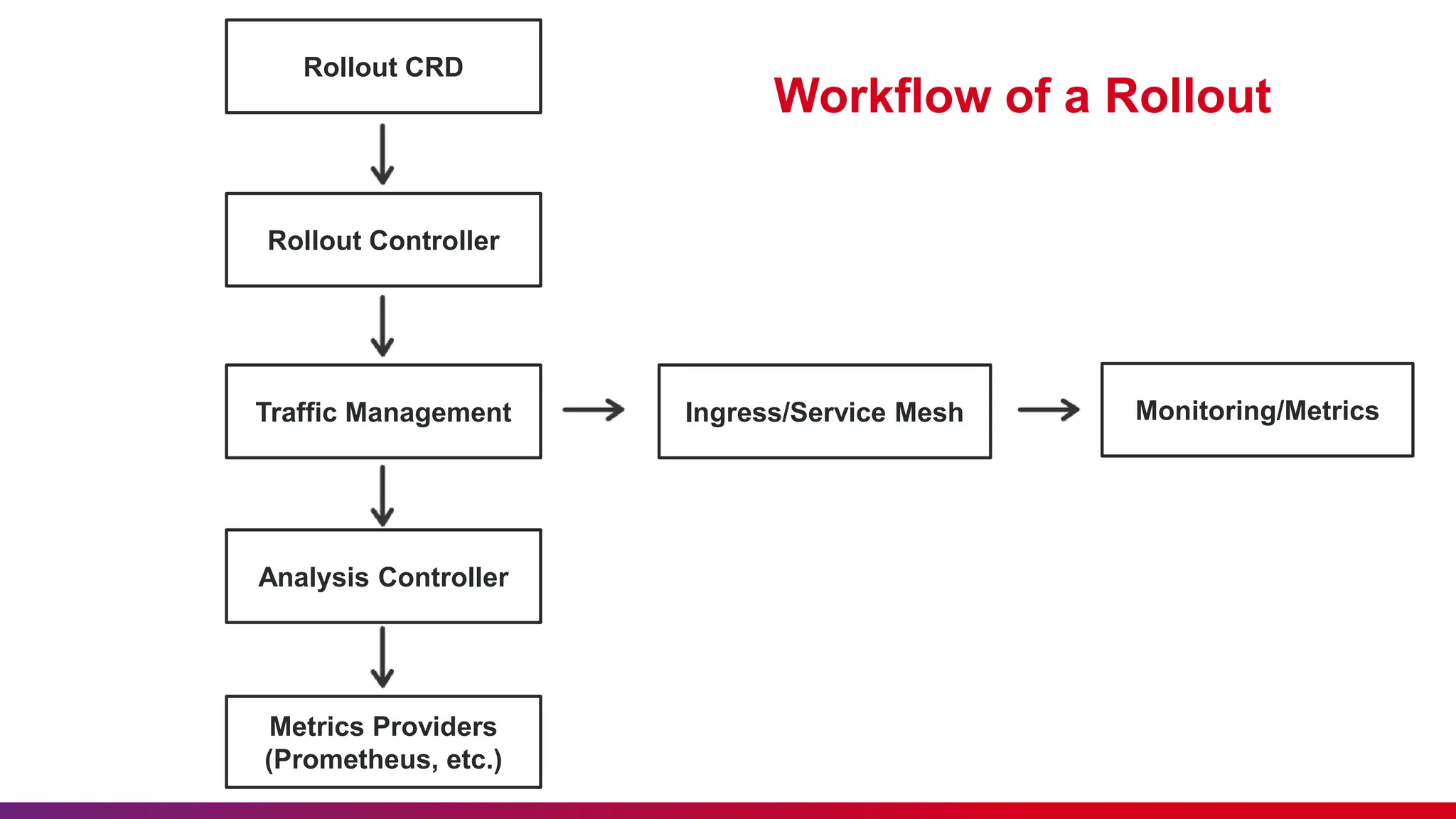
Workflow of a Rollout
Rollout CRD
Rollout Controller
Traffic Management
Analysis Controller
Metrics Providers
(Prometheus, etc.)
Ingress/Service Mesh Monitoring/Metrics
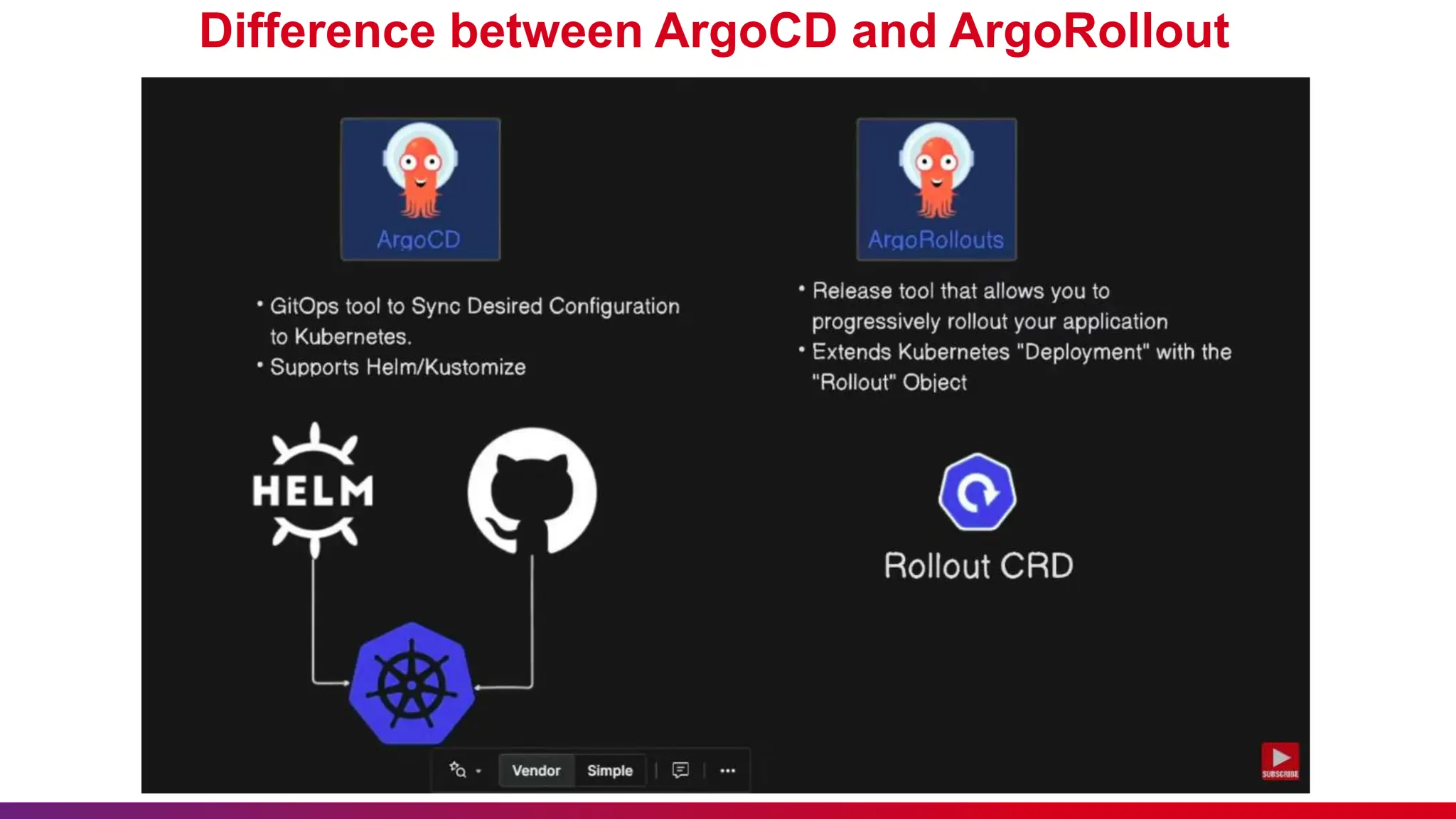
Difference between ArgoCD and ArgoRollout
DEMO
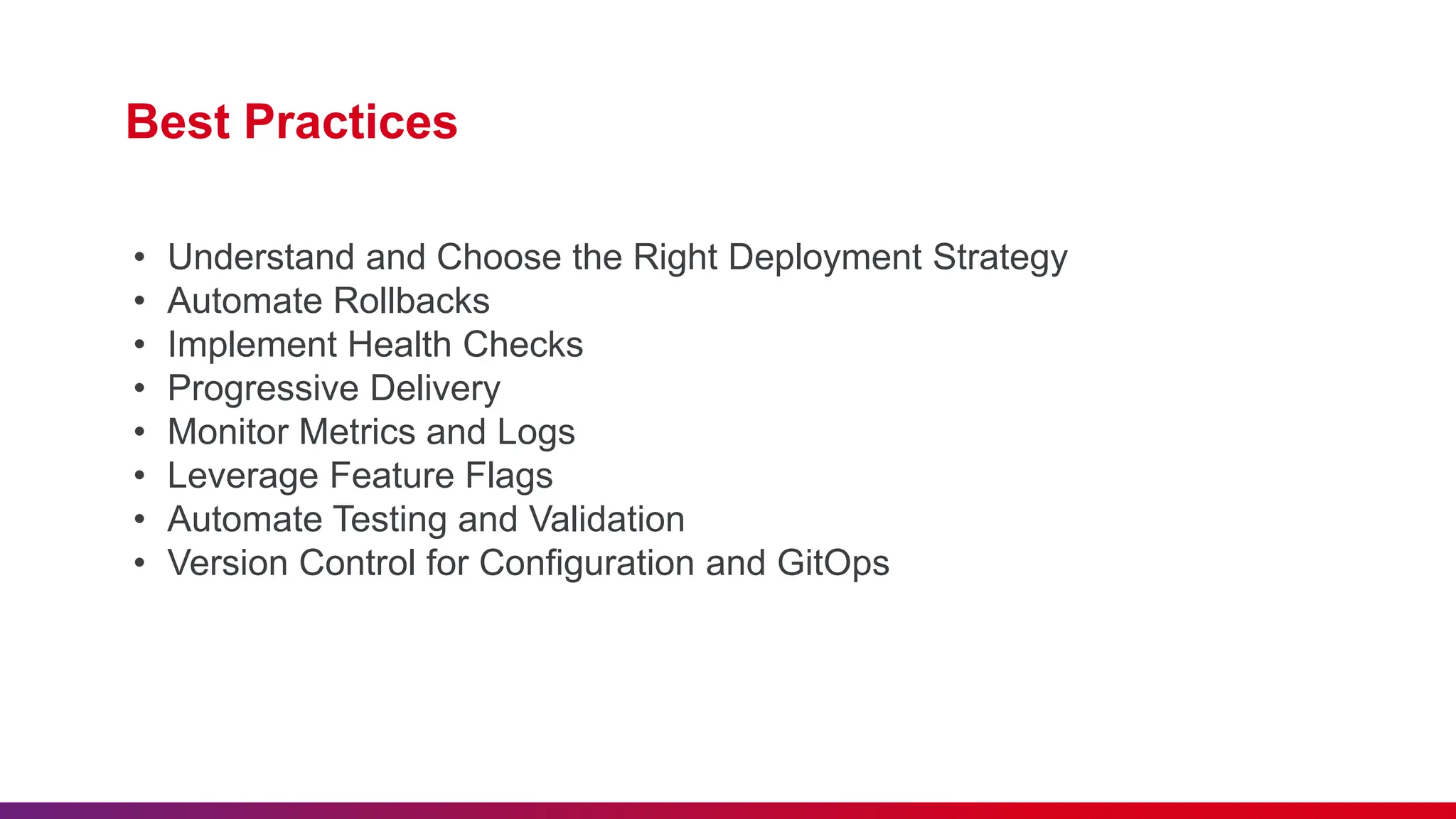
Best Practices
• Understand and Choose the Right Deployment Strategy
• Automate Rollbacks
• Implement Health Checks
• Progressive Delivery
• Monitor Metrics and Logs
• Leverage Feature Flags
• Automate Testing and Validation
• Version Control for Configuration and GitOps
Introduction to Argo Rollouts Presentation

Introduction to Argo Rollouts Presentation

  • 1.
  • 2.
    Lack of etiquetteand manners is a huge turn off. KnolX Etiquettes  Punctuality Join the session 5 minutes prior to the session start time. We start on time and conclude on time!  Feedback Make sure to submit a constructive feedback for all sessions as it is very helpful for the presenter.  Silent Mode Keep your mobile devices in silent mode, feel free to move out of session in case you need to attend an urgent call.  Avoid Disturbance Avoid unwanted chit chat during the session.
  • 3.
    1. Introduction toArgo Rollouts 2. Key Features 3. Benefits 4. Architecture and Components 5. Workflow of a rollout 6. Difference between ArgoCD and Argo Rollout 7. Demo: Implementing a Canary Deployment 8. Best Practices
  • 4.
    • An advancedopen-source Kubernetes controller • A part of the Argo Project under the CNCF • Extends the basic Kubernetes deployment capabilities • Focuses on progressive delivery
  • 5.
    Key Features ofArgo Rollout  Canary Deployment o Gradually shifts a portion of user traffic to a newer version of the application.  Blue-Green Deployment o Runs two versions of the application simultaneously, switches all the traffic to the newer version once it's verified.  A/B Testing o Distributes different versions of the application to different user segments to compare performance. § Progressive Delivery o Implements a phased approach to releasing features, using traffic management.
  • 6.
    Benefits  Reduced riskduring deployment  Incremental updates with minimal downtime  Automated rollbacks  Enables near-instantaneous switchovers  Provides insights into user preferences  Controlled and incremental feature releases
  • 7.
    Controllers Integrations CRDs  Rollout:Defines how a deployment should be performed.  Experiment: Defines experiments to run different configurations or versions.  Analysis Template: Specifies templates for automated analysis.  Rollout Controller: Monitors the status of the rollout and makes decisions  Experiment Controller: Useful for scenarios requiring multiple variants of a deployment  Analysis Controller: Collects m etrics and determines if the rollout should continue  Ingress Controllers: Allows for dynamic traffic splitting and routing  Service Meshes: Provides advanced traffic management and observability features  Metrics Providers: Provides real-time metrics essential for automated analysis Architecture and Components
  • 8.
    Workflow of aRollout Rollout CRD Rollout Controller Traffic Management Analysis Controller Metrics Providers (Prometheus, etc.) Ingress/Service Mesh Monitoring/Metrics
  • 9.
  • 10.
  • 11.
    Best Practices • Understandand Choose the Right Deployment Strategy • Automate Rollbacks • Implement Health Checks • Progressive Delivery • Monitor Metrics and Logs • Leverage Feature Flags • Automate Testing and Validation • Version Control for Configuration and GitOps