Unit IV
TRAJECTORY, PATH PLANNING AND
PROGRAMMING
Prepared by
B.Balasubramanian
AP/MECH
CCET
Syllabus
Trajectory Planning- Joint space and Cartesian
space technique, Introduction to robot control,
Robot programming and Languages-
Introduction to ROS
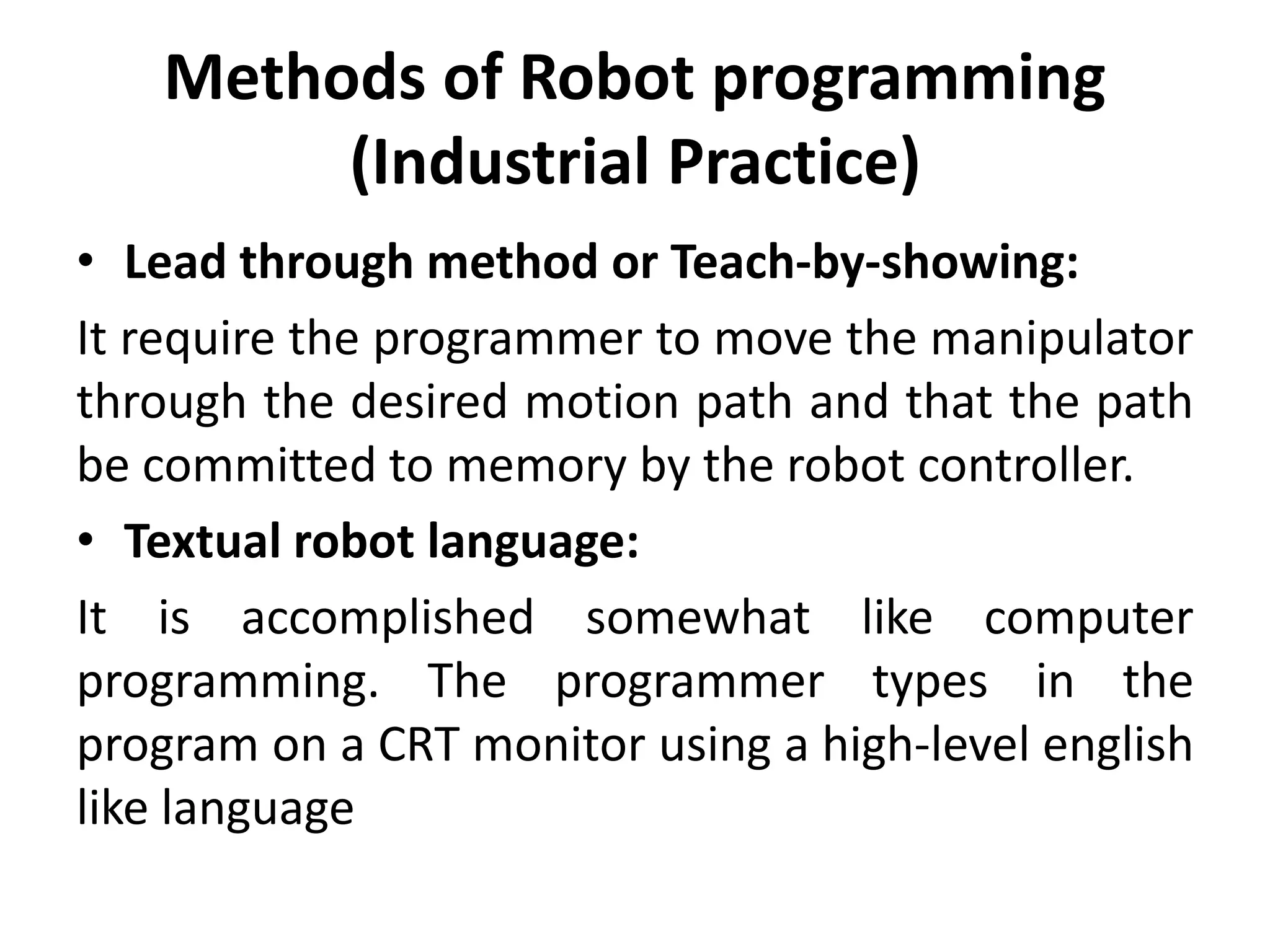
Methods of Robot programming
(Industrial Practice)
• Lead through method or Teach-by-showing:
It require the programmer to move the manipulator
through the desired motion path and that the path
be committed to memory by the robot controller.
• Textual robot language:
It is accomplished somewhat like computer
programming. The programmer types in the
program on a CRT monitor using a high-level english
like language
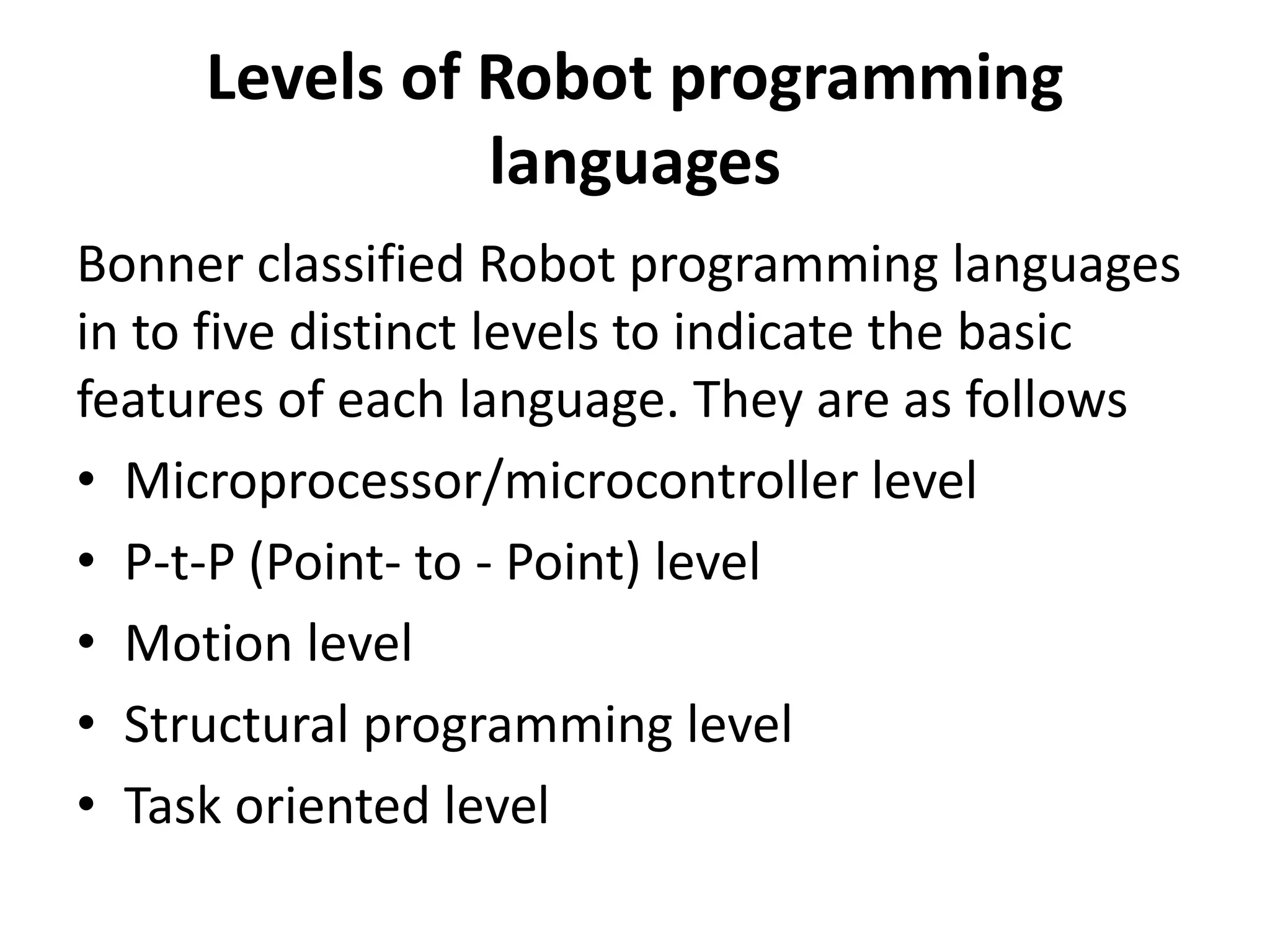
Levels of Robot programming
languages
Bonner classified Robot programming languages
in to five distinct levels to indicate the basic
features of each language. They are as follows
• Microprocessor/microcontroller level
• P-t-P (Point- to - Point) level
• Motion level
• Structural programming level
• Task oriented level
Classification of Robot Languages
Robot languages can be grouped broadly in to
three major classes
– First generation language
– Second generation language
– World modelling and task-oriented object
language
General Requirements of a Language
for Robot Control
1) Geometric and kinematic calculations: functions and data
types to allow the compact and efficient expression of
coordinate systems in homogeneous coordinates and their
transforms (matrix arithmetic); perhaps even very high level
operations such as solving the kinematic equations.
2) World modelling: the ability to define objects by, for
example, the space enclosed by a set of intersecting surfaces,
to manipulate such objects as a whole, to 'attach'
objects(including parts of the robot) so that the system knows
that if one object moves then any attached objects also move,
and to test for collisions. Other functions can be imagined.
World modelling is related to simulation and computer-aided
design.
3) Motion specification: the ability to do the things
described in the section on specifying trajectories.
This implies functions such as linear interpolation,
finding the equation of a circle from points on it,
fitting curves through a series of points and so on. It
may also be useful to specify sawtooth weaving, as
used in arc welding, speed and acceleration, and
the direction of approach to a certain point
(important for assembly).
4) The use of sensing for program branching and
servo control.
5) Teaching: the ability to accept path points taught
by leading or walking through. This is perhaps an
aspect of trajectory generation.
6) Communication with other machines.
7) Vision and other complex sensing (such as
tactile imaging). Although it is more usual for such
processing to be done in a separate system which
feeds a simple result such as object orientation to
the robot control system, there may be a place for
these capabilities within the language itself.
Robot Languages
• The earliest was MIT's language MHI in 1960. Its main robot-
specific constructs are moves and sensor tests.
• A more general purpose language was WAVE, developed at
Stanford in the early 1970s. It introduced the description of
positions by Cartesian coordinates, coordinated joint motions
and compliance by letting certain joints move freely under
external loads.
• An influential language, which is still being extended, is AL.
This provides Cartesian specification of motions, compliance,
the data ,types and control structures of an Algollike language,
support for world modelling (such as attachment) and the
concurrent execution of processes.
• A more recent language is RAPT, based on the machine tool
language APT, and developed at Edinburgh University. Robot
manufacturers often provide a language to go with their
products. Example is Unimation's VAL for the PUMA robot.
Versatile Assembly Language (VAL)
• It is a popular textual robot language developed by Unimation
Inc. for the PUMA series of robots
• Victor Sheinman developed VAL language
• It is very user friendly
• WAIT and SIGNAL commands can be given to implement a
specific task
• The commands are subroutines written in BASIC and
translated with the aid of an interpreter
• Compiled BASIC has more flexibility
• It provides
arm movement in joint, world and tool coordinates
Gripping
Speed control
Robot configuration control
• RIGHTY changes the robot configuration to
resemble a right human arm
• LEFTY change the robot configuration to
resemble a left human arm
• ABOVE makes the elbow of the robot to point
up
• BELOW makes the elbow of the robot to point
down
Motion control
• MOVE moves the robot to a specific location
• MOVES moves the robot in a straight line path
• DRAW moves the robot along a straight line through
specified distances In X,Y and Z directions
• APPRO moves the robot to a location which is at an
offset (along tool Z-axis) from a specified point
• DEPART moves the tool along the current tool Z-axis
• APPROS or DEPARTS do the same as APPRO or DEPART
instruction, but along straight line paths
• CIRCLE moves the robot through circular interpolation
via three specified point location
Hand control
• OPEN and CLOSE indicates respectively the
opening and closing of the gripper during the
next instruction
• OPENI and CLOSEI carry on the same functions,
but immediately
• GRASP indicates the gripper to close
• MOVEST PART indicates that the servo controller
end effector causes a straight line motion to a
point defined by PART
• MOVET PART causes the gripper to move to
position by joint-interpolated motion
Location Assignment and
modification
• SET
• HERE
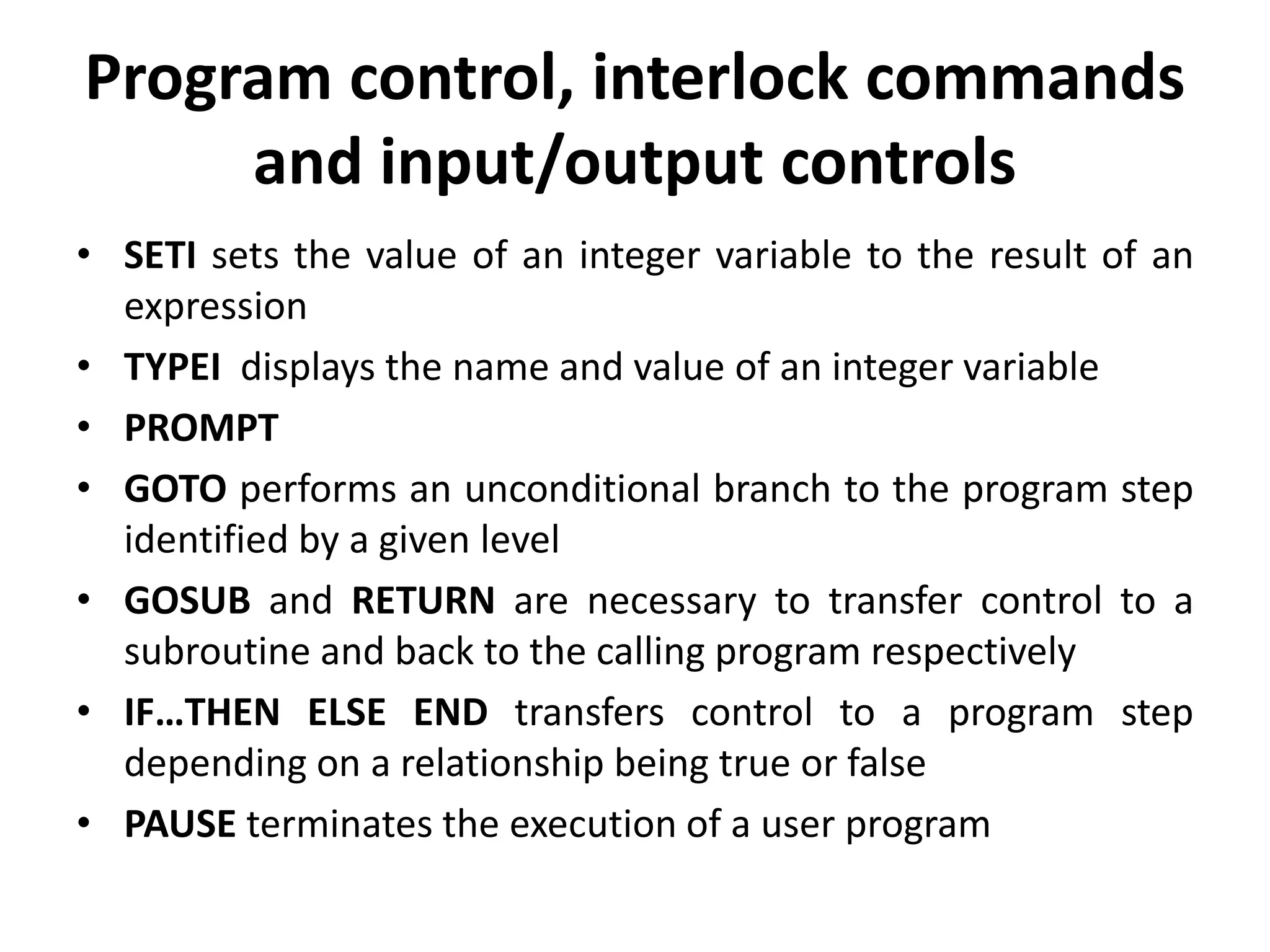
Program control, interlock commands
and input/output controls
• SETI sets the value of an integer variable to the result of an
expression
• TYPEI displays the name and value of an integer variable
• PROMPT
• GOTO performs an unconditional branch to the program step
identified by a given level
• GOSUB and RETURN are necessary to transfer control to a
subroutine and back to the calling program respectively
• IF…THEN ELSE END transfers control to a program step
depending on a relationship being true or false
• PAUSE terminates the execution of a user program
Cont..
• PROCEED resumed from the point
• SIGNAL turns the signals ON or OFF at the specified output
channels
• IFSIG and WAIT test the states of one or more external
signals
• RESET turns OFF all external output signals
• REACT indicates that the reactions
• REACTI interrupts robot motion immediately
• IOPUT and IOGET are the commands that are used either
to send or receive output respectively to a digital I/O
module
• ADC and DAC
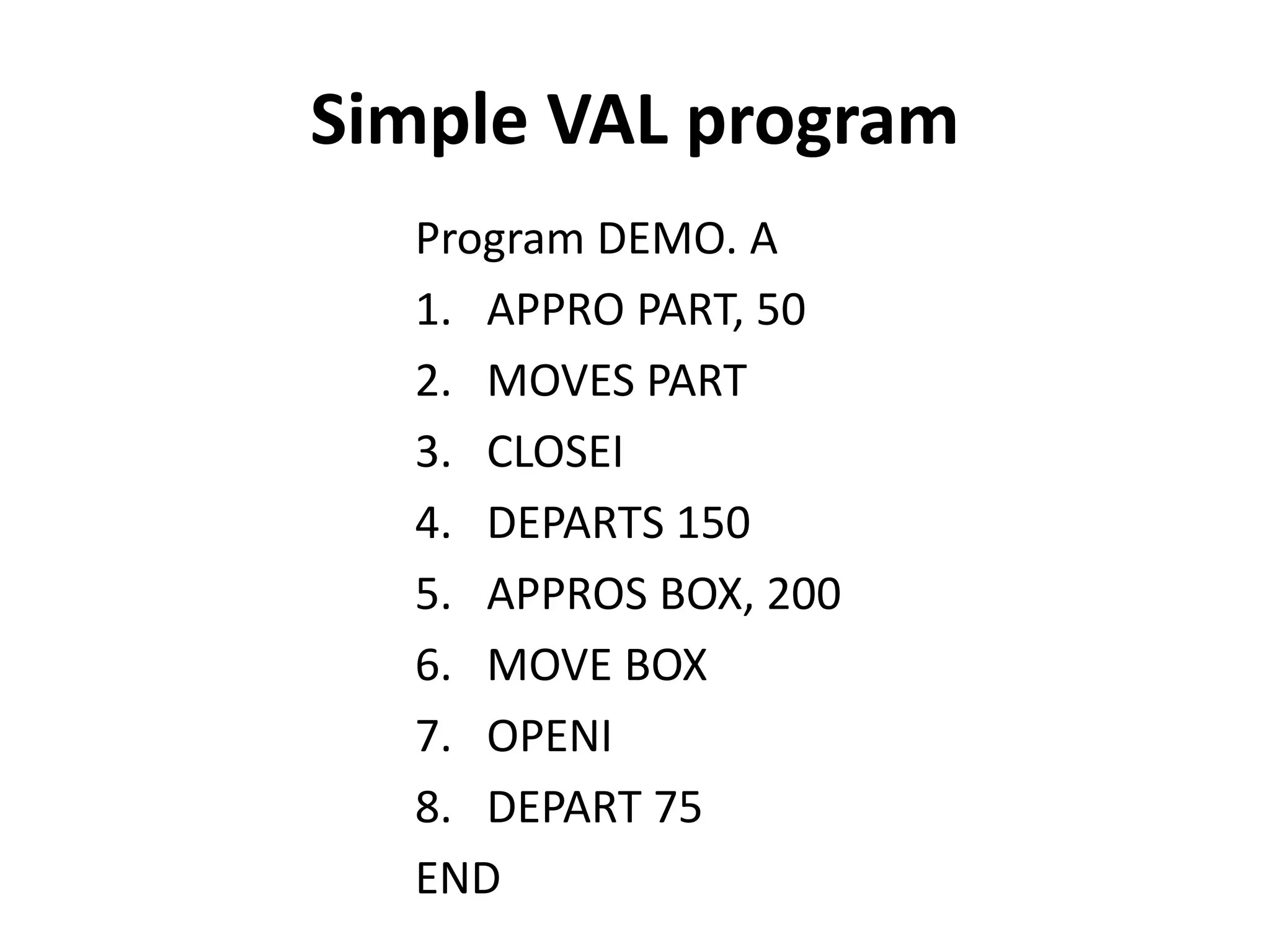
Simple VAL program
Program DEMO. A
1. APPRO PART, 50
2. MOVES PART
3. CLOSEI
4. DEPARTS 150
5. APPROS BOX, 200
6. MOVE BOX
7. OPENI
8. DEPART 75
END
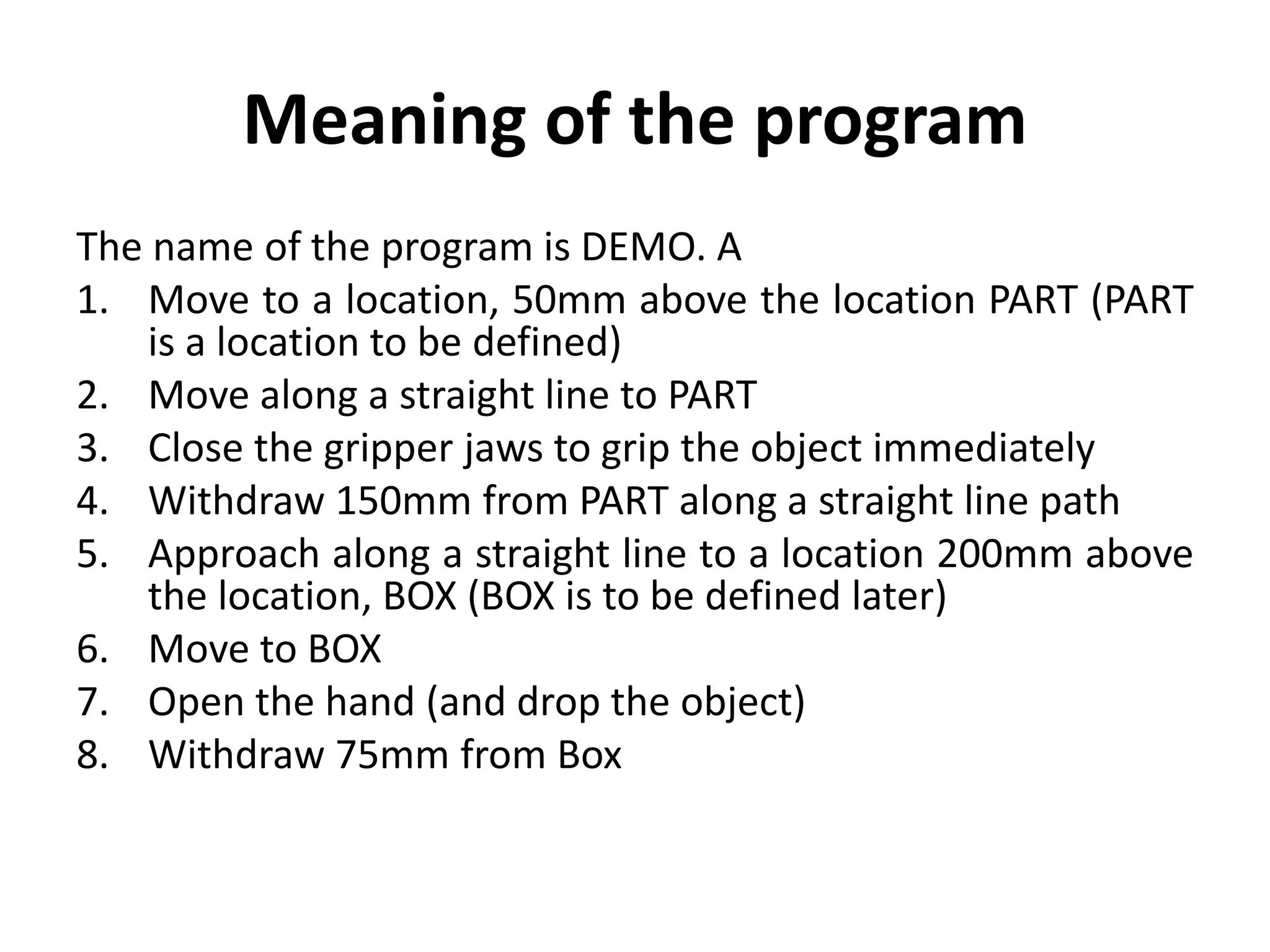
Meaning of the program
The name of the program is DEMO. A
1. Move to a location, 50mm above the location PART (PART
is a location to be defined)
2. Move along a straight line to PART
3. Close the gripper jaws to grip the object immediately
4. Withdraw 150mm from PART along a straight line path
5. Approach along a straight line to a location 200mm above
the location, BOX (BOX is to be defined later)
6. Move to BOX
7. Open the hand (and drop the object)
8. Withdraw 75mm from Box
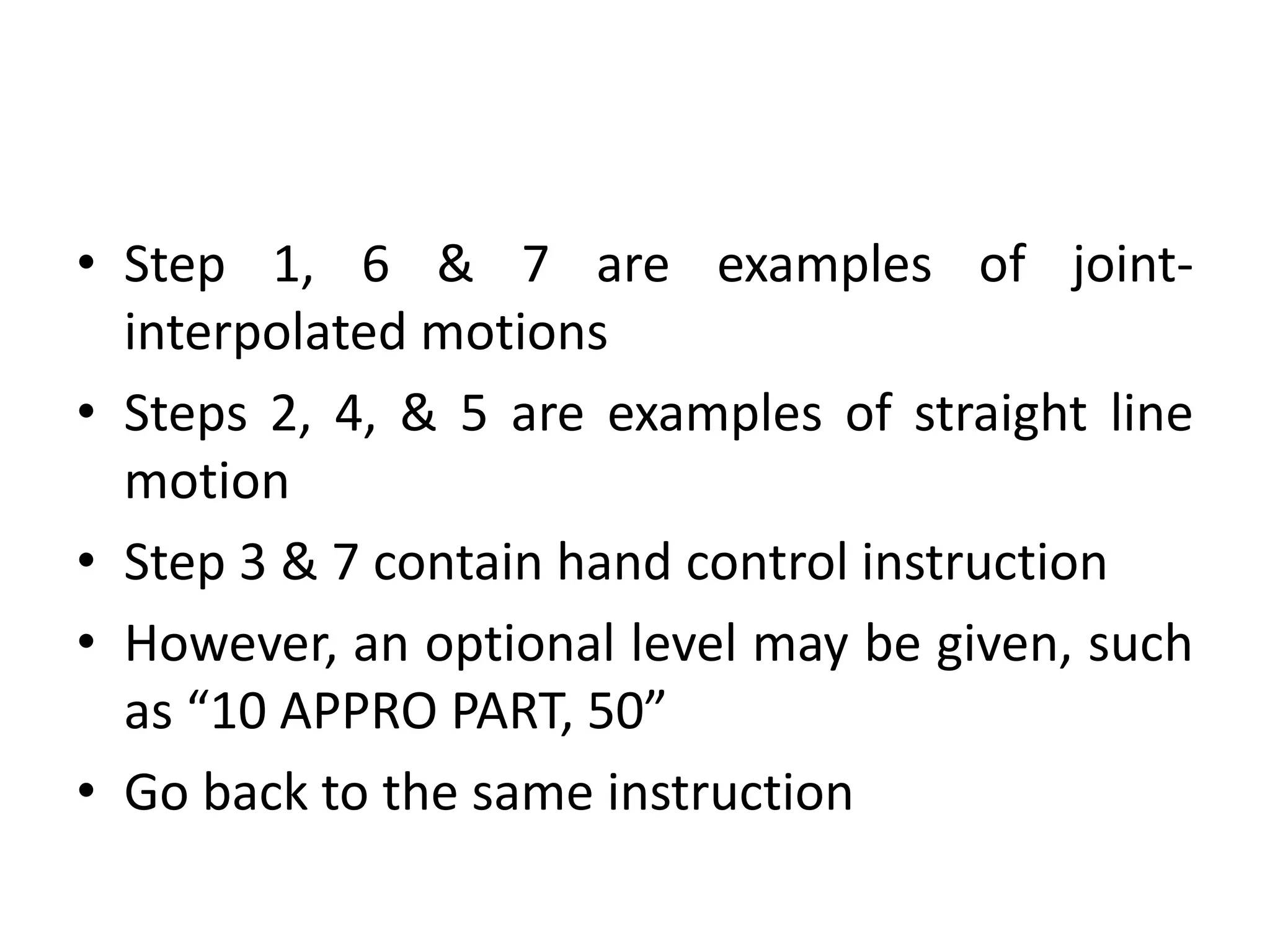
• Step 1, 6 & 7 are examples of joint-
interpolated motions
• Steps 2, 4, & 5 are examples of straight line
motion
• Step 3 & 7 contain hand control instruction
• However, an optional level may be given, such
as “10 APPRO PART, 50”
• Go back to the same instruction
ROBOT KINEMATICS
• It is assumed that a robot can be regarded as a chain of
rigid links connected by revolute or prismatic joints at
which actuators, regarded as torque or force
generators.
• The control of flexible structures is in its infancy and
will not be discussed.
• With this assumption, there is a set of important
problems in analysis and control, and most of the
literature on robot control addresses one or other of
these.
• Some have accepted solutions; others are the subject
of research.
ROBOT KINEMATICS
They are as follows:
1) formulating the kinematic equations (joint coordinates to
world coordinates) ;
2) solving the kinematic equations (world coordinates to joint
coordinates);
3) the forward problem of dynamics - finding the motions
resulting from joint torques;
4) the inverse problem of dynamics - finding the torques
needed to produce a given motion;
5) specifying a trajectory between target points on the path;
6) actuator servo control - for a single actuator, how to drive it
so as to produce a specified position, velocity or torque.
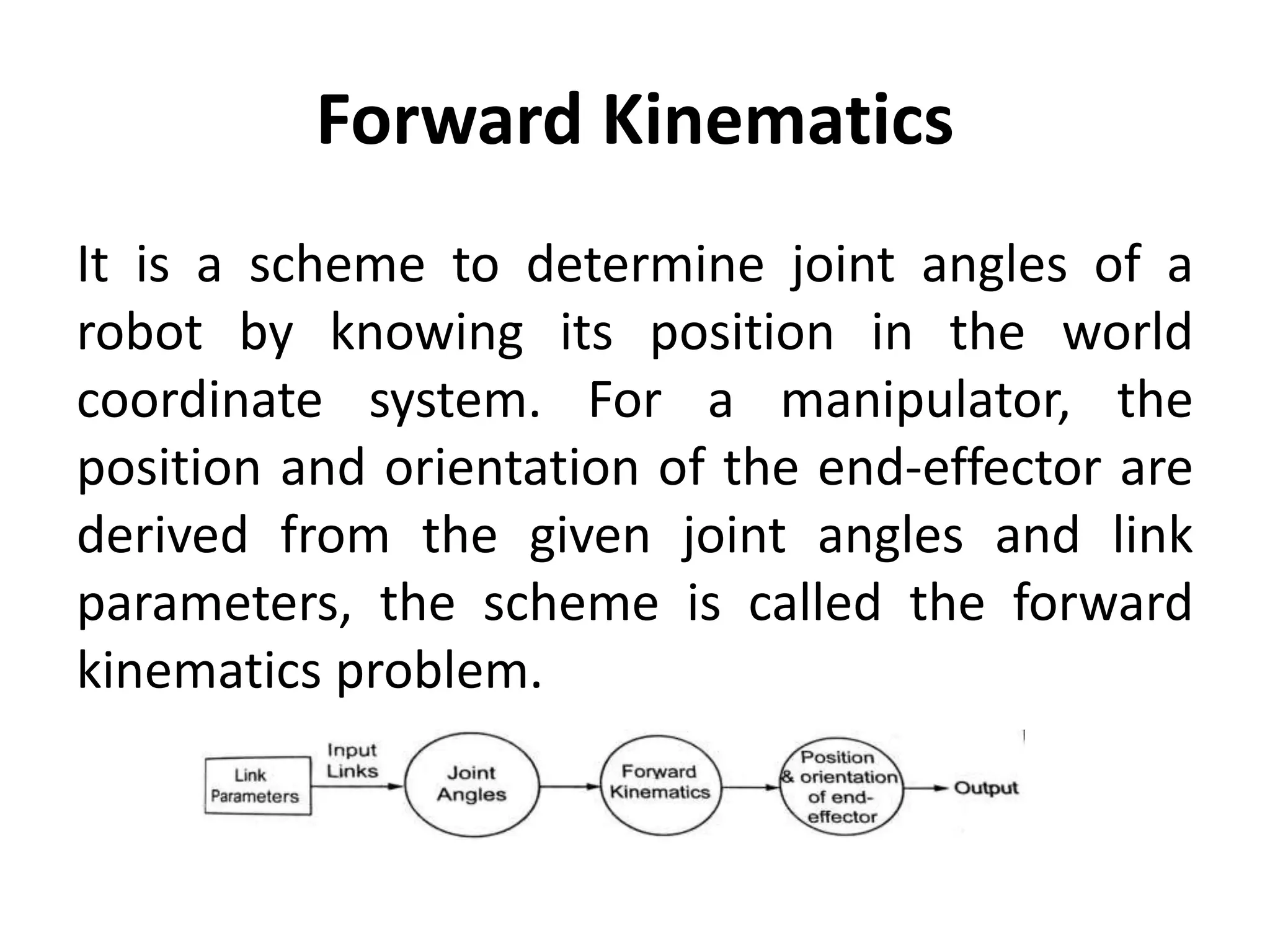
Forward Kinematics
It is a scheme to determine joint angles of a
robot by knowing its position in the world
coordinate system. For a manipulator, the
position and orientation of the end-effector are
derived from the given joint angles and link
parameters, the scheme is called the forward
kinematics problem.
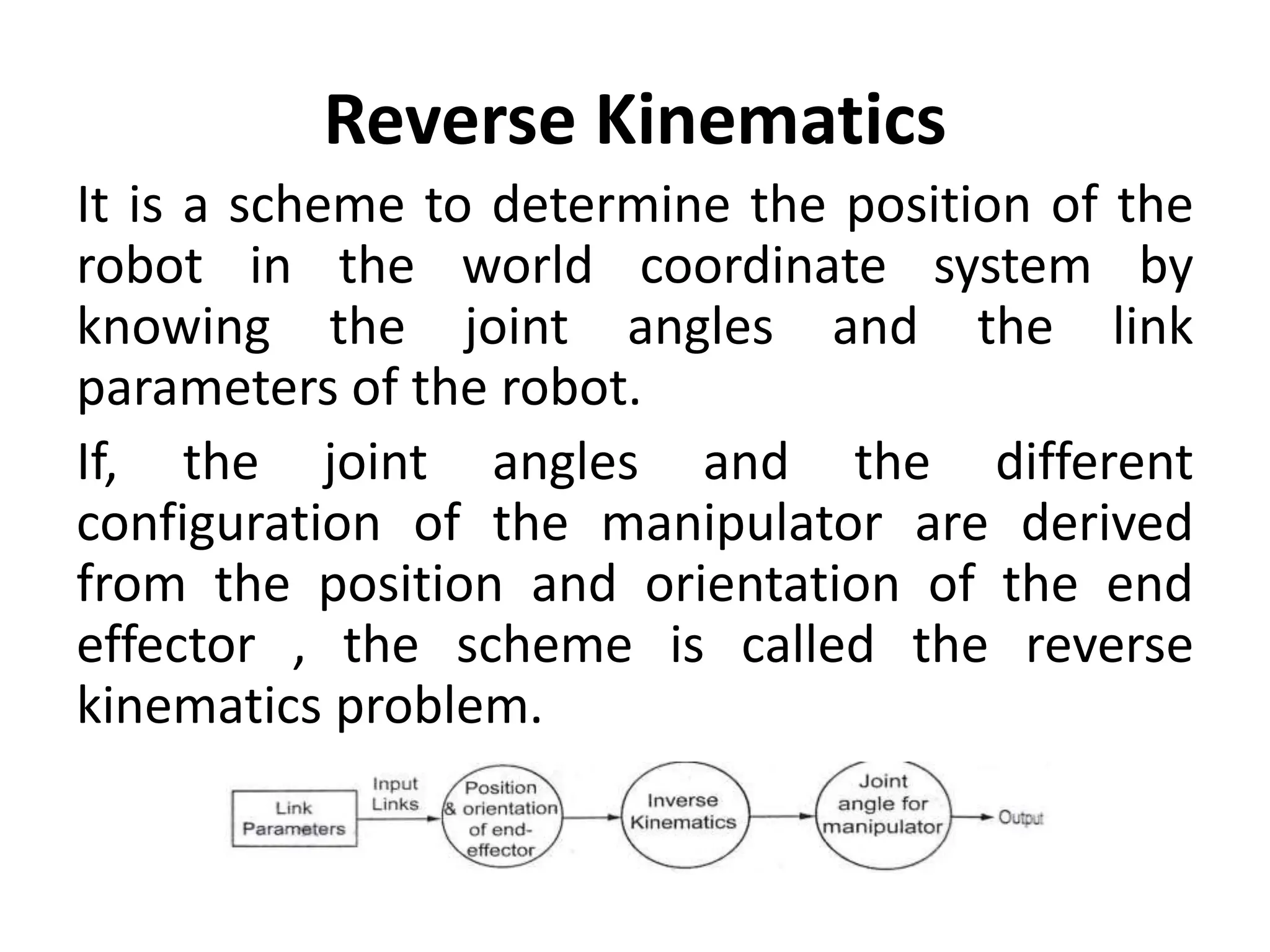
Reverse Kinematics
It is a scheme to determine the position of the
robot in the world coordinate system by
knowing the joint angles and the link
parameters of the robot.
If, the joint angles and the different
configuration of the manipulator are derived
from the position and orientation of the end
effector , the scheme is called the reverse
kinematics problem.
Introduction to ROS
• ROS is an open-source robot operating system
• A set of software libraries and tools that help
you build robot applications that work across
a wide variety of robotic platforms
• Originally developed in 2007 at the Stanford
Artificial Intelligence Laboratory and
development continued at Willow Garage
• Since 2013 managed by OSRF (Open Source
Robotics Foundation)
ROS has two "sides"
• The operating system side, which provides
standard operating system services such as: o
hardware abstraction o low-level device control o
implementation of commonly used functionality
o message-passing between processes o package
management
• A suite of user contributed packages that
implement common robot functionality such as
SLAM, planning, perception, vision, manipulation,
etc.

Unit IV.pptx Robot programming and Languages

  • 1.
    Unit IV TRAJECTORY, PATHPLANNING AND PROGRAMMING Prepared by B.Balasubramanian AP/MECH CCET
  • 2.
    Syllabus Trajectory Planning- Jointspace and Cartesian space technique, Introduction to robot control, Robot programming and Languages- Introduction to ROS
  • 3.
    Methods of Robotprogramming (Industrial Practice) • Lead through method or Teach-by-showing: It require the programmer to move the manipulator through the desired motion path and that the path be committed to memory by the robot controller. • Textual robot language: It is accomplished somewhat like computer programming. The programmer types in the program on a CRT monitor using a high-level english like language
  • 4.
    Levels of Robotprogramming languages Bonner classified Robot programming languages in to five distinct levels to indicate the basic features of each language. They are as follows • Microprocessor/microcontroller level • P-t-P (Point- to - Point) level • Motion level • Structural programming level • Task oriented level
  • 5.
    Classification of RobotLanguages Robot languages can be grouped broadly in to three major classes – First generation language – Second generation language – World modelling and task-oriented object language
  • 6.
    General Requirements ofa Language for Robot Control 1) Geometric and kinematic calculations: functions and data types to allow the compact and efficient expression of coordinate systems in homogeneous coordinates and their transforms (matrix arithmetic); perhaps even very high level operations such as solving the kinematic equations. 2) World modelling: the ability to define objects by, for example, the space enclosed by a set of intersecting surfaces, to manipulate such objects as a whole, to 'attach' objects(including parts of the robot) so that the system knows that if one object moves then any attached objects also move, and to test for collisions. Other functions can be imagined. World modelling is related to simulation and computer-aided design.
  • 7.
    3) Motion specification:the ability to do the things described in the section on specifying trajectories. This implies functions such as linear interpolation, finding the equation of a circle from points on it, fitting curves through a series of points and so on. It may also be useful to specify sawtooth weaving, as used in arc welding, speed and acceleration, and the direction of approach to a certain point (important for assembly). 4) The use of sensing for program branching and servo control.
  • 8.
    5) Teaching: theability to accept path points taught by leading or walking through. This is perhaps an aspect of trajectory generation. 6) Communication with other machines. 7) Vision and other complex sensing (such as tactile imaging). Although it is more usual for such processing to be done in a separate system which feeds a simple result such as object orientation to the robot control system, there may be a place for these capabilities within the language itself.
  • 9.
    Robot Languages • Theearliest was MIT's language MHI in 1960. Its main robot- specific constructs are moves and sensor tests. • A more general purpose language was WAVE, developed at Stanford in the early 1970s. It introduced the description of positions by Cartesian coordinates, coordinated joint motions and compliance by letting certain joints move freely under external loads. • An influential language, which is still being extended, is AL. This provides Cartesian specification of motions, compliance, the data ,types and control structures of an Algollike language, support for world modelling (such as attachment) and the concurrent execution of processes. • A more recent language is RAPT, based on the machine tool language APT, and developed at Edinburgh University. Robot manufacturers often provide a language to go with their products. Example is Unimation's VAL for the PUMA robot.
  • 10.
    Versatile Assembly Language(VAL) • It is a popular textual robot language developed by Unimation Inc. for the PUMA series of robots • Victor Sheinman developed VAL language • It is very user friendly • WAIT and SIGNAL commands can be given to implement a specific task • The commands are subroutines written in BASIC and translated with the aid of an interpreter • Compiled BASIC has more flexibility • It provides arm movement in joint, world and tool coordinates Gripping Speed control
  • 11.
    Robot configuration control •RIGHTY changes the robot configuration to resemble a right human arm • LEFTY change the robot configuration to resemble a left human arm • ABOVE makes the elbow of the robot to point up • BELOW makes the elbow of the robot to point down
  • 12.
    Motion control • MOVEmoves the robot to a specific location • MOVES moves the robot in a straight line path • DRAW moves the robot along a straight line through specified distances In X,Y and Z directions • APPRO moves the robot to a location which is at an offset (along tool Z-axis) from a specified point • DEPART moves the tool along the current tool Z-axis • APPROS or DEPARTS do the same as APPRO or DEPART instruction, but along straight line paths • CIRCLE moves the robot through circular interpolation via three specified point location
  • 13.
    Hand control • OPENand CLOSE indicates respectively the opening and closing of the gripper during the next instruction • OPENI and CLOSEI carry on the same functions, but immediately • GRASP indicates the gripper to close • MOVEST PART indicates that the servo controller end effector causes a straight line motion to a point defined by PART • MOVET PART causes the gripper to move to position by joint-interpolated motion
  • 14.
  • 15.
    Program control, interlockcommands and input/output controls • SETI sets the value of an integer variable to the result of an expression • TYPEI displays the name and value of an integer variable • PROMPT • GOTO performs an unconditional branch to the program step identified by a given level • GOSUB and RETURN are necessary to transfer control to a subroutine and back to the calling program respectively • IF…THEN ELSE END transfers control to a program step depending on a relationship being true or false • PAUSE terminates the execution of a user program
  • 16.
    Cont.. • PROCEED resumedfrom the point • SIGNAL turns the signals ON or OFF at the specified output channels • IFSIG and WAIT test the states of one or more external signals • RESET turns OFF all external output signals • REACT indicates that the reactions • REACTI interrupts robot motion immediately • IOPUT and IOGET are the commands that are used either to send or receive output respectively to a digital I/O module • ADC and DAC
  • 17.
    Simple VAL program ProgramDEMO. A 1. APPRO PART, 50 2. MOVES PART 3. CLOSEI 4. DEPARTS 150 5. APPROS BOX, 200 6. MOVE BOX 7. OPENI 8. DEPART 75 END
  • 18.
    Meaning of theprogram The name of the program is DEMO. A 1. Move to a location, 50mm above the location PART (PART is a location to be defined) 2. Move along a straight line to PART 3. Close the gripper jaws to grip the object immediately 4. Withdraw 150mm from PART along a straight line path 5. Approach along a straight line to a location 200mm above the location, BOX (BOX is to be defined later) 6. Move to BOX 7. Open the hand (and drop the object) 8. Withdraw 75mm from Box
  • 19.
    • Step 1,6 & 7 are examples of joint- interpolated motions • Steps 2, 4, & 5 are examples of straight line motion • Step 3 & 7 contain hand control instruction • However, an optional level may be given, such as “10 APPRO PART, 50” • Go back to the same instruction
  • 20.
    ROBOT KINEMATICS • Itis assumed that a robot can be regarded as a chain of rigid links connected by revolute or prismatic joints at which actuators, regarded as torque or force generators. • The control of flexible structures is in its infancy and will not be discussed. • With this assumption, there is a set of important problems in analysis and control, and most of the literature on robot control addresses one or other of these. • Some have accepted solutions; others are the subject of research.
  • 21.
    ROBOT KINEMATICS They areas follows: 1) formulating the kinematic equations (joint coordinates to world coordinates) ; 2) solving the kinematic equations (world coordinates to joint coordinates); 3) the forward problem of dynamics - finding the motions resulting from joint torques; 4) the inverse problem of dynamics - finding the torques needed to produce a given motion; 5) specifying a trajectory between target points on the path; 6) actuator servo control - for a single actuator, how to drive it so as to produce a specified position, velocity or torque.
  • 22.
    Forward Kinematics It isa scheme to determine joint angles of a robot by knowing its position in the world coordinate system. For a manipulator, the position and orientation of the end-effector are derived from the given joint angles and link parameters, the scheme is called the forward kinematics problem.
  • 23.
    Reverse Kinematics It isa scheme to determine the position of the robot in the world coordinate system by knowing the joint angles and the link parameters of the robot. If, the joint angles and the different configuration of the manipulator are derived from the position and orientation of the end effector , the scheme is called the reverse kinematics problem.
  • 24.
    Introduction to ROS •ROS is an open-source robot operating system • A set of software libraries and tools that help you build robot applications that work across a wide variety of robotic platforms • Originally developed in 2007 at the Stanford Artificial Intelligence Laboratory and development continued at Willow Garage • Since 2013 managed by OSRF (Open Source Robotics Foundation)
  • 25.
    ROS has two"sides" • The operating system side, which provides standard operating system services such as: o hardware abstraction o low-level device control o implementation of commonly used functionality o message-passing between processes o package management • A suite of user contributed packages that implement common robot functionality such as SLAM, planning, perception, vision, manipulation, etc.