CHAPTER 4
DECISION MAKING and LOOPING
REFERENCE: PROGRAMMING IN C BY BALAGURUSWAMY
MRS. SOWMYA JYOTHI, SDMCBM, MANGALORE
•A loop is a particular area of a program where some
executable statements are written which gets
executed by testing one or more conditions.
•So, in looping, a sequence of statements is executed
until some conditions for termination are satisfied.
•A program loop therefore consists of two segments;
the body of the loop and the control statement.
Steps of looping process :
A looping process, in general, would include the
following four steps.
1. Setting and initialization of a condition variable.
2. Execution of the statements of the loop.
3. Test for a specified value of the condition variable
for execution of the loop.
4. Incrementing or updating the condition variable.
•Depending on the position of the control
statement in the loop, a control structure
can be classified into two types;
1.entry controlled and
2.exit controlled.
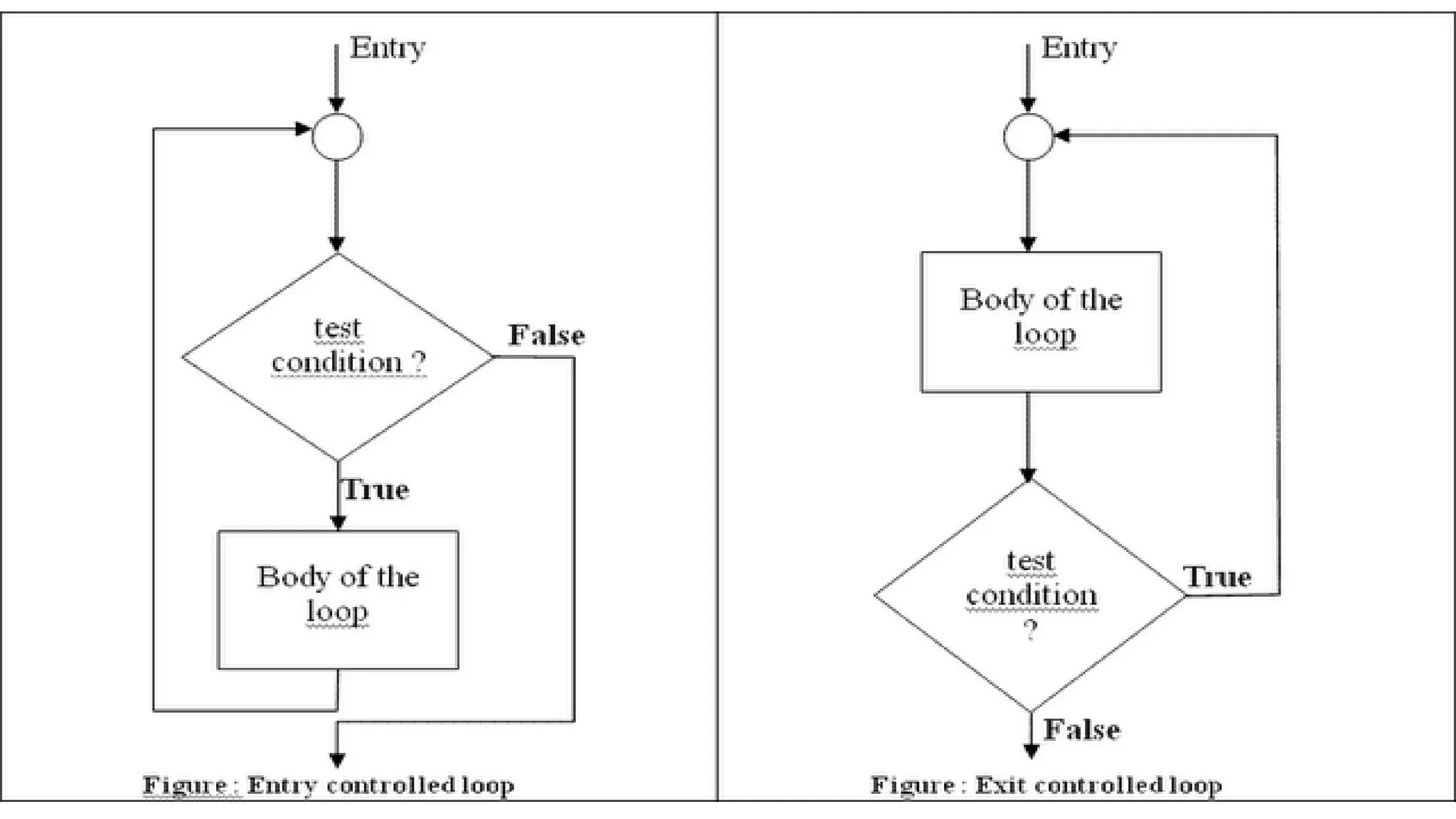
•Entry controlled loop : The types of loop where the
test condition is stated before the body of the loop,
are known as the entry controlled loop.
Entry controlled loop, the condition is tested before
the execution of the loop. If the test condition is true,
then the loop gets the execution, otherwise not.
For example, the for loop is an entry controlled loop.
Exit controlled loop :
•The types of loop where the test condition is stated
at the end of the body of the loop, are know as the
exit controlled loops.
• So, in the case of the exit controlled loops, the body of the loop
gets executed without testing the given condition for the first
time.
• Then the condition is tested.
• If it comes true, then the loop gets another execution and
continues till the result of the test condition is not false.
• For example, the do statement or the do....while loop is an exit
controlled loop.
Sentinel controlled loop :
•The type of loop where the number of execution of
the loop is unknown, is termed by sentinel
controlled loop.
•In this case, the value of the control variable differs
within a limitation and the execution can be
terminated at any moment as the value of the variable
is not controlled by the loop.
•The control variable in this case is termed by sentinel
variable.
• The while loop is an example of sentinel controlled
loop.
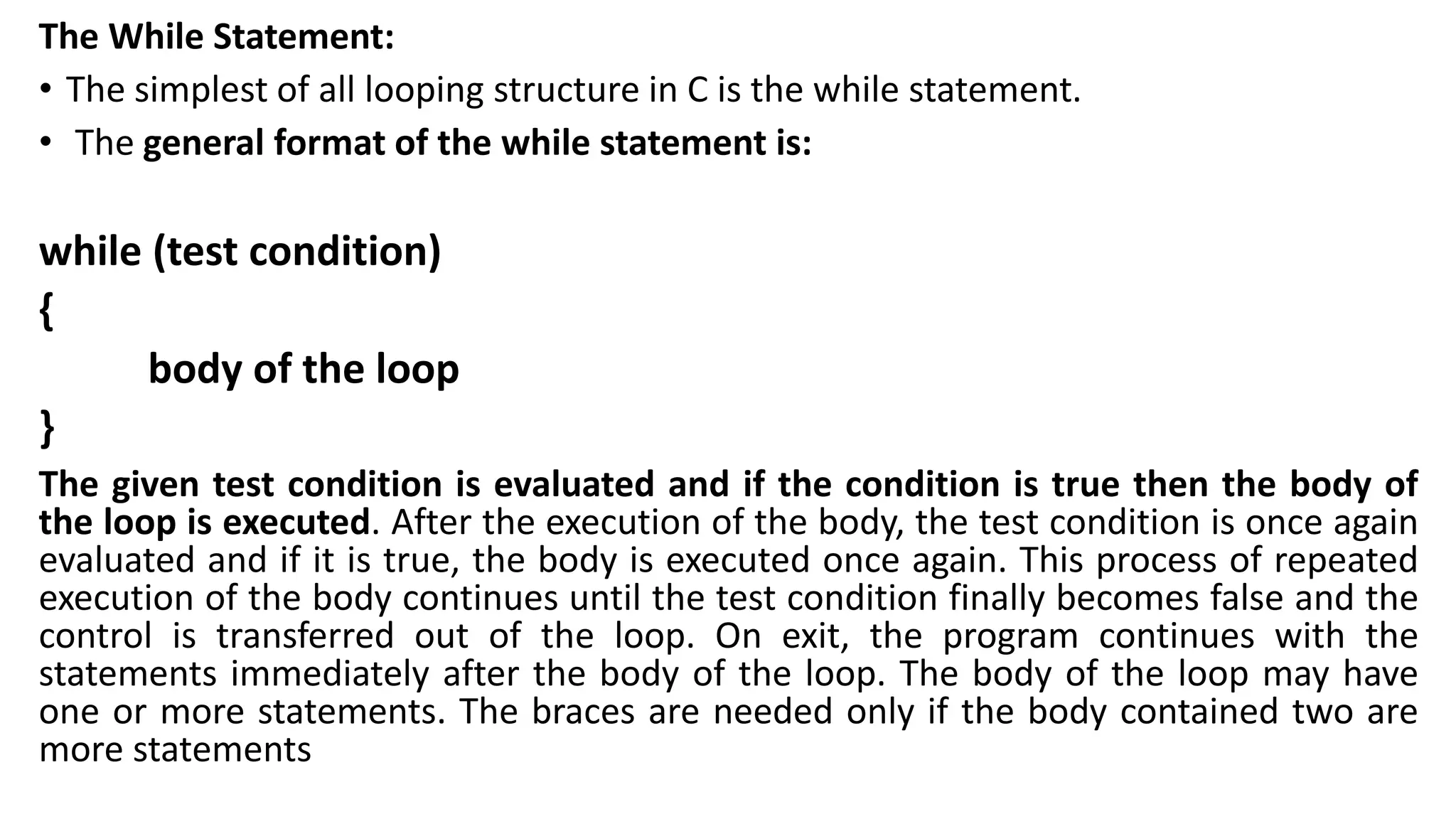
The While Statement:
• The simplest of all looping structure in C is the while statement.
• The general format of the while statement is:
while (test condition)
{
body of the loop
}
The given test condition is evaluated and if the condition is true then the body of
the loop is executed. After the execution of the body, the test condition is once again
evaluated and if it is true, the body is executed once again. This process of repeated
execution of the body continues until the test condition finally becomes false and the
control is transferred out of the loop. On exit, the program continues with the
statements immediately after the body of the loop. The body of the loop may have
one or more statements. The braces are needed only if the body contained two are
more statements
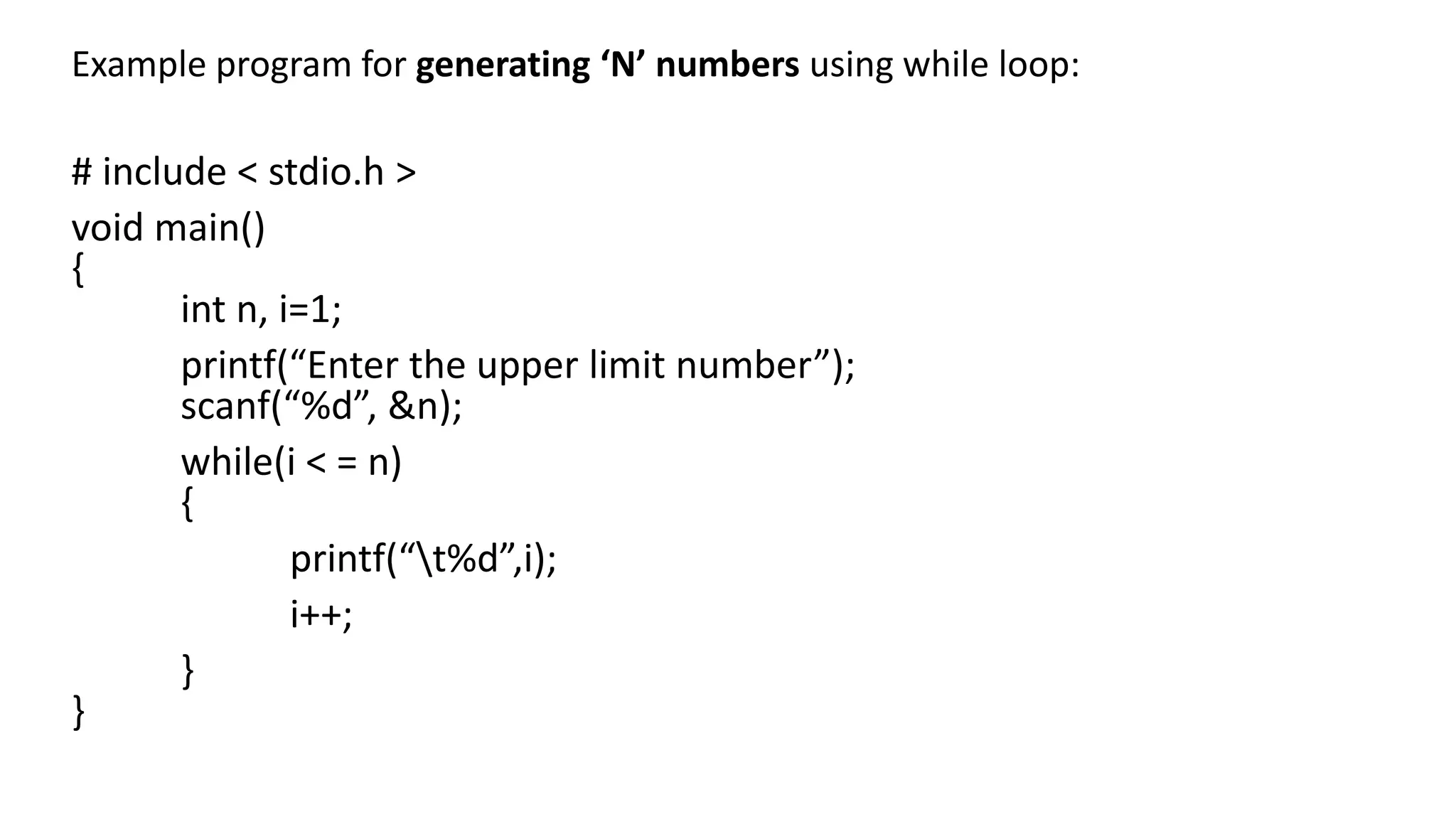
Example program for generating ‘N’ numbers using while loop:
# include < stdio.h >
void main()
{
int n, i=1;
printf(“Enter the upper limit number”);
scanf(“%d”, &n);
while(i < = n)
{
printf(“t%d”,i);
i++;
}
}
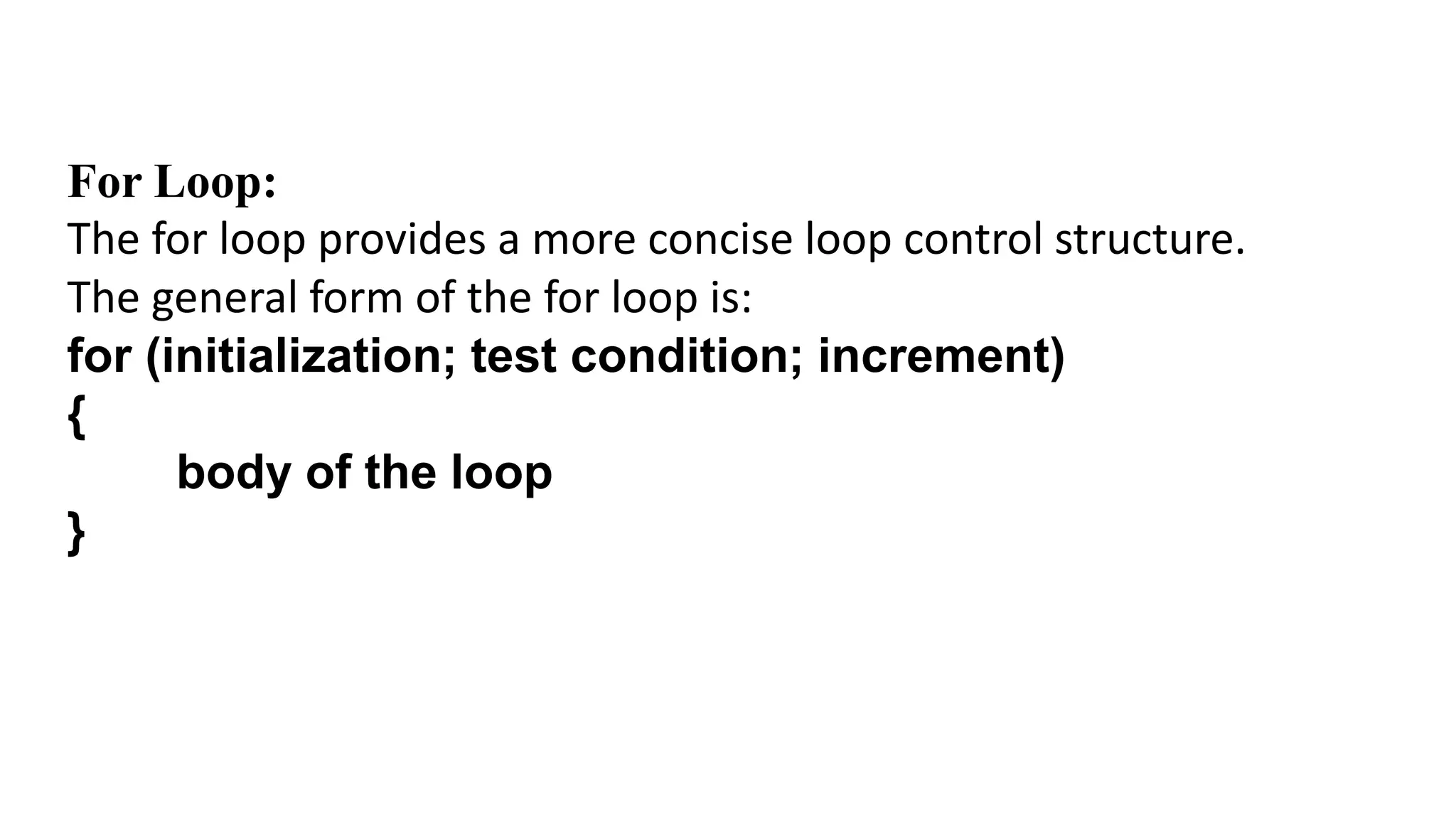
For Loop:
The for loop provides a more concise loop control structure.
The general form of the for loop is:
for (initialization; test condition; increment)
{
body of the loop
}
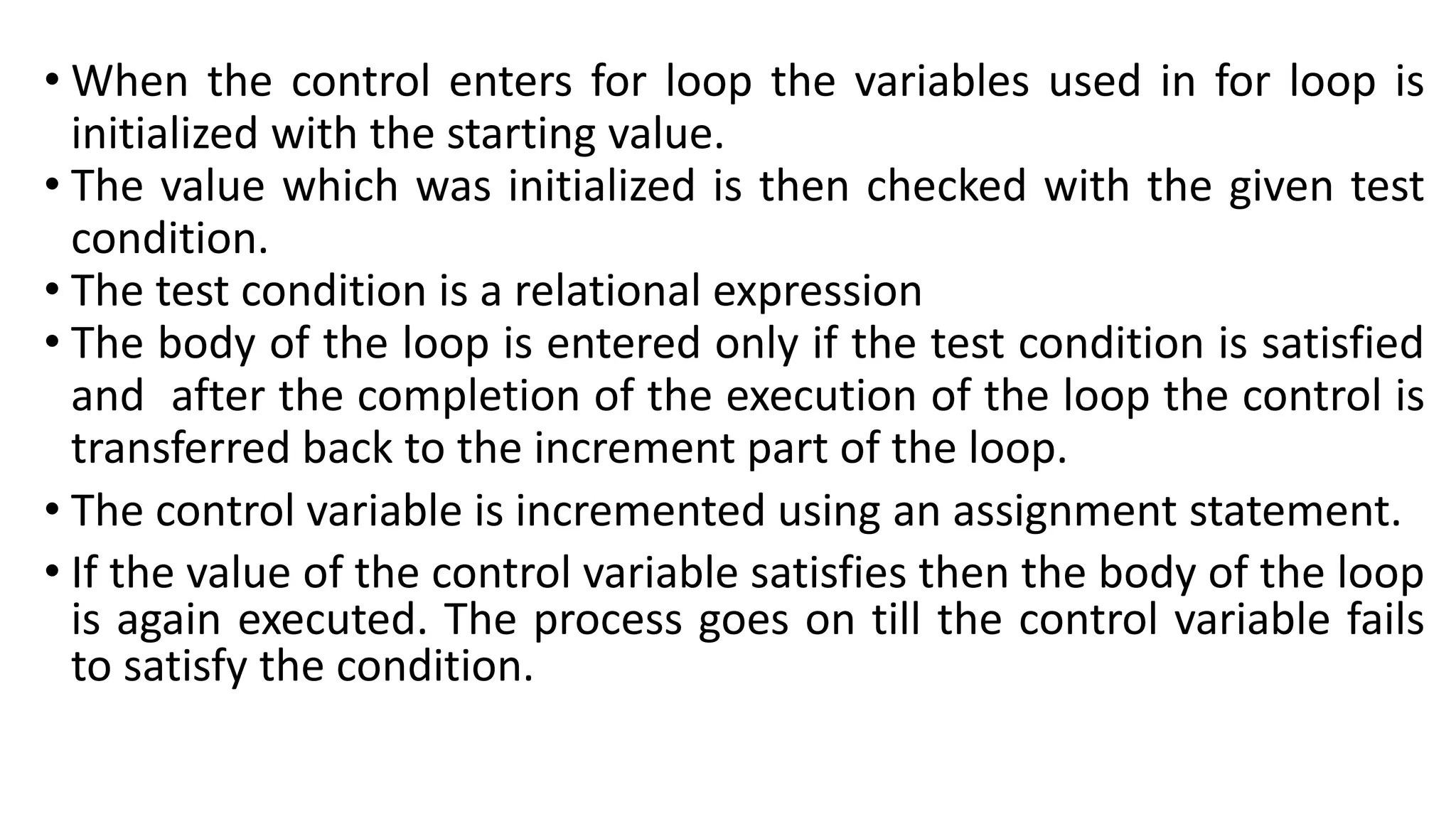
• When the control enters for loop the variables used in for loop is
initialized with the starting value.
• The value which was initialized is then checked with the given test
condition.
• The test condition is a relational expression
• The body of the loop is entered only if the test condition is satisfied
and after the completion of the execution of the loop the control is
transferred back to the increment part of the loop.
• The control variable is incremented using an assignment statement.
• If the value of the control variable satisfies then the body of the loop
is again executed. The process goes on till the control variable fails
to satisfy the condition.
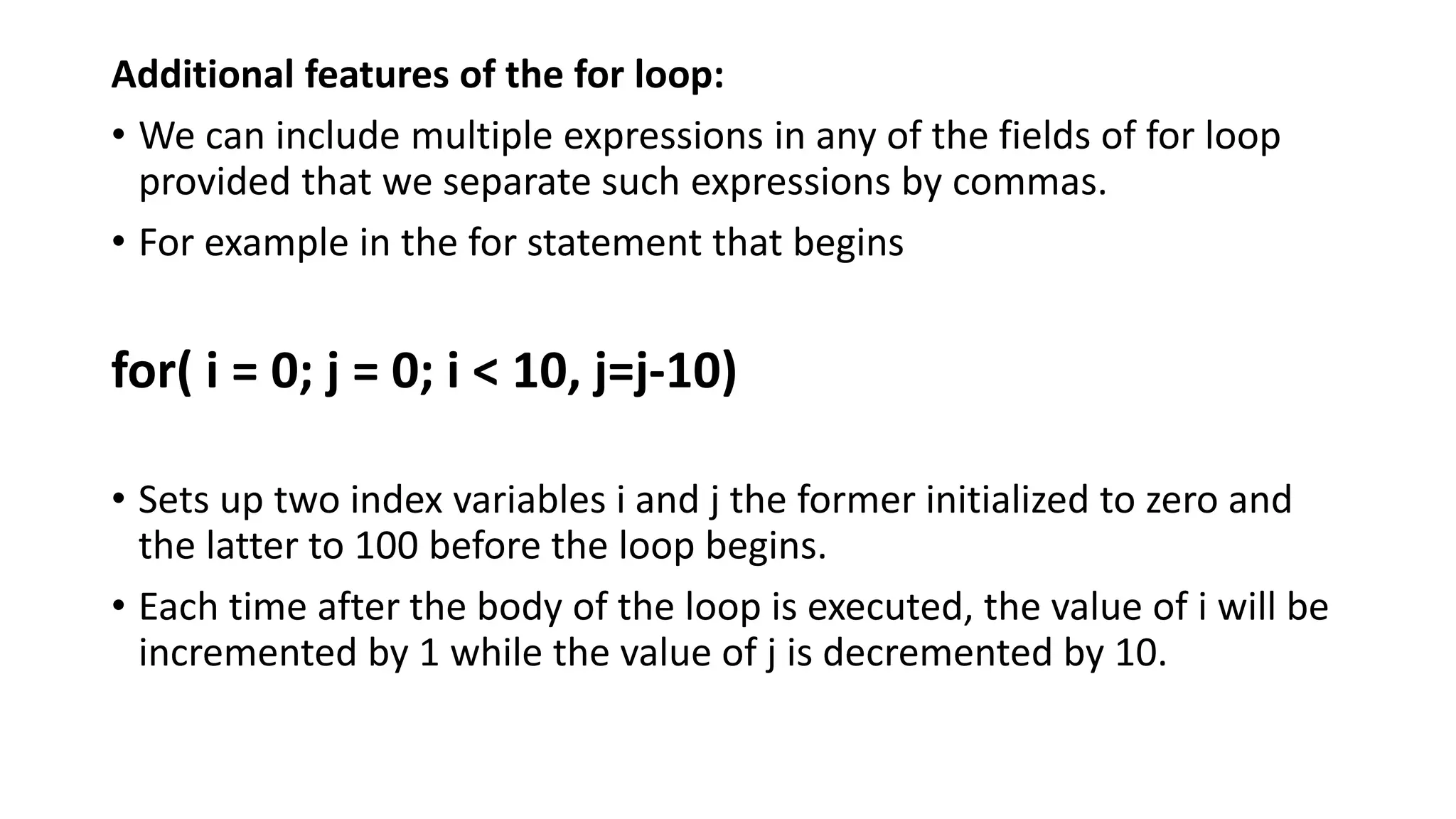
Additional features of the for loop:
• We can include multiple expressions in any of the fields of for loop
provided that we separate such expressions by commas.
• For example in the for statement that begins
for( i = 0; j = 0; i < 10, j=j-10)
• Sets up two index variables i and j the former initialized to zero and
the latter to 100 before the loop begins.
• Each time after the body of the loop is executed, the value of i will be
incremented by 1 while the value of j is decremented by 10.
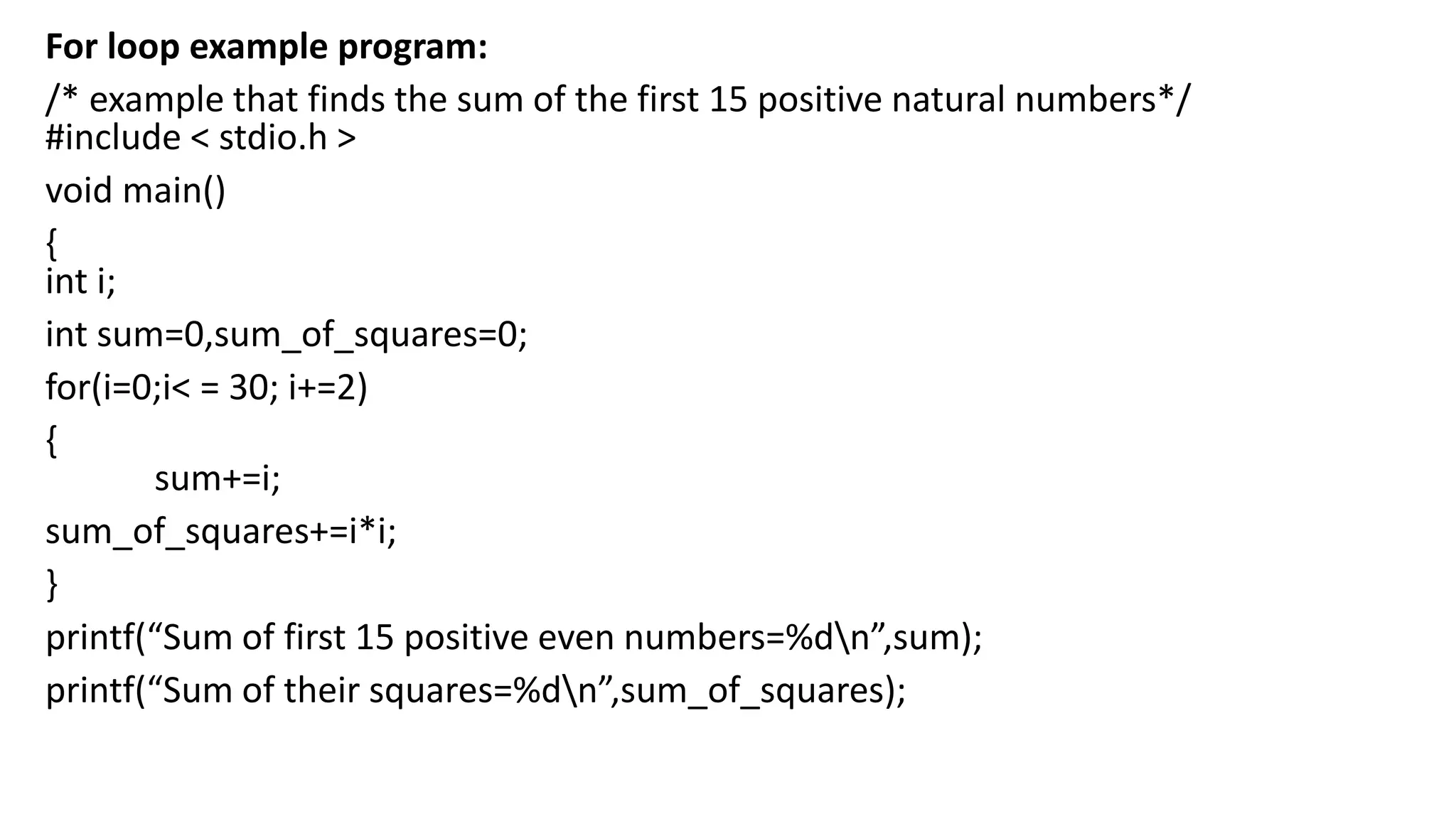
For loop example program:
/* example that finds the sum of the first 15 positive natural numbers*/
#include < stdio.h >
void main()
{
int i;
int sum=0,sum_of_squares=0;
for(i=0;i< = 30; i+=2)
{
sum+=i;
sum_of_squares+=i*i;
}
printf(“Sum of first 15 positive even numbers=%dn”,sum);
printf(“Sum of their squares=%dn”,sum_of_squares);
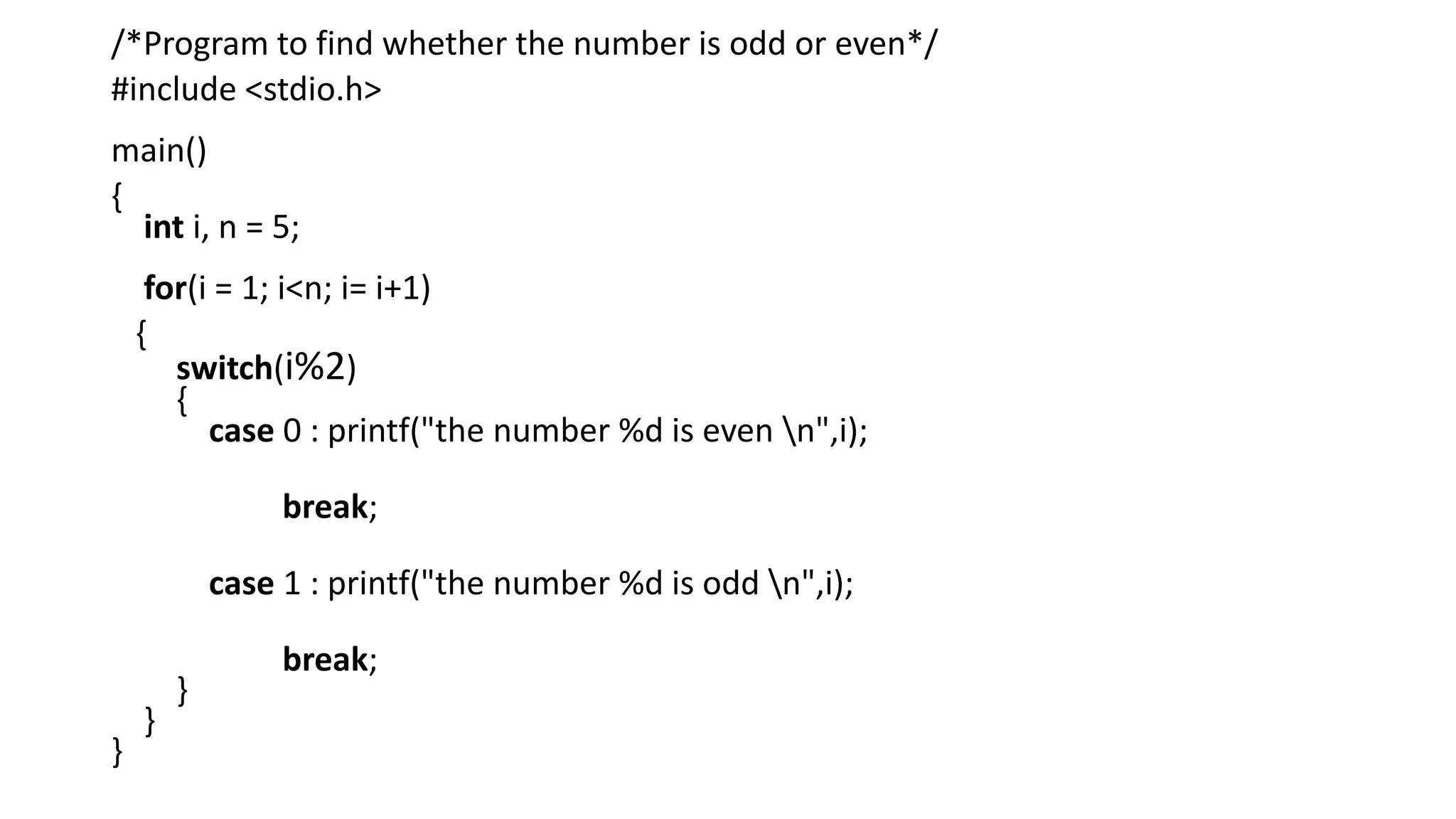
/*Program to find whether the number is odd or even*/
#include <stdio.h>
main()
{
int i, n = 5;
for(i = 1; i<n; i= i+1)
{
switch(i%2)
{
case 0 : printf("the number %d is even n",i);
break;
case 1 : printf("the number %d is odd n",i);
break;
}
}
}
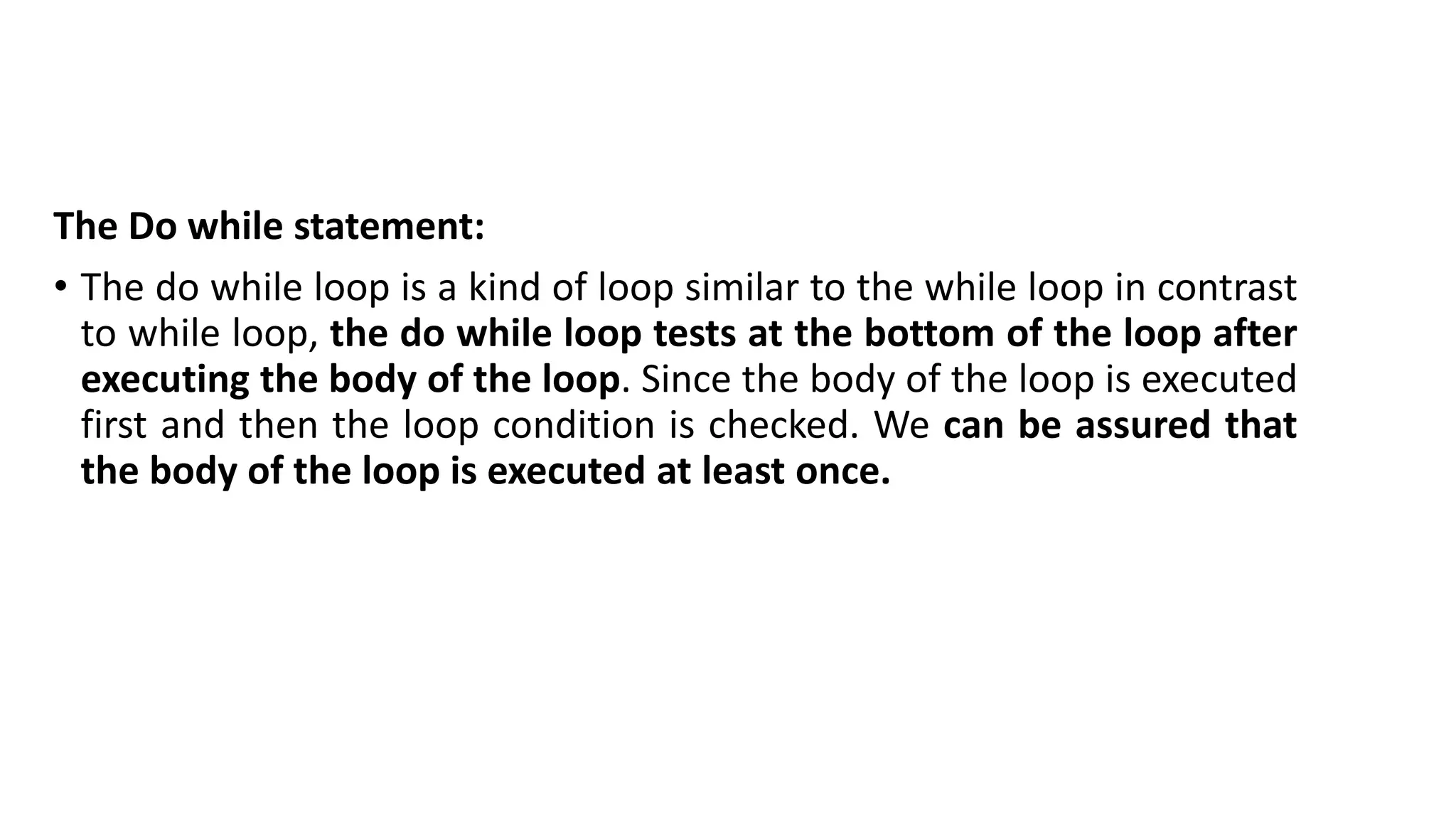
The Do while statement:
• The do while loop is a kind of loop similar to the while loop in contrast
to while loop, the do while loop tests at the bottom of the loop after
executing the body of the loop. Since the body of the loop is executed
first and then the loop condition is checked. We can be assured that
the body of the loop is executed at least once.
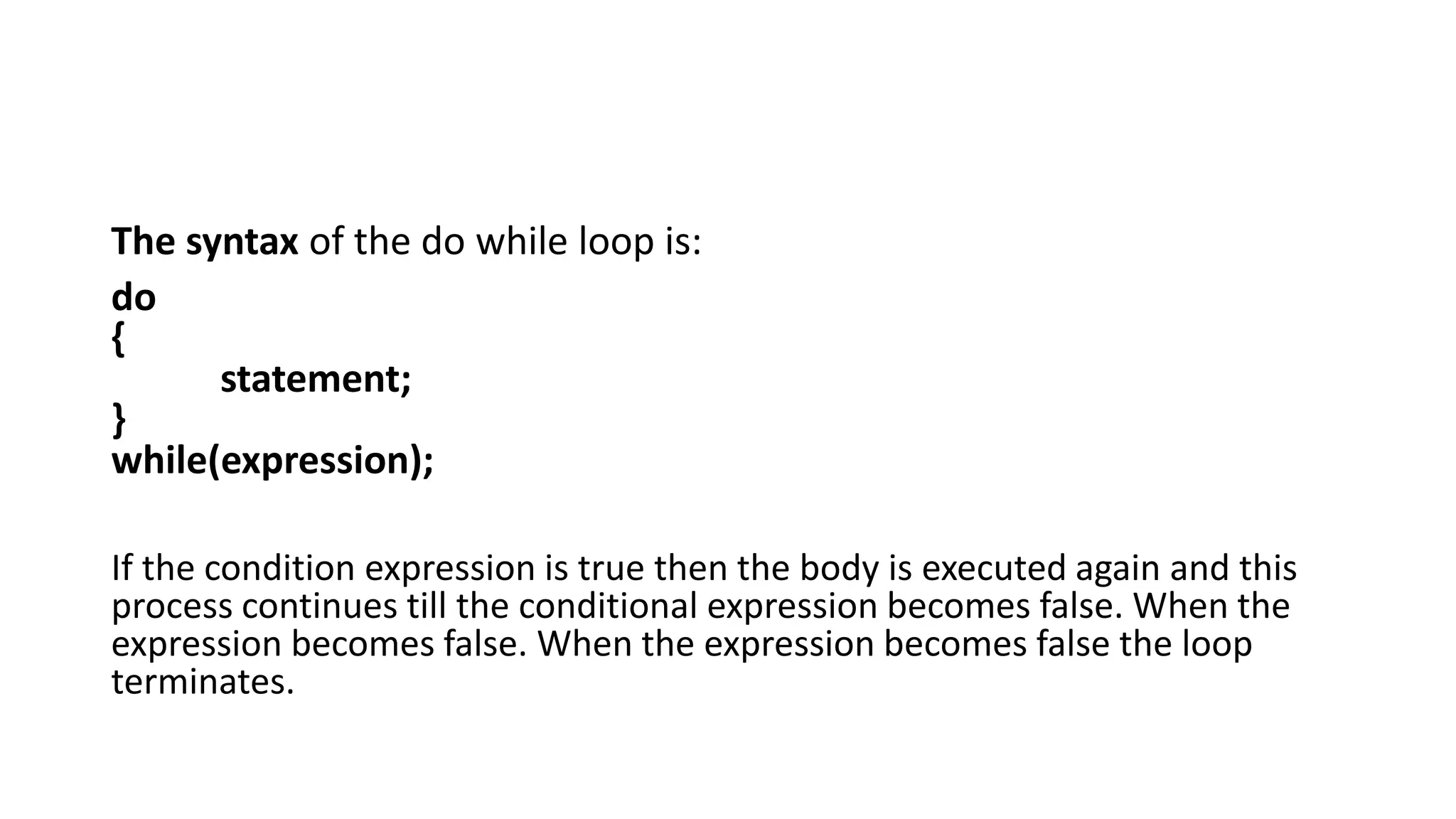
The syntax of the do while loop is:
do
{
statement;
}
while(expression);
If the condition expression is true then the body is executed again and this
process continues till the conditional expression becomes false. When the
expression becomes false. When the expression becomes false the loop
terminates.
do
{
printf(“Enter the number:”);
scanf(“%d”, &num);
}
while(num>0);
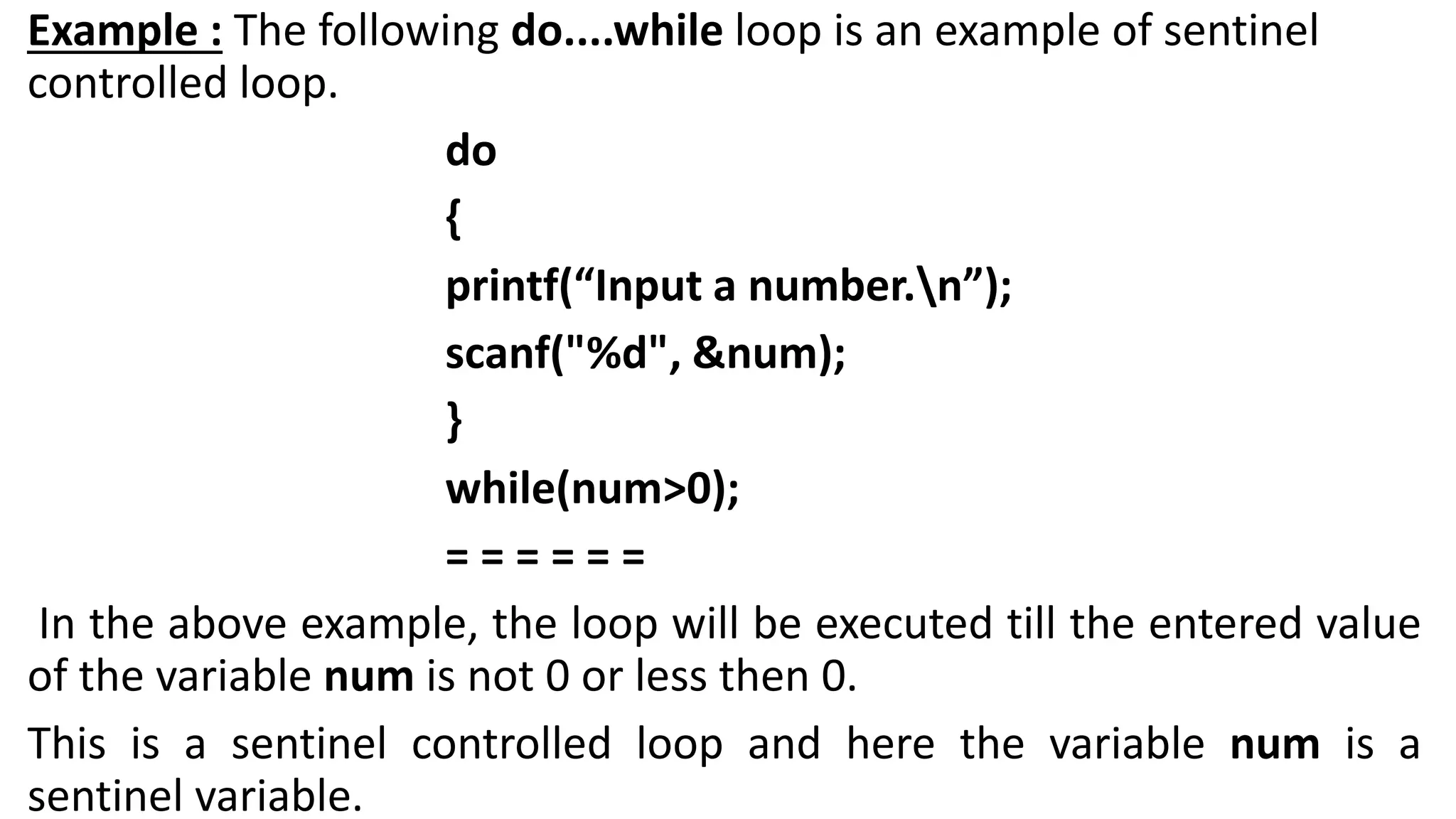
Example : The following do....while loop is an example of sentinel
controlled loop.
do
{
printf(“Input a number.n”);
scanf("%d", &num);
}
while(num>0);
= = = = = =
In the above example, the loop will be executed till the entered value
of the variable num is not 0 or less then 0.
This is a sentinel controlled loop and here the variable num is a
sentinel variable.
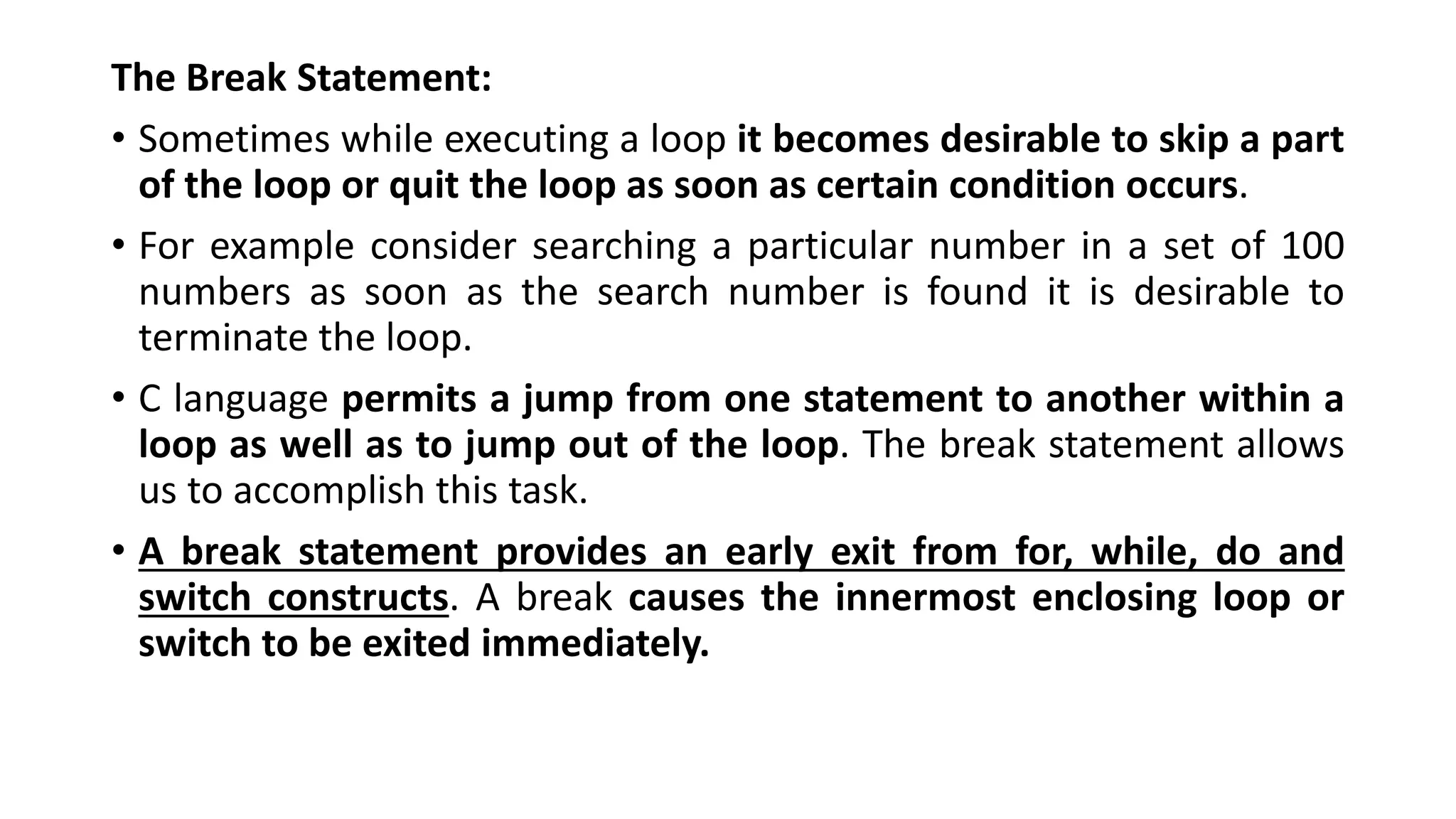
The Break Statement:
• Sometimes while executing a loop it becomes desirable to skip a part
of the loop or quit the loop as soon as certain condition occurs.
• For example consider searching a particular number in a set of 100
numbers as soon as the search number is found it is desirable to
terminate the loop.
• C language permits a jump from one statement to another within a
loop as well as to jump out of the loop. The break statement allows
us to accomplish this task.
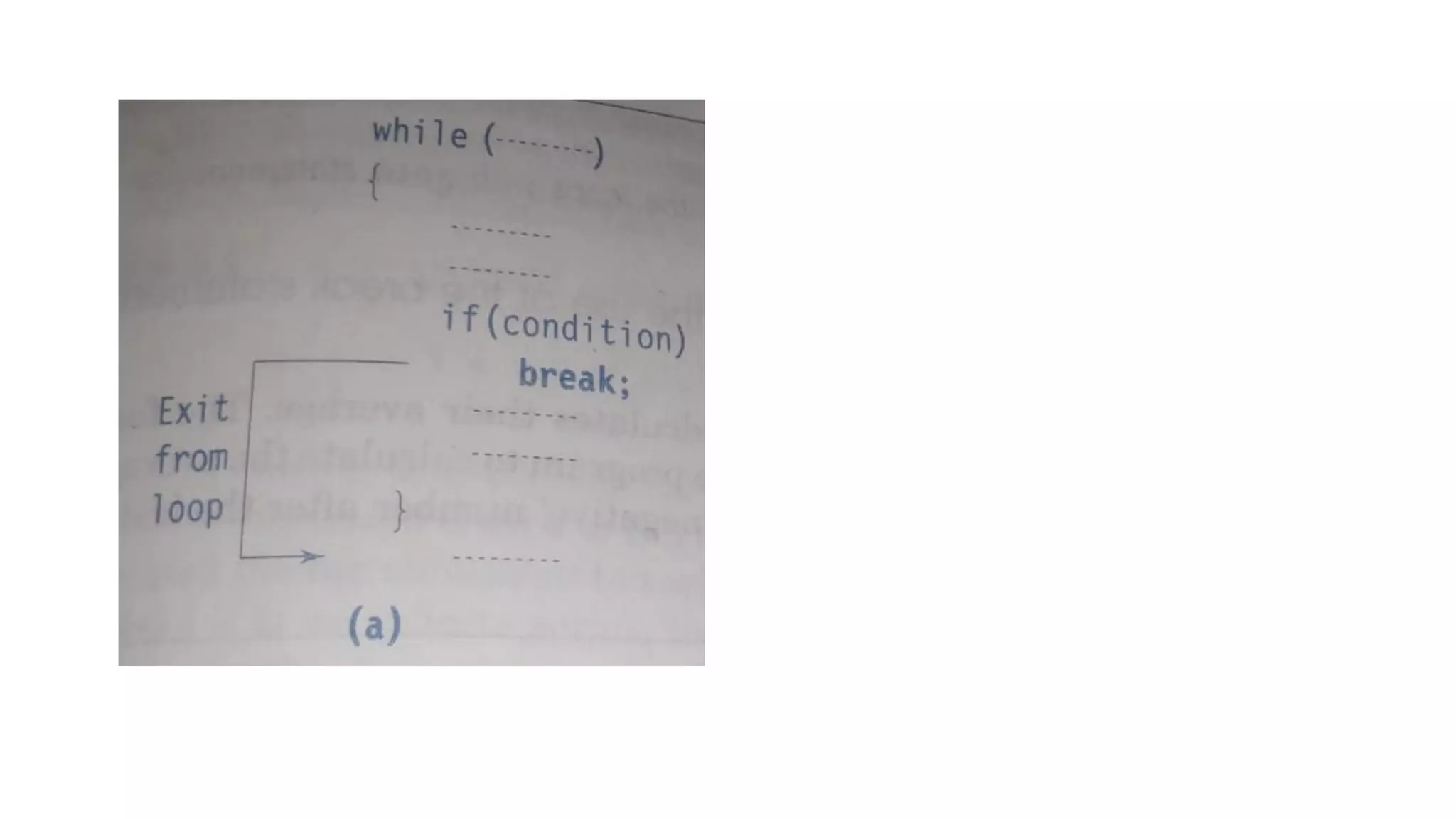
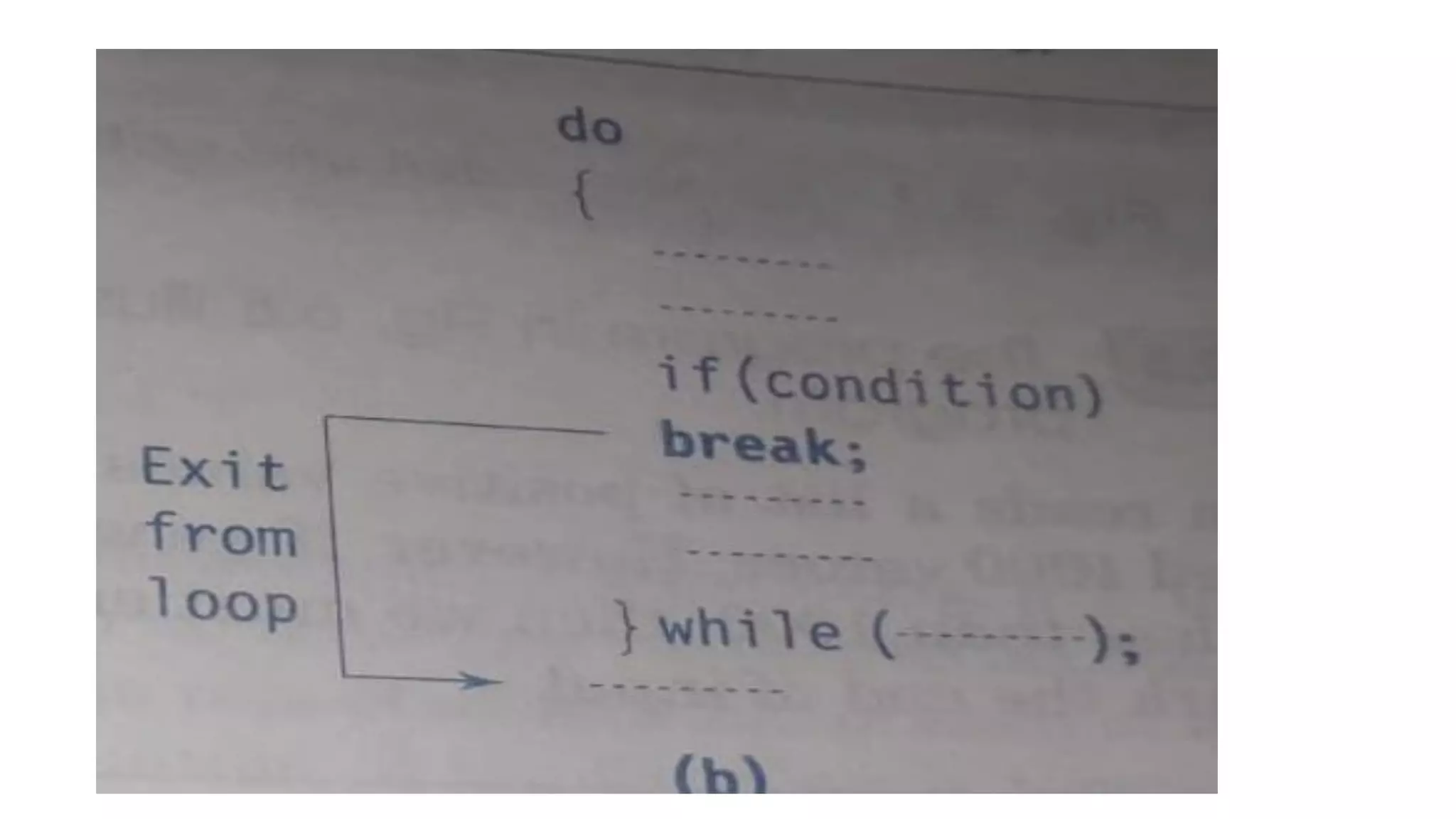
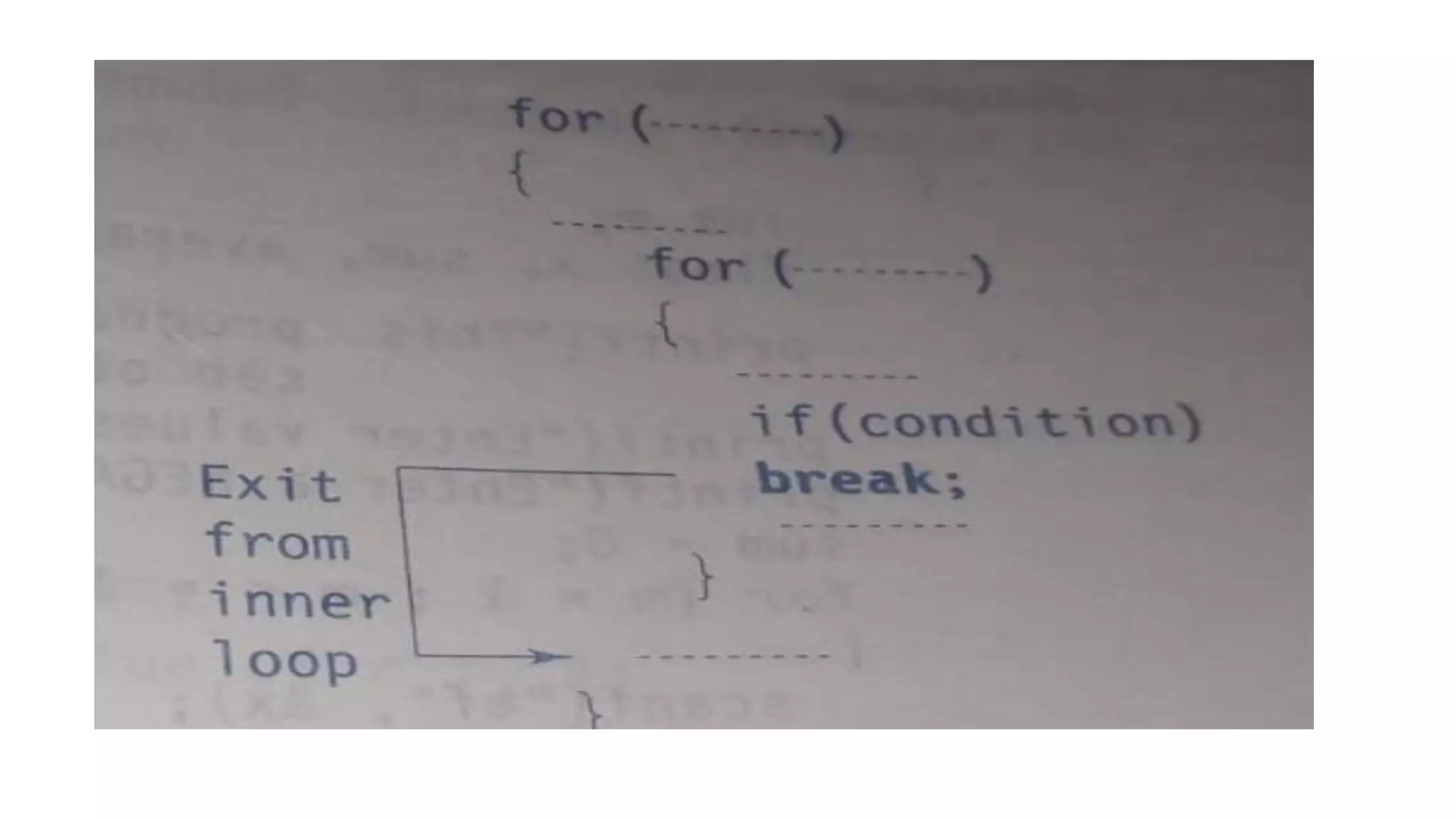
• A break statement provides an early exit from for, while, do and
switch constructs. A break causes the innermost enclosing loop or
switch to be exited immediately.
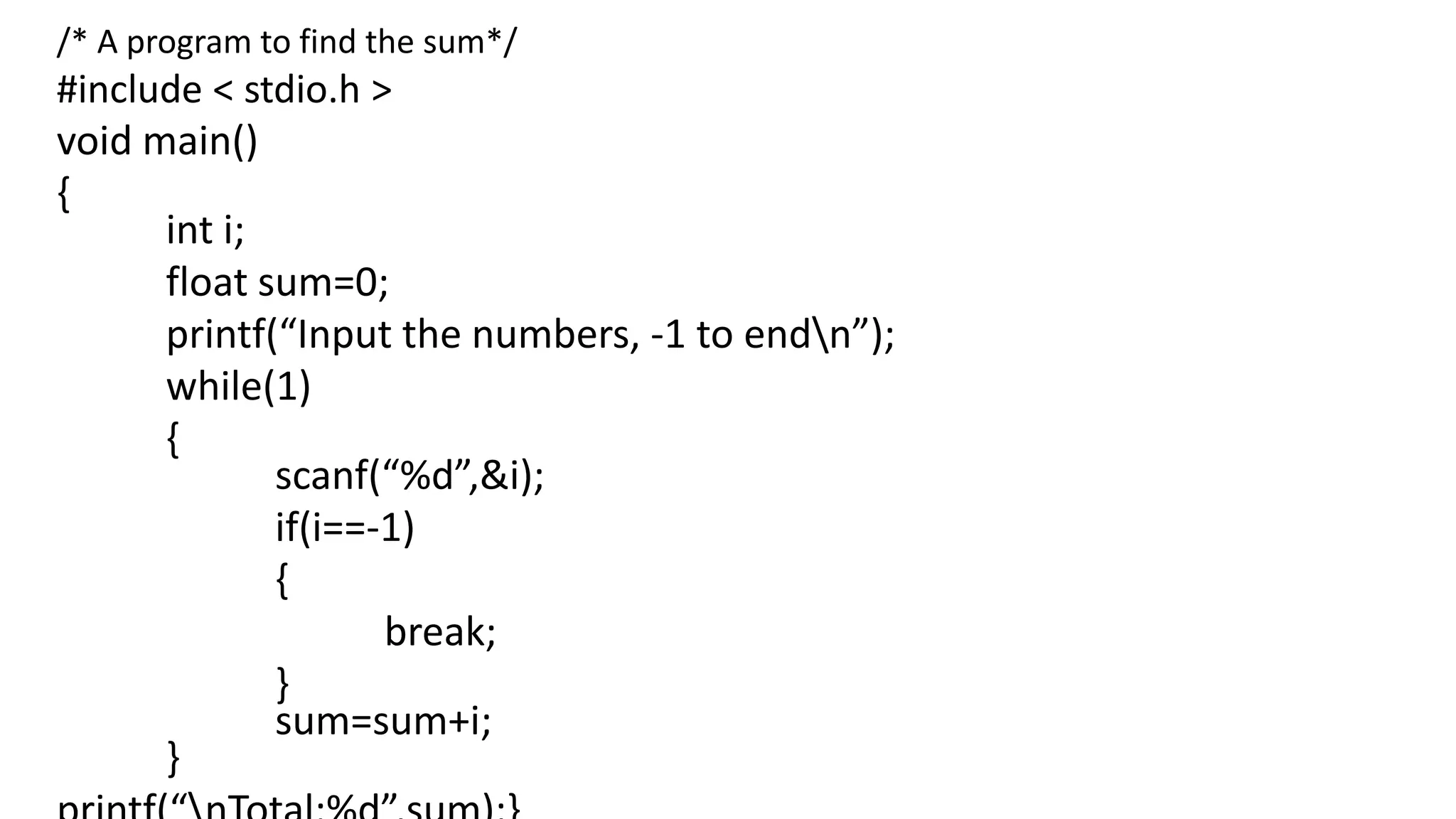
/* A program to find the sum*/
#include < stdio.h >
void main()
{
int i;
float sum=0;
printf(“Input the numbers, -1 to endn”);
while(1)
{
scanf(“%d”,&i);
if(i==-1)
{
break;
}
sum=sum+i;
}
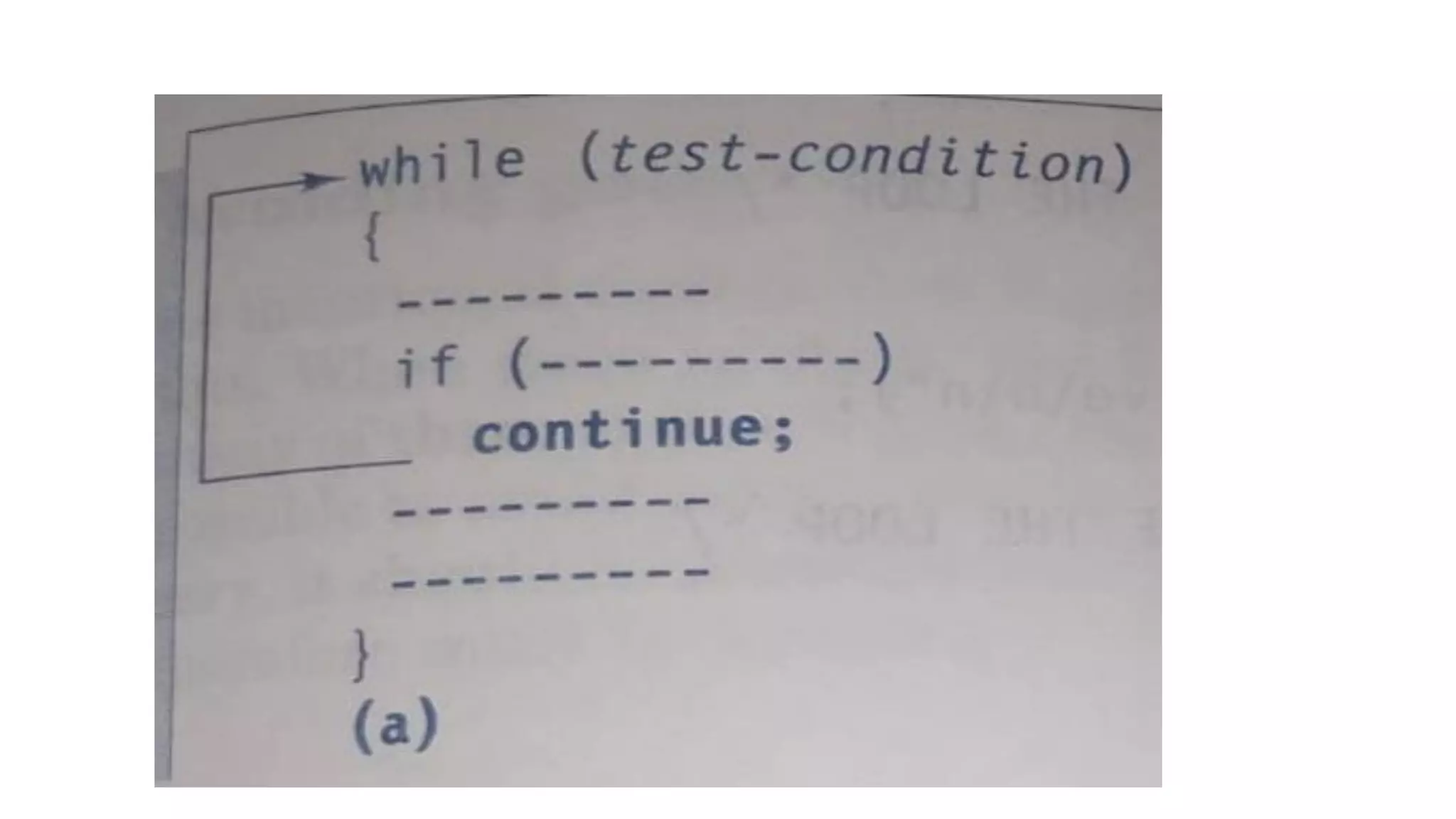
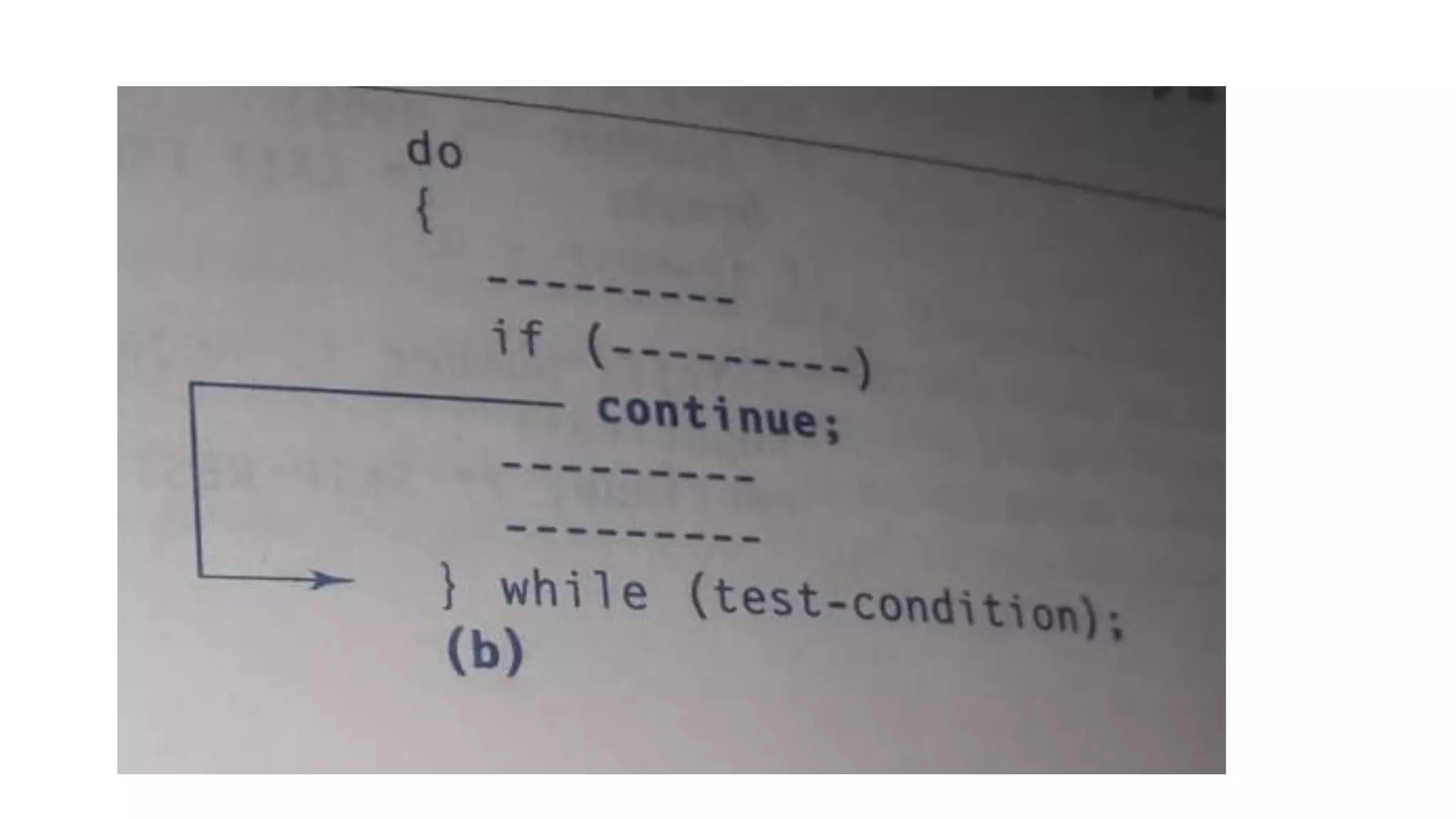
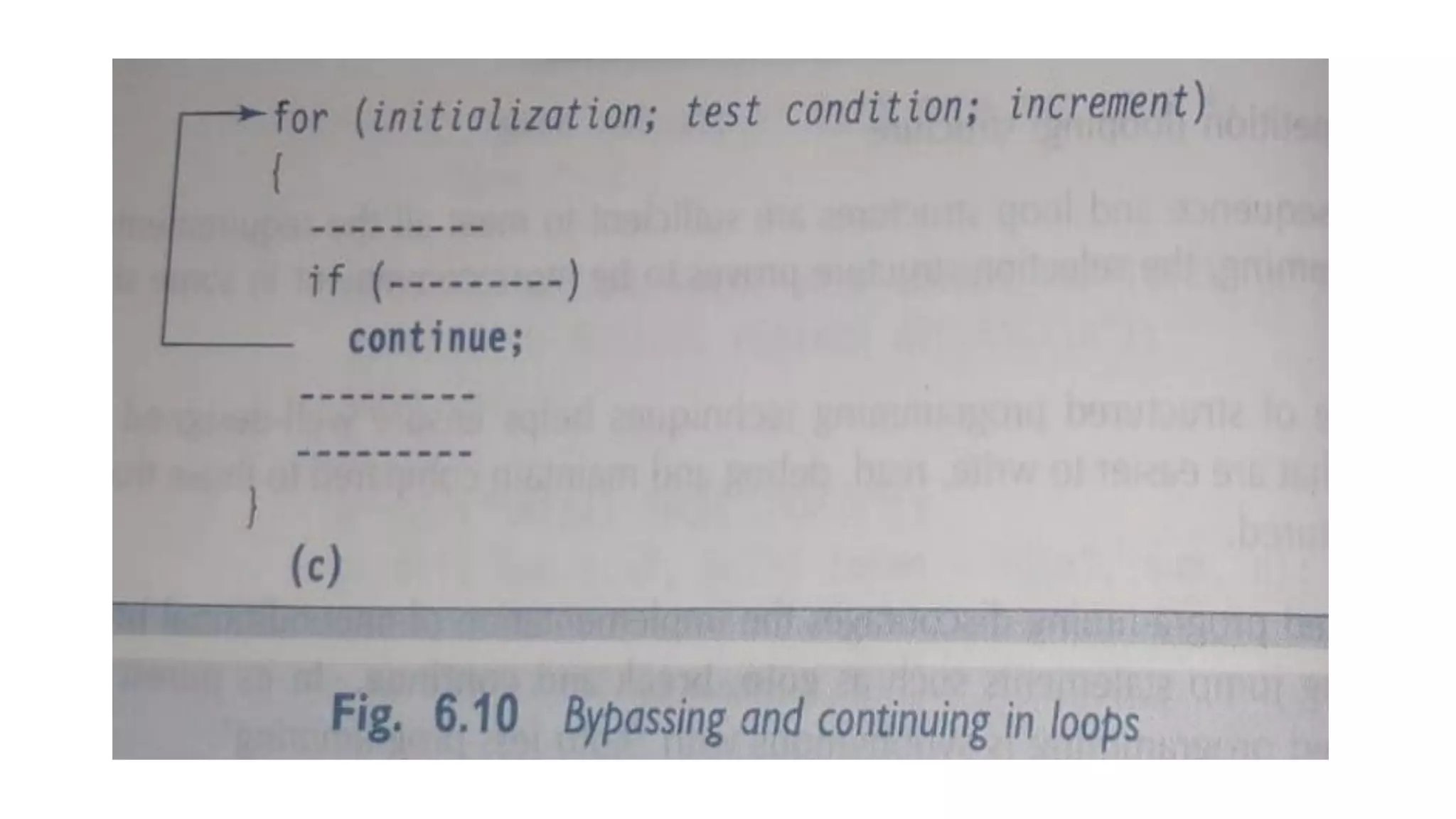
Continue statement:
• During loop operations it may be necessary to skip a part of
the body of the loop under certain conditions.
• Like the break statement C supports similar statement called
continue statement.
• The continue statement causes the loop to be continued
with the next iteration after skipping any statement in
between.
• The continue with the next iteration the format of the
continue statement is simply:
continue;
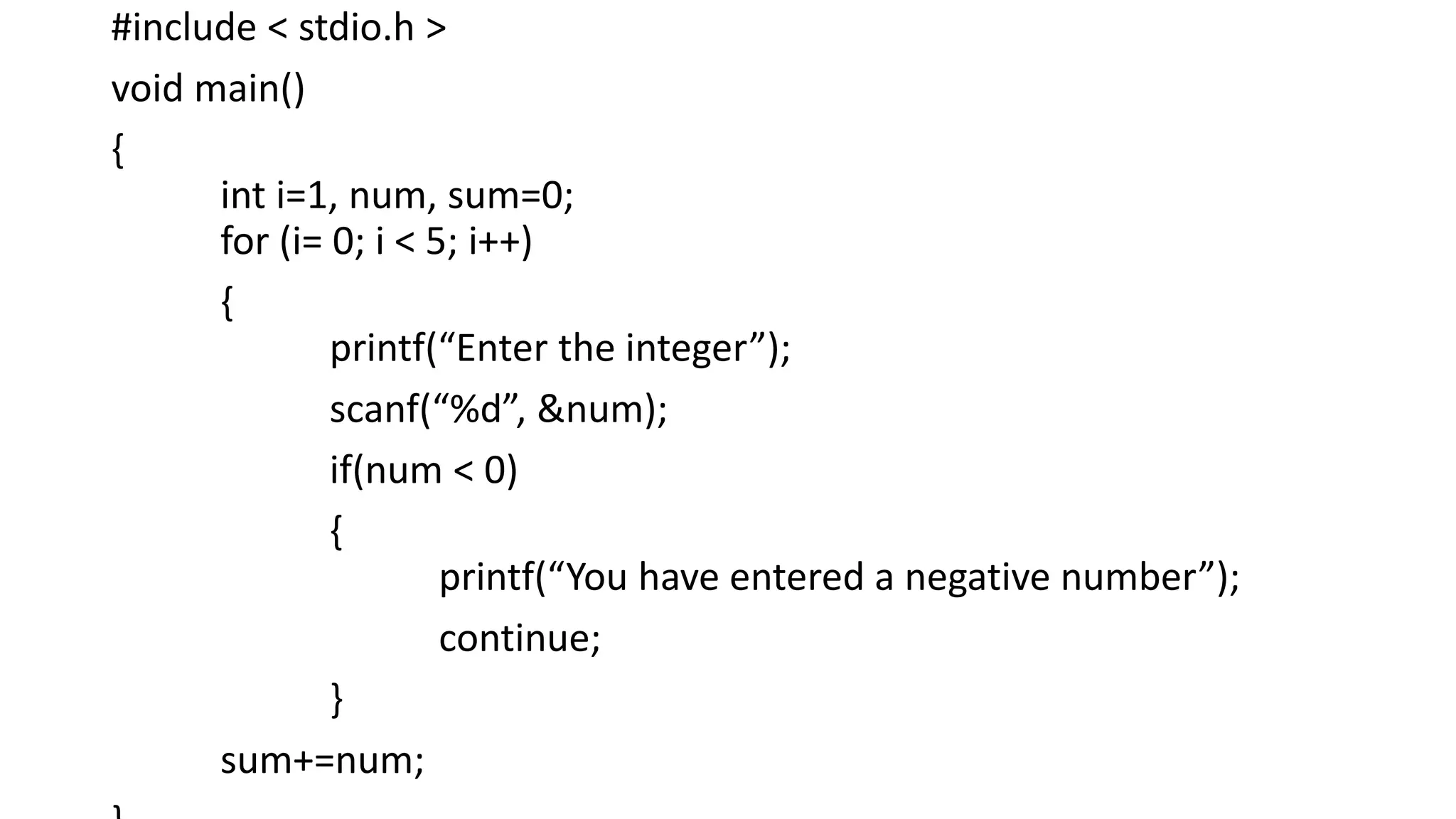
#include < stdio.h >
void main()
{
int i=1, num, sum=0;
for (i= 0; i < 5; i++)
{
printf(“Enter the integer”);
scanf(“%d”, &num);
if(num < 0)
{
printf(“You have entered a negative number”);
continue;
}
sum+=num;
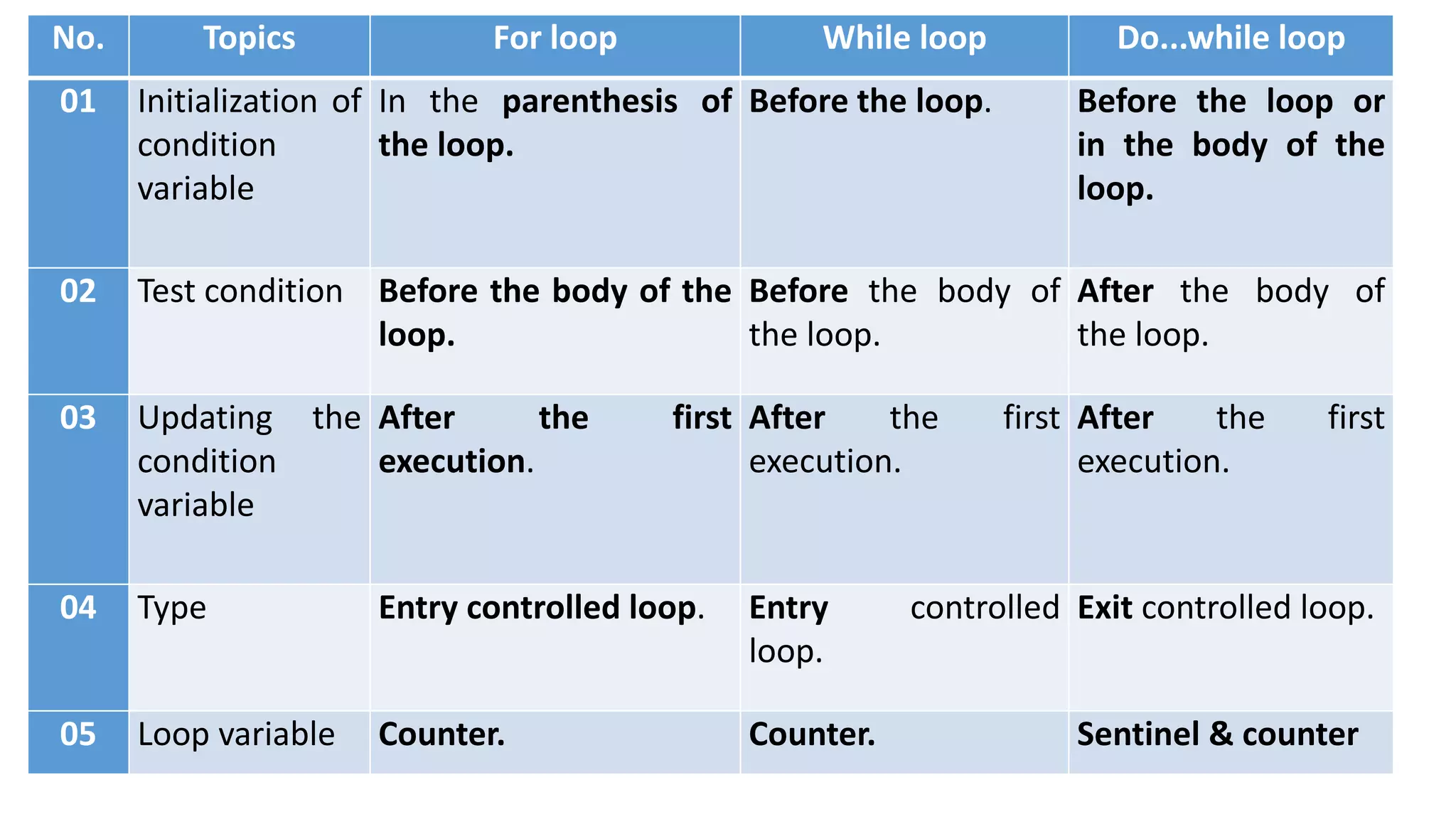
No. Topics For loop While loop Do...while loop
01 Initialization of
condition
variable
In the parenthesis of
the loop.
Before the loop. Before the loop or
in the body of the
loop.
02 Test condition Before the body of the
loop.
Before the body of
the loop.
After the body of
the loop.
03 Updating the
condition
variable
After the first
execution.
After the first
execution.
After the first
execution.
04 Type Entry controlled loop. Entry controlled
loop.
Exit controlled loop.
05 Loop variable Counter. Counter. Sentinel & counter

Unit II chapter 4 Loops in C

  • 1.
    CHAPTER 4 DECISION MAKINGand LOOPING REFERENCE: PROGRAMMING IN C BY BALAGURUSWAMY MRS. SOWMYA JYOTHI, SDMCBM, MANGALORE
  • 2.
    •A loop isa particular area of a program where some executable statements are written which gets executed by testing one or more conditions. •So, in looping, a sequence of statements is executed until some conditions for termination are satisfied. •A program loop therefore consists of two segments; the body of the loop and the control statement.
  • 3.
    Steps of loopingprocess : A looping process, in general, would include the following four steps. 1. Setting and initialization of a condition variable. 2. Execution of the statements of the loop. 3. Test for a specified value of the condition variable for execution of the loop. 4. Incrementing or updating the condition variable.
  • 4.
    •Depending on theposition of the control statement in the loop, a control structure can be classified into two types; 1.entry controlled and 2.exit controlled.
  • 5.
    •Entry controlled loop: The types of loop where the test condition is stated before the body of the loop, are known as the entry controlled loop. Entry controlled loop, the condition is tested before the execution of the loop. If the test condition is true, then the loop gets the execution, otherwise not. For example, the for loop is an entry controlled loop.
  • 7.
    Exit controlled loop: •The types of loop where the test condition is stated at the end of the body of the loop, are know as the exit controlled loops. • So, in the case of the exit controlled loops, the body of the loop gets executed without testing the given condition for the first time. • Then the condition is tested. • If it comes true, then the loop gets another execution and continues till the result of the test condition is not false. • For example, the do statement or the do....while loop is an exit controlled loop.
  • 8.
    Sentinel controlled loop: •The type of loop where the number of execution of the loop is unknown, is termed by sentinel controlled loop. •In this case, the value of the control variable differs within a limitation and the execution can be terminated at any moment as the value of the variable is not controlled by the loop. •The control variable in this case is termed by sentinel variable. • The while loop is an example of sentinel controlled loop.
  • 9.
    The While Statement: •The simplest of all looping structure in C is the while statement. • The general format of the while statement is: while (test condition) { body of the loop } The given test condition is evaluated and if the condition is true then the body of the loop is executed. After the execution of the body, the test condition is once again evaluated and if it is true, the body is executed once again. This process of repeated execution of the body continues until the test condition finally becomes false and the control is transferred out of the loop. On exit, the program continues with the statements immediately after the body of the loop. The body of the loop may have one or more statements. The braces are needed only if the body contained two are more statements
  • 10.
    Example program forgenerating ‘N’ numbers using while loop: # include < stdio.h > void main() { int n, i=1; printf(“Enter the upper limit number”); scanf(“%d”, &n); while(i < = n) { printf(“t%d”,i); i++; } }
  • 11.
    For Loop: The forloop provides a more concise loop control structure. The general form of the for loop is: for (initialization; test condition; increment) { body of the loop }
  • 12.
    • When thecontrol enters for loop the variables used in for loop is initialized with the starting value. • The value which was initialized is then checked with the given test condition. • The test condition is a relational expression • The body of the loop is entered only if the test condition is satisfied and after the completion of the execution of the loop the control is transferred back to the increment part of the loop. • The control variable is incremented using an assignment statement. • If the value of the control variable satisfies then the body of the loop is again executed. The process goes on till the control variable fails to satisfy the condition.
  • 13.
    Additional features ofthe for loop: • We can include multiple expressions in any of the fields of for loop provided that we separate such expressions by commas. • For example in the for statement that begins for( i = 0; j = 0; i < 10, j=j-10) • Sets up two index variables i and j the former initialized to zero and the latter to 100 before the loop begins. • Each time after the body of the loop is executed, the value of i will be incremented by 1 while the value of j is decremented by 10.
  • 14.
    For loop exampleprogram: /* example that finds the sum of the first 15 positive natural numbers*/ #include < stdio.h > void main() { int i; int sum=0,sum_of_squares=0; for(i=0;i< = 30; i+=2) { sum+=i; sum_of_squares+=i*i; } printf(“Sum of first 15 positive even numbers=%dn”,sum); printf(“Sum of their squares=%dn”,sum_of_squares);
  • 15.
    /*Program to findwhether the number is odd or even*/ #include <stdio.h> main() { int i, n = 5; for(i = 1; i<n; i= i+1) { switch(i%2) { case 0 : printf("the number %d is even n",i); break; case 1 : printf("the number %d is odd n",i); break; } } }
  • 16.
    The Do whilestatement: • The do while loop is a kind of loop similar to the while loop in contrast to while loop, the do while loop tests at the bottom of the loop after executing the body of the loop. Since the body of the loop is executed first and then the loop condition is checked. We can be assured that the body of the loop is executed at least once.
  • 17.
    The syntax ofthe do while loop is: do { statement; } while(expression); If the condition expression is true then the body is executed again and this process continues till the conditional expression becomes false. When the expression becomes false. When the expression becomes false the loop terminates.
  • 18.
  • 19.
    Example : Thefollowing do....while loop is an example of sentinel controlled loop. do { printf(“Input a number.n”); scanf("%d", &num); } while(num>0); = = = = = = In the above example, the loop will be executed till the entered value of the variable num is not 0 or less then 0. This is a sentinel controlled loop and here the variable num is a sentinel variable.
  • 20.
    The Break Statement: •Sometimes while executing a loop it becomes desirable to skip a part of the loop or quit the loop as soon as certain condition occurs. • For example consider searching a particular number in a set of 100 numbers as soon as the search number is found it is desirable to terminate the loop. • C language permits a jump from one statement to another within a loop as well as to jump out of the loop. The break statement allows us to accomplish this task. • A break statement provides an early exit from for, while, do and switch constructs. A break causes the innermost enclosing loop or switch to be exited immediately.
  • 25.
    /* A programto find the sum*/ #include < stdio.h > void main() { int i; float sum=0; printf(“Input the numbers, -1 to endn”); while(1) { scanf(“%d”,&i); if(i==-1) { break; } sum=sum+i; }
  • 26.
    Continue statement: • Duringloop operations it may be necessary to skip a part of the body of the loop under certain conditions. • Like the break statement C supports similar statement called continue statement. • The continue statement causes the loop to be continued with the next iteration after skipping any statement in between. • The continue with the next iteration the format of the continue statement is simply: continue;
  • 30.
    #include < stdio.h> void main() { int i=1, num, sum=0; for (i= 0; i < 5; i++) { printf(“Enter the integer”); scanf(“%d”, &num); if(num < 0) { printf(“You have entered a negative number”); continue; } sum+=num;
  • 31.
    No. Topics Forloop While loop Do...while loop 01 Initialization of condition variable In the parenthesis of the loop. Before the loop. Before the loop or in the body of the loop. 02 Test condition Before the body of the loop. Before the body of the loop. After the body of the loop. 03 Updating the condition variable After the first execution. After the first execution. After the first execution. 04 Type Entry controlled loop. Entry controlled loop. Exit controlled loop. 05 Loop variable Counter. Counter. Sentinel & counter