Understanding the Dalvik bytecode with the
              Dedexer tool
              Gabor Paller
        gaborpaller@gmail.com
               2009.12.02
Background
●   As we all know, Android is a Linux-Java
    platform.
    ●   The underlying operating system is a version of
        Linux
    ●   The application model exposed to the developer is
        Java-based
●   Android is not Java
    ●   Google does not use the Java logo in relation with
        Android
    ●   Android application model has no relationship with
        any Java standard (JSR)
Dalvik
●   At the core of Android, there is the proprietary
    Dalvik virtual machine executing Android
    programs.
●   Some interesting Dalvik properties
    ●   It lives in symbiosis with the Linux process/access
        right system to provide application separation
    ●   It has its own bytecode format which is in distant
        relationship with the Java bytecode format
Life of a Java application in Android
●   Java is just a front-end
    ●   Developer codes in Java
    ●   The source code is compiled by the Java compiler
        into .class files
    ●   Then the dx (dexer) tool which is part of the Android
        SDK processes the .class files into Dalvik's
        proprietary format
    ●   The result of a proprietary file format called DEX
        that contains Dalvik bytecode.
    ●   The format has only distant relationship with the
        Java bytecode
Why should you care?
●   Well, you shouldn't
    ●   You have to dig very deep to find discrepancies
        between the execution environment projected by
        Dalvik and JVM (dynamic code generation,
        classloading).
    ●   If you develop your own language (like Simple), you
        may compile directly to Dalvik bytecode. Even in
        this case there is an option of compiling to Java
        bytecode first and leave the Dalvik bytecode to dx.
●   Big exception: reverse engineering
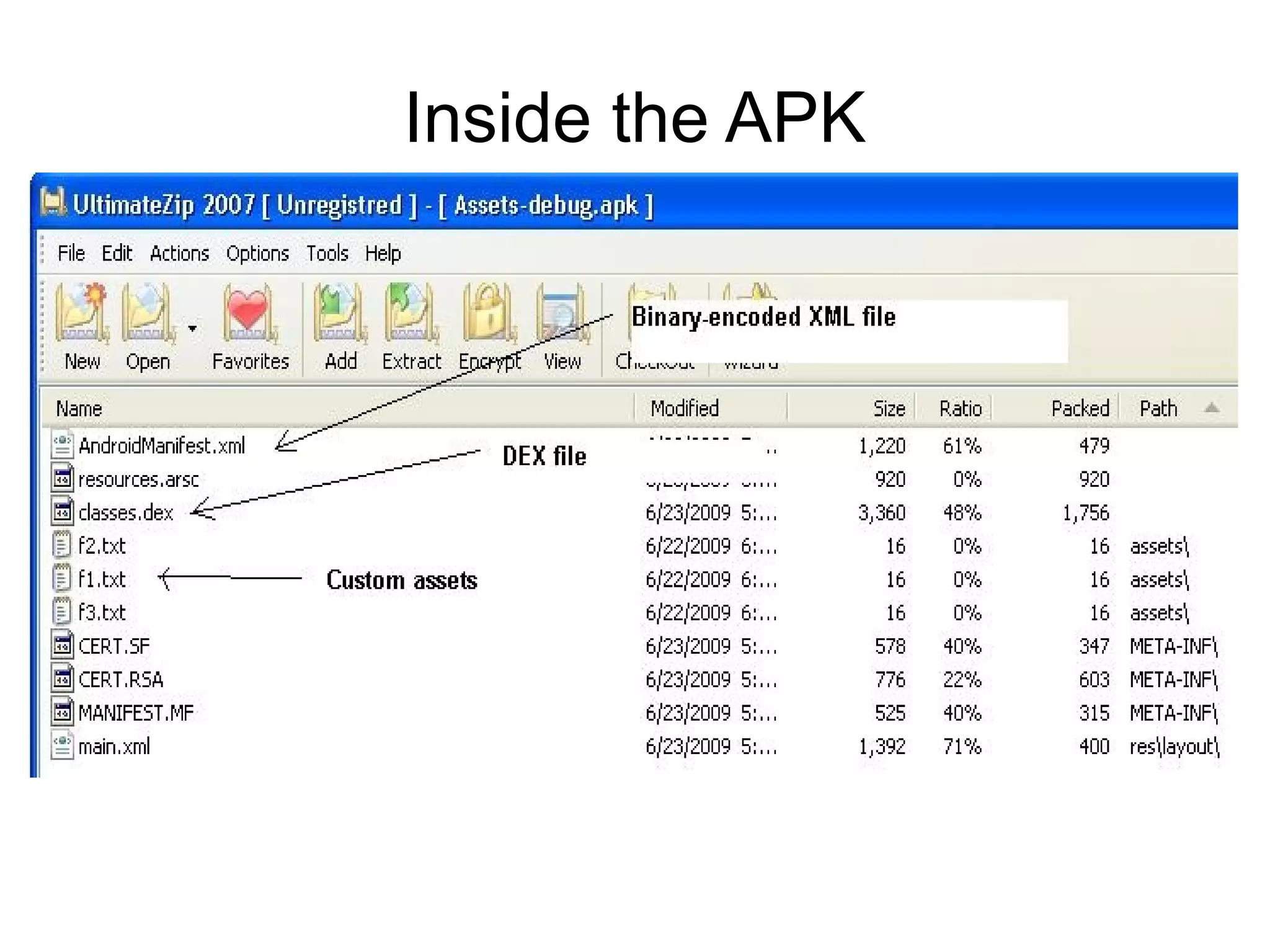
Inside the APK
Disassembly options
●   For binary XML files, use a binary-to-textual
    XML converter like AXMLPrinter2
●   For the DEX file, use dedexer
    ●   Alternative products:
        –   Dexdump – comes with the Android SDK, less convenient
            to use than dedexer because e.g. it does not support
            labels, produces one large file, etc.
        –   Baksmali – a competing open-source DEX disassembler.
            Comes with a Dalvik bytecode assembler (smali)
●   In any case, you have to live with Dalvik
    bytecode disassembly – there's no way back to
    Java presently!
Using dedexer
●   Download ddx.jar from
    http://dedexer.sourceforge.net
●   Unpack the DEX file from the APK file.
●   Issue:
    java -jar ddx.jar -d target_dir source_dex_file
●   The decompiled files will be produced in
    target_dir with .ddx extension. We will learn,
    how to read those files.
The DEX format
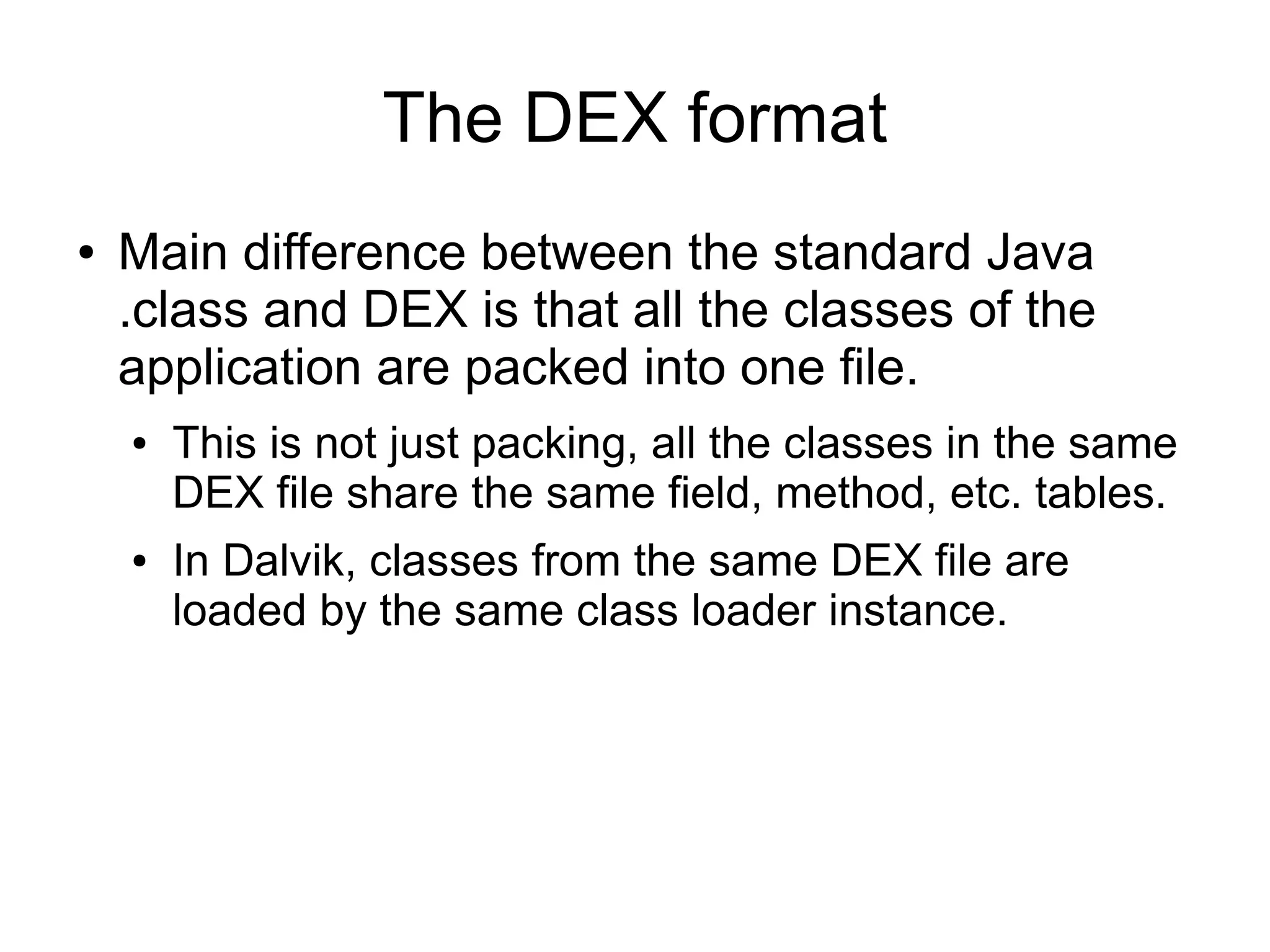
●   Main difference between the standard Java
    .class and DEX is that all the classes of the
    application are packed into one file.
    ●   This is not just packing, all the classes in the same
        DEX file share the same field, method, etc. tables.
    ●   In Dalvik, classes from the same DEX file are
        loaded by the same class loader instance.
Single DEX file vs. many .class files
●   Let's see the numbers
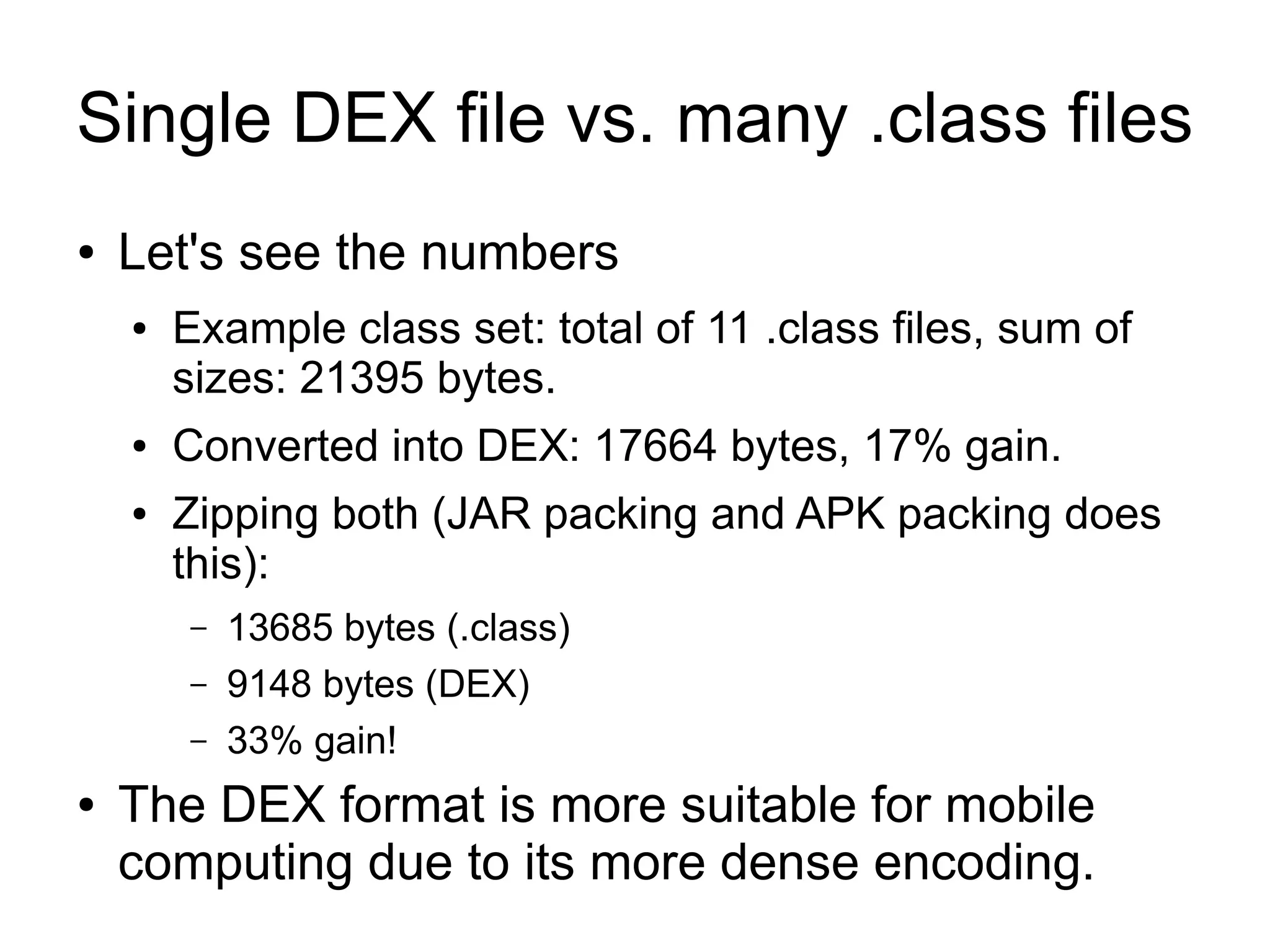
    ●   Example class set: total of 11 .class files, sum of
        sizes: 21395 bytes.
    ●   Converted into DEX: 17664 bytes, 17% gain.
    ●   Zipping both (JAR packing and APK packing does
        this):
        –   13685 bytes (.class)
        –   9148 bytes (DEX)
        –   33% gain!
●   The DEX format is more suitable for mobile
    computing due to its more dense encoding.
Register- and stack-based VMs

●   Standard JVM is stack-based. Operations remove
    inputs from the stack and put result(s) back onto the
    stack.
    –   One stack level can hold any type (char to float).
    –   Double and long values need two consecutive stack
        levels.
●   Dalvik is register-based.
    –   Virtual registers – up to 64k registers although most
        instructions can use only the first 256.
    –   One register can hold any type (char to float)
    –   Double and long values need two consecutive registers.
Register vs. stack example:
          Java original

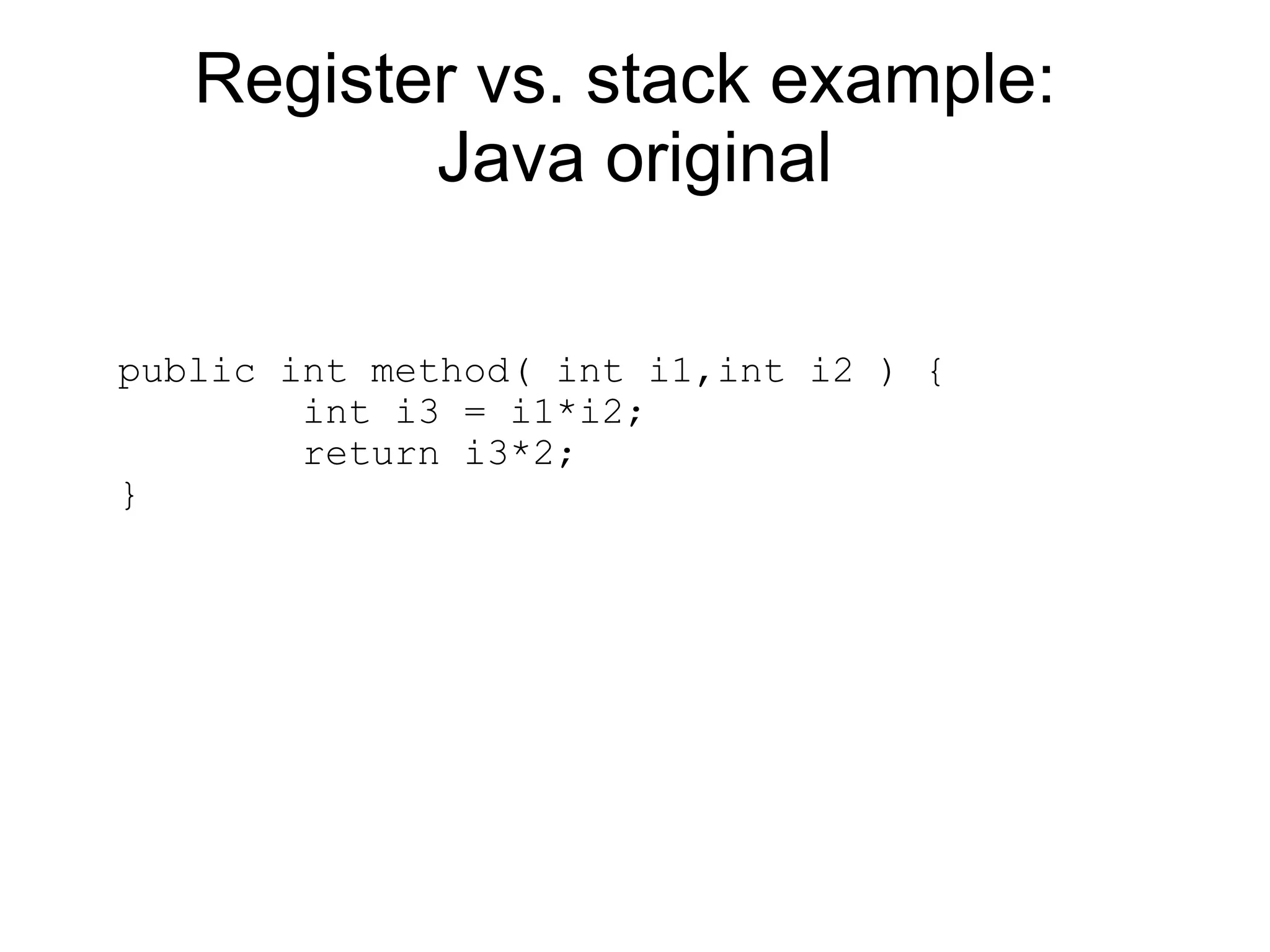
public int method( int i1,int i2 ) {
        int i3 = i1*i2;
        return i3*2;
}
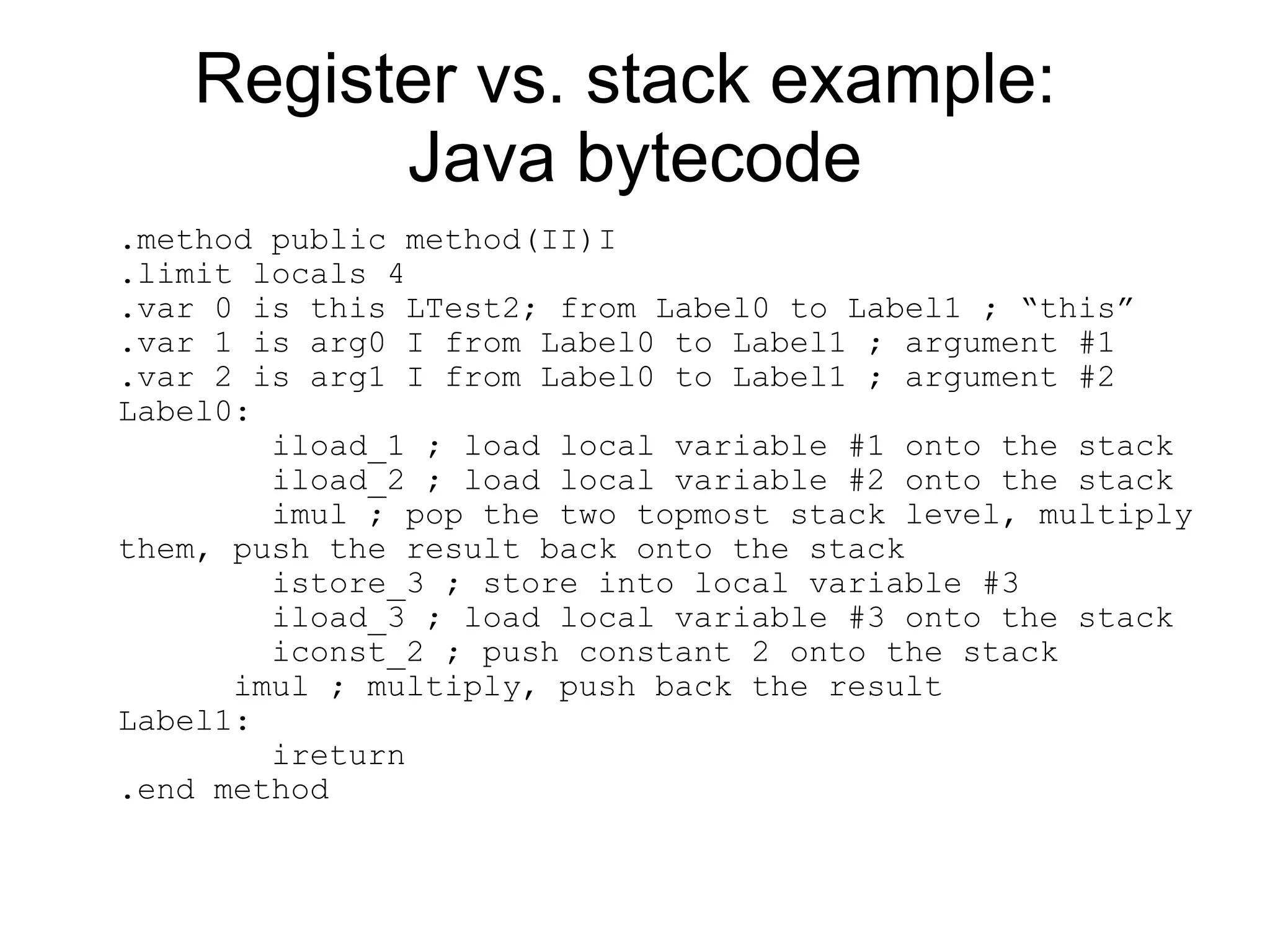
Register vs. stack example:
         Java bytecode
.method public method(II)I
.limit locals 4
.var 0 is this LTest2; from Label0 to Label1 ; “this”
.var 1 is arg0 I from Label0 to Label1 ; argument #1
.var 2 is arg1 I from Label0 to Label1 ; argument #2
Label0:
        iload_1 ; load local variable #1 onto the stack
        iload_2 ; load local variable #2 onto the stack
        imul ; pop the two topmost stack level, multiply
them, push the result back onto the stack
        istore_3 ; store into local variable #3
        iload_3 ; load local variable #3 onto the stack
        iconst_2 ; push constant 2 onto the stack
      imul ; multiply, push back the result
Label1:
        ireturn
.end method
Register vs. stack example:
          Dalvik bytecode
.method public method(II)I
.limit registers 4
; this: v1 (Ltest2;)
; parameter[0] : v2 (I)
; parameter[1] : v3 (I)
        mul-int v0,v2,v3           ; v0=v2*v3
        mul-int/lit-8    v0,v0,2   ; v0=v0*2
        return v0
.end method
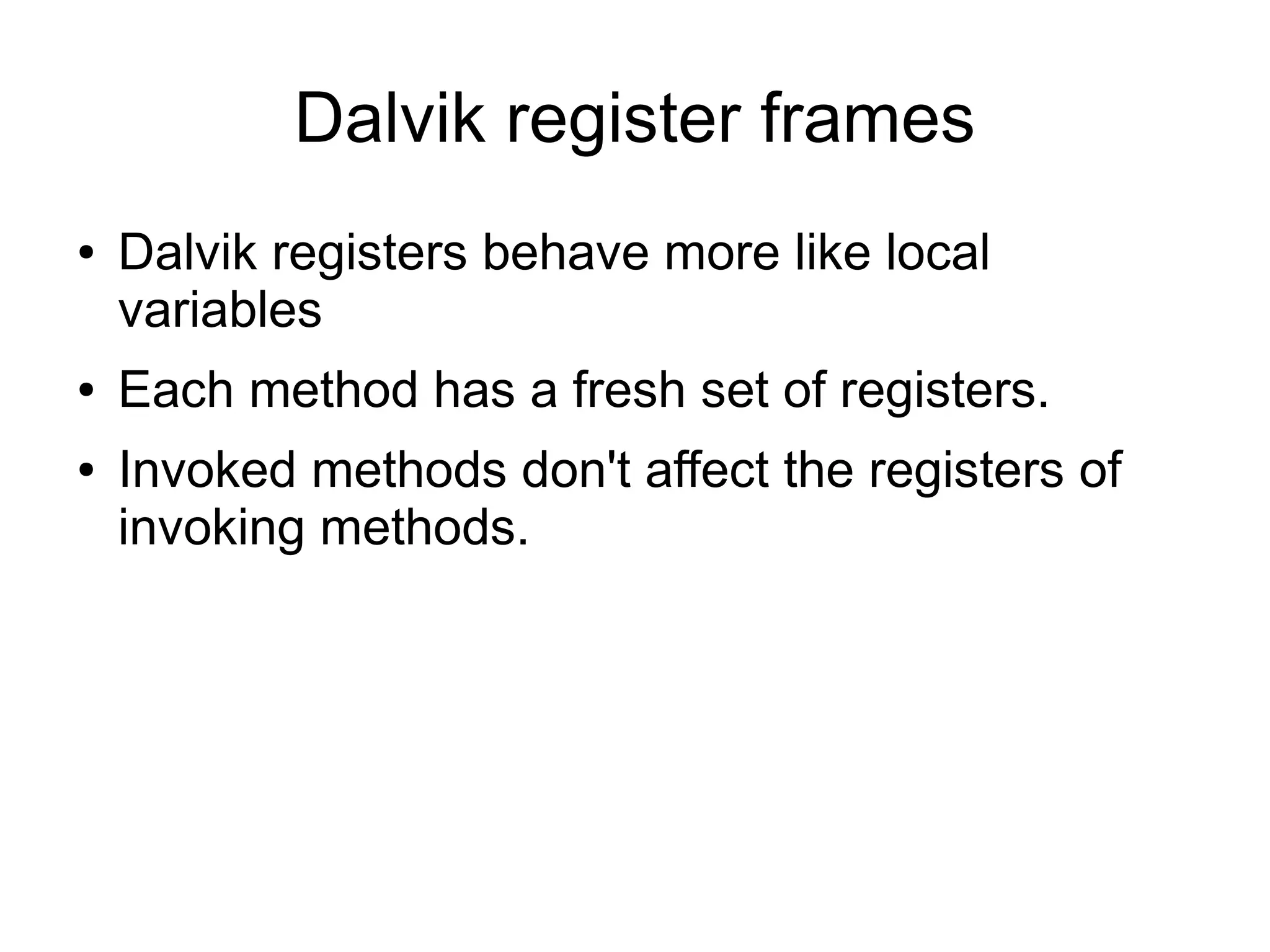
Dalvik register frames
●   Dalvik registers behave more like local
    variables
●   Each method has a fresh set of registers.
●   Invoked methods don't affect the registers of
    invoking methods.
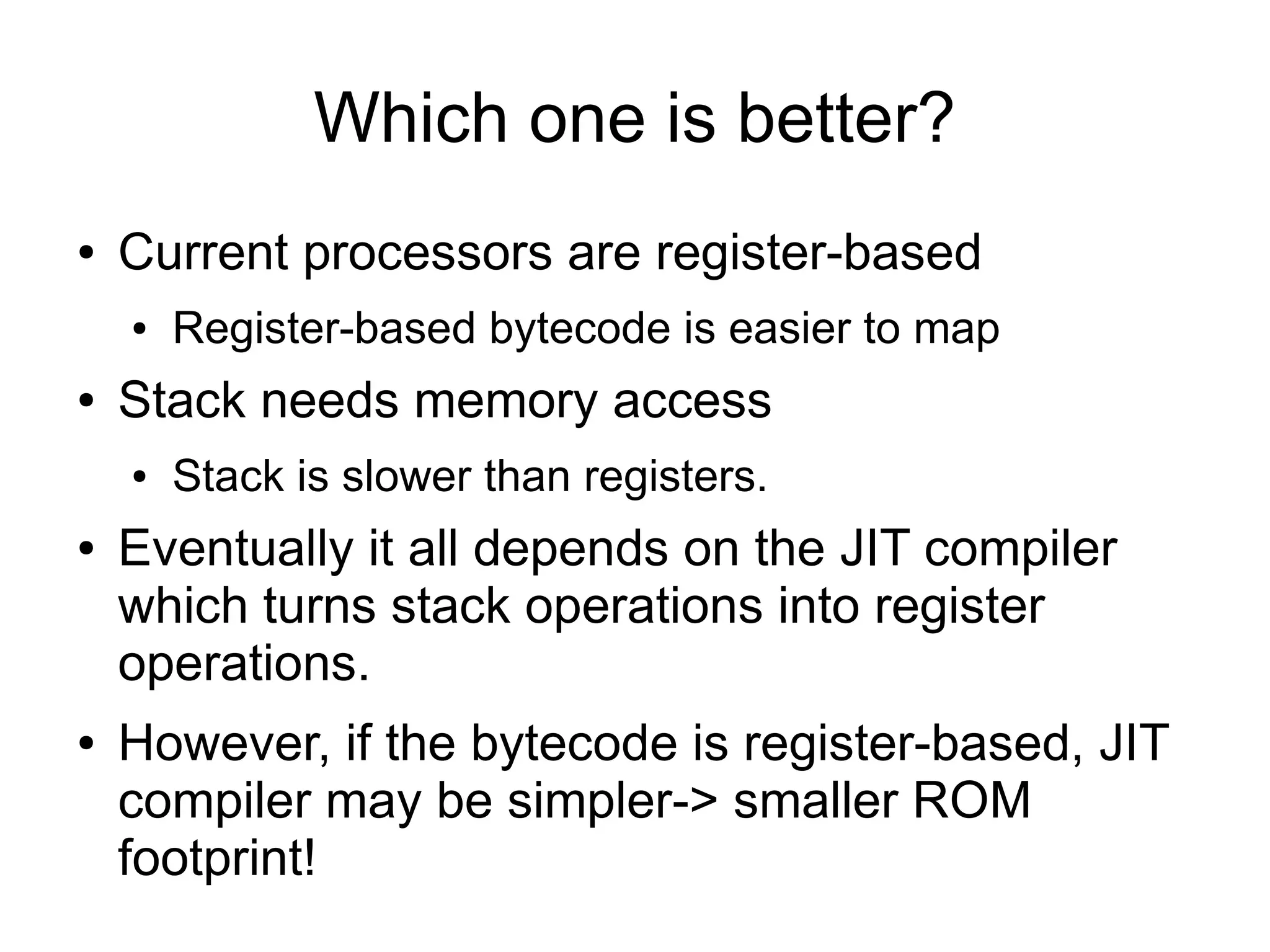
Which one is better?
●   Current processors are register-based
    ●   Register-based bytecode is easier to map
●   Stack needs memory access
    ●   Stack is slower than registers.
●   Eventually it all depends on the JIT compiler
    which turns stack operations into register
    operations.
●   However, if the bytecode is register-based, JIT
    compiler may be simpler-> smaller ROM
    footprint!
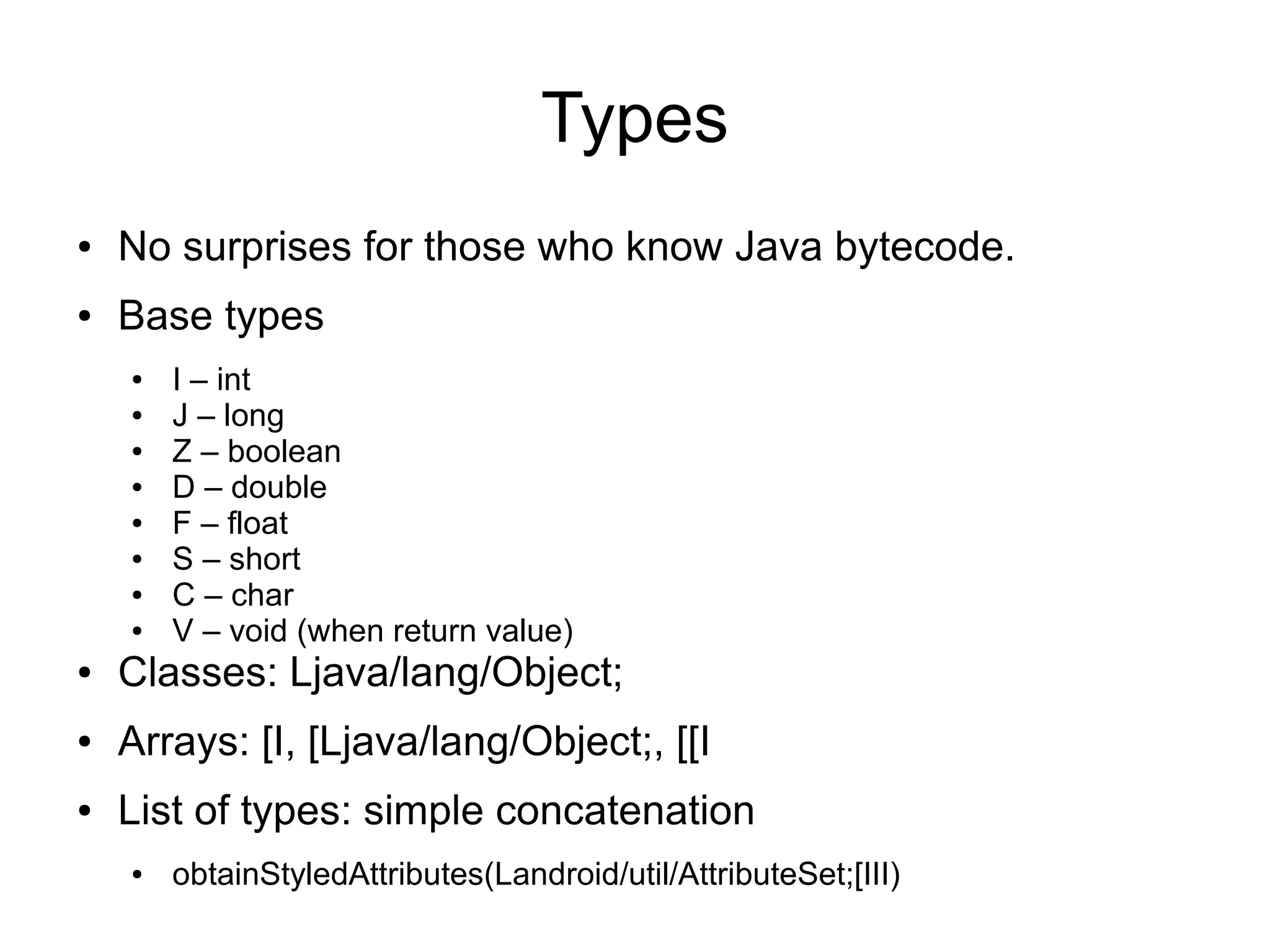
Types
●   No surprises for those who know Java bytecode.
●   Base types
    ●   I – int
    ●   J – long
    ●   Z – boolean
    ●   D – double
    ●   F – float
    ●   S – short
    ●   C – char
    ●   V – void (when return value)
●   Classes: Ljava/lang/Object;
●   Arrays: [I, [Ljava/lang/Object;, [[I
●   List of types: simple concatenation
    ●   obtainStyledAttributes(Landroid/util/AttributeSet;[III)
Methods
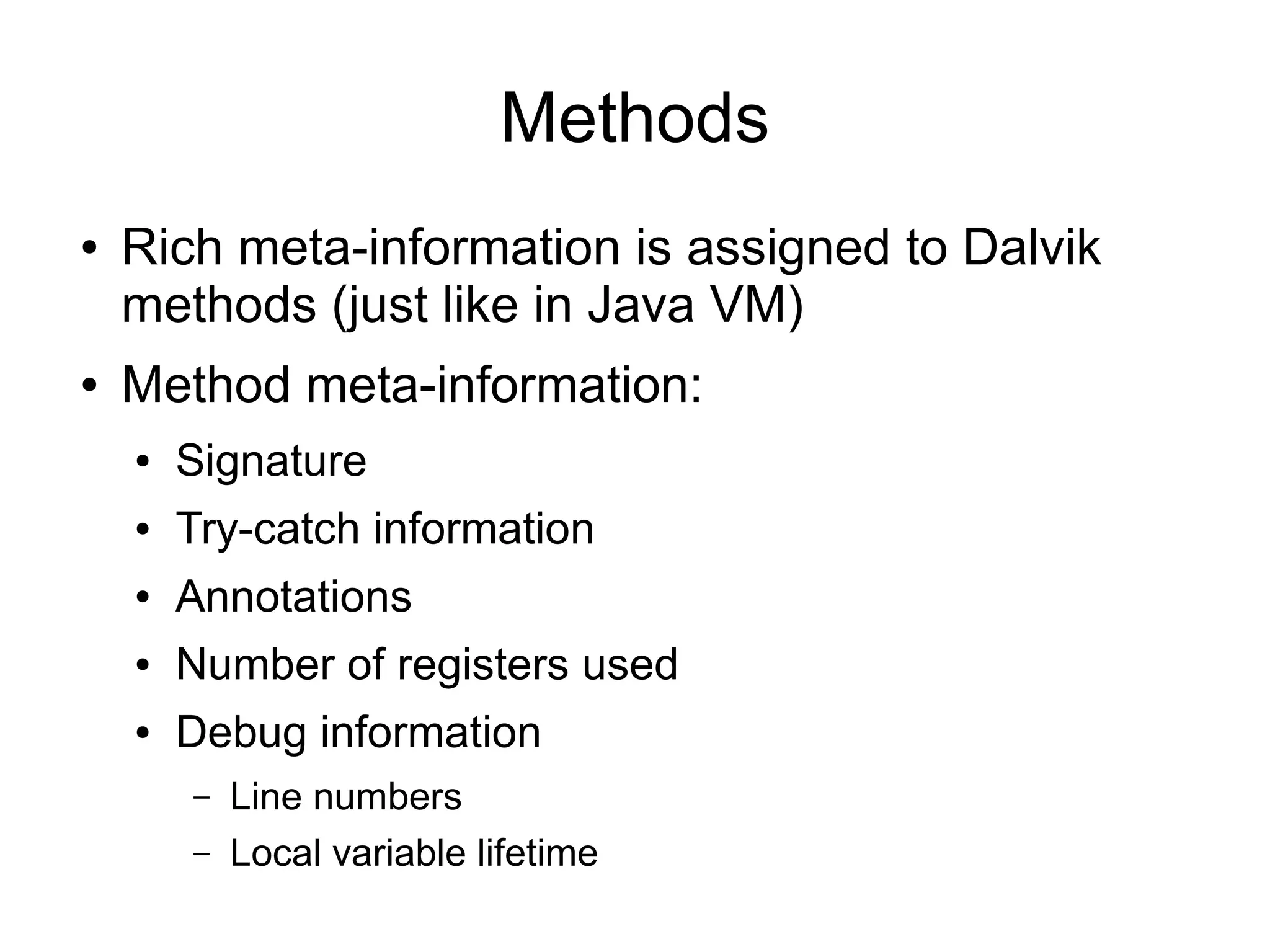
●   Rich meta-information is assigned to Dalvik
    methods (just like in Java VM)
●   Method meta-information:
    ●   Signature
    ●   Try-catch information
    ●   Annotations
    ●   Number of registers used
    ●   Debug information
        –   Line numbers
        –   Local variable lifetime
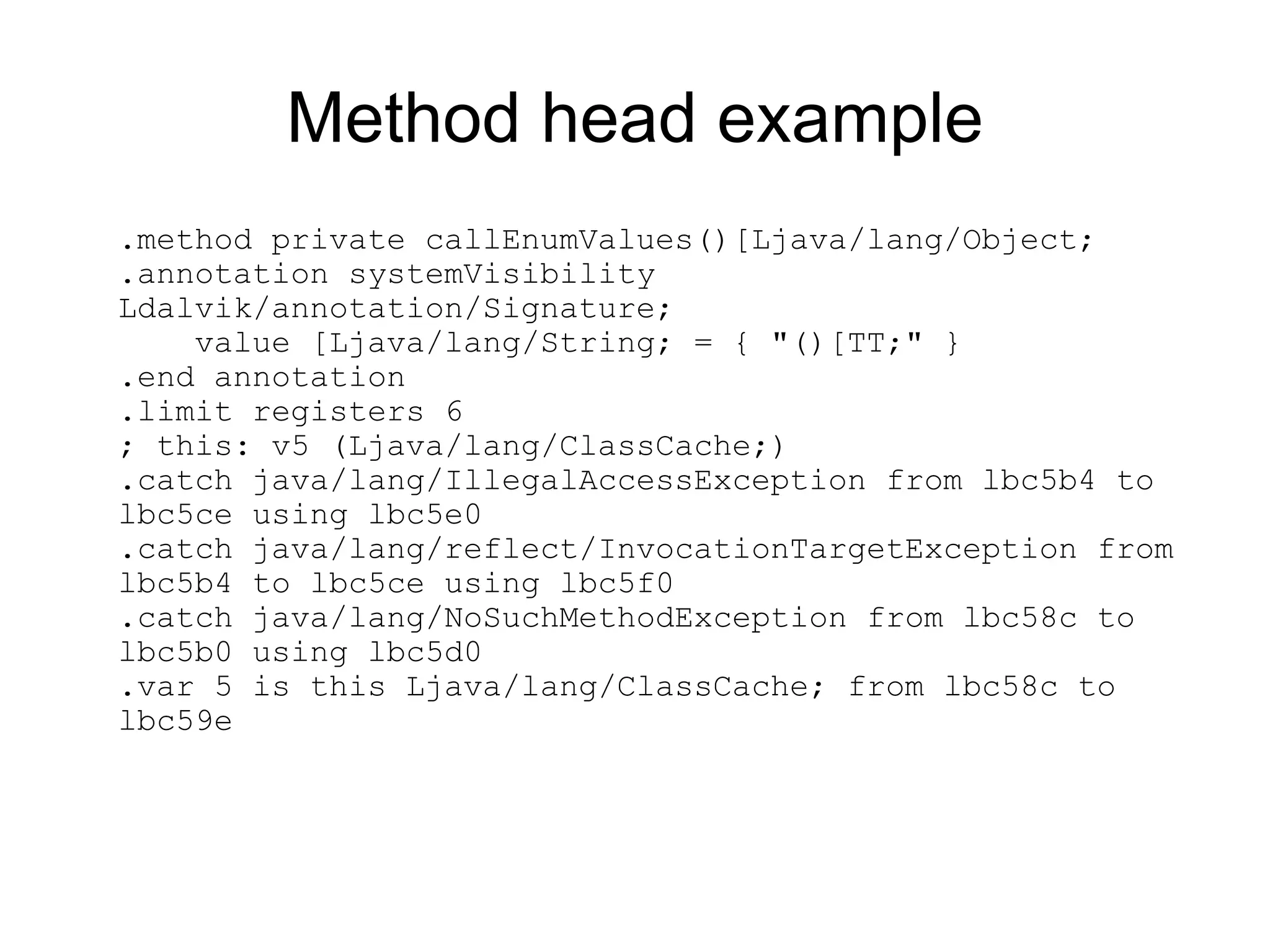
Method head example
.method private callEnumValues()[Ljava/lang/Object;
.annotation systemVisibility
Ldalvik/annotation/Signature;
    value [Ljava/lang/String; = { "()[TT;" }
.end annotation
.limit registers 6
; this: v5 (Ljava/lang/ClassCache;)
.catch java/lang/IllegalAccessException from lbc5b4 to
lbc5ce using lbc5e0
.catch java/lang/reflect/InvocationTargetException from
lbc5b4 to lbc5ce using lbc5f0
.catch java/lang/NoSuchMethodException from lbc58c to
lbc5b0 using lbc5d0
.var 5 is this Ljava/lang/ClassCache; from lbc58c to
lbc59e
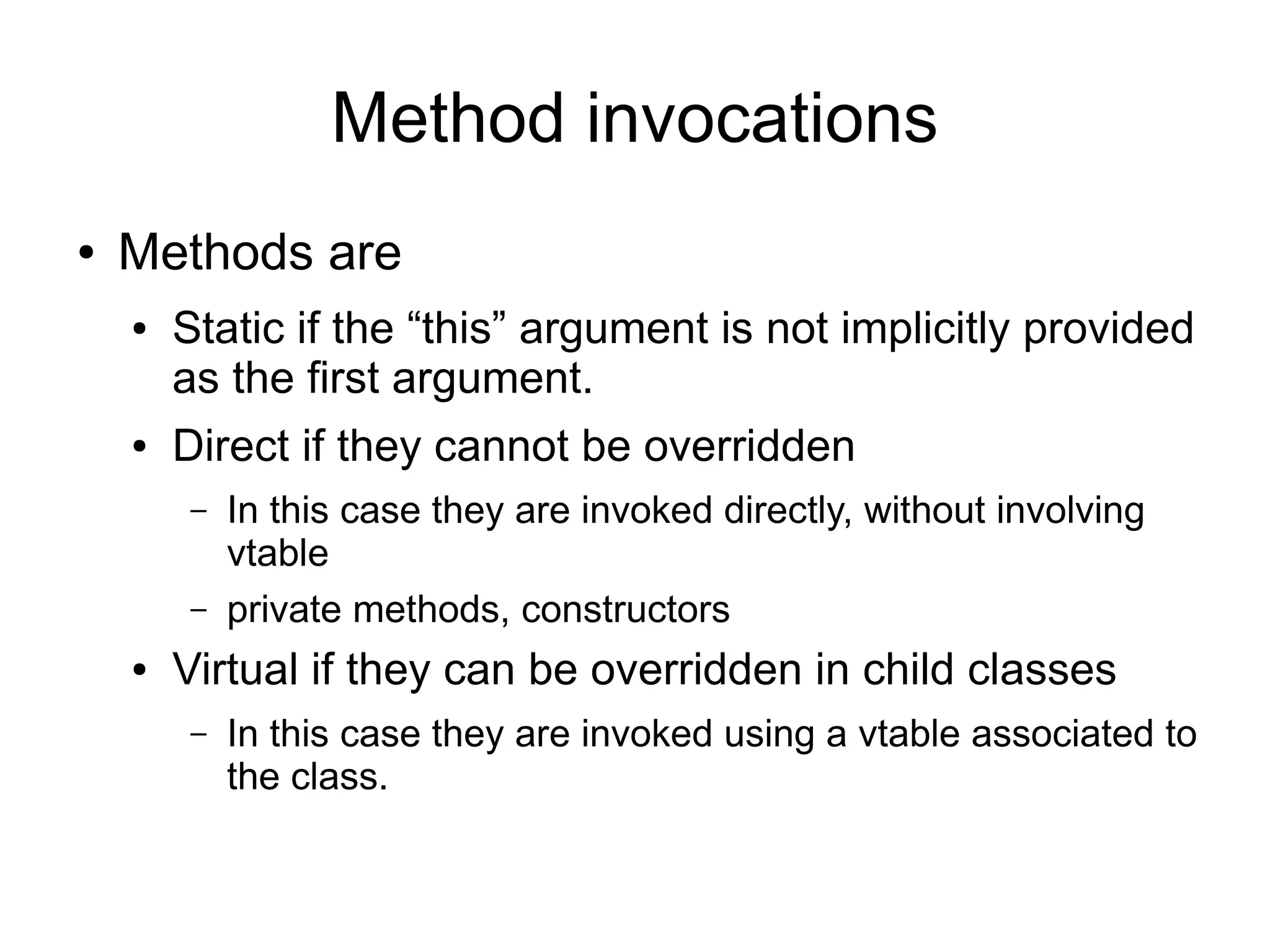
Method invocations
●   Methods are
    ●   Static if the “this” argument is not implicitly provided
        as the first argument.
    ●   Direct if they cannot be overridden
        –   In this case they are invoked directly, without involving
            vtable
        –   private methods, constructors
    ●   Virtual if they can be overridden in child classes
        –   In this case they are invoked using a vtable associated to
            the class.
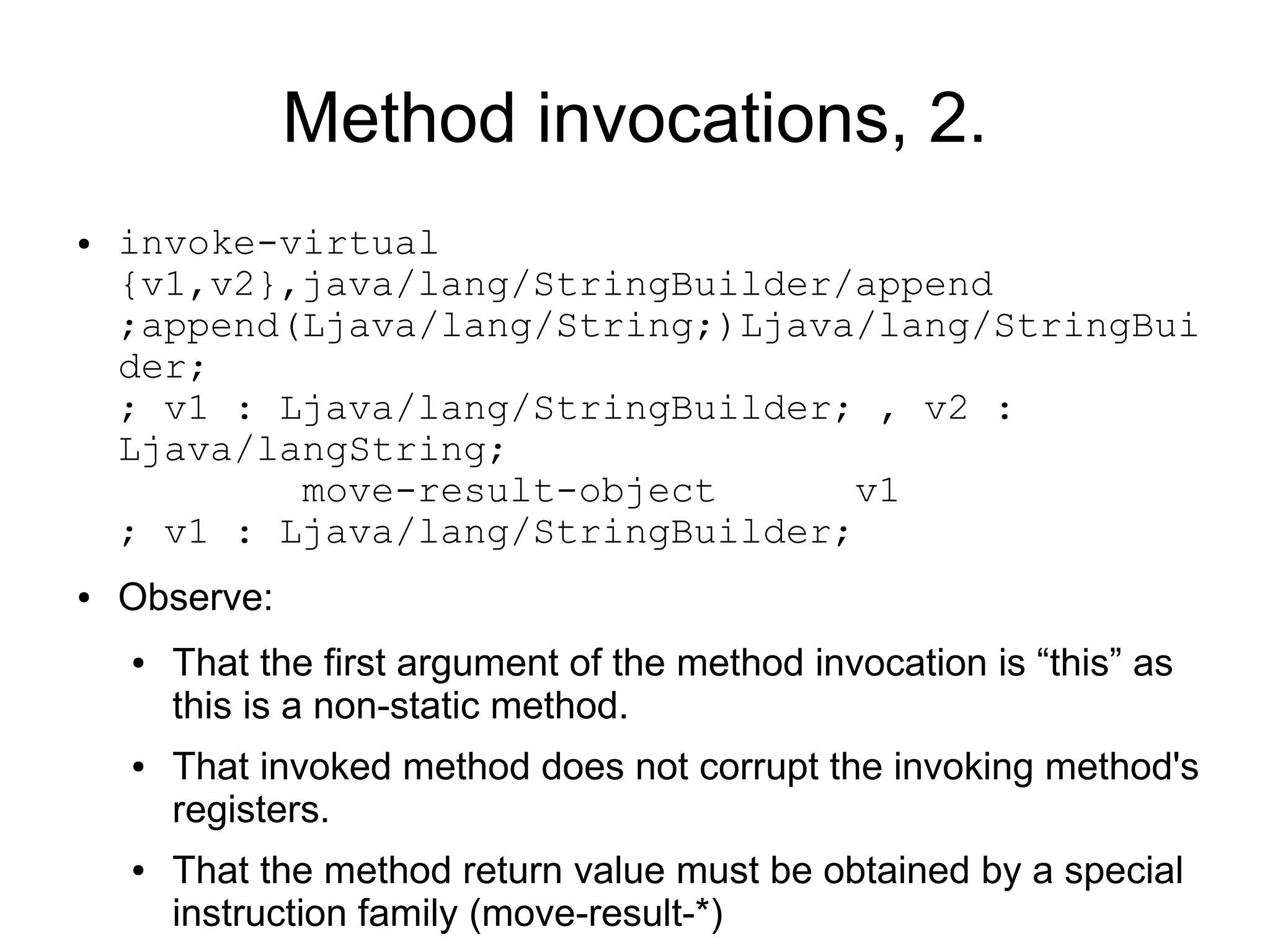
Method invocations, 2.
●   invoke-virtual
    {v1,v2},java/lang/StringBuilder/append
    ;append(Ljava/lang/String;)Ljava/lang/StringBui
    der;
    ; v1 : Ljava/lang/StringBuilder; , v2 :
    Ljava/langString;
            move-result-object       v1
    ; v1 : Ljava/lang/StringBuilder;
●   Observe:
    ●   That the first argument of the method invocation is “this” as
        this is a non-static method.
    ●   That invoked method does not corrupt the invoking method's
        registers.
    ●   That the method return value must be obtained by a special
        instruction family (move-result-*)
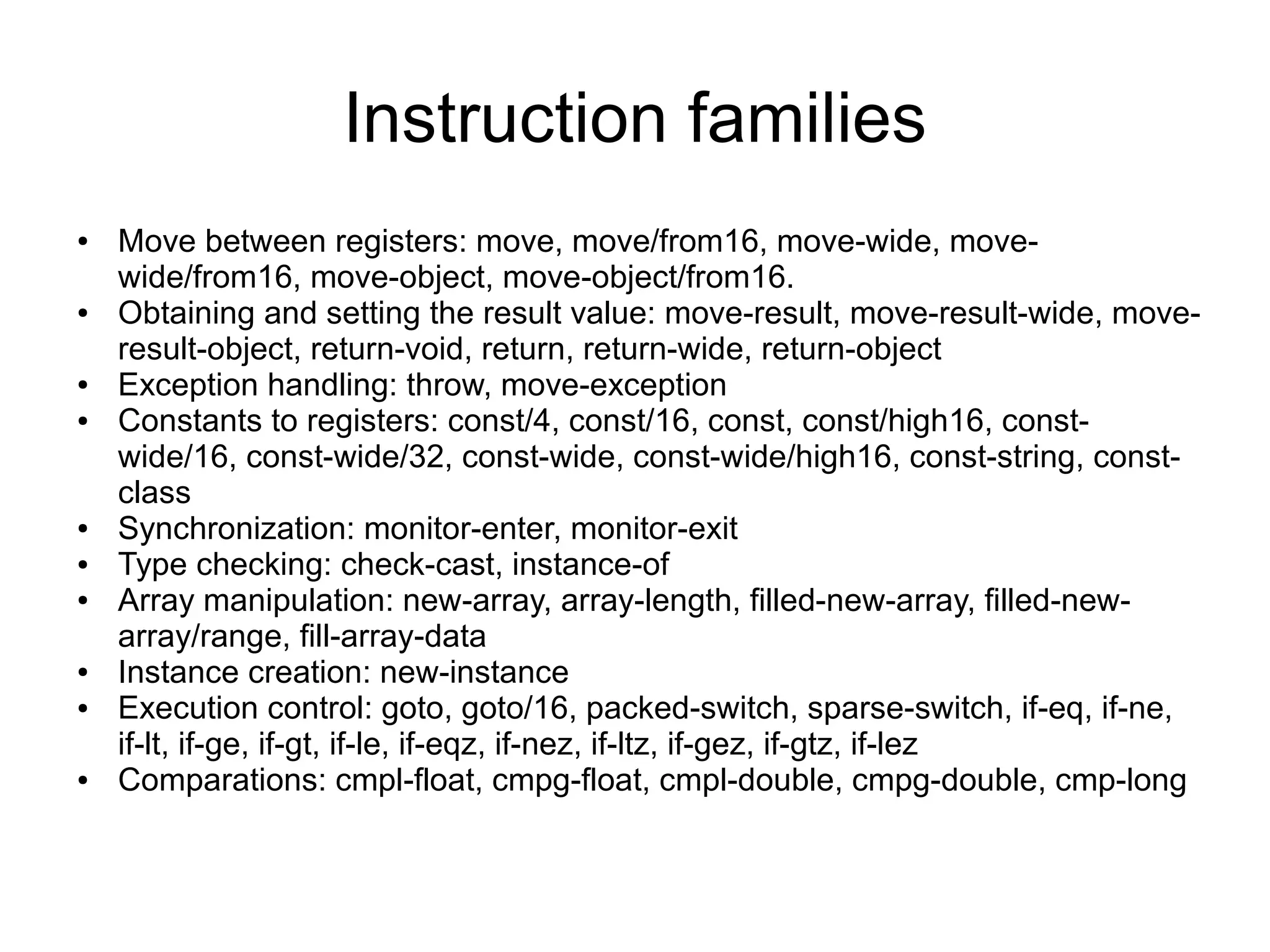
Instruction families
●   Move between registers: move, move/from16, move-wide, move-
    wide/from16, move-object, move-object/from16.
●   Obtaining and setting the result value: move-result, move-result-wide, move-
    result-object, return-void, return, return-wide, return-object
●   Exception handling: throw, move-exception
●   Constants to registers: const/4, const/16, const, const/high16, const-
    wide/16, const-wide/32, const-wide, const-wide/high16, const-string, const-
    class
●   Synchronization: monitor-enter, monitor-exit
●   Type checking: check-cast, instance-of
●   Array manipulation: new-array, array-length, filled-new-array, filled-new-
    array/range, fill-array-data
●   Instance creation: new-instance
●   Execution control: goto, goto/16, packed-switch, sparse-switch, if-eq, if-ne,
    if-lt, if-ge, if-gt, if-le, if-eqz, if-nez, if-ltz, if-gez, if-gtz, if-lez
●   Comparations: cmpl-float, cmpg-float, cmpl-double, cmpg-double, cmp-long
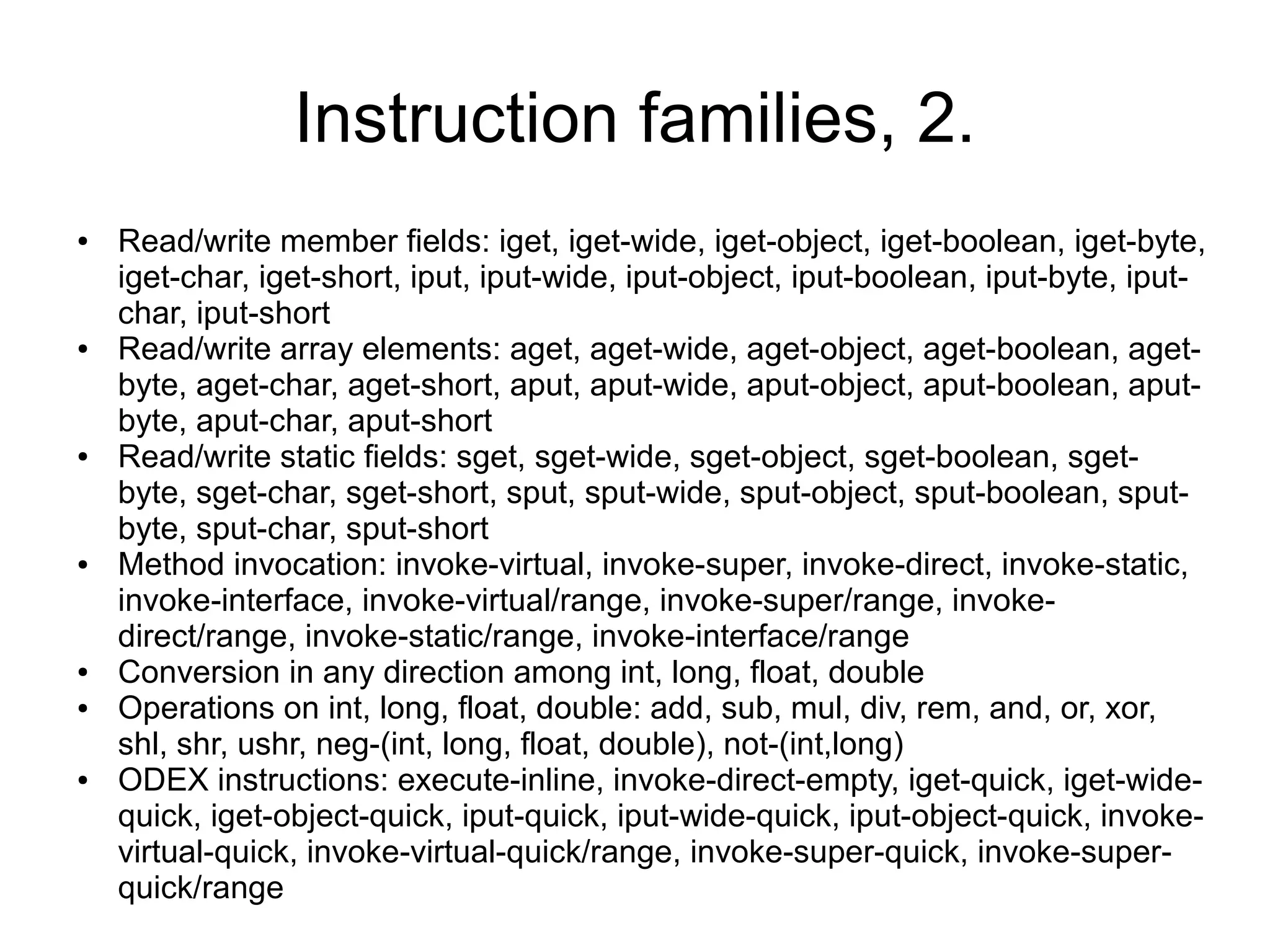
Instruction families, 2.
●   Read/write member fields: iget, iget-wide, iget-object, iget-boolean, iget-byte,
    iget-char, iget-short, iput, iput-wide, iput-object, iput-boolean, iput-byte, iput-
    char, iput-short
●   Read/write array elements: aget, aget-wide, aget-object, aget-boolean, aget-
    byte, aget-char, aget-short, aput, aput-wide, aput-object, aput-boolean, aput-
    byte, aput-char, aput-short
●   Read/write static fields: sget, sget-wide, sget-object, sget-boolean, sget-
    byte, sget-char, sget-short, sput, sput-wide, sput-object, sput-boolean, sput-
    byte, sput-char, sput-short
●   Method invocation: invoke-virtual, invoke-super, invoke-direct, invoke-static,
    invoke-interface, invoke-virtual/range, invoke-super/range, invoke-
    direct/range, invoke-static/range, invoke-interface/range
●   Conversion in any direction among int, long, float, double
●   Operations on int, long, float, double: add, sub, mul, div, rem, and, or, xor,
    shl, shr, ushr, neg-(int, long, float, double), not-(int,long)
●   ODEX instructions: execute-inline, invoke-direct-empty, iget-quick, iget-wide-
    quick, iget-object-quick, iput-quick, iput-wide-quick, iput-object-quick, invoke-
    virtual-quick, invoke-virtual-quick/range, invoke-super-quick, invoke-super-
    quick/range
Exercise 1.
.method private swap([II)V
.limit registers 5
; this: v2 (Ltest10;)
; parameter[0] : v3 ([I)
; parameter[1] : v4 (I)
        aget    v0,v3,v4           ;   v0=v3[v4]
        add-int/lit8     v1,v4,1   ;   v1=v4+1
        aget    v1,v3,v1           ;   v1=v3[v1]
        aput    v1,v3,v4           ;   v3[v4]=v1
        add-int/lit8     v1,v4,1   ;   v1=v4+1
        aput    v0,v3,v1           ;   v3[v1]=v0
        return-void
.end method
Solution 1.
private void swap( int array[], int i ) {
       int temp = array[i];
       array[i] = array[i+1];
       array[i+1] = temp;
}
Exercise 2.
.method private sort([I)V
; this: v6 (Ltest10;)
; parameter[0] : v7 ([I)
        const/4 v5,1              ; v5=1
        const/4 v4,0              ; v4=0
l2c4:   move    v0,v4             ; v0=v4
        move    v1,v4             ; v1=v4
l2c8:   array-length     v2,v7    ; v2=v7.length
        sub-int/2addr    v2,v5    ; v2=v2-v5
        if-ge   v0,v2,l2ee        ; if( v0>=v2) -> l2ee
        aget    v2,v7,v0          ; v2=v7[v0]
        add-int/lit8     v3,v0,1 ; v3=v0+1
        aget    v3,v7,v3          ; v3=v7[v3]
        if-le   v2,v3,l2e8        ; if( v2<=v3 ) ->l2e8
        invoke-direct    {v6,v7,v0},Test10/swap ;
swap([II)V
        move    v1,v5             ; v1=v5
l2e8:   add-int/lit8 v0,v0,1      ; v0=v0+1
        goto    l2c8              ; -> l2c8
l2ee:   if-nez v1,l2c4            ; if( v1 != 0 ) ->l2c4
        return-void
Solution 2.
private void sort( int array[] ) {
  boolean swapped;
  do {
    swapped = false;
    for( int i = 0 ; i < array.length - 1; ++i )
       if( array[i] > array[i+1] ) {
         swap( array, i );
         swapped = true;
       }
  } while( swapped );
}
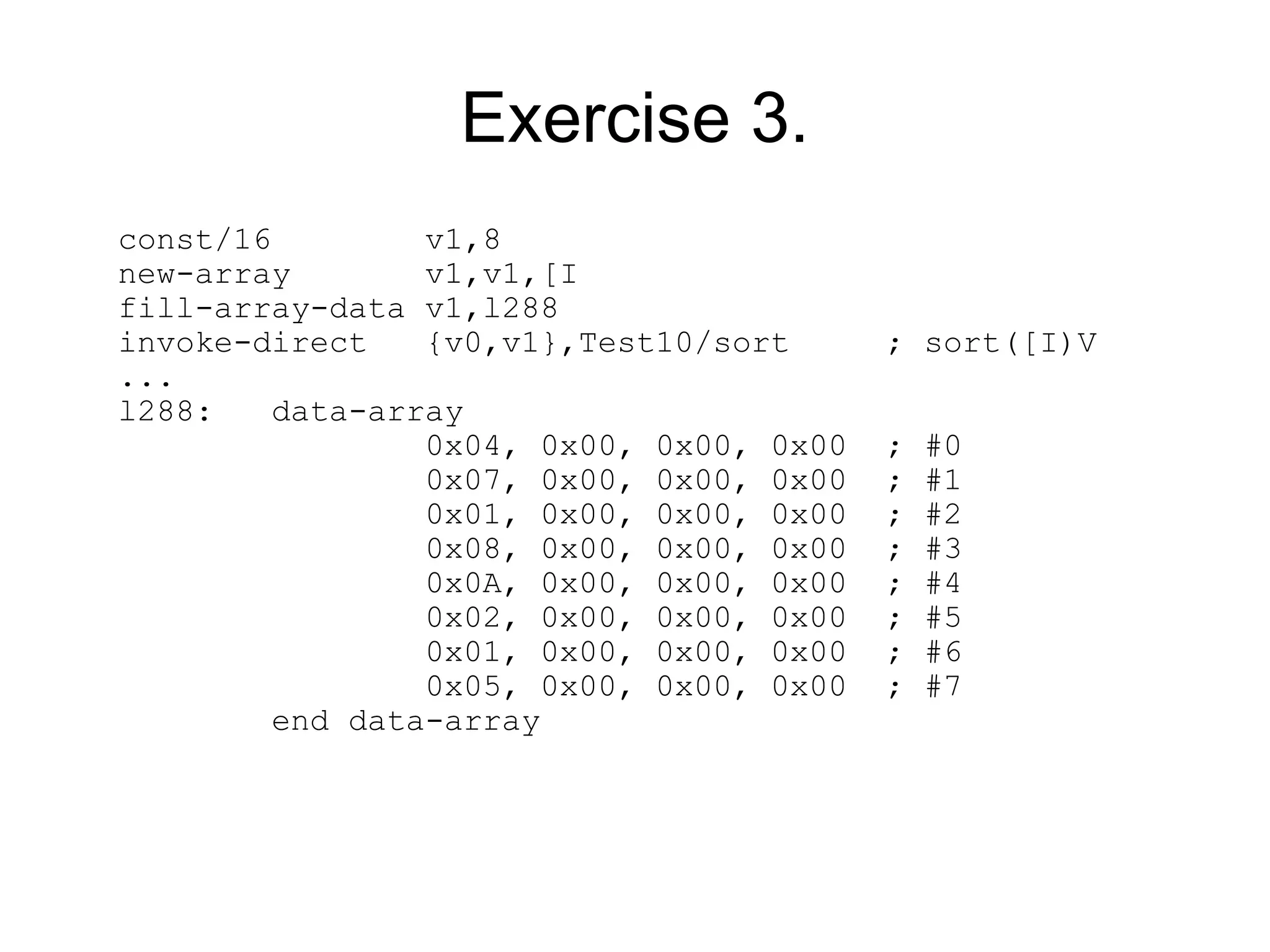
Exercise 3.
const/16         v1,8
new-array        v1,v1,[I
fill-array-data v1,l288
invoke-direct    {v0,v1},Test10/sort      ; sort([I)V
...
l288:    data-array
                 0x04, 0x00, 0x00, 0x00   ;   #0
                 0x07, 0x00, 0x00, 0x00   ;   #1
                 0x01, 0x00, 0x00, 0x00   ;   #2
                 0x08, 0x00, 0x00, 0x00   ;   #3
                 0x0A, 0x00, 0x00, 0x00   ;   #4
                 0x02, 0x00, 0x00, 0x00   ;   #5
                 0x01, 0x00, 0x00, 0x00   ;   #6
                 0x05, 0x00, 0x00, 0x00   ;   #7
         end data-array
Solution 3.
int array[] = {
      4, 7, 1, 8, 10, 2, 1, 5
  };
  instance.sort( array );
Example 4.
.method private read(Ljava/io/InputStream;)I
.limit registers 3
; this: v1 (Ltest10;)
; parameter[0] : v2 (Ljava/io/InputStream;)
.catch java/io/IOException from l300 to l306 using l30a
l300:
        invoke-virtual {v2},java/io/InputStream/read    ;
read()I
l306:   move-result     v0 ; v0=read()
l308:   return v0
l30a:   move-exception v0 ; v0=IOException reference
        const/4 v0,15      ; v0=-1 (sign-extended 0xF)
        goto    l308
.end method
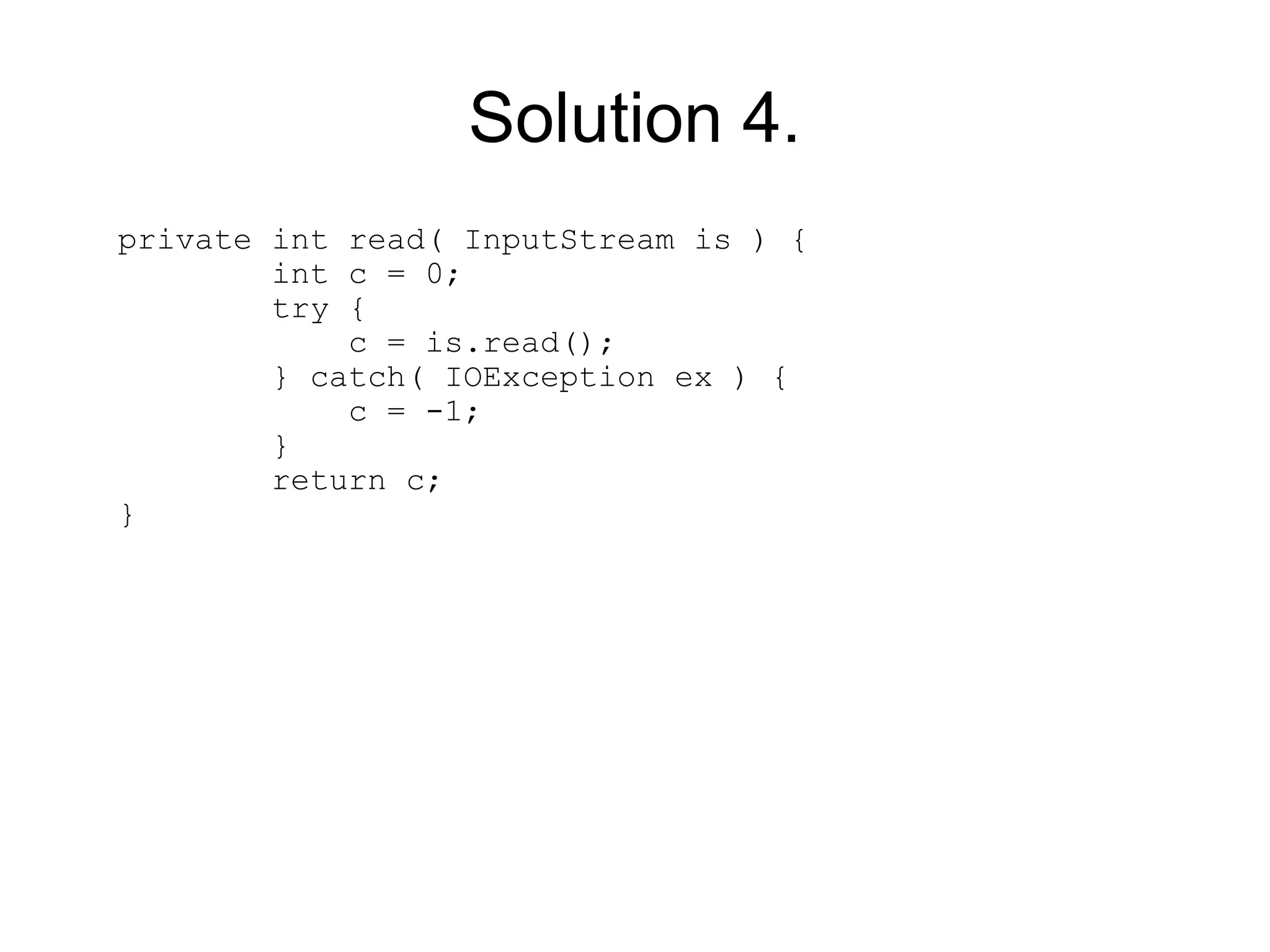
Solution 4.
private int read( InputStream is ) {
        int c = 0;
        try {
            c = is.read();
        } catch( IOException ex ) {
            c = -1;
        }
        return c;
}
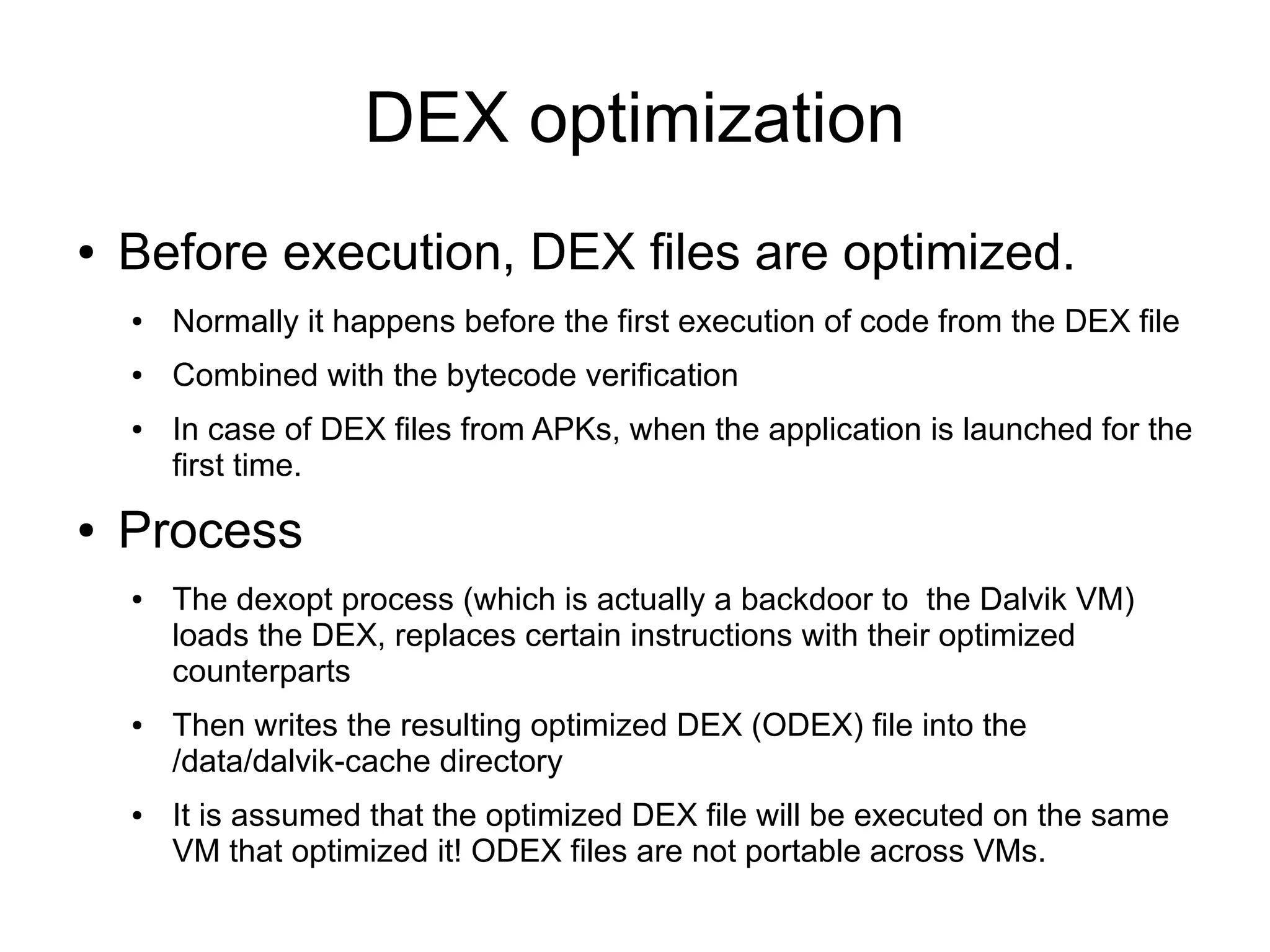
DEX optimization
●   Before execution, DEX files are optimized.
    ●   Normally it happens before the first execution of code from the DEX file
    ●   Combined with the bytecode verification
    ●   In case of DEX files from APKs, when the application is launched for the
        first time.
●   Process
    ●   The dexopt process (which is actually a backdoor to the Dalvik VM)
        loads the DEX, replaces certain instructions with their optimized
        counterparts
    ●   Then writes the resulting optimized DEX (ODEX) file into the
        /data/dalvik-cache directory
    ●   It is assumed that the optimized DEX file will be executed on the same
        VM that optimized it! ODEX files are not portable across VMs.
Optimization steps
●   DEX instructions are affected like the following
    ●   Virtual (non-private, non-constructor, non-static methods)
        invoke-virtual <symbolic method name> ->
        invoke-virtual-quick <vtable index>
         –   Before: invoke-virtual {v1,v2},java/lang/StringBuilder/append ;
             append(Ljava/lang/String;)Ljava/lang/StringBuilder;
         –   After: invoke-virtual-quick   {v1,v2},vtable #0x3b
    ●   13 frequently used methods: invoke-virtual/direct/static <symbolic
        method name> -> execute-inline <method index>
         –   Before: invoke-virtual {v2},java/lang/String/length
         –   After: execute-inline {v2},inline #0x4
    ●   instance fields: iget/iput <field name> -> iget/iput <memory offset>
         –   Before: iget-object   v3,v5,android/app/Activity.mComponent
         –   After: iget-object-quick v3,v5,[obj+0x28]
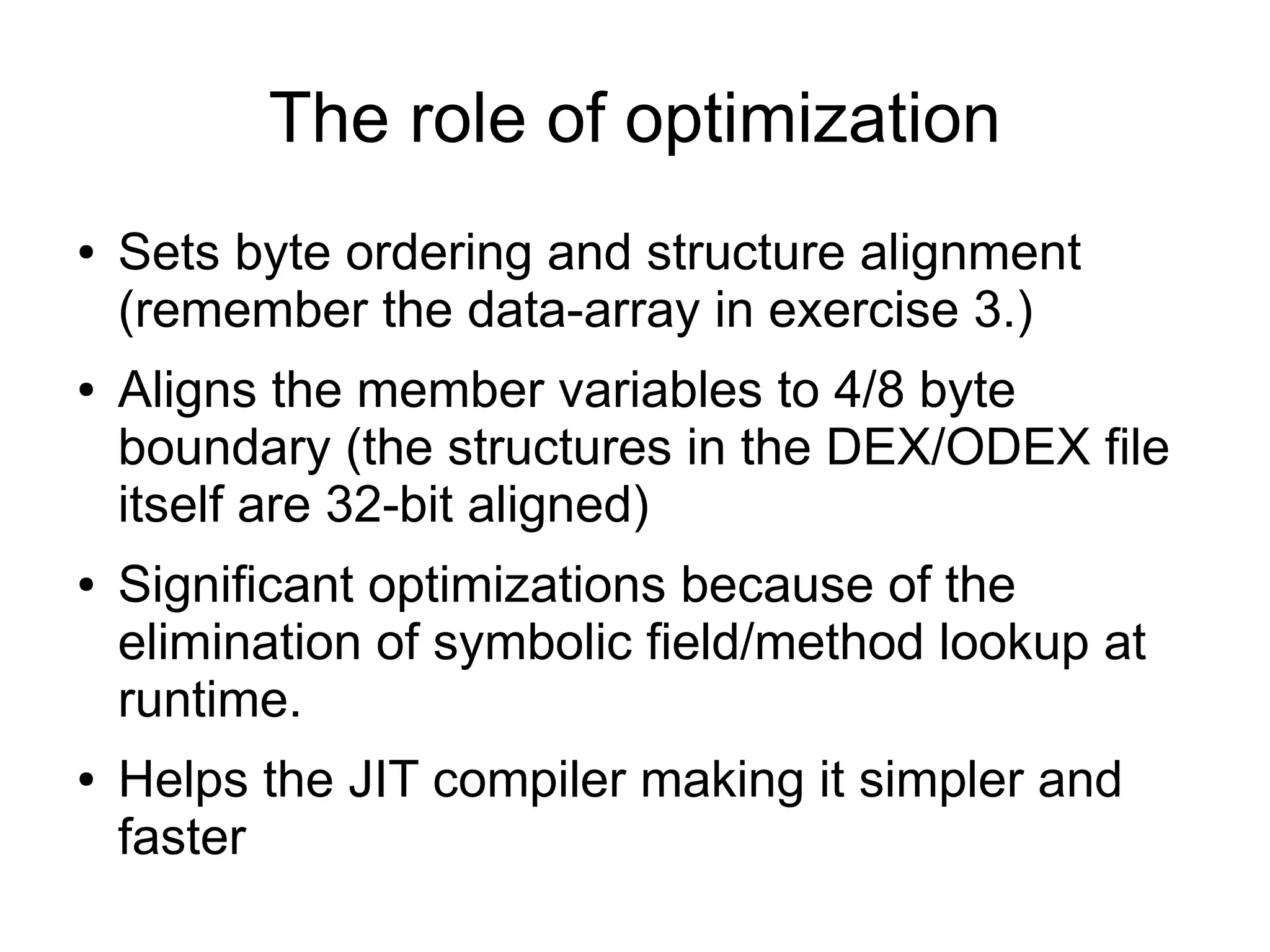
The role of optimization
●   Sets byte ordering and structure alignment
    (remember the data-array in exercise 3.)
●   Aligns the member variables to 4/8 byte
    boundary (the structures in the DEX/ODEX file
    itself are 32-bit aligned)
●   Significant optimizations because of the
    elimination of symbolic field/method lookup at
    runtime.
●   Helps the JIT compiler making it simpler and
    faster
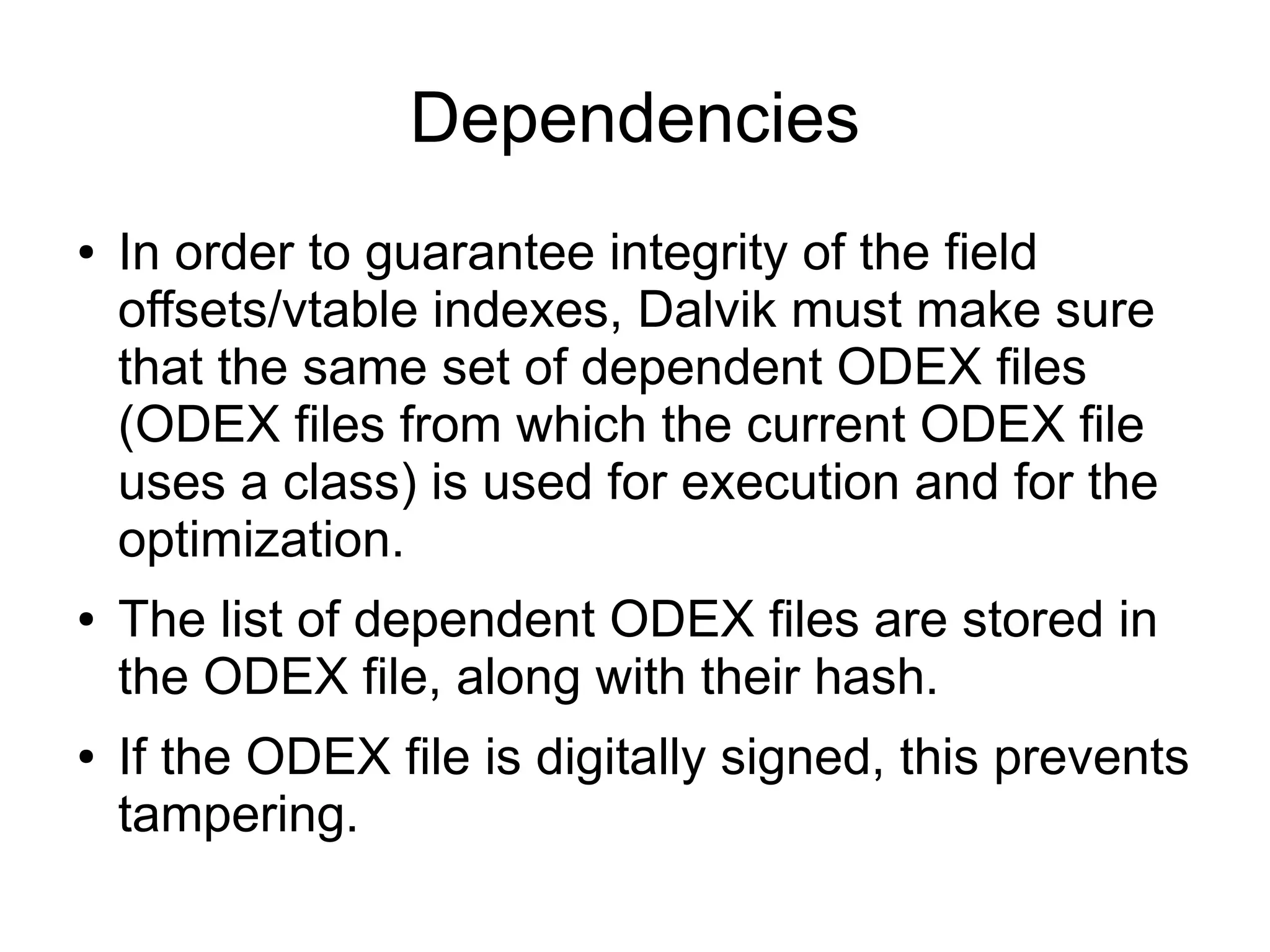
Dependencies
●   In order to guarantee integrity of the field
    offsets/vtable indexes, Dalvik must make sure
    that the same set of dependent ODEX files
    (ODEX files from which the current ODEX file
    uses a class) is used for execution and for the
    optimization.
●   The list of dependent ODEX files are stored in
    the ODEX file, along with their hash.
●   If the ODEX file is digitally signed, this prevents
    tampering.
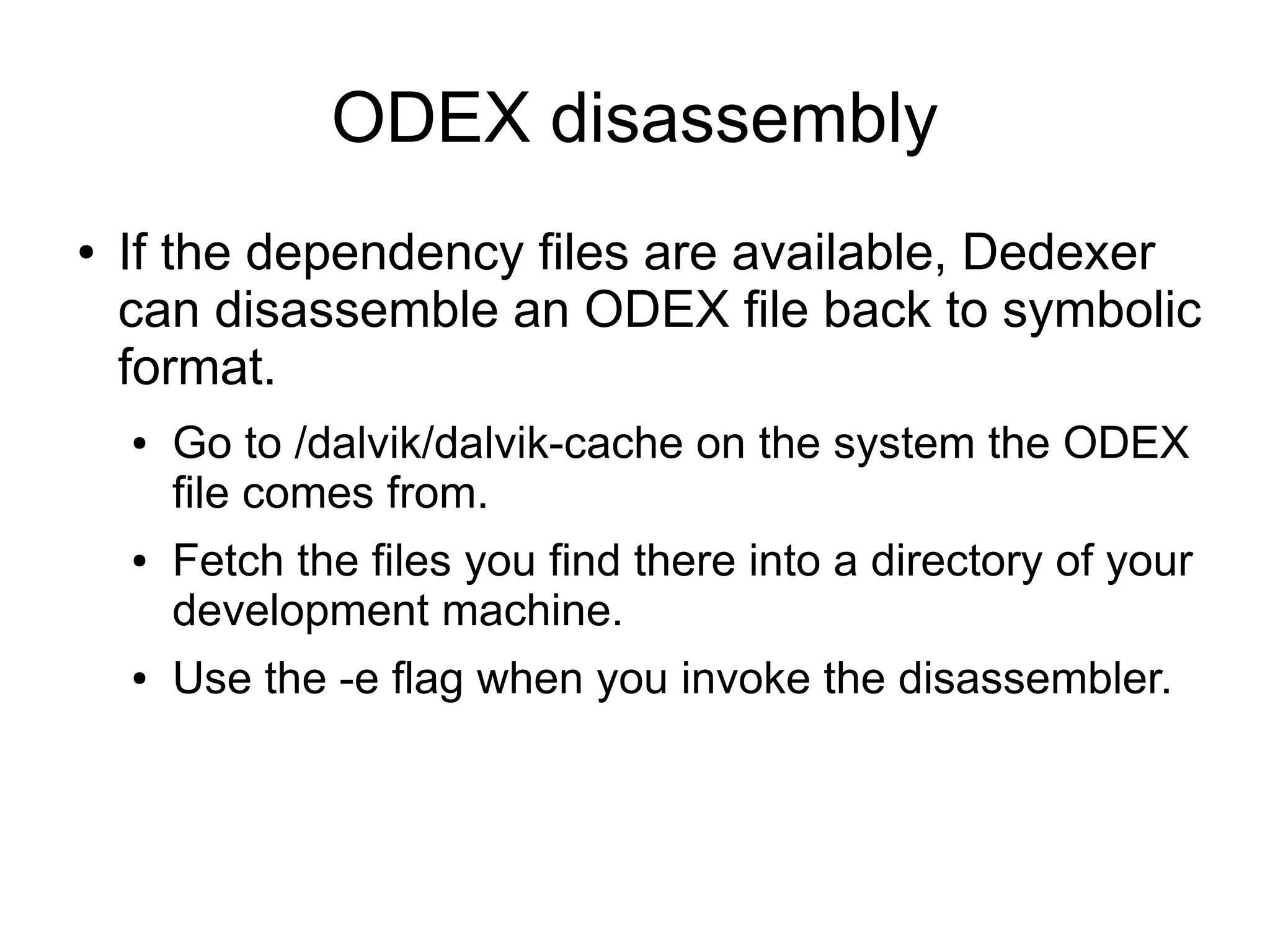
ODEX disassembly
●   If the dependency files are available, Dedexer
    can disassemble an ODEX file back to symbolic
    format.
    ●   Go to /dalvik/dalvik-cache on the system the ODEX
        file comes from.
    ●   Fetch the files you find there into a directory of your
        development machine.
    ●   Use the -e flag when you invoke the disassembler.
ODEX symbolic disassembly
●   Before:
      iget-object-quick      v3,v5,[obj+0x28]
      invoke-virtual-quick   {v3},vtable #0xe
      move-result-object     v0
      execute-inline {v2},inline #0x4
      move-result     v1

●   After:
       iget-object-quick       v3,v5,mComponent
    Landroid/content/ComponentName;     ;[obj+0x28]
       invoke-virtual-quick
    {v3},android/content/ComponentName/getClassName   ;
    getClassName()Ljava/lang/String; , vtable #0xe
       move-result-object      v0
       execute-inline {v2},Ljava/lang/String/length    ;
    length()I , inline #0x4
       move-result     v1
Conclusion
●   Dalvik is a clever compromise between
    preserving the developer's knowledge of Java
    and a proprietary, mobile-optimized VM
    ●   Except for deep system programming (e.g. juggling
        with classloaders), the developer is not aware that
        Dalvik is not a JVM.
●   The DEX format can be up to 30% more
    efficient when it comes to compressed size.
Conclusions 2.
●   The register-based bytecode can be interpreted
    with sufficiently high speed after some simple
    optimizations.
●   When JIT is used, JIT compiler may be simpler
    hence needing less memory.
●   Biggest gap: Dalvik (as released today) has
    only mark&sweep GC.
    ●   On the importance of GC: G. Paller: Increasing Java Performance in
        Memory-Constrained Environments by Using Explicit Memory
        Deallocation,
        http://citeseerx.ist.psu.edu/viewdoc/summary?doi=10.1.1.59.9268

Understanding the Dalvik bytecode with the Dedexer tool

  • 1.
    Understanding the Dalvikbytecode with the Dedexer tool Gabor Paller gaborpaller@gmail.com 2009.12.02
  • 2.
    Background ● As we all know, Android is a Linux-Java platform. ● The underlying operating system is a version of Linux ● The application model exposed to the developer is Java-based ● Android is not Java ● Google does not use the Java logo in relation with Android ● Android application model has no relationship with any Java standard (JSR)
  • 3.
    Dalvik ● At the core of Android, there is the proprietary Dalvik virtual machine executing Android programs. ● Some interesting Dalvik properties ● It lives in symbiosis with the Linux process/access right system to provide application separation ● It has its own bytecode format which is in distant relationship with the Java bytecode format
  • 4.
    Life of aJava application in Android ● Java is just a front-end ● Developer codes in Java ● The source code is compiled by the Java compiler into .class files ● Then the dx (dexer) tool which is part of the Android SDK processes the .class files into Dalvik's proprietary format ● The result of a proprietary file format called DEX that contains Dalvik bytecode. ● The format has only distant relationship with the Java bytecode
  • 5.
    Why should youcare? ● Well, you shouldn't ● You have to dig very deep to find discrepancies between the execution environment projected by Dalvik and JVM (dynamic code generation, classloading). ● If you develop your own language (like Simple), you may compile directly to Dalvik bytecode. Even in this case there is an option of compiling to Java bytecode first and leave the Dalvik bytecode to dx. ● Big exception: reverse engineering
  • 6.
  • 7.
    Disassembly options ● For binary XML files, use a binary-to-textual XML converter like AXMLPrinter2 ● For the DEX file, use dedexer ● Alternative products: – Dexdump – comes with the Android SDK, less convenient to use than dedexer because e.g. it does not support labels, produces one large file, etc. – Baksmali – a competing open-source DEX disassembler. Comes with a Dalvik bytecode assembler (smali) ● In any case, you have to live with Dalvik bytecode disassembly – there's no way back to Java presently!
  • 8.
    Using dedexer ● Download ddx.jar from http://dedexer.sourceforge.net ● Unpack the DEX file from the APK file. ● Issue: java -jar ddx.jar -d target_dir source_dex_file ● The decompiled files will be produced in target_dir with .ddx extension. We will learn, how to read those files.
  • 9.
    The DEX format ● Main difference between the standard Java .class and DEX is that all the classes of the application are packed into one file. ● This is not just packing, all the classes in the same DEX file share the same field, method, etc. tables. ● In Dalvik, classes from the same DEX file are loaded by the same class loader instance.
  • 10.
    Single DEX filevs. many .class files ● Let's see the numbers ● Example class set: total of 11 .class files, sum of sizes: 21395 bytes. ● Converted into DEX: 17664 bytes, 17% gain. ● Zipping both (JAR packing and APK packing does this): – 13685 bytes (.class) – 9148 bytes (DEX) – 33% gain! ● The DEX format is more suitable for mobile computing due to its more dense encoding.
  • 11.
    Register- and stack-basedVMs ● Standard JVM is stack-based. Operations remove inputs from the stack and put result(s) back onto the stack. – One stack level can hold any type (char to float). – Double and long values need two consecutive stack levels. ● Dalvik is register-based. – Virtual registers – up to 64k registers although most instructions can use only the first 256. – One register can hold any type (char to float) – Double and long values need two consecutive registers.
  • 12.
    Register vs. stackexample: Java original public int method( int i1,int i2 ) { int i3 = i1*i2; return i3*2; }
  • 13.
    Register vs. stackexample: Java bytecode .method public method(II)I .limit locals 4 .var 0 is this LTest2; from Label0 to Label1 ; “this” .var 1 is arg0 I from Label0 to Label1 ; argument #1 .var 2 is arg1 I from Label0 to Label1 ; argument #2 Label0: iload_1 ; load local variable #1 onto the stack iload_2 ; load local variable #2 onto the stack imul ; pop the two topmost stack level, multiply them, push the result back onto the stack istore_3 ; store into local variable #3 iload_3 ; load local variable #3 onto the stack iconst_2 ; push constant 2 onto the stack imul ; multiply, push back the result Label1: ireturn .end method
  • 14.
    Register vs. stackexample: Dalvik bytecode .method public method(II)I .limit registers 4 ; this: v1 (Ltest2;) ; parameter[0] : v2 (I) ; parameter[1] : v3 (I) mul-int v0,v2,v3 ; v0=v2*v3 mul-int/lit-8 v0,v0,2 ; v0=v0*2 return v0 .end method
  • 15.
    Dalvik register frames ● Dalvik registers behave more like local variables ● Each method has a fresh set of registers. ● Invoked methods don't affect the registers of invoking methods.
  • 16.
    Which one isbetter? ● Current processors are register-based ● Register-based bytecode is easier to map ● Stack needs memory access ● Stack is slower than registers. ● Eventually it all depends on the JIT compiler which turns stack operations into register operations. ● However, if the bytecode is register-based, JIT compiler may be simpler-> smaller ROM footprint!
  • 17.
    Types ● No surprises for those who know Java bytecode. ● Base types ● I – int ● J – long ● Z – boolean ● D – double ● F – float ● S – short ● C – char ● V – void (when return value) ● Classes: Ljava/lang/Object; ● Arrays: [I, [Ljava/lang/Object;, [[I ● List of types: simple concatenation ● obtainStyledAttributes(Landroid/util/AttributeSet;[III)
  • 18.
    Methods ● Rich meta-information is assigned to Dalvik methods (just like in Java VM) ● Method meta-information: ● Signature ● Try-catch information ● Annotations ● Number of registers used ● Debug information – Line numbers – Local variable lifetime
  • 19.
    Method head example .methodprivate callEnumValues()[Ljava/lang/Object; .annotation systemVisibility Ldalvik/annotation/Signature; value [Ljava/lang/String; = { "()[TT;" } .end annotation .limit registers 6 ; this: v5 (Ljava/lang/ClassCache;) .catch java/lang/IllegalAccessException from lbc5b4 to lbc5ce using lbc5e0 .catch java/lang/reflect/InvocationTargetException from lbc5b4 to lbc5ce using lbc5f0 .catch java/lang/NoSuchMethodException from lbc58c to lbc5b0 using lbc5d0 .var 5 is this Ljava/lang/ClassCache; from lbc58c to lbc59e
  • 20.
    Method invocations ● Methods are ● Static if the “this” argument is not implicitly provided as the first argument. ● Direct if they cannot be overridden – In this case they are invoked directly, without involving vtable – private methods, constructors ● Virtual if they can be overridden in child classes – In this case they are invoked using a vtable associated to the class.
  • 21.
    Method invocations, 2. ● invoke-virtual {v1,v2},java/lang/StringBuilder/append ;append(Ljava/lang/String;)Ljava/lang/StringBui der; ; v1 : Ljava/lang/StringBuilder; , v2 : Ljava/langString; move-result-object v1 ; v1 : Ljava/lang/StringBuilder; ● Observe: ● That the first argument of the method invocation is “this” as this is a non-static method. ● That invoked method does not corrupt the invoking method's registers. ● That the method return value must be obtained by a special instruction family (move-result-*)
  • 22.
    Instruction families ● Move between registers: move, move/from16, move-wide, move- wide/from16, move-object, move-object/from16. ● Obtaining and setting the result value: move-result, move-result-wide, move- result-object, return-void, return, return-wide, return-object ● Exception handling: throw, move-exception ● Constants to registers: const/4, const/16, const, const/high16, const- wide/16, const-wide/32, const-wide, const-wide/high16, const-string, const- class ● Synchronization: monitor-enter, monitor-exit ● Type checking: check-cast, instance-of ● Array manipulation: new-array, array-length, filled-new-array, filled-new- array/range, fill-array-data ● Instance creation: new-instance ● Execution control: goto, goto/16, packed-switch, sparse-switch, if-eq, if-ne, if-lt, if-ge, if-gt, if-le, if-eqz, if-nez, if-ltz, if-gez, if-gtz, if-lez ● Comparations: cmpl-float, cmpg-float, cmpl-double, cmpg-double, cmp-long
  • 23.
    Instruction families, 2. ● Read/write member fields: iget, iget-wide, iget-object, iget-boolean, iget-byte, iget-char, iget-short, iput, iput-wide, iput-object, iput-boolean, iput-byte, iput- char, iput-short ● Read/write array elements: aget, aget-wide, aget-object, aget-boolean, aget- byte, aget-char, aget-short, aput, aput-wide, aput-object, aput-boolean, aput- byte, aput-char, aput-short ● Read/write static fields: sget, sget-wide, sget-object, sget-boolean, sget- byte, sget-char, sget-short, sput, sput-wide, sput-object, sput-boolean, sput- byte, sput-char, sput-short ● Method invocation: invoke-virtual, invoke-super, invoke-direct, invoke-static, invoke-interface, invoke-virtual/range, invoke-super/range, invoke- direct/range, invoke-static/range, invoke-interface/range ● Conversion in any direction among int, long, float, double ● Operations on int, long, float, double: add, sub, mul, div, rem, and, or, xor, shl, shr, ushr, neg-(int, long, float, double), not-(int,long) ● ODEX instructions: execute-inline, invoke-direct-empty, iget-quick, iget-wide- quick, iget-object-quick, iput-quick, iput-wide-quick, iput-object-quick, invoke- virtual-quick, invoke-virtual-quick/range, invoke-super-quick, invoke-super- quick/range
  • 24.
    Exercise 1. .method privateswap([II)V .limit registers 5 ; this: v2 (Ltest10;) ; parameter[0] : v3 ([I) ; parameter[1] : v4 (I) aget v0,v3,v4 ; v0=v3[v4] add-int/lit8 v1,v4,1 ; v1=v4+1 aget v1,v3,v1 ; v1=v3[v1] aput v1,v3,v4 ; v3[v4]=v1 add-int/lit8 v1,v4,1 ; v1=v4+1 aput v0,v3,v1 ; v3[v1]=v0 return-void .end method
  • 25.
    Solution 1. private voidswap( int array[], int i ) { int temp = array[i]; array[i] = array[i+1]; array[i+1] = temp; }
  • 26.
    Exercise 2. .method privatesort([I)V ; this: v6 (Ltest10;) ; parameter[0] : v7 ([I) const/4 v5,1 ; v5=1 const/4 v4,0 ; v4=0 l2c4: move v0,v4 ; v0=v4 move v1,v4 ; v1=v4 l2c8: array-length v2,v7 ; v2=v7.length sub-int/2addr v2,v5 ; v2=v2-v5 if-ge v0,v2,l2ee ; if( v0>=v2) -> l2ee aget v2,v7,v0 ; v2=v7[v0] add-int/lit8 v3,v0,1 ; v3=v0+1 aget v3,v7,v3 ; v3=v7[v3] if-le v2,v3,l2e8 ; if( v2<=v3 ) ->l2e8 invoke-direct {v6,v7,v0},Test10/swap ; swap([II)V move v1,v5 ; v1=v5 l2e8: add-int/lit8 v0,v0,1 ; v0=v0+1 goto l2c8 ; -> l2c8 l2ee: if-nez v1,l2c4 ; if( v1 != 0 ) ->l2c4 return-void
  • 27.
    Solution 2. private voidsort( int array[] ) { boolean swapped; do { swapped = false; for( int i = 0 ; i < array.length - 1; ++i ) if( array[i] > array[i+1] ) { swap( array, i ); swapped = true; } } while( swapped ); }
  • 28.
    Exercise 3. const/16 v1,8 new-array v1,v1,[I fill-array-data v1,l288 invoke-direct {v0,v1},Test10/sort ; sort([I)V ... l288: data-array 0x04, 0x00, 0x00, 0x00 ; #0 0x07, 0x00, 0x00, 0x00 ; #1 0x01, 0x00, 0x00, 0x00 ; #2 0x08, 0x00, 0x00, 0x00 ; #3 0x0A, 0x00, 0x00, 0x00 ; #4 0x02, 0x00, 0x00, 0x00 ; #5 0x01, 0x00, 0x00, 0x00 ; #6 0x05, 0x00, 0x00, 0x00 ; #7 end data-array
  • 29.
    Solution 3. int array[]= { 4, 7, 1, 8, 10, 2, 1, 5 }; instance.sort( array );
  • 30.
    Example 4. .method privateread(Ljava/io/InputStream;)I .limit registers 3 ; this: v1 (Ltest10;) ; parameter[0] : v2 (Ljava/io/InputStream;) .catch java/io/IOException from l300 to l306 using l30a l300: invoke-virtual {v2},java/io/InputStream/read ; read()I l306: move-result v0 ; v0=read() l308: return v0 l30a: move-exception v0 ; v0=IOException reference const/4 v0,15 ; v0=-1 (sign-extended 0xF) goto l308 .end method
  • 31.
    Solution 4. private intread( InputStream is ) { int c = 0; try { c = is.read(); } catch( IOException ex ) { c = -1; } return c; }
  • 32.
    DEX optimization ● Before execution, DEX files are optimized. ● Normally it happens before the first execution of code from the DEX file ● Combined with the bytecode verification ● In case of DEX files from APKs, when the application is launched for the first time. ● Process ● The dexopt process (which is actually a backdoor to the Dalvik VM) loads the DEX, replaces certain instructions with their optimized counterparts ● Then writes the resulting optimized DEX (ODEX) file into the /data/dalvik-cache directory ● It is assumed that the optimized DEX file will be executed on the same VM that optimized it! ODEX files are not portable across VMs.
  • 33.
    Optimization steps ● DEX instructions are affected like the following ● Virtual (non-private, non-constructor, non-static methods) invoke-virtual <symbolic method name> -> invoke-virtual-quick <vtable index> – Before: invoke-virtual {v1,v2},java/lang/StringBuilder/append ; append(Ljava/lang/String;)Ljava/lang/StringBuilder; – After: invoke-virtual-quick {v1,v2},vtable #0x3b ● 13 frequently used methods: invoke-virtual/direct/static <symbolic method name> -> execute-inline <method index> – Before: invoke-virtual {v2},java/lang/String/length – After: execute-inline {v2},inline #0x4 ● instance fields: iget/iput <field name> -> iget/iput <memory offset> – Before: iget-object v3,v5,android/app/Activity.mComponent – After: iget-object-quick v3,v5,[obj+0x28]
  • 34.
    The role ofoptimization ● Sets byte ordering and structure alignment (remember the data-array in exercise 3.) ● Aligns the member variables to 4/8 byte boundary (the structures in the DEX/ODEX file itself are 32-bit aligned) ● Significant optimizations because of the elimination of symbolic field/method lookup at runtime. ● Helps the JIT compiler making it simpler and faster
  • 35.
    Dependencies ● In order to guarantee integrity of the field offsets/vtable indexes, Dalvik must make sure that the same set of dependent ODEX files (ODEX files from which the current ODEX file uses a class) is used for execution and for the optimization. ● The list of dependent ODEX files are stored in the ODEX file, along with their hash. ● If the ODEX file is digitally signed, this prevents tampering.
  • 36.
    ODEX disassembly ● If the dependency files are available, Dedexer can disassemble an ODEX file back to symbolic format. ● Go to /dalvik/dalvik-cache on the system the ODEX file comes from. ● Fetch the files you find there into a directory of your development machine. ● Use the -e flag when you invoke the disassembler.
  • 37.
    ODEX symbolic disassembly ● Before: iget-object-quick v3,v5,[obj+0x28] invoke-virtual-quick {v3},vtable #0xe move-result-object v0 execute-inline {v2},inline #0x4 move-result v1 ● After: iget-object-quick v3,v5,mComponent Landroid/content/ComponentName; ;[obj+0x28] invoke-virtual-quick {v3},android/content/ComponentName/getClassName ; getClassName()Ljava/lang/String; , vtable #0xe move-result-object v0 execute-inline {v2},Ljava/lang/String/length ; length()I , inline #0x4 move-result v1
  • 38.
    Conclusion ● Dalvik is a clever compromise between preserving the developer's knowledge of Java and a proprietary, mobile-optimized VM ● Except for deep system programming (e.g. juggling with classloaders), the developer is not aware that Dalvik is not a JVM. ● The DEX format can be up to 30% more efficient when it comes to compressed size.
  • 39.
    Conclusions 2. ● The register-based bytecode can be interpreted with sufficiently high speed after some simple optimizations. ● When JIT is used, JIT compiler may be simpler hence needing less memory. ● Biggest gap: Dalvik (as released today) has only mark&sweep GC. ● On the importance of GC: G. Paller: Increasing Java Performance in Memory-Constrained Environments by Using Explicit Memory Deallocation, http://citeseerx.ist.psu.edu/viewdoc/summary?doi=10.1.1.59.9268