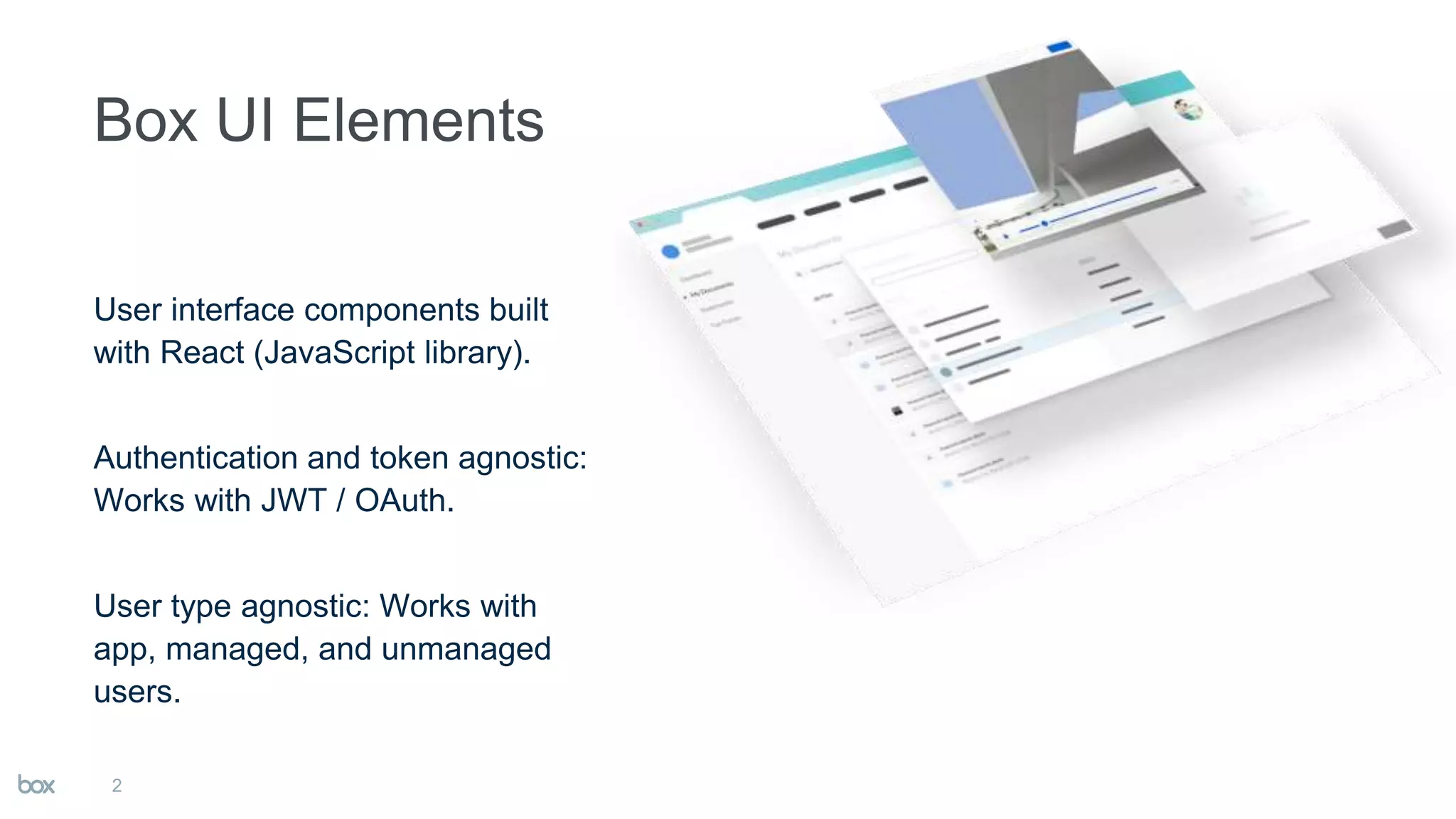

User interface components built
with React (JavaScript library).
Authentication and token agnostic:
Works with JWT / OAuth.
User type agnostic: Works with
app, managed, and unmanaged
users.
2
3
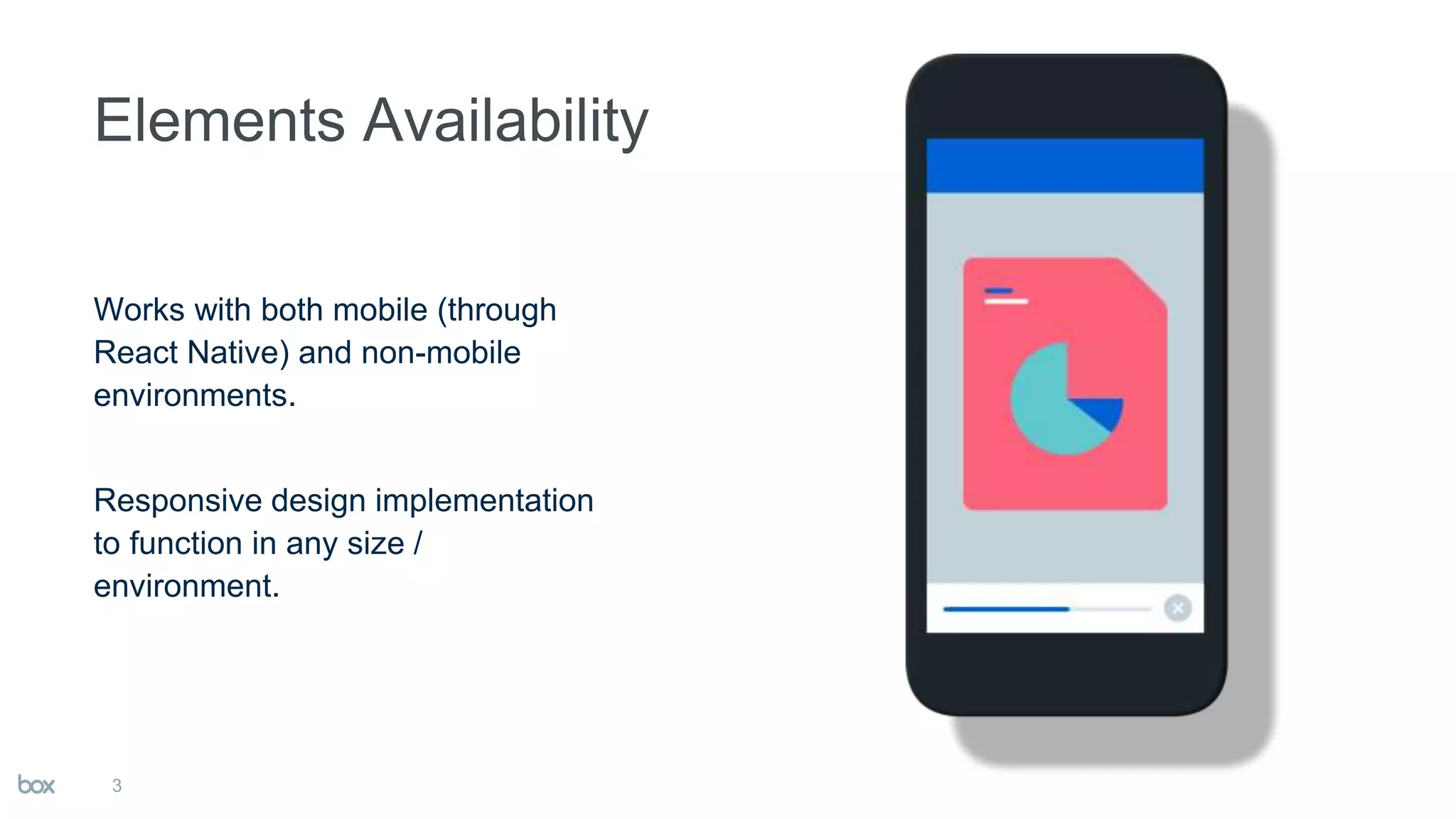
Works with both mobile (through
React Native) and non-mobile
environments.
Responsive design implementation
to function in any size /
environment.
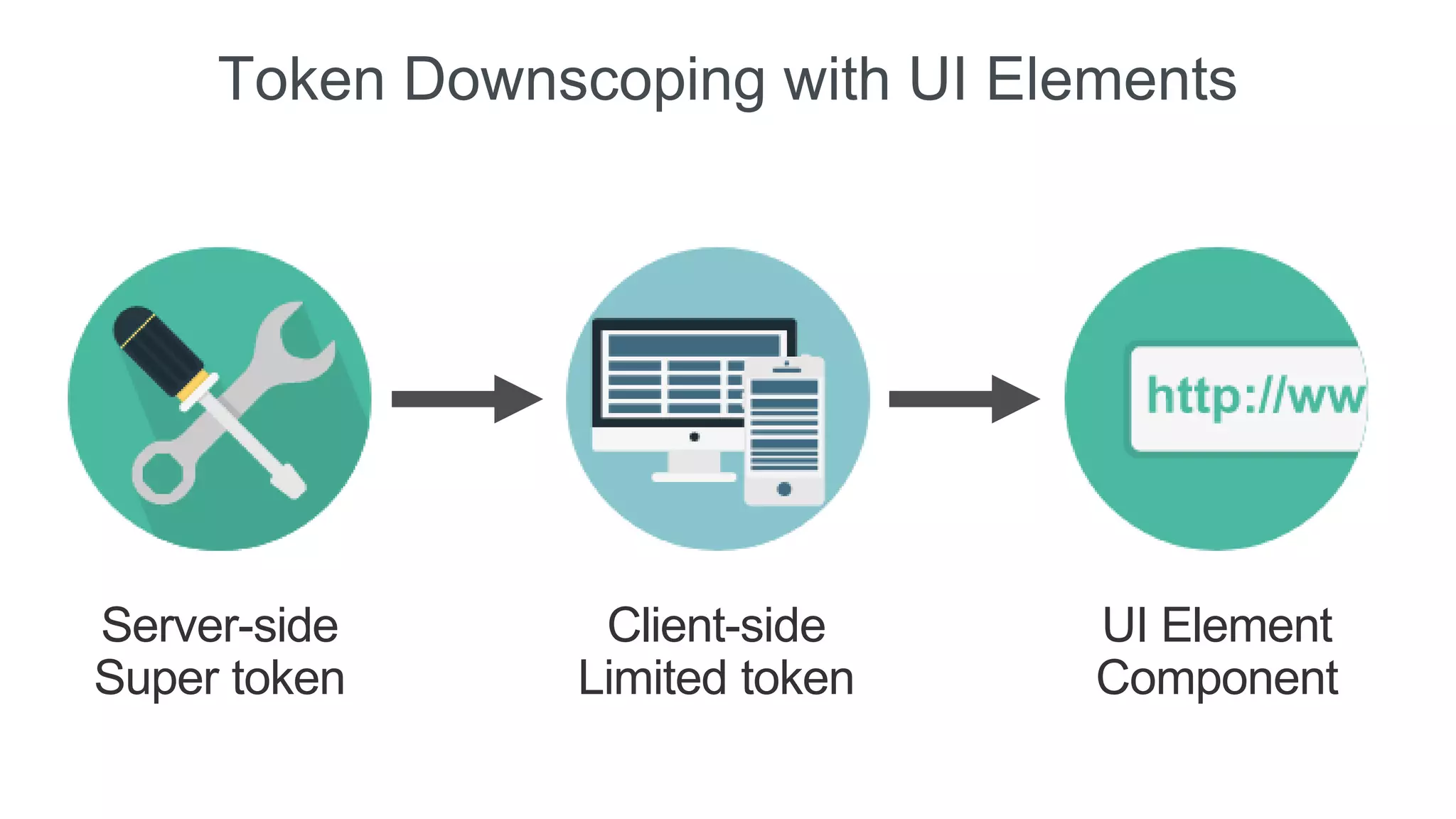
Token Downscoping
Server-side
Super token
Client-side
Limited token
UI Element
Component
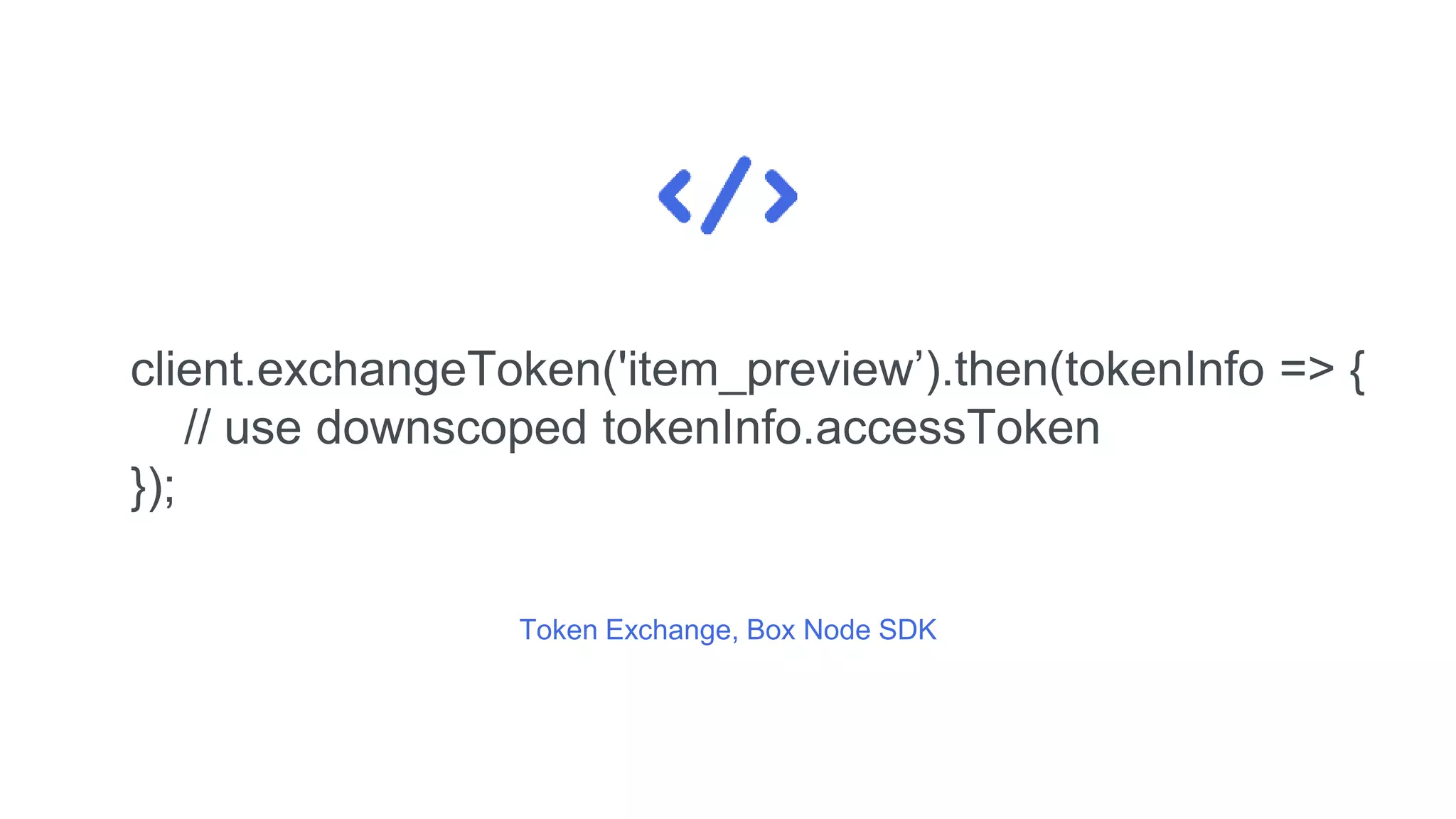
Token Exchange, Box Node SDK
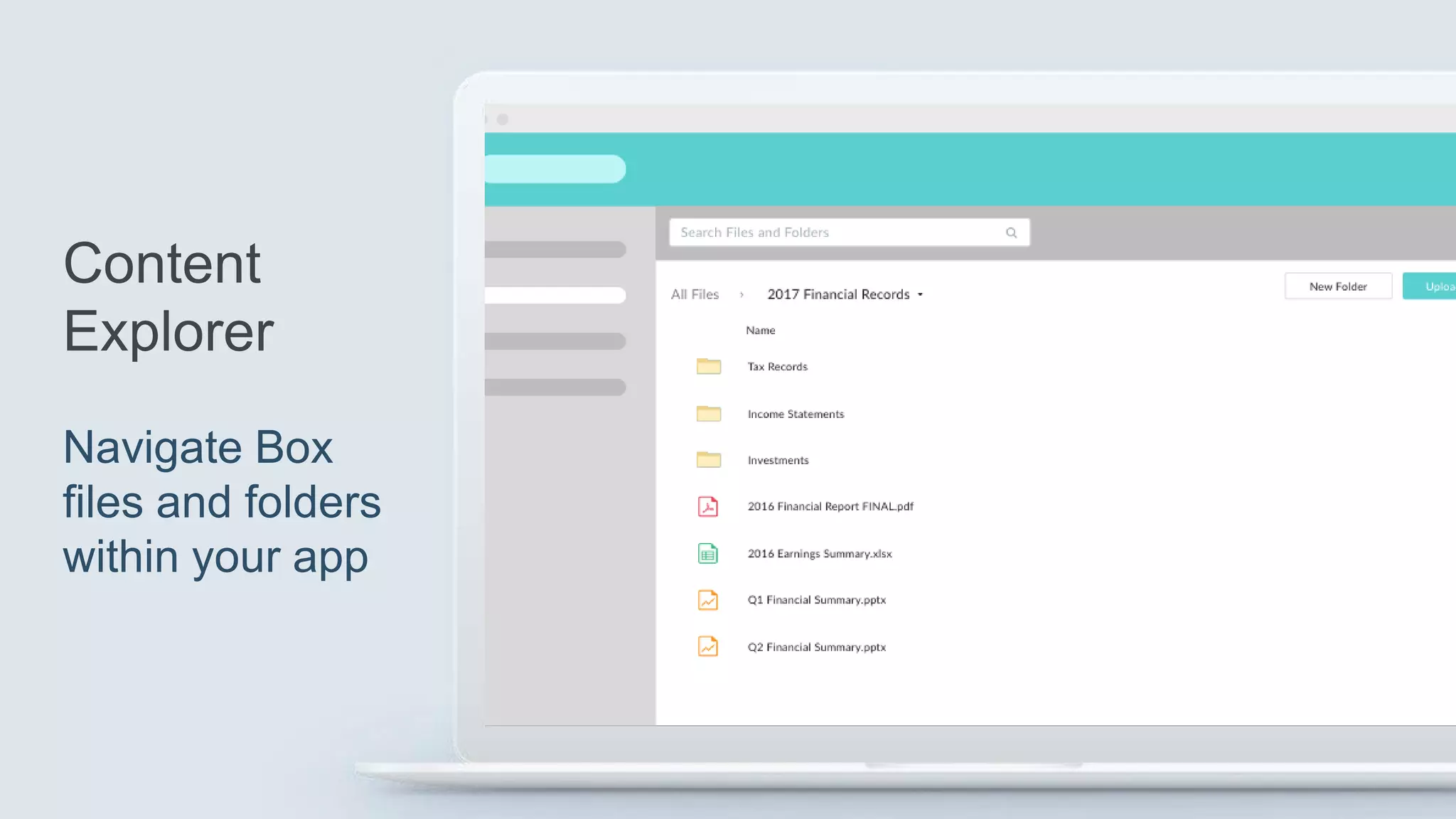
The UI Elements
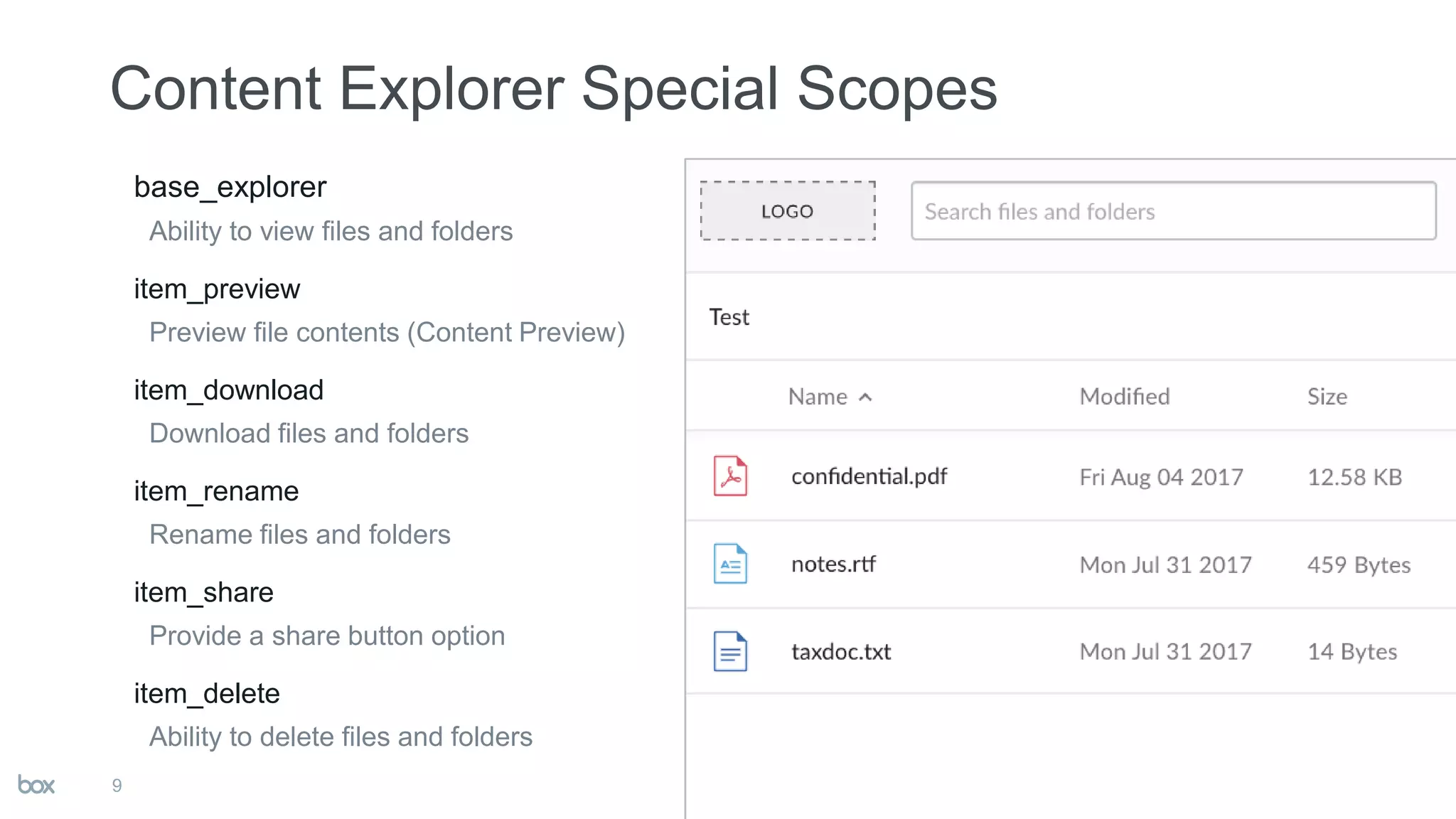
base_explorer
Ability to view files and folders
item_preview
Preview file contents (Content Preview)
item_download
Download files and folders
item_rename
Rename files and folders
item_share
Provide a share button option
item_delete
Ability to delete files and folders
9
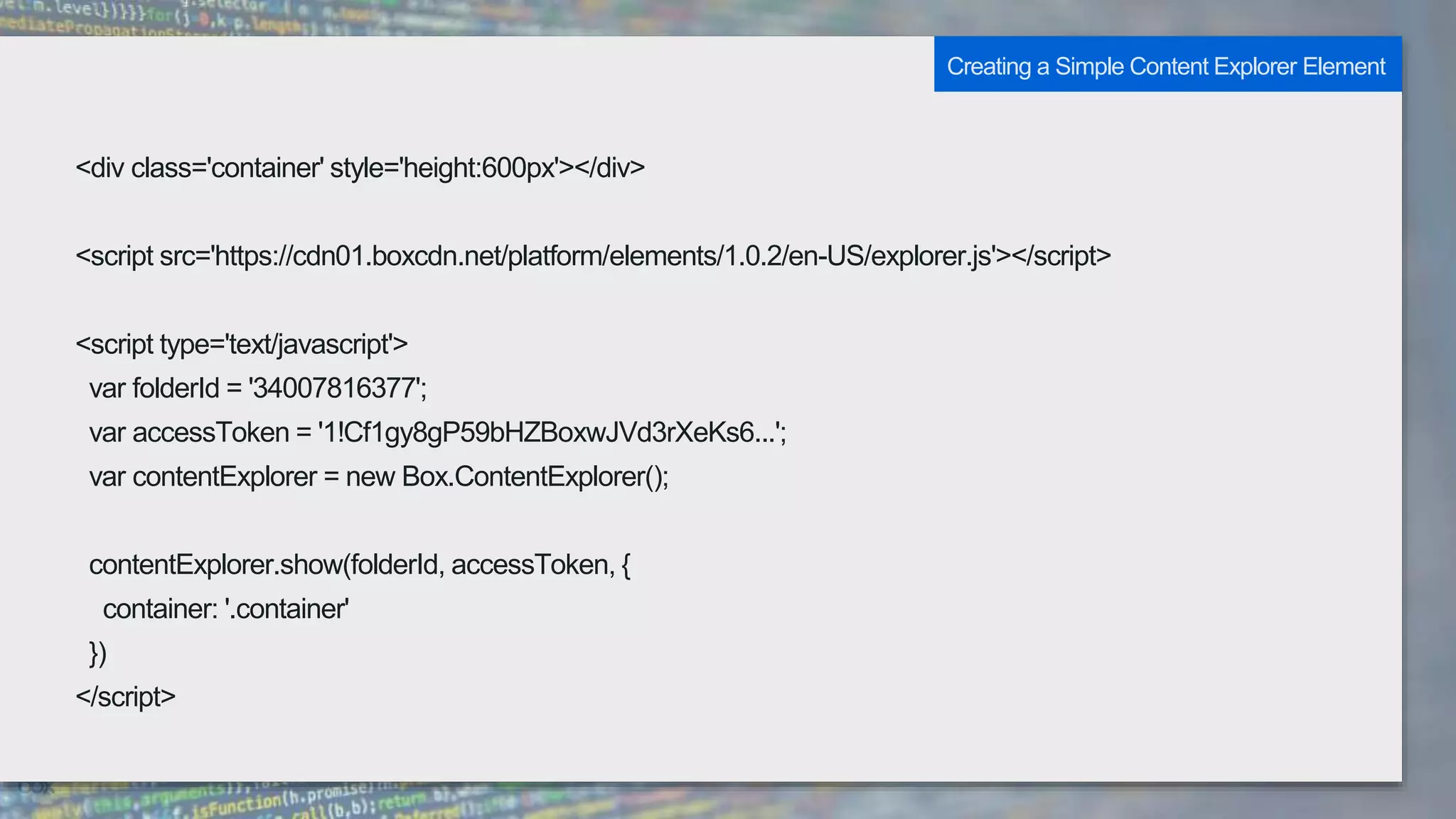
<div class='container' style='height:600px'></div>
<script src='https://cdn01.boxcdn.net/platform/elements/1.0.2/en-US/explorer.js'></script>
<script type='text/javascript'>
var folderId = '34007816377';
var accessToken = '1!Cf1gy8gP59bHZBoxwJVd3rXeKs6...';
var contentExplorer = new Box.ContentExplorer();
contentExplorer.show(folderId, accessToken, {
container: '.container'
})
</script>
Creating a Simple Content Explorer Element
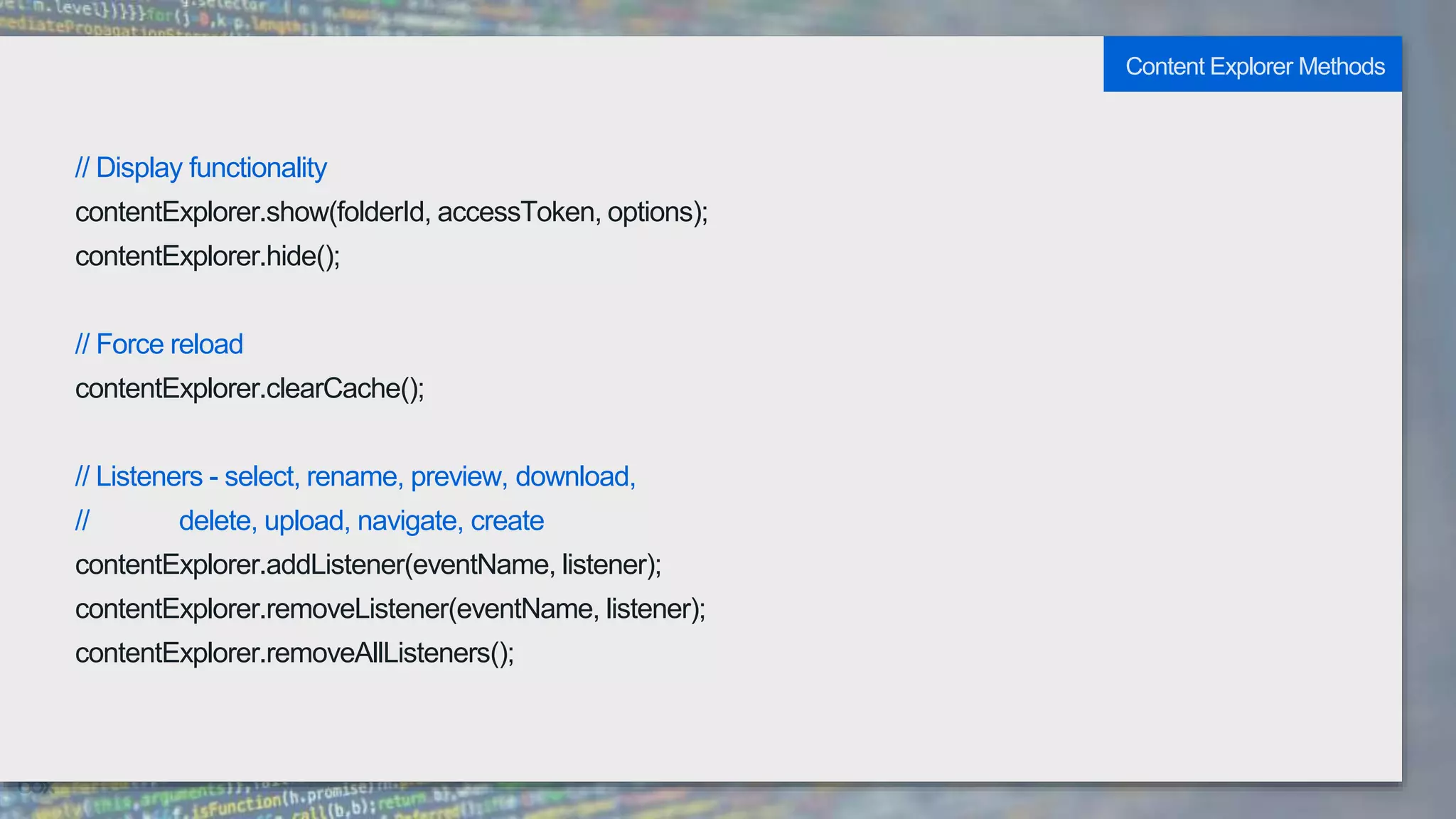
// Display functionality
contentExplorer.show(folderId, accessToken, options);
contentExplorer.hide();
// Force reload
contentExplorer.clearCache();
// Listeners - select, rename, preview, download,
// delete, upload, navigate, create
contentExplorer.addListener(eventName, listener);
contentExplorer.removeListener(eventName, listener);
contentExplorer.removeAllListeners();
Content Explorer Methods
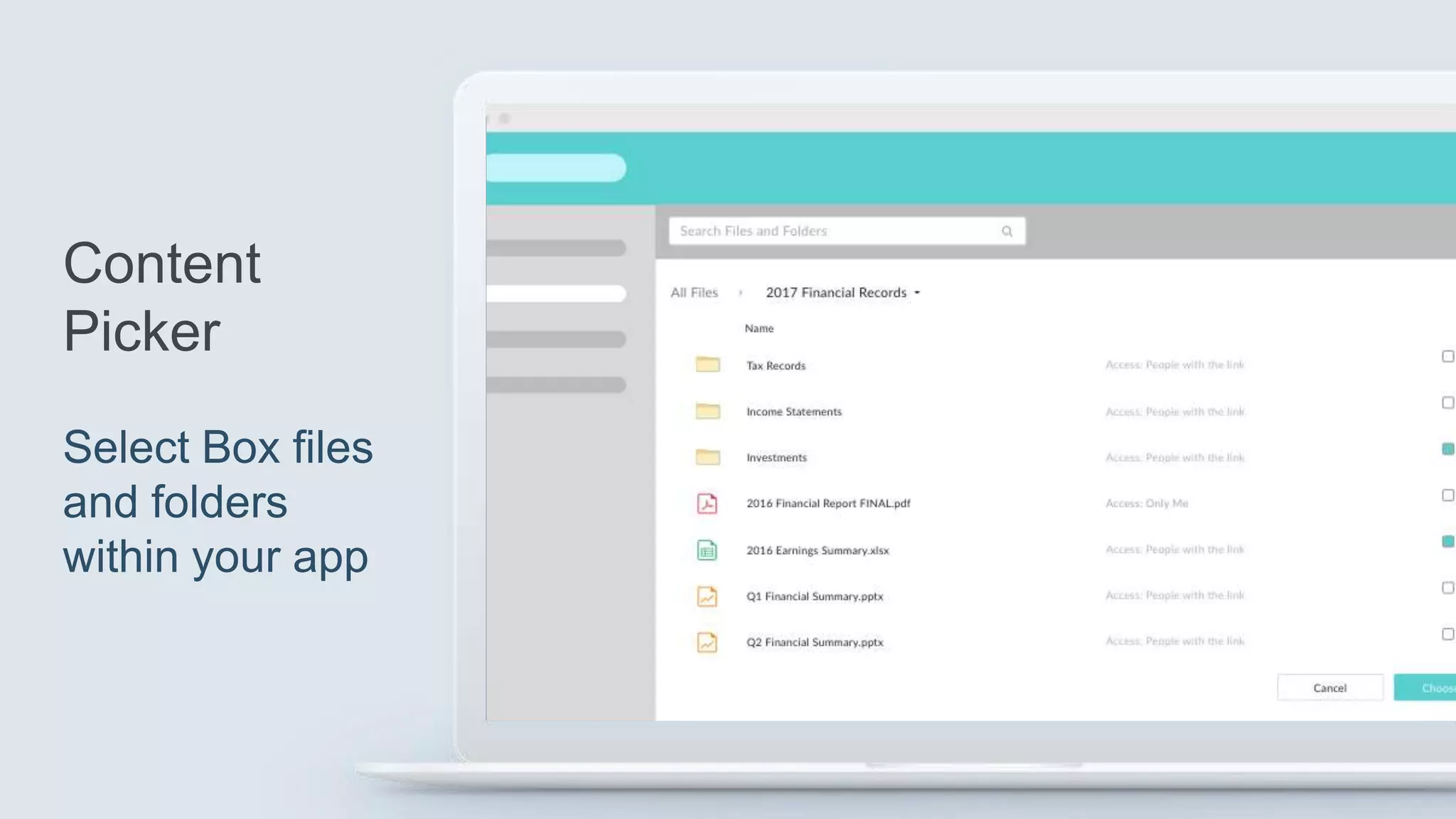
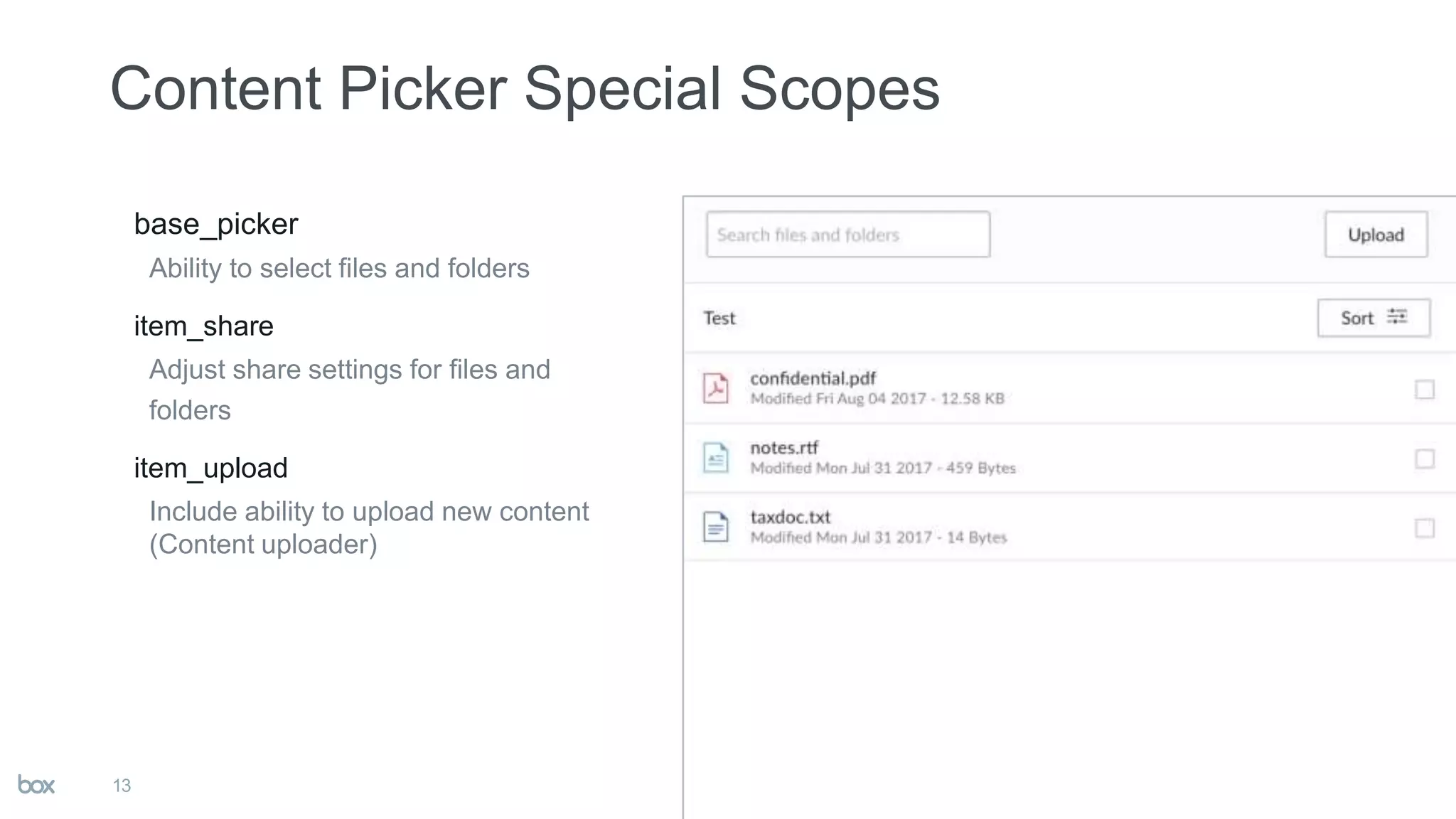
base_picker
Ability to select files and folders
item_share
Adjust share settings for files and
folders
item_upload
Include ability to upload new content
(Content uploader)
13
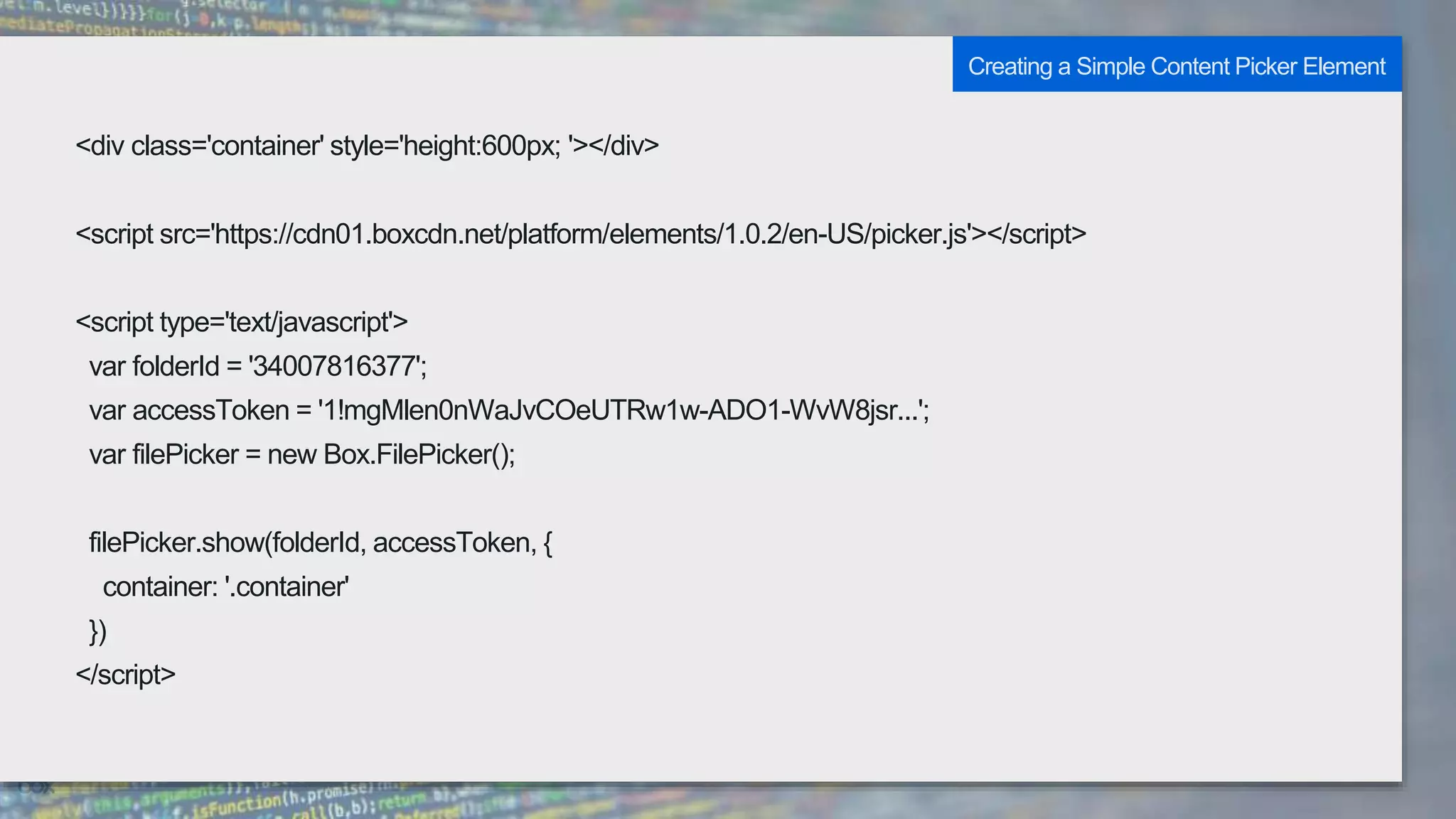
<div class='container' style='height:600px; '></div>
<script src='https://cdn01.boxcdn.net/platform/elements/1.0.2/en-US/picker.js'></script>
<script type='text/javascript'>
var folderId = '34007816377';
var accessToken = '1!mgMlen0nWaJvCOeUTRw1w-ADO1-WvW8jsr...';
var filePicker = new Box.FilePicker();
filePicker.show(folderId, accessToken, {
container: '.container'
})
</script>
Creating a Simple Content Picker Element
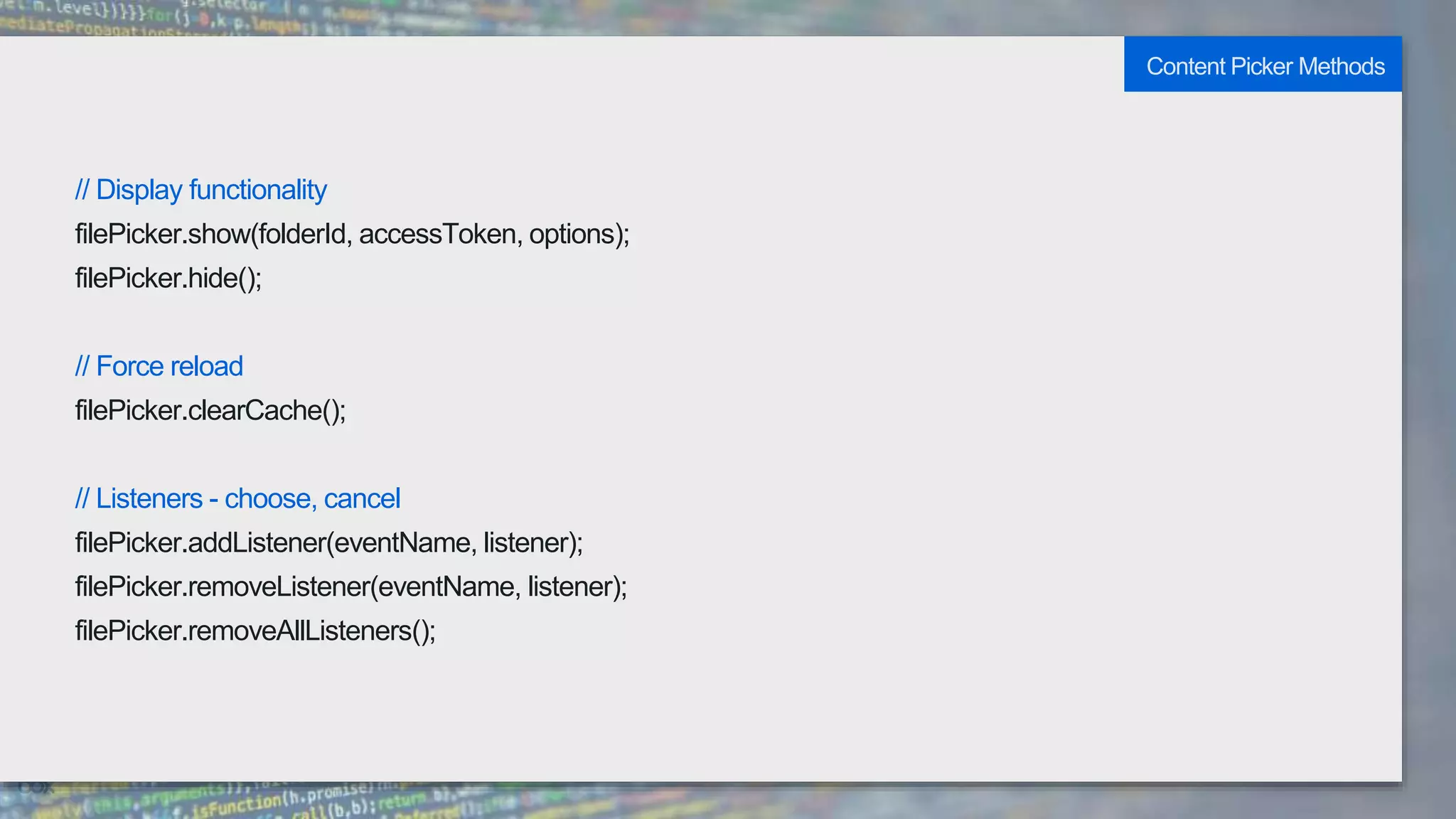
// Display functionality
filePicker.show(folderId, accessToken, options);
filePicker.hide();
// Force reload
filePicker.clearCache();
// Listeners - choose, cancel
filePicker.addListener(eventName, listener);
filePicker.removeListener(eventName, listener);
filePicker.removeAllListeners();
Content Picker Methods
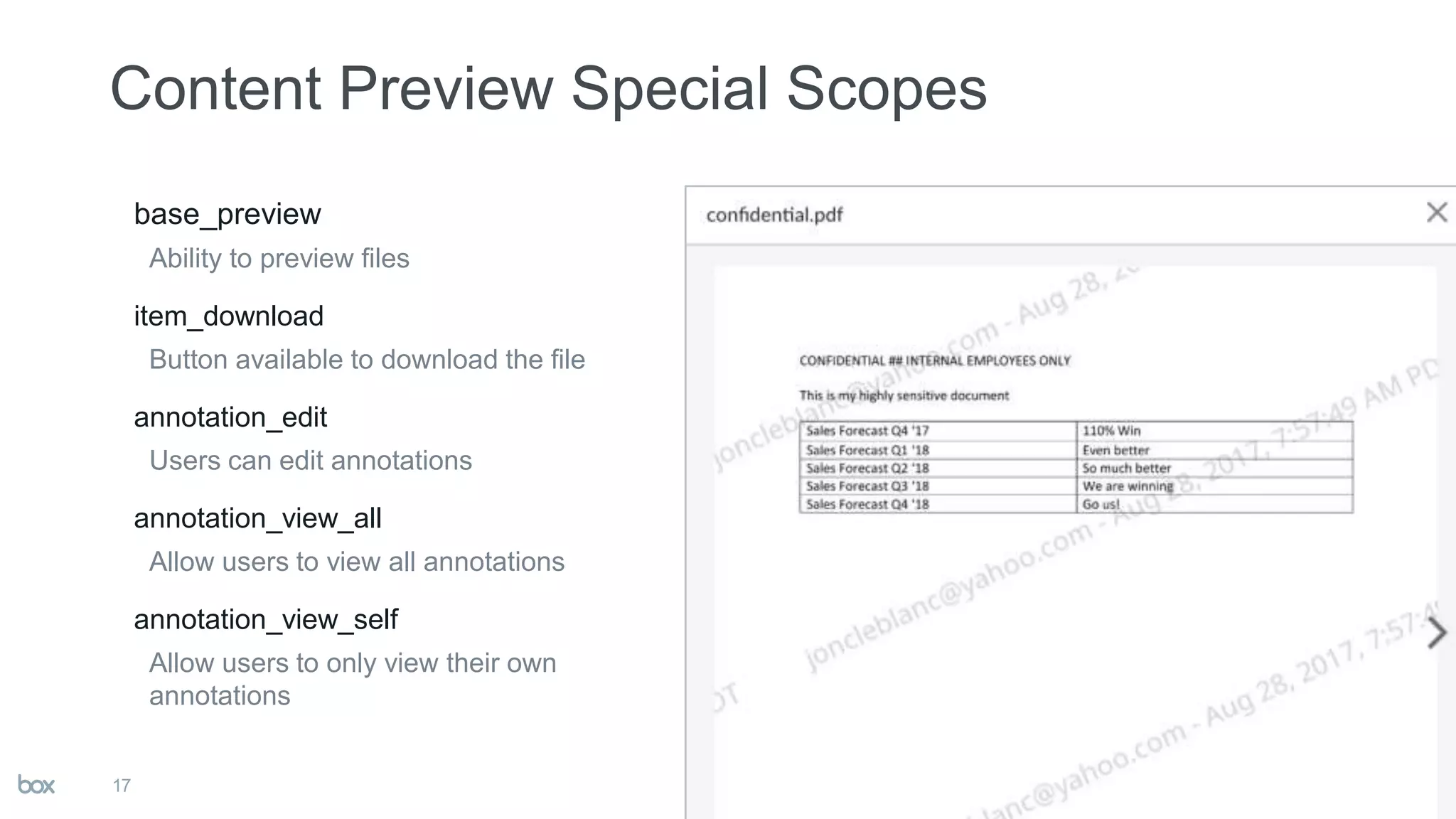
base_preview
Ability to preview files
item_download
Button available to download the file
annotation_edit
Users can edit annotations
annotation_view_all
Allow users to view all annotations
annotation_view_self
Allow users to only view their own
annotations
17
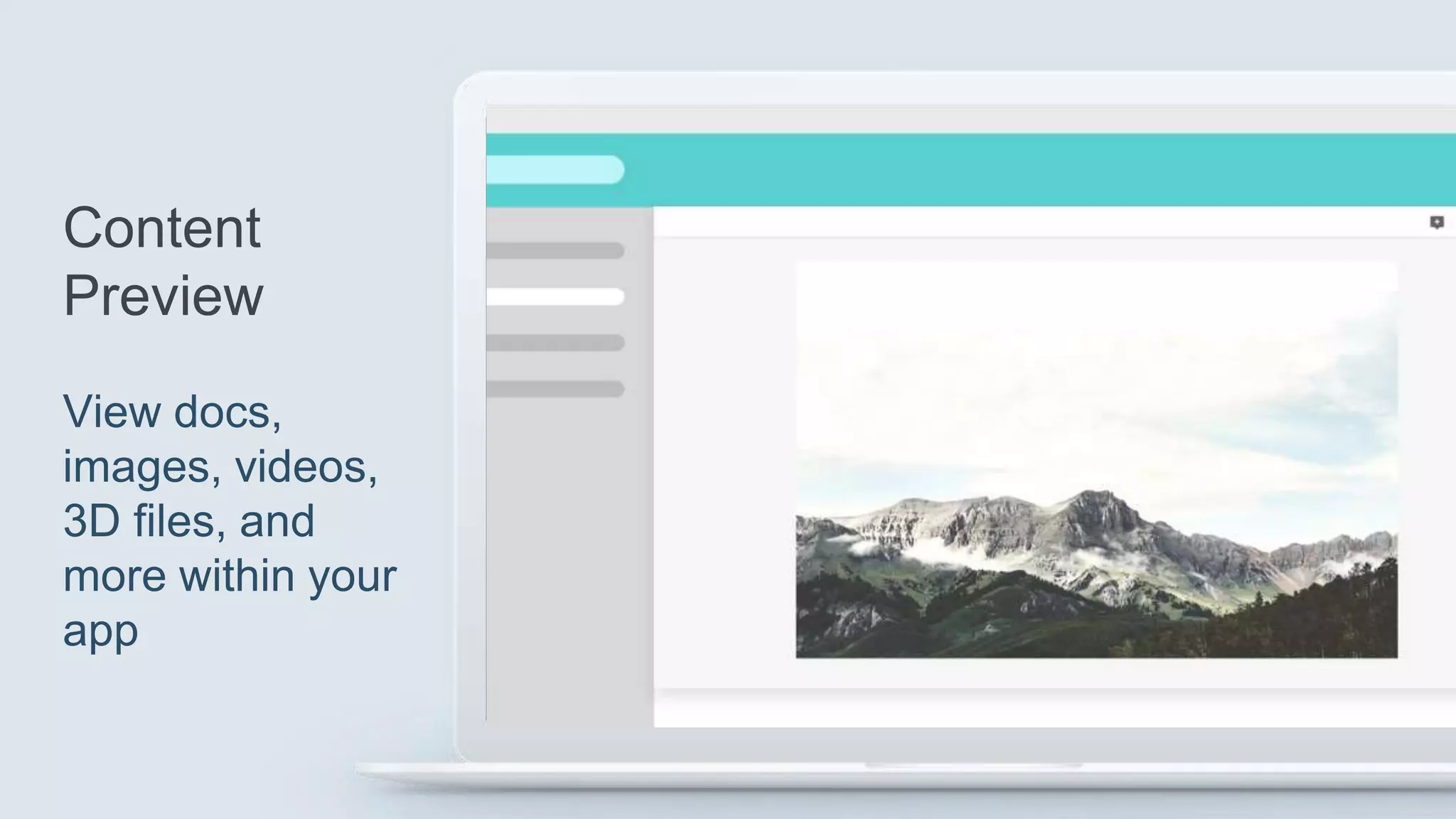
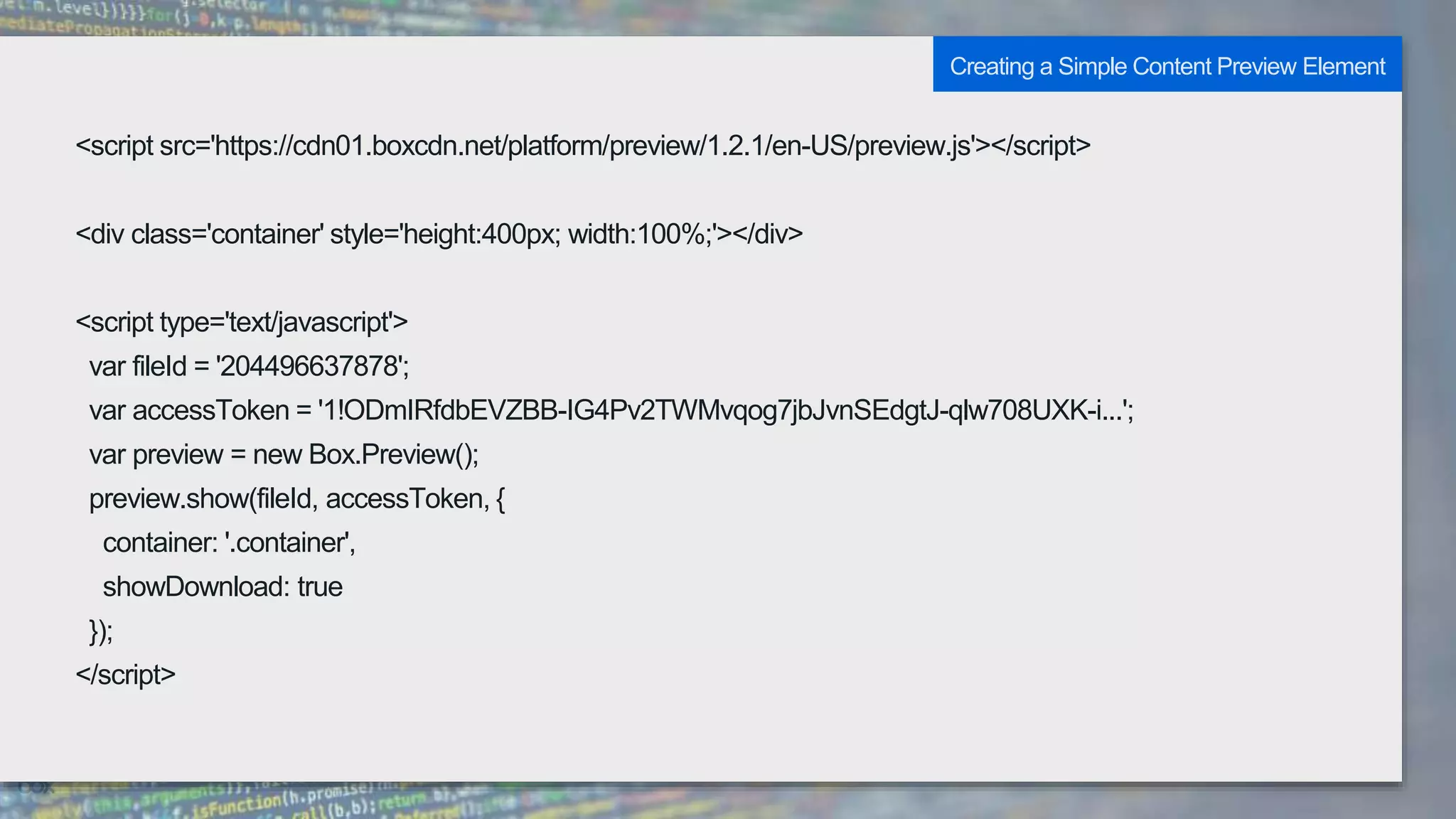
<script src='https://cdn01.boxcdn.net/platform/preview/1.2.1/en-US/preview.js'></script>
<div class='container' style='height:400px; width:100%;'></div>
<script type='text/javascript'>
var fileId = '204496637878';
var accessToken = '1!ODmIRfdbEVZBB-IG4Pv2TWMvqog7jbJvnSEdgtJ-qlw708UXK-i...';
var preview = new Box.Preview();
preview.show(fileId, accessToken, {
container: '.container',
showDownload: true
});
</script>
Creating a Simple Content Preview Element
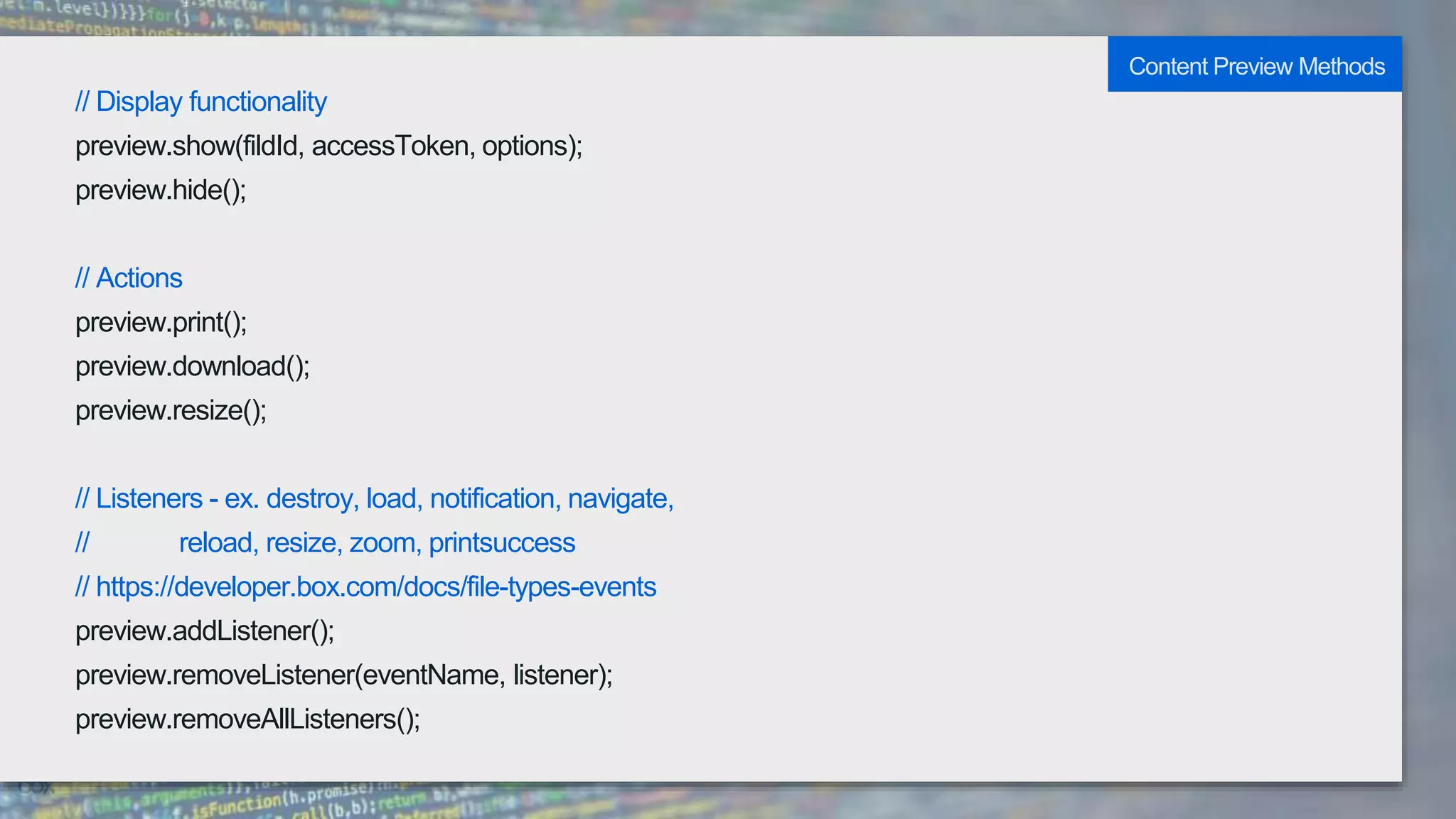
// Display functionality
preview.show(fildId, accessToken, options);
preview.hide();
// Actions
preview.print();
preview.download();
preview.resize();
// Listeners - ex. destroy, load, notification, navigate,
// reload, resize, zoom, printsuccess
// https://developer.box.com/docs/file-types-events
preview.addListener();
preview.removeListener(eventName, listener);
preview.removeAllListeners();
Content Preview Methods
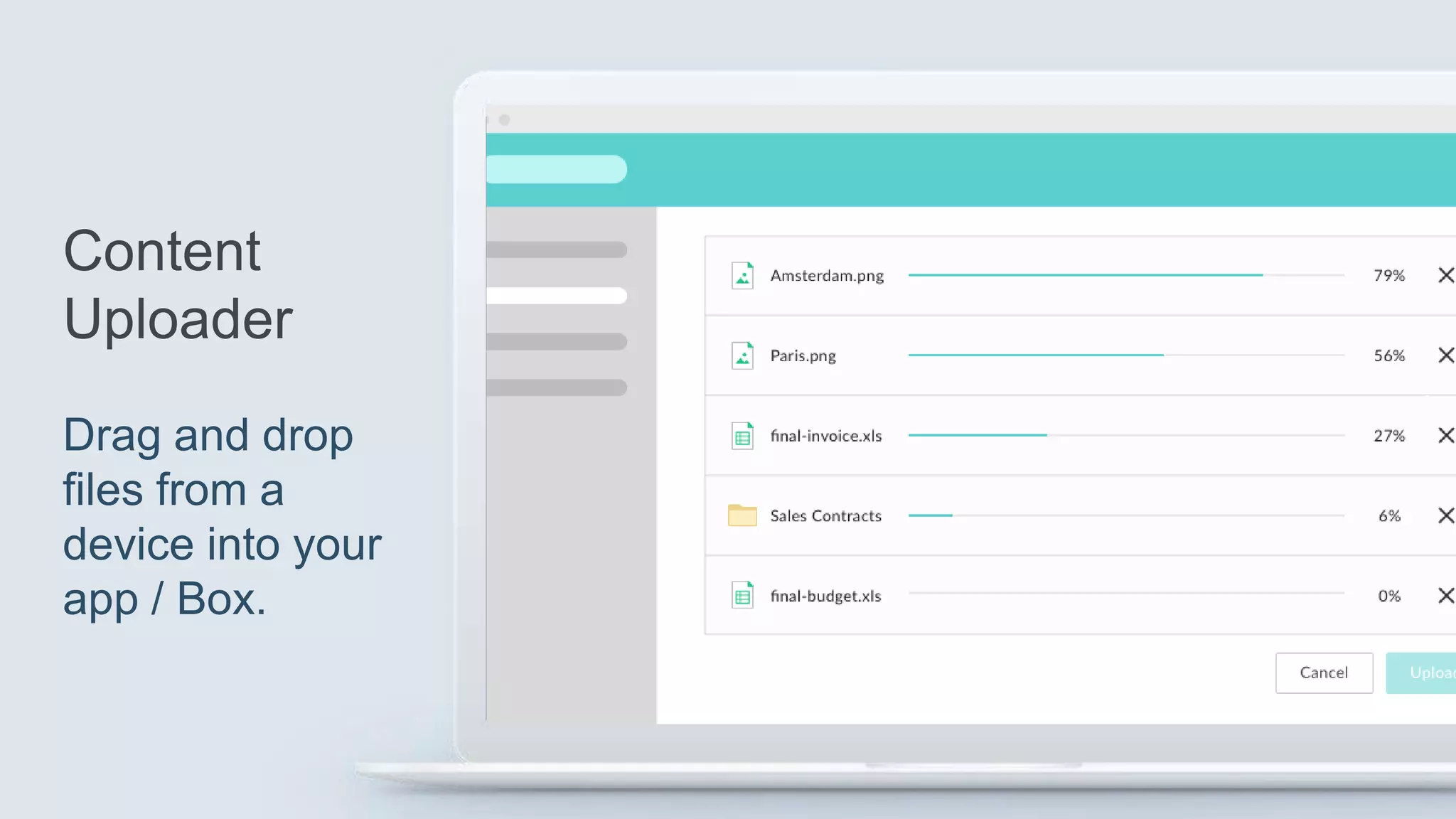
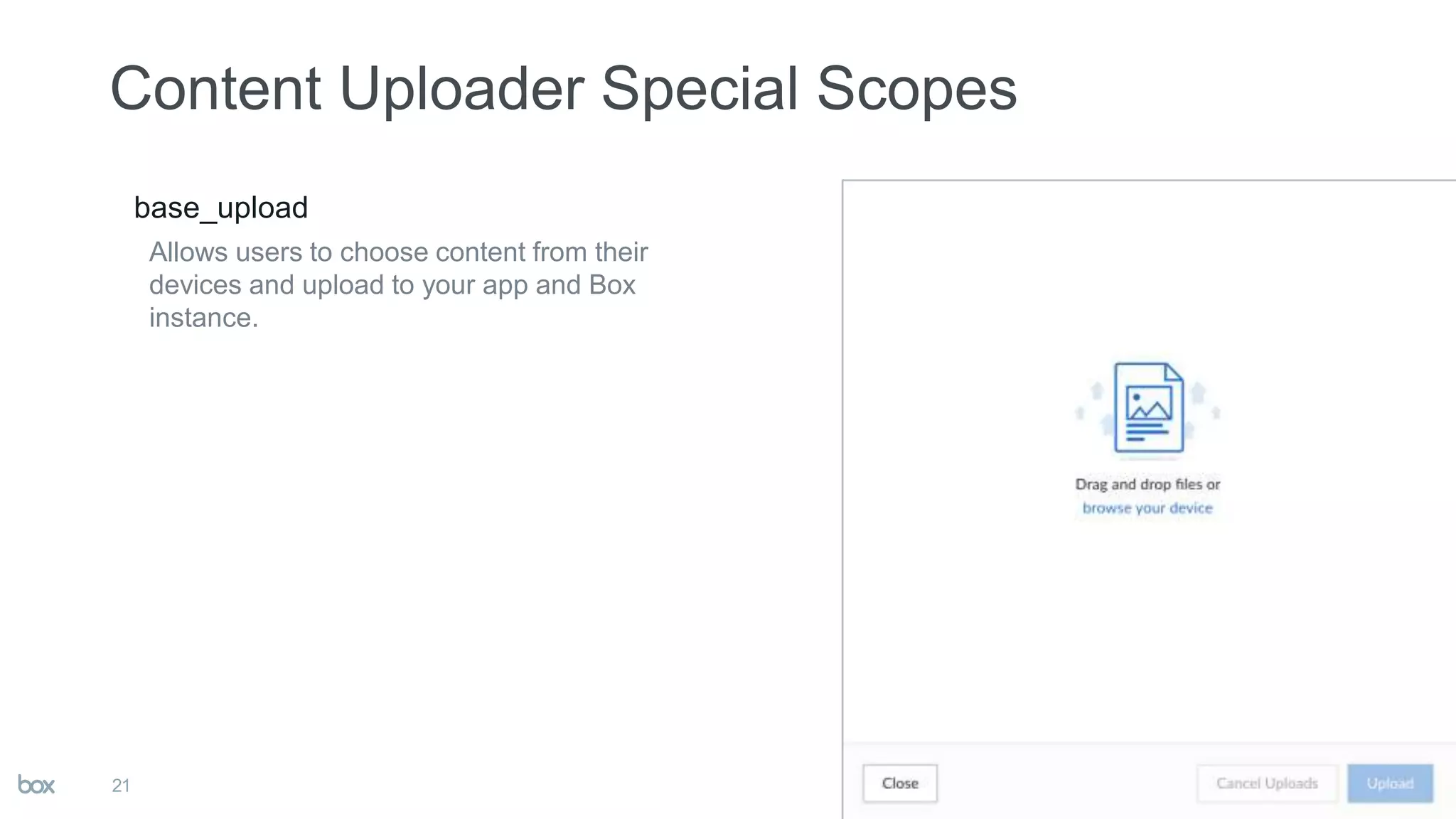
base_upload
Allows users to choose content from their
devices and upload to your app and Box
instance.
21
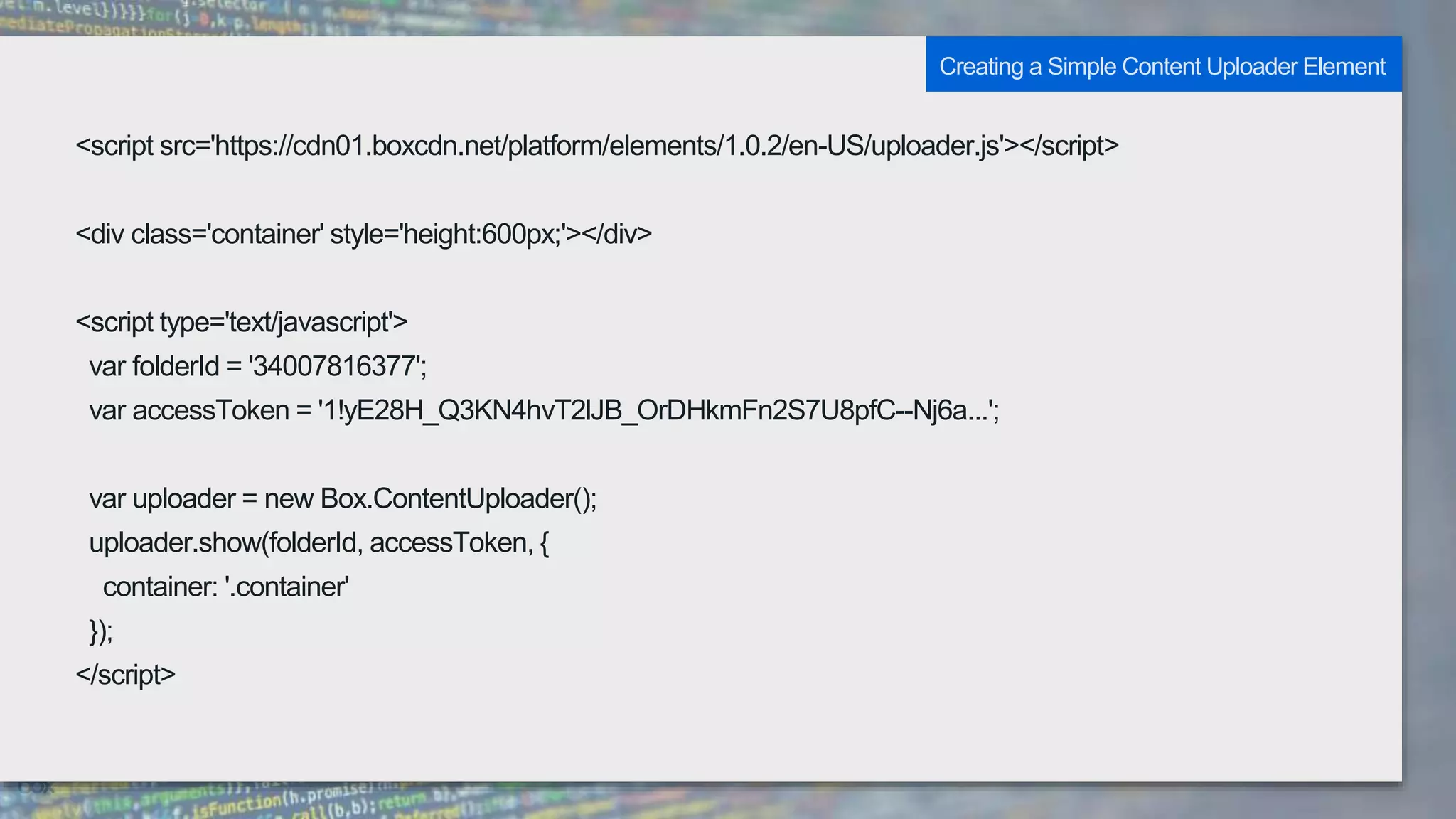
<script src='https://cdn01.boxcdn.net/platform/elements/1.0.2/en-US/uploader.js'></script>
<div class='container' style='height:600px;'></div>
<script type='text/javascript'>
var folderId = '34007816377';
var accessToken = '1!yE28H_Q3KN4hvT2lJB_OrDHkmFn2S7U8pfC--Nj6a...';
var uploader = new Box.ContentUploader();
uploader.show(folderId, accessToken, {
container: '.container'
});
</script>
Creating a Simple Content Uploader Element
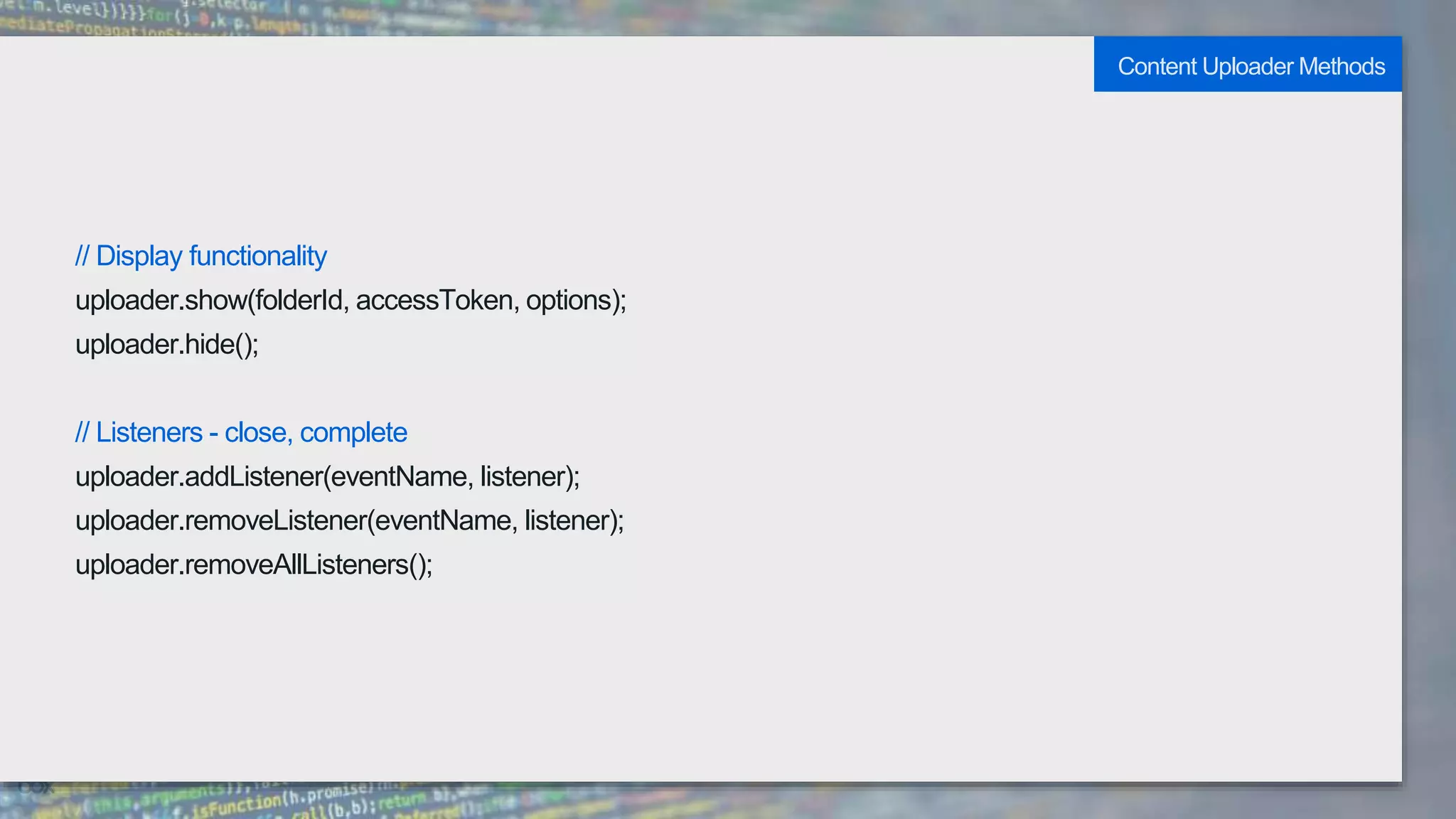
// Display functionality
uploader.show(folderId, accessToken, options);
uploader.hide();
// Listeners - close, complete
uploader.addListener(eventName, listener);
uploader.removeListener(eventName, listener);
uploader.removeAllListeners();
Content Uploader Methods
Demo
Github Source: http://bit.ly/bwelements
Understanding Box UI Elements

Understanding Box UI Elements

  • 2.
    User interface componentsbuilt with React (JavaScript library). Authentication and token agnostic: Works with JWT / OAuth. User type agnostic: Works with app, managed, and unmanaged users. 2
  • 3.
    3 Works with bothmobile (through React Native) and non-mobile environments. Responsive design implementation to function in any size / environment.
  • 4.
  • 5.
  • 6.
  • 7.
  • 9.
    base_explorer Ability to viewfiles and folders item_preview Preview file contents (Content Preview) item_download Download files and folders item_rename Rename files and folders item_share Provide a share button option item_delete Ability to delete files and folders 9
  • 10.
    <div class='container' style='height:600px'></div> <scriptsrc='https://cdn01.boxcdn.net/platform/elements/1.0.2/en-US/explorer.js'></script> <script type='text/javascript'> var folderId = '34007816377'; var accessToken = '1!Cf1gy8gP59bHZBoxwJVd3rXeKs6...'; var contentExplorer = new Box.ContentExplorer(); contentExplorer.show(folderId, accessToken, { container: '.container' }) </script> Creating a Simple Content Explorer Element
  • 11.
    // Display functionality contentExplorer.show(folderId,accessToken, options); contentExplorer.hide(); // Force reload contentExplorer.clearCache(); // Listeners - select, rename, preview, download, // delete, upload, navigate, create contentExplorer.addListener(eventName, listener); contentExplorer.removeListener(eventName, listener); contentExplorer.removeAllListeners(); Content Explorer Methods
  • 13.
    base_picker Ability to selectfiles and folders item_share Adjust share settings for files and folders item_upload Include ability to upload new content (Content uploader) 13
  • 14.
    <div class='container' style='height:600px;'></div> <script src='https://cdn01.boxcdn.net/platform/elements/1.0.2/en-US/picker.js'></script> <script type='text/javascript'> var folderId = '34007816377'; var accessToken = '1!mgMlen0nWaJvCOeUTRw1w-ADO1-WvW8jsr...'; var filePicker = new Box.FilePicker(); filePicker.show(folderId, accessToken, { container: '.container' }) </script> Creating a Simple Content Picker Element
  • 15.
    // Display functionality filePicker.show(folderId,accessToken, options); filePicker.hide(); // Force reload filePicker.clearCache(); // Listeners - choose, cancel filePicker.addListener(eventName, listener); filePicker.removeListener(eventName, listener); filePicker.removeAllListeners(); Content Picker Methods
  • 17.
    base_preview Ability to previewfiles item_download Button available to download the file annotation_edit Users can edit annotations annotation_view_all Allow users to view all annotations annotation_view_self Allow users to only view their own annotations 17
  • 18.
    <script src='https://cdn01.boxcdn.net/platform/preview/1.2.1/en-US/preview.js'></script> <div class='container'style='height:400px; width:100%;'></div> <script type='text/javascript'> var fileId = '204496637878'; var accessToken = '1!ODmIRfdbEVZBB-IG4Pv2TWMvqog7jbJvnSEdgtJ-qlw708UXK-i...'; var preview = new Box.Preview(); preview.show(fileId, accessToken, { container: '.container', showDownload: true }); </script> Creating a Simple Content Preview Element
  • 19.
    // Display functionality preview.show(fildId,accessToken, options); preview.hide(); // Actions preview.print(); preview.download(); preview.resize(); // Listeners - ex. destroy, load, notification, navigate, // reload, resize, zoom, printsuccess // https://developer.box.com/docs/file-types-events preview.addListener(); preview.removeListener(eventName, listener); preview.removeAllListeners(); Content Preview Methods
  • 21.
    base_upload Allows users tochoose content from their devices and upload to your app and Box instance. 21
  • 22.
    <script src='https://cdn01.boxcdn.net/platform/elements/1.0.2/en-US/uploader.js'></script> <div class='container'style='height:600px;'></div> <script type='text/javascript'> var folderId = '34007816377'; var accessToken = '1!yE28H_Q3KN4hvT2lJB_OrDHkmFn2S7U8pfC--Nj6a...'; var uploader = new Box.ContentUploader(); uploader.show(folderId, accessToken, { container: '.container' }); </script> Creating a Simple Content Uploader Element
  • 23.
    // Display functionality uploader.show(folderId,accessToken, options); uploader.hide(); // Listeners - close, complete uploader.addListener(eventName, listener); uploader.removeListener(eventName, listener); uploader.removeAllListeners(); Content Uploader Methods
  • 24.

Editor's Notes

  • #11 Be careful about load order of the .js file – placing before the div will cause a react-modal error
  • #20 Event types depends on the type of file being previewed (loads a different view type)