MS Teams - Lessons learned
from recent rollouts
Oliver Wirkus (MVP)
Technical Solutions Architecture Advisor
NTT DATA Services
Oliver.Wirkus@nttdata.com
Victoria, Jan. 20th, 2022
AGENDA
What are we going to cover today?
1. Common organizational goals
2. What did not work well?
3. What did work well?
4. My recommendations
All topics are based on my personal experiences from recent rollouts!
👎
👍
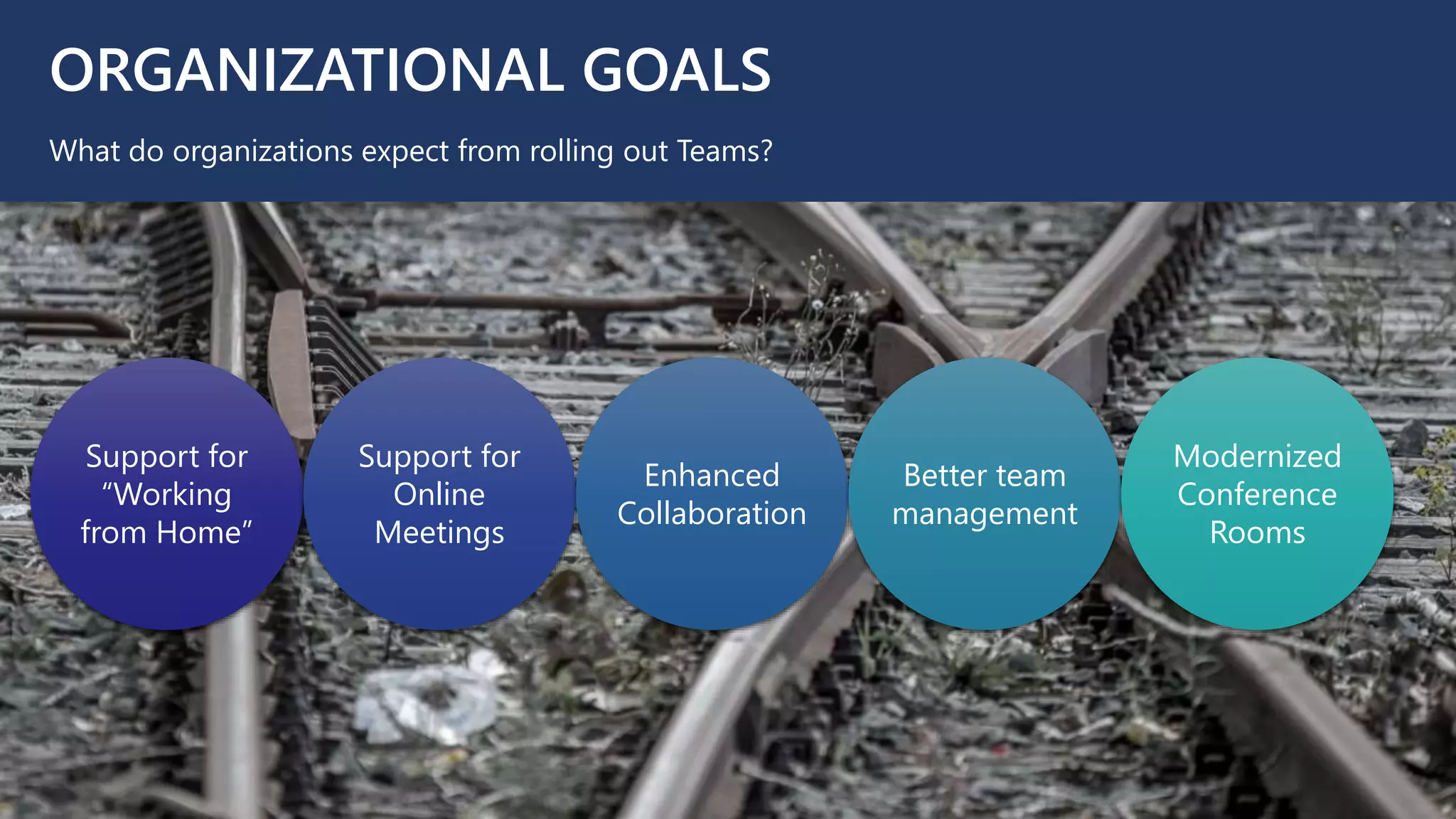
ORGANIZATIONAL GOALS
What do organizations expect from rolling out Teams?
Support for
“Working
from Home”
Support for
Online
Meetings
Enhanced
Collaboration
Better team
management
Modernized
Conference
Rooms
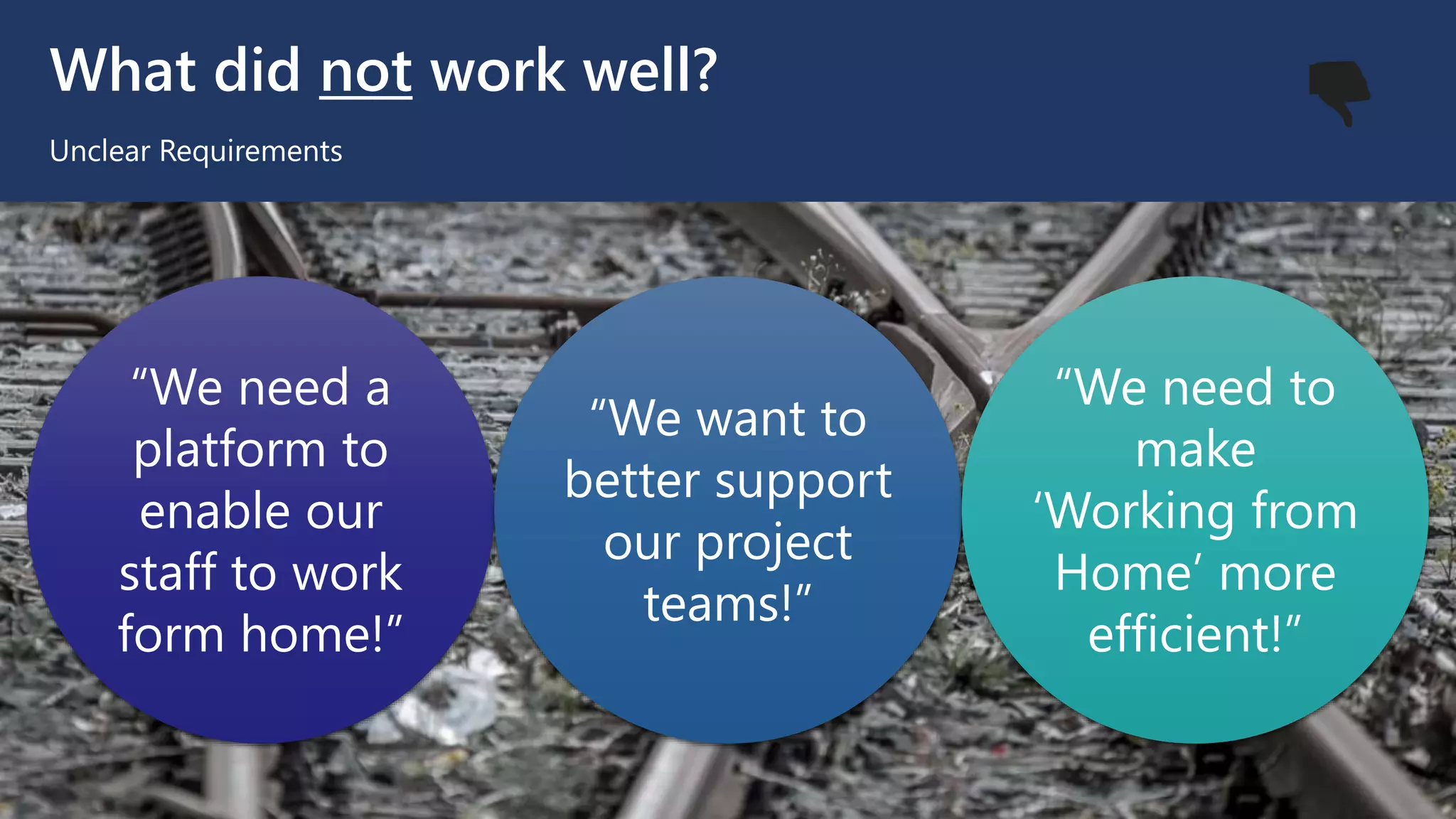
What did not work well?
Unclear Requirements
“We need a
platform to
enable our
staff to work
form home!”
“We want to
better support
our project
teams!”
“We need to
make
‘Working from
Home’ more
efficient!”
👎
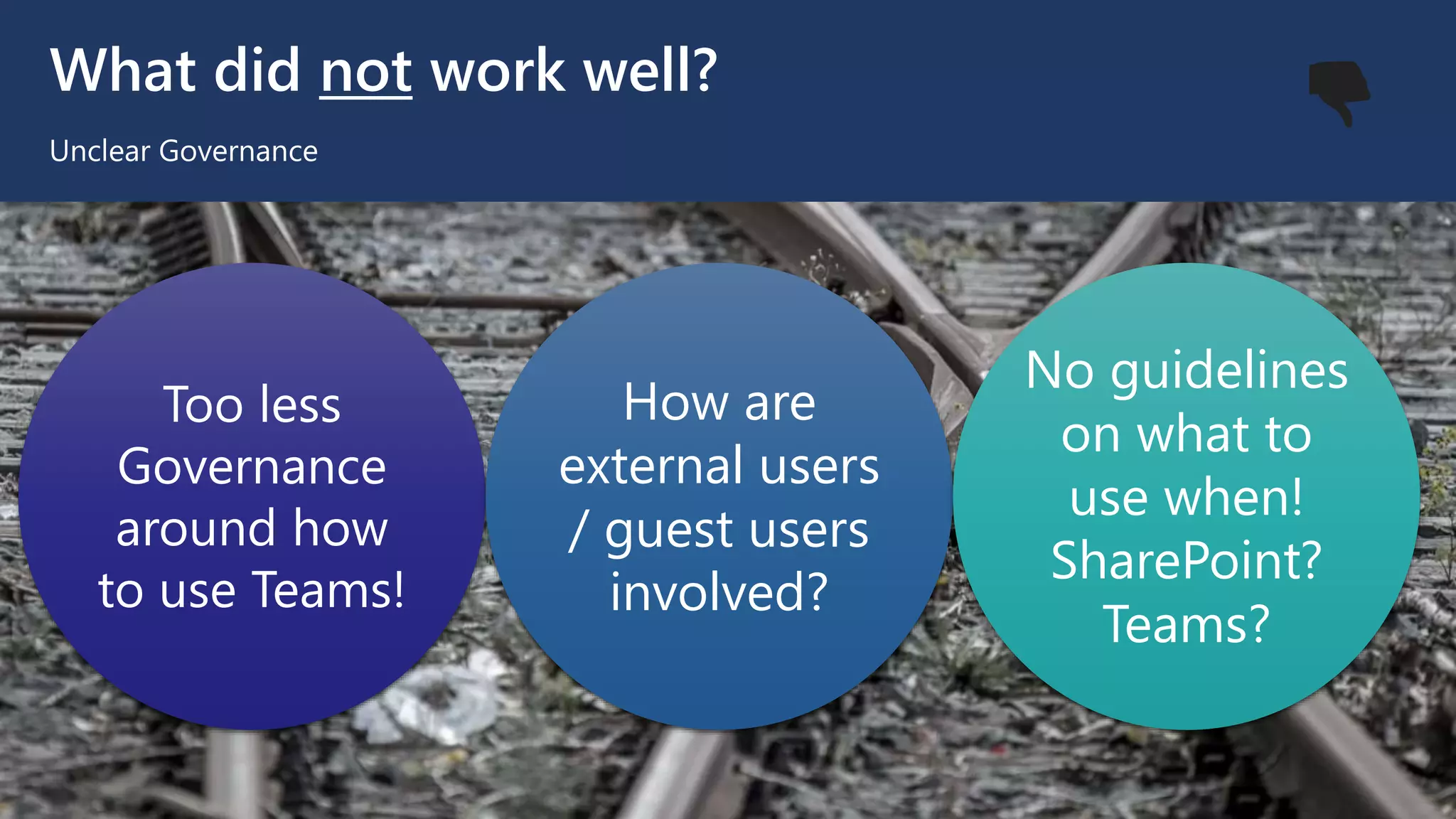
What did not work well?
Unclear Governance
Too less
Governance
around how
to use Teams!
How are
external users
/ guest users
involved?
No guidelines
on what to
use when!
SharePoint?
Teams?
👎
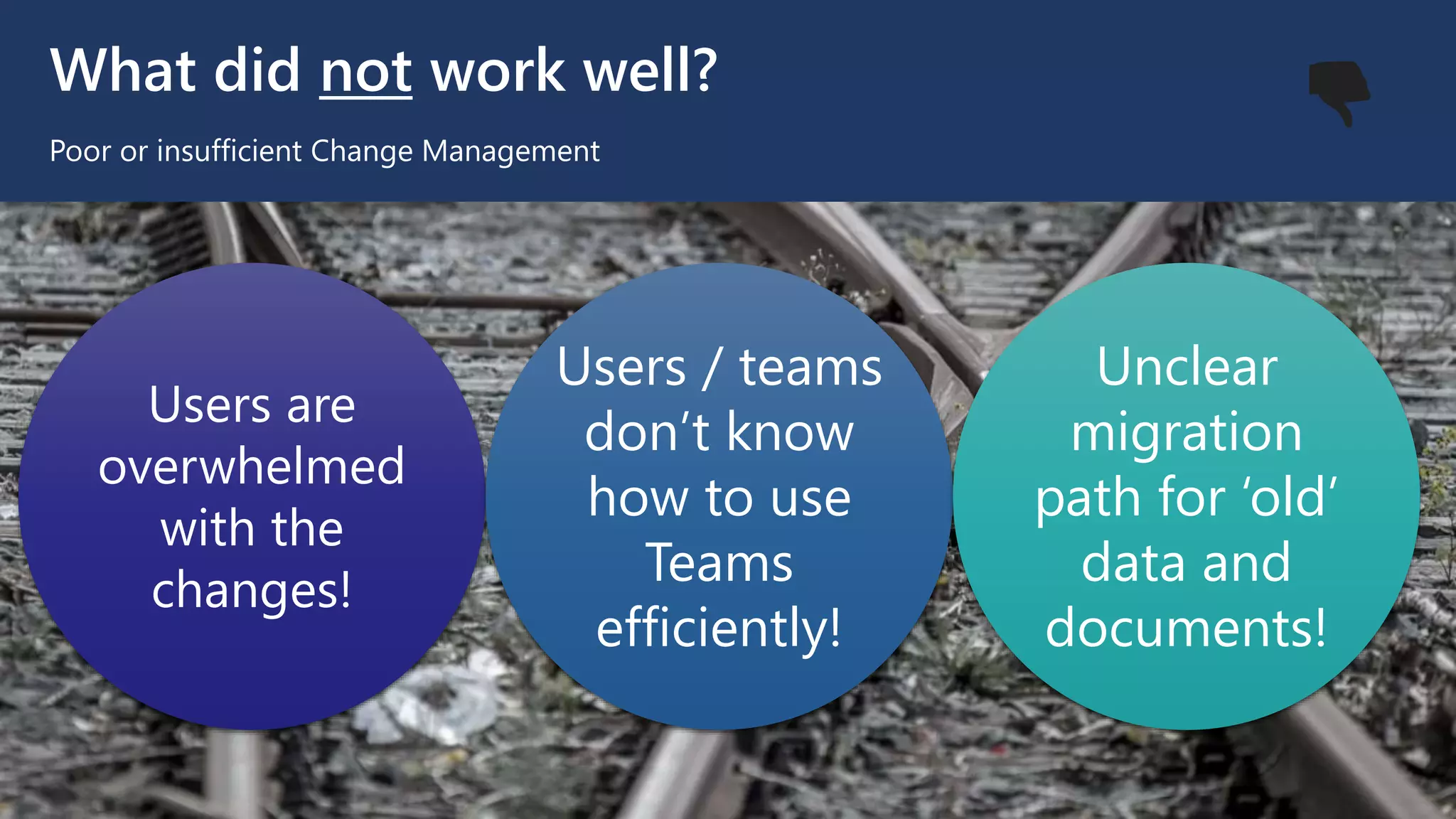
What did not work well?
Poor or insufficient Change Management
Users are
overwhelmed
with the
changes!
Users / teams
don’t know
how to use
Teams
efficiently!
Unclear
migration
path for ‘old’
data and
documents!
👎
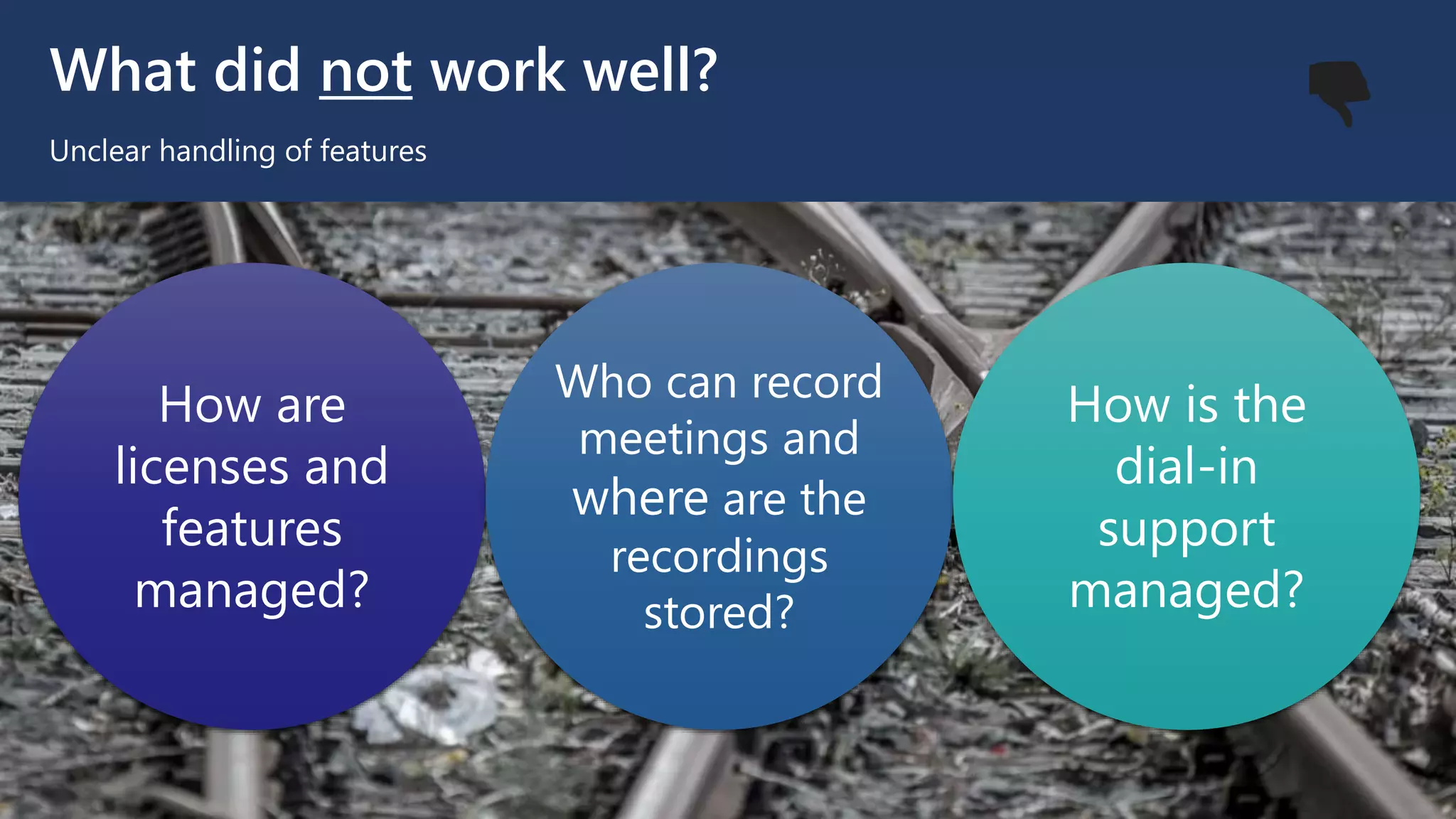
What did not work well?
Unclear handling of features
How are
licenses and
features
managed?
Who can record
meetings and
where are the
recordings
stored?
How is the
dial-in
support
managed?
👎
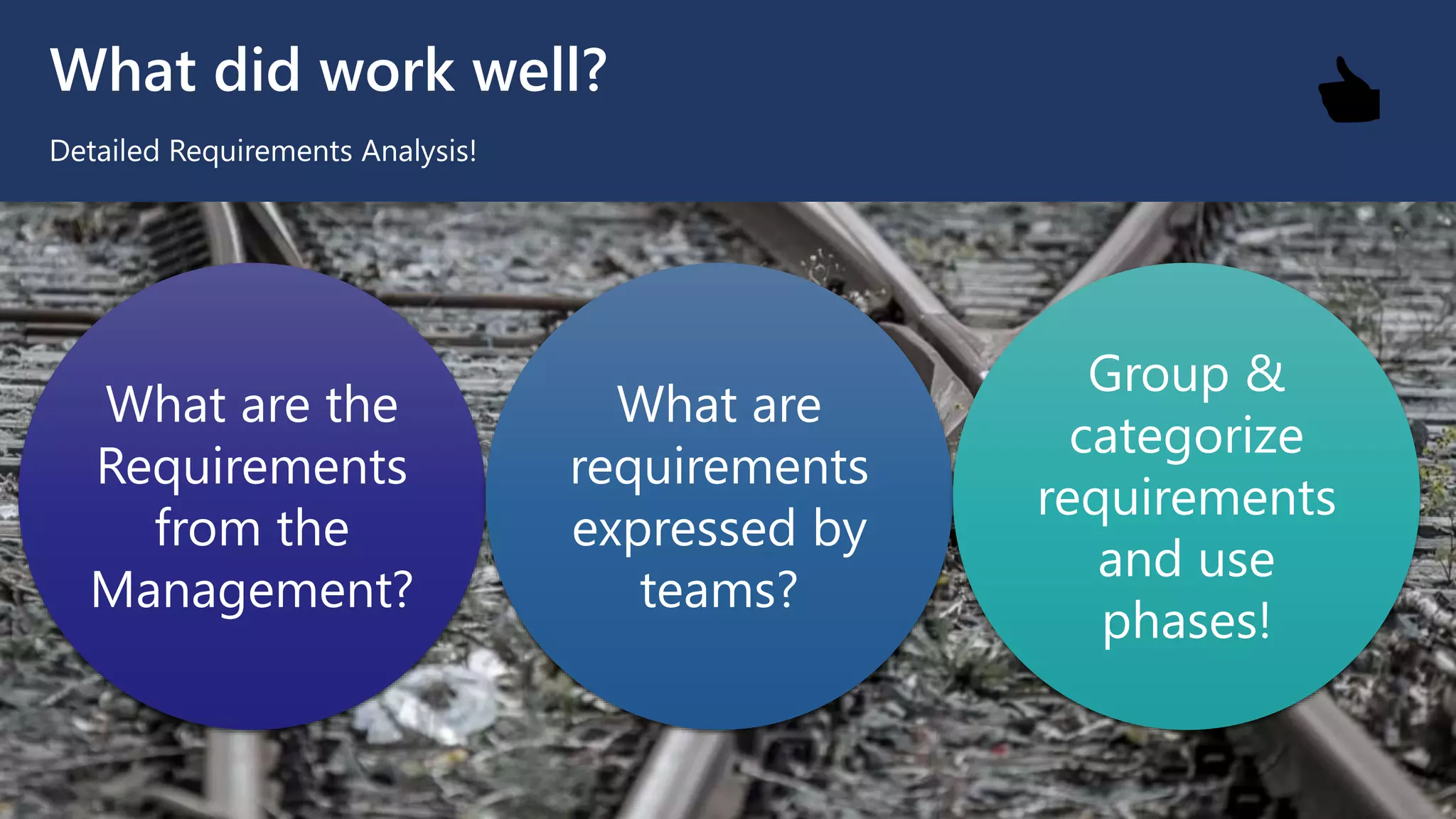
What did work well?
Detailed Requirements Analysis!
What are the
Requirements
from the
Management?
What are
requirements
expressed by
teams?
Group &
categorize
requirements
and use
phases!
👍
What did work well?
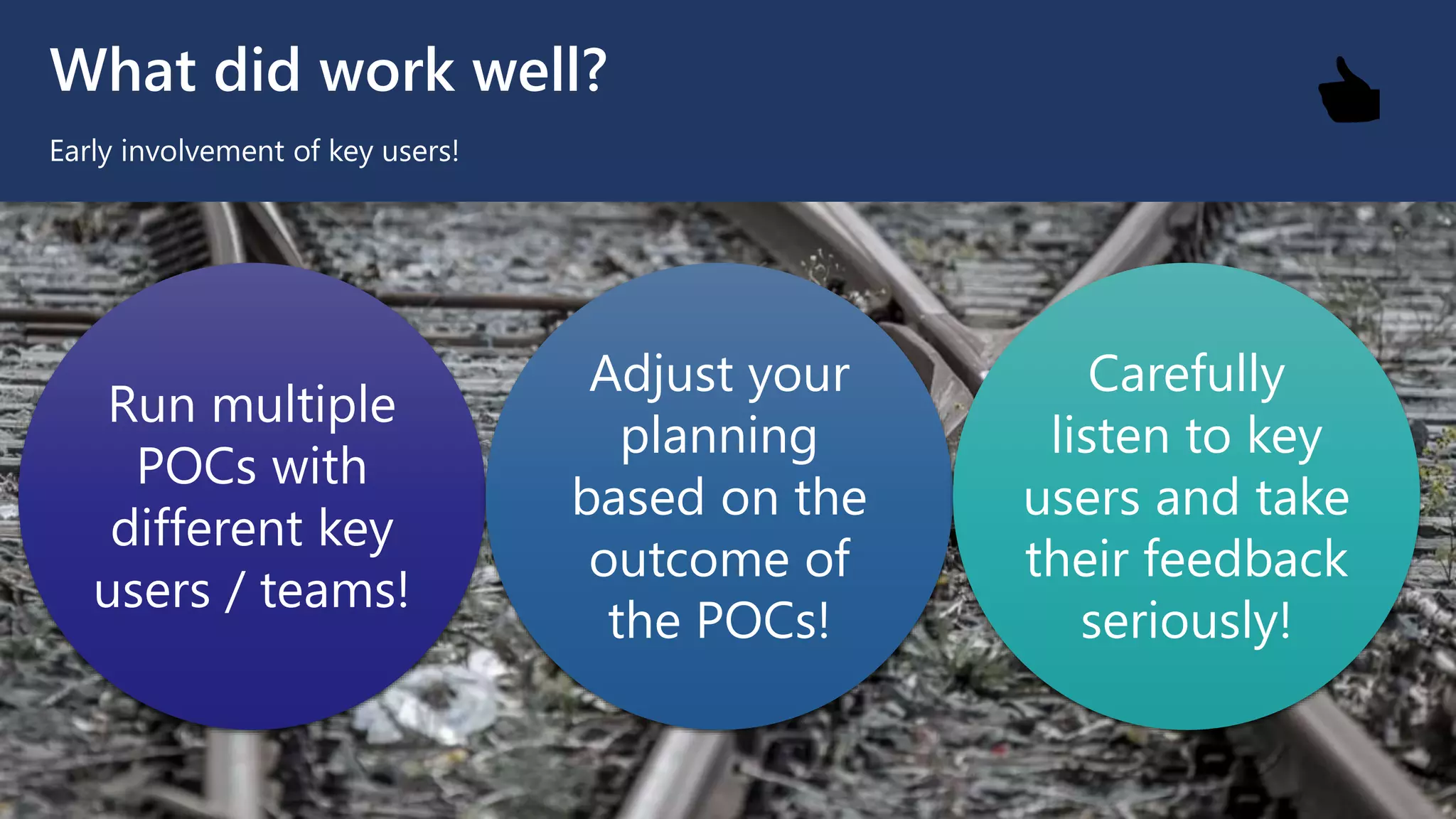
Early involvement of key users!
Run multiple
POCs with
different key
users / teams!
Adjust your
planning
based on the
outcome of
the POCs!
Carefully
listen to key
users and take
their feedback
seriously!
👍
What did work well?
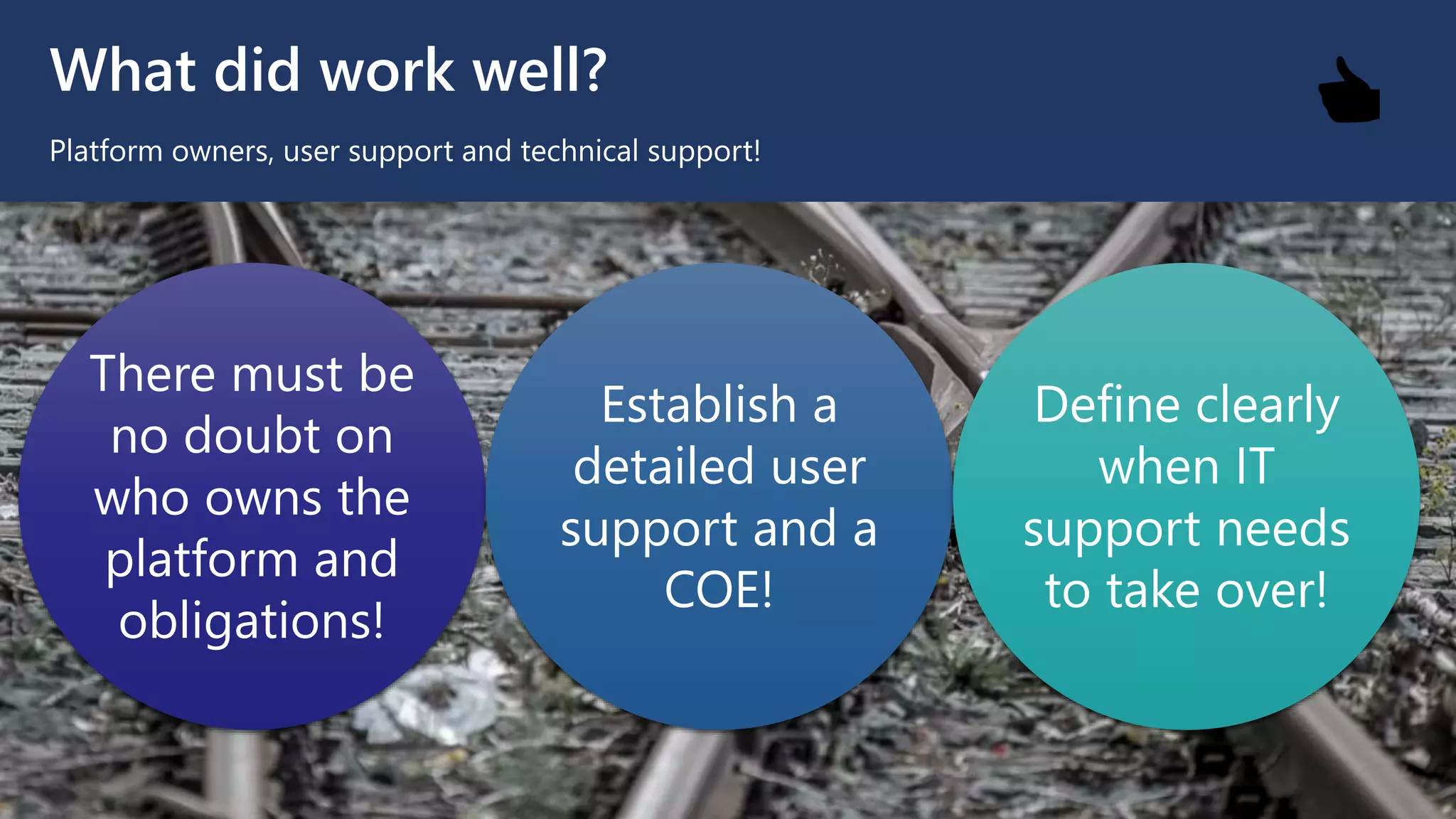
Platform owners, user support and technical support!
There must be
no doubt on
who owns the
platform and
obligations!
Establish a
detailed user
support and a
COE!
Define clearly
when IT
support needs
to take over!
👍
What did work well?
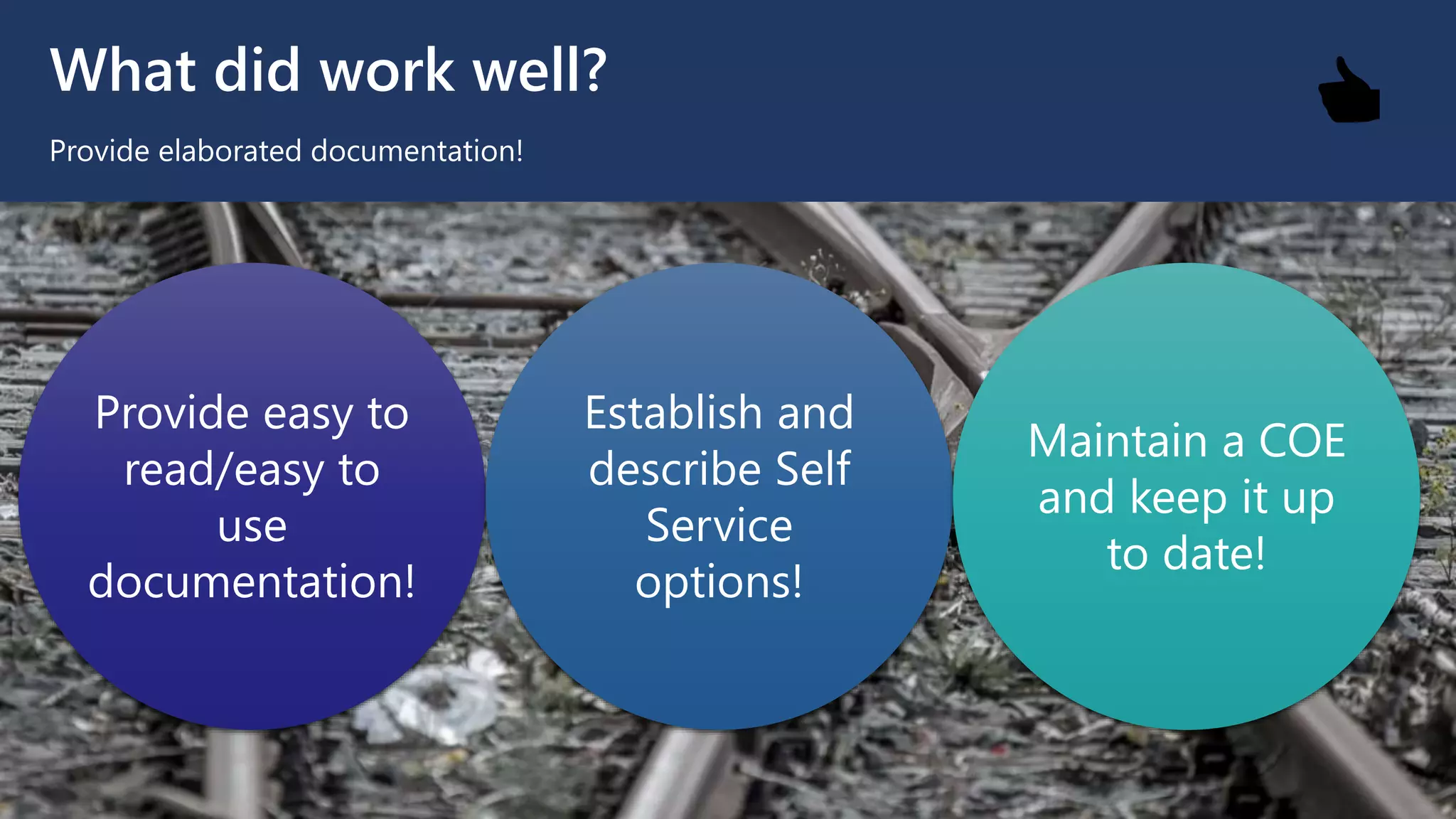
Provide elaborated documentation!
Provide easy to
read/easy to
use
documentation!
Establish and
describe Self
Service
options!
Maintain a COE
and keep it up
to date!
👍
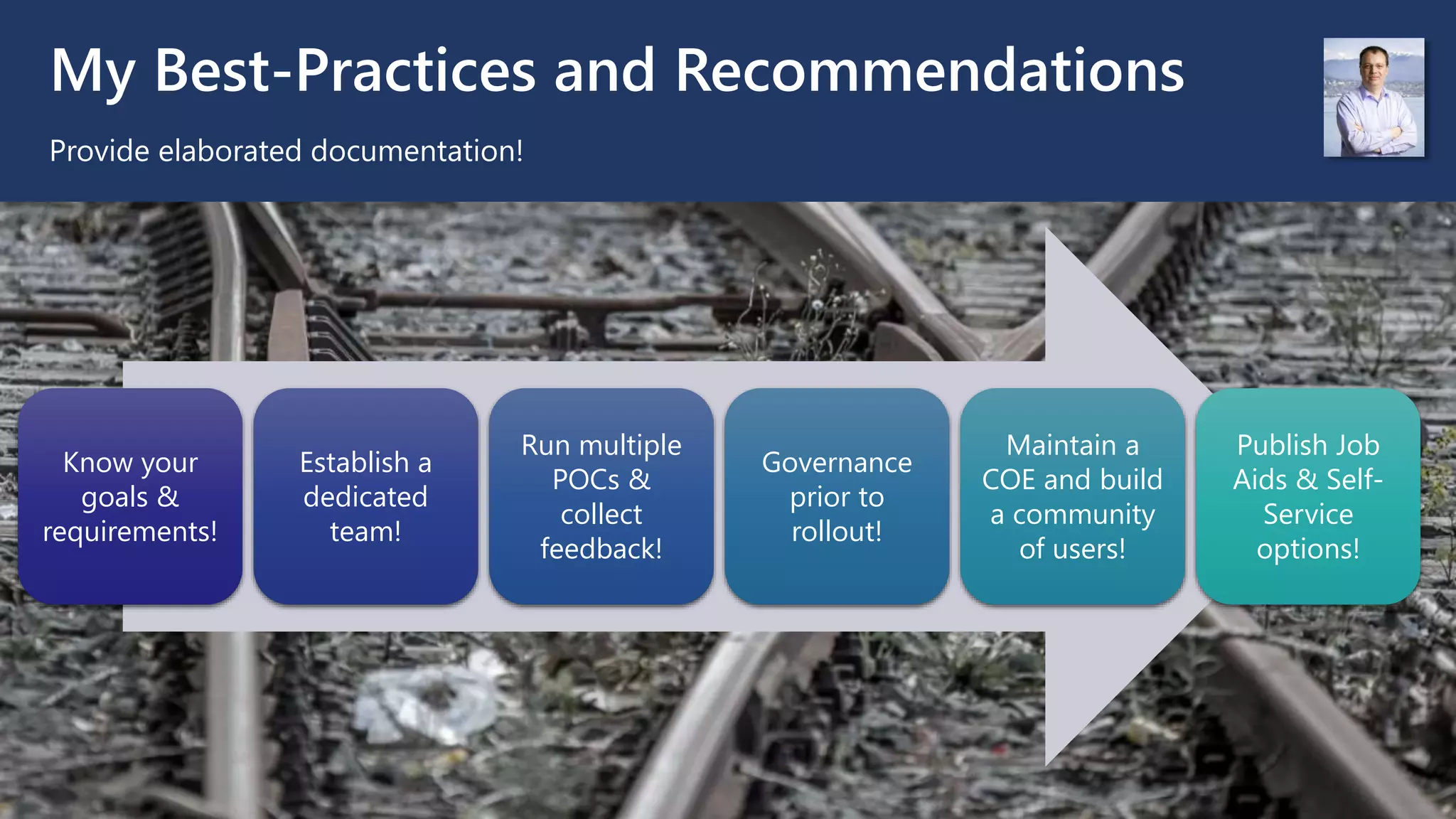
My Best-Practices and Recommendations
Provide elaborated documentation!
Know your
goals &
requirements!
Establish a
dedicated
team!
Run multiple
POCs &
collect
feedback!
Governance
prior to
rollout!
Maintain a
COE and build
a community
of users!
Publish Job
Aids & Self-
Service
options!
TIME FOR YOUR QUESTIONS
Thank you very much for attending my session
Slides are available for download at my Profile:
https://www.linkedin.com/in/owirkus/
Oliver Wirkus (MVP)
Technical Solutions Architecture Advisor
NTT DATA Services
Oliver.Wirkus@nttdata.com

UG Victoria - Microsoft Teams rollout lessons learned

  • 1.
    MS Teams -Lessons learned from recent rollouts Oliver Wirkus (MVP) Technical Solutions Architecture Advisor NTT DATA Services Oliver.Wirkus@nttdata.com Victoria, Jan. 20th, 2022
  • 2.
    AGENDA What are wegoing to cover today? 1. Common organizational goals 2. What did not work well? 3. What did work well? 4. My recommendations All topics are based on my personal experiences from recent rollouts! 👎 👍
  • 3.
    ORGANIZATIONAL GOALS What doorganizations expect from rolling out Teams? Support for “Working from Home” Support for Online Meetings Enhanced Collaboration Better team management Modernized Conference Rooms
  • 4.
    What did notwork well? Unclear Requirements “We need a platform to enable our staff to work form home!” “We want to better support our project teams!” “We need to make ‘Working from Home’ more efficient!” 👎
  • 5.
    What did notwork well? Unclear Governance Too less Governance around how to use Teams! How are external users / guest users involved? No guidelines on what to use when! SharePoint? Teams? 👎
  • 6.
    What did notwork well? Poor or insufficient Change Management Users are overwhelmed with the changes! Users / teams don’t know how to use Teams efficiently! Unclear migration path for ‘old’ data and documents! 👎
  • 7.
    What did notwork well? Unclear handling of features How are licenses and features managed? Who can record meetings and where are the recordings stored? How is the dial-in support managed? 👎
  • 8.
    What did workwell? Detailed Requirements Analysis! What are the Requirements from the Management? What are requirements expressed by teams? Group & categorize requirements and use phases! 👍
  • 9.
    What did workwell? Early involvement of key users! Run multiple POCs with different key users / teams! Adjust your planning based on the outcome of the POCs! Carefully listen to key users and take their feedback seriously! 👍
  • 10.
    What did workwell? Platform owners, user support and technical support! There must be no doubt on who owns the platform and obligations! Establish a detailed user support and a COE! Define clearly when IT support needs to take over! 👍
  • 11.
    What did workwell? Provide elaborated documentation! Provide easy to read/easy to use documentation! Establish and describe Self Service options! Maintain a COE and keep it up to date! 👍
  • 12.
    My Best-Practices andRecommendations Provide elaborated documentation! Know your goals & requirements! Establish a dedicated team! Run multiple POCs & collect feedback! Governance prior to rollout! Maintain a COE and build a community of users! Publish Job Aids & Self- Service options!
  • 13.
    TIME FOR YOURQUESTIONS Thank you very much for attending my session Slides are available for download at my Profile: https://www.linkedin.com/in/owirkus/ Oliver Wirkus (MVP) Technical Solutions Architecture Advisor NTT DATA Services Oliver.Wirkus@nttdata.com