What Subsite?
A subsite is a single SharePoint site within a site collection. A subsite can inherit permissions and
navigation structure from its parent site or these can be specified and managed independently. Creation
of subsites can be delegated to users of a site collection, but creation of site collections must be
performed by a service administrator.
Typically within an organization you will create additional site templates over time. These are often built
based on the out of the box site templates. What follows is an outline of each of the out of the box site
templates and when I think they should be used.
Site Template Category When should you use it?
Team Site Collaboration
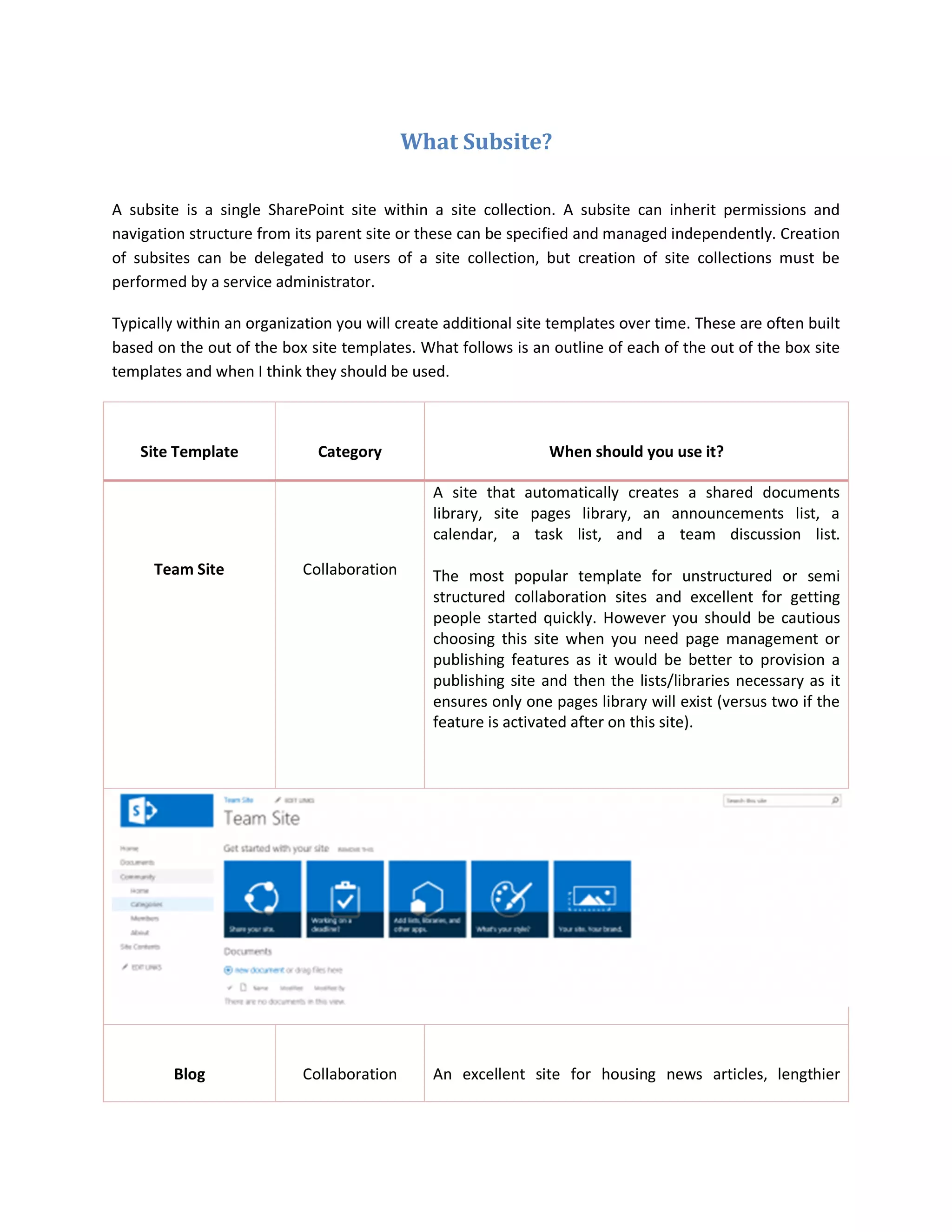
A site that automatically creates a shared documents
library, site pages library, an announcements list, a
calendar, a task list, and a team discussion list.
The most popular template for unstructured or semi
structured collaboration sites and excellent for getting
people started quickly. However you should be cautious
choosing this site when you need page management or
publishing features as it would be better to provision a
publishing site and then the lists/libraries necessary as it
ensures only one pages library will exist (versus two if the
feature is activated after on this site).
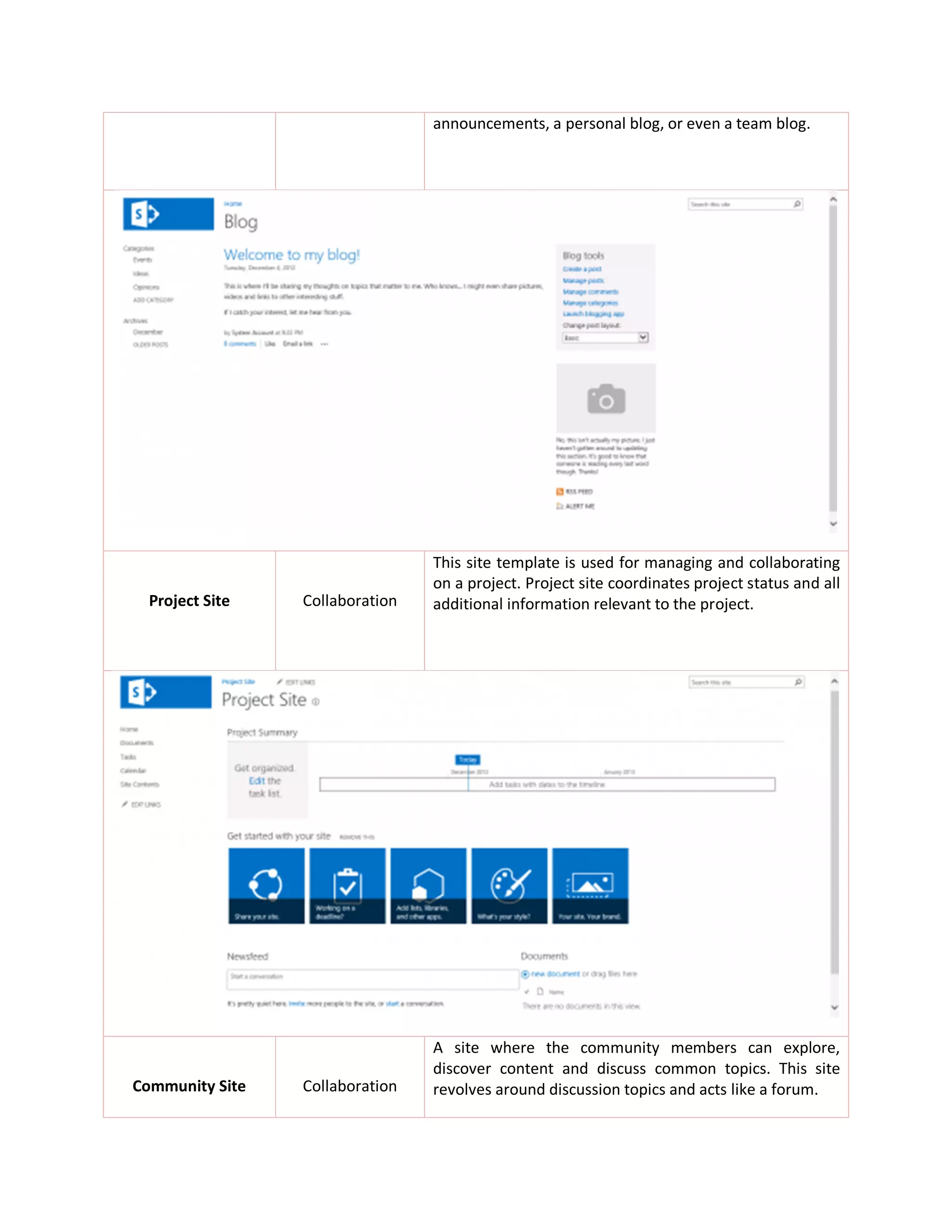
Blog Collaboration An excellent site for housing news articles, lengthier
announcements, a personal blog, or even a team blog.
Project Site Collaboration
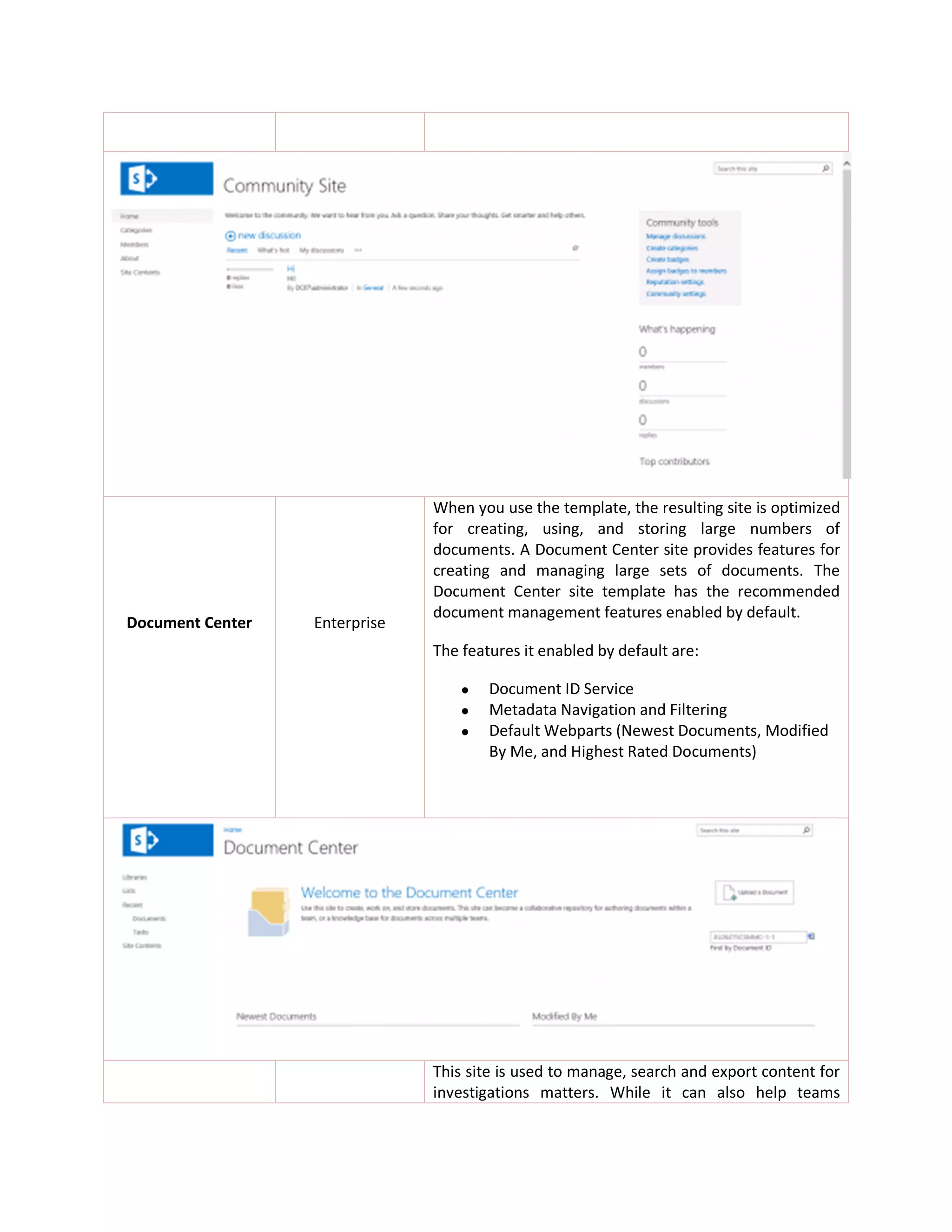
This site template is used for managing and collaborating
on a project. Project site coordinates project status and all
additional information relevant to the project.
Community Site Collaboration
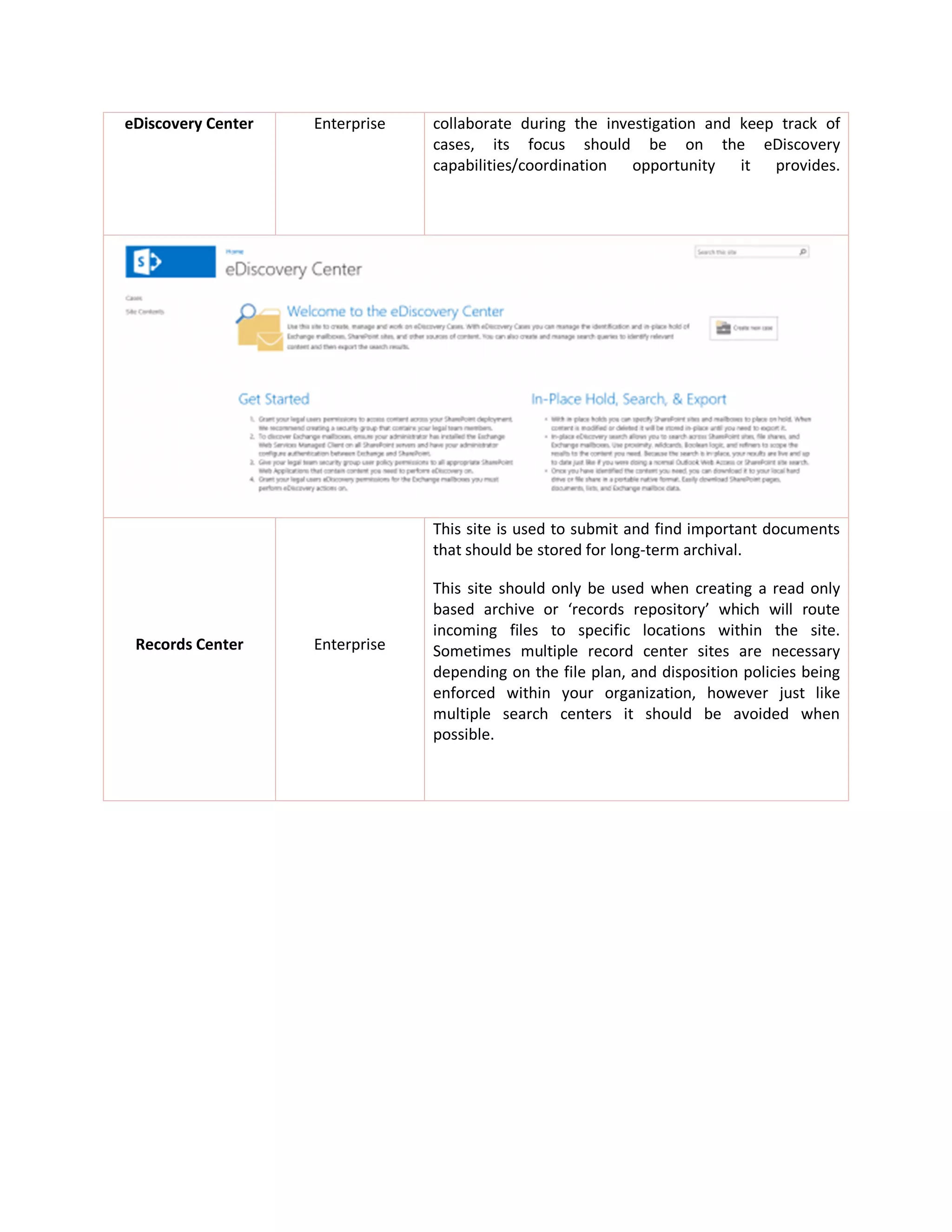
A site where the community members can explore,
discover content and discuss common topics. This site
revolves around discussion topics and acts like a forum.
Document Center Enterprise
When you use the template, the resulting site is optimized
for creating, using, and storing large numbers of
documents. A Document Center site provides features for
creating and managing large sets of documents. The
Document Center site template has the recommended
document management features enabled by default.
The features it enabled by default are:
 Document ID Service
 Metadata Navigation and Filtering
 Default Webparts (Newest Documents, Modified
By Me, and Highest Rated Documents)
This site is used to manage, search and export content for
investigations matters. While it can also help teams
eDiscovery Center Enterprise collaborate during the investigation and keep track of
cases, its focus should be on the eDiscovery
capabilities/coordination opportunity it provides.
Records Center Enterprise
This site is used to submit and find important documents
that should be stored for long-term archival.
This site should only be used when creating a read only
based archive or ‘records repository’ which will route
incoming files to specific locations within the site.
Sometimes multiple record center sites are necessary
depending on the file plan, and disposition policies being
enforced within your organization, however just like
multiple search centers it should be avoided when
possible.
Enterprise Search
Center
Enterprise
When you need a search site with multiple pages for
results, searches, advanced searches, and easy navigation
between those search pages.
Basic Search Center Enterprise
Only use this site template when the enterprise search
center is unavailable.
Note: You should only have one search center site unless
you have very specific search needs. (As the search
webparts can live on other pages, but the search center
represents a central search area.)
When you have a strong need for managed pages,
distributed publishing of page content, and more pages
Publishing Site Publishing
based content management needs this is a good template
to use. It provisions a site that has the publishing features
already activated and simplifies the number of
libraries/lists so that by default only basic ones are
enabled (which publishing relies upon).
Using advanced page management features like page
layouts requires that publishing be activated, so if you are
planning on using consistent page layouts, or many page
layouts this is probably a good template to start with
versus the less structured team site templates.
Publishing Site with
Workflow
Publishing
Whenever any site is created using the ‘Publishing Site
With Workflow’ template it will have the ‘approval’
workflow activated. You would create one for the same
reason you would create a publishing site, except in this
one you want a much more rigorous publishing process.
This allows for page scheduling, due dates, and more. It
requires a minimum of 6 clicks to publish a page for a
user.
Enterprise Wiki Publishing
A site specifically designed to simplify the process for
creating and provisioning a new wiki. The most common
starting wiki for organizations is an “Acronym Wiki” which
houses many key acronyms for the organization and
references the acronyms meaning, usage, useful policies,
procedures, teams, contacts, and more within the
organization.

Types of sites - sharepoint 2013

  • 1.
    What Subsite? A subsiteis a single SharePoint site within a site collection. A subsite can inherit permissions and navigation structure from its parent site or these can be specified and managed independently. Creation of subsites can be delegated to users of a site collection, but creation of site collections must be performed by a service administrator. Typically within an organization you will create additional site templates over time. These are often built based on the out of the box site templates. What follows is an outline of each of the out of the box site templates and when I think they should be used. Site Template Category When should you use it? Team Site Collaboration A site that automatically creates a shared documents library, site pages library, an announcements list, a calendar, a task list, and a team discussion list. The most popular template for unstructured or semi structured collaboration sites and excellent for getting people started quickly. However you should be cautious choosing this site when you need page management or publishing features as it would be better to provision a publishing site and then the lists/libraries necessary as it ensures only one pages library will exist (versus two if the feature is activated after on this site). Blog Collaboration An excellent site for housing news articles, lengthier
  • 2.
    announcements, a personalblog, or even a team blog. Project Site Collaboration This site template is used for managing and collaborating on a project. Project site coordinates project status and all additional information relevant to the project. Community Site Collaboration A site where the community members can explore, discover content and discuss common topics. This site revolves around discussion topics and acts like a forum.
  • 3.
    Document Center Enterprise Whenyou use the template, the resulting site is optimized for creating, using, and storing large numbers of documents. A Document Center site provides features for creating and managing large sets of documents. The Document Center site template has the recommended document management features enabled by default. The features it enabled by default are:  Document ID Service  Metadata Navigation and Filtering  Default Webparts (Newest Documents, Modified By Me, and Highest Rated Documents) This site is used to manage, search and export content for investigations matters. While it can also help teams
  • 4.
    eDiscovery Center Enterprisecollaborate during the investigation and keep track of cases, its focus should be on the eDiscovery capabilities/coordination opportunity it provides. Records Center Enterprise This site is used to submit and find important documents that should be stored for long-term archival. This site should only be used when creating a read only based archive or ‘records repository’ which will route incoming files to specific locations within the site. Sometimes multiple record center sites are necessary depending on the file plan, and disposition policies being enforced within your organization, however just like multiple search centers it should be avoided when possible.
  • 5.
    Enterprise Search Center Enterprise When youneed a search site with multiple pages for results, searches, advanced searches, and easy navigation between those search pages. Basic Search Center Enterprise Only use this site template when the enterprise search center is unavailable. Note: You should only have one search center site unless you have very specific search needs. (As the search webparts can live on other pages, but the search center represents a central search area.) When you have a strong need for managed pages, distributed publishing of page content, and more pages
  • 6.
    Publishing Site Publishing basedcontent management needs this is a good template to use. It provisions a site that has the publishing features already activated and simplifies the number of libraries/lists so that by default only basic ones are enabled (which publishing relies upon). Using advanced page management features like page layouts requires that publishing be activated, so if you are planning on using consistent page layouts, or many page layouts this is probably a good template to start with versus the less structured team site templates. Publishing Site with Workflow Publishing Whenever any site is created using the ‘Publishing Site With Workflow’ template it will have the ‘approval’ workflow activated. You would create one for the same reason you would create a publishing site, except in this one you want a much more rigorous publishing process. This allows for page scheduling, due dates, and more. It requires a minimum of 6 clicks to publish a page for a user.
  • 7.
    Enterprise Wiki Publishing Asite specifically designed to simplify the process for creating and provisioning a new wiki. The most common starting wiki for organizations is an “Acronym Wiki” which houses many key acronyms for the organization and references the acronyms meaning, usage, useful policies, procedures, teams, contacts, and more within the organization.