Downloaded 23 times
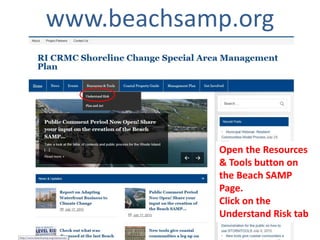
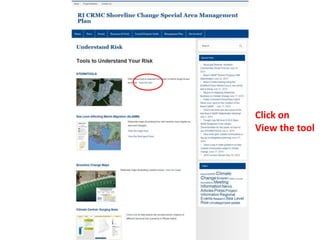
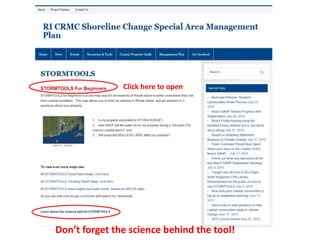
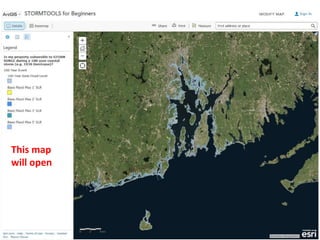
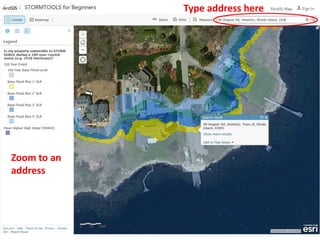
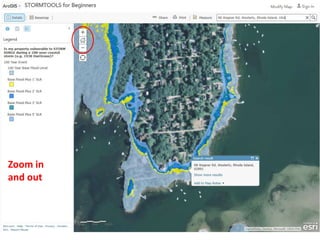
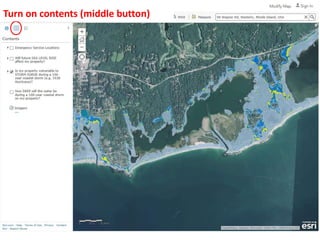
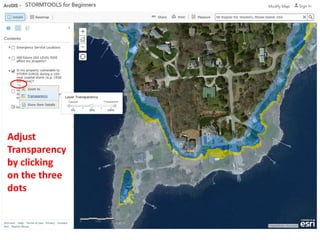
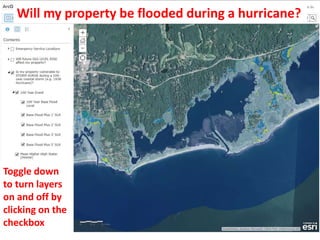
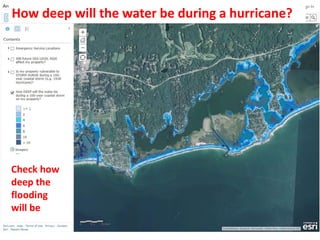
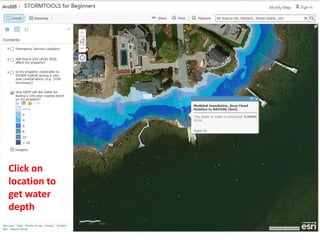
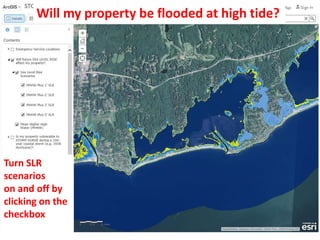
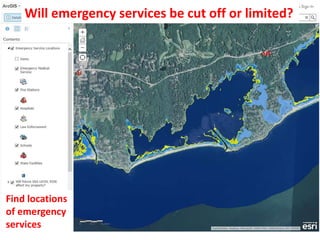


This document provides a tutorial for using STORMTOOLS, a web-based mapping tool for understanding coastal flood risk in Rhode Island. It outlines how to access and use the various features and layers in STORMTOOLS to determine flood depths and impacts under different hurricane and sea level rise scenarios. Key features include zooming and panning the map, adjusting layer transparency, toggling layers on and off, and clicking on locations to view flood depths and identify emergency services. The tutorial is created by a team from the University of Rhode Island and the Rhode Island Coastal Resources Management Council.


