Server Environment
(Microsoft and
Linux)
What is server?
A server is a software or hardware device that accepts and responds to
requests made over a network.
The device that makes the request, and receives a response from the
server, is called a client.
On the Internet, the term "server" commonly refers to the computer
system that receives requests for a web files and sends those files to the
client.
Why we use servers?
Servers manage network resources.
For example, a user may set up a server to control access to a network,
send/receive e-mail, manage print jobs, or host a website.
They are also proficient at performing intense calculations.
Some servers are committed to a specific task, often referred to as dedicated.
However, many servers today are shared servers that take on the responsibility
of e-mail, DNS, FTP, and multiple websites in the case of a web server.
Why are servers always on?
Because they are commonly used to deliver services that are constantly
required, most servers are never turned off.
Consequently, when servers fail, they can cause the network users and
company many problems.
To alleviate these issues, servers are commonly set up to be fault
tolerant.
Examples of Servers
Here are various server types.
1. Application server 2. Blade server,
3. Cloud server , 4. Database server ,
5. Dedicated server, 6. Domain name service,
7. File server, 8. Mail server,
9. Print server, 10. Proxy server,
11. Standalone server, 12. Web server
How do other computers connect to a
server?
 With a local network, the server connects to a router or switch that all other computers
on the network use.
 Once connected to the network, other computers can access that server and its
features.
 For example, with a web server, a user could connect to the server to view a website,
search, and communicate with other users on the network.
 An Internet server works the same way as a local network server, but on a much larger
scale. The server is assigned an IP address by InterNIC, or by web host.
 Usually, users connect to a server using its domain name, which is registered with a
domain name registrar. When users connect to the domain name (such as
“google.com"), the name is automatically translated to the server's IP address by a
DNS resolver.
Where are servers stored?
In a business or corporate environment, a server and other network equipment
are often stored in a closet or glass house.
These areas help isolate sensitive computers and equipment from people who
should not access them.
Servers that are remote or not hosted on-site are located in a data center.
 With these types of servers, the hardware is managed by another company and
configured remotely by you or your company.
Can my computer be a server?
Yes. Any computer, even a home desktop or laptop computer, can act as a server with the right
software.
For example, you could install an FTP server program on your computer to share files between other
users on your network.
Although it is possible to have your home computer act as a server, keep the following ideas in mind.
1. Your computer and the related server software must always be running to be accessible.
2. When your computer is used as a server, its resources (e.g., processing and bandwidth) is taken
away from what you have available to do other things.
3. Connecting a computer to a network and the Internet can open up your computer to new types of
attacks.
4. If the service you're providing becomes popular, a typical computer may not have the necessary
resources to handle all of the requests.
Window Server VS Linux Server
 Linux and Microsoft Windows are the two main web-hosting services on the market.
 Linux is an open source software server, which makes it cheaper and easier to use
than a Windows server.
 Windows is a Microsoft product designed to make Microsoft a profit.
 For many companies, the profit is worth the price.
 A Windows server generally offers more range and more support than Linux servers.
What Is Windows Server and How Is It
Different From Windows?
Essentially, Windows Server is a line of operating systems that Microsoft
specifically creates for use on a server.
Servers are extremely powerful machines that are designed to run constantly
and provide resources for other computers.
This means in almost all cases, Windows Server is only used in business
settings.
Microsoft has published Windows Server under this name since Windows
Server 2003 launched in April 2003.
However, even before this, server versions of Windows were available.
For instance, Windows NT 4.0 was available in both workstation (for general
use) and server flavors.
What Is Windows Server and How Is It
Different From Windows?
With just a quick glance, you might have trouble telling the difference between
Windows Server and normal versions of Windows.
The desktop looks the same, including the taskbar, desktop icons, and Start
button.
As it turns out, every Windows Server release corresponds to a consumer
version of Windows.
Windows Server 2003, for instance, is the server version of Windows XP.
Current versions include Windows Server 2016, which is based on the Windows
10 Anniversary Update, and Windows Server 2019, based on version 1809 of
Windows 10.
Window Server Environment
Because Windows Server and Windows share a code base, you can perform
many of the same functions on both.
You can download and install programs like browsers and photo editors on
Windows Server, and many Windows basics like Notepad are included in
Windows Server.
However, Windows Server and Windows Pro/Home have more differences than
similarities. Let's review some of them.
1. Windows Server Includes Enterprise Management Software
Window Server Environment (Contd..)
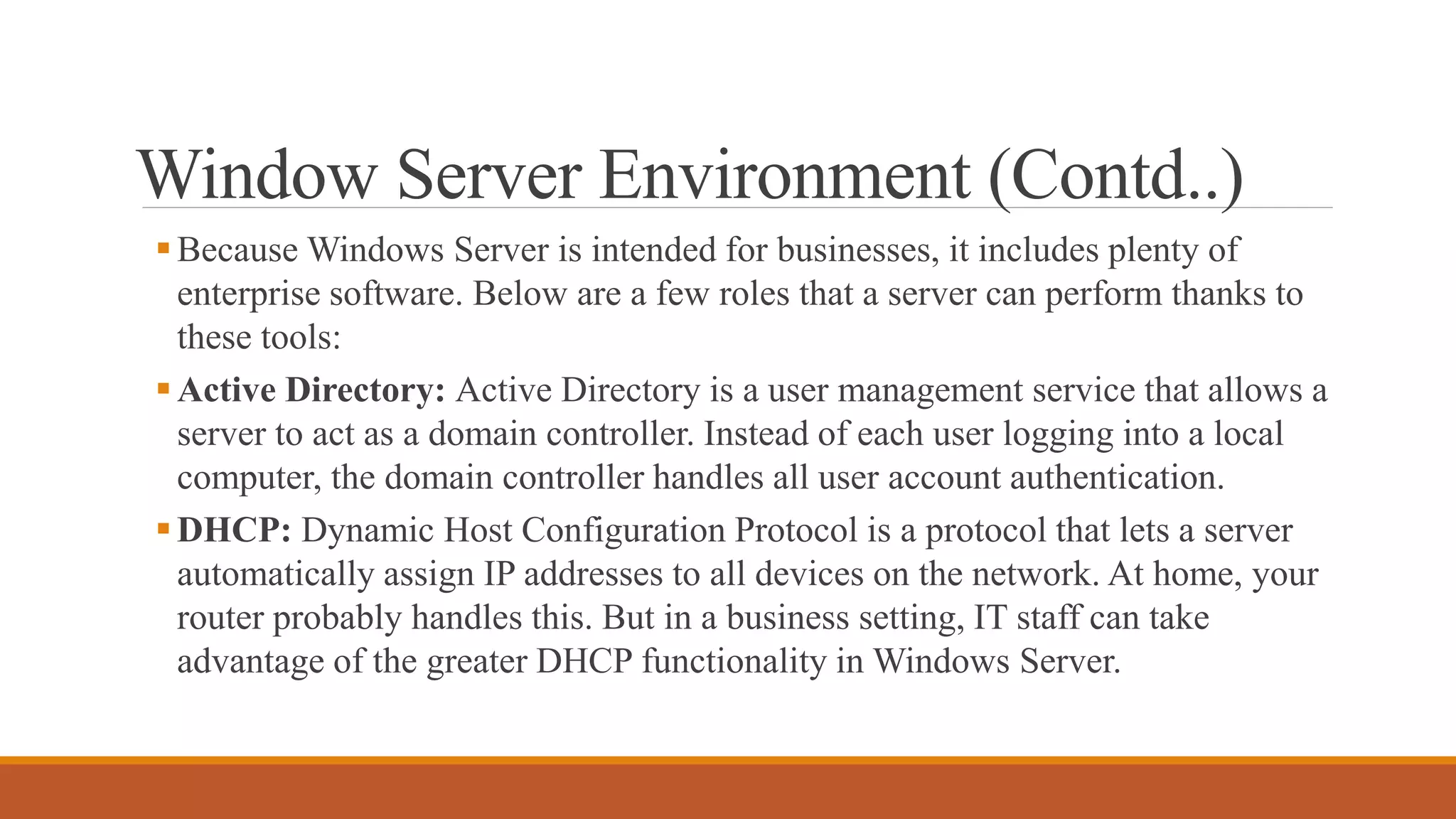
Because Windows Server is intended for businesses, it includes plenty of
enterprise software. Below are a few roles that a server can perform thanks to
these tools:
Active Directory: Active Directory is a user management service that allows a
server to act as a domain controller. Instead of each user logging into a local
computer, the domain controller handles all user account authentication.
DHCP: Dynamic Host Configuration Protocol is a protocol that lets a server
automatically assign IP addresses to all devices on the network. At home, your
router probably handles this. But in a business setting, IT staff can take
advantage of the greater DHCP functionality in Windows Server.
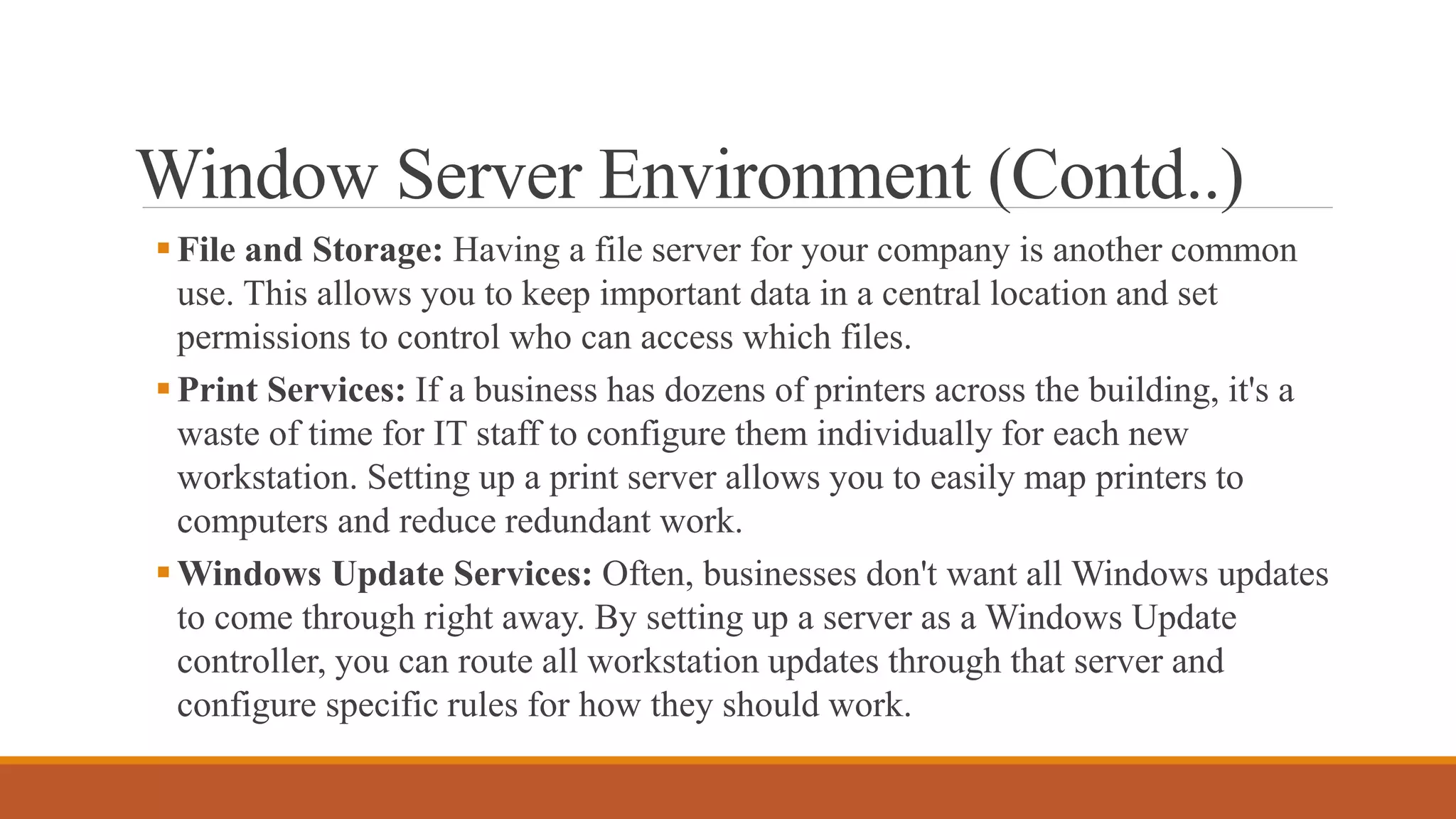
Window Server Environment (Contd..)
File and Storage: Having a file server for your company is another common
use. This allows you to keep important data in a central location and set
permissions to control who can access which files.
Print Services: If a business has dozens of printers across the building, it's a
waste of time for IT staff to configure them individually for each new
workstation. Setting up a print server allows you to easily map printers to
computers and reduce redundant work.
Windows Update Services: Often, businesses don't want all Windows updates
to come through right away. By setting up a server as a Windows Update
controller, you can route all workstation updates through that server and
configure specific rules for how they should work.
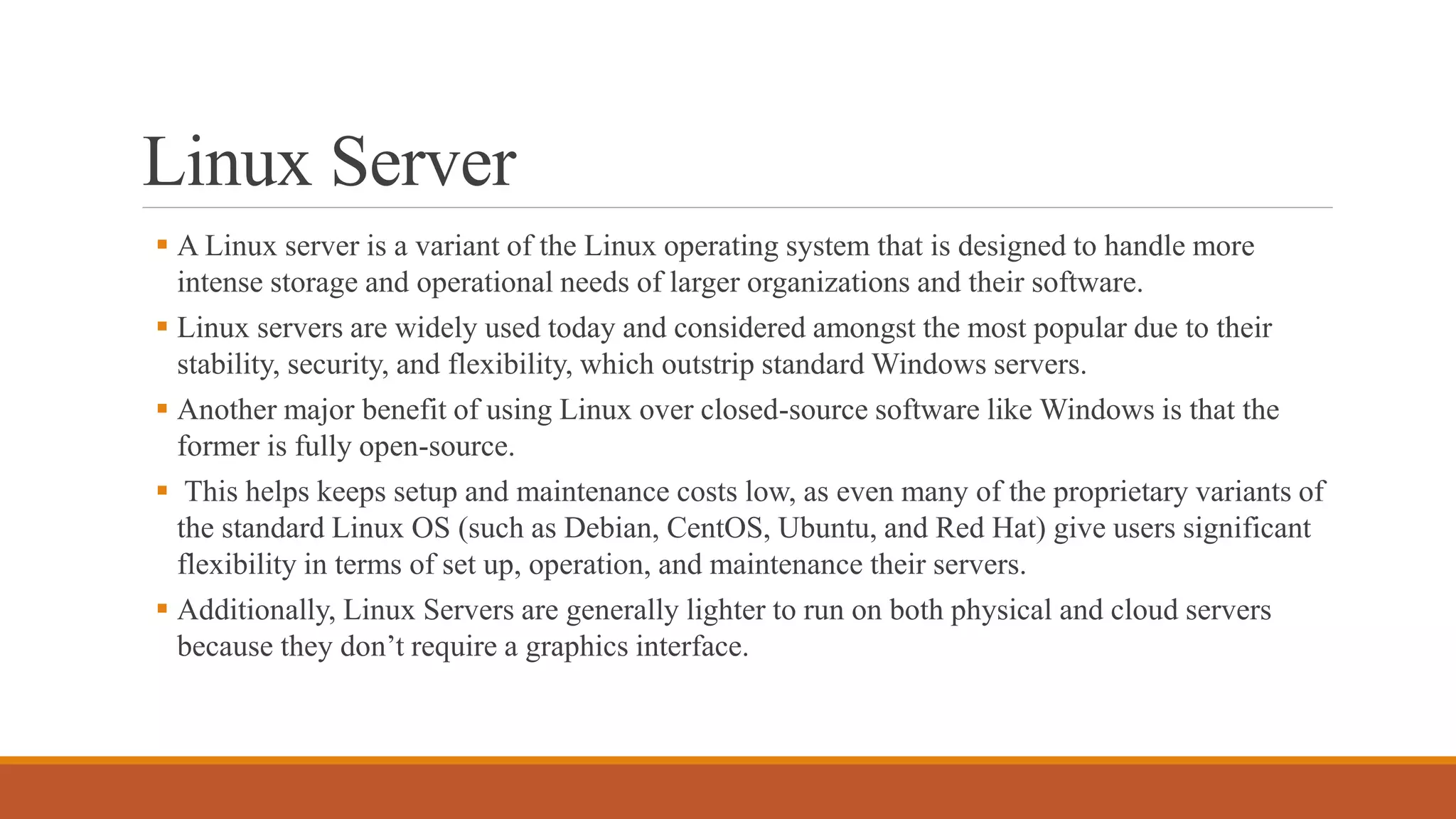
Linux Server
 A Linux server is a variant of the Linux operating system that is designed to handle more
intense storage and operational needs of larger organizations and their software.
 Linux servers are widely used today and considered amongst the most popular due to their
stability, security, and flexibility, which outstrip standard Windows servers.
 Another major benefit of using Linux over closed-source software like Windows is that the
former is fully open-source.
 This helps keeps setup and maintenance costs low, as even many of the proprietary variants of
the standard Linux OS (such as Debian, CentOS, Ubuntu, and Red Hat) give users significant
flexibility in terms of set up, operation, and maintenance their servers.
 Additionally, Linux Servers are generally lighter to run on both physical and cloud servers
because they don’t require a graphics interface.
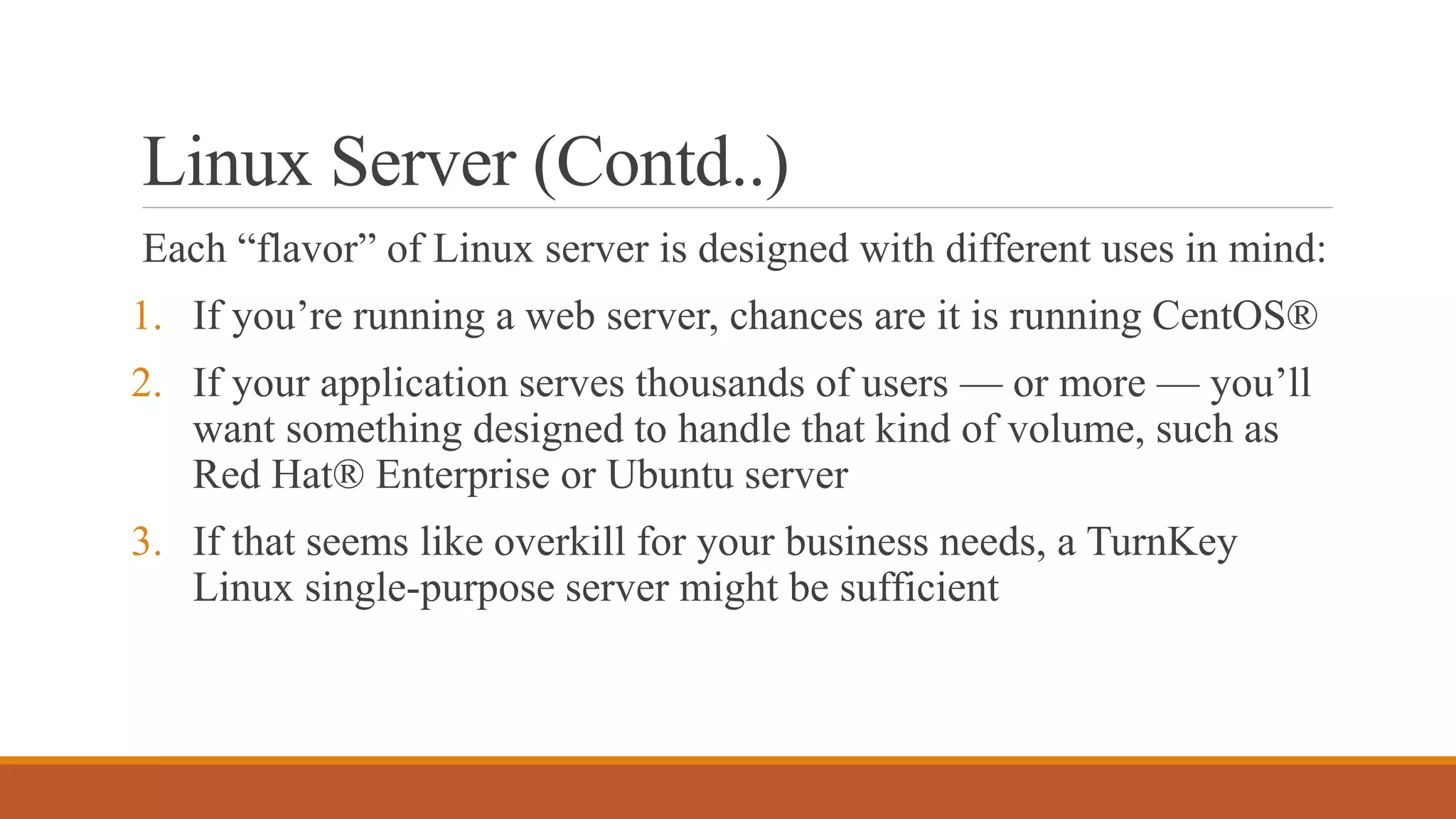
Linux Server (Contd..)
Each “flavor” of Linux server is designed with different uses in mind:
1. If you’re running a web server, chances are it is running CentOS®
2. If your application serves thousands of users — or more — you’ll
want something designed to handle that kind of volume, such as
Red Hat® Enterprise or Ubuntu server
3. If that seems like overkill for your business needs, a TurnKey
Linux single-purpose server might be sufficient

Topic #3 of outline Server Environment.pptx

  • 1.
  • 2.
    What is server? Aserver is a software or hardware device that accepts and responds to requests made over a network. The device that makes the request, and receives a response from the server, is called a client. On the Internet, the term "server" commonly refers to the computer system that receives requests for a web files and sends those files to the client.
  • 3.
    Why we useservers? Servers manage network resources. For example, a user may set up a server to control access to a network, send/receive e-mail, manage print jobs, or host a website. They are also proficient at performing intense calculations. Some servers are committed to a specific task, often referred to as dedicated. However, many servers today are shared servers that take on the responsibility of e-mail, DNS, FTP, and multiple websites in the case of a web server.
  • 4.
    Why are serversalways on? Because they are commonly used to deliver services that are constantly required, most servers are never turned off. Consequently, when servers fail, they can cause the network users and company many problems. To alleviate these issues, servers are commonly set up to be fault tolerant.
  • 5.
    Examples of Servers Hereare various server types. 1. Application server 2. Blade server, 3. Cloud server , 4. Database server , 5. Dedicated server, 6. Domain name service, 7. File server, 8. Mail server, 9. Print server, 10. Proxy server, 11. Standalone server, 12. Web server
  • 6.
    How do othercomputers connect to a server?  With a local network, the server connects to a router or switch that all other computers on the network use.  Once connected to the network, other computers can access that server and its features.  For example, with a web server, a user could connect to the server to view a website, search, and communicate with other users on the network.  An Internet server works the same way as a local network server, but on a much larger scale. The server is assigned an IP address by InterNIC, or by web host.  Usually, users connect to a server using its domain name, which is registered with a domain name registrar. When users connect to the domain name (such as “google.com"), the name is automatically translated to the server's IP address by a DNS resolver.
  • 7.
    Where are serversstored? In a business or corporate environment, a server and other network equipment are often stored in a closet or glass house. These areas help isolate sensitive computers and equipment from people who should not access them. Servers that are remote or not hosted on-site are located in a data center.  With these types of servers, the hardware is managed by another company and configured remotely by you or your company.
  • 8.
    Can my computerbe a server? Yes. Any computer, even a home desktop or laptop computer, can act as a server with the right software. For example, you could install an FTP server program on your computer to share files between other users on your network. Although it is possible to have your home computer act as a server, keep the following ideas in mind. 1. Your computer and the related server software must always be running to be accessible. 2. When your computer is used as a server, its resources (e.g., processing and bandwidth) is taken away from what you have available to do other things. 3. Connecting a computer to a network and the Internet can open up your computer to new types of attacks. 4. If the service you're providing becomes popular, a typical computer may not have the necessary resources to handle all of the requests.
  • 9.
    Window Server VSLinux Server  Linux and Microsoft Windows are the two main web-hosting services on the market.  Linux is an open source software server, which makes it cheaper and easier to use than a Windows server.  Windows is a Microsoft product designed to make Microsoft a profit.  For many companies, the profit is worth the price.  A Windows server generally offers more range and more support than Linux servers.
  • 10.
    What Is WindowsServer and How Is It Different From Windows? Essentially, Windows Server is a line of operating systems that Microsoft specifically creates for use on a server. Servers are extremely powerful machines that are designed to run constantly and provide resources for other computers. This means in almost all cases, Windows Server is only used in business settings. Microsoft has published Windows Server under this name since Windows Server 2003 launched in April 2003. However, even before this, server versions of Windows were available. For instance, Windows NT 4.0 was available in both workstation (for general use) and server flavors.
  • 11.
    What Is WindowsServer and How Is It Different From Windows? With just a quick glance, you might have trouble telling the difference between Windows Server and normal versions of Windows. The desktop looks the same, including the taskbar, desktop icons, and Start button. As it turns out, every Windows Server release corresponds to a consumer version of Windows. Windows Server 2003, for instance, is the server version of Windows XP. Current versions include Windows Server 2016, which is based on the Windows 10 Anniversary Update, and Windows Server 2019, based on version 1809 of Windows 10.
  • 12.
    Window Server Environment BecauseWindows Server and Windows share a code base, you can perform many of the same functions on both. You can download and install programs like browsers and photo editors on Windows Server, and many Windows basics like Notepad are included in Windows Server. However, Windows Server and Windows Pro/Home have more differences than similarities. Let's review some of them. 1. Windows Server Includes Enterprise Management Software
  • 13.
    Window Server Environment(Contd..) Because Windows Server is intended for businesses, it includes plenty of enterprise software. Below are a few roles that a server can perform thanks to these tools: Active Directory: Active Directory is a user management service that allows a server to act as a domain controller. Instead of each user logging into a local computer, the domain controller handles all user account authentication. DHCP: Dynamic Host Configuration Protocol is a protocol that lets a server automatically assign IP addresses to all devices on the network. At home, your router probably handles this. But in a business setting, IT staff can take advantage of the greater DHCP functionality in Windows Server.
  • 14.
    Window Server Environment(Contd..) File and Storage: Having a file server for your company is another common use. This allows you to keep important data in a central location and set permissions to control who can access which files. Print Services: If a business has dozens of printers across the building, it's a waste of time for IT staff to configure them individually for each new workstation. Setting up a print server allows you to easily map printers to computers and reduce redundant work. Windows Update Services: Often, businesses don't want all Windows updates to come through right away. By setting up a server as a Windows Update controller, you can route all workstation updates through that server and configure specific rules for how they should work.
  • 15.
    Linux Server  ALinux server is a variant of the Linux operating system that is designed to handle more intense storage and operational needs of larger organizations and their software.  Linux servers are widely used today and considered amongst the most popular due to their stability, security, and flexibility, which outstrip standard Windows servers.  Another major benefit of using Linux over closed-source software like Windows is that the former is fully open-source.  This helps keeps setup and maintenance costs low, as even many of the proprietary variants of the standard Linux OS (such as Debian, CentOS, Ubuntu, and Red Hat) give users significant flexibility in terms of set up, operation, and maintenance their servers.  Additionally, Linux Servers are generally lighter to run on both physical and cloud servers because they don’t require a graphics interface.
  • 16.
    Linux Server (Contd..) Each“flavor” of Linux server is designed with different uses in mind: 1. If you’re running a web server, chances are it is running CentOS® 2. If your application serves thousands of users — or more — you’ll want something designed to handle that kind of volume, such as Red Hat® Enterprise or Ubuntu server 3. If that seems like overkill for your business needs, a TurnKey Linux single-purpose server might be sufficient

Editor's Notes

  • #7 InterNIC is a registered service mark of the U.S. Department of Commerce.