DATASHEET


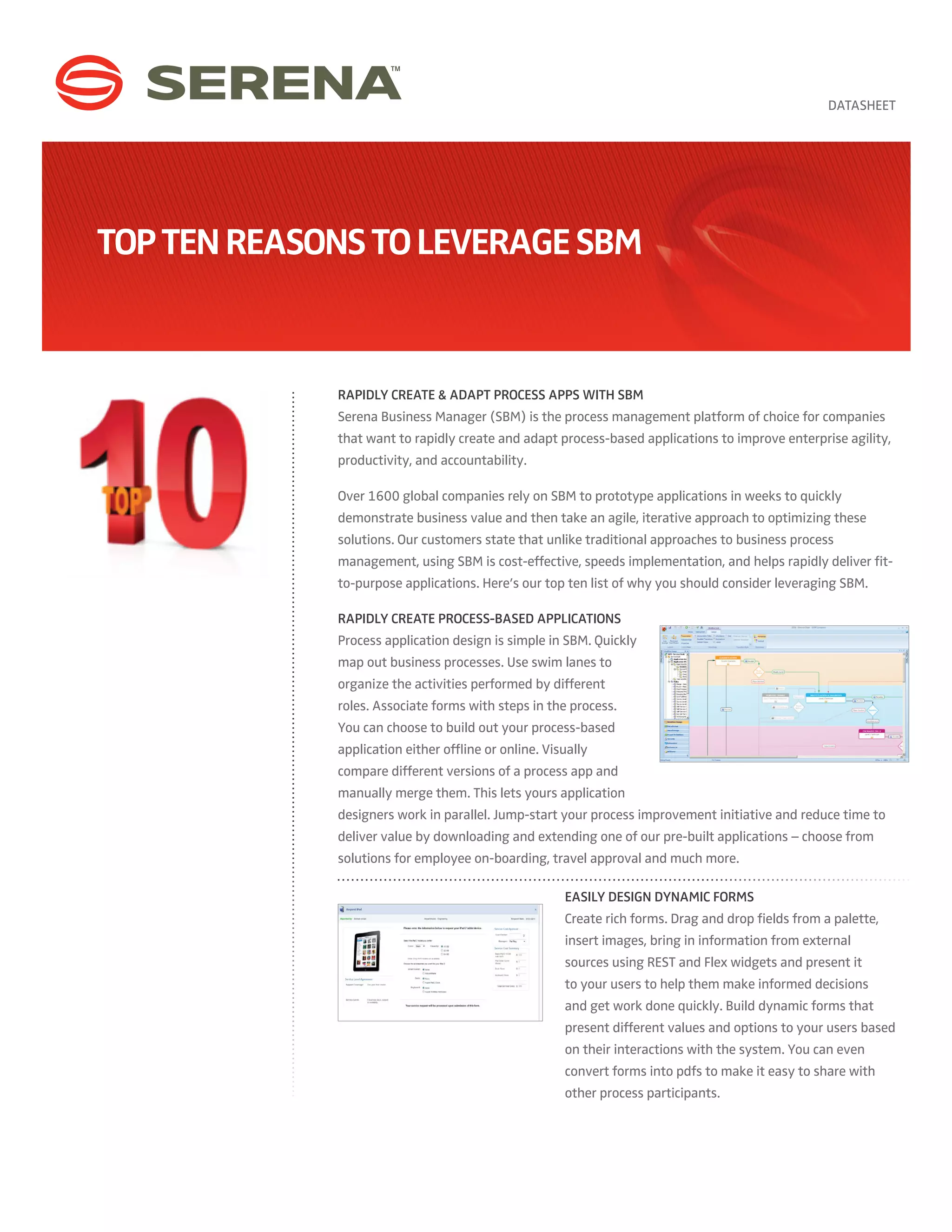
Top Ten Reasons To Leverage SBM


             Rapidly Create & Adapt Process Apps with SBM
             Serena Business Manager (SBM) is the process management platform of choice for companies
             that want to rapidly create and adapt process-based applications to improve enterprise agility,
             productivity, and accountability.

             Over 1600 global companies rely on SBM to prototype applications in weeks to quickly
             demonstrate business value and then take an agile, iterative approach to optimizing these
             solutions. Our customers state that unlike traditional approaches to business process
             management, using SBM is cost-effective, speeds implementation, and helps rapidly deliver fit-
             to-purpose applications. Here’s our top ten list of why you should consider leveraging SBM.

             Rapidly Create Process-based Applications
             Process application design is simple in SBM. Quickly
             map out business processes. Use swim lanes to
             organize the activities performed by different
             roles. Associate forms with steps in the process.
             You can choose to build out your process-based
             application either offline or online. Visually
             compare different versions of a process app and
             manually merge them. This lets yours application
             designers work in parallel. Jump-start your process improvement initiative and reduce time to
             deliver value by downloading and extending one of our pre-built applications – choose from
             solutions for employee on-boarding, travel approval and much more.

                                                      Easily Design Dynamic Forms
                                                      Create rich forms. Drag and drop fields from a palette,
                                                      insert images, bring in information from external
                                                      sources using REST and Flex widgets and present it
                                                      to your users to help them make informed decisions
                                                      and get work done quickly. Build dynamic forms that
                                                      present different values and options to your users based
                                                      on their interactions with the system. You can even
                                                      convert forms into pdfs to make it easy to share with
                                                      other process participants.
Seamlessly Connect To
Existing Infrastructure
We’ve made it easier to leverage your existing
infrastructure and gather information from
disparate sources and present it to your users in
real-time, using Web services. You can integrate
with systems within and outside of your
organization – right from your process application
design environment. Design an orchestration once;
reuse it across multiple process-based applications.

                                                Confidently Manage Change
                                                With SBM, you can confidently move your
                                                process-based applications across environments
                                                such as test, staging, and production thanks to
                                                a full set of change management capabilities.
                                                All your process-based applications are fully
                                                versioned so that you can easily track versions
                                                across environments or even choose to rollback
                                                to an earlier version.
                                                Enjoy greater ease of use, with complete control
                                                and versioning.

Accelerate & Bullet-proof Installations.
Visually Compare Apps Before Upgrades
Let our graphical configuration wizards guide you
through the process of installing SBM on your
servers. Choose to perform a complete installation
or customize how you install different SBM
components on separate servers. You can save your
configuration settings and even import settings
from a previous installation. This significantly eases
the process of upgrading to our newest release. Visually compare two versions of a process
app and manually merge items from one version into the other to simplify upgrades. With
SBM, an application can be moved in its entirety to a new destination, as a single package,
eliminating the need to re-build the app with every change in environment. This reduces the
administration overhead.

                                    Fast-track Approvals – Right From Your iPhone
                                    Leverage SBM Mobile for iPhone®. From pricing proposals to
                                    high priority support escalations and financial transactions
                                    that need immediate review – you no longer have to be
                                    connected to a laptop to keep work moving. We have an app
                                    for that.
Zero-in On Process Bottlenecks With Rich Reports
                          Use the new out-of-the-box reports to quickly drill-down to
                          the root cause of a process bottleneck and then remediate
                          the situation. With SBM, you can easily define your own
                          custom reports within the process application designer
                          and choose to embed these reports within SharePoint or a
                          portal of your choice. Take advantage of custom calendars.
                          Escalate and report on tasks based on true business hours,
                          which results in more accurate reports.

                                                                             Find Experts And Foster Collaboration With
                                                                             Social IT Capabilities
                                                                             Let your users choose avatars, present working group
                                                                             information and areas of expertise alongside their
                                                                             contact information within forms. Foster collaboration
                                                                             and instantaneous access to experts by providing
                                                                             your users with a ranked list of individuals that have
                                                                             worked on similar items in the past.

                          Simplify Application Administration
                          Use the web-based administration portal to
                          easily access and manage projects, users and
                          notifications. Projects are hierarchically organized
                          as a list. Expand and collapse the list to easily
                          navigate through, modify and reorder projects. A
                          WYSIWYG editor lets you quickly configure and
                          modify email notifications right from the portal.


                                                                                     Dramatically Improve Performance
                                                                                     New features introduced in SBM can
                                                                                     dramatically improve your system’s
                                                                                     performance, increase scalability, and reduce
                                                                                     resource utilization. Delve into the details.
                                                                                     Read our Performance Improvements in
                                                                                     SBM whitepaper.


CONTACT
Website: www.serena.com   ABOUT SERENA
Phone: 800-547-7827       Serena Software provides solutions that orchestrate application delivery, IT operations and business
                          processes for the Global 2000. Serena’s mission is to help enterprises orchestrate their world. Its 3,000
Email: info@serena.com    active enterprise customers, encompassing almost one million users worldwide, have made Serena the
                          largest independent ALM vendor, and are now using Serena to orchestrate IT service management and
                          many other processes. Headquartered in Silicon Valley, Serena serves enterprise customers from 29 offices
                          in 14 countries. Serena is a portfolio company of Silver Lake Partners, the leader in private investments in
                          technology-enabled industries. For more information on Serena, visit http://www.serena.com.


                          Copyright © 2012 Serena Software, Inc. All rights reserved. Serena is a registered trademark of Serena
                          Software, Inc. All other product or company names are used for identification purposes only, and may be
                          trademarks of their respective owners. January 2012. Document ID: DS-SSM-012012

Top 10 Reasons to Leverage SBM

  • 1.
    DATASHEET Top Ten ReasonsTo Leverage SBM Rapidly Create & Adapt Process Apps with SBM Serena Business Manager (SBM) is the process management platform of choice for companies that want to rapidly create and adapt process-based applications to improve enterprise agility, productivity, and accountability. Over 1600 global companies rely on SBM to prototype applications in weeks to quickly demonstrate business value and then take an agile, iterative approach to optimizing these solutions. Our customers state that unlike traditional approaches to business process management, using SBM is cost-effective, speeds implementation, and helps rapidly deliver fit- to-purpose applications. Here’s our top ten list of why you should consider leveraging SBM. Rapidly Create Process-based Applications Process application design is simple in SBM. Quickly map out business processes. Use swim lanes to organize the activities performed by different roles. Associate forms with steps in the process. You can choose to build out your process-based application either offline or online. Visually compare different versions of a process app and manually merge them. This lets yours application designers work in parallel. Jump-start your process improvement initiative and reduce time to deliver value by downloading and extending one of our pre-built applications – choose from solutions for employee on-boarding, travel approval and much more. Easily Design Dynamic Forms Create rich forms. Drag and drop fields from a palette, insert images, bring in information from external sources using REST and Flex widgets and present it to your users to help them make informed decisions and get work done quickly. Build dynamic forms that present different values and options to your users based on their interactions with the system. You can even convert forms into pdfs to make it easy to share with other process participants.
  • 2.
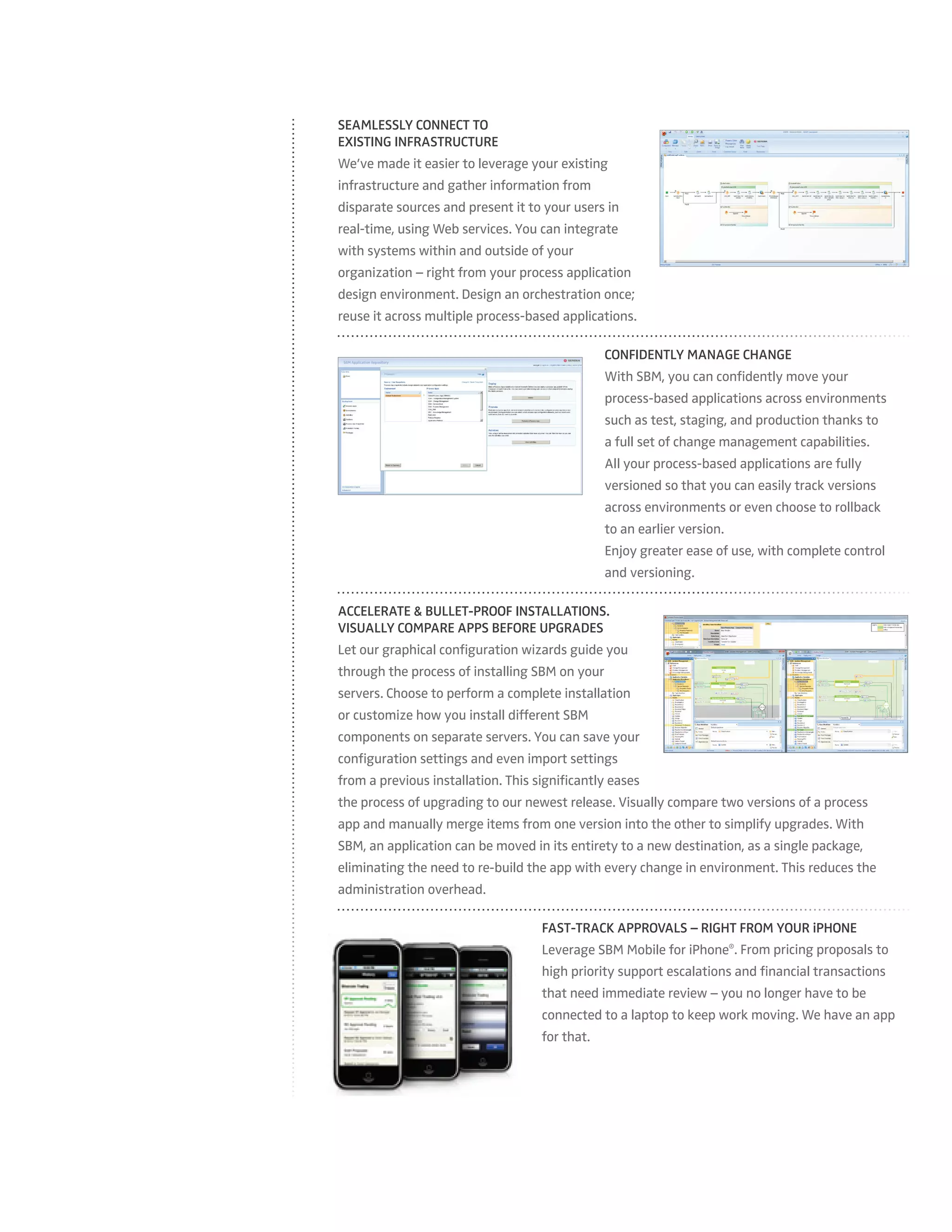
    Seamlessly Connect To ExistingInfrastructure We’ve made it easier to leverage your existing infrastructure and gather information from disparate sources and present it to your users in real-time, using Web services. You can integrate with systems within and outside of your organization – right from your process application design environment. Design an orchestration once; reuse it across multiple process-based applications. Confidently Manage Change With SBM, you can confidently move your process-based applications across environments such as test, staging, and production thanks to a full set of change management capabilities. All your process-based applications are fully versioned so that you can easily track versions across environments or even choose to rollback to an earlier version. Enjoy greater ease of use, with complete control and versioning. Accelerate & Bullet-proof Installations. Visually Compare Apps Before Upgrades Let our graphical configuration wizards guide you through the process of installing SBM on your servers. Choose to perform a complete installation or customize how you install different SBM components on separate servers. You can save your configuration settings and even import settings from a previous installation. This significantly eases the process of upgrading to our newest release. Visually compare two versions of a process app and manually merge items from one version into the other to simplify upgrades. With SBM, an application can be moved in its entirety to a new destination, as a single package, eliminating the need to re-build the app with every change in environment. This reduces the administration overhead. Fast-track Approvals – Right From Your iPhone Leverage SBM Mobile for iPhone®. From pricing proposals to high priority support escalations and financial transactions that need immediate review – you no longer have to be connected to a laptop to keep work moving. We have an app for that.
  • 3.
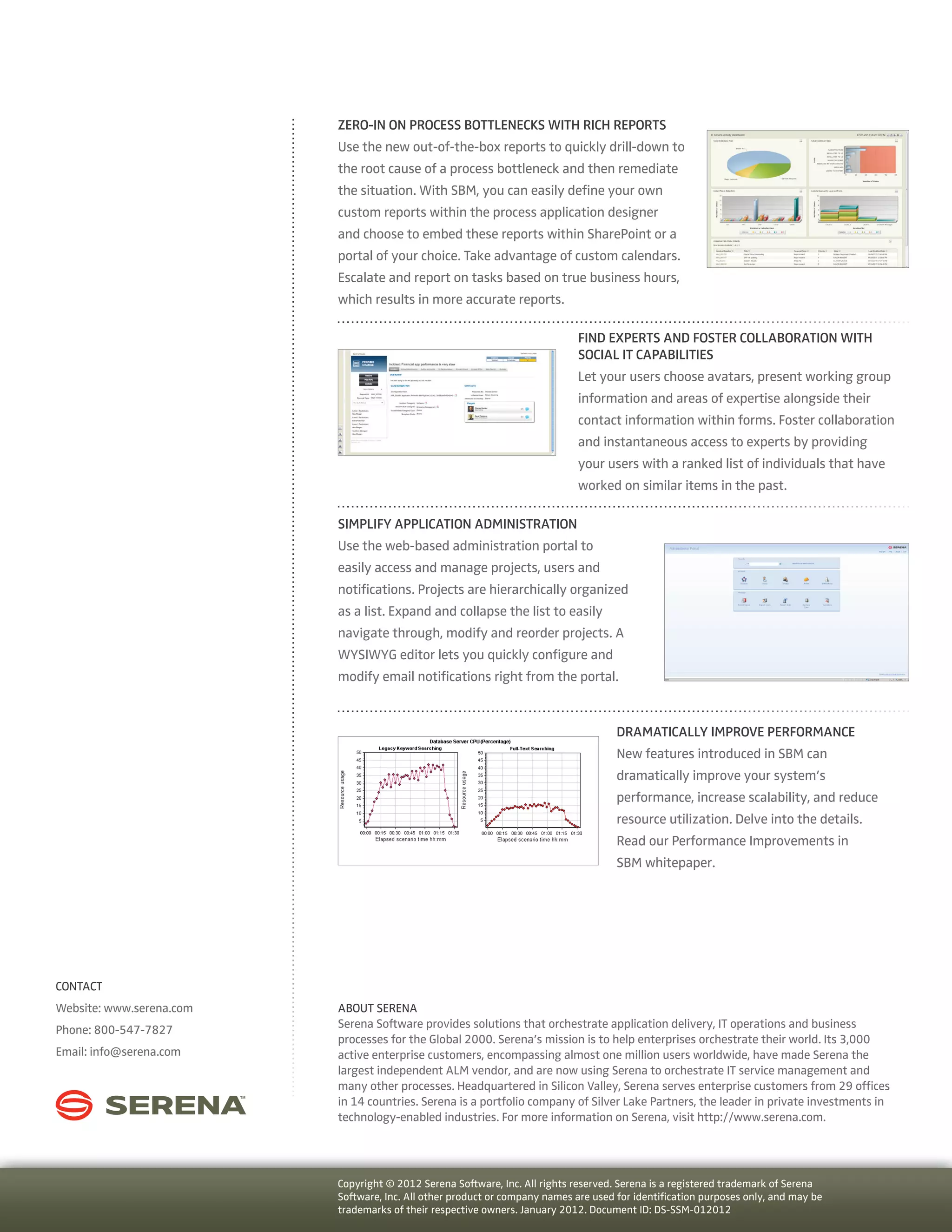
    Zero-in On ProcessBottlenecks With Rich Reports Use the new out-of-the-box reports to quickly drill-down to the root cause of a process bottleneck and then remediate the situation. With SBM, you can easily define your own custom reports within the process application designer and choose to embed these reports within SharePoint or a portal of your choice. Take advantage of custom calendars. Escalate and report on tasks based on true business hours, which results in more accurate reports. Find Experts And Foster Collaboration With Social IT Capabilities Let your users choose avatars, present working group information and areas of expertise alongside their contact information within forms. Foster collaboration and instantaneous access to experts by providing your users with a ranked list of individuals that have worked on similar items in the past. Simplify Application Administration Use the web-based administration portal to easily access and manage projects, users and notifications. Projects are hierarchically organized as a list. Expand and collapse the list to easily navigate through, modify and reorder projects. A WYSIWYG editor lets you quickly configure and modify email notifications right from the portal. Dramatically Improve Performance New features introduced in SBM can dramatically improve your system’s performance, increase scalability, and reduce resource utilization. Delve into the details. Read our Performance Improvements in SBM whitepaper. CONTACT Website: www.serena.com ABOUT SERENA Phone: 800-547-7827 Serena Software provides solutions that orchestrate application delivery, IT operations and business processes for the Global 2000. Serena’s mission is to help enterprises orchestrate their world. Its 3,000 Email: info@serena.com active enterprise customers, encompassing almost one million users worldwide, have made Serena the largest independent ALM vendor, and are now using Serena to orchestrate IT service management and many other processes. Headquartered in Silicon Valley, Serena serves enterprise customers from 29 offices in 14 countries. Serena is a portfolio company of Silver Lake Partners, the leader in private investments in technology-enabled industries. For more information on Serena, visit http://www.serena.com. Copyright © 2012 Serena Software, Inc. All rights reserved. Serena is a registered trademark of Serena Software, Inc. All other product or company names are used for identification purposes only, and may be trademarks of their respective owners. January 2012. Document ID: DS-SSM-012012