Madison Tierney
           Per:6
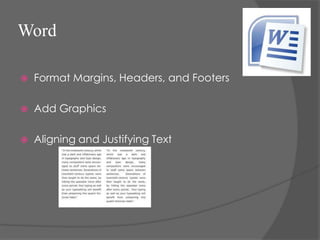
Word

   Format Margins, Headers, and Footers

   Add Graphics

   Aligning and Justifying Text
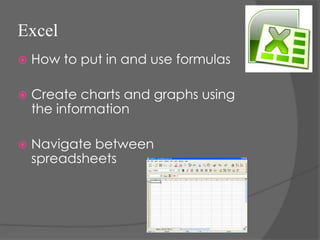
Excel
   How to put in and use formulas

   Create charts and graphs using
    the information

   Navigate between
    spreadsheets
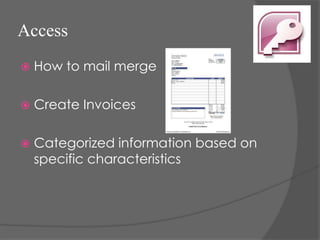
Access
   How to mail merge

   Create Invoices

   Categorized information based on
    specific characteristics
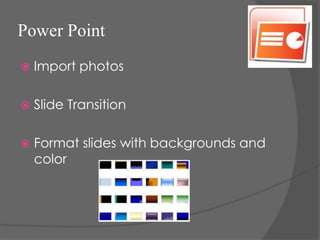
Power Point
   Import photos

   Slide Transition

   Format slides with backgrounds and
    color
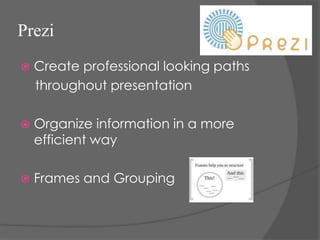
Prezi
   Create professional looking paths
    throughout presentation

   Organize information in a more
    efficient way

   Frames and Grouping
SlideShare
   How to interact with other public
    profiles and presentations

   How to collaborate presentation
    with social media

   Allows viewers to download your file
    created
Conclusion


 This year in BIM we learned how to format a word document, create
     charts and graphs, create mail merges, import photos, and organize
     information in a professional and efficient way. The tools that I have
     learned from BIM I have carried over into my other classes. I am
     also more familiar with programs that I did not know much about
     and am able to help my mom at home now whenever she has a
     question about Access or Excel. These skills that I have learned will
     help me going into college to organize my information efficiently
     and look professional.

Tierney.looking back

  • 1.
  • 2.
    Word  Format Margins, Headers, and Footers  Add Graphics  Aligning and Justifying Text
  • 3.
    Excel  How to put in and use formulas  Create charts and graphs using the information  Navigate between spreadsheets
  • 4.
    Access  How to mail merge  Create Invoices  Categorized information based on specific characteristics
  • 5.
    Power Point  Import photos  Slide Transition  Format slides with backgrounds and color
  • 6.
    Prezi  Create professional looking paths throughout presentation  Organize information in a more efficient way  Frames and Grouping
  • 7.
    SlideShare  How to interact with other public profiles and presentations  How to collaborate presentation with social media  Allows viewers to download your file created
  • 8.
    Conclusion This yearin BIM we learned how to format a word document, create charts and graphs, create mail merges, import photos, and organize information in a professional and efficient way. The tools that I have learned from BIM I have carried over into my other classes. I am also more familiar with programs that I did not know much about and am able to help my mom at home now whenever she has a question about Access or Excel. These skills that I have learned will help me going into college to organize my information efficiently and look professional.