

THINK AGAIN!
by Stefano Virgilli - Adobe Design Master
Do you think that...

• ...resolution has something to do with the
  quality of a picture?
• ...300dpi is high resolution?
• ...Pantone spot colours are good in order to
  avoid colour mismatch?
THINK AGAIN!
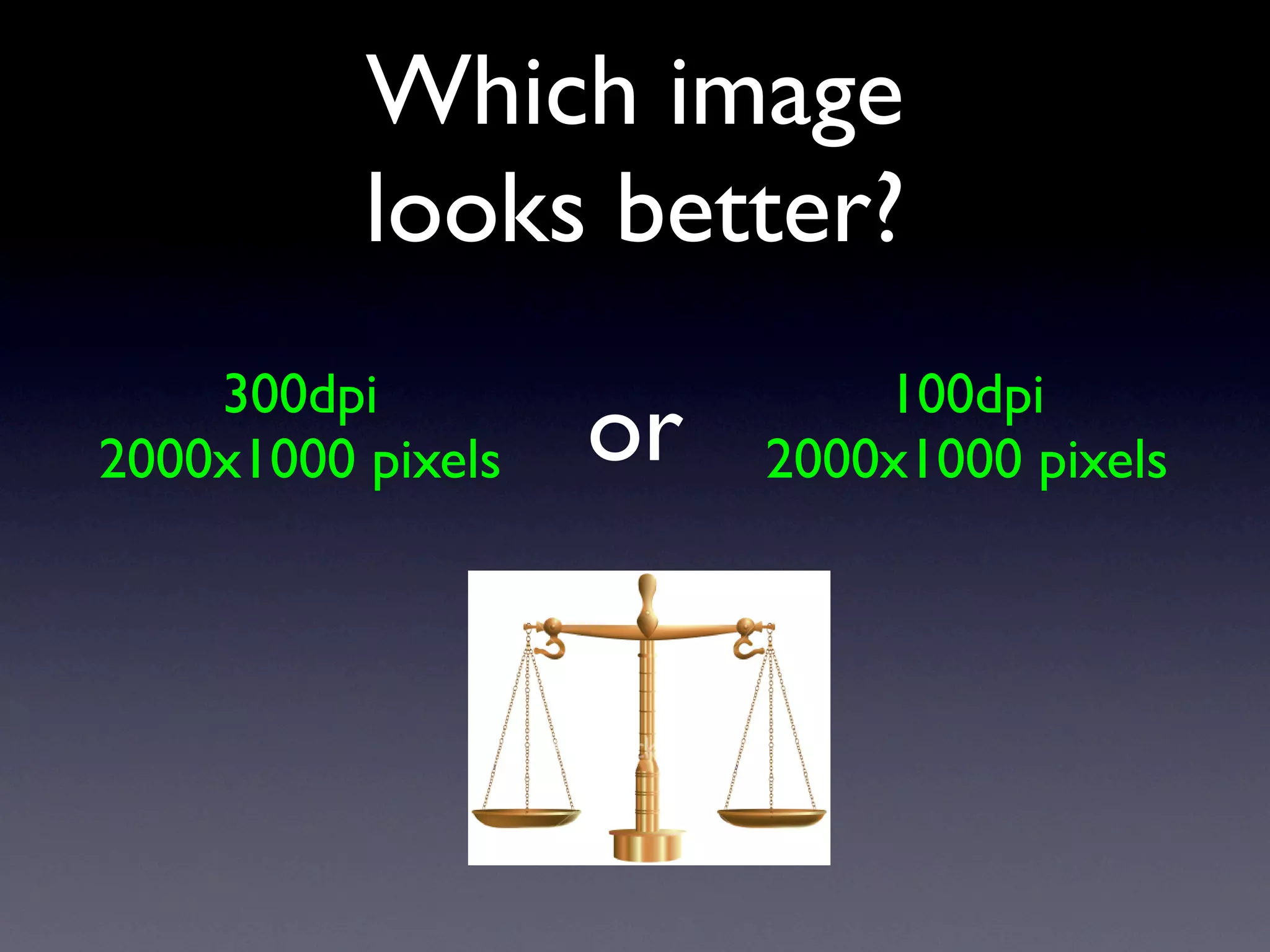
Which image
          looks better?
    300dpi                  100dpi
2000x1000 pixels   or   2000x1000 pixels
THE SAME!
    300dpi               100dpi
2000x1000 pixels     2000x1000 pixels

      =                    =
16.93cm x 8.46cm    50.79cm x 25.39cm


  Depends on how far they are...
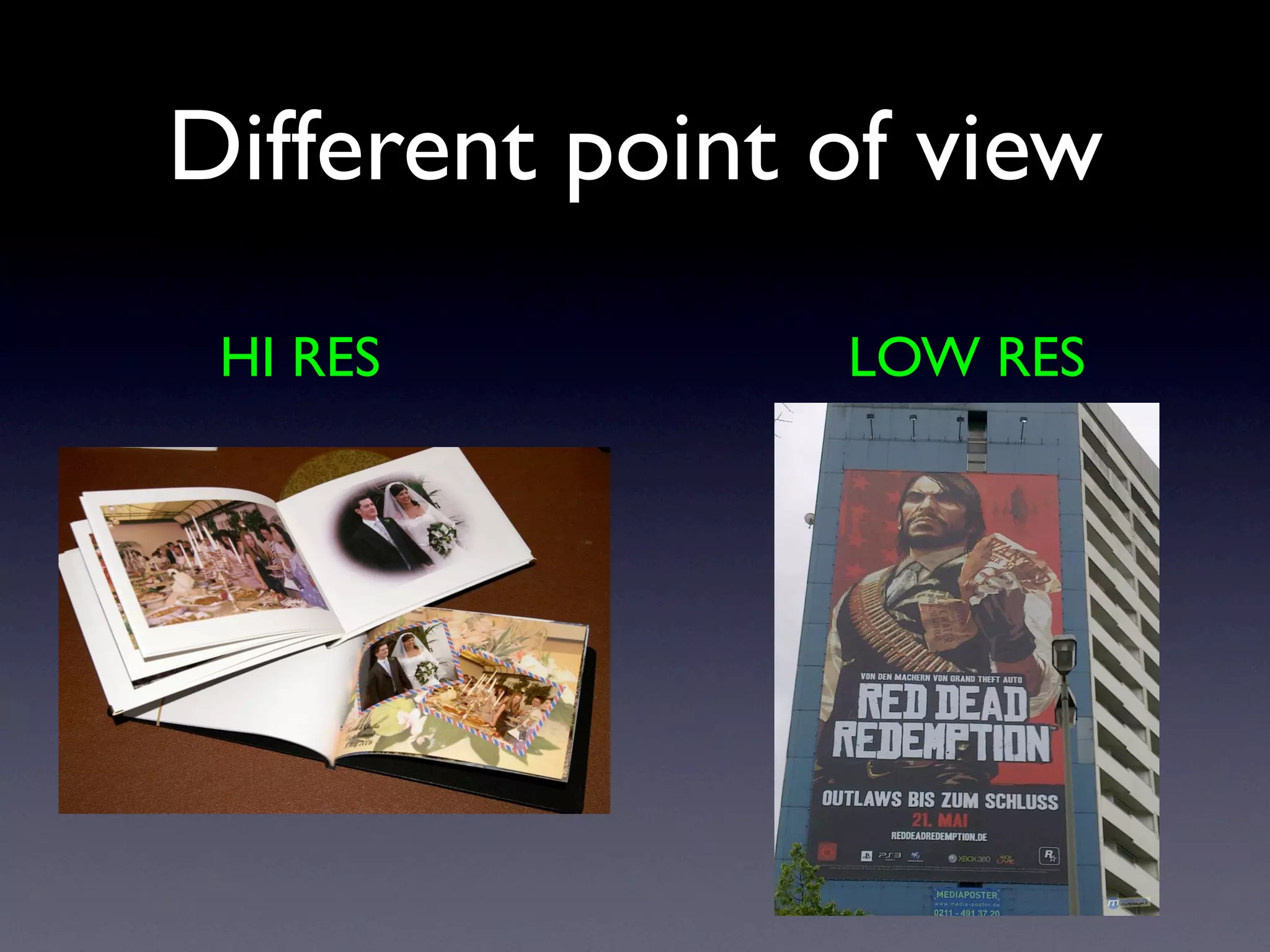
Different point of view
 HI RES         LOW RES
RESOLUTION...
   BUSTED!
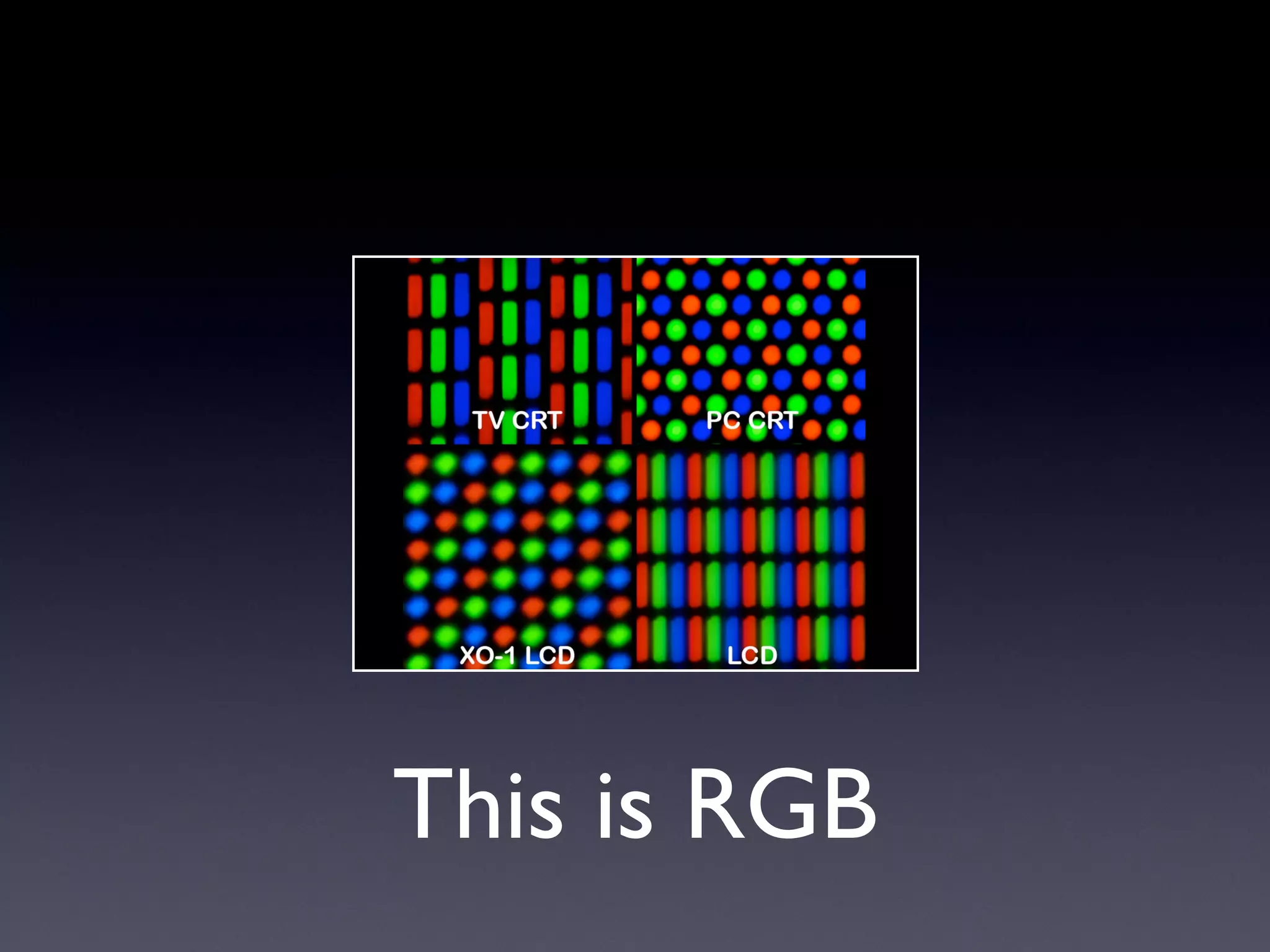
This is RGB
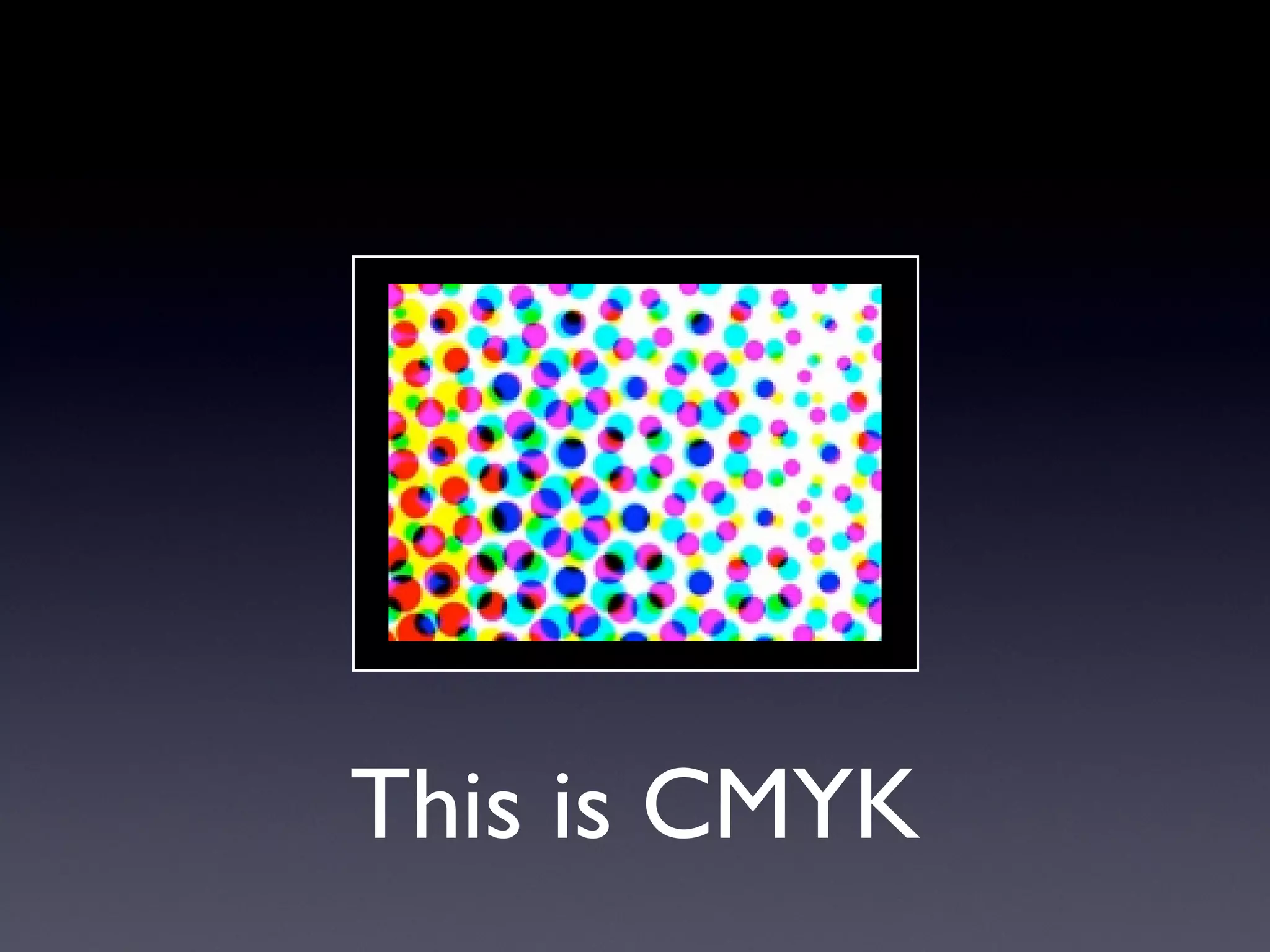
This is CMYK
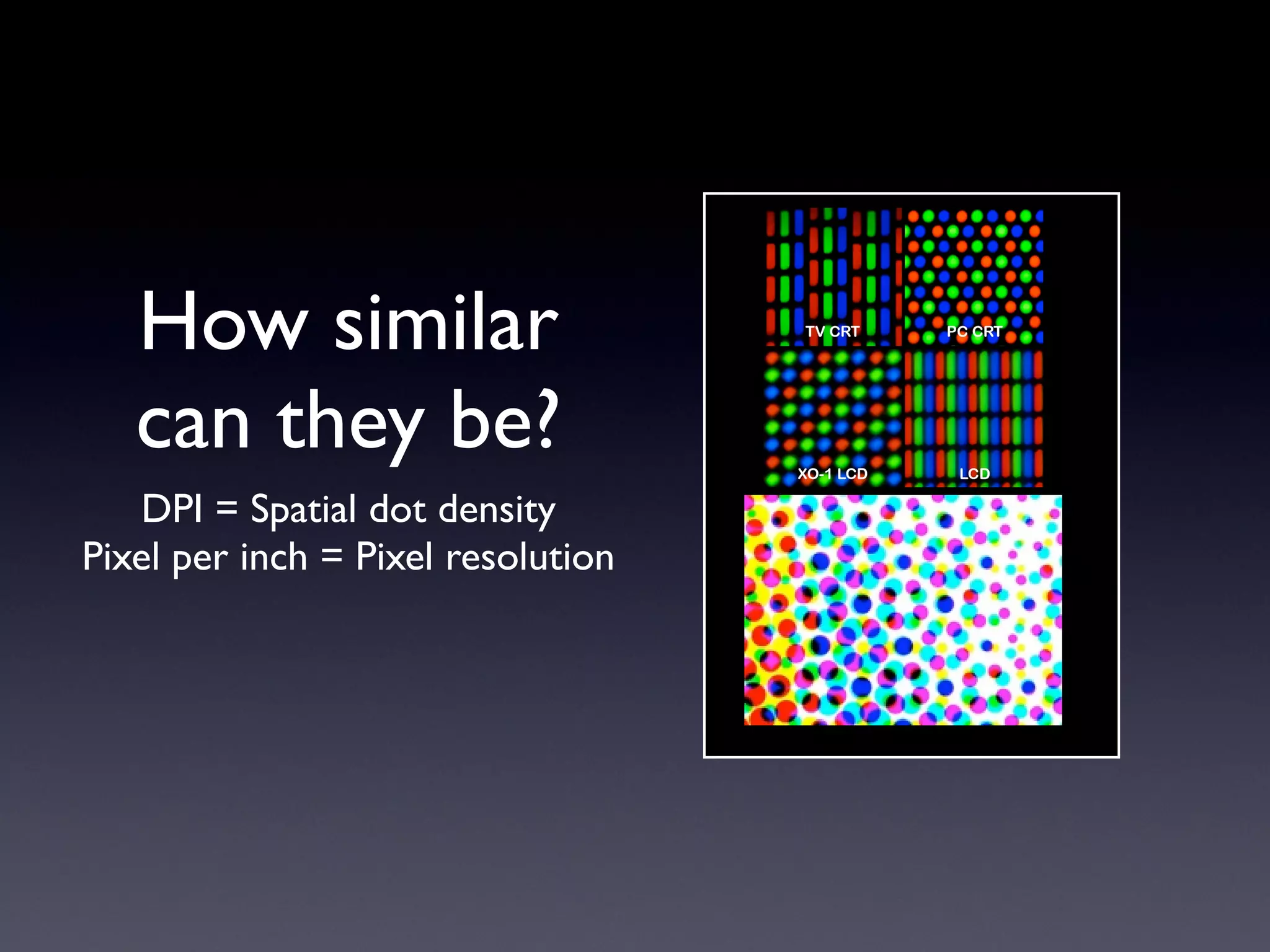
How similar
   can they be?
   DPI = Spatial dot density
Pixel per inch = Pixel resolution
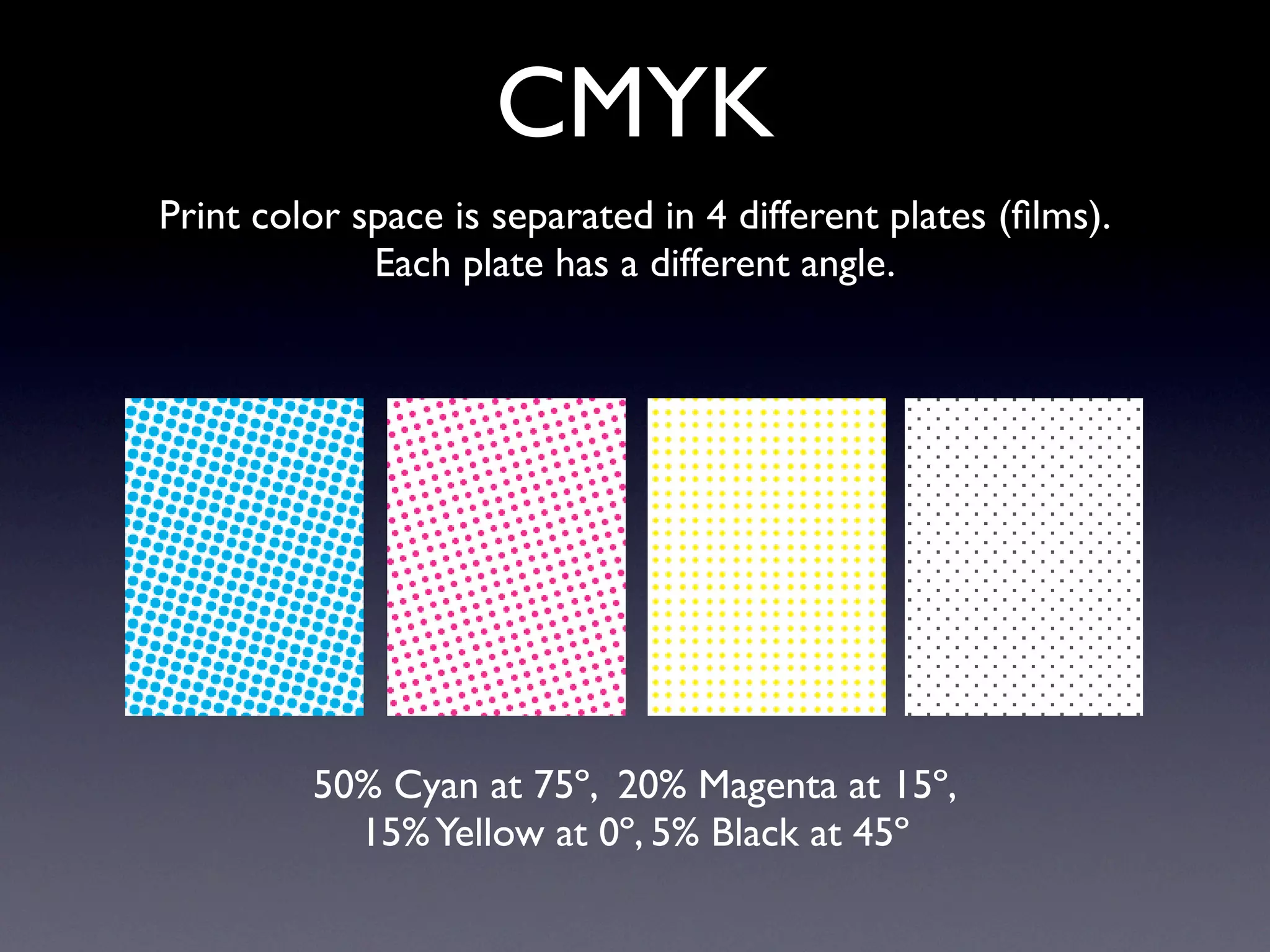
CMYK
Print color space is separated in 4 different plates (films).
             Each plate has a different angle.


         50% Cyan at 75º, 20% Magenta at 15º,
           15% Yellow at 0º, 5% Black at 45º
300 dpi...
BUSTED!
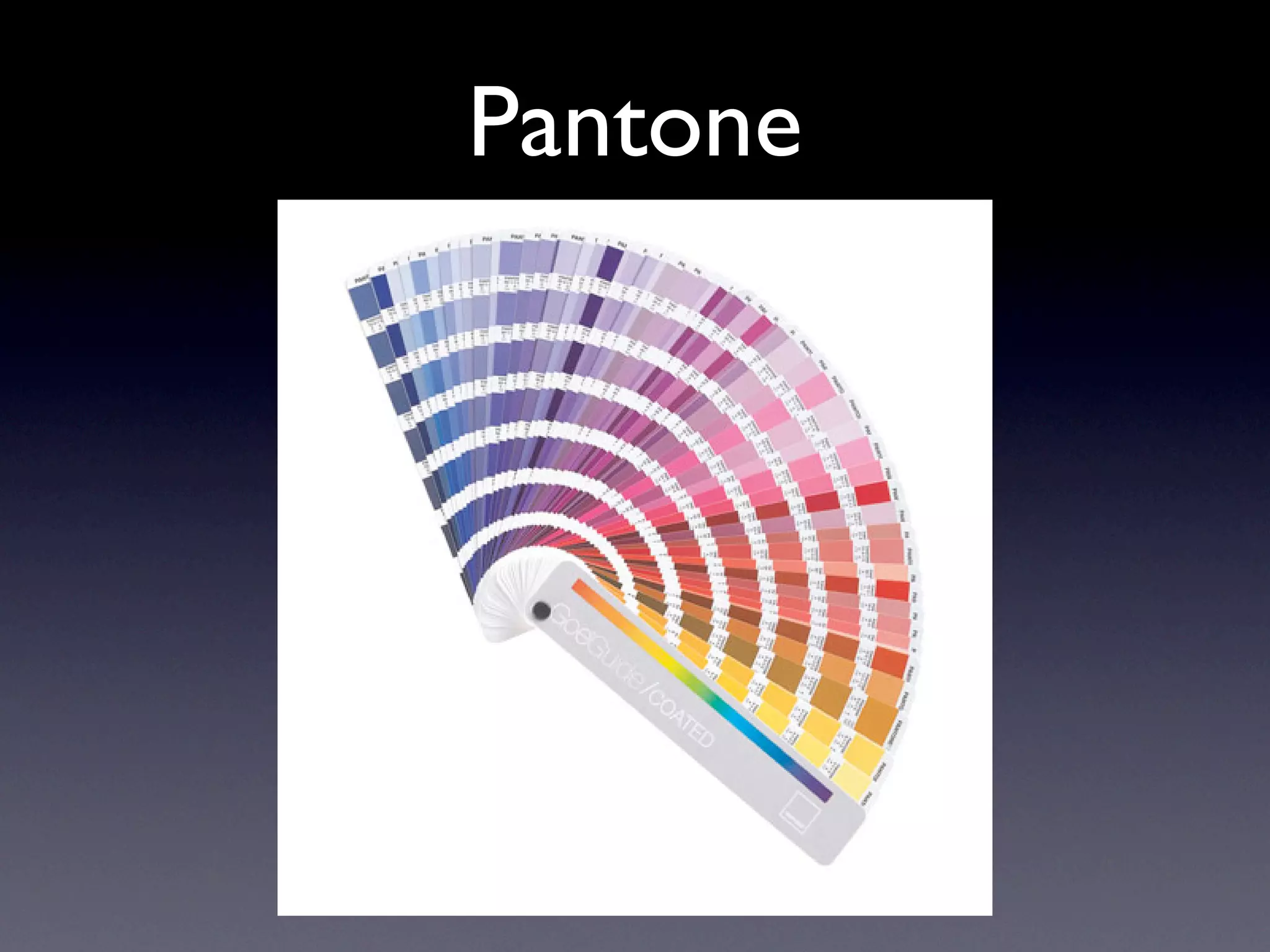
Pantone
Process vs Spot
From Pantone website: There are two different ways
 color can be applied to paper in color printing: spot color and
process color. Spot color is a method of applying a premixed
color of ink directly to the page. Process color applies four or
   more standard ink colors (the basic four are cyan, magenta,
yellow and black) in very fine screens so that many thousands of
 colors are created. Spot color is usually used when a few exact
  colors are needed. Process color is more useful for printing
    photographs, paintings and very complex colored images.
Process vs Spot

 From Pantone website: The cost of printing color
  documents is related to the number of ink colors used. As
 process color requires four or more inks,
spot color can be cheaper if you use fewer
 than four colors. Spot color also has the advantage of
        printing a wider range of clean, bright colors.
Process vs Spot


   From Pantone website:
/pages/pantone/Pantone.aspx?
      pg=19359&ca=29
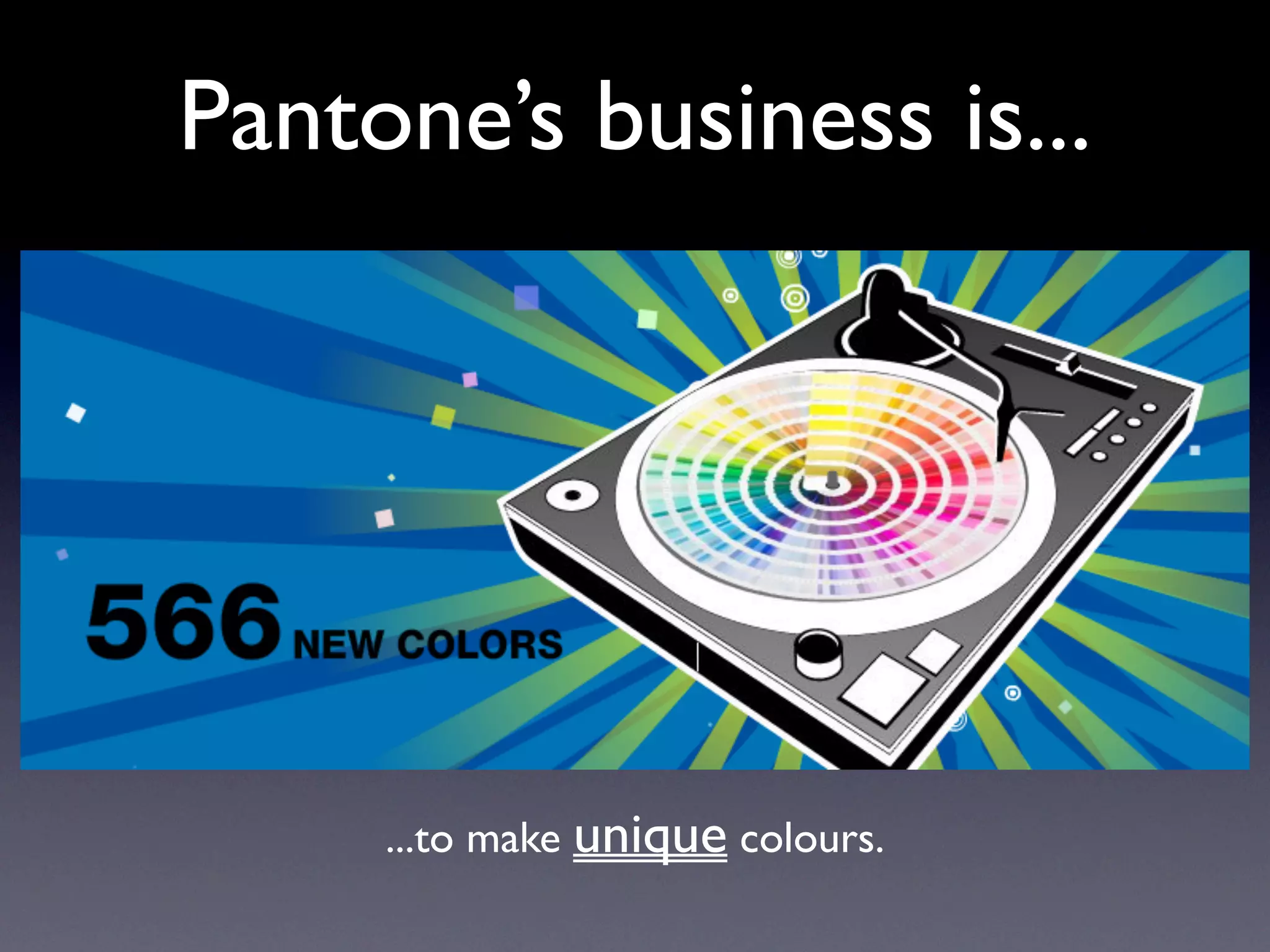
Pantone’s business is...


     ...to make unique colours.
PANTONE...
 BUSTED!

Think again - Demystify graphic design

  • 1.
    THINK AGAIN! by StefanoVirgilli - Adobe Design Master
  • 2.
    Do you thinkthat... • ...resolution has something to do with the quality of a picture? • ...300dpi is high resolution? • ...Pantone spot colours are good in order to avoid colour mismatch?
  • 3.
  • 4.
    Which image looks better? 300dpi 100dpi 2000x1000 pixels or 2000x1000 pixels
  • 5.
    THE SAME! 300dpi 100dpi 2000x1000 pixels 2000x1000 pixels = = 16.93cm x 8.46cm 50.79cm x 25.39cm Depends on how far they are...
  • 6.
    Different point ofview HI RES LOW RES
  • 7.
  • 8.
  • 9.
  • 10.
    How similar can they be? DPI = Spatial dot density Pixel per inch = Pixel resolution
  • 11.
    CMYK Print color spaceis separated in 4 different plates (films). Each plate has a different angle. 50% Cyan at 75º, 20% Magenta at 15º, 15% Yellow at 0º, 5% Black at 45º
  • 12.
  • 13.
  • 14.
    Process vs Spot FromPantone website: There are two different ways color can be applied to paper in color printing: spot color and process color. Spot color is a method of applying a premixed color of ink directly to the page. Process color applies four or more standard ink colors (the basic four are cyan, magenta, yellow and black) in very fine screens so that many thousands of colors are created. Spot color is usually used when a few exact colors are needed. Process color is more useful for printing photographs, paintings and very complex colored images.
  • 15.
    Process vs Spot From Pantone website: The cost of printing color documents is related to the number of ink colors used. As process color requires four or more inks, spot color can be cheaper if you use fewer than four colors. Spot color also has the advantage of printing a wider range of clean, bright colors.
  • 16.
    Process vs Spot From Pantone website: /pages/pantone/Pantone.aspx? pg=19359&ca=29
  • 17.
    Pantone’s business is... ...to make unique colours.
  • 18.