The Operating system

    By Declan Gaffney
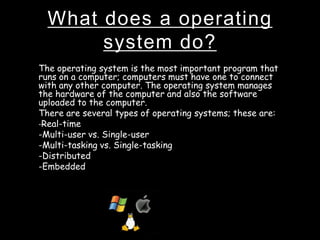
What does a operating
       system do?
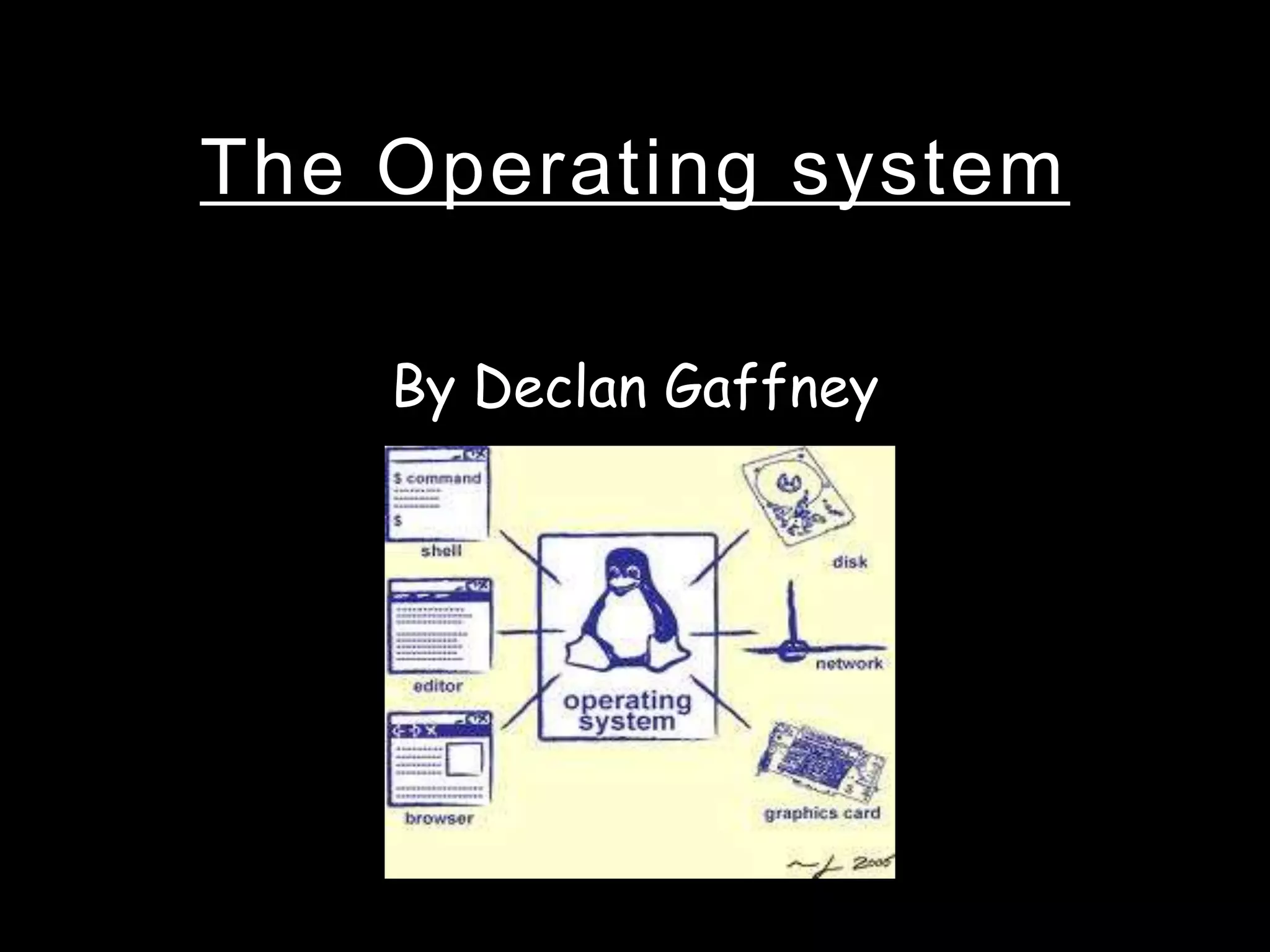
The operating system is the most important program that
runs on a computer; computers must have one to connect
with any other computer. The operating system manages
the hardware of the computer and also the software
uploaded to the computer.
There are several types of operating systems; these are:
-Real-time
-Multi-user vs. Single-user
-Multi-tasking vs. Single-tasking
-Distributed
-Embedded
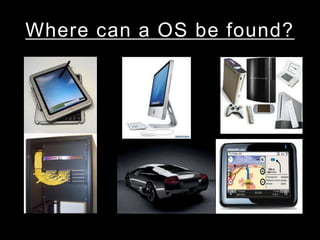
Where can a OS be found?
Main functions of a
         Operating System
•   Processor management
•   Memory management
•   Device management
•   Storage management
•   User interface
The role of the OS in
   managing the processor
• Controls what goes to the CPU as the CPU can
  only do one thing at a time.
• The processor has a function called the
  buffer which the operating system
  controls, the buffer is a small area of storage
  usually placed in the RAM. Basically the
  buffer is like a little holding area which then
  lets the processor look at the data properly
  before giving it to another device. Which
  boosts computer performance/processor
  speed.
Storage management
• The OS has a file allocation for memory
  storage, it is a table that the OS uses to
  locate files on a disk.
• The buffer could also be linked to storage as
  that is technically what it does its stores a
  small amount of data for a short while, while
  the computer does what it needs to.
Memory management
• Provides ways to give of memory to programs at the
  users request.
• The Operating System uses drivers to control the
  memory in the computer and what's used of it, and
  where it goes.
User interface
• The user interface of an operating system lets the
  user interact with the operating system, send out
  commands etc.
• There are two types of user interface known as: CLI
  and GUI.
• It seems that CLI is a interface that is difficult to use
  as to GUI which can be navigated around with much
  more ease and it is also more familiar to the
  common computer user.
Device management
• lets you view and change the properties of all devices
  attached to your computer.
• Operating systems always need drivers, this is
  because drivers control devices, for example the OS
  comes with standard drivers for the keyboard,
  monitor and so on.

The operating system!

  • 1.
    The Operating system By Declan Gaffney
  • 2.
    What does aoperating system do? The operating system is the most important program that runs on a computer; computers must have one to connect with any other computer. The operating system manages the hardware of the computer and also the software uploaded to the computer. There are several types of operating systems; these are: -Real-time -Multi-user vs. Single-user -Multi-tasking vs. Single-tasking -Distributed -Embedded
  • 3.
    Where can aOS be found?
  • 4.
    Main functions ofa Operating System • Processor management • Memory management • Device management • Storage management • User interface
  • 5.
    The role ofthe OS in managing the processor • Controls what goes to the CPU as the CPU can only do one thing at a time. • The processor has a function called the buffer which the operating system controls, the buffer is a small area of storage usually placed in the RAM. Basically the buffer is like a little holding area which then lets the processor look at the data properly before giving it to another device. Which boosts computer performance/processor speed.
  • 6.
    Storage management • TheOS has a file allocation for memory storage, it is a table that the OS uses to locate files on a disk. • The buffer could also be linked to storage as that is technically what it does its stores a small amount of data for a short while, while the computer does what it needs to.
  • 7.
    Memory management • Providesways to give of memory to programs at the users request. • The Operating System uses drivers to control the memory in the computer and what's used of it, and where it goes.
  • 8.
    User interface • Theuser interface of an operating system lets the user interact with the operating system, send out commands etc. • There are two types of user interface known as: CLI and GUI. • It seems that CLI is a interface that is difficult to use as to GUI which can be navigated around with much more ease and it is also more familiar to the common computer user.
  • 9.
    Device management • letsyou view and change the properties of all devices attached to your computer. • Operating systems always need drivers, this is because drivers control devices, for example the OS comes with standard drivers for the keyboard, monitor and so on.